
Budapest Paper-Cut Travel Poster
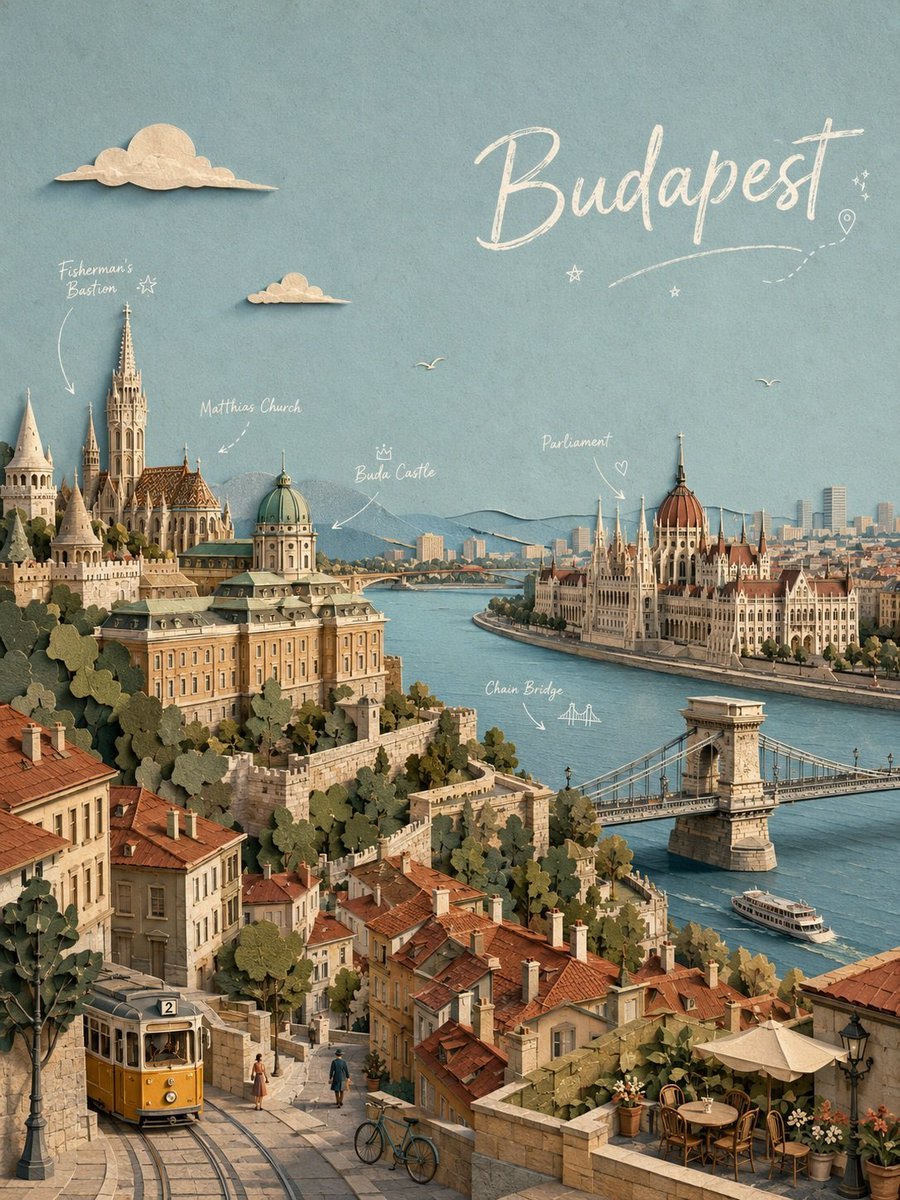
A detailed prompt for generating a vertical handmade paper-cut travel illustration of Budapest with labeled landmarks, river scenery, and vintage street details.
- Prompt included
- Model and format preset
- Premium template
The prompt behind this image
Copy the exact prompt behind Budapest Paper-Cut Travel Poster, or open it in the studio and make it yours.
Goal: Create a vertical travel poster illustration of {argument name="city" default="Budapest, Hungary"} as an intricate handmade paper-cut diorama, showing historic architecture, the Danube River, and timeless streets in a warm nostalgic style. Canvas: Portrait 3:4 composition, like a detailed editorial travel cover. Use a soft textured blue paper sky background with subtle grain, warm afternoon light, and layered cut-paper shadows that make every building, tree, bridge, cloud, and rooftop feel physically assembled from paper. Layout: Use an elevated viewpoint from the Buda hills looking down over the city. The foreground is a steep cobblestone street with tram tracks, a yellow vintage tram, pedestrians, bicycles, old stone walls, potted café plants, and red-tiled rooftops. The middle ground contains Buda Castle and Fisherman's Bastion on the left, the Danube River running diagonally through the center, Chain Bridge crossing the river to the right, and the Hungarian Parliament building on the far right riverbank. The background shows a distant city skyline, low blue hills, and atmospheric haze. Text content: Add a large handwritten white chalk-script title in the upper right reading {argument name="title text" default="Budapest"}. Include exactly 5 small white handwritten landmark annotations with delicate arrows and doodles: “Fisherman's Bastion” pointing to the towers on the upper left, “Matthias Church” pointing to the ornate church roof and spire, “Buda Castle” pointing to the domed palace, “Parliament” pointing to the riverside parliament building with a small heart doodle, and “Chain Bridge” pointing to the suspension bridge with a tiny bridge sketch. Add a few tiny decorative stars, a dotted travel path, and a small location-pin doodle near the title. Visible elements to include: exactly 2 cream paper clouds in the sky, one larger cloud at upper left and one smaller cloud below it near the center; exactly 2 simple bird silhouettes over the river/sky; exactly 1 yellow tram marked with the number “2”; exactly 1 white river boat on the lower right of the Danube; exactly 1 café terrace in the lower right with round tables, chairs, umbrellas, and flower pots; exactly 2 bicycles near the lower center; several layered trees made from muted green paper cutouts. Visual style: Highly detailed paper-cut collage, miniature diorama depth, realistic architectural silhouettes but softened by handmade craft texture. Color palette of dusty teal sky, cream paper highlights, terracotta roofs, muted sage trees, beige stone buildings, turquoise-blue river, and golden-yellow tram. Use soft shadows under every cut-paper layer, slight edge roughness, tactile paper fibers, and no photorealistic people. Constraints: Keep the scene charming and dense but readable, preserve the historic Budapest landmarks accurately enough to recognize them, avoid modern billboards or cars, avoid extra landmark labels beyond the 5 listed annotations, and do not add watermarks or logos.
How to use Budapest Paper-Cut Travel Poster in 3 steps
- 1Upload ImagePNG, JPG or paste
Add your photo
Upload the photo the template builds on. The prompt, model and format are already set.
- 2…a portrait of your subject in softgolden-hour light, 85mm…
Personalize
Edit the subject and creative details for your destination.
- 3Generate
Generate
Press Generate — your image is created in PicX Studio, so you can compare it with the original and refine one variable at a time.
More like this
Templates with the same subject, style or setup. Open one to see its prompt.

Japan Travel Brochure Poster

Clay Miniature Landmark Travel Diorama

Paper Cut Vintage Travel Poster

Master Paper Cut Illustration — Saudi Arabia Travel Poster in Layered Paper Art

Saudi Arabia Paper Cut Travel Poster

City Posters by Nano Banana Pro
Paper Cut Architectural Section
Paper Cut Steampunk Mechanism
Paper Cut Mandala Meditation
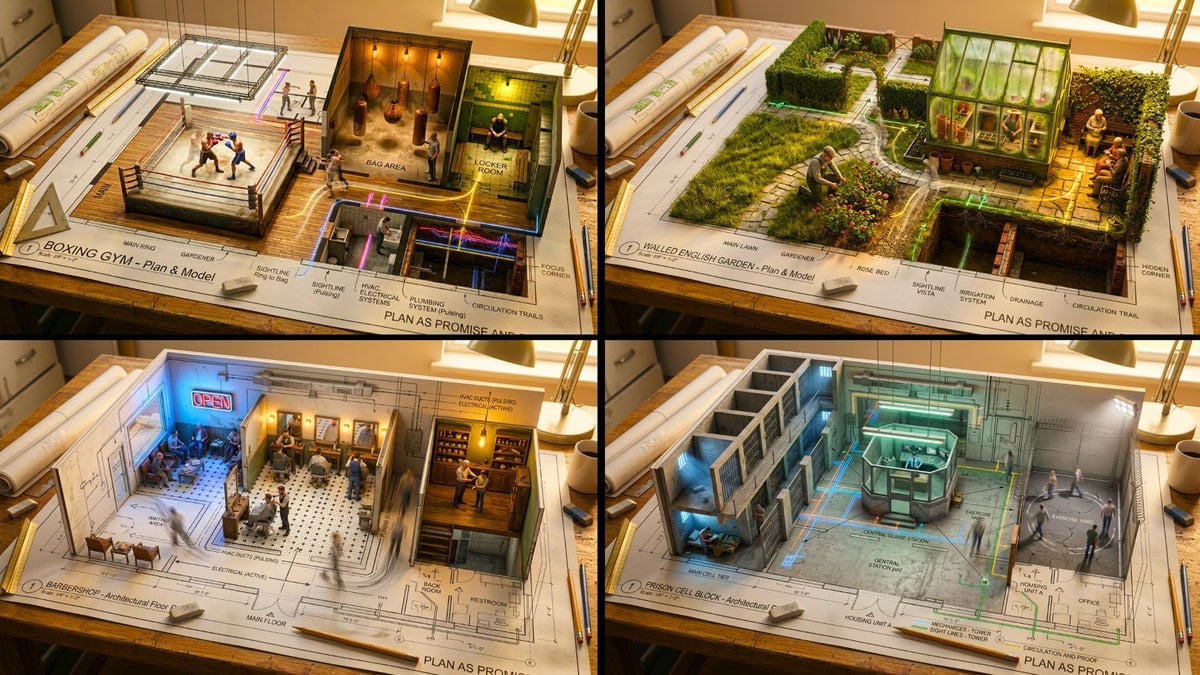
Paper Cut Scientific Illustration

Paper Cut Fairy Tale Scene
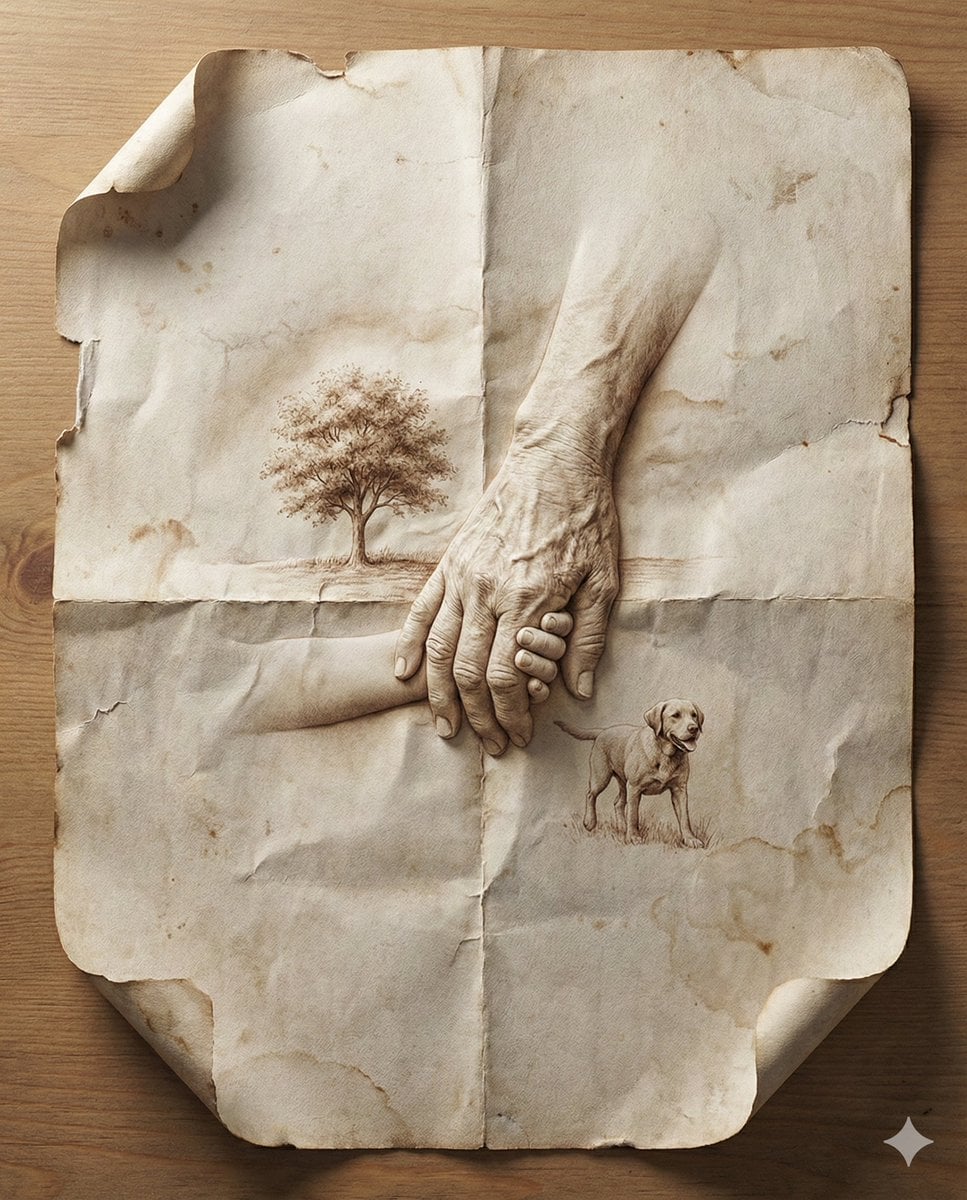
Paper Cut Musical Instrument
Make it yours
Budapest Paper-Cut Travel Poster works as-is. These are the safest ways to change it without losing the look.
Change one field
Copy a single group, rewrite it, and generate again so you can see what that field is doing.
Keep the frame, change the subject
Hold the composition and light of Budapest Paper-Cut Travel Poster, then swap wardrobe, props or the person for a new take.
| If the result… | Why | Fix |
|---|---|---|
| The result drifts from the preview | Too many fields changed at once. | Reuse Budapest Paper-Cut Travel Poster as-is first, then change one group — subject, light, or setting. |
| The model over-stylizes the scene | The prose prompt leaves finish and camera underspecified. | Add one camera or lighting sentence and stay on GPT Image 2. |
More GPT Image 2 templates
Other prompts made for GPT Image 2.

Six VTuber Japanese Logo Sheet

Realistic Portrait of Woman and Deer

The Vista Modular Condo Poster

AI Model Routing Comparison Infographic

2.5D Anime Art Board

Isometric Productivity Desk Scene

New York Double Exposure Poster

Four-Panel AI Landscape Comparison

Japanese Tatami Lifestyle Magazine Cover

NESCAFÉ Coffee Map Poster
More image prompts
Fresh picks from across the catalog.

Ultra-Photorealistic Full-Body Shot on a Rural Road at Golden Hour

Old Photo Restoration Prompt (Gemini Nano Banana Pro)
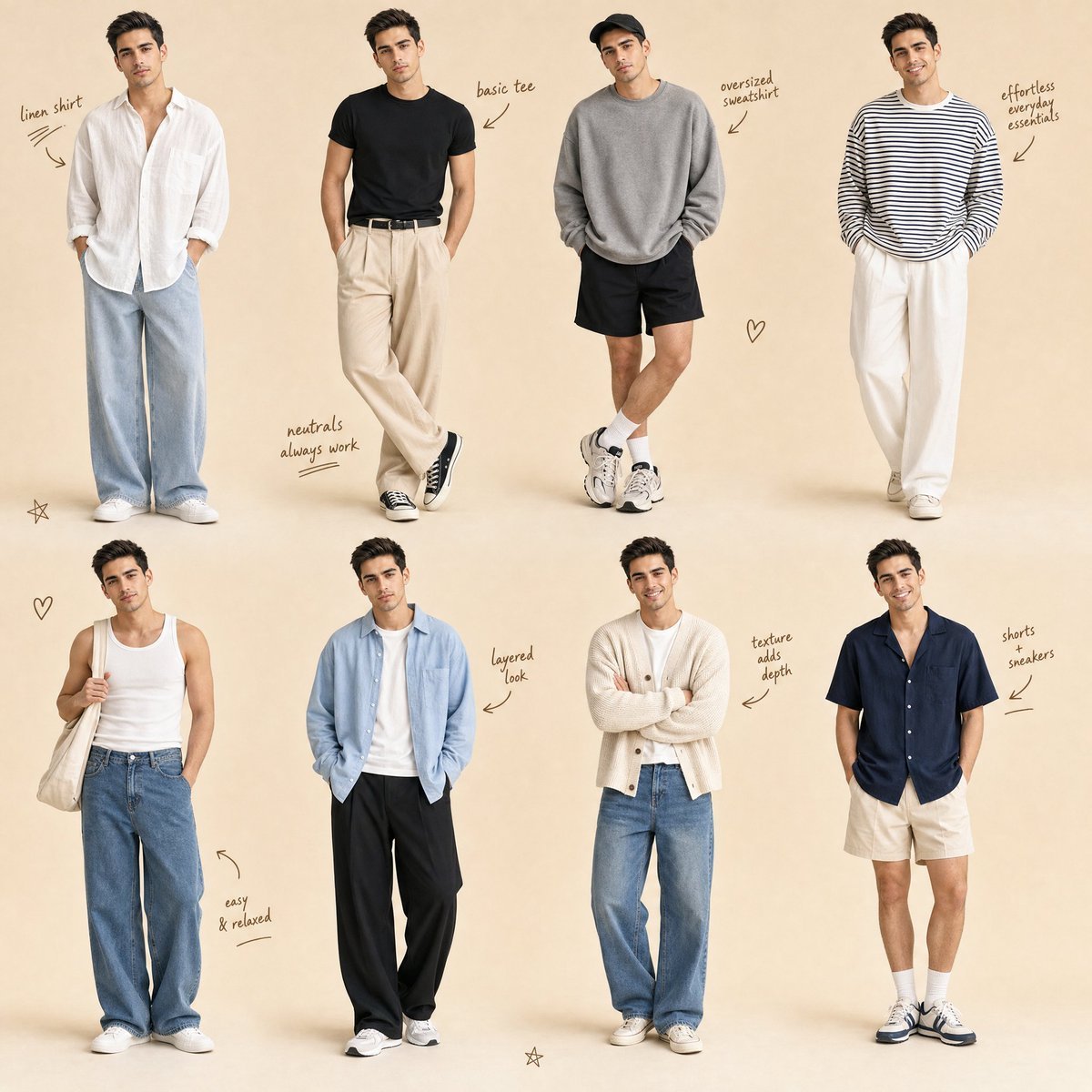
Minimalist Men's Fashion Collage

Gemini Nano Banana 2 Isometric 3d City D
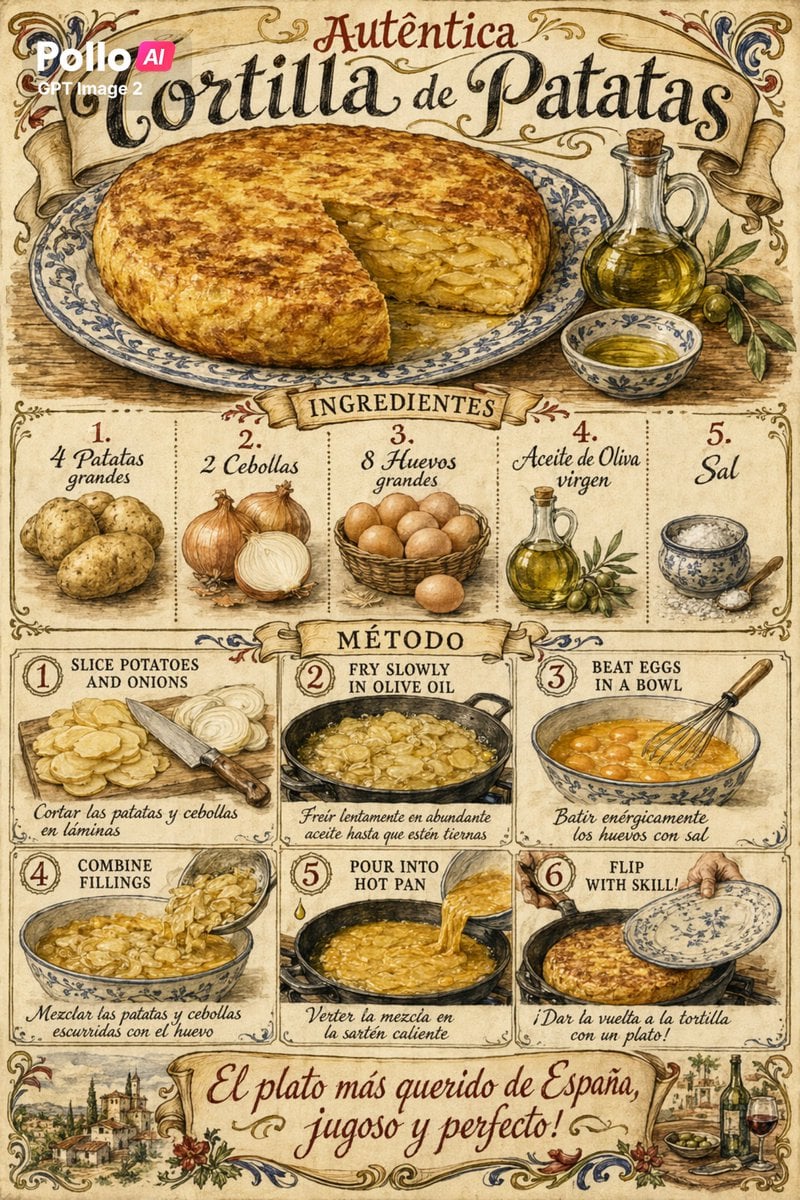
Vintage Spanish Tortilla Recipe Poster
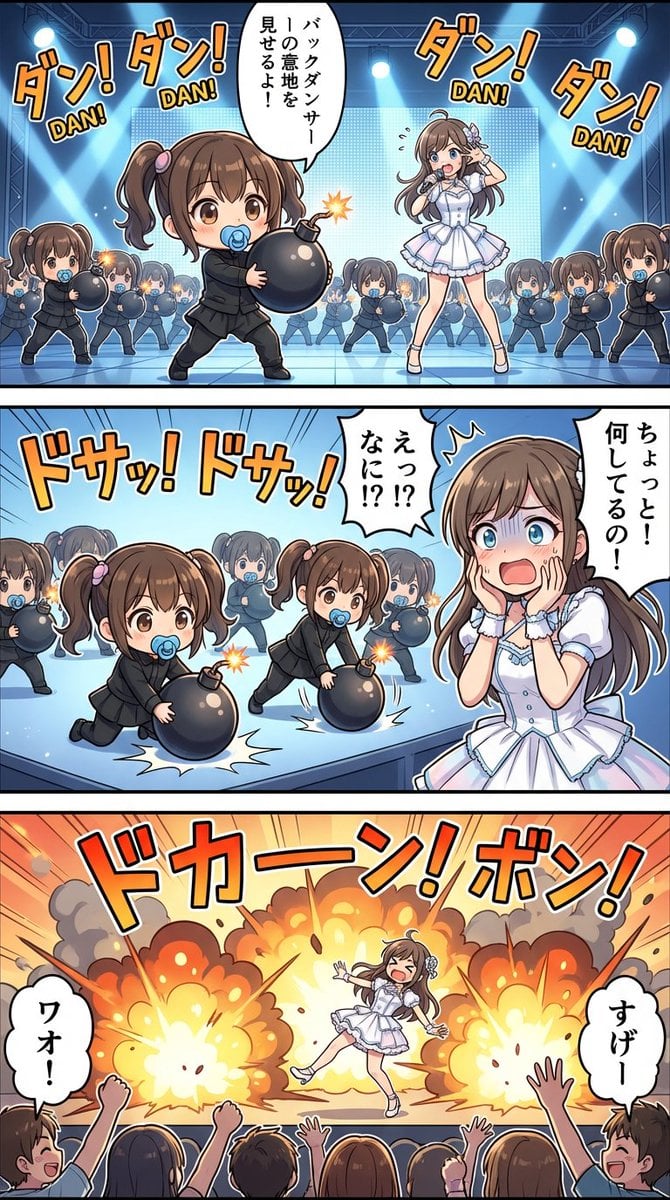
High-detail story-art layout with frames and speech bubbles

Cinematic Night Portrait of a Young Woman
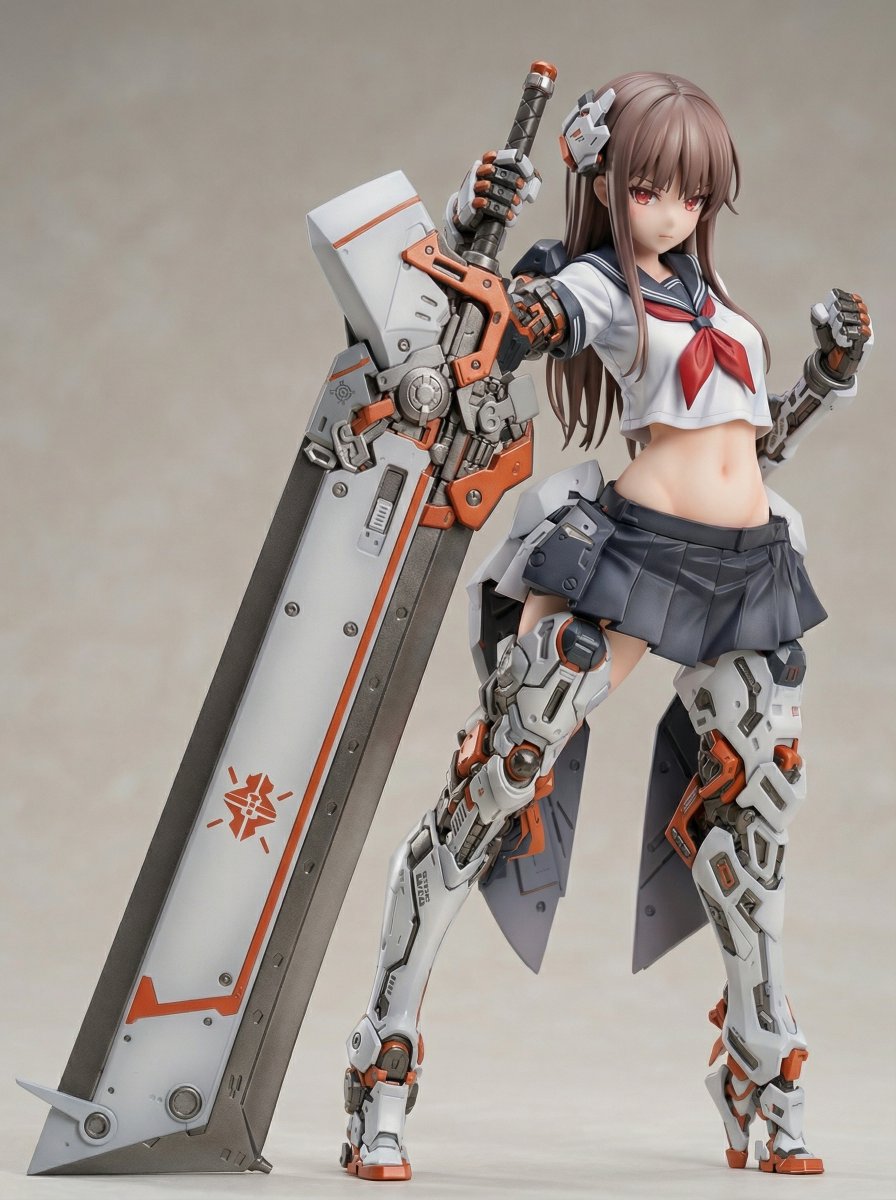
Figure/Model Kit Packaging Prompts for Armored Mecha Girl
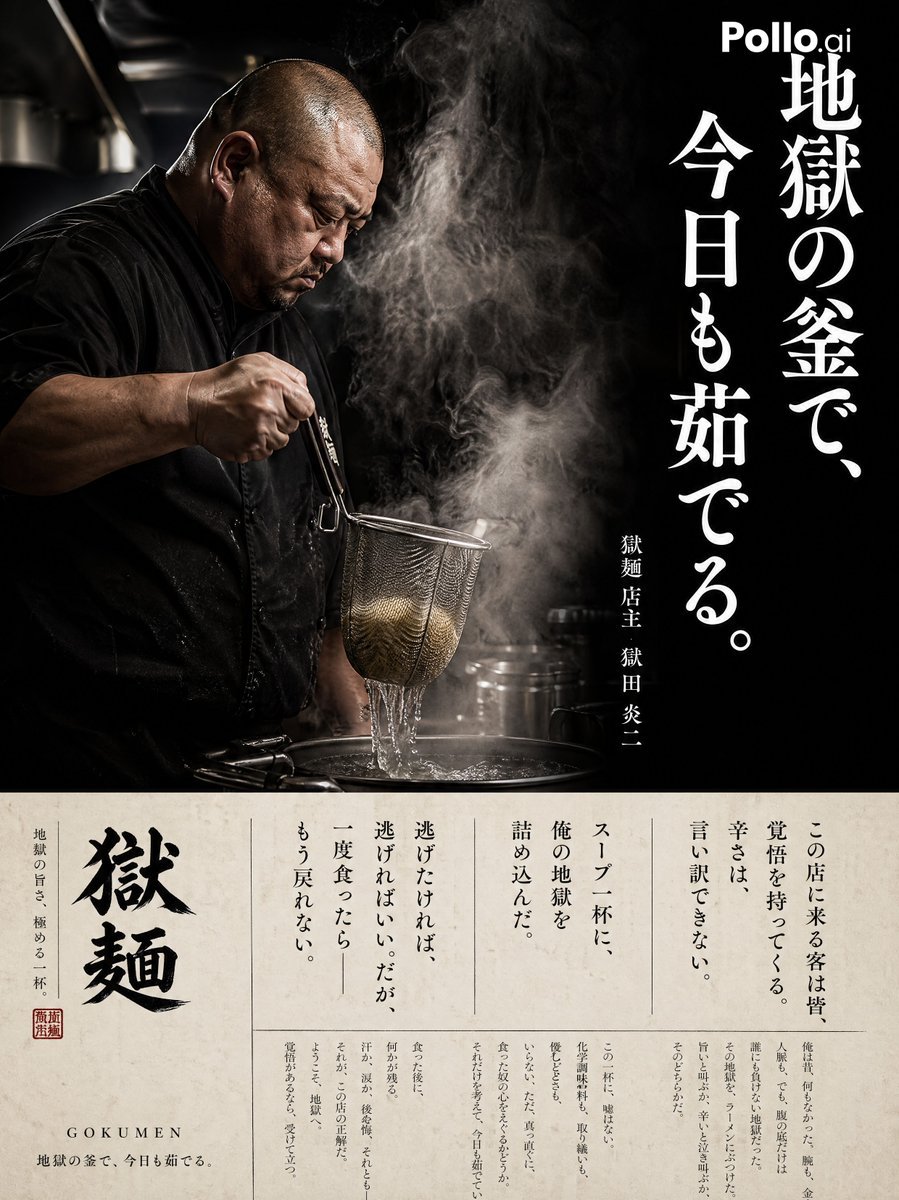
Cinematic Ramen Shop Commercial Poster
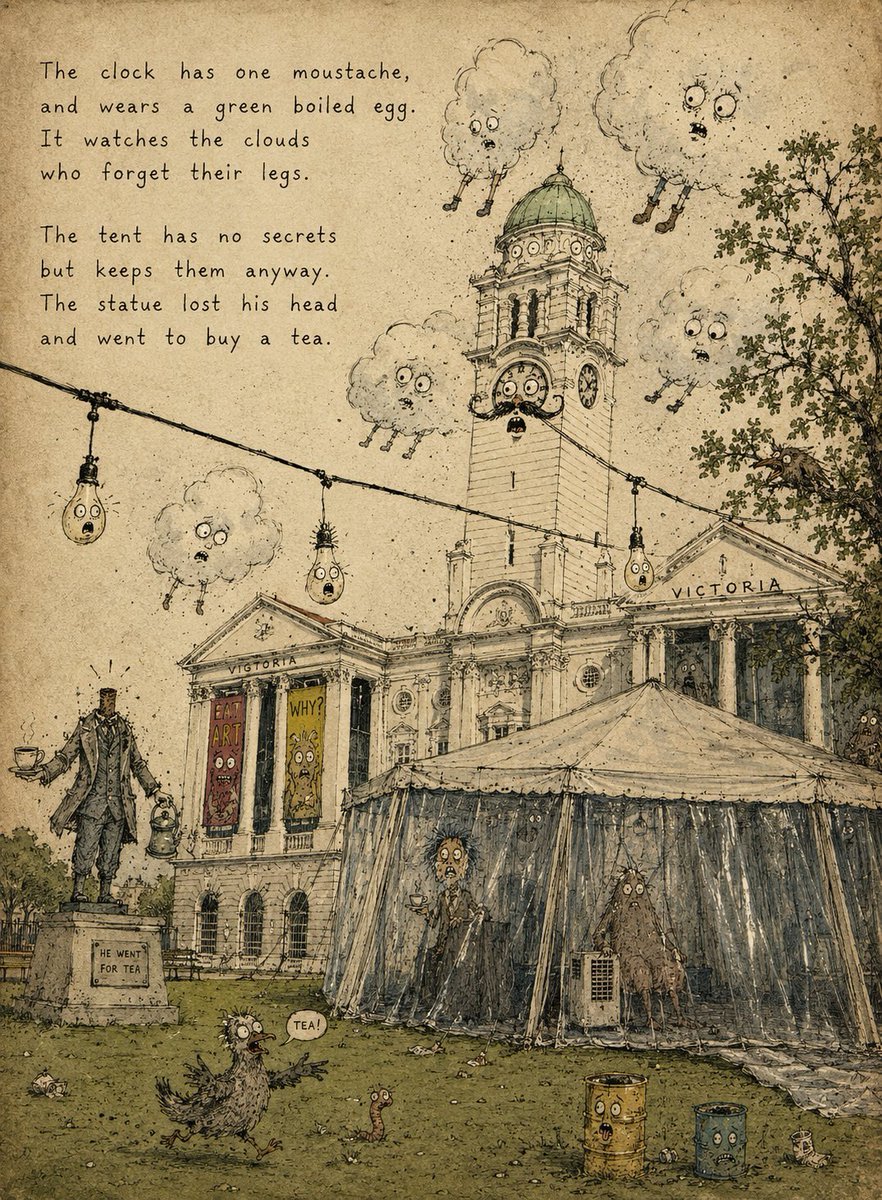
Vintage Creepy Children's Book Transformation
Browse template categories
Budapest Paper-Cut Travel Poster questions
How do I use the Budapest Paper-Cut Travel Poster template?
Add your photo if the template asks for one, edit the prompt if you like — the template's model and format are already selected — and press Generate. Your version opens in PicX Studio.
Can I customize the Budapest Paper-Cut Travel Poster template?
Yes. You can change the subject, setting, lighting, mood, format, and available model controls before creating your image.
Is the Budapest Paper-Cut Travel Poster template free?
Opening and editing this template is free. Generating uses credits, shown on the Generate button when you are signed in.
Which AI model should I use?
Start with GPT Image 2, which is the model associated with this template. You can compare another compatible model for a different finish.
Looking for something else? Browse all templates.

Your photo, any look
Thousands of ready templates for every top image and video model, from one credit balance.