
Paper Cut Musical Instrument
Master Paper Cut AI Art template: Paper Cut Musical Instrument.
- Prompt included
- Model and format preset
- Free template
The prompt behind this image
Copy the exact prompt behind Paper Cut Musical Instrument, or open it in the studio and make it yours.
Exquisite violin rendered as precision paper sculpture. Body: book-matched maple paper with realistic flame figure grain, f-holes laser-cut with perfect symmetry. Scroll: hand-rolled paper spiral with visible layer lines. Strings: fine metallic thread. Bow: pernambuco-colored paper with horsehair simulated by micro-cut fringe. Resting on velvet-textured paper cloth. Dramatic side lighting reveals paper thickness at edges, subtle glue seams at joints, paper fiber direction following instrument curves. Master luthier paper craft, 8K, aspect ratio 4:5
How to use Paper Cut Musical Instrument in 3 steps
- 1
Open
The prompt is already in the box next to the preview, with the template's model and format selected.
- 2…a portrait of your subject in softgolden-hour light, 85mm…
Personalize
Edit the subject and creative details for your destination.
- 3Generate
Generate
Press Generate — your image is created in PicX Studio, so you can compare it with the original and refine one variable at a time.
More like this
Templates with the same subject, style or setup. Open one to see its prompt.
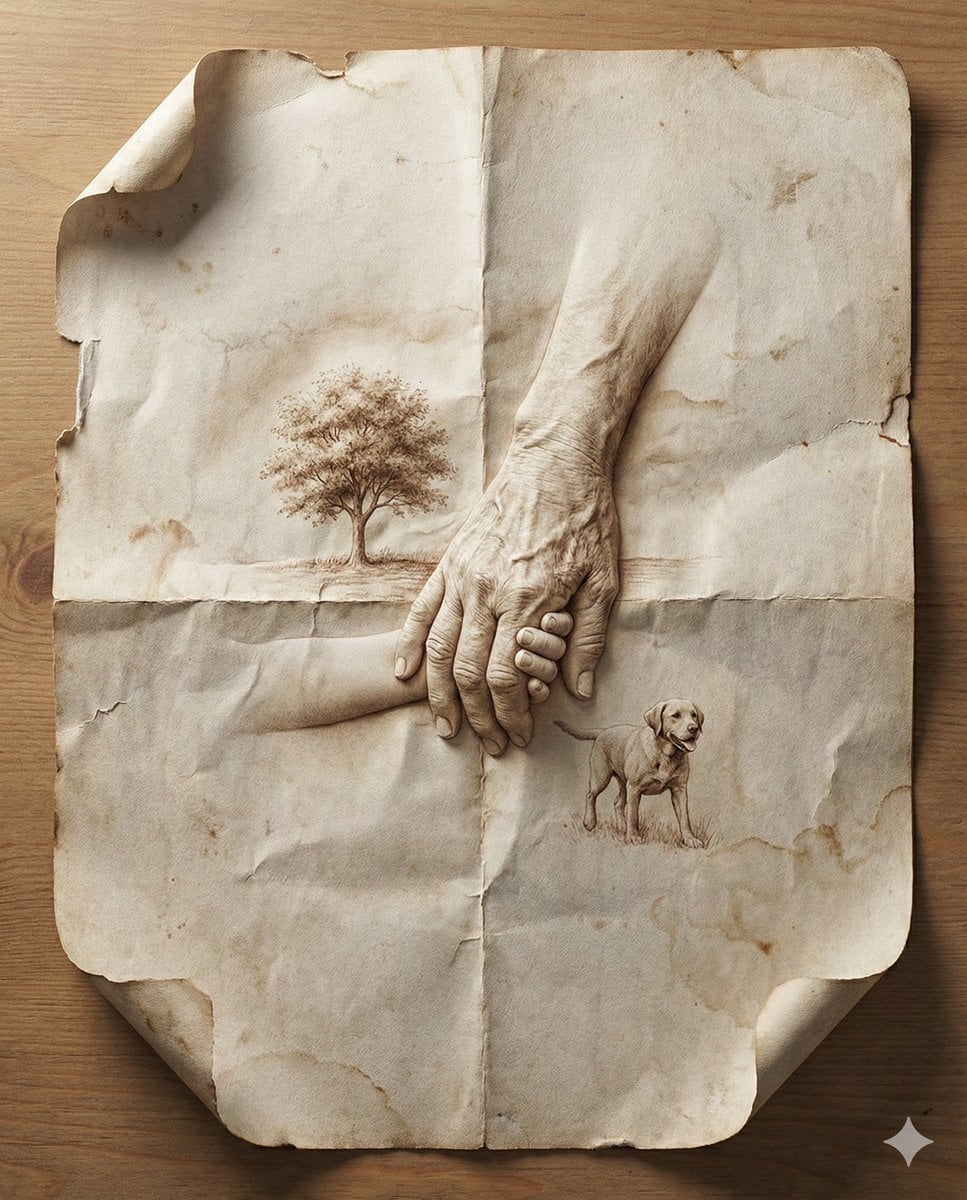
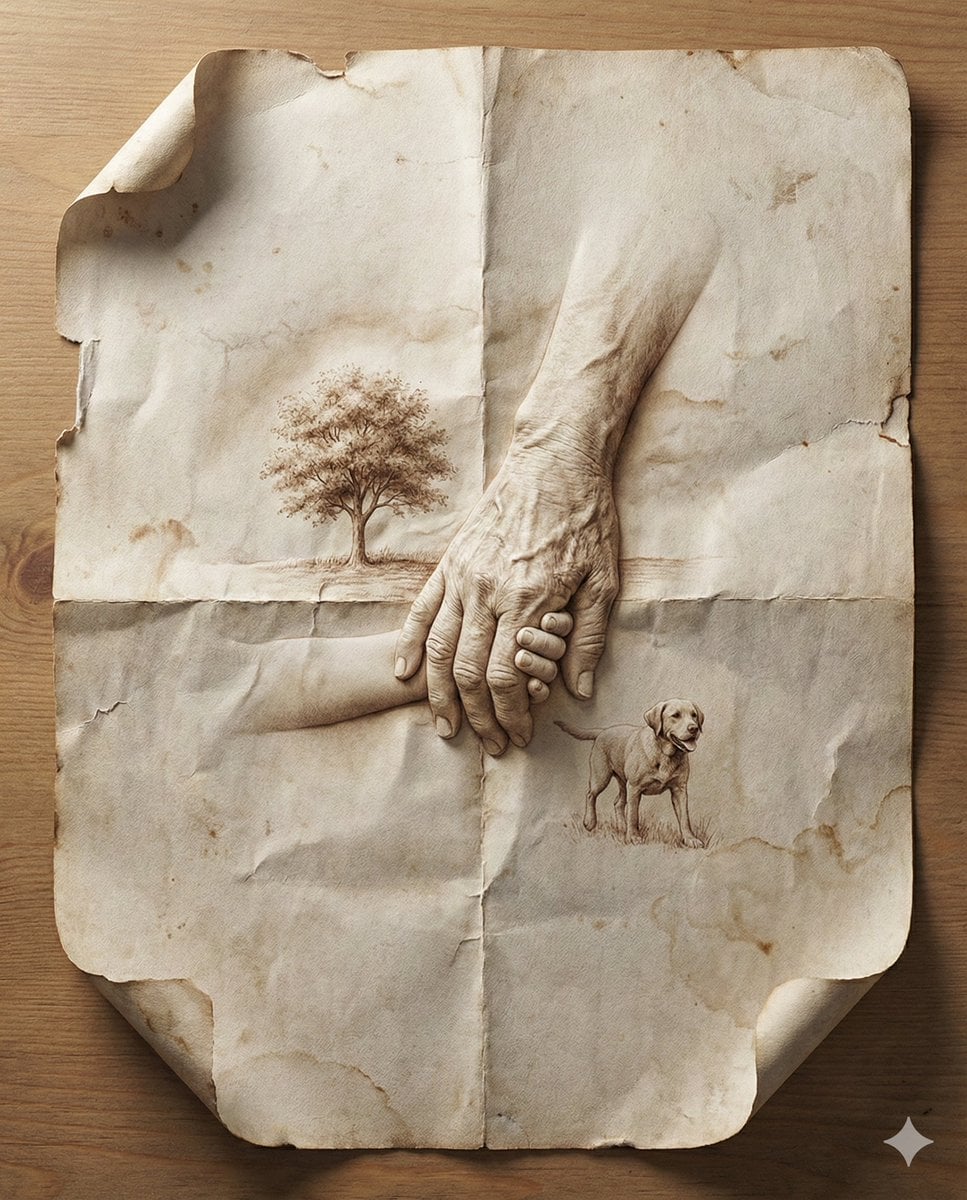
Master Aged Paper Memory — Folded Paper with Emerging Scene from Creases
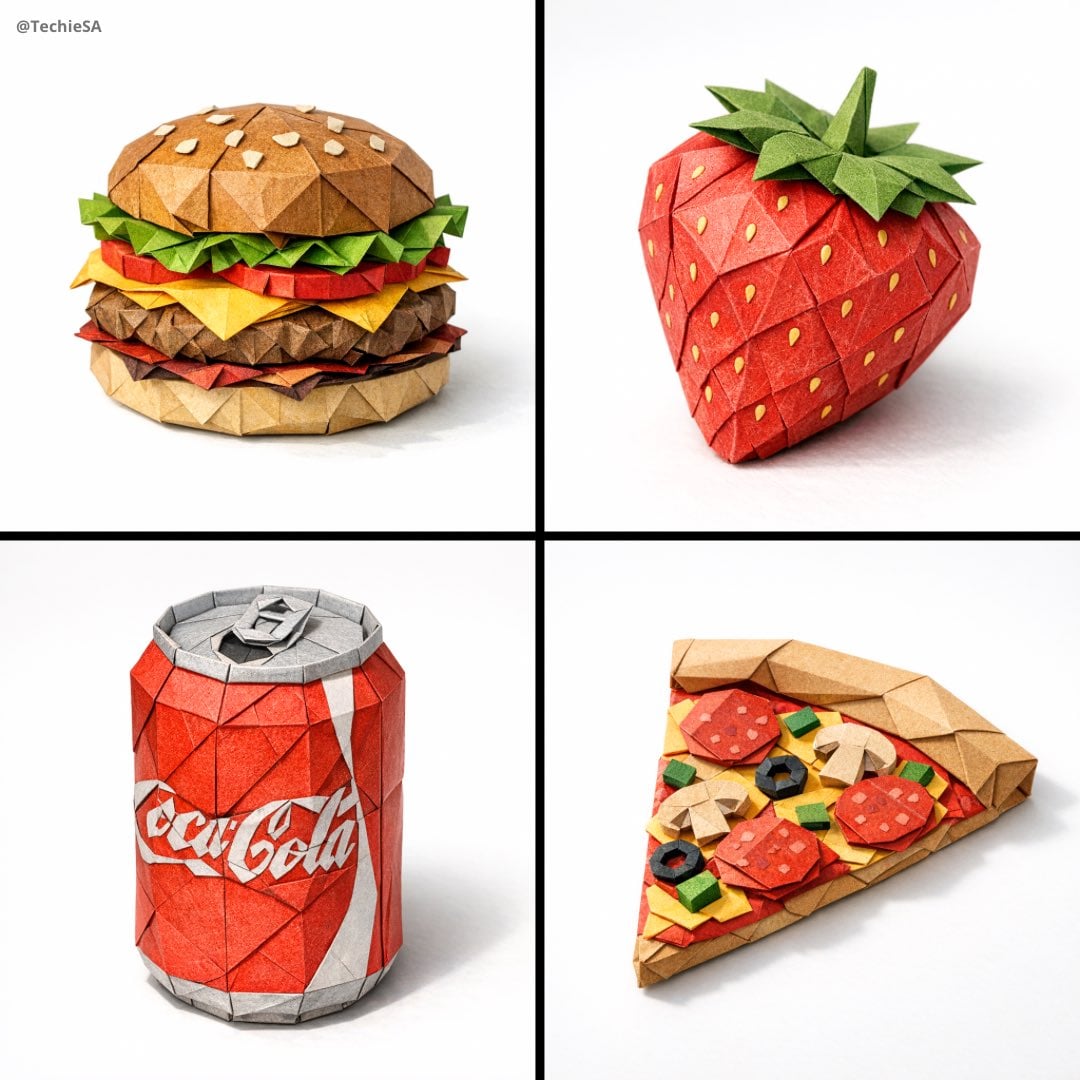
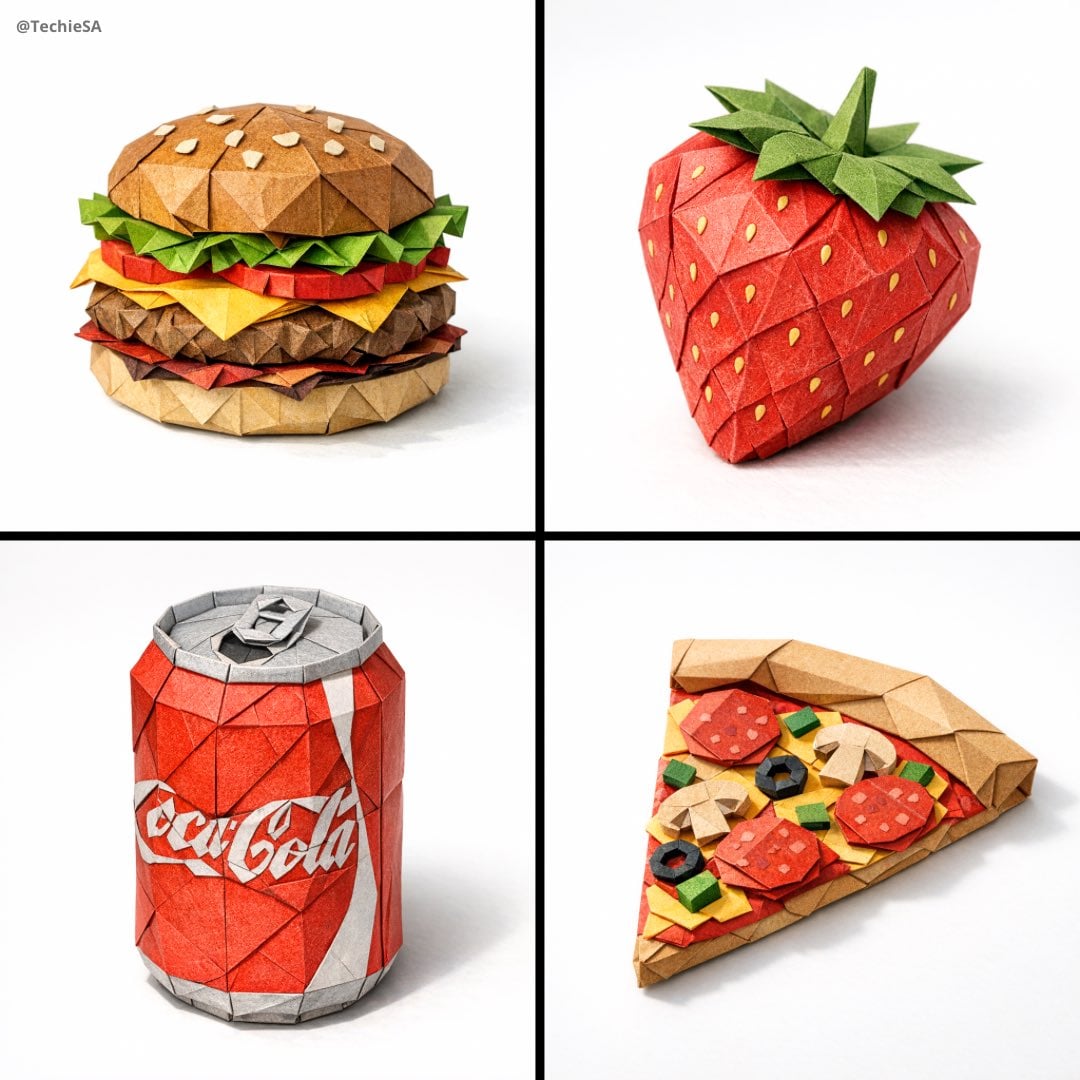
Master Origami Food Art — Hyper-Detailed Paper Folding Cuisine
Master Aged Paper Memory — Folded Paper with Emerging Scene from Creases
Master Origami Food Art — Hyper-Detailed Paper Folding Cuisine
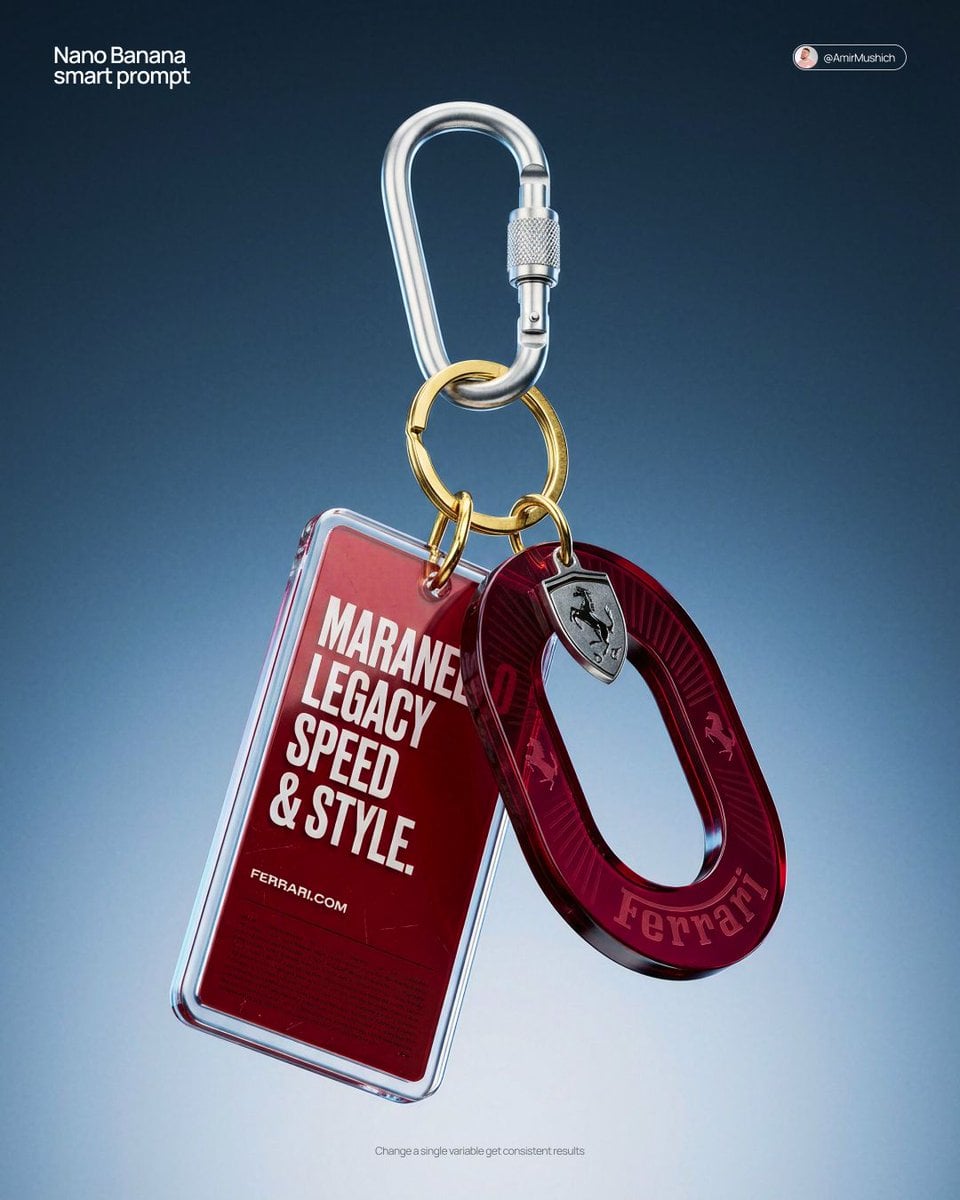
Paper Cut Fashion Editorial

Paper Tunnel Book Architecture

Layered Paper Cut Forest Diorama

Master Paper Cut Illustration — Saudi Arabia Travel Poster in Layered Paper Art
Paper Cut Wildlife Portrait

Paper Cut Mythological Scene
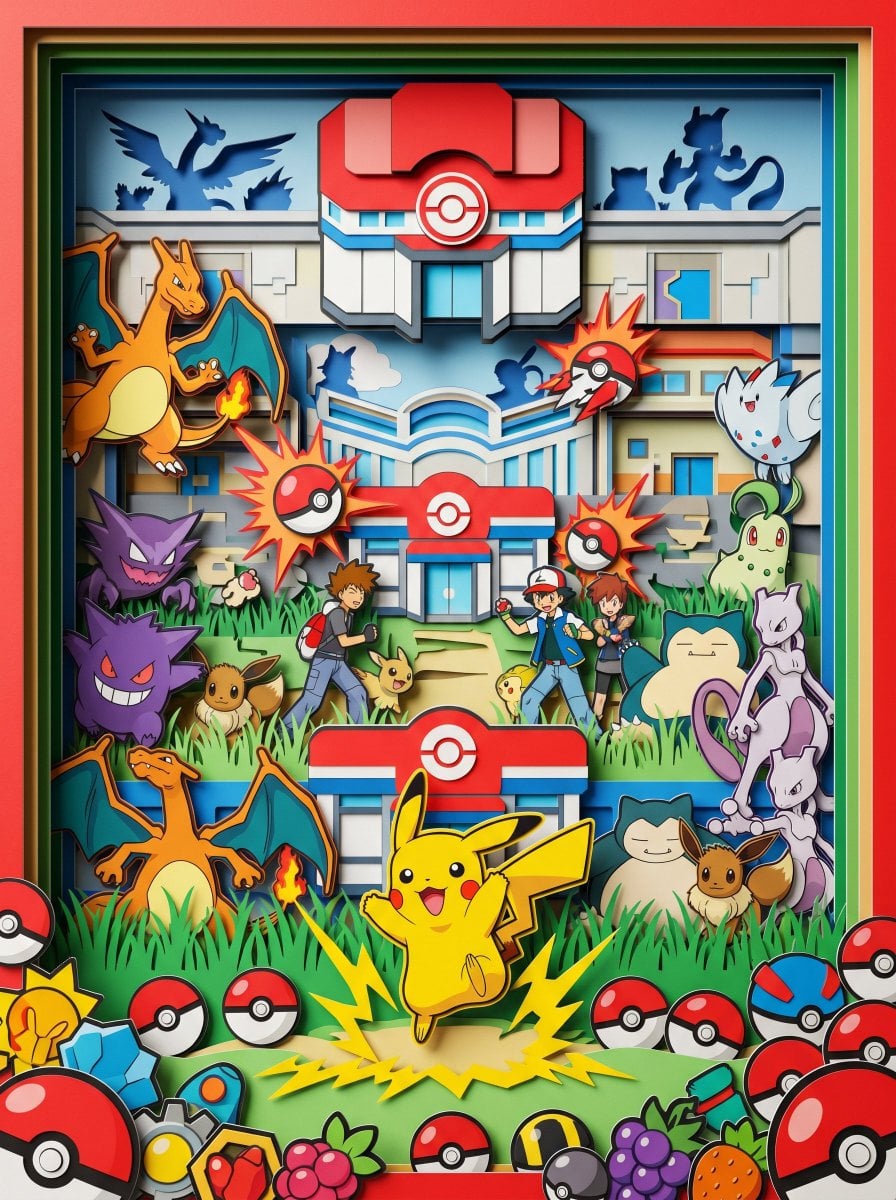
Master Paper Cut Diorama — Hyper-Vibrant 3D Layered Pokémon World
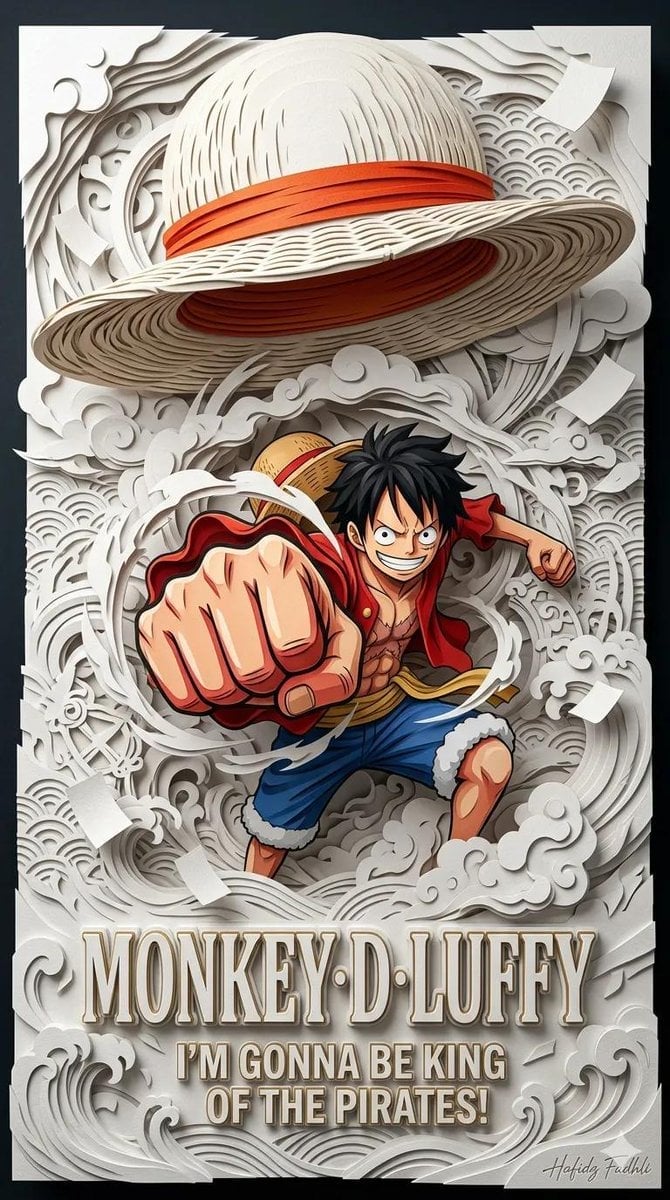
Master Papercraft Shadow Box — Anime Hero Emerging from Paper Waves
Make it yours
Paper Cut Musical Instrument works as-is. These are the safest ways to change it without losing the look.
Change one field
Copy a single group, rewrite it, and generate again so you can see what that field is doing.
Keep the frame, change the subject
Hold the composition and light of Paper Cut Musical Instrument, then swap wardrobe, props or the person for a new take.
| If the result… | Why | Fix |
|---|---|---|
| The result drifts from the preview | Too many fields changed at once. | Reuse Paper Cut Musical Instrument as-is first, then change one group — subject, light, or setting. |
| The model over-stylizes the scene | The prose prompt leaves finish and camera underspecified. | Add one camera or lighting sentence and stay on PicX Studio. |
More image prompts
Fresh picks from across the catalog.
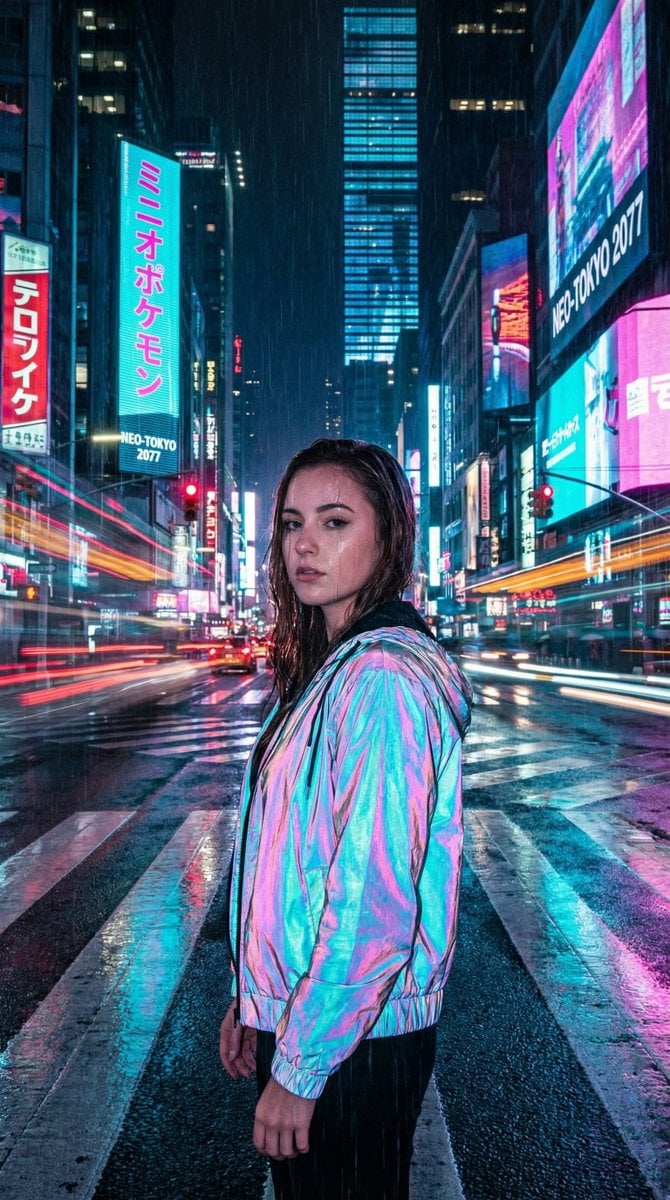
Cyberpunk City Night Scene

Detailed JSON Prompt for Car Selfie Portrait
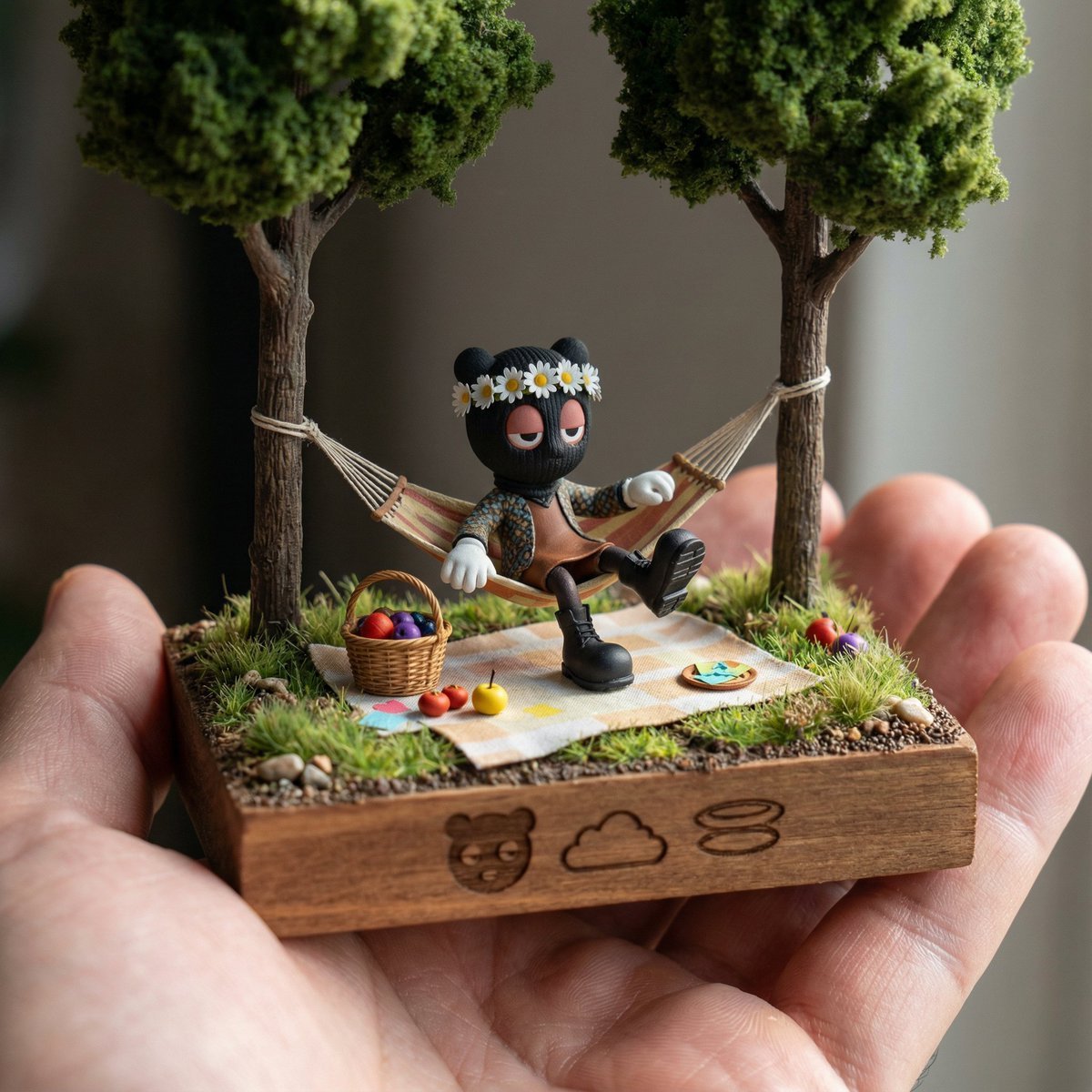
Diorama Reinterpretation Prompt

Photorealistic Scientist in Futuristic AI Lab

Japanese Veranda Summer Portrait
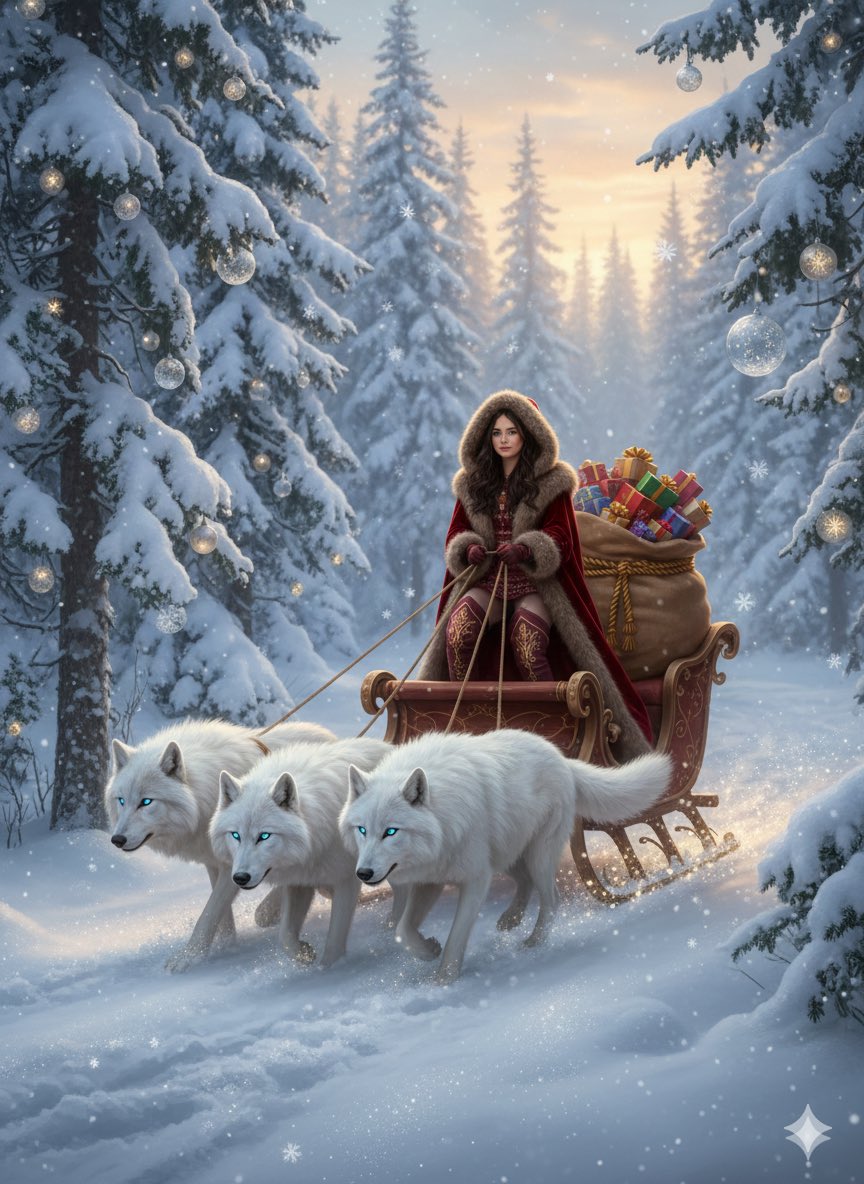
Fantasy Christmas Sleigh Pulled by Wolves

Anime Fox Girl Reaching for a Hug

Monochrome Macro Luminous Portrait
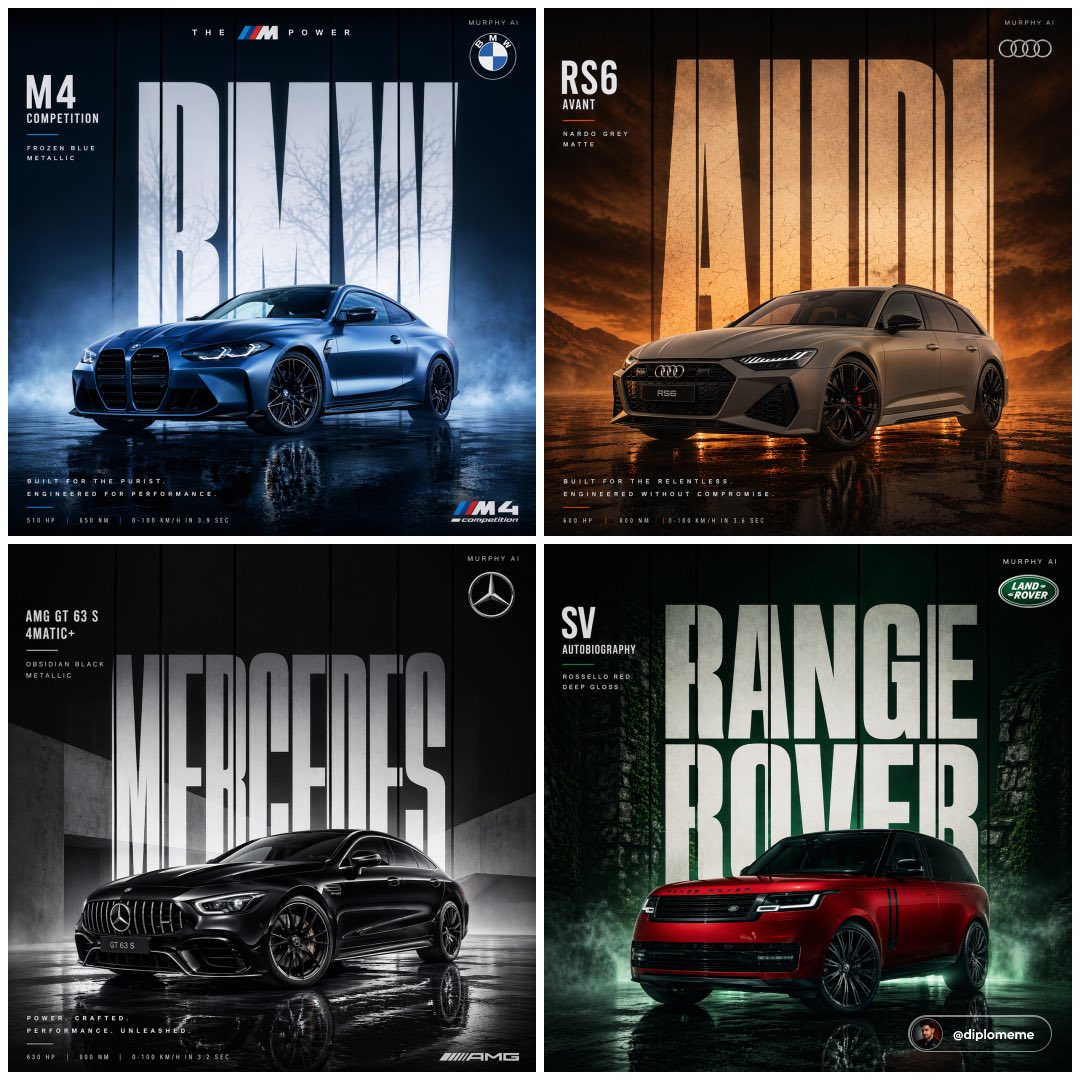
Cinematic Automotive Billboard Template

Cinematic 1920s Gatsby Couple Kiss
Browse template categories
Paper Cut Musical Instrument questions
How do I use the Paper Cut Musical Instrument template?
Add your photo if the template asks for one, edit the prompt if you like — the template's model and format are already selected — and press Generate. Your version opens in PicX Studio.
Can I customize the Paper Cut Musical Instrument template?
Yes. You can change the subject, setting, lighting, mood, format, and available model controls before creating your image.
Is the Paper Cut Musical Instrument template free?
Opening and editing this template is free. Generating uses credits, shown on the Generate button when you are signed in.
Which AI model should I use?
Choose a compatible model in PicX Studio based on the style, speed, and output controls your project needs.
Looking for something else? Browse all templates.

Your photo, any look
Thousands of ready templates for every top image and video model, from one credit balance.