
Detailed JSON Prompt for Car Selfie Portrait
A highly detailed, structured JSON prompt designed for Nano Banana Pro to generate a hyper-realistic portrait of a young woman taking a candid car selfie.
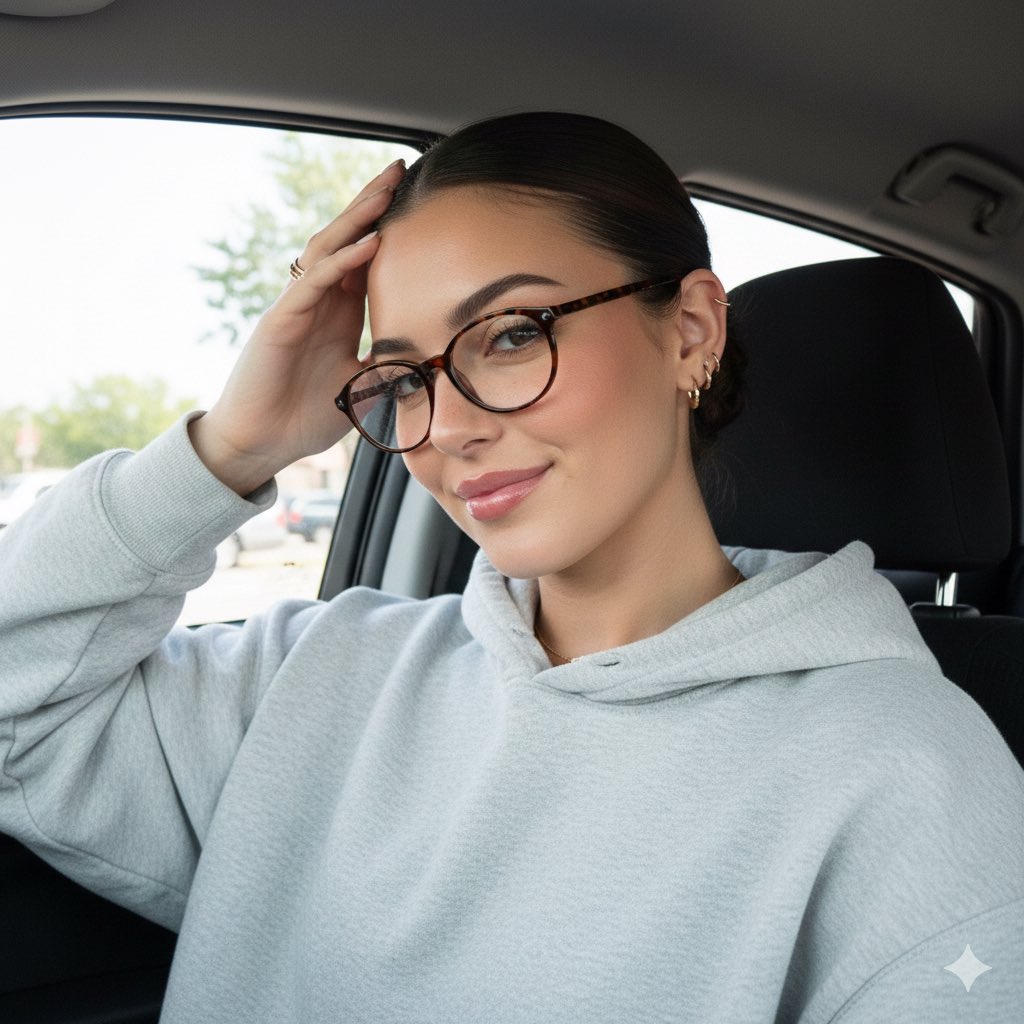
- Prompt included
- Model and format preset
- Free template
The prompt behind this image
Copy the exact prompt behind Detailed JSON Prompt for Car Selfie Portrait, or open it in the studio and make it yours.
{ "subject": { "description": "A young woman taking a car selfie with her hand resting on her forehead, smiling gently", "age": "young adult", "expression": "relaxed, candid, slight smile, hand casually touching forehead", "hair": { "color": "dark brown", "style": "slicked back tight low bun with a precise middle part" }, "clothing": { "top": { "type": "oversized hoodie", "color": "light heather grey", "details": "soft fleece fabric, relaxed fit, hood falling back” }, "face": { "preserve_original": true, "makeup": "fresh natural 'clean girl' aesthetic, sun-kissed skin with visible freckles across nose, rosy blush, glossy pink lips, groomed brows" }, "accessories": { "eyewear": { "type": "tortoise shell glasses", "details": "oval/round acetate frames, stylish and intellectual vibe" }, "earrings": { "type": "gold ear stack", "details": "multiple small gold huggie hoops and studs on the lobe and helix" }, "jewelry": { "necklace": "dainty gold chain with a tiny pendant", "ring": "thin gold band on the ring finger" } }, "photography": { "camera_style": "modern smartphone selfie", "angle": "eye-level to slightly low angle", "shot_type": "close-up portrait composition", “aspect_ratio”: “9:16 vertical”, "texture": "natural daylight, sharp focus on face, soft skin texture, bright window lighting, no grain" }, "background": { "setting": "interior of a car", "elements": [ "dark car ceiling / panoramic sunroof", "car seat headrest", "seatbelt", "car window showing bright daylight", "blurred trees and buildings outside" ], "atmosphere": "casual daily life, on-the-go, bright daytime vibe", "lighting": "soft natural window light illuminating the face" } }
How to use Detailed JSON Prompt for Car Selfie Portrait in 3 steps
- 1
Open
The prompt is already in the box next to the preview, with the template's model and format selected.
- 2…a portrait of your subject in softgolden-hour light, 85mm…
Personalize
Edit the subject and creative details for your destination.
- 3Generate
Generate
Press Generate — your image is created in PicX Studio, so you can compare it with the original and refine one variable at a time.
More like this
Templates with the same subject, style or setup. Open one to see its prompt.

Rooftop Fisheye — Cat-Ear Balaclava at Golden Hour
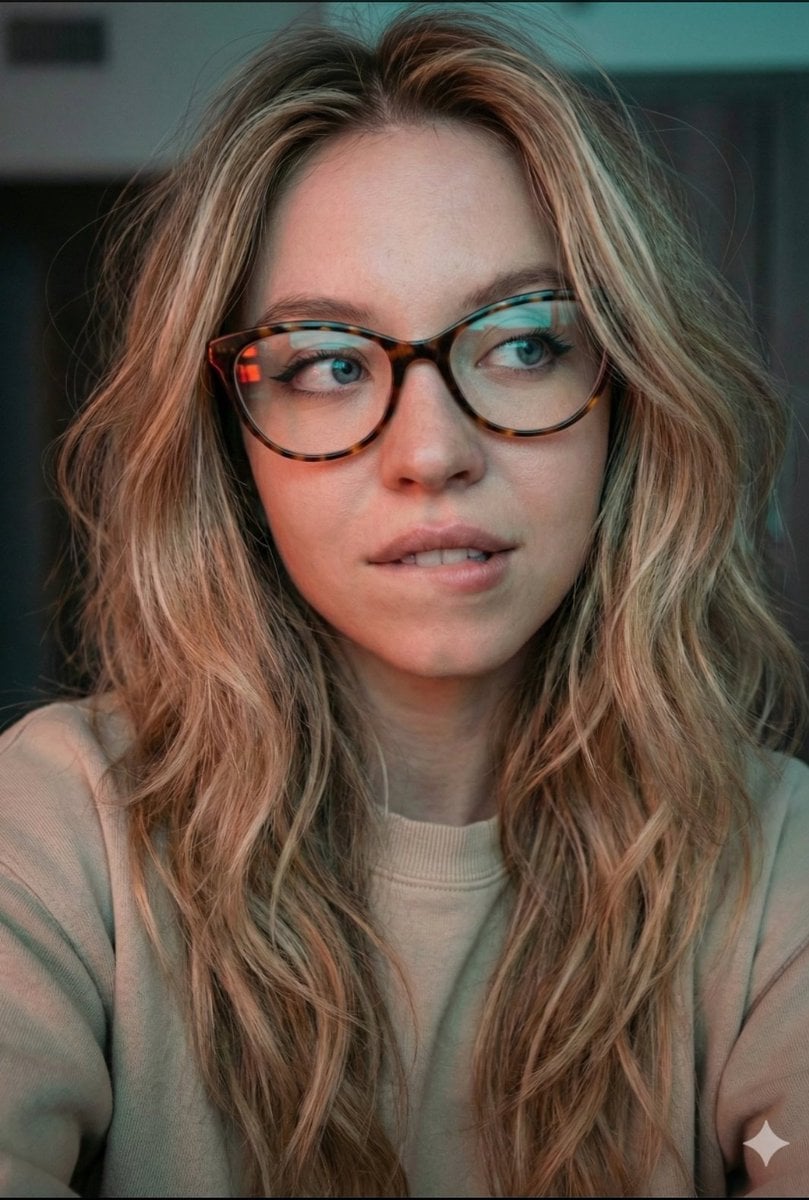
JSON Prompt for Cinematic Dual-Tone Selfie Portrait
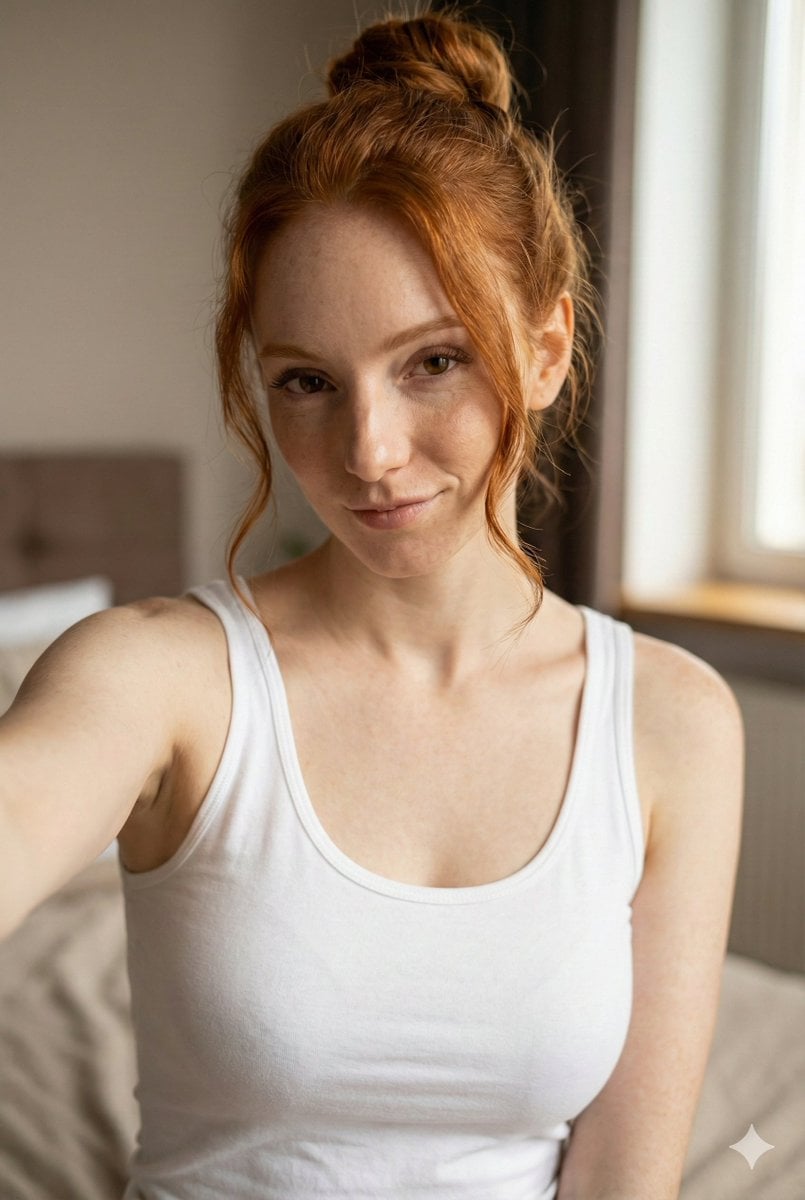
JSON Prompt for Flirty Morning Selfie Portrait

Ultra Detailed 3d Plush Cartoon Characte
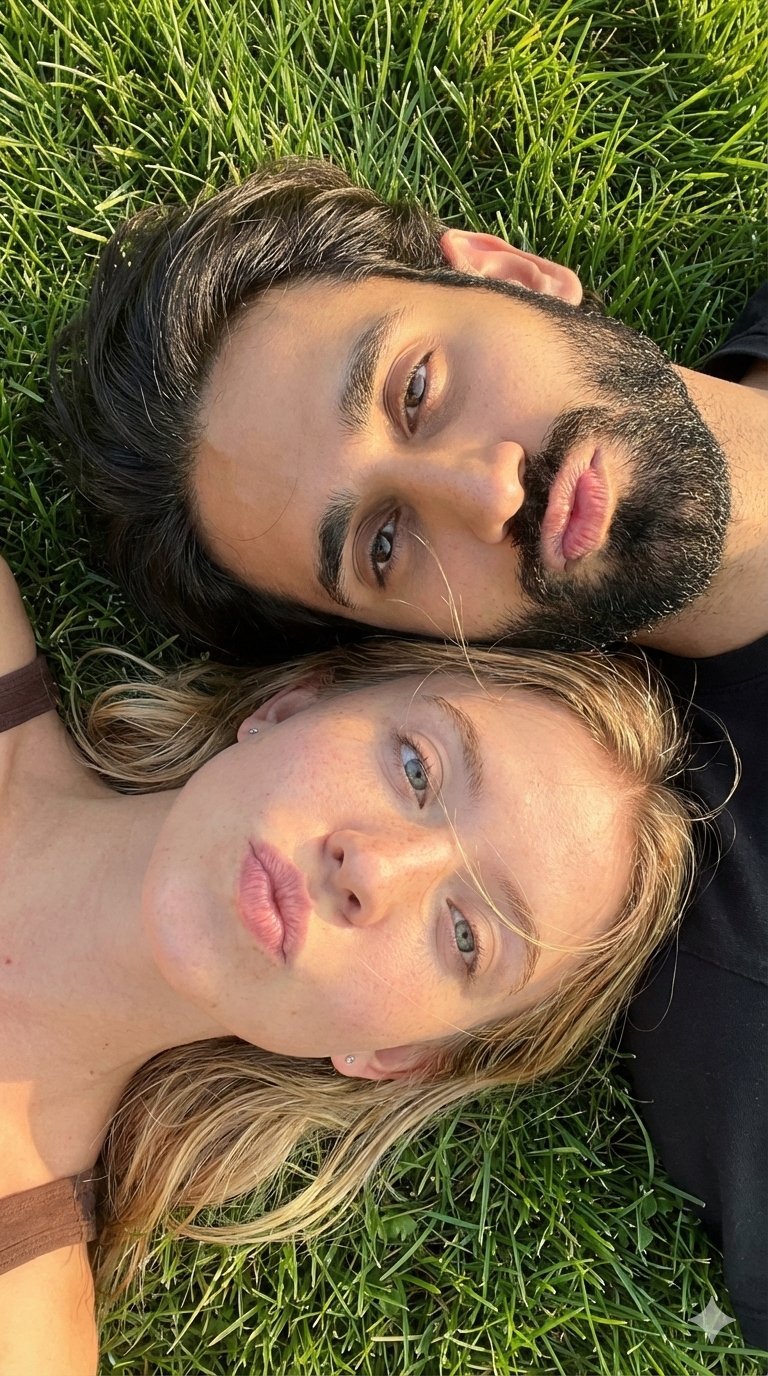
Selfie with Sydney Sweeney and Ana De Ar

Found Photograph: Us, 1970

80s Couple Studio Portrait

80s Bollywood Star

80s Golden Hour Cinema

Me in 1985

1985 Studio Portrait

Hyper-Realistic Minecraft POV Portrait
Make it yours
Detailed JSON Prompt for Car Selfie Portrait works as-is. These are the safest ways to change it without losing the look.
Change one field
Copy a single group, rewrite it, and generate again so you can see what that field is doing.
Keep the frame, change the subject
Hold the composition and light of Detailed JSON Prompt for Car Selfie Portrait, then swap wardrobe, props or the person for a new take.
| If the result… | Why | Fix |
|---|---|---|
| The result drifts from the preview | Too many fields changed at once. | Reuse Detailed JSON Prompt for Car Selfie Portrait as-is first, then change one group — subject, light, or setting. |
| The model over-stylizes the scene | The prose prompt leaves finish and camera underspecified. | Add one camera or lighting sentence and stay on Nano Banana 2. |
More Nano Banana 2 templates
Other prompts made for Nano Banana 2.

Photorealistic Leaf Shaped Like a Dragon

K-Pop Idol Portrait Grid for Rapid Selection

Poetic Rain Forest Portrait During Golden Hour

Urban Street Portrait with Cartoon Inner Self Duo

Candid Nighttime Photo with Cat Prompt

High-Concept 3D Diorama Generation Prompt

Cinematic Futuristic Studio Portrait Template

Skincare Editorial Photography Collage Prompt

Hyper-Realistic Commercial Product Photography (Splash Effect)

Hyper-Realistic Nightclub Portrait Prompt
More image prompts
Fresh picks from across the catalog.
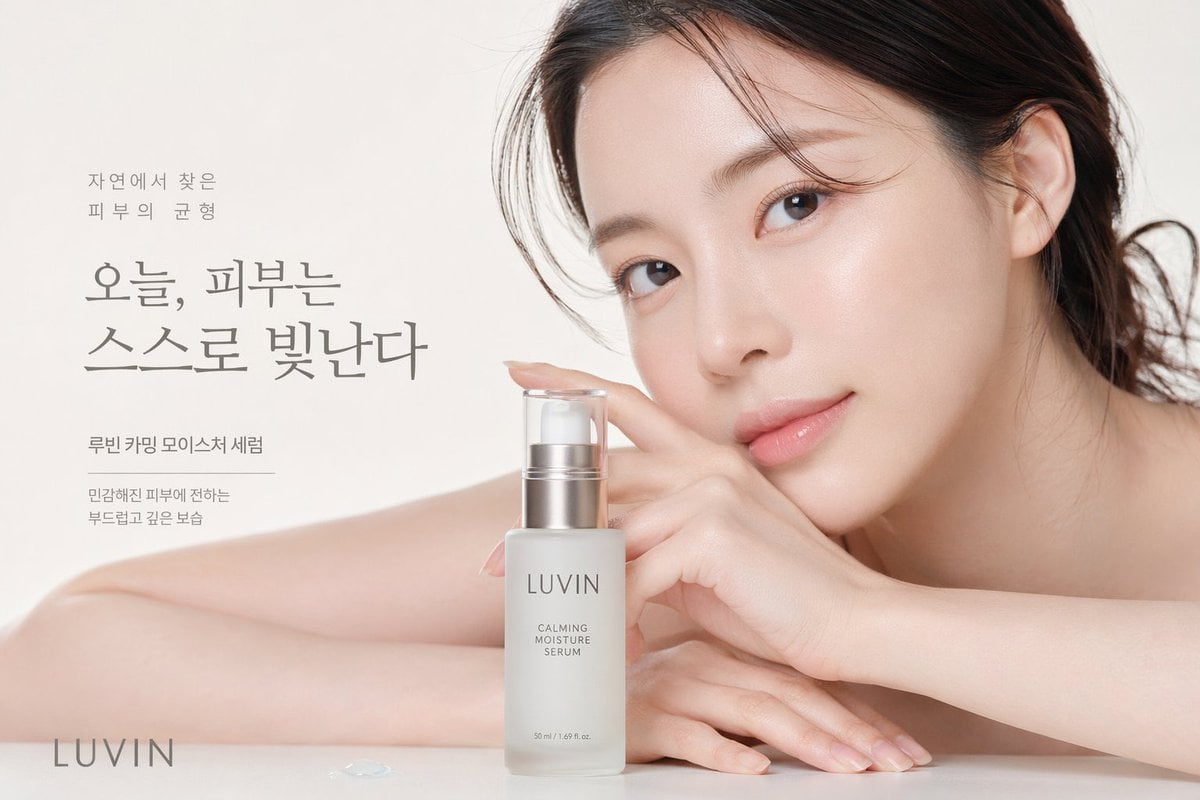
Skincare Beauty Campaign Advertisement
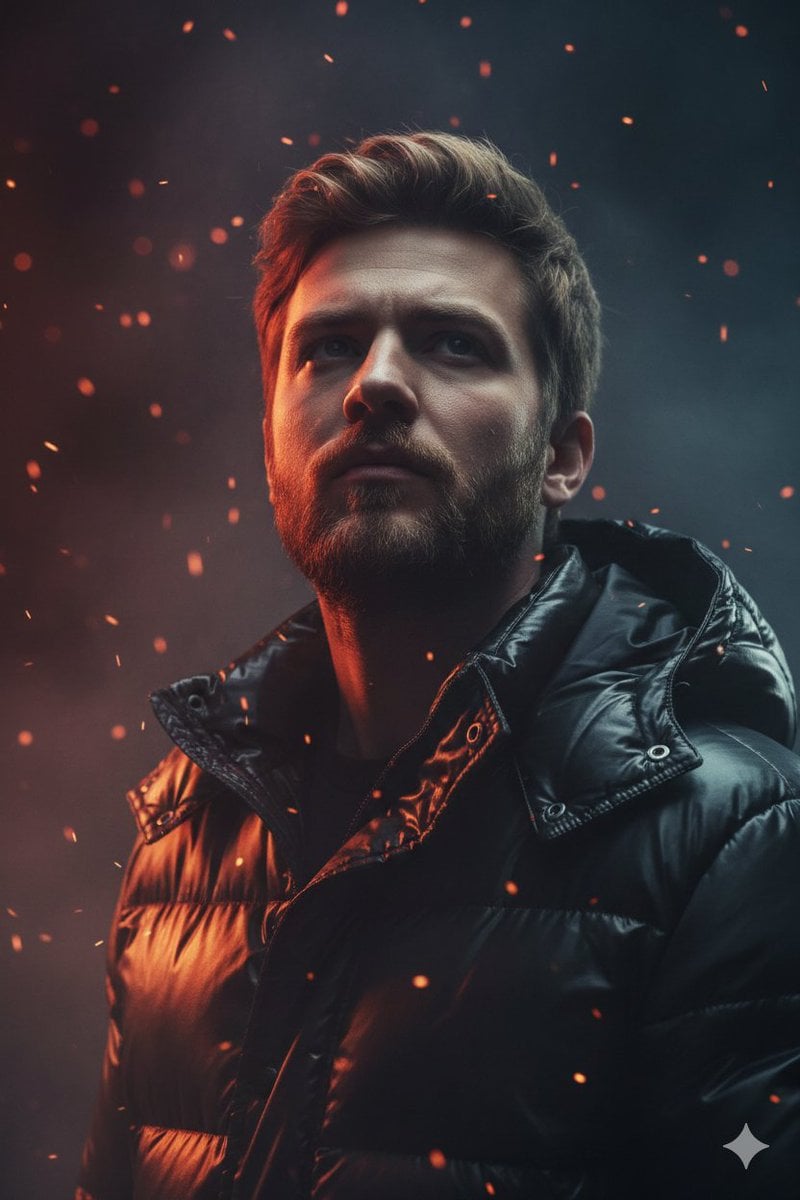
Dramatic Cinematic Portrait of a Rugged Young Man
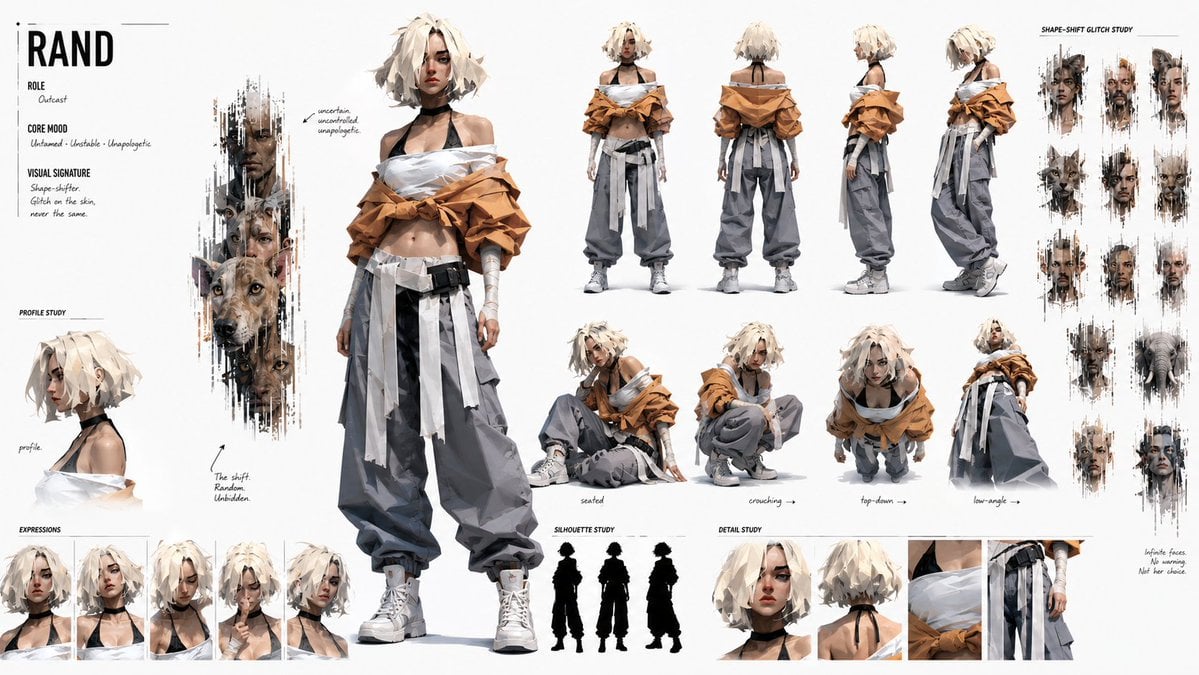
Cinematic Storyboard Project Card
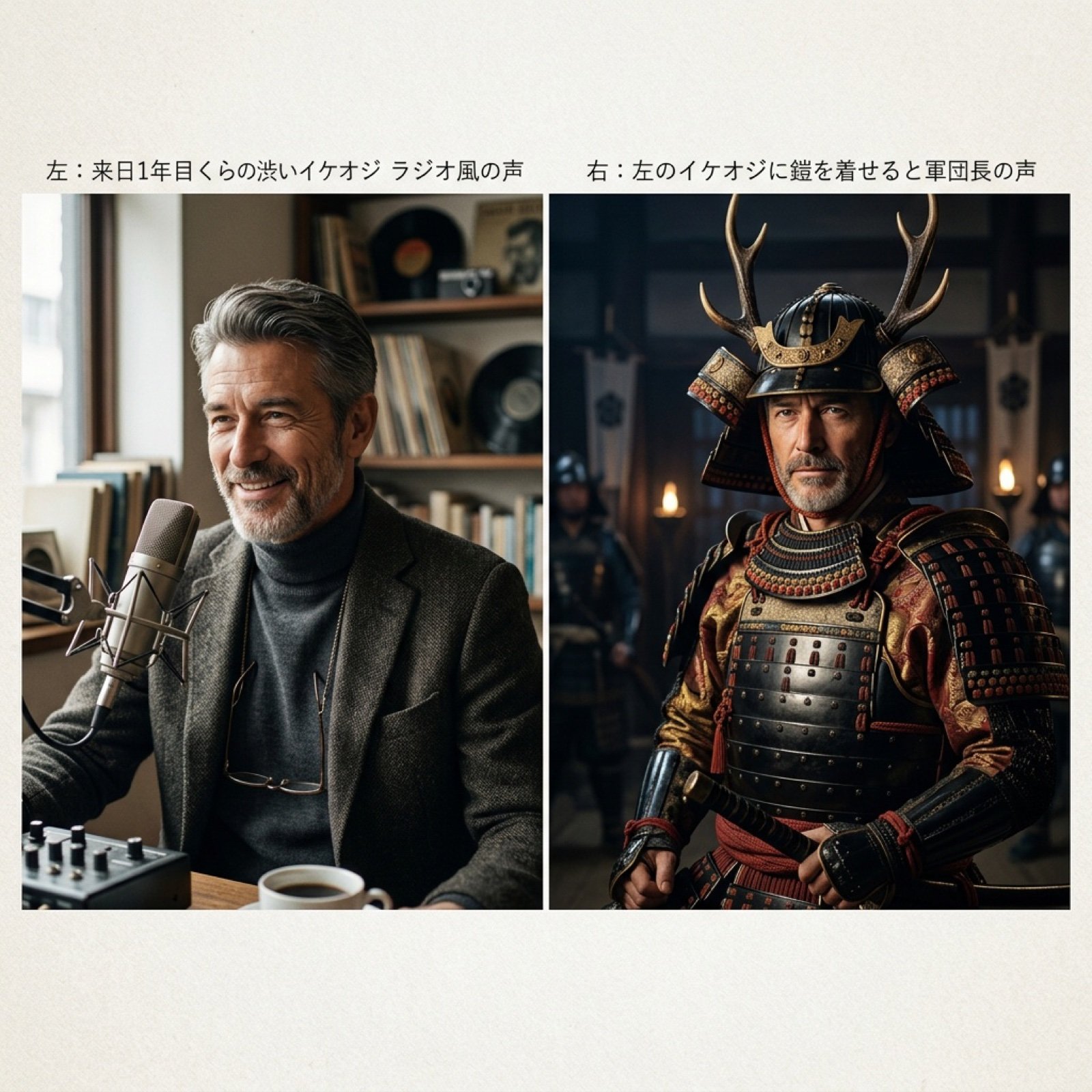
Grok Voice Generation Prompt Examples
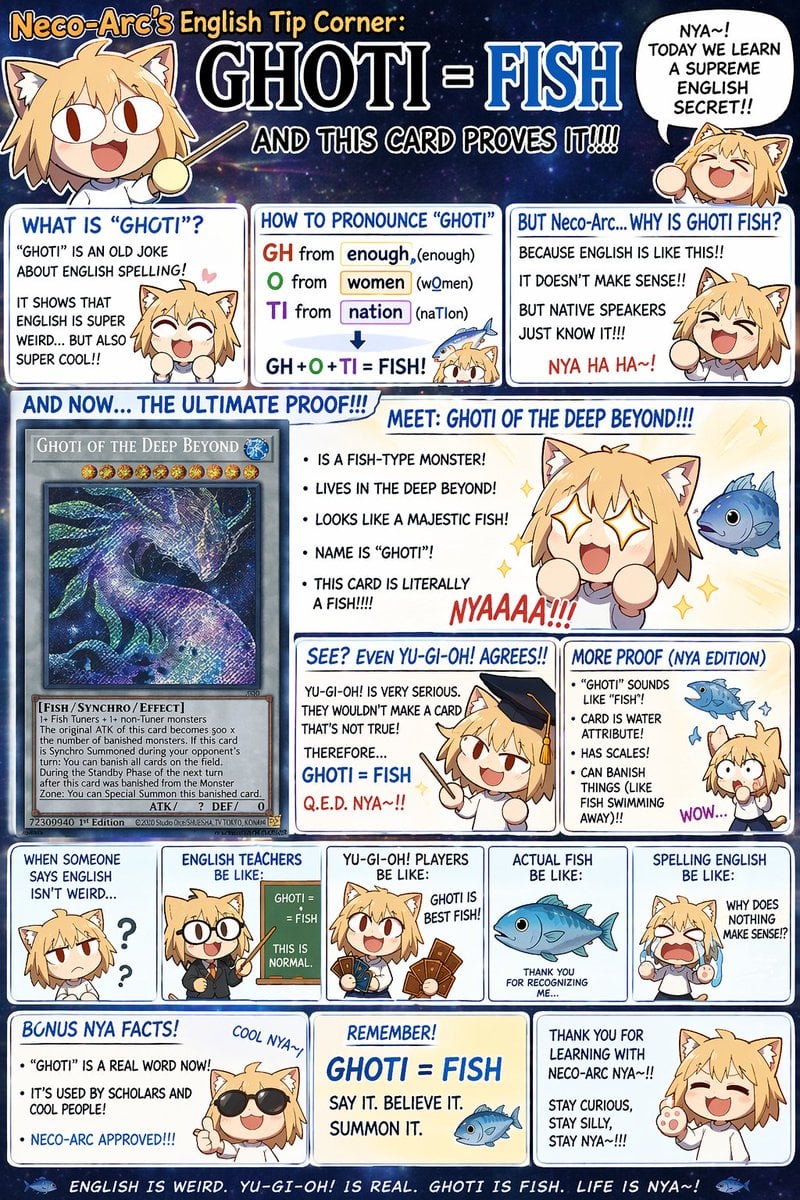
Chibi Anime Educational Infographic
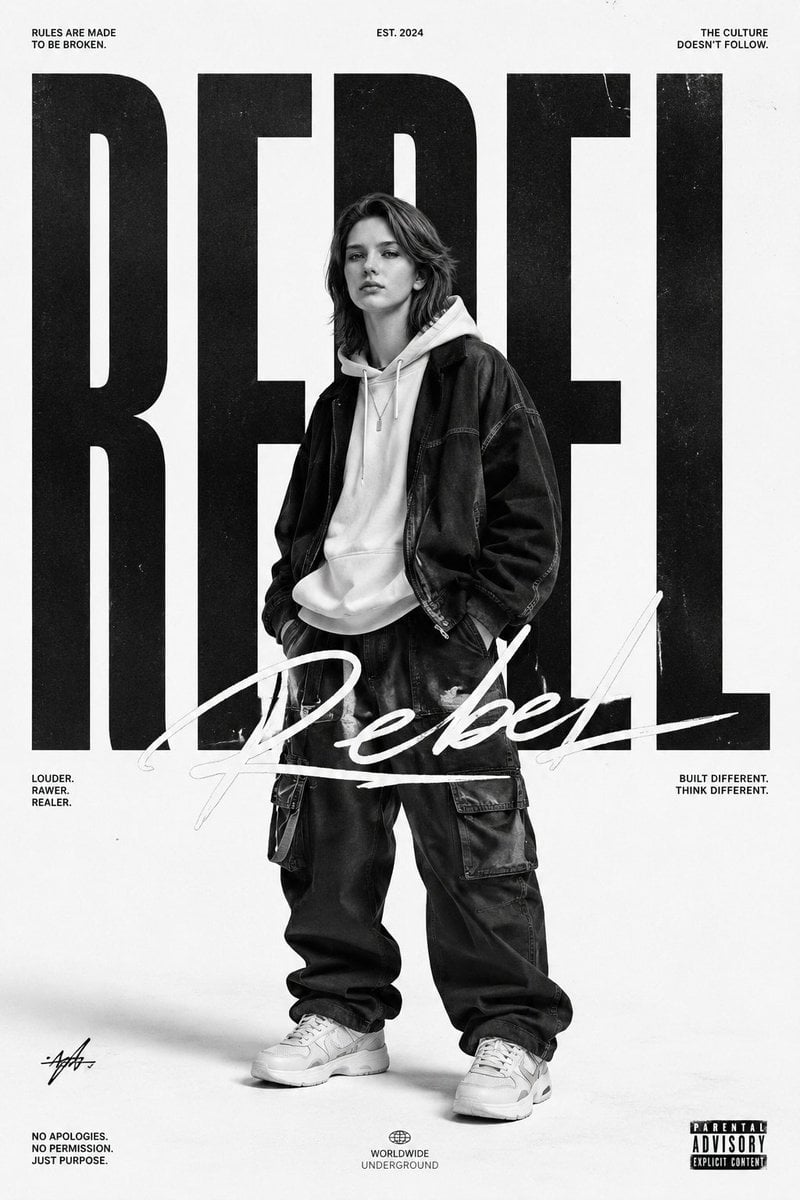
Monochrome Streetwear Editorial Poster
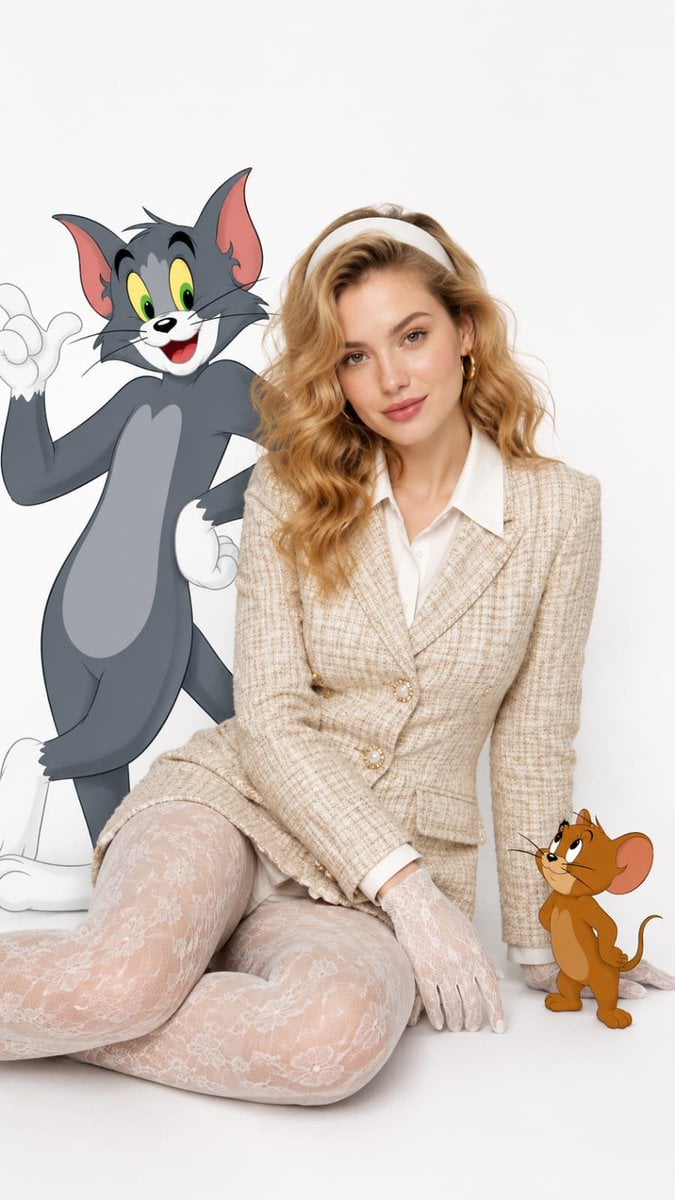
Vintage Fashion with Cartoon Characters
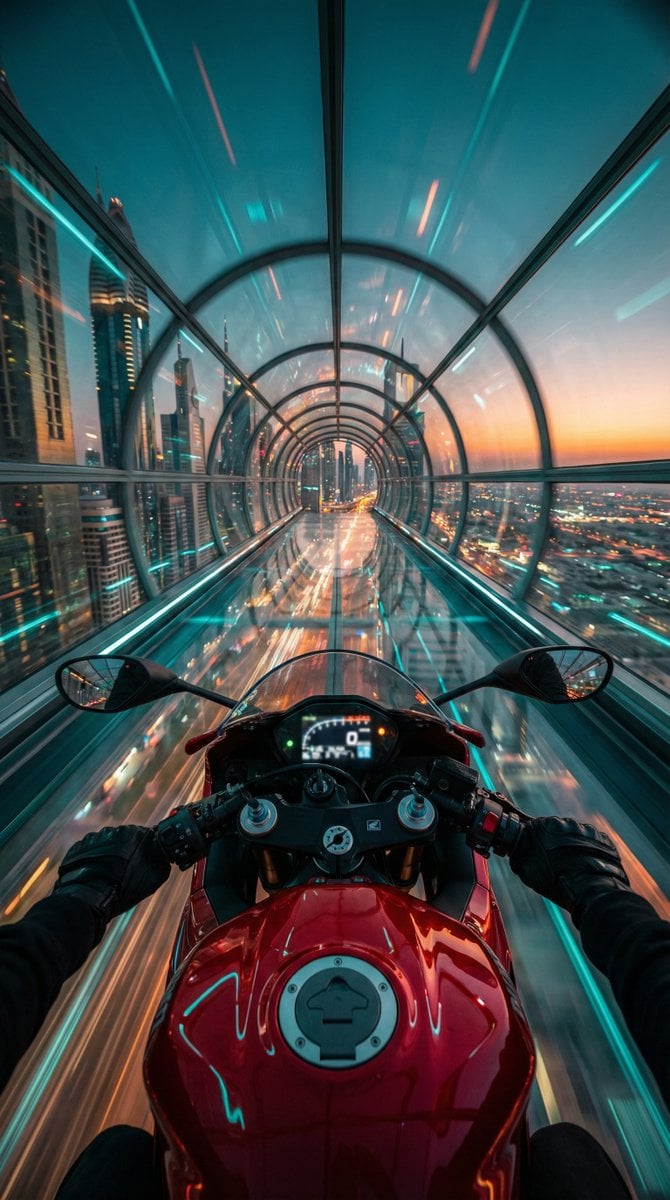
Cyberpunk POV Motorcycle Ride at Hyper-Velocity
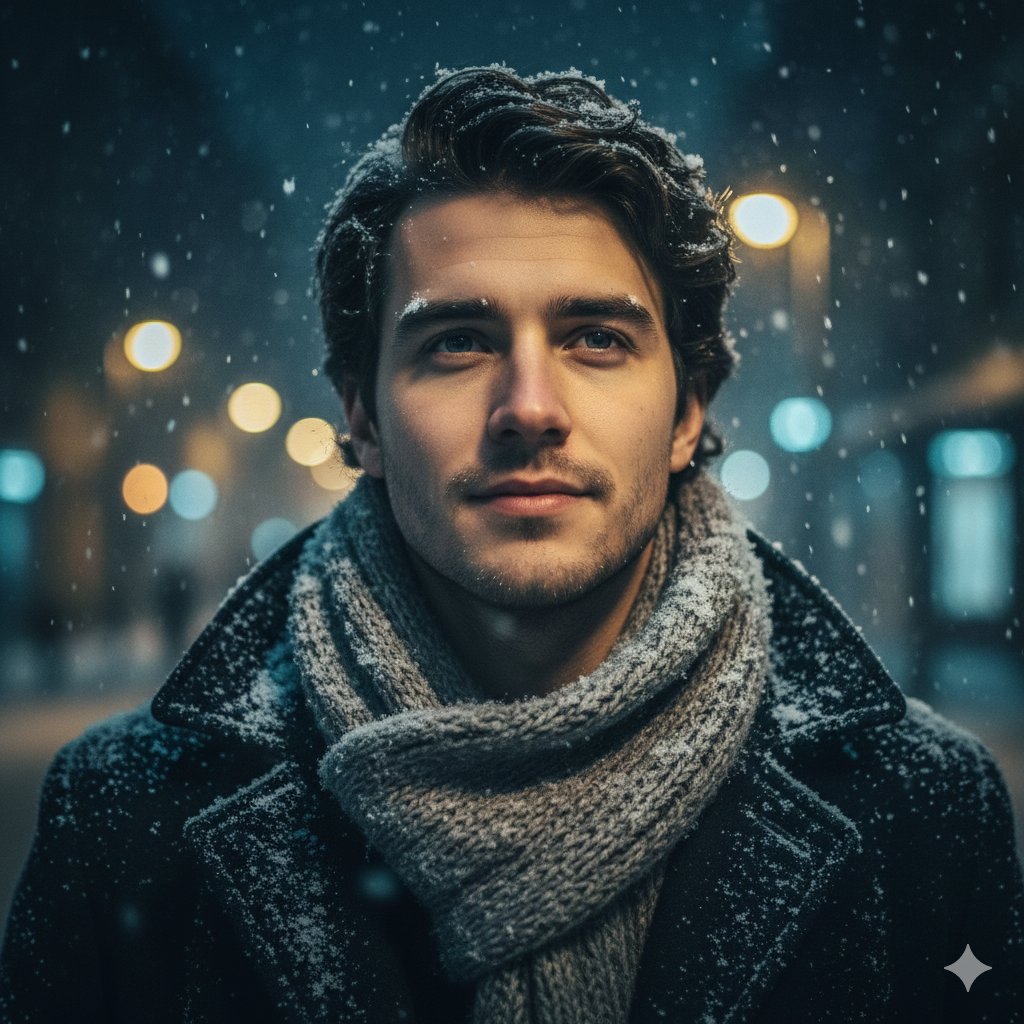
Cinematic Urban Winter Night Portrait
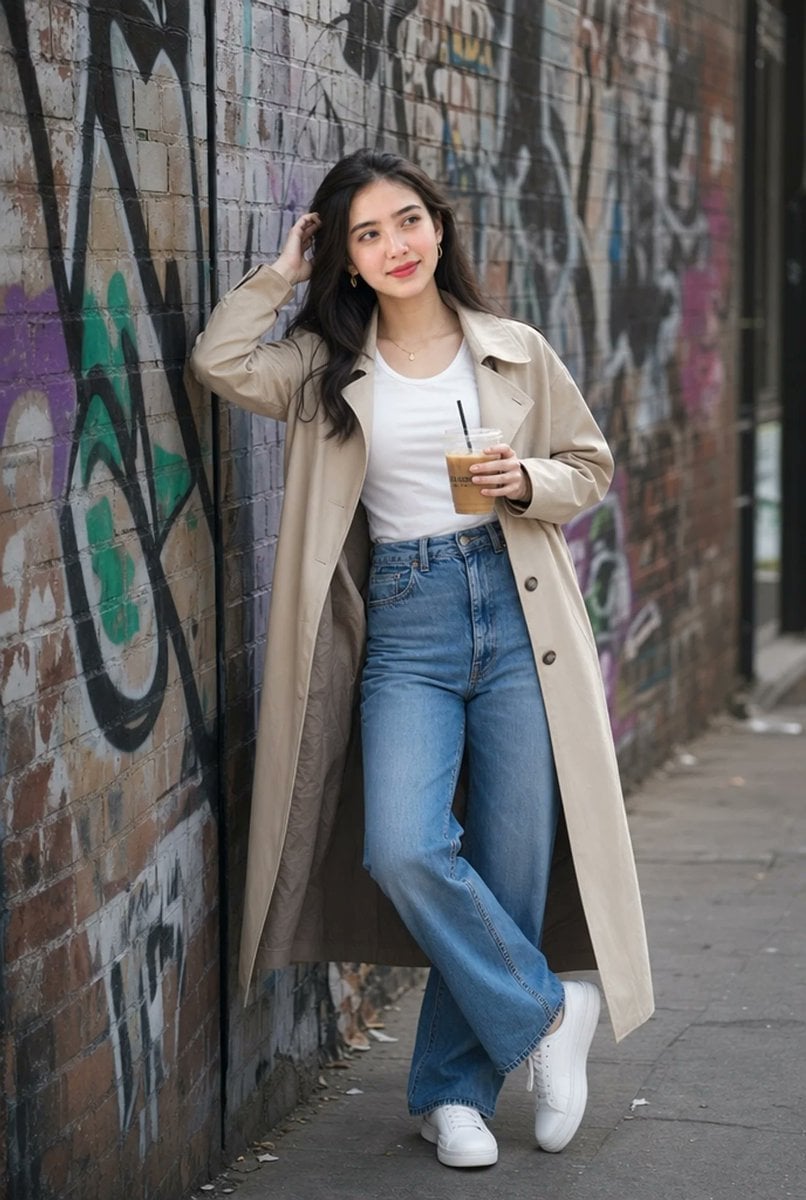
Urban Iced Coffee Portrait
Browse template categories
Detailed JSON Prompt for Car Selfie Portrait questions
How do I use the Detailed JSON Prompt for Car Selfie Portrait template?
Add your photo if the template asks for one, edit the prompt if you like — the template's model and format are already selected — and press Generate. Your version opens in PicX Studio.
Can I customize the Detailed JSON Prompt for Car Selfie Portrait template?
Yes. You can change the subject, setting, lighting, mood, format, and available model controls before creating your image.
Is the Detailed JSON Prompt for Car Selfie Portrait template free?
Opening and editing this template is free. Generating uses credits, shown on the Generate button when you are signed in.
Which AI model should I use?
Start with Nano Banana 2, which is the model associated with this template. You can compare another compatible model for a different finish.
Looking for something else? Browse all templates.

Your photo, any look
Thousands of ready templates for every top image and video model, from one credit balance.