
Skincare Beauty Campaign Advertisement
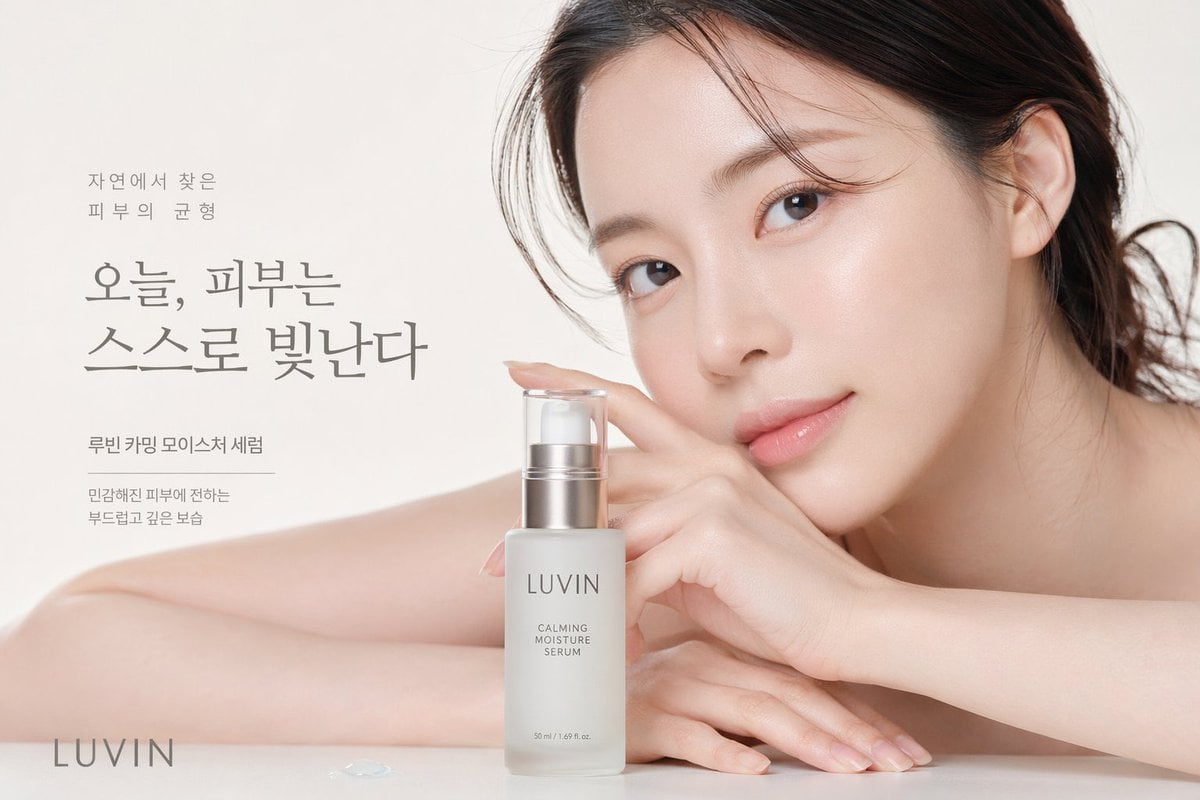
Generates a high-end commercial beauty portrait featuring a model, a skincare product bottle, and elegant promotional typography.
- Prompt included
- Model and format preset
- Free template
The prompt behind this image
Copy the exact prompt behind Skincare Beauty Campaign Advertisement, or open it in the studio and make it yours.
A high-end beauty commercial photograph featuring a close-up of a young East Asian woman with flawless, dewy glass skin. She rests her face gently against her hands and bare arms on a pristine white surface, looking directly at the camera with a soft, serene expression. Her dark hair is loosely pulled back with delicate strands framing her face. In the foreground sits a frosted glass serum bottle with a silver pump, displaying the text "{argument name="brand name" default="LUVIN"}" and "{argument name="product name" default="CALMING MOISTURE SERUM"}". The background is a soft, bright off-white studio setting. Elegant Korean typography is arranged on the left side, featuring the large main headline "{argument name="main headline" default="오늘, 피부는 스스로 빛난다"}". Smaller supporting text above reads "자연에서 찾은 피부의 균형", and text below reads "루빈 카밍 모이스처 세럼" and "민감해진 피부에 전하는 부드럽고 깊은 보습". The brand name "{argument name="brand name" default="LUVIN"}" appears again in the bottom left corner. A tiny drop of clear serum rests on the surface near the bottom left. The lighting is soft, diffused, and luminous, emphasizing a clean, minimalist skincare aesthetic.
How to use Skincare Beauty Campaign Advertisement in 3 steps
- 1Upload ImagePNG, JPG or paste
Add your photo
Upload the photo the template builds on. The prompt, model and format are already set.
- 2…a portrait of your subject in softgolden-hour light, 85mm…
Personalize
Edit the subject and creative details for your destination.
- 3Generate
Generate
Press Generate — your image is created in PicX Studio, so you can compare it with the original and refine one variable at a time.
More like this
Templates with the same subject, style or setup. Open one to see its prompt.

Newspaper Advertisement Campaign Template
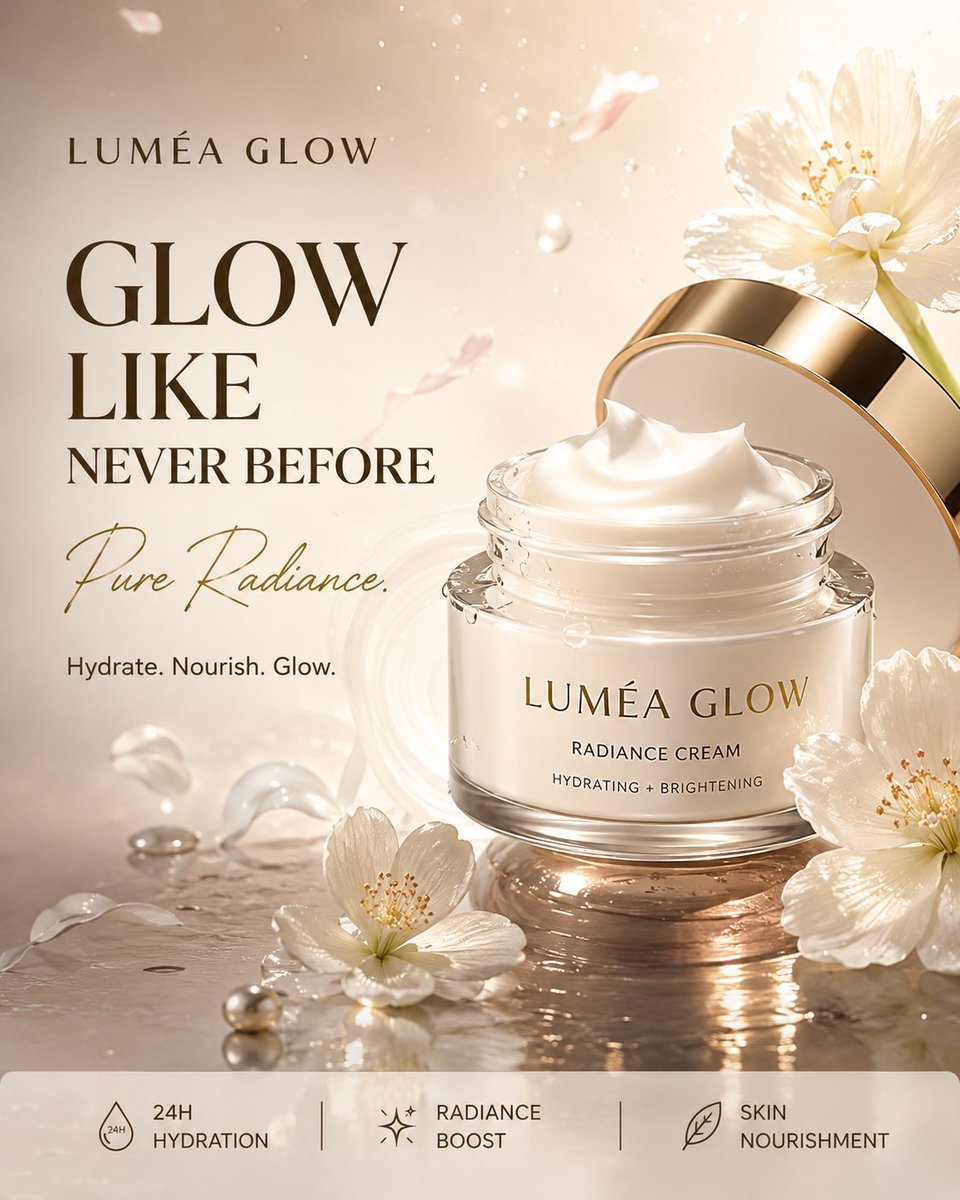
Luxury Skincare Product Advertisement
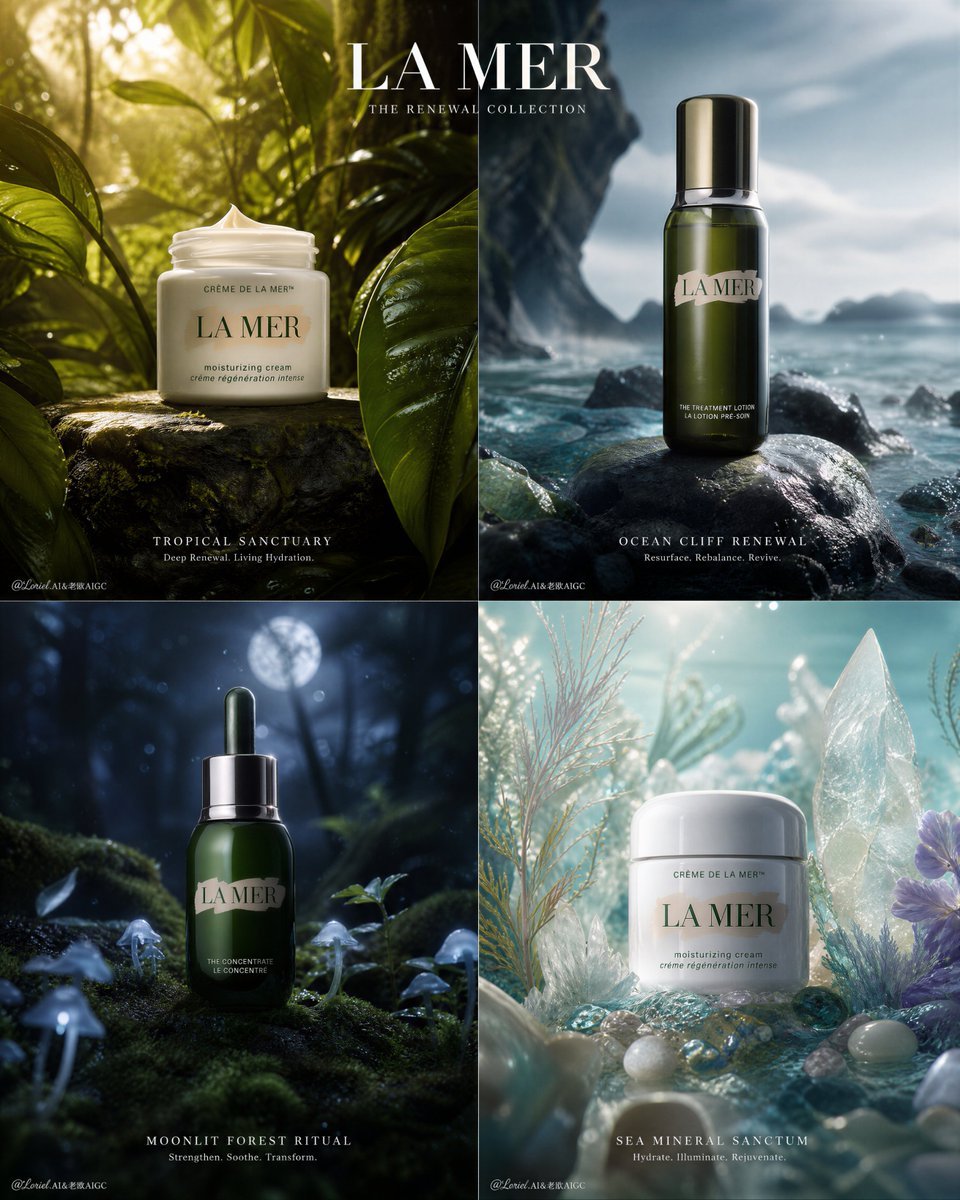
Premium Skincare Campaign Poster Grid
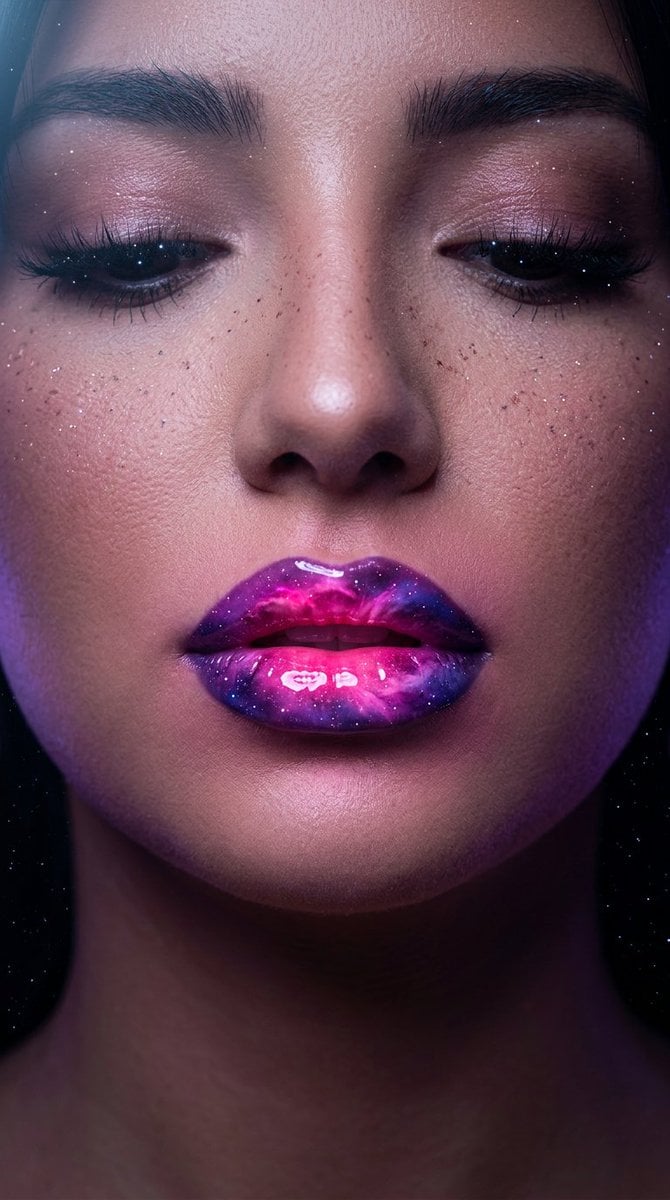
Cosmic Nebula Lipstick Beauty Campaign
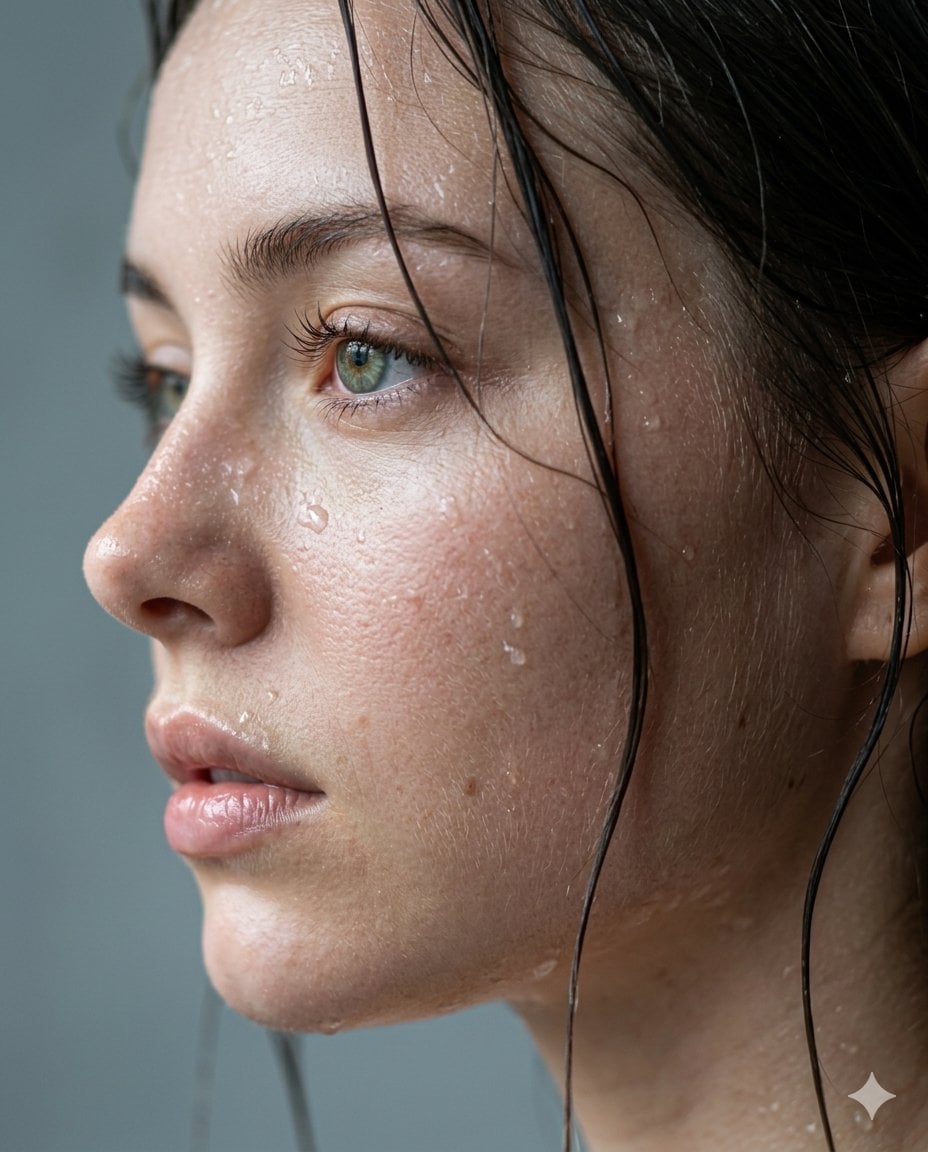
Cinematic Skincare Campaign Portrait

Retro Pop-Art K-Fashion Ultraluxury Campaign Poster

Monroe and Ash Mediterranean Luxury Fashion Campaign

Polo Ralph Lauren Luxury American Heritage Fashion Campaign

Retro Mirror Luxury Fashion Campaign Poster

Luxury Fashion Campaign Typography Poster System

Geometric Color-Block Beauty Editorial Portrait

Premium Fashion Editorial Campaign Poster System
Make it yours
Skincare Beauty Campaign Advertisement works as-is. These are the safest ways to change it without losing the look.
Change one field
Copy a single group, rewrite it, and generate again so you can see what that field is doing.
Keep the frame, change the subject
Hold the composition and light of Skincare Beauty Campaign Advertisement, then swap wardrobe, props or the person for a new take.
| If the result… | Why | Fix |
|---|---|---|
| The result drifts from the preview | Too many fields changed at once. | Reuse Skincare Beauty Campaign Advertisement as-is first, then change one group — subject, light, or setting. |
| The model over-stylizes the scene | The prose prompt leaves finish and camera underspecified. | Add one camera or lighting sentence and stay on GPT Image 2. |
More GPT Image 2 templates
Other prompts made for GPT Image 2.

Six VTuber Japanese Logo Sheet

Realistic Portrait of Woman and Deer

The Vista Modular Condo Poster

AI Model Routing Comparison Infographic

2.5D Anime Art Board

Isometric Productivity Desk Scene

New York Double Exposure Poster

Four-Panel AI Landscape Comparison

Japanese Tatami Lifestyle Magazine Cover

NESCAFÉ Coffee Map Poster
More image prompts
Fresh picks from across the catalog.
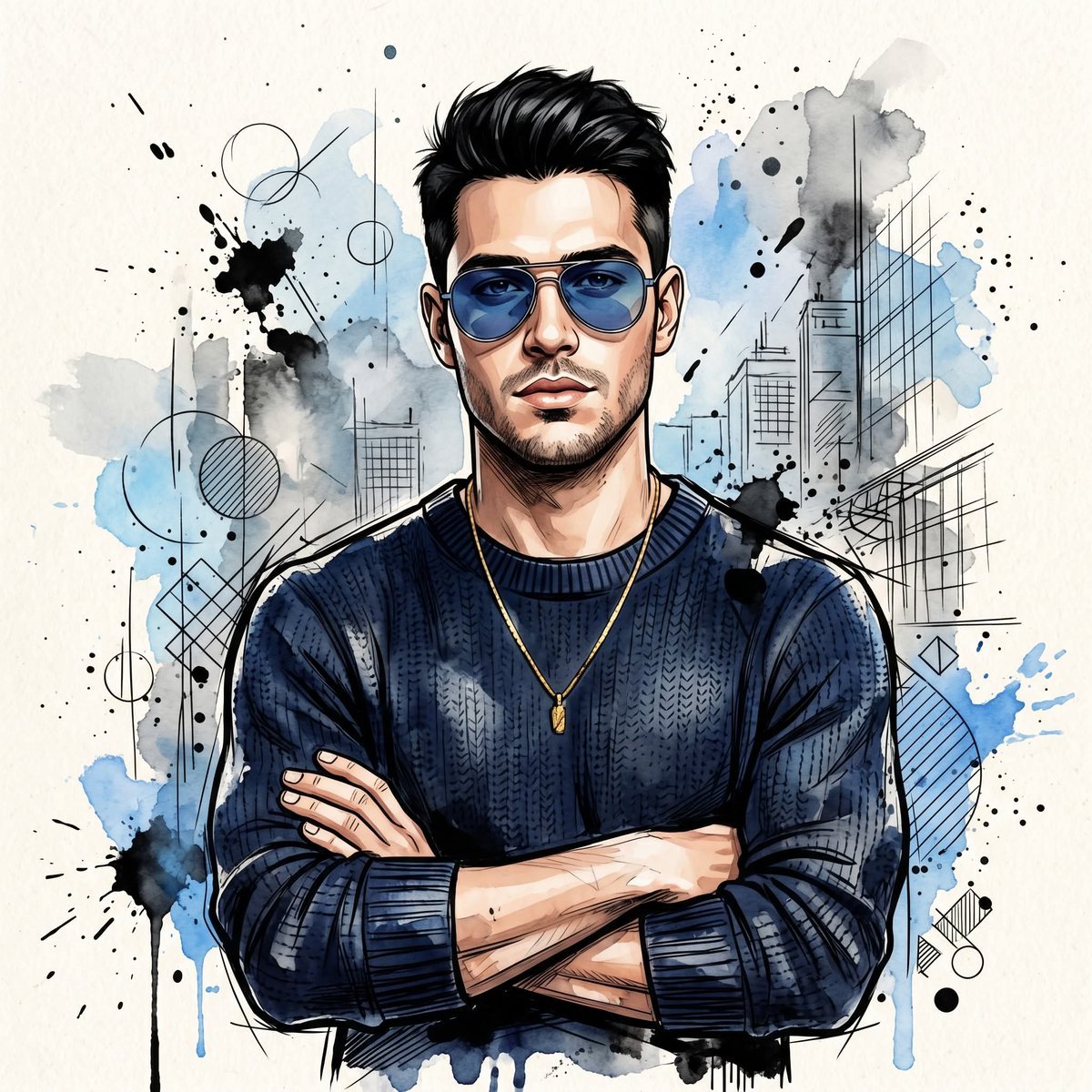
Watercolor Man Portrait with City Skyline
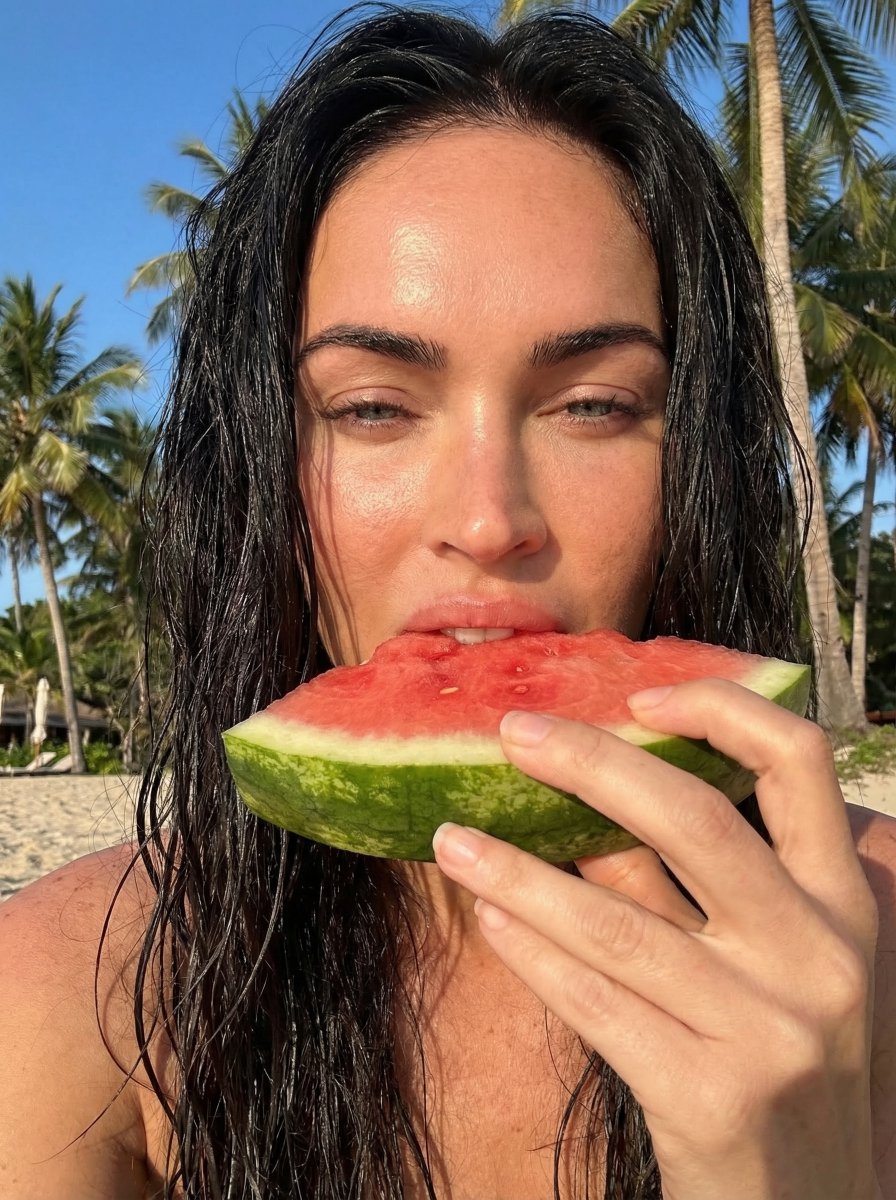
Outdoor Summer Watermelon Selfie (Detailed JSON)
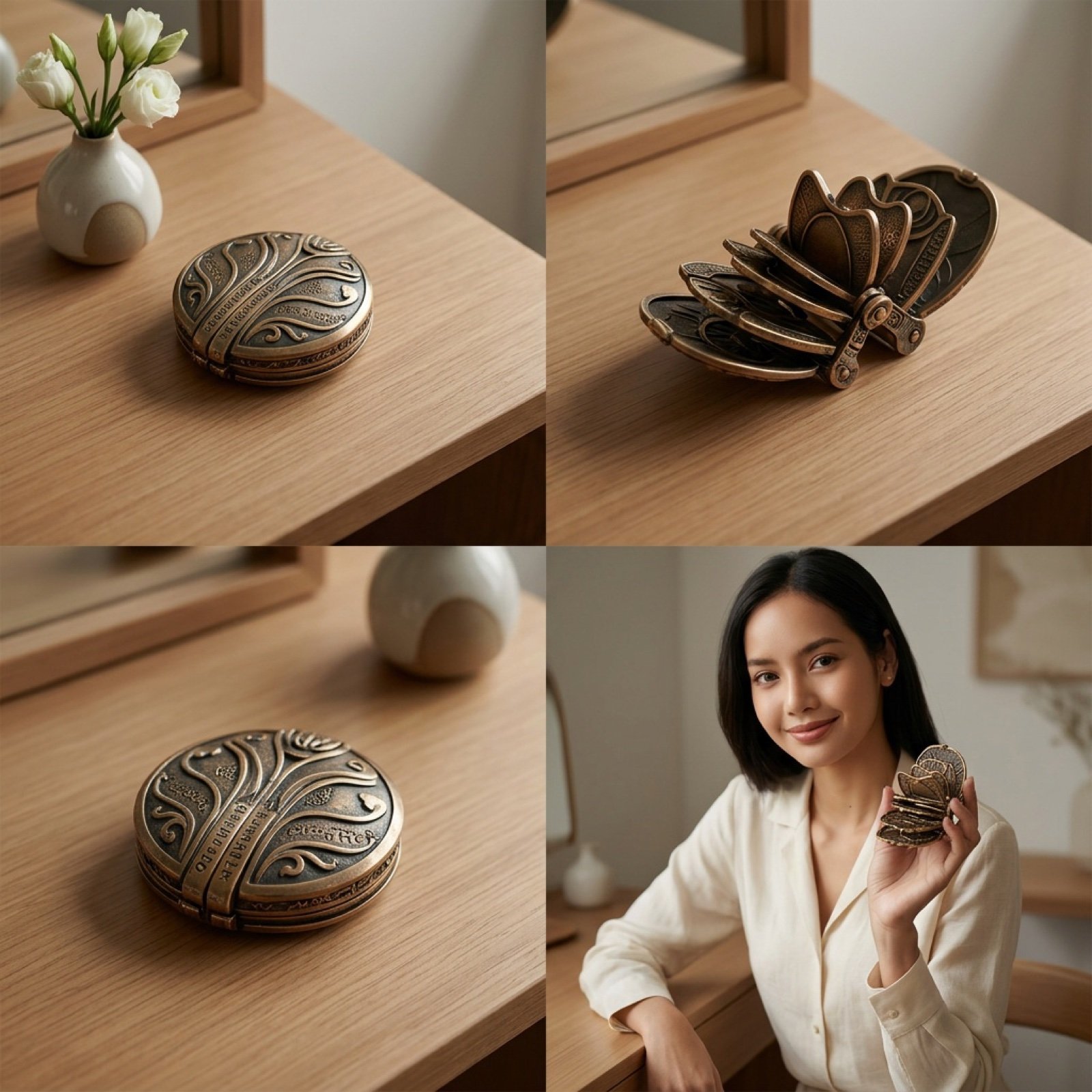
Detailed Video Generation Prompt for Product Display
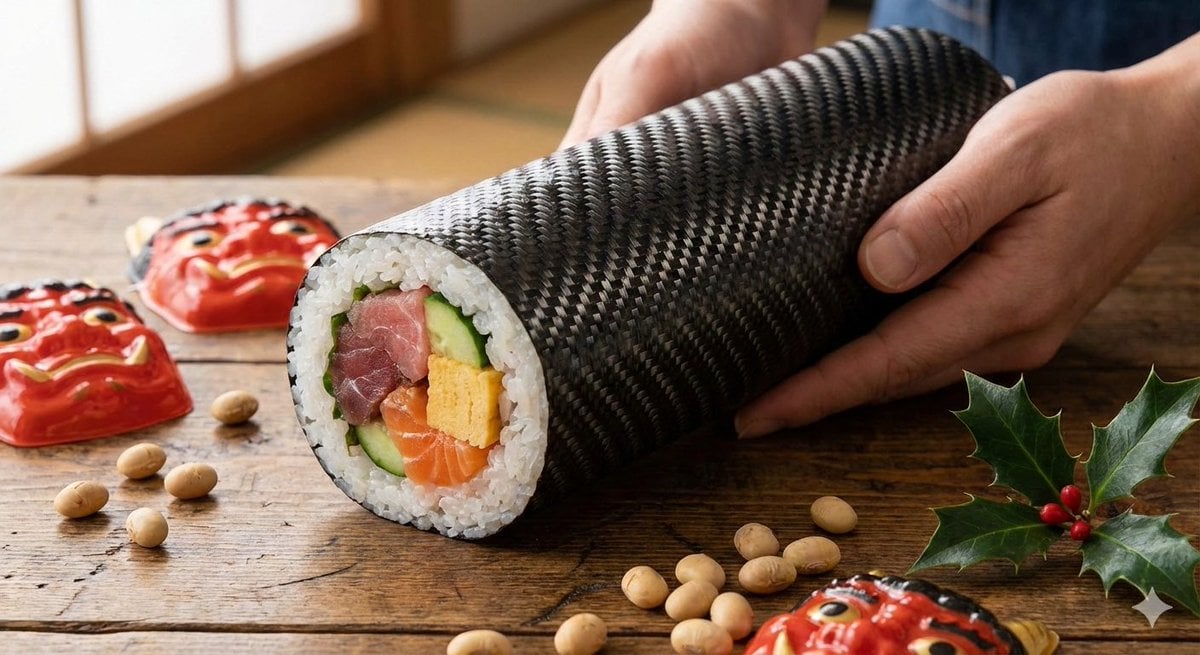
Carbon Pattern Printed Ehomaki Sushi Roll

China Southern A380 Takeoff at Pudong
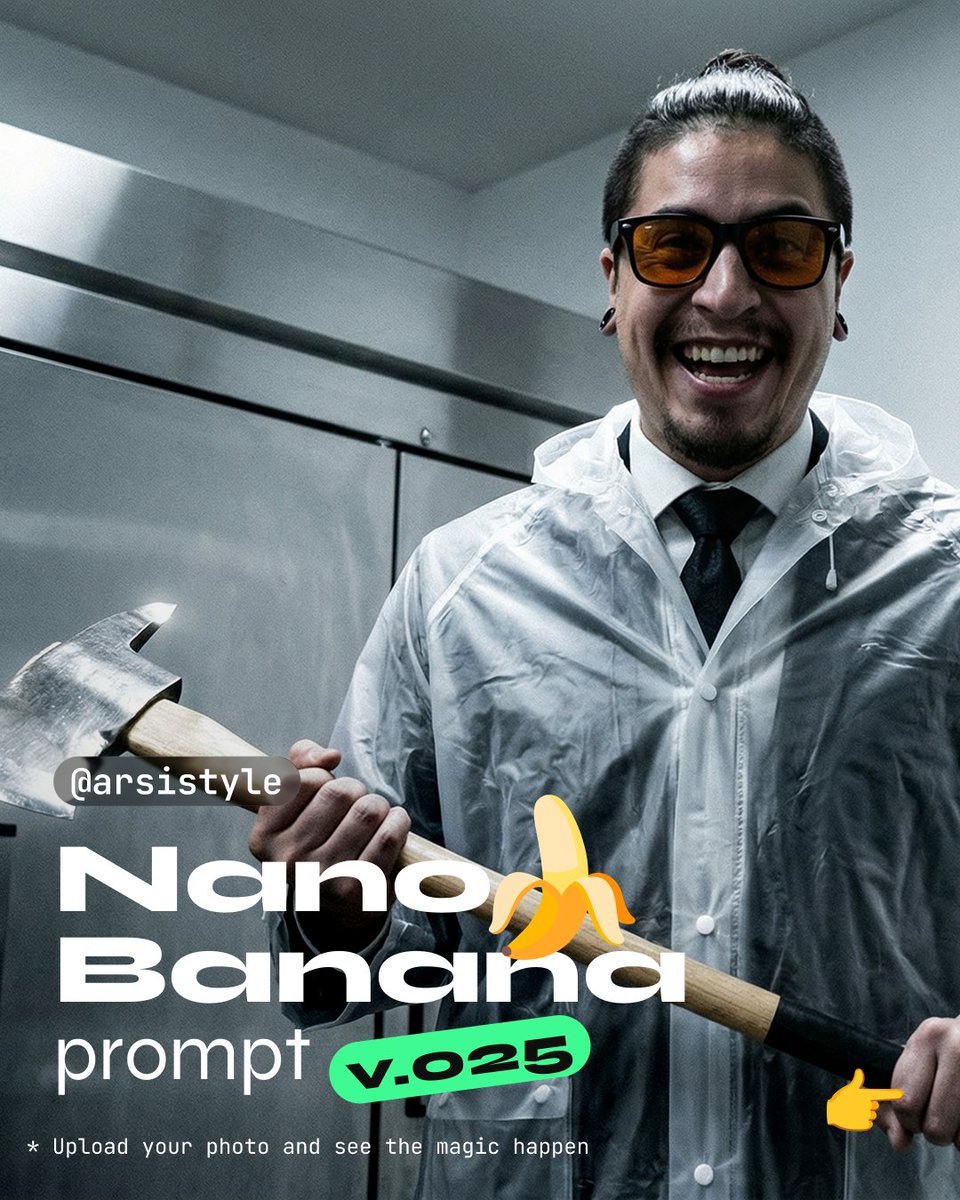
Clinical, High-Contrast Portrait with Axe and Raincoat Prompt
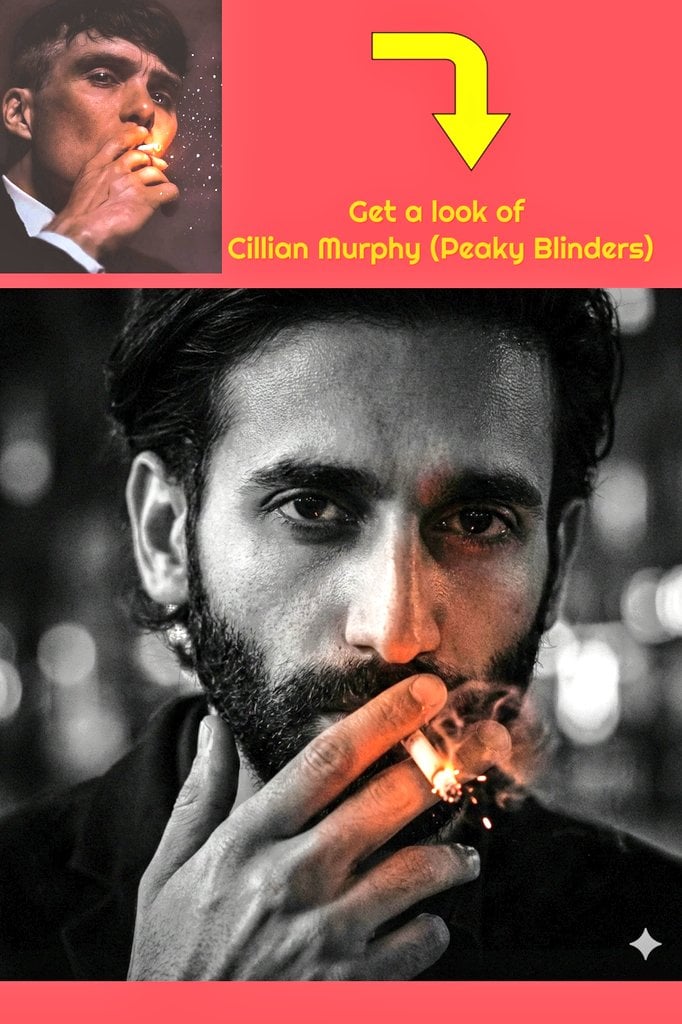
Film Noir Portrait of Cillian Murphy with Cigarette
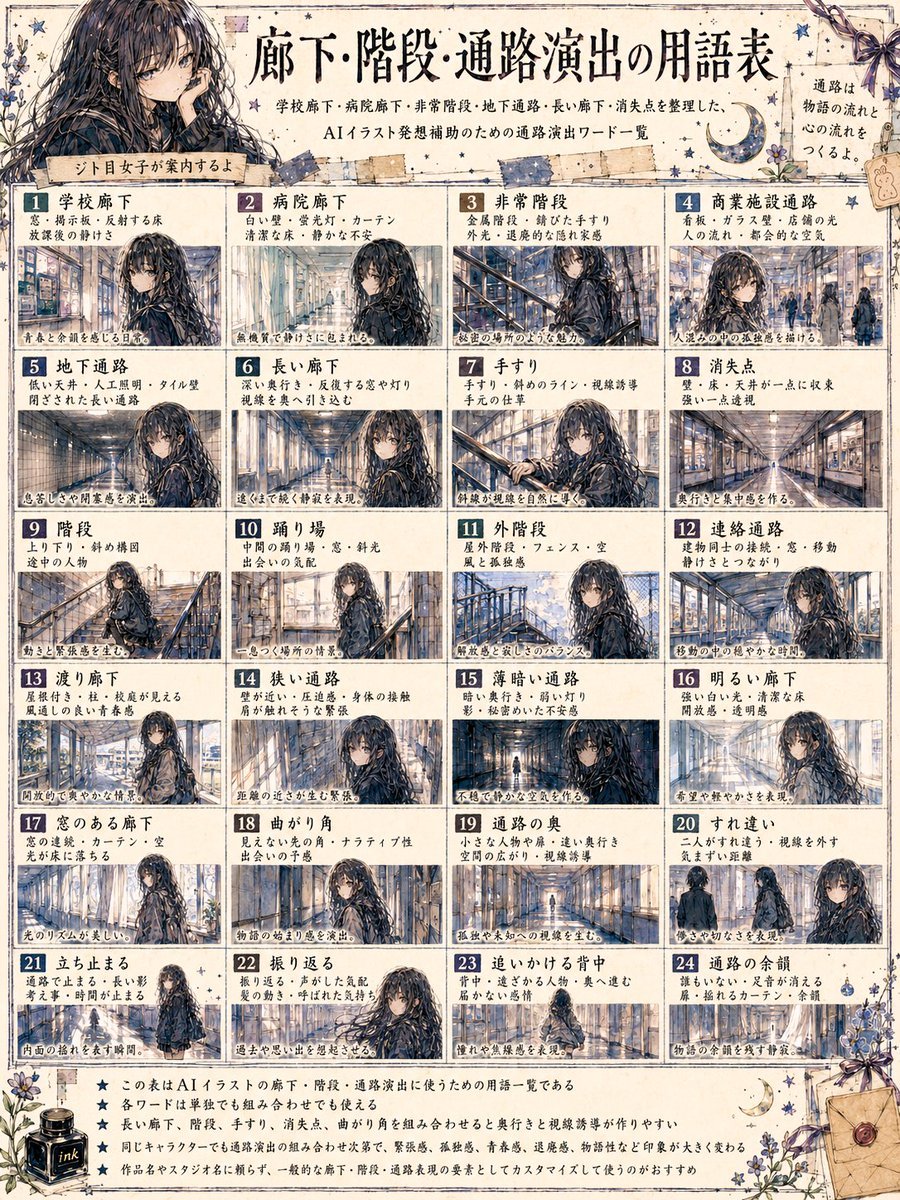
Japanese Corridor Vocabulary Poster
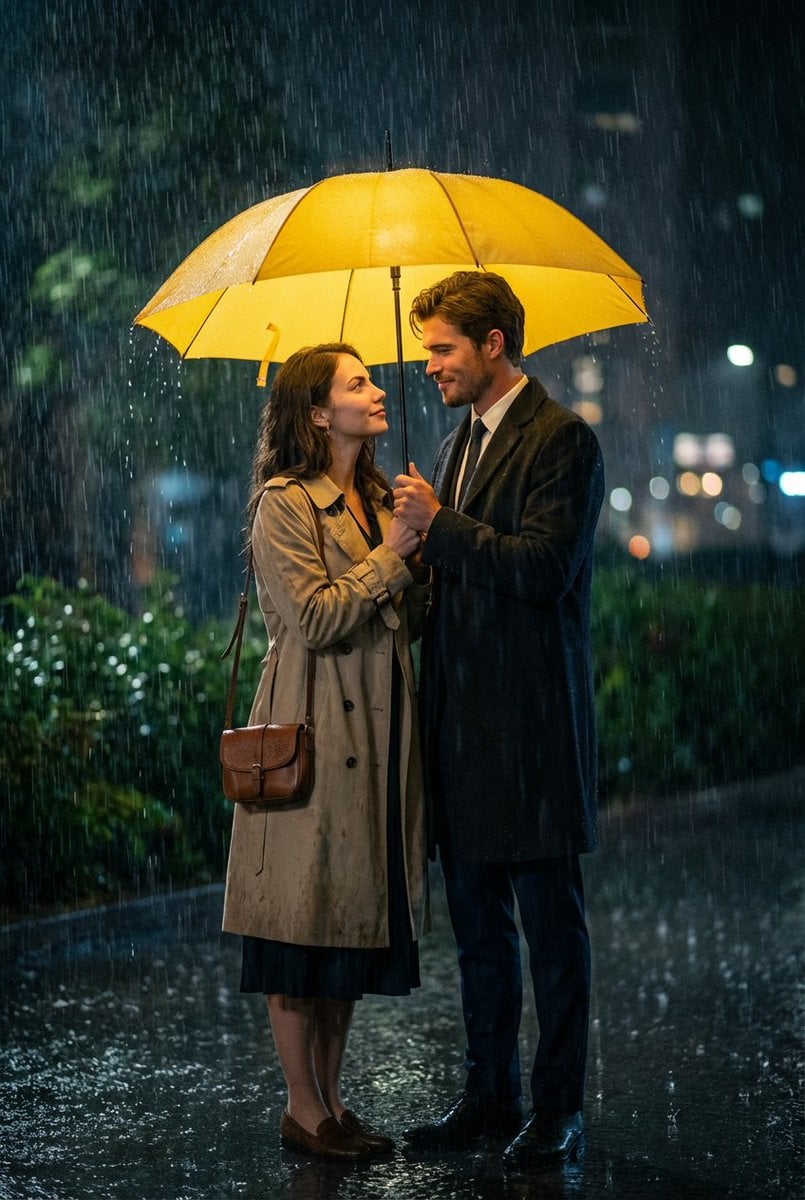
Cinematic HIMYM Yellow Umbrella Matchshot Prompt
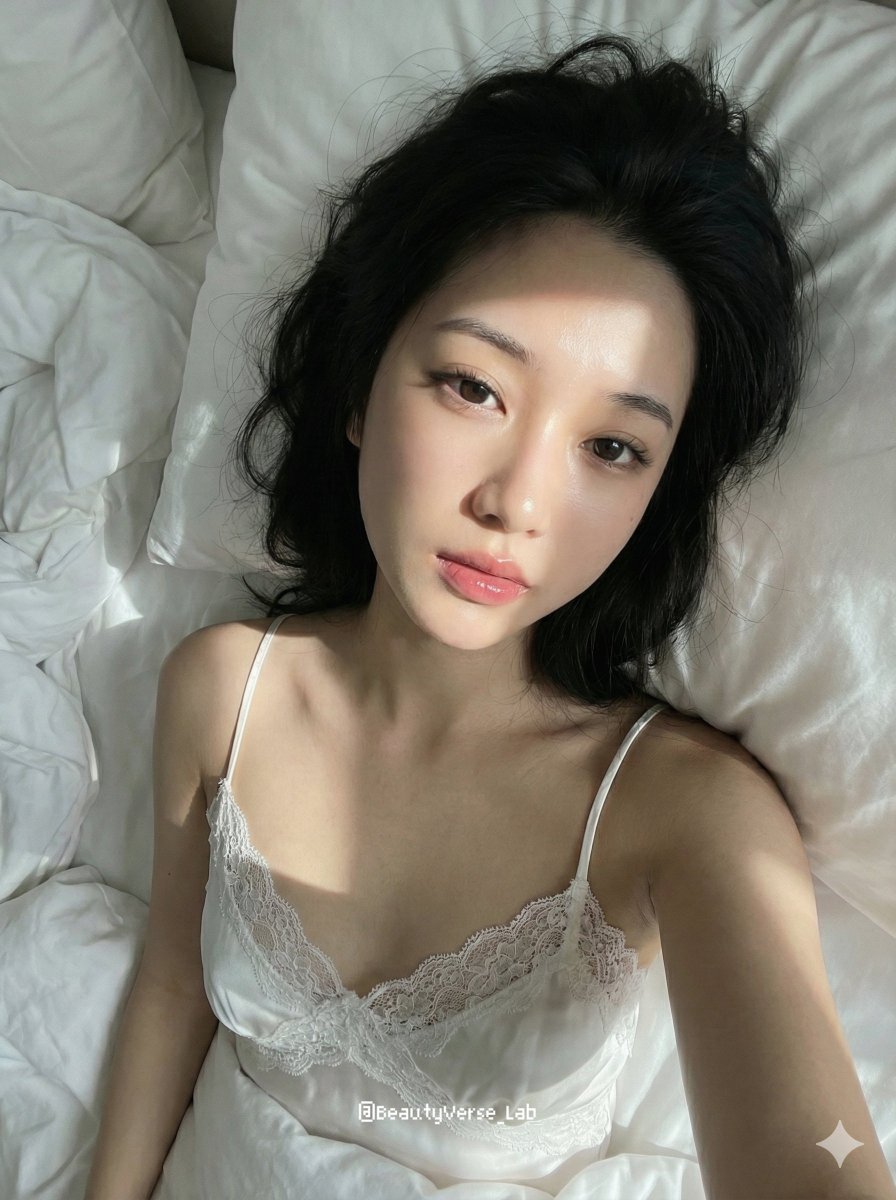
Cozy Morning Pure Desire Portrait Prompt (JSON Structure)
Browse template categories
Skincare Beauty Campaign Advertisement questions
How do I use the Skincare Beauty Campaign Advertisement template?
Add your photo if the template asks for one, edit the prompt if you like — the template's model and format are already selected — and press Generate. Your version opens in PicX Studio.
Can I customize the Skincare Beauty Campaign Advertisement template?
Yes. You can change the subject, setting, lighting, mood, format, and available model controls before creating your image.
Is the Skincare Beauty Campaign Advertisement template free?
Opening and editing this template is free. Generating uses credits, shown on the Generate button when you are signed in.
Which AI model should I use?
Start with GPT Image 2, which is the model associated with this template. You can compare another compatible model for a different finish.
Looking for something else? Browse all templates.

Your photo, any look
Thousands of ready templates for every top image and video model, from one credit balance.