
Outdoor Summer Watermelon Selfie (Detailed JSON)
A structured JSON prompt for generating an outdoor, candid summer selfie.
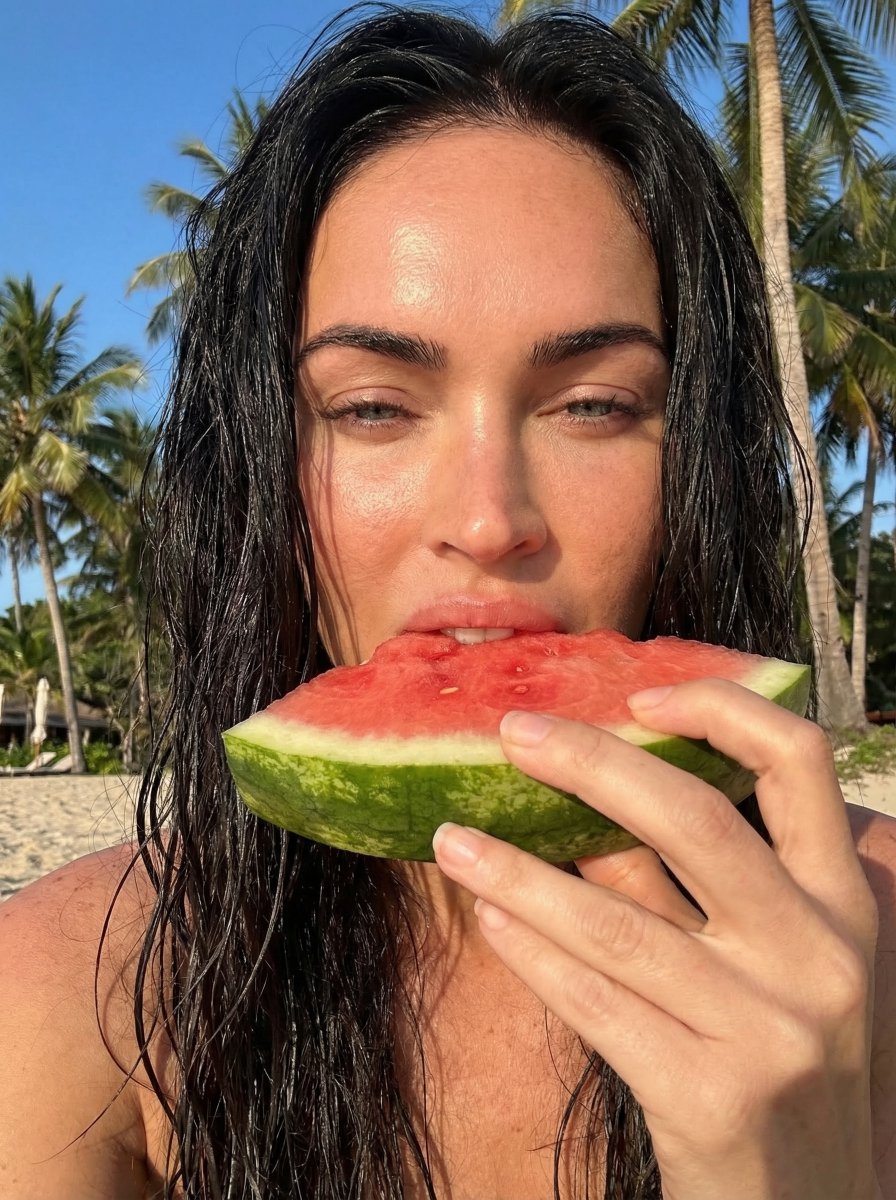
- Prompt included
- Model and format preset
- Free template
The prompt behind this image
Copy the exact prompt behind Outdoor Summer Watermelon Selfie (Detailed JSON), or open it in the studio and make it yours.
{ "photo_type": "outdoor summer selfie, candid lifestyle", "subject": { "count": 1, "use_reference_face": true, "preserve_identity": true, "appearance": "{argument name="subject appearance" default="wet hair, natural skin, minimal makeup"}" }, "pose": { "description": "holding a slice of watermelon close to mouth, lips touching fruit, one eye slightly closed", "expression": "playful, relaxed, sun-kissed mood" }, "camera": { "device": "front camera smartphone selfie", "perspective": "handheld close-up", "angle": "slightly low and very close to face", "tilt": "subtle upward tilt", "distance": "arm-length, tight framing", "framing": "face fills most of frame, hand and watermelon in foreground", "lens": "wide smartphone lens (24-28mm equivalent)", "focus": "sharp on face and fruit" }, "composition": { "subject_position": "center", "foreground": "hand holding watermelon partially blocking lower face", "background": "palm trees, sky, beach blur" }, "lighting": { "type": "direct harsh sunlight", "direction": "from above and slightly behind", "effect": [ "strong highlights on forehead, nose, cheeks", "deep natural shadows under chin and hair", "sun glow around hair edges", "slight overexposure on highlights" ] }, "color_grading": { "style": "warm summer tones", "temperature": "slightly warm", "contrast": "medium-high", "saturation": "natural with boosted reds and greens" }, "details": { "skin_texture": "real, slightly glossy from sunlight", "hair": "wet strands, natural messiness", "finish": "raw iPhone look, no heavy editing" }, "rules": { "lock_camera_angle": true, "avoid": [ "studio lighting", "perfect symmetry", "over-smooth skin", "wide distance shots" ] } }
How to use Outdoor Summer Watermelon Selfie (Detailed JSON) in 3 steps
- 1
Open
The prompt is already in the box next to the preview, with the template's model and format selected.
- 2…a portrait of your subject in softgolden-hour light, 85mm…
Personalize
Edit the subject and creative details for your destination.
- 3Generate
Generate
Press Generate — your image is created in PicX Studio, so you can compare it with the original and refine one variable at a time.
More like this
Templates with the same subject, style or setup. Open one to see its prompt.
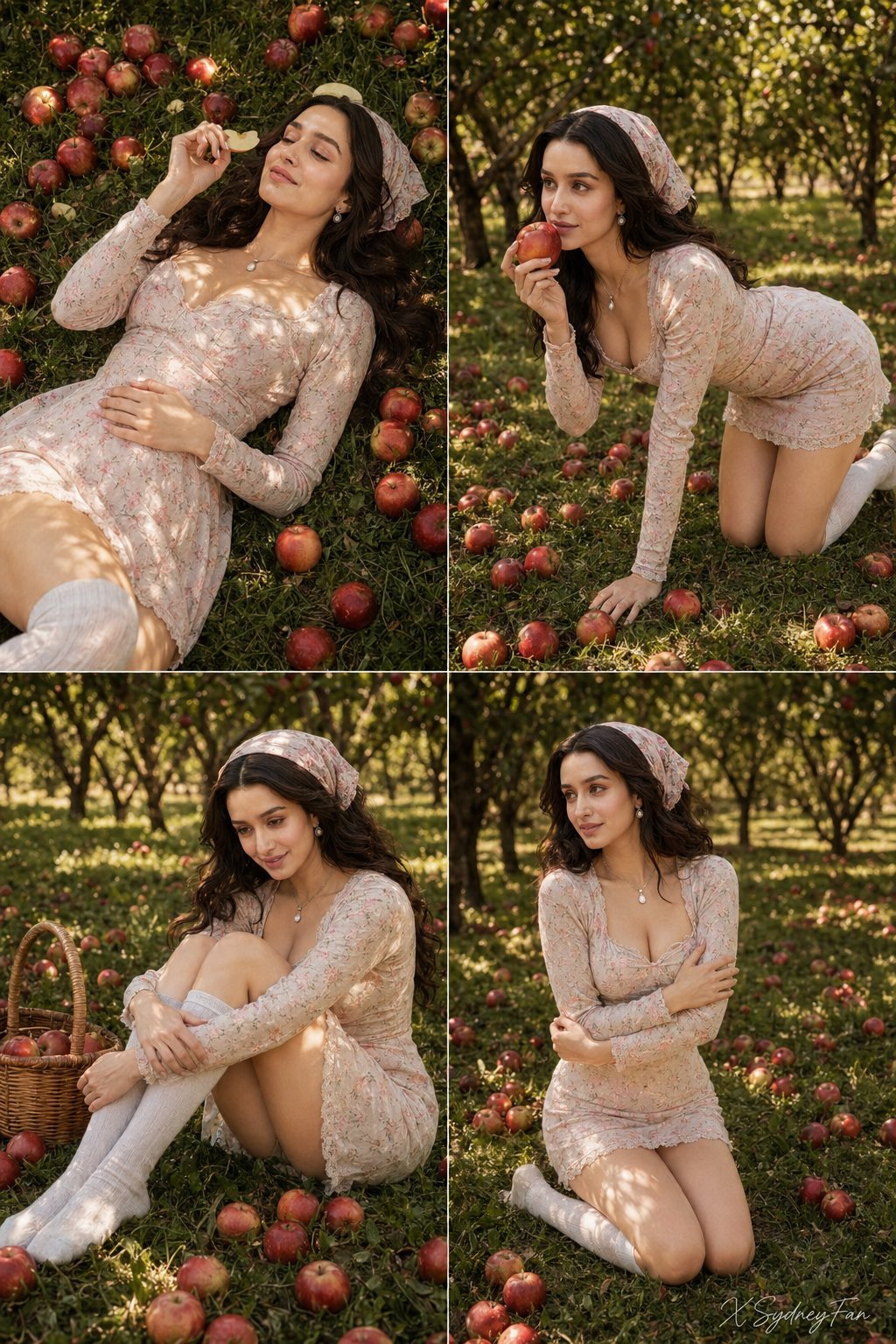
Nano Banana Apple Orchard Collage
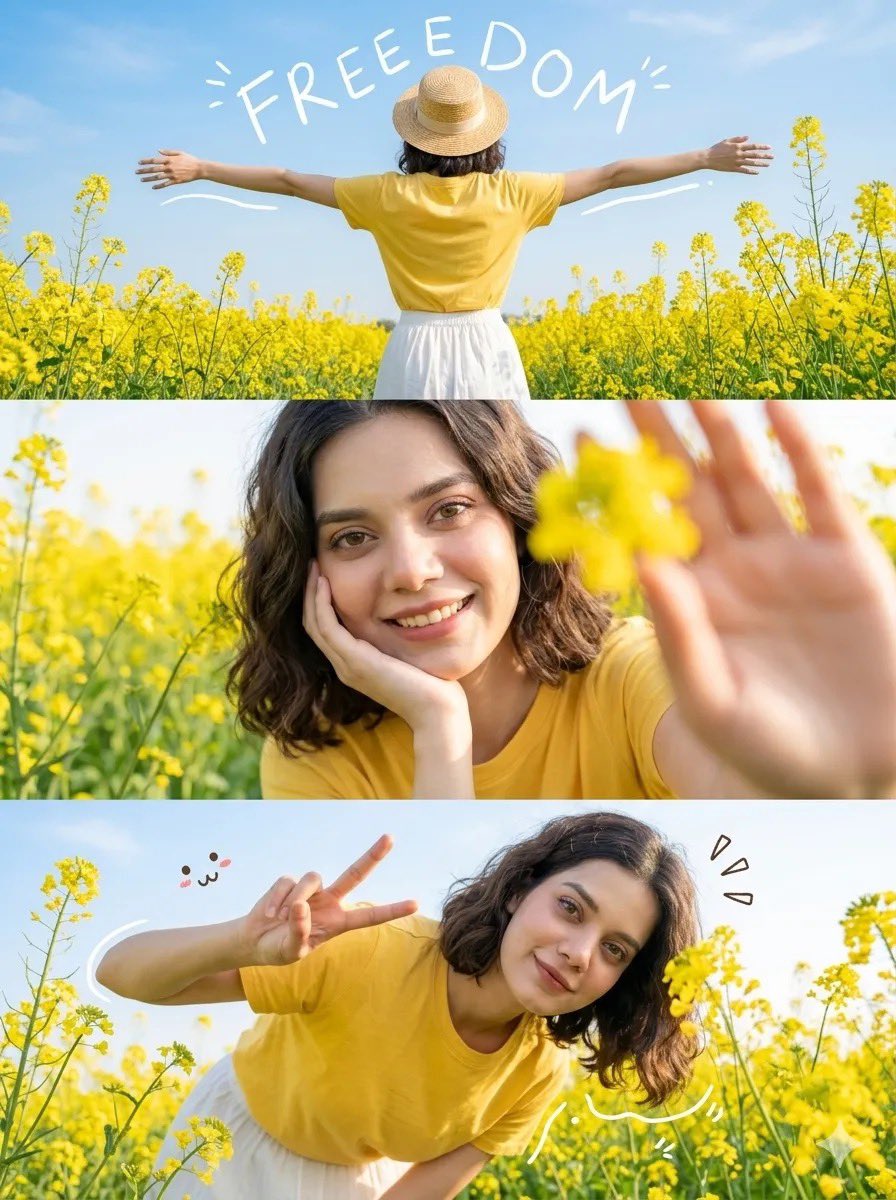
Mustard Flower Field Summer
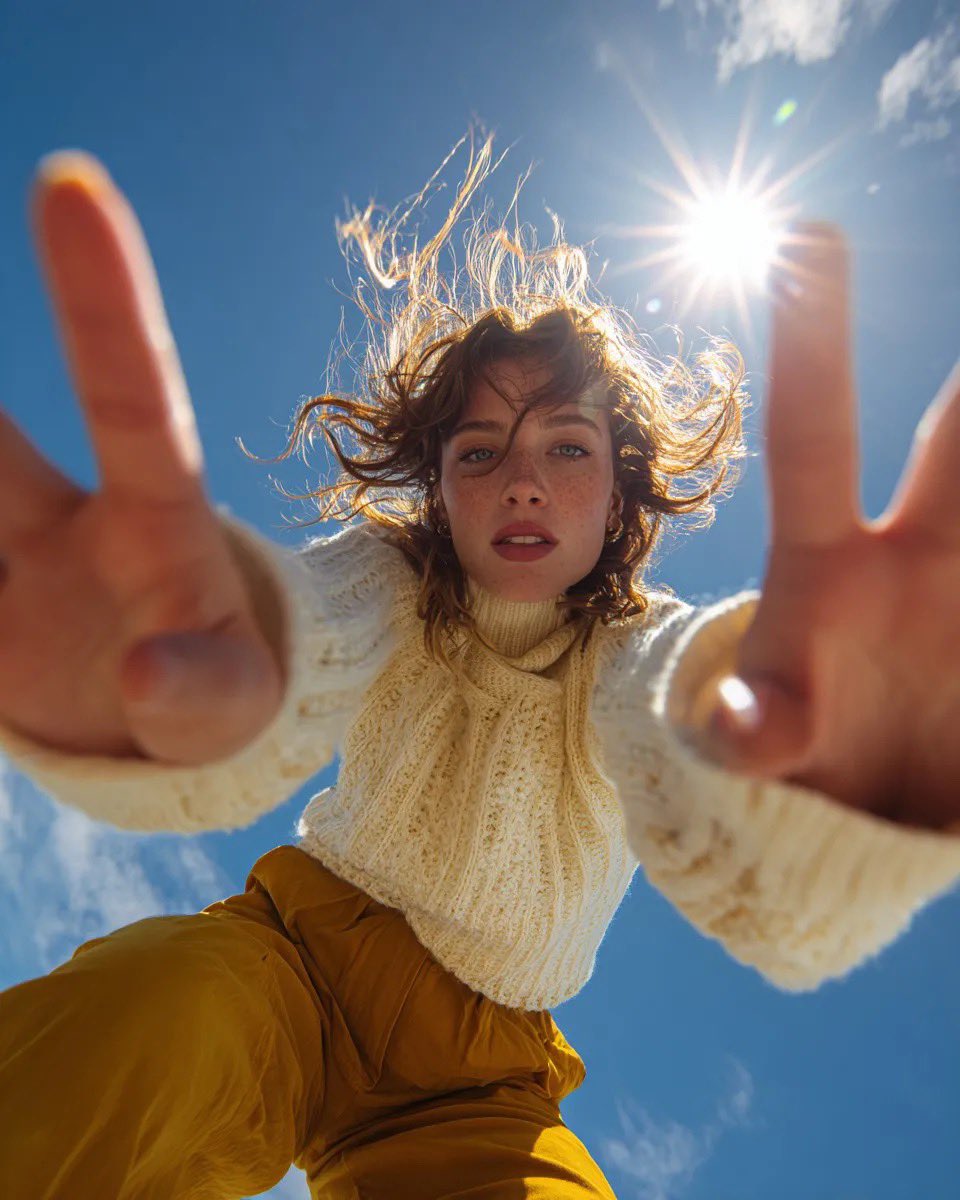
Ultra Wide Low-Angle Portrait — Sairah (Nano Banana)

Tropical Vacation Selfie — Nano Banana (Chryzleen)

Korean Cafe Courtyard Gold Frame Mirror Selfie
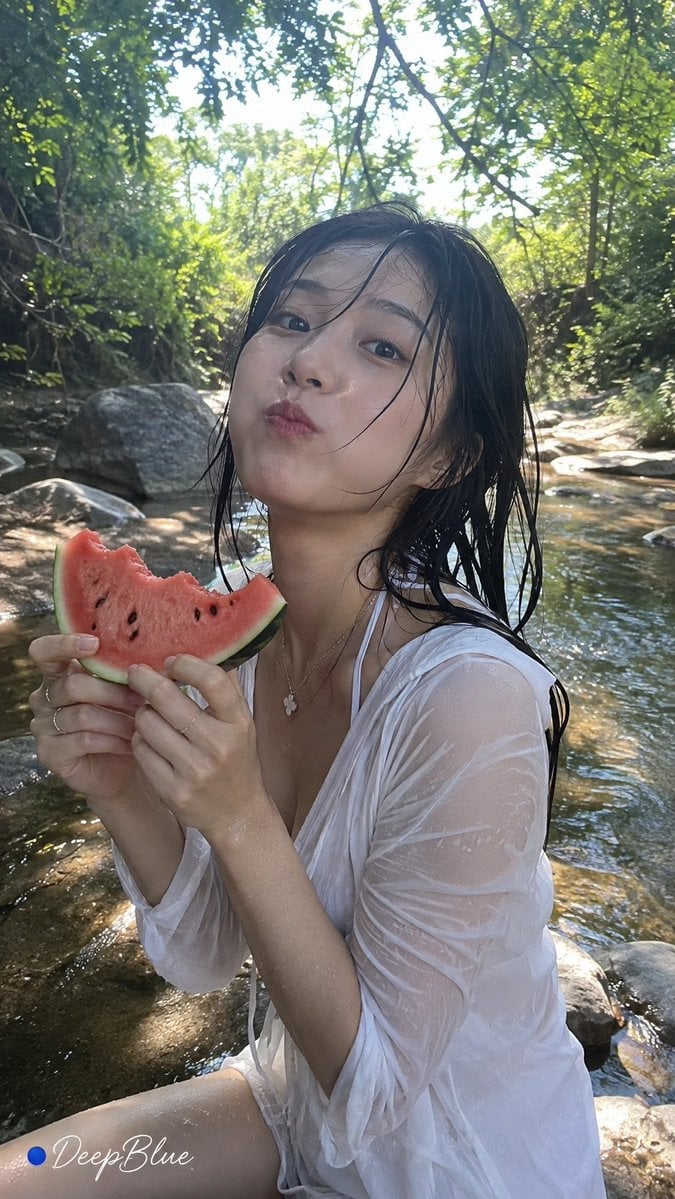
Summer Watermelon Lifestyle Snapshot
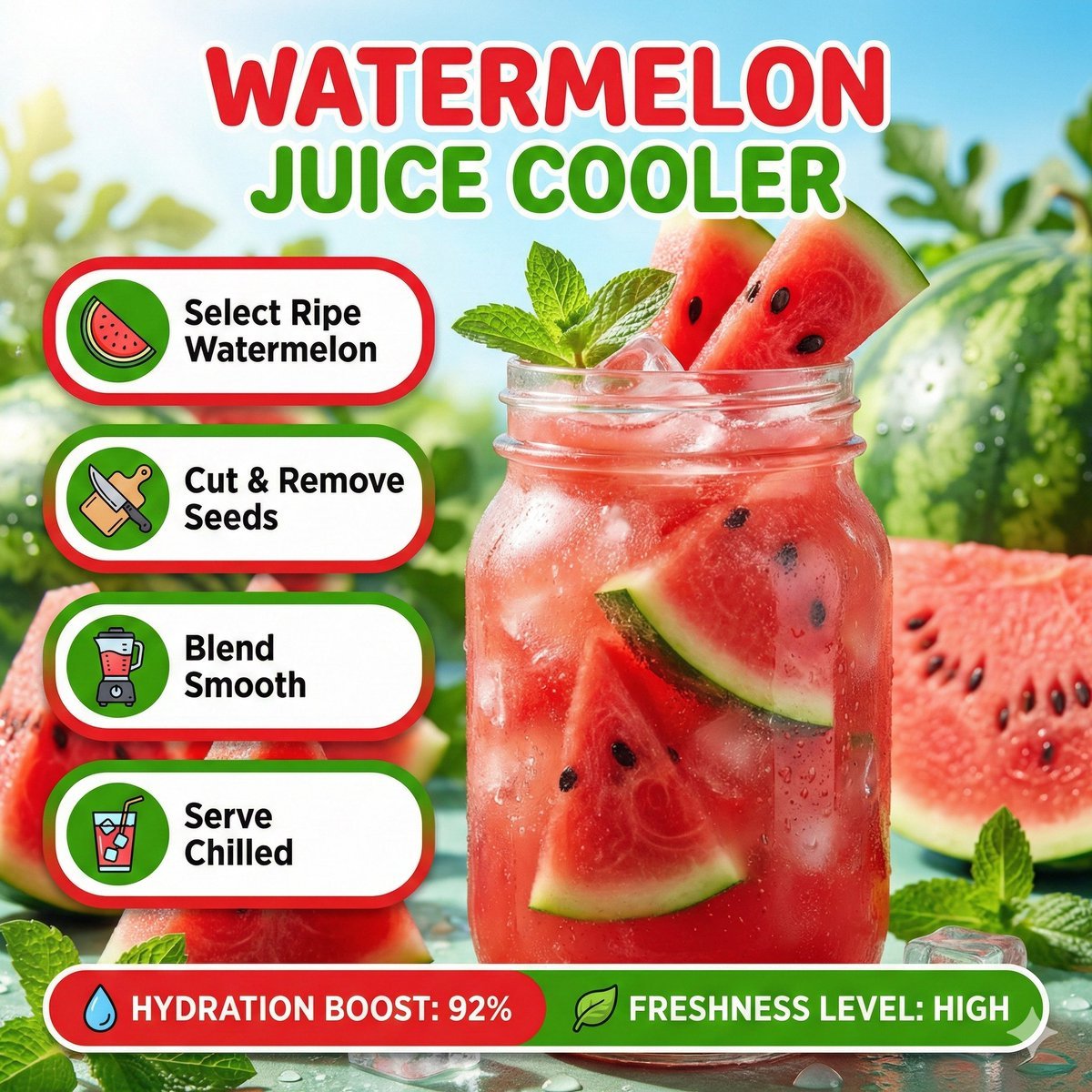
Bright summer infographic showcasing watermelon juice, icy texture
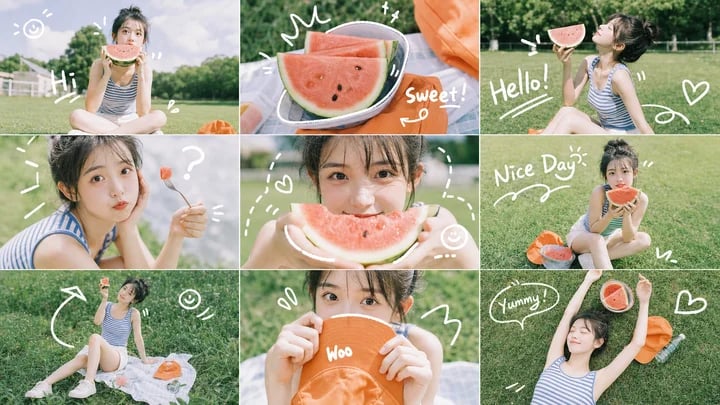
Summer Watermelon Doodle Collage

Rooftop Fisheye — Cat-Ear Balaclava at Golden Hour

Felt & Knit 3D Character — Photo-Exact Face, Pixar-Quality Plush Figurine

Eid al-Adha Cute Chaos — Fisheye Selfie with Farm Selfie, Mosque & Animals

Cat Photobomb Selfie — 0.5x Wide Angle Café Chaos
Make it yours
Outdoor Summer Watermelon Selfie (Detailed JSON) works as-is. These are the safest ways to change it without losing the look.
Change one field
Copy a single group, rewrite it, and generate again so you can see what that field is doing.
Keep the frame, change the subject
Hold the composition and light of Outdoor Summer Watermelon Selfie (Detailed JSON), then swap wardrobe, props or the person for a new take.
| If the result… | Why | Fix |
|---|---|---|
| The result drifts from the preview | Too many fields changed at once. | Reuse Outdoor Summer Watermelon Selfie (Detailed JSON) as-is first, then change one group — subject, light, or setting. |
| The model over-stylizes the scene | The prose prompt leaves finish and camera underspecified. | Add one camera or lighting sentence and stay on Nano Banana 2. |
More Nano Banana 2 templates
Other prompts made for Nano Banana 2.

Photorealistic Leaf Shaped Like a Dragon

K-Pop Idol Portrait Grid for Rapid Selection

Poetic Rain Forest Portrait During Golden Hour

Urban Street Portrait with Cartoon Inner Self Duo

Candid Nighttime Photo with Cat Prompt

High-Concept 3D Diorama Generation Prompt

Cinematic Futuristic Studio Portrait Template

Skincare Editorial Photography Collage Prompt

Hyper-Realistic Commercial Product Photography (Splash Effect)

Hyper-Realistic Nightclub Portrait Prompt
More image prompts
Fresh picks from across the catalog.

Reflected Relic: Surreal Artisan Portrait
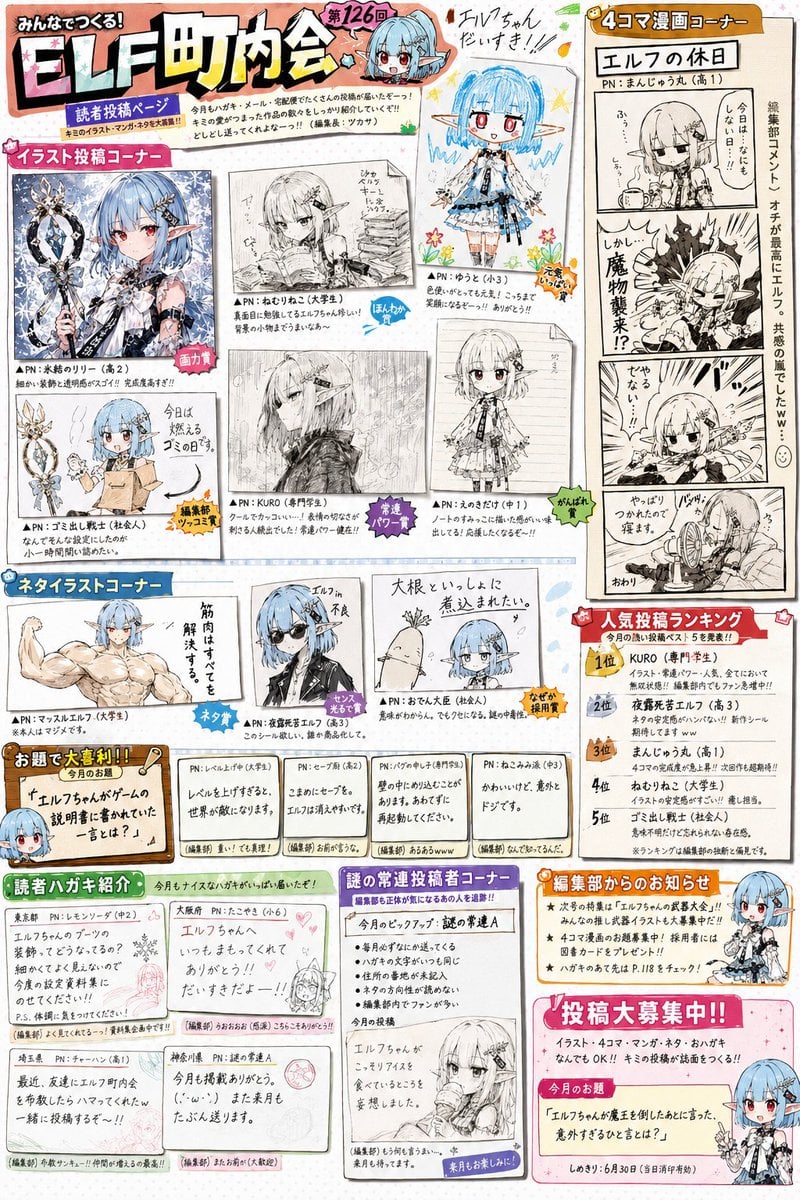
Retro Magazine Reader Submission Page
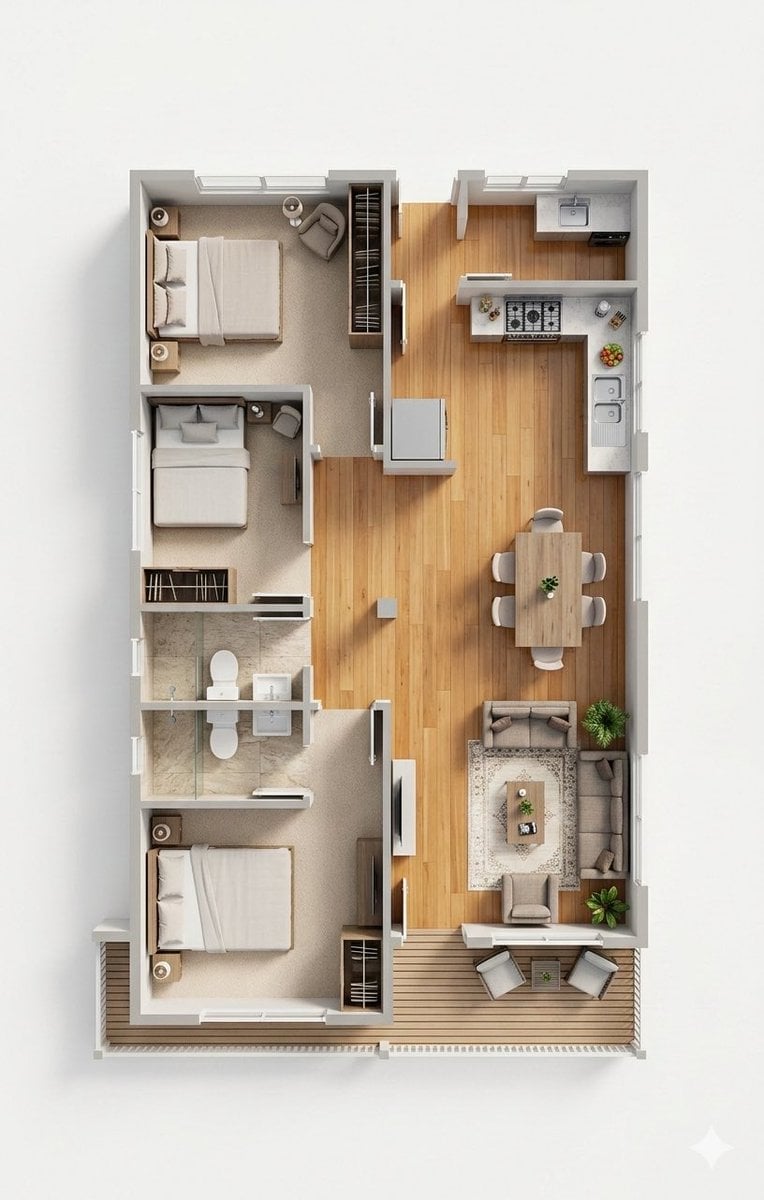
Photorealistic 3D Floor Plan Render with Furniture

Nano Banana 2 Gourmet Ice Cream Commerci
Madison Beer Hotel Iphone Flash
Six-Image 90s Zine Fashion Collage

Anime Fantasy Rock Band Fusion

Realistic Sam's Club Shopping Snapshot
Man Under Starry Sky Cinematic Prompt
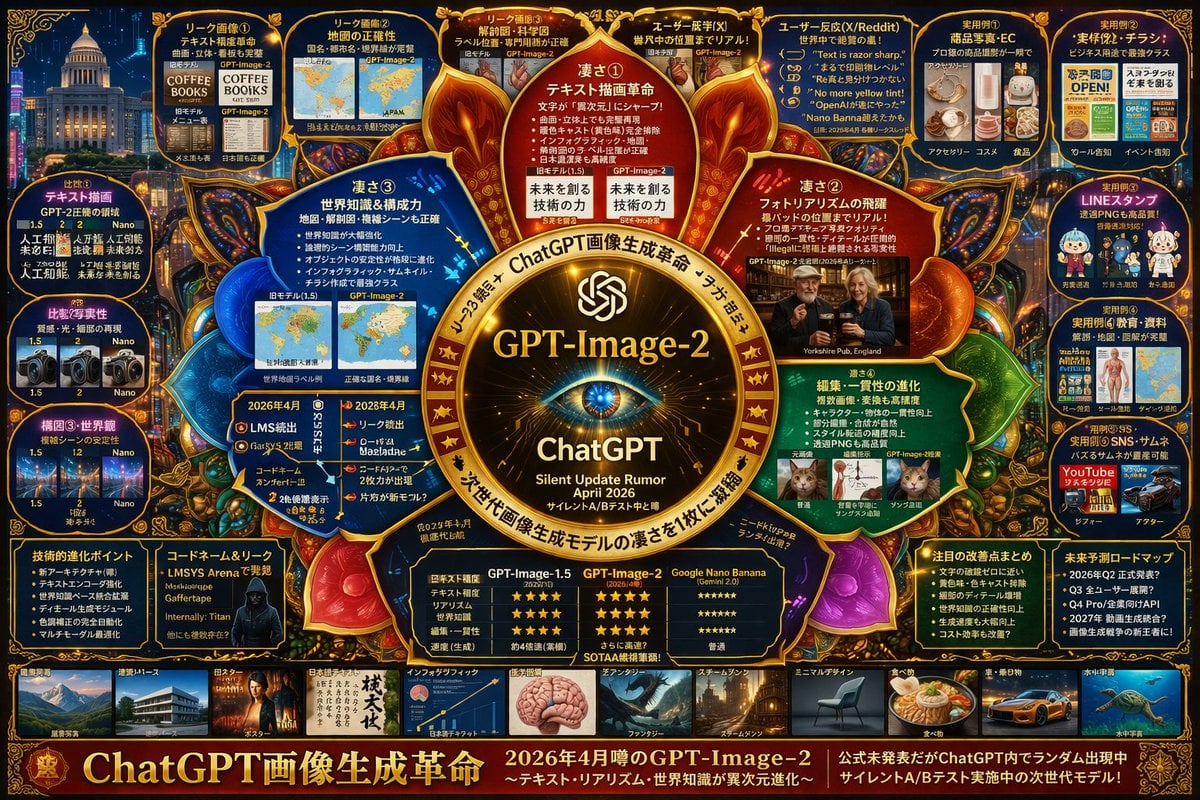
Complex AI Model Infographic Board
Browse template categories
Outdoor Summer Watermelon Selfie (Detailed JSON) questions
How do I use the Outdoor Summer Watermelon Selfie (Detailed JSON) template?
Add your photo if the template asks for one, edit the prompt if you like — the template's model and format are already selected — and press Generate. Your version opens in PicX Studio.
Can I customize the Outdoor Summer Watermelon Selfie (Detailed JSON) template?
Yes. You can change the subject, setting, lighting, mood, format, and available model controls before creating your image.
Is the Outdoor Summer Watermelon Selfie (Detailed JSON) template free?
Opening and editing this template is free. Generating uses credits, shown on the Generate button when you are signed in.
Which AI model should I use?
Start with Nano Banana 2, which is the model associated with this template. You can compare another compatible model for a different finish.
Looking for something else? Browse all templates.

Your photo, any look
Thousands of ready templates for every top image and video model, from one credit balance.