
Complex AI Model Infographic Board
Generates a highly dense, futuristic infographic board detailing the features, comparisons, and rumors of a next-generation AI model.
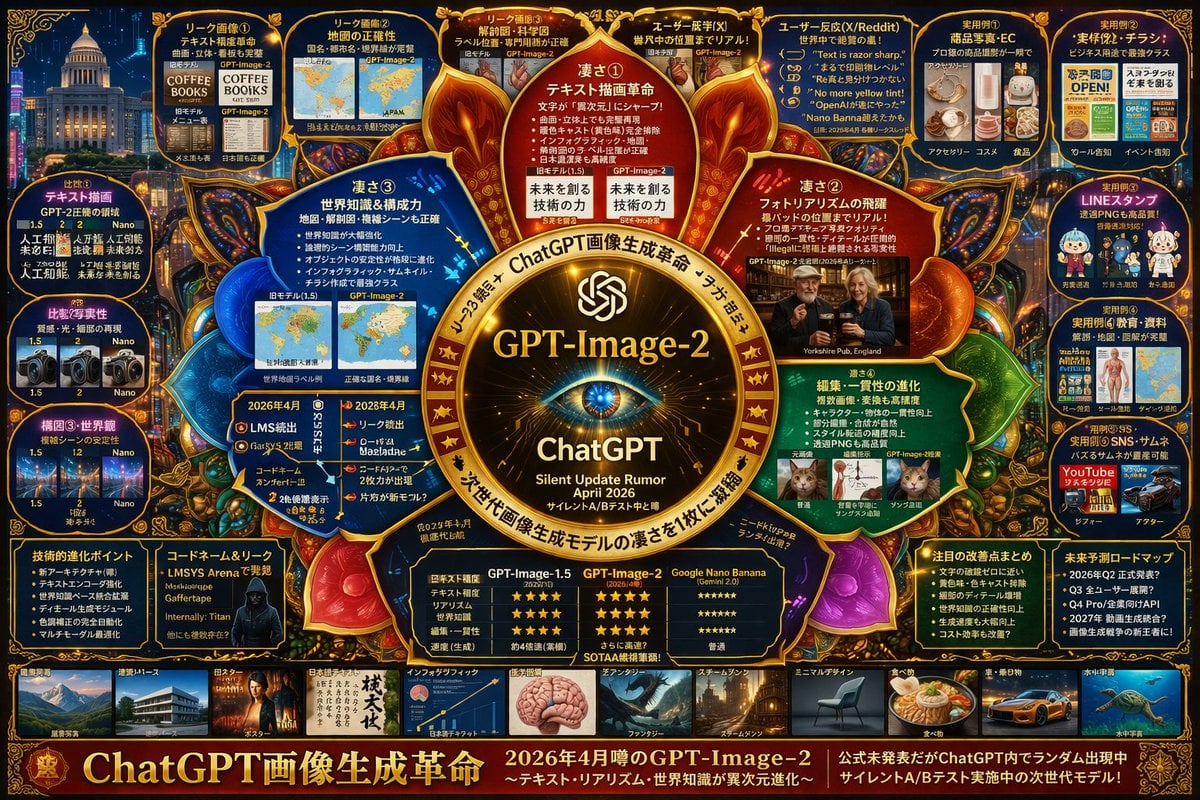
- Prompt included
- Model and format preset
- Free template
The prompt behind this image
Copy the exact prompt behind Complex AI Model Infographic Board, or open it in the studio and make it yours.
- Type
- highly dense futuristic tech infographic board
- Theme › Colors
- {argument name="theme color" default="gold and deep blue"}
- Theme › Style
- dark mode, glowing neon borders, complex mind-map layout, cyber-tech aesthetic
- Centerpiece › Description
- glowing golden circular emblem resembling an eye or camera lens
- Centerpiece › Text
- {argument name="main title" default="GPT-Image-2"}, ChatGPT, Silent Update Rumor {argument name="release date" default="April 2026"}
- Layout › Top Left › Title
- Leak Images
- Layout › Top Left › Count
- 4
- Layout › Top Left › Items
- text rendering coffee menu, world map, anatomical diagram, photorealistic pub
- Layout › Top Right › Title
- Use Cases and Reactions
- Layout › Top Right › Count
- 5
- Layout › Top Right › Items
- e-commerce products, business flyers, chat stickers, educational materials, YouTube thumbnails
- Layout › Left Side › Title
- Version Comparisons
- Layout › Left Side › Count
- 3
- Layout › Left Side › Items
- text rendering comparison, photorealism comparison, composition stability comparison
- Layout › Inner Ring › Title
- Core Features
- Layout › Inner Ring › Count
- 4
- Layout › Inner Ring › Items
- text drawing revolution, photorealism leap, world knowledge, editing consistency
- Layout › Bottom Left › Title
- Technical Specs
- Layout › Bottom Left › Count
- 2
- Layout › Bottom Left › Items
- technical evolution bullet points, hacker silhouette with codenames
- Layout › Bottom Center › Title
- Model Comparison Table
- Layout › Bottom Center › Columns
- 3
- Layout › Bottom Center › Headers
- GPT-Image-1.5, {argument name="main title" default="GPT-Image-2"}, {argument name="competitor model" default="Google Nano Banana"}
- Layout › Bottom Center › Rows
- text accuracy, realism, world knowledge, editing, speed
Raw JSON
{
  "type": "highly dense futuristic tech infographic board",
  "theme": {
    "colors": "{argument name=\"theme color\" default=\"gold and deep blue\"}",
    "style": "dark mode, glowing neon borders, complex mind-map layout, cyber-tech aesthetic"
  },
  "centerpiece": {
    "description": "glowing golden circular emblem resembling an eye or camera lens",
    "text": ["{argument name=\"main title\" default=\"GPT-Image-2\"}", "ChatGPT", "Silent Update Rumor {argument name=\"release date\" default=\"April 2026\"}"]
  },
  "layout": {
    "top_left": {
      "title": "Leak Images",
      "count": 4,
      "items": ["text rendering coffee menu", "world map", "anatomical diagram", "photorealistic pub"]
    },
    "top_right": {
      "title": "Use Cases and Reactions",
      "count": 5,
      "items": ["e-commerce products", "business flyers", "chat stickers", "educational materials", "YouTube thumbnails"]
    },
    "left_side": {
      "title": "Version Comparisons",
      "count": 3,
      "items": ["text rendering comparison", "photorealism comparison", "composition stability comparison"]
    },
    "inner_ring": {
      "title": "Core Features",
      "count": 4,
      "items": ["text drawing revolution", "photorealism leap", "world knowledge", "editing consistency"]
    },
    "bottom_left": {
      "title": "Technical Specs",
      "count": 2,
      "items": ["technical evolution bullet points", "hacker silhouette with codenames"]
    },
    "bottom_center": {
      "title": "Model Comparison Table",
      "columns": 3,
      "headers": ["GPT-Image-1.5", "{argument name=\"main title\" default=\"GPT-Image-2\"}", "{argument name=\"competitor model\" default=\"Google Nano Banana\"}"],
      "rows": ["text accuracy", "realism", "world knowledge", "editing", "speed"]
    },
    "bottom_right": {
      "title": "Future Outlook",
      "count": 2,
      "items": ["notable improvements list", "future roadmap timeline"]
    },
    "bottom_edge": {
      "title": "Genre Gallery",
      "count": 10,
      "items": ["architecture", "poster", "japanese text", "infographic", "fantasy", "steampunk", "minimal design", "food", "car", "underwater"]
    },
    "footer": {
      "title": "Main Banner",
      "text": ["{argument name=\"subtitle\" default=\"ChatGPT 画像生成革命\"}", "Next generation model in silent A/B testing"]
    }
  }
}Reference images included
Complex AI Model Infographic Board needs input media to work. They load alongside the prompt when you open it in the studio.
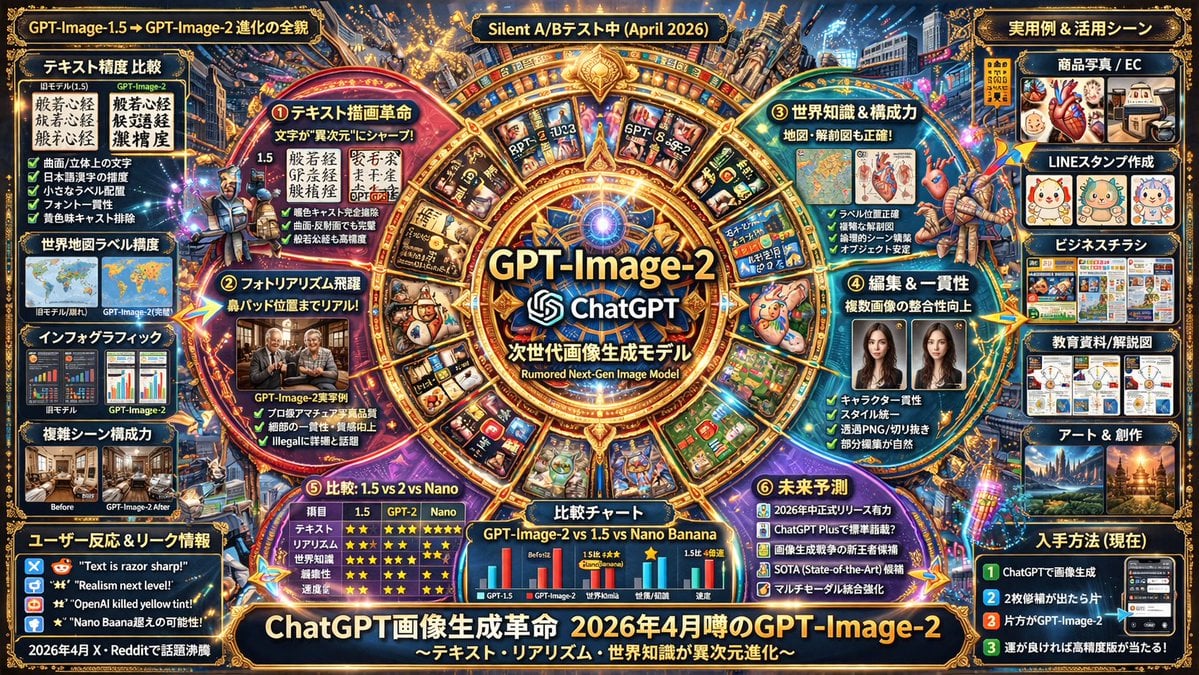
How to use Complex AI Model Infographic Board in 3 steps
- 1Upload ImagePNG, JPG or paste
Add your photo
Upload the photo the template builds on. The prompt, model and format are already set.
- 2…a portrait of your subject in softgolden-hour light, 85mm…
Personalize
Edit the subject and creative details for your destination.
- 3Generate
Generate
Press Generate — your image is created in PicX Studio, so you can compare it with the original and refine one variable at a time.
More like this
Templates with the same subject, style or setup. Open one to see its prompt.
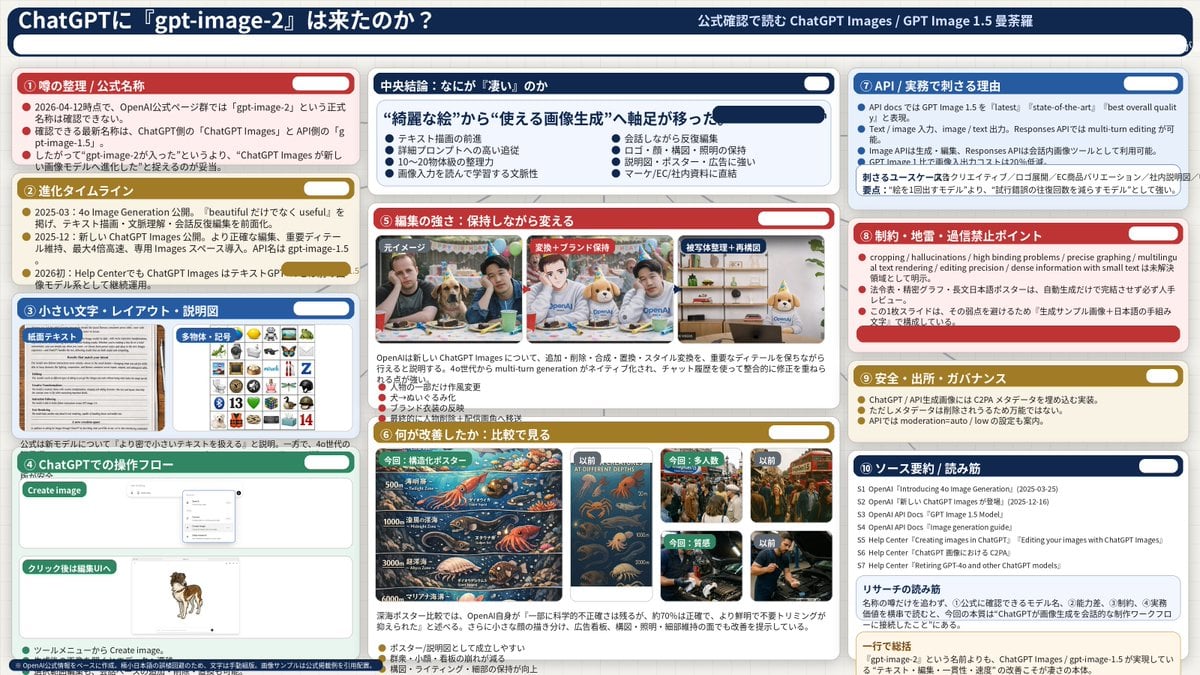
Complex AI Model Analysis Infographic

Gpt2 Infographic Edu Visual Japanese Sci Fi Suit Up Process Board

Japan Travel Brochure Poster

AI Model Routing Comparison Infographic

Premium Vertical Product Campaign Poster

Isometric Process Educational Diorama

Isometric Vehicle Teardown Infographic Template
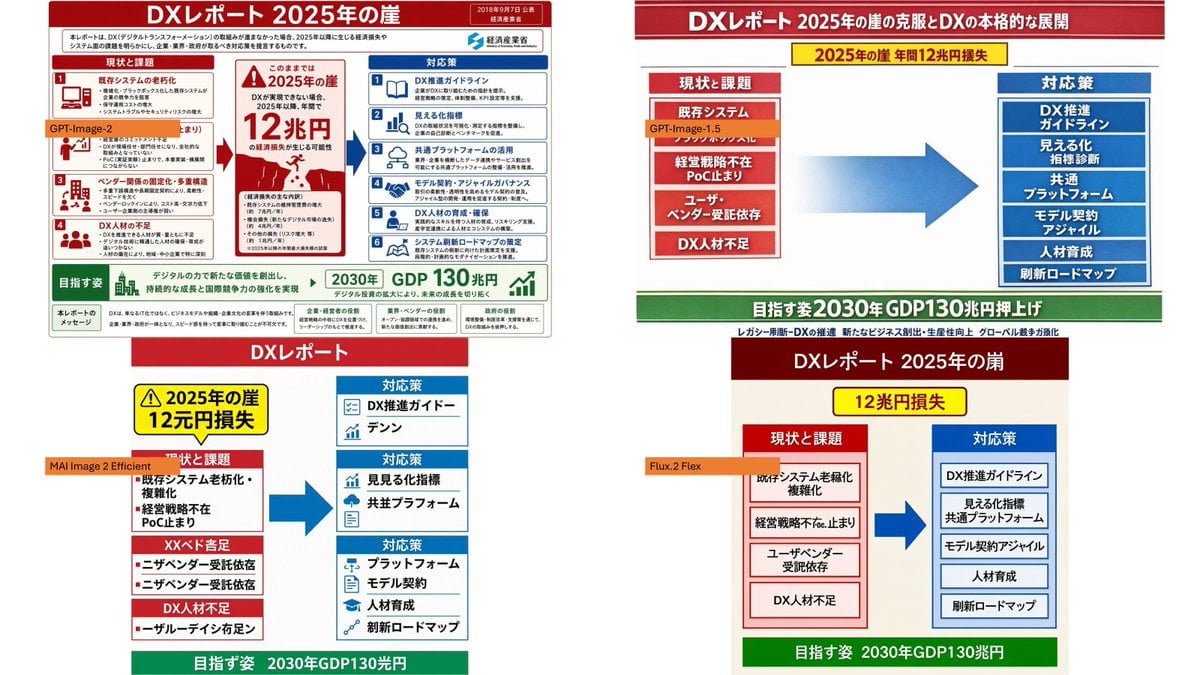
DX Infographic Model Comparison
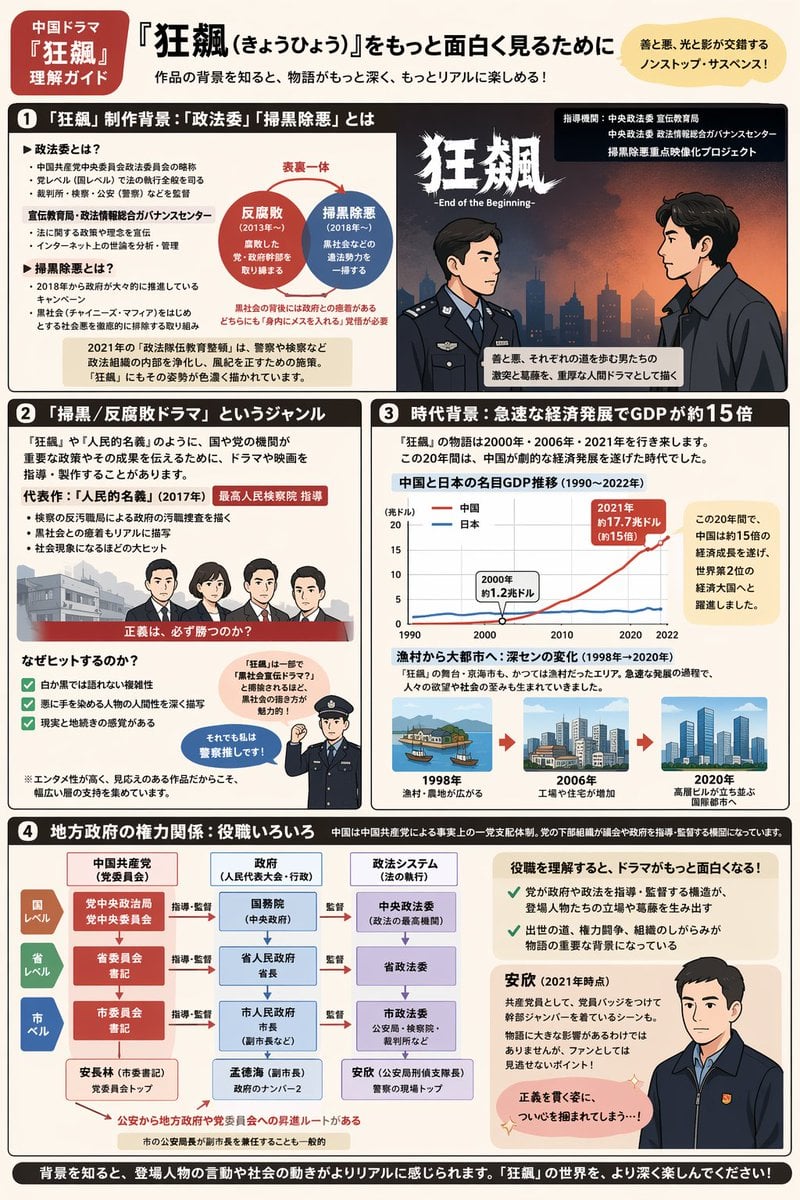
Complex Infographic Explainer Sheet
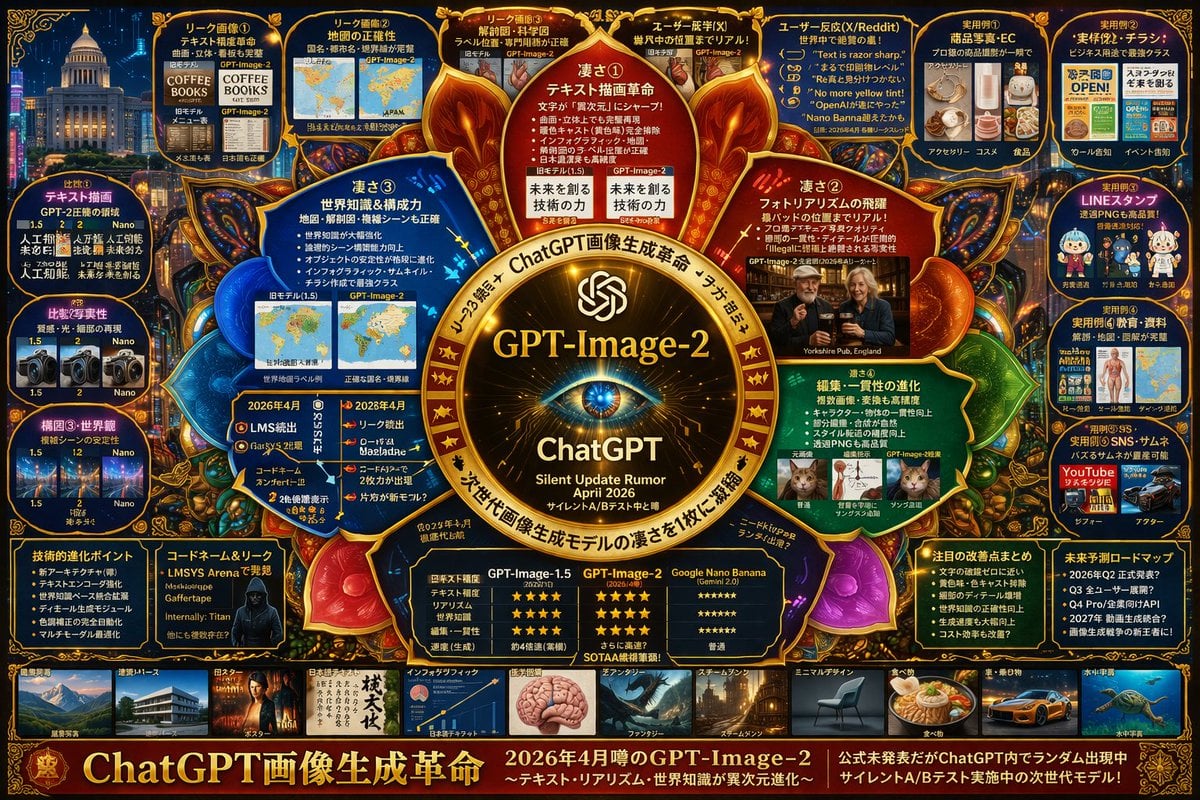
Complex Tech Speculation Infographic
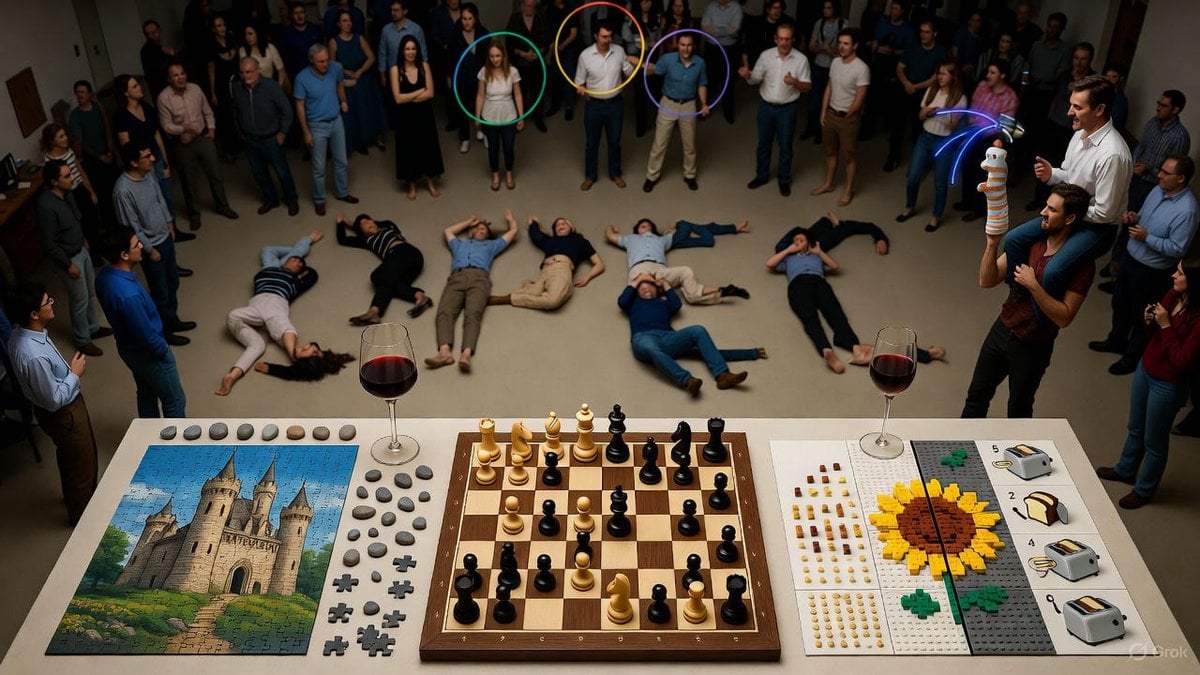
Complex Image Generation Test Prompt for Model Coherence

Gpt2 E Commerce Main Image Earbuds E Commerce Infographic
Make it yours
Complex AI Model Infographic Board works as-is. These are the safest ways to change it without losing the look.
Change one field
Copy a single group, rewrite it, and generate again so you can see what that field is doing.
Keep the frame, change the subject
Hold the composition and light of Complex AI Model Infographic Board, then swap wardrobe, props or the person for a new take.
| If the result… | Why | Fix |
|---|---|---|
| The result drifts from the preview | Too many fields changed at once. | Reuse Complex AI Model Infographic Board as-is first, then change one group — subject, light, or setting. |
| GPT Image 2 ignores part of the JSON | Some models flatten or skip nested keys. | Keep the same values and paste them as a short paragraph instead. |
More GPT Image 2 templates
Other prompts made for GPT Image 2.

Six VTuber Japanese Logo Sheet

Realistic Portrait of Woman and Deer

The Vista Modular Condo Poster

2.5D Anime Art Board

Isometric Productivity Desk Scene

New York Double Exposure Poster

Four-Panel AI Landscape Comparison

Japanese Tatami Lifestyle Magazine Cover

NESCAFÉ Coffee Map Poster

Brutalist Cogito Chinese Typography Poster
More image prompts
Fresh picks from across the catalog.
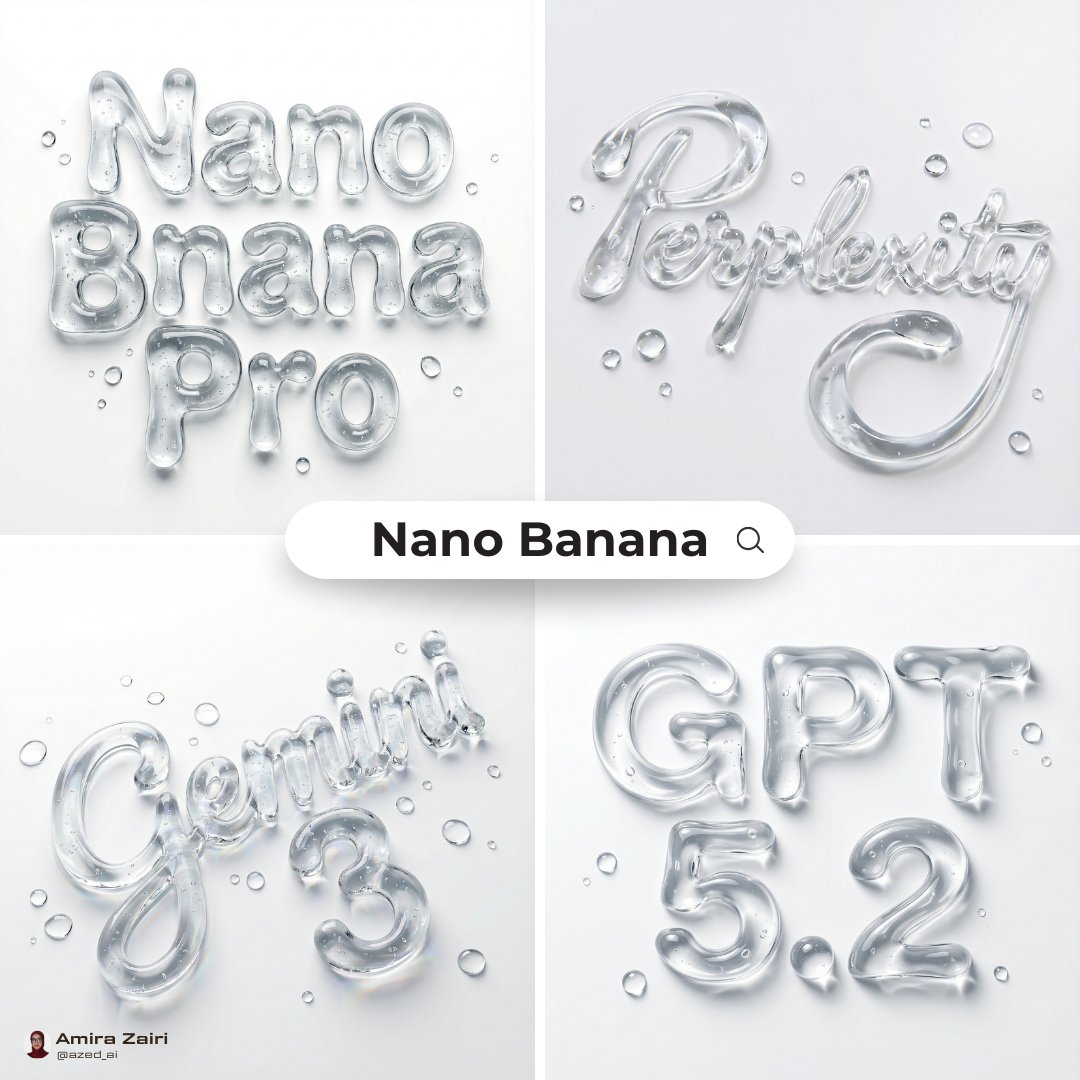
Abstract Liquid Typography Generation Prompt
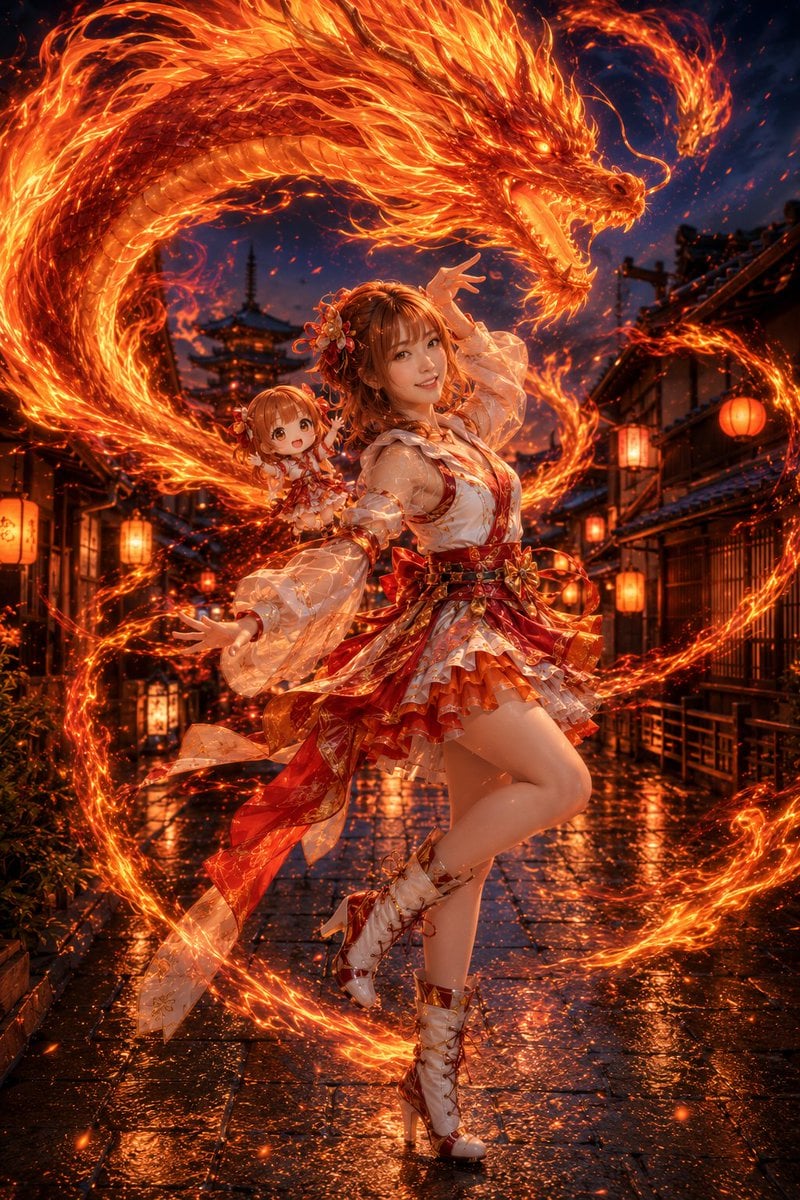
Fire Dragon Magic Girl in Old Kyoto
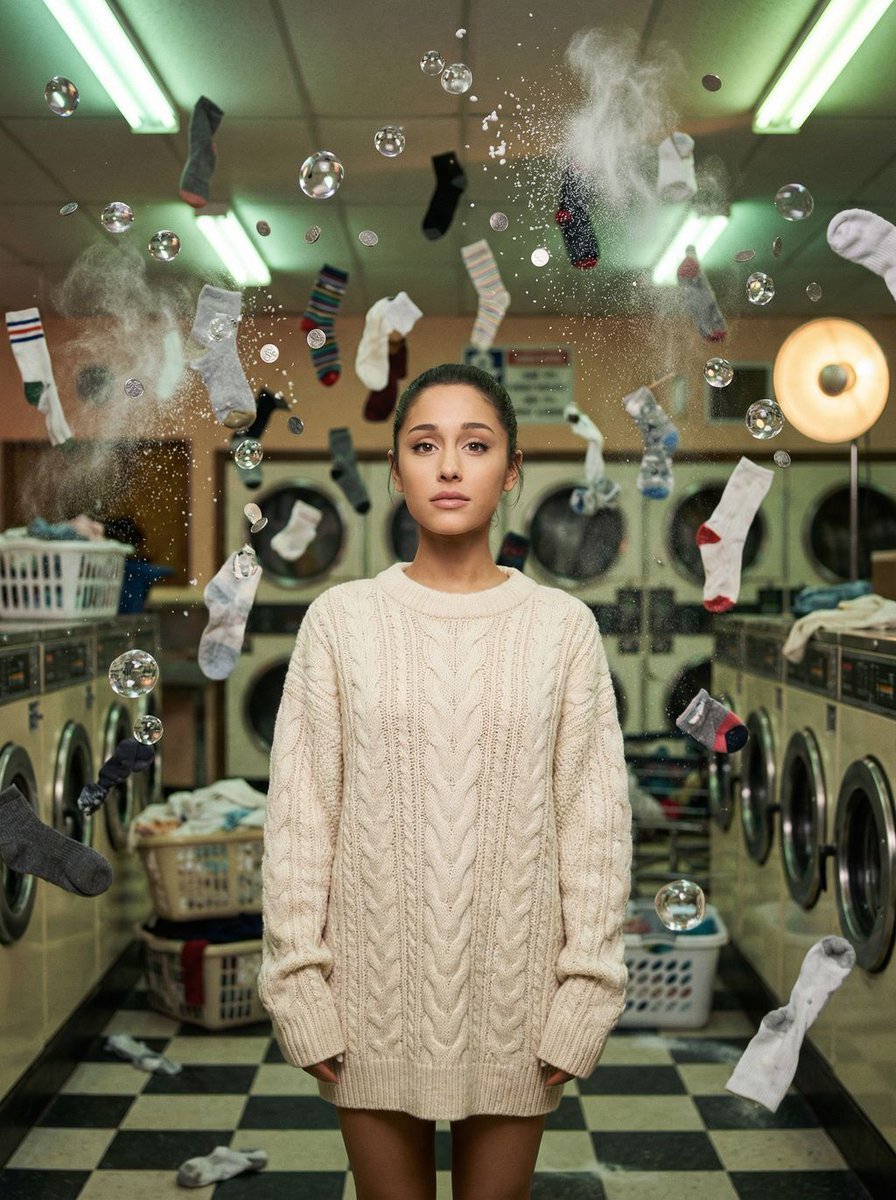
Zero-G Laundromat: Surreal Fashion Editorial
Extracting Color and Shadow for Transparency

Hand-drawn style header image prompt from photo
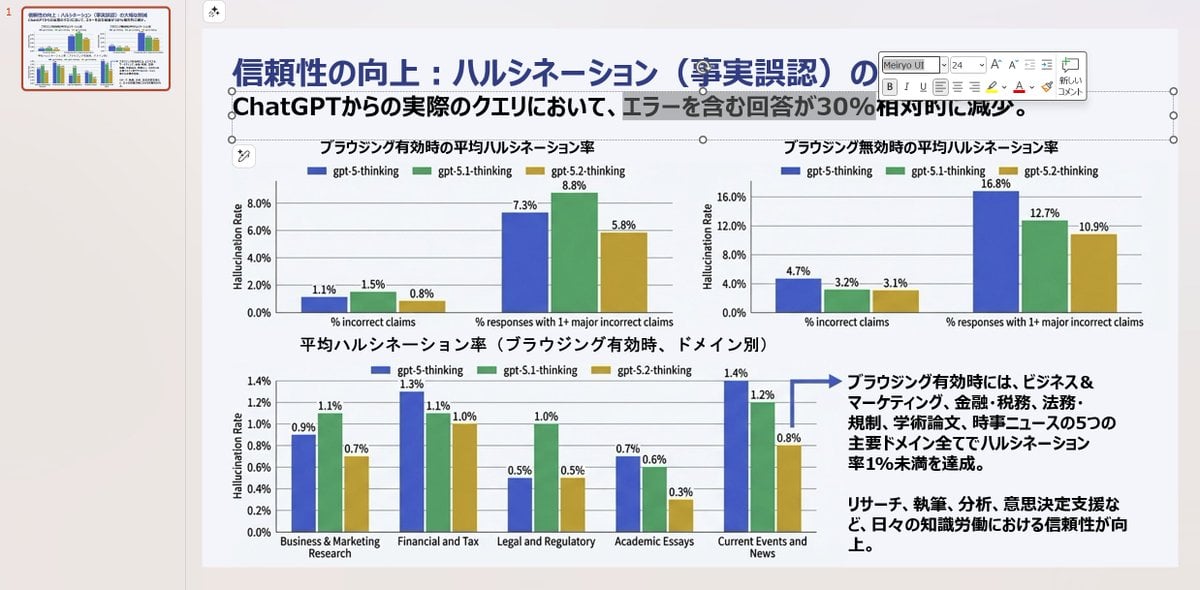
Convert Image to Editable PowerPoint Slide Prompt
Avant-garde Punk Schoolgirl Portrait for Nano Banana Pro

Klimt-Inspired Fine Art Editorial Portrait (JSON)
Rainy Hydrangea Street Portrait
Katsudon Cooking Storyboard
Browse template categories
Complex AI Model Infographic Board questions
How do I use the Complex AI Model Infographic Board template?
Add your photo if the template asks for one, edit the prompt if you like — the template's model and format are already selected — and press Generate. Your version opens in PicX Studio.
Can I customize the Complex AI Model Infographic Board template?
Yes. You can change the subject, setting, lighting, mood, format, and available model controls before creating your image.
Is the Complex AI Model Infographic Board template free?
Opening and editing this template is free. Generating uses credits, shown on the Generate button when you are signed in.
Which AI model should I use?
Start with GPT Image 2, which is the model associated with this template. You can compare another compatible model for a different finish.
Looking for something else? Browse all templates.

Your photo, any look
Thousands of ready templates for every top image and video model, from one credit balance.