
Fire Dragon Magic Girl in Old Kyoto
A cinematic, high-definition prompt for a Japanese fantasy portrait featuring a magical girl controlling a fire dragon amidst a rainy night in a traditional Kyoto alley.
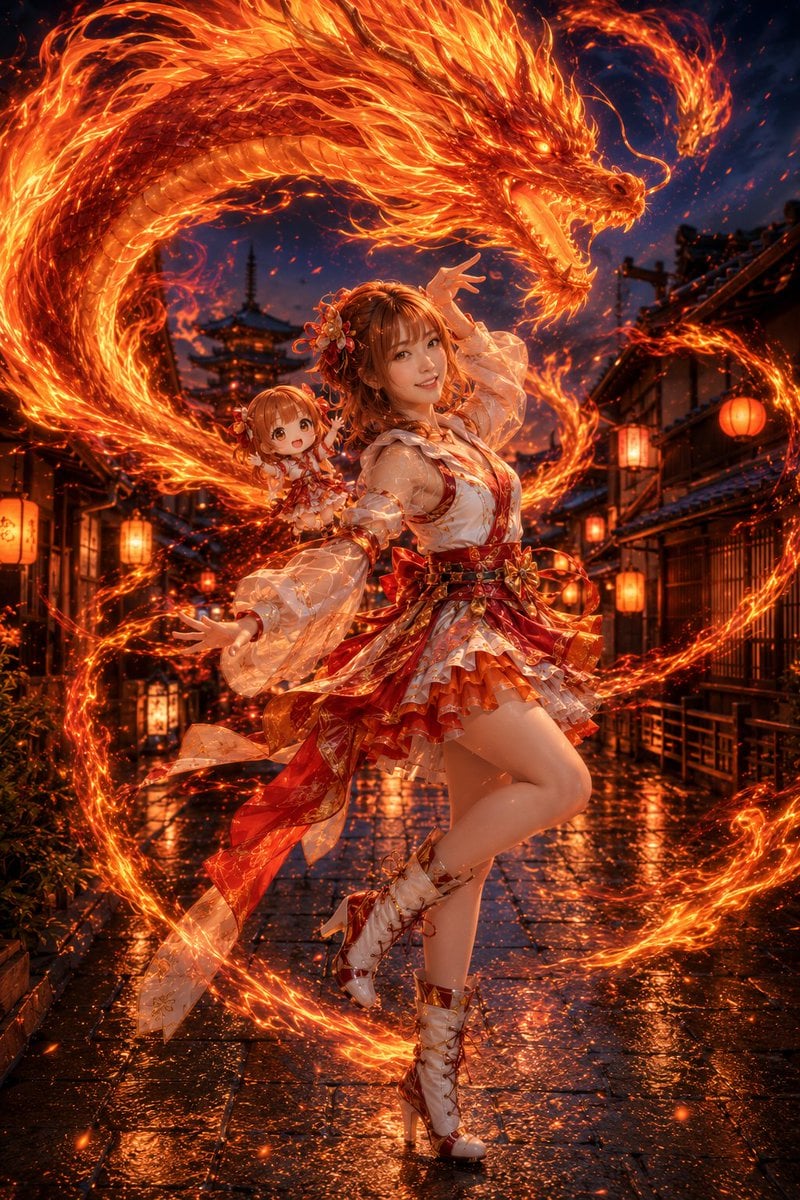
- Prompt included
- Model and format preset
- Free template
The prompt behind this image
Copy the exact prompt behind Fire Dragon Magic Girl in Old Kyoto, or open it in the studio and make it yours.
主題:{argument name="主題" default="火龍を操る魔法少女 / fire dragon magic"} 人物・表情:{argument name="髪色" default="赤みのあるブラウンヘア"}の若い女性、透明感のある肌、柔らかな笑みを浮かべた可愛い表情、華やかな和風ヘアアクセサリー、自然なカメラ目線、明るく自信のある雰囲気 服装・ポーズ:白・朱赤・オレンジ・金を基調にした日系ファンタジーの火属性魔法少女衣装、透け感のある袖、胸元の大きなリボン、華やかなレイヤースカート、装飾的な帯リボン、編み上げのショートブーツ、しなやかな舞踊のような全身ポーズ、片腕を大きく上げて火を導き、もう片方の腕を前へ伸ばして火炎を操る。肩には同じ人物をそのまま可愛くしたQ版分身が乗っていて、別デザインの赤系フリル衣装を着て、一緒に元気よく火魔法を放っている 背景・光:{argument name="背景設定" default="雨上がりの日本の古い街並み、京都の石畳の路地、木造建築、提灯のあたたかな灯り、奥に五重塔のようなシルエット、濡れた地面に火の光が反射する幻想的な夜景"}。周囲には鮮やかな炎が渦を描き、背後には巨大で迫力のある火龍が大きくうねりながら現れ、火の粉と粒子が空中に舞う 構図・カメラ:縦長構図、全身ポートレート、人物を中央に配置、ローアングル寄りで躍動感を強調、火龍が頭上から大きく包み込む構成、35mm〜50mmの自然な画角、背景はややぼかし、人物と炎をシャープに表現 質感・スタイル:高精細、4K品質、毛穴や肌理まで自然に見えるリアルな肌質、フォトリアルな日系ファンタレート、炎は濃いオレンジと赤の発光表現で立体感豊かに描写、火龍の輪郭や鱗の流れまで精密、濡れた石畳の反射、衣装の透け感や金装飾のきらめき、映画的なライティング、雑誌写真のような仕上がり ネガティブ:低画質、不自然な顔、不自然な手、余分な指、欠けた指、歪んだ指、奇妙な目線、左右非対称な目、崩れた顔、歪んだ体、破綻した服、破綻した靴、不自然な炎、不自然な火龍、雑な火の粉、重複した人物、Q版分身の顔崩れ、過度な加工、過度な美肌補正、AI特有の不自然な質感、文字、ロゴ、透かし
How to use Fire Dragon Magic Girl in Old Kyoto in 3 steps
- 1
Open
The prompt is already in the box next to the preview, with the template's model and format selected.
- 2…a portrait of your subject in softgolden-hour light, 85mm…
Personalize
Edit the subject and creative details for your destination.
- 3Generate
Generate
Press Generate — your image is created in PicX Studio, so you can compare it with the original and refine one variable at a time.
More like this
Templates with the same subject, style or setup. Open one to see its prompt.

Anime Golden Spinning Straw

Anime Dragon Rescue Cliff

Golden Retriever Sunset Campfire Photography

Miniature Travel Diorama Postcard

Teen Girl Alpine Lake Mountain View
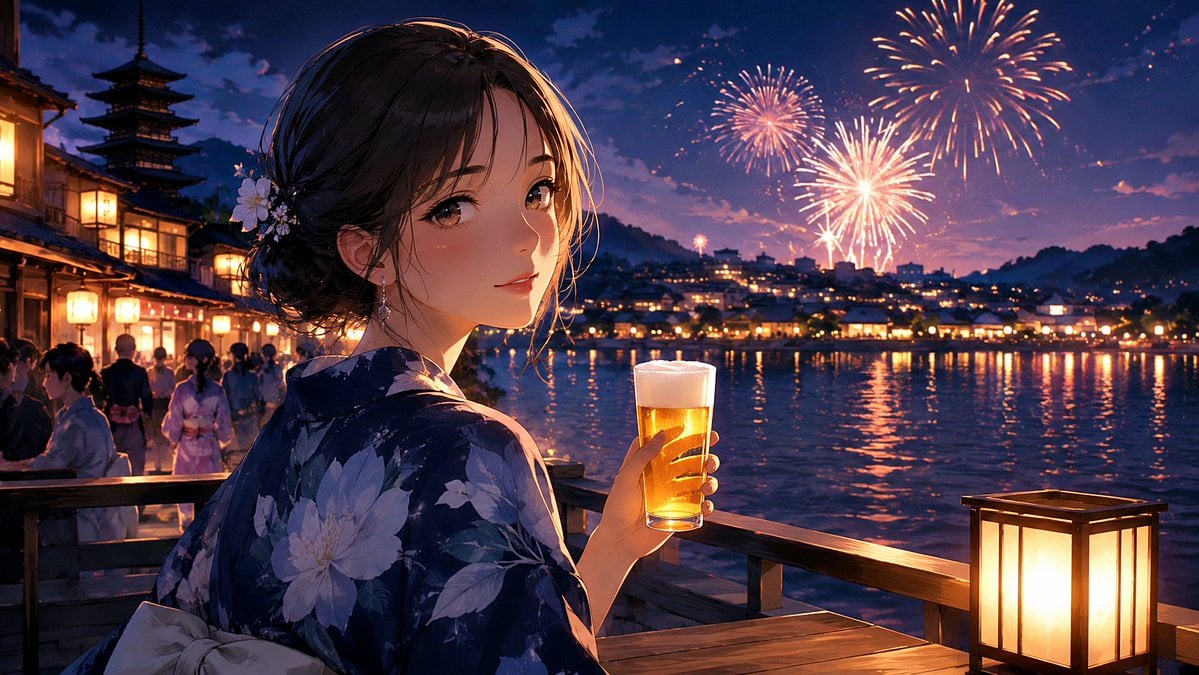
Kyoto Summer Festival Fireworks
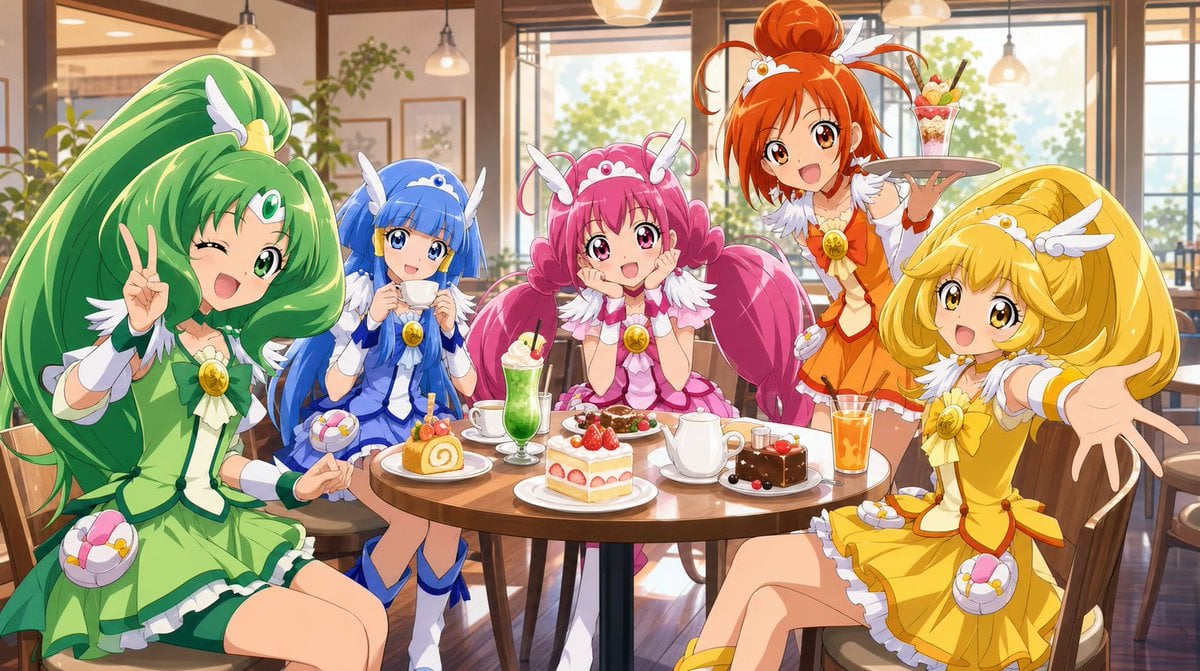
Magical Girls Dessert Café Scene

Anime Happily Ever After Sky

Anime Stained Glass Prayer

Anime White Horse Escape

Anime Gingerbread Cottage

Anime Bean Stalk Climb
Make it yours
Fire Dragon Magic Girl in Old Kyoto works as-is. These are the safest ways to change it without losing the look.
Change one field
Copy a single group, rewrite it, and generate again so you can see what that field is doing.
Keep the frame, change the subject
Hold the composition and light of Fire Dragon Magic Girl in Old Kyoto, then swap wardrobe, props or the person for a new take.
| If the result… | Why | Fix |
|---|---|---|
| The result drifts from the preview | Too many fields changed at once. | Reuse Fire Dragon Magic Girl in Old Kyoto as-is first, then change one group — subject, light, or setting. |
| The model over-stylizes the scene | The prose prompt leaves finish and camera underspecified. | Add one camera or lighting sentence and stay on GPT Image 2. |
More GPT Image 2 templates
Other prompts made for GPT Image 2.

Six VTuber Japanese Logo Sheet

Realistic Portrait of Woman and Deer

The Vista Modular Condo Poster

AI Model Routing Comparison Infographic

2.5D Anime Art Board

Isometric Productivity Desk Scene

New York Double Exposure Poster

Four-Panel AI Landscape Comparison

Japanese Tatami Lifestyle Magazine Cover

NESCAFÉ Coffee Map Poster
More image prompts
Fresh picks from across the catalog.
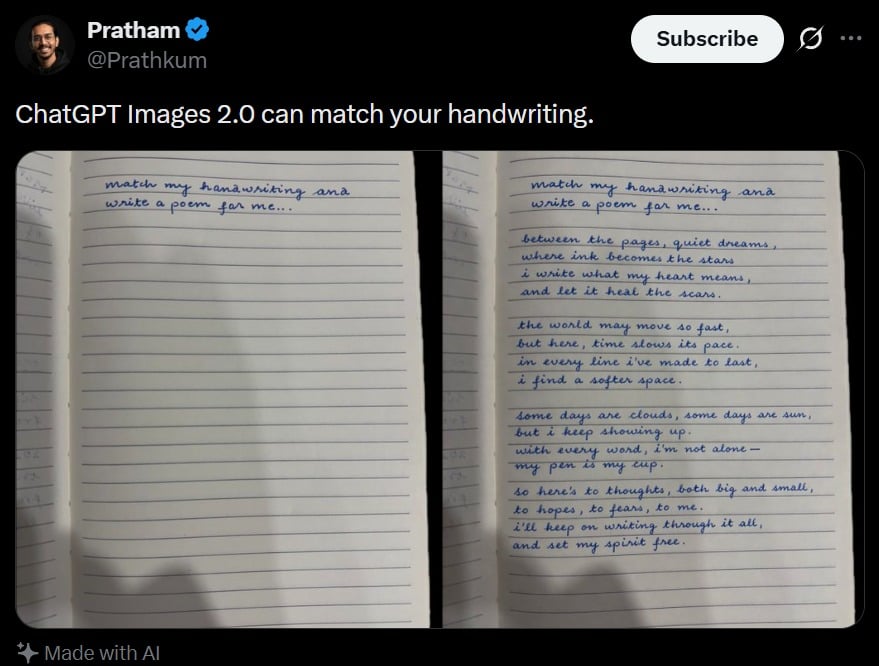
Tweet Screenshot With Handwriting Match
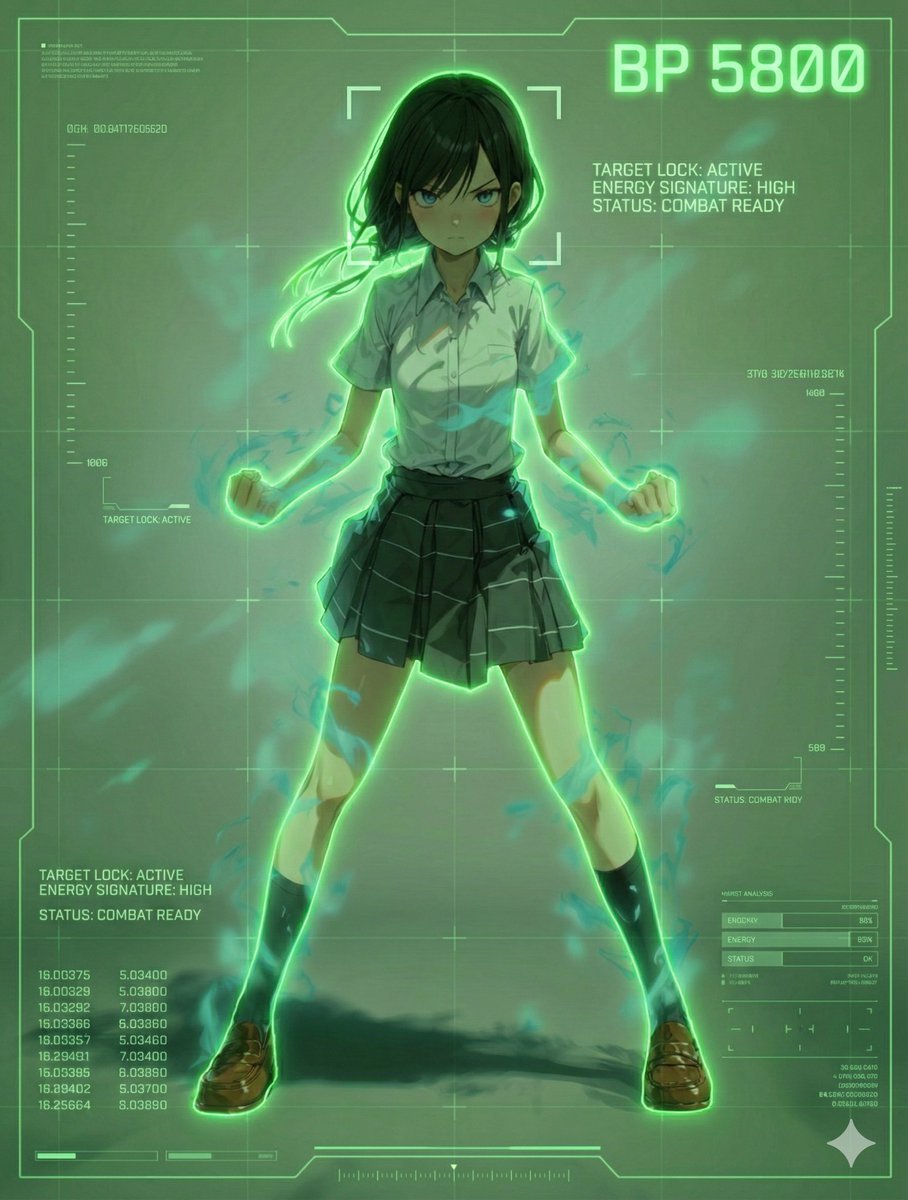
Scouter Prompt for Nano Banana Pro
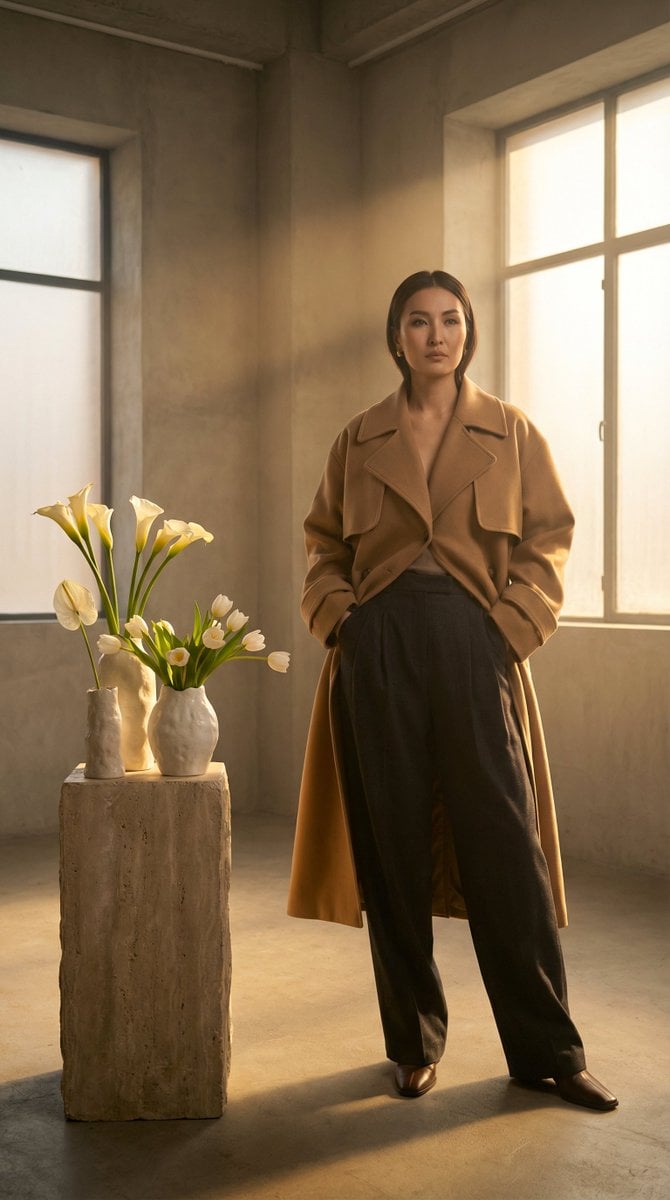
High-Fashion Kazakh Model Editorial Prompt
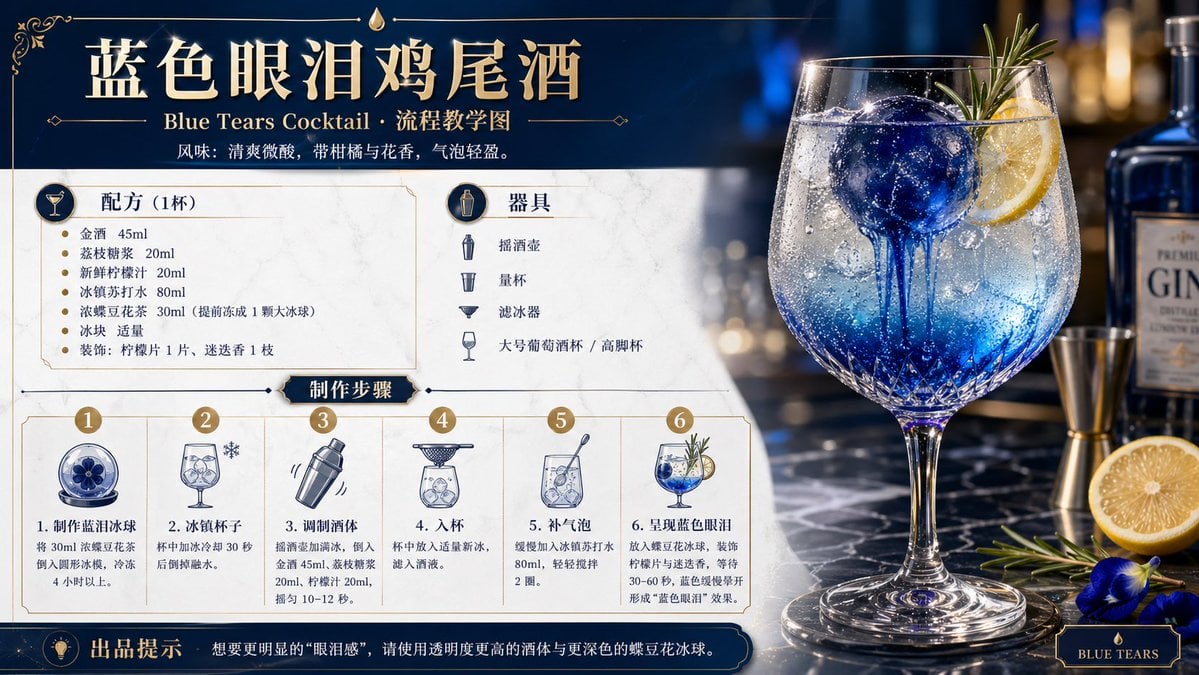
Cocktail Recipe Tutorial and Concept Poster
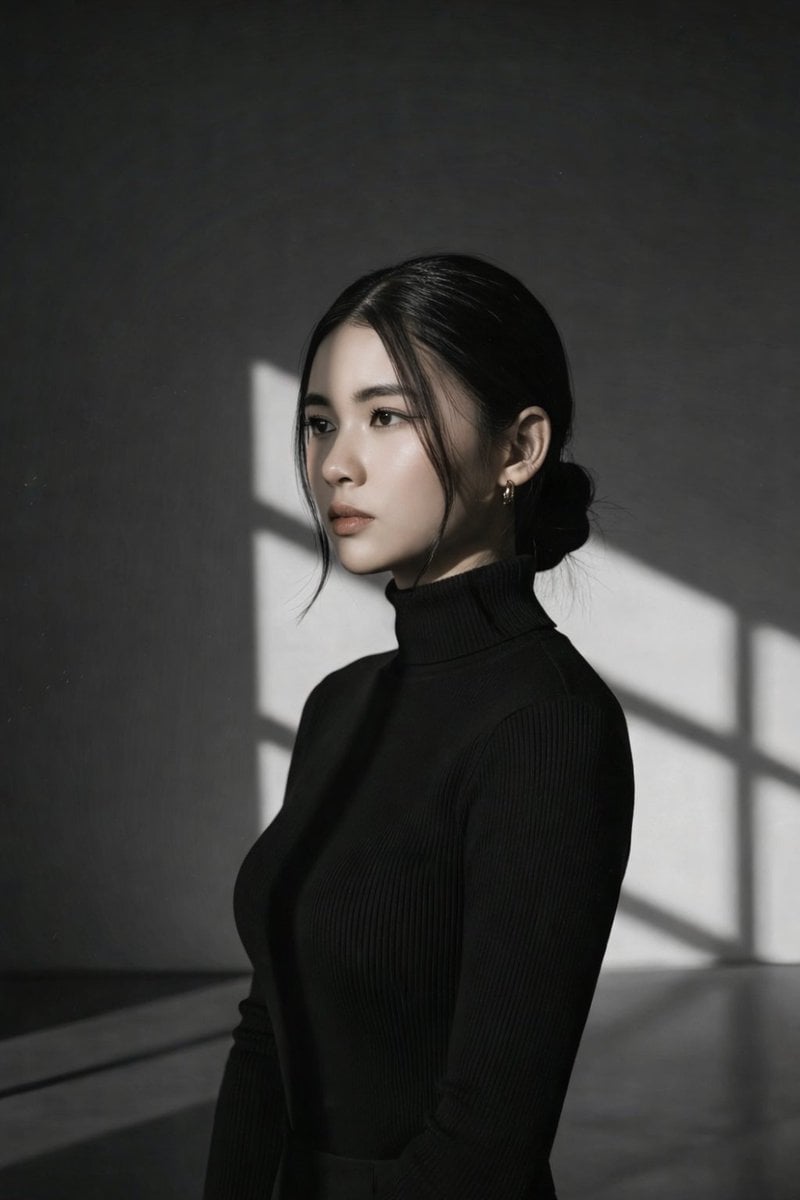
Minimalist Window Light Black and White Portrait Prompt
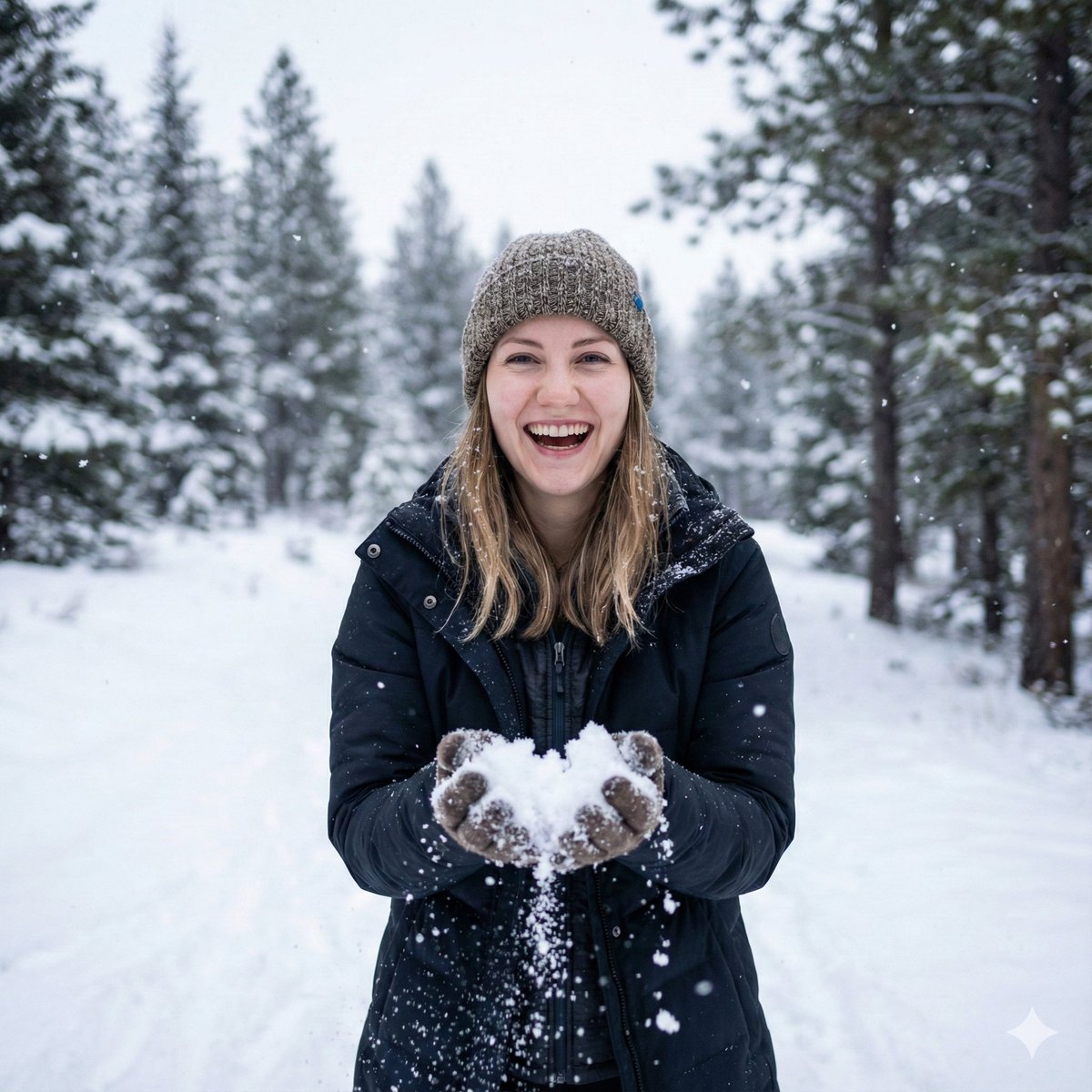
Photorealistic Winter Portrait with Identity Preservation
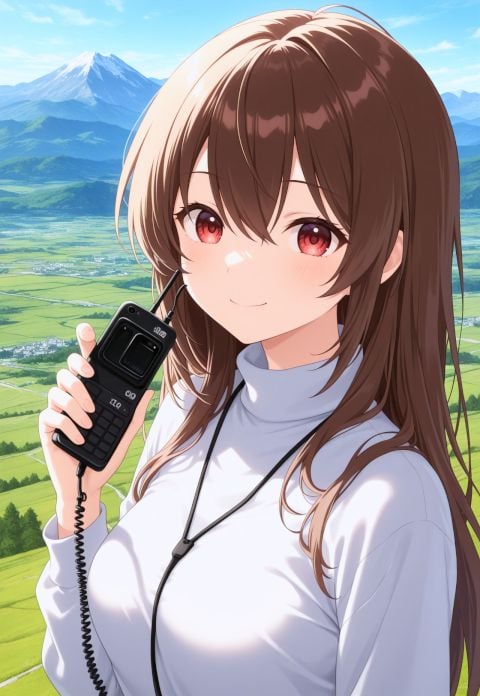
NanoBanana AI Correction for Handheld Device Image
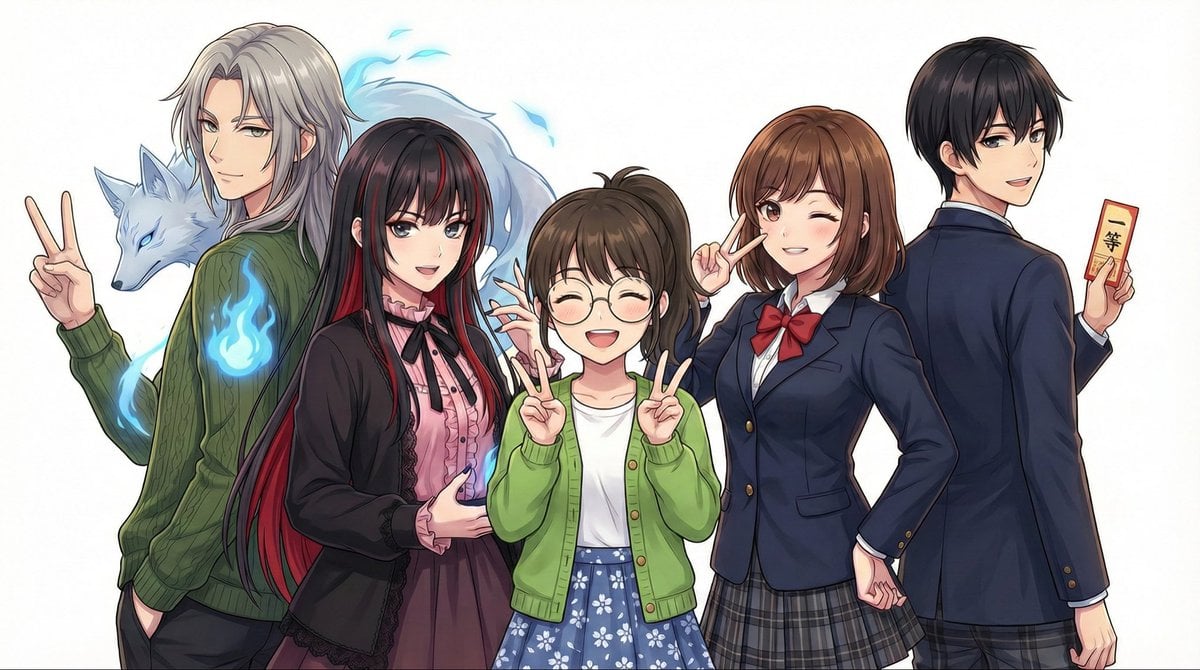
Complex Multi-Instruction Image Generation

Candid Selfie in Soccer Jersey in an Attic Bedroom
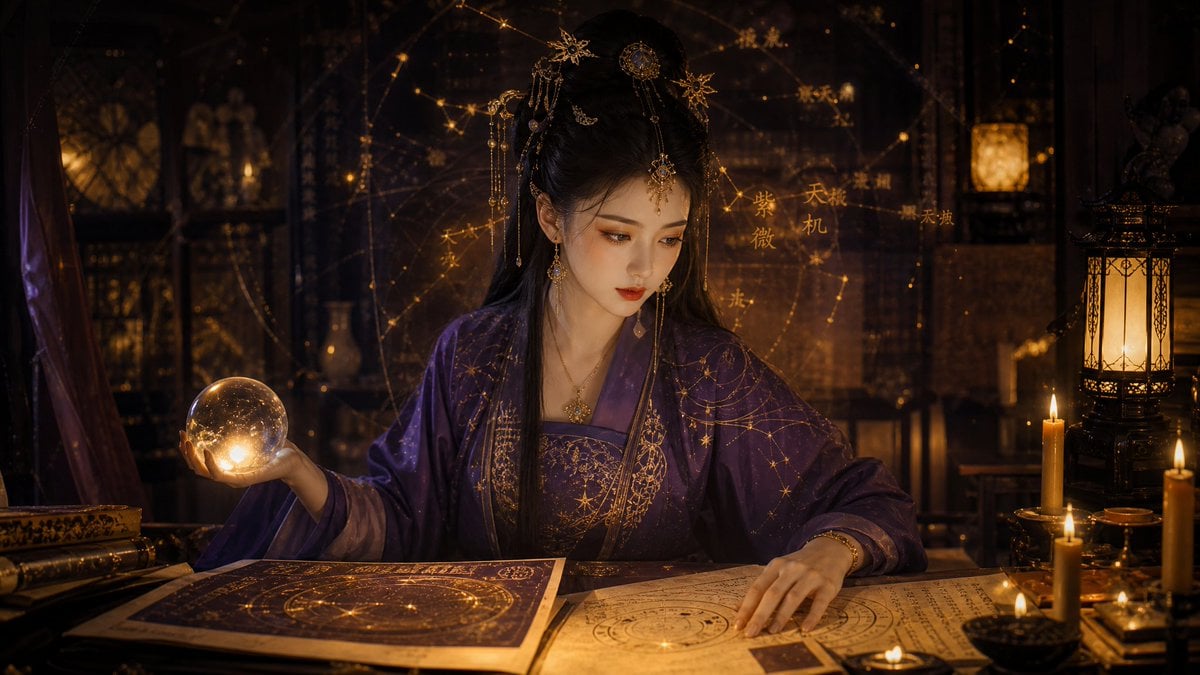
Classical Candlelight Hanfu Diviner
Browse template categories
Fire Dragon Magic Girl in Old Kyoto questions
How do I use the Fire Dragon Magic Girl in Old Kyoto template?
Add your photo if the template asks for one, edit the prompt if you like — the template's model and format are already selected — and press Generate. Your version opens in PicX Studio.
Can I customize the Fire Dragon Magic Girl in Old Kyoto template?
Yes. You can change the subject, setting, lighting, mood, format, and available model controls before creating your image.
Is the Fire Dragon Magic Girl in Old Kyoto template free?
Opening and editing this template is free. Generating uses credits, shown on the Generate button when you are signed in.
Which AI model should I use?
Start with GPT Image 2, which is the model associated with this template. You can compare another compatible model for a different finish.
Looking for something else? Browse all templates.

Your photo, any look
Thousands of ready templates for every top image and video model, from one credit balance.