
Kyoto Summer Festival Fireworks
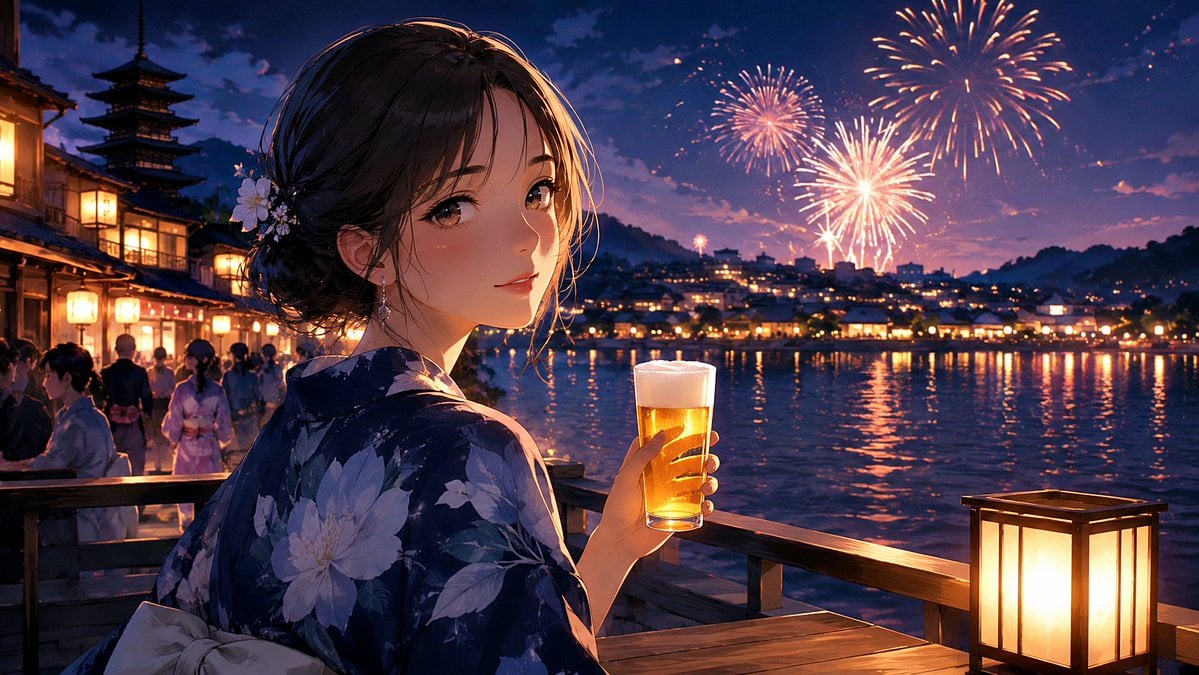
A cinematic anime illustration of a yukata-clad woman watching fireworks by a lantern-lit Kyoto riverside, ideal for nostalgic summer story visuals.
- Prompt included
- Model and format preset
- Free template
The prompt behind this image
Copy the exact prompt behind Kyoto Summer Festival Fireworks, or open it in the studio and make it yours.
Create a cinematic anime-style summer festival scene in Kyoto at night, widescreen 16:9. In the foreground, show a beautiful young woman named {argument name="character name" default="unnamed Kyoto festival girl"} in a dark navy floral yukata with large pale blue and white blossoms, a light obi bow visible at her back, and dark hair pinned in a soft low bun with small white flower ornaments and loose face-framing strands. She stands on a wooden riverside terrace, turned three-quarters away but looking back over her shoulder toward the viewer with a gentle nostalgic smile and warm brown eyes. In her right hand she holds one tall glass of golden beer with a white foam head, catching the lantern light. The setting is {argument name="location" default="Kyoto riverside summer festival near a pagoda"}: traditional wooden buildings and glowing paper lanterns line the left side, with a five-story pagoda silhouette rising behind them. Across the river, a town of warm lights reflects on dark rippling water, with hills in the distance. In the sky, show exactly three main firework bursts: one large orange-gold burst in the upper right, one medium pink-gold burst near the upper center, and one bright white-gold burst lower center-right, plus small sparkling trails. Include festival crowds in yukata as soft background figures along the waterfront. Place one glowing square paper lantern on the wooden railing at the lower right. Use {argument name="mood" default="dreamy nostalgic summer night memory"}, rich twilight blues and purples, warm amber lantern highlights, painterly detailed anime rendering, soft rim light on the character's hair and face, reflective water, shallow depth of field, romantic atmosphere, highly polished illustration, no text, no watermark.
How to use Kyoto Summer Festival Fireworks in 3 steps
- 1Upload ImagePNG, JPG or paste
Add your photo
Upload the photo the template builds on. The prompt, model and format are already set.
- 2…a portrait of your subject in softgolden-hour light, 85mm…
Personalize
Edit the subject and creative details for your destination.
- 3Generate
Generate
Press Generate — your image is created in PicX Studio, so you can compare it with the original and refine one variable at a time.
More like this
Templates with the same subject, style or setup. Open one to see its prompt.
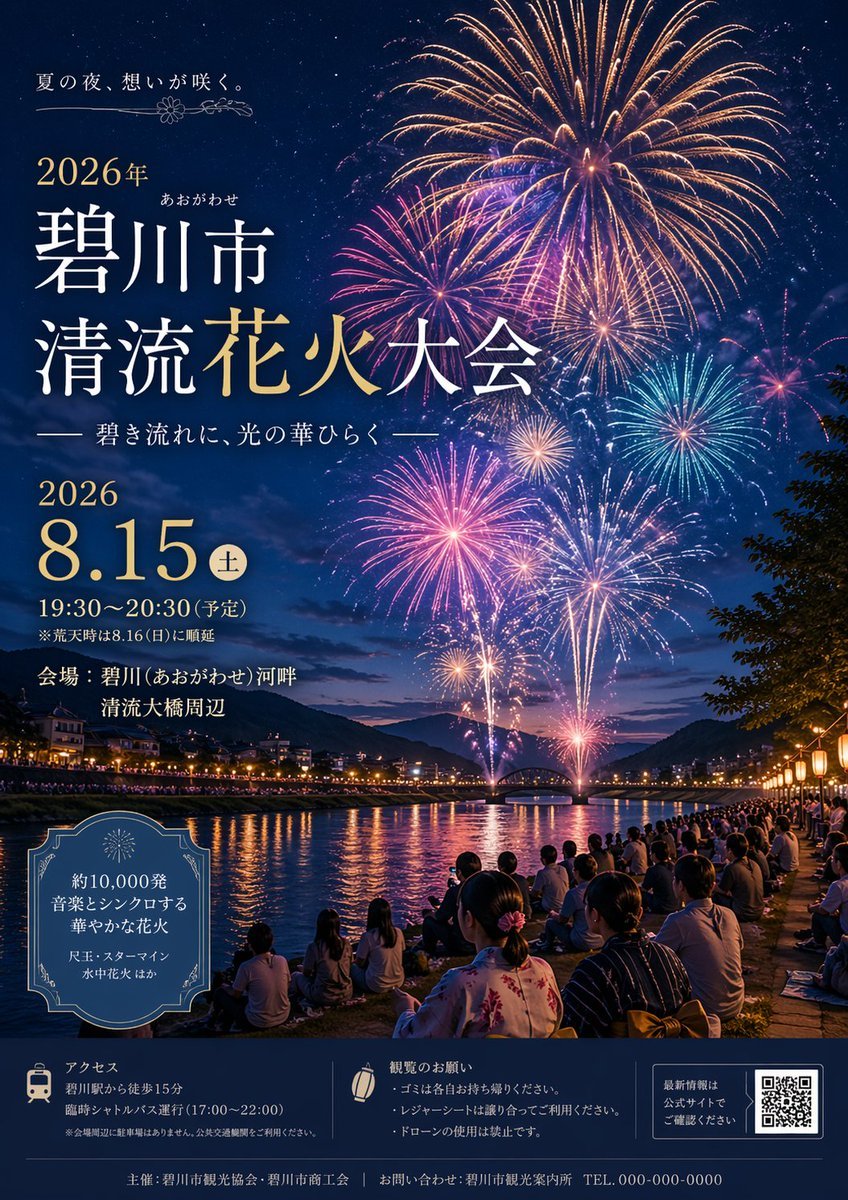
Japanese Fireworks Festival Poster
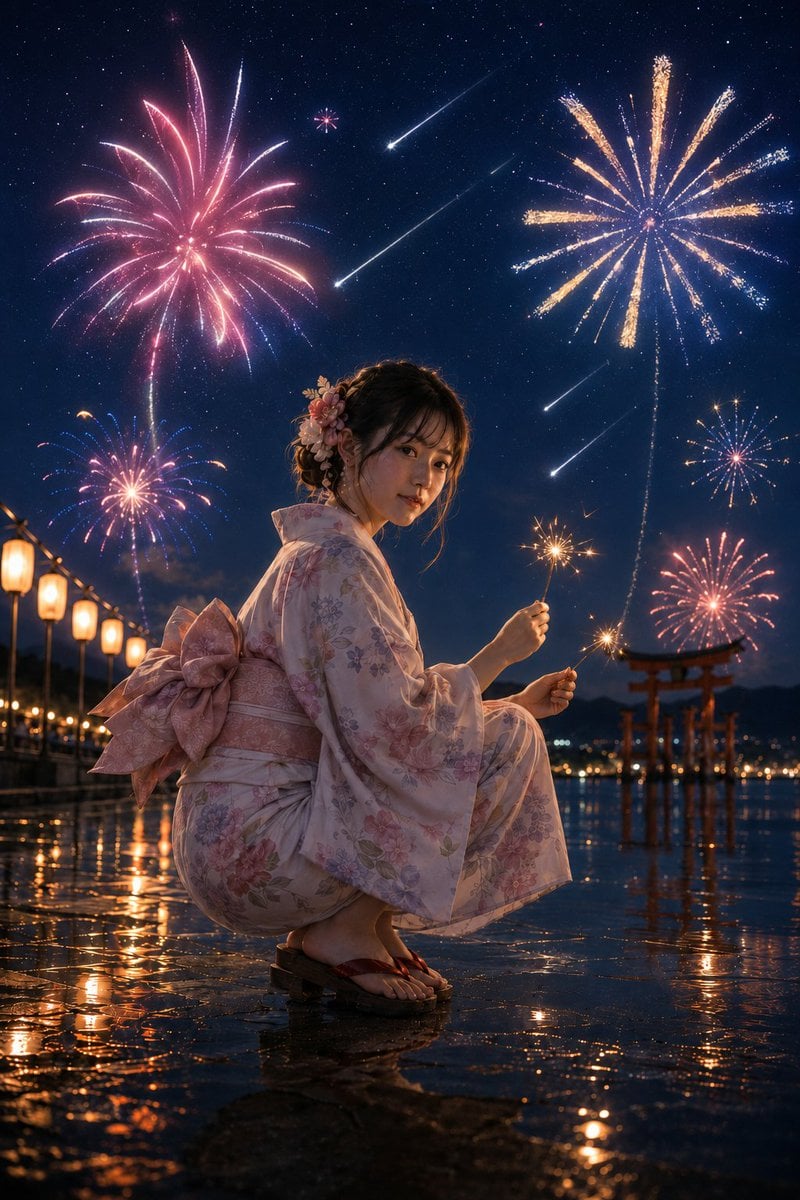
Summer Night Fireworks and Meteor Shower
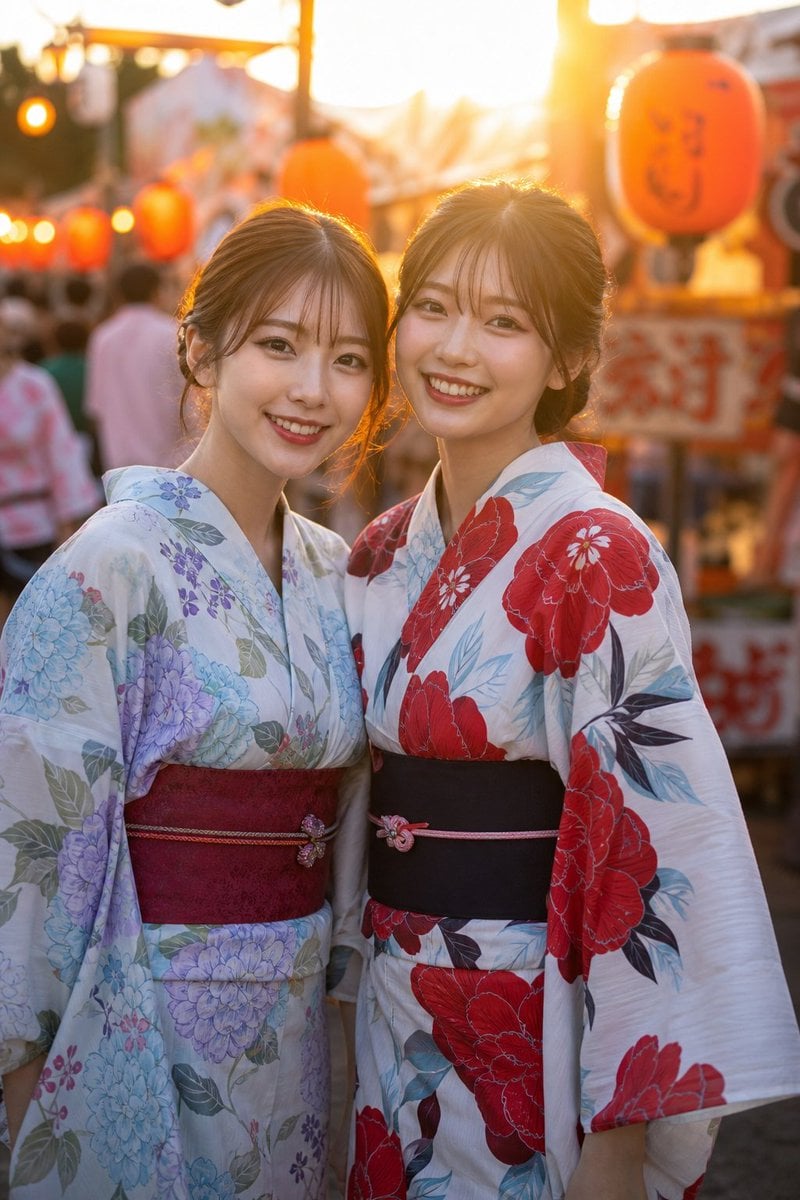
Two Friends in Yukata at Summer Festival
Elegant Japanese Yukata at Beach Fireworks Festival
Summer Kyoto Temple Overlook
Anime Girl at Summer Festival Mask Stall
Japanese Fireworks Festival Yukata Portrait
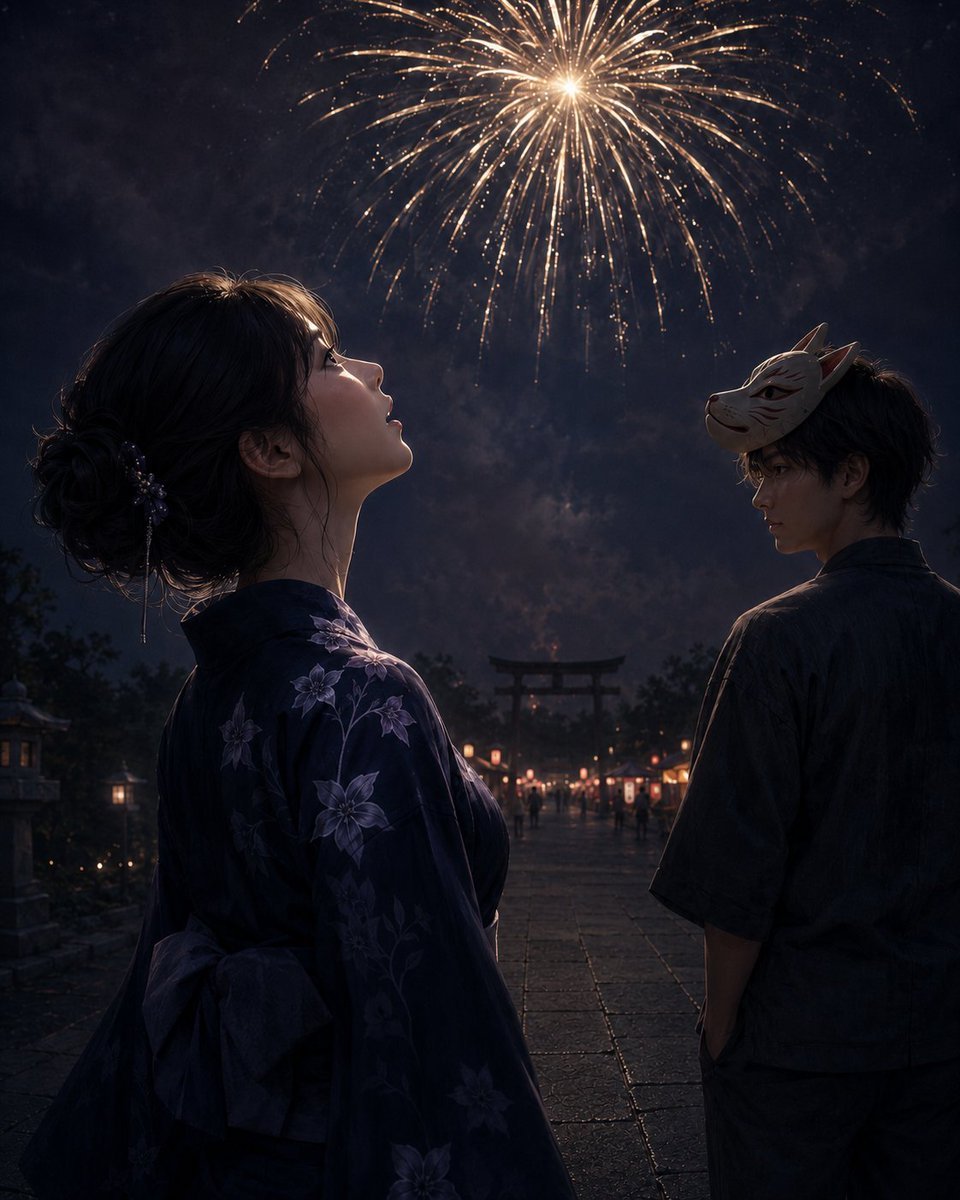
Fireworks at a Shrine Festival

2000s Retro-Pop Fashion Cinematic Editorial Portrait

FIFA 2026 — Golden Trophy Stadium Night

Japanese Negative Film Rooftop Summer Portrait
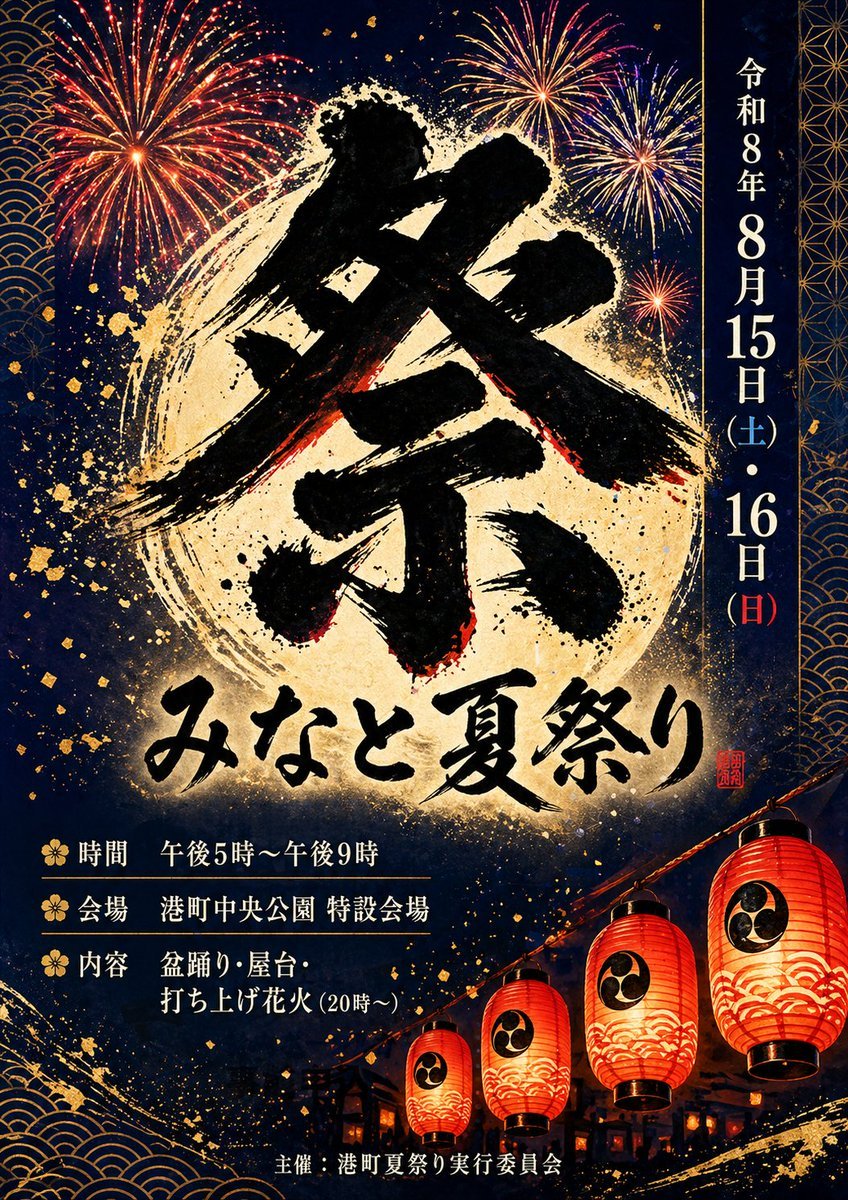
Japanese Summer Festival Poster
Make it yours
Kyoto Summer Festival Fireworks works as-is. These are the safest ways to change it without losing the look.
Change one field
Copy a single group, rewrite it, and generate again so you can see what that field is doing.
Keep the frame, change the subject
Hold the composition and light of Kyoto Summer Festival Fireworks, then swap wardrobe, props or the person for a new take.
| If the result… | Why | Fix |
|---|---|---|
| The result drifts from the preview | Too many fields changed at once. | Reuse Kyoto Summer Festival Fireworks as-is first, then change one group — subject, light, or setting. |
| The model over-stylizes the scene | The prose prompt leaves finish and camera underspecified. | Add one camera or lighting sentence and stay on GPT Image 2. |
More GPT Image 2 templates
Other prompts made for GPT Image 2.

Six VTuber Japanese Logo Sheet

Realistic Portrait of Woman and Deer

The Vista Modular Condo Poster

AI Model Routing Comparison Infographic

2.5D Anime Art Board

Isometric Productivity Desk Scene

New York Double Exposure Poster

Four-Panel AI Landscape Comparison

Japanese Tatami Lifestyle Magazine Cover

NESCAFÉ Coffee Map Poster
More image prompts
Fresh picks from across the catalog.

High-Fashion Denim Photoshoot with Ultra-Long Hair

Photorealistic Traditional Indian Saree Portrait
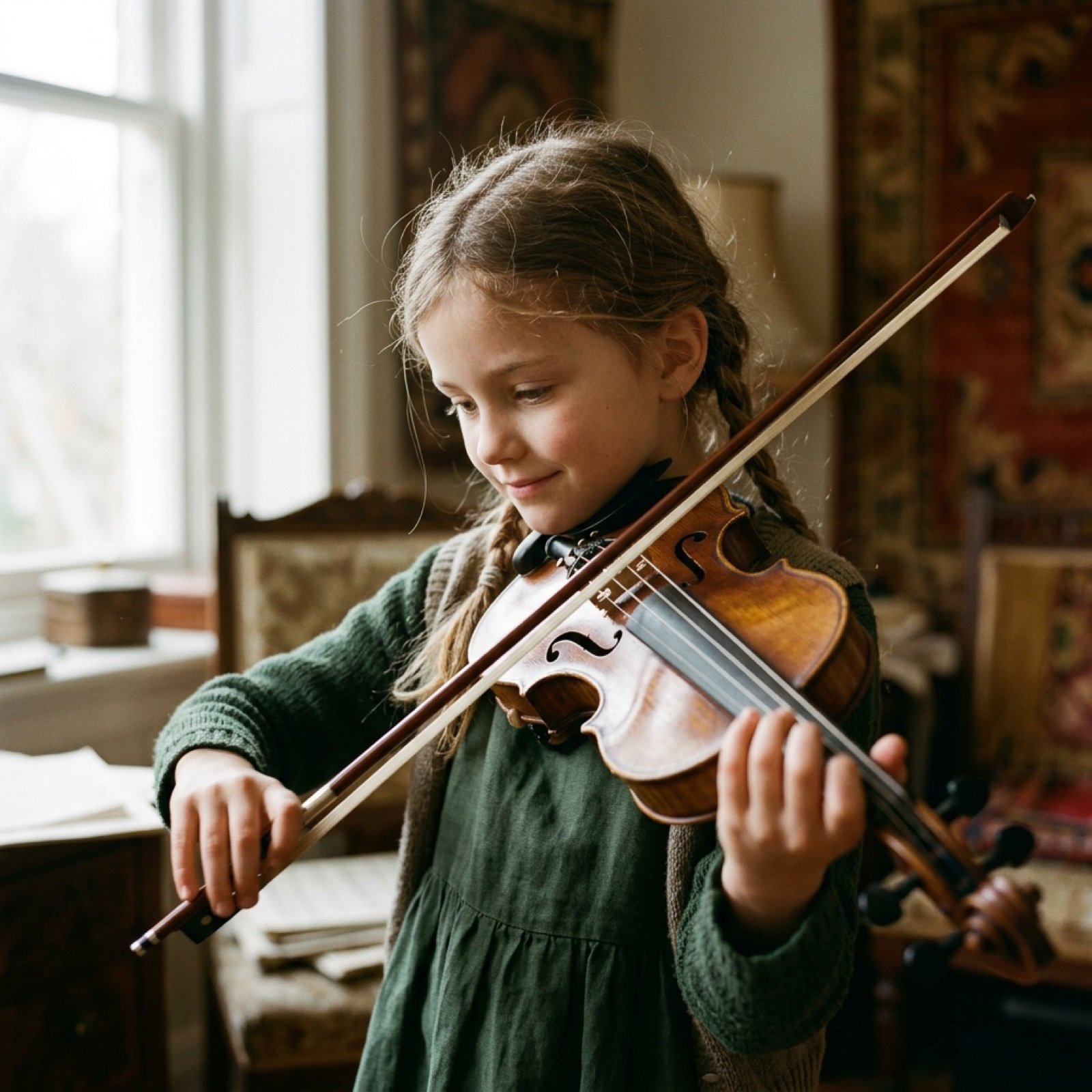
Cinematic Video Prompt for Violinist Girl
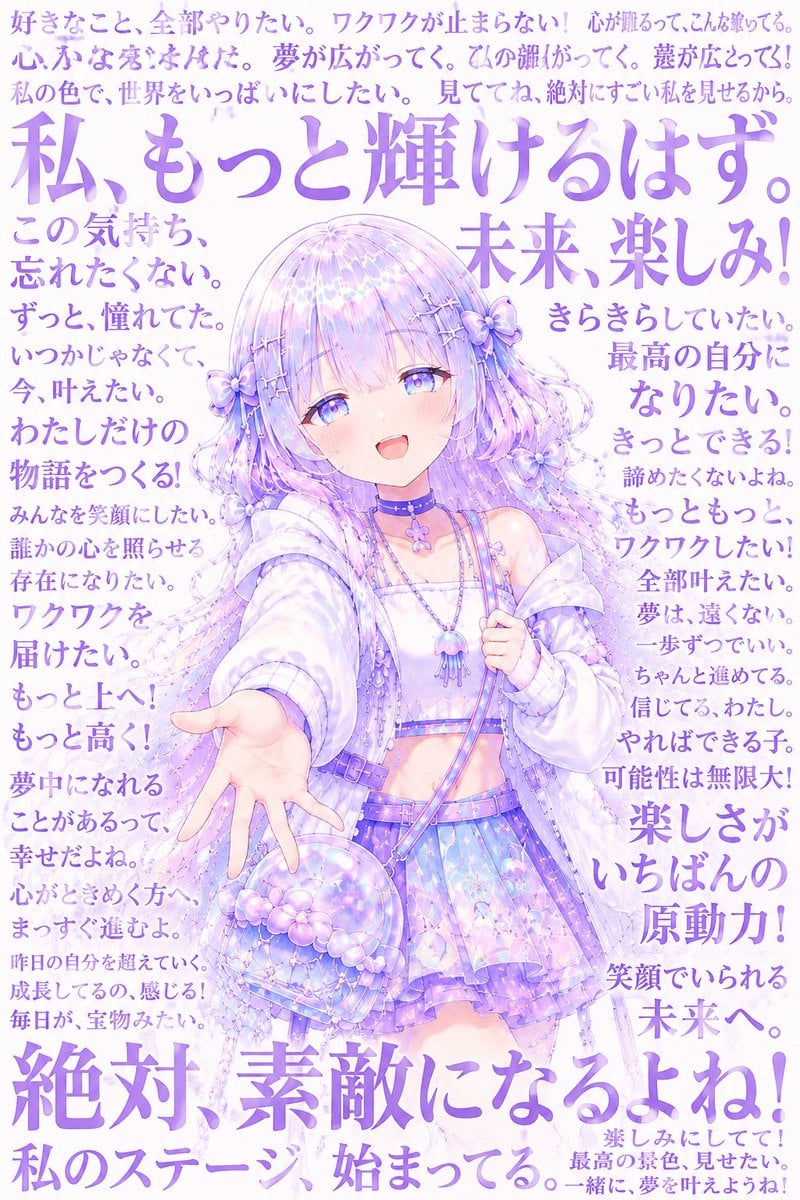
Pastel Anime Inner Monologue Poster
Cinematic Sport in Midjourney V7
Prompt for Editorial Photo Shoot Model Posing in Street
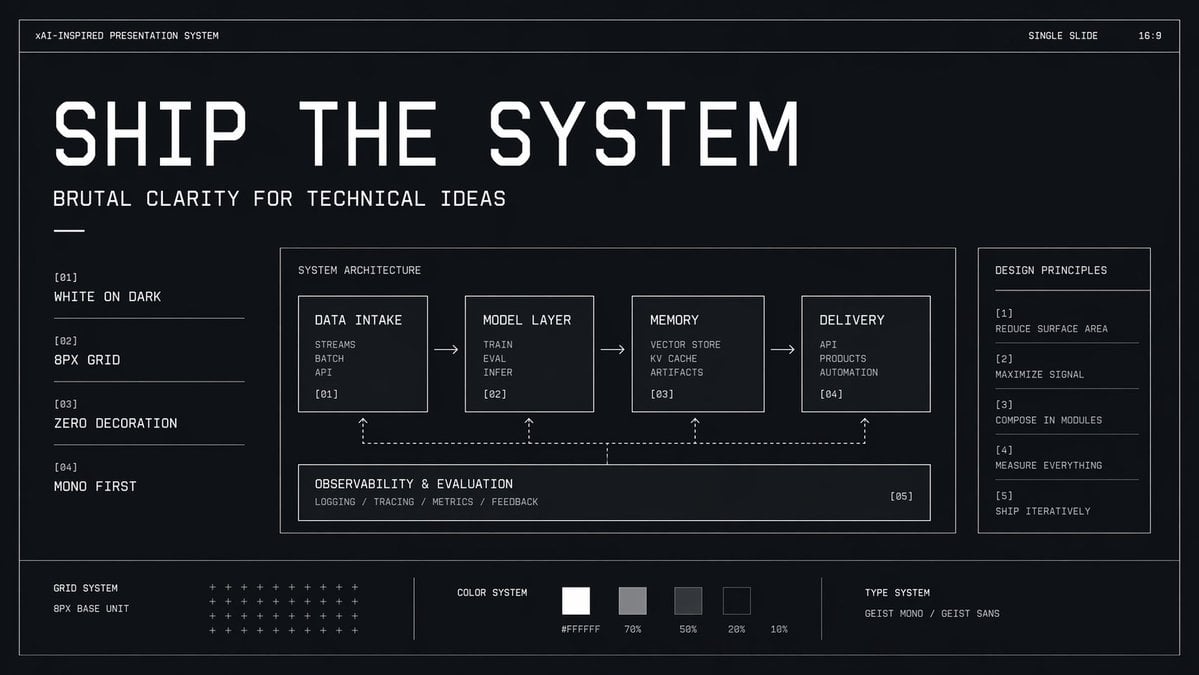
Brutalist Technical System Slide
Cinematic Portrait with Dramatic Red Lighting
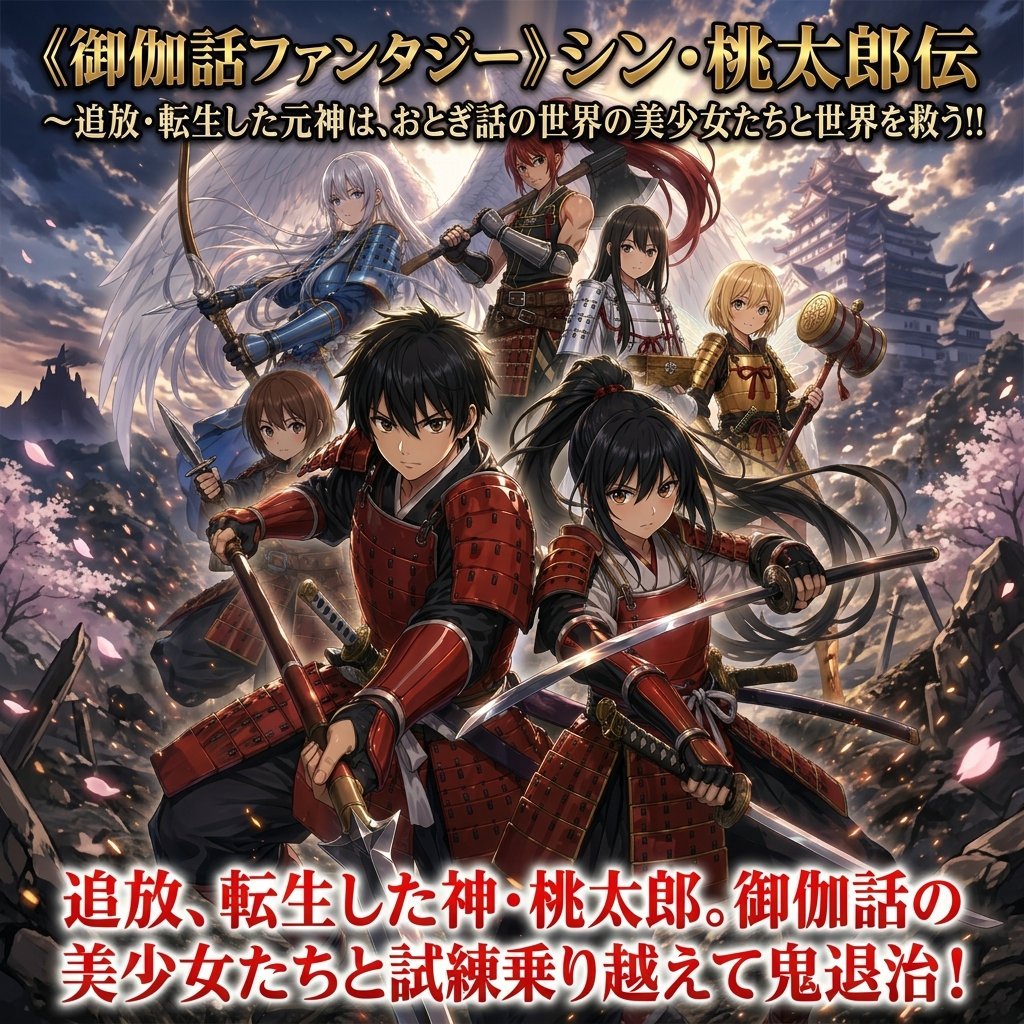
Epic Momotaro Fantasy Cover
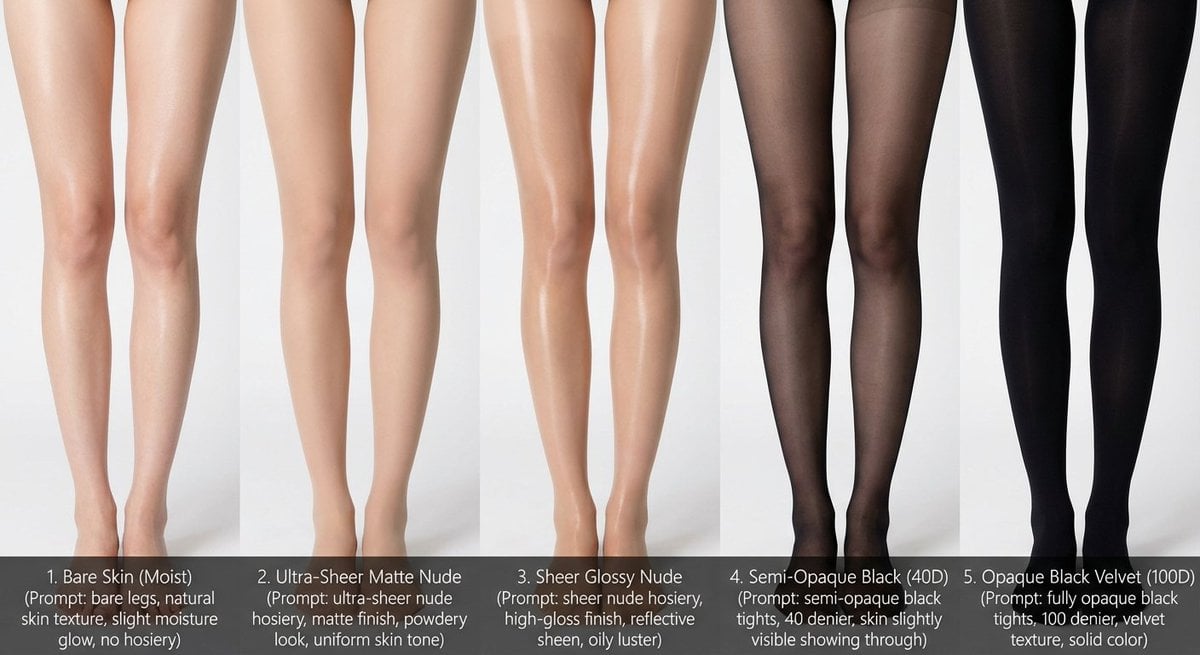
Comparative Infographic Grid Generator Prompt (Legs and Stockings)
Browse template categories
Kyoto Summer Festival Fireworks questions
How do I use the Kyoto Summer Festival Fireworks template?
Add your photo if the template asks for one, edit the prompt if you like — the template's model and format are already selected — and press Generate. Your version opens in PicX Studio.
Can I customize the Kyoto Summer Festival Fireworks template?
Yes. You can change the subject, setting, lighting, mood, format, and available model controls before creating your image.
Is the Kyoto Summer Festival Fireworks template free?
Opening and editing this template is free. Generating uses credits, shown on the Generate button when you are signed in.
Which AI model should I use?
Start with GPT Image 2, which is the model associated with this template. You can compare another compatible model for a different finish.
Looking for something else? Browse all templates.

Your photo, any look
Thousands of ready templates for every top image and video model, from one credit balance.