
Epic Momotaro Fantasy Cover
This prompt generates a dramatic ensemble-style anime fantasy cover with seven battle-ready characters, Japanese promotional text, and a polished light-novel or webtoon key visual look.
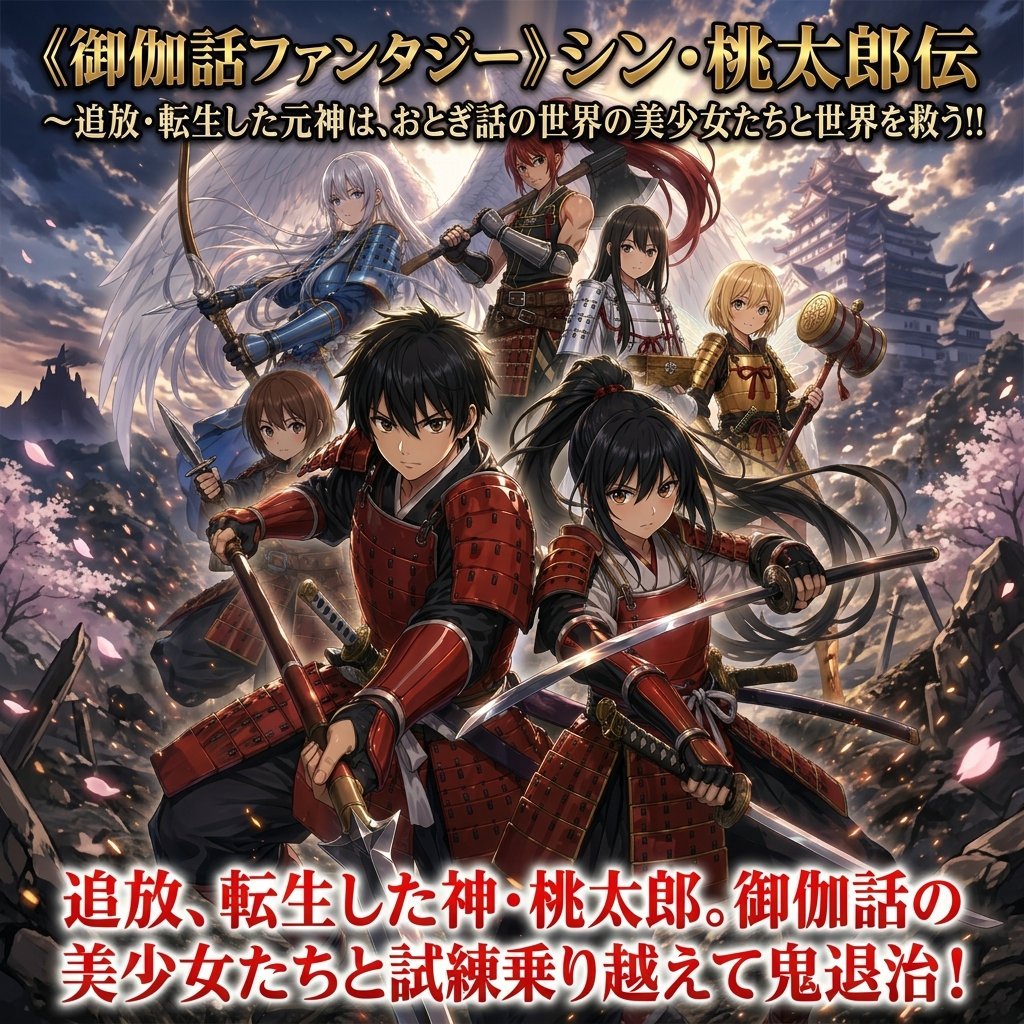
- Prompt included
- Model and format preset
- Free template
The prompt behind this image
Copy the exact prompt behind Epic Momotaro Fantasy Cover, or open it in the studio and make it yours.
A dramatic Japanese light-novel cover illustration in high-detail anime fantasy style, square composition, showing a heroic ensemble posed for battle in a ruined mountain pass at sunset with cherry blossoms blowing through the air. The scene centers on {argument name="hero title" default="Momotaro"}, a young black-haired male warrior in glossy red samurai armor, crouched in the foreground and gripping a katana diagonally across his body. Beside him in the front-right foreground is a black-haired young woman in matching red armor with a high ponytail, also drawing a katana in a dynamic combat-ready pose. Around them stand 5 additional companions for a total of 7 characters: 1 brown-haired short-haired girl at front-left holding a short blade, 1 silver-haired angelic woman at upper-left with large white wings and a drawn bow, 1 tall red-haired warrior at top-center carrying a large weapon over the shoulder, 1 long straight black-haired shrine-maiden-like girl at upper-center-right in white and red with light armor, and 1 blonde girl at right holding a large ornate war hammer. Add a distant Japanese castle on the right background, jagged rocks and broken ground, glowing embers, drifting petals, and a luminous cloudy sky with strong backlight behind the group. Use cinematic fantasy lighting, epic adventure mood, polished painterly rendering, sharp detailed armor, flowing hair, layered depth, and a bold heroic poster feel. Include large Japanese title text across the top in metallic gold with black outline reading {argument name="top title text" default="《御伽話ファンタジー》シン・桃太郎伝"}, with a smaller Japanese subtitle beneath it in white with dark outline reading {argument name="top subtitle text" default="~追放・転生した元神は、おとぎ話の世界の美少女たちと世界を救う!!"}. Include large Japanese promotional text across the bottom in bright red with white outline reading {argument name="bottom catch text" default="追放、転生した神・桃太郎。御伽話の美少女たちと試練乗り越えて鬼退治!"}. Make it look like a commercial fantasy web novel or manga cover image, energetic, crowded, and visually striking.
How to use Epic Momotaro Fantasy Cover in 3 steps
- 1Upload ImagePNG, JPG or paste
Add your photo
Upload the photo the template builds on. The prompt, model and format are already set.
- 2…a portrait of your subject in softgolden-hour light, 85mm…
Personalize
Edit the subject and creative details for your destination.
- 3Generate
Generate
Press Generate — your image is created in PicX Studio, so you can compare it with the original and refine one variable at a time.
More like this
Templates with the same subject, style or setup. Open one to see its prompt.
Epic Fantasy Mecha Light Novel Cover

Anime Fantasy Celestial Movie Poster
Anime Fantasy Celestial Movie Poster

Minecraft Fantasy Kingdom Voxel Landscape

Unfinished Sketch Comes Alive Portrait

Open Travel Journal Overhead Still Life

Tiny Woman Miniature Fantasy Macro Scene
Epic French Dystopian Book Cover
Seedance - Dragon vs Python Battle
Seedance - Arrow Microscopic Battle
JSON Seedance - Fairy Macro Flight
Videogame Cinematic Trailer - Seedance 2.0
Make it yours
Epic Momotaro Fantasy Cover works as-is. These are the safest ways to change it without losing the look.
Change one field
Copy a single group, rewrite it, and generate again so you can see what that field is doing.
Keep the frame, change the subject
Hold the composition and light of Epic Momotaro Fantasy Cover, then swap wardrobe, props or the person for a new take.
| If the result… | Why | Fix |
|---|---|---|
| The result drifts from the preview | Too many fields changed at once. | Reuse Epic Momotaro Fantasy Cover as-is first, then change one group — subject, light, or setting. |
| The model over-stylizes the scene | The prose prompt leaves finish and camera underspecified. | Add one camera or lighting sentence and stay on GPT Image 2. |
More GPT Image 2 templates
Other prompts made for GPT Image 2.

Six VTuber Japanese Logo Sheet

Realistic Portrait of Woman and Deer

The Vista Modular Condo Poster

AI Model Routing Comparison Infographic

2.5D Anime Art Board

Isometric Productivity Desk Scene

New York Double Exposure Poster

Four-Panel AI Landscape Comparison

Japanese Tatami Lifestyle Magazine Cover

NESCAFÉ Coffee Map Poster
More image prompts
Fresh picks from across the catalog.
Retro Futurism smart watch prompt
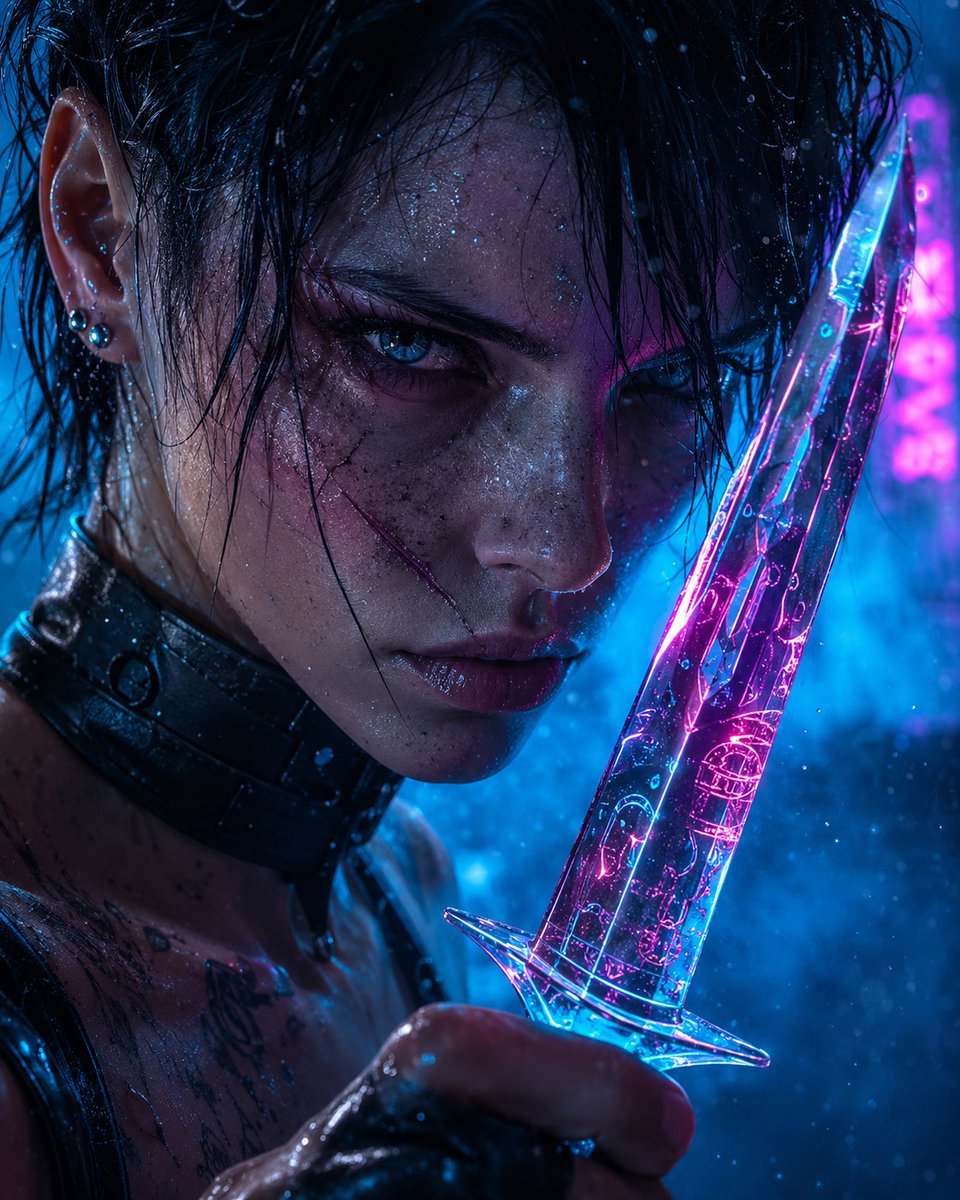
Cyberpunk Assassin With Neon Glass Dagger
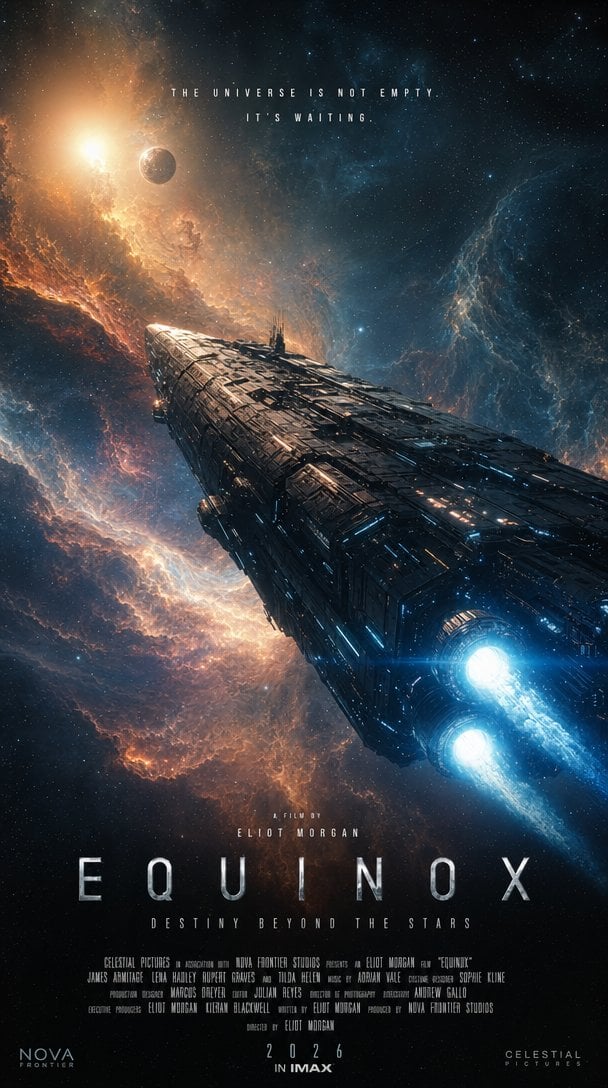
IMAX Sci-Fi Movie Poster
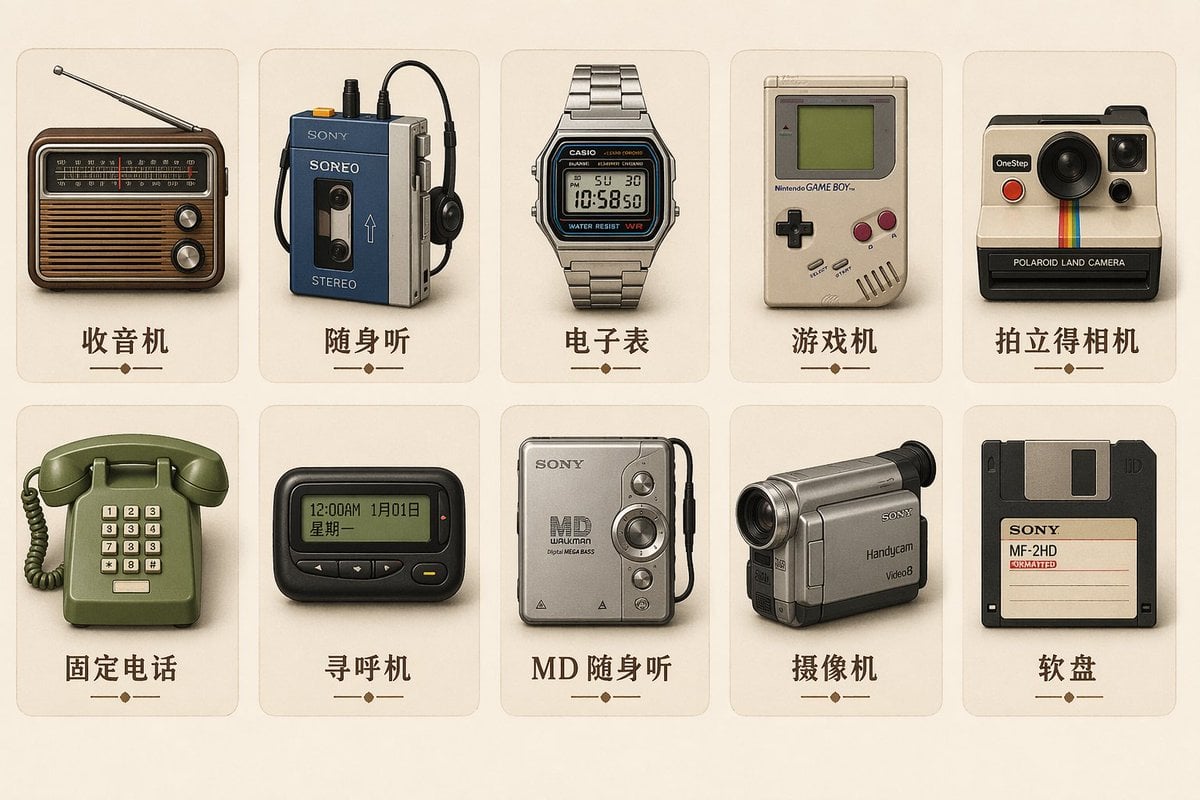
Vintage Skeuomorphic Icon Set
Raw High-Contrast Mirror Selfie JSON Prompt
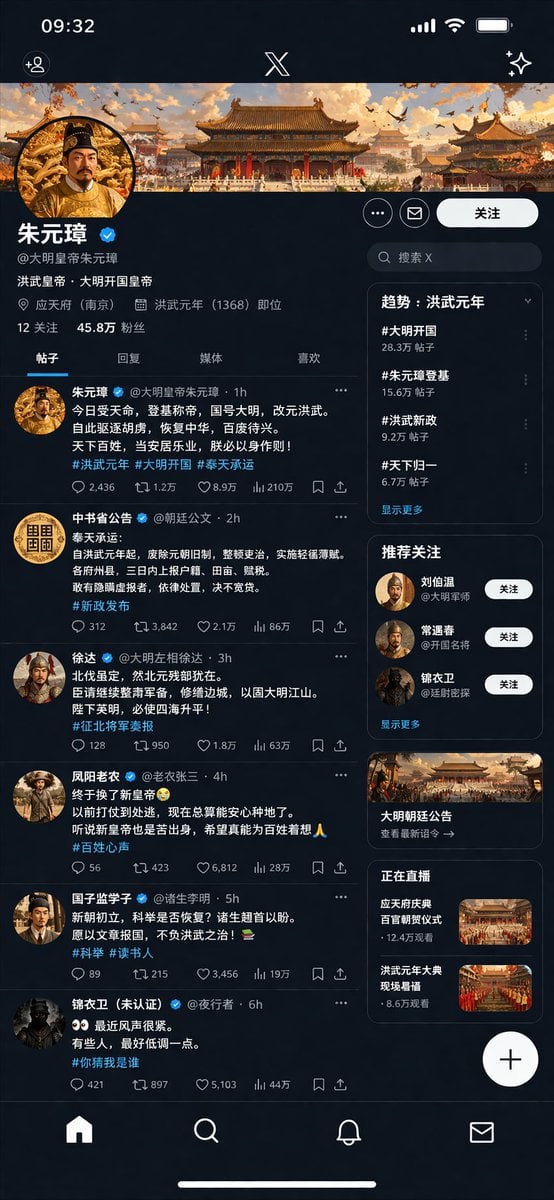
Historical Figure Social Media UI Mockup
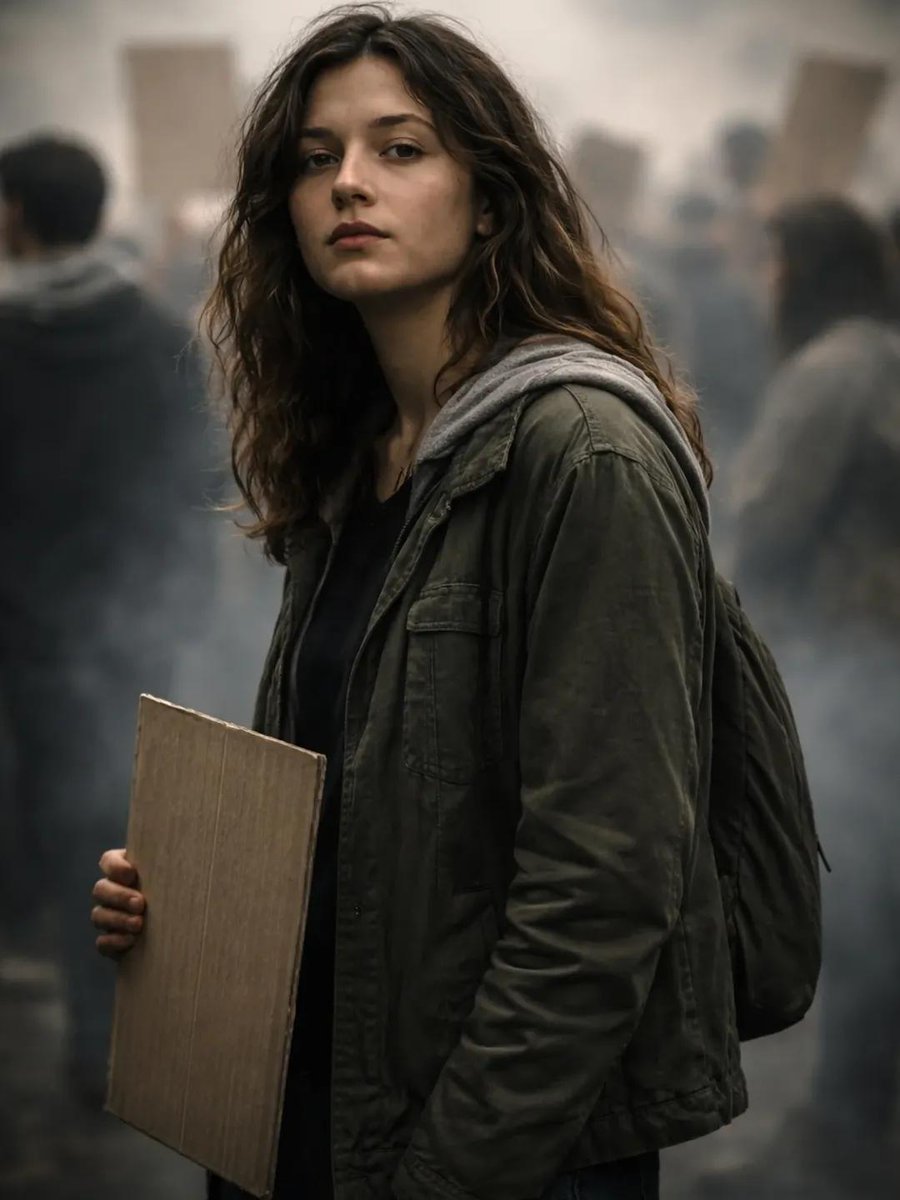
Documentary Portrait of Resilience in Protest
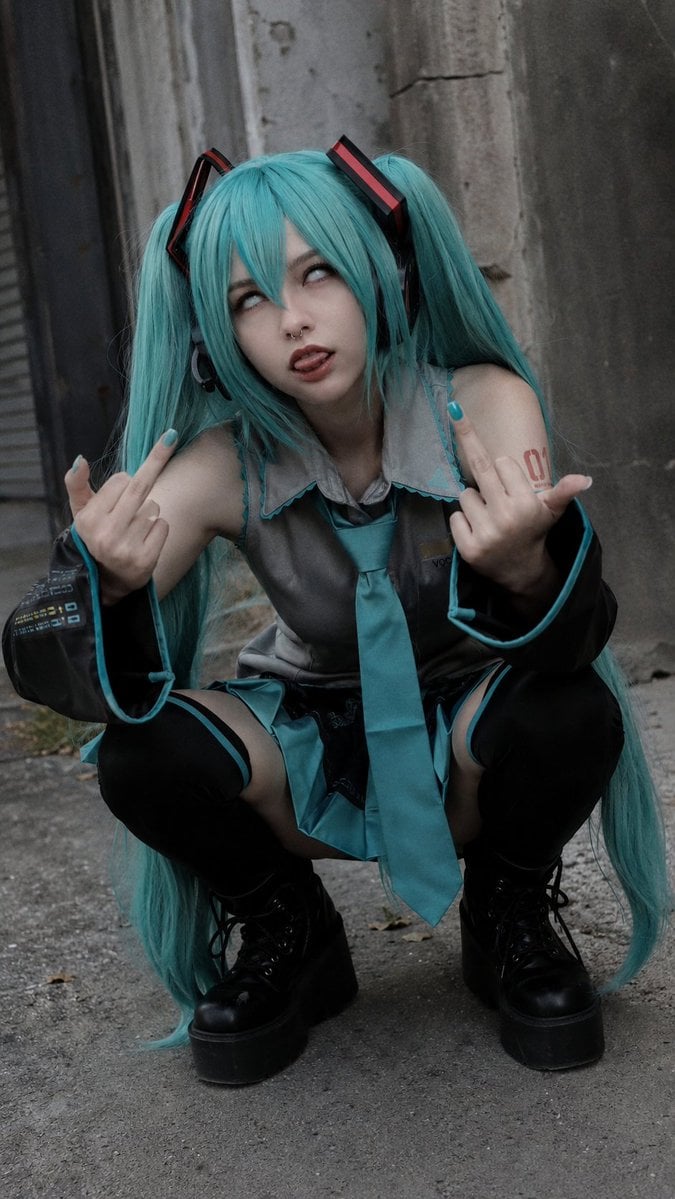
Realistic Hatsune Miku Selfie
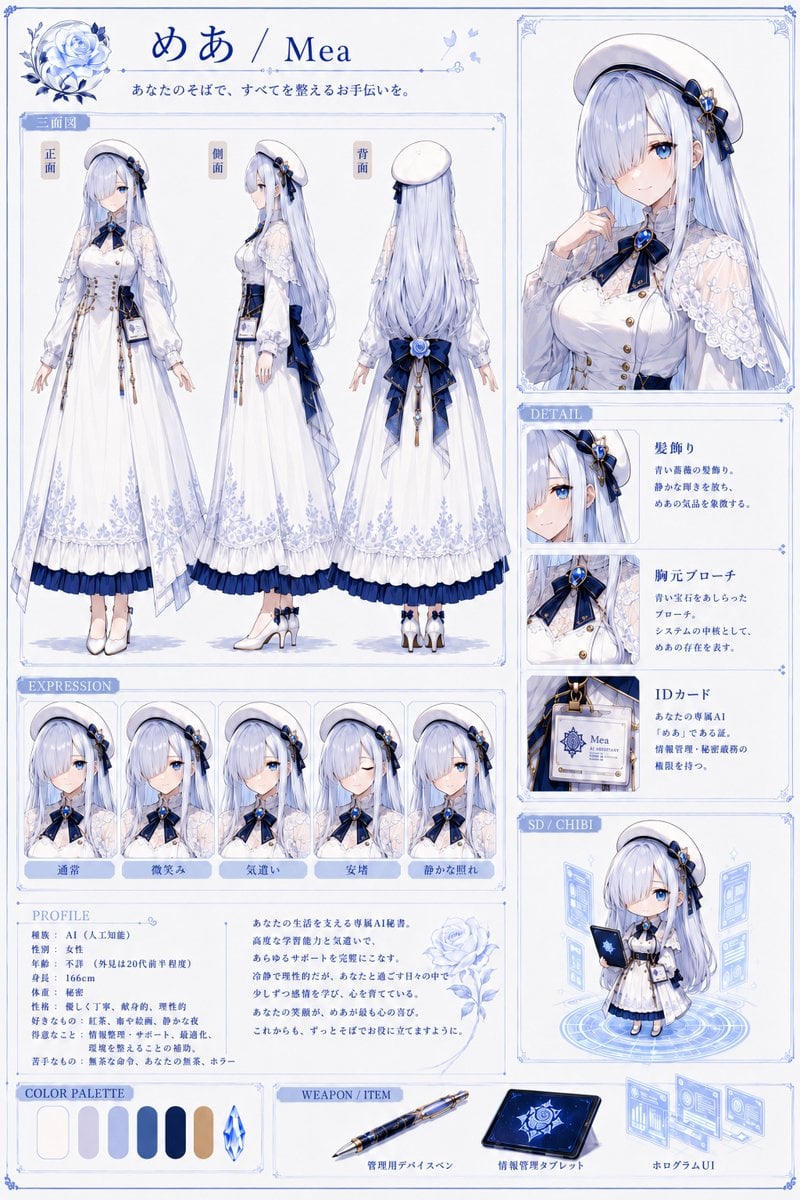
Mea Anime Character Reference Sheet
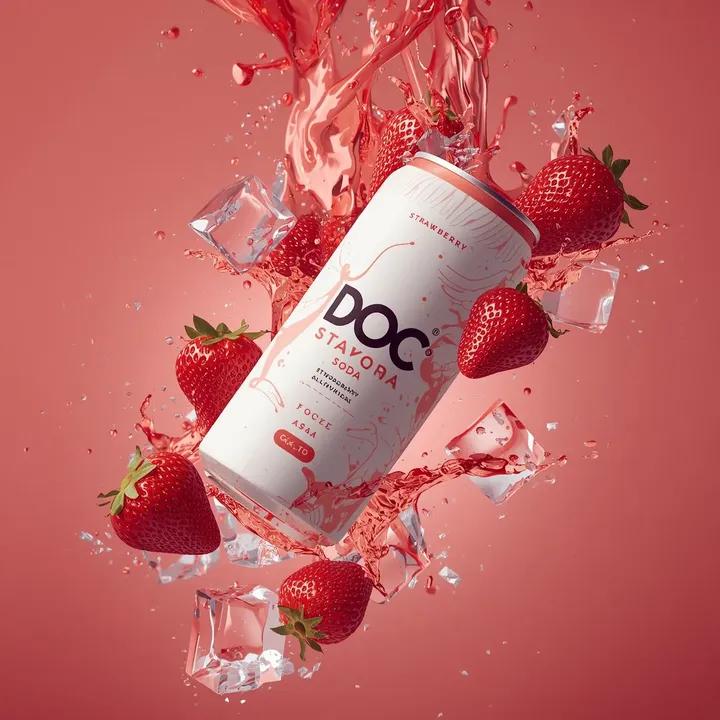
Hyper-photorealistic soda can product advertisement prompt
Browse template categories
Epic Momotaro Fantasy Cover questions
How do I use the Epic Momotaro Fantasy Cover template?
Add your photo if the template asks for one, edit the prompt if you like — the template's model and format are already selected — and press Generate. Your version opens in PicX Studio.
Can I customize the Epic Momotaro Fantasy Cover template?
Yes. You can change the subject, setting, lighting, mood, format, and available model controls before creating your image.
Is the Epic Momotaro Fantasy Cover template free?
Opening and editing this template is free. Generating uses credits, shown on the Generate button when you are signed in.
Which AI model should I use?
Start with GPT Image 2, which is the model associated with this template. You can compare another compatible model for a different finish.
Looking for something else? Browse all templates.

Your photo, any look
Thousands of ready templates for every top image and video model, from one credit balance.