
Epic Fantasy Mecha Light Novel Cover
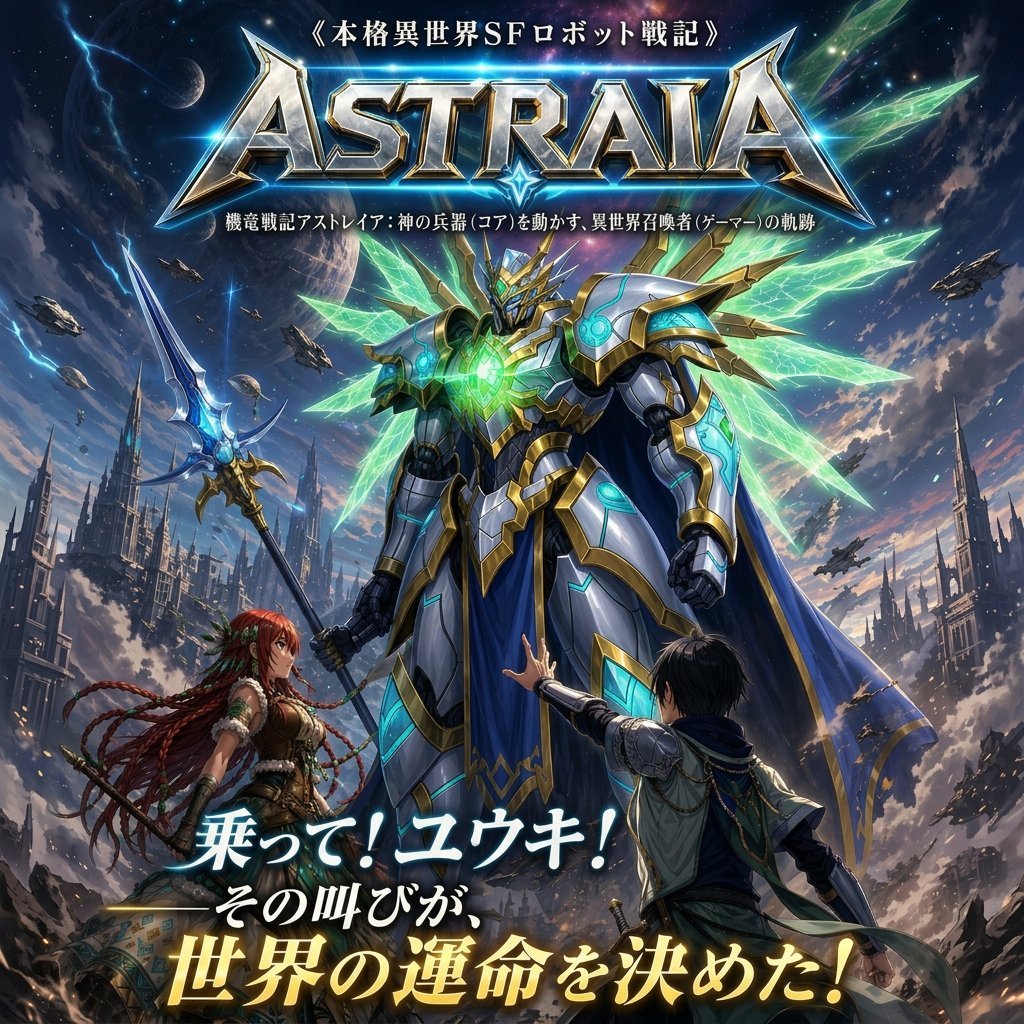
This prompt generates a dramatic anime-style Japanese sci-fi fantasy cover featuring a towering angelic robot, two protagonists, and bold title typography for novels, games, or promotional key art.
- Prompt included
- Model and format preset
- Free template
The prompt behind this image
Copy the exact prompt behind Epic Fantasy Mecha Light Novel Cover, or open it in the studio and make it yours.
Create a dramatic Japanese light-novel cover illustration for a fantasy mecha isekai story. Vertical poster composition with a huge heroic humanoid robot dominating the center foreground, viewed from a slightly low angle to make it monumental. The robot is sleek and ornate, with white and silver armor, rich gold trim, glowing cyan energy lines, a radiant emerald-green core in the chest, a crown-like crest on the helmet, and a long royal blue cape with gold edging. Behind its back spread multiple crystalline energy wings, about 8 large translucent green shards fanning out symmetrically like luminous blades. In its left hand it holds a long fantasy-tech spear with a blue glowing blade and gold mechanical detailing. At the robot’s feet are 2 human characters: on the left, a red-haired fantasy heroine with very long braided hair, leather-and-fabric adventurer clothing, and a determined expression, looking up at the robot; on the right, a young male protagonist with short dark hair in a fantasy tunic and cloak, reaching one hand up toward the giant machine in awe and urgency, seen mostly from behind. The setting is an epic ruined sci-fi fantasy world with towering gothic spires, broken city structures, drifting smoke, dramatic clouds, and a sky filled with stars, planets, streaks of lightning, and 8 small flying warships scattered in the distance. Highly polished anime key visual style, ultra-detailed, cinematic lighting, intense contrast, blue-green-gold color palette, heroic atmosphere, intricate mechanical rendering, fantasy worldbuilding, premium game or novel cover finish. Add large Japanese title typography at the top: 《{argument name="tagline text" default="本格異世界SFロボット戦記"}》 above a massive metallic logo reading {argument name="series title" default="ASTRAIA"}, with a smaller Japanese subtitle line beneath it. Add a large dramatic Japanese catchphrase at the bottom in glowing white and gold text over 2 lines: {argument name="bottom catchphrase" default="乗って!ユウキ! その叫びが、世界の運命を決めた!"}. Keep the overall design dense, premium, and readable as a commercial cover, with the central robot as the unmistakable focal point.
How to use Epic Fantasy Mecha Light Novel Cover in 3 steps
- 1Upload ImagePNG, JPG or paste
Add your photo
Upload the photo the template builds on. The prompt, model and format are already set.
- 2…a portrait of your subject in softgolden-hour light, 85mm…
Personalize
Edit the subject and creative details for your destination.
- 3Generate
Generate
Press Generate — your image is created in PicX Studio, so you can compare it with the original and refine one variable at a time.
More like this
Templates with the same subject, style or setup. Open one to see its prompt.
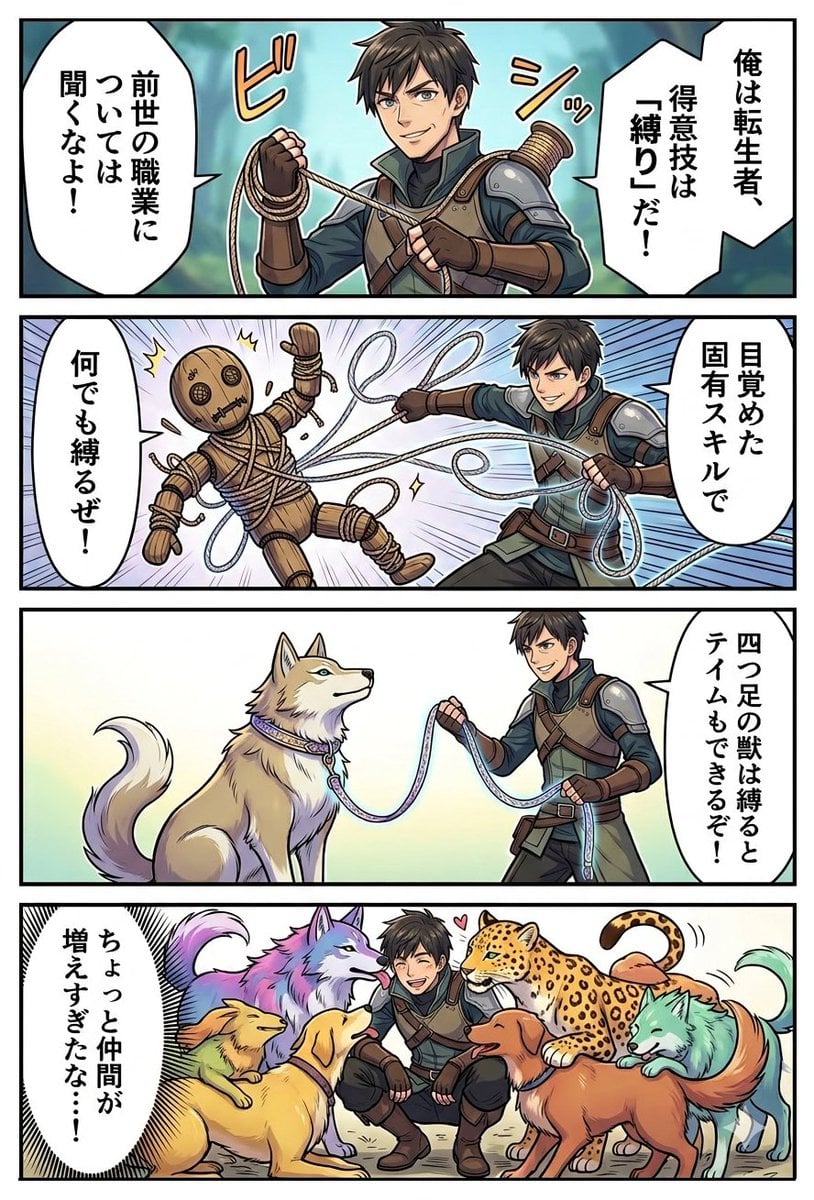
Light Novel Style Comic Cover
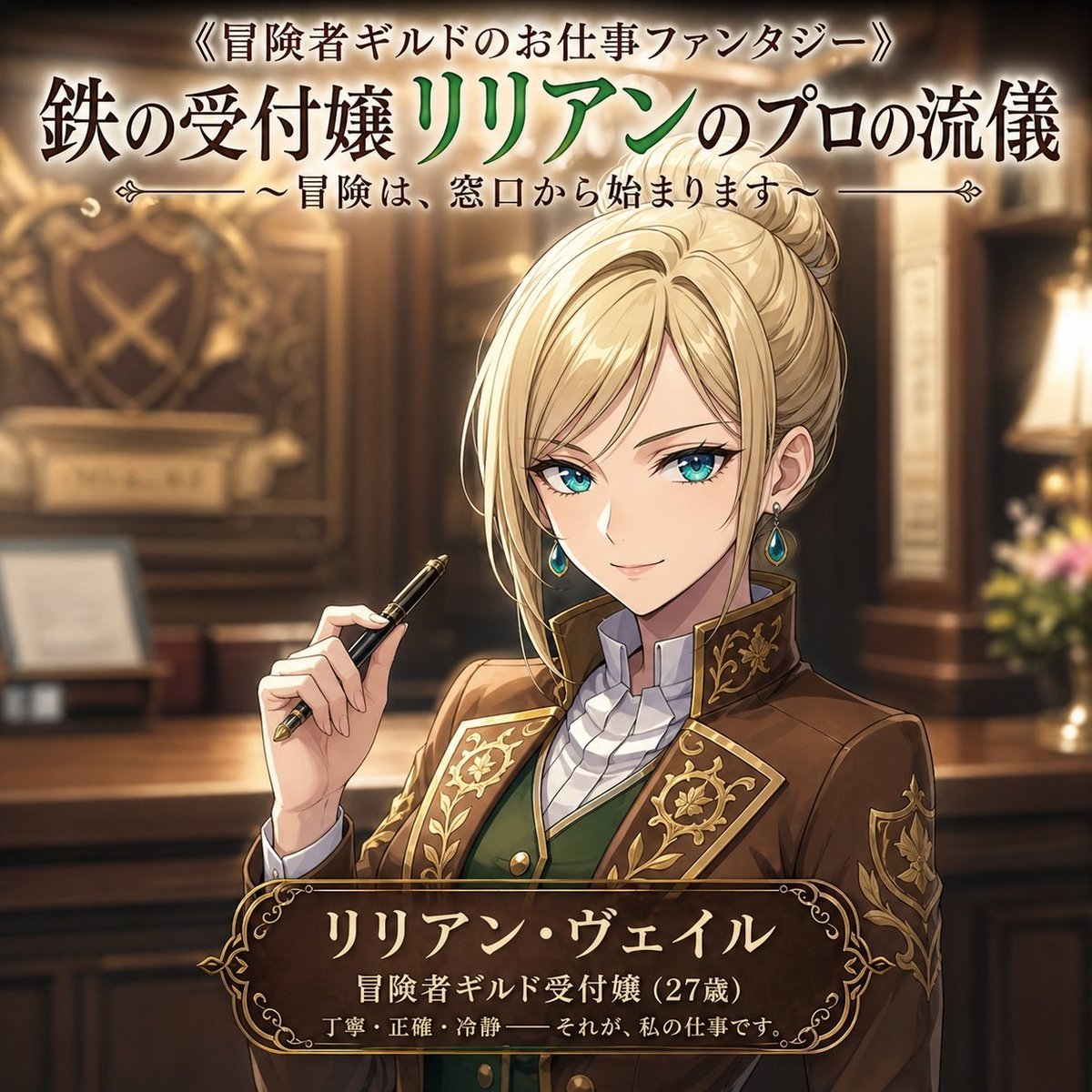
Fantasy Guild Receptionist Novel Cover
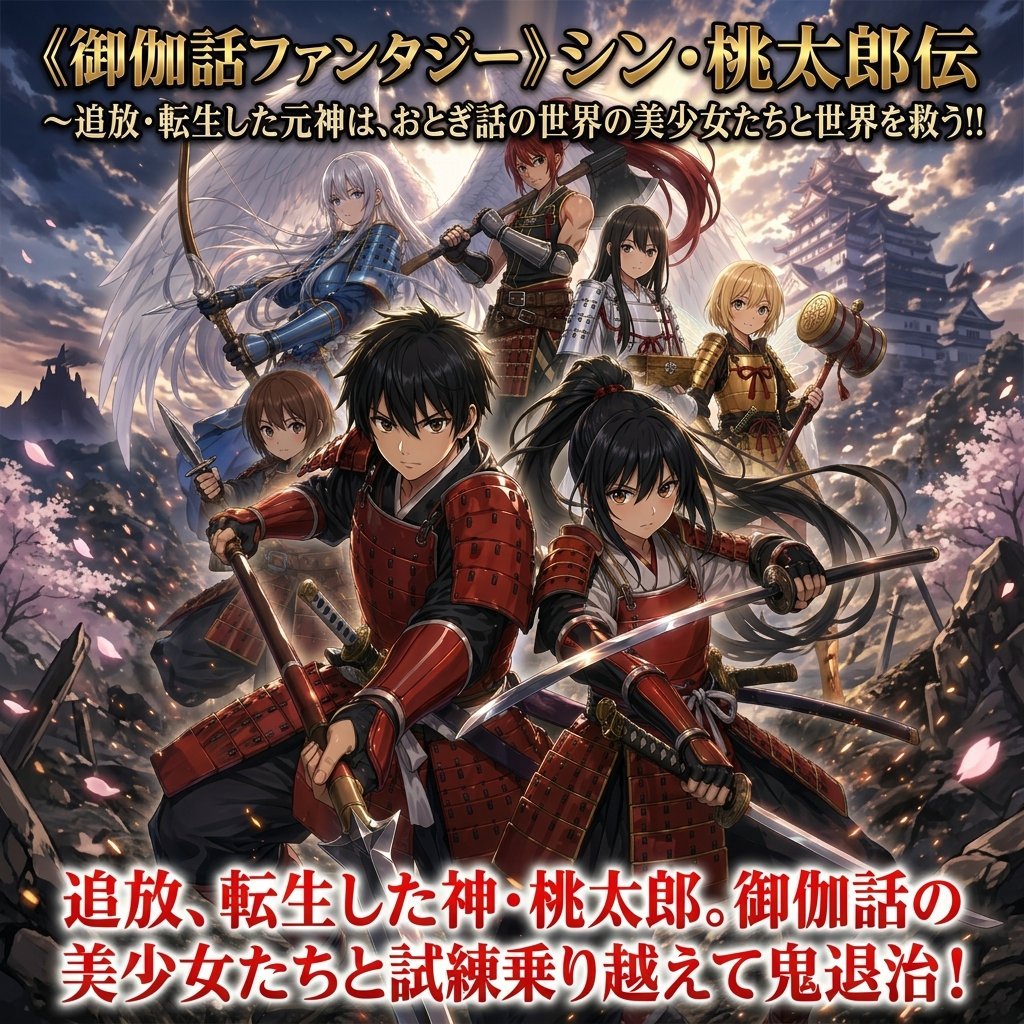
Epic Momotaro Fantasy Cover
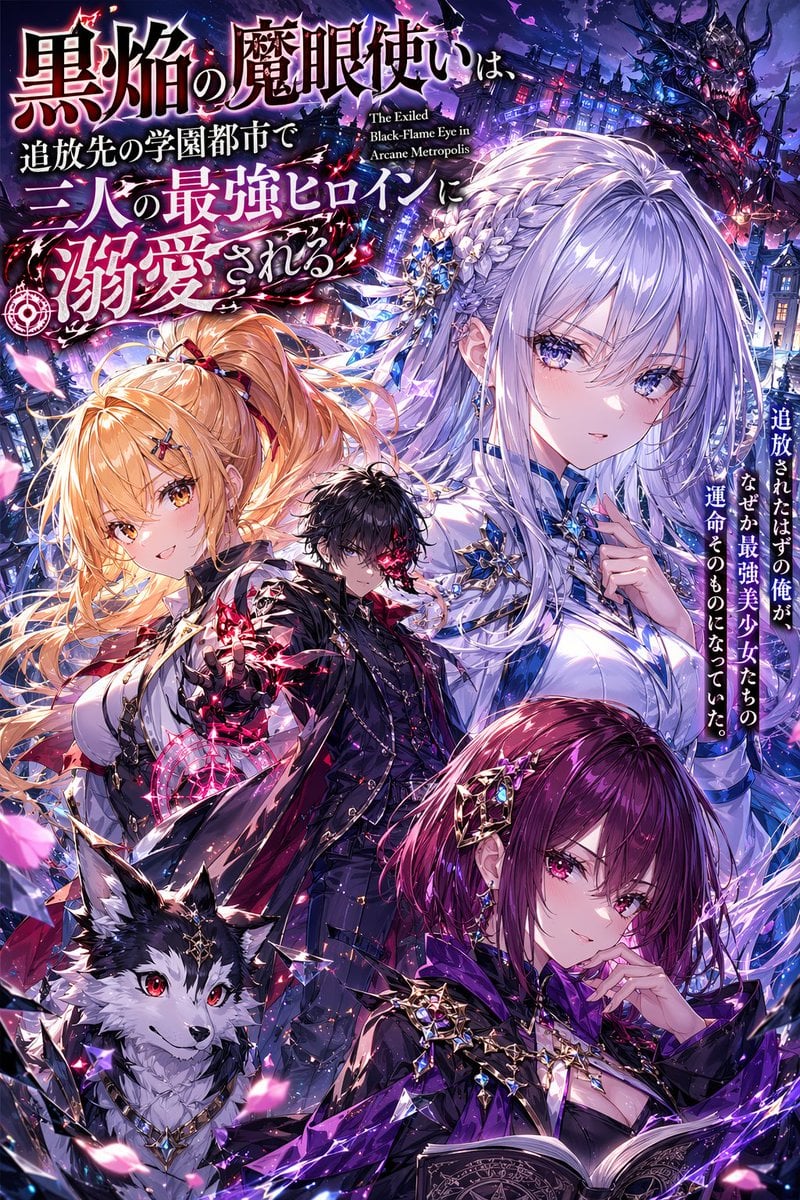
Anime Light Novel Cover with Typography
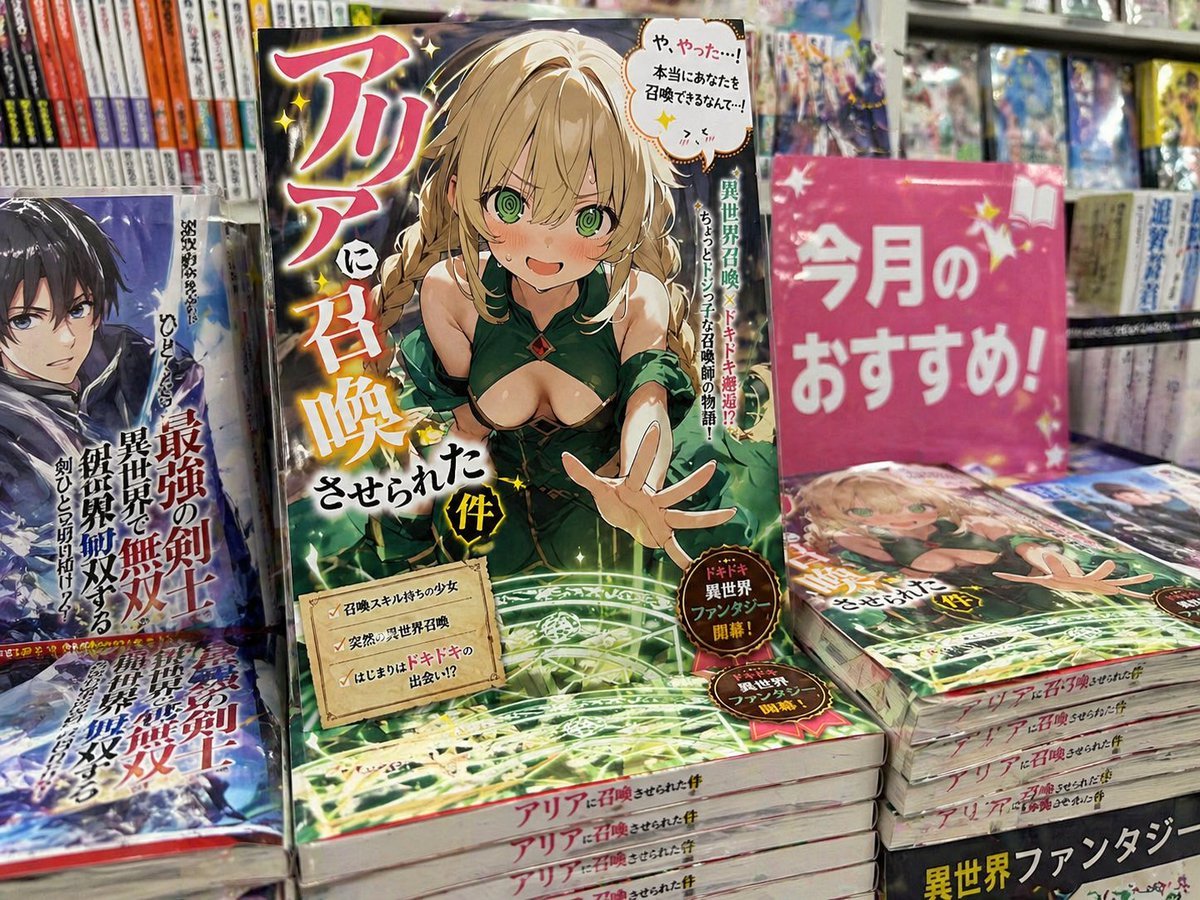
Light novel cover and bookstore display
JSON Seedance - Fairy Macro Flight
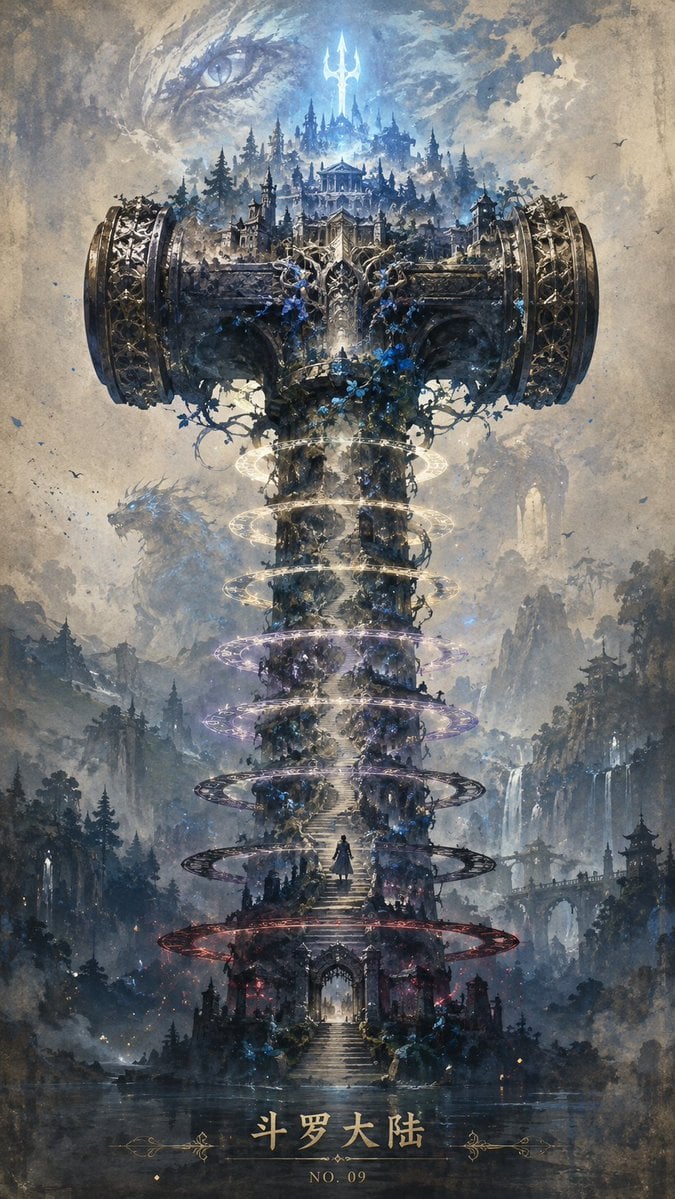
Epic Douluo Fantasy Tower Poster
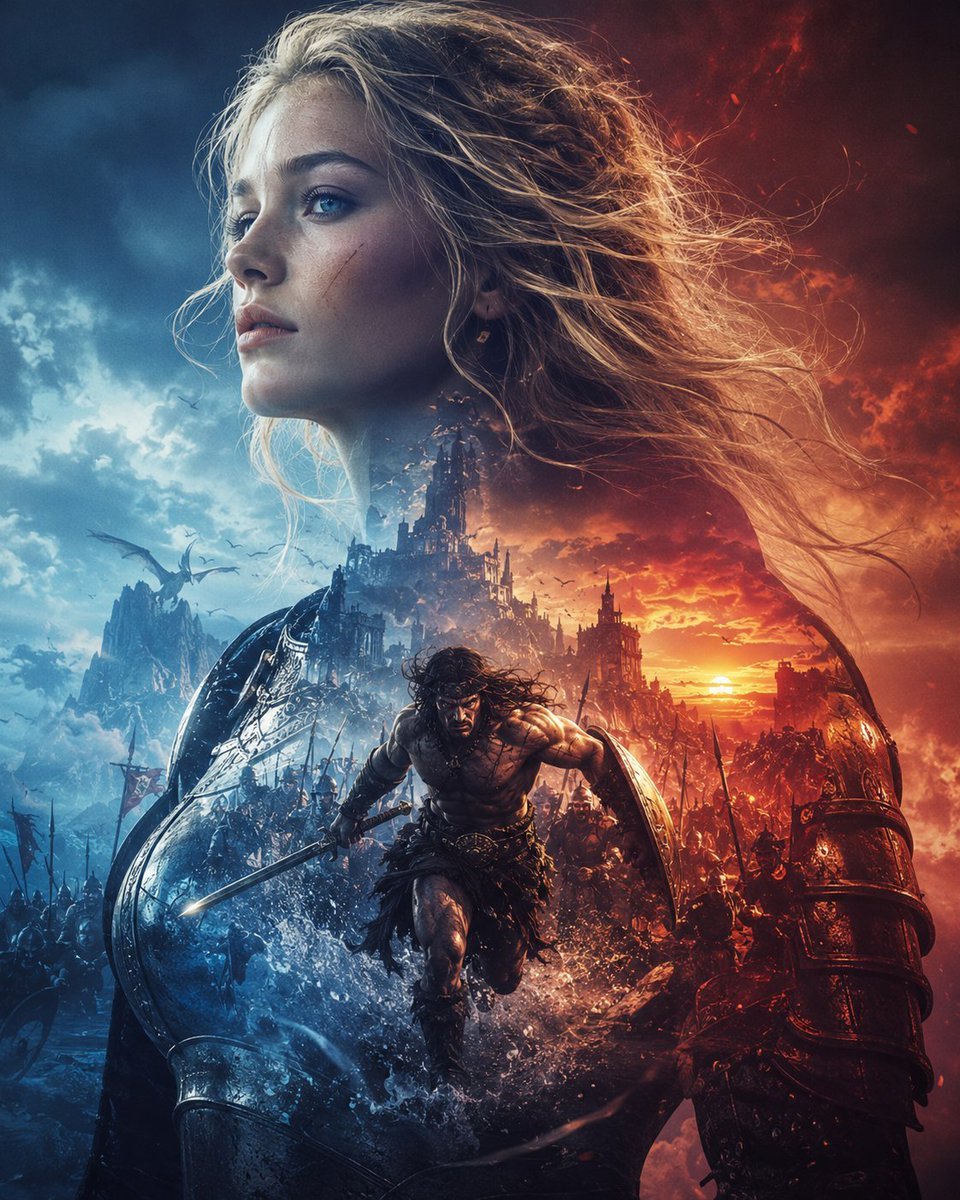
Epic Fantasy Battle Memory Poster
Cinematic Wuxia Fantasy Cover

Anime Fantasy Celestial Movie Poster
Anime Fantasy Celestial Movie Poster

Minecraft Fantasy Kingdom Voxel Landscape
Make it yours
Epic Fantasy Mecha Light Novel Cover works as-is. These are the safest ways to change it without losing the look.
Change one field
Copy a single group, rewrite it, and generate again so you can see what that field is doing.
Keep the frame, change the subject
Hold the composition and light of Epic Fantasy Mecha Light Novel Cover, then swap wardrobe, props or the person for a new take.
| If the result… | Why | Fix |
|---|---|---|
| The result drifts from the preview | Too many fields changed at once. | Reuse Epic Fantasy Mecha Light Novel Cover as-is first, then change one group — subject, light, or setting. |
| The model over-stylizes the scene | The prose prompt leaves finish and camera underspecified. | Add one camera or lighting sentence and stay on GPT Image 2. |
More GPT Image 2 templates
Other prompts made for GPT Image 2.

Six VTuber Japanese Logo Sheet

Realistic Portrait of Woman and Deer

The Vista Modular Condo Poster

AI Model Routing Comparison Infographic

2.5D Anime Art Board

Isometric Productivity Desk Scene

New York Double Exposure Poster

Four-Panel AI Landscape Comparison

Japanese Tatami Lifestyle Magazine Cover

NESCAFÉ Coffee Map Poster
More image prompts
Fresh picks from across the catalog.
Kitchen Utensil to Interstellar Warship Transformation
Technical Infographic for E-commerce Product Description
Nano Banana Pro Instax Mini 8
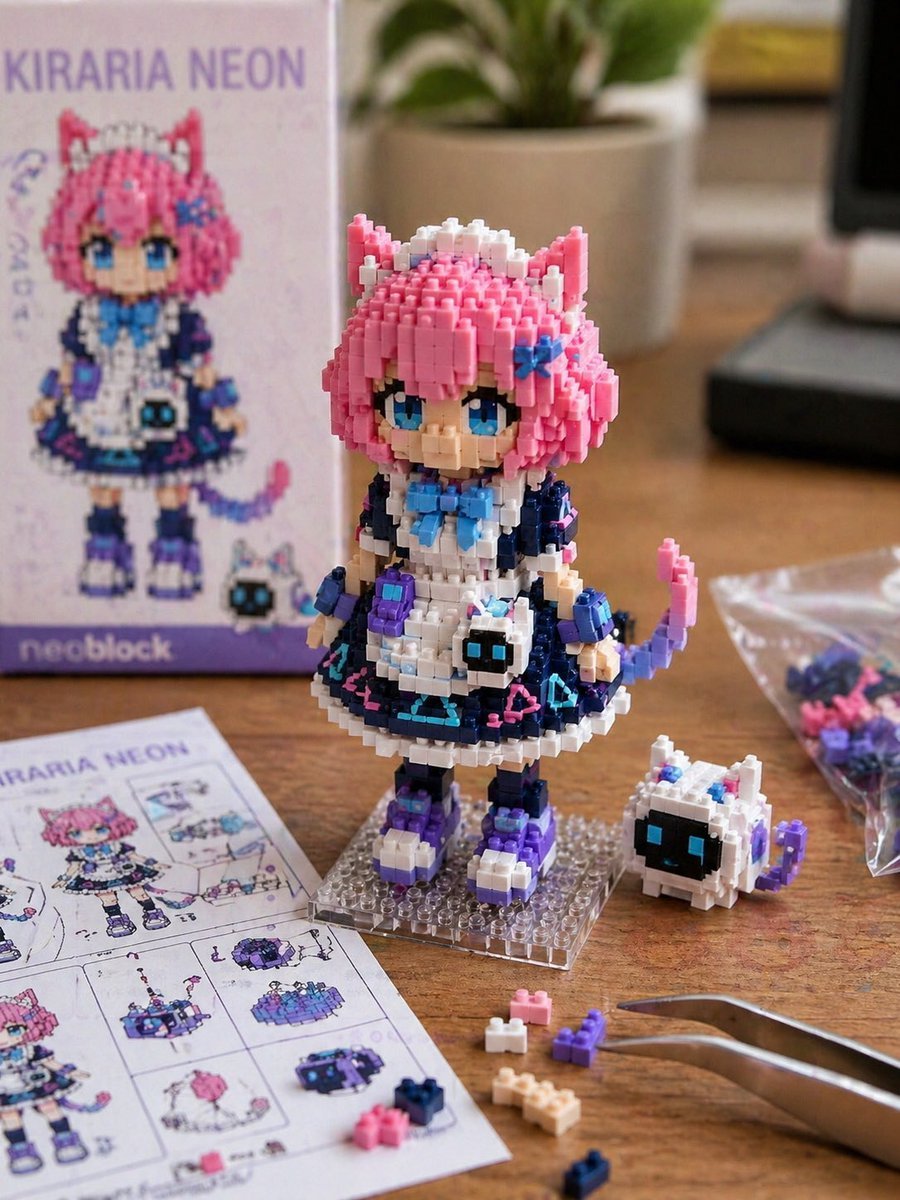
Custom Nanoblock Toy Creator
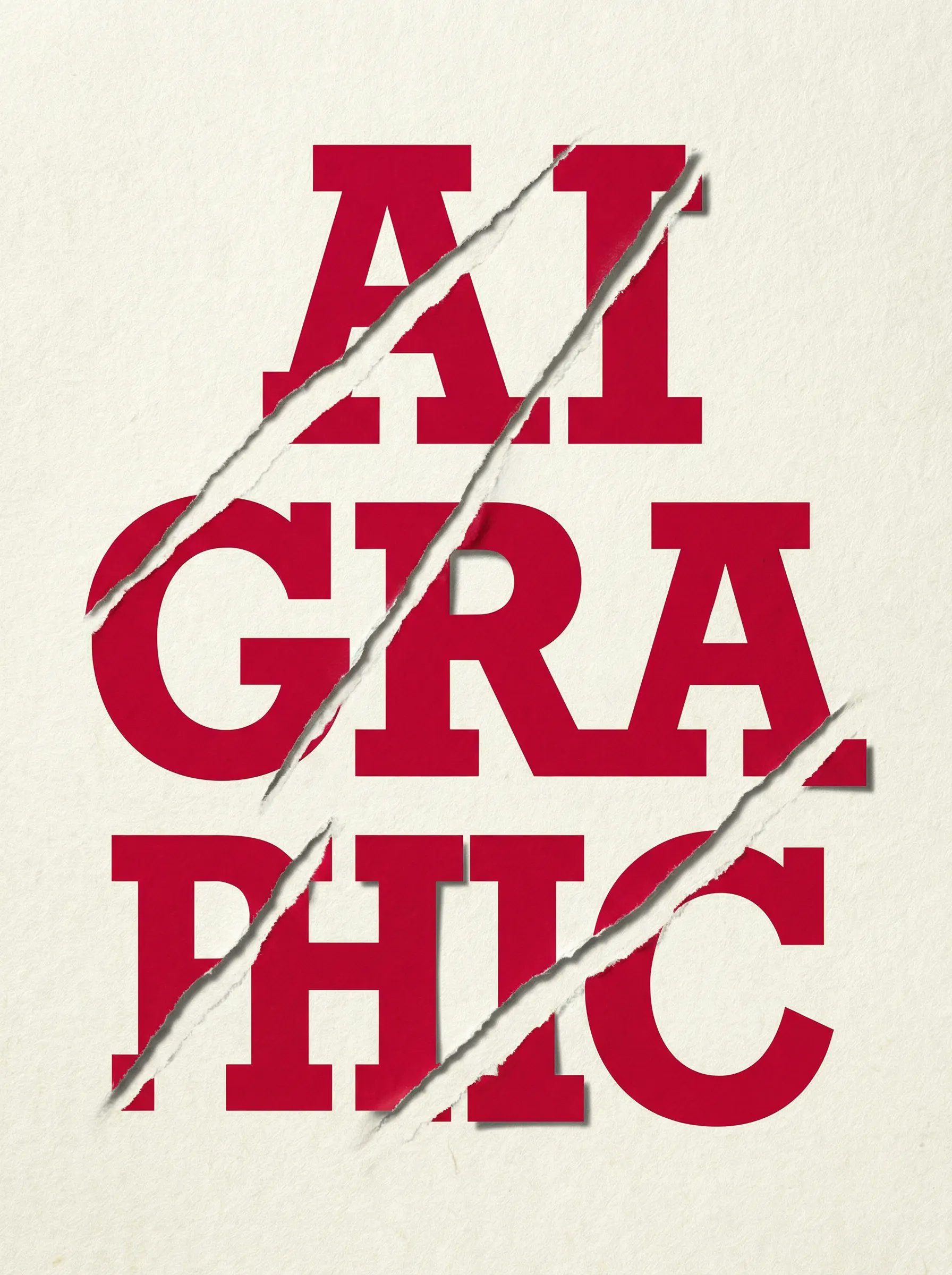
untitled

Grapes Arranged as a Ghost
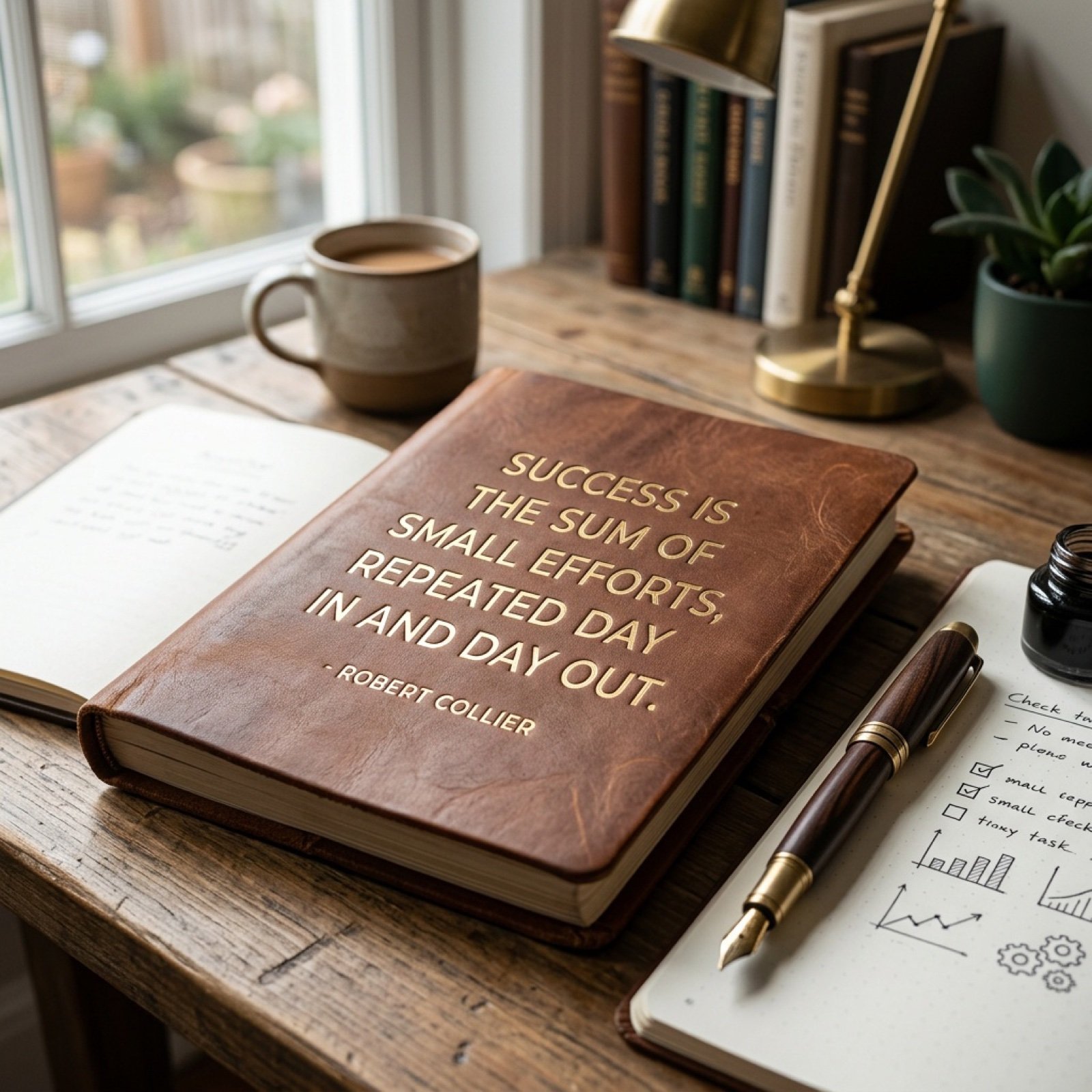
Morning Coffee Quote
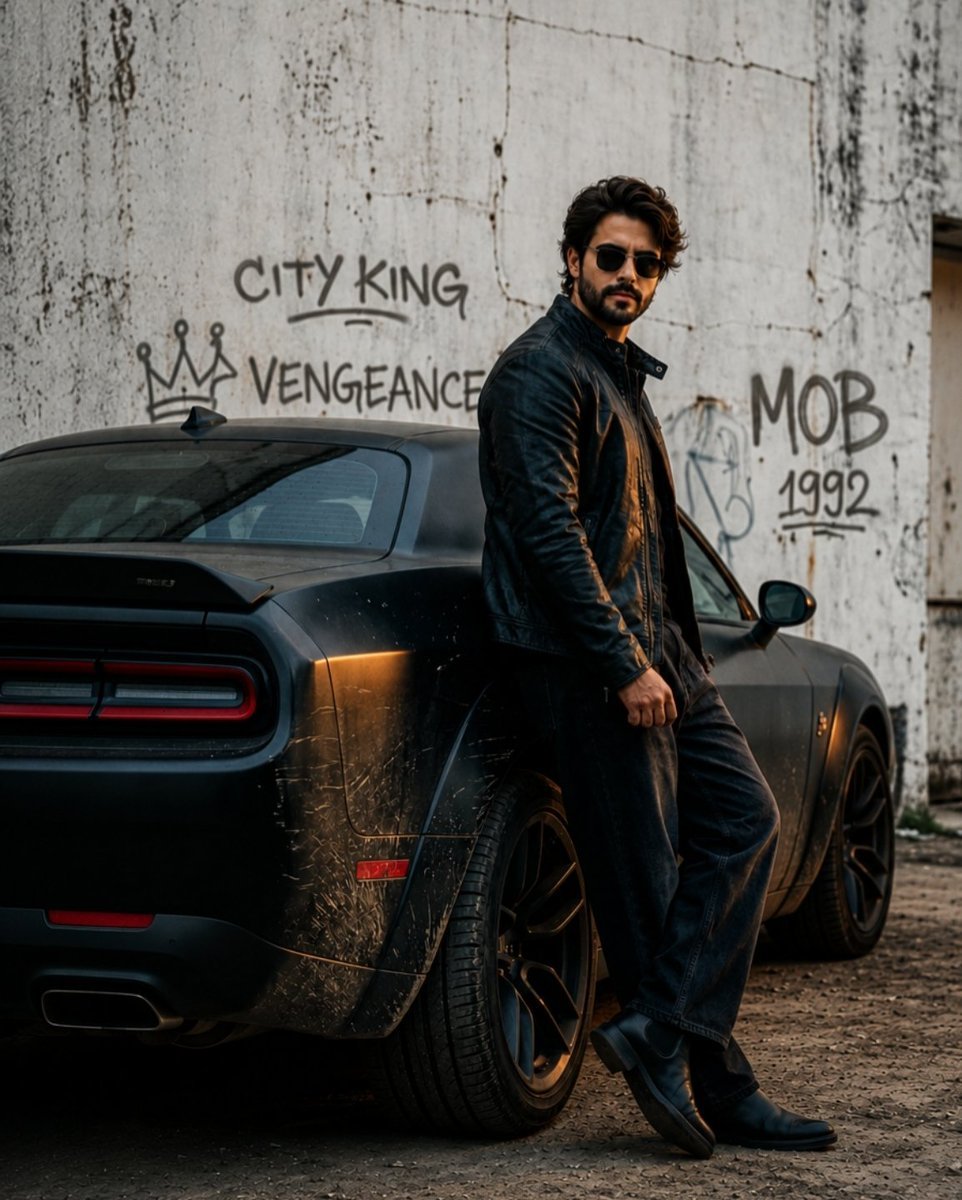
Gritty Cinematic Hero Movie Poster
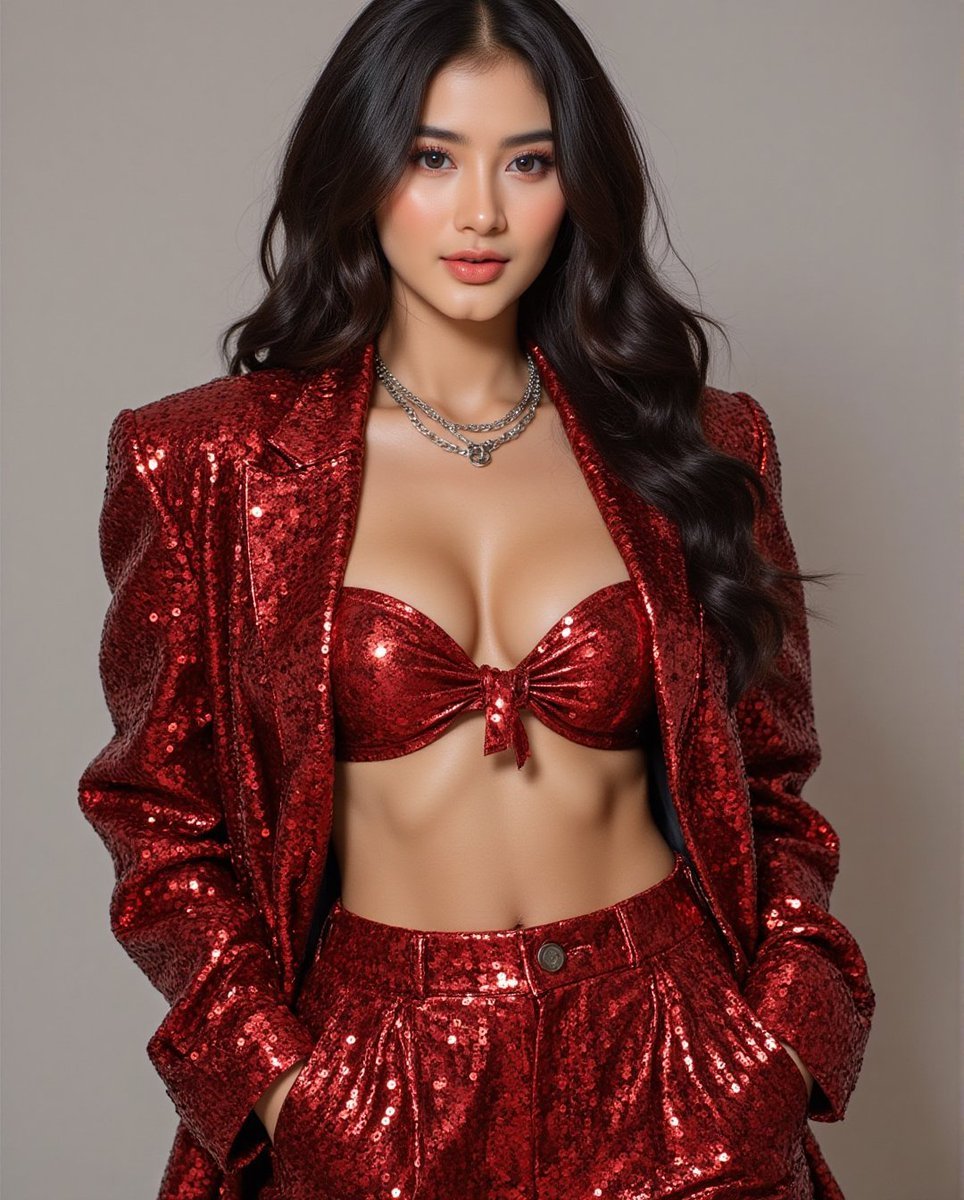
Fashion Photo in Metallic Red Sequin Suit
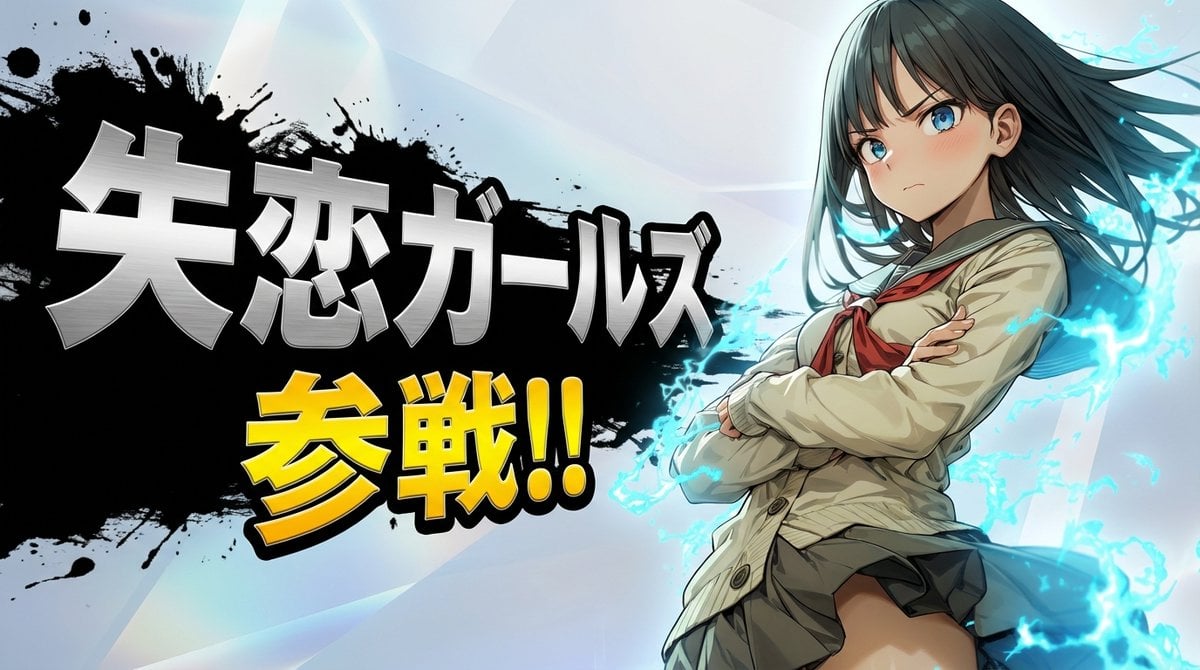
Nano Banana Pro Battle Entry Screen Prompt
Browse template categories
Epic Fantasy Mecha Light Novel Cover questions
How do I use the Epic Fantasy Mecha Light Novel Cover template?
Add your photo if the template asks for one, edit the prompt if you like — the template's model and format are already selected — and press Generate. Your version opens in PicX Studio.
Can I customize the Epic Fantasy Mecha Light Novel Cover template?
Yes. You can change the subject, setting, lighting, mood, format, and available model controls before creating your image.
Is the Epic Fantasy Mecha Light Novel Cover template free?
Opening and editing this template is free. Generating uses credits, shown on the Generate button when you are signed in.
Which AI model should I use?
Start with GPT Image 2, which is the model associated with this template. You can compare another compatible model for a different finish.
Looking for something else? Browse all templates.

Your photo, any look
Thousands of ready templates for every top image and video model, from one credit balance.