
Cinematic Wuxia Fantasy Cover
Generates a misty ink-wash anime fantasy novel or album cover with five layered xianxia characters and dramatic vertical calligraphy.
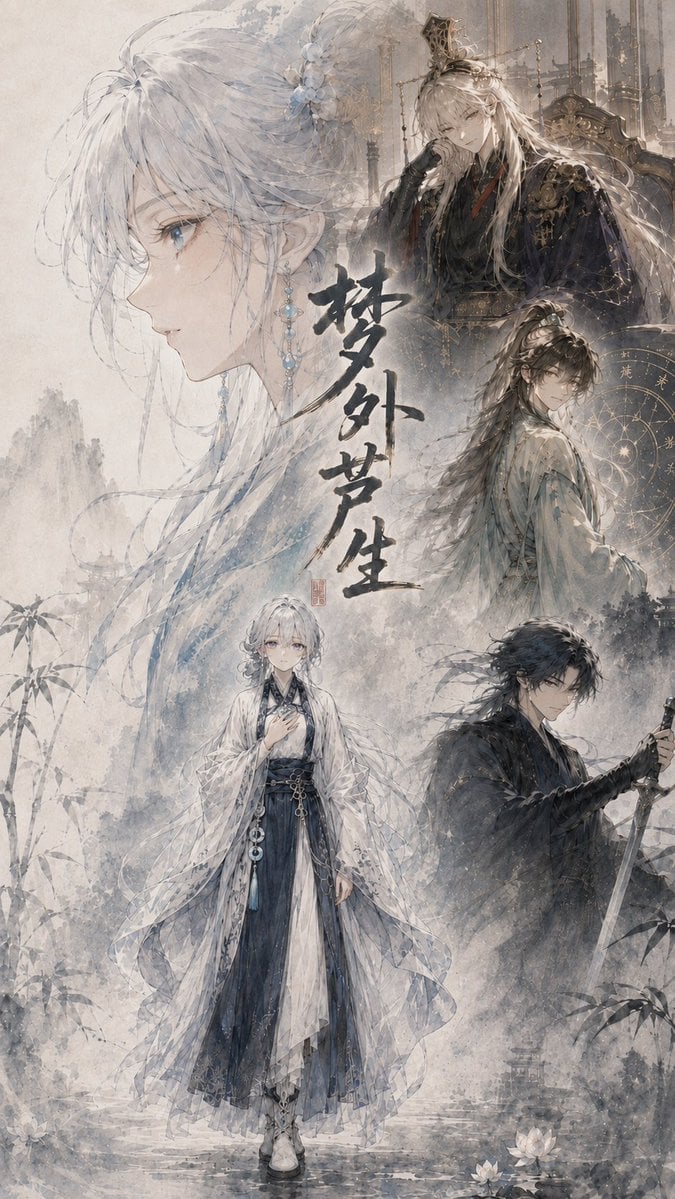
- Prompt included
- Model and format preset
- Premium template
The prompt behind this image
Copy the exact prompt behind Cinematic Wuxia Fantasy Cover, or open it in the studio and make it yours.
Goal: Create a vertical cinematic fantasy light-novel cover illustration in delicate Chinese/Japanese ink-wash anime style, centered on {argument name="character name" default="the silver-haired heroine"} and a tragic xianxia atmosphere. Canvas: Tall portrait cover, 2:3 aspect ratio, softly aged parchment background with mist, pale gray-blue ink textures, faint mountains, bamboo silhouettes, water ripples, lotus flowers near the bottom, and a dreamy high-detail watercolor finish. Layout: Build a collage with exactly 5 visible character portraits/figures. 1) A very large translucent left-facing profile of the heroine fills the left half, with long white-silver hair, blue eyes, pale skin, loose strands, floral hair ornaments, and dangling blue crystal earrings. 2) A full-body heroine stands near the lower center, wearing layered white, translucent, and dark navy hanfu robes with flowing sleeves, sash ornaments, and boots, one hand held near her chest. 3) At the upper right, place an elegant pale blond/silver noble man seated on an ornate throne, wearing dark black-gold robes, a small crown, gloves, and elaborate royal accessories, with a cold expression. 4) At the middle right, place a long-haired male cultivator in pale robes turning back toward the viewer, backed by a golden circular astrological chart or celestial diagram. 5) At the lower right, place a black-haired swordsman in dark robes holding a drawn sword downward, looking serious and guarded. Text content: Add large vertical expressive black ink calligraphy in the center reading {argument name="title text" default="夢外夢生"}, with a small red seal stamp beside or below it. The calligraphy should feel hand-brushed, dramatic, and slightly weathered. Visual style: Ethereal cinematic wuxia poster, painterly anime faces, fine linework, pale desaturated palette of ivory, ash gray, mist blue, ink black, and muted gold. Use layered transparency so the large profile and background figures blend into the fog. Include ornate palace architecture faintly behind the upper-right throne figure, misty cliffs and ink splashes throughout, and soft falling specks like snow or dust. Subject details: The heroine has {argument name="hair color" default="white-silver hair"}, delicate blue jewelry, melancholic eyes, and an elegant fragile presence. The clothing should look intricate but not modern, with flowing historical fantasy robes, embroidered patterns, tassels, beads, and semi-transparent veils. Constraints: Keep the composition like a dramatic album or novel jacket cover, no modern objects, no photorealism, no extra characters beyond the exact 5 listed, no readable text except the central calligraphy and small seal, no watermark, no logo.
How to use Cinematic Wuxia Fantasy Cover in 3 steps
- 1Upload ImagePNG, JPG or paste
Add your photo
Upload the photo the template builds on. The prompt, model and format are already set.
- 2…a portrait of your subject in softgolden-hour light, 85mm…
Personalize
Edit the subject and creative details for your destination.
- 3Generate
Generate
Press Generate — your image is created in PicX Studio, so you can compare it with the original and refine one variable at a time.
More like this
Templates with the same subject, style or setup. Open one to see its prompt.

Anime Fantasy Celestial Movie Poster
Anime Fantasy Celestial Movie Poster

Minecraft Fantasy Kingdom Voxel Landscape

Unfinished Sketch Comes Alive Portrait

Open Travel Journal Overhead Still Life

Tiny Woman Miniature Fantasy Macro Scene
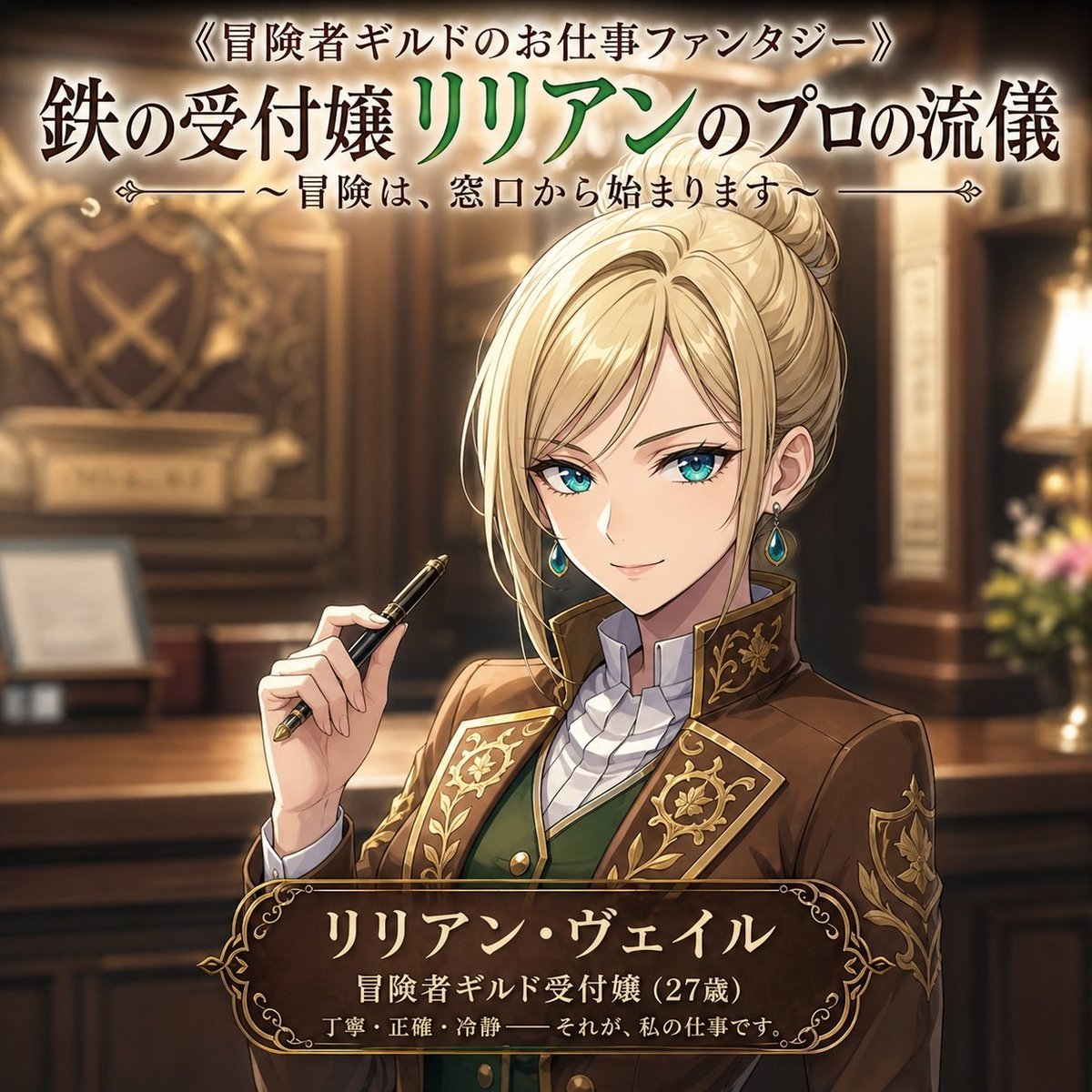
Fantasy Guild Receptionist Novel Cover
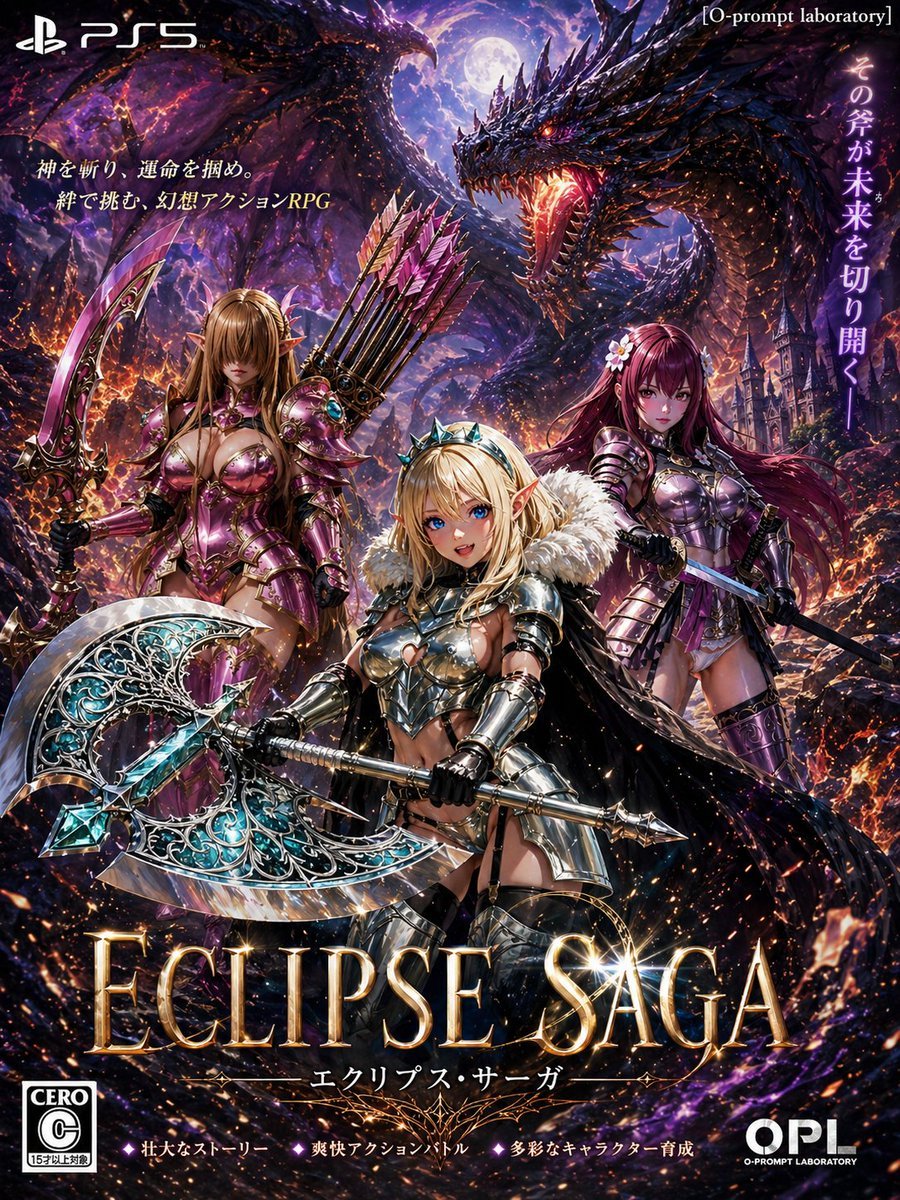
Dark Fantasy PS5 RPG Cover Art
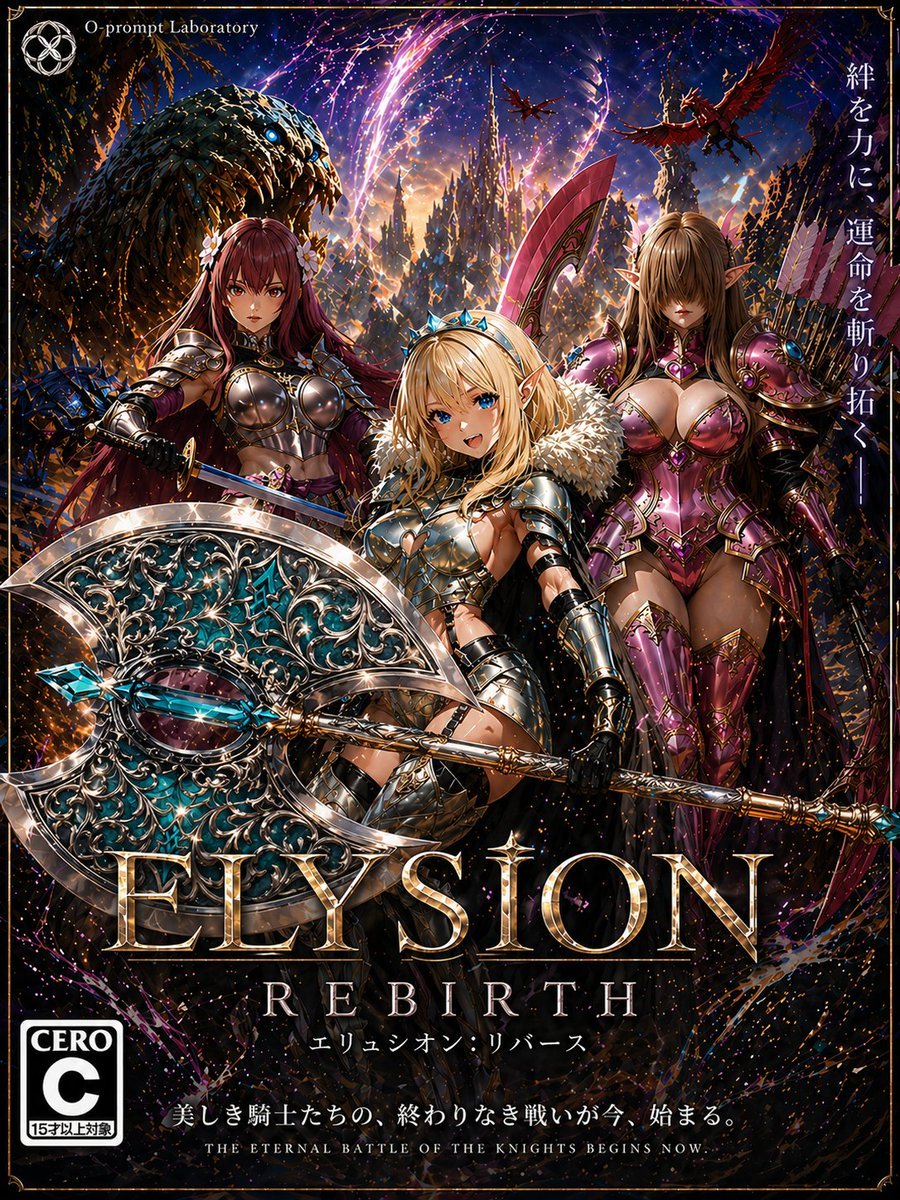
Fantasy RPG Game Cover with Three Knight Women
JSON Seedance - Fairy Macro Flight
Videogame Cinematic Trailer - Seedance 2.0
Retro Wuxia Behind-the-Scenes Still
Make it yours
Cinematic Wuxia Fantasy Cover works as-is. These are the safest ways to change it without losing the look.
Change one field
Copy a single group, rewrite it, and generate again so you can see what that field is doing.
Keep the frame, change the subject
Hold the composition and light of Cinematic Wuxia Fantasy Cover, then swap wardrobe, props or the person for a new take.
| If the result… | Why | Fix |
|---|---|---|
| The result drifts from the preview | Too many fields changed at once. | Reuse Cinematic Wuxia Fantasy Cover as-is first, then change one group — subject, light, or setting. |
| The model over-stylizes the scene | The prose prompt leaves finish and camera underspecified. | Add one camera or lighting sentence and stay on GPT Image 2. |
More GPT Image 2 templates
Other prompts made for GPT Image 2.

Six VTuber Japanese Logo Sheet

Realistic Portrait of Woman and Deer

The Vista Modular Condo Poster

AI Model Routing Comparison Infographic

2.5D Anime Art Board

Isometric Productivity Desk Scene

New York Double Exposure Poster

Four-Panel AI Landscape Comparison

NESCAFÉ Coffee Map Poster

Brutalist Cogito Chinese Typography Poster
More image prompts
Fresh picks from across the catalog.
Prompt: Transform the reference photo into an auth
Grocery Vocabulary Notebook Photo
Transformative Style Prompt for Dramatic Cinematic Characters
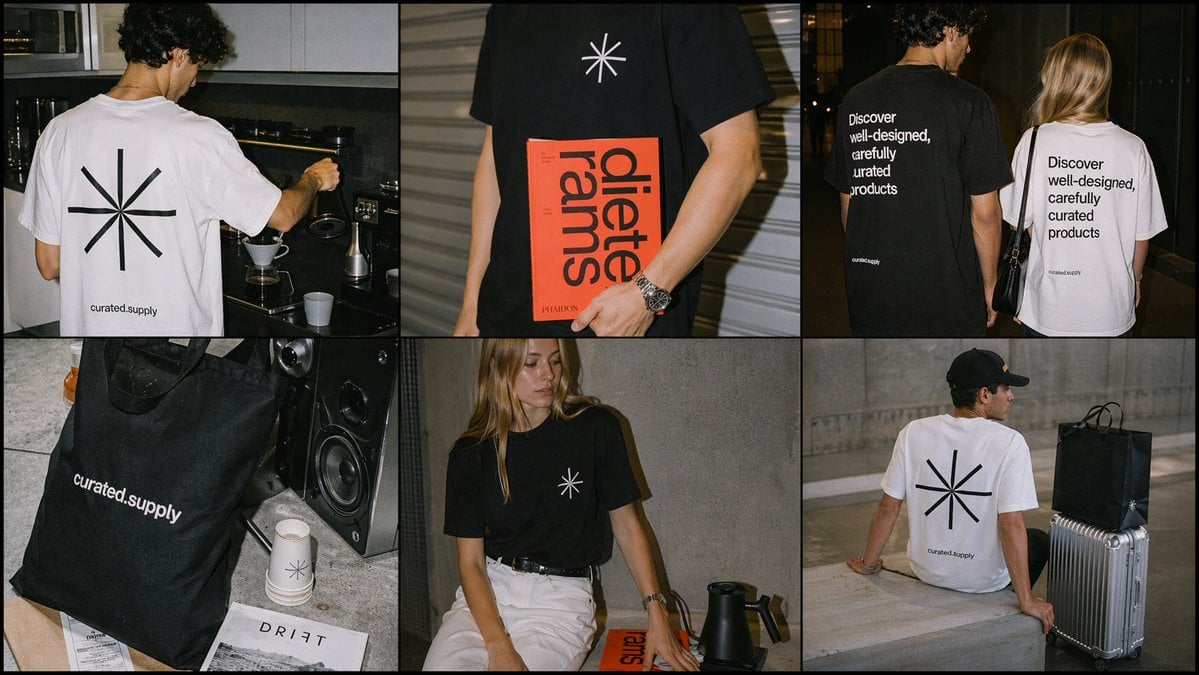
Minimal Streetwear Merch Campaign Grid
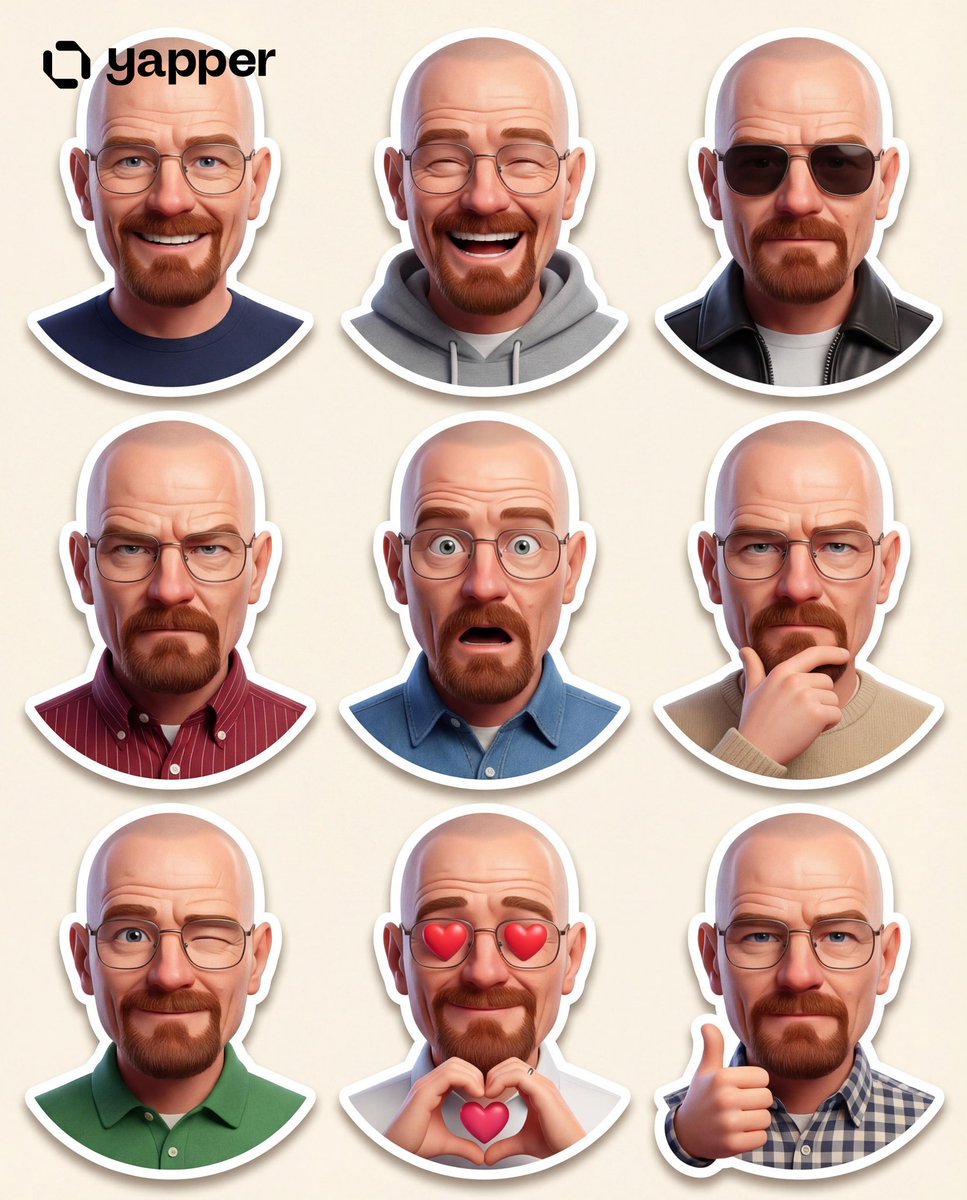
Pixar-Style 3D Character Sticker Set (9 Variations)
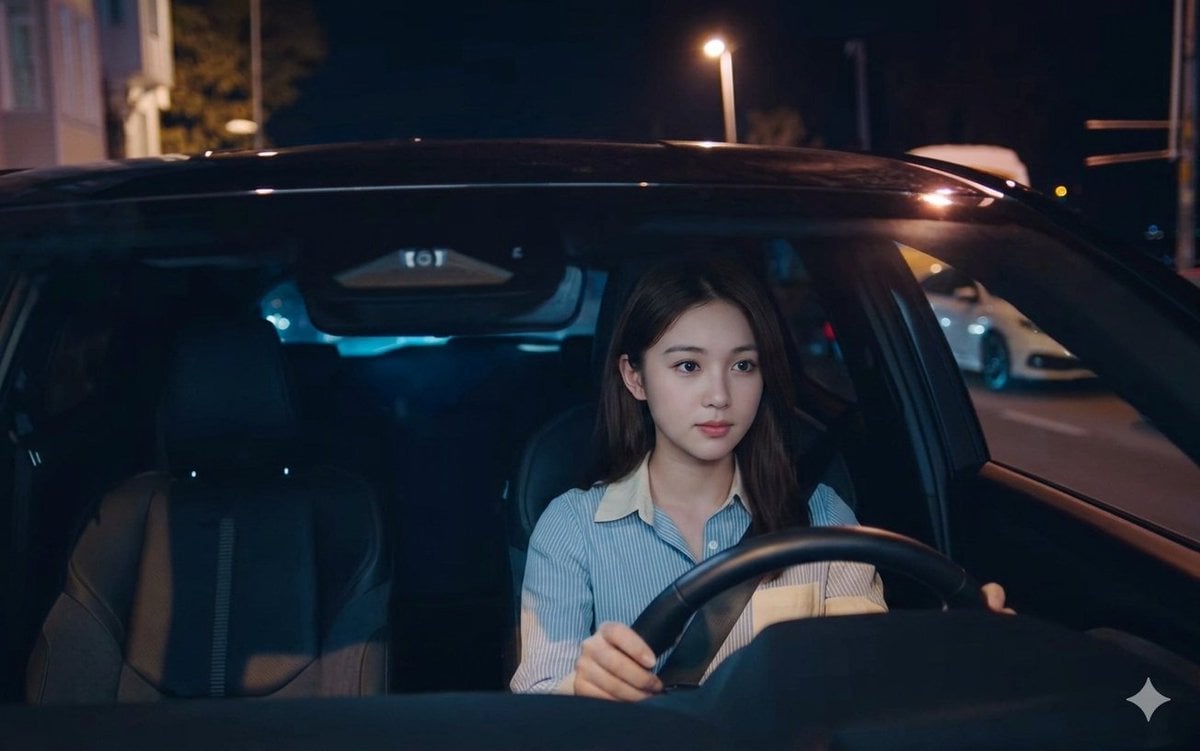
Night Drive Cinematic Portrait
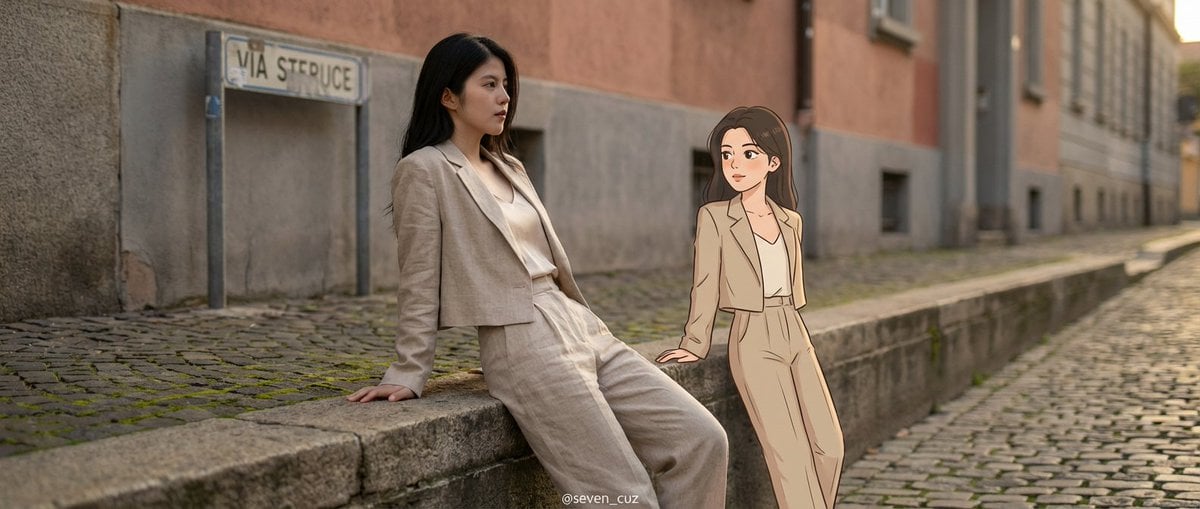
Mixed-Media Crossover Portrait (Real and Cartoon)
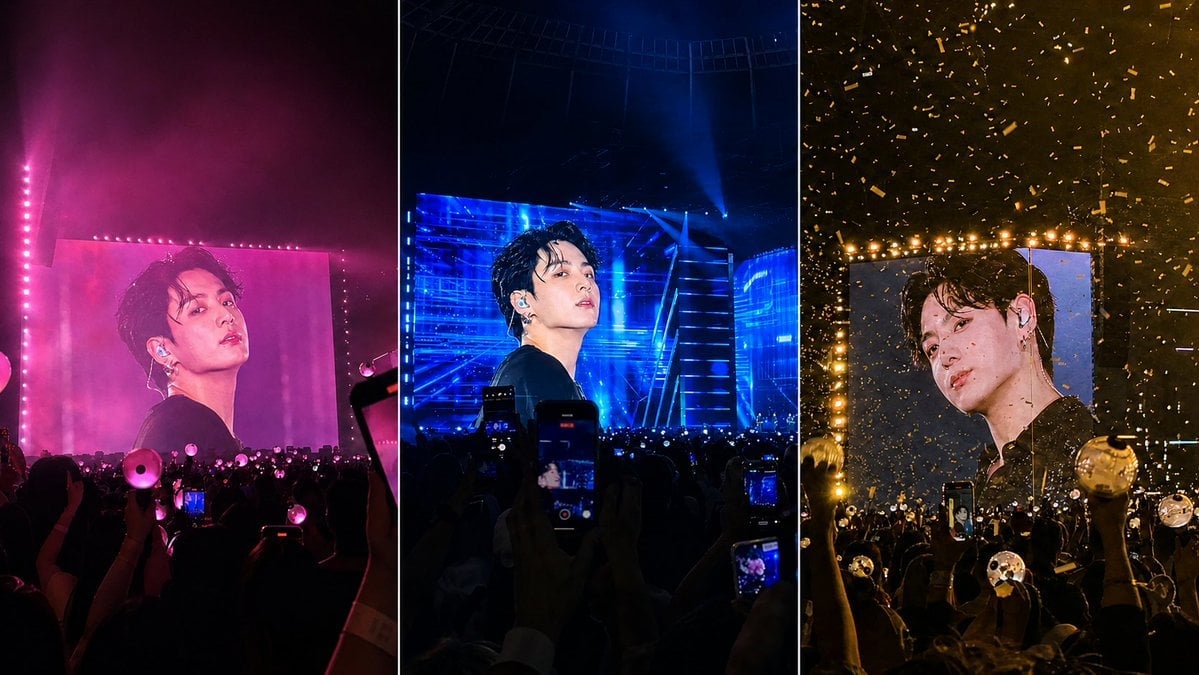
K-Pop Jumbotron Concert Collage
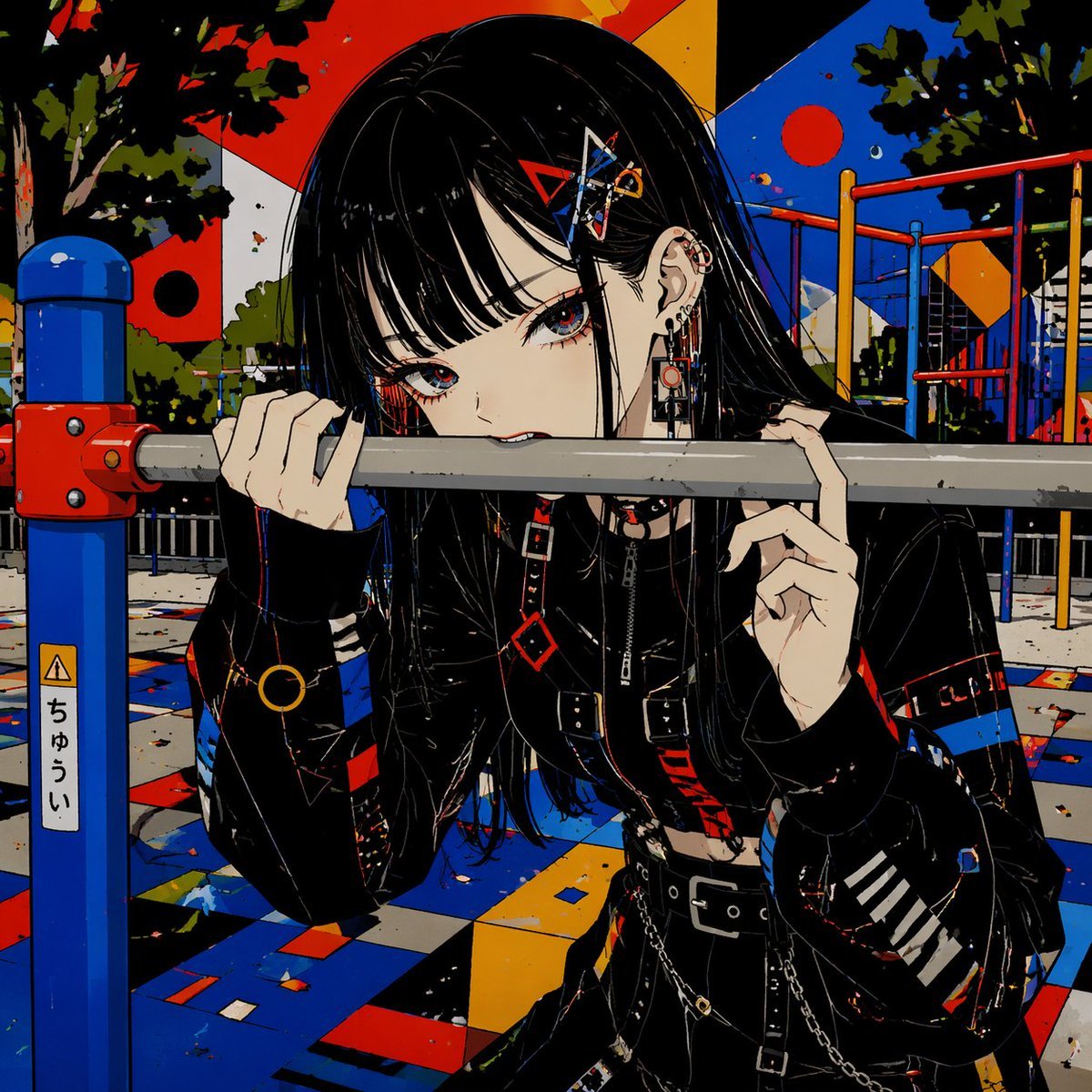
Goth Anime Girl at Playground Bar
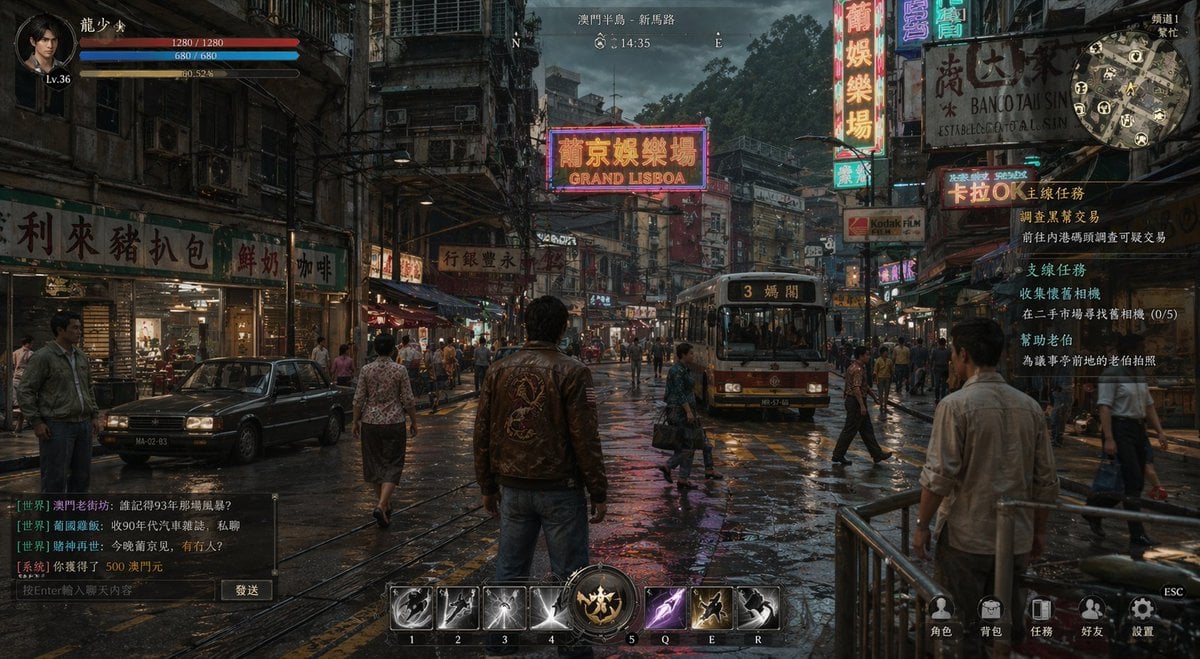
Rainy Neon Macau RPG Screenshot
Browse template categories
Cinematic Wuxia Fantasy Cover questions
How do I use the Cinematic Wuxia Fantasy Cover template?
Add your photo if the template asks for one, edit the prompt if you like — the template's model and format are already selected — and press Generate. Your version opens in PicX Studio.
Can I customize the Cinematic Wuxia Fantasy Cover template?
Yes. You can change the subject, setting, lighting, mood, format, and available model controls before creating your image.
Is the Cinematic Wuxia Fantasy Cover template free?
Opening and editing this template is free. Generating uses credits, shown on the Generate button when you are signed in.
Which AI model should I use?
Start with GPT Image 2, which is the model associated with this template. You can compare another compatible model for a different finish.
Looking for something else? Browse all templates.

Your photo, any look
Thousands of ready templates for every top image and video model, from one credit balance.