
Minimal Streetwear Merch Campaign Grid
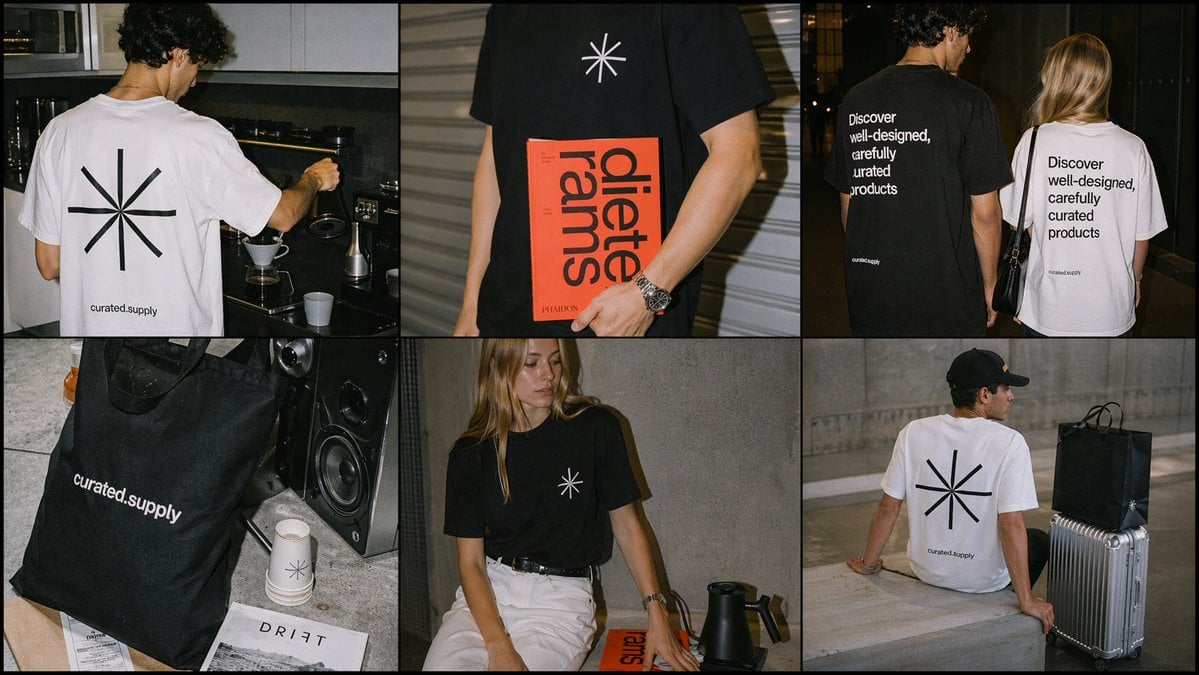
A six-panel editorial collage showcasing minimalist branded t-shirts and a tote bag for a contemporary merch or lifestyle brand campaign.
- Prompt included
- Model and format preset
- Free template
The prompt behind this image
Copy the exact prompt behind Minimal Streetwear Merch Campaign Grid, or open it in the studio and make it yours.
- Type
- editorial streetwear merch campaign collage
- Brand › Name
- curated.supply
- Brand › Logo
- minimal 8-spoke asterisk symbol
- Brand › Aesthetic
- clean contemporary design-brand merchandise, understated premium basics, neutral modern lifestyle
- Products › 0 › Type
- t-shirt
- Products › 0 › Color
- white
- Products › 0 › Graphics › Front
- small black 8-spoke asterisk centered on chest
- Products › 0 › Graphics › Back
- large black 8-spoke asterisk centered, small brand text near lower back reading curated.supply
- Products › 1 › Type
- t-shirt
- Products › 1 › Color
- black
- Products › 1 › Graphics › Front
- small white 8-spoke asterisk centered on chest
- Products › 1 › Graphics › Back
- large stacked white sans-serif slogan reading {argument name="back slogan" default="Discover well-designed, carefully curated products"}, small brand text near lower back reading curated.supply
- Products › 2 › Type
- tote bag
- Products › 2 › Color
- black
- Products › 2 › Graphics › Front
- brand text curated.supply in white lowercase sans-serif near lower-left area
- Layout › Grid › Rows
- 2
- Layout › Grid › Columns
- 3
- Layout › Grid › Count
- 6
- Layout › Sections › 0 › Position
- top-left
- Layout › Sections › 0 › Count
- 1
- Layout › Sections › 0 › Scene
- rear view of a male model in a {argument name="shirt color" default="white"} t-shirt making pour-over coffee in a dim modern kitchen, large back asterisk graphic visible
- Layout › Sections › 1 › Position
- top-center
- Layout › Sections › 1 › Count
- 1
- Layout › Sections › 1 › Scene
- cropped torso shot of a male model in a black t-shirt with small chest asterisk, holding a bright red design book with oversized black typography
Raw JSON
{"type":"editorial streetwear merch campaign collage","brand":{"name":"curated.supply","logo":"minimal 8-spoke asterisk symbol","aesthetic":"clean contemporary design-brand merchandise, understated premium basics, neutral modern lifestyle"},"products":[{"type":"t-shirt","color":"white","graphics":{"front":"small black 8-spoke asterisk centered on chest","back":"large black 8-spoke asterisk centered, small brand text near lower back reading curated.supply"}},{"type":"t-shirt","color":"black","graphics":{"front":"small white 8-spoke asterisk centered on chest","back":"large stacked white sans-serif slogan reading {argument name=\"back slogan\" default=\"Discover well-designed, carefully curated products\"}, small brand text near lower back reading curated.supply"}},{"type":"tote bag","color":"black","graphics":{"front":"brand text curated.supply in white lowercase sans-serif near lower-left area"}}],"layout":{"grid":{"rows":2,"columns":3,"count":6},"sections":[{"position":"top-left","count":1,"scene":"rear view of a male model in a {argument name=\"shirt color\" default=\"white\"} t-shirt making pour-over coffee in a dim modern kitchen, large back asterisk graphic visible"},{"position":"top-center","count":1,"scene":"cropped torso shot of a male model in a black t-shirt with small chest asterisk, holding a bright red design book with oversized black typography"},{"position":"top-right","count":2,"scene":"rear view of two models walking at night, one in a black t-shirt and one in a white t-shirt, both showing the large stacked slogan on the back"},{"position":"bottom-left","count":3,"scene":"still-life product vignette with 1 black tote bag, 2 white paper cups printed with the asterisk logo, and 1 magazine on a concrete floor beside a large speaker"},{"position":"bottom-center","count":1,"scene":"seated female model against a raw concrete wall wearing a black t-shirt with small chest asterisk and white pants, with a black kettle and a red book beside her"},{"position":"bottom-right","count":3,"scene":"rear view of a seated male model in a white t-shirt with large back asterisk, next to 1 black shopping bag with small asterisk mark and 1 silver hard-shell suitcase in an urban concrete setting"}]},"styling":{"models":"young adult fashion models with faces obscured or softly blurred","wardrobe":"minimal monochrome outfits, relaxed fit tees, casual contemporary styling, black and white palette","locations":["modern kitchen","night street","industrial concrete interior","urban outdoor concrete steps"],"lighting":"flash photography with warm cinematic shadows, candid editorial look"},"composition":"create a six-panel campaign contact sheet with thin black dividers, each panel slightly gritty and realistic, premium lifestyle-brand photography, natural poses, subtle film grain, high contrast, polished but candid","aspect_ratio":"16:9"}How to use Minimal Streetwear Merch Campaign Grid in 3 steps
- 1Upload ImagePNG, JPG or paste
Add your photo
Upload the photo the template builds on. The prompt, model and format are already set.
- 2…a portrait of your subject in softgolden-hour light, 85mm…
Personalize
Edit the subject and creative details for your destination.
- 3Generate
Generate
Press Generate — your image is created in PicX Studio, so you can compare it with the original and refine one variable at a time.
More like this
Templates with the same subject, style or setup. Open one to see its prompt.

Korean Streetwear Minimalist Campaign Portrait

Frozen Street Luxe Graffiti Fashion Campaign

Japanese Architectural Concrete Studio Fashion Campaign

Minimalist Fashion Editorial Split Layout
Streetwear Merch Lookbook Grid
Minimal Streetwear Merch Moodboard

1988 Mall Style
Japanese Minimalist Urban Fashion Campaign
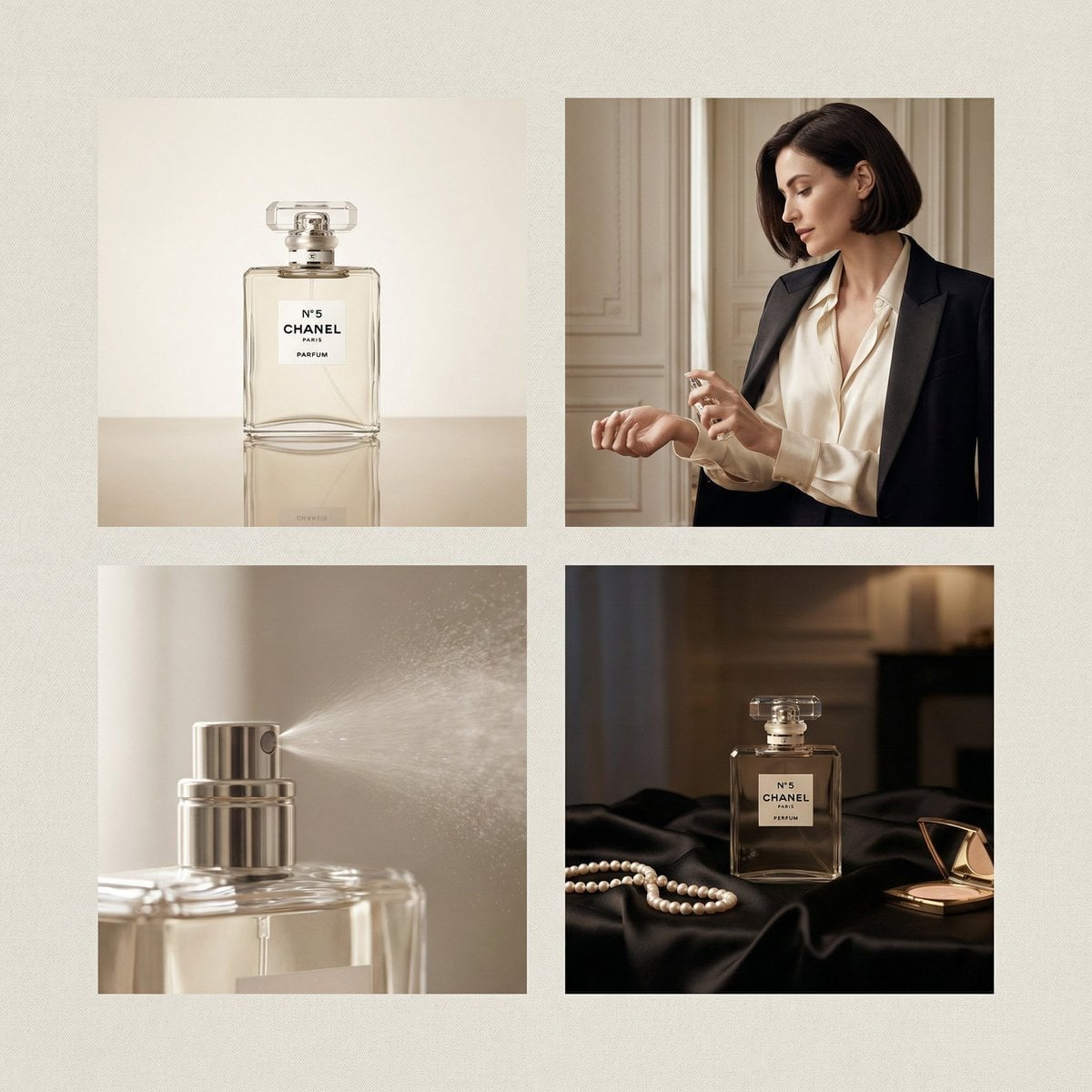
Chanel Perfume 2x2 Grid Luxury Campaign

Minimalist Studio Fashion Portrait Grid
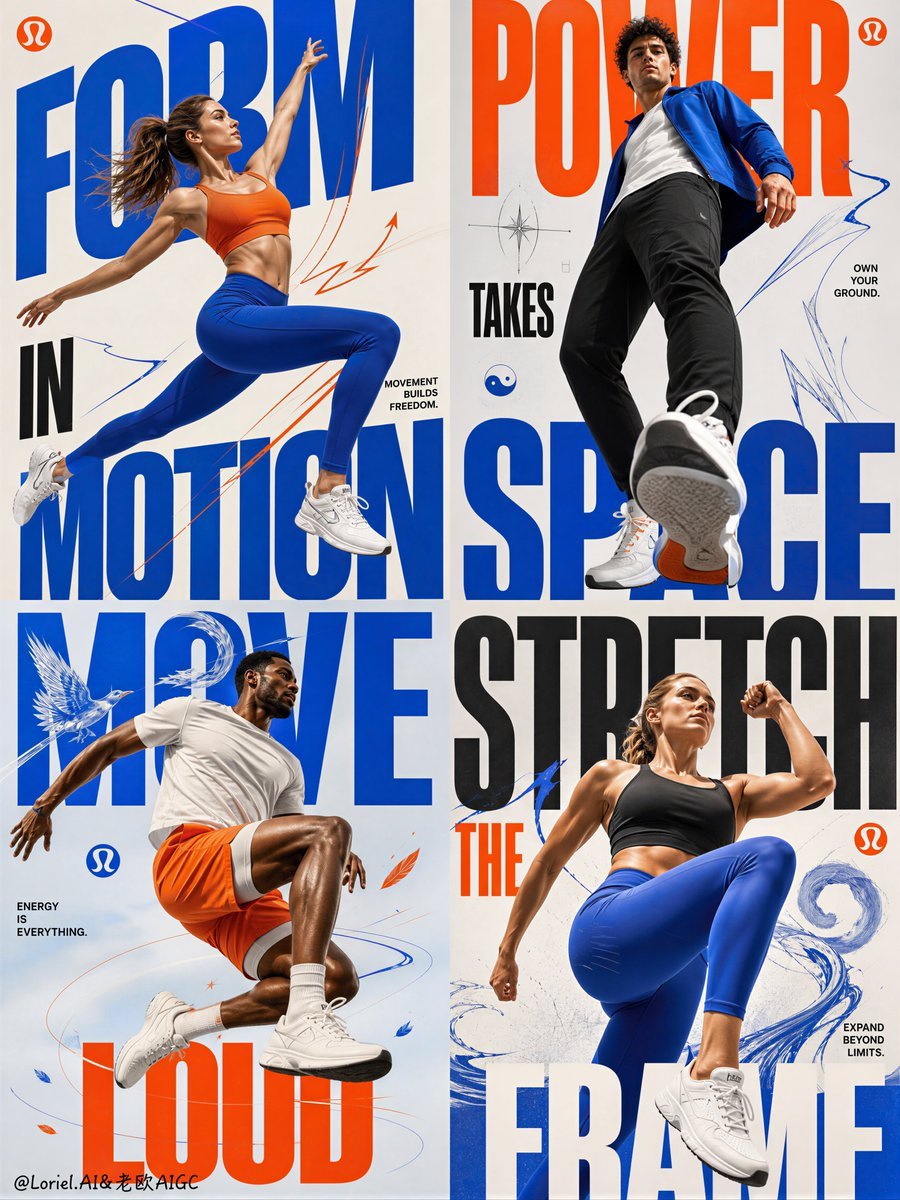
Fitness Apparel Grid Campaign Poster
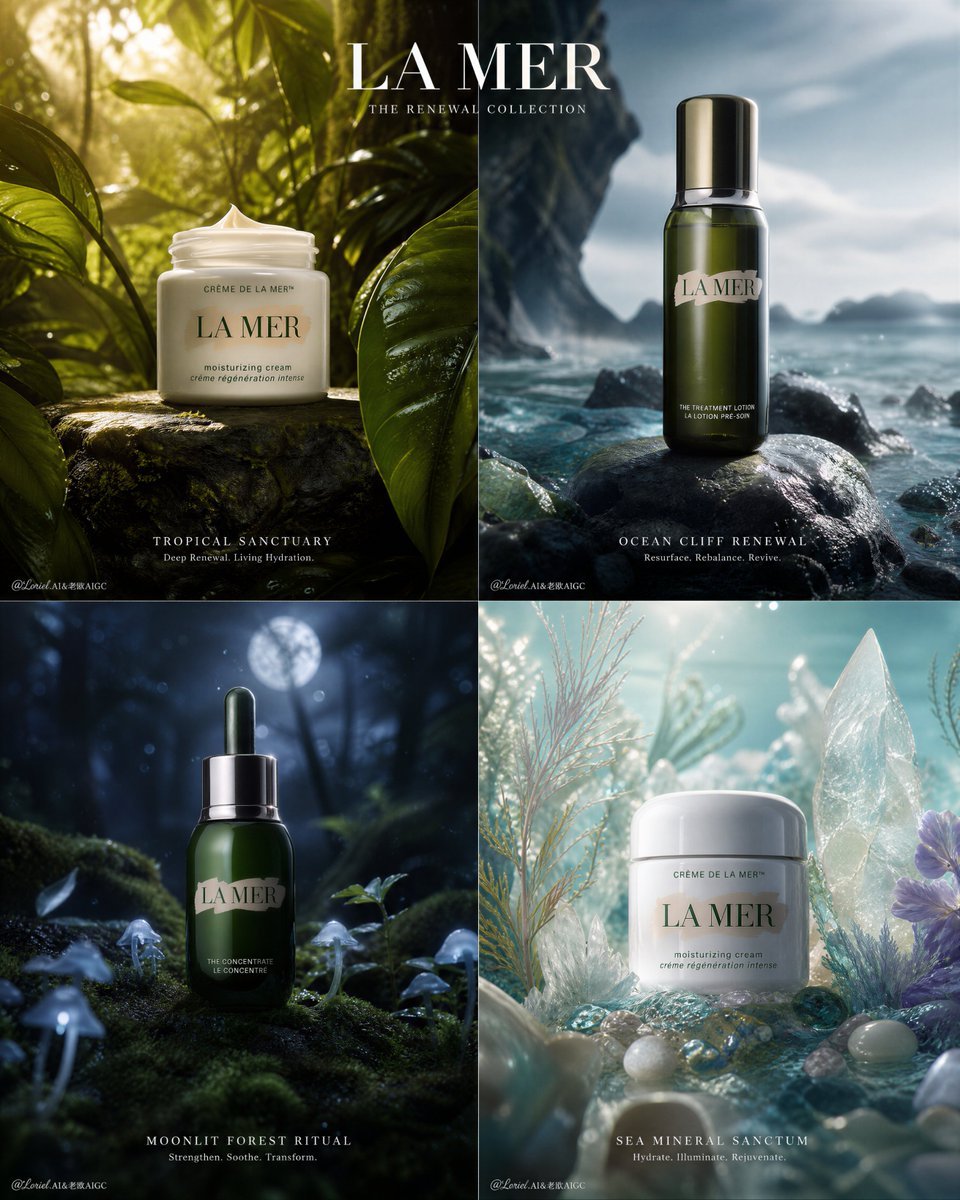
Premium Skincare Campaign Poster Grid
Make it yours
Minimal Streetwear Merch Campaign Grid works as-is. These are the safest ways to change it without losing the look.
Swap the setting
Keep the rest of the prompt and replace the location block. The current setting is “modern kitchen, night street, industrial concrete interior, urban outdoor concre”.
Swap the light
One lighting change is enough to compare takes. Current light: “flash photography with warm cinematic shadows, candid editorial look”.
Change one field
Copy a single group, rewrite it, and generate again so you can see what that field is doing.
| If the result… | Why | Fix |
|---|---|---|
| The result drifts from the preview | Too many fields changed at once. | Reuse Minimal Streetwear Merch Campaign Grid as-is first, then change one group — subject, light, or setting. |
| GPT Image 2 ignores part of the JSON | Some models flatten or skip nested keys. | Keep the same values and paste them as a short paragraph instead. |
More GPT Image 2 templates
Other prompts made for GPT Image 2.

Six VTuber Japanese Logo Sheet

Realistic Portrait of Woman and Deer

The Vista Modular Condo Poster

AI Model Routing Comparison Infographic

2.5D Anime Art Board

Isometric Productivity Desk Scene

New York Double Exposure Poster

Four-Panel AI Landscape Comparison

Japanese Tatami Lifestyle Magazine Cover

NESCAFÉ Coffee Map Poster
More image prompts
Fresh picks from across the catalog.
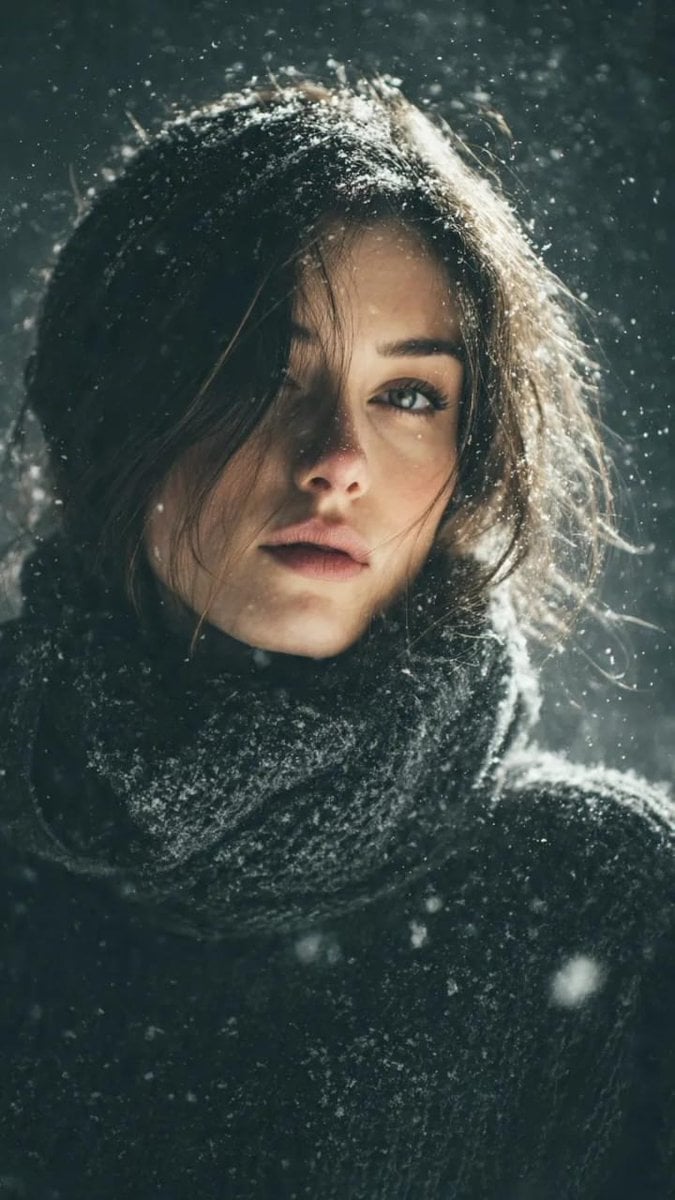
Winter Forest Portrait with Backlight
Seedance - Arrow Microscopic Battle
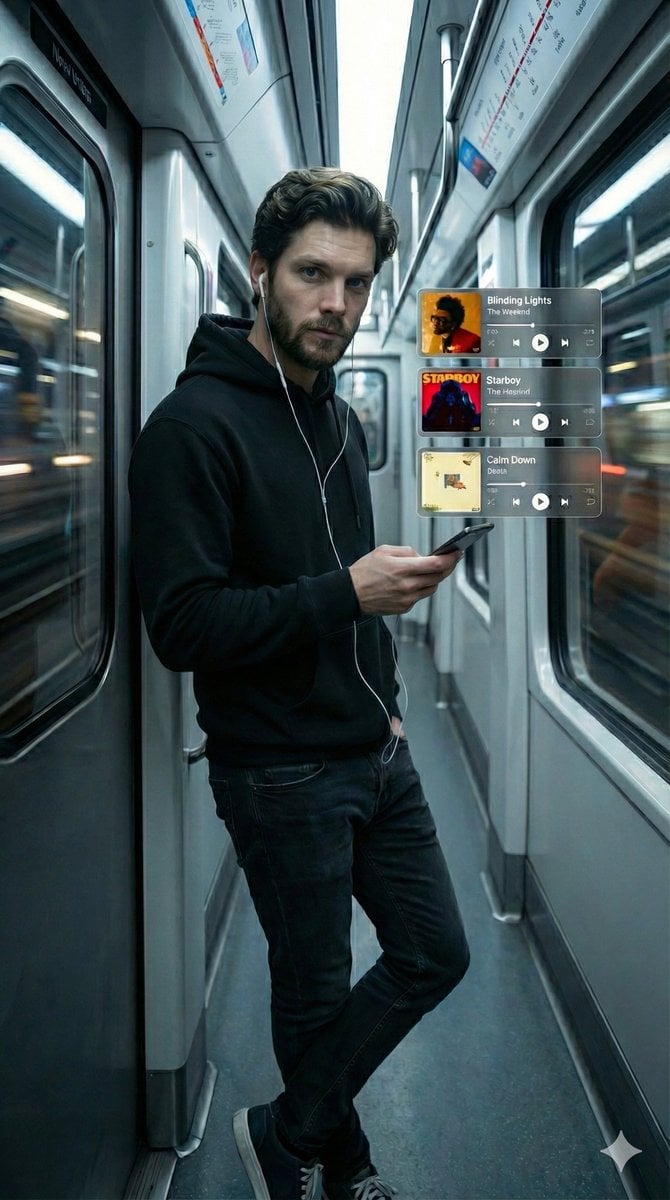
Cinematic Subway Portrait with Holographic Music UI
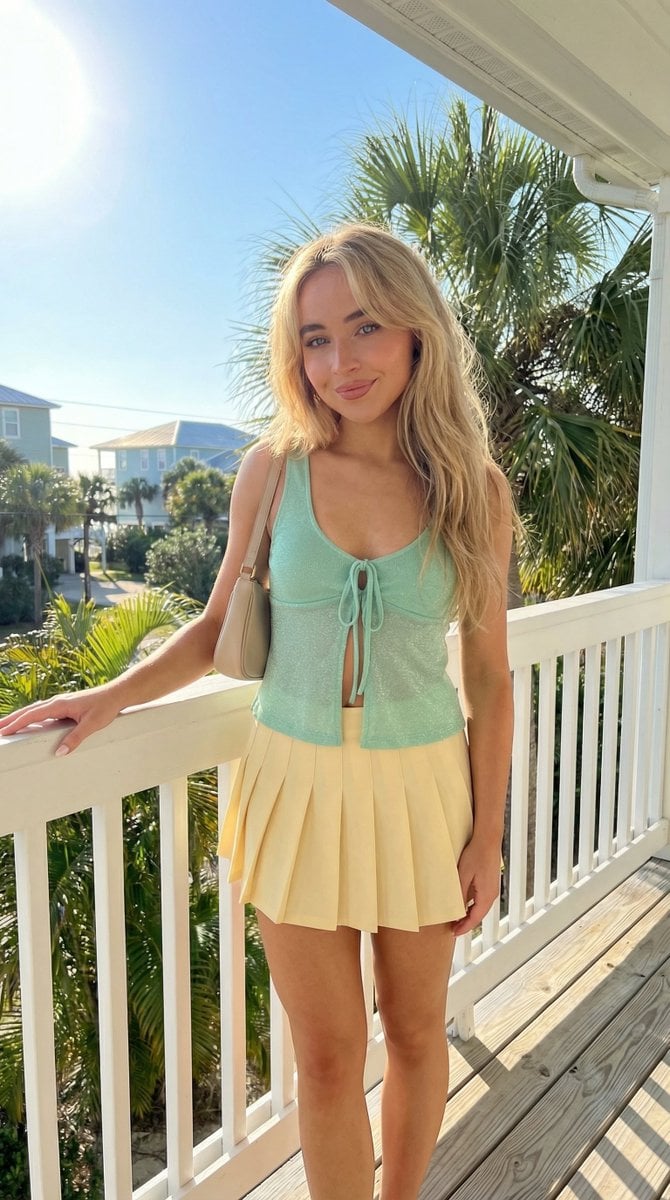
Tropical Balcony Full Body Shot Prompt
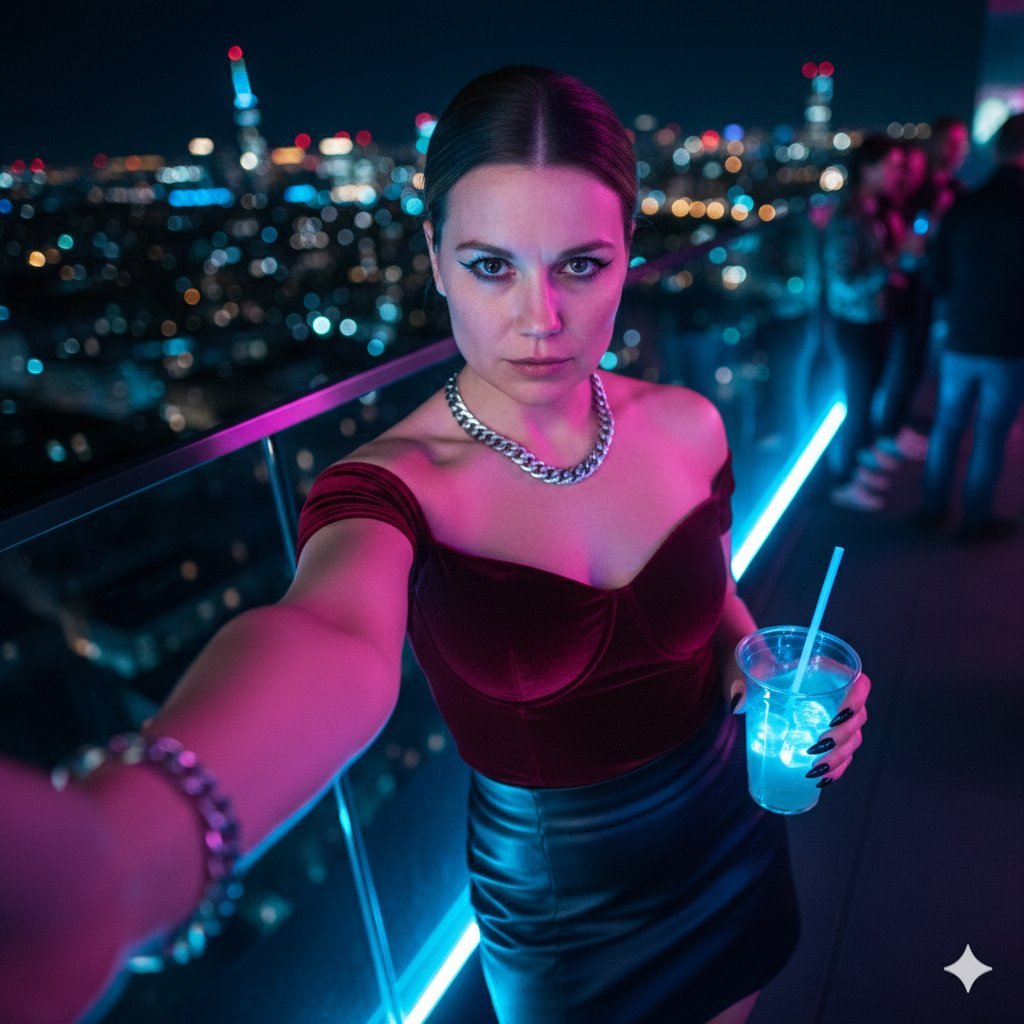
Cyberpunk Rooftop Selfie with Cold Stare
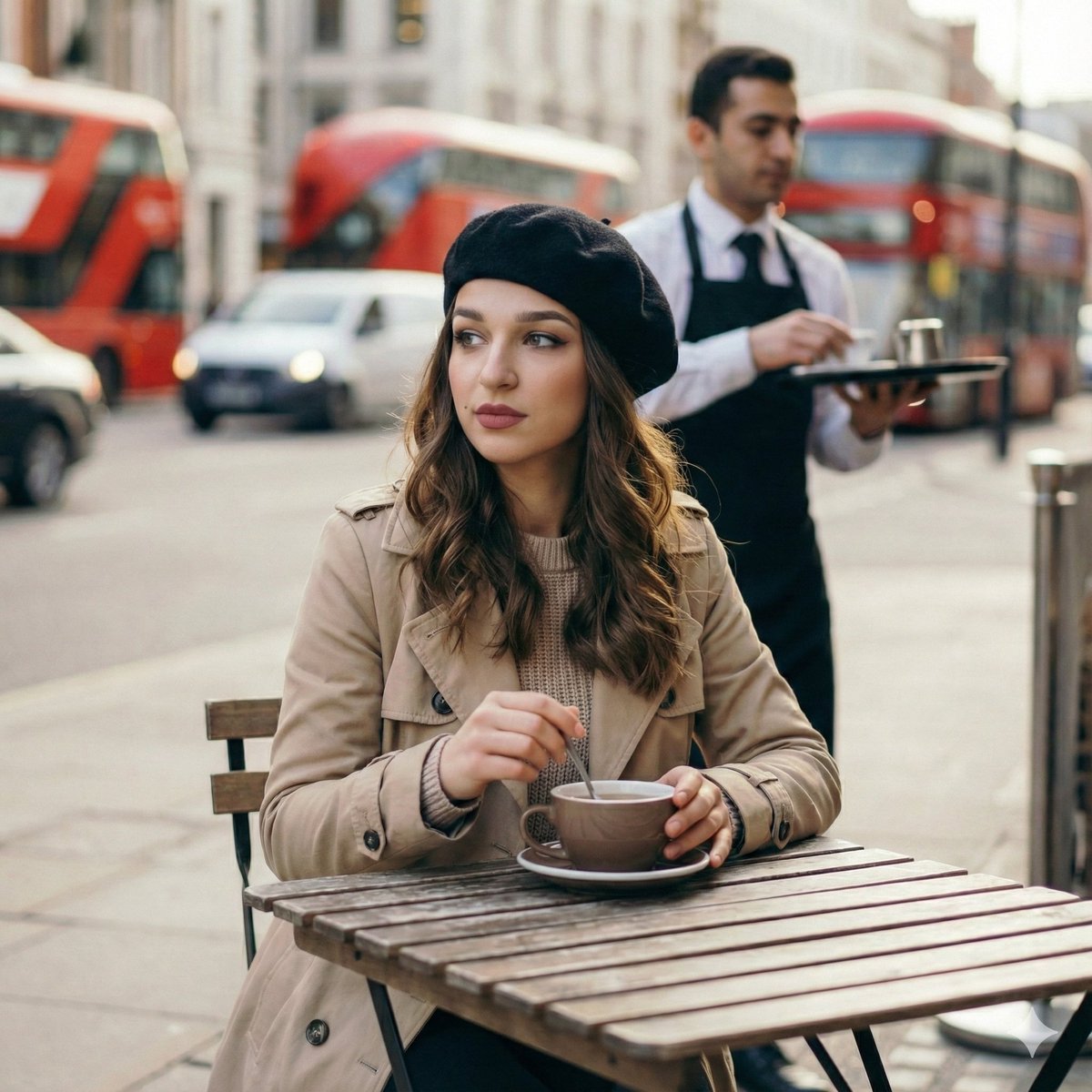
Candid London Cafe Morning Portrait (JSON)
iPhone Photobooth Collage of Two Subjects
Neon Night Market Food Photography
School Drama Relationship Chart Generator
Photorealistic Parisian Cafe Scene
Browse template categories
Minimal Streetwear Merch Campaign Grid questions
How do I use the Minimal Streetwear Merch Campaign Grid template?
Add your photo if the template asks for one, edit the prompt if you like — the template's model and format are already selected — and press Generate. Your version opens in PicX Studio.
Can I customize the Minimal Streetwear Merch Campaign Grid template?
Yes. You can change the subject, setting, lighting, mood, format, and available model controls before creating your image.
Is the Minimal Streetwear Merch Campaign Grid template free?
Opening and editing this template is free. Generating uses credits, shown on the Generate button when you are signed in.
Which AI model should I use?
Start with GPT Image 2, which is the model associated with this template. You can compare another compatible model for a different finish.
Looking for something else? Browse all templates.

Your photo, any look
Thousands of ready templates for every top image and video model, from one credit balance.