
Photorealistic Parisian Cafe Scene
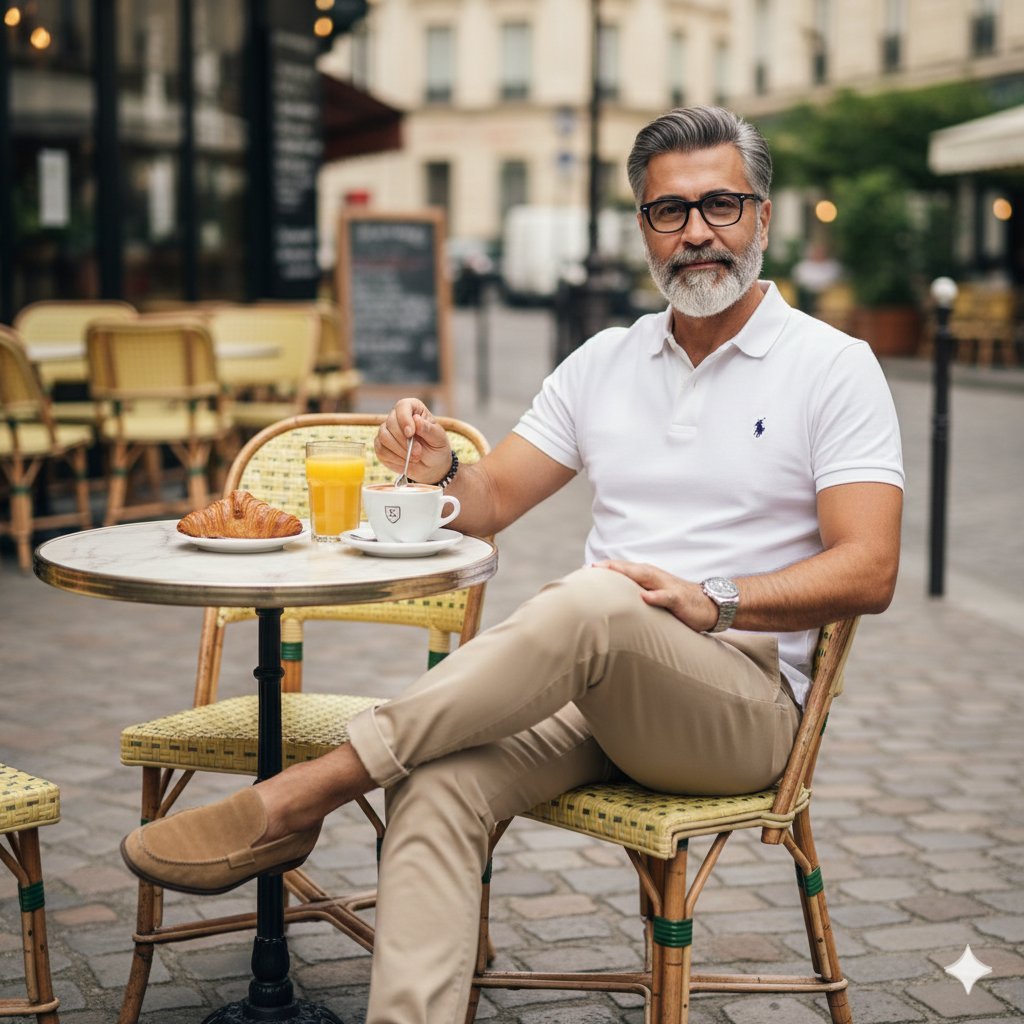
A photorealistic prompt detailing a stylish, middle-aged man relaxing at an outdoor Parisian cafe.
- Prompt included
- Model and format preset
- Premium template
The prompt behind this image
Copy the exact prompt behind Photorealistic Parisian Cafe Scene, or open it in the studio and make it yours.
A photorealistic image of a stylish middle-aged man with salt-and-pepper hair, a neatly trimmed gray beard, and black-rimmed glasses, sitting relaxed at an outdoor Parisian cafe. He has a slight smile, wearing a crisp white short-sleeved polo shirt with a small polo player logo, slim-fit beige chinos rolled up at the ankles, and tan suede loafers without socks. One leg is crossed over the other casually. He's stirring a small white cup of coffee or espresso with a spoon in his right hand, while his left hand rests on his thigh. On the small round marble-topped table in front of him: a fresh flaky croissant on a white plate, a tall glass of orange juice, and a saucer under the coffee cup. The setting is a classic French sidewalk cafe with yellow woven bistro chairs, cobblestone pavement, and elegant Haussmann-style buildings in the blurred background under soft daylight. High detail, natural lighting, vibrant colors, professional photography style, 8k resolution.
How to use Photorealistic Parisian Cafe Scene in 3 steps
- 1
Open
The prompt is already in the box next to the preview, with the template's model and format selected.
- 2…a portrait of your subject in softgolden-hour light, 85mm…
Personalize
Edit the subject and creative details for your destination.
- 3Generate
Generate
Press Generate — your image is created in PicX Studio, so you can compare it with the original and refine one variable at a time.
More like this
Templates with the same subject, style or setup. Open one to see its prompt.

Nano Banana - Cozy Cafe Night

Cozy Knit Sweater Window Portrait

Cat Photobomb Selfie — 0.5x Wide Angle Café Chaos

Gen Z Triple Selfie Collage — Y2K Flash Photography

Mountain Lake Sunset Landscape

Trendy Cafe Drink Promo Poster

Nostalgic Digicam Café Afternoon Portrait

Delicate Japanese Café Lifestyle Illustration

Cinematic Destination Letter Panel Poster

Spider-Man Rooftop Golden Hour Cinematic Photo

Korean Cafe Courtyard Gold Frame Mirror Selfie

Face-Locked Train Window Lifestyle Portrait
Make it yours
Photorealistic Parisian Cafe Scene works as-is. These are the safest ways to change it without losing the look.
Change one field
Copy a single group, rewrite it, and generate again so you can see what that field is doing.
Keep the frame, change the subject
Hold the composition and light of Photorealistic Parisian Cafe Scene, then swap wardrobe, props or the person for a new take.
| If the result… | Why | Fix |
|---|---|---|
| The result drifts from the preview | Too many fields changed at once. | Reuse Photorealistic Parisian Cafe Scene as-is first, then change one group — subject, light, or setting. |
| The model over-stylizes the scene | The prose prompt leaves finish and camera underspecified. | Add one camera or lighting sentence and stay on Nano Banana 2. |
More Nano Banana 2 templates
Other prompts made for Nano Banana 2.

Photorealistic Leaf Shaped Like a Dragon

K-Pop Idol Portrait Grid for Rapid Selection

Poetic Rain Forest Portrait During Golden Hour

Urban Street Portrait with Cartoon Inner Self Duo

Candid Nighttime Photo with Cat Prompt

High-Concept 3D Diorama Generation Prompt

Cinematic Futuristic Studio Portrait Template

Skincare Editorial Photography Collage Prompt

Hyper-Realistic Commercial Product Photography (Splash Effect)

Hyper-Realistic Nightclub Portrait Prompt
More image prompts
Fresh picks from across the catalog.
Meme Generation Prompt
Mirror Selfie with Curvy Physique and ControlNet Constraints

Arabic Font Types Infographic
Recipe breakdown and food photoshoot
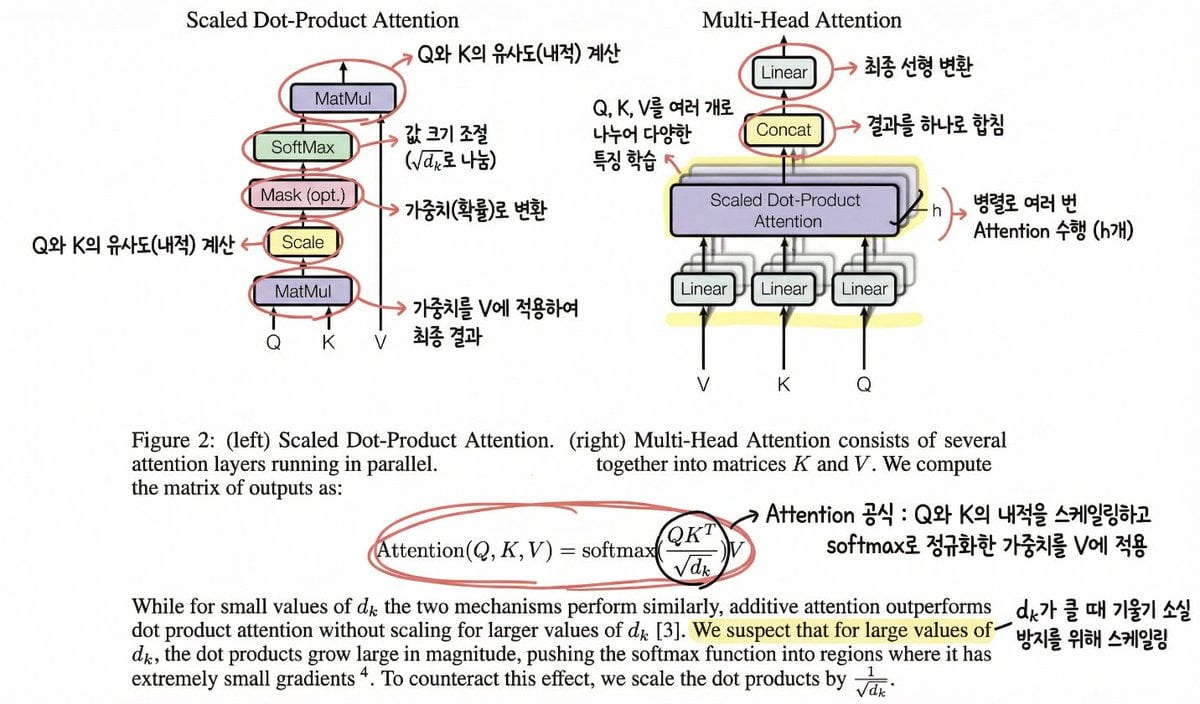
Annotating the 'Attention Is All You Need' Paper
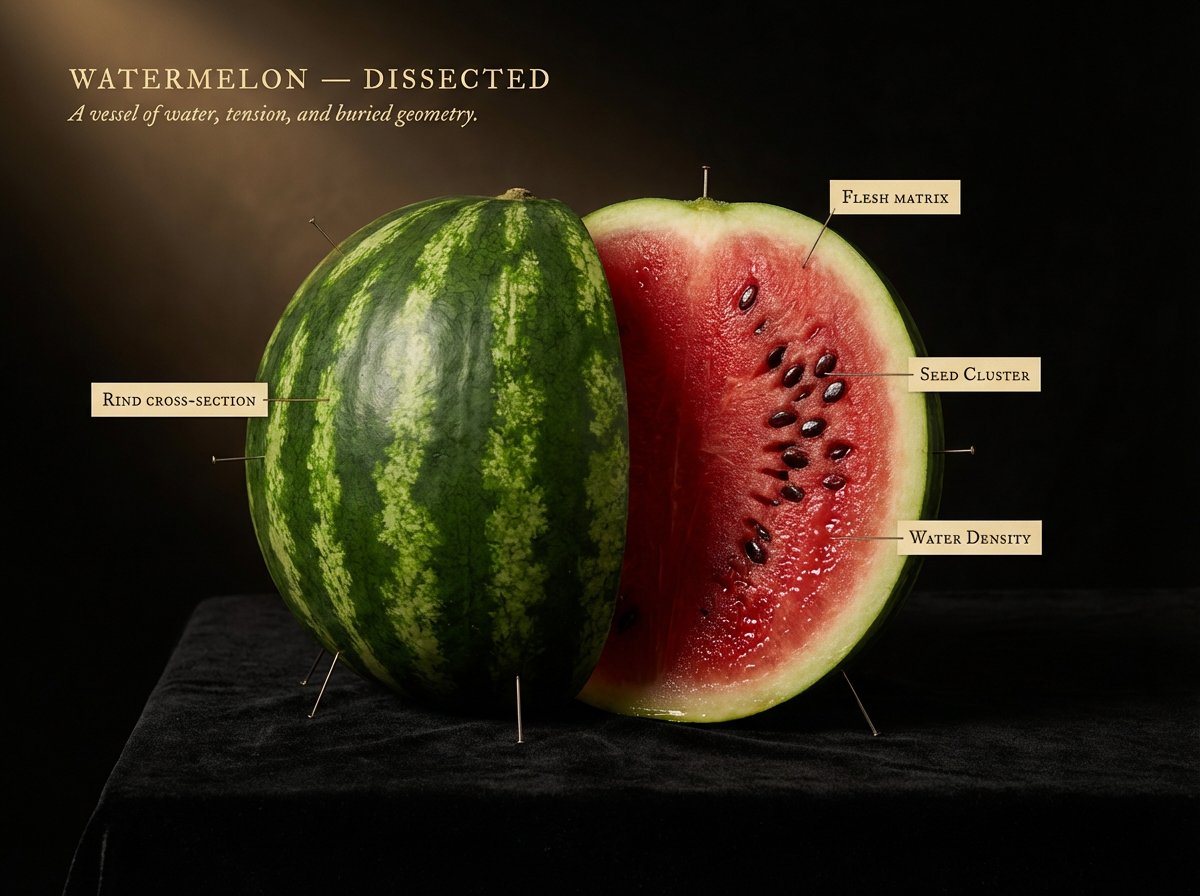
Caravaggio Meets National Geographic Dissection
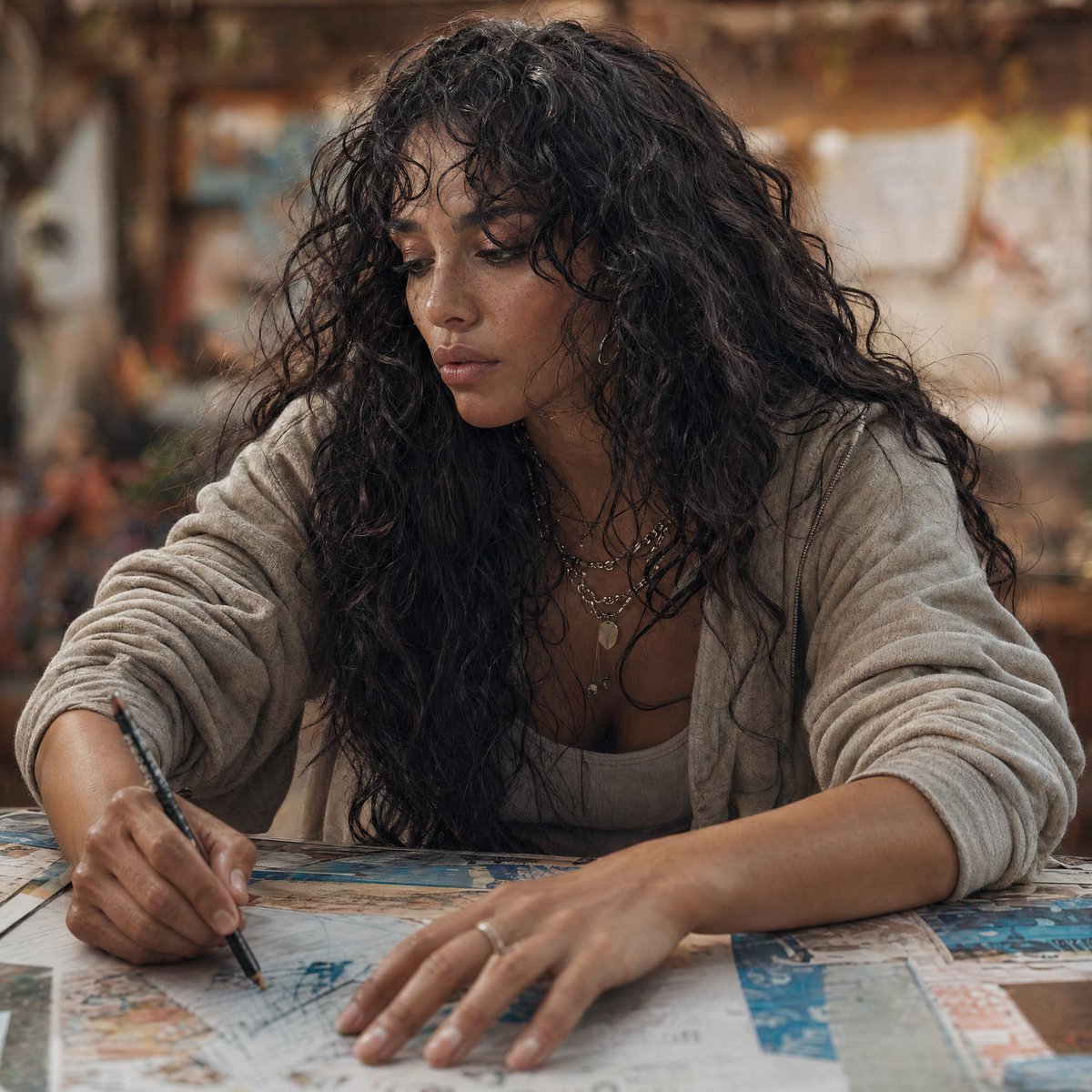
Modern Esther Writing at a Worktable
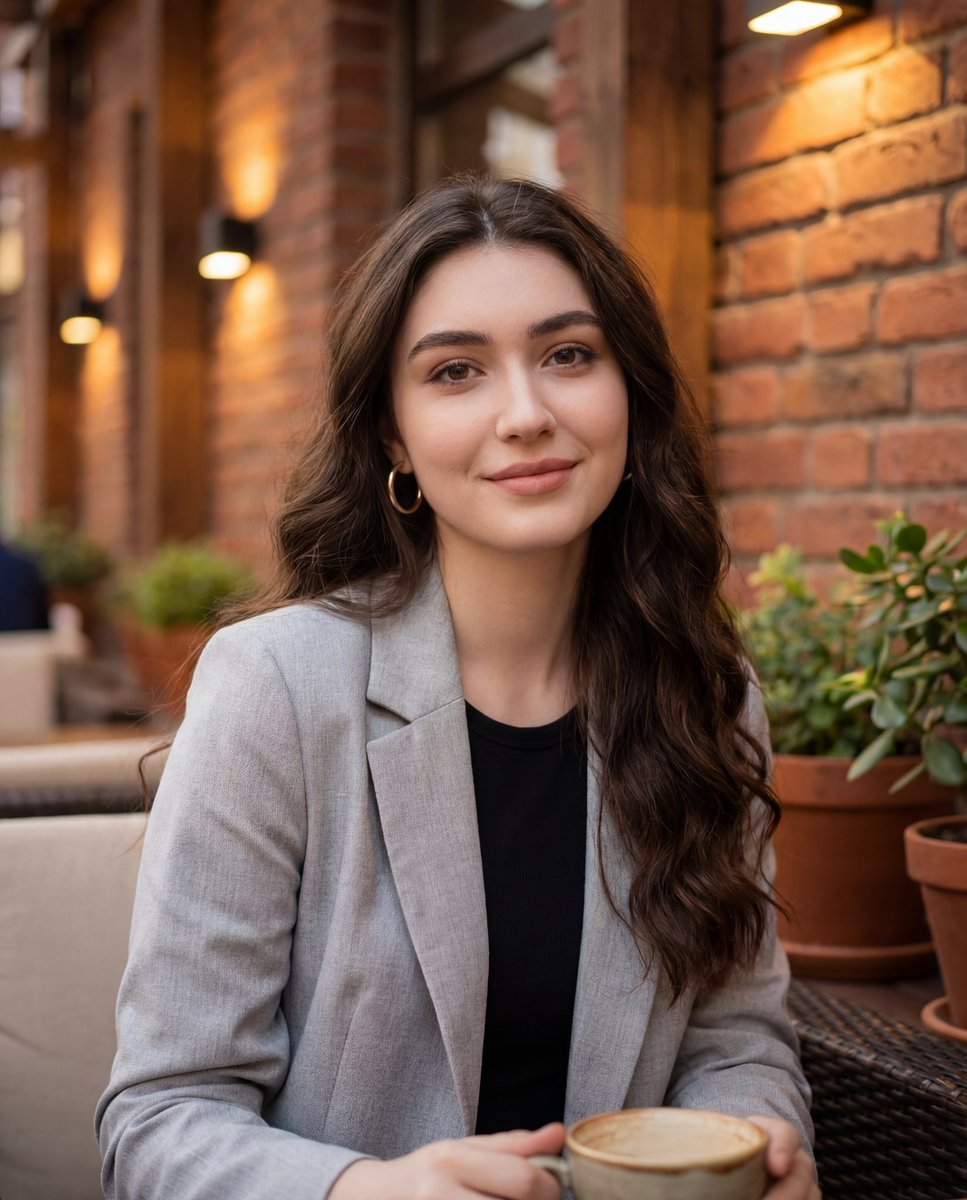
Casual Lifestyle Portrait in an Urban Outdoor Café
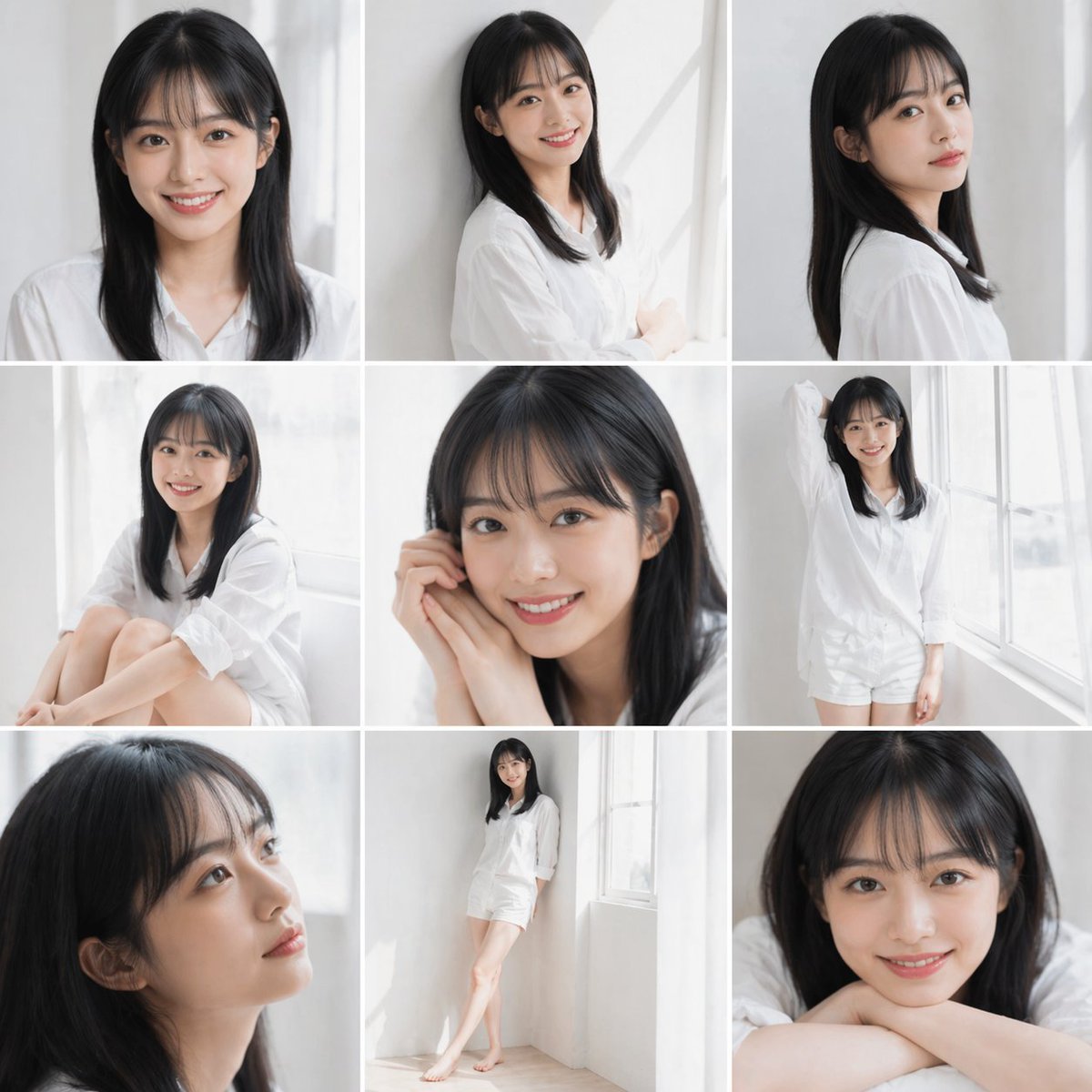
Clean Japanese/Korean Style Photoshoot
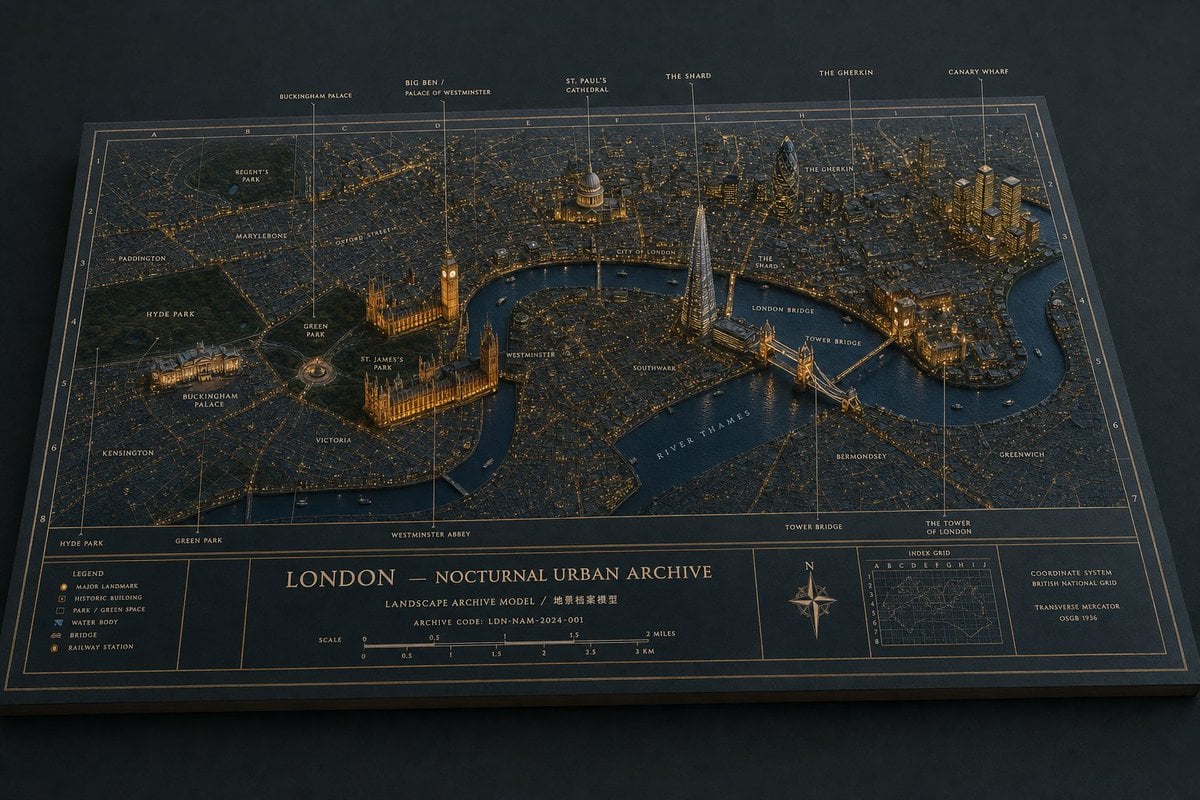
London Nocturnal Urban Archive Diorama
Browse template categories
Photorealistic Parisian Cafe Scene questions
How do I use the Photorealistic Parisian Cafe Scene template?
Add your photo if the template asks for one, edit the prompt if you like — the template's model and format are already selected — and press Generate. Your version opens in PicX Studio.
Can I customize the Photorealistic Parisian Cafe Scene template?
Yes. You can change the subject, setting, lighting, mood, format, and available model controls before creating your image.
Is the Photorealistic Parisian Cafe Scene template free?
Opening and editing this template is free. Generating uses credits, shown on the Generate button when you are signed in.
Which AI model should I use?
Start with Nano Banana 2, which is the model associated with this template. You can compare another compatible model for a different finish.
Looking for something else? Browse all templates.

Your photo, any look
Thousands of ready templates for every top image and video model, from one credit balance.