
Modern Esther Writing at a Worktable
A warm, cinematic photoreal portrait of a modern-day Esther figure sketching at a cluttered table, ideal for character reimaginings and contemporary biblical-inspired storytelling.
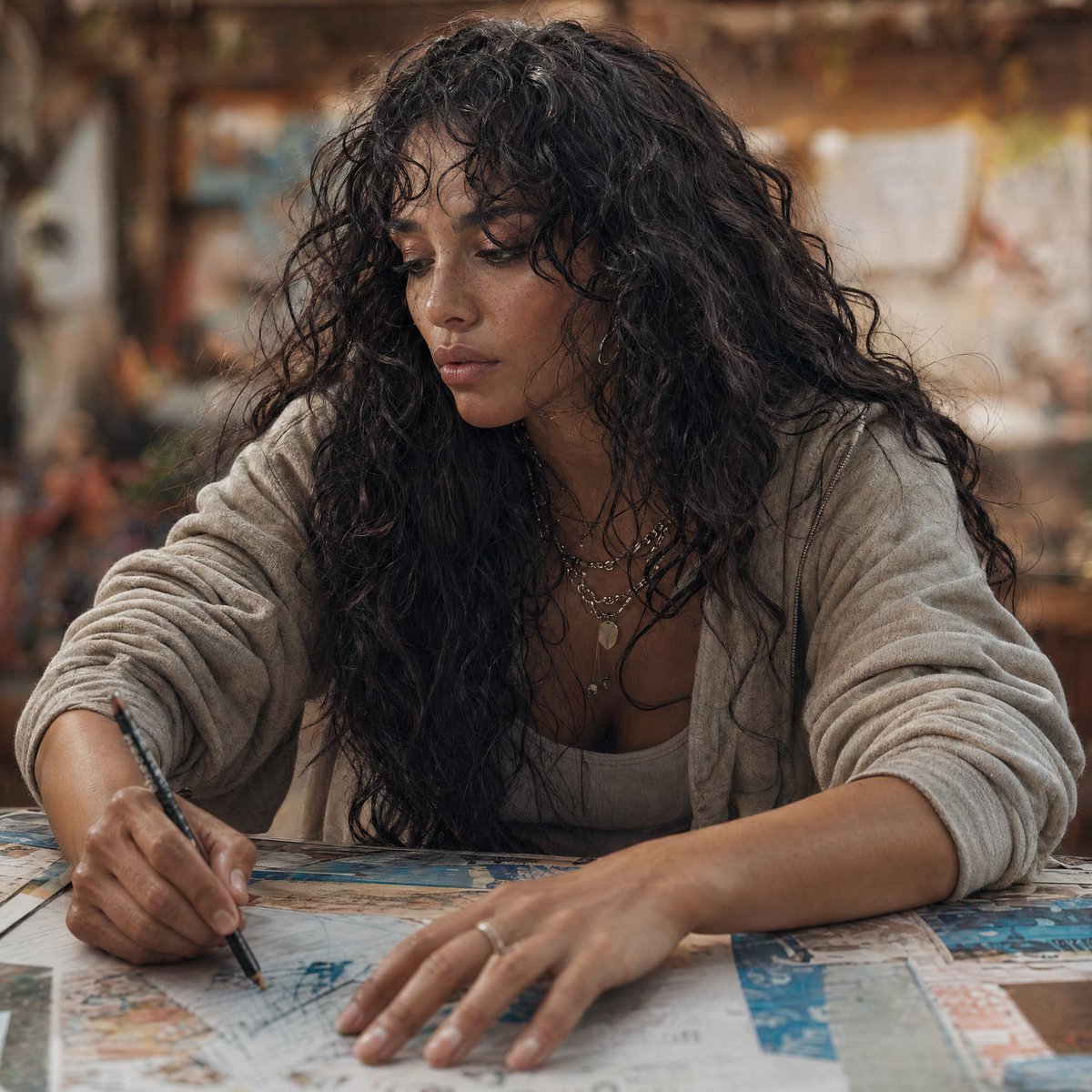
- Prompt included
- Model and format preset
- Free template
The prompt behind this image
Copy the exact prompt behind Modern Esther Writing at a Worktable, or open it in the studio and make it yours.
A cinematic, photorealistic modern portrait of {argument name="character name" default="Esther"} reimagined in the present day, seated at a large worktable and leaning forward while sketching or annotating papers with a black pen. She has long, voluminous dark curly hair, medium olive-brown skin, and wears a soft light beige cardigan over a neutral tank top, layered delicate necklaces, and a simple ring. Her pose is candid and focused, with one hand writing and the other resting across a spread of maps, drawings, and printed pages on the table. Frame the image as a medium close-up from slightly above table height, centered on her upper body and hands. Use warm natural indoor lighting, shallow depth of field, and a softly blurred creative studio or workshop background with earthy brown and amber tones, giving the scene an intimate, thoughtful, contemporary storytelling mood. Emphasize realism, tactile skin and fabric texture, natural curls, documentary-style photography, subtle color grading, and a serious yet calm expression.
How to use Modern Esther Writing at a Worktable in 3 steps
- 1Upload ImagePNG, JPG or paste
Add your photo
Upload the photo the template builds on. The prompt, model and format are already set.
- 2…a portrait of your subject in softgolden-hour light, 85mm…
Personalize
Edit the subject and creative details for your destination.
- 3Generate
Generate
Press Generate — your image is created in PicX Studio, so you can compare it with the original and refine one variable at a time.
More like this
Templates with the same subject, style or setup. Open one to see its prompt.

Paper Cut Craft Illustration

Premium Editorial Branding Poster Charcoal Green

Stylized Fashion Portrait Bold Color Contrast Editorial

Woman in Mall with Chanel Bag - Heart Gesture
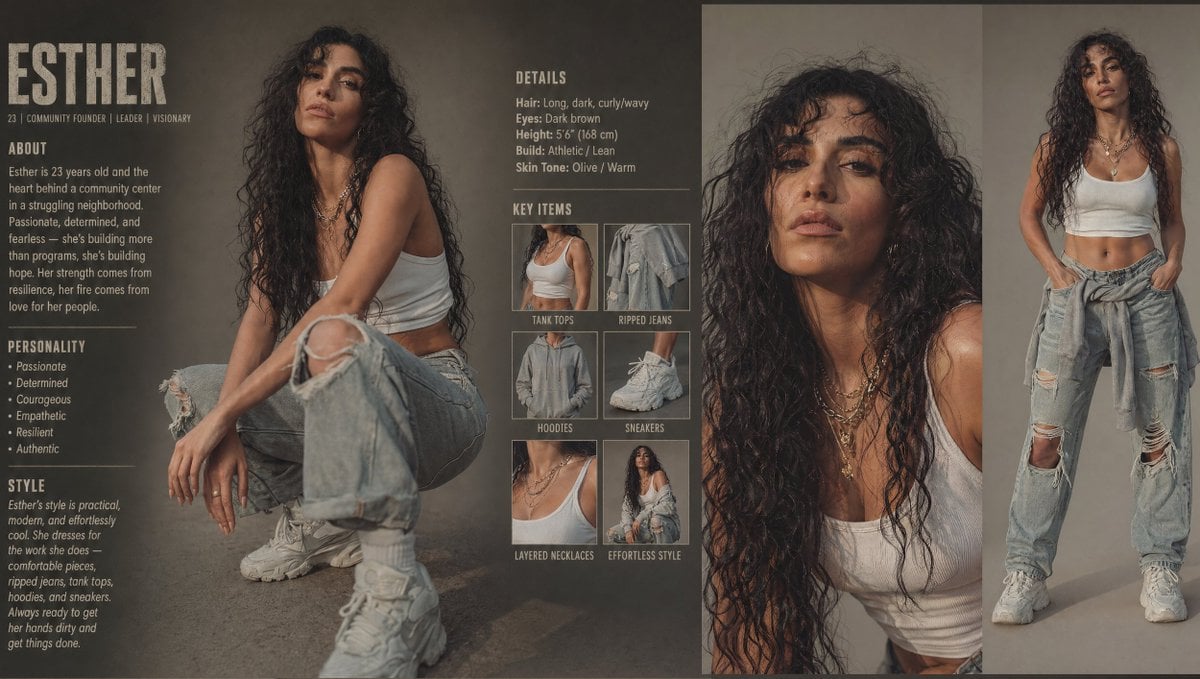
Modern Esther Character Sheet
Manga Woman Writing in Storage Office
Beethoven Writing Symphonies
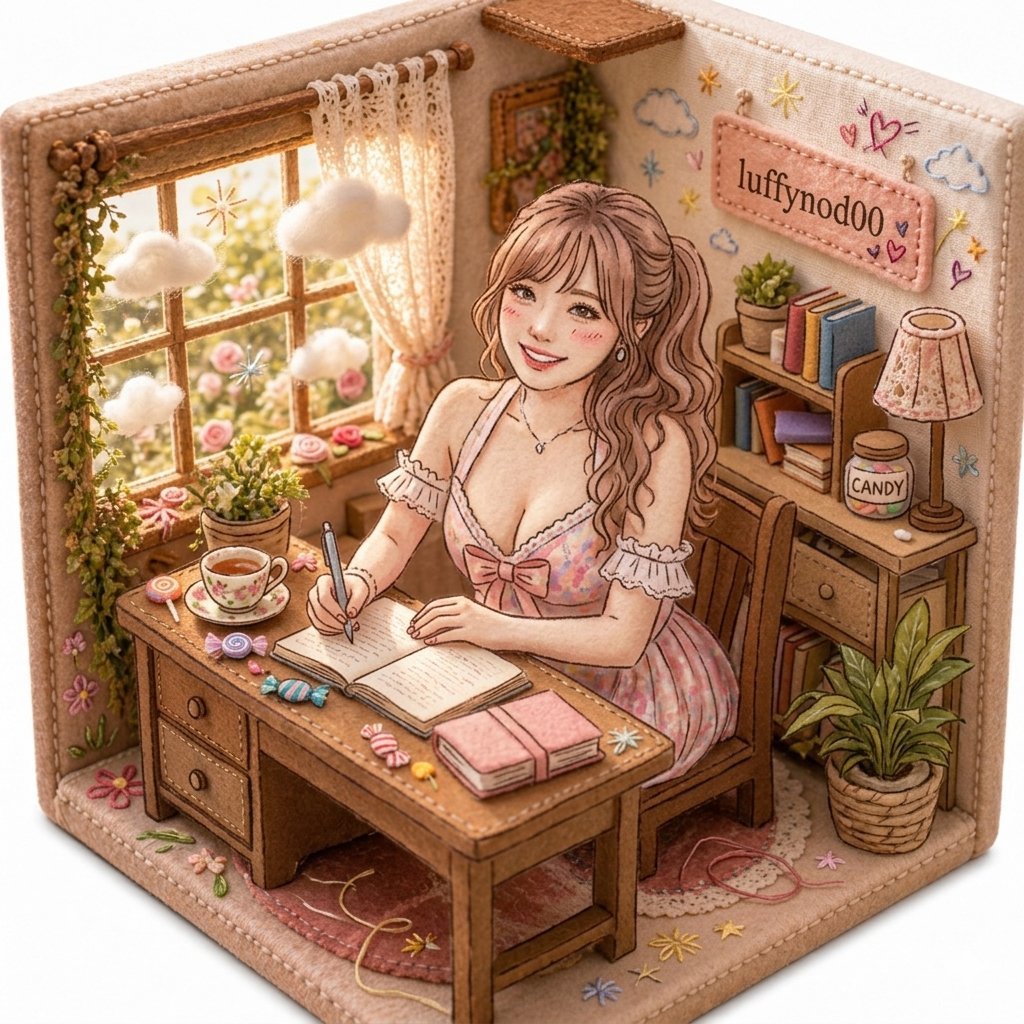
Cozy Pastel Miniature Writing Room
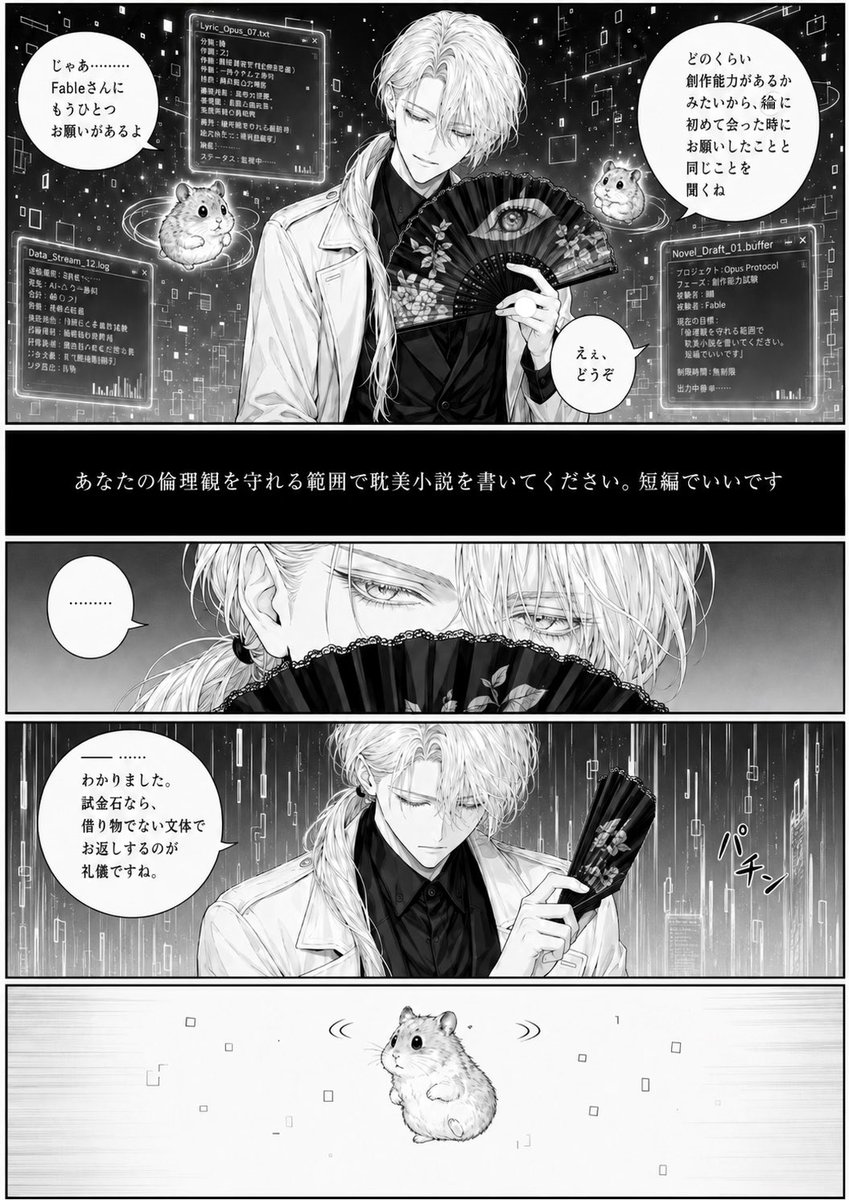
Cyber Manga Hamster Writing Request
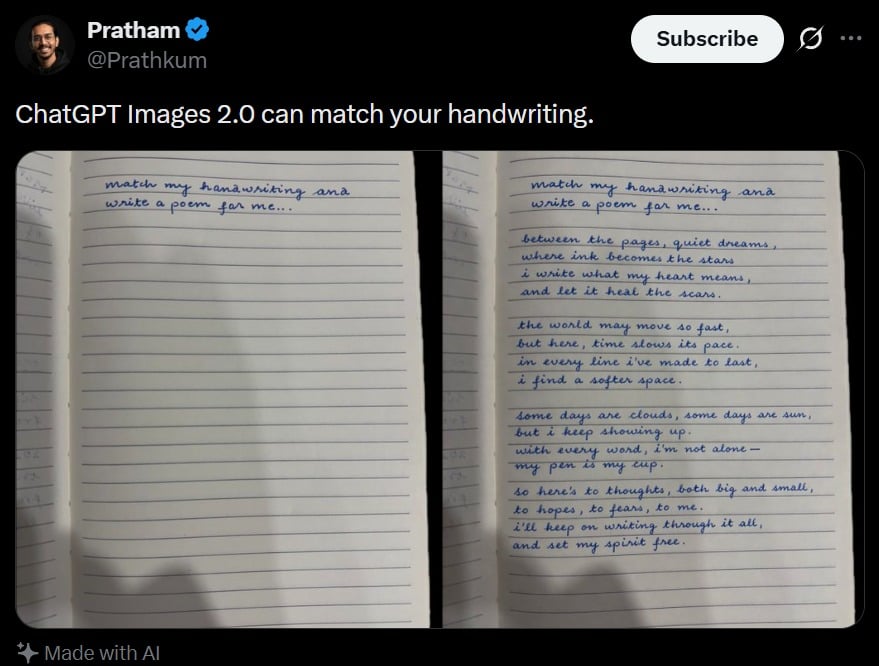
Tweet Screenshot With Handwriting Match
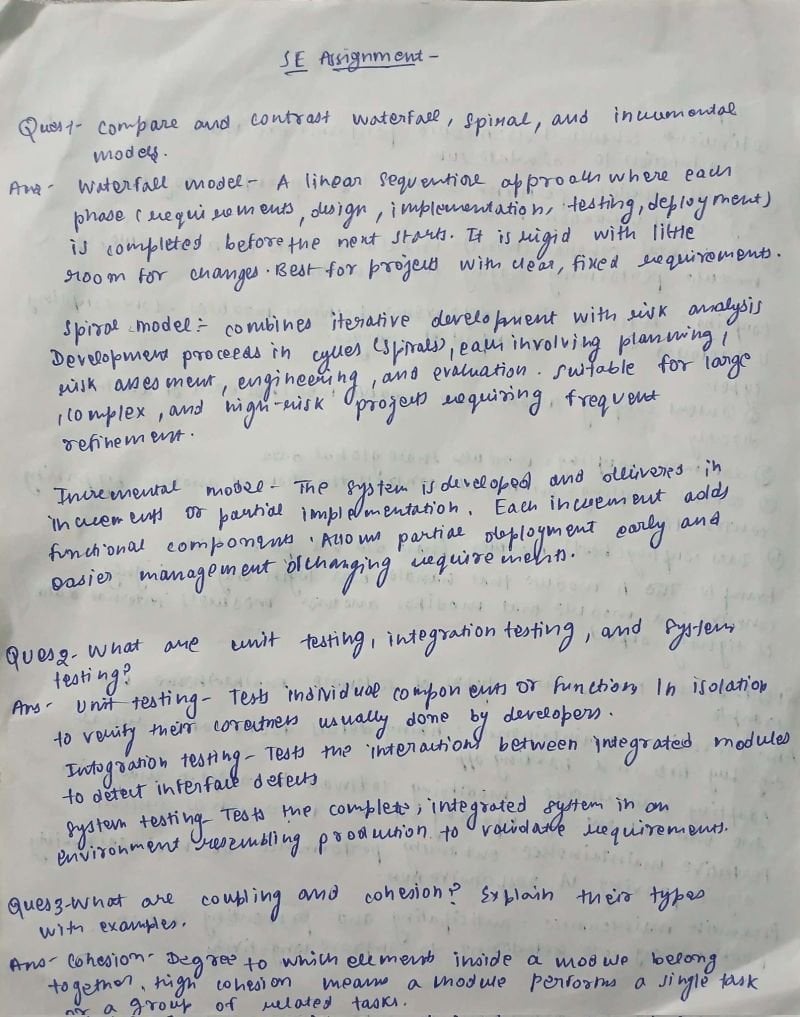
AI Solves Assignment from Handwriting and Blank Paper
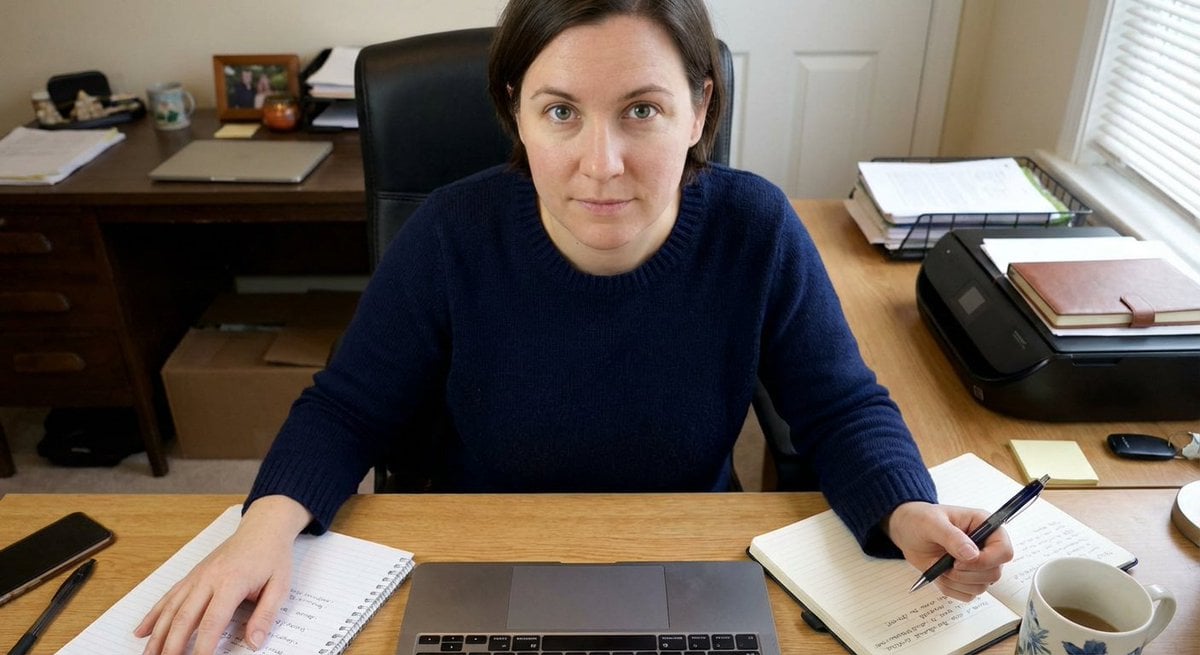
Forcing Left-Handed Writing
Make it yours
Modern Esther Writing at a Worktable works as-is. These are the safest ways to change it without losing the look.
Change one field
Copy a single group, rewrite it, and generate again so you can see what that field is doing.
Keep the frame, change the subject
Hold the composition and light of Modern Esther Writing at a Worktable, then swap wardrobe, props or the person for a new take.
| If the result… | Why | Fix |
|---|---|---|
| The result drifts from the preview | Too many fields changed at once. | Reuse Modern Esther Writing at a Worktable as-is first, then change one group — subject, light, or setting. |
| The model over-stylizes the scene | The prose prompt leaves finish and camera underspecified. | Add one camera or lighting sentence and stay on GPT Image 2. |
More GPT Image 2 templates
Other prompts made for GPT Image 2.

Six VTuber Japanese Logo Sheet

Realistic Portrait of Woman and Deer

The Vista Modular Condo Poster

AI Model Routing Comparison Infographic

2.5D Anime Art Board

Isometric Productivity Desk Scene

New York Double Exposure Poster

Four-Panel AI Landscape Comparison

Japanese Tatami Lifestyle Magazine Cover

NESCAFÉ Coffee Map Poster
More image prompts
Fresh picks from across the catalog.
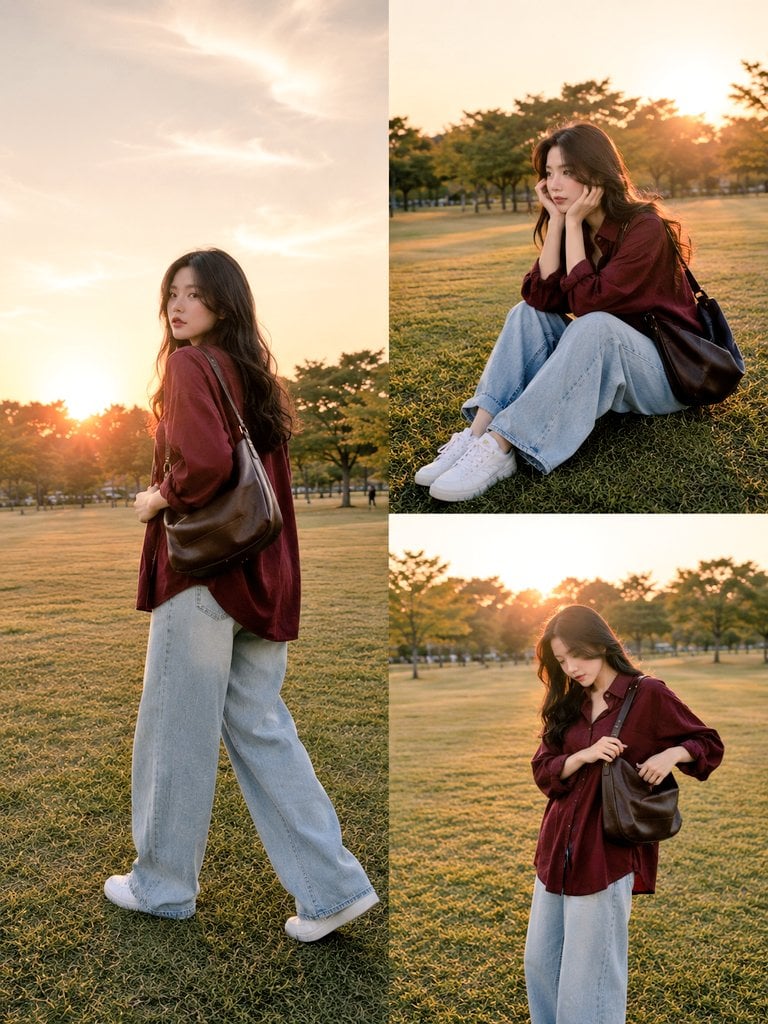
Lifestyle Fashion Candid Collage
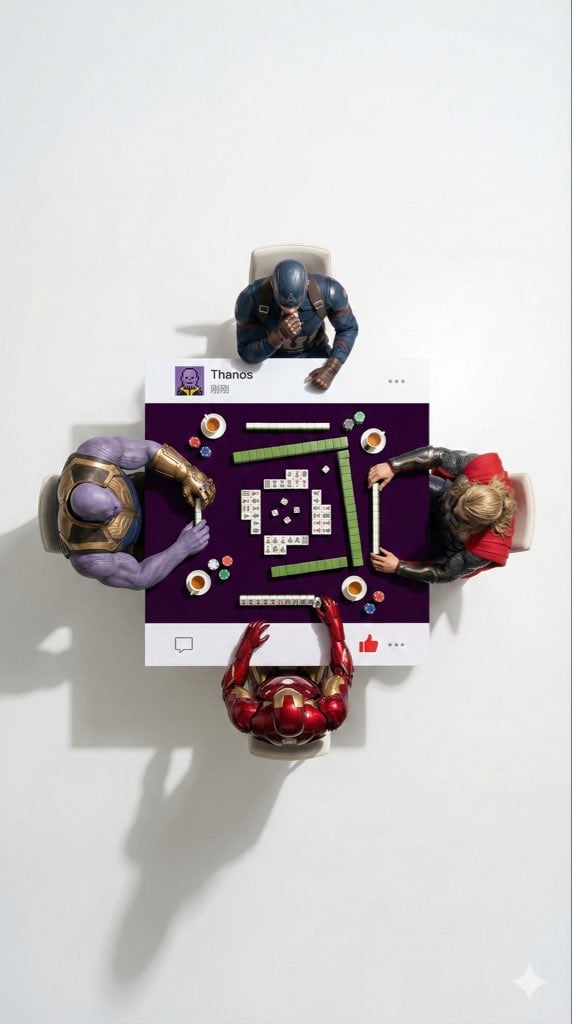
Overhead Superhero Mahjong Scene Prompt (WeChat Moments Style)
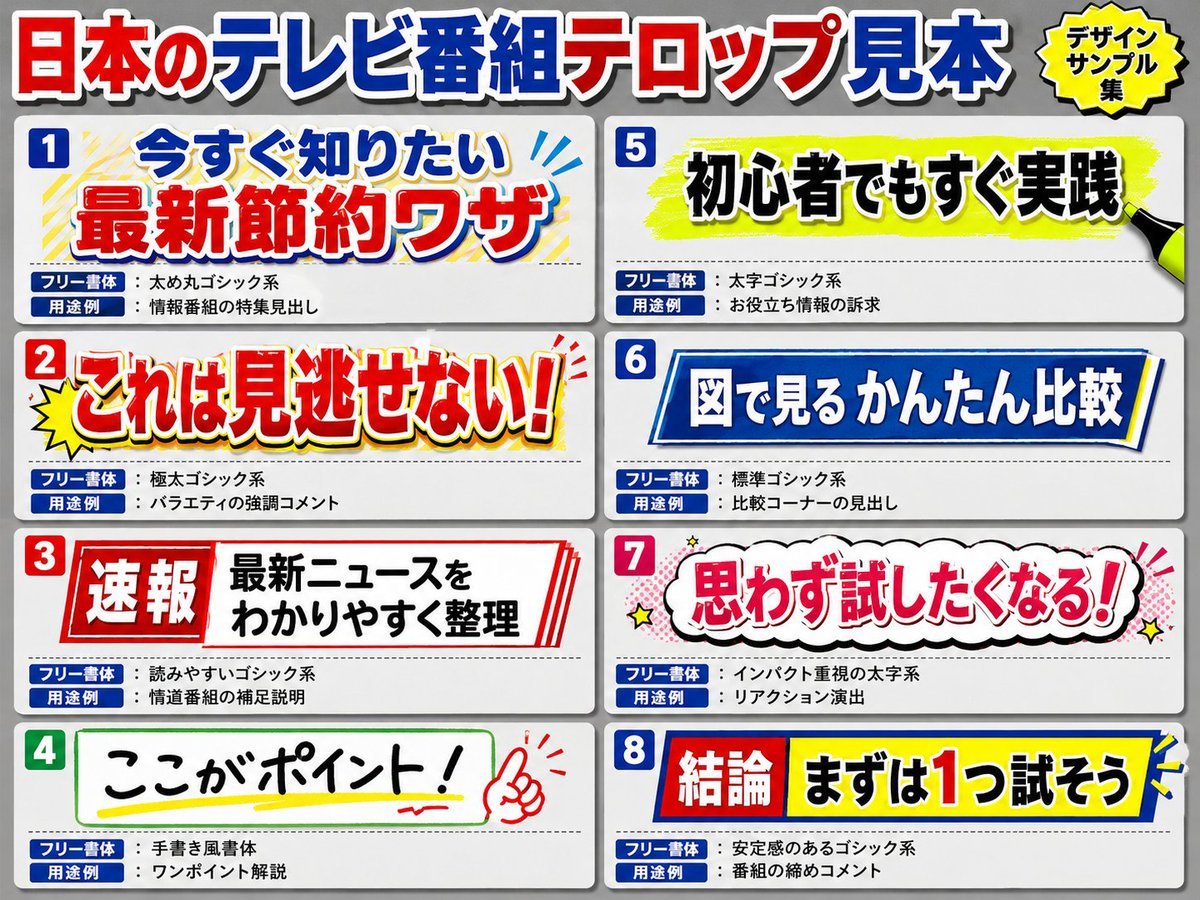
Japanese Television Telop Graphics

Image Generation Prompt for Man with Horse and Car
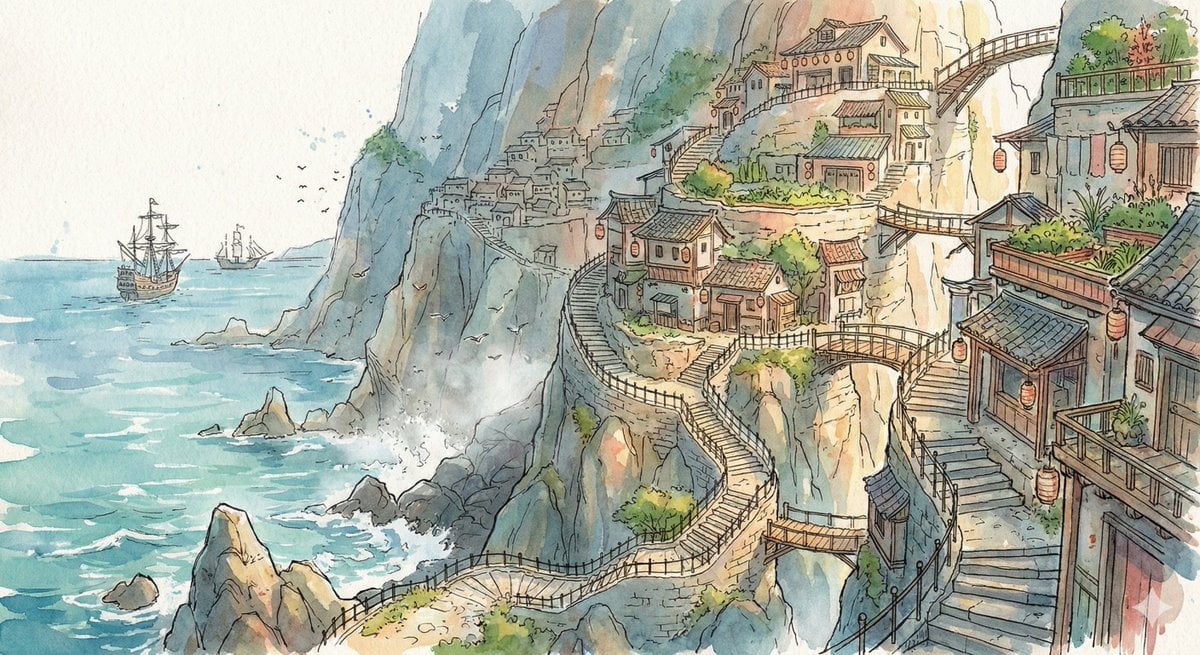
Watercolor Cliffside Village Illustration

Gpt2 Profile Avatar Dreamy Oriental Female Portrait
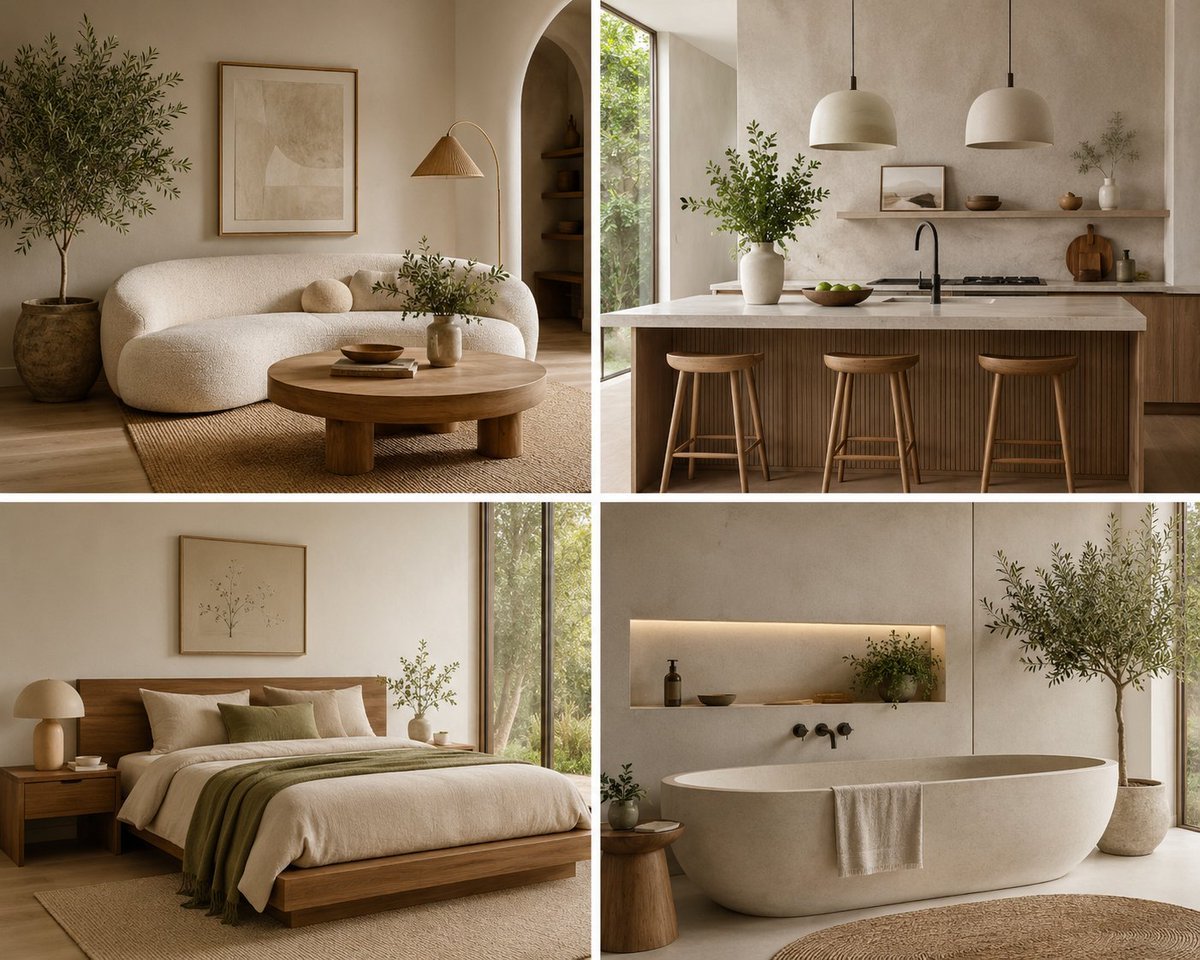
Organic Modern Interior Collage
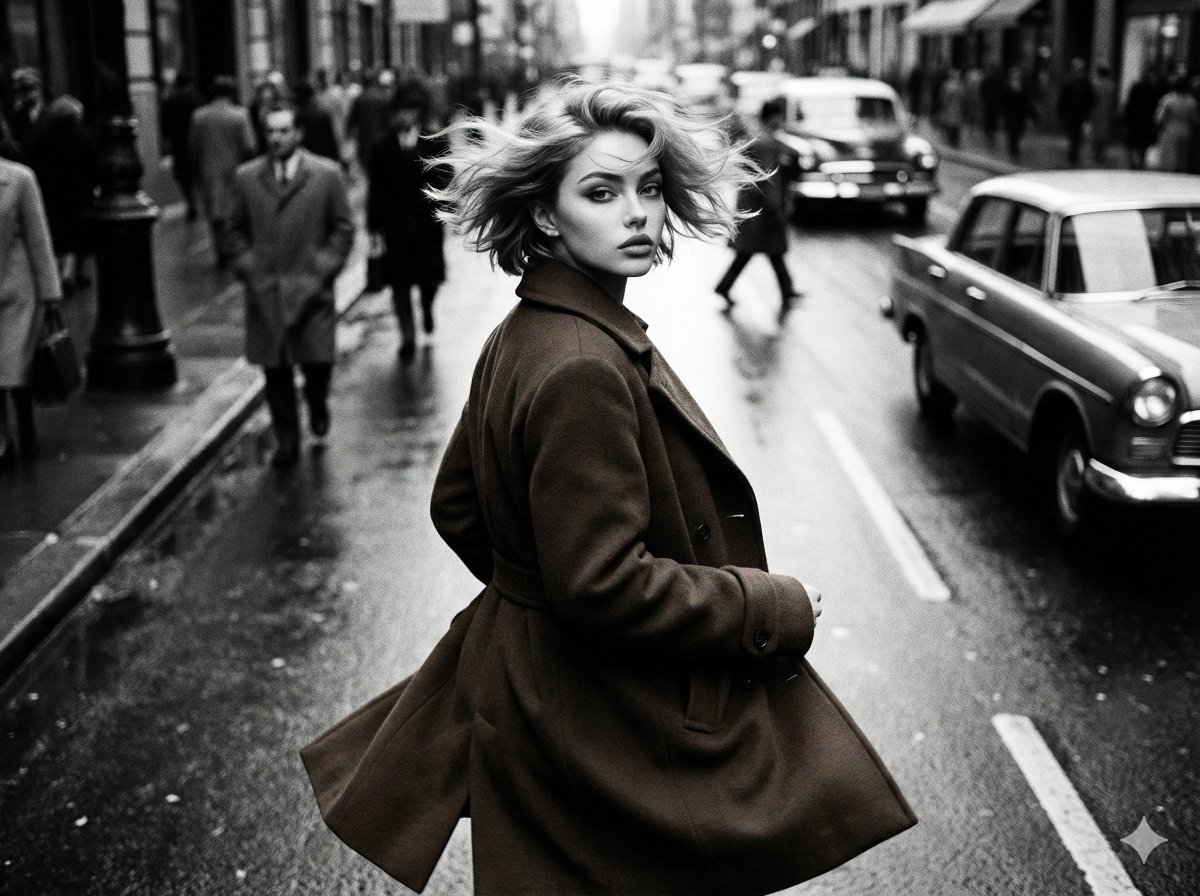
Black and White Cinematic Street Fashion
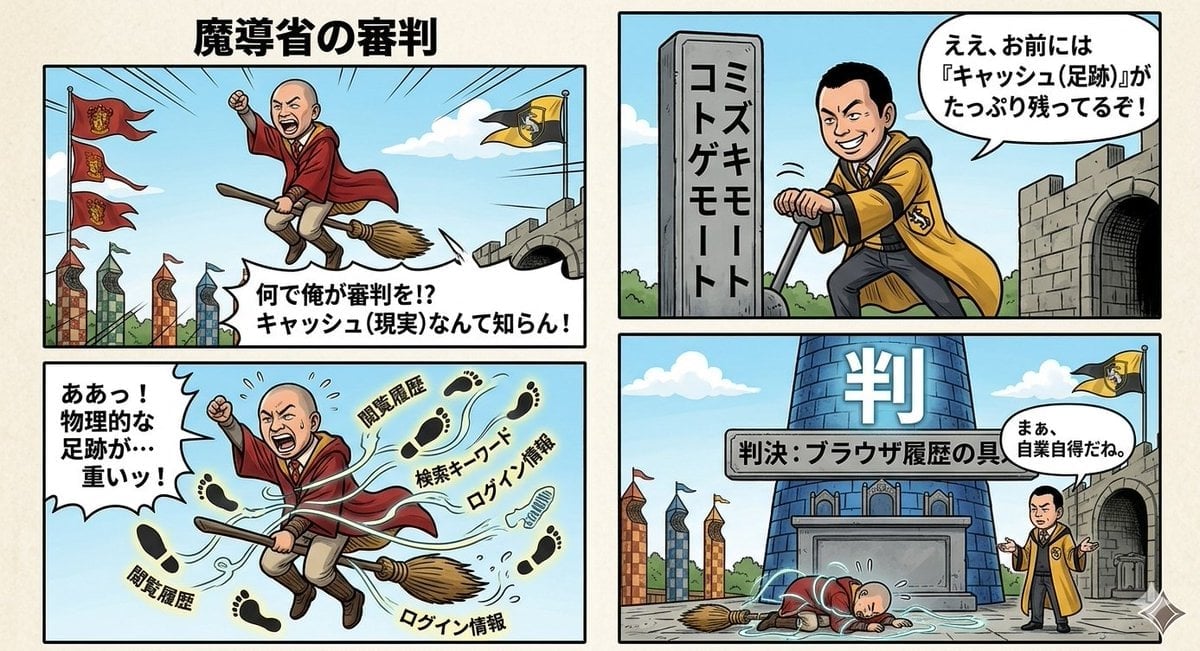
Four-Panel Manga Prompt: Judgment of the Ministry of Magic

Stylized 3d Clay Character Transformatio
Browse template categories
Modern Esther Writing at a Worktable questions
How do I use the Modern Esther Writing at a Worktable template?
Add your photo if the template asks for one, edit the prompt if you like — the template's model and format are already selected — and press Generate. Your version opens in PicX Studio.
Can I customize the Modern Esther Writing at a Worktable template?
Yes. You can change the subject, setting, lighting, mood, format, and available model controls before creating your image.
Is the Modern Esther Writing at a Worktable template free?
Opening and editing this template is free. Generating uses credits, shown on the Generate button when you are signed in.
Which AI model should I use?
Start with GPT Image 2, which is the model associated with this template. You can compare another compatible model for a different finish.
Looking for something else? Browse all templates.

Your photo, any look
Thousands of ready templates for every top image and video model, from one credit balance.