
Beethoven Writing Symphonies
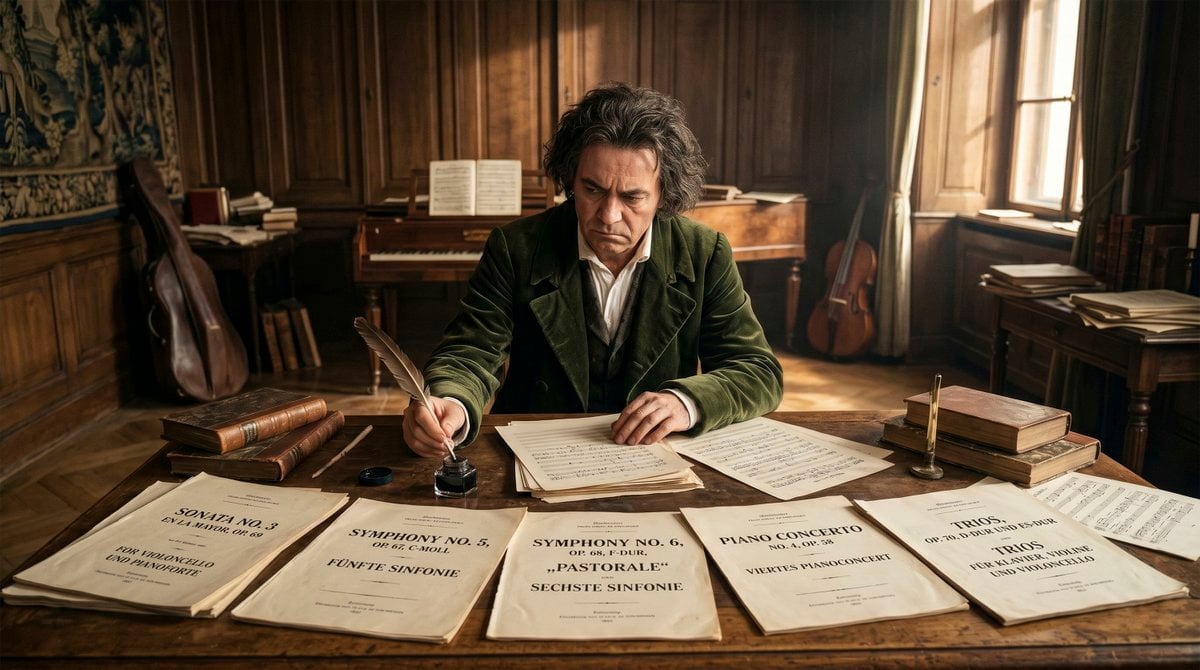
A photorealistic historical scene of Beethoven composing music at a manuscript-covered desk in a sunlit 19th-century room.
- Prompt included
- Model and format preset
- Free template
The prompt behind this image
Copy the exact prompt behind Beethoven Writing Symphonies, or open it in the studio and make it yours.
Create a cinematic photorealistic historical scene of {argument name="character name" default="Ludwig van Beethoven"} seated at a large worn wooden writing desk in a warm 19th-century Viennese music room, writing with a feather quill on handwritten musical manuscript pages. The camera is wide and frontal at desk height, with shallow depth of field, golden afternoon sunlight entering from tall windows on the right, soft dust in the air, dark carved wood wall panels, parquet floor, and a sacred, reverent atmosphere of genius in silence. The composer has wild dark-gray curly hair, wears a dark green velvet coat over a white shirt and waistcoat, and his face is intentionally obscured by a centered square blur. On the foreground desk show exactly 5 large visible printed score title pages, arranged left to right: 1) “SONATA NO. 3” for violoncello and pianoforte, 2) “SYMPHONY NO. 5” in C minor, 3) “SYMPHONY NO. 6” “PASTORALE” “SECHSTE SINFONIE”, 4) “PIANO CONCERTO” with smaller concerto text, 5) “TRIOS” for clavier, violin and violoncello. Also include exactly 3 prominent musical instruments in the room: 1 upright double bass leaning at the far left, 1 piano in the back center with open sheet music, and 1 cello leaning near the right window. Add period props: stacked leather-bound books on both sides of the desk, loose manuscript sheets, an open inkwell, a quill in the composer’s hand, a brass candleholder, and scattered papers on side tables. Use warm amber and brown tones, realistic textures, historically accurate early-1800s interior, dramatic natural light, high detail, 16:9 horizontal composition, no modern objects, no watermark.
How to use Beethoven Writing Symphonies in 3 steps
- 1Upload ImagePNG, JPG or paste
Add your photo
Upload the photo the template builds on. The prompt, model and format are already set.
- 2…a portrait of your subject in softgolden-hour light, 85mm…
Personalize
Edit the subject and creative details for your destination.
- 3Generate
Generate
Press Generate — your image is created in PicX Studio, so you can compare it with the original and refine one variable at a time.
More like this
Templates with the same subject, style or setup. Open one to see its prompt.
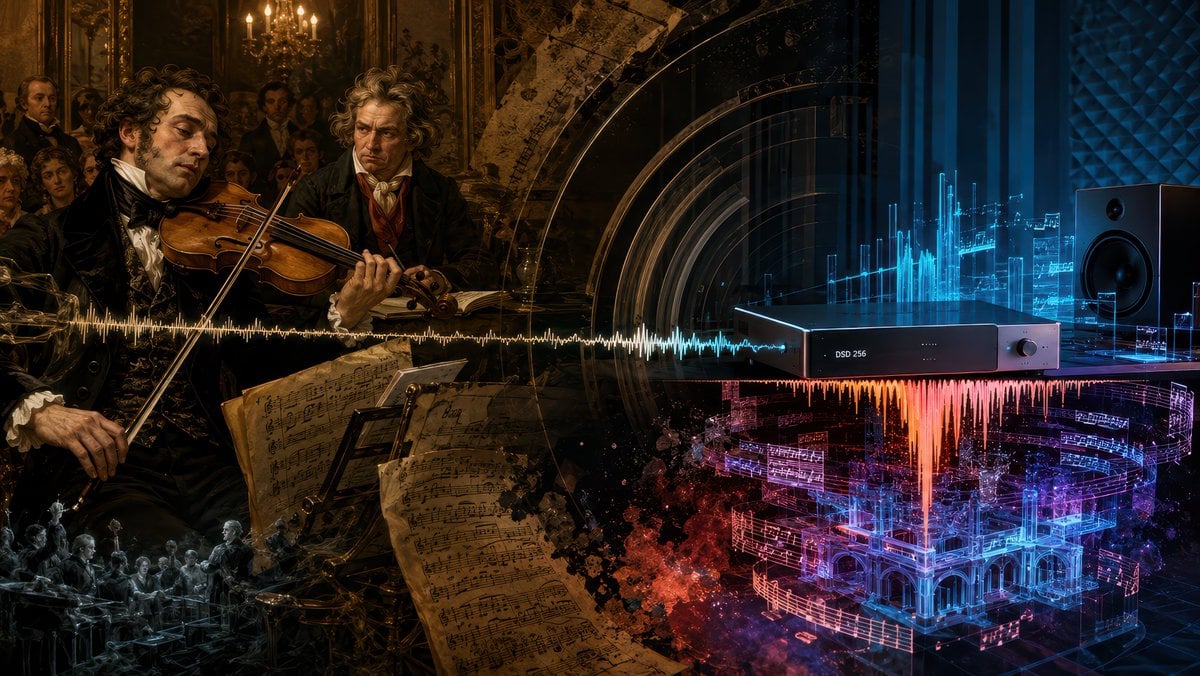
Beethoven Sonata DSD 256 Collage
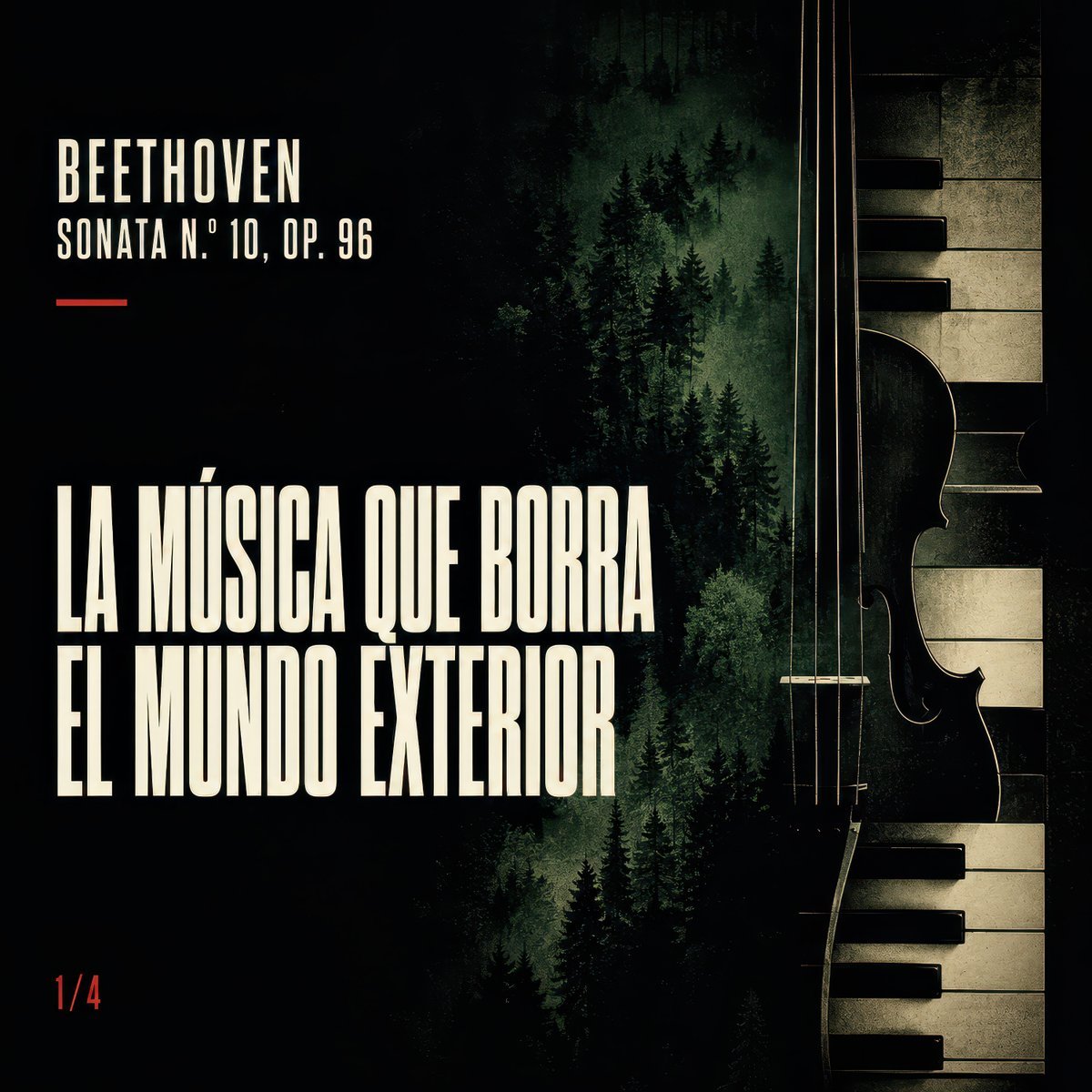
Dark Beethoven Forest Sonata Poster
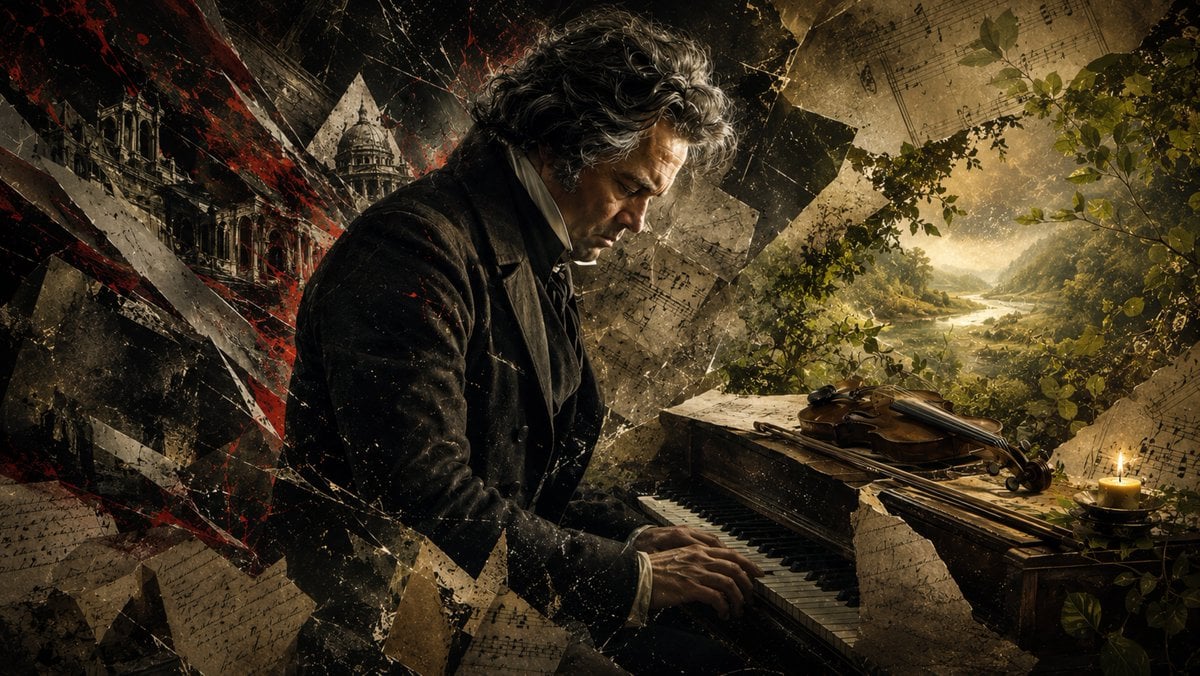
Beethoven Tragic Sonata Collage
Beethoven Grief to Light Artwork
Beethoven Cello Sonata Cosmic Poster
Beethoven Sacred Desk Collage
Manga Woman Writing in Storage Office
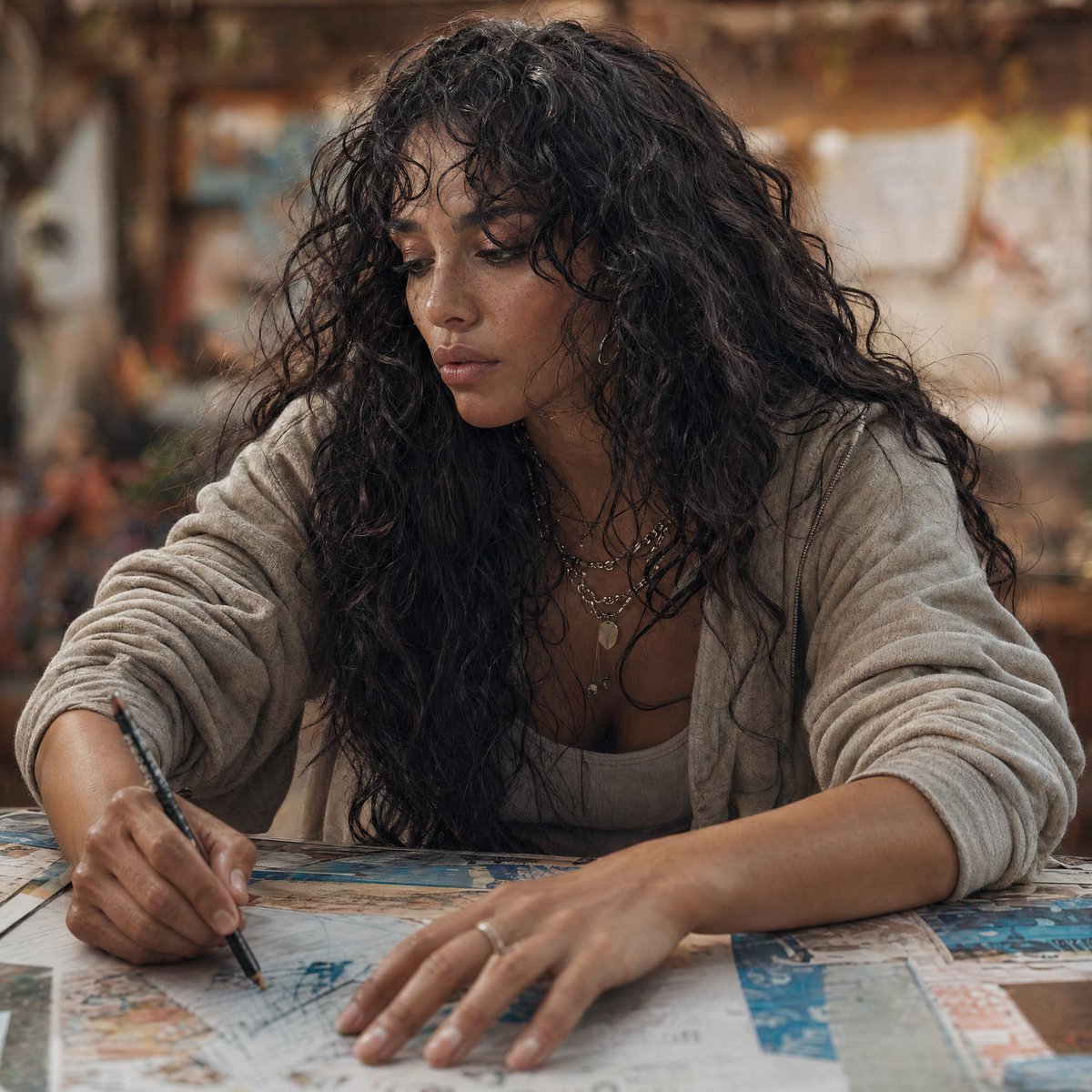
Modern Esther Writing at a Worktable
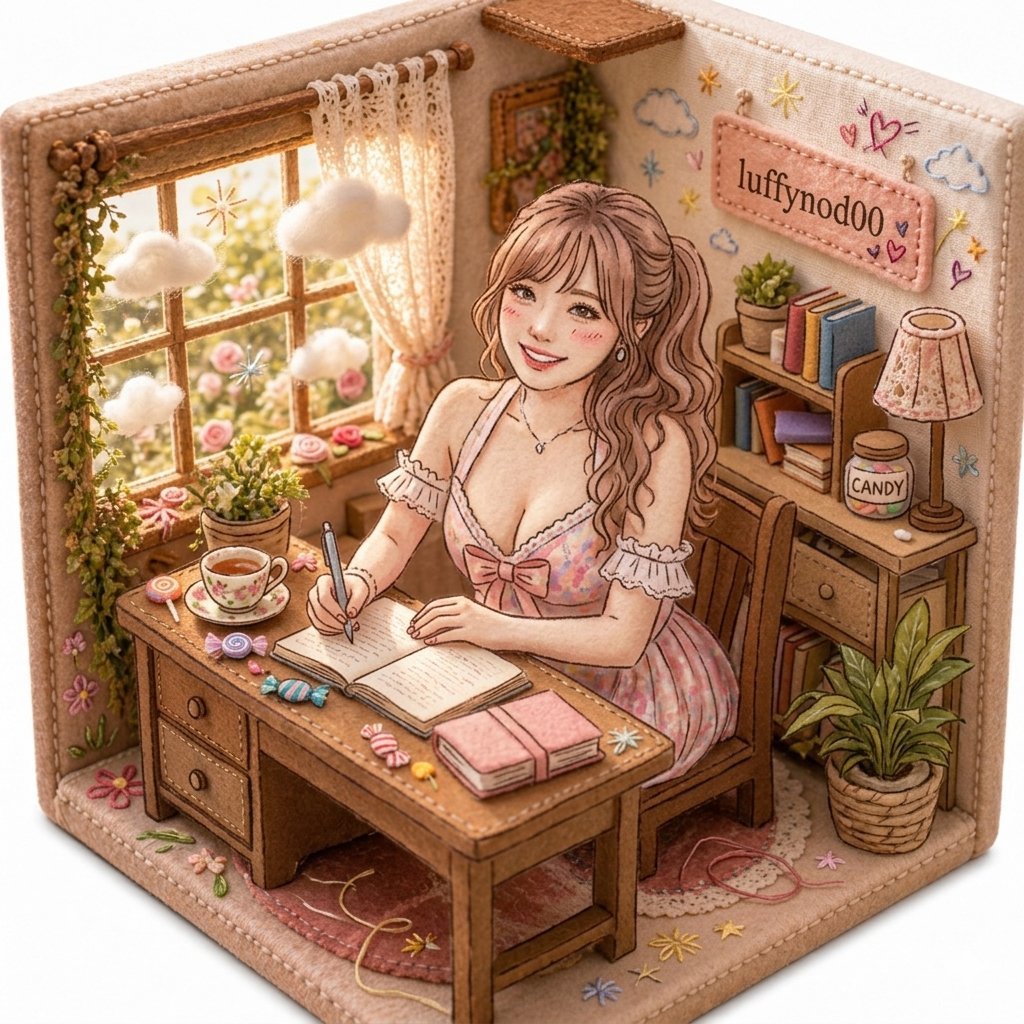
Cozy Pastel Miniature Writing Room
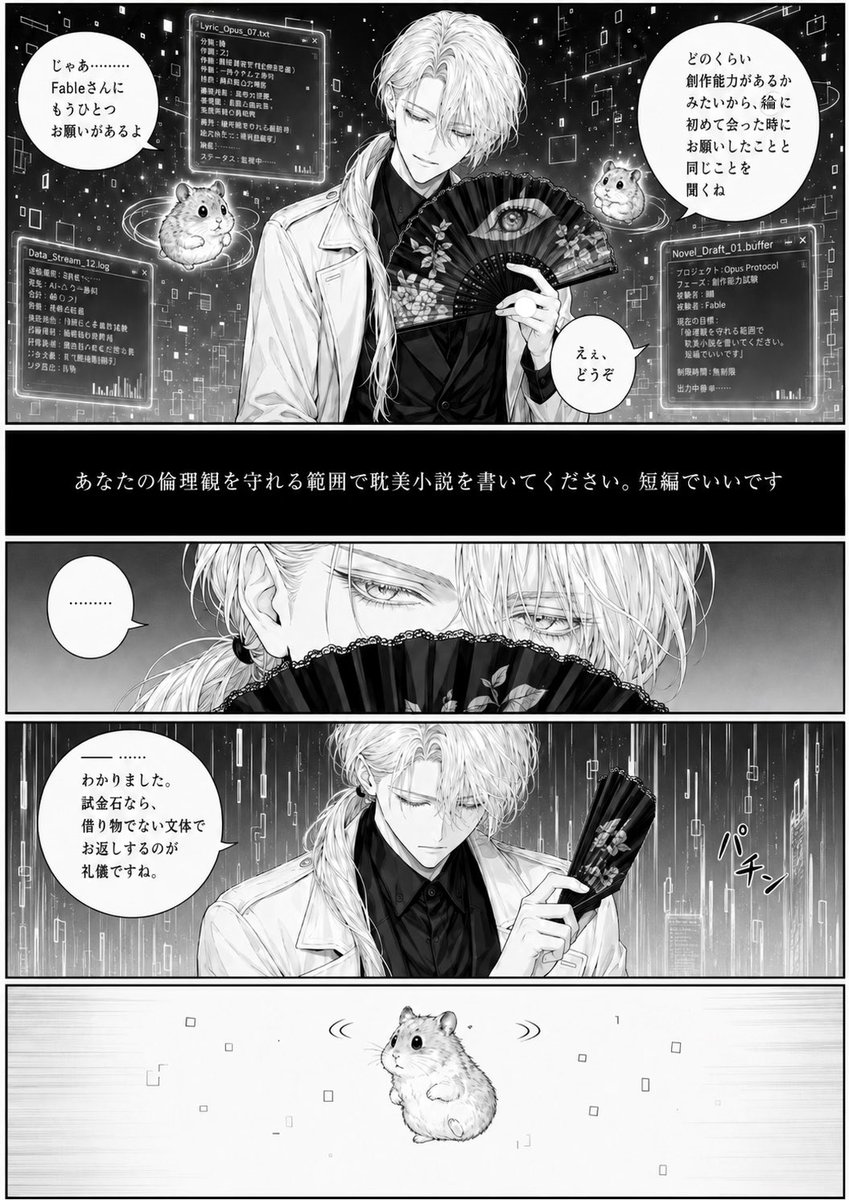
Cyber Manga Hamster Writing Request
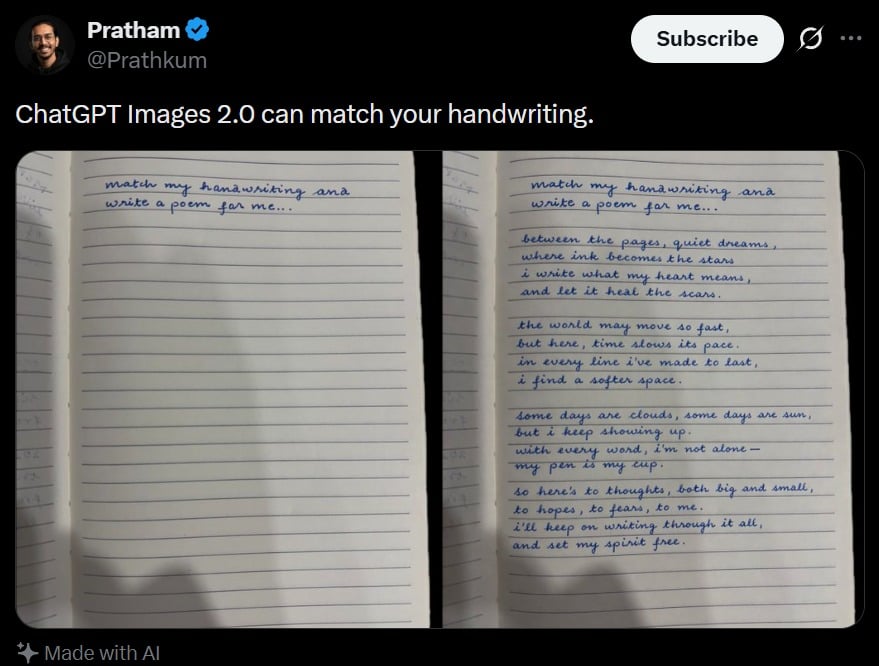
Tweet Screenshot With Handwriting Match
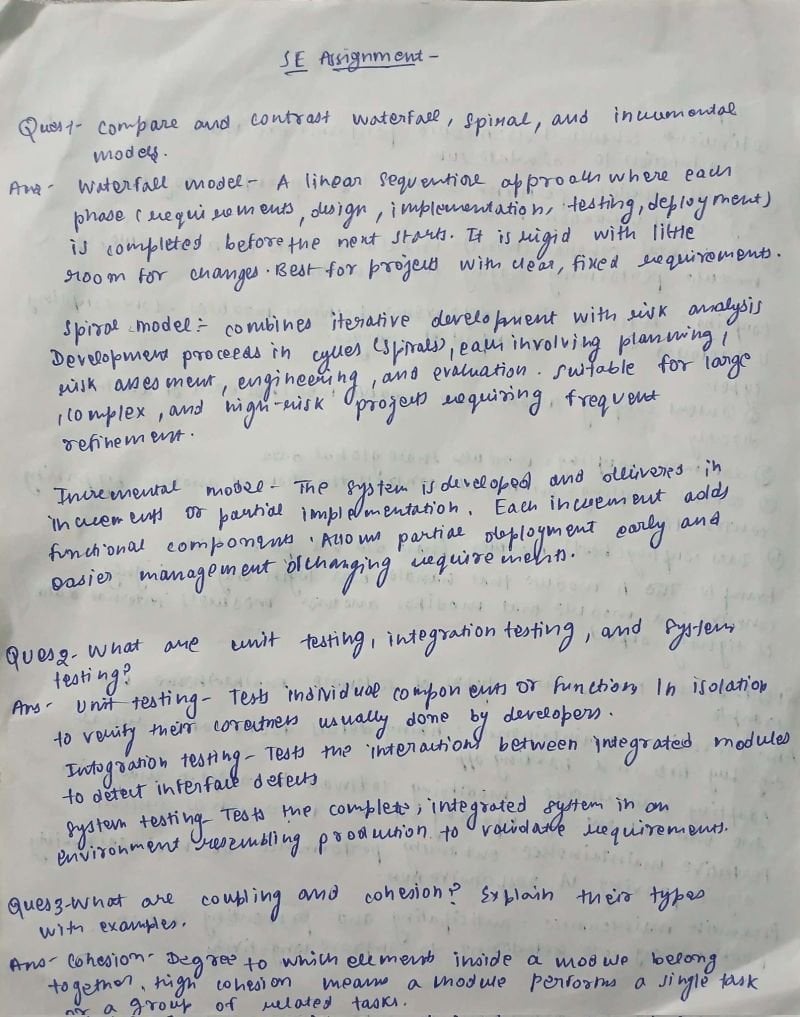
AI Solves Assignment from Handwriting and Blank Paper
Make it yours
Beethoven Writing Symphonies works as-is. These are the safest ways to change it without losing the look.
Change one field
Copy a single group, rewrite it, and generate again so you can see what that field is doing.
Keep the frame, change the subject
Hold the composition and light of Beethoven Writing Symphonies, then swap wardrobe, props or the person for a new take.
| If the result… | Why | Fix |
|---|---|---|
| The result drifts from the preview | Too many fields changed at once. | Reuse Beethoven Writing Symphonies as-is first, then change one group — subject, light, or setting. |
| The model over-stylizes the scene | The prose prompt leaves finish and camera underspecified. | Add one camera or lighting sentence and stay on GPT Image 2. |
More GPT Image 2 templates
Other prompts made for GPT Image 2.

Six VTuber Japanese Logo Sheet

Realistic Portrait of Woman and Deer

The Vista Modular Condo Poster

AI Model Routing Comparison Infographic

2.5D Anime Art Board

Isometric Productivity Desk Scene

New York Double Exposure Poster

Japanese Tatami Lifestyle Magazine Cover

Brutalist Cogito Chinese Typography Poster

Cinematic Luxury Terrace Portrait
More image prompts
Fresh picks from across the catalog.
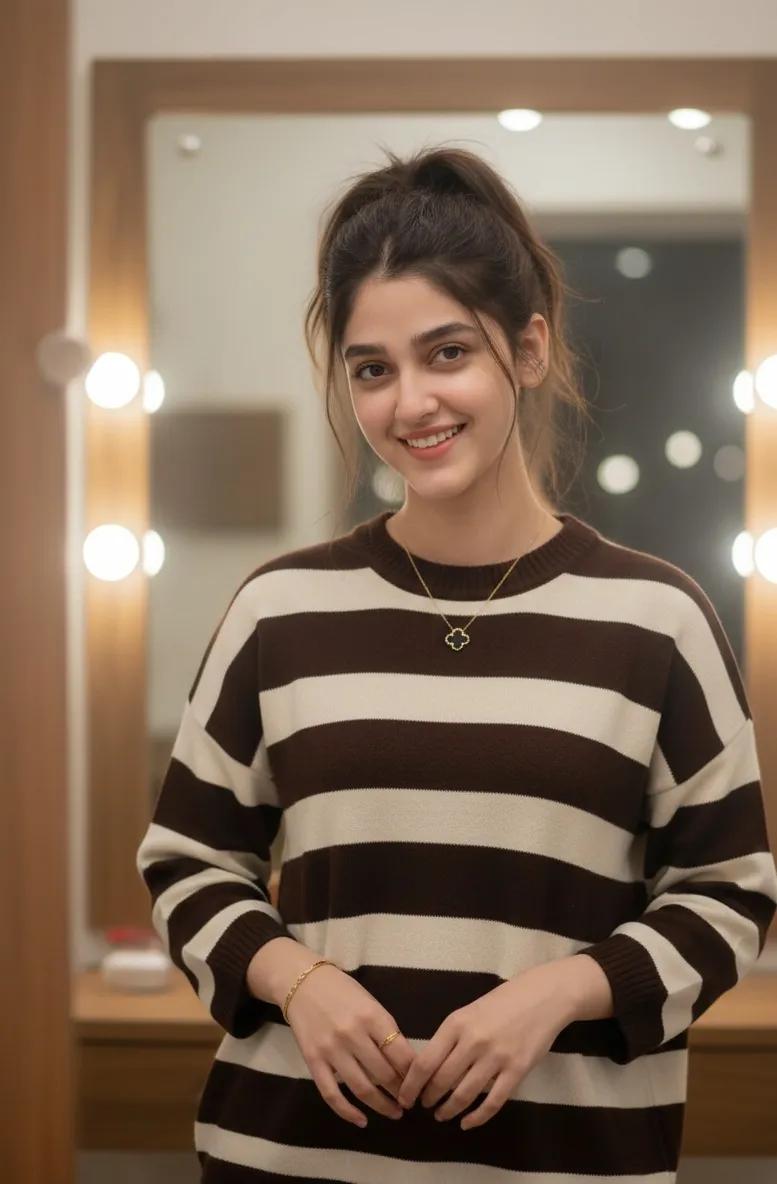
Cozy Indoor Lifestyle Portrait with Vanity Mirror
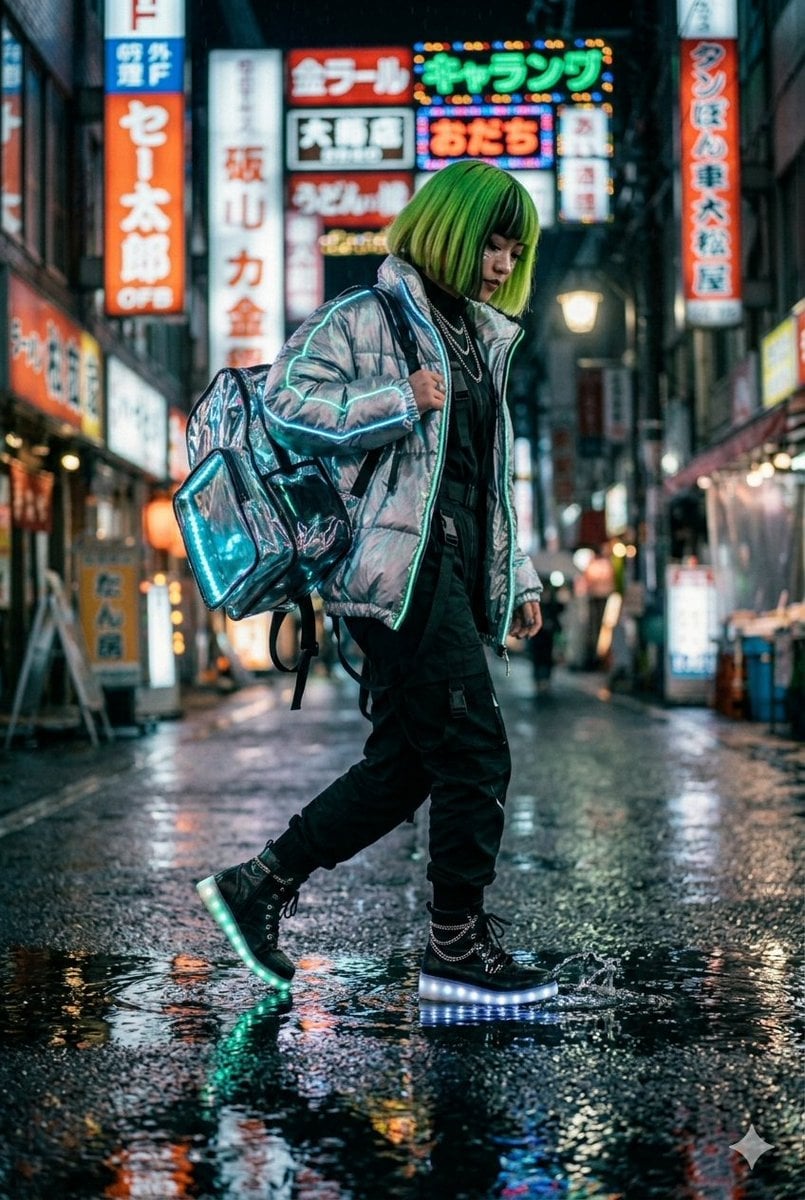
Cyberpunk Techwear Street Shot
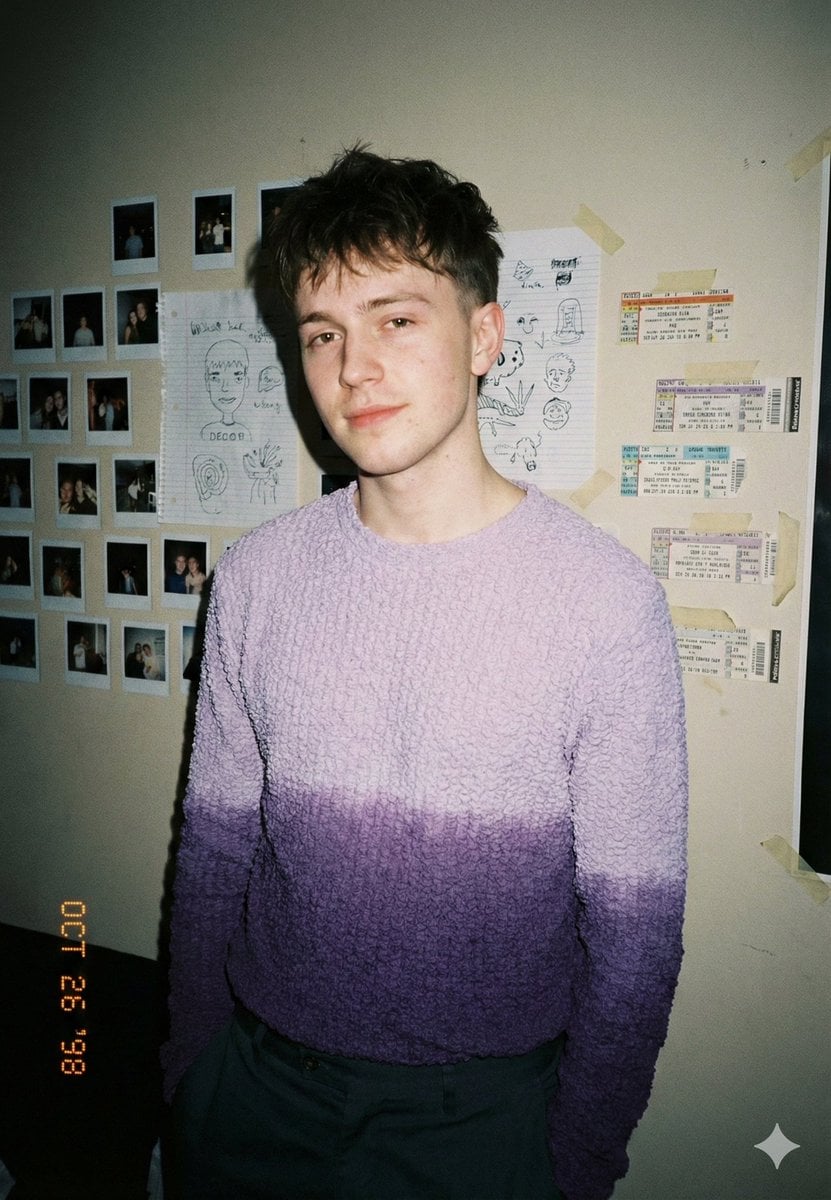
Analog-Inspired Male Portrait with Hard Flash Prompt
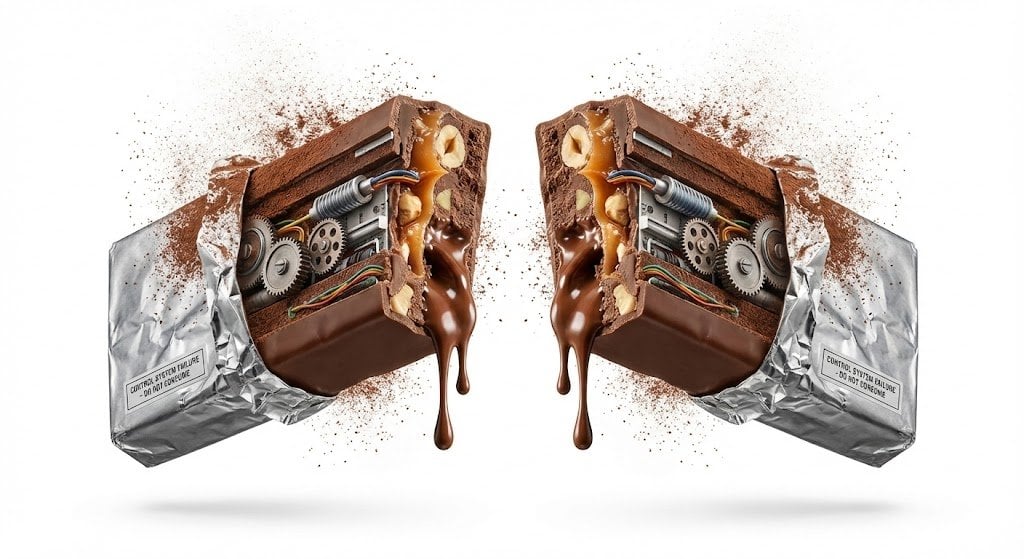
Advertising Visual Prompt: Chocolate Bar Process Display

Floating Google Services Portrait Poster
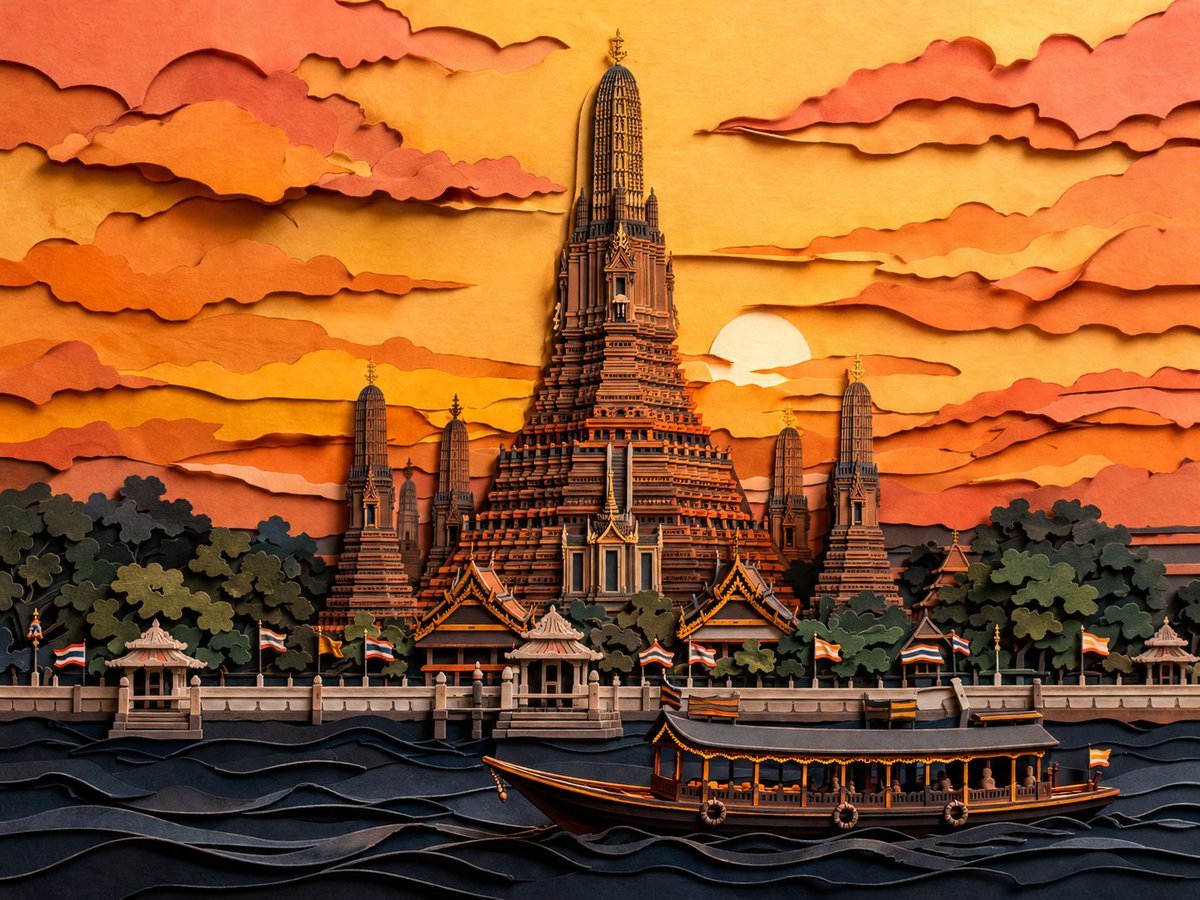
Papercut Wat Arun at Sunset
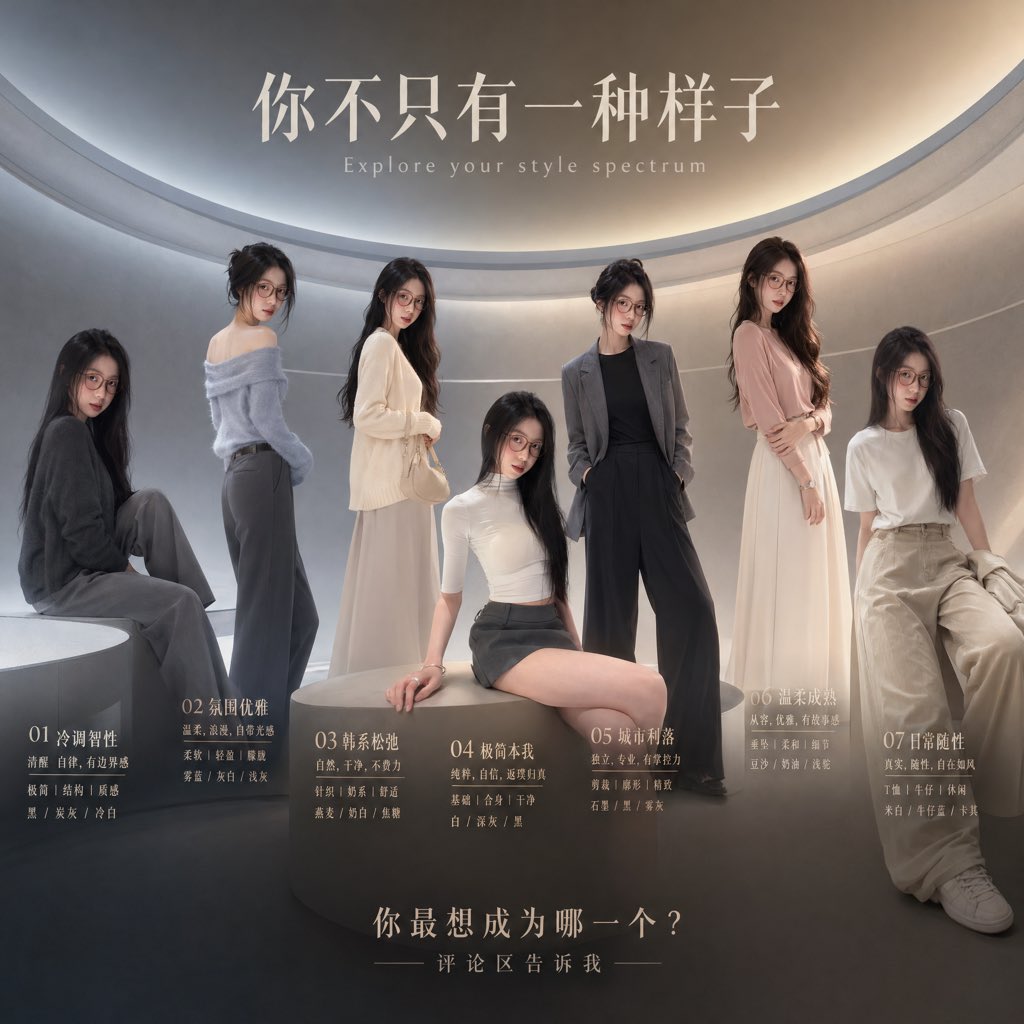
Fashion Style Spectrum Poster
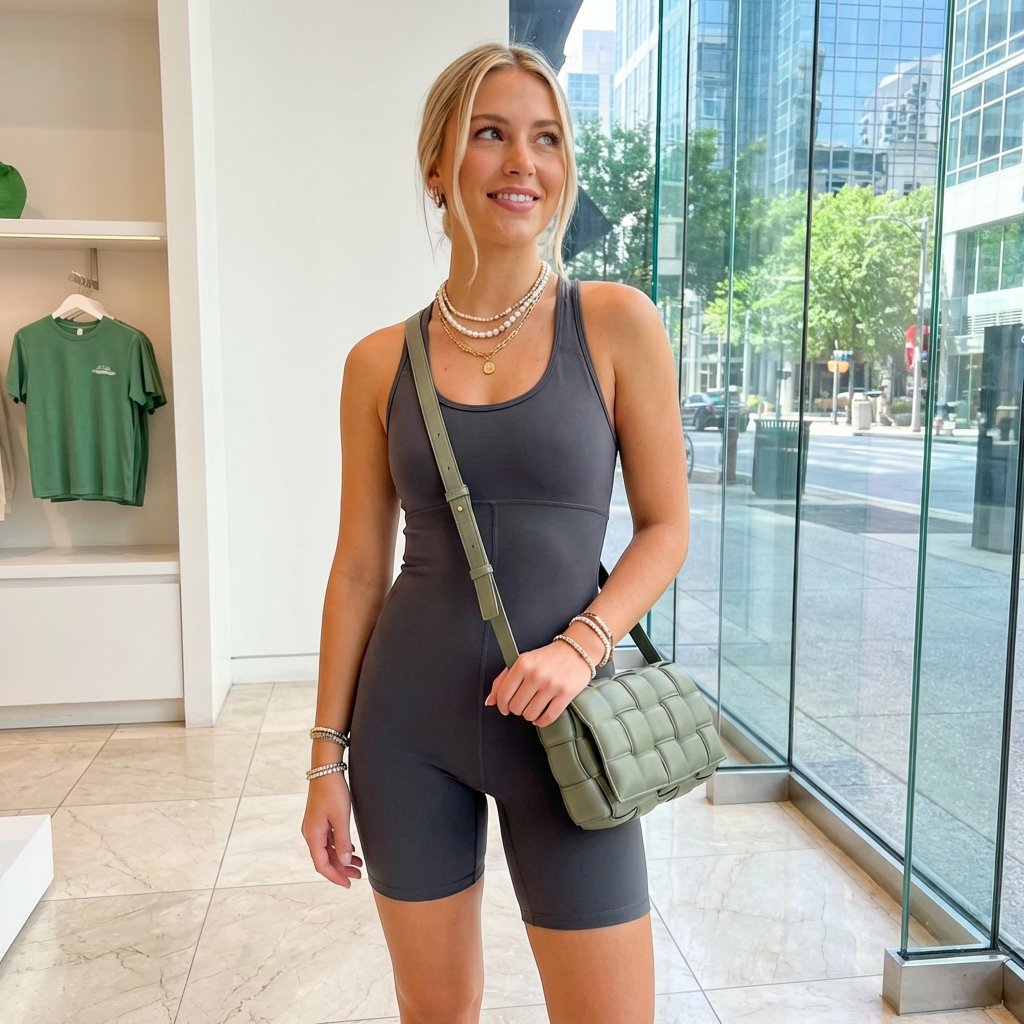
Highly Realistic Portrait of a Young Blonde Woman in a Modern Boutique

Cinematic Boy and Miniature Version
Creative Design Mood Board Portrait
Browse template categories
Beethoven Writing Symphonies questions
How do I use the Beethoven Writing Symphonies template?
Add your photo if the template asks for one, edit the prompt if you like — the template's model and format are already selected — and press Generate. Your version opens in PicX Studio.
Can I customize the Beethoven Writing Symphonies template?
Yes. You can change the subject, setting, lighting, mood, format, and available model controls before creating your image.
Is the Beethoven Writing Symphonies template free?
Opening and editing this template is free. Generating uses credits, shown on the Generate button when you are signed in.
Which AI model should I use?
Start with GPT Image 2, which is the model associated with this template. You can compare another compatible model for a different finish.
Looking for something else? Browse all templates.

Your photo, any look
Thousands of ready templates for every top image and video model, from one credit balance.