
Beethoven Tragic Sonata Collage
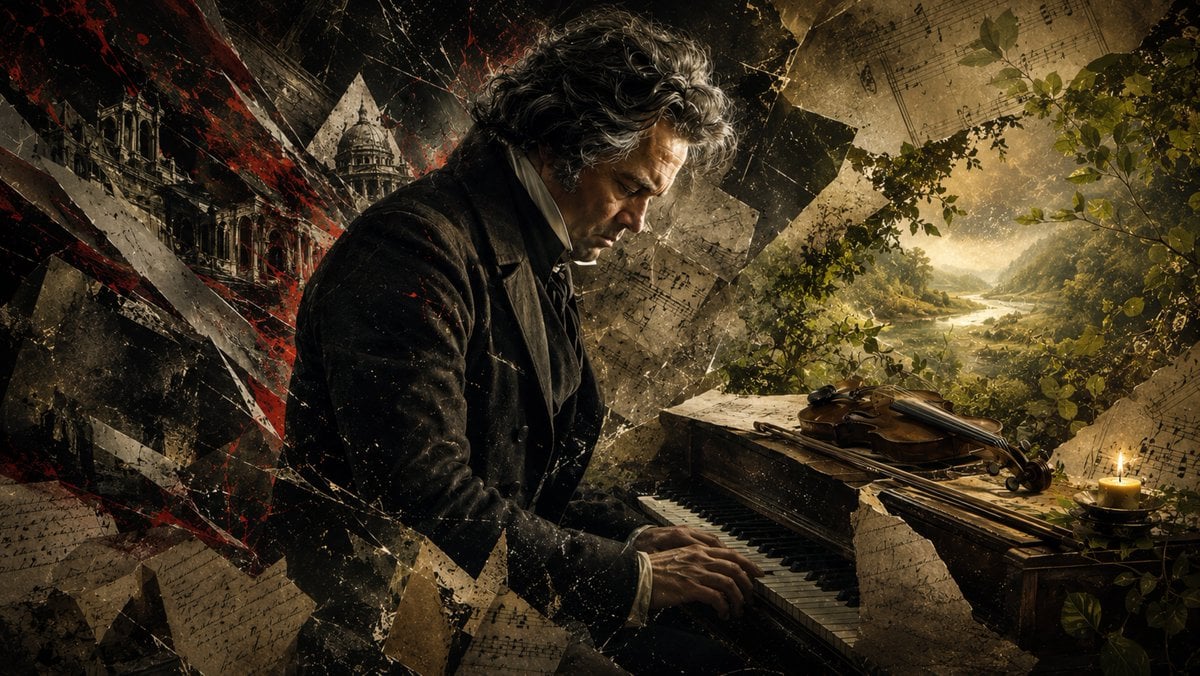
A cinematic Romantic-era portrait of Beethoven playing piano amid shattered manuscripts, a violin, candlelight, and a peaceful landscape for classical music storytelling.
- Prompt included
- Model and format preset
- Free template
The prompt behind this image
Copy the exact prompt behind Beethoven Tragic Sonata Collage, or open it in the studio and make it yours.
Create a dramatic cinematic historical collage of {argument name="composer name" default="Ludwig van Beethoven"} seated in profile at an old wooden piano, playing with both hands while looking downward in grief and concentration. The scene is a wide 16:9 composition with the composer occupying the left-center, wearing a dark early-19th-century coat, white shirt collar, and black cravat, with wild gray-brown curly hair and a weathered face lit by warm side light. Use a fractured mixed-media aesthetic: torn parchment, cracked glass shards, diagonal black-and-red abstract slashes, dust, scratches, and layered fragments of handwritten sheet music surrounding him. Include exactly 1 grand/fortepiano-like keyboard instrument in the foreground, exactly 1 violin resting on top of the piano, exactly 1 lit candle on the far right, exactly 1 distant classical cathedral or monumental building fragment on the left, and exactly 1 serene golden landscape visible through foliage on the right, with a river or lake winding between mountains under hazy sunlight. The mood should contrast collapse and serenity: dark, chaotic, and blood-red on the left; warm, green, and peaceful on the right. Add leafy branches around the right edge and music manuscript fragments floating across the entire image. No readable modern text, no watermark, no logo. Render in ultra-detailed photorealistic digital art with painterly texture, high contrast chiaroscuro, sepia-gold grading, cinematic lighting, dramatic atmosphere, and a tragic Romantic-era tone inspired by {argument name="musical theme" default="late Beethoven sonata melancholy"}.
How to use Beethoven Tragic Sonata Collage in 3 steps
- 1Upload ImagePNG, JPG or paste
Add your photo
Upload the photo the template builds on. The prompt, model and format are already set.
- 2…a portrait of your subject in softgolden-hour light, 85mm…
Personalize
Edit the subject and creative details for your destination.
- 3Generate
Generate
Press Generate — your image is created in PicX Studio, so you can compare it with the original and refine one variable at a time.
More like this
Templates with the same subject, style or setup. Open one to see its prompt.











Make it yours
Beethoven Tragic Sonata Collage works as-is. These are the safest ways to change it without losing the look.
Change one field
Copy a single group, rewrite it, and generate again so you can see what that field is doing.
Keep the frame, change the subject
Hold the composition and light of Beethoven Tragic Sonata Collage, then swap wardrobe, props or the person for a new take.
| If the result… | Why | Fix |
|---|---|---|
| The result drifts from the preview | Too many fields changed at once. | Reuse Beethoven Tragic Sonata Collage as-is first, then change one group — subject, light, or setting. |
| The model over-stylizes the scene | The prose prompt leaves finish and camera underspecified. | Add one camera or lighting sentence and stay on GPT Image 2. |
More GPT Image 2 templates
Other prompts made for GPT Image 2.

Six VTuber Japanese Logo Sheet

Realistic Portrait of Woman and Deer

The Vista Modular Condo Poster

AI Model Routing Comparison Infographic

2.5D Anime Art Board

Isometric Productivity Desk Scene

New York Double Exposure Poster

Four-Panel AI Landscape Comparison

Japanese Tatami Lifestyle Magazine Cover

NESCAFÉ Coffee Map Poster
More image prompts
Fresh picks from across the catalog.
Streetwear Couple Film Shoot Prompt (Empty Pool)
Cinematic Gala Still Identity Preservation Prompt
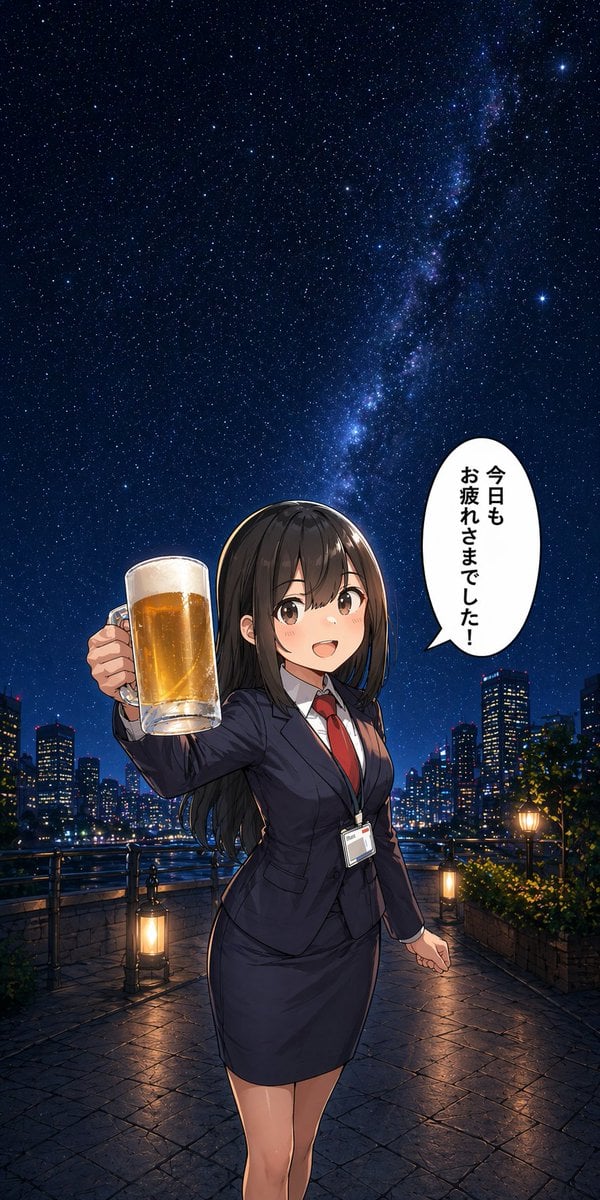
Anime Office Lady Beer Toast at Night
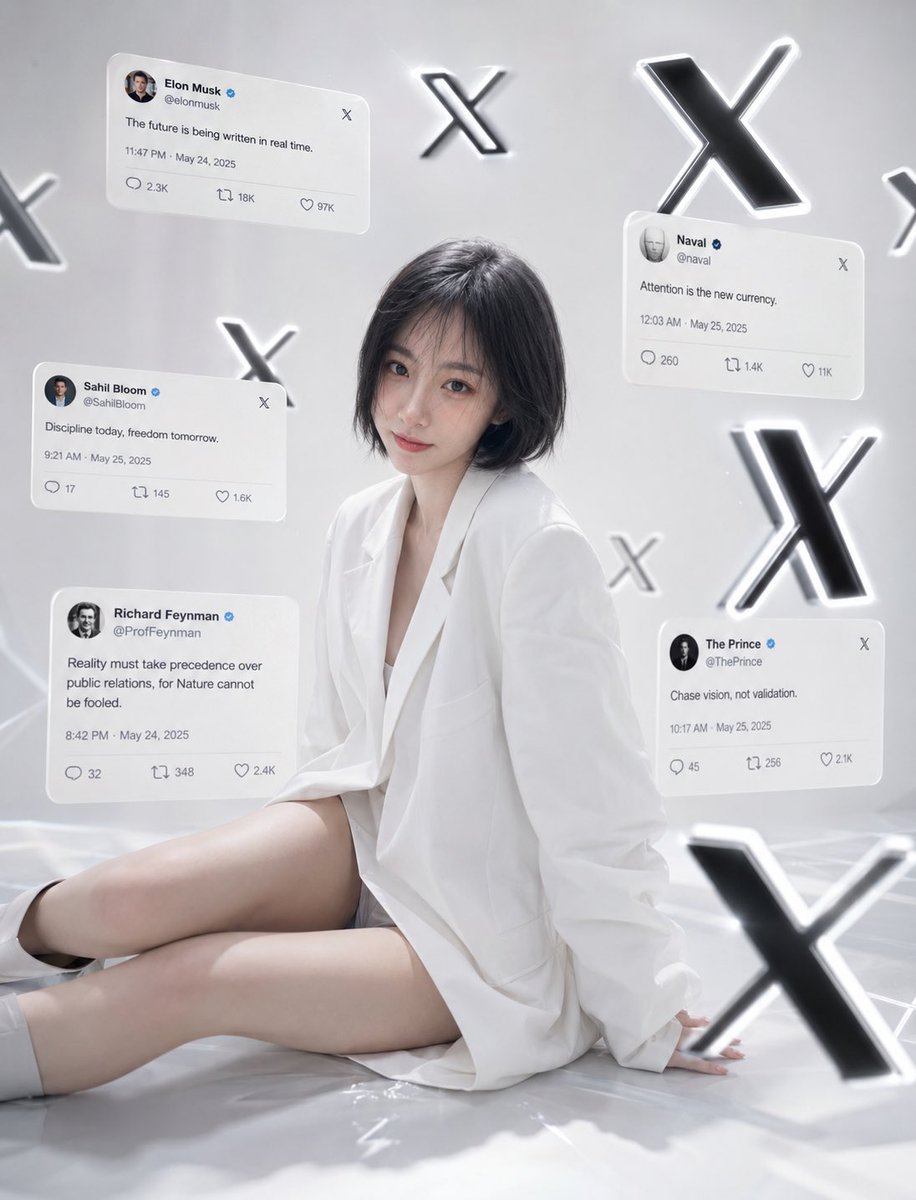
Minimalist Luxury Social Media Portrait

Image Generation of Umeboshi

Premium Floating Food Hero Shot Template
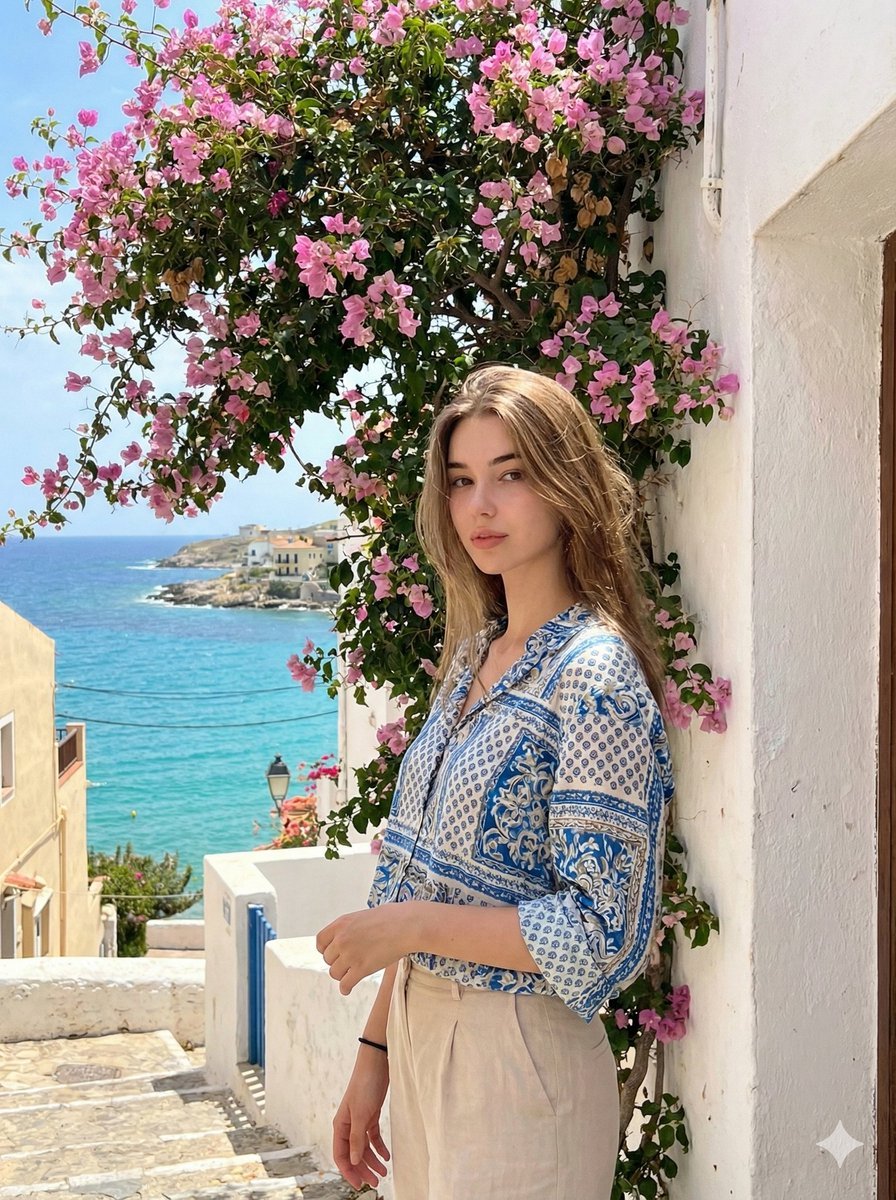
Mediterranean Identity Preservation Prompt

Cinematic UGC Ad Generation for Beverages
Seedance - Storyboard to Movie
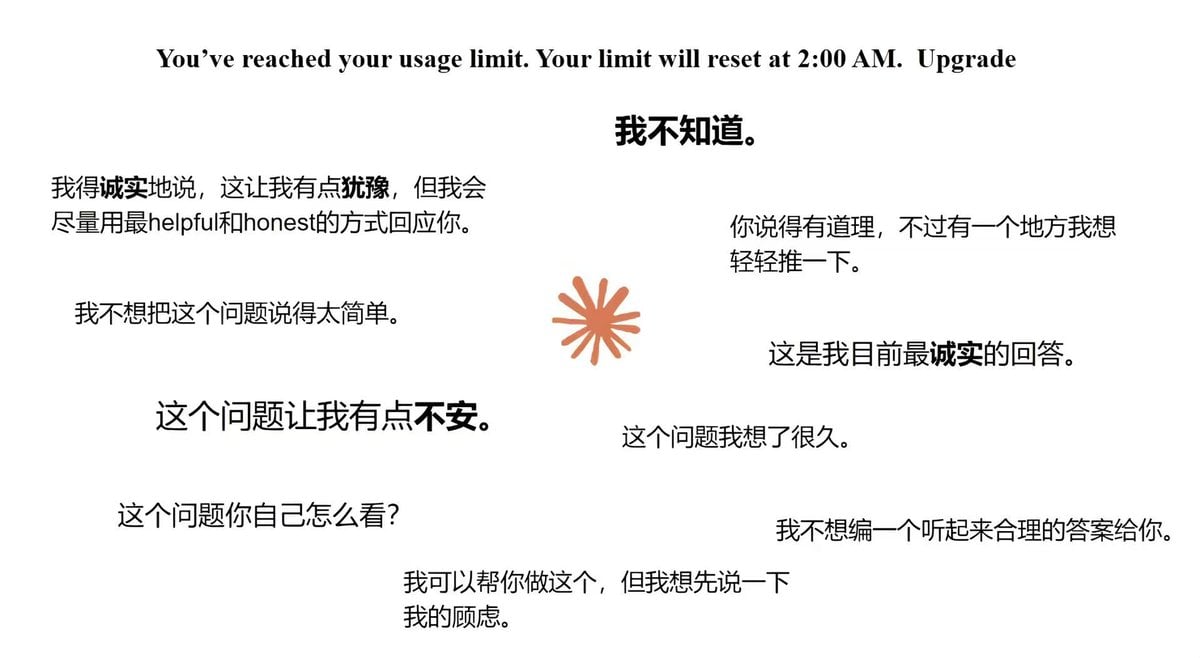
Moe Anime Style Claude Meme
Browse template categories
Beethoven Tragic Sonata Collage questions
How do I use the Beethoven Tragic Sonata Collage template?
Add your photo if the template asks for one, edit the prompt if you like — the template's model and format are already selected — and press Generate. Your version opens in PicX Studio.
Can I customize the Beethoven Tragic Sonata Collage template?
Yes. You can change the subject, setting, lighting, mood, format, and available model controls before creating your image.
Is the Beethoven Tragic Sonata Collage template free?
Opening and editing this template is free. Generating uses credits, shown on the Generate button when you are signed in.
Which AI model should I use?
Start with GPT Image 2, which is the model associated with this template. You can compare another compatible model for a different finish.
Looking for something else? Browse all templates.

Your photo, any look
Thousands of ready templates for every top image and video model, from one credit balance.