
Beethoven Sonata DSD 256 Collage
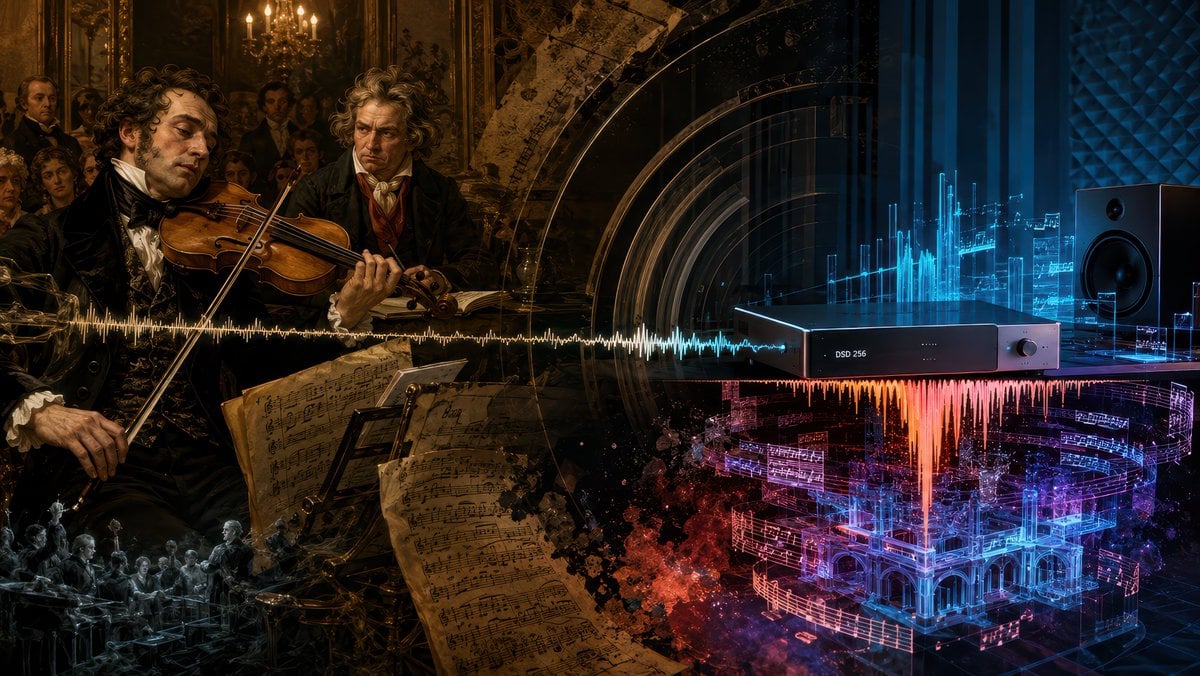
A cinematic historical-to-futuristic music collage visualizing Beethoven's sonata performance transformed by modern DSD 256 audio.
- Prompt included
- Model and format preset
- Free template
The prompt behind this image
Copy the exact prompt behind Beethoven Sonata DSD 256 Collage, or open it in the studio and make it yours.
Goal: Create a cinematic widescreen digital collage about Beethoven's Violin Sonata Op. 96 being rediscovered through modern high-resolution audio, blending a 19th-century Viennese salon performance with a futuristic DSD listening studio. Canvas: 16:9 horizontal composition, dark dramatic chiaroscuro, ultra-detailed, painterly realism mixed with cybernetic audio visualization. The image should read left-to-right as a transformation from old classical performance to modern digital sound. Layout: Split the scene into two connected halves with no hard border. Left half is a warm amber-brown historical oil-painting scene inside an ornate Viennese salon. Right half is a cool blue-black futuristic audiophile studio. A single horizontal audio waveform runs across the entire center of the image, starting as gold on the historical side and shifting into white, cyan, orange, magenta, and blue on the digital side. Historical left side: Show exactly 2 main historical men in the foreground: 1 famous violinist in black formal 19th-century clothing playing a violin with a languid, tired expression, and 1 intense curly-haired Beethoven-like composer standing behind him, watching sternly. Add a small salon audience in the background, candlelit chandeliers, gilded walls, dark framed paintings, and aristocratic spectators. In the lower center-left foreground, include several large aged sheet-music pages with handwritten notation, tilted toward the viewer. Add a small monochrome ghostly orchestra scene in the lower-left corner as a memory-like vignette. Modern right side: Show exactly 1 sleek black rectangular digital audio converter on a table, labeled "DSD 256" on its front panel, with a small round knob on the right. Place exactly 1 large black studio monitor speaker on the far right. Behind and around the device, create glowing cyan holographic equalizer bars, translucent circuit-like panels, soundwave diagrams, and floating fragments of musical notation. Below the device, show a vivid red-orange waveform falling downward like molten sound, merging into a glowing blue and magenta holographic architectural concert hall made of music staves and light. Visual style: Hyper-detailed, moody, cinematic lighting, baroque oil-painting texture on the left, glossy high-tech cyber-audio rendering on the right, dense layered transparency, gold dust and smoky particles, deep blacks, amber candlelight, electric cyan and magenta neon. Make the transition feel emotional and profound, as if the true meaning of {argument name="musical work" default="Beethoven Violin Sonata Op. 96"} is revealed by {argument name="audio format" default="DSD 256"} in {argument name="recording year" default="2025"}. Text constraints: The only readable device text should be "DSD 256". Do not add captions, titles, logos, watermarks, or extra typography.
How to use Beethoven Sonata DSD 256 Collage in 3 steps
- 1Upload ImagePNG, JPG or paste
Add your photo
Upload the photo the template builds on. The prompt, model and format are already set.
- 2…a portrait of your subject in softgolden-hour light, 85mm…
Personalize
Edit the subject and creative details for your destination.
- 3Generate
Generate
Press Generate — your image is created in PicX Studio, so you can compare it with the original and refine one variable at a time.
More like this
Templates with the same subject, style or setup. Open one to see its prompt.











Make it yours
Beethoven Sonata DSD 256 Collage works as-is. These are the safest ways to change it without losing the look.
Change one field
Copy a single group, rewrite it, and generate again so you can see what that field is doing.
Keep the frame, change the subject
Hold the composition and light of Beethoven Sonata DSD 256 Collage, then swap wardrobe, props or the person for a new take.
| If the result… | Why | Fix |
|---|---|---|
| The result drifts from the preview | Too many fields changed at once. | Reuse Beethoven Sonata DSD 256 Collage as-is first, then change one group — subject, light, or setting. |
| The model over-stylizes the scene | The prose prompt leaves finish and camera underspecified. | Add one camera or lighting sentence and stay on GPT Image 2. |
More GPT Image 2 templates
Other prompts made for GPT Image 2.

Six VTuber Japanese Logo Sheet

Realistic Portrait of Woman and Deer

The Vista Modular Condo Poster

AI Model Routing Comparison Infographic

2.5D Anime Art Board

Isometric Productivity Desk Scene

New York Double Exposure Poster

Four-Panel AI Landscape Comparison

Japanese Tatami Lifestyle Magazine Cover

NESCAFÉ Coffee Map Poster
More image prompts
Fresh picks from across the catalog.
Perler Bead Style Character Illustration
Woman Embracing a Bear in Winter
Dark Fantasy Oriental Mythic Portrait
Foggy pine forest cinematic portrait
Educational Commodity Universe Diorama Prompt
Giant Cat Occupying Tokyo Tower
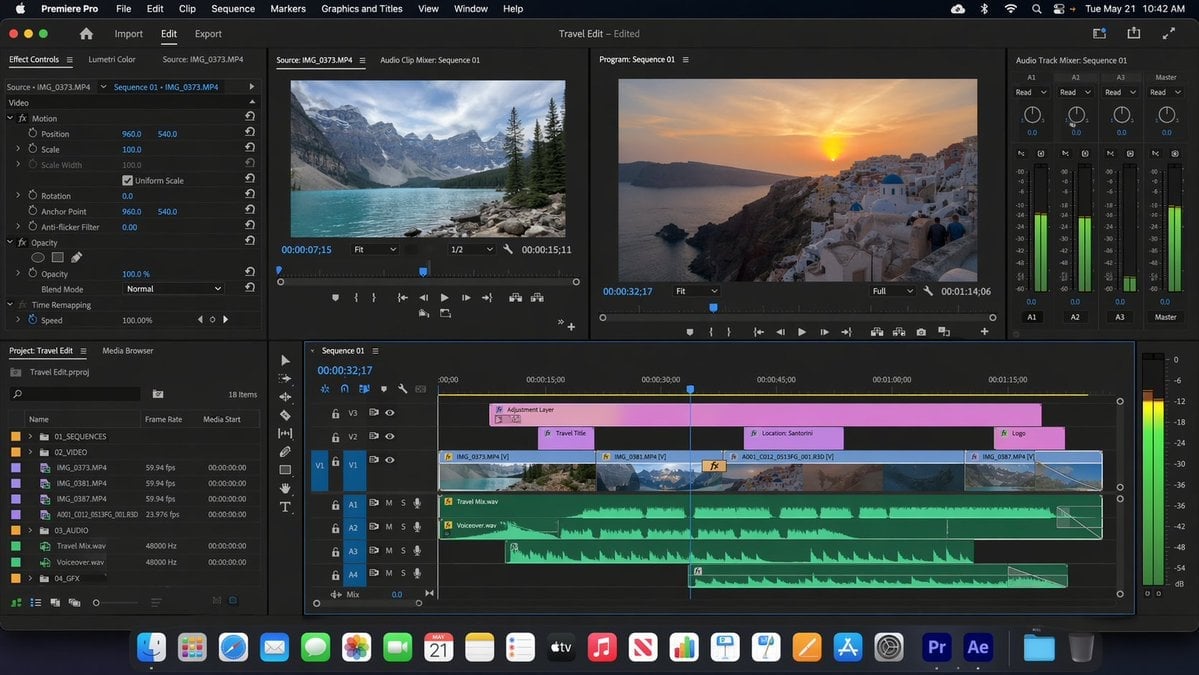
Software UI Desktop Screenshot
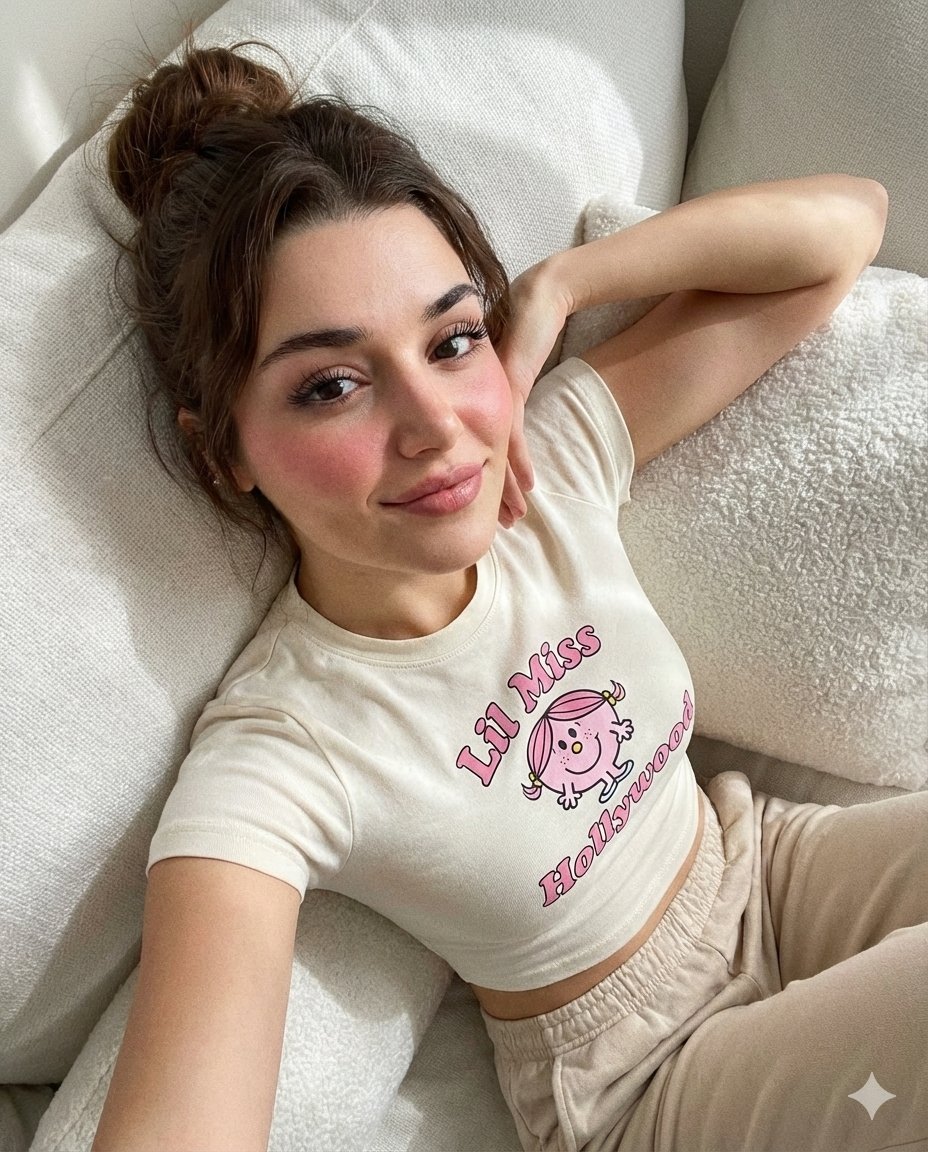
Dreamy iPhone Selfie Prompt with Identity Lock

Anime Girl Eating Ramen Edit
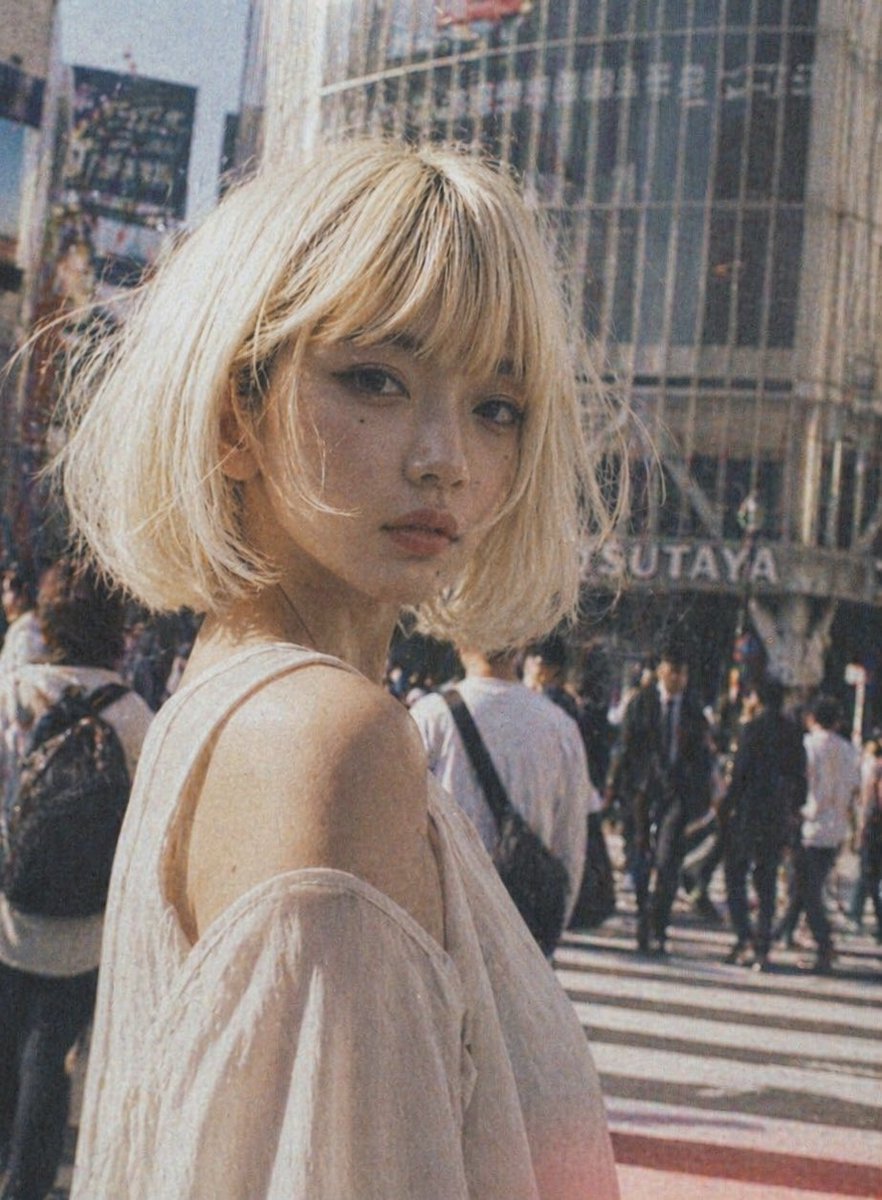
Vintage Shibuya Street Portrait
Browse template categories
Beethoven Sonata DSD 256 Collage questions
How do I use the Beethoven Sonata DSD 256 Collage template?
Add your photo if the template asks for one, edit the prompt if you like — the template's model and format are already selected — and press Generate. Your version opens in PicX Studio.
Can I customize the Beethoven Sonata DSD 256 Collage template?
Yes. You can change the subject, setting, lighting, mood, format, and available model controls before creating your image.
Is the Beethoven Sonata DSD 256 Collage template free?
Opening and editing this template is free. Generating uses credits, shown on the Generate button when you are signed in.
Which AI model should I use?
Start with GPT Image 2, which is the model associated with this template. You can compare another compatible model for a different finish.
Looking for something else? Browse all templates.

Your photo, any look
Thousands of ready templates for every top image and video model, from one credit balance.