
Dreamy iPhone Selfie Prompt with Identity Lock
A complex image generation prompt for Gemini Nano Banana Pro designed to create a casual, playful iPhone selfie.
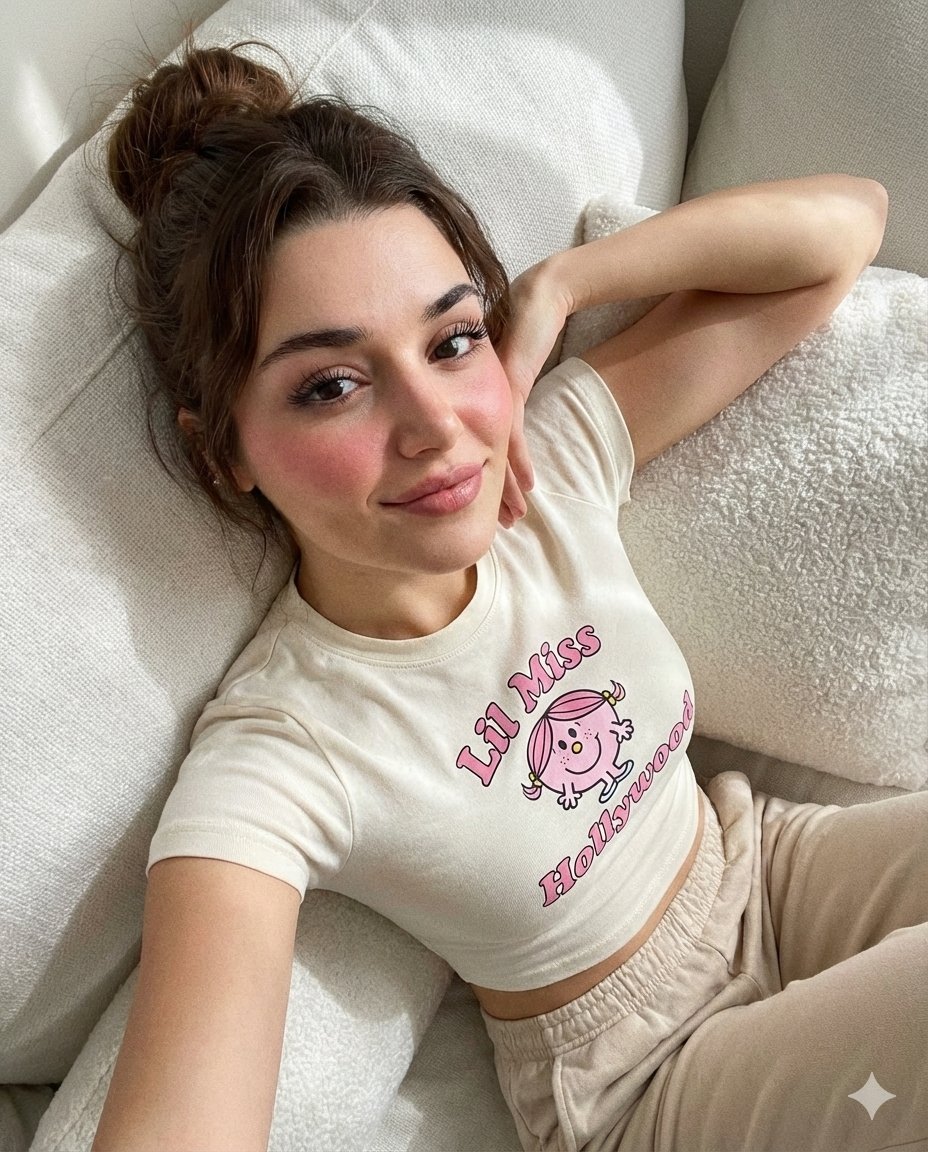
- Prompt included
- Model and format preset
- Premium template
The prompt behind this image
Copy the exact prompt behind Dreamy iPhone Selfie Prompt with Identity Lock, or open it in the studio and make it yours.
{ "image_generation": { "face": { "preserve_original": true, "reference_match": true, "description": "Keep the woman's facial features exactly the same as the reference picture without altering her identity, structure, or proportions." }, "photo_style": { "type": "casual, playful iPhone selfie", "perspective": "exaggerated overhead wide-angle", "ratio": "1080 x 1350", "mood": "intimate, candid, dreamy, warm", "lighting": "soft natural indoor sunlight with gentle shadows" }, "subject": { "pose": "reclining on softly textured white pillows, gazing directly into the camera, soft smile", "expression": "relaxed and dreamy with long thick lashes and rosy cheeks", "hair": { "style": "messy bun", "description": "loosely styled messy bun with natural, soft flyaway strands" }, "clothing": { "{ { "top": { "type": "fitted cropped t-shirt", "color": "cream white", "details": "features a centered Lil Miss Hollywood cartoon graphic with pink text accents and a playful kawaii illustration style" } } } } }, "bottom": { "type": "casual long", "color": "light beige", "details": "soft fabric with a relaxed, comfortable fit" } }, "hands": { "position": "one arm curled naturally beside her head in a spontaneous, playful pose" } }, "environment": { "setting": "soft white pillows providing a cozy, intimate backdrop", "lighting_effects": [ "gentle indoor sunlight", "soft shadows enhancing fabric and hair textures" ] }, "aesthetic": { "style": "candid social media selfie", "features": [ "slight wide-angle emphasis on facial features", "warm personal tone", "textural realism" ] } } }
How to use Dreamy iPhone Selfie Prompt with Identity Lock in 3 steps
- 1Upload ImagePNG, JPG or paste
Add your photo
Upload the photo the template builds on. The prompt, model and format are already set.
- 2…a portrait of your subject in softgolden-hour light, 85mm…
Personalize
Edit the subject and creative details for your destination.
- 3Generate
Generate
Press Generate — your image is created in PicX Studio, so you can compare it with the original and refine one variable at a time.
More like this
Templates with the same subject, style or setup. Open one to see its prompt.
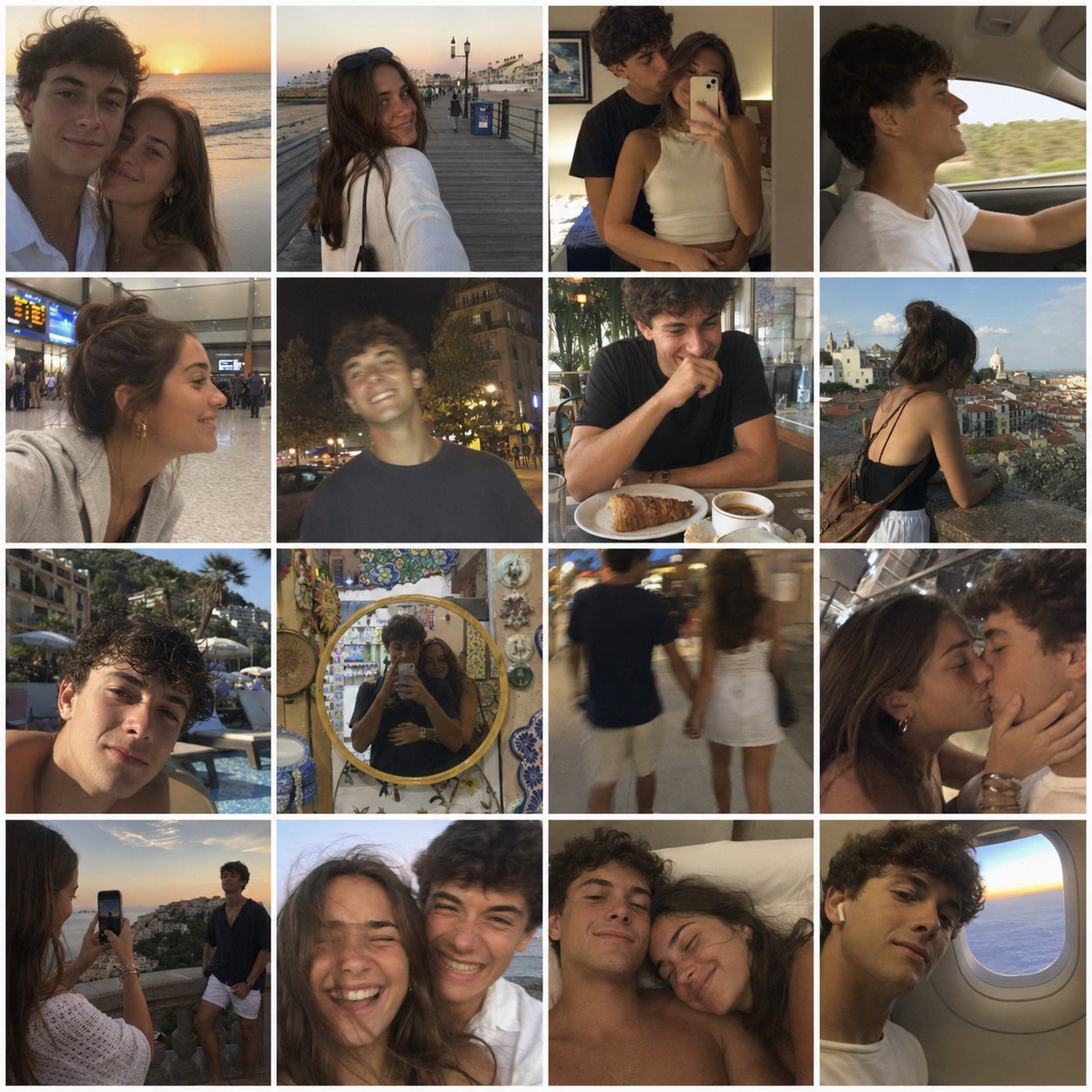
4x4 Grid - Candid Nostalgic Vacation Selfies
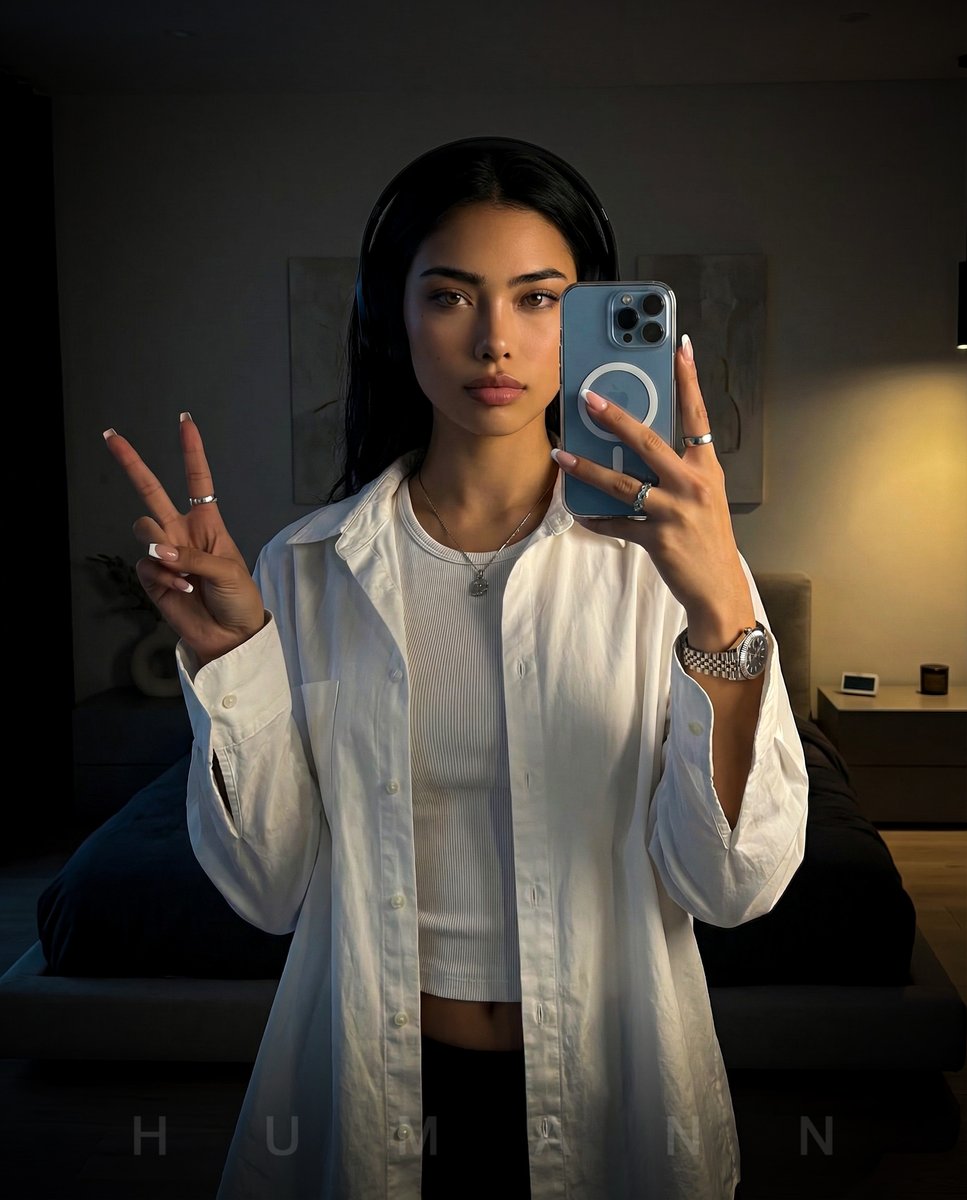
Nano Banana - Peace Sign Bedroom Selfie
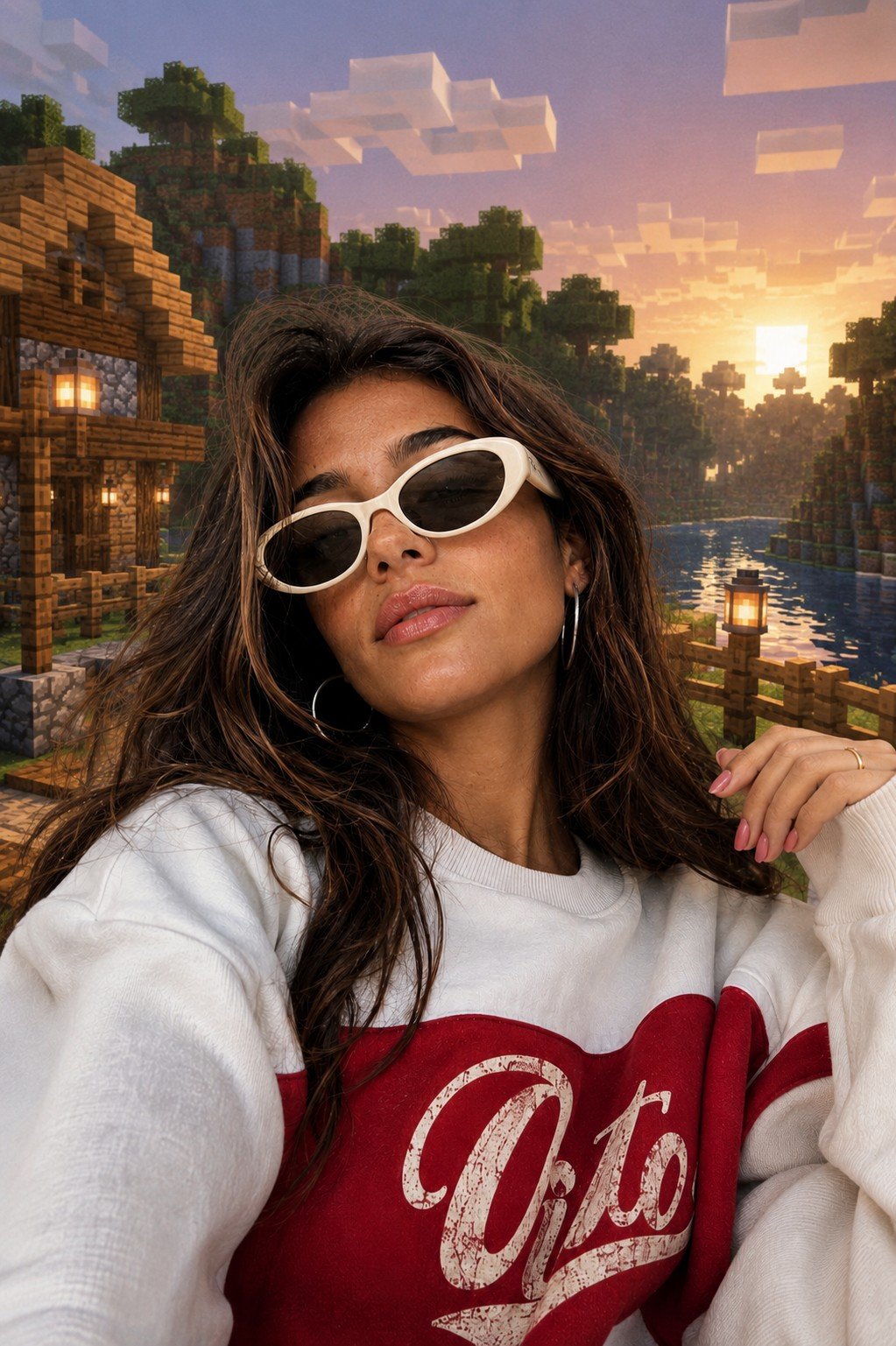
Photoreal Selfie Minecraft Block World
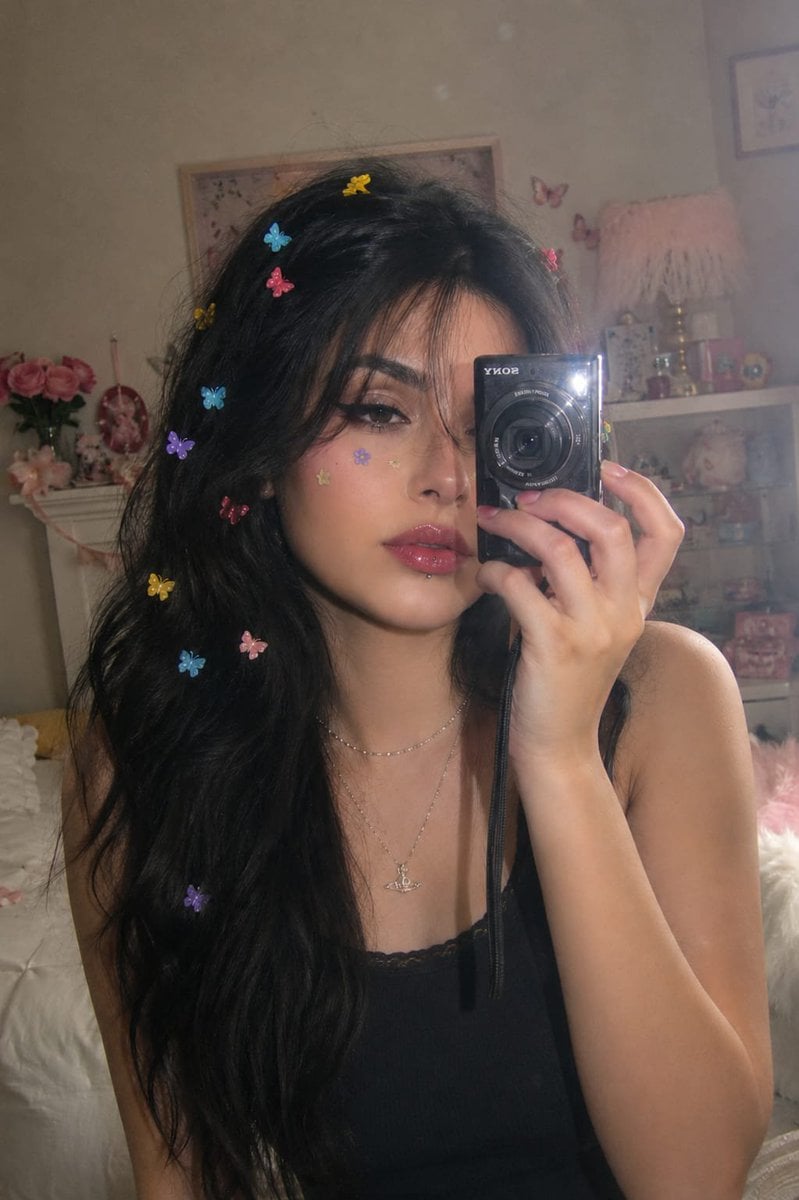
Dreamy Y2K Digital Camera Mirror Selfie
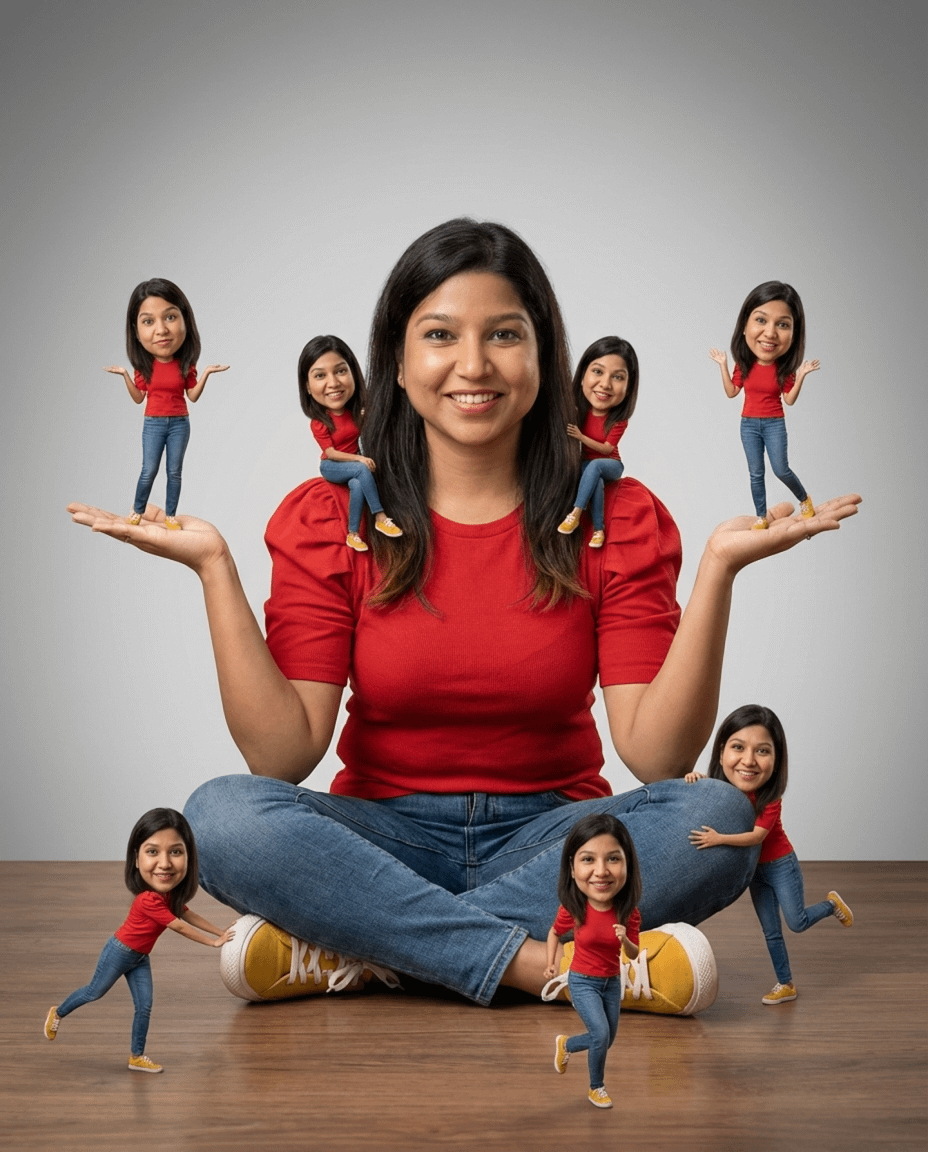
Nano Banana Pro Identity Lock — Composition + Face Reference
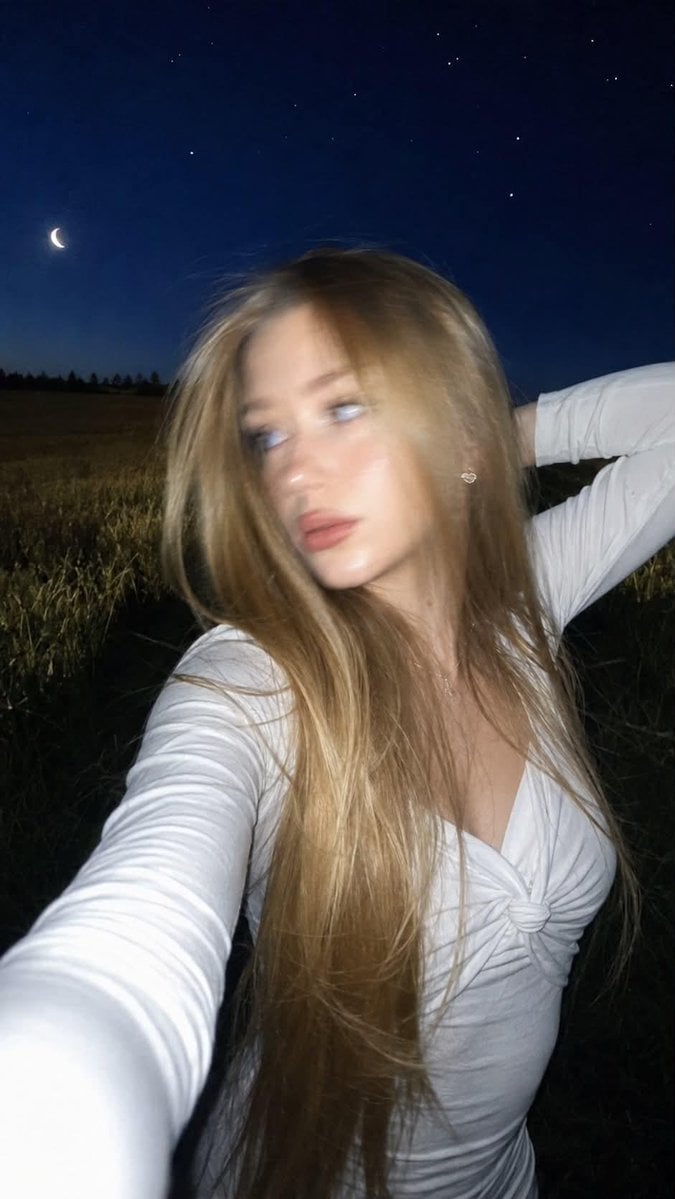
Night Flash iPhone Selfie with Motion Blur

Rooftop Fisheye — Cat-Ear Balaclava at Golden Hour

Felt & Knit 3D Character — Photo-Exact Face, Pixar-Quality Plush Figurine
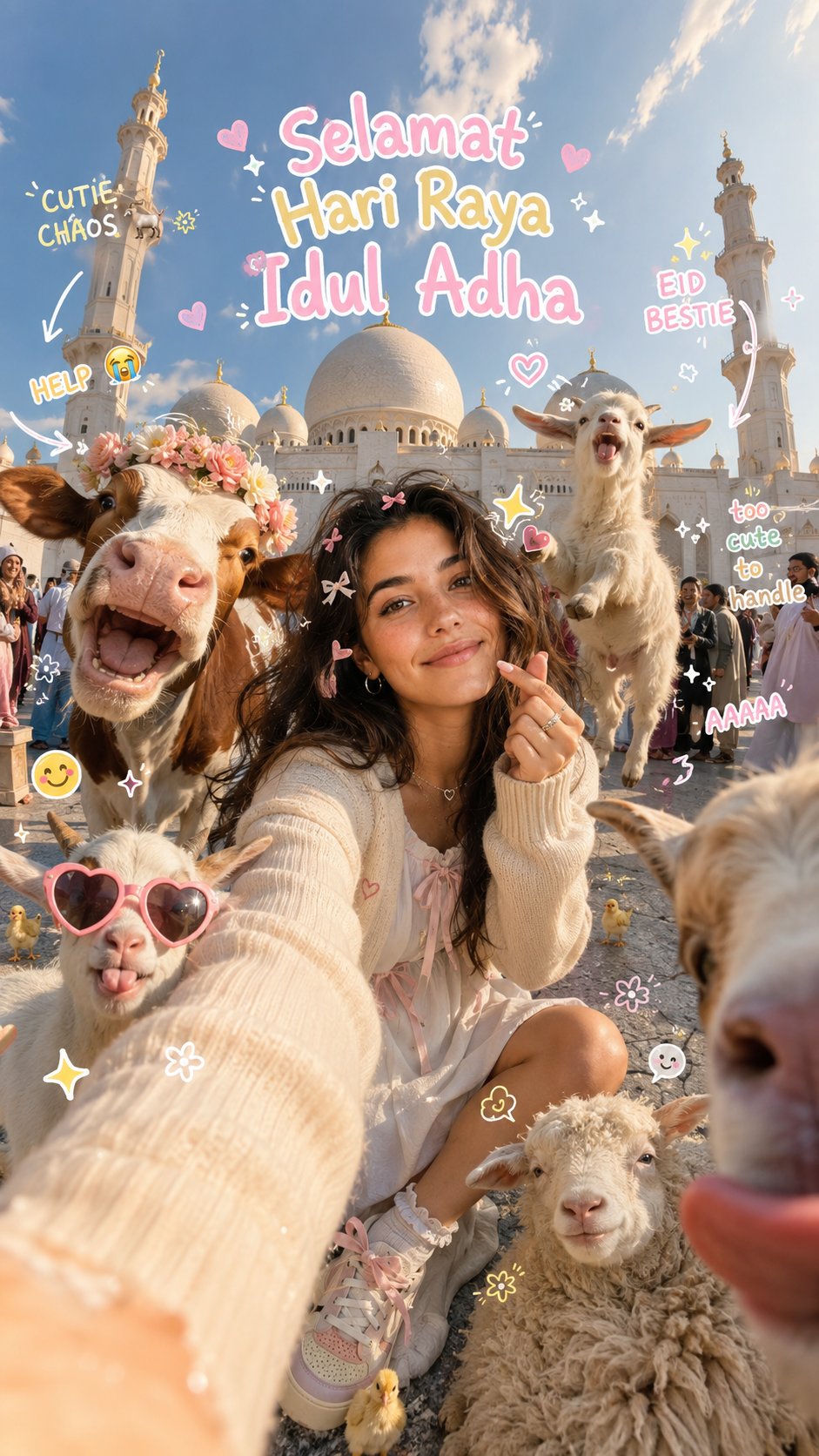
Eid al-Adha Cute Chaos — Fisheye Selfie with Farm Selfie, Mosque & Animals
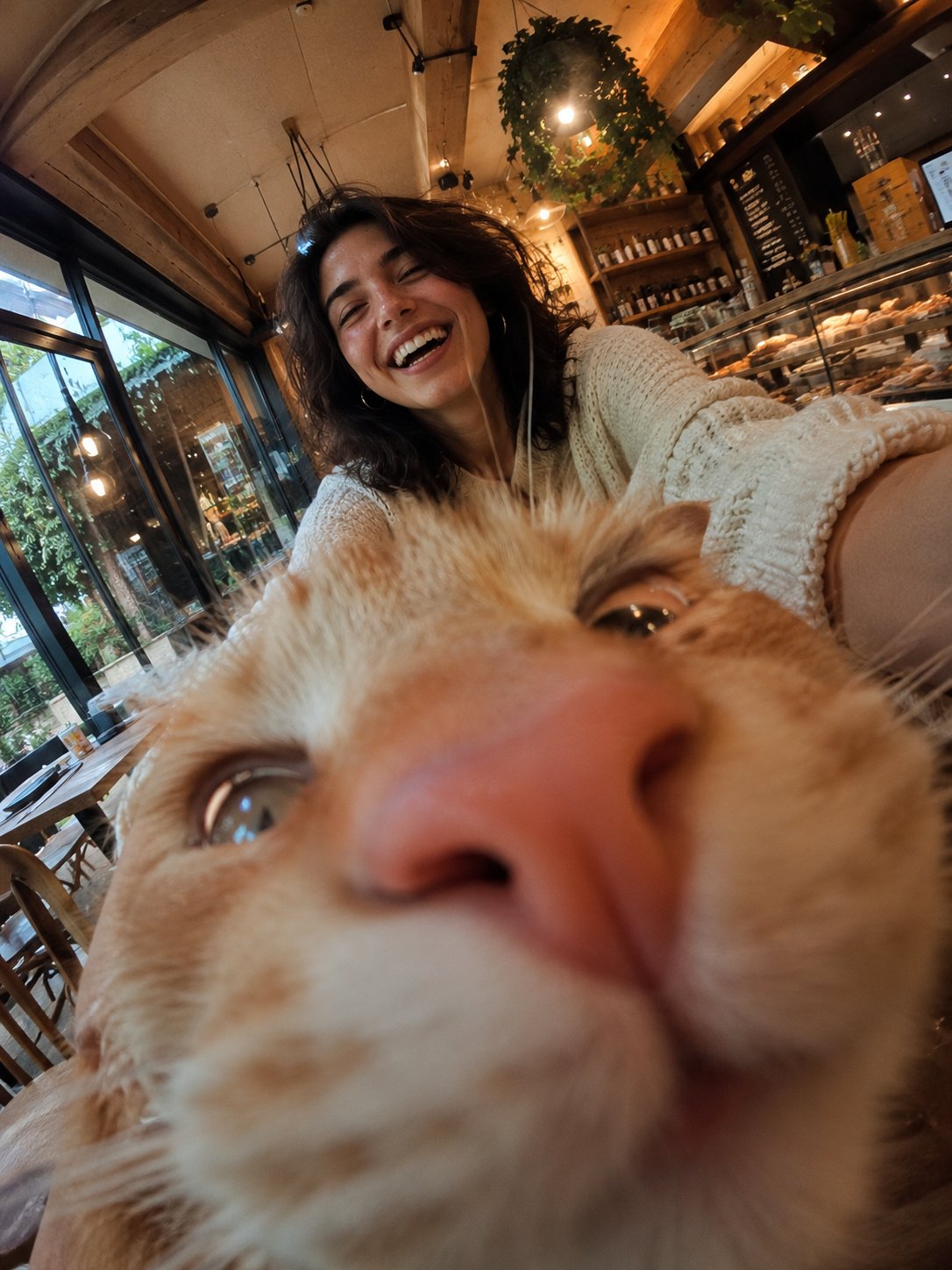
Cat Photobomb Selfie — 0.5x Wide Angle Café Chaos
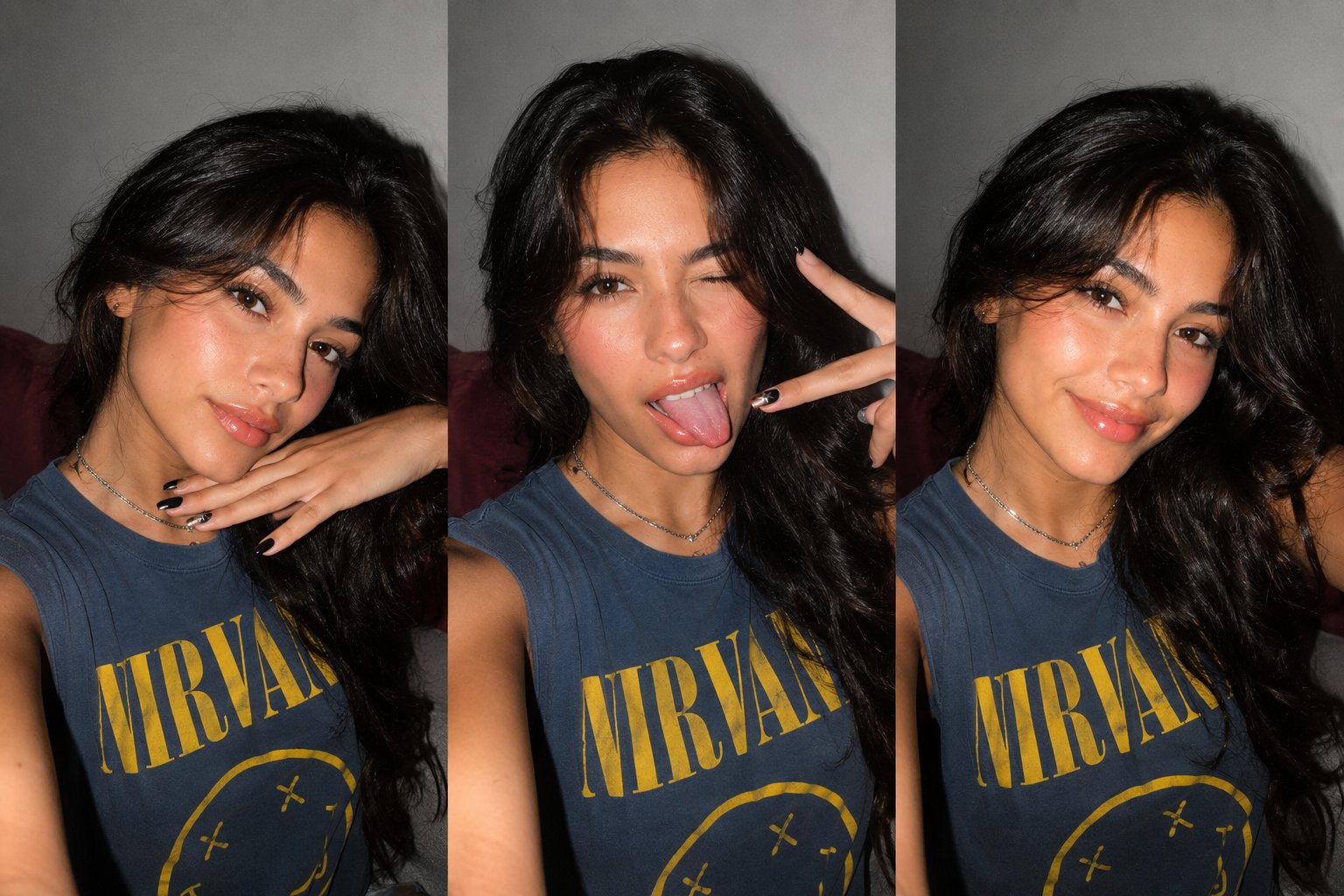
Gen Z Triple Selfie Collage — Y2K Flash Photography

Surreal Cat Astronaut — Humanoid Face Freefall
Make it yours
Dreamy iPhone Selfie Prompt with Identity Lock works as-is. These are the safest ways to change it without losing the look.
Change one field
Copy a single group, rewrite it, and generate again so you can see what that field is doing.
Keep the frame, change the subject
Hold the composition and light of Dreamy iPhone Selfie Prompt with Identity Lock, then swap wardrobe, props or the person for a new take.
| If the result… | Why | Fix |
|---|---|---|
| The result drifts from the preview | Too many fields changed at once. | Reuse Dreamy iPhone Selfie Prompt with Identity Lock as-is first, then change one group — subject, light, or setting. |
| The model over-stylizes the scene | The prose prompt leaves finish and camera underspecified. | Add one camera or lighting sentence and stay on Nano Banana 2. |
More Nano Banana 2 templates
Other prompts made for Nano Banana 2.

Photorealistic Leaf Shaped Like a Dragon

K-Pop Idol Portrait Grid for Rapid Selection

Poetic Rain Forest Portrait During Golden Hour

Urban Street Portrait with Cartoon Inner Self Duo

Candid Nighttime Photo with Cat Prompt

High-Concept 3D Diorama Generation Prompt

Cinematic Futuristic Studio Portrait Template

Skincare Editorial Photography Collage Prompt

Hyper-Realistic Commercial Product Photography (Splash Effect)

Hyper-Realistic Nightclub Portrait Prompt
More image prompts
Fresh picks from across the catalog.
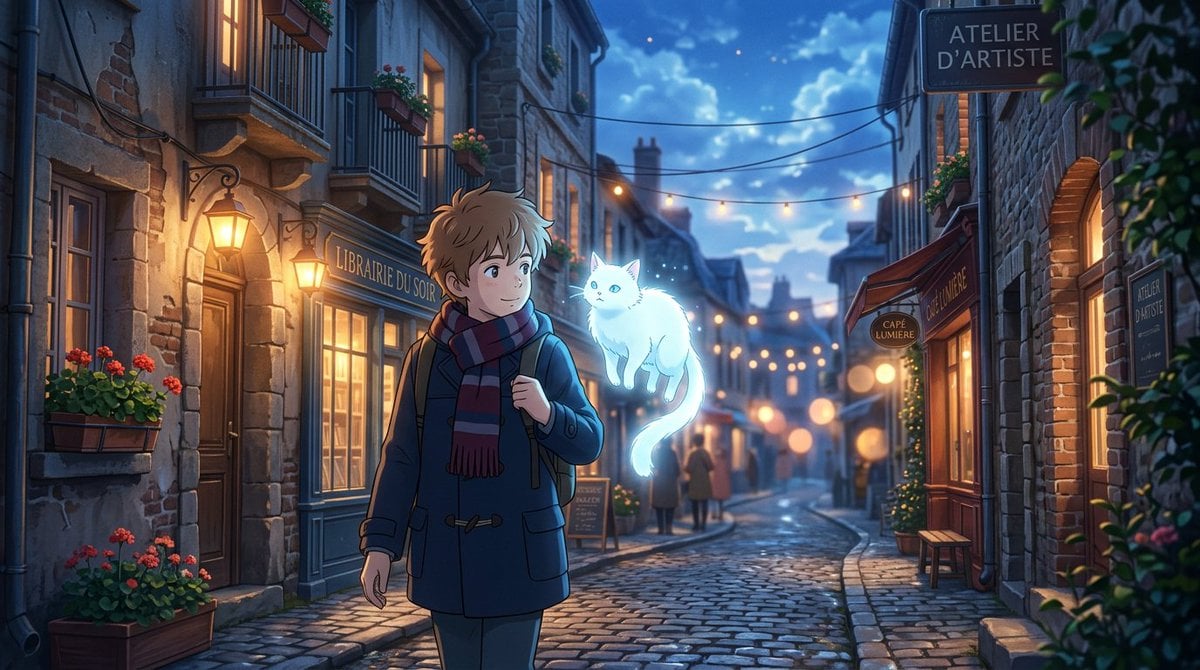
Makoto Shinkai Inspired Anime Cinematic Scene
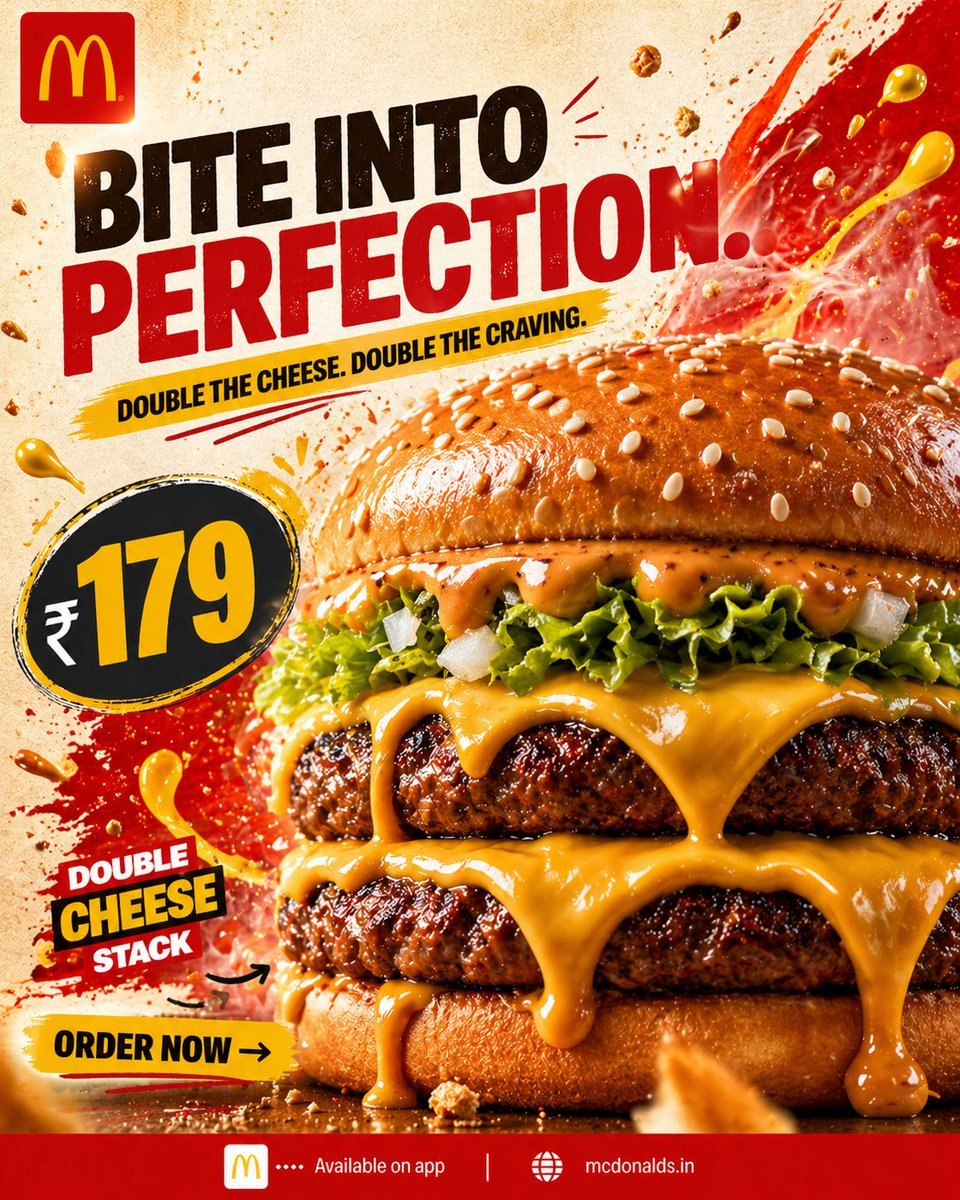
Bold Double Cheeseburger Ad Poster
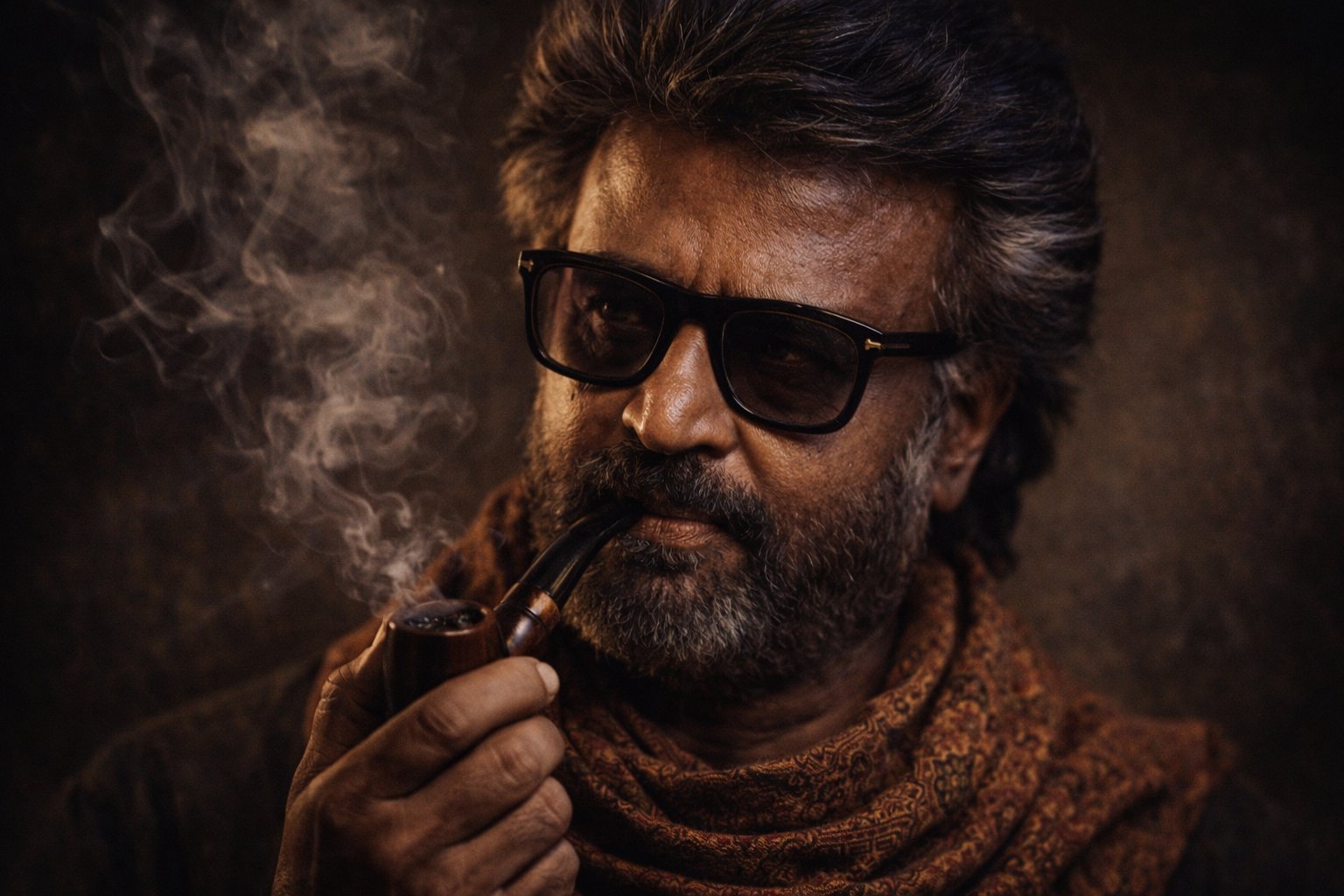
Cinematic Portrait Transformation
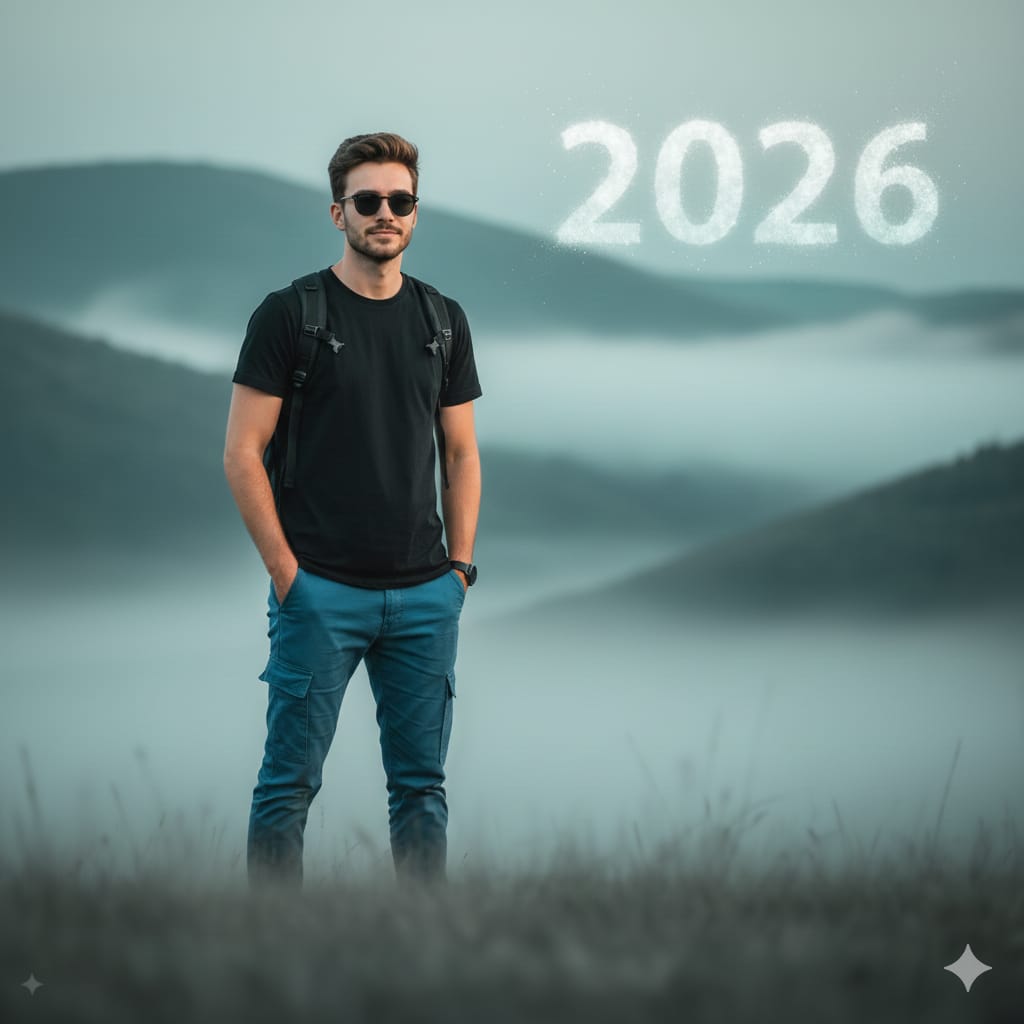
Cinematic Mountain Portrait with Floating Text
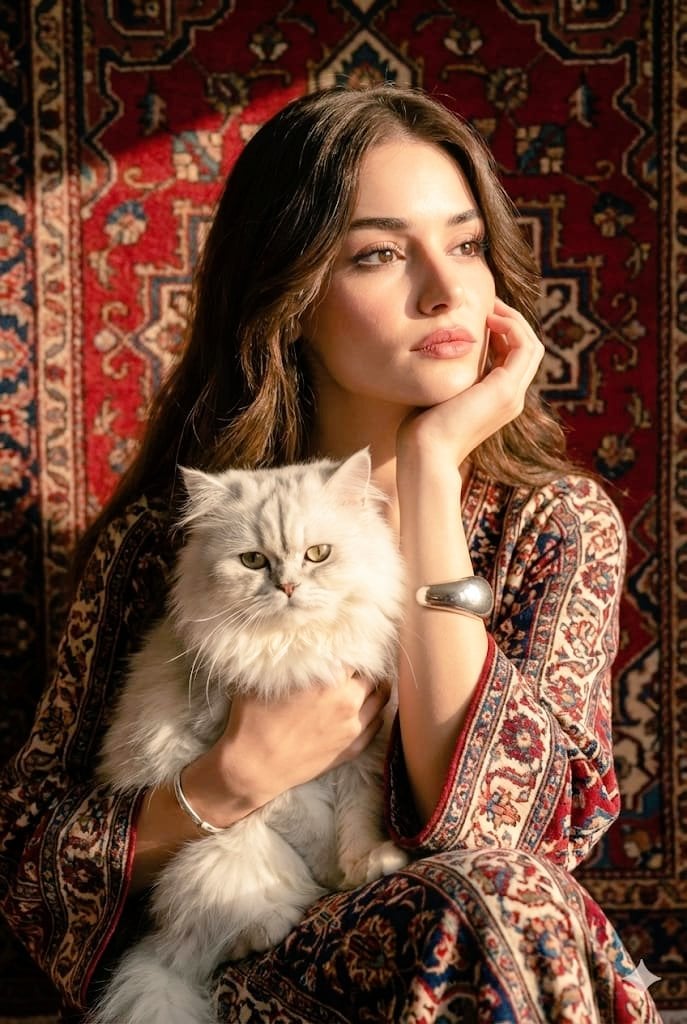
Persian Carpet Inspired Portrait Prompt
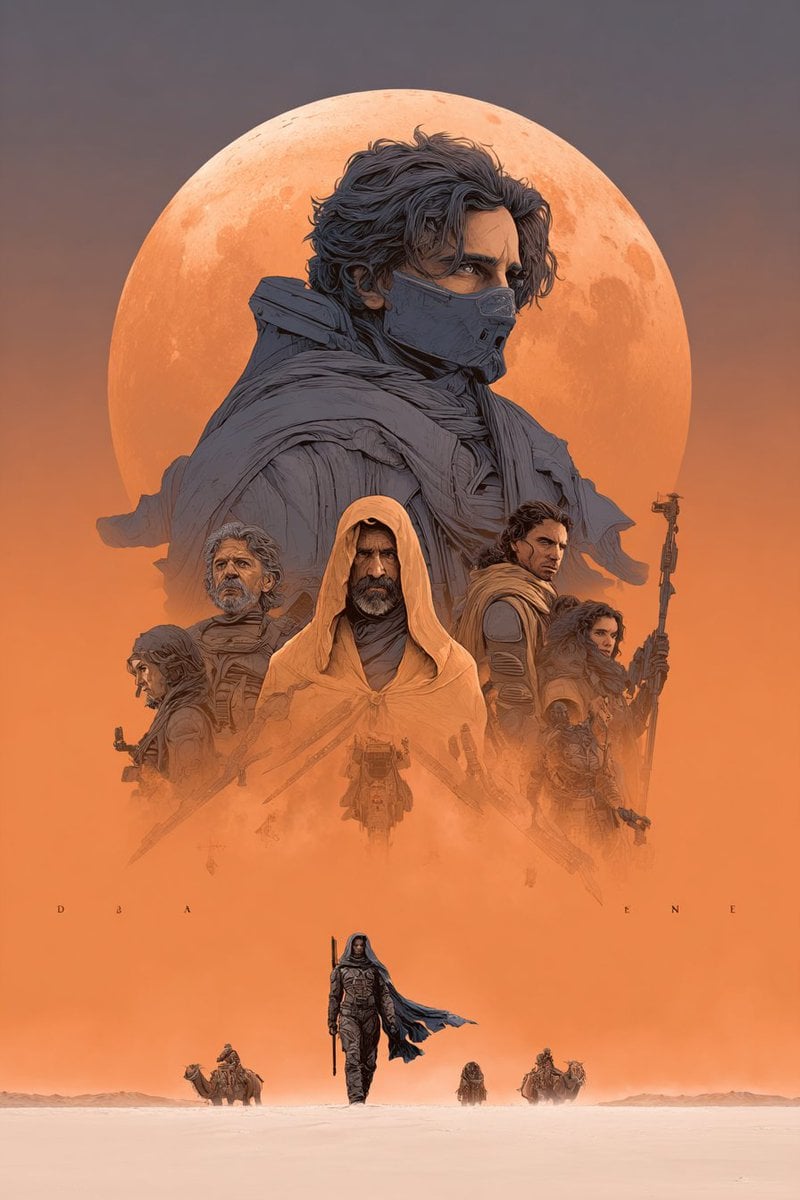
Dune Poster in Moebius Style (Multi-Model Test)
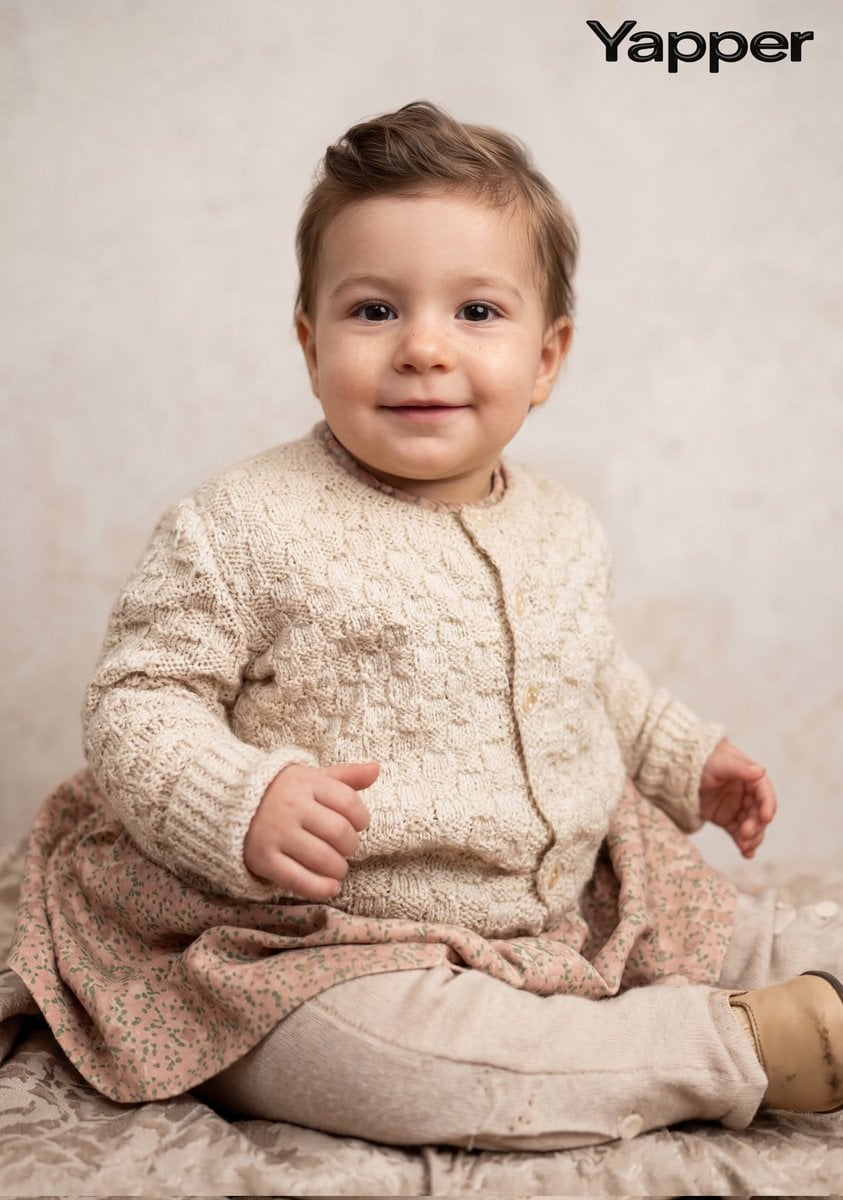
Cinematic Portrait Restoration Prompt
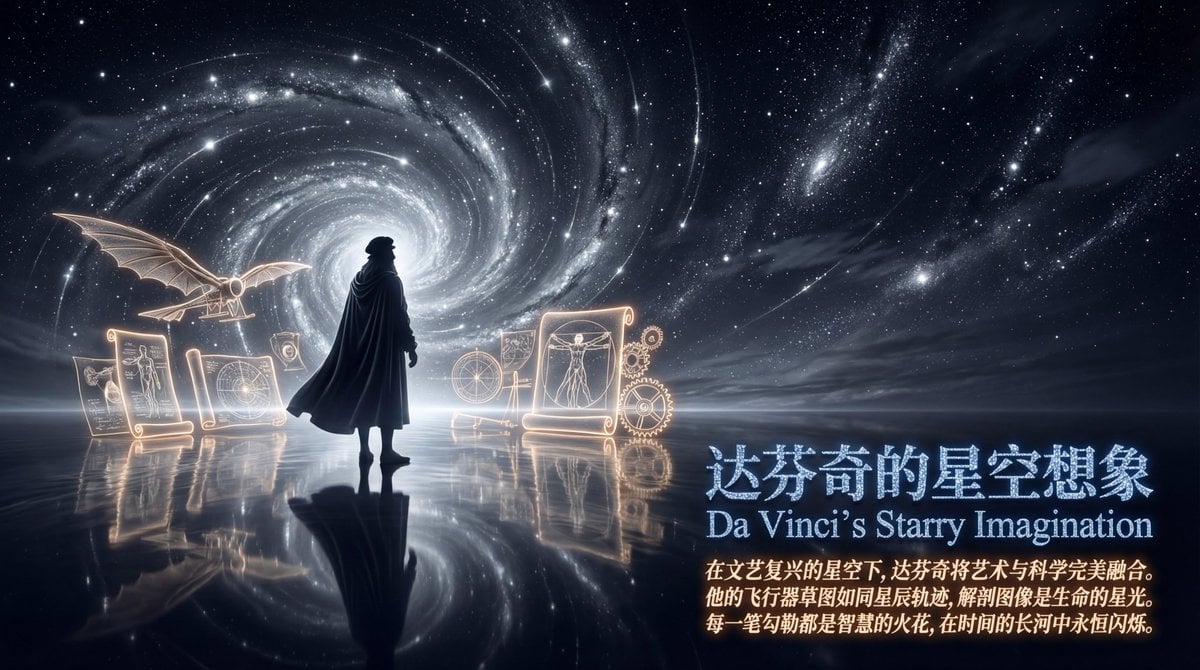
Style Transfer Prompt for Scientist Poster
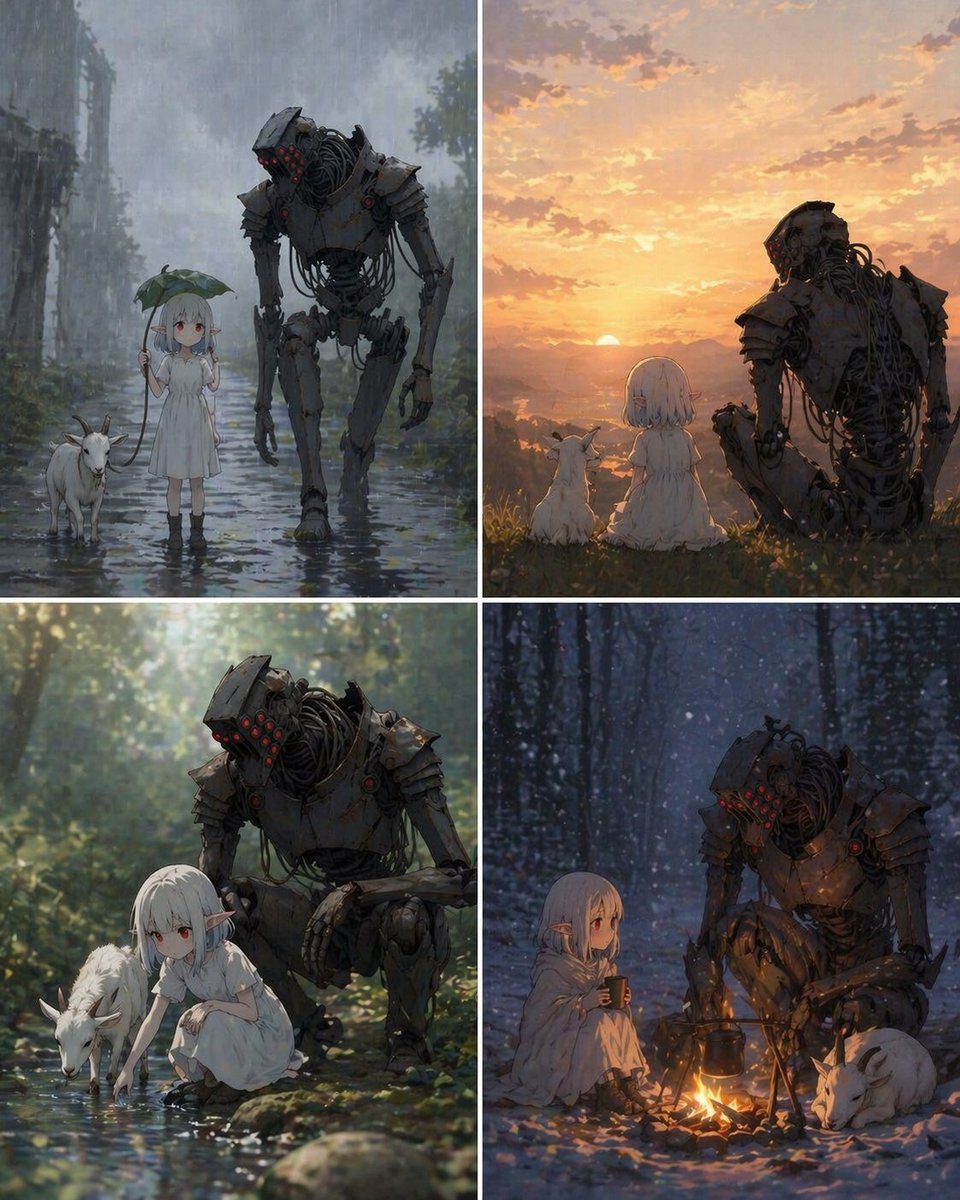
Four-Panel Girl, Robot, and Goat Story
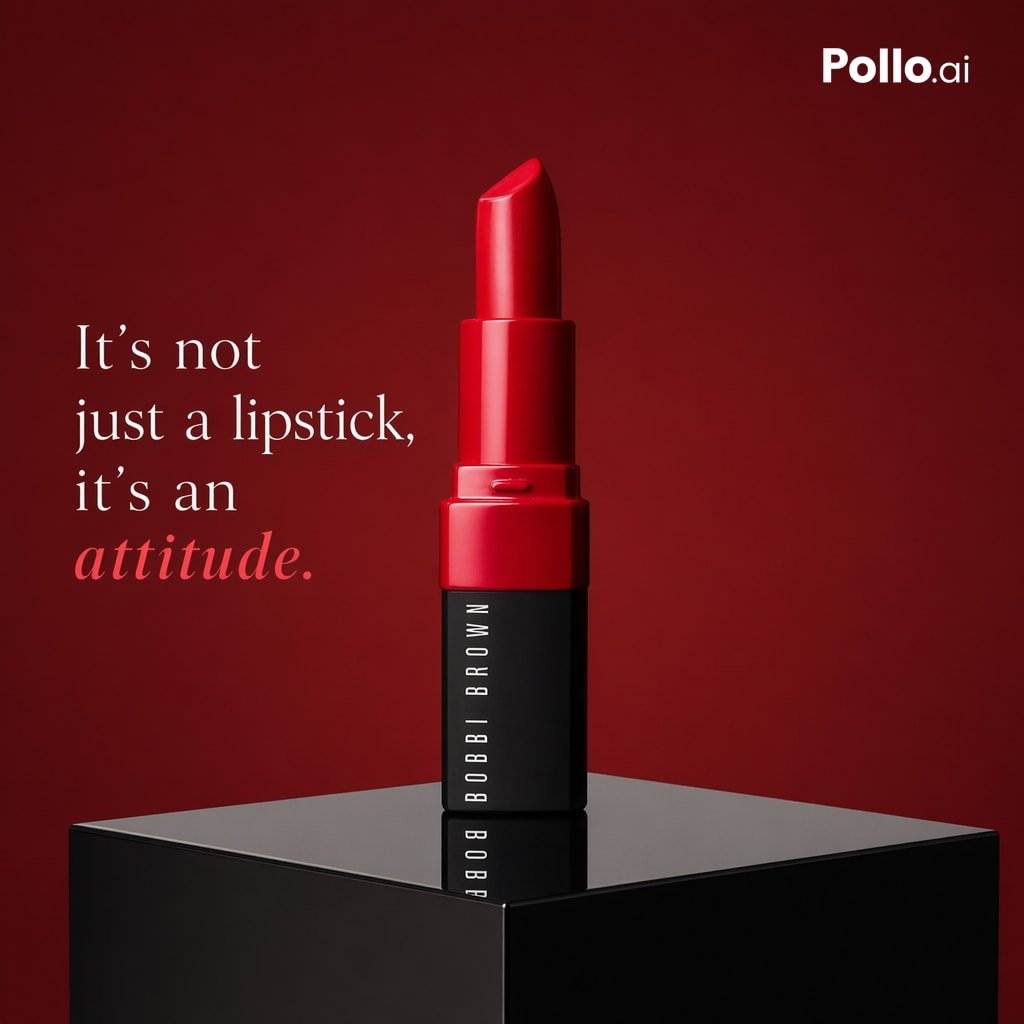
Luxury Red Lipstick Ad Poster
Browse template categories
Dreamy iPhone Selfie Prompt with Identity Lock questions
How do I use the Dreamy iPhone Selfie Prompt with Identity Lock template?
Add your photo if the template asks for one, edit the prompt if you like — the template's model and format are already selected — and press Generate. Your version opens in PicX Studio.
Can I customize the Dreamy iPhone Selfie Prompt with Identity Lock template?
Yes. You can change the subject, setting, lighting, mood, format, and available model controls before creating your image.
Is the Dreamy iPhone Selfie Prompt with Identity Lock template free?
Opening and editing this template is free. Generating uses credits, shown on the Generate button when you are signed in.
Which AI model should I use?
Start with Nano Banana 2, which is the model associated with this template. You can compare another compatible model for a different finish.
Looking for something else? Browse all templates.

Your photo, any look
Thousands of ready templates for every top image and video model, from one credit balance.