
Cinematic Portrait Transformation
Cinematic Portrait Transformation is a ready photo look for Nano Banana.
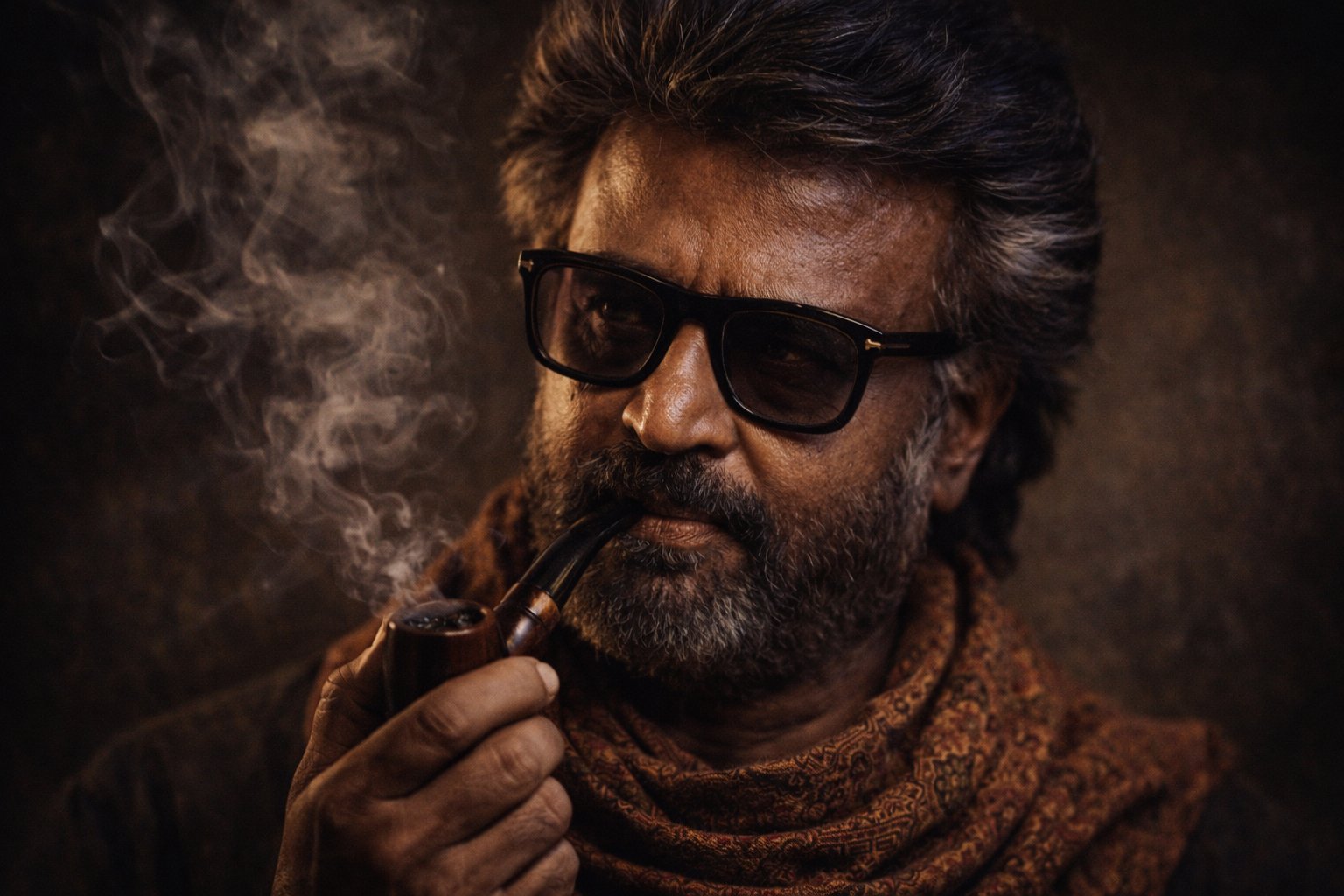
- Prompt included
- Model and format preset
- Free template
The prompt behind this image
Copy the exact prompt behind Cinematic Portrait Transformation, or open it in the studio and make it yours.
Generate a cinematic, ultra-realistic portrait of the person in the reference image, portrayed as a middle age individual with deep character and wisdom. The subject wears a patterned traditional neckscarf and a sunglass, with detailed skin texture showing resilience. They are calmly holding a smoking pipe, with soft swirling smoke drifting through a dark, moody background. Low-key dramatic lighting emphasizes facial contours, and expressive eyes, creating a timeless, contemplative atmosphere. Rich earthy tones, shallow depth of field, sharp focus on the face, high contrast, studio-quality photography, photorealistic, 8K detail, cinematic realism, fine art portrait style.
How to use Cinematic Portrait Transformation in 3 steps
- 1Upload ImagePNG, JPG or paste
Add your photo
Upload the photo the template builds on. The prompt, model and format are already set.
- 2…a portrait of your subject in softgolden-hour light, 85mm…
Personalize
Edit the subject and creative details for your destination.
- 3Generate
Generate
Press Generate — your image is created in PicX Studio, so you can compare it with the original and refine one variable at a time.
More like this
Templates with the same subject, style or setup. Open one to see its prompt.












Make it yours
Cinematic Portrait Transformation works as-is. These are the safest ways to change it without losing the look.
Change one field
Copy a single group, rewrite it, and generate again so you can see what that field is doing.
Keep the frame, change the subject
Hold the composition and light of 39-cinematic-portrait-transformation-prompt, then swap wardrobe, props or the person for a new take.
| If the result… | Why | Fix |
|---|---|---|
| The result drifts from the preview | Too many fields changed at once. | Reuse 39-cinematic-portrait-transformation-prompt as-is first, then change one group — subject, light, or setting. |
| The model over-stylizes the scene | The prose prompt leaves finish and camera underspecified. | Add one camera or lighting sentence and stay on Nano Banana. |
More Nano Banana templates
Other prompts made for Nano Banana.

Color Grading Trick Using Nano Banana Pr

untitled

Pixel Art Games with Nano Banana Pro Are

untitled

Google Gemini Nano Banana Pro

Ultra Detailed 3d Plush Cartoon Characte

Studio Quality Portrait Generation Using

Ultra Realistic Commercial Skincare Prod

Cute Ball Shaped Animal Characters
Ai Evolution Timeline Infographic
More image prompts
Fresh picks from across the catalog.
Frozen Divinity Surreal Editorial Portrait Prompt
Image Inpainting/Filling Missing White Space
Albedo Cosplay Instagram Story
Printmaking Style Couple Illustration
Dramatic Chiaroscuro Male Editorial Portrait

Summarize Fukuoka’s good points in one image
Hockey Game Cinematic Storyboard
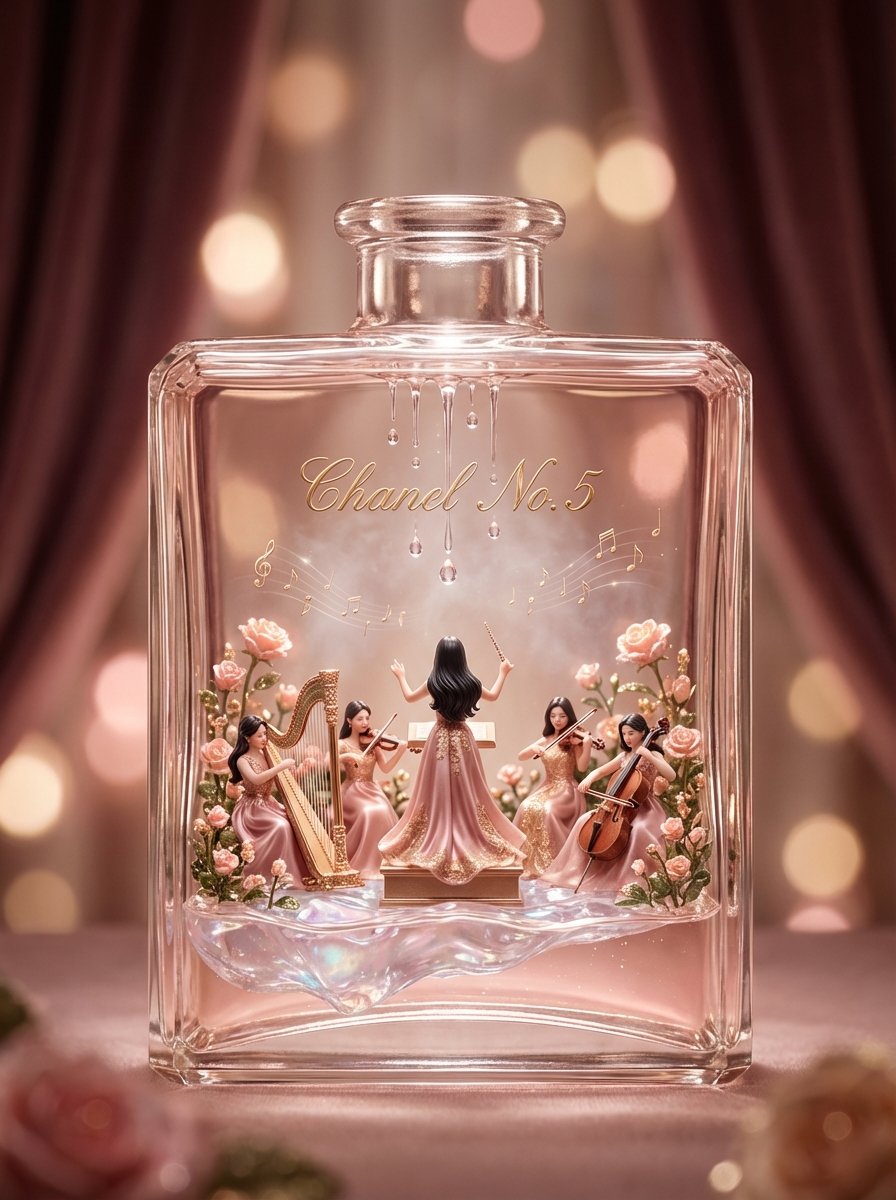
Luxury Skincare Diorama in a Perfume Bottle
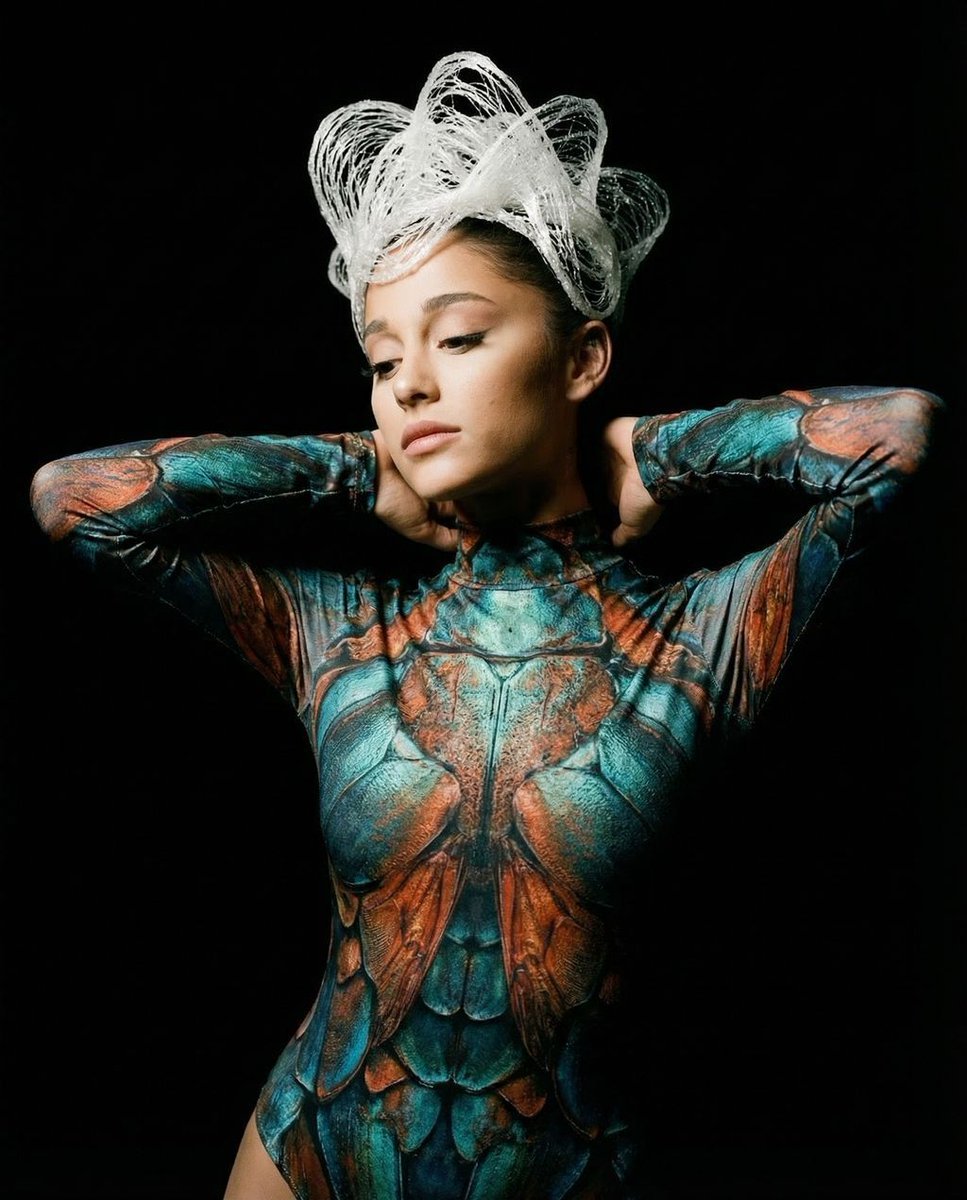
Hyper-Realistic Avant-Garde Fashion Portrait: Cellular Elegance
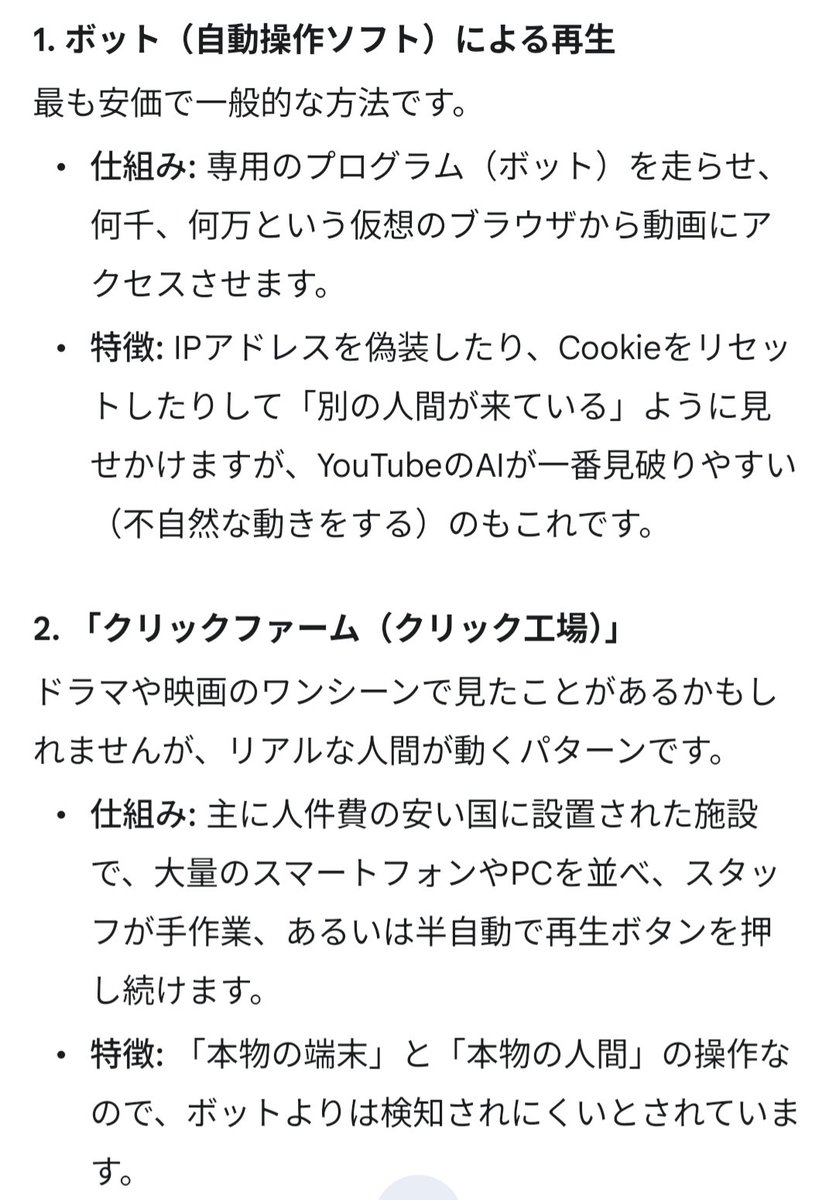
Four-Panel Manga: The Darkness of SNS (Part 2)
Browse template categories
Cinematic Portrait Transformation questions
How do I use the 39-cinematic-portrait-transformation-prompt template?
Add your photo if the template asks for one, edit the prompt if you like — the template's model and format are already selected — and press Generate. Your version opens in PicX Studio.
Can I customize the 39-cinematic-portrait-transformation-prompt template?
Yes. You can change the subject, setting, lighting, mood, format, and available model controls before creating your image.
Is the 39-cinematic-portrait-transformation-prompt template free?
Opening and editing this template is free. Generating uses credits, shown on the Generate button when you are signed in.
Which AI model should I use?
Start with Nano Banana, which is the model associated with this template. You can compare another compatible model for a different finish.
Looking for something else? Browse all templates.

Your photo, any look
Thousands of ready templates for every top image and video model, from one credit balance.