
Hyper-Realistic Avant-Garde Fashion Portrait: Cellular Elegance
A highly detailed, structured prompt designed for generating an avant-garde fashion portrait.
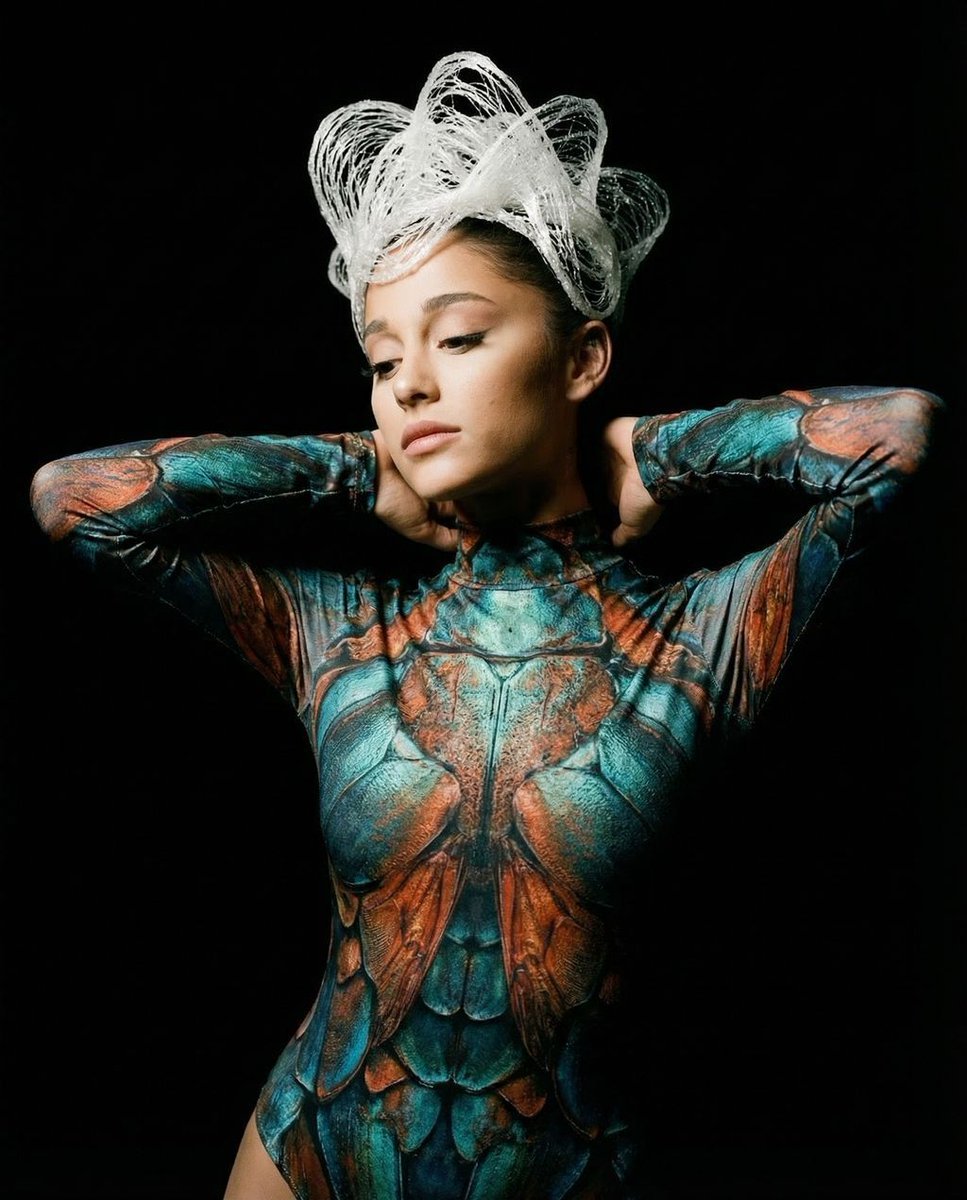
- Prompt included
- Model and format preset
- Free template
The prompt behind this image
Copy the exact prompt behind Hyper-Realistic Avant-Garde Fashion Portrait: Cellular Elegance, or open it in the studio and make it yours.
{ "vibe_title_en": "Cellular Elegance", "master_prompt": "A hyper-realistic avant-garde fashion portrait of The Protagonist set against a pitch-black Vantablack void. The subject is wearing a surreal, second-skin bodysuit composed of intricate, mosaic-like scales in vibrant teal, oxidized copper, and burnt orange, resembling iridescent beetle wings or microscopic plant cells under a laboratory slide. Her head is adorned with a sculptural, swirling headpiece made of white, translucent spun sugar or bleached coral that mimics the flow of smoke frozen in time. The lighting is dramatic Chiaroscuro: a single snooted 5600K spotlight hits the face to reveal natural skin pores and vellus hair, while the suit's texture catches subtle, specular rim lighting. Shot on a Hasselblad H6D-100c with a 120mm macro lens, utilizing Kodak Ektar 100 film simulation for rich, deep color saturation and fine grain. No neon, just organic iridescence.", "meta": { "intent": "Editorial Fashion", "priorities": "Texture Contrast, Surrealism, Lighting Control", "device_profile": "High-End Desktop Display" }, "frame": { "aspect": "4:5", "composition": "Center Weighted Portrait", "layout": "Symmetrical Upper Body", "camera_angle": "Eye Level", "tilt_roll_degrees": "0" }, "subject": { "gender": "Female", "identity": "The Protagonist", "demographics": "Universal/Neutral", "face": "Symmetrical, high cheekbones, closed eyes or downward gaze", "hair": "Covered by white sculptural avant-garde headpiece", "body": "Slender, arms raised behind head in a relaxed trancelike pose", "expression": "Serene, transcendent, meditative", "pose": "Hands resting behind the neck, elbows out, chest open" }, "wardrobe_accessories": { "garments": [ { "item": "Biomimetic Bodysuit", "material": "Iridescent Scales/Chitin", "color": "Teal and Burnt Orange Pattern", "fit": "Second-skin tight" } ], "accessories": [ { "item": "Sculptural Headpiece", "color": "Translucent White", "material": "Spun Fiber/Bleached Coral", "brand_style": "Iris van Herpen" } ] }, "environment": { "setting": "Infinite Black Void", "surfaces": "Non-reflective background", "depth": "Infinite contrast", "atmosphere": "Vacuum, silent, vacuum-sealed studio", "lens_interaction": "Sharp subject isolation against absolute darkness" }, "lighting": { "key": "Snooted Beauty Dish from above", "fill": "Negative Fill (Black flags) to deepen shadows", "rim": "Subtle cool edge light on the sculptural hair", "shadows": "Deep, crushed blacks", "color_temperature": "5600K (Daylight Balanced)", "sensor_flare": "None" }, "camera": { "lens_type": "Macro Prime", "focal_length": "120mm", "aperture": "f/8", "focus": "Sharp on eyes/lips, slight falloff on sho"
How to use Hyper-Realistic Avant-Garde Fashion Portrait: Cellular Elegance in 3 steps
- 1
Open
The prompt is already in the box next to the preview, with the template's model and format selected.
- 2…a portrait of your subject in softgolden-hour light, 85mm…
Personalize
Edit the subject and creative details for your destination.
- 3Generate
Generate
Press Generate — your image is created in PicX Studio, so you can compare it with the original and refine one variable at a time.
More like this
Templates with the same subject, style or setup. Open one to see its prompt.

Nano Banana 2 High Fashion Sports Campai

Couture Fashion Editorial Woman and Drag

Ive Yujin Fashion Portrait in Blue

Nano Banana 2 Editorial Fashion Portrait

Caution Tape Fashion — Industrial Editorial
Avant-Garde Fashion Editorial Portrait

Avant-Garde Asian Fashion Model
Avant-Garde Purple Fashion Editorial
Met Gala Avant-Garde Couture Fashion
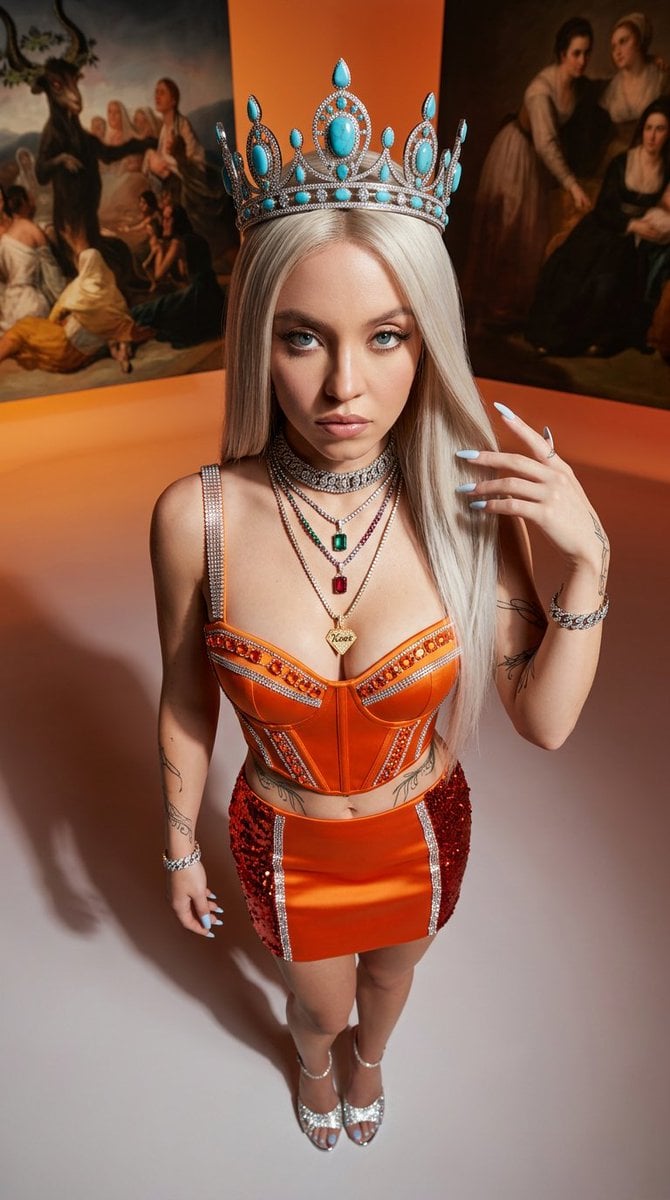
Avant-Garde High-Angle Editorial Fashion
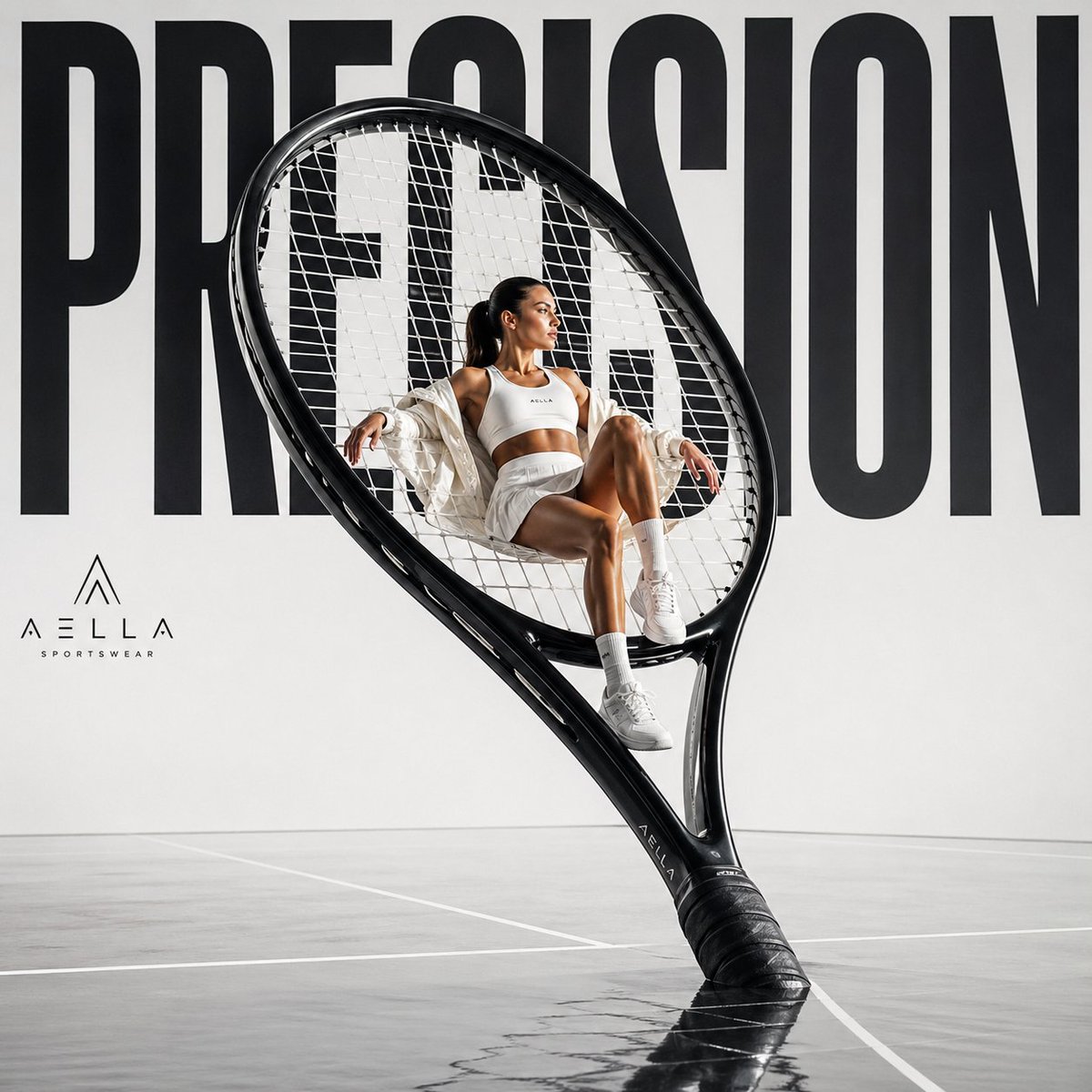
Avant-garde Sports Fashion Advertisement
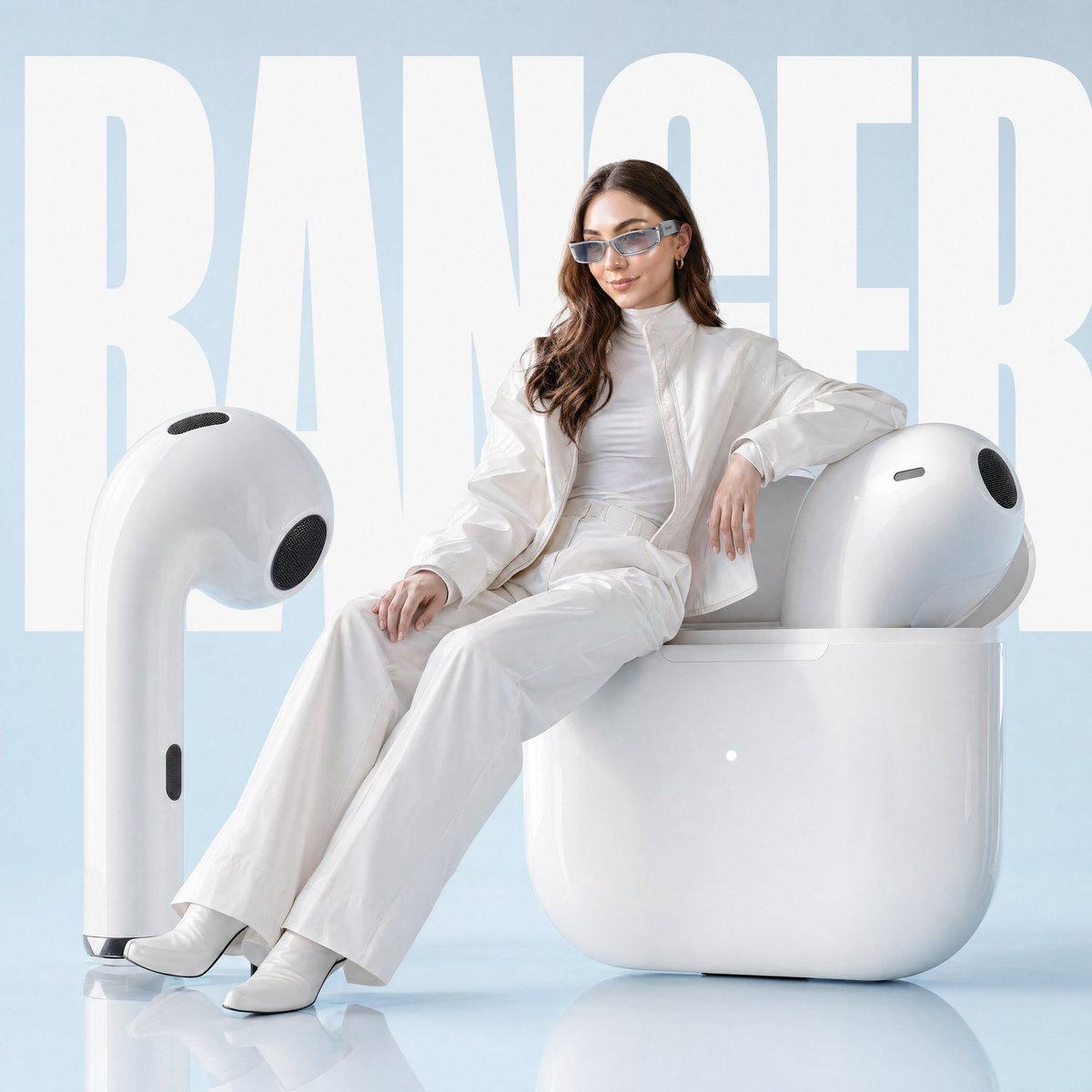
Avant-garde Fashion Advertisement Prompt
Make it yours
Hyper-Realistic Avant-Garde Fashion Portrait: Cellular Elegance works as-is. These are the safest ways to change it without losing the look.
Change one field
Copy a single group, rewrite it, and generate again so you can see what that field is doing.
Keep the frame, change the subject
Hold the composition and light of Hyper-Realistic Avant-Garde Fashion Portrait: Cellular Elegance, then swap wardrobe, props or the person for a new take.
| If the result… | Why | Fix |
|---|---|---|
| The result drifts from the preview | Too many fields changed at once. | Reuse Hyper-Realistic Avant-Garde Fashion Portrait: Cellular Elegance as-is first, then change one group — subject, light, or setting. |
| The model over-stylizes the scene | The prose prompt leaves finish and camera underspecified. | Add one camera or lighting sentence and stay on Nano Banana 2. |
More Nano Banana 2 templates
Other prompts made for Nano Banana 2.

Photorealistic Leaf Shaped Like a Dragon

K-Pop Idol Portrait Grid for Rapid Selection

Poetic Rain Forest Portrait During Golden Hour

Urban Street Portrait with Cartoon Inner Self Duo

Candid Nighttime Photo with Cat Prompt

High-Concept 3D Diorama Generation Prompt

Cinematic Futuristic Studio Portrait Template

Skincare Editorial Photography Collage Prompt

Hyper-Realistic Commercial Product Photography (Splash Effect)

Hyper-Realistic Nightclub Portrait Prompt
More image prompts
Fresh picks from across the catalog.
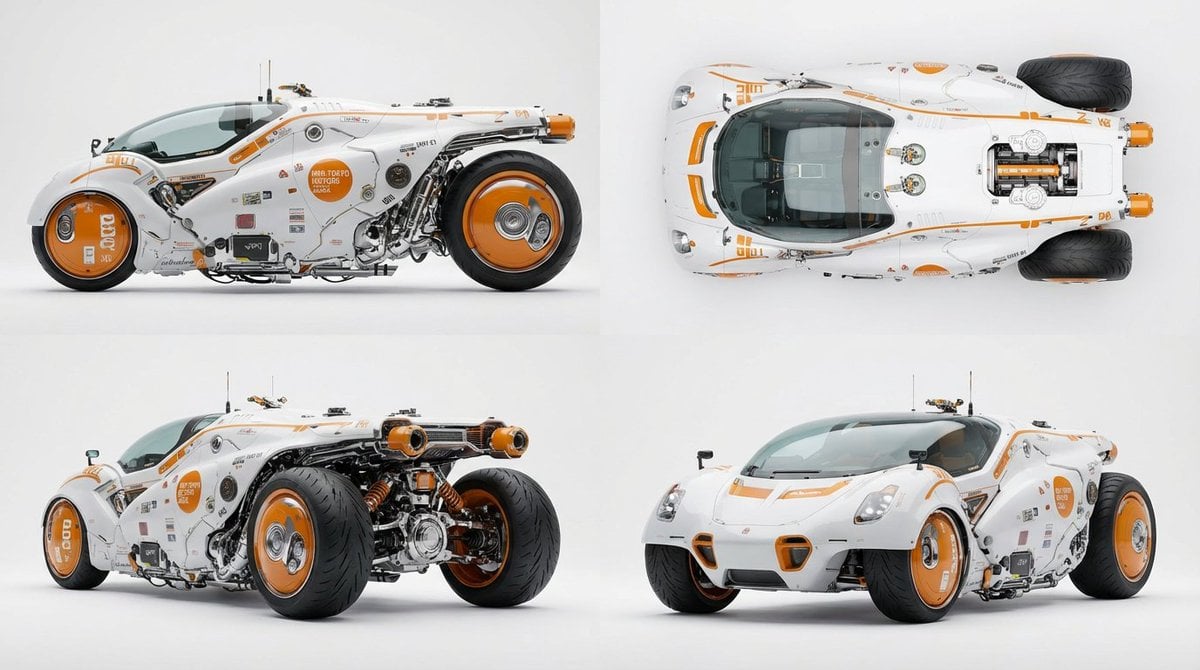
Multi-View Car Sheet
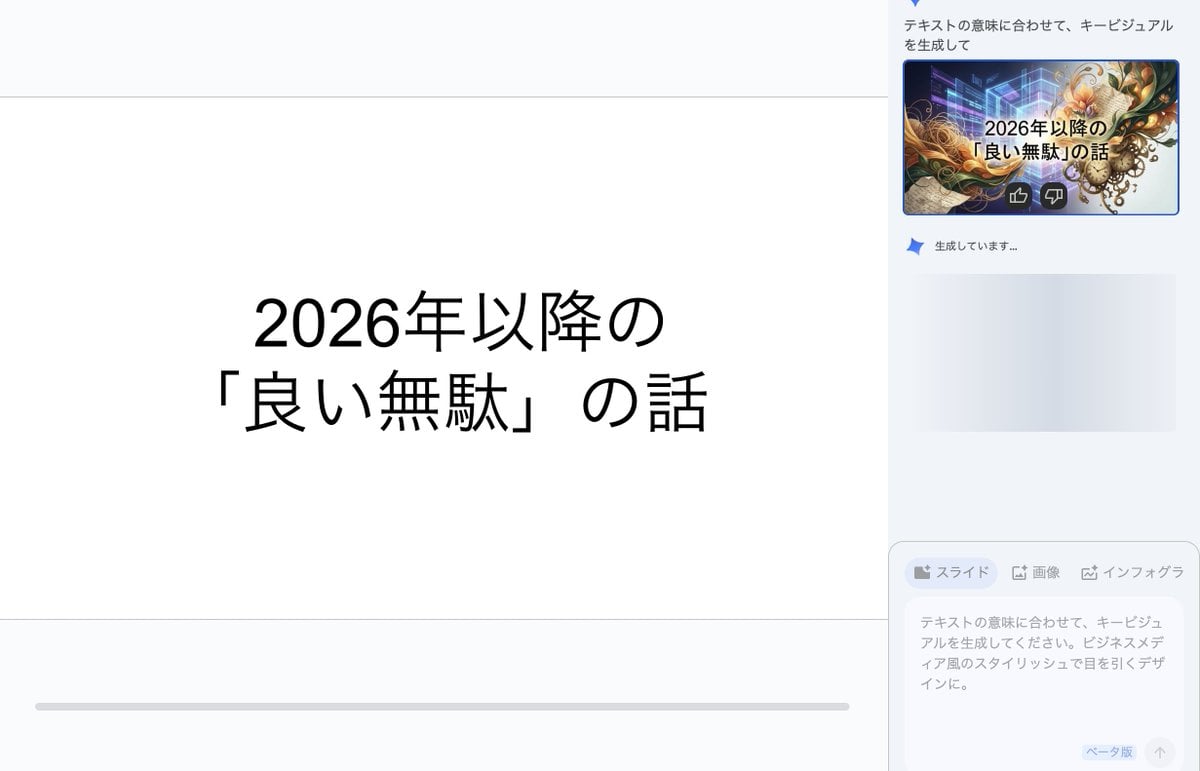
Key Visual Generation for Slides (Nano Banana Pro)

Hyper-Realistic Food Photography of Creamy Croissant
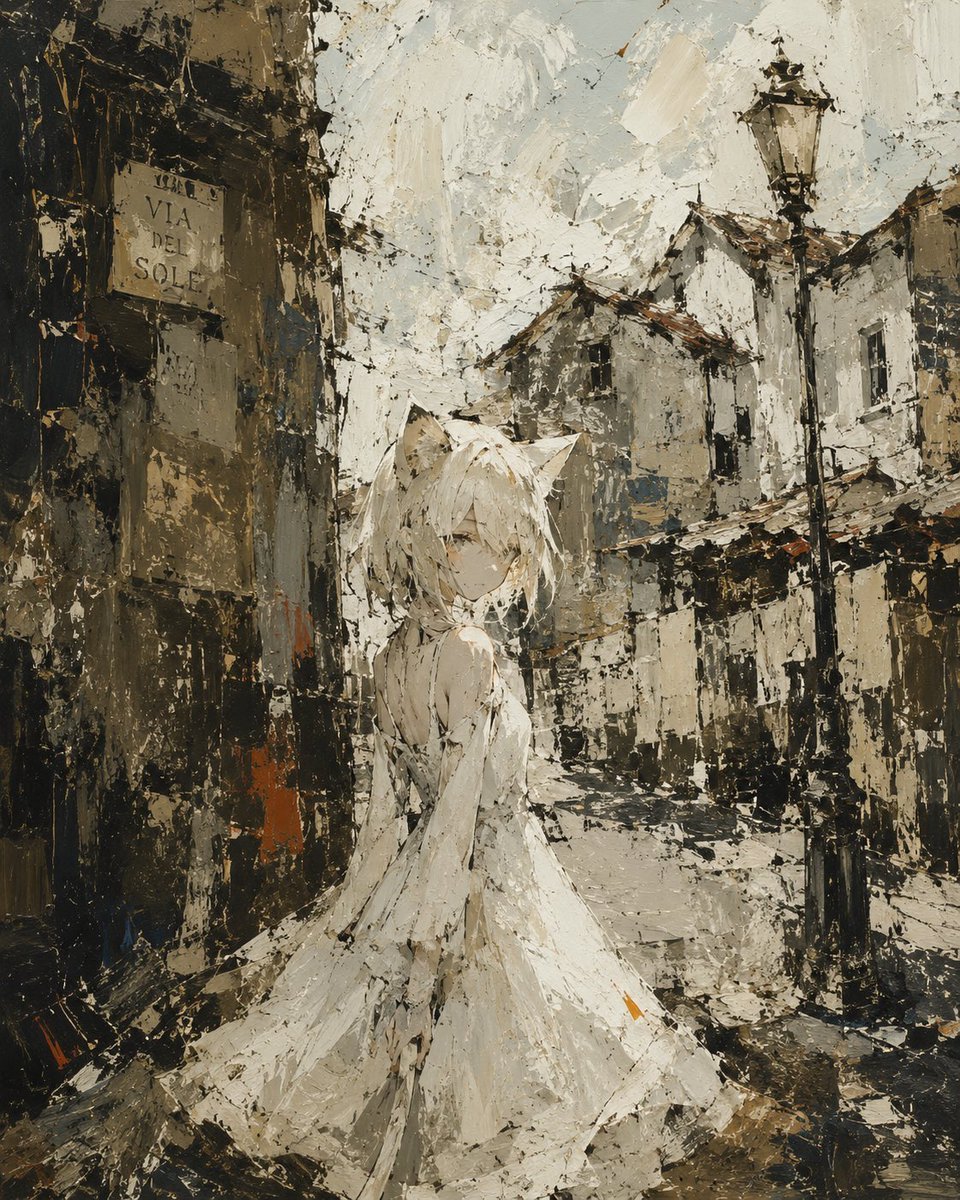
Rough Oil Painting Style Illustration
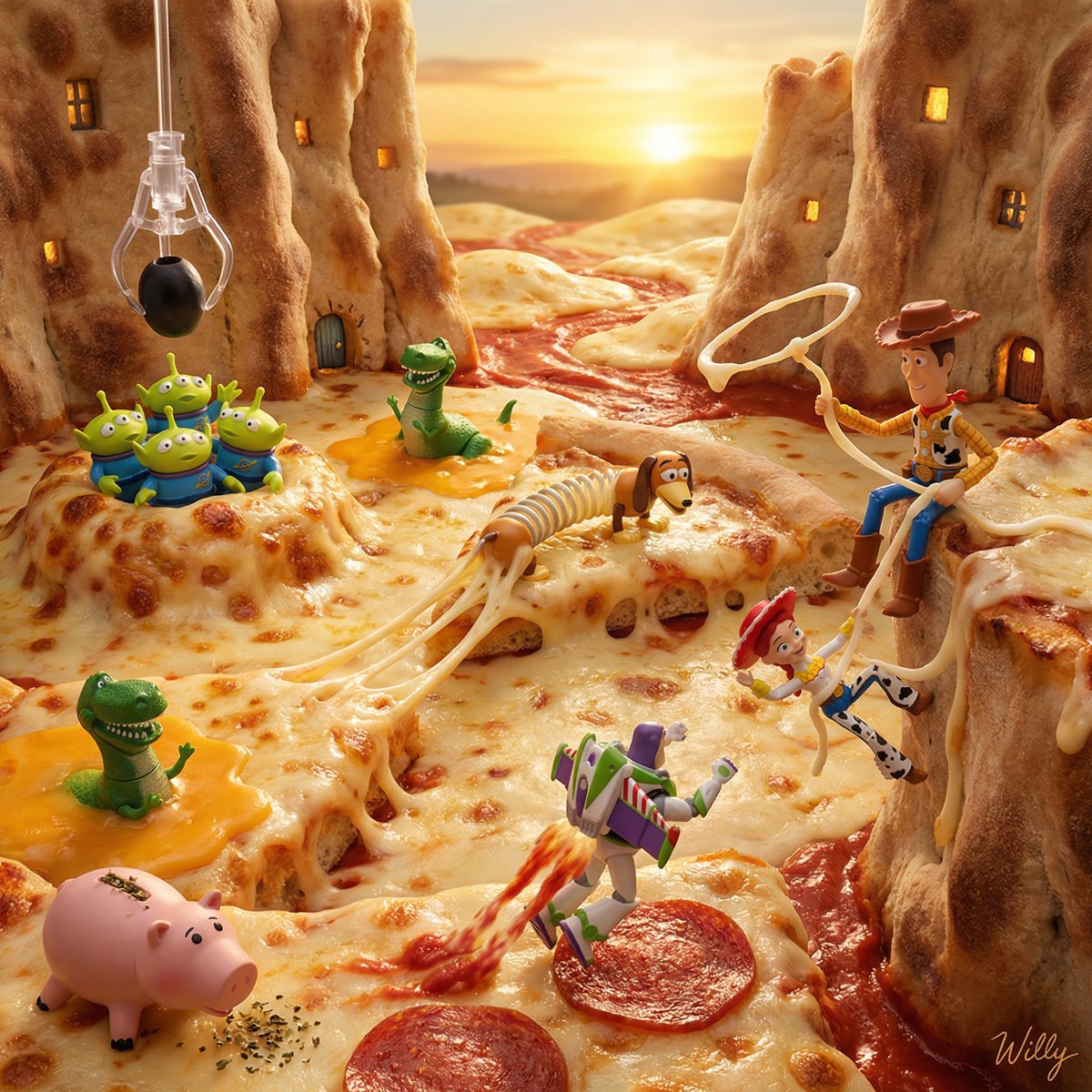
Toy Story Diorama in a Pizza World
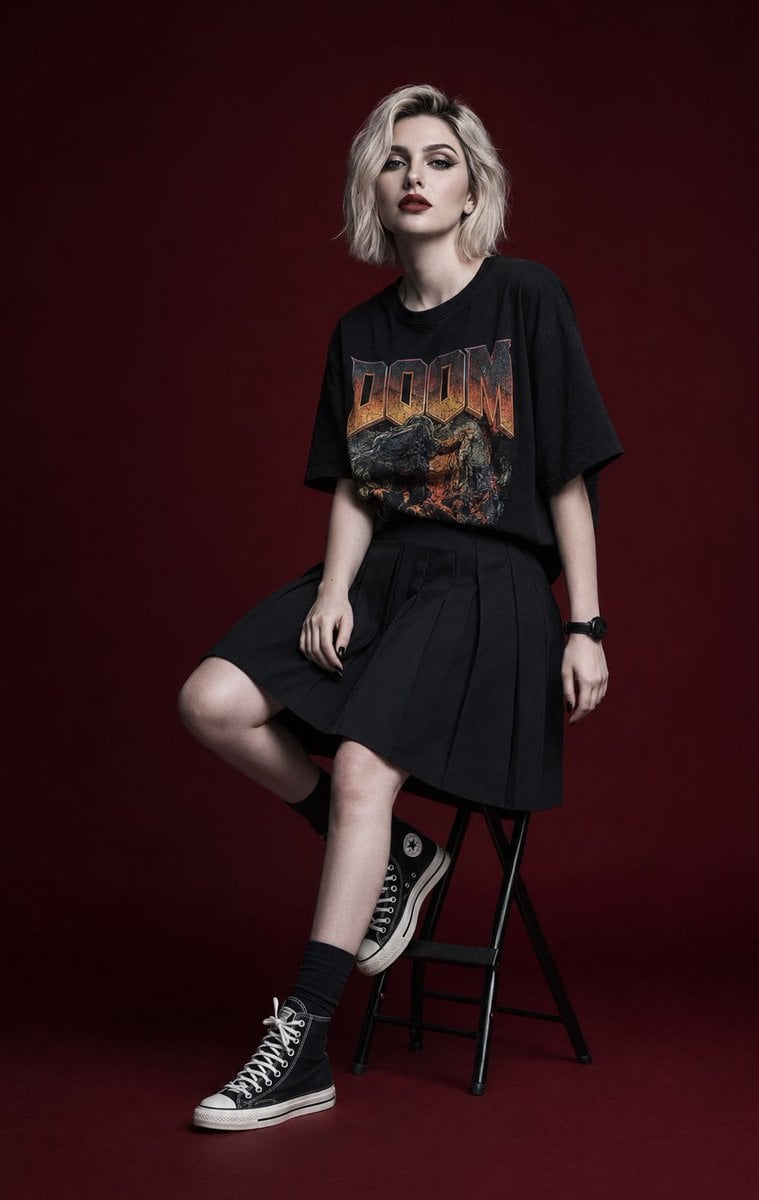
Luxury Editorial Fashion Campaign Portrait
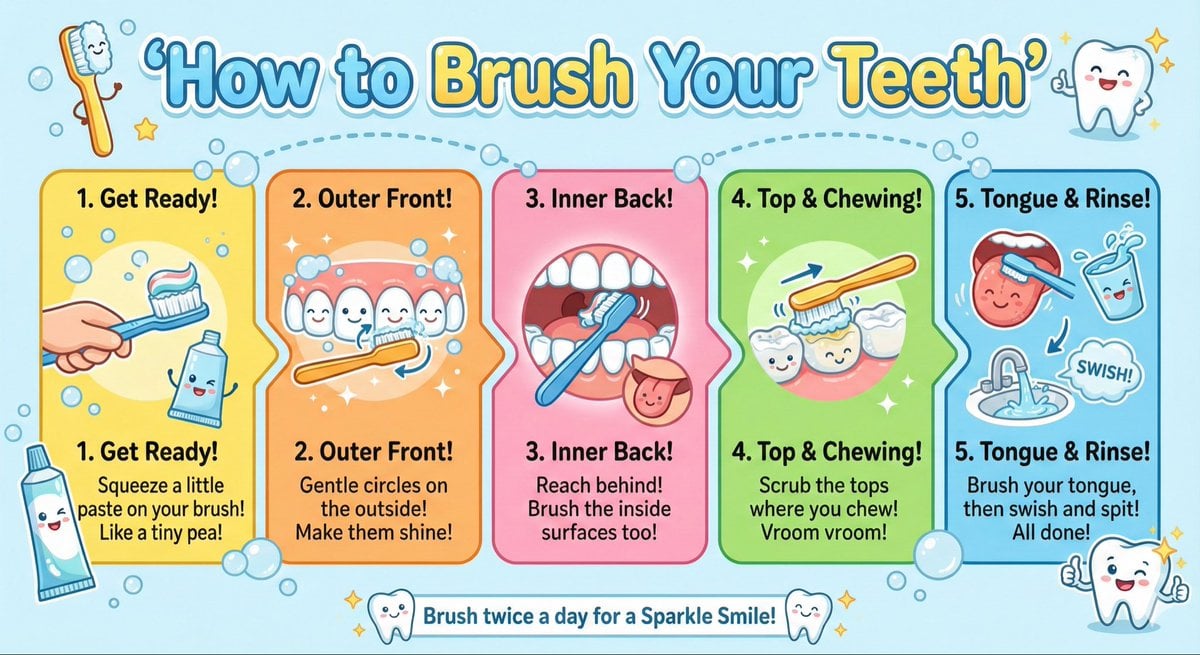
Kid-Friendly Routine Poster Prompt

2x2 Grid of Online School Banner Ads
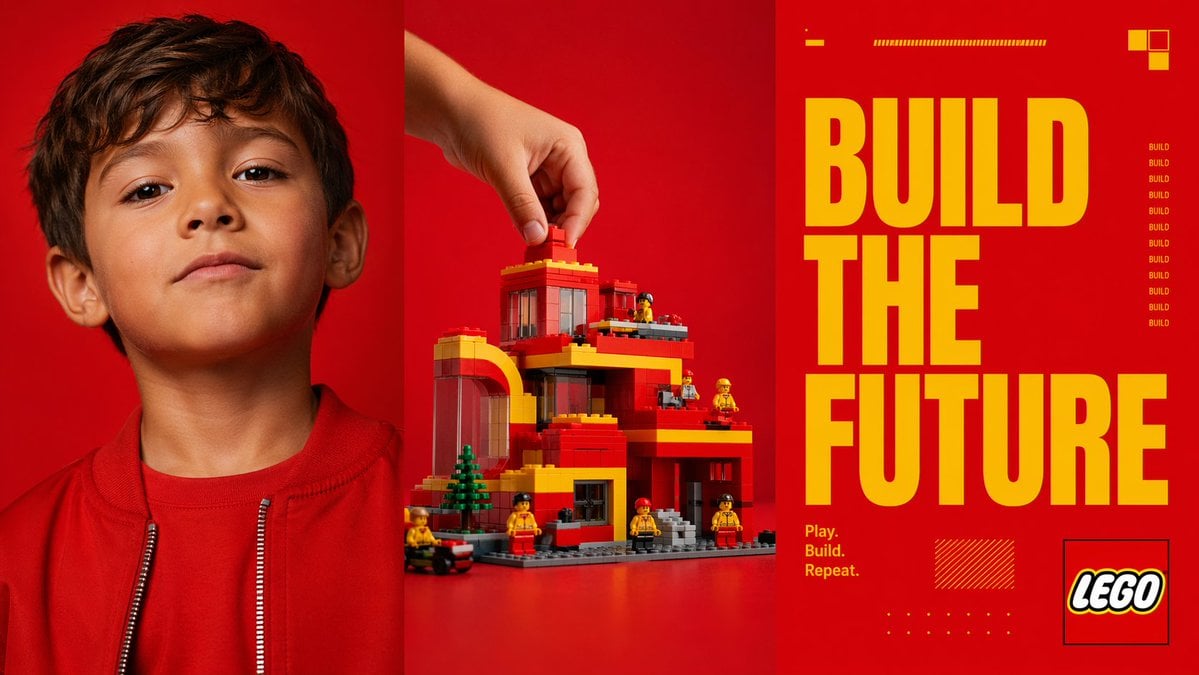
Red Triptych Build the Future Poster
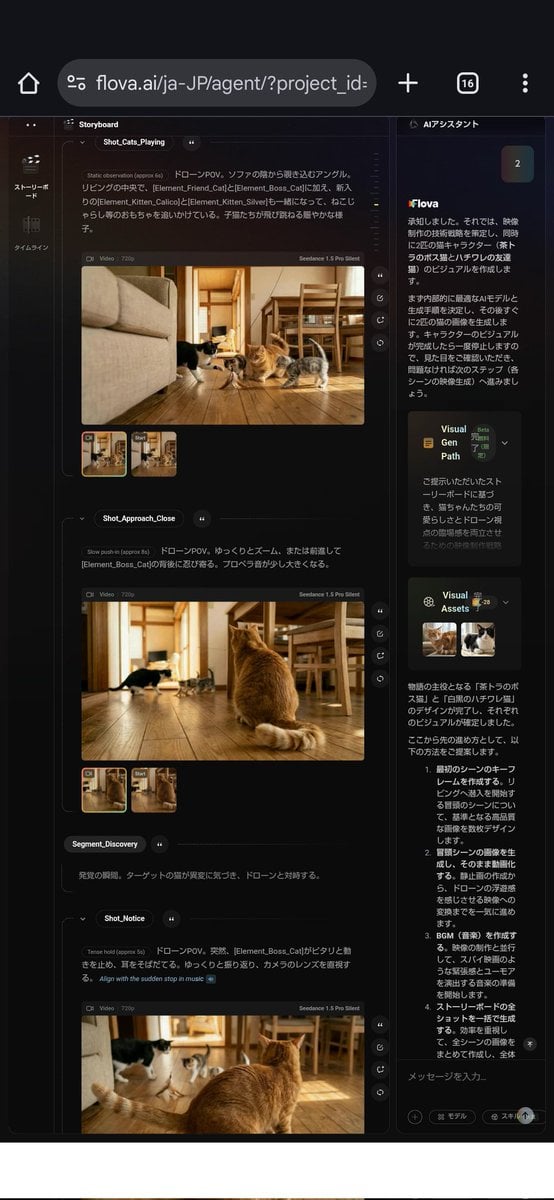
Nano Banana used for background and character design
Browse template categories
Hyper-Realistic Avant-Garde Fashion Portrait: Cellular Elegance questions
How do I use the Hyper-Realistic Avant-Garde Fashion Portrait: Cellular Elegance template?
Add your photo if the template asks for one, edit the prompt if you like — the template's model and format are already selected — and press Generate. Your version opens in PicX Studio.
Can I customize the Hyper-Realistic Avant-Garde Fashion Portrait: Cellular Elegance template?
Yes. You can change the subject, setting, lighting, mood, format, and available model controls before creating your image.
Is the Hyper-Realistic Avant-Garde Fashion Portrait: Cellular Elegance template free?
Opening and editing this template is free. Generating uses credits, shown on the Generate button when you are signed in.
Which AI model should I use?
Start with Nano Banana 2, which is the model associated with this template. You can compare another compatible model for a different finish.
Looking for something else? Browse all templates.

Your photo, any look
Thousands of ready templates for every top image and video model, from one credit balance.