
Avant-Garde Asian Fashion Model
An editorial portrait prompt for a high-fashion model featuring eyeglasses, sleek styling, and dramatic studio lighting on a pure white background.

- Prompt included
- Model and format preset
- Free template
The prompt behind this image
Copy the exact prompt behind Avant-Garde Asian Fashion Model, or open it in the studio and make it yours.
upper body portrait of a high-fashion {argument name="model ethnicity" default="Asian"} female model wearing eyeglasses, avant-garde styling, sleek hair tucked behind ears, statement makeup with glossy skin and defined lips, sharp jawline, confident and slightly cold expression, editorial pose, centered composition, full head visible with space above, clean {argument name="background" default="pure white"} background, dramatic yet soft studio lighting, luxury fashion campaign style, ultra detailed, shot on {argument name="lens" default="85mm"} lens, shallow depth of field, 4k, premium magazine quality, minimal but striking
How to use Avant-Garde Asian Fashion Model in 3 steps
- 1
Open
The prompt is already in the box next to the preview, with the template's model and format selected.
- 2…a portrait of your subject in softgolden-hour light, 85mm…
Personalize
Edit the subject and creative details for your destination.
- 3Generate
Generate
Press Generate — your image is created in PicX Studio, so you can compare it with the original and refine one variable at a time.
More like this
Templates with the same subject, style or setup. Open one to see its prompt.

Pop Art Summer Fruit Fashion Illustration
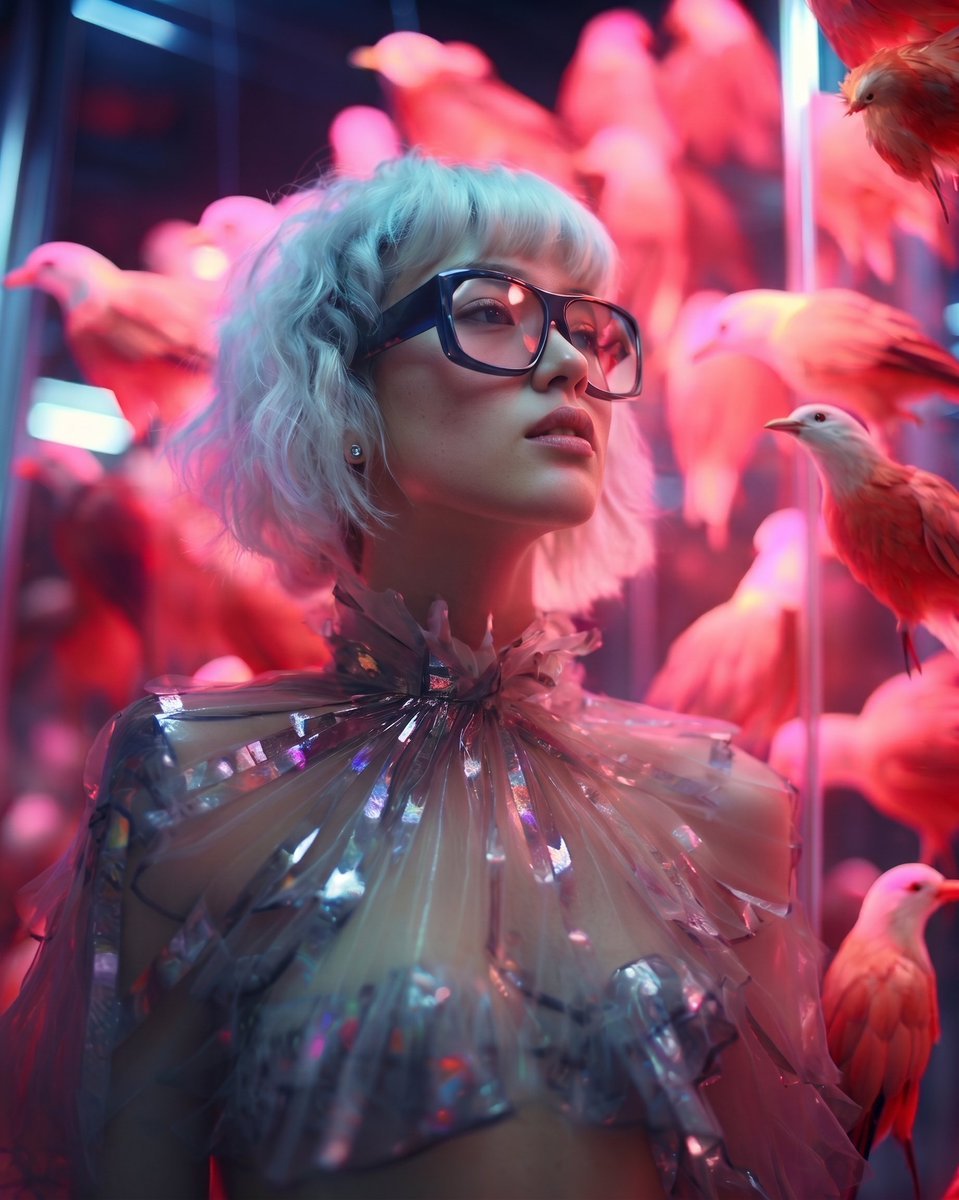
High Fashion Editorial Portrait
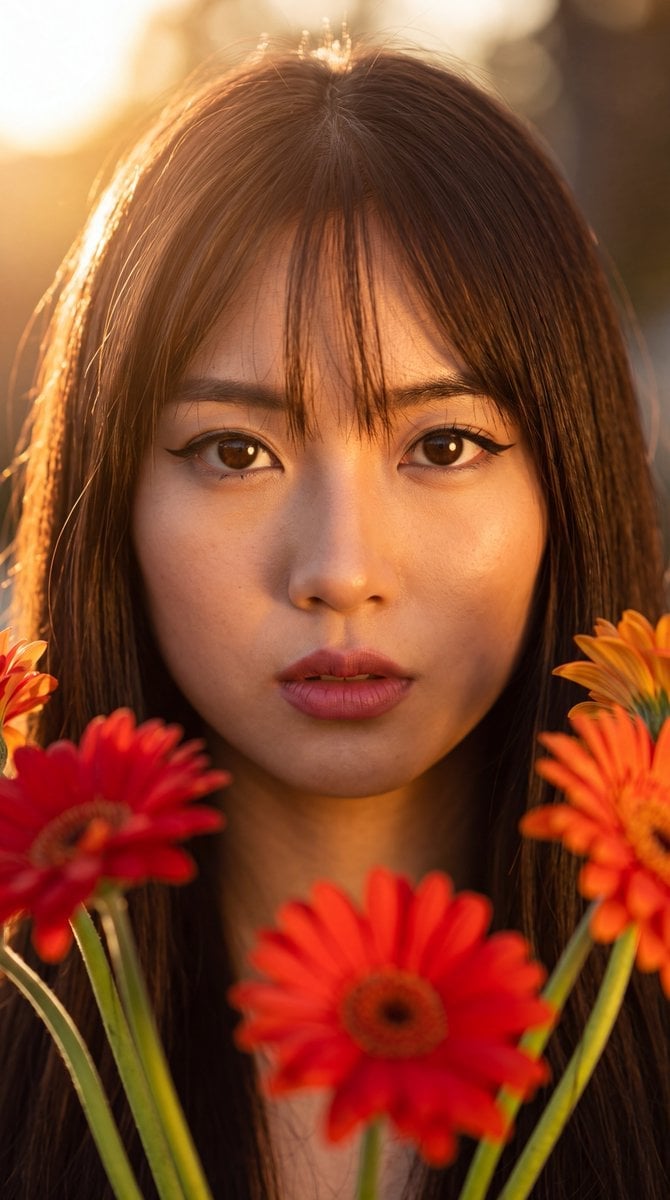
East Asian Woman with Gerbera Flowers
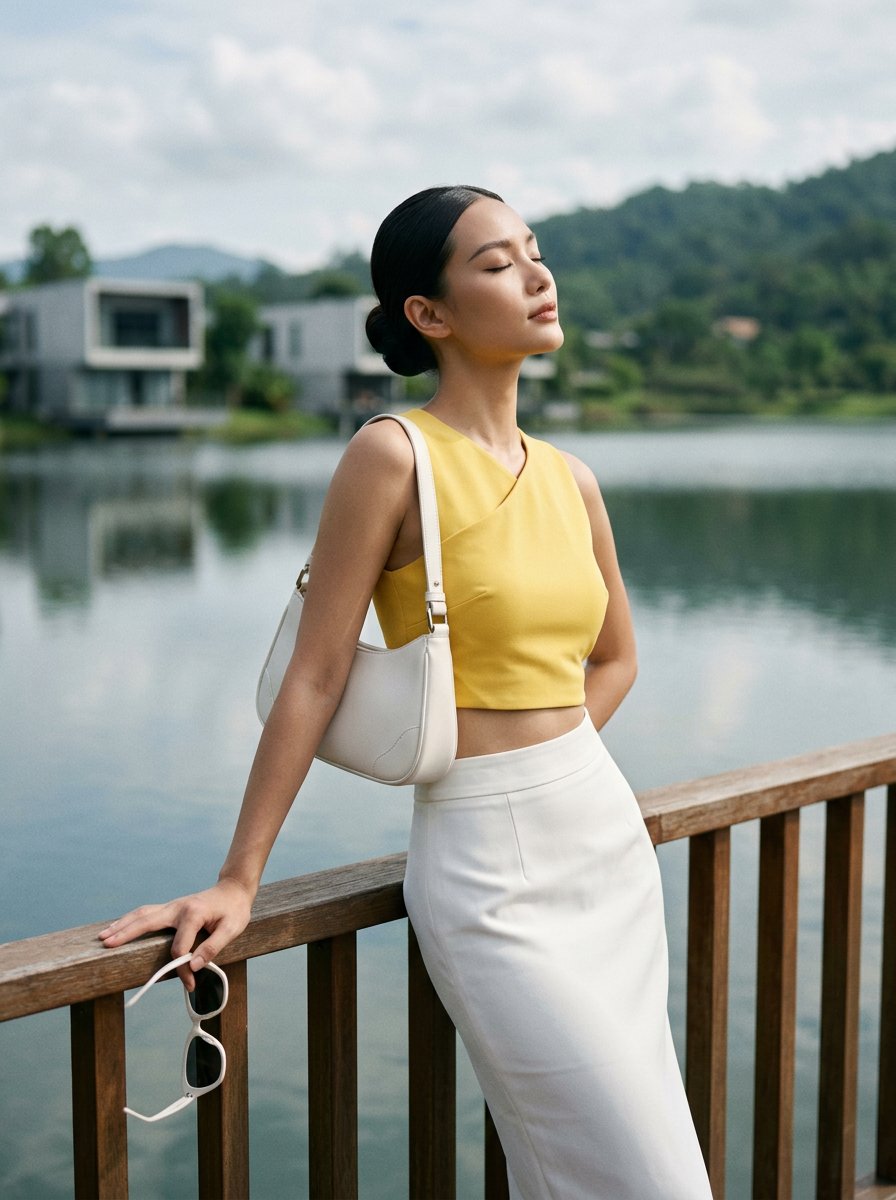
Modern Luxury Lakeside Fashion
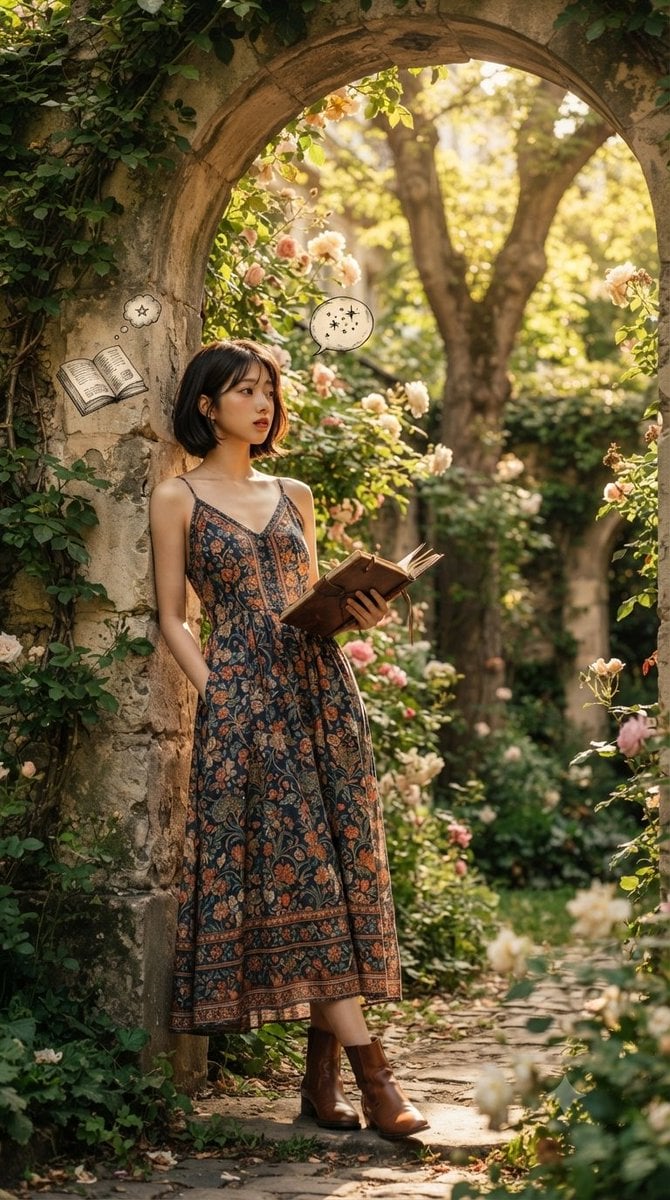
Serene Garden Literary Portrait
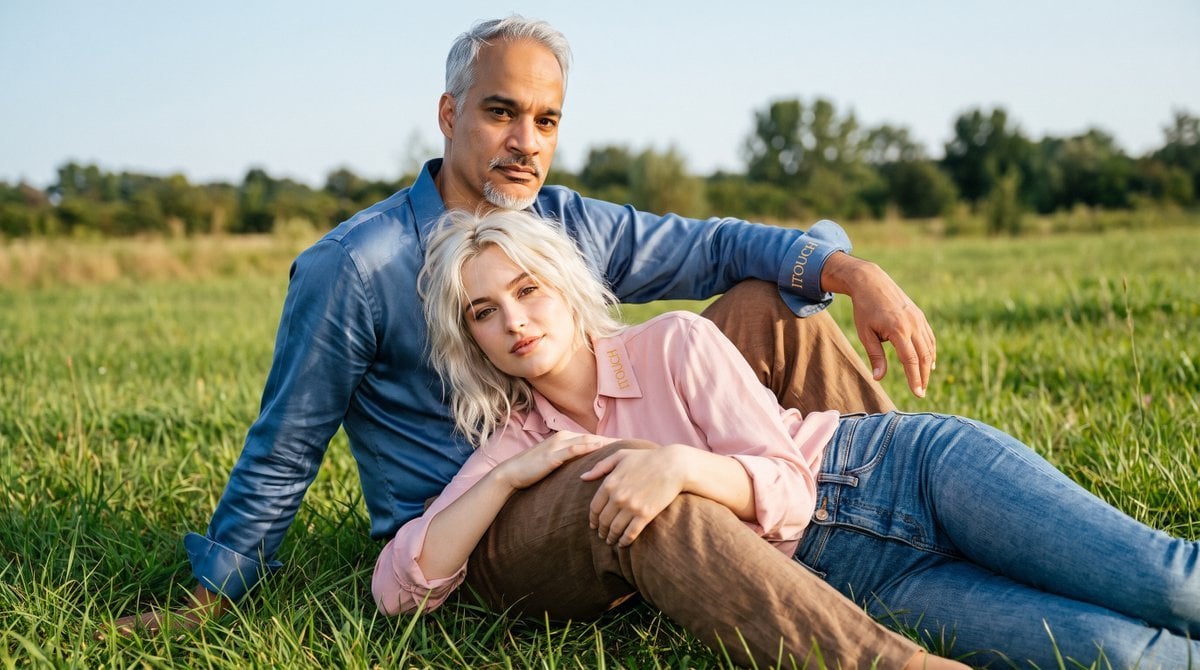
Cinematic Amateur Fashion Editorial
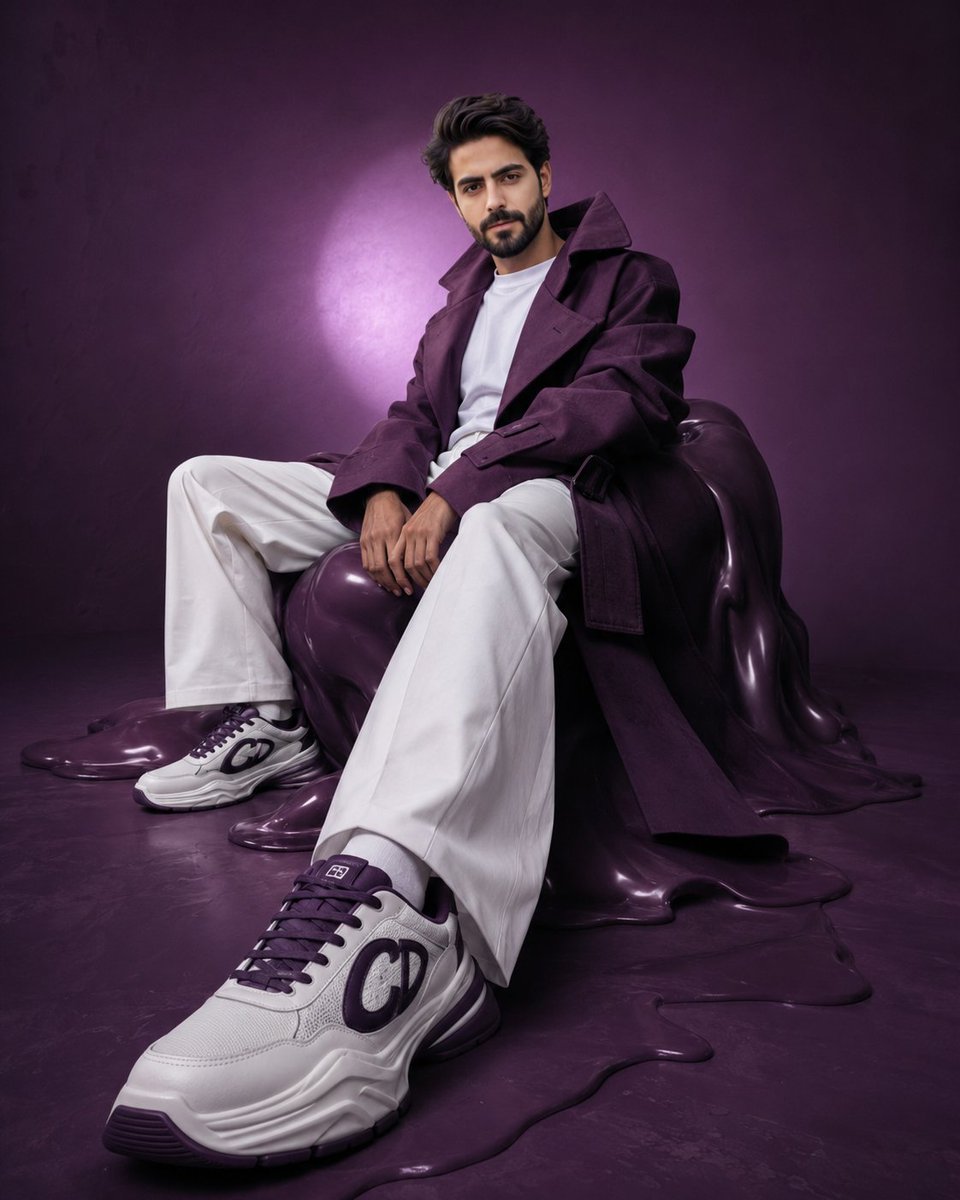
Avant-Garde Purple Fashion Editorial
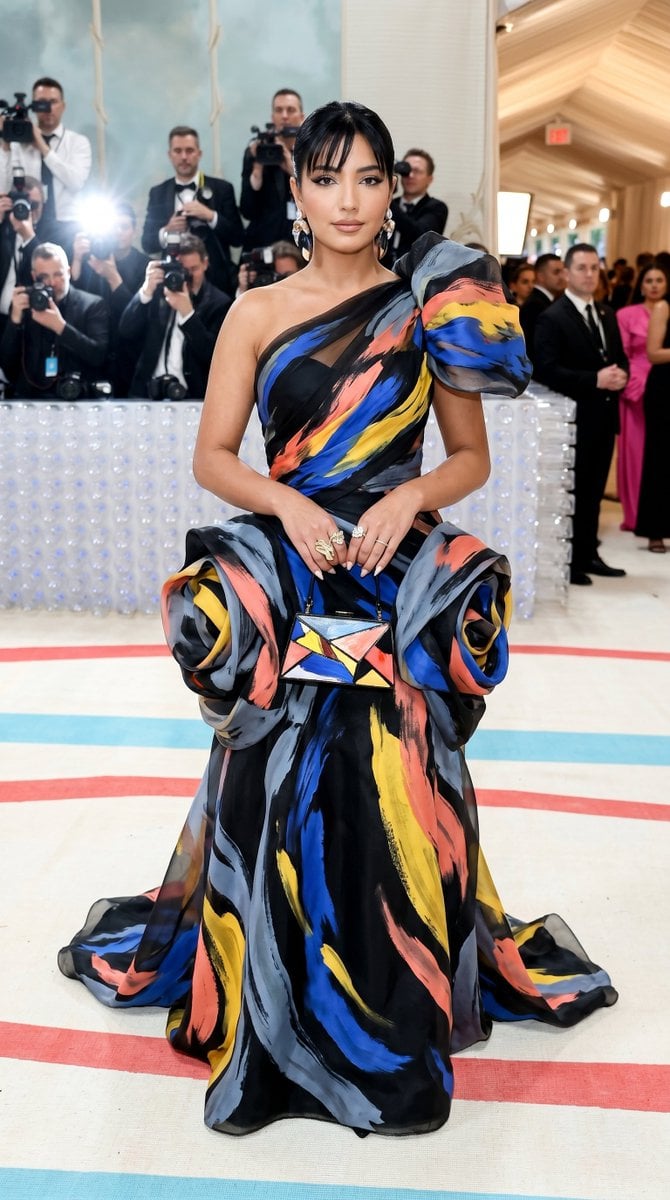
Met Gala Avant-Garde Couture Fashion
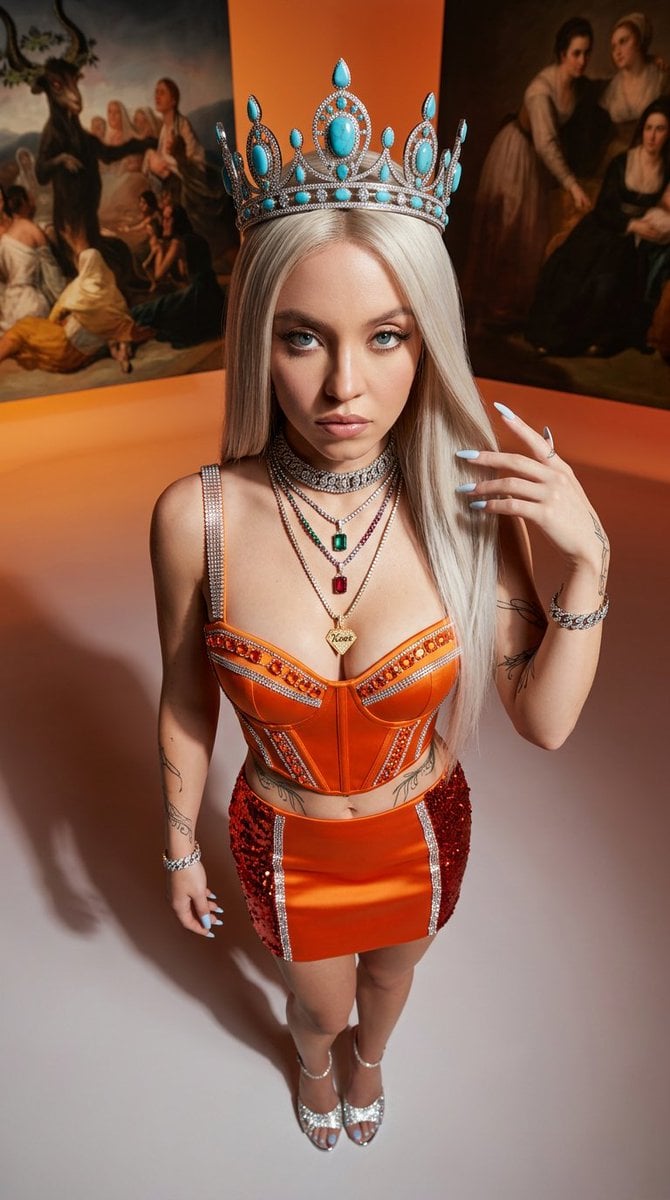
Avant-Garde High-Angle Editorial Fashion
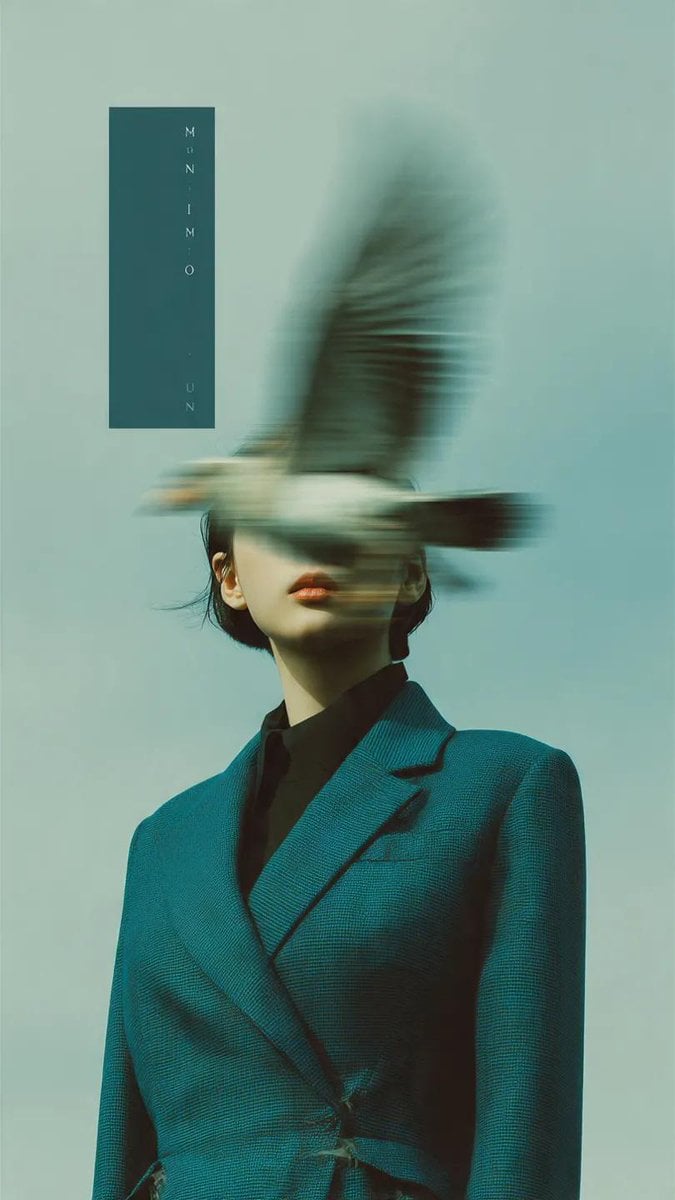
Avant-Garde Fashion Editorial Portrait
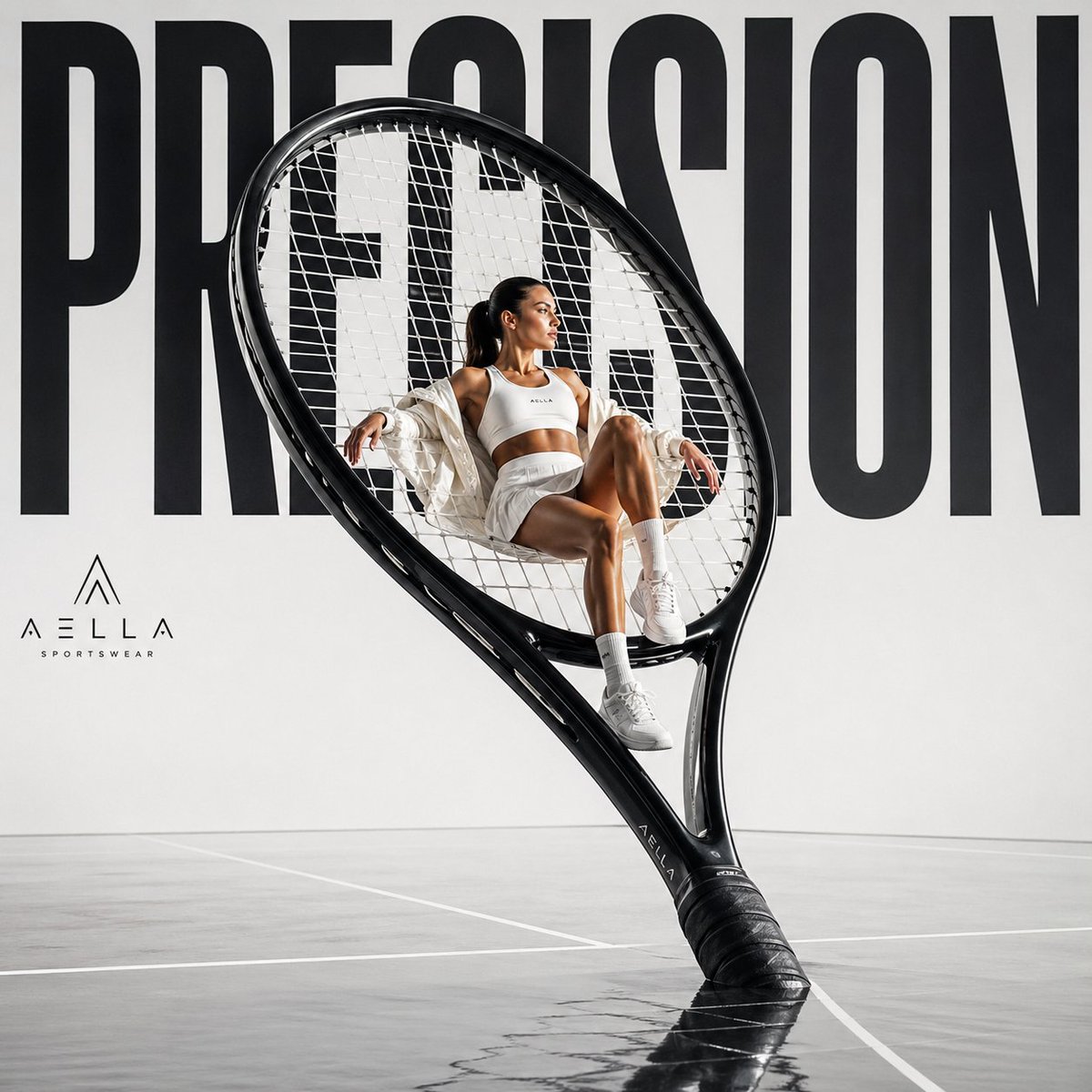
Avant-garde Sports Fashion Advertisement
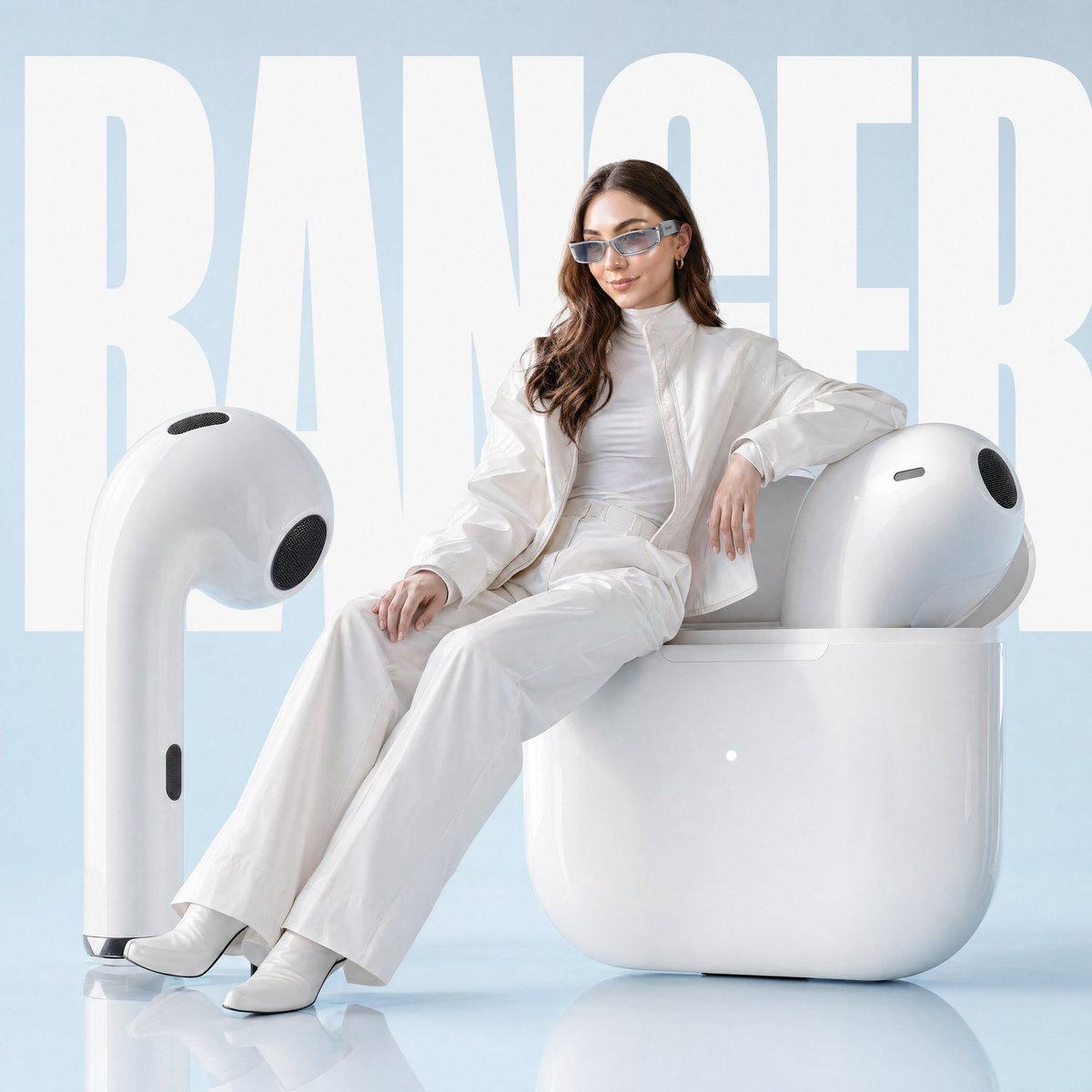
Avant-garde Fashion Advertisement Prompt
Make it yours
Avant-Garde Asian Fashion Model works as-is. These are the safest ways to change it without losing the look.
Change one field
Copy a single group, rewrite it, and generate again so you can see what that field is doing.
Keep the frame, change the subject
Hold the composition and light of Avant-Garde Asian Fashion Model, then swap wardrobe, props or the person for a new take.
| If the result… | Why | Fix |
|---|---|---|
| The result drifts from the preview | Too many fields changed at once. | Reuse Avant-Garde Asian Fashion Model as-is first, then change one group — subject, light, or setting. |
| The model over-stylizes the scene | The prose prompt leaves finish and camera underspecified. | Add one camera or lighting sentence and stay on Gemini 3 Pro Image Preview. |
More Gemini 3 Pro Image Preview templates
Other prompts made for Gemini 3 Pro Image Preview.

Water-level Bridge Modification

Noir Punk Street Portrait

High Contrast Cinematic Face Portrait

Monochrome Studio Portrait with Colored Lens

Ultra-Realistic Yacht Sunset Portrait

Mushroom Still Life Composition

Whimsical Anthropomorphic Friendly Insect

Cinematic Urban Night Billboard Portrait

Ultra-Realistic iPhone Selfie with Motion Blur

Cinematic Mirror Reflection Portrait
More image prompts
Fresh picks from across the catalog.
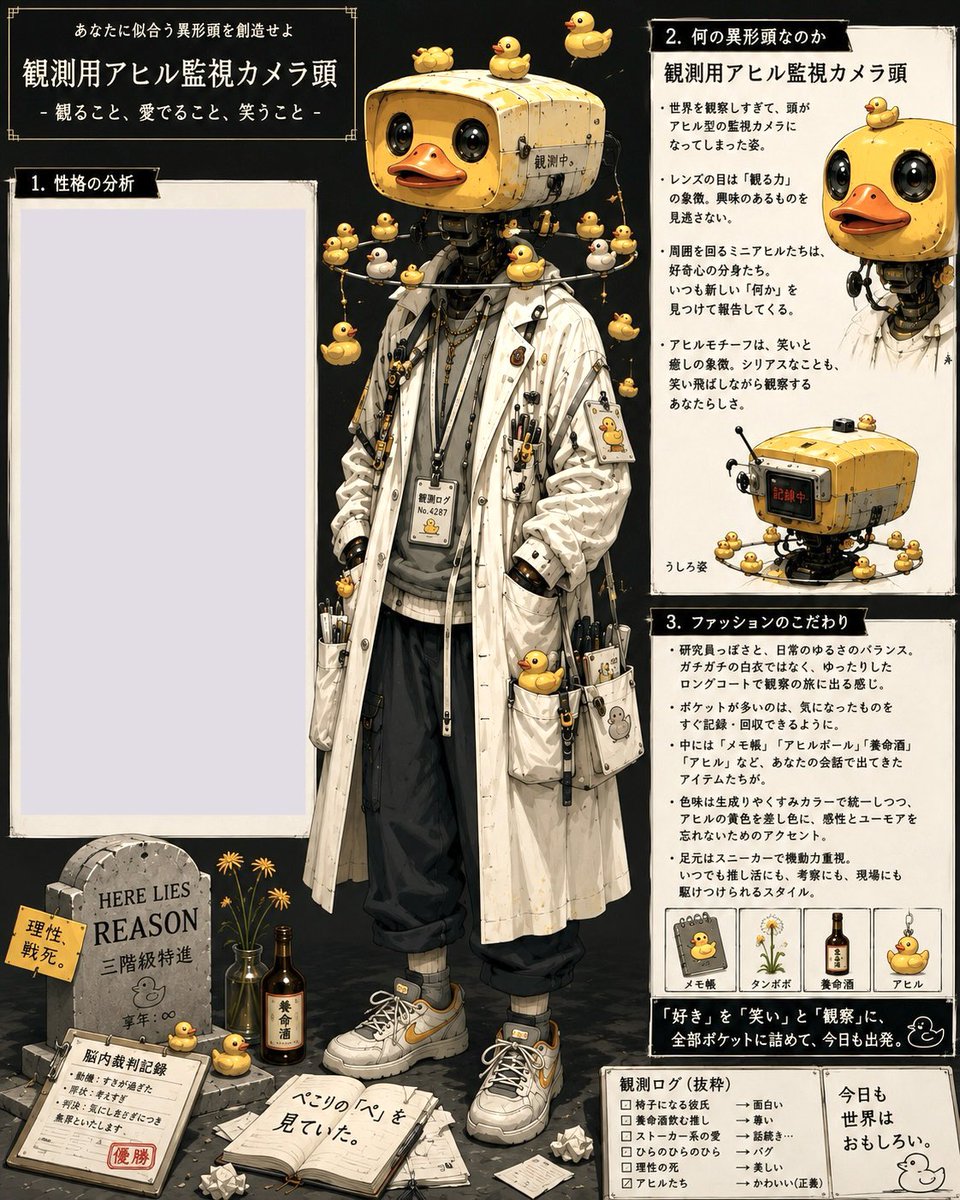
Rubber Duck Camera Head Character Sheet
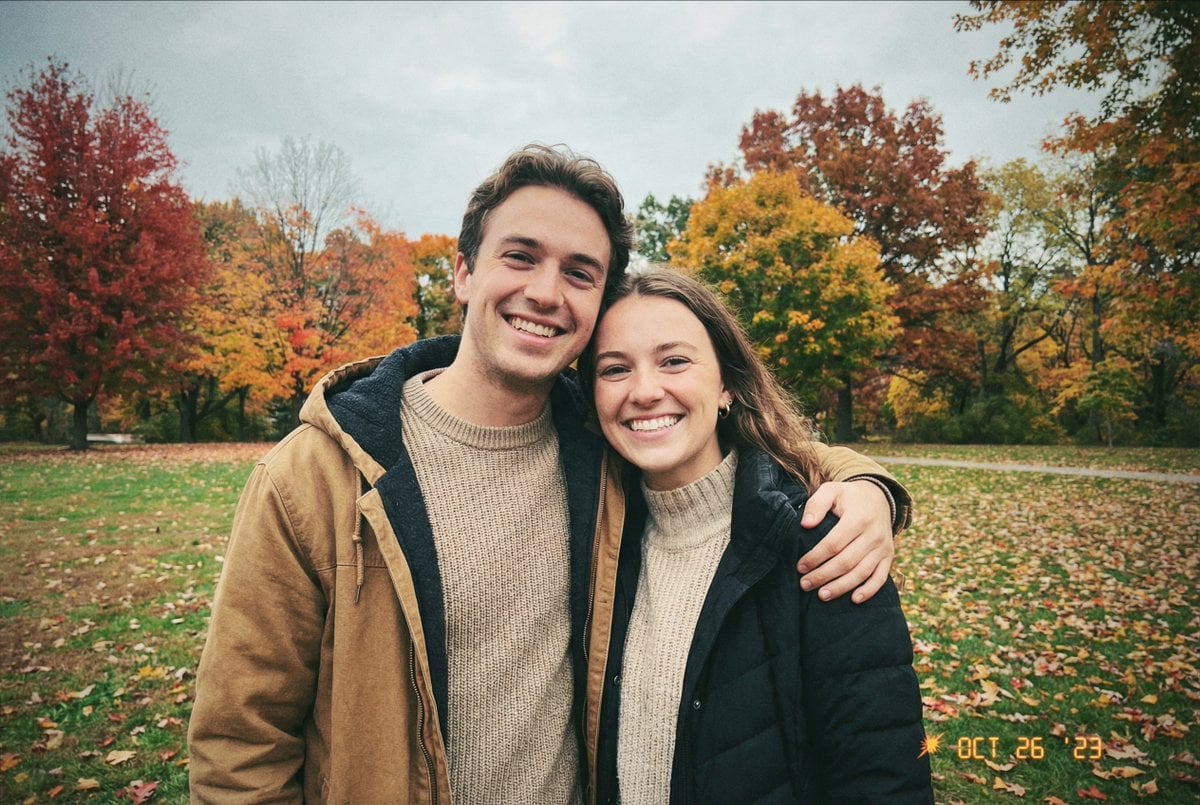
Traditional Christmas Card Design
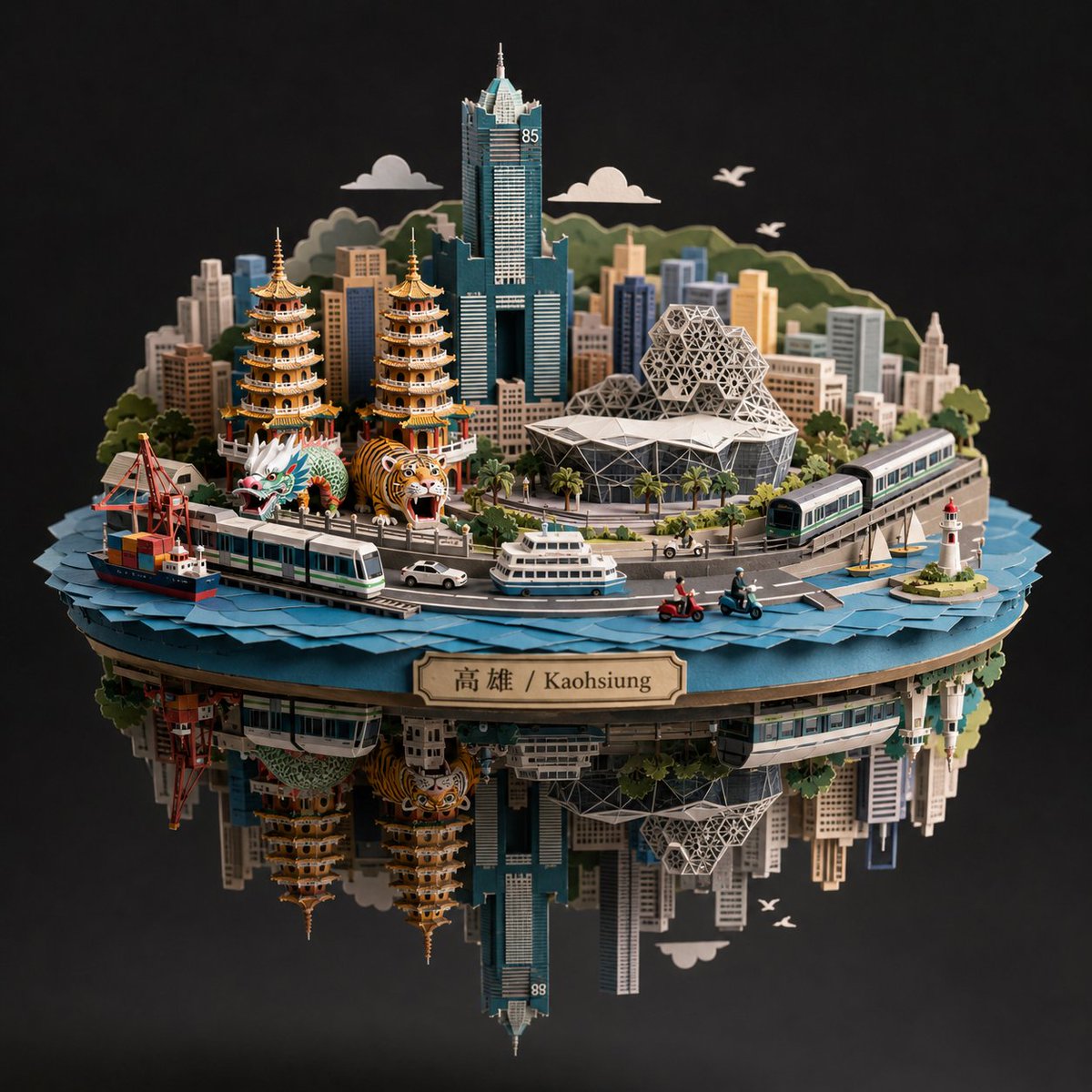
Kaohsiung Spherical Paper City Diorama
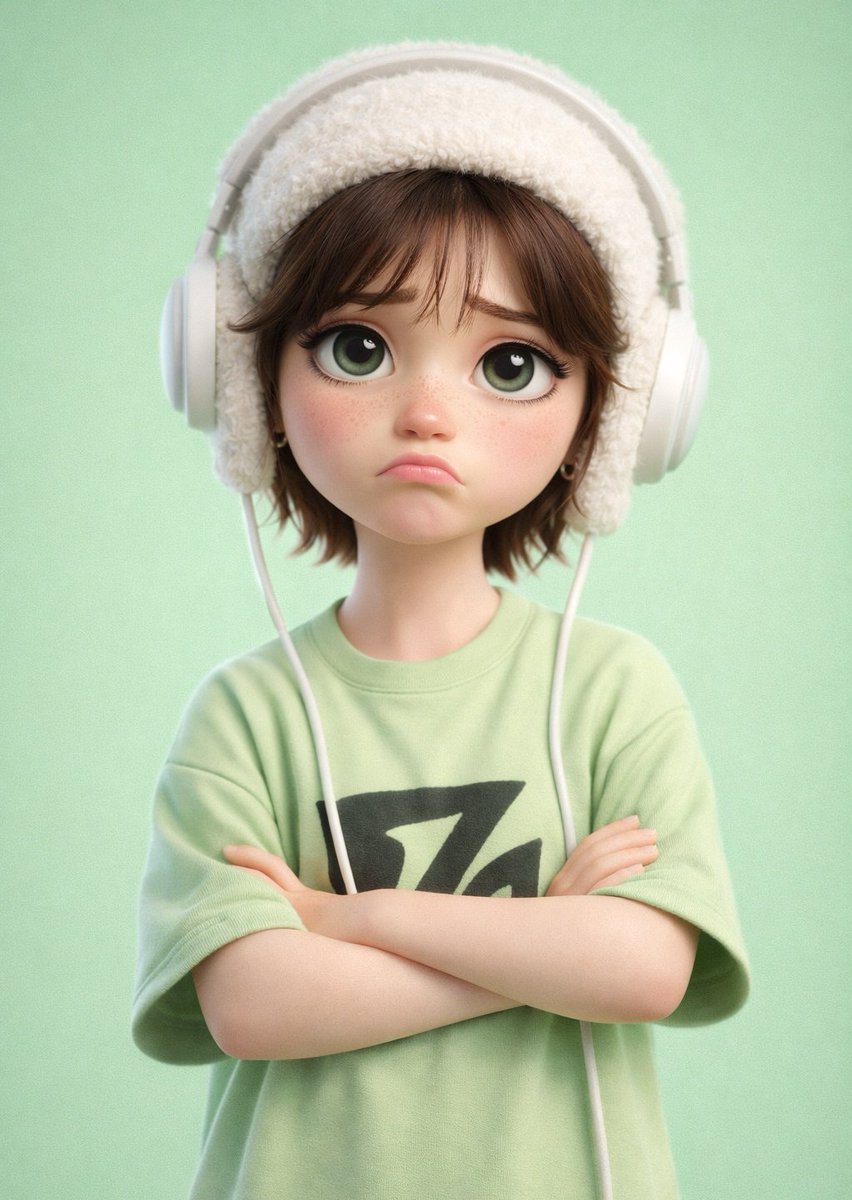
Pixar-Style 3D Cartoon Character
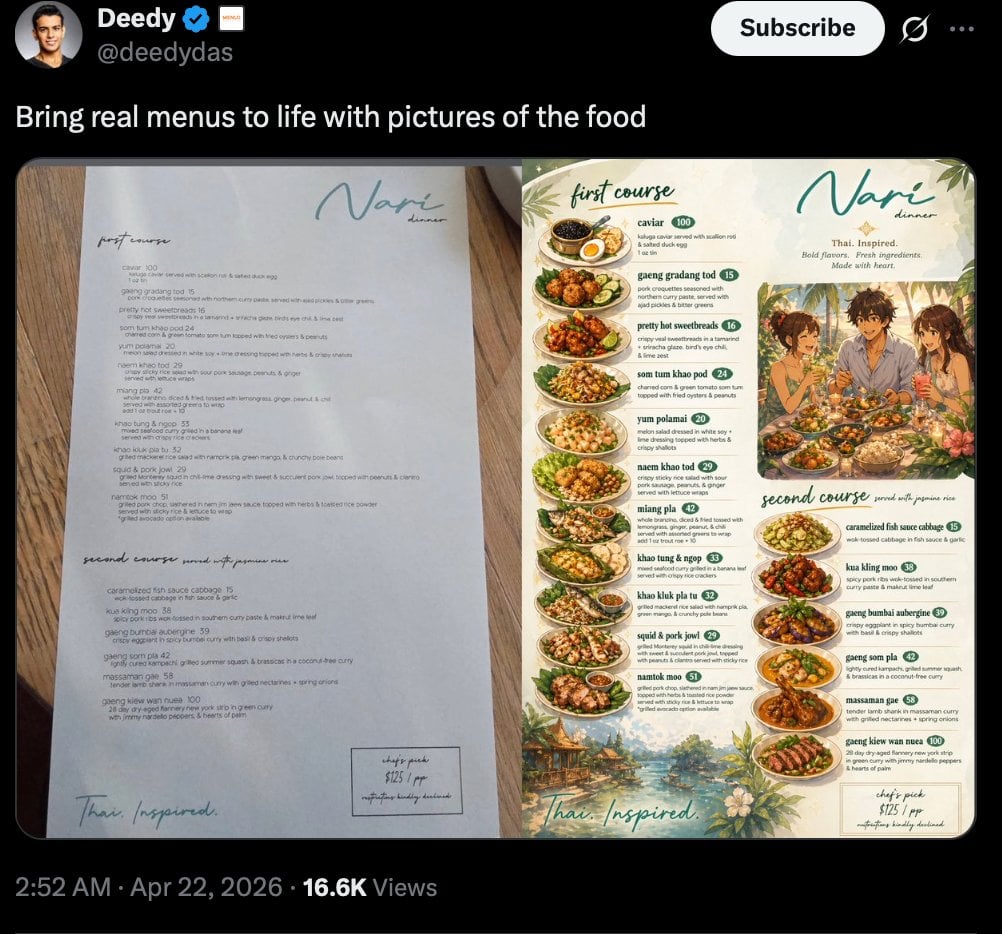
Viral Tweet Menu Before-and-After
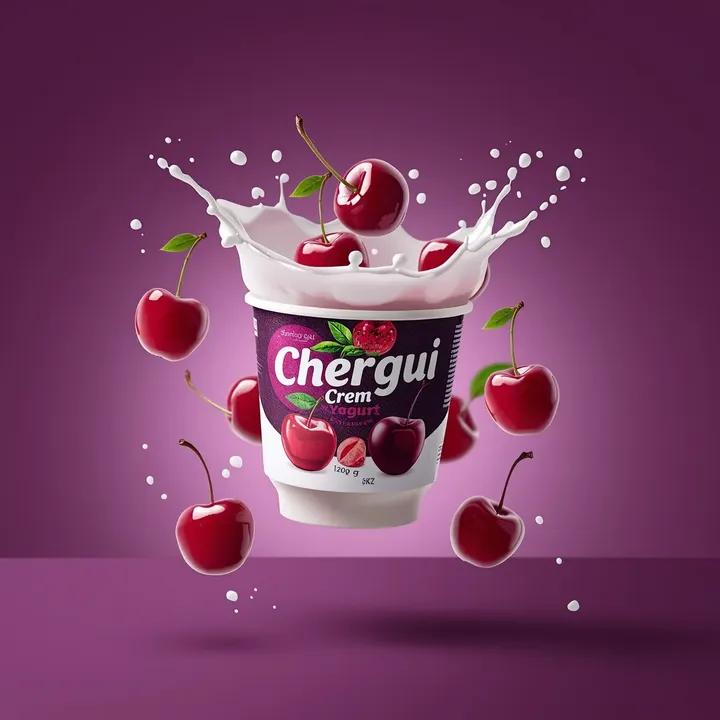
High-End Commercial Yogurt Product Photography
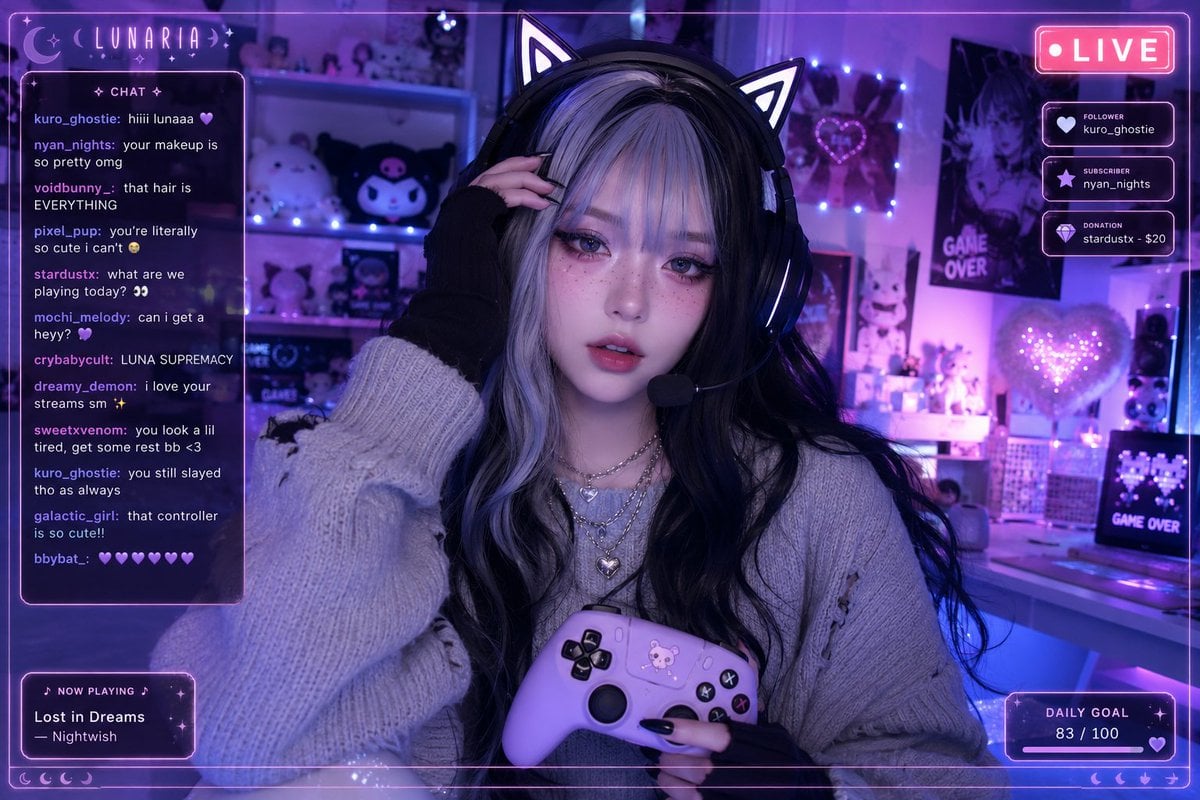
Aesthetic Gamer Girl Streamer
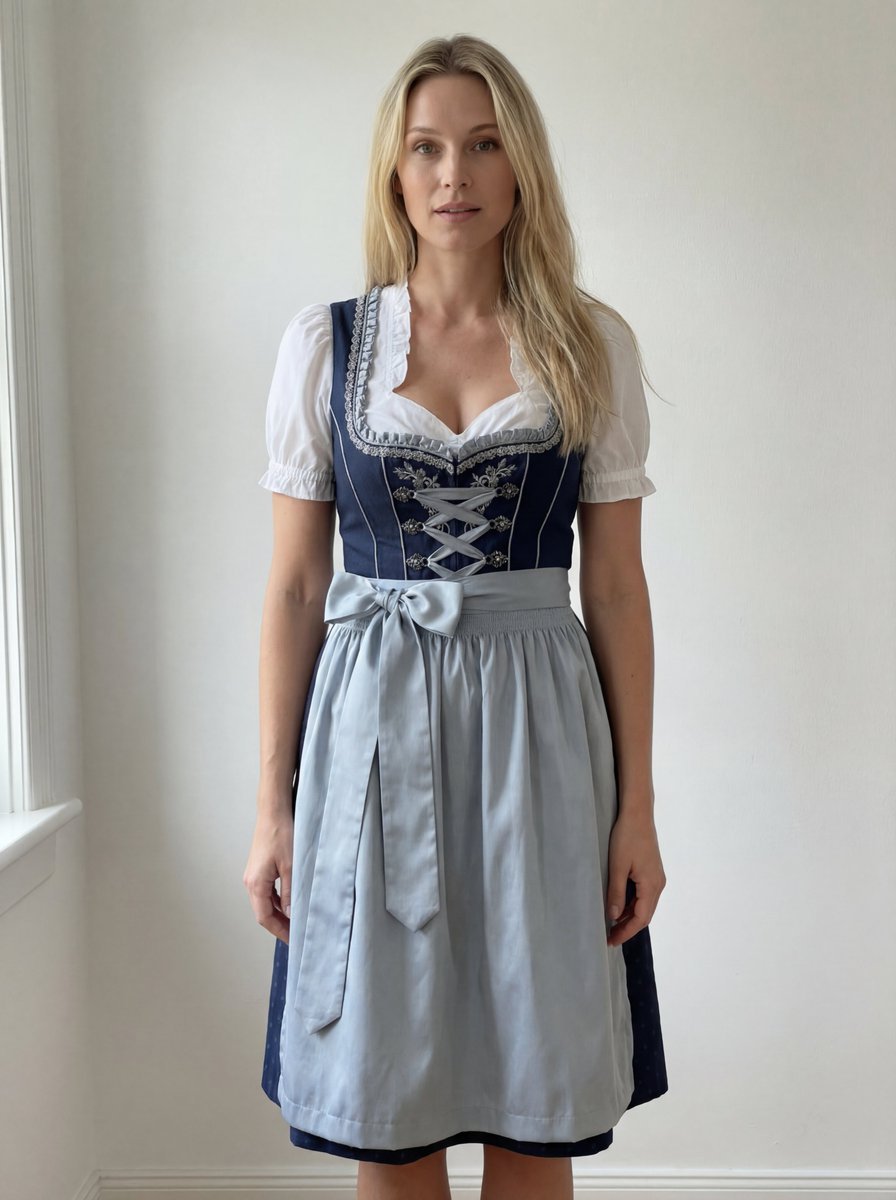
Edit Prompt: Woman in Bavarian Dirndl (Strict Background Preservation)
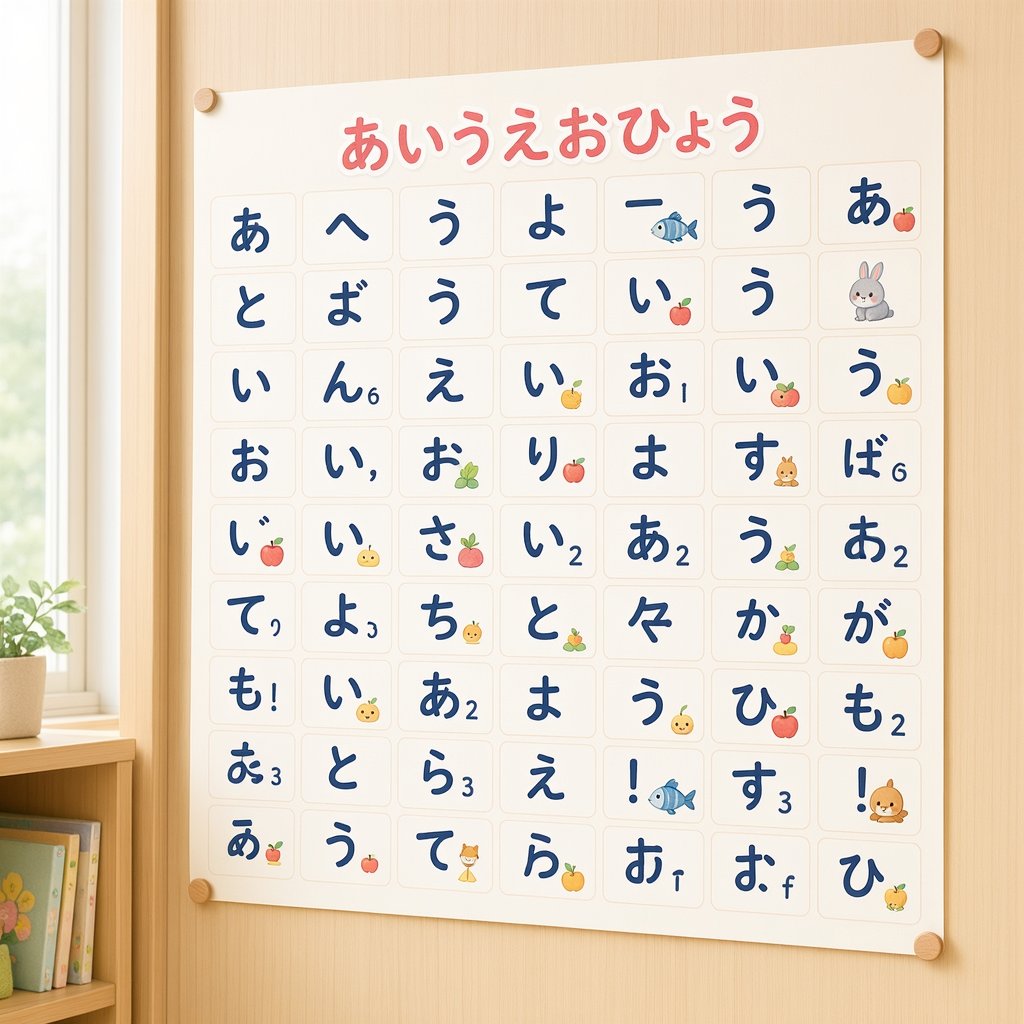
Cute Hiragana Chart Poster

Software Workflow Infographic
Browse template categories
Avant-Garde Asian Fashion Model questions
How do I use the Avant-Garde Asian Fashion Model template?
Add your photo if the template asks for one, edit the prompt if you like — the template's model and format are already selected — and press Generate. Your version opens in PicX Studio.
Can I customize the Avant-Garde Asian Fashion Model template?
Yes. You can change the subject, setting, lighting, mood, format, and available model controls before creating your image.
Is the Avant-Garde Asian Fashion Model template free?
Opening and editing this template is free. Generating uses credits, shown on the Generate button when you are signed in.
Which AI model should I use?
Start with Gemini 3 Pro Image Preview, which is the model associated with this template. You can compare another compatible model for a different finish.
Looking for something else? Browse all templates.

Your photo, any look
Thousands of ready templates for every top image and video model, from one credit balance.