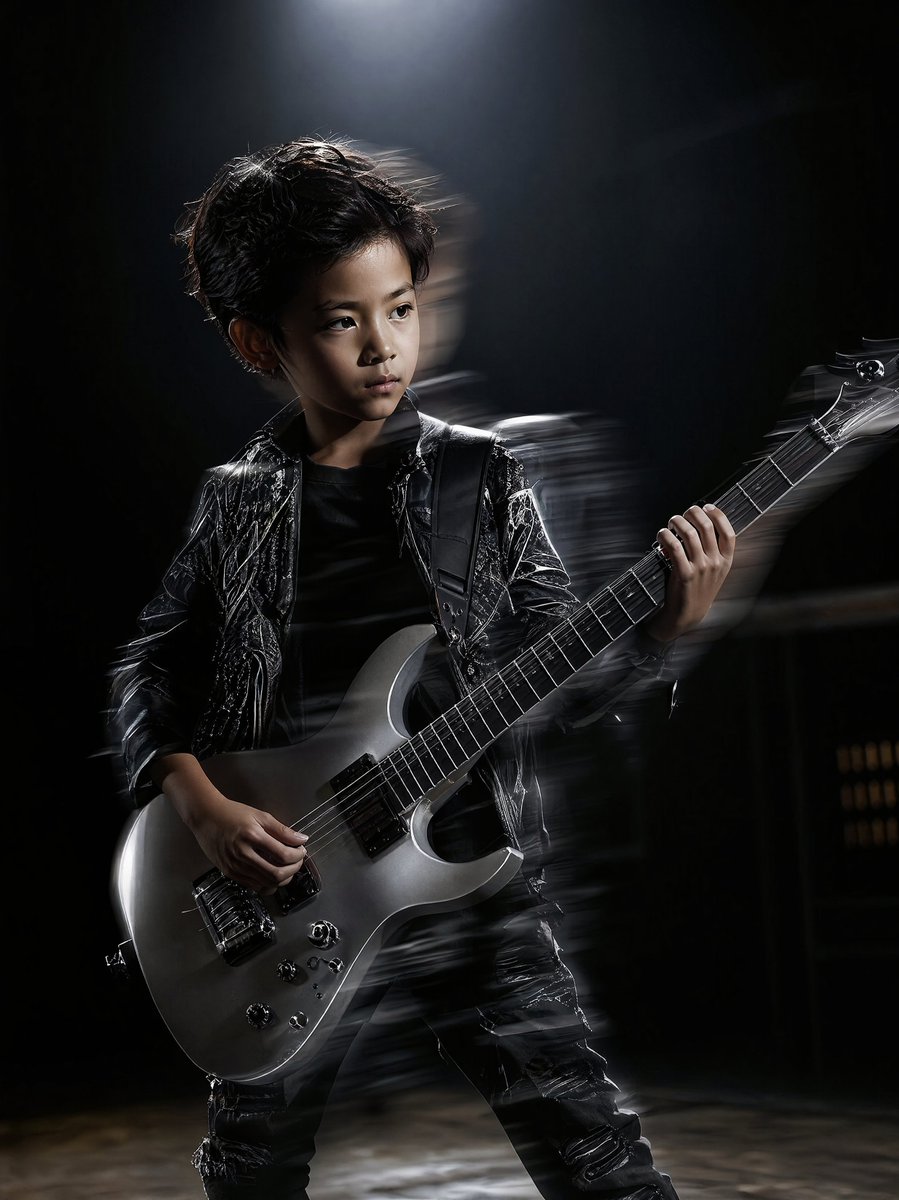
How do I use the High Contrast Cinematic Face Portrait template?
Choose the primary action to open PicX Studio with the available template settings. Review the model and format, personalize the creative direction, and generate when ready.
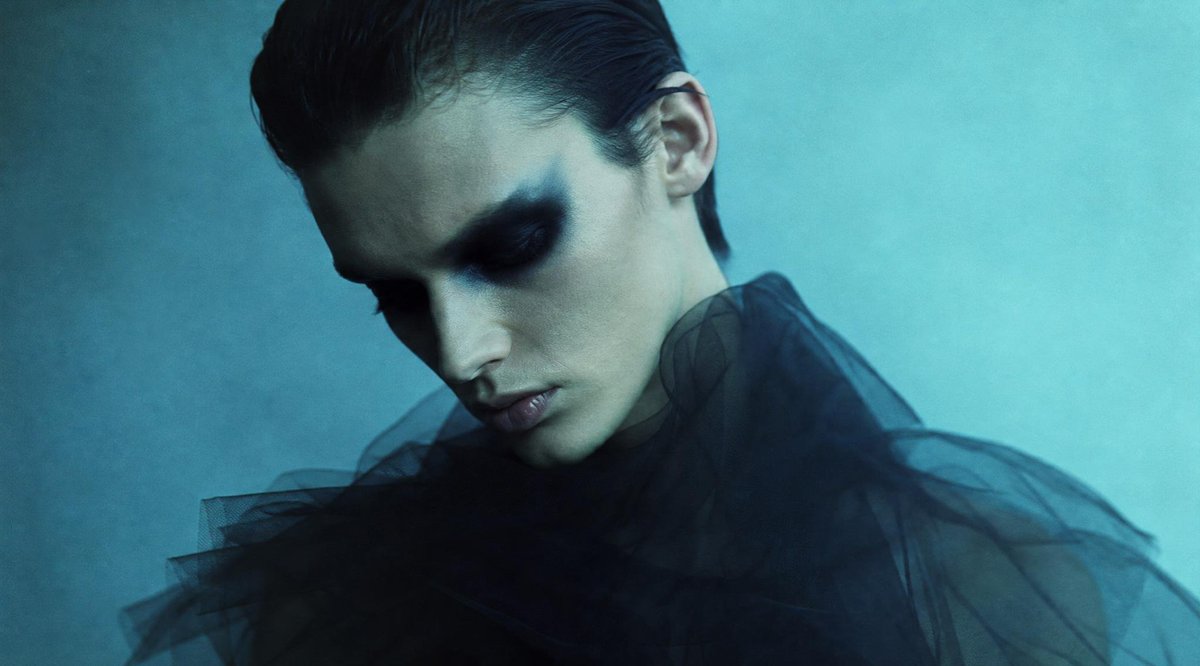
A high-detail prompt for a black and white close-up shot of a face, emphasizing tension, cinematic grain, and natural hair movement.
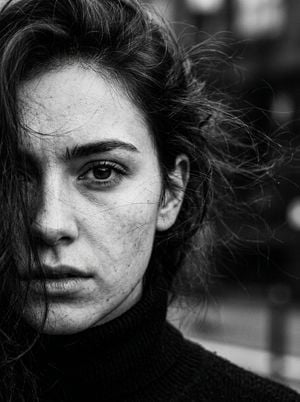
Black and white contrast photo Extremely close-up shot of half of a {argument name="subject" default="girl's"} face She is wearing a {argument name="clothing" default="black turtleneck"} Cinematic effect with added grain. Do not change facial features In the frame only the face up to the eyebrows and the neck Face straight and eyes look into the camera with slight tension Hair loose voluminous and some strands and hairs blowing in the wind
Choose the primary action to open PicX Studio with the available template settings. Review the model and format, personalize the creative direction, and generate when ready.
Yes. You can change the subject, setting, lighting, mood, format, and available model controls before creating your image.
This template is free to open and customize. Generation usage is shown in PicX Studio before you create.
Start with gemini-3-pro-image-preview, which is the model associated with this template. You can compare another compatible model for a different finish.
Follow a topic to a crawlable collection of related PicX Studio templates.