
Supermassive Black Hole Museum Presentation Board
A detailed prompt for generating a museum-grade presentation board about a supermassive black hole (Sagittarius A*).
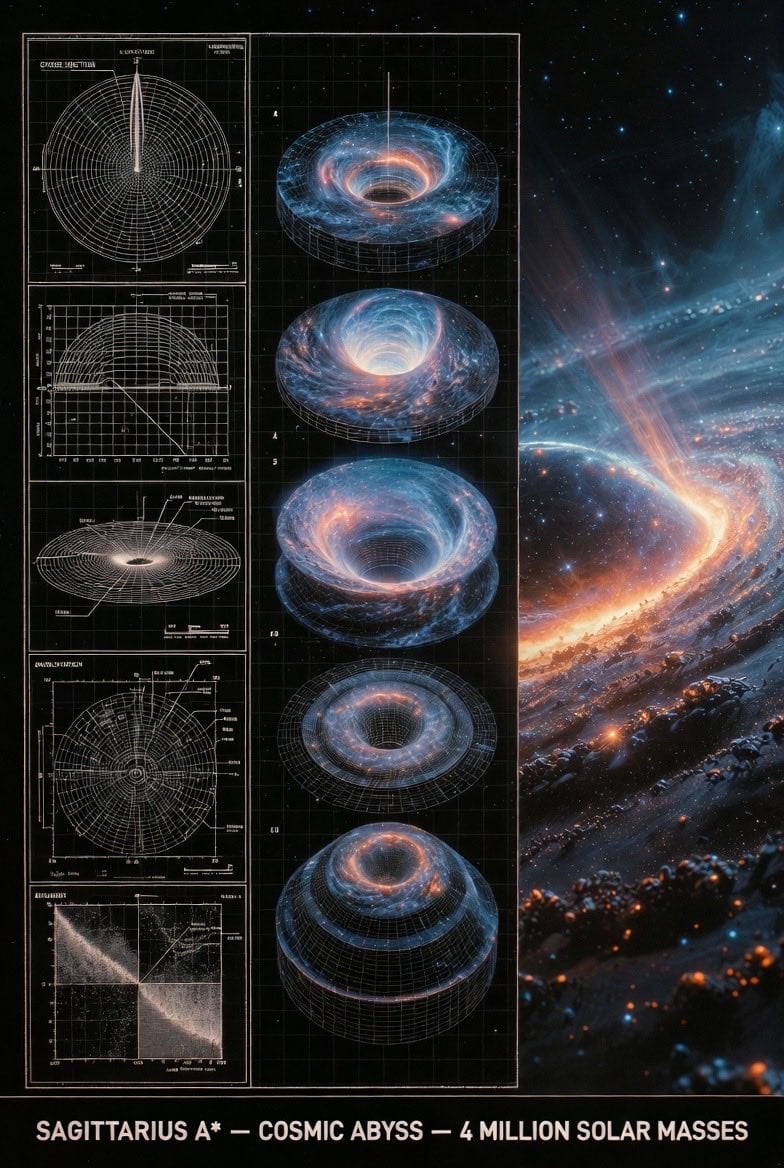
- Prompt included
- Model and format preset
- Free template
The prompt behind this image
Copy the exact prompt behind Supermassive Black Hole Museum Presentation Board, or open it in the studio and make it yours.
An expert astronomer's museum-grade presentation board for a supermassive black hole — event horizon, glowing accretion disk, relativistic jets. Left: black-and-white 2D scientific diagrams (cross-section, orbital paths, spectral analysis) with precise annotations, scale bars, and technical labels. Center: exploded axonometric or layered diagram revealing singularity core, plasma torus, and spacetime curvature layers. Right: photorealistic 3D render of the black hole in the galactic center with swirling stars and distorted light, vibrant orange and blue plasma glow, stellar debris trails. Visual style transitions from archival blueprint tones (graphite schematics, orbital precision) to cosmic atmospheric palette (deep blacks, fiery oranges, electric blues). Clean grid layout with subtle borders, ultra-detailed cinematic realism, NASA or Hubble exhibition quality, high resolution. Title block at bottom: 'SAGITTARIUS A* — COSMIC ABYSS — 4 MILLION SOLAR MASSES'.
How to use Supermassive Black Hole Museum Presentation Board in 3 steps
- 1
Open
The prompt is already in the box next to the preview, with the template's model and format selected.
- 2…a portrait of your subject in softgolden-hour light, 85mm…
Personalize
Edit the subject and creative details for your destination.
- 3Generate
Generate
Press Generate — your image is created in PicX Studio, so you can compare it with the original and refine one variable at a time.
More like this
Templates with the same subject, style or setup. Open one to see its prompt.
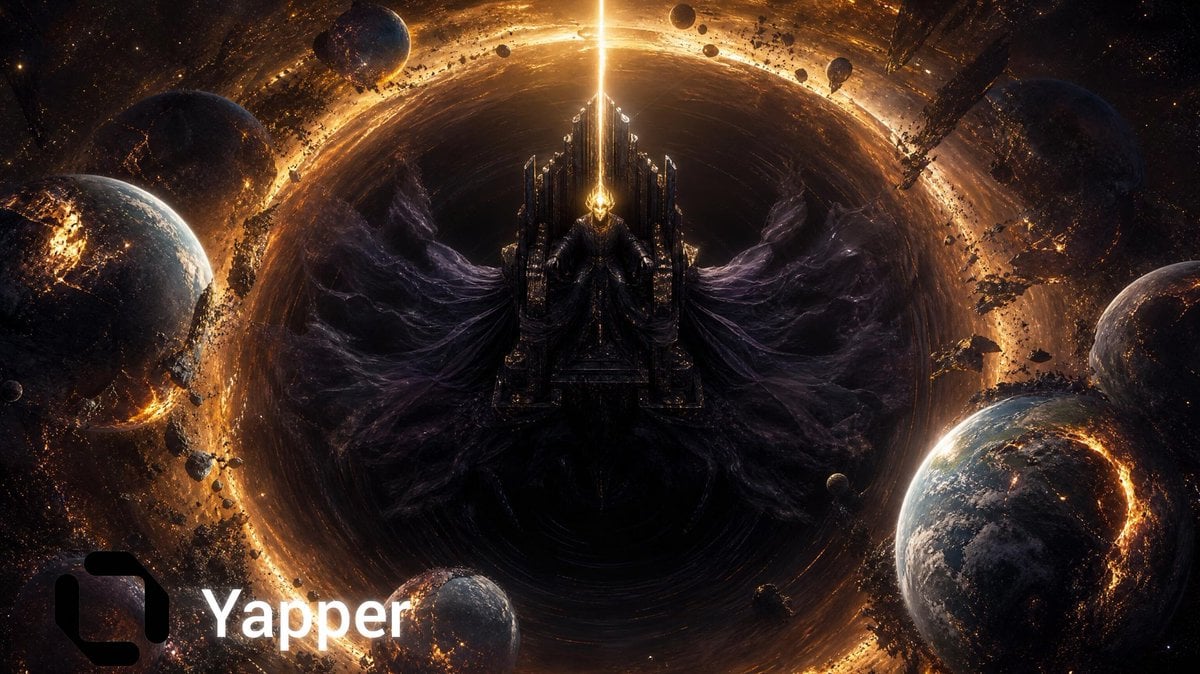
Cosmic Emperor Black Hole Throne

Dark Runway Luxury Fashion Magazine Cover

Black Liquid Cyberpunk Portrait Poster
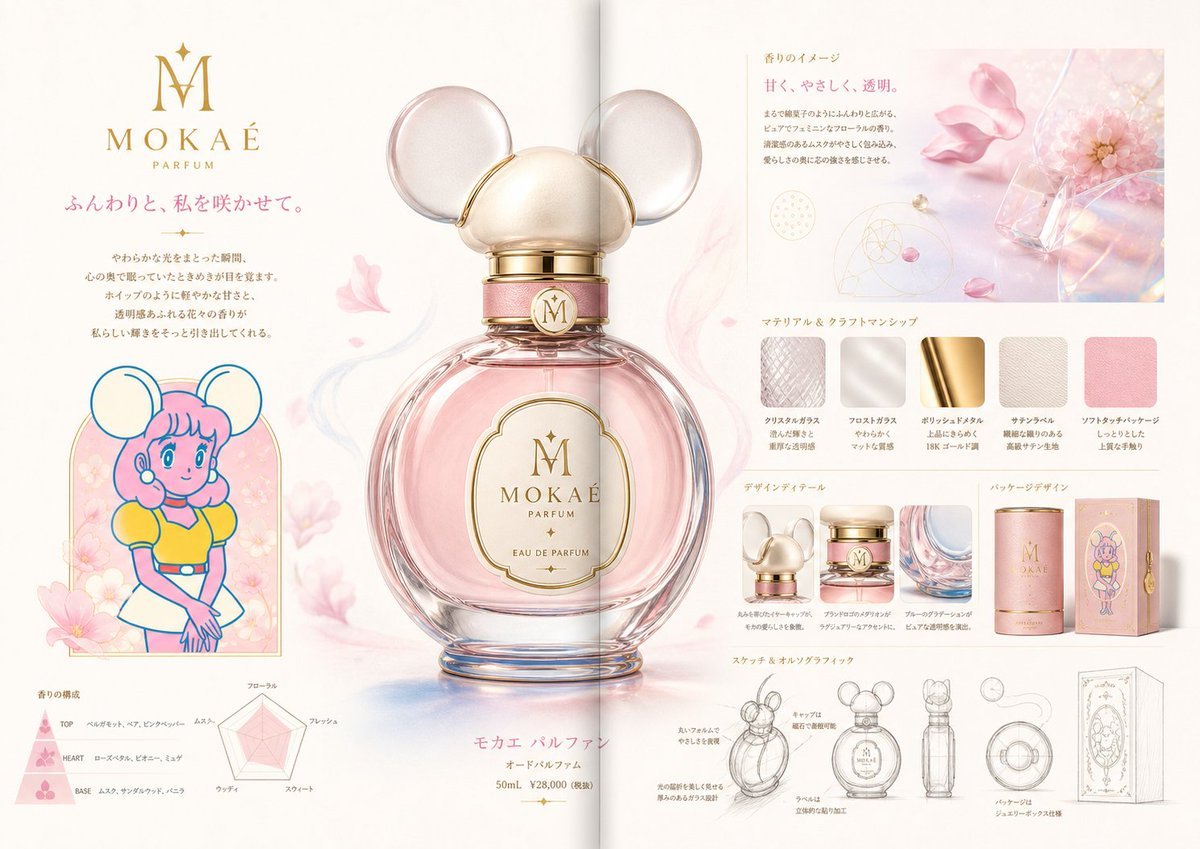
Luxury Perfume Presentation Board
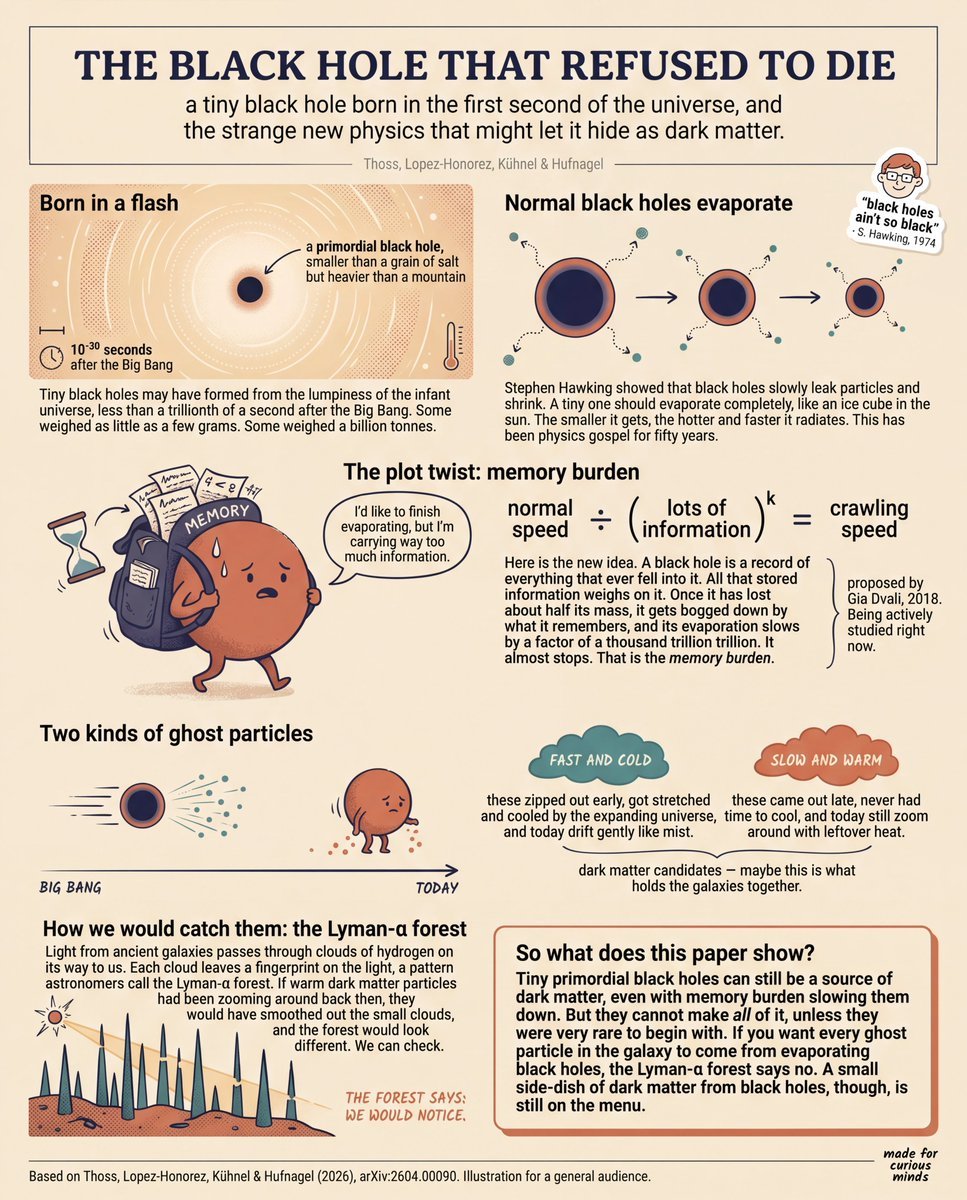
Teen-Friendly Black Hole Physics Infographic
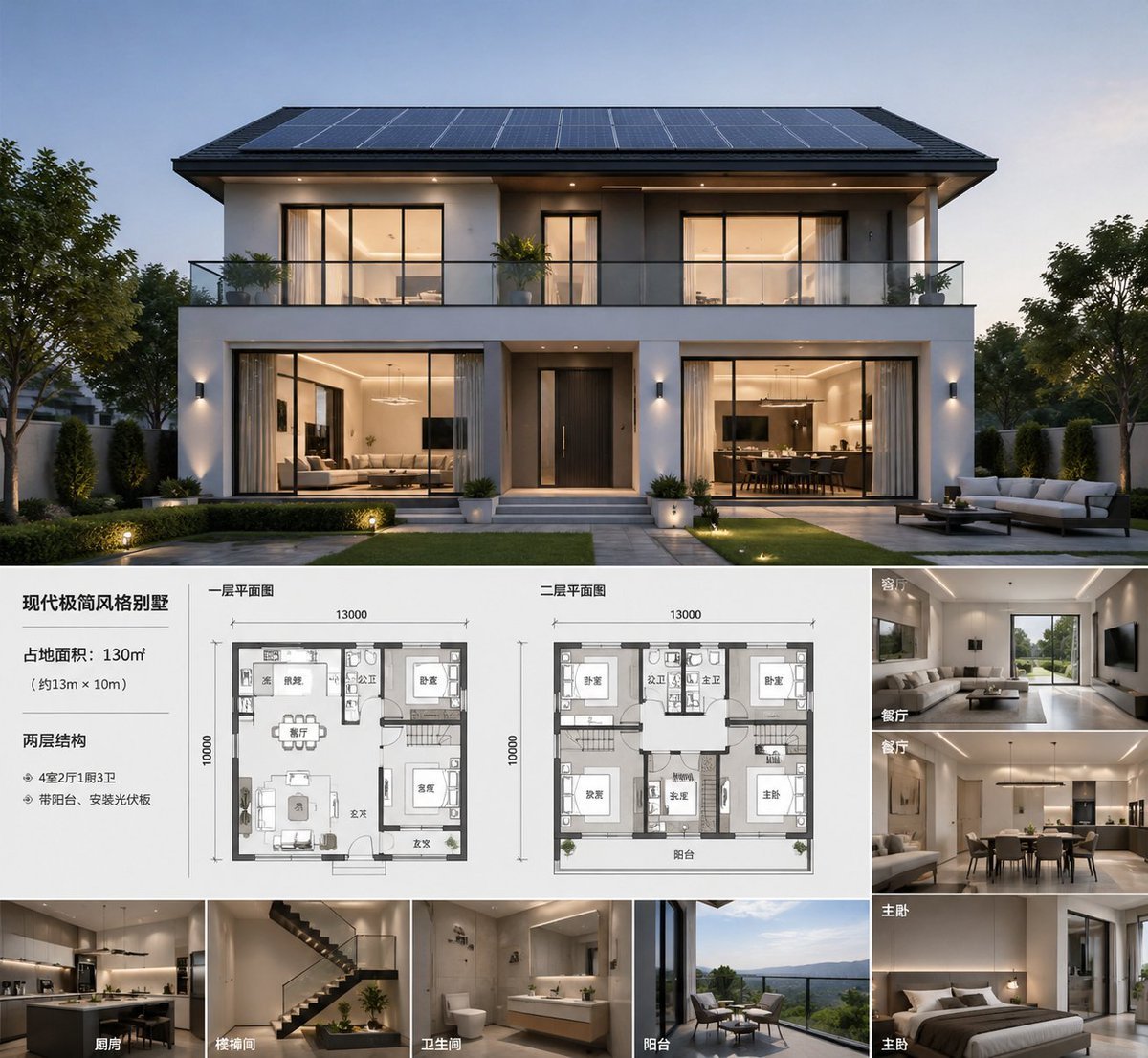
Modern Villa Architecture Presentation Board
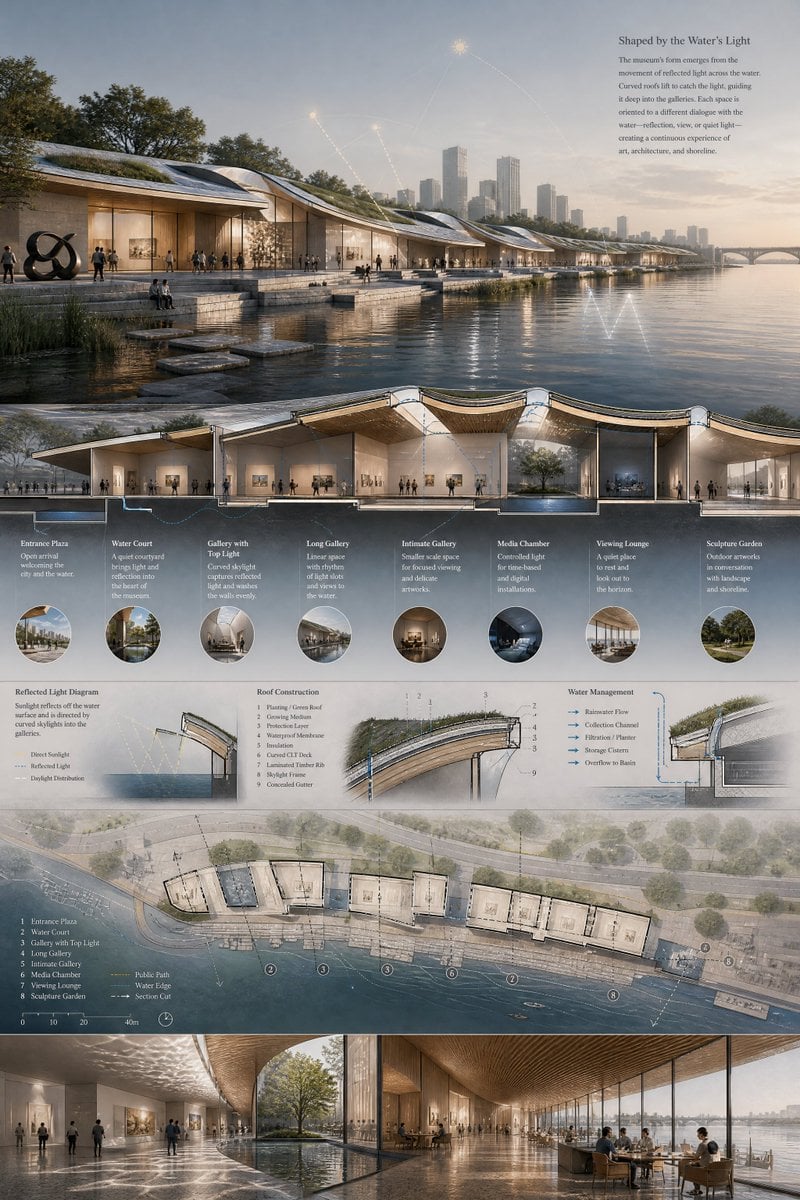
Waterfront Museum Architecture Board
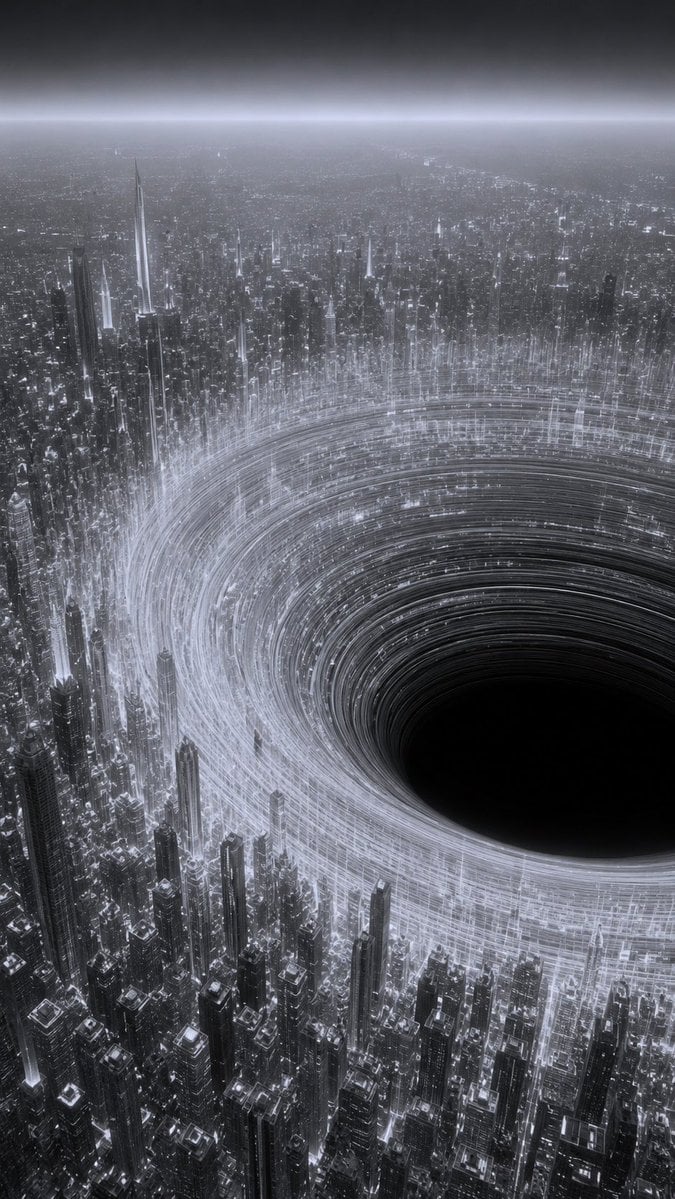
Monochrome Megacity Black Hole
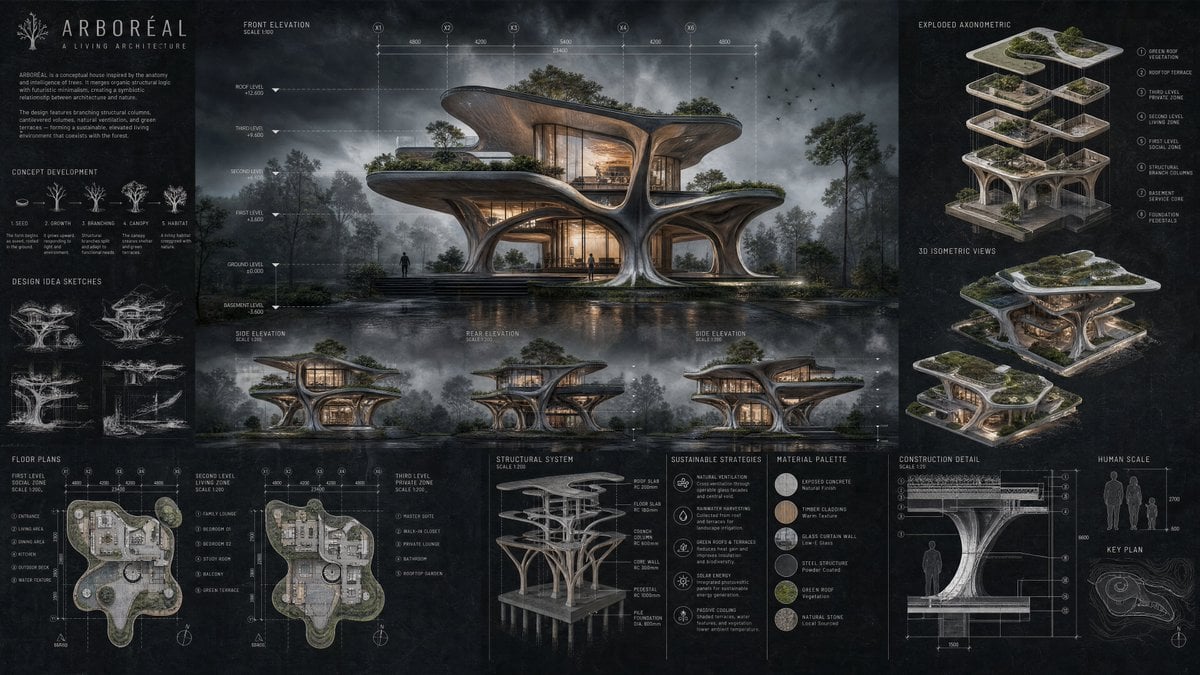
Arboreal Architecture Presentation Board

Woman in Mall with Chanel Bag - Heart Gesture
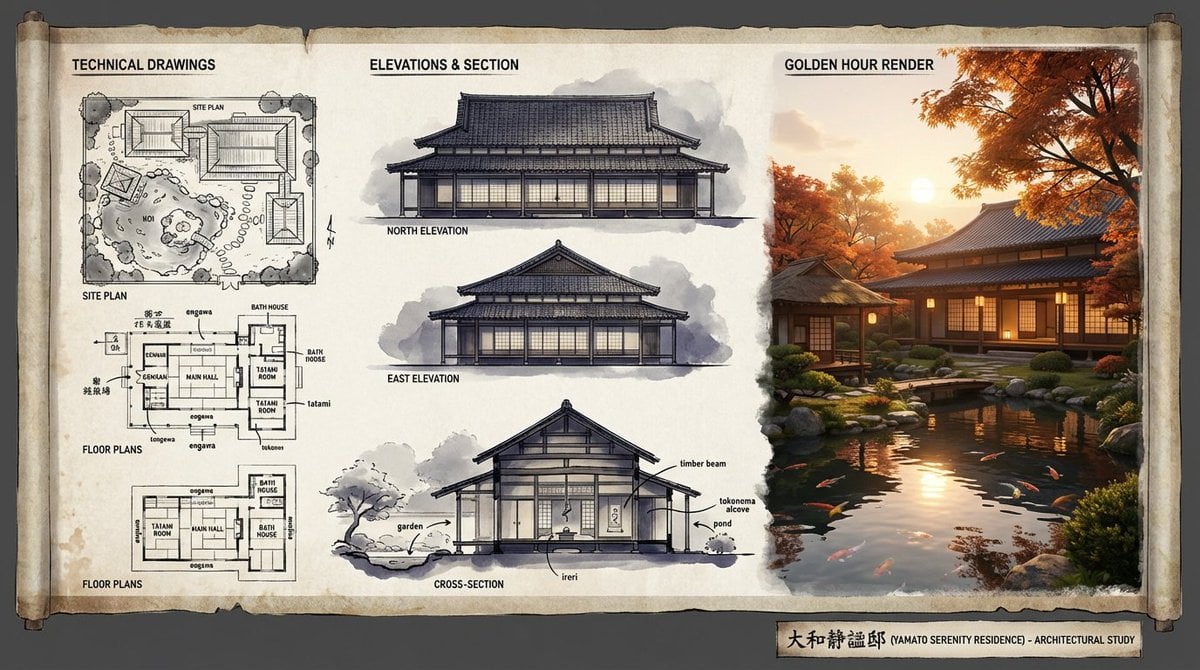
Architectural Illustrator Presentation Board Template
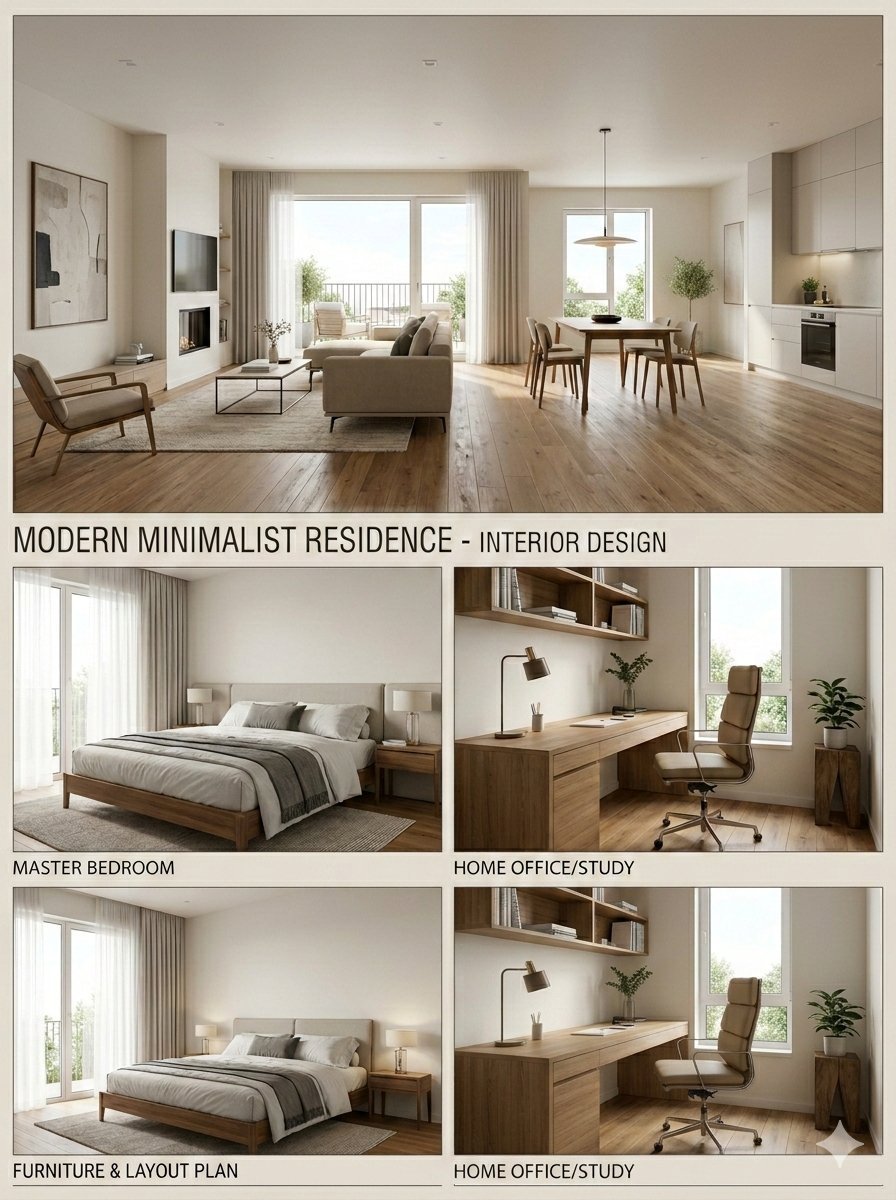
Modern Minimalist Interior Design Presentation Board
Make it yours
Supermassive Black Hole Museum Presentation Board works as-is. These are the safest ways to change it without losing the look.
Change one field
Copy a single group, rewrite it, and generate again so you can see what that field is doing.
Keep the frame, change the subject
Hold the composition and light of Supermassive Black Hole Museum Presentation Board, then swap wardrobe, props or the person for a new take.
| If the result… | Why | Fix |
|---|---|---|
| The result drifts from the preview | Too many fields changed at once. | Reuse Supermassive Black Hole Museum Presentation Board as-is first, then change one group — subject, light, or setting. |
| The model over-stylizes the scene | The prose prompt leaves finish and camera underspecified. | Add one camera or lighting sentence and stay on Nano Banana 2. |
More Nano Banana 2 templates
Other prompts made for Nano Banana 2.

Photorealistic Leaf Shaped Like a Dragon

K-Pop Idol Portrait Grid for Rapid Selection

Poetic Rain Forest Portrait During Golden Hour

Urban Street Portrait with Cartoon Inner Self Duo

Candid Nighttime Photo with Cat Prompt

High-Concept 3D Diorama Generation Prompt

Cinematic Futuristic Studio Portrait Template

Skincare Editorial Photography Collage Prompt

Hyper-Realistic Commercial Product Photography (Splash Effect)

Hyper-Realistic Nightclub Portrait Prompt
More image prompts
Fresh picks from across the catalog.
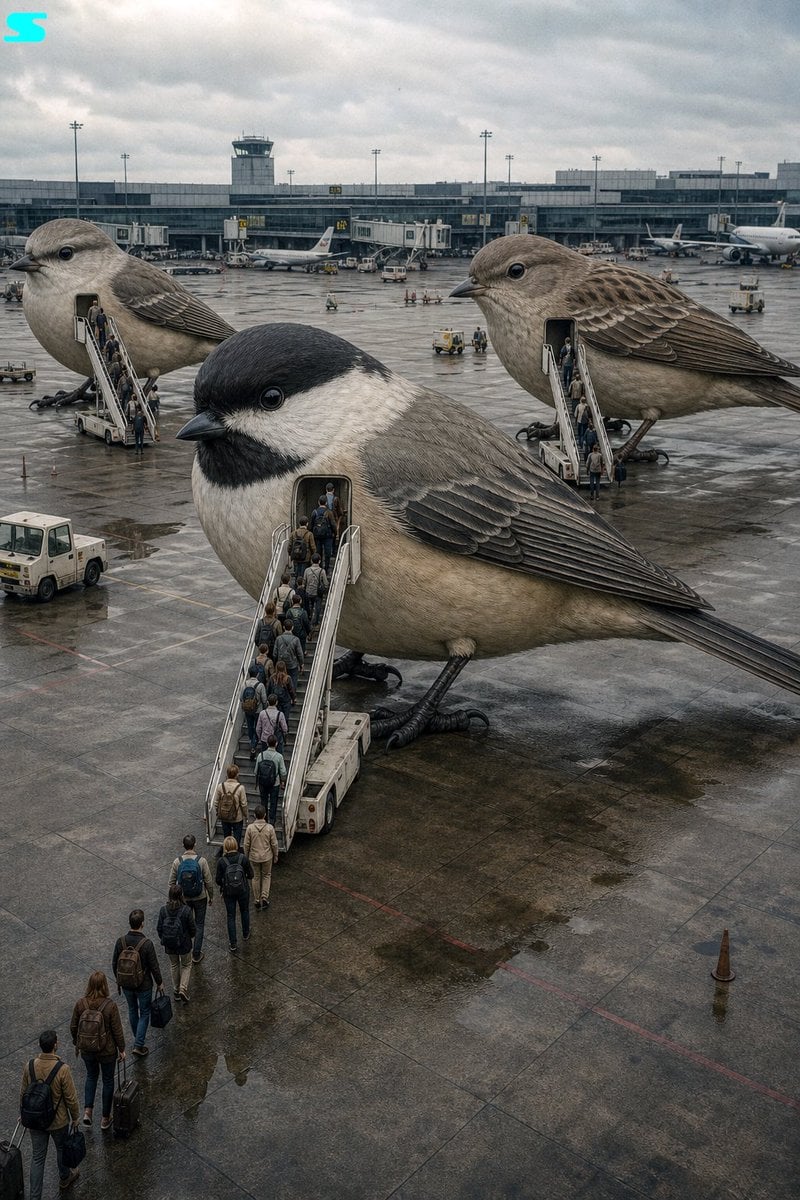
Surreal Giant Bird Aircraft

Enka CD Jacket Design with Nano Banana 2
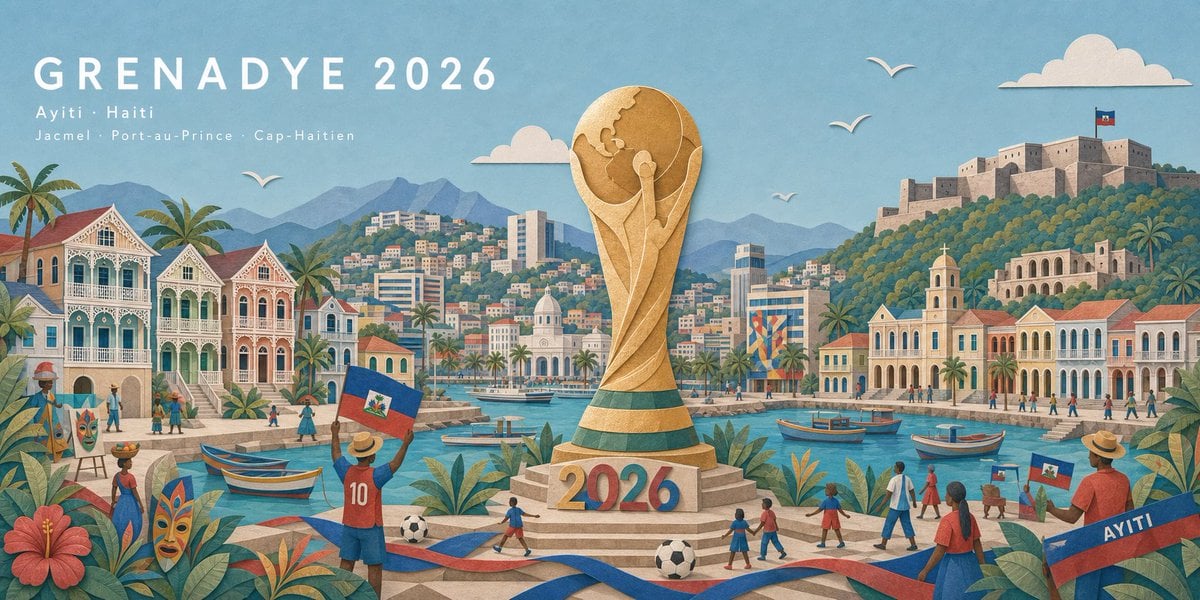
Haitian Football Poster Panorama
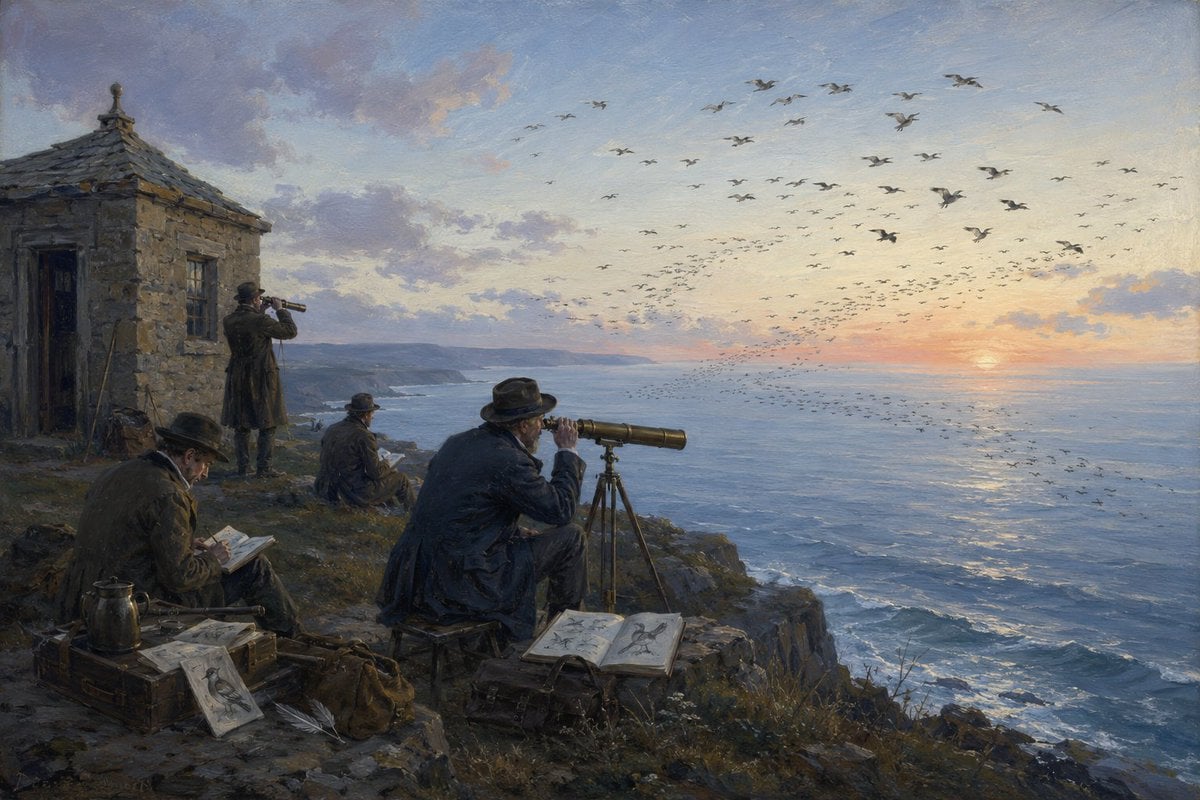
Victorian Coastal Birdwatchers

Manga Style Wild Genius Golfer
Abstract Motion Illusion Prompt
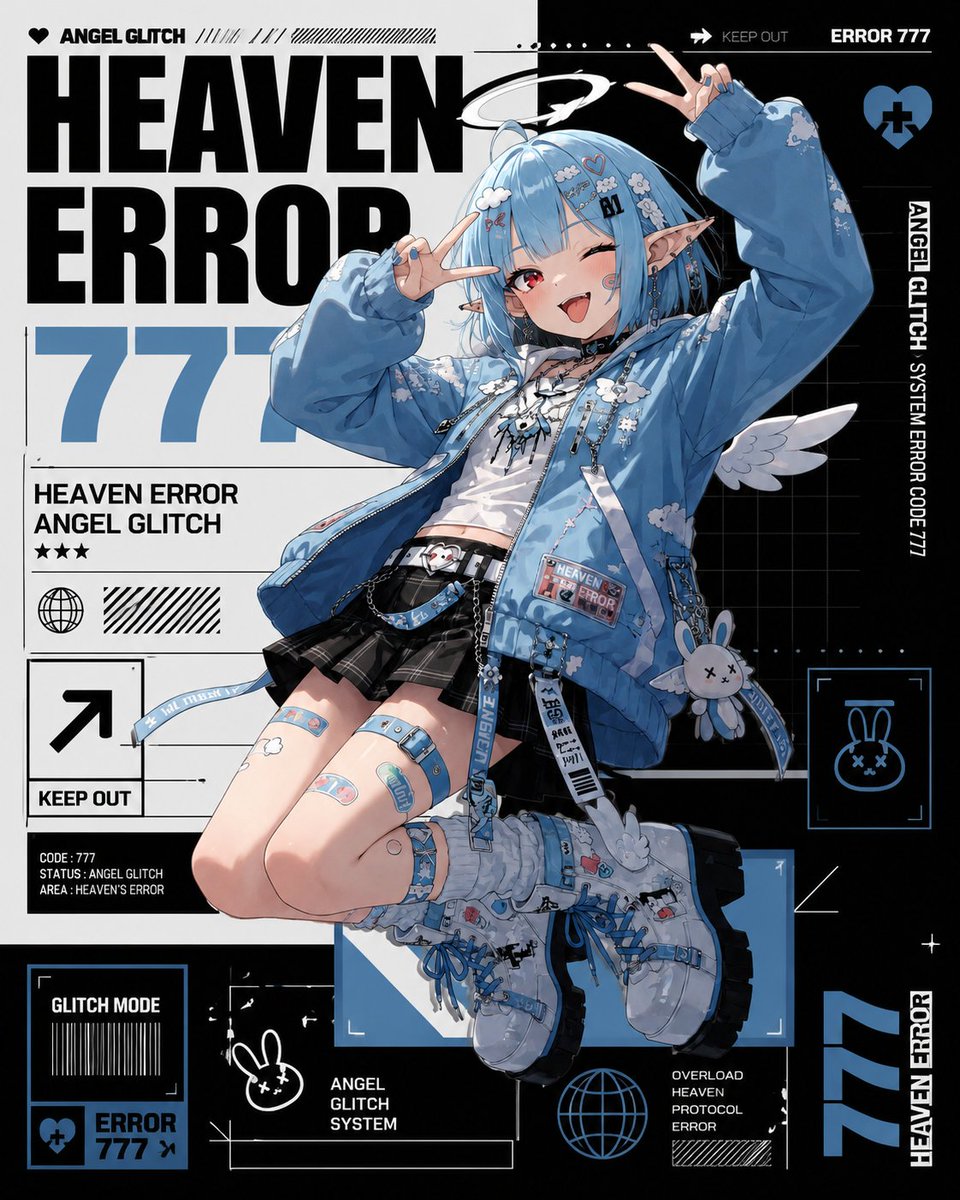
Heaven Error Angel Glitch Poster

Cinematic Street Style Identity Preservation Prompt
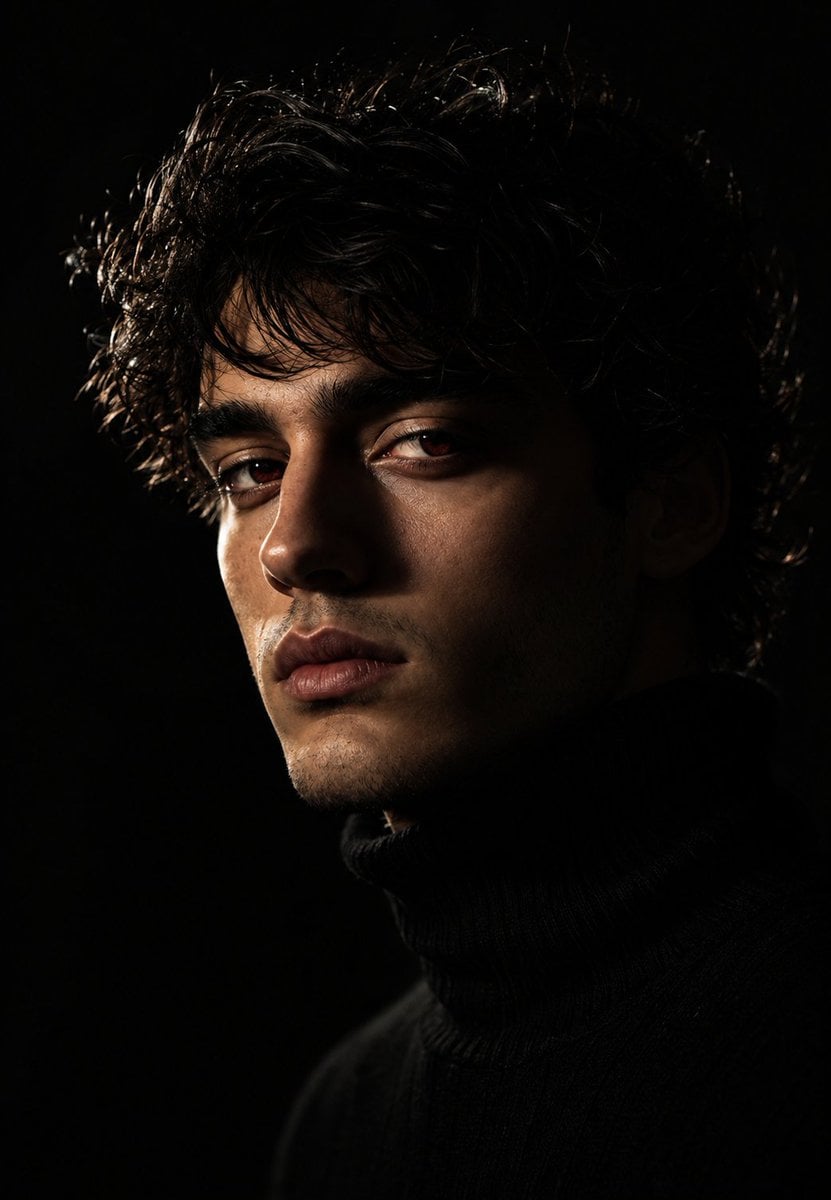
Moody Chiaroscuro Studio Portrait

4K Wallpaper Prompt of a Baby Tiger Cub using Gemini Nano Banana Pro
Browse template categories
Supermassive Black Hole Museum Presentation Board questions
How do I use the Supermassive Black Hole Museum Presentation Board template?
Add your photo if the template asks for one, edit the prompt if you like — the template's model and format are already selected — and press Generate. Your version opens in PicX Studio.
Can I customize the Supermassive Black Hole Museum Presentation Board template?
Yes. You can change the subject, setting, lighting, mood, format, and available model controls before creating your image.
Is the Supermassive Black Hole Museum Presentation Board template free?
Opening and editing this template is free. Generating uses credits, shown on the Generate button when you are signed in.
Which AI model should I use?
Start with Nano Banana 2, which is the model associated with this template. You can compare another compatible model for a different finish.
Looking for something else? Browse all templates.

Your photo, any look
Thousands of ready templates for every top image and video model, from one credit balance.