
Manga Style Wild Genius Golfer
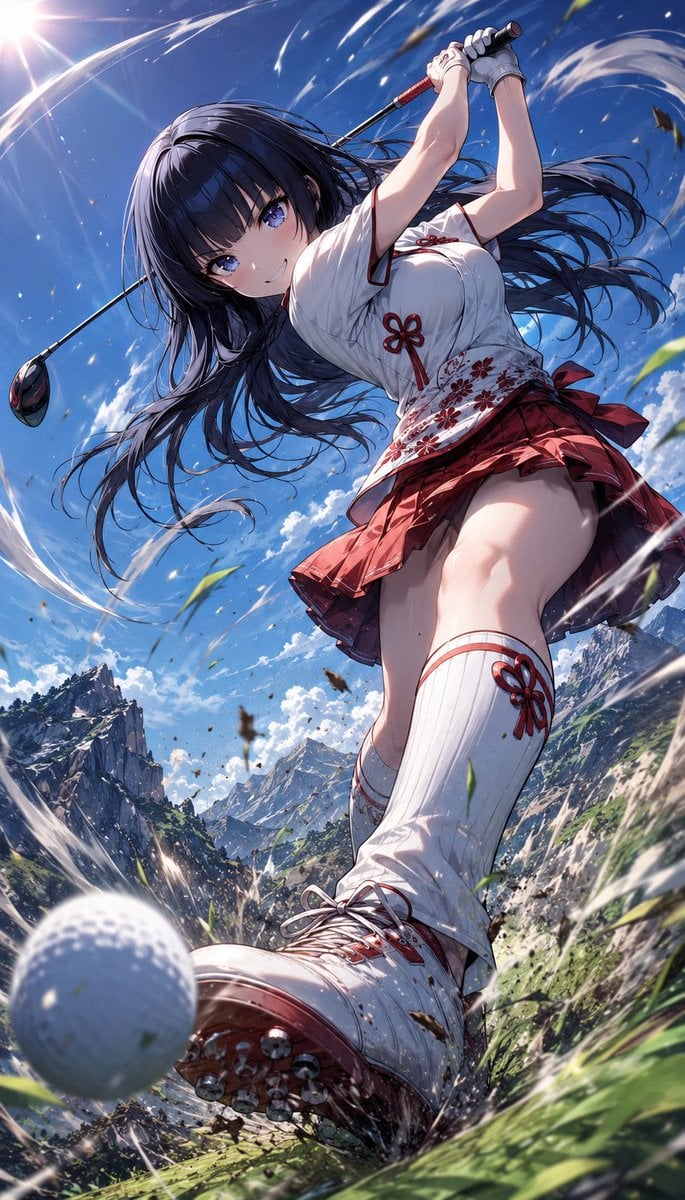
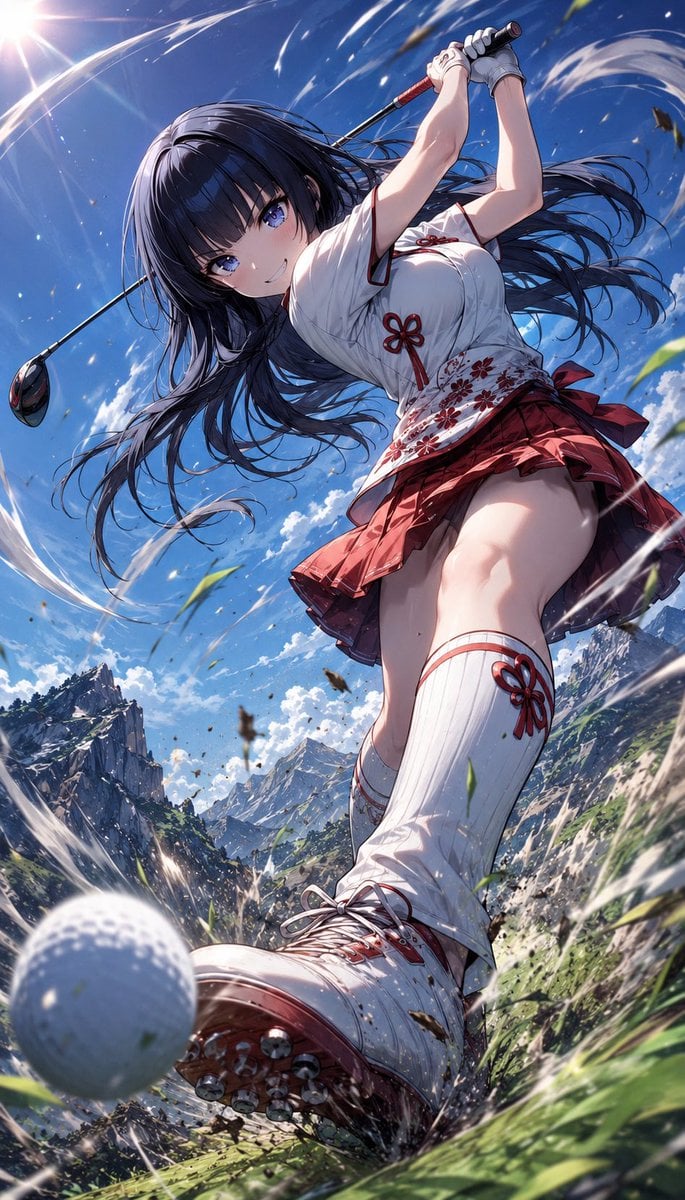
An image transformation prompt that redraws characters in a classic Japanese sports manga style with dynamic, explosive energy and determined expressions.
- Prompt included
- Model and format preset
- Free template
The prompt behind this image
Copy the exact prompt behind Manga Style Wild Genius Golfer, or open it in the studio and make it yours.
Analyze the uploaded illustration carefully and redraw the character as a {argument name="character style" default="wild genius golfer"} inspired by {argument name="visual energy" default="classic Japanese sports manga energy"}, recreating the dramatic {argument name="atmosphere" default="“legendary mountain golf swing” atmosphere"}: low-angle dynamic composition, intense determined eyes, fearless grin, rough powerful stance, body twisted mid-swing, club raised with explosive momentum, wind and dust swirling around. Preserve the uploaded character’s face, eyes, hairstyle, hair color, outfit motifs, proportions, colors, personality, and worldbuilding, but reinterpret them as a unique fantasy pro golfer. The golf outfit, club, gloves, shoes, accessories, patterns, colors, and silhouette must naturally reflect the original artwork’s atmosphere, symbols, motifs, and emotional tone. The expression should feel bold, mischievous, confident, and unstoppable, as if the character is about to hit an impossible miracle shot. Add dramatic speed lines, flying grass, sharp sunlight, cinematic shadows, dynamic anime sports poster composition, ultra detailed, no text, no watermark.
Reference images included
Manga Style Wild Genius Golfer needs input media to work. They load alongside the prompt when you open it in the studio.
How to use Manga Style Wild Genius Golfer in 3 steps
- 1Upload ImagePNG, JPG or paste
Add your photo
Upload the photo the template builds on. The prompt, model and format are already set.
- 2…a portrait of your subject in softgolden-hour light, 85mm…
Personalize
Edit the subject and creative details for your destination.
- 3Generate
Generate
Press Generate — your image is created in PicX Studio, so you can compare it with the original and refine one variable at a time.
More like this
Templates with the same subject, style or setup. Open one to see its prompt.
Wild West Double Exposure Poster
Watercolor Golfer Follow-Through
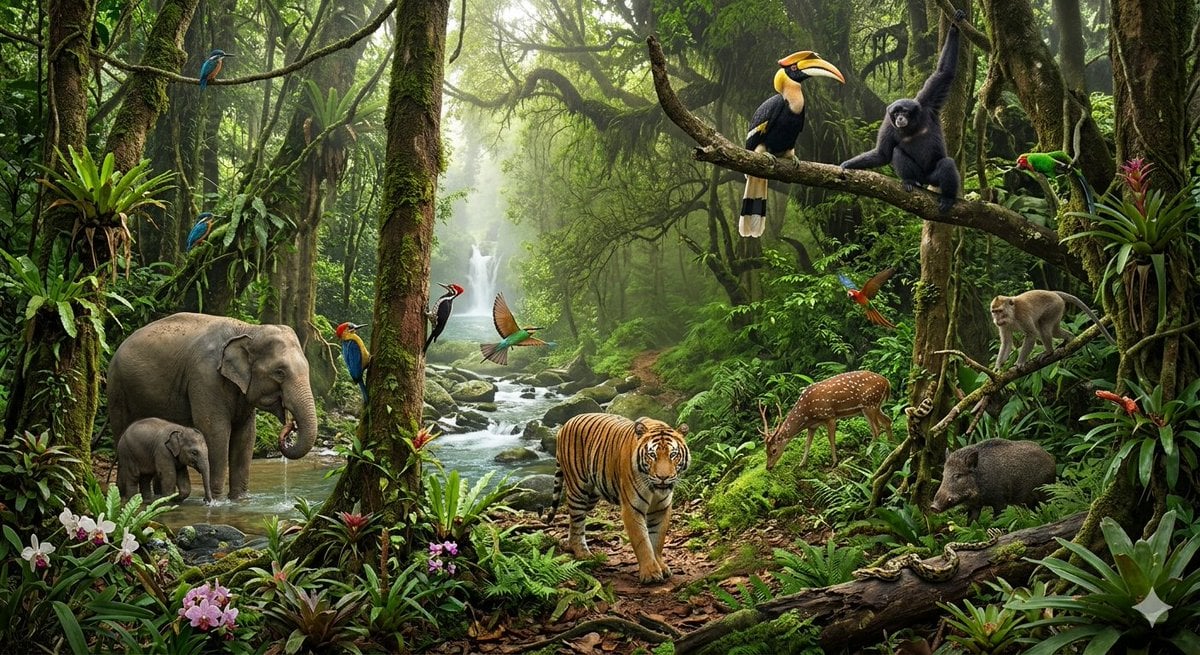
Tropical Rainforest Wildlife Ecosystem
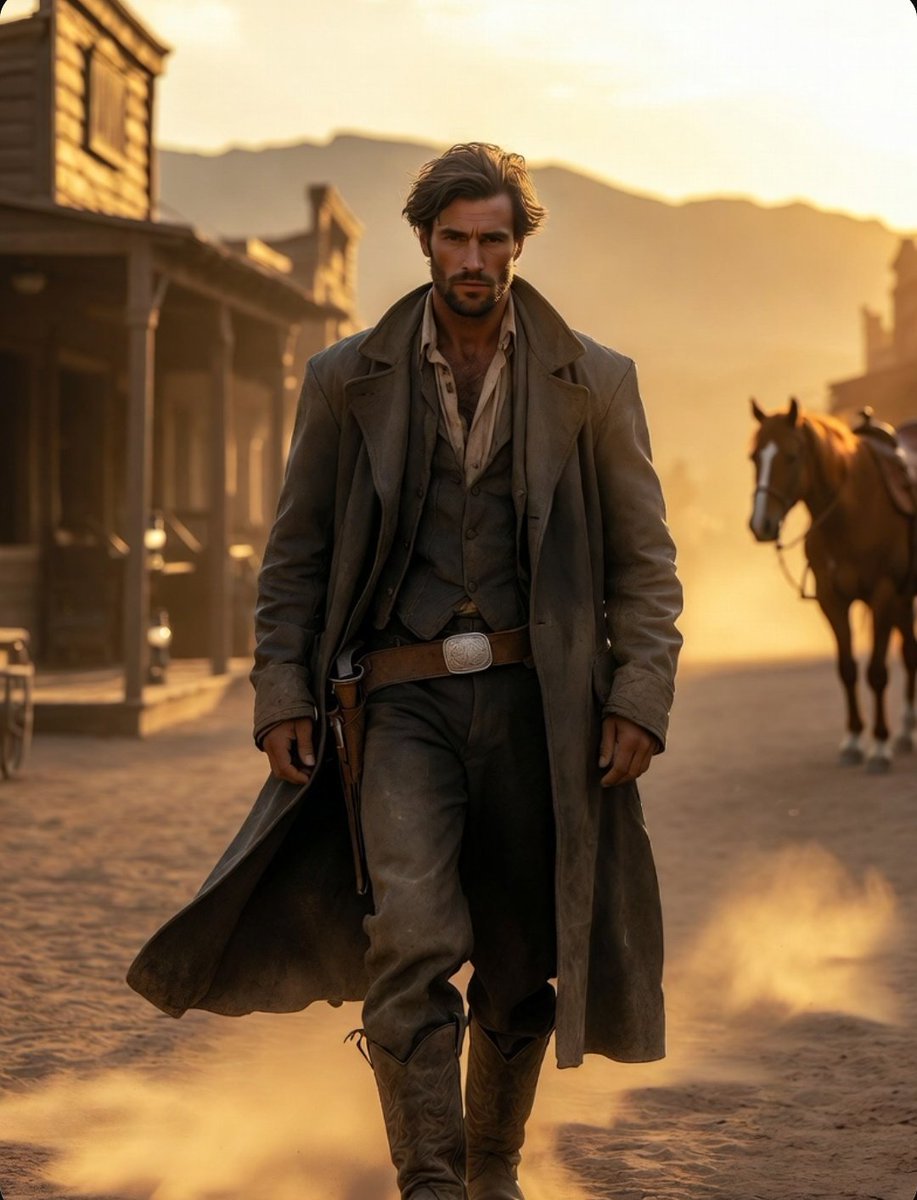
Cinematic Wild West Gunslinger
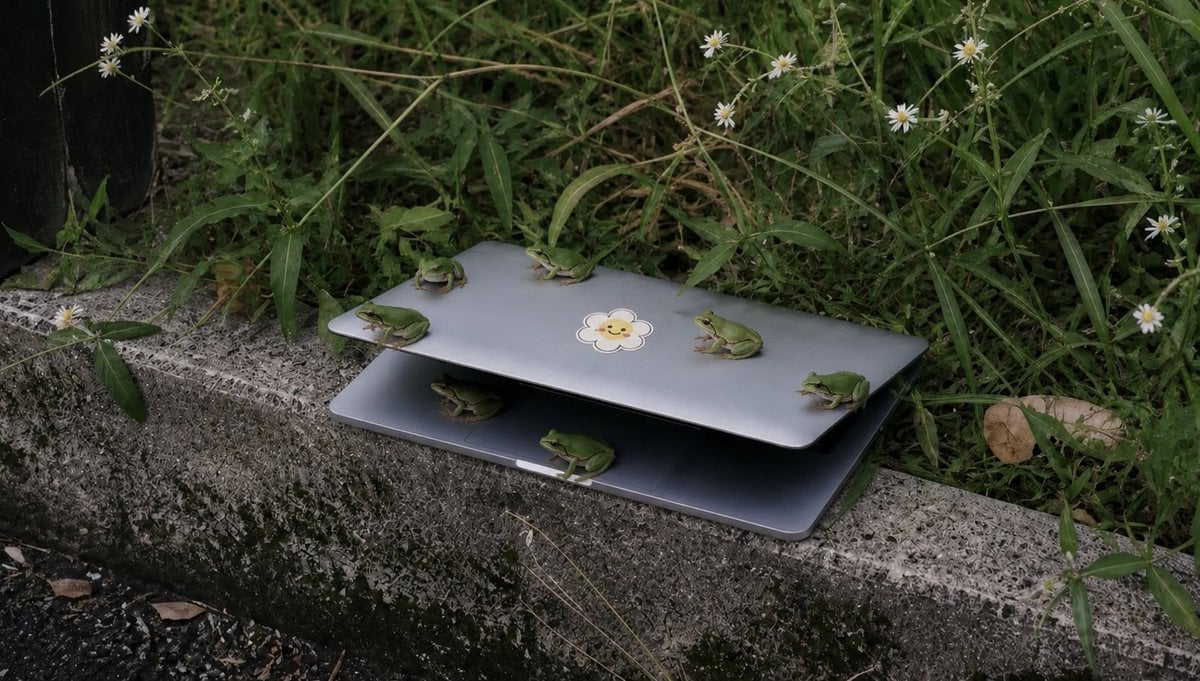
Frogs on a Laptop in Wild Grass

Cinematic Genius Portrait
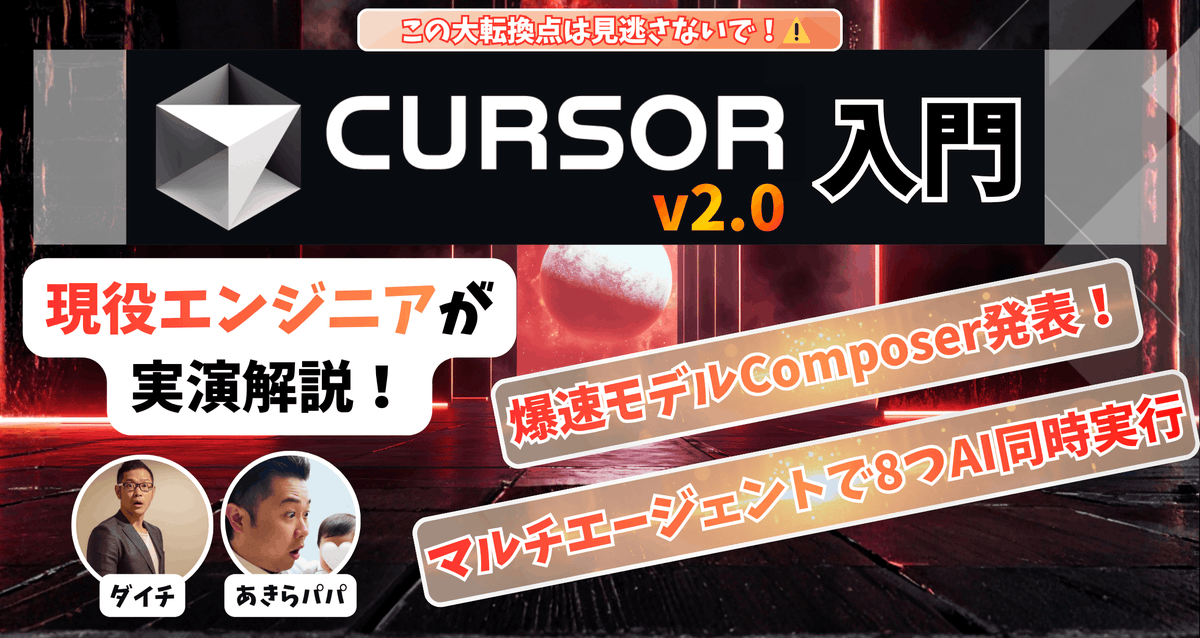
High-conversion YouTube thumbnail by genius designer-psychologist
Ultra-Realistic Cinematic Female Golfer Portrait
Dreamy Cinematic Portrait with Wild Bouquet in Golden Hour
Variable Fisheye POV Wildlife Prompt
Cinematic Portrait of a Golfer

Retro Manga StackChan Concept Sheet
Make it yours
Manga Style Wild Genius Golfer works as-is. These are the safest ways to change it without losing the look.
Change one field
Copy a single group, rewrite it, and generate again so you can see what that field is doing.
Keep the frame, change the subject
Hold the composition and light of Manga Style Wild Genius Golfer, then swap wardrobe, props or the person for a new take.
| If the result… | Why | Fix |
|---|---|---|
| The result drifts from the preview | Too many fields changed at once. | Reuse Manga Style Wild Genius Golfer as-is first, then change one group — subject, light, or setting. |
| The model over-stylizes the scene | The prose prompt leaves finish and camera underspecified. | Add one camera or lighting sentence and stay on GPT Image 2. |
More GPT Image 2 templates
Other prompts made for GPT Image 2.

Six VTuber Japanese Logo Sheet

Realistic Portrait of Woman and Deer

The Vista Modular Condo Poster

AI Model Routing Comparison Infographic

2.5D Anime Art Board

Isometric Productivity Desk Scene

New York Double Exposure Poster

Four-Panel AI Landscape Comparison

Japanese Tatami Lifestyle Magazine Cover

NESCAFÉ Coffee Map Poster
More image prompts
Fresh picks from across the catalog.
Simple Portrait Prompt (Implied)
Bus Guide Tourism Poster Prompt
Character Design Prompt for Futuristic Samurai Warrior
Gemini Nano Banana Ultra Realistic Eveni
Dreamy Fine-Art Portrait with Double Exposure Effect
Generate detailed construction plan of Laxmi Vilas Palace from image
Clean Studio Fashion Portrait
Holographic Woman in Urban Night
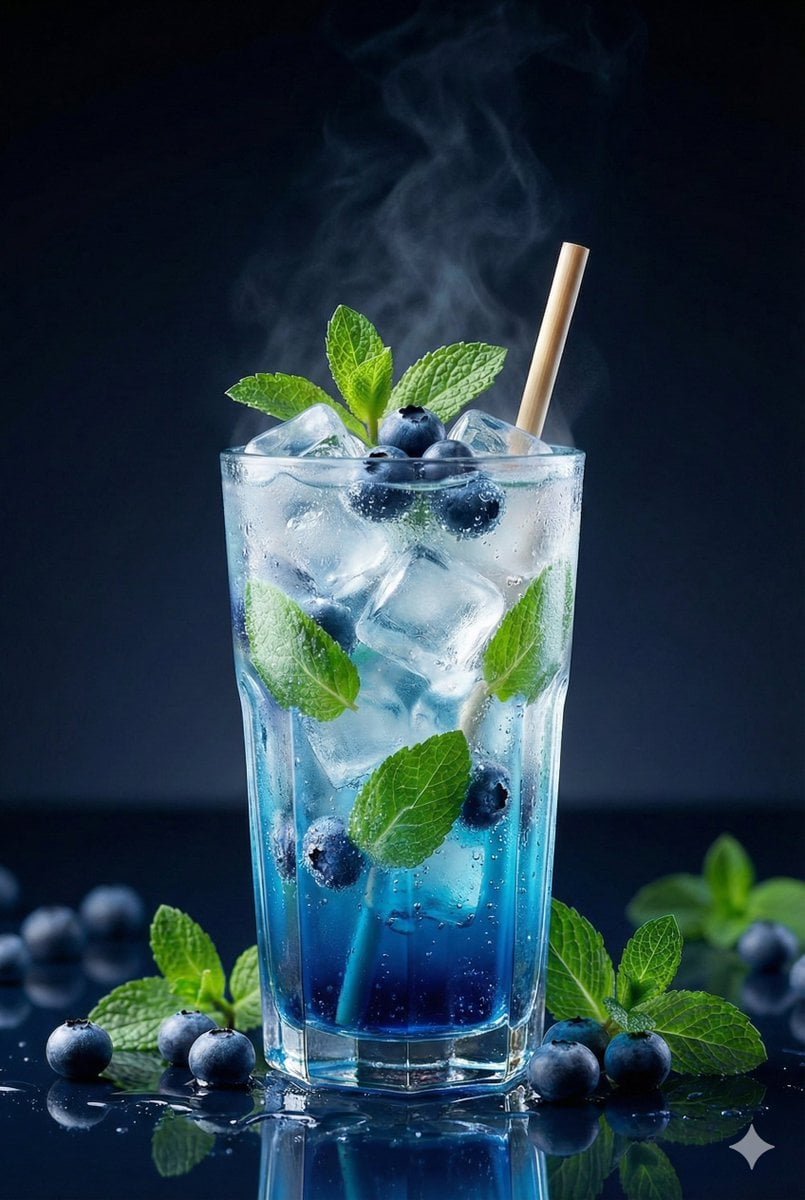
Premium Studio Shot of Blueberry Mint Iced Drink
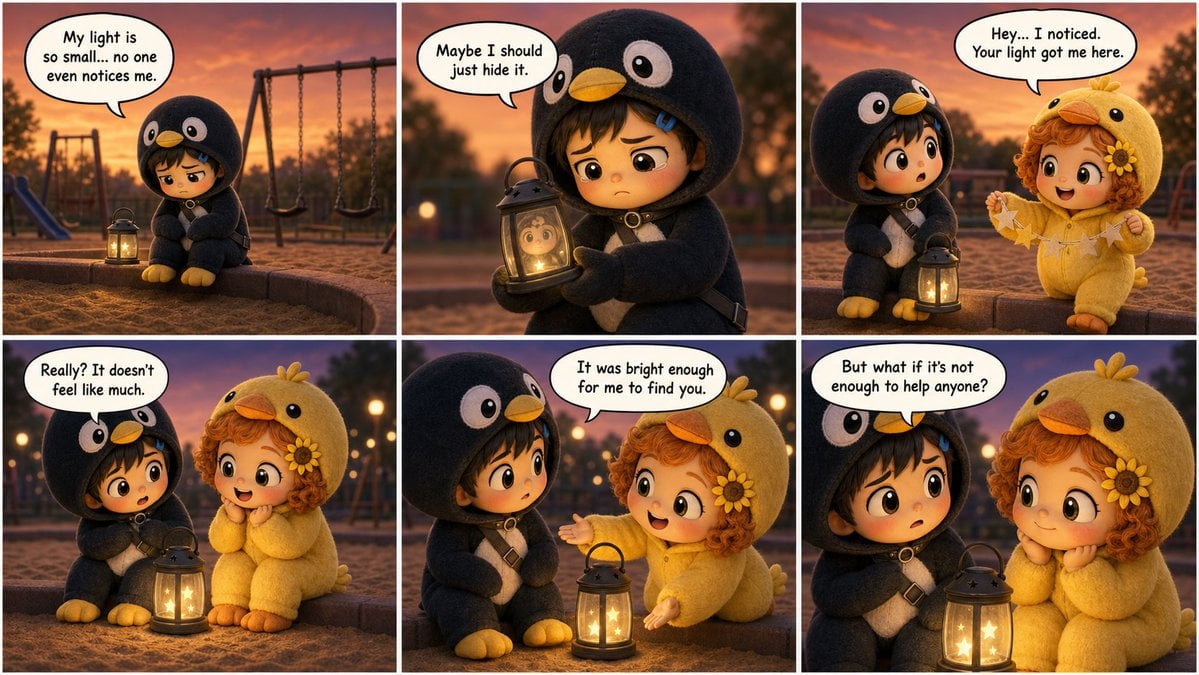
Pixar-Style Storyboard Layout
Browse template categories
Manga Style Wild Genius Golfer questions
How do I use the Manga Style Wild Genius Golfer template?
Add your photo if the template asks for one, edit the prompt if you like — the template's model and format are already selected — and press Generate. Your version opens in PicX Studio.
Can I customize the Manga Style Wild Genius Golfer template?
Yes. You can change the subject, setting, lighting, mood, format, and available model controls before creating your image.
Is the Manga Style Wild Genius Golfer template free?
Opening and editing this template is free. Generating uses credits, shown on the Generate button when you are signed in.
Which AI model should I use?
Start with GPT Image 2, which is the model associated with this template. You can compare another compatible model for a different finish.
Looking for something else? Browse all templates.

Your photo, any look
Thousands of ready templates for every top image and video model, from one credit balance.