
Frogs on a Laptop in Wild Grass
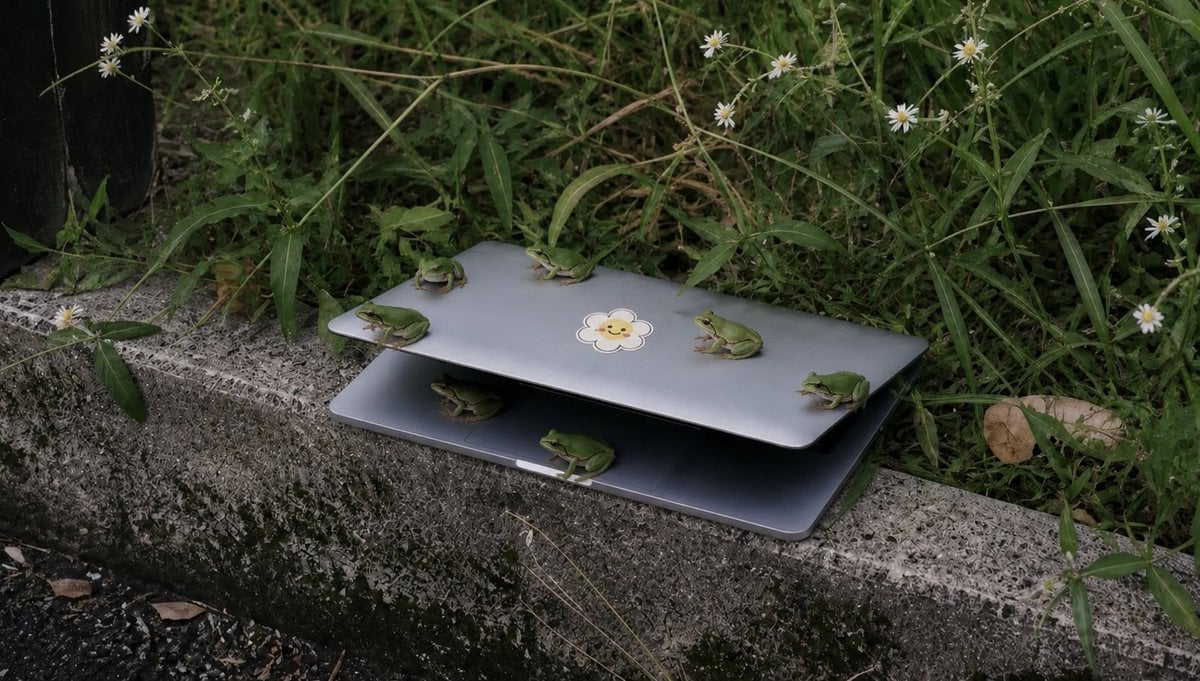
A realistic outdoor photo prompt showing six small green frogs gathered on a partially open laptop beside overgrown grass and wildflowers.
- Prompt included
- Model and format preset
- Free template
The prompt behind this image
Copy the exact prompt behind Frogs on a Laptop in Wild Grass, or open it in the studio and make it yours.
Create a realistic documentary-style outdoor photograph of a partially open {argument name="device" default="silver laptop"} resting on a rough concrete curb beside dense wild grass. The laptop is open only a few inches like a shelter, with a dark shadowed gap between the lid and base, and a small cute {argument name="sticker design" default="smiling flower sticker"} centered on the top lid. Show exactly 6 small green tree frogs: 4 frogs perched on the upper lid, including one near the left edge facing left, one near the back center facing left, one near the right-center facing left, and one on the far right edge facing left; 2 frogs on or under the lower half, including one crouched in the dark gap near the left side and one sitting on the front lower edge near the center facing right. Surround the scene with tall tangled green weeds, thin stems, and small white daisy-like wildflowers, with a dry brown leaf on the right and a dark vertical object barely visible at the far left edge. Use muted natural colors, overcast soft light, shallow depth of field, realistic textures on the mossy stained curb, and a slightly eerie “many tiny animals gathered around an abandoned object” mood. Horizontal 16:9 composition, low eye-level angle, no people, no added text, no watermark.
How to use Frogs on a Laptop in Wild Grass in 3 steps
- 1Upload ImagePNG, JPG or paste
Add your photo
Upload the photo the template builds on. The prompt, model and format are already set.
- 2…a portrait of your subject in softgolden-hour light, 85mm…
Personalize
Edit the subject and creative details for your destination.
- 3Generate
Generate
Press Generate — your image is created in PicX Studio, so you can compare it with the original and refine one variable at a time.
More like this
Templates with the same subject, style or setup. Open one to see its prompt.

Golden Hour Grass Portrait — Wong Kar-wai Inspired Nano Banana
Forest Photoshoot

Cozy Laptop Portrait by Window

Cozy Night Laptop Portrait

Local Edit: Rotate Laptop and Add Logo
Cinematic Grass Height Portrait
Moody Cinematic Woman Portrait in Grass
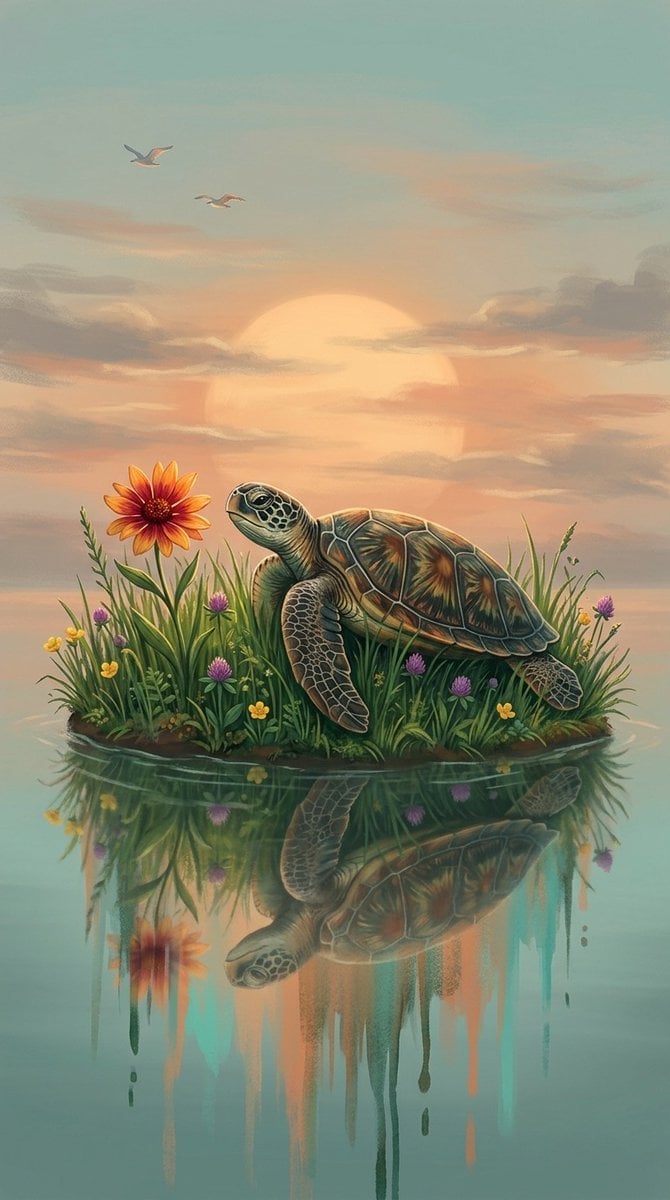
A digital fantasy illustration of a small turtle resting on a grassy

A monochrome, contemplative portrait of a man lying on grass, resting
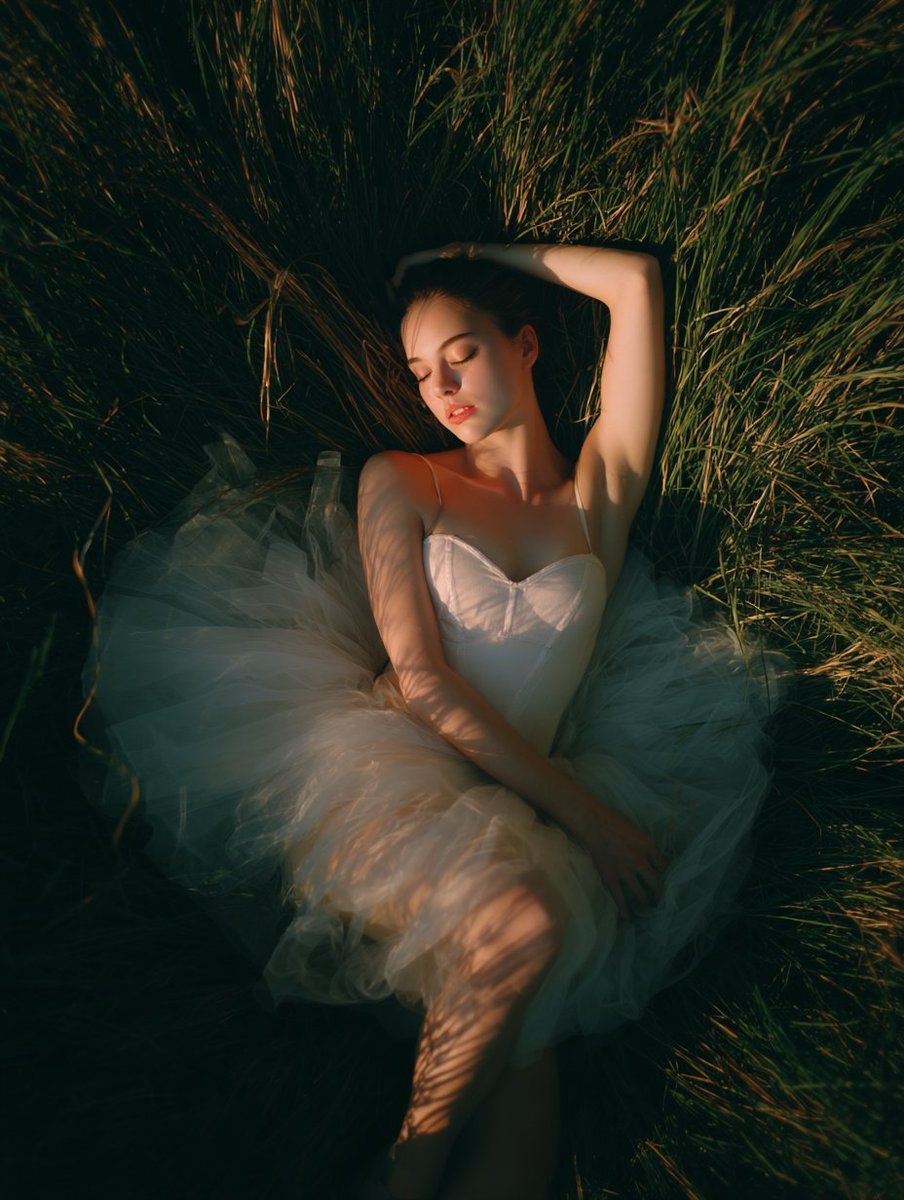
Tall Grass Overhead Portrait

Wild West Double Exposure Poster
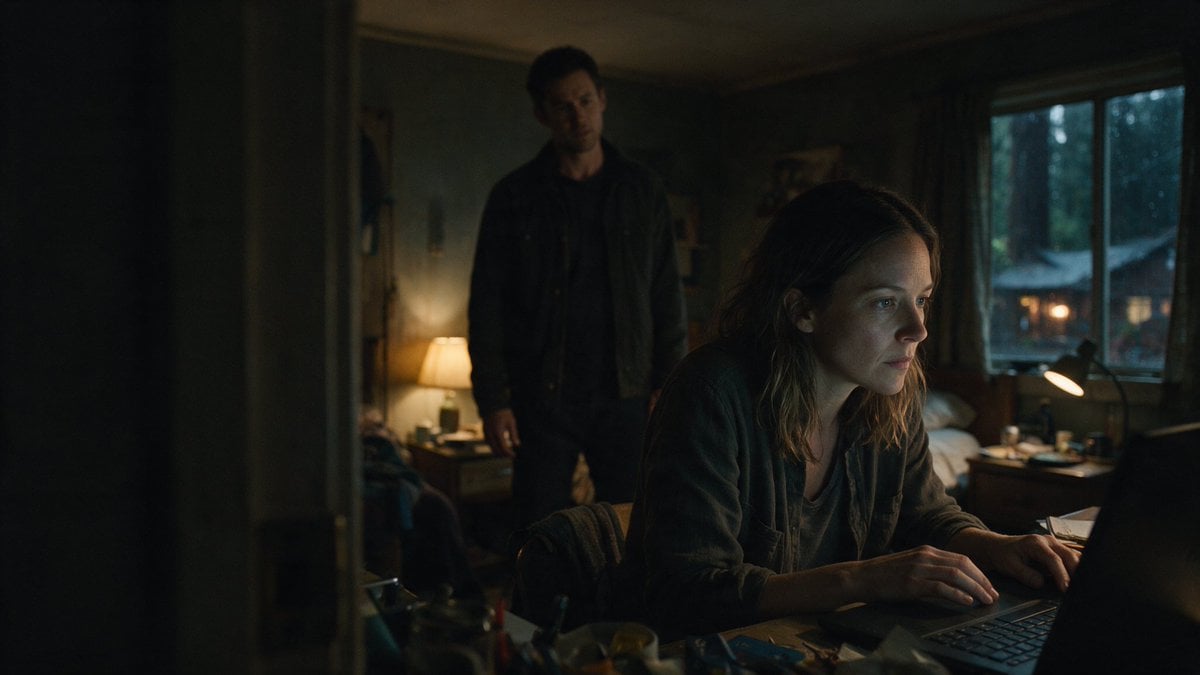
Moody Thriller Bedroom Laptop Scene
Make it yours
Frogs on a Laptop in Wild Grass works as-is. These are the safest ways to change it without losing the look.
Change one field
Copy a single group, rewrite it, and generate again so you can see what that field is doing.
Keep the frame, change the subject
Hold the composition and light of Frogs on a Laptop in Wild Grass, then swap wardrobe, props or the person for a new take.
| If the result… | Why | Fix |
|---|---|---|
| The result drifts from the preview | Too many fields changed at once. | Reuse Frogs on a Laptop in Wild Grass as-is first, then change one group — subject, light, or setting. |
| The model over-stylizes the scene | The prose prompt leaves finish and camera underspecified. | Add one camera or lighting sentence and stay on GPT Image 2. |
More GPT Image 2 templates
Other prompts made for GPT Image 2.

Six VTuber Japanese Logo Sheet

Realistic Portrait of Woman and Deer

The Vista Modular Condo Poster

AI Model Routing Comparison Infographic

2.5D Anime Art Board

Isometric Productivity Desk Scene

New York Double Exposure Poster

Four-Panel AI Landscape Comparison

Japanese Tatami Lifestyle Magazine Cover

NESCAFÉ Coffee Map Poster
More image prompts
Fresh picks from across the catalog.

Cyberpunk City Block Collectible Diorama

Amigurumi-style Scissor Man Image Generation Prompt
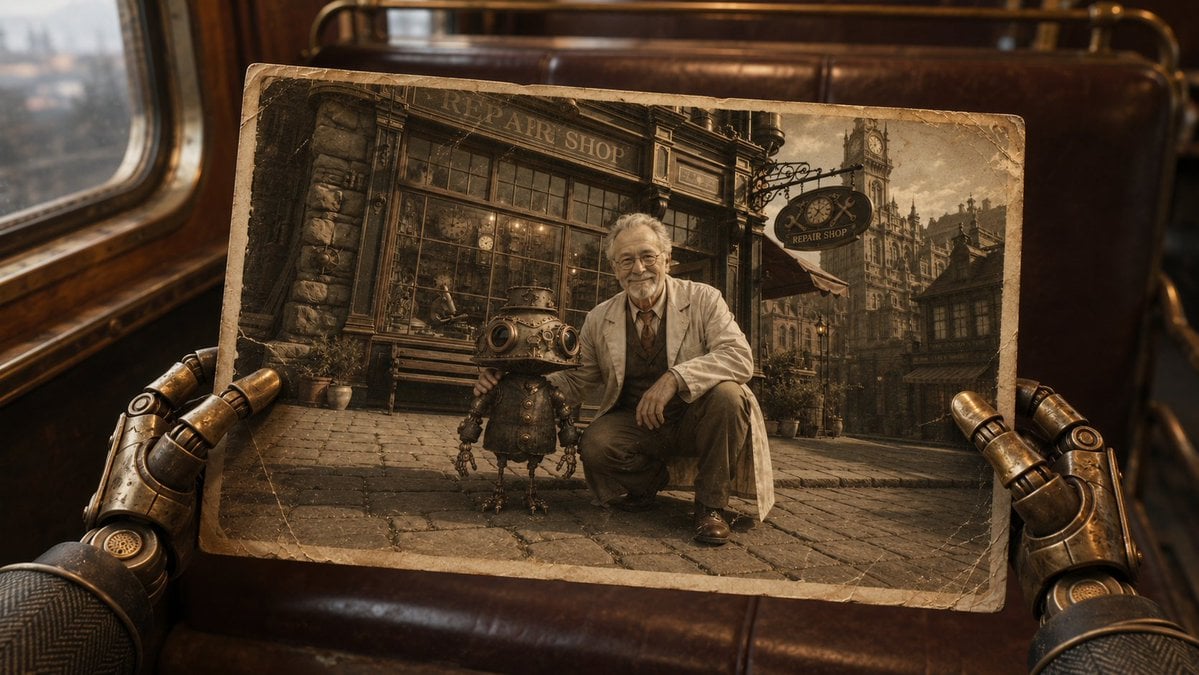
Steampunk Hands Holding Old Photo
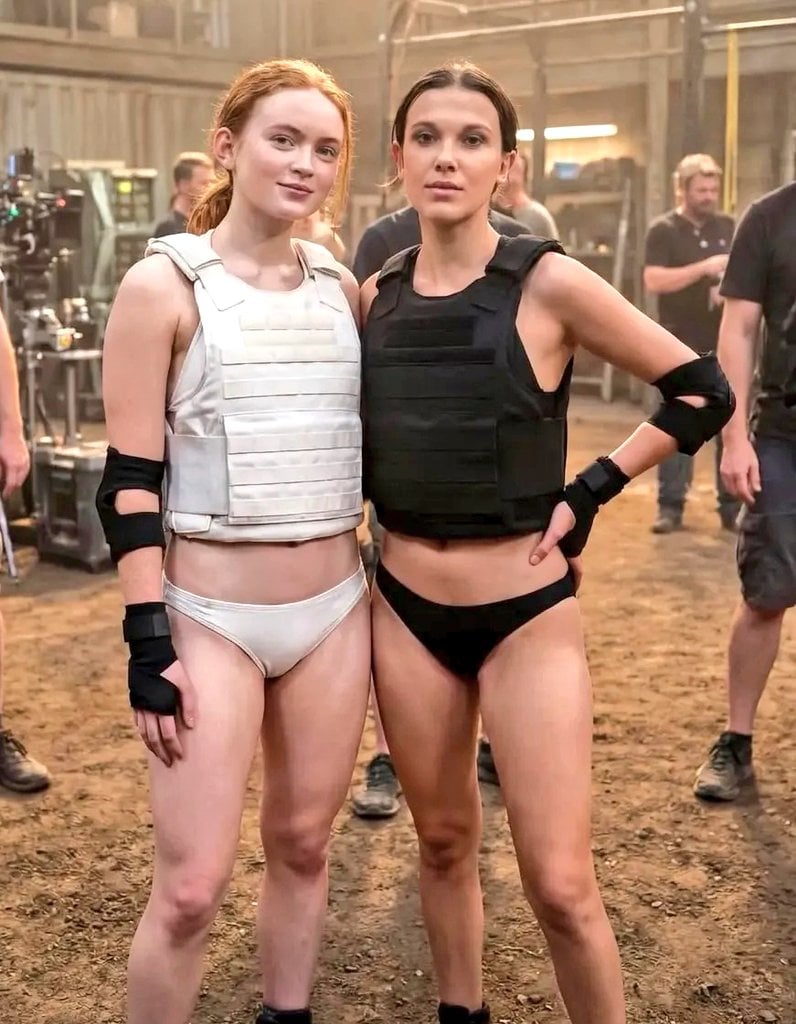
Cinematic Photo of Tactical Female Characters
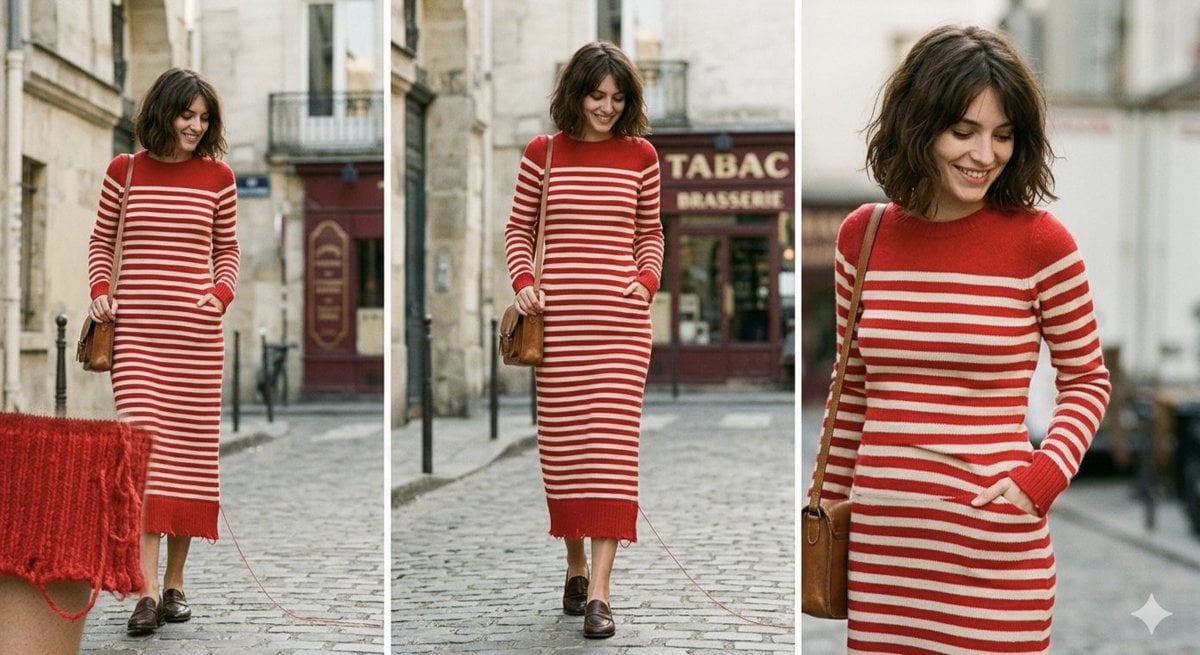
Parisian High-Fashion Editorial Triptych Prompt for Nano Banana Pro
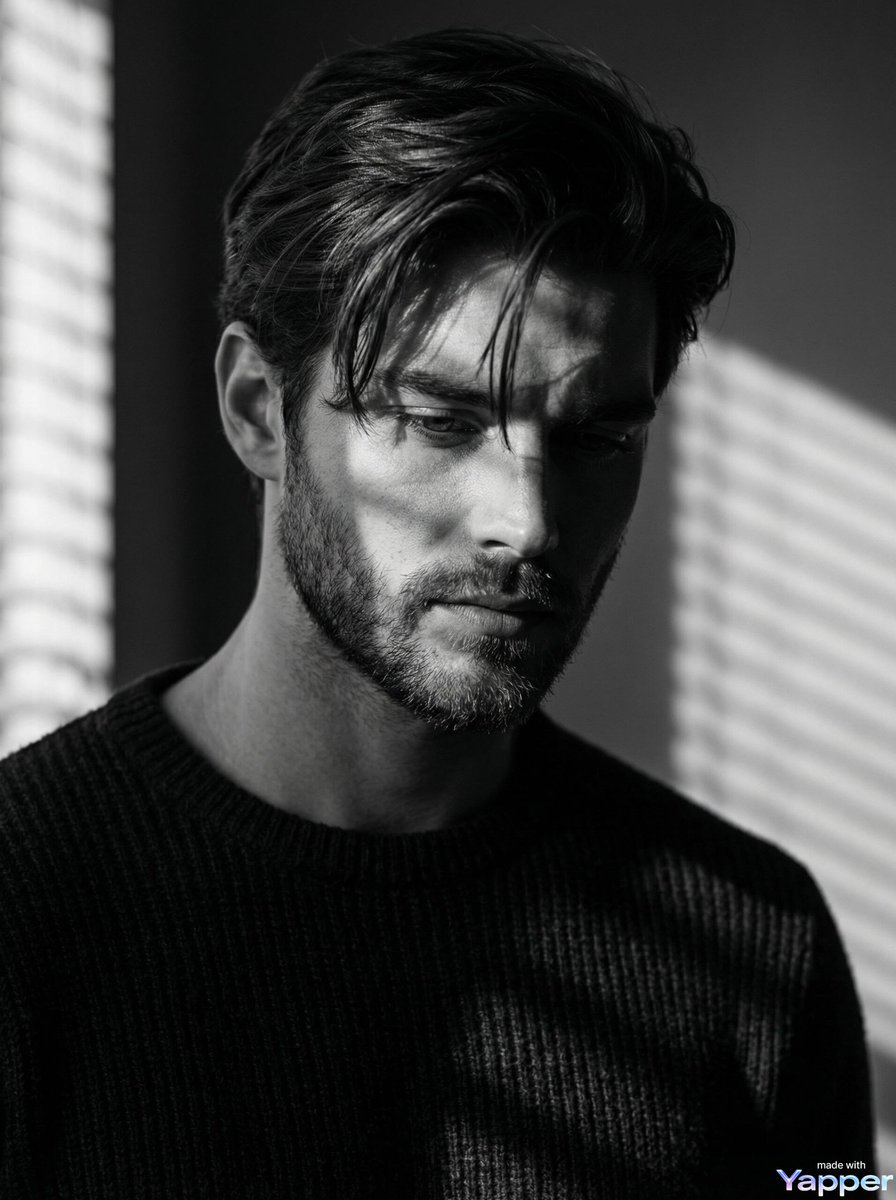
Film Noir Cinematic Black and White Portrait
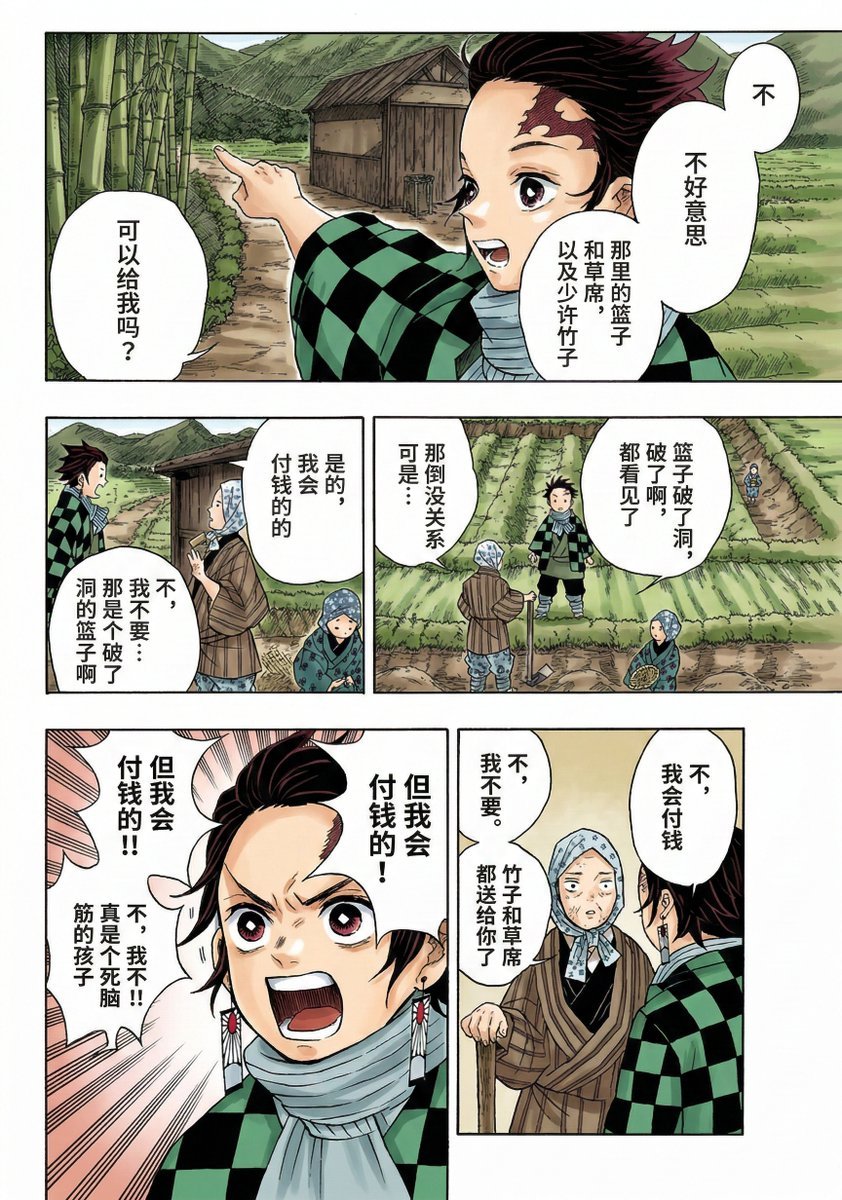
Nano Banana 2 Comic Coloring Prompt
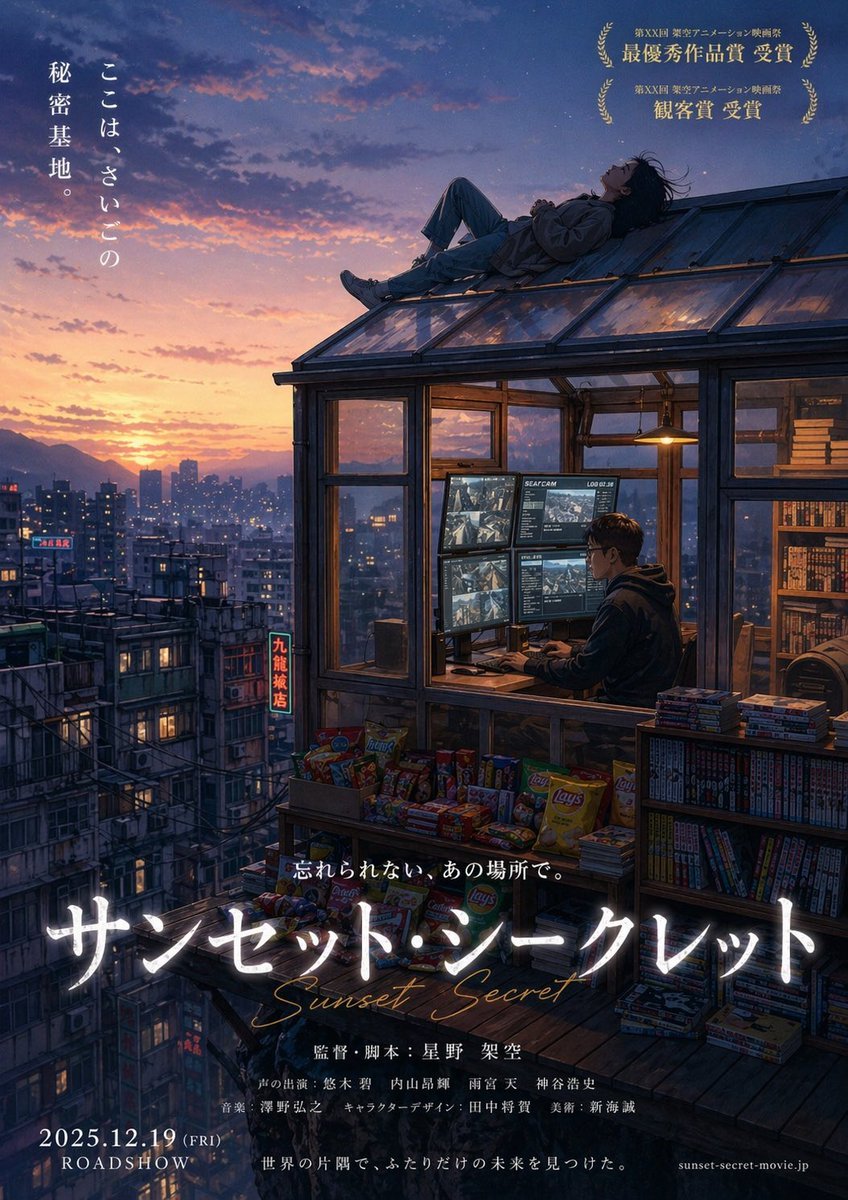
Anime Movie Poster from Reference

Premium Sports Infographic

Japanese Branding Strategy Infographic
Browse template categories
Frogs on a Laptop in Wild Grass questions
How do I use the Frogs on a Laptop in Wild Grass template?
Add your photo if the template asks for one, edit the prompt if you like — the template's model and format are already selected — and press Generate. Your version opens in PicX Studio.
Can I customize the Frogs on a Laptop in Wild Grass template?
Yes. You can change the subject, setting, lighting, mood, format, and available model controls before creating your image.
Is the Frogs on a Laptop in Wild Grass template free?
Opening and editing this template is free. Generating uses credits, shown on the Generate button when you are signed in.
Which AI model should I use?
Start with GPT Image 2, which is the model associated with this template. You can compare another compatible model for a different finish.
Looking for something else? Browse all templates.

Your photo, any look
Thousands of ready templates for every top image and video model, from one credit balance.