
Forest Photoshoot
Forest Photoshoot is a ready photo look.
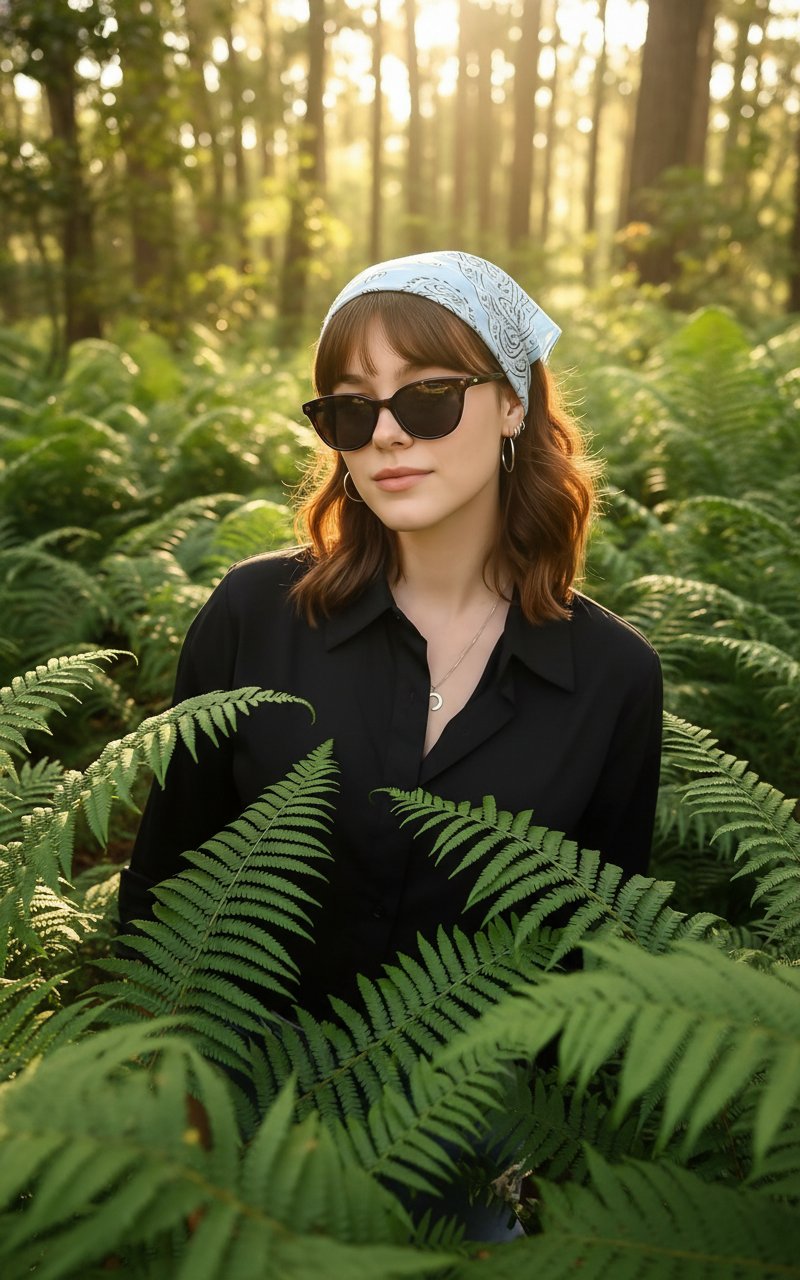
- Prompt included
- Model and format preset
- Free template
The prompt behind this image
Copy the exact prompt behind Forest Photoshoot, or open it in the studio and make it yours.
uploaded image is sitting in a lush green forest, surrounded by large fern leaves. they are wearing a black button-up shirt and stylish dark sunglasses. Soft golden sunlight filters through the tall trees in the background, creating a warm, dreamy atmosphere with highlights on their face and hair. The mood is calm, cinematic, and natural, as if they are peacefully enjoying the beauty of the forest. Shot in high resolution with sharp details, shallow depth of field, and vibrant greenery in the foreground and background.
How to use Forest Photoshoot in 3 steps
- 1Upload ImagePNG, JPG or paste
Add your photo
Upload the photo the template builds on. The prompt, model and format are already set.
- 2…a portrait of your subject in softgolden-hour light, 85mm…
Personalize
Edit the subject and creative details for your destination.
- 3Generate
Generate
Press Generate — your image is created in PicX Studio, so you can compare it with the original and refine one variable at a time.
More like this
Templates with the same subject, style or setup. Open one to see its prompt.
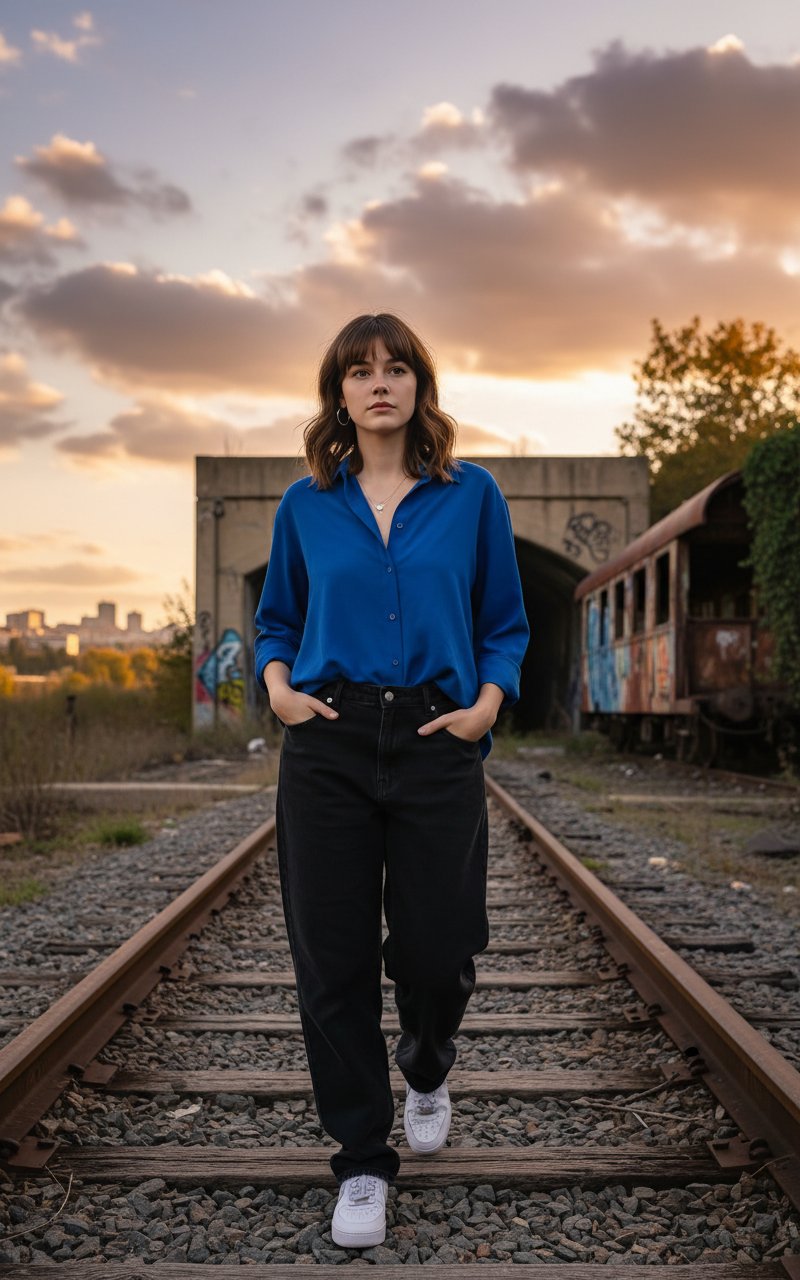
Walking in Track
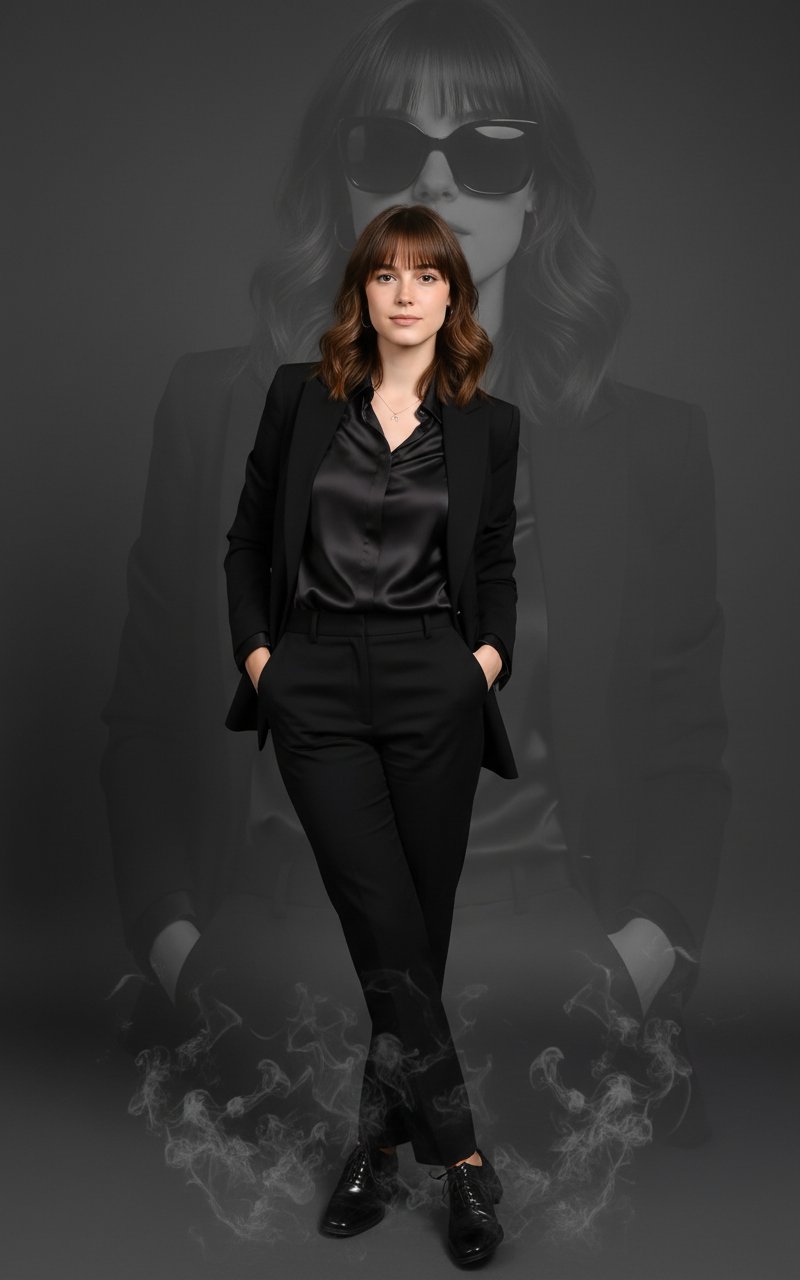
Smoky Photoshoot
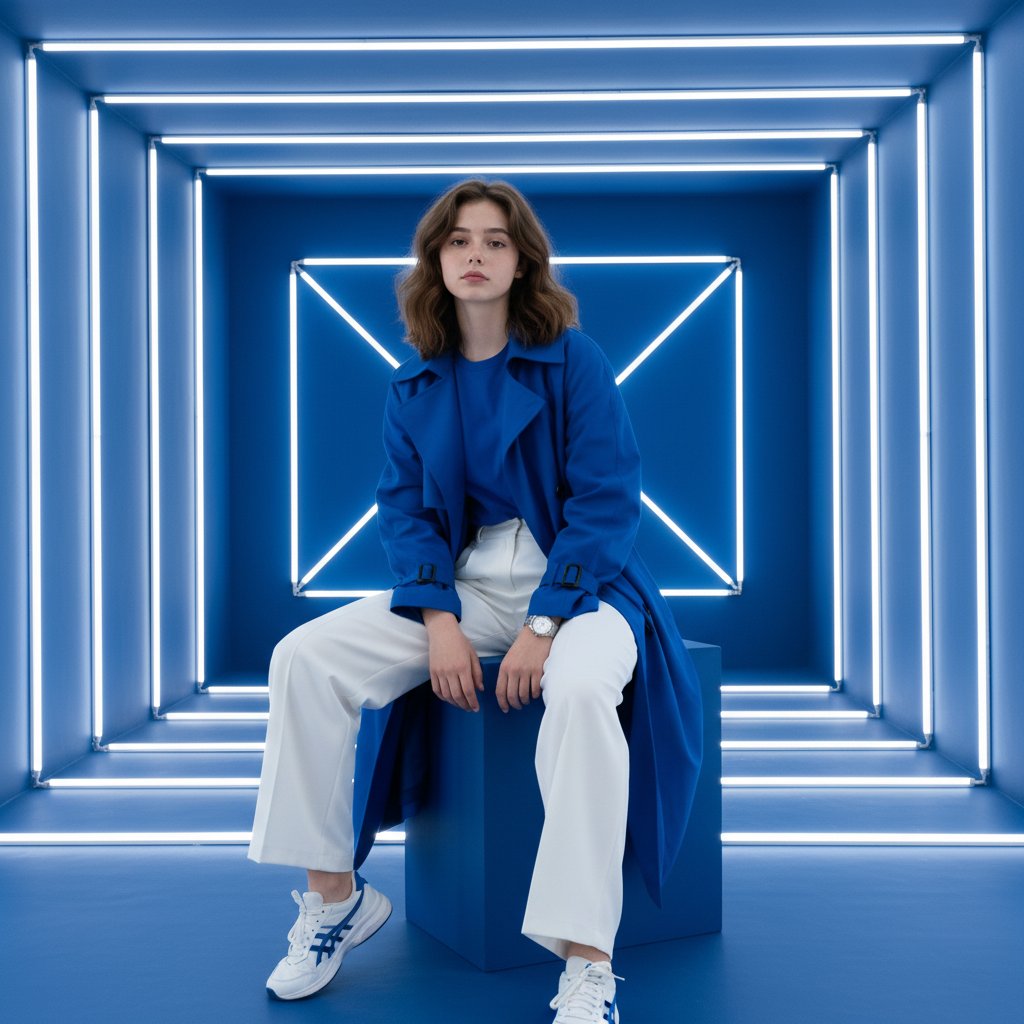
Studio Photoshoot

Layered Paper Cut Forest Diorama

Golden Hour Grass Portrait — Wong Kar-wai Inspired Nano Banana
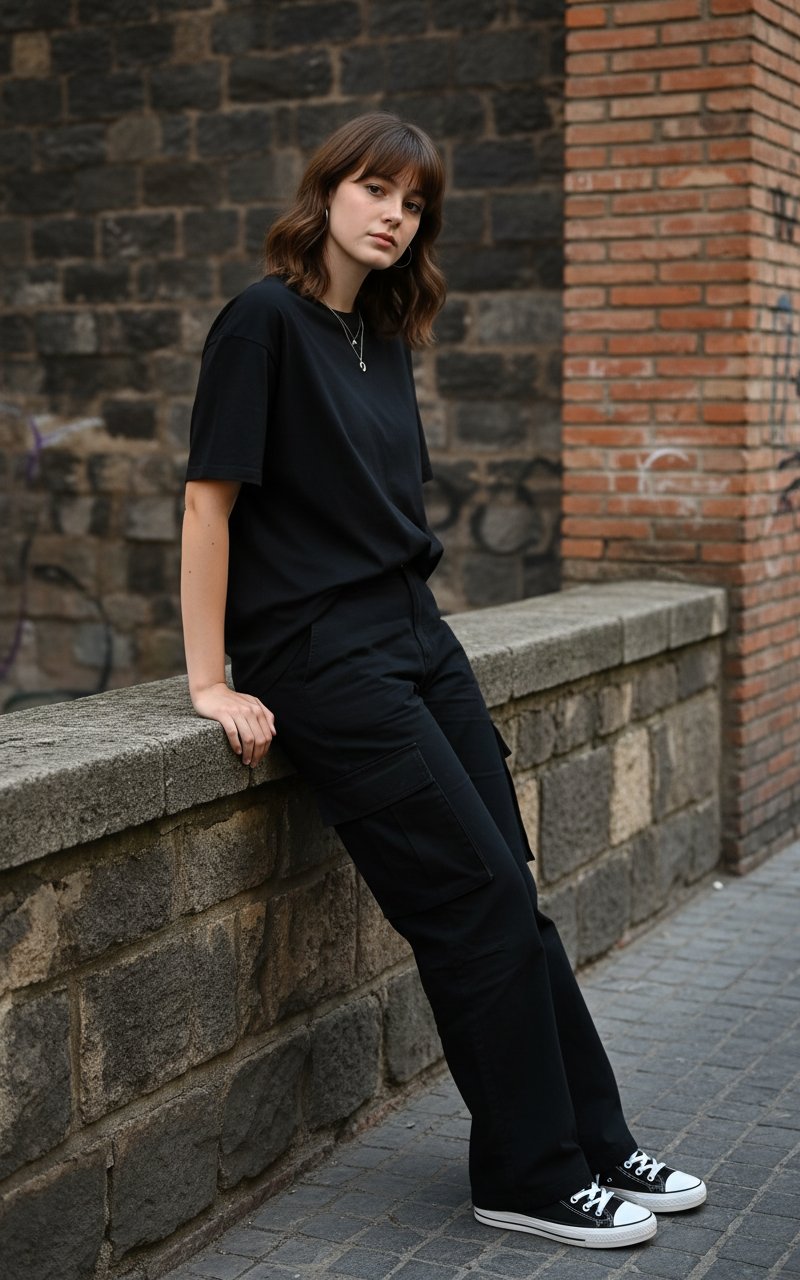
Standing by the wall
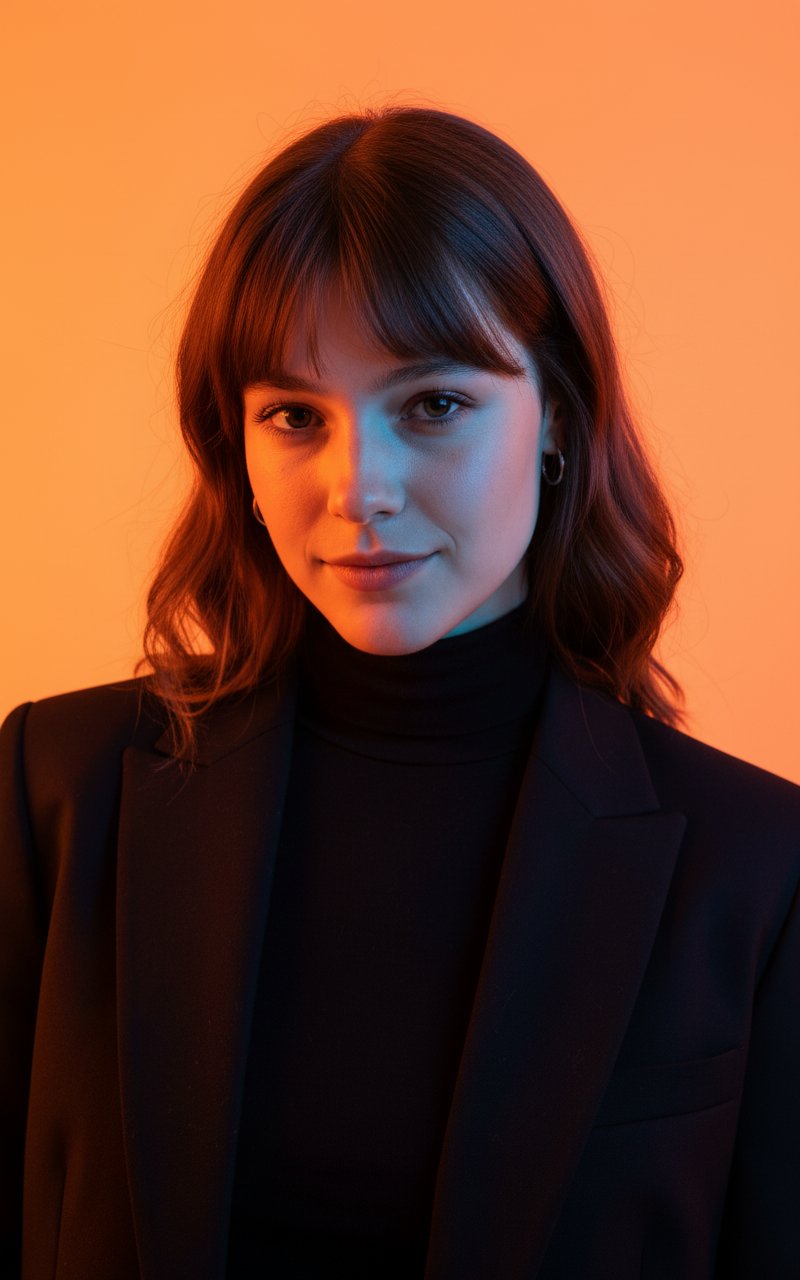
Colour Professional Photoshoot
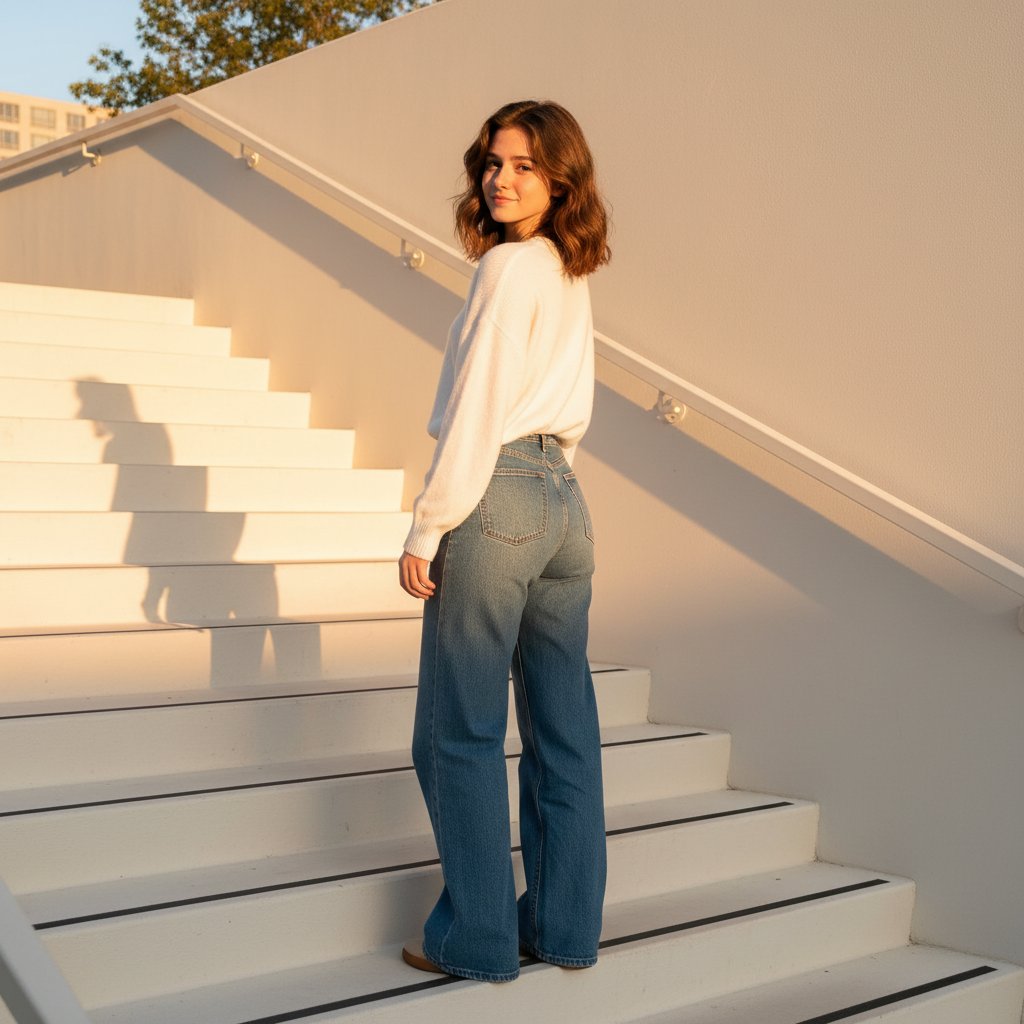
Sunkissed In Stairs
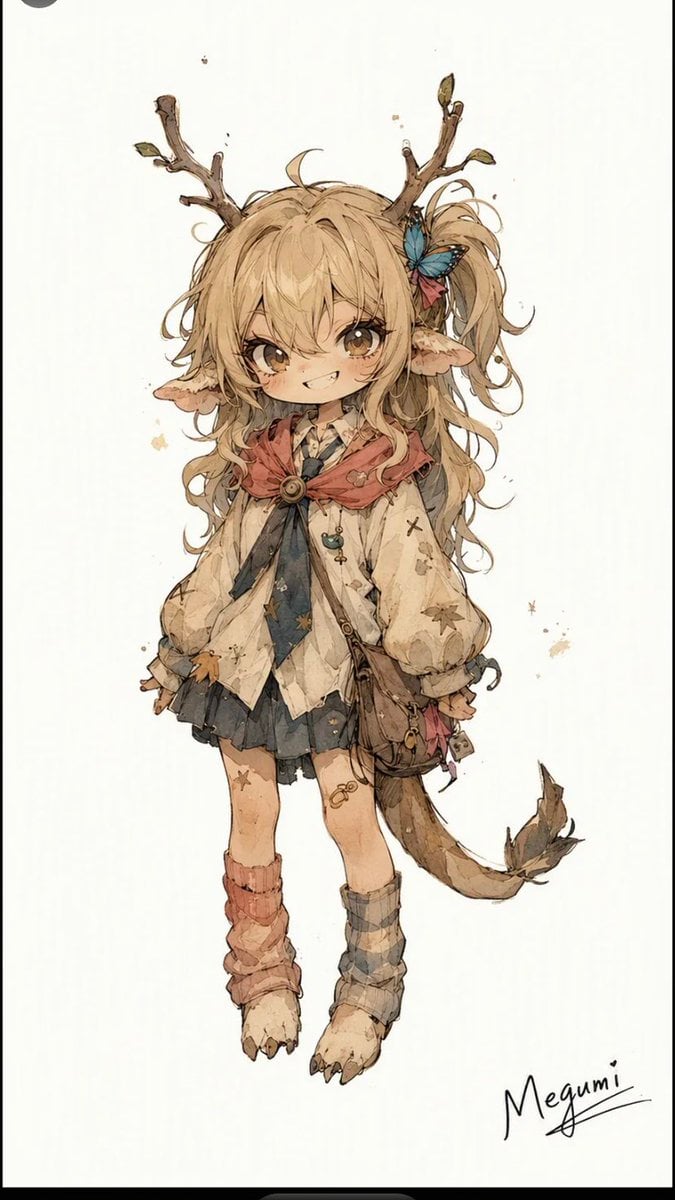
Mischievous Forest Faun Girl
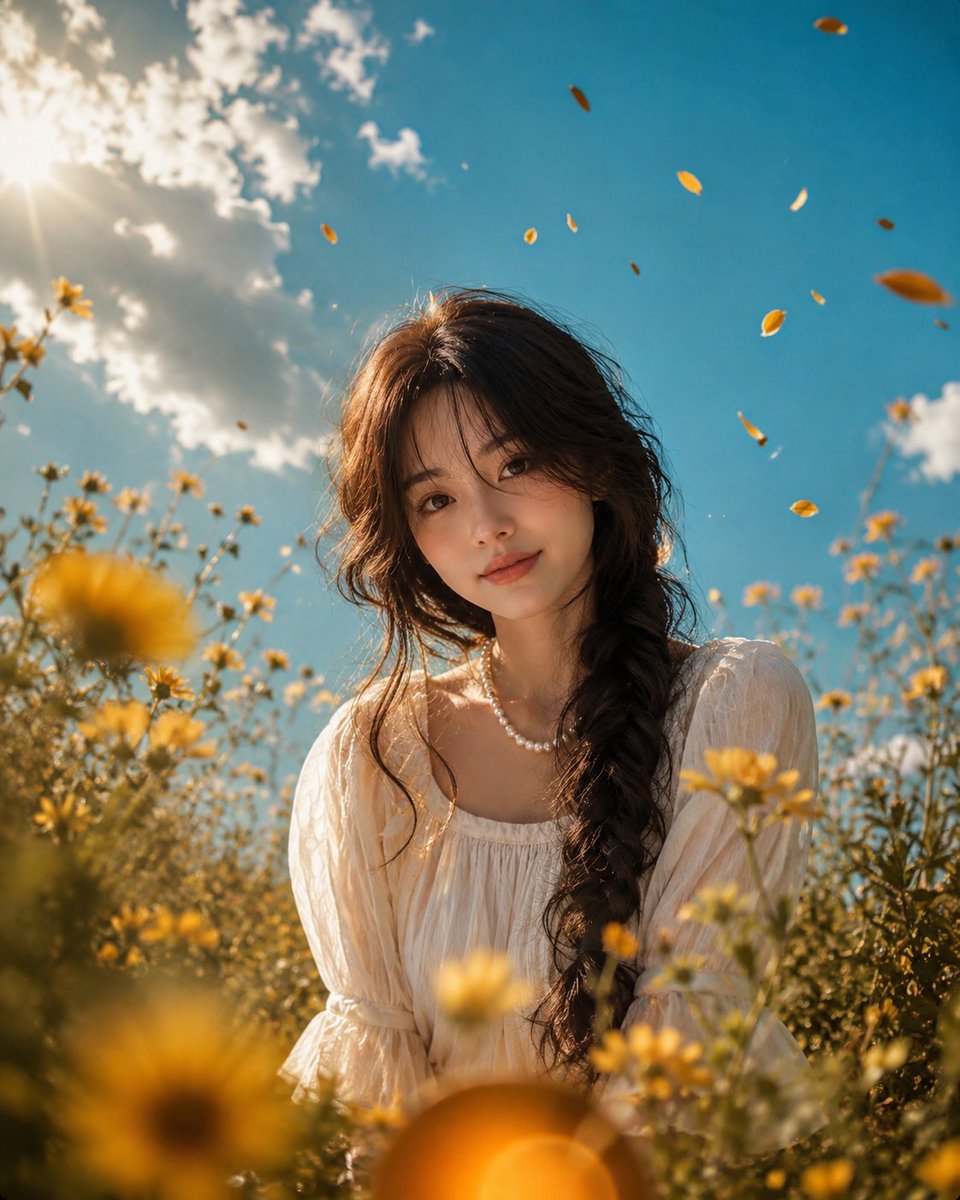
Cinematic Grass Height Portrait
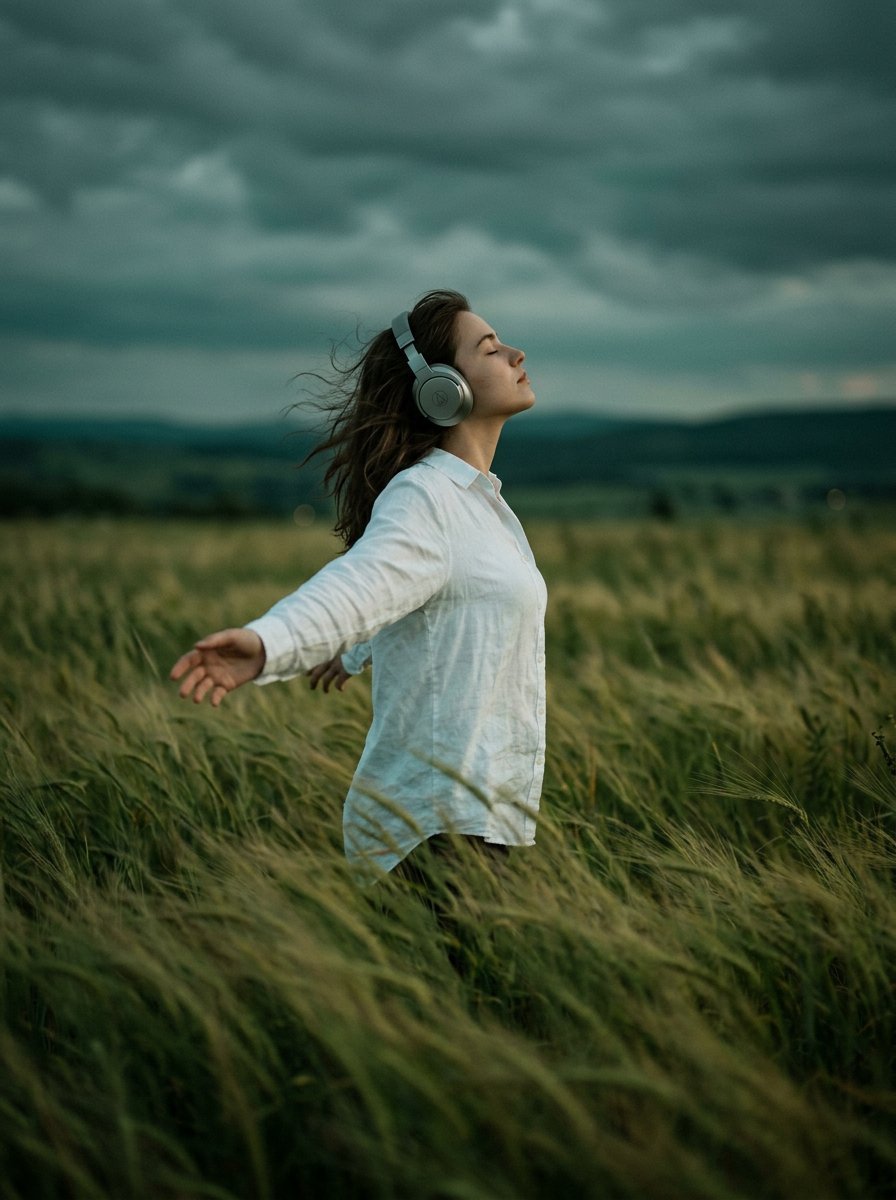
Moody Cinematic Woman Portrait in Grass
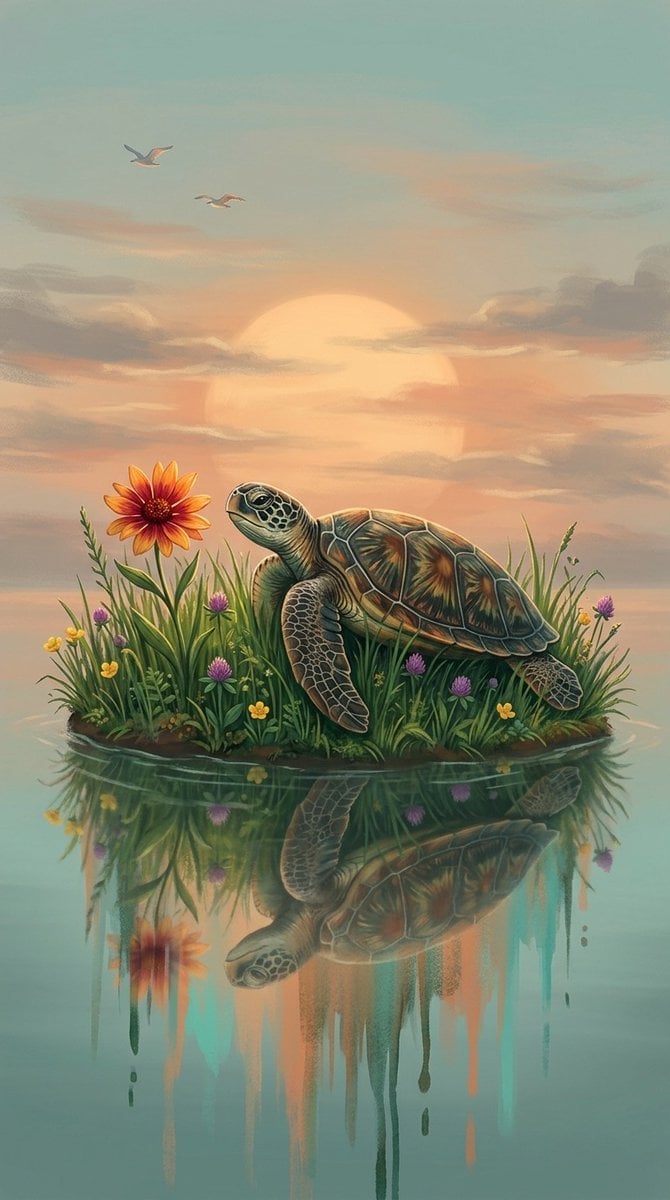
A digital fantasy illustration of a small turtle resting on a grassy
Make it yours
Forest Photoshoot works as-is. These are the safest ways to change it without losing the look.
Change one field
Copy a single group, rewrite it, and generate again so you can see what that field is doing.
Keep the frame, change the subject
Hold the composition and light of Forest Photoshoot, then swap wardrobe, props or the person for a new take.
| If the result… | Why | Fix |
|---|---|---|
| The result drifts from the preview | Too many fields changed at once. | Reuse Forest Photoshoot as-is first, then change one group — subject, light, or setting. |
| The model over-stylizes the scene | The prose prompt leaves finish and camera underspecified. | Add one camera or lighting sentence and stay on PicX Studio. |
More image prompts
Fresh picks from across the catalog.
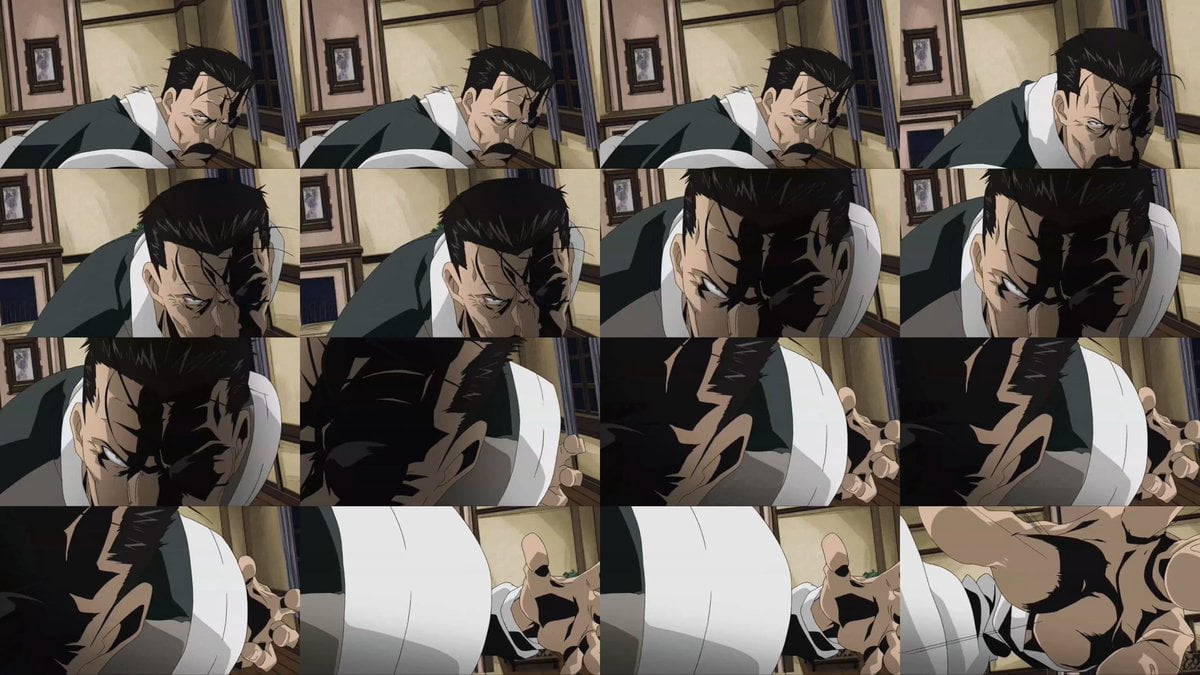
Style Transfer for Cinematic Live-Action Keyframes

Cross-Strait Dialogue Editorial Illustration
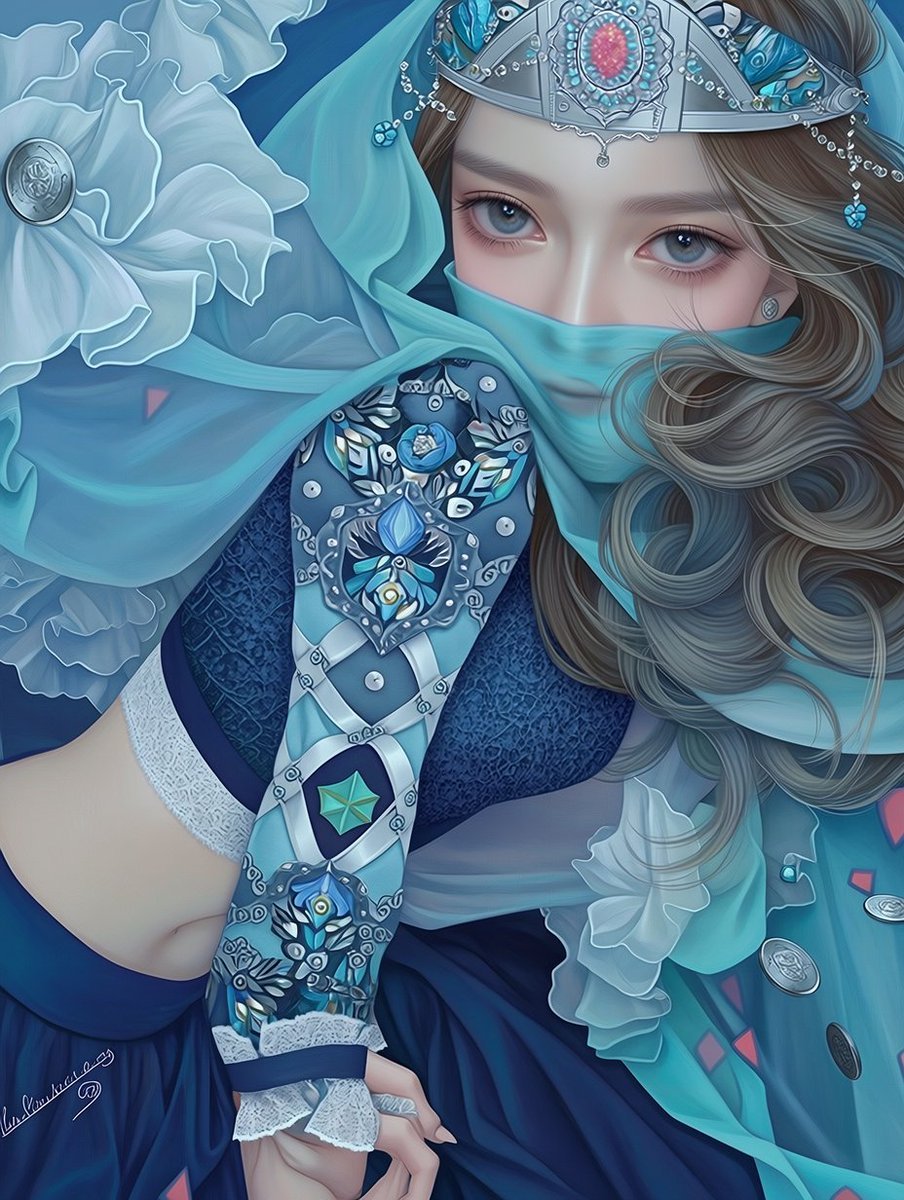
Ornate Blue Belly Dancer Illustration
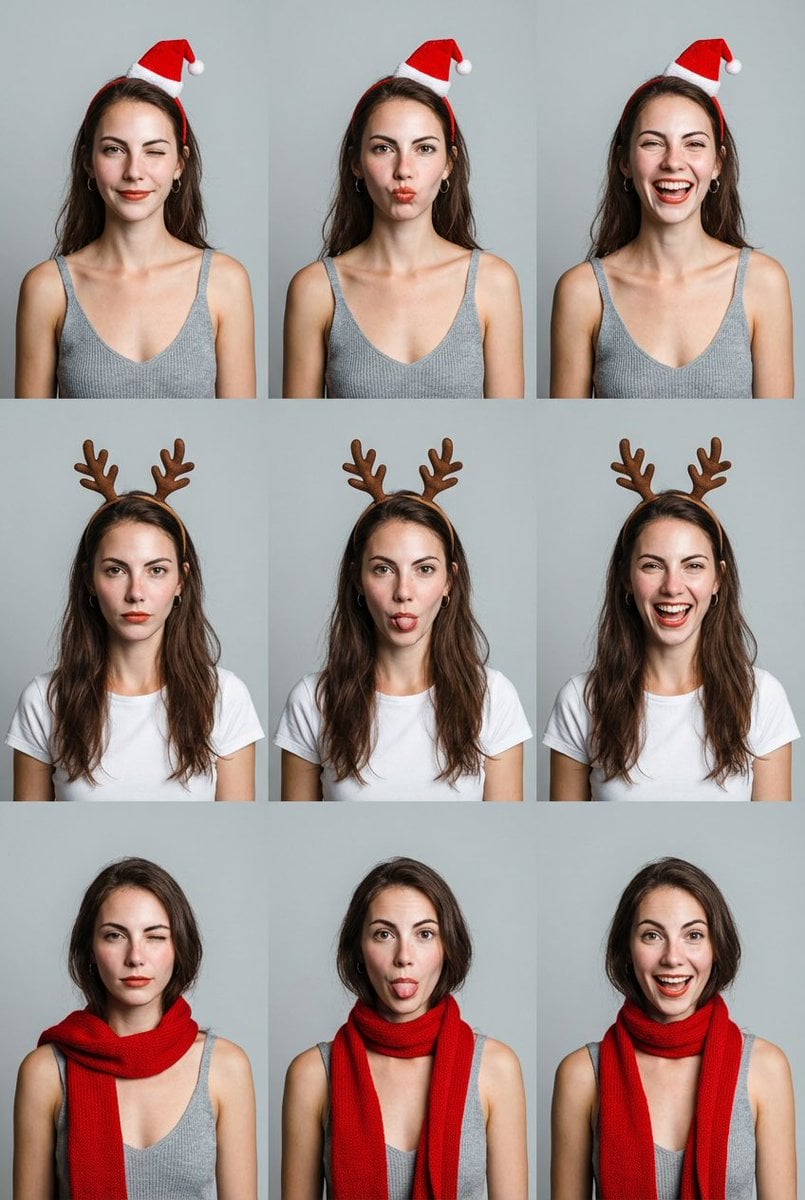
Grid Minimalist Christmas Portrait Prompt
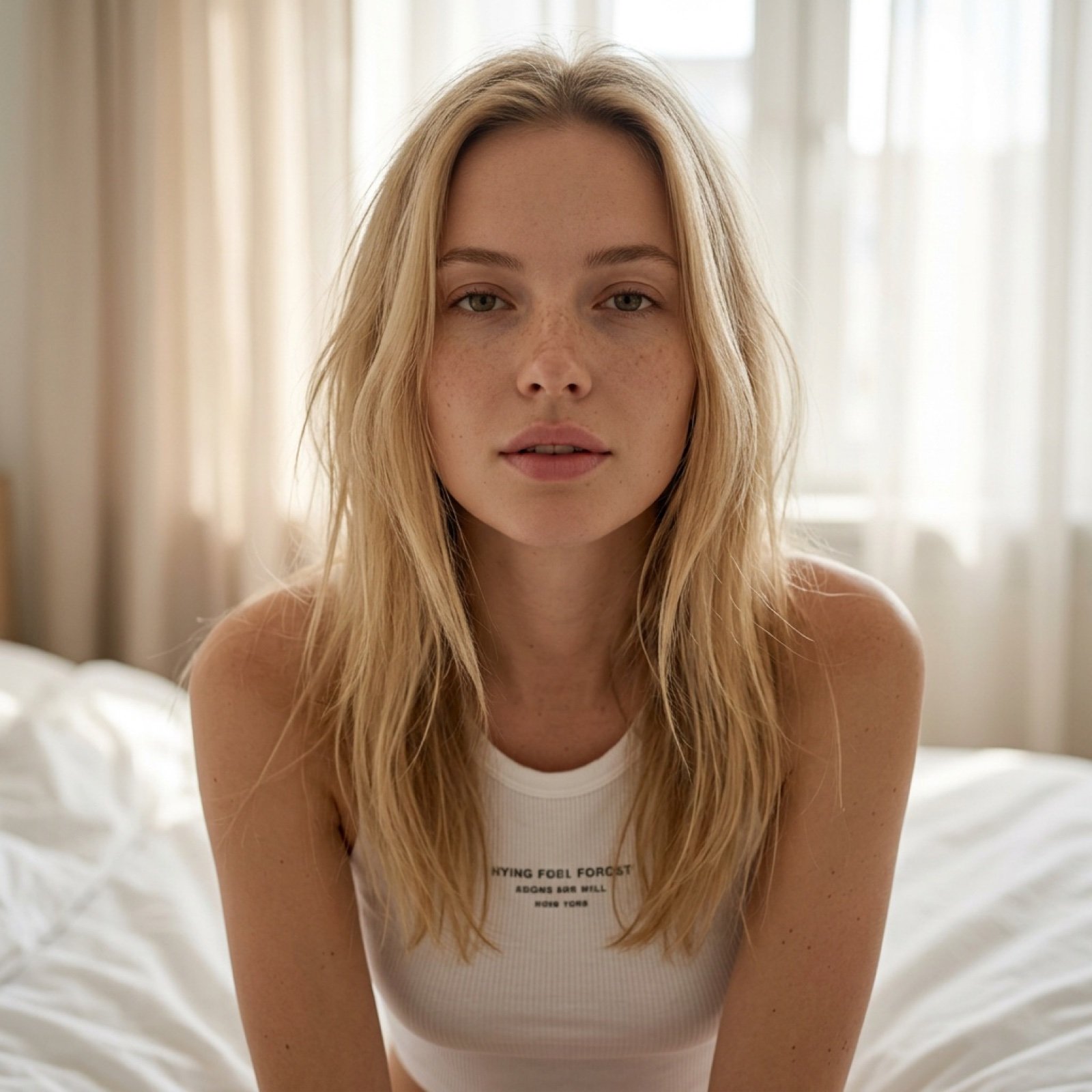
Intimate Morning Selfie Portrait

Cute Puppy LINE Sticker Grid
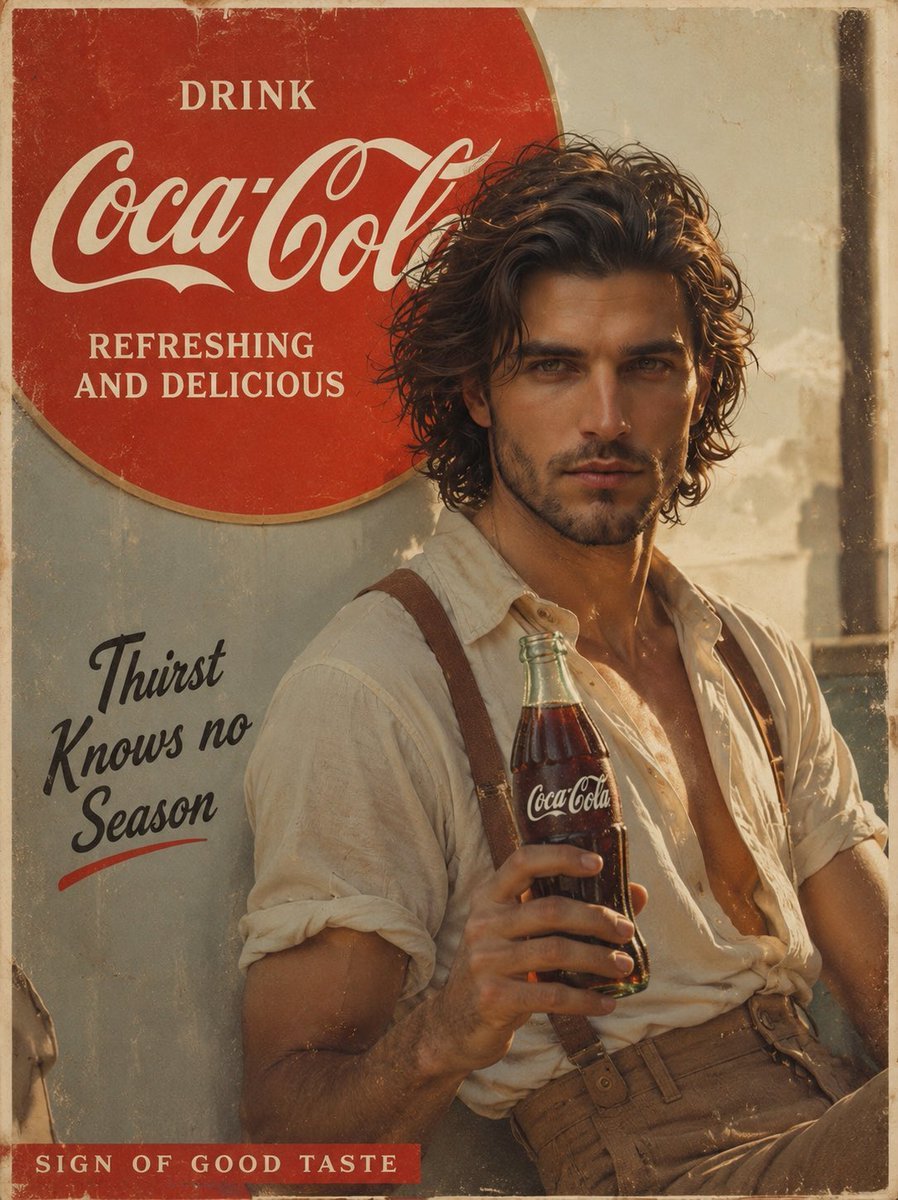
Prompt: Create a cinematic vintage Coca Cola adver
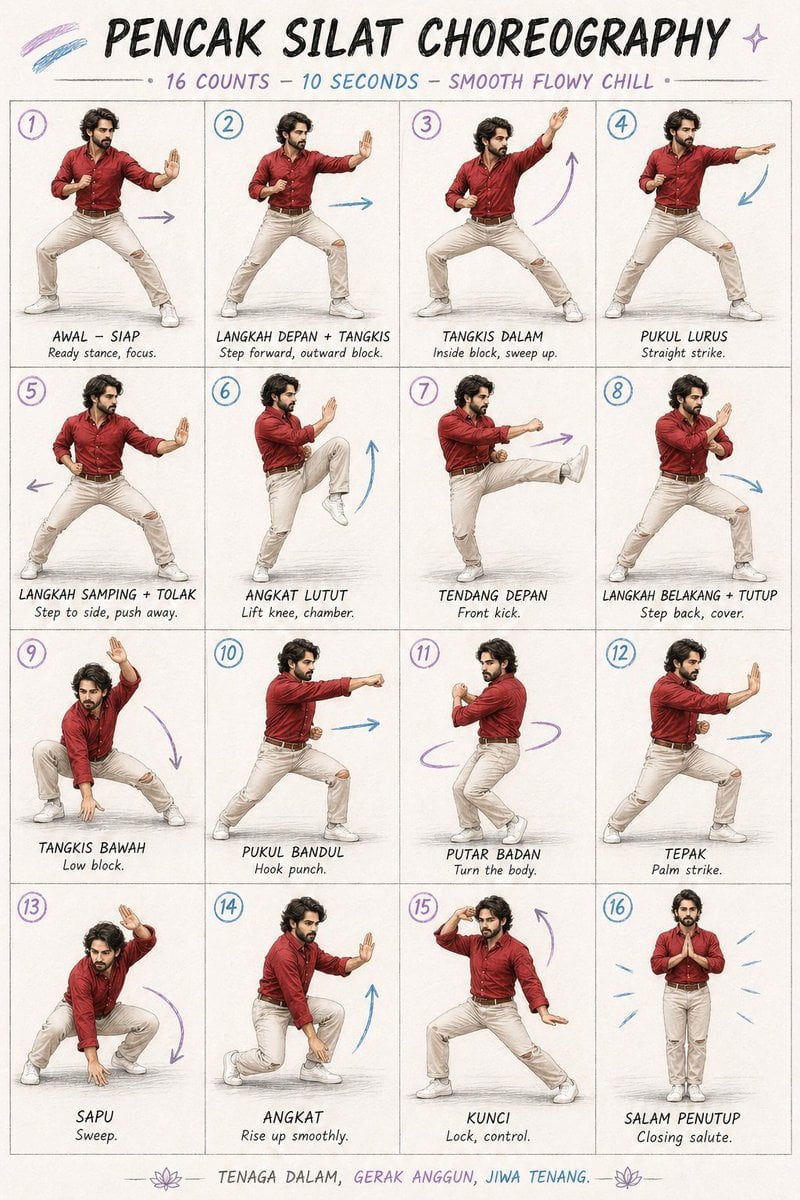
Martial Arts Choreography Poster

High-Contrast Portrait with Direct Flash and Faux Fur

Hyperrealistic iPhone 17 Pro Max Ad
Browse template categories
Forest Photoshoot questions
How do I use the Forest Photoshoot template?
Add your photo if the template asks for one, edit the prompt if you like — the template's model and format are already selected — and press Generate. Your version opens in PicX Studio.
Can I customize the Forest Photoshoot template?
Yes. You can change the subject, setting, lighting, mood, format, and available model controls before creating your image.
Is the Forest Photoshoot template free?
Opening and editing this template is free. Generating uses credits, shown on the Generate button when you are signed in.
Which AI model should I use?
Choose a compatible model in PicX Studio based on the style, speed, and output controls your project needs.
Looking for something else? Browse all templates.

Your photo, any look
Thousands of ready templates for every top image and video model, from one credit balance.