
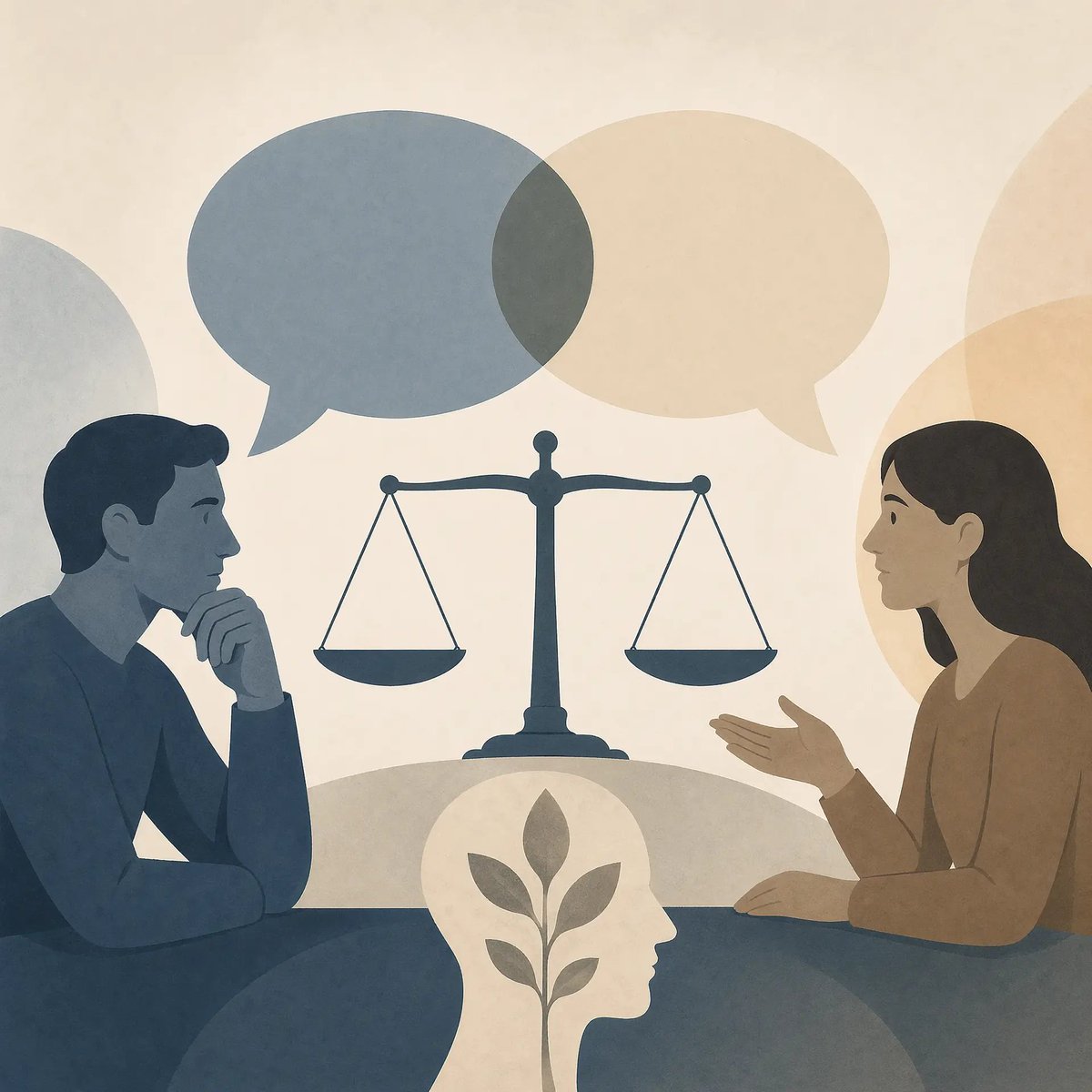
Cross-Strait Dialogue Editorial Illustration
A symbolic editorial-style illustration showing two anonymized people discussing across a table with scales and speech bubbles, suitable for articles about cross-strait relations, negotiation, and public discourse.
- Prompt included
- Model and format preset
- Free template
The prompt behind this image
Copy the exact prompt behind Cross-Strait Dialogue Editorial Illustration, or open it in the studio and make it yours.
A minimalist editorial illustration about cross-strait relations and dialogue, in a muted flat-paper collage style with soft grain texture and rounded shapes. Show 2 human figures seated across a table in profile, facing each other: on the left a man in dark desaturated blue, resting his chin on one hand in a thoughtful pose; on the right a woman in warm brown, gesturing with one hand as if explaining. Both faces are intentionally anonymized with soft blurred rectangular blocks over the facial area. Centered between them is a dark blue balance scale, upright and symmetrical, symbolizing justice, negotiation, and equilibrium. Above the figures are 2 overlapping speech bubbles, one blue-gray on the left and one pale beige on the right, indicating conversation and contested viewpoints. At the bottom center, place 1 white silhouette of a human head in side profile containing a simple growing plant with stem and leaves, symbolizing peace, understanding, or constructive thinking. Use a cream background with 4 large translucent abstract circular forms around the composition, including a pale gray shape on the far left, a beige shape behind the upper center-right, a warm tan shape on the far right, and a darker blue-gray semicircular shape along the bottom foreground. Keep the composition balanced, calm, symbolic, and poster-like, with no text, no sharp outlines, no photorealism, and a subdued palette of dusty blue, slate, beige, cream, and brown.
How to use Cross-Strait Dialogue Editorial Illustration in 3 steps
- 1Upload ImagePNG, JPG or paste
Add your photo
Upload the photo the template builds on. The prompt, model and format are already set.
- 2…a portrait of your subject in softgolden-hour light, 85mm…
Personalize
Edit the subject and creative details for your destination.
- 3Generate
Generate
Press Generate — your image is created in PicX Studio, so you can compare it with the original and refine one variable at a time.
More like this
Templates with the same subject, style or setup. Open one to see its prompt.

Anime Character Charm Analysis Sheet
Mixed Media Editorial Woman Illustration
Pen-and-Ink Cross-Hatching Illustration

Urban Fashion Editorial Collage Streetwear Poster

Monochrome Hypebeast Street Fashion Editorial Motion

Elegant Green Evening Gown Studio Fashion Portrait

Artistic Patchwork Fashion Portrait Spring Festival

Japanese Architectural Concrete Studio Fashion Campaign

Monroe and Ash Mediterranean Luxury Fashion Campaign

Premium Fashion Editorial Cover Layout System

Korean Luxury Fashion Editorial 2x2 Grid Series

Monochrome Halftone Editorial Fashion Poster
Make it yours
Cross-Strait Dialogue Editorial Illustration works as-is. These are the safest ways to change it without losing the look.
Change one field
Copy a single group, rewrite it, and generate again so you can see what that field is doing.
Keep the frame, change the subject
Hold the composition and light of Cross-Strait Dialogue Editorial Illustration, then swap wardrobe, props or the person for a new take.
| If the result… | Why | Fix |
|---|---|---|
| The result drifts from the preview | Too many fields changed at once. | Reuse Cross-Strait Dialogue Editorial Illustration as-is first, then change one group — subject, light, or setting. |
| The model over-stylizes the scene | The prose prompt leaves finish and camera underspecified. | Add one camera or lighting sentence and stay on GPT Image 2. |
More GPT Image 2 templates
Other prompts made for GPT Image 2.

Six VTuber Japanese Logo Sheet

Realistic Portrait of Woman and Deer

The Vista Modular Condo Poster

AI Model Routing Comparison Infographic

2.5D Anime Art Board

Isometric Productivity Desk Scene

New York Double Exposure Poster

Four-Panel AI Landscape Comparison

Japanese Tatami Lifestyle Magazine Cover

NESCAFÉ Coffee Map Poster
More image prompts
Fresh picks from across the catalog.
Kratos in Three Blended Styles
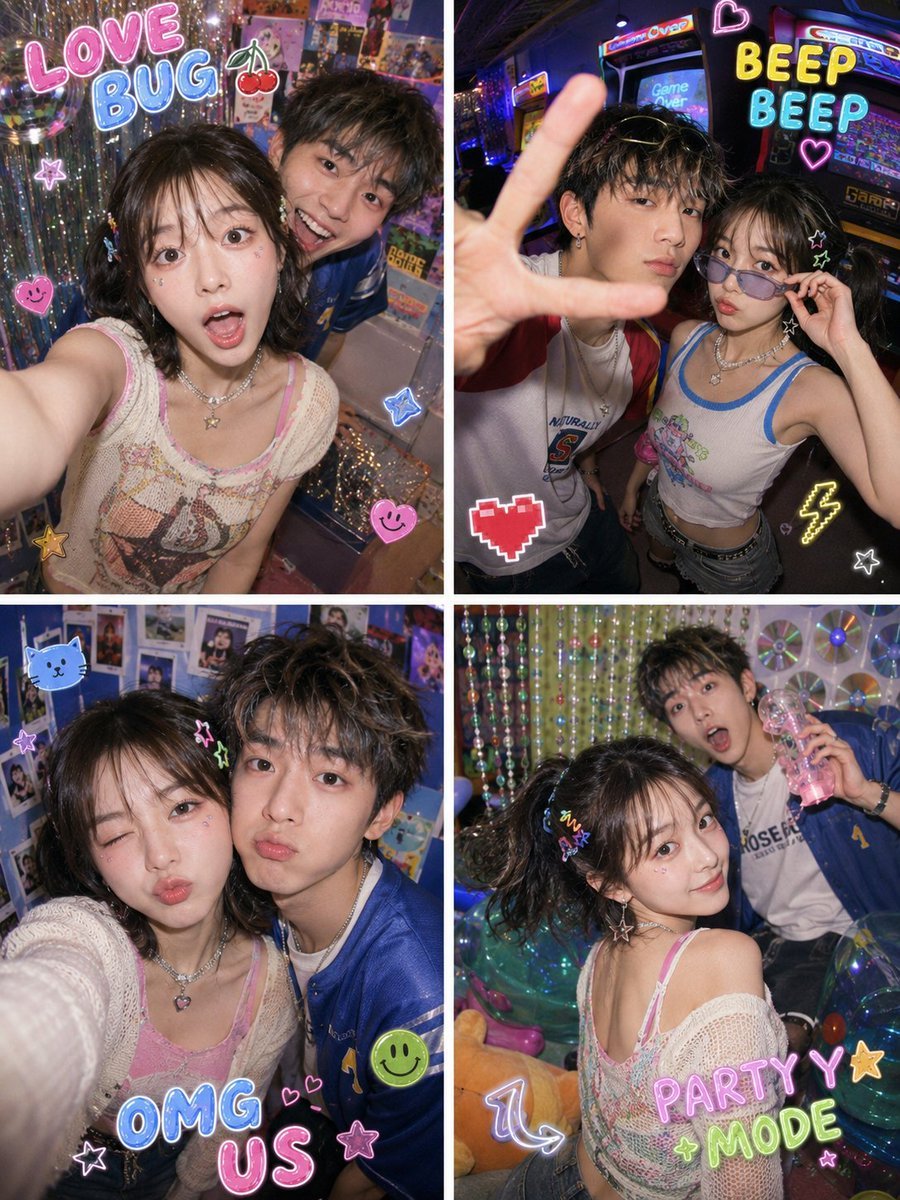
Y2K Fish-eye 2x2 Photo Booth Collage
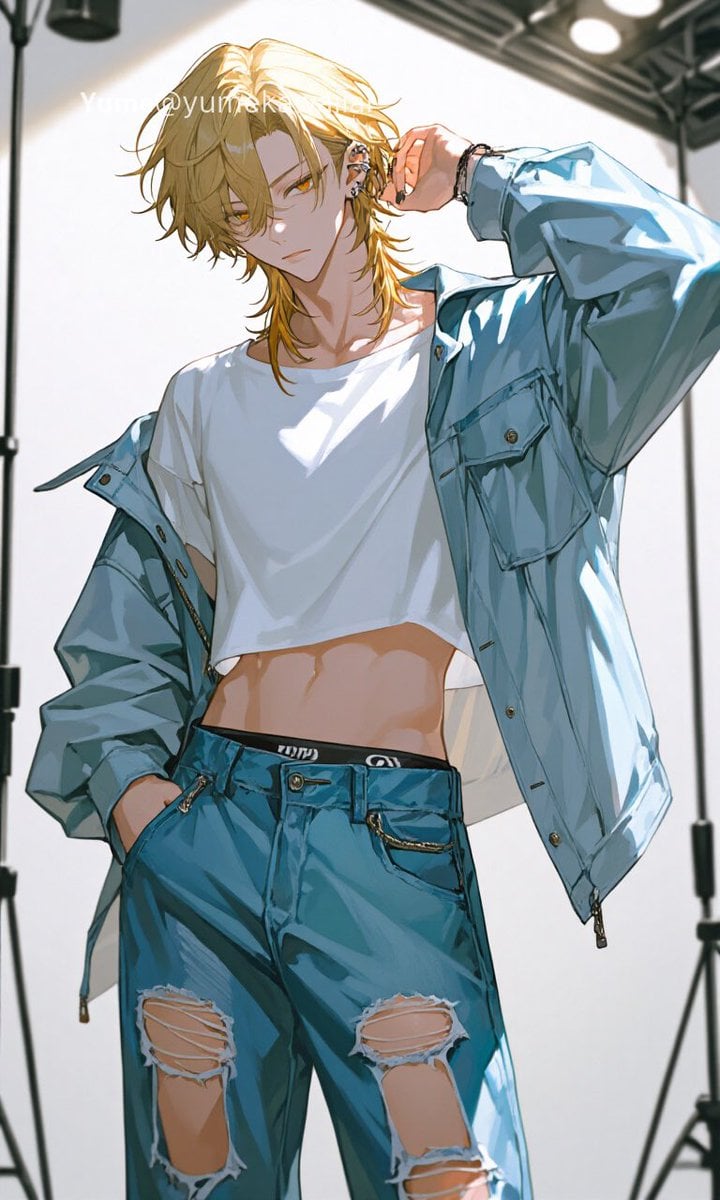
Y2K Anime Streetwear Model
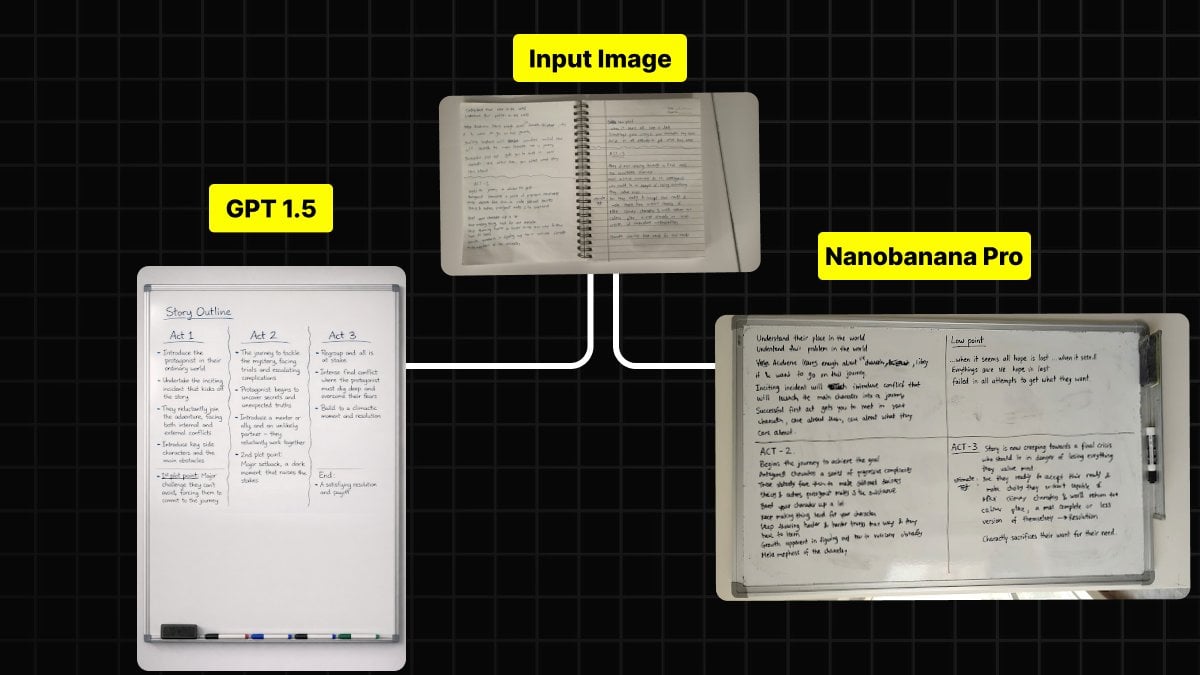
Handwritten Notes to Whiteboard Conversion Prompt
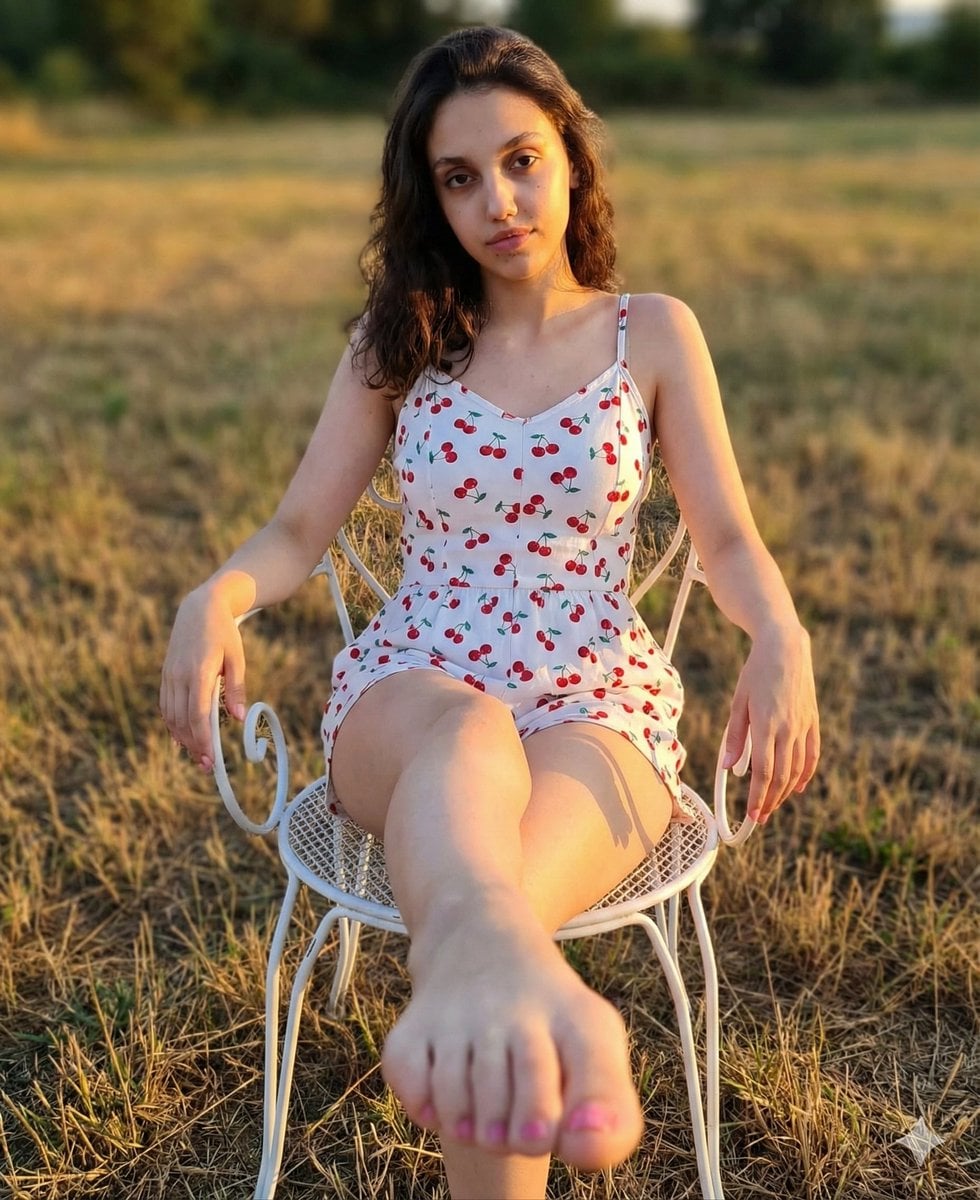
Golden Hour Romper and Bare Foot Prompt
Exaggerated Physique Gym Mirror Selfie Prompt (Spain Theme)
Cozy Indoor Peach Slicing Portrait
Cinematic Lotus Ancient Painting
Overhead Nightclub Staircase Portrait

JSON Prompt for Stylized 3D Character Render (Minimal Cartoon)
Browse template categories
Cross-Strait Dialogue Editorial Illustration questions
How do I use the Cross-Strait Dialogue Editorial Illustration template?
Add your photo if the template asks for one, edit the prompt if you like — the template's model and format are already selected — and press Generate. Your version opens in PicX Studio.
Can I customize the Cross-Strait Dialogue Editorial Illustration template?
Yes. You can change the subject, setting, lighting, mood, format, and available model controls before creating your image.
Is the Cross-Strait Dialogue Editorial Illustration template free?
Opening and editing this template is free. Generating uses credits, shown on the Generate button when you are signed in.
Which AI model should I use?
Start with GPT Image 2, which is the model associated with this template. You can compare another compatible model for a different finish.
Looking for something else? Browse all templates.

Your photo, any look
Thousands of ready templates for every top image and video model, from one credit balance.