
Cinematic Lotus Ancient Painting
Generates a serene vertical lotus scene in a cinematic photoreal style inspired by restored classical Chinese floral paintings.
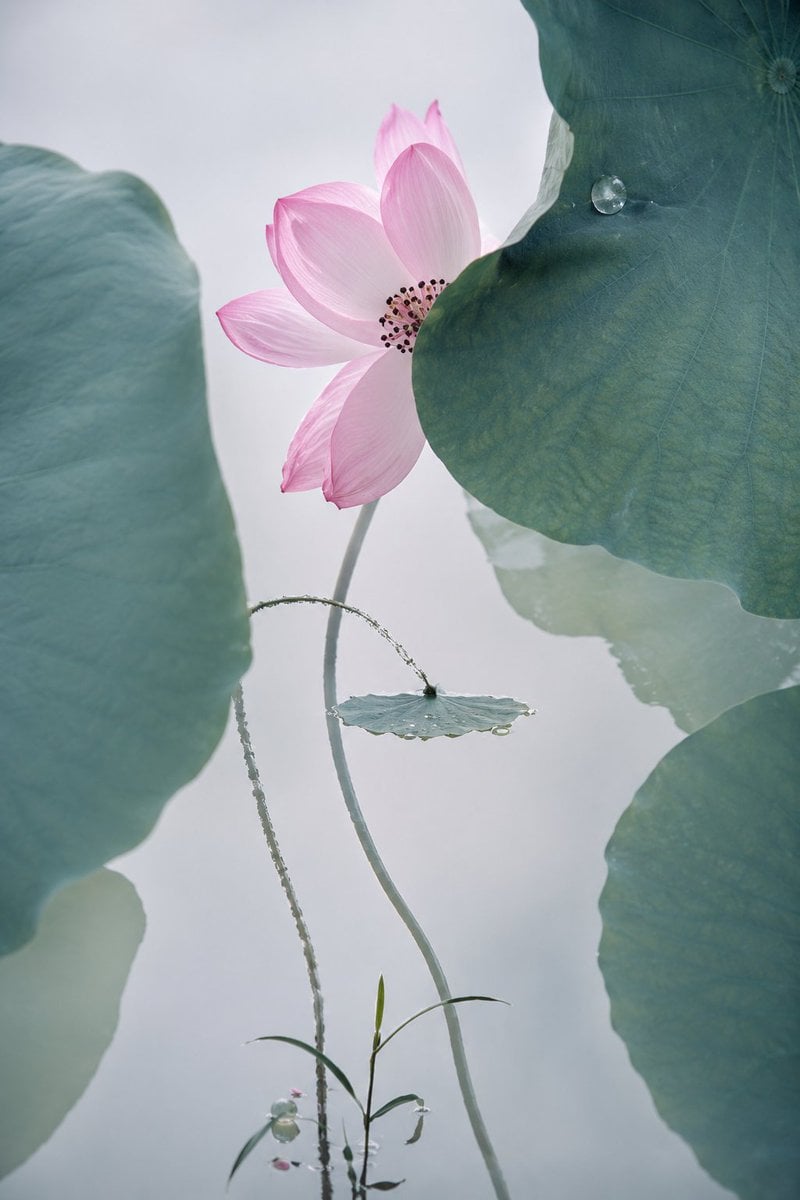
- Prompt included
- Model and format preset
- Free template
The prompt behind this image
Copy the exact prompt behind Cinematic Lotus Ancient Painting, or open it in the studio and make it yours.
Create a vertical cinematic fine-art restoration style image of an ancient Chinese lotus painting brought into photoreal life: one pale pink lotus blossom with about 8 broad translucent petals and a dark seed-and-stamen center, partially hidden behind a huge blue-green lotus leaf on the upper right. Compose the scene with exactly 4 prominent lotus leaves: 1 oversized soft-focus leaf filling the left edge, 1 oversized crisp dark teal leaf in the upper right with a single round water droplet, 1 oversized soft leaf cropping in from the lower right, and 1 small flat round leaf near the center with tiny dew along its rim. Add exactly 3 main stems: 1 tall smooth curved stem supporting the pink flower, 1 thin arcing hairy stem looping toward the small center leaf, and 1 delicate grasslike sprout rising from the bottom with narrow leaves and tiny buds. Use {argument name="flower color" default="soft pale pink"}, {argument name="leaf color" default="muted blue-green teal"}, {argument name="background tone" default="misty pale gray-white"}, and {argument name="visual style" default="cinematic photoreal ancient Chinese ink-painting aesthetic"}. The atmosphere should be quiet, poetic, elegant, and minimal, with shallow depth of field, soft diffused backlighting, visible leaf veins, subtle mist, delicate dew, natural botanical textures, gentle contrast, and a high-end cinematic macro-photography quality. Keep the composition spacious and vertical, with no text, no border, no people, and no modern objects.
How to use Cinematic Lotus Ancient Painting in 3 steps
- 1Upload ImagePNG, JPG or paste
Add your photo
Upload the photo the template builds on. The prompt, model and format are already set.
- 2…a portrait of your subject in softgolden-hour light, 85mm…
Personalize
Edit the subject and creative details for your destination.
- 3Generate
Generate
Press Generate — your image is created in PicX Studio, so you can compare it with the original and refine one variable at a time.
More like this
Templates with the same subject, style or setup. Open one to see its prompt.

Ancient Temple Portrait — White Dress Nano Banana
Translucent Lotus Cyanotype

Moonlit Ghost Lotus Anime Portrait
Lotus Silhouette Sunset Arch
Lotus Pond Hanfu Sunset Portrait

Giant Lotus Pond Portrait
Impasto Oil Architectural Painting
Retro-Modern Neon Anime Painting

Ancient Temple Interior Contact Sheet
Miniature Figurine Painting Scene
Skyborne Anime Biker in Ancient City
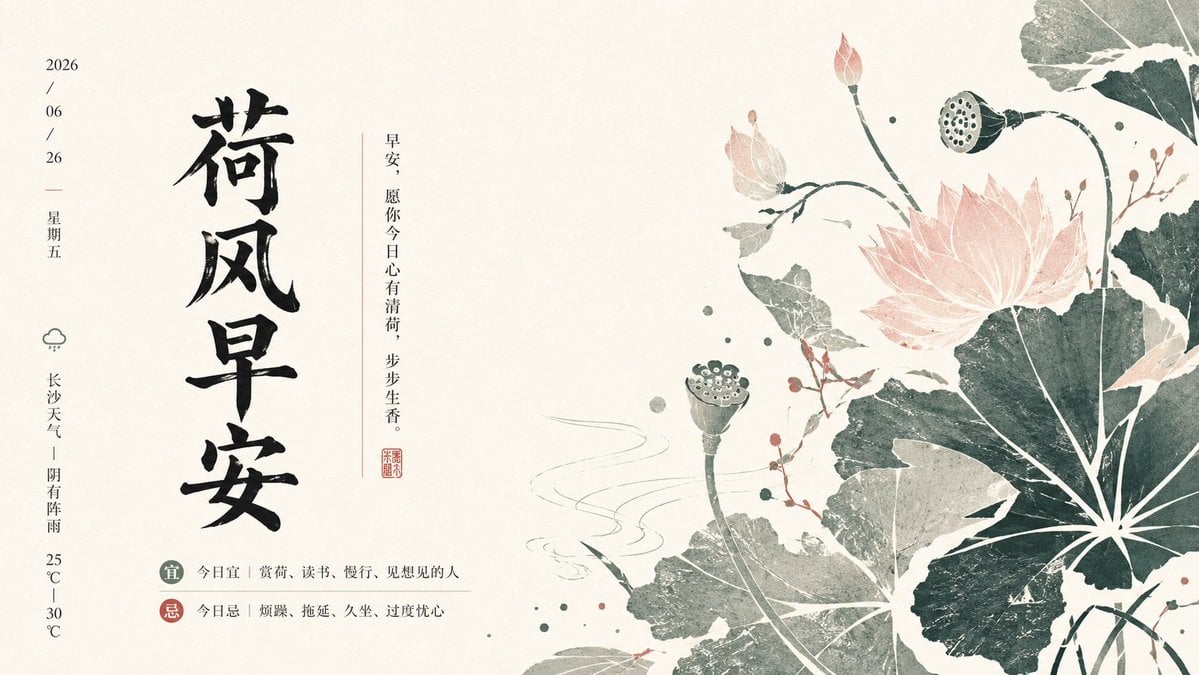
Guofeng Lotus Morning Poster
Make it yours
Cinematic Lotus Ancient Painting works as-is. These are the safest ways to change it without losing the look.
Change one field
Copy a single group, rewrite it, and generate again so you can see what that field is doing.
Keep the frame, change the subject
Hold the composition and light of Cinematic Lotus Ancient Painting, then swap wardrobe, props or the person for a new take.
| If the result… | Why | Fix |
|---|---|---|
| The result drifts from the preview | Too many fields changed at once. | Reuse Cinematic Lotus Ancient Painting as-is first, then change one group — subject, light, or setting. |
| The model over-stylizes the scene | The prose prompt leaves finish and camera underspecified. | Add one camera or lighting sentence and stay on GPT Image 2. |
More GPT Image 2 templates
Other prompts made for GPT Image 2.

Six VTuber Japanese Logo Sheet

Realistic Portrait of Woman and Deer

The Vista Modular Condo Poster

AI Model Routing Comparison Infographic

2.5D Anime Art Board

Isometric Productivity Desk Scene

New York Double Exposure Poster

Four-Panel AI Landscape Comparison

Japanese Tatami Lifestyle Magazine Cover

NESCAFÉ Coffee Map Poster
More image prompts
Fresh picks from across the catalog.
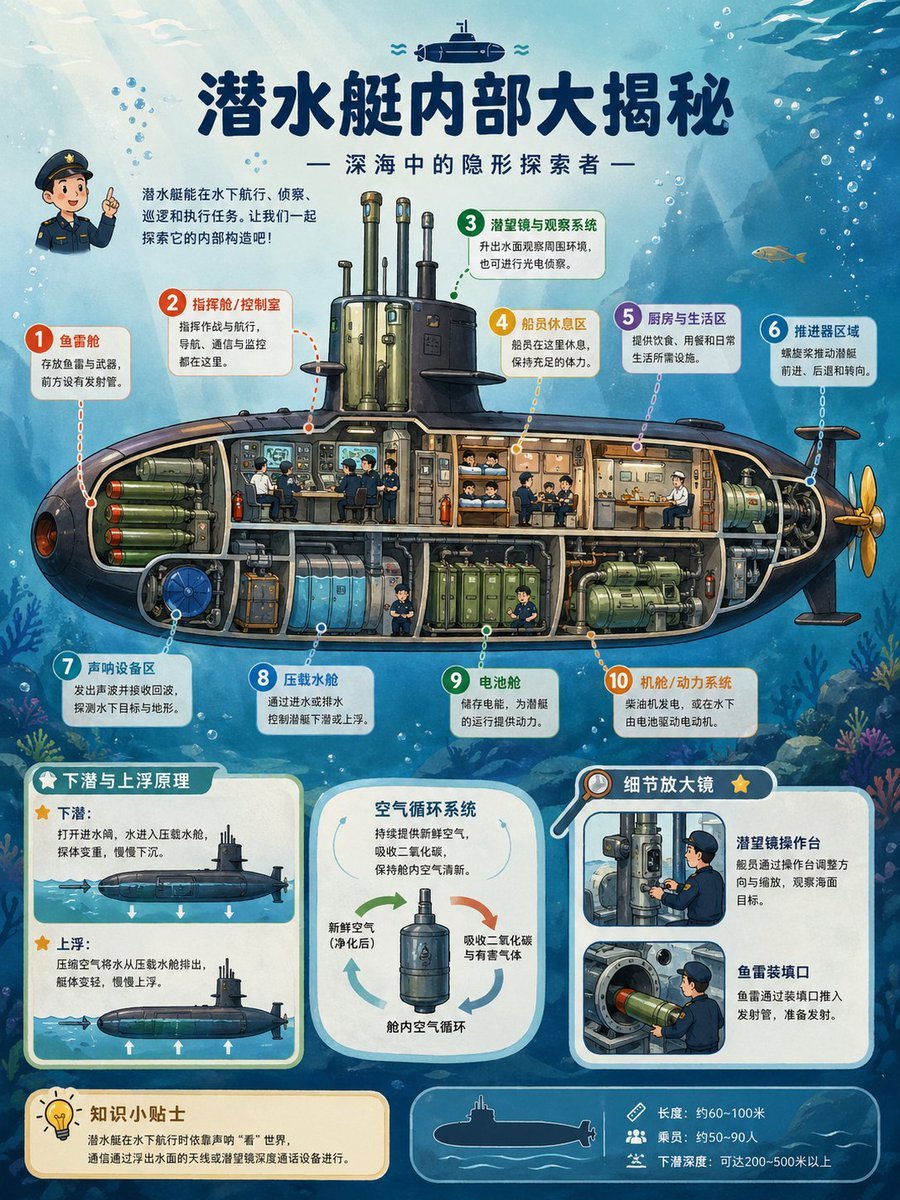
Submarine Cutaway Encyclopedia Poster
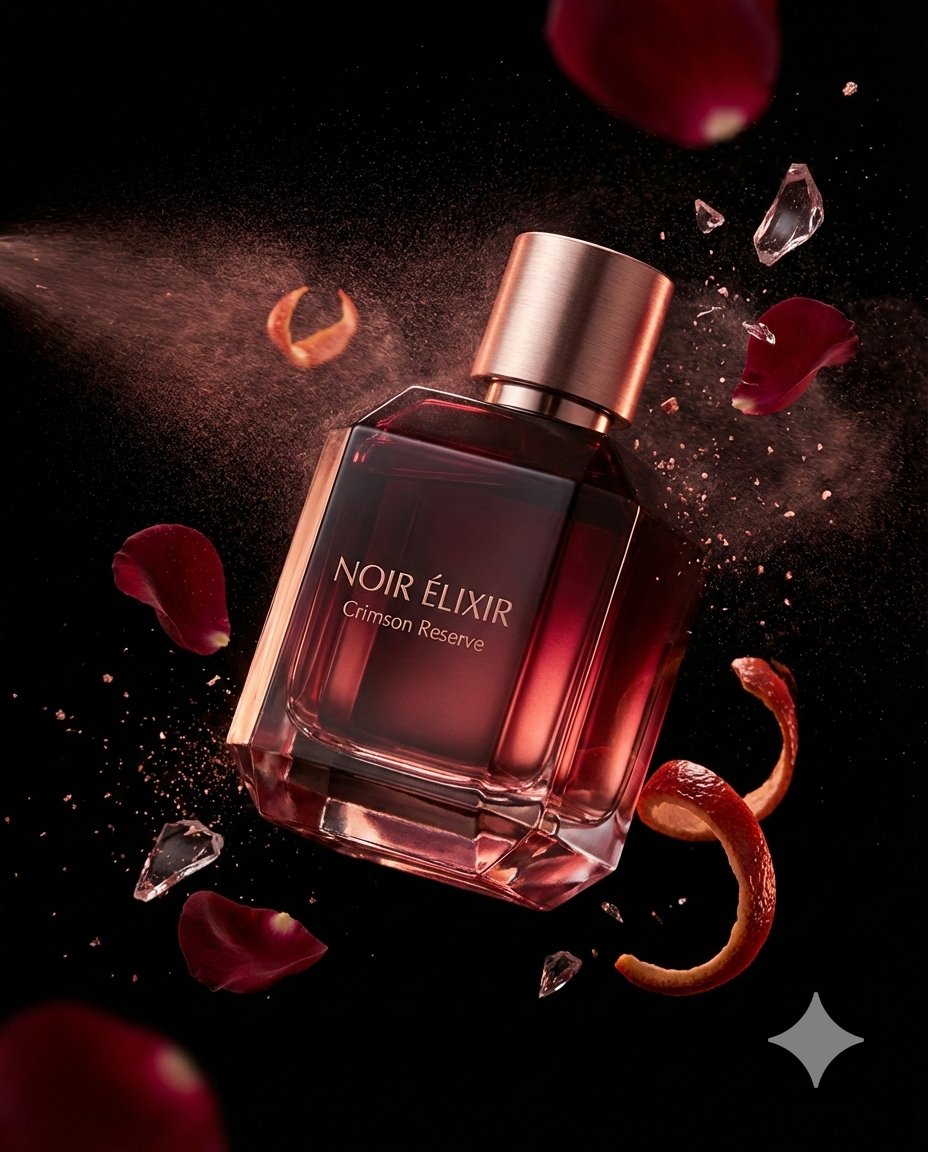
Luxury Fragrance Advertising Photography Prompt
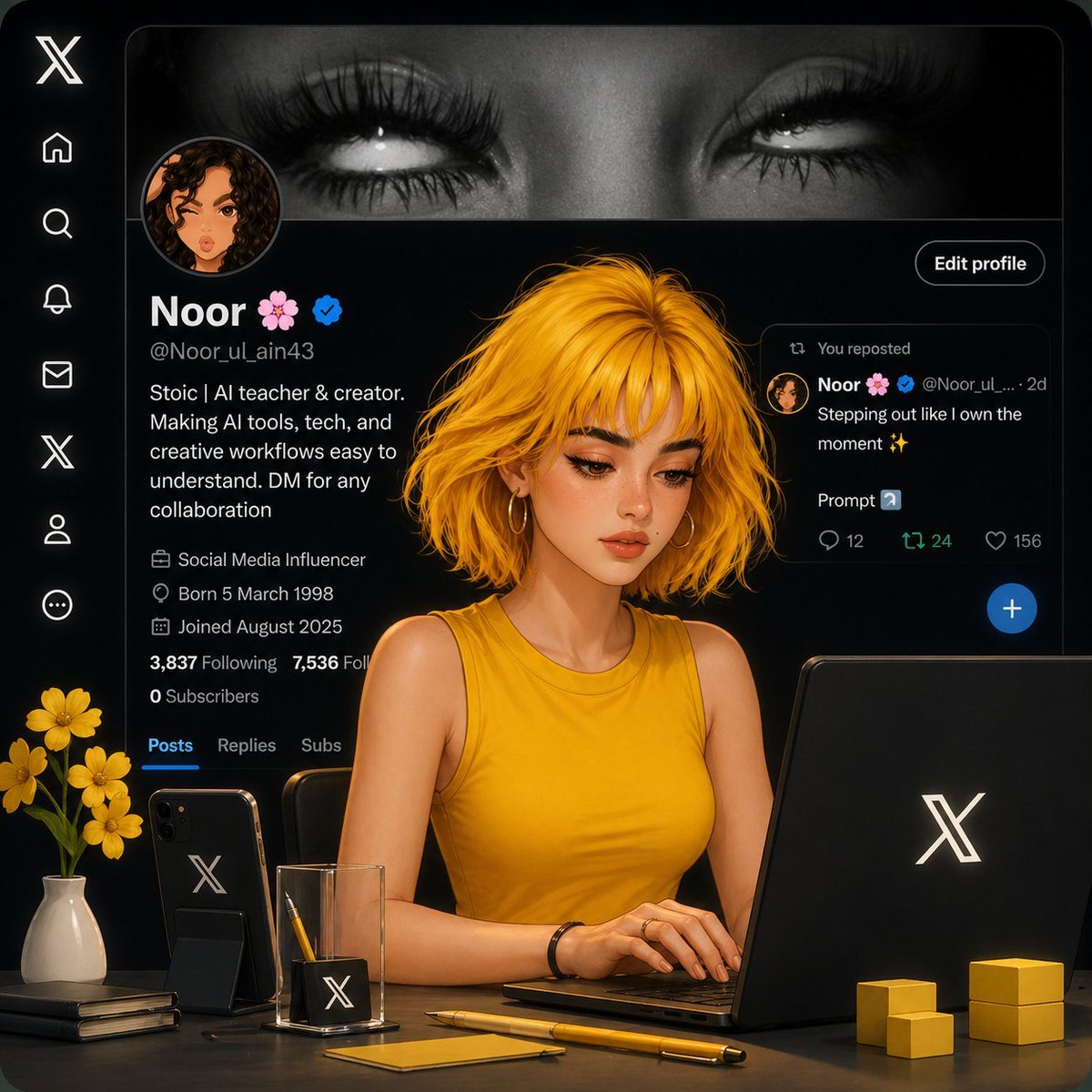
Aesthetic Creator Workspace
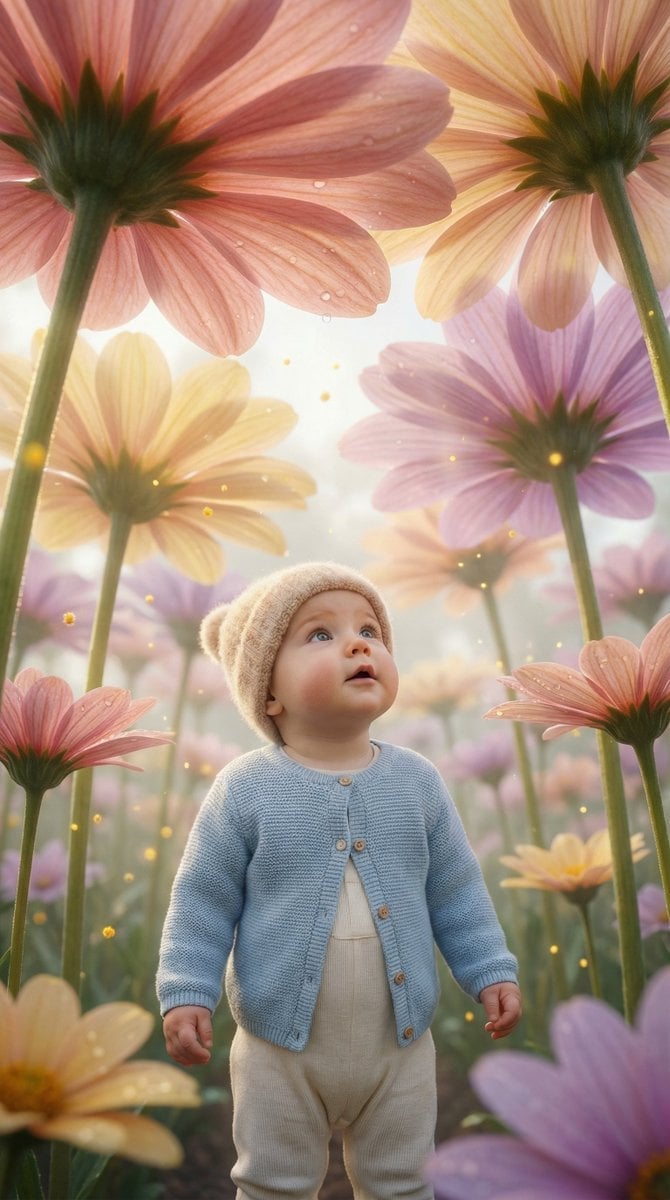
Ultra-Realistic Surreal Conceptual Portrait of a Baby in a Gigantic Flower Field
Videogame Cinematic Trailer - Seedance 2.0

Medical Infographic Poster for Drug Information (Bento Grid Style)
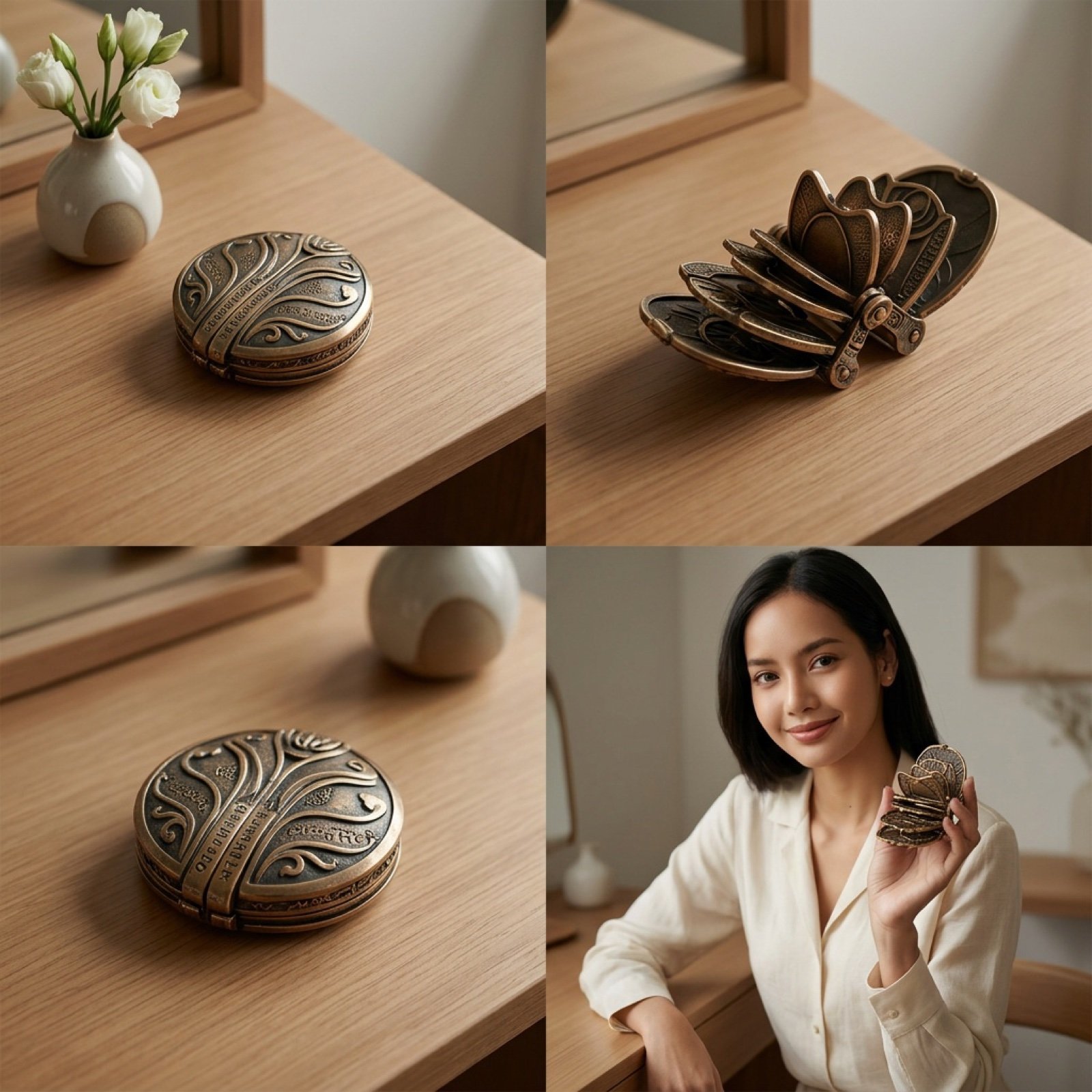
Detailed Video Generation Prompt for Product Display
Delorean 'Back to the Future' Scene Integration Prompt
Raw High-Fidelity iPhone 17 Pro Simulation
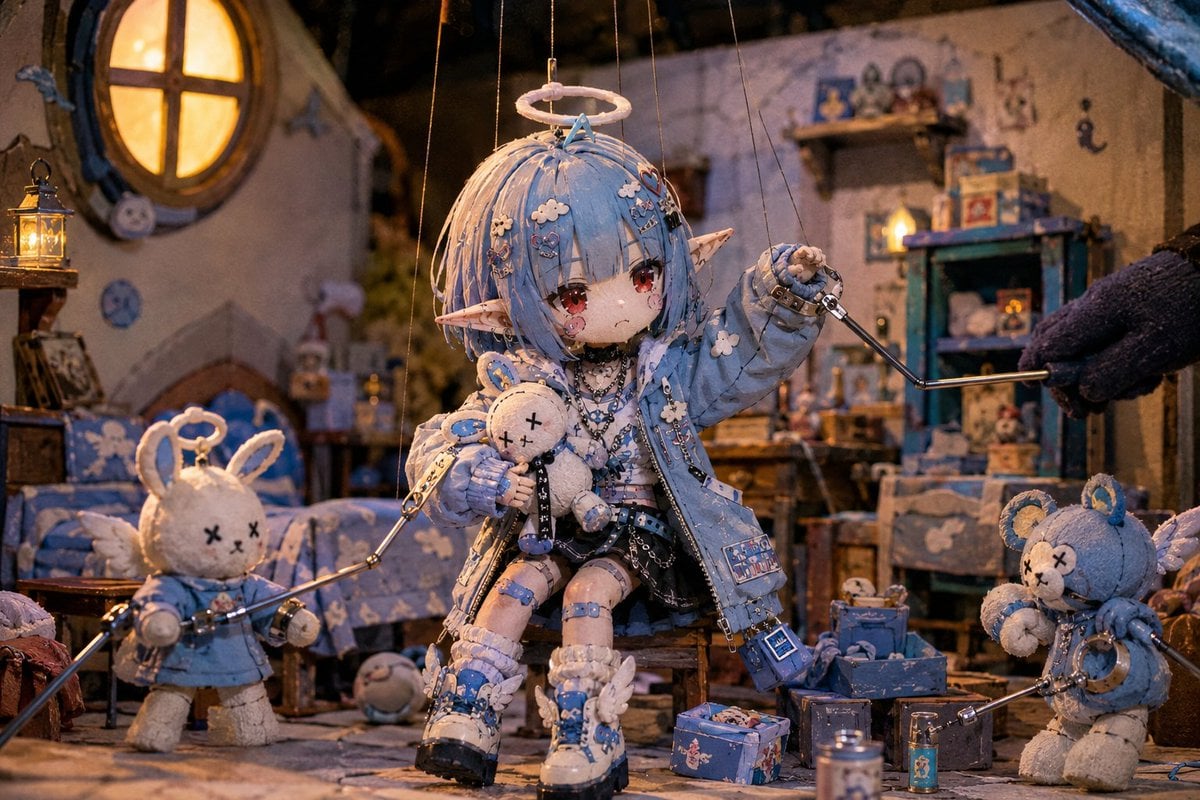
Nostalgic Puppet Play Scene
Browse template categories
Cinematic Lotus Ancient Painting questions
How do I use the Cinematic Lotus Ancient Painting template?
Add your photo if the template asks for one, edit the prompt if you like — the template's model and format are already selected — and press Generate. Your version opens in PicX Studio.
Can I customize the Cinematic Lotus Ancient Painting template?
Yes. You can change the subject, setting, lighting, mood, format, and available model controls before creating your image.
Is the Cinematic Lotus Ancient Painting template free?
Opening and editing this template is free. Generating uses credits, shown on the Generate button when you are signed in.
Which AI model should I use?
Start with GPT Image 2, which is the model associated with this template. You can compare another compatible model for a different finish.
Looking for something else? Browse all templates.

Your photo, any look
Thousands of ready templates for every top image and video model, from one credit balance.