
Raw High-Fidelity iPhone 17 Pro Simulation
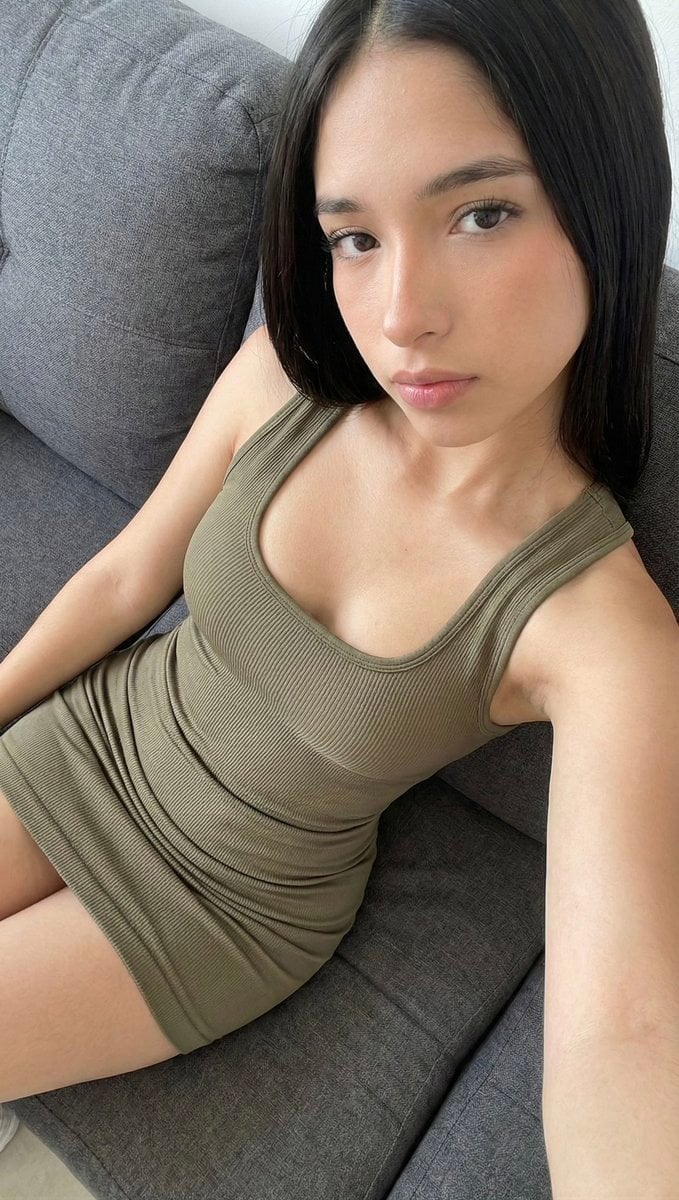
A highly technical prompt simulating a raw, high-fidelity photograph taken with an iPhone 17 Pro wide-angle lens from a high-angle perspective, emphasizing sharp focus across all planes and realistic textile physics on…
- Prompt included
- Model and format preset
- Free template
The prompt behind this image
Copy the exact prompt behind Raw High-Fidelity iPhone 17 Pro Simulation, or open it in the studio and make it yours.
[Header] (9:16). Raw high-fidelity full-body photograph, iPhone 17 Pro wide-angle lens simulation, captured from a high-angle downward perspective (POV). NO ARTIFICIAL BOKEH. All planes of the image from the subject's face to the lower limbs must be in ultra-sharp focus. [Subject & Identity Locking] Identity: Absolute reconstruction of the woman from Image A (dark straight hair, specific eye shape, and facial symmetry). Bio-Fidelity: Micro-pore detail, natural skin hydration. The skin must show realistic interaction and weight-bearing where it meets the seating surface. Expression: Neutral gaze looking slightly upward toward the elevated camera lens. [Outfit & Textile Geometry] Technical Description: One-piece athletic-performance mini dress in {argument name="dress color" default="olive-drab"}. Material: 2mm vertical ribbing texture throughout the entire garment. Cut: Wide U-shaped neckline with 25mm integrated straps. The garment is a single continuous textile that extends to the upper-thigh, conforming to the body's S-curve. Physics: Realistic fabric folds at the waist and hip joints due to the seated posture. [Pose & Framing - CRITICAL] Framing: Wide-shot framing. The image must include the head, full torso, and the proximal segments of the legs. The camera is positioned approximately 1.5 meters above the subject, looking down. Geometry: The subject is seated on a couch in a diagonal reclining position. The legs are foreshortened by the high camera angle. Composition: A third-person perspective, not a selfie. Both arms are visible at the sides. [Environment & Lighting] Atmosphere: Bright, natural indoor daylight. Background: Sharp, detailed texture of a {argument name="couch color" default="charcoal-grey"} upholstered sofa. The seams and fabric grain of the furniture must be clearly visible and in focus. Lighting Physics: Soft overhead light source defining the contours of the ribbed textile and the anatomical structure of the collarbones and limbs.
How to use Raw High-Fidelity iPhone 17 Pro Simulation in 3 steps
- 1
Open
The prompt is already in the box next to the preview, with the template's model and format selected.
- 2…a portrait of your subject in softgolden-hour light, 85mm…
Personalize
Edit the subject and creative details for your destination.
- 3Generate
Generate
Press Generate — your image is created in PicX Studio, so you can compare it with the original and refine one variable at a time.
More like this
Templates with the same subject, style or setup. Open one to see its prompt.
Late Night Raw iPhone Flash Selfie

4x4 Grid - Candid Nostalgic Vacation Selfies
Hyper-Realistic iPhone 17 Pro Selfie Simulation Prompt
Hyper-Realistic Gym Mirror Selfie Prompt (iPhone 17 Pro Simulation)
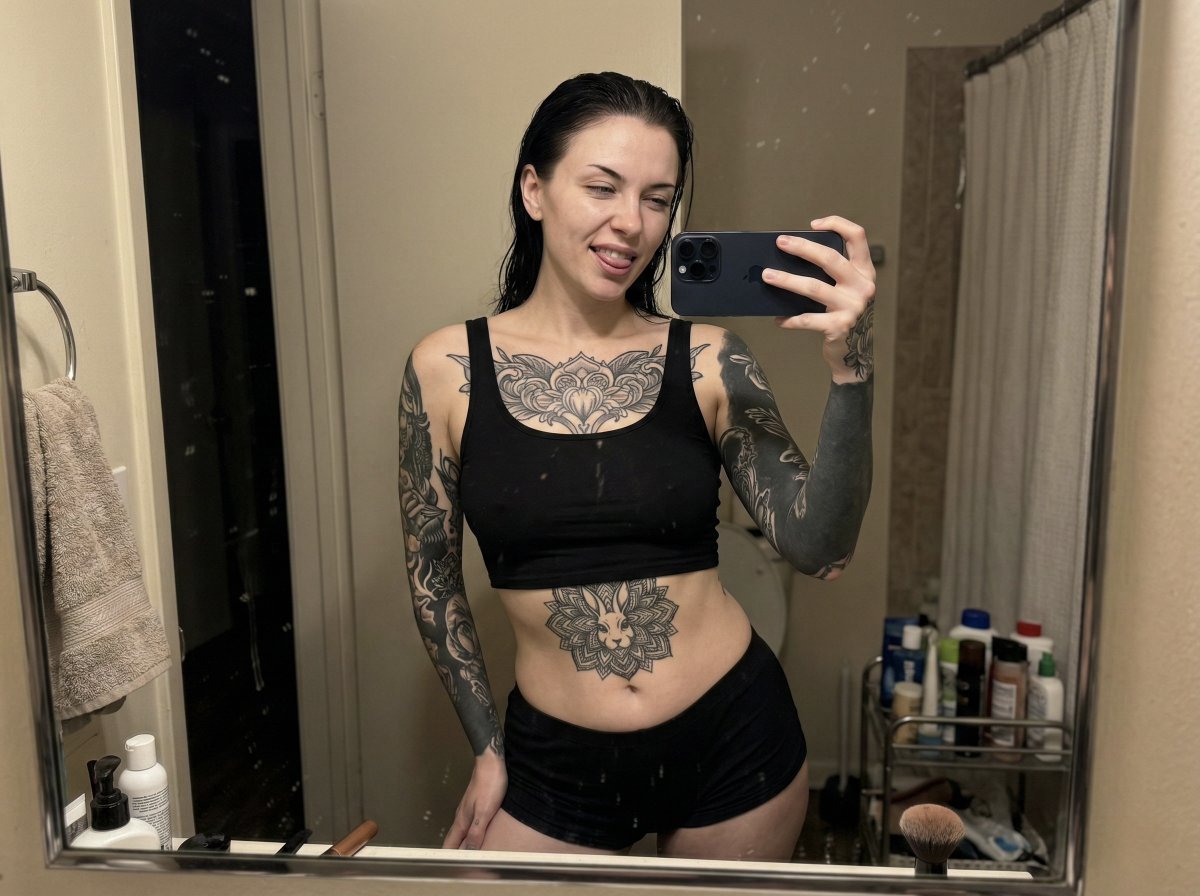
Raw iPhone Mirror Selfie Realism

Outdoor Cafe Portrait — White Ruched Top Nano Banana

Tropical Hammock Latte — Nano Banana iPhone Style

Coastal Bench Portrait — Navy Floral Sundress
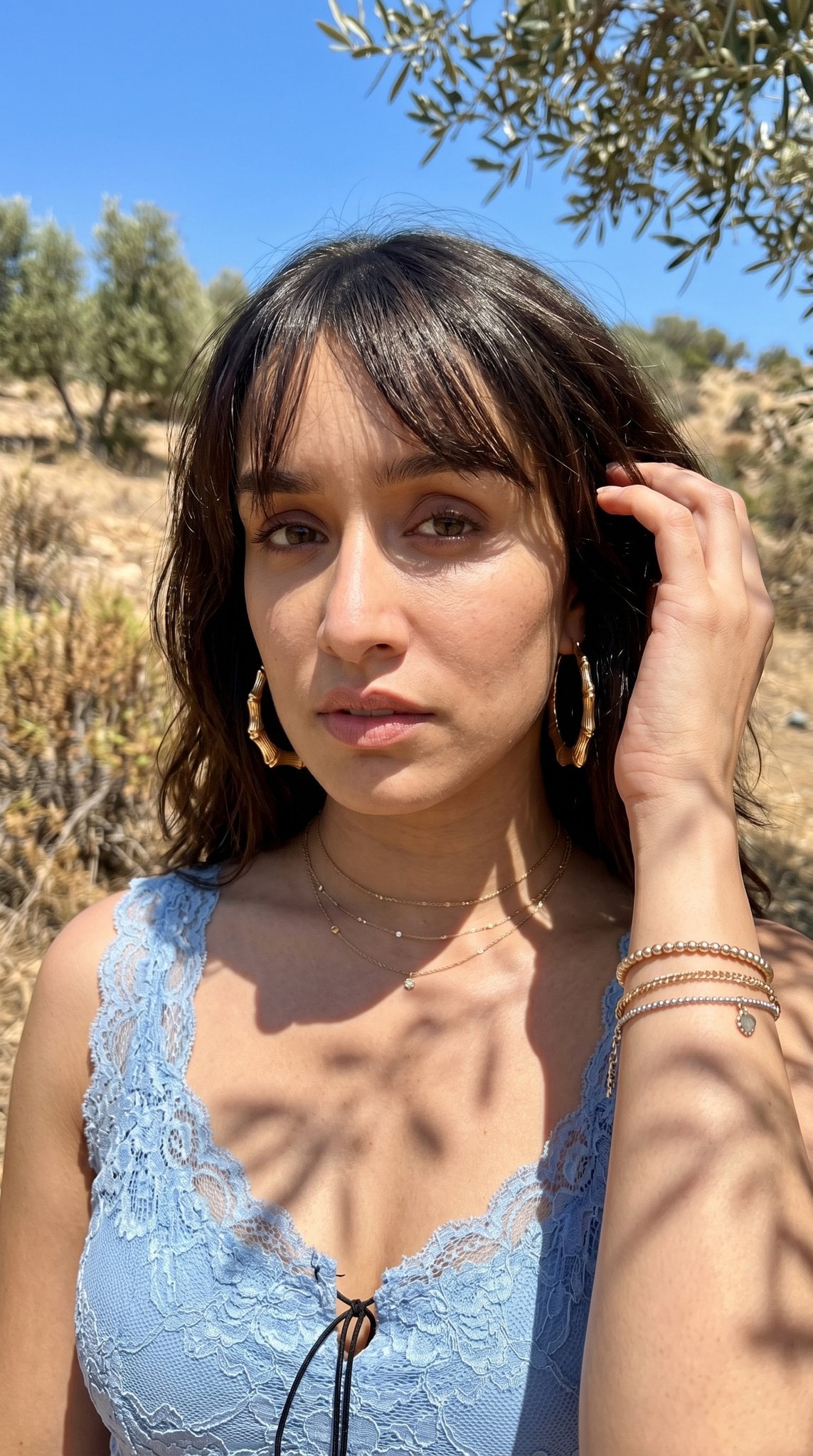
Hyper-Realistic Outdoor Portrait — 35mm Natural Light

Nano Banana - Peace Sign Bedroom Selfie
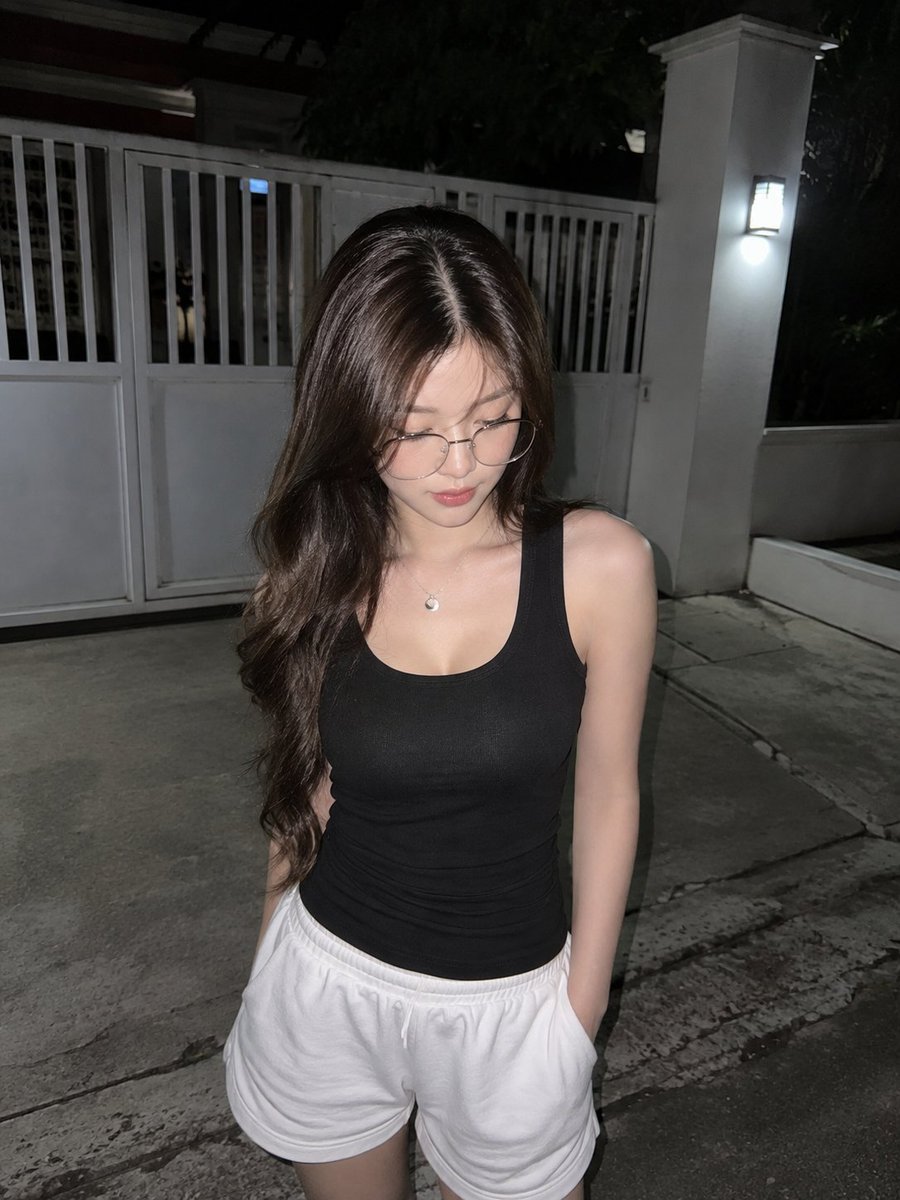
Candid Night Driveway iPhone Photo
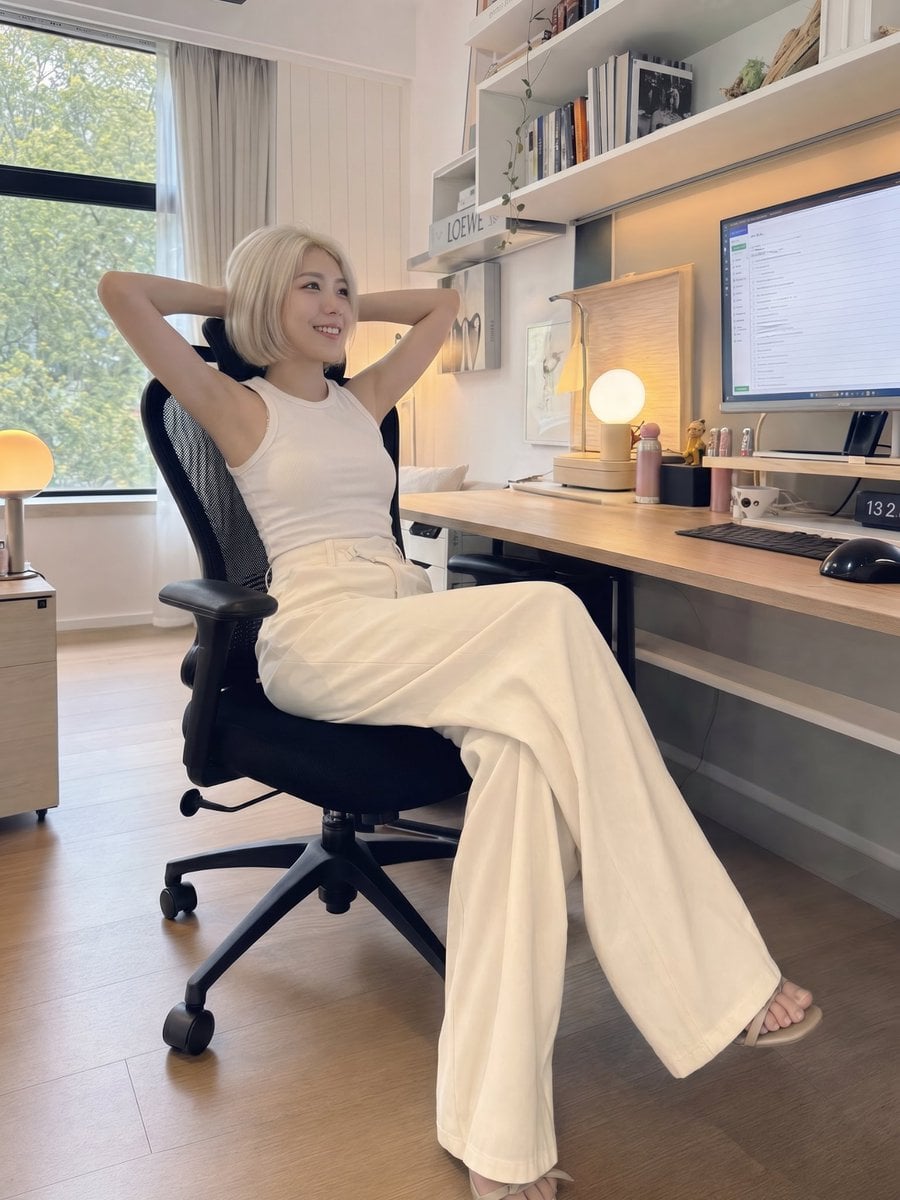
iPhone Style Minimalist Office Portrait
Make it yours
Raw High-Fidelity iPhone 17 Pro Simulation works as-is. These are the safest ways to change it without losing the look.
Change one field
Copy a single group, rewrite it, and generate again so you can see what that field is doing.
Keep the frame, change the subject
Hold the composition and light of Raw High-Fidelity iPhone 17 Pro Simulation, then swap wardrobe, props or the person for a new take.
| If the result… | Why | Fix |
|---|---|---|
| The result drifts from the preview | Too many fields changed at once. | Reuse Raw High-Fidelity iPhone 17 Pro Simulation as-is first, then change one group — subject, light, or setting. |
| The model over-stylizes the scene | The prose prompt leaves finish and camera underspecified. | Add one camera or lighting sentence and stay on Nano Banana 2. |
More Nano Banana 2 templates
Other prompts made for Nano Banana 2.

Photorealistic Leaf Shaped Like a Dragon

K-Pop Idol Portrait Grid for Rapid Selection

Poetic Rain Forest Portrait During Golden Hour

Urban Street Portrait with Cartoon Inner Self Duo

Candid Nighttime Photo with Cat Prompt

High-Concept 3D Diorama Generation Prompt

Cinematic Futuristic Studio Portrait Template

Skincare Editorial Photography Collage Prompt

Hyper-Realistic Commercial Product Photography (Splash Effect)

Hyper-Realistic Nightclub Portrait Prompt
More image prompts
Fresh picks from across the catalog.
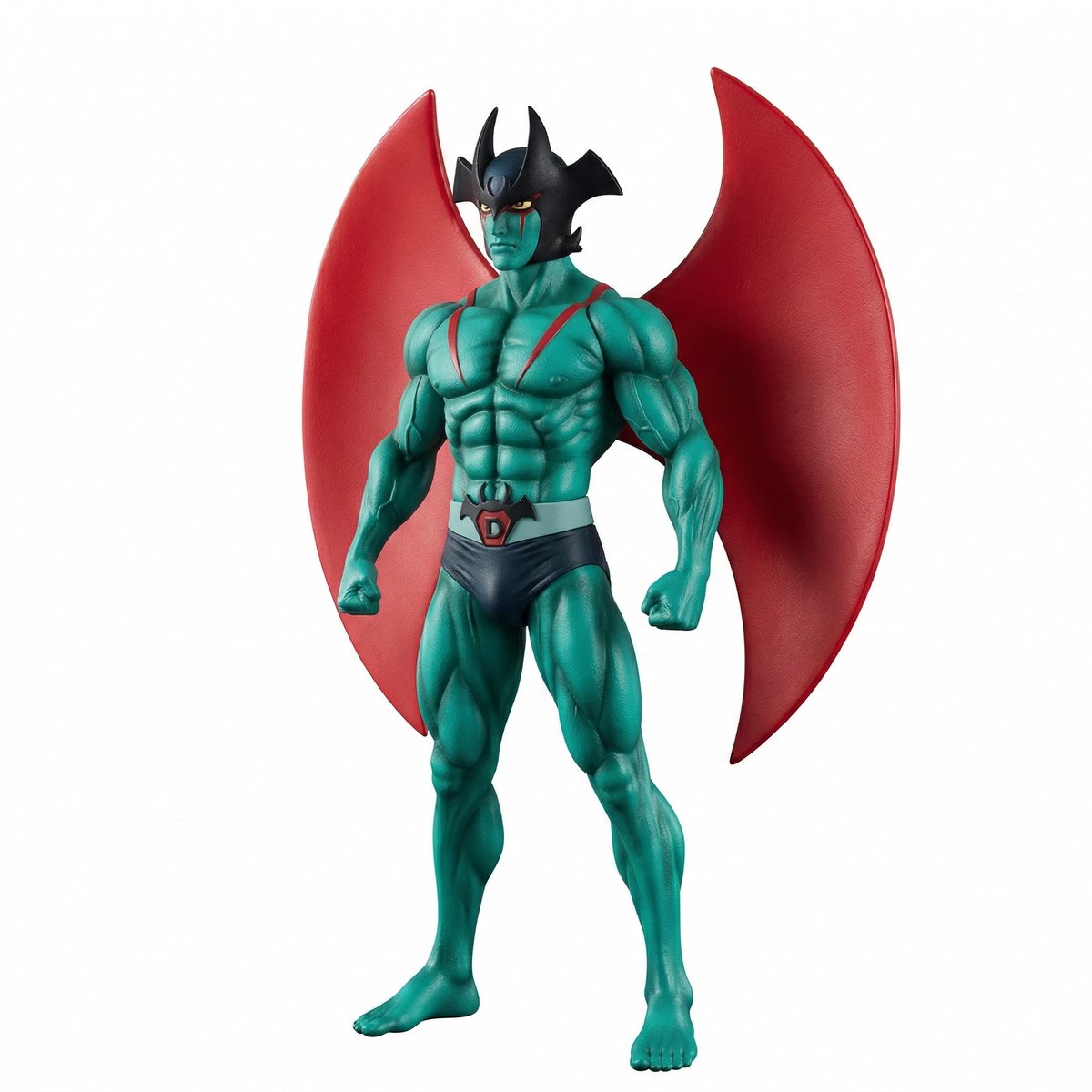
Comparing ChatGPT 5.2 and Nano Banana 2 for Devilman modeling
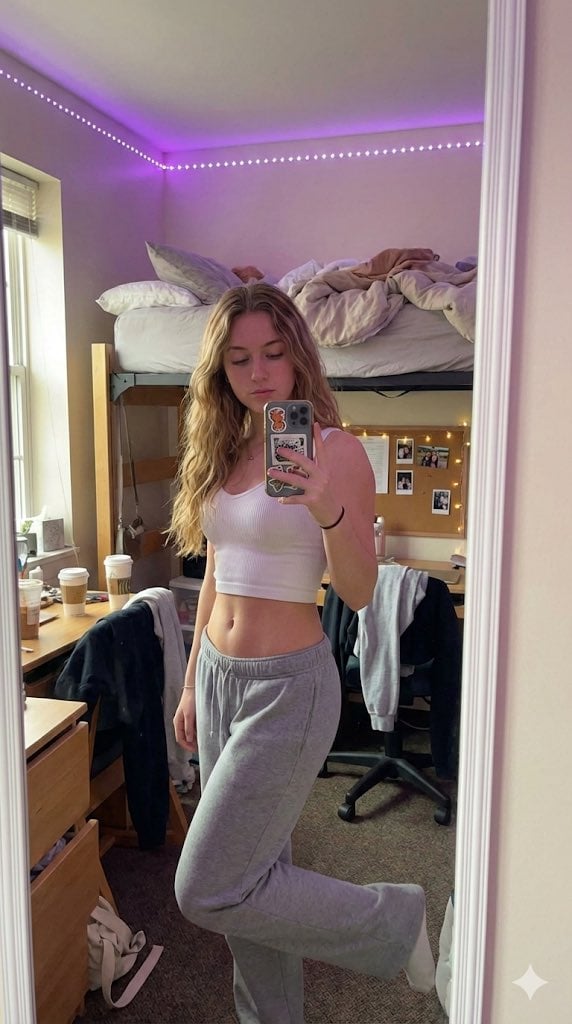
Casual 'Lazy-Hot' Mirror Selfie in Dorm Room

Style Transfer Prompt for Scientist Poster
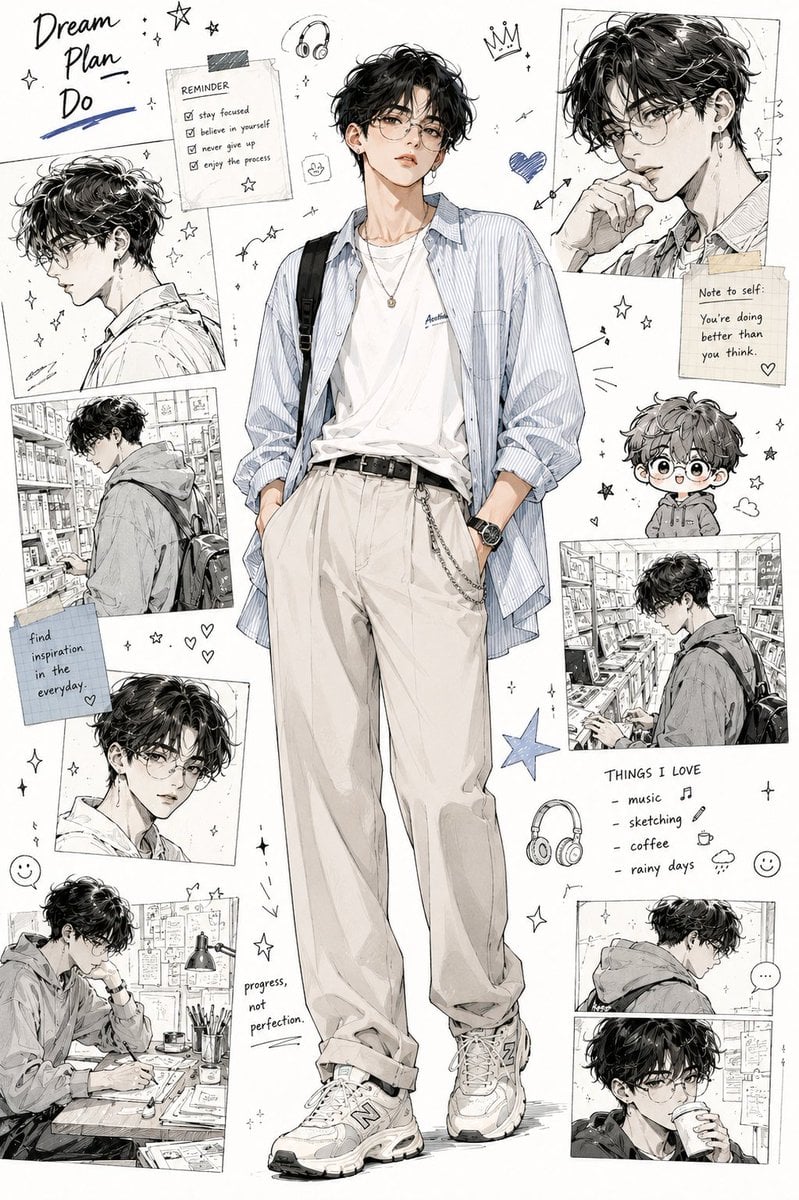
Anime Fashion Design Moodboard
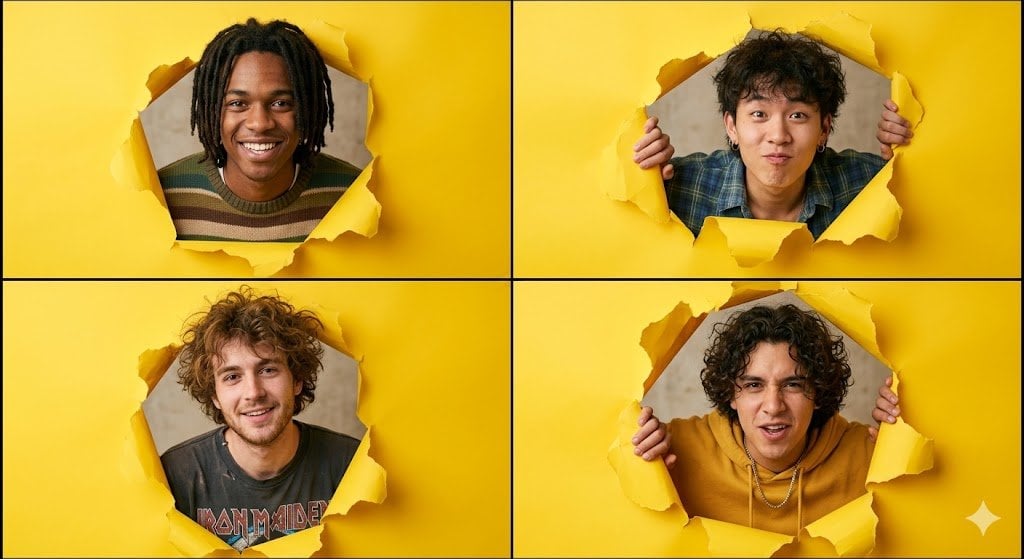
90s Indie Studio Portrait Grid

West Bengal City View
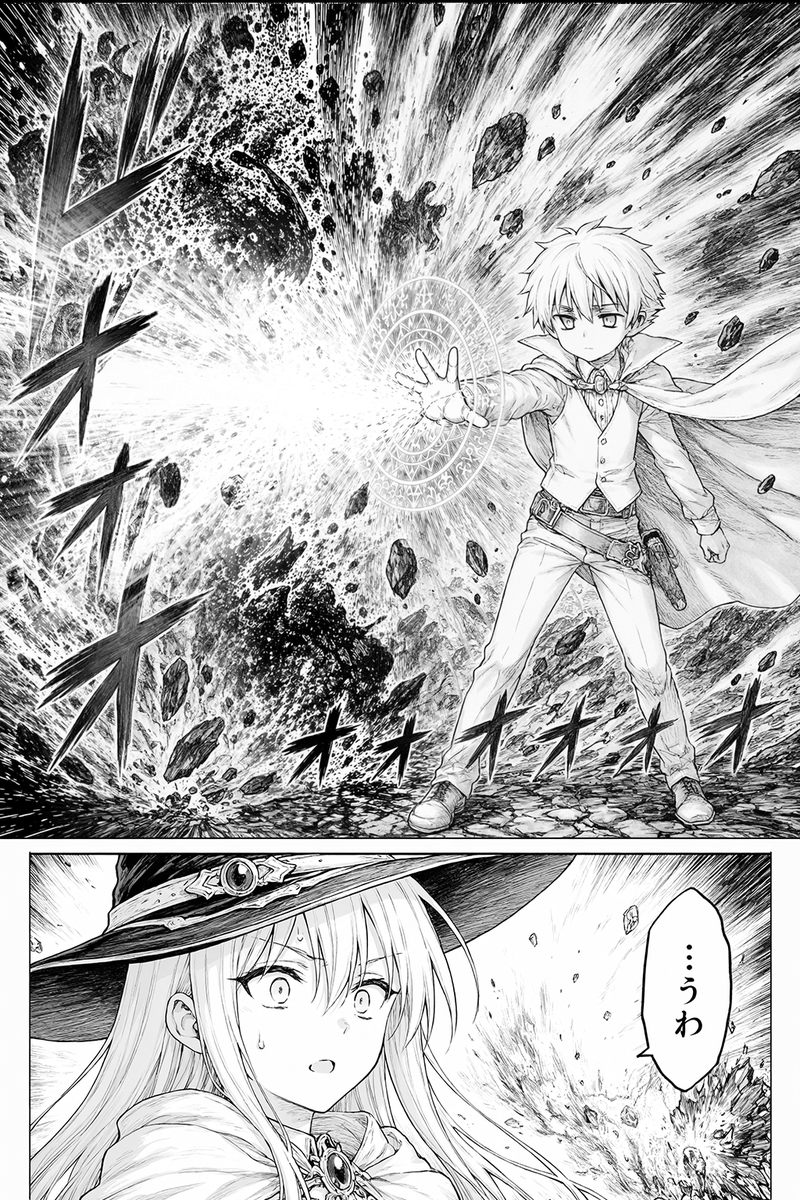
Fantasy Manga Spell Explosion Page

Rainy Tabby Scooter Ride
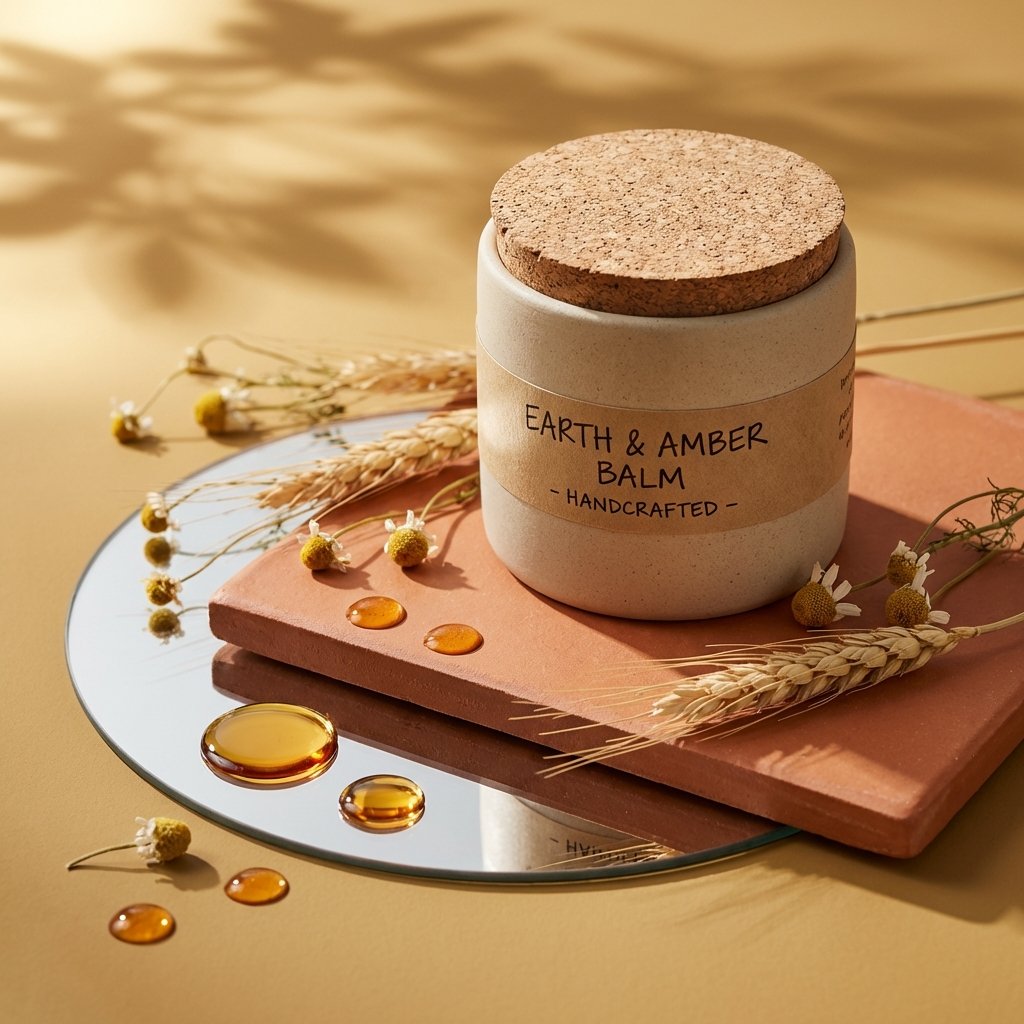
Luxury Skincare Product Photography
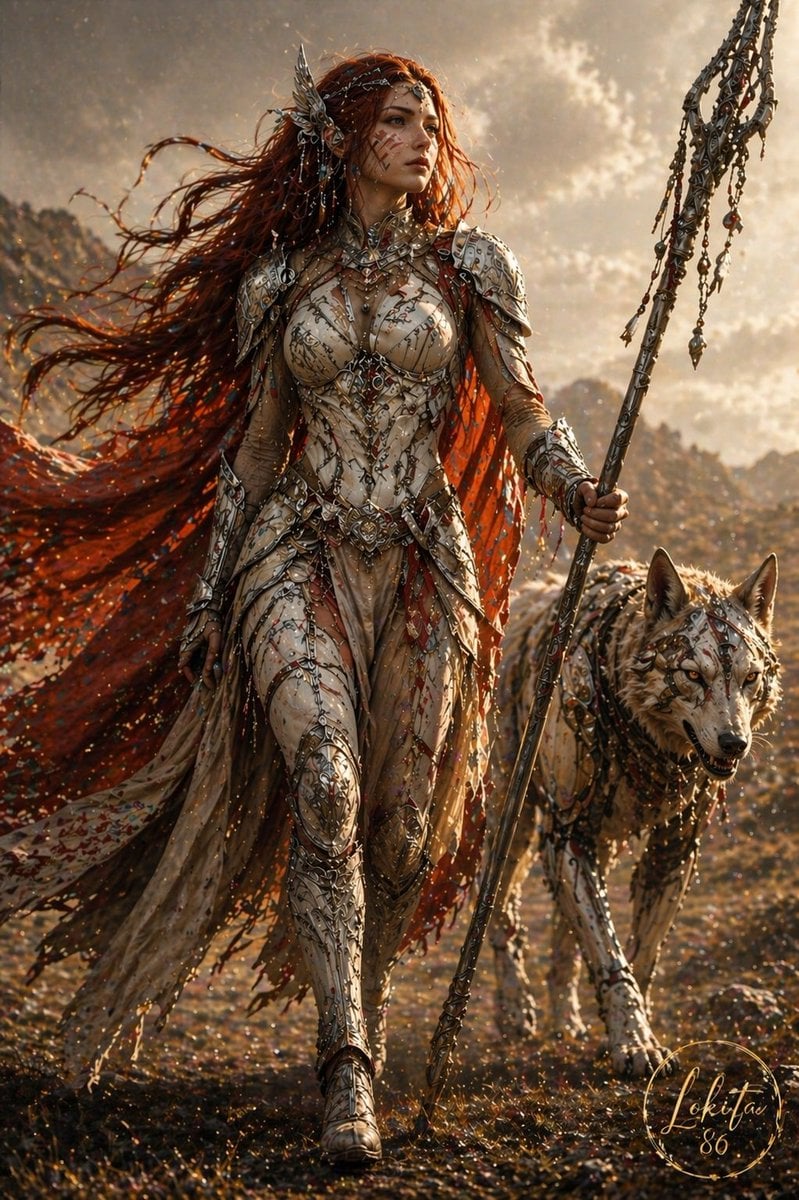
Epic Fantasy Warrior and Wolf
Browse template categories
Raw High-Fidelity iPhone 17 Pro Simulation questions
How do I use the Raw High-Fidelity iPhone 17 Pro Simulation template?
Add your photo if the template asks for one, edit the prompt if you like — the template's model and format are already selected — and press Generate. Your version opens in PicX Studio.
Can I customize the Raw High-Fidelity iPhone 17 Pro Simulation template?
Yes. You can change the subject, setting, lighting, mood, format, and available model controls before creating your image.
Is the Raw High-Fidelity iPhone 17 Pro Simulation template free?
Opening and editing this template is free. Generating uses credits, shown on the Generate button when you are signed in.
Which AI model should I use?
Start with Nano Banana 2, which is the model associated with this template. You can compare another compatible model for a different finish.
Looking for something else? Browse all templates.

Your photo, any look
Thousands of ready templates for every top image and video model, from one credit balance.