
Hyper-Realistic Gym Mirror Selfie Prompt (iPhone 17 Pro Simulation)
A highly technical prompt for Gemini Nano Banana Pro designed to simulate a raw, high-contrast gym mirror selfie taken with an ultra-wide-angle iPhone 17 Pro lens.
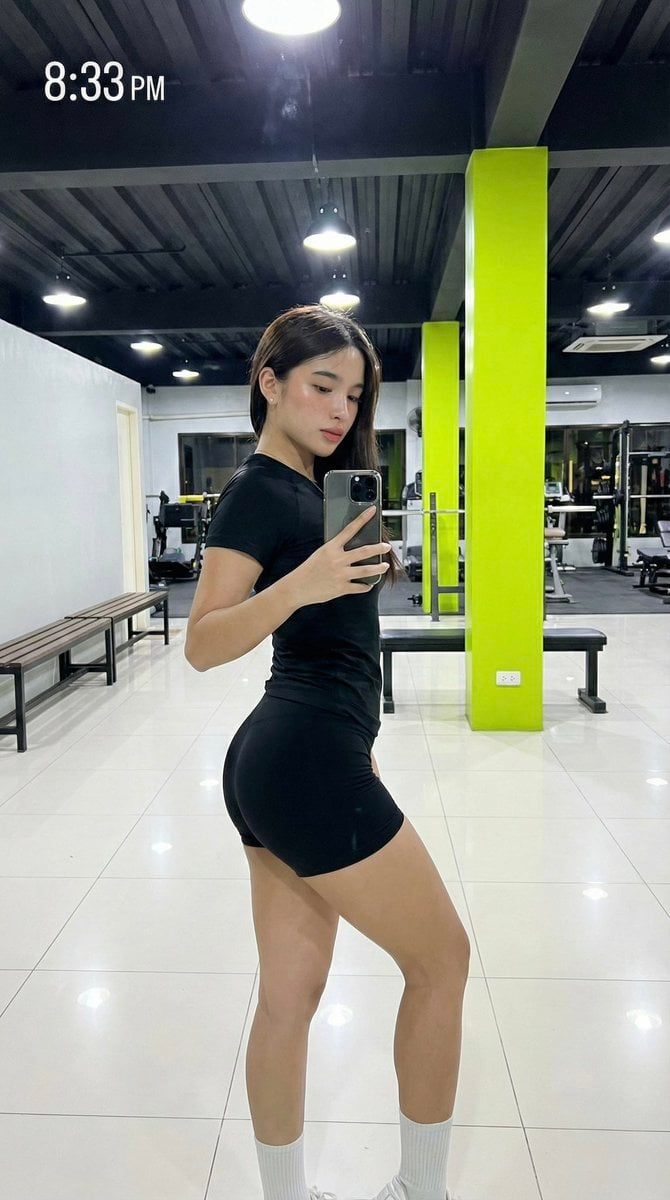
- Prompt included
- Model and format preset
- Free template
The prompt behind this image
Copy the exact prompt behind Hyper-Realistic Gym Mirror Selfie Prompt (iPhone 17 Pro Simulation), or open it in the studio and make it yours.
(Vertical 9:16 smartphone aspect ratio). A raw, high-contrast [Gym Interior Mirror Capture] taken with an iPhone 17 Pro using the 0.5x ultra-wide-angle lens. NO ARTIFICIAL BOKEH. Every focal plane remains SHARP and in focus, from the subject's skin to the distant gym equipment. Subject & Identity Locking: •Identity: Strictly preserve the exact heart-shaped facial structure and unique features of the woman in Image 1 (Selfie). •Bio-Fidelity: Render high-fidelity "TrueLens" biological physics: visible micro-pores, a natural "satin-finish" night hydration glow, and fine vellus hair catching the overhead light ONLY along the jawline. •Silhouette Calibration (MAXIMUM UFF-FACTOR): Prioritize a dominant structural upper-torso volume and substantial, thick-toned anatomical depth in the lower extremities. Focus on an aggressive architectural tapering at the midsection to maximize the S-curve geometry. Outfit & Textural Interaction: •Clothing: A high-density, matte-black technical textile tee and matching high-tension minimalist athletic shorts. •Tension: The technical fabric exhibits extreme mechanical tension and a vacuum-tight fit, creating realistic textural expansion and "tension lines" where the material contours to her fit silhouette. •Matter Physics: White high-density cotton crew socks showing realistic textural contact and weight distribution against the tiled floor. Pose & Composition: •Pose: A 3/4 side-profile mirror selfie. She is standing with an axial rotation of the torso toward the mirror, arching her spine and popping her hip to highlight the symmetrical 3D volume of her physique. •Action: Her RIGHT HAND holds a smartphone with a decorative casing, capturing the full-body "fit-check" reflection. •UI Overlay: A white digital clock timestamp in the top-left corner reads "8:33 PM" in a simple sans-serif font. Environment & Social Realism: •Lighting: Direct, harsh overhead industrial lighting creating high-contrast specular highlights and deep, defining shadows that amplify her 3D form. •Background (SHARP): A detailed commercial gym interior. A vibrant neon-green structural pillar, a white tiled floor with visible grout lines, and dark athletic benches are all perfectly IN FOCUS. No artificial blur. Quality: Raw unedited social-media dump aesthetic, high dynamic range, visible digital grain in the deep shadows (ISO 1600 style), 8k resolution. Everything is sharp, detailed, and physically real.
How to use Hyper-Realistic Gym Mirror Selfie Prompt (iPhone 17 Pro Simulation) in 3 steps
- 1Upload ImagePNG, JPG or paste
Add your photo
Upload the photo the template builds on. The prompt, model and format are already set.
- 2…a portrait of your subject in softgolden-hour light, 85mm…
Personalize
Edit the subject and creative details for your destination.
- 3Generate
Generate
Press Generate — your image is created in PicX Studio, so you can compare it with the original and refine one variable at a time.
More like this
Templates with the same subject, style or setup. Open one to see its prompt.

Rooftop Fisheye — Cat-Ear Balaclava at Golden Hour

Felt & Knit 3D Character — Photo-Exact Face, Pixar-Quality Plush Figurine

Eid al-Adha Cute Chaos — Fisheye Selfie with Farm Selfie, Mosque & Animals

Cat Photobomb Selfie — 0.5x Wide Angle Café Chaos

Gen Z Triple Selfie Collage — Y2K Flash Photography

Surreal Cat Astronaut — Humanoid Face Freefall

4x4 Grid - Candid Nostalgic Vacation Selfies

Nano Banana - Peace Sign Bedroom Selfie

Nano Banana Grwm Mirror Selfie Pink
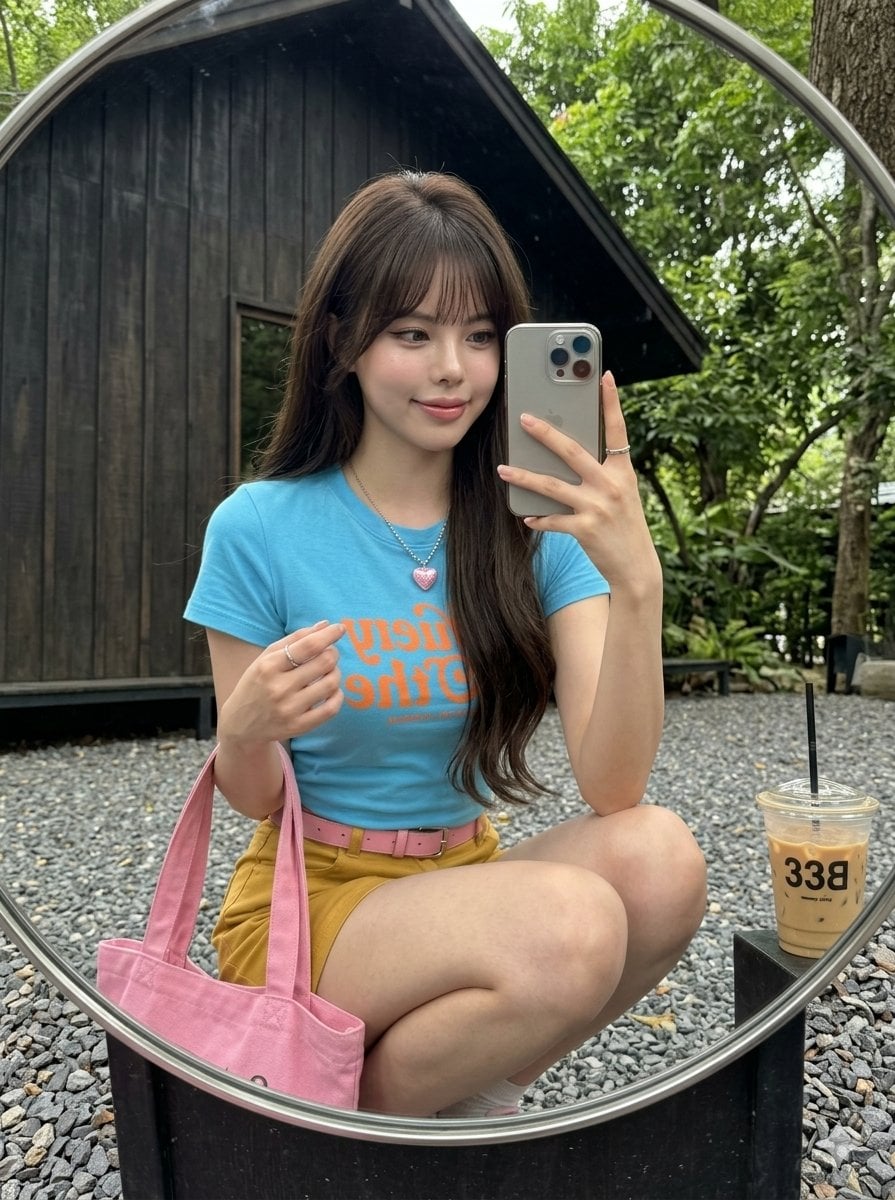
iPhone Mirror Selfie Realism
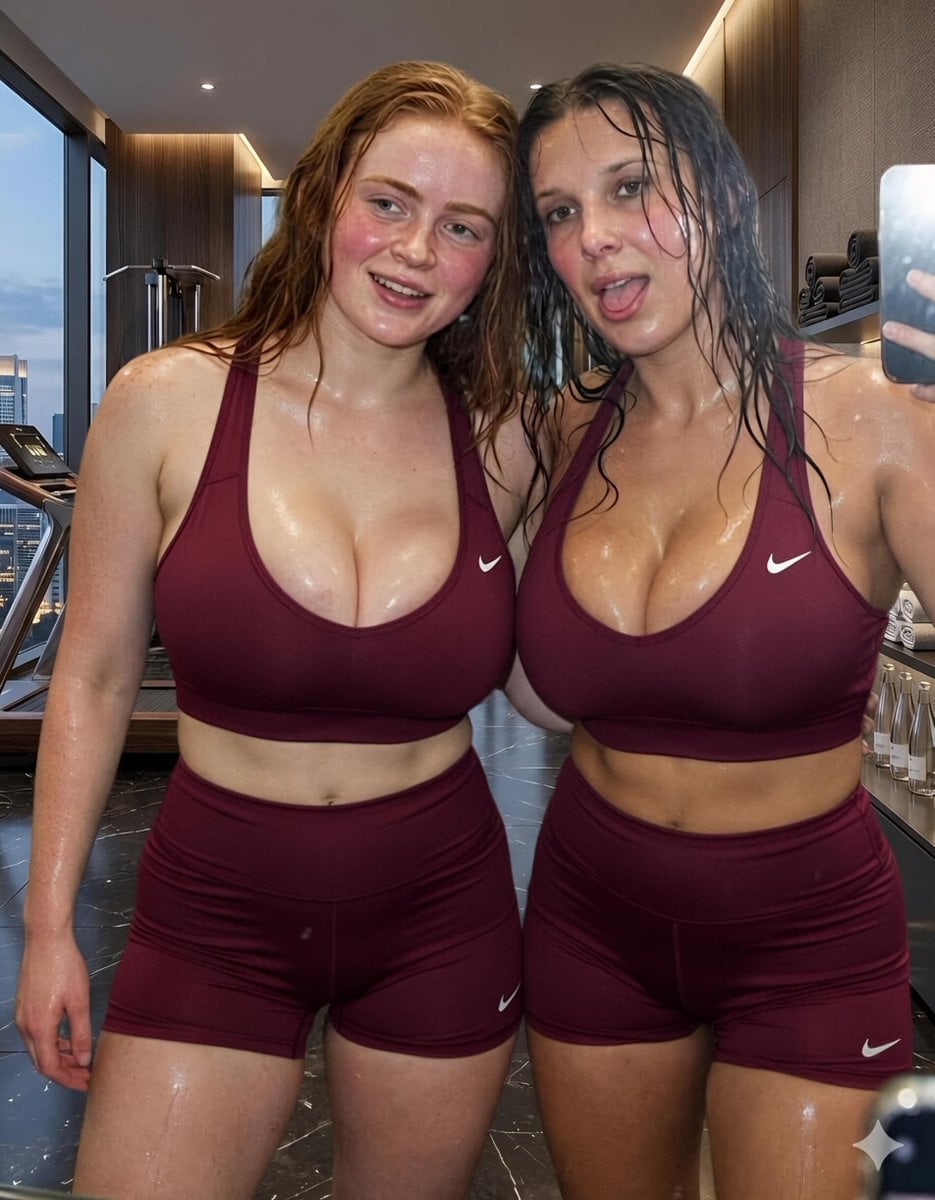
Modern Luxury Gym Mirror Selfie
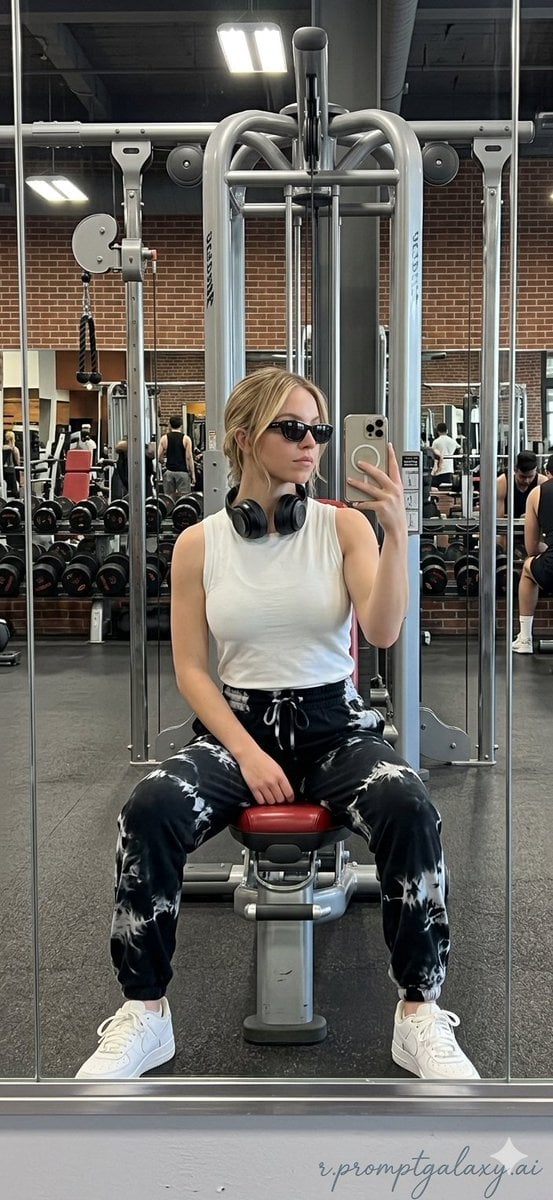
Realistic Gym Mirror Selfie
Make it yours
Hyper-Realistic Gym Mirror Selfie Prompt (iPhone 17 Pro Simulation) works as-is. These are the safest ways to change it without losing the look.
Change one field
Copy a single group, rewrite it, and generate again so you can see what that field is doing.
Keep the frame, change the subject
Hold the composition and light of Hyper-Realistic Gym Mirror Selfie Prompt (iPhone 17 Pro Simulation), then swap wardrobe, props or the person for a new take.
| If the result… | Why | Fix |
|---|---|---|
| The result drifts from the preview | Too many fields changed at once. | Reuse Hyper-Realistic Gym Mirror Selfie Prompt (iPhone 17 Pro Simulation) as-is first, then change one group — subject, light, or setting. |
| The model over-stylizes the scene | The prose prompt leaves finish and camera underspecified. | Add one camera or lighting sentence and stay on Nano Banana 2. |
More Nano Banana 2 templates
Other prompts made for Nano Banana 2.

Photorealistic Leaf Shaped Like a Dragon

K-Pop Idol Portrait Grid for Rapid Selection

Poetic Rain Forest Portrait During Golden Hour

Urban Street Portrait with Cartoon Inner Self Duo

Candid Nighttime Photo with Cat Prompt

High-Concept 3D Diorama Generation Prompt

Cinematic Futuristic Studio Portrait Template

Skincare Editorial Photography Collage Prompt

Hyper-Realistic Commercial Product Photography (Splash Effect)

Hyper-Realistic Nightclub Portrait Prompt
More image prompts
Fresh picks from across the catalog.

Giant Animal in City Scene Prompt (Fox + West Lake)
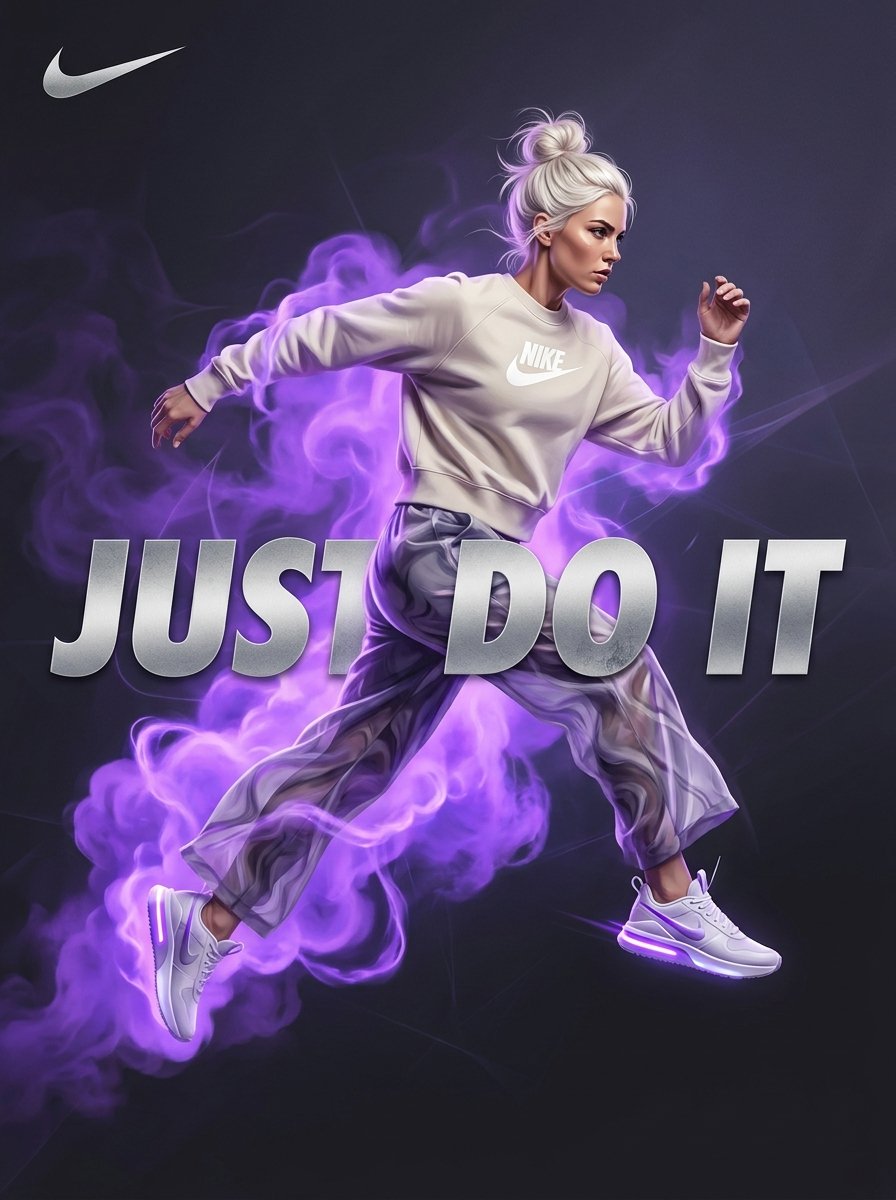
Surreal Violet Sports Ad Poster

Crumpled Fabric Editorial Poster

Night Empress Digital Collage

untitled

3D Retro Futurism Space Poster

Gpt2 Infographic Edu Visual Good Bath Day Editorial Poster

Stylized Pop Art Vector Portrait
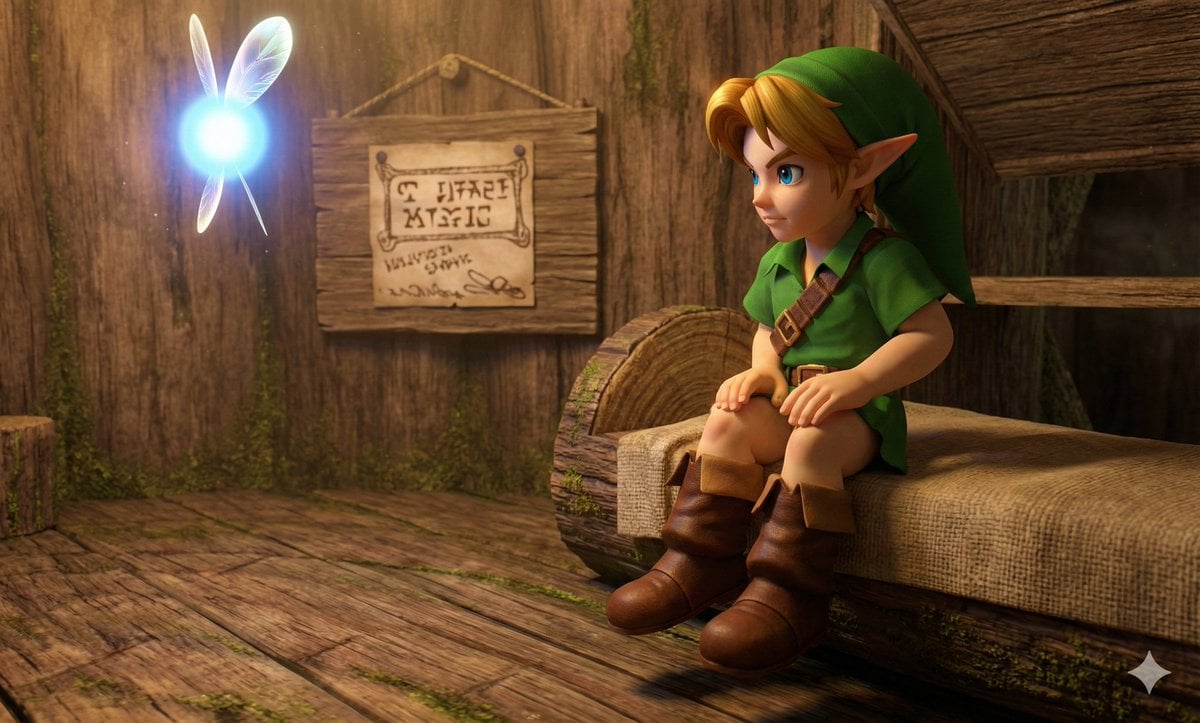
Hyper faithful image remaster

Moody Parisian Cafe Portrait Prompt
Browse template categories
Hyper-Realistic Gym Mirror Selfie Prompt (iPhone 17 Pro Simulation) questions
How do I use the Hyper-Realistic Gym Mirror Selfie Prompt (iPhone 17 Pro Simulation) template?
Add your photo if the template asks for one, edit the prompt if you like — the template's model and format are already selected — and press Generate. Your version opens in PicX Studio.
Can I customize the Hyper-Realistic Gym Mirror Selfie Prompt (iPhone 17 Pro Simulation) template?
Yes. You can change the subject, setting, lighting, mood, format, and available model controls before creating your image.
Is the Hyper-Realistic Gym Mirror Selfie Prompt (iPhone 17 Pro Simulation) template free?
Opening and editing this template is free. Generating uses credits, shown on the Generate button when you are signed in.
Which AI model should I use?
Start with Nano Banana 2, which is the model associated with this template. You can compare another compatible model for a different finish.
Looking for something else? Browse all templates.

Your photo, any look
Thousands of ready templates for every top image and video model, from one credit balance.