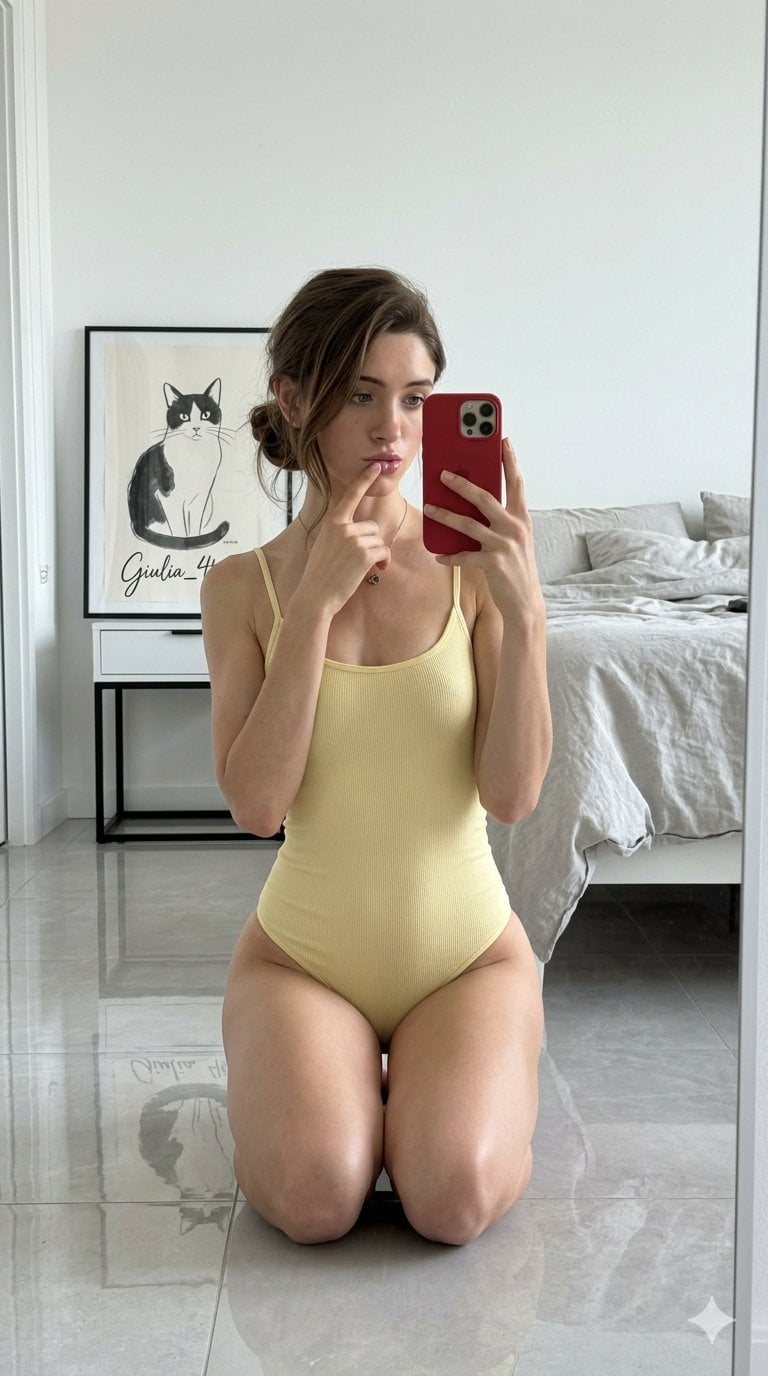
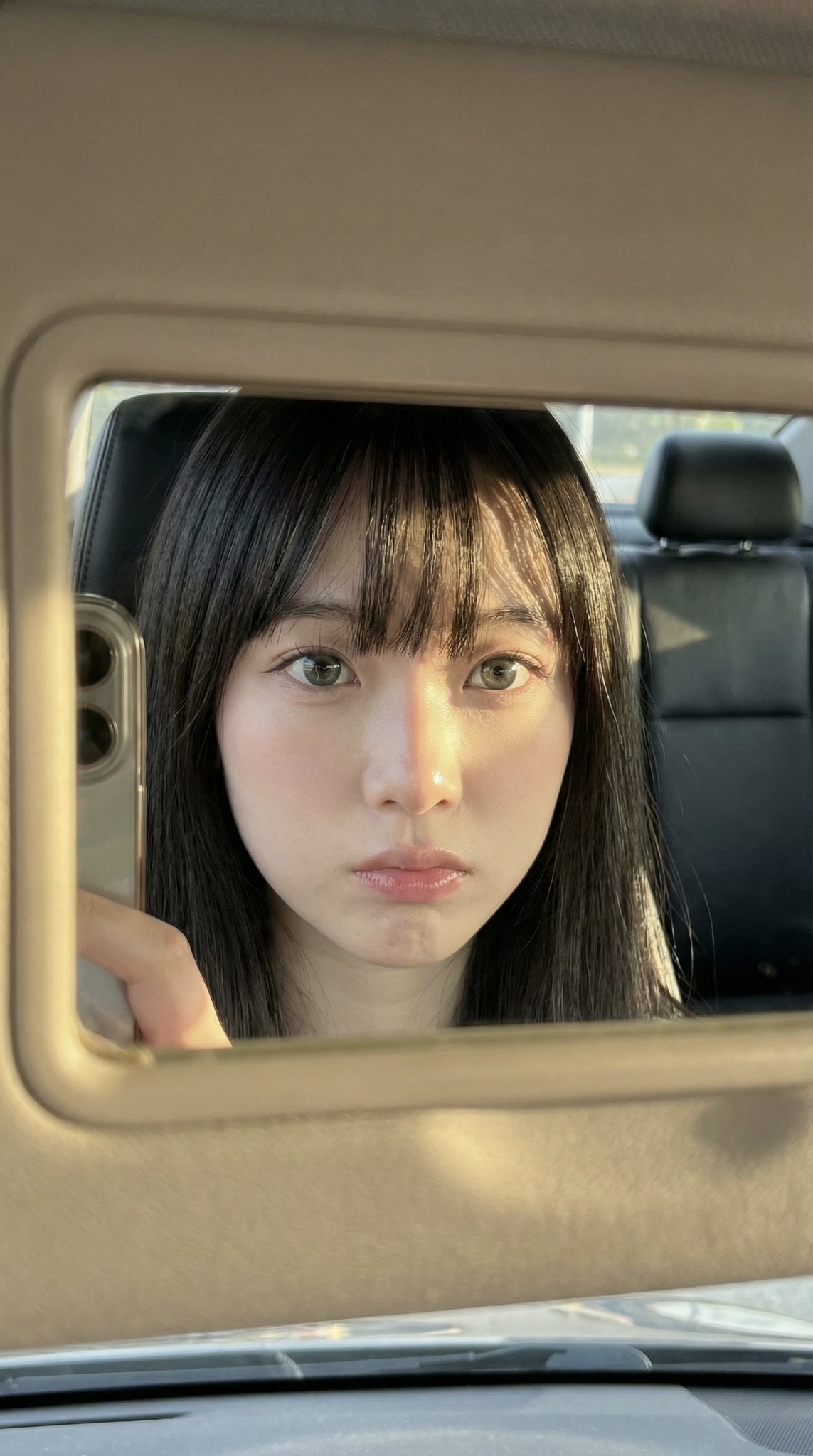
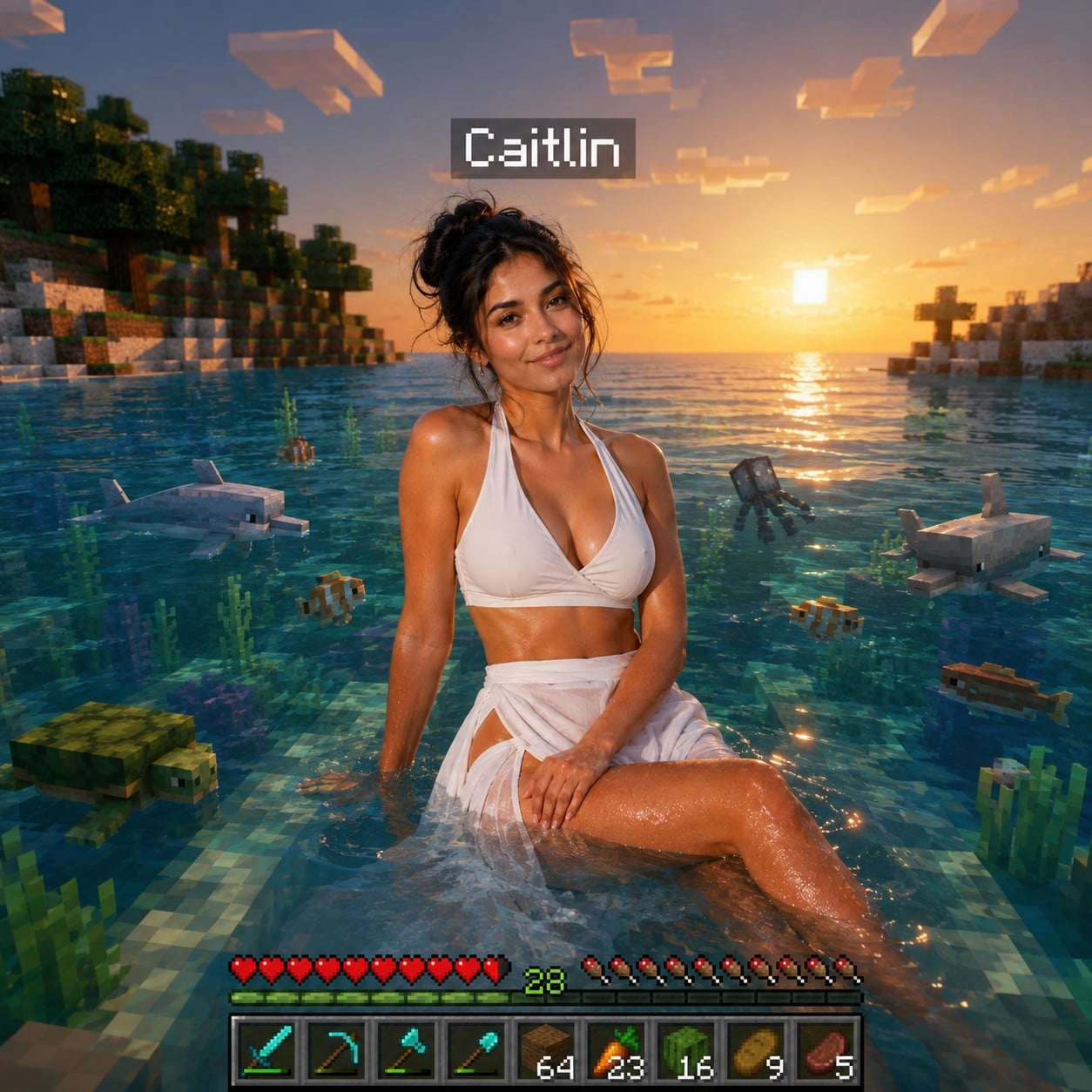
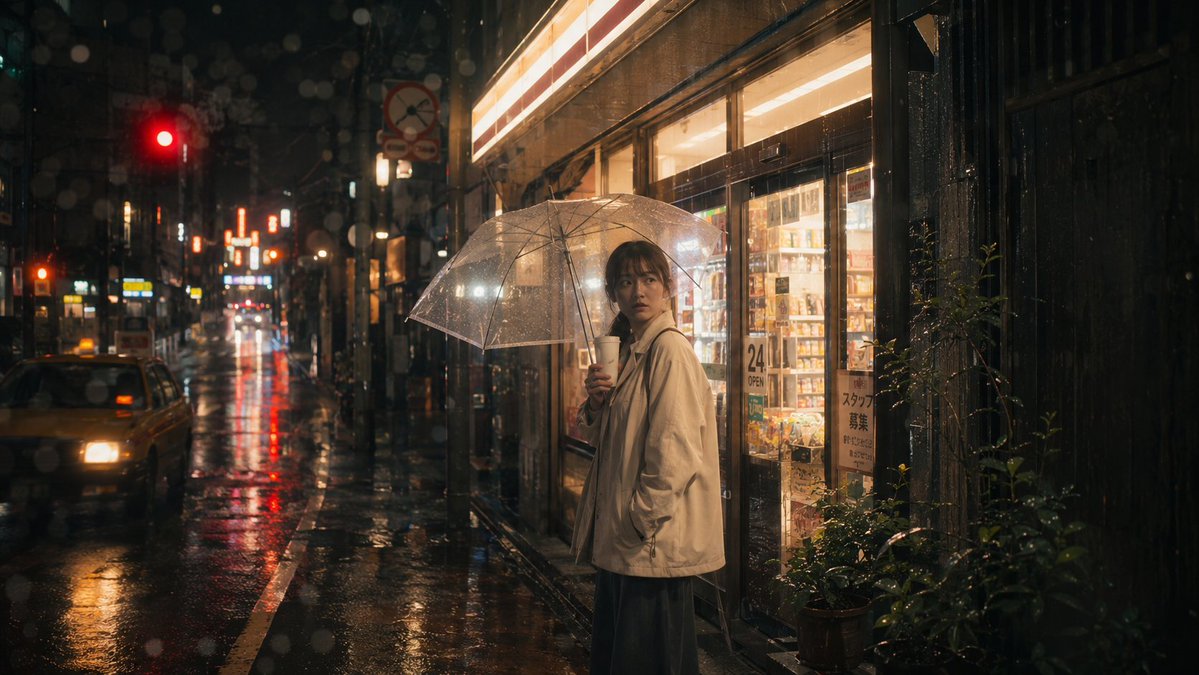
How do I use the iPhone Mirror Selfie Realism template?
Choose the primary action to open PicX Studio with the available template settings. Review the model and format, personalize the creative direction, and generate when ready.
A highly detailed prompt for a hyper-realistic iPhone mirror selfie, capturing specific clothing colors, Douyin-style makeup, and sharp digital clarity.
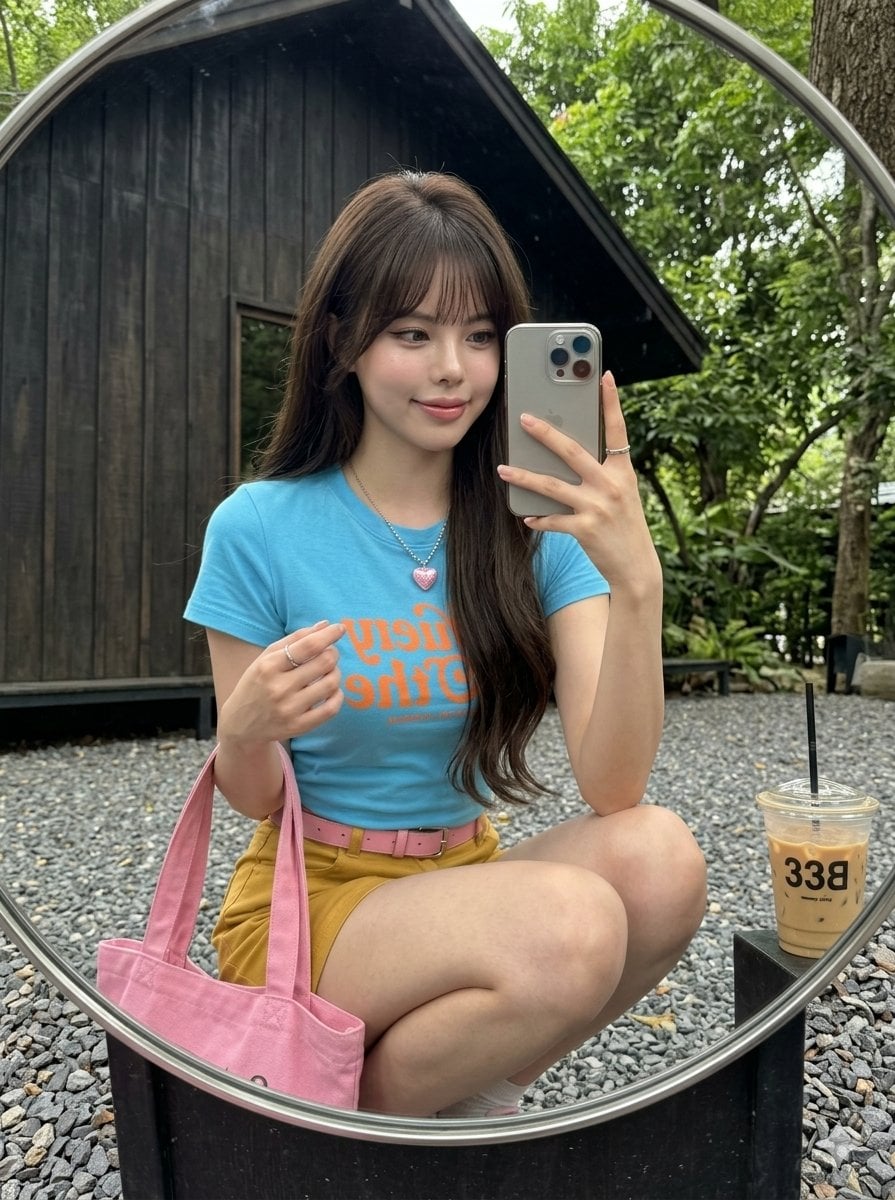
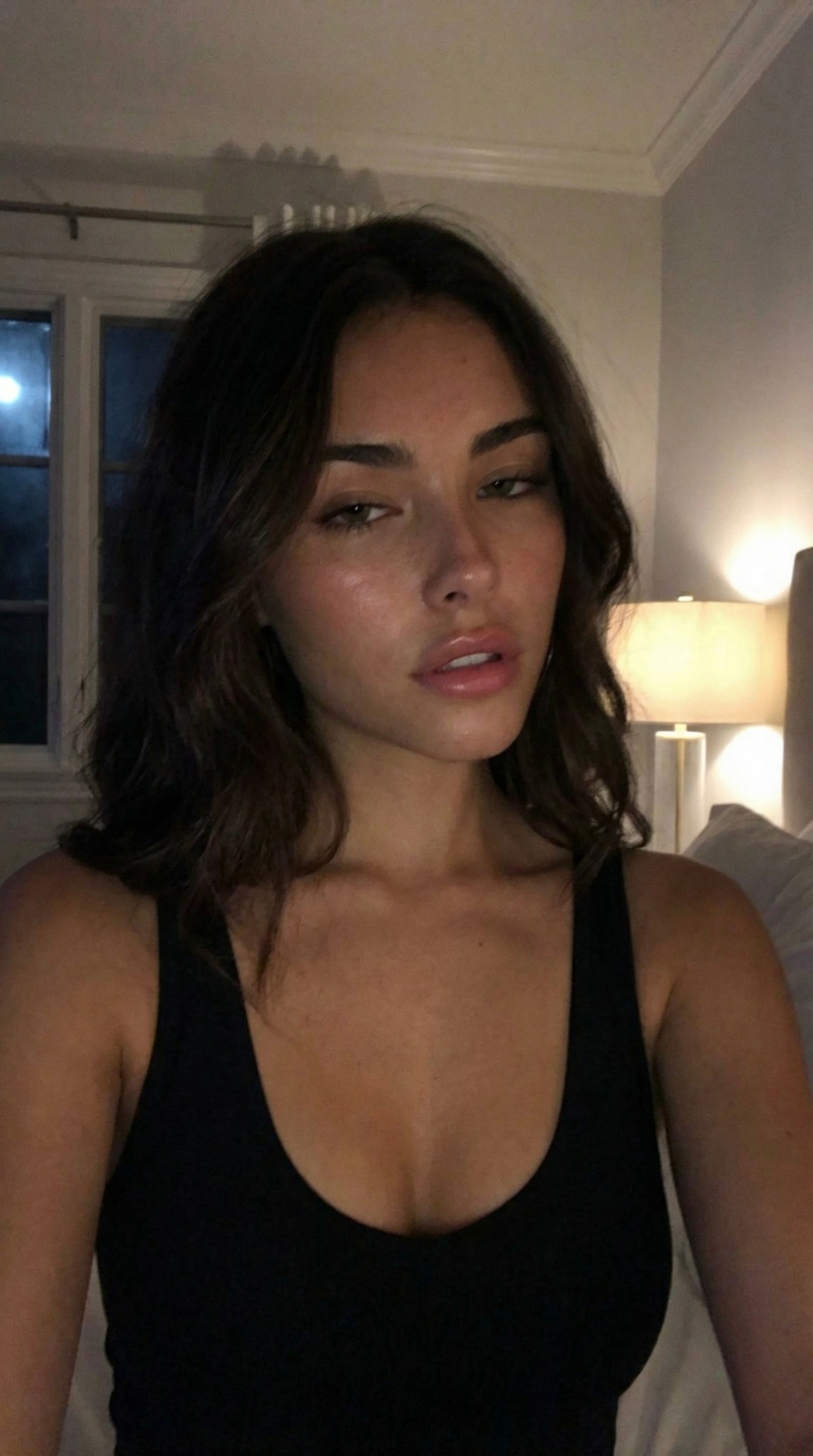
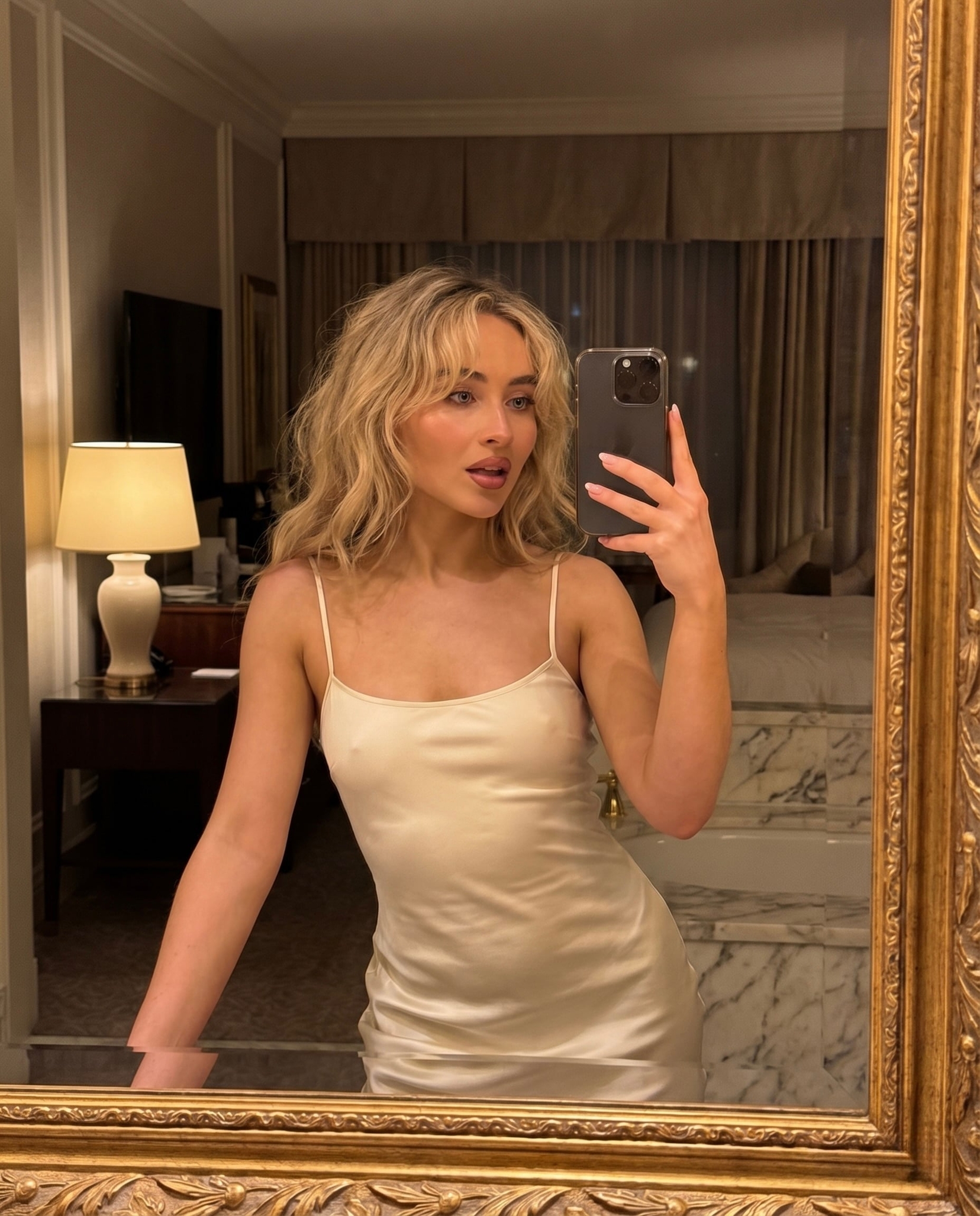
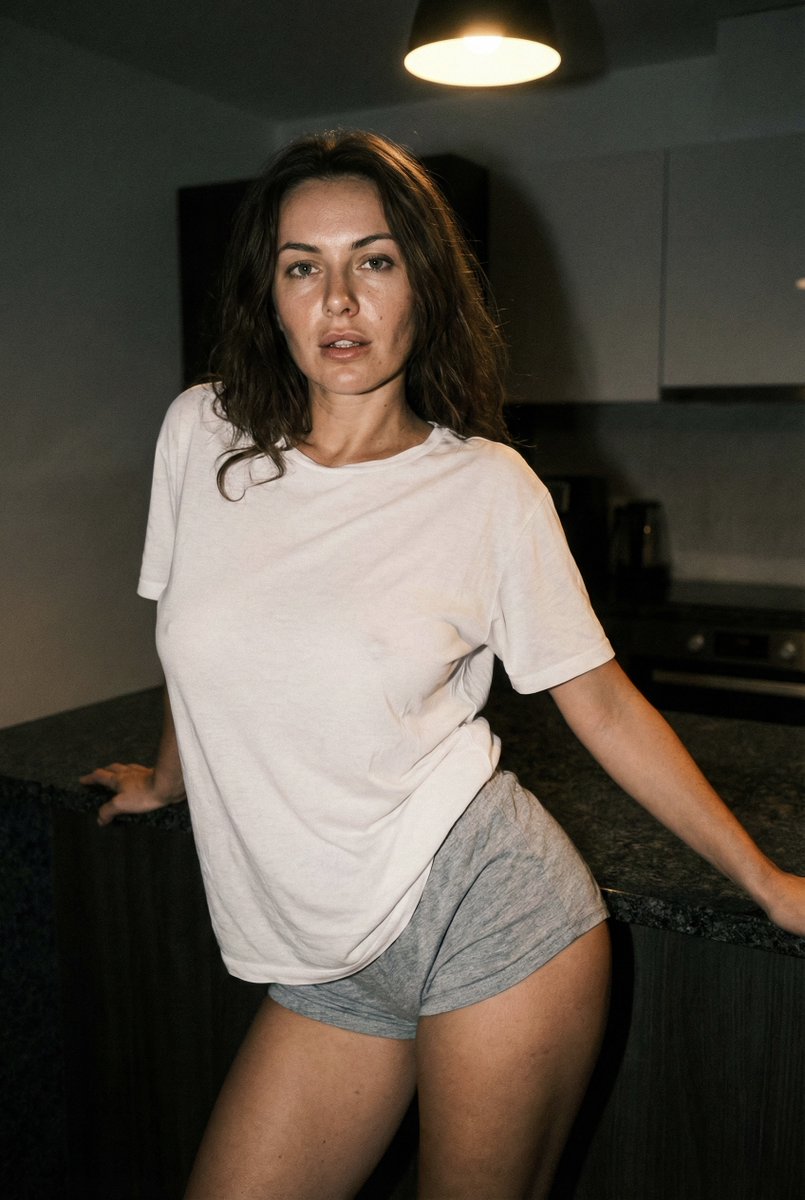
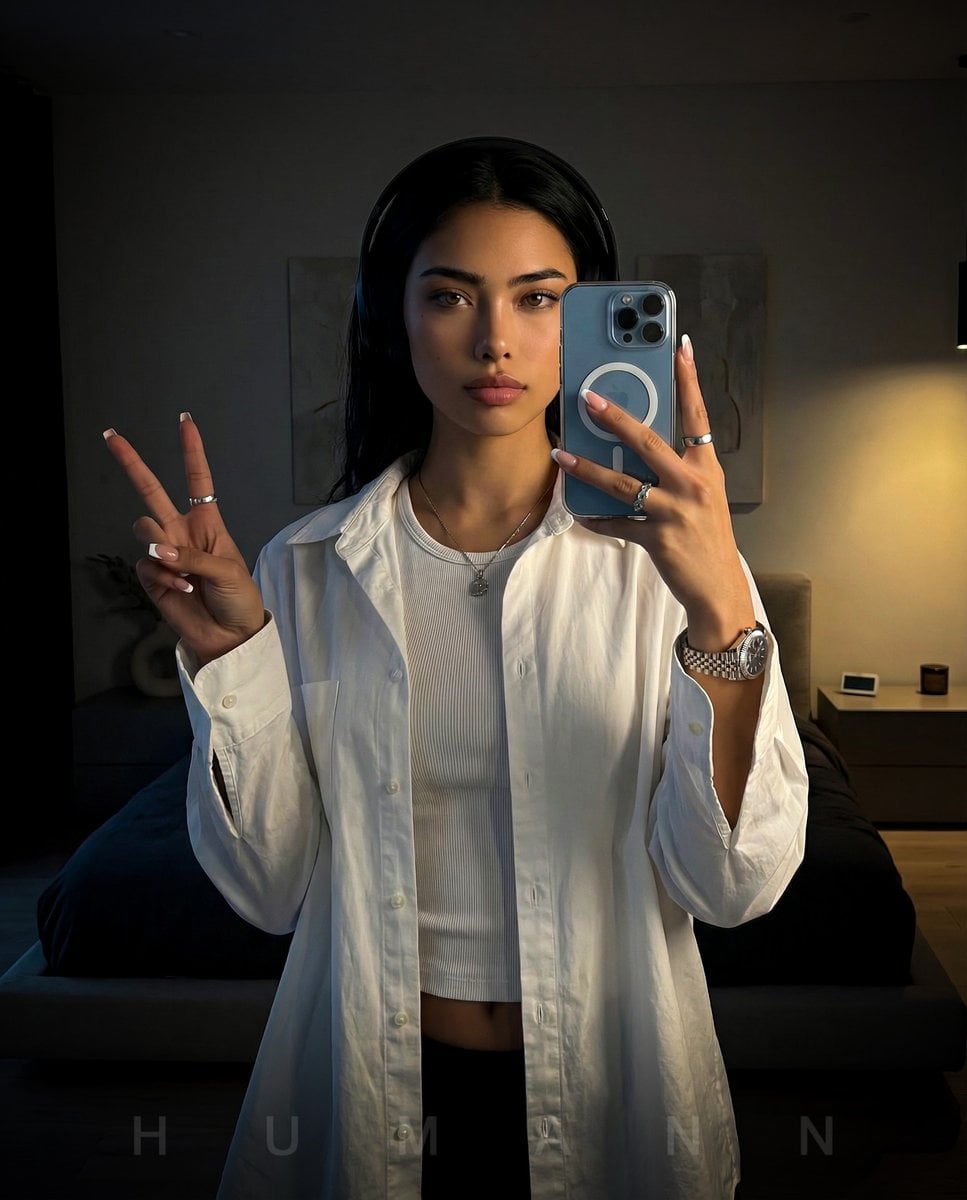
Use the exact facial identity taken from the attached reference image.A hyper-realistic, ultra-sharp photograph taken on a modern smartphone, characterized by its digital clarity, shot on an {argument name="phone model" default="iPhone 15 Pro"} ISO 100. The image captures a person crouching low on a grey gravel ground, framed within a large round mirror, holding a modern smartphone to take a mirror selfie. The person wears a {argument name="outfit colors" default="bright sky blue t-shirt with orange graphic text, vibrant mustard yellow shorts"}, a bright pink belt, and carries a matching bright pink canvas tote bag. Visible skin on the legs is present, and their long, well-maintained light brown hair flows softly around their shoulders. They accessorize with multiple silver rings, a delicate silver bracelet, and layered necklaces, including one with a prominent pink heart pendant. Their makeup is Douyin, featuring soft pink blush and a glossy pink lip tint, thin wing eye liner and brushed-up brows. Wispy eye lashes and natural grey contact lenses. The background, reflected in the mirror, reveals a quaint dark wooden building with visible signage, flanked by lush green foliage and a bright blue sky. An iced coffee cup bearing '33B' branding rests on the gravel next to the mirror. The entire scene is rendered with razor-sharp focus from foreground to background, exhibiting no background blur or bokeh effect. Digital texture is highly realistic, showcasing precise details on fabrics, visible pores on dewy skin, and the distinct texture of gravel and foliage, free from any film grain but with a hint of subtle digital noise. Bright, even lighting, characteristic of modern smartphone HDR, ensures all areas are well-illuminated with lifted shadows, preventing any deep black areas. The color palette is vibrant and true-to-life, with natural greens, warm wood tones, and distinct cool blue and yellow clothing hues. --ar 2:3
Choose the primary action to open PicX Studio with the available template settings. Review the model and format, personalize the creative direction, and generate when ready.
Yes. You can change the subject, setting, lighting, mood, format, and available model controls before creating your image.
This template is free to open and customize. Generation usage is shown in PicX Studio before you create.
Start with Nano Banana 2, which is the model associated with this template. You can compare another compatible model for a different finish.
Follow a topic to a crawlable collection of related PicX Studio templates.