
Elf Knight Victory Parade
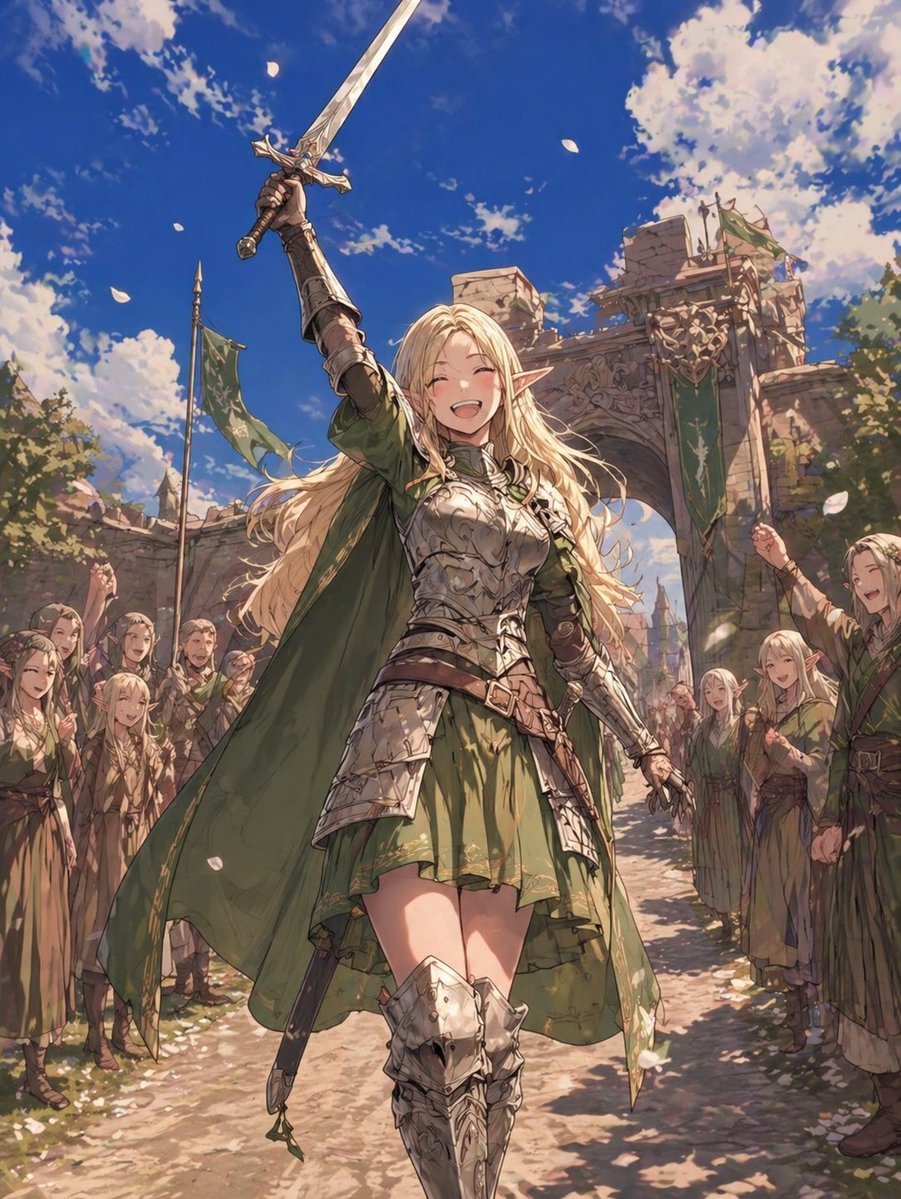
This prompt generates a dramatic anime-style fantasy scene of a triumphant elf knight saluting a cheering crowd in a medieval city, ideal for heroic character art or cover illustrations.
- Prompt included
- Model and format preset
- Free template
The prompt behind this image
Copy the exact prompt behind Elf Knight Victory Parade, or open it in the studio and make it yours.
A heroic high-fantasy anime illustration of an elf knight woman marching through a stone city gate during a public celebration, full-body low-angle view, centered composition. She has long flowing {argument name="hair color" default="golden blonde"} hair, pointed elf ears, and an elegant athletic build. Her face is mostly obscured by the angle and raised arm. She raises a long ornate silver sword straight upward in her right hand in a triumphant salute, while her left arm hangs naturally by her side. She wears intricate polished silver plate armor over a short {argument name="outfit color" default="forest green"} dress, with engraved breastplate, armored gauntlets, layered fauld and tassets, leather belts and straps at the waist, and decorated knee-high armored boots. A dark green cape billows dramatically behind her. A sheathed secondary sword hangs at her hip. She is walking forward confidently like a beloved champion responding to the cheers of the people. Around her, exactly 2 lines of townspeople and elf citizens stand on both sides of the street, raising hands and celebrating her passage. Behind her is a large medieval stone archway with carved ornament and exactly 3 visible green banners bearing pale emblem designs, plus weathered walls and hints of towers beyond. The sky is a vivid deep blue with large sunlit white clouds. White flower petals drift through the air across the whole scene. Warm daylight, cinematic rim light, detailed fabric and armor reflections, dynamic perspective, painterly anime rendering, highly detailed fantasy background, festive heroic atmosphere.
How to use Elf Knight Victory Parade in 3 steps
- 1Upload ImagePNG, JPG or paste
Add your photo
Upload the photo the template builds on. The prompt, model and format are already set.
- 2…a portrait of your subject in softgolden-hour light, 85mm…
Personalize
Edit the subject and creative details for your destination.
- 3Generate
Generate
Press Generate — your image is created in PicX Studio, so you can compare it with the original and refine one variable at a time.
More like this
Templates with the same subject, style or setup. Open one to see its prompt.

Theme Park Anime Selfie
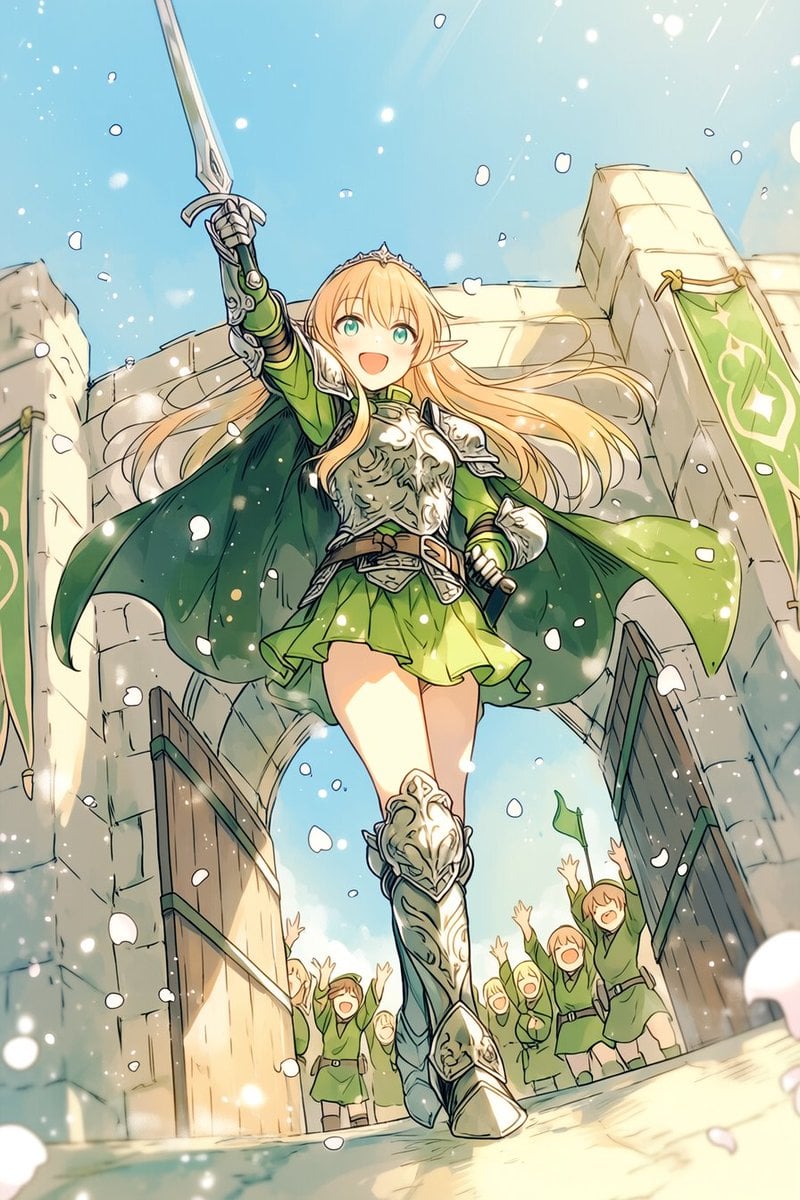
Heroic Elf Knight Victory March
Anime Rain Poncho Parade
Anime Street Performer Magic
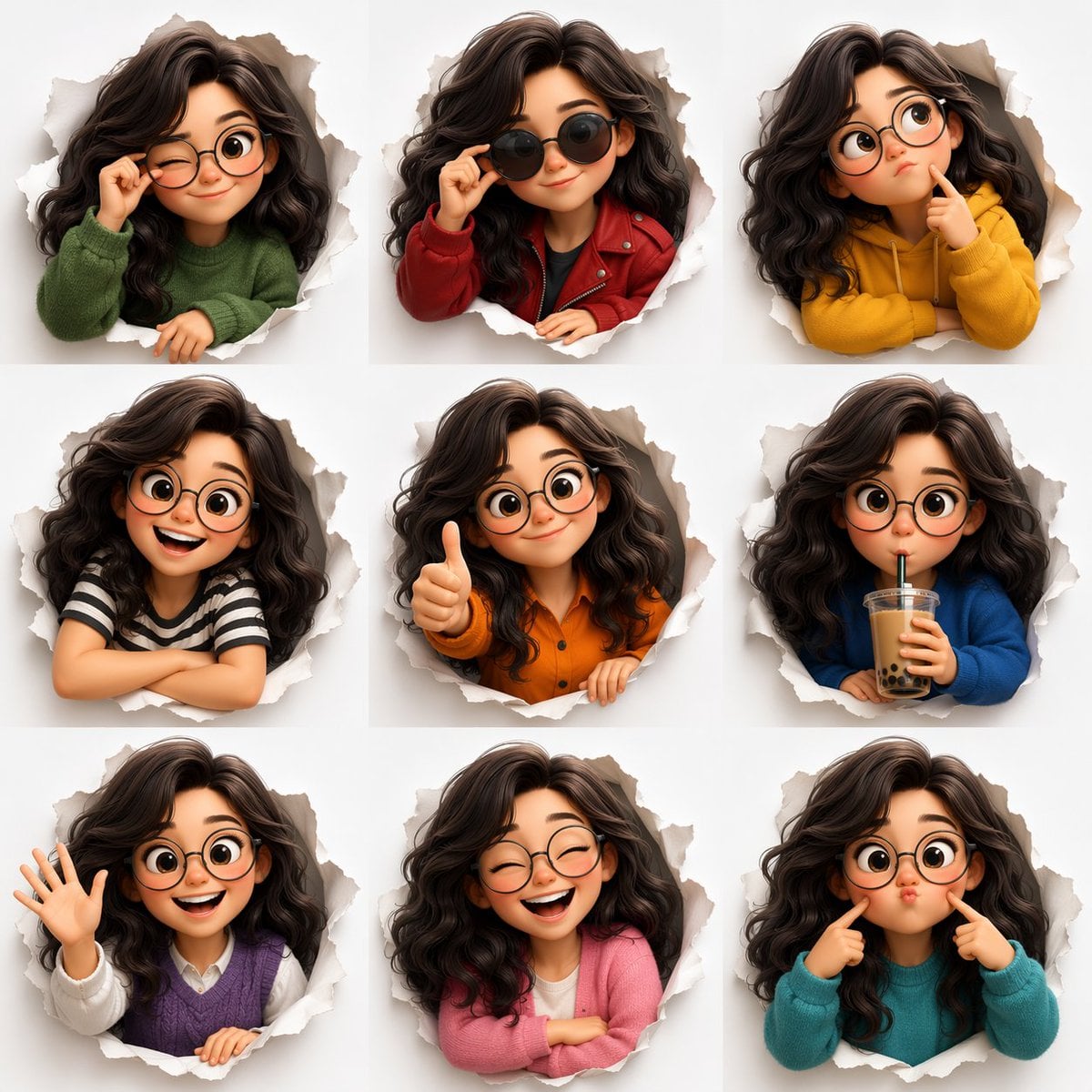
Anime Ferry Boat Arrival
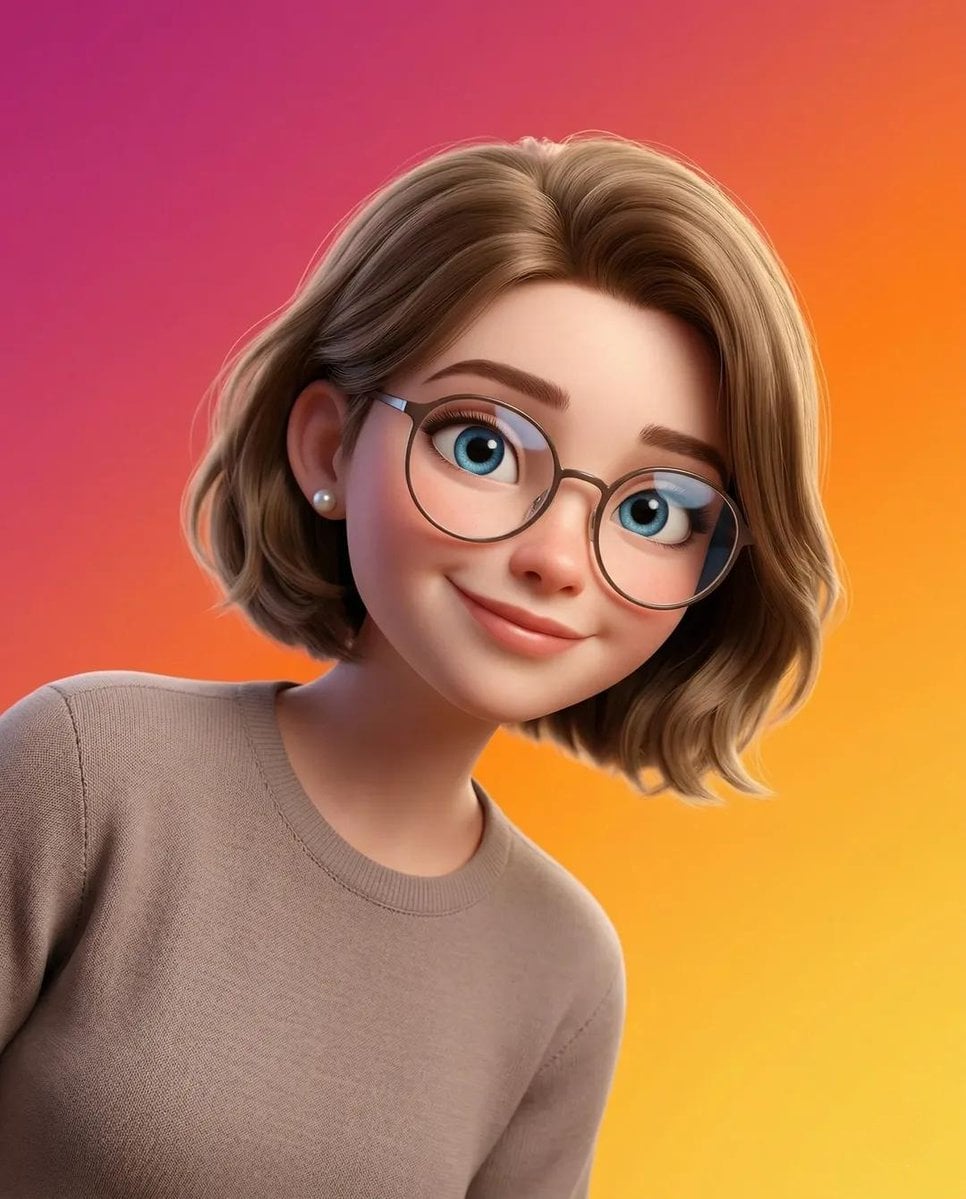
Anime Hidden Mickey Hunt
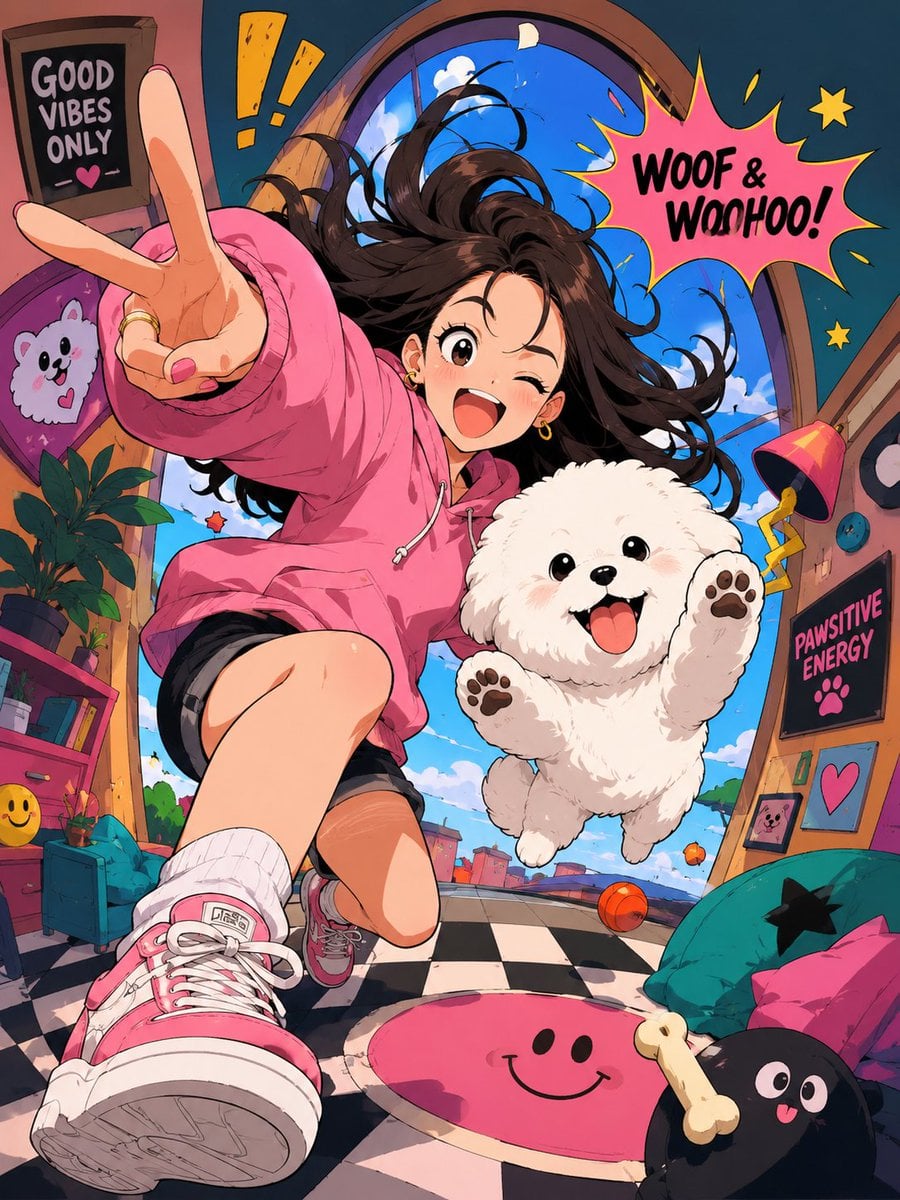
Anime Popcorn Cart Hero
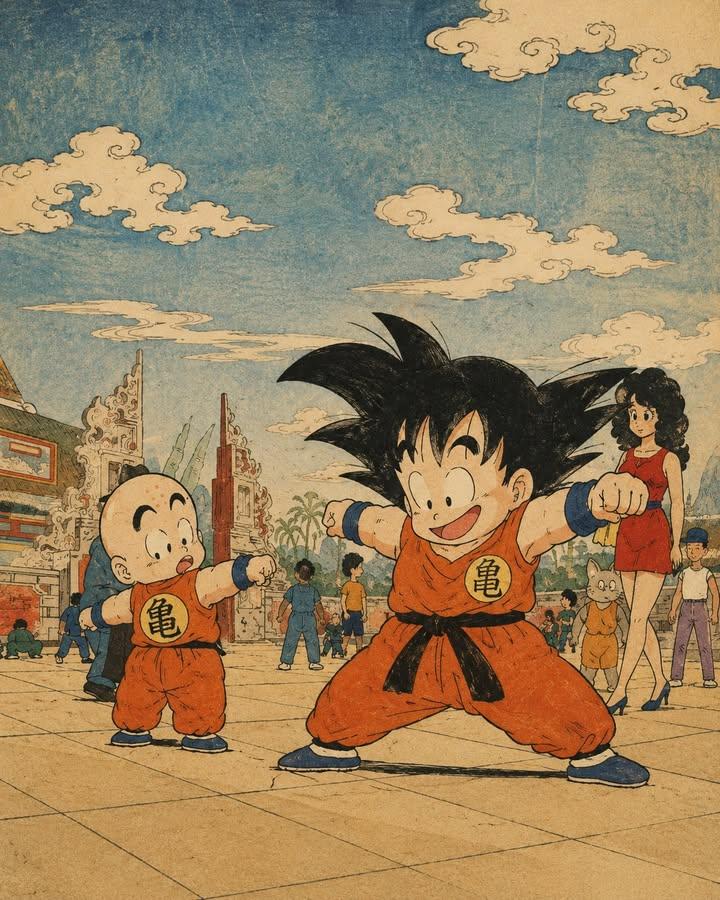
Anime Nighttime Projection
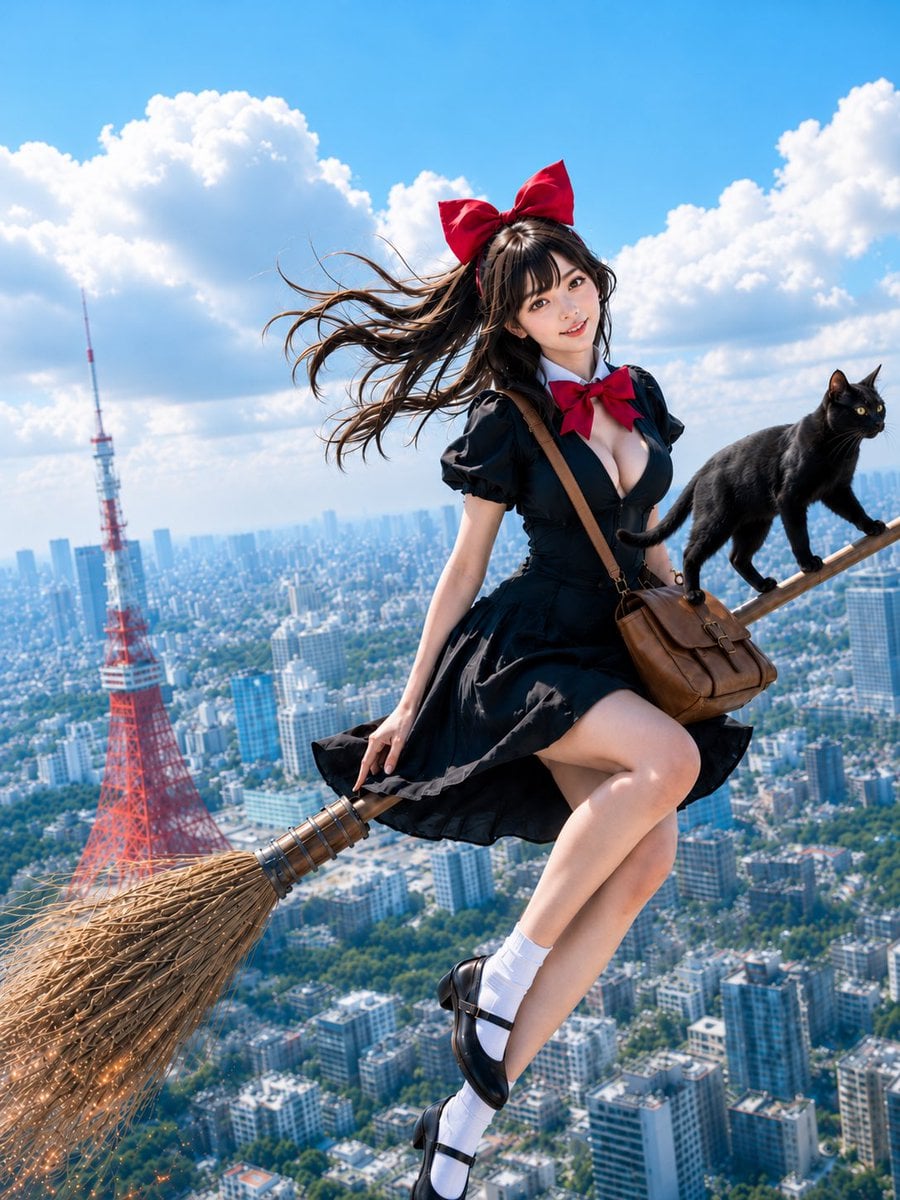
Anime Character Meet Tent
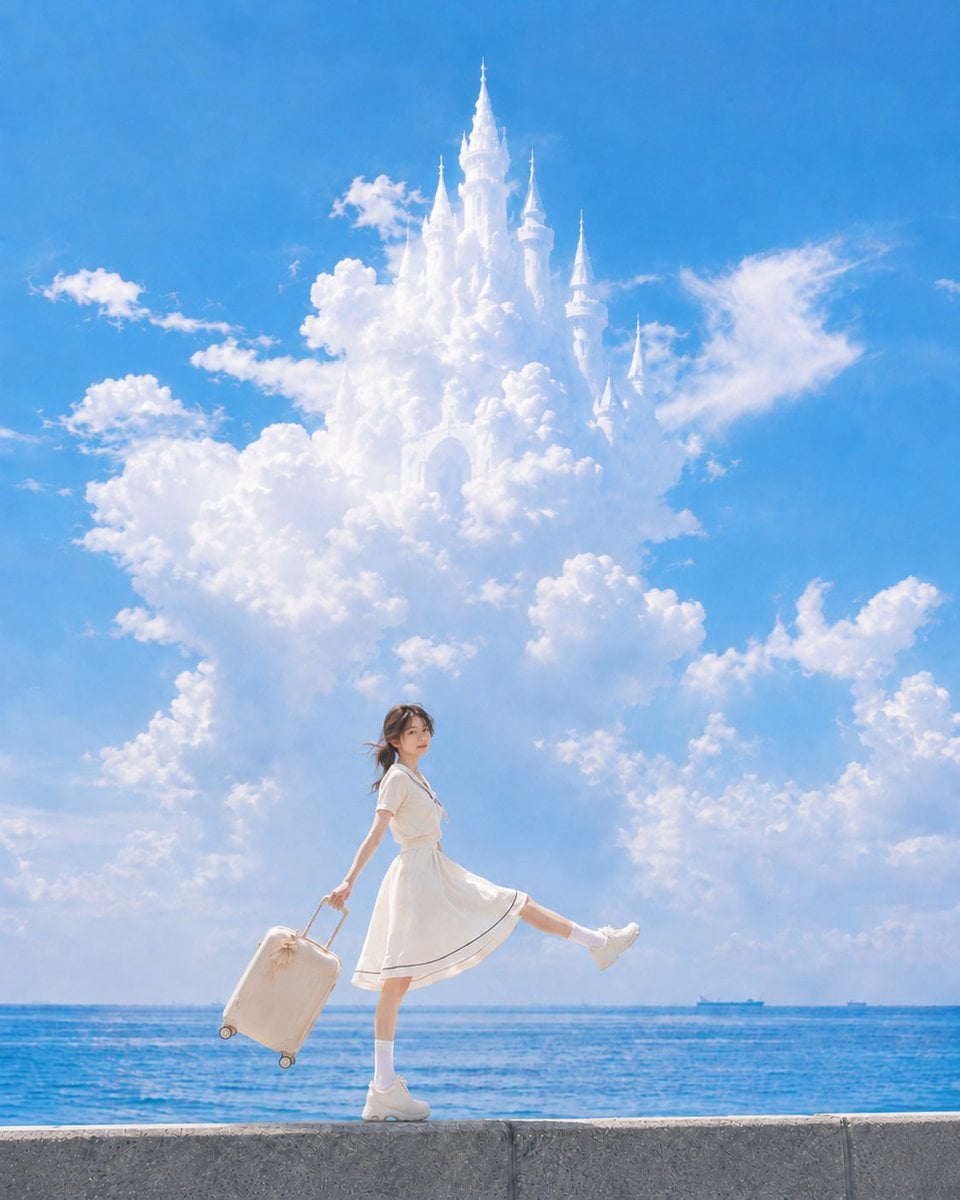
Anime Splash Mountain Drop
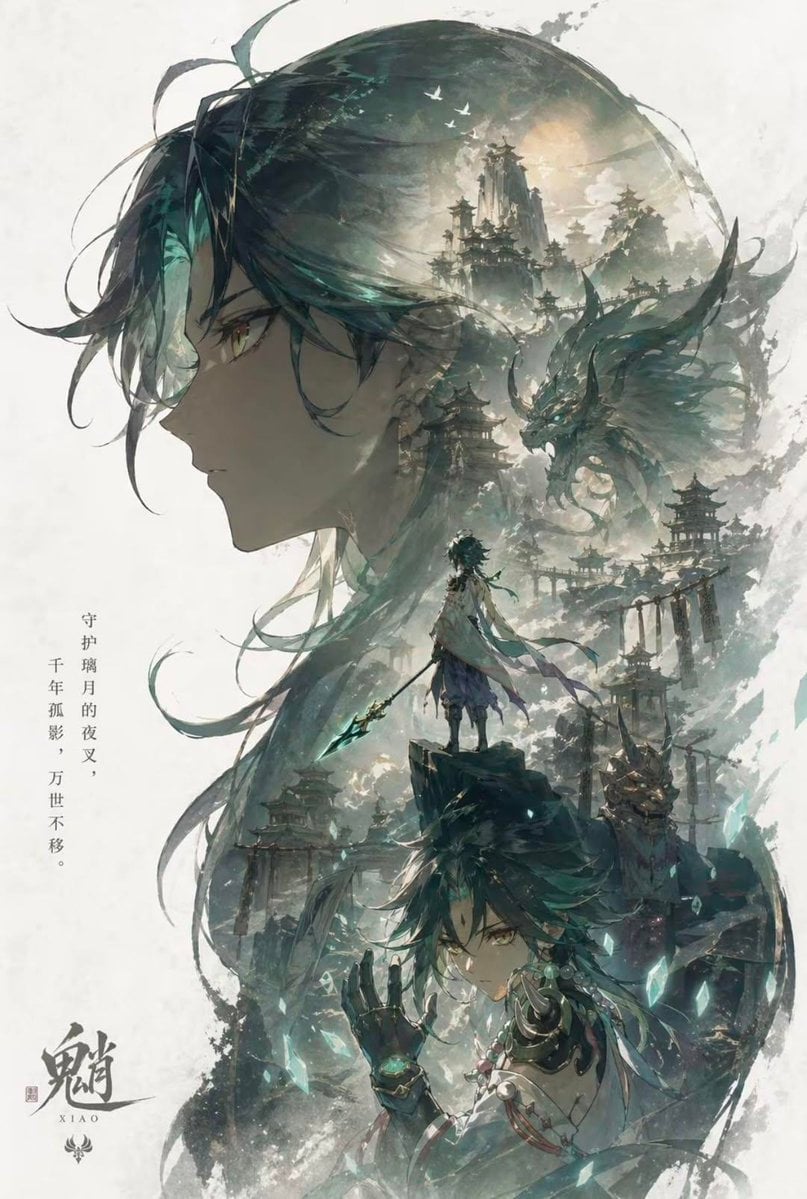
Anime Balloon Seller Lane
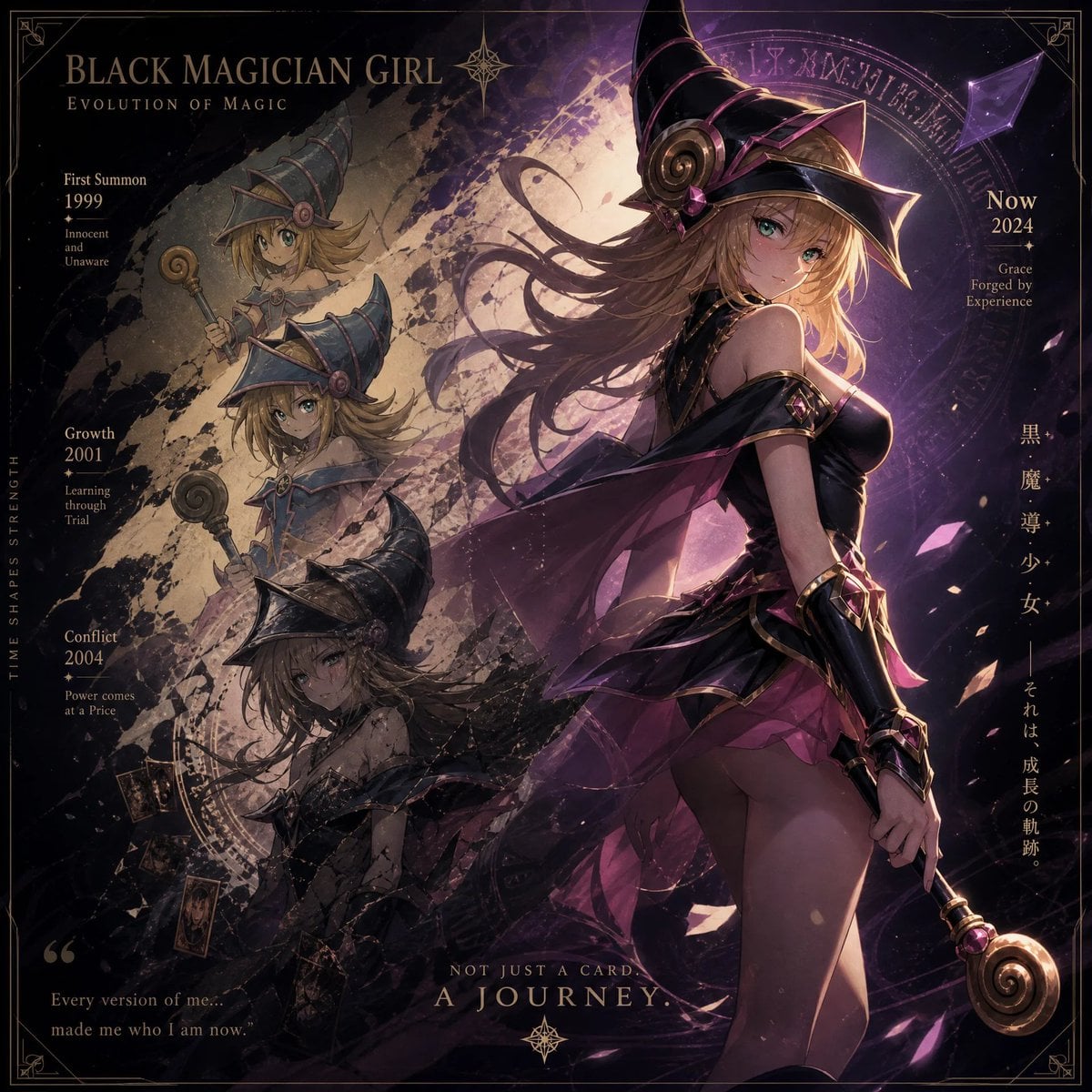
Anime Pirate Ship Stage
Make it yours
Elf Knight Victory Parade works as-is. These are the safest ways to change it without losing the look.
Change one field
Copy a single group, rewrite it, and generate again so you can see what that field is doing.
Keep the frame, change the subject
Hold the composition and light of Elf Knight Victory Parade, then swap wardrobe, props or the person for a new take.
| If the result… | Why | Fix |
|---|---|---|
| The result drifts from the preview | Too many fields changed at once. | Reuse Elf Knight Victory Parade as-is first, then change one group — subject, light, or setting. |
| The model over-stylizes the scene | The prose prompt leaves finish and camera underspecified. | Add one camera or lighting sentence and stay on GPT Image 2. |
More GPT Image 2 templates
Other prompts made for GPT Image 2.

Six VTuber Japanese Logo Sheet

Realistic Portrait of Woman and Deer

The Vista Modular Condo Poster

AI Model Routing Comparison Infographic

2.5D Anime Art Board

Isometric Productivity Desk Scene

New York Double Exposure Poster

Four-Panel AI Landscape Comparison

Japanese Tatami Lifestyle Magazine Cover

NESCAFÉ Coffee Map Poster
More image prompts
Fresh picks from across the catalog.
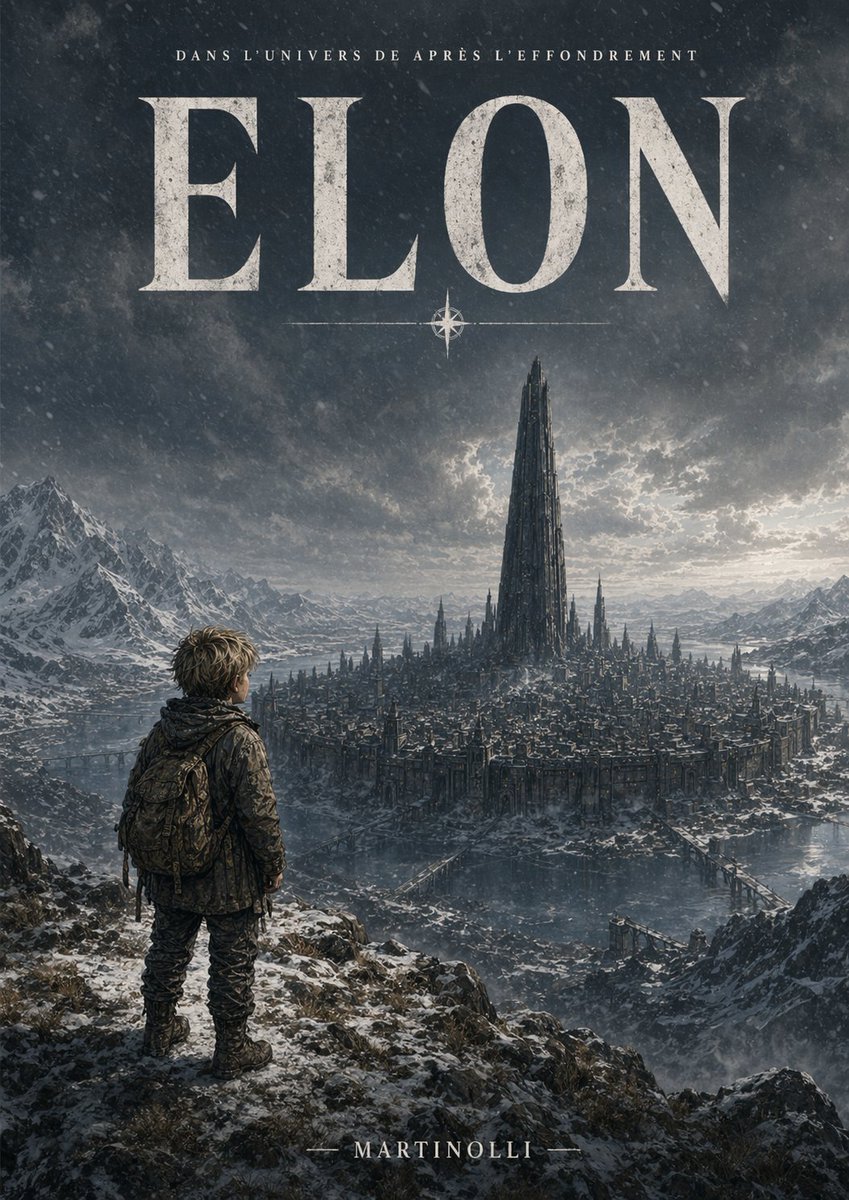
Epic French Dystopian Book Cover
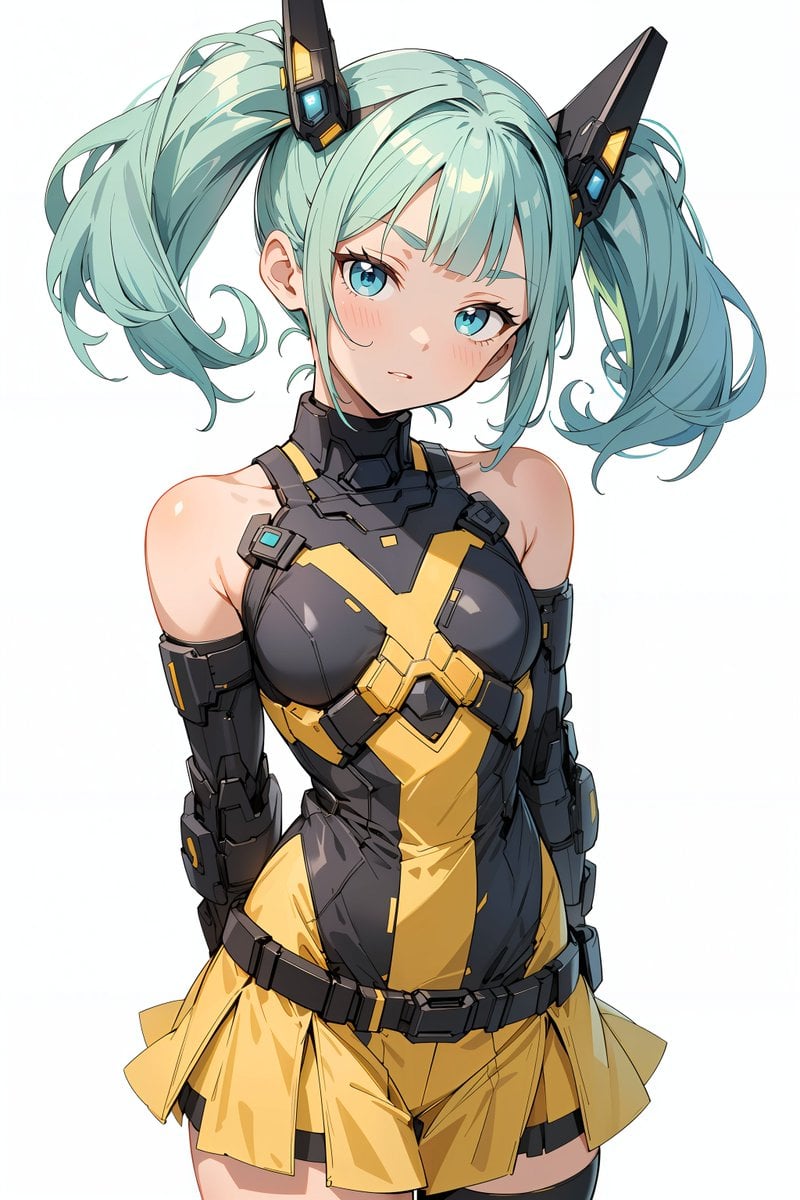
Energy field barrier VFX and pose adjustment YAML prompt
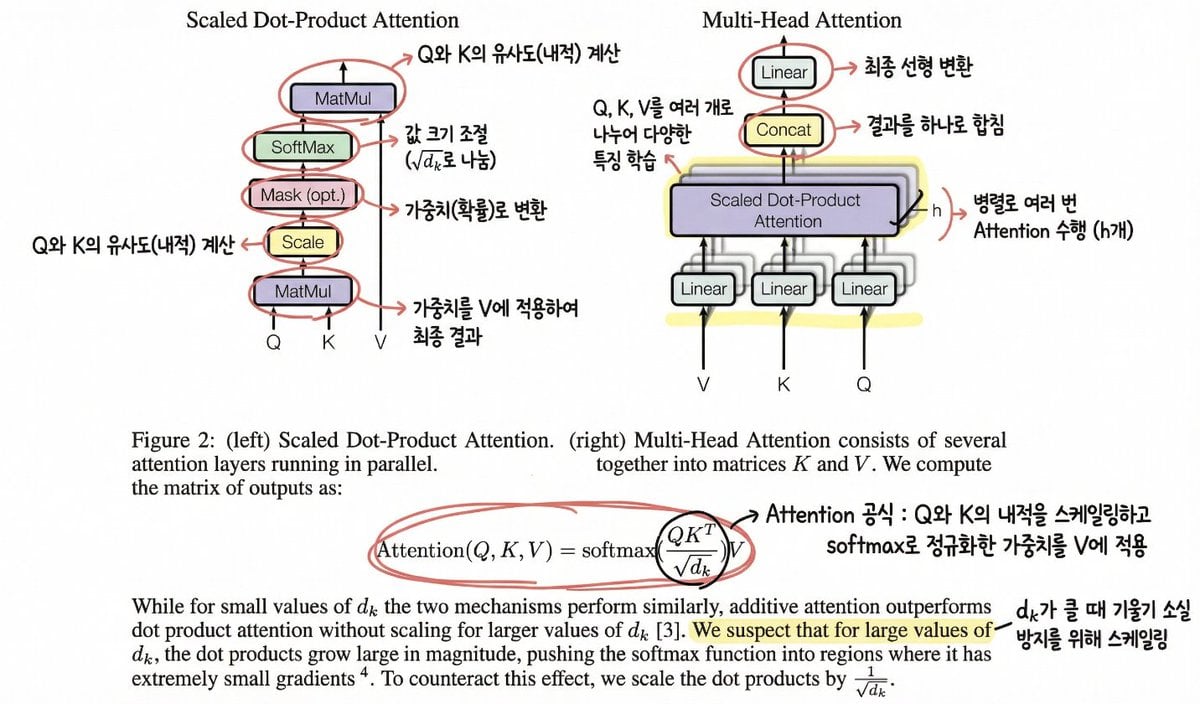
Annotating the 'Attention Is All You Need' Paper
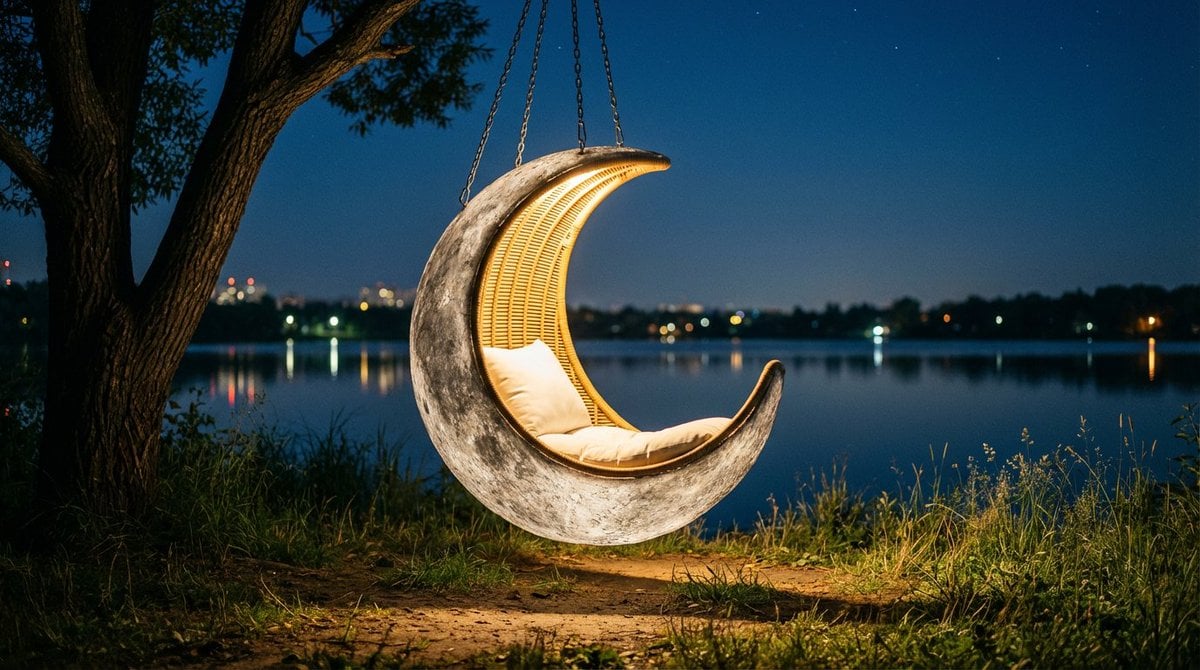
Cinematic lakeside hanging chair concept prompt with space object theme
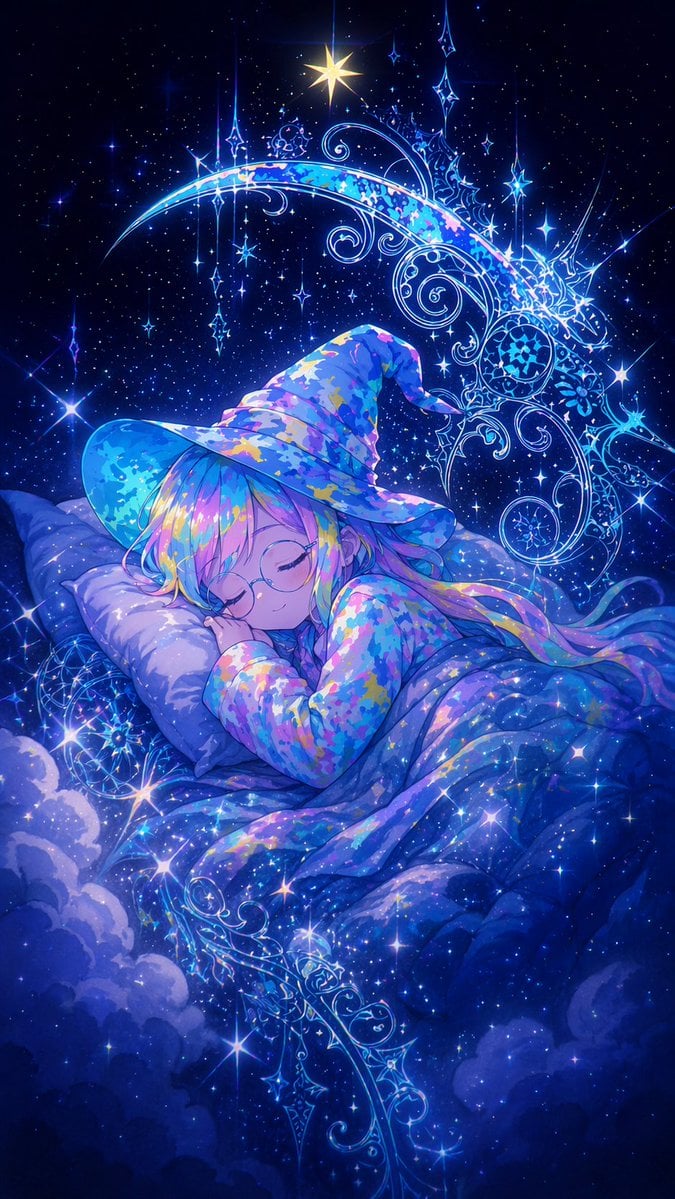
Sleeping Anime Star Witch
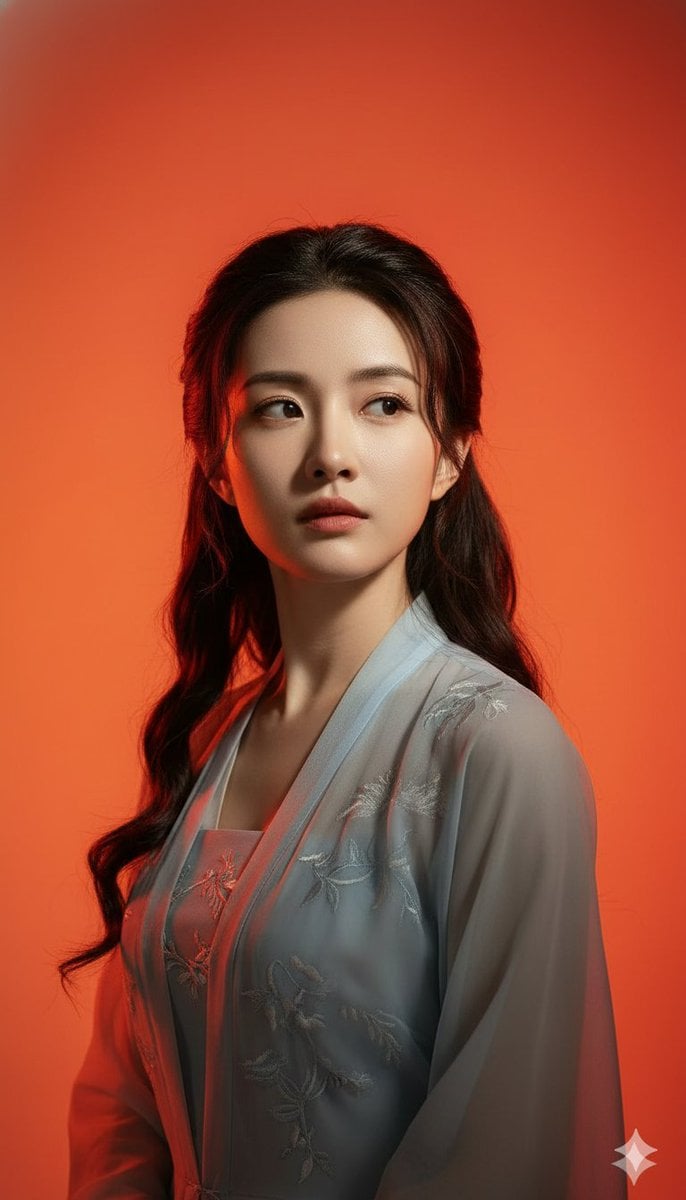
Heroic Dramatic Studio Portrait Prompt (Chinese Style)
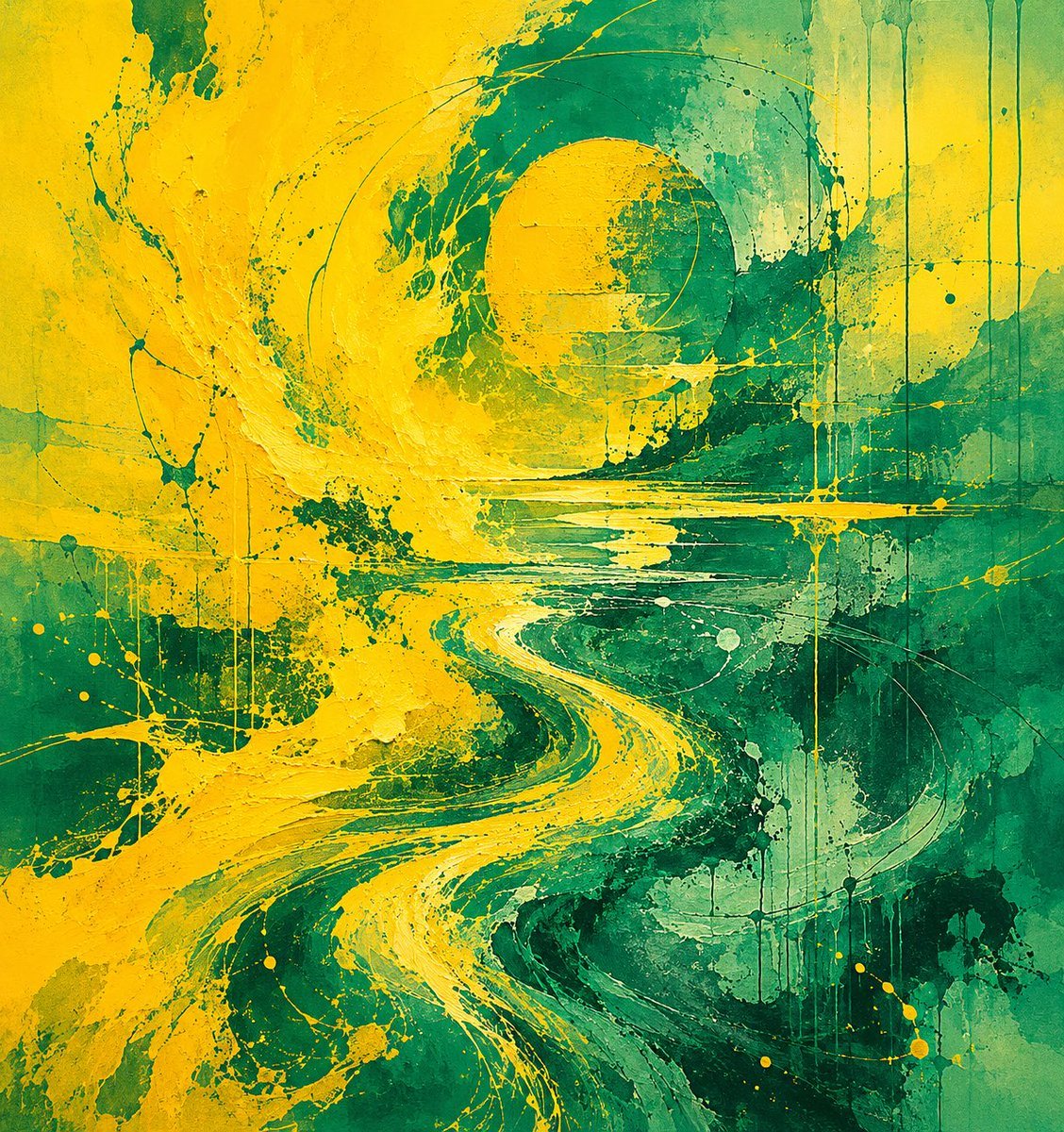
Yellow Teal Abstract Paint Flow
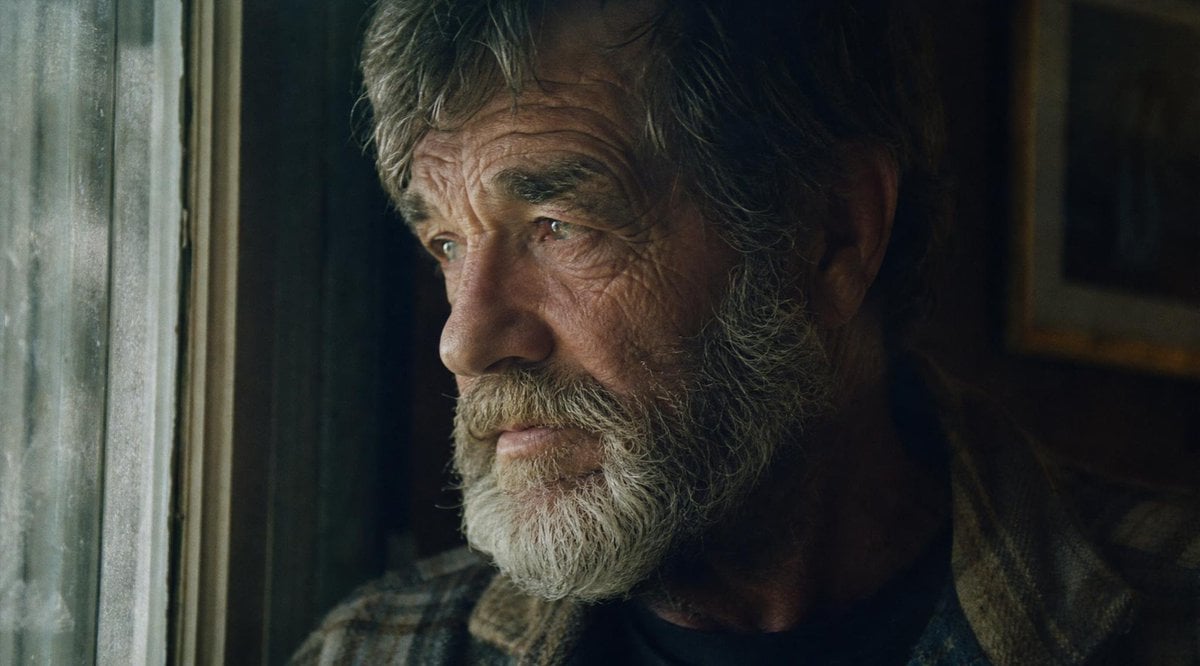
Moody Censored Film Portrait
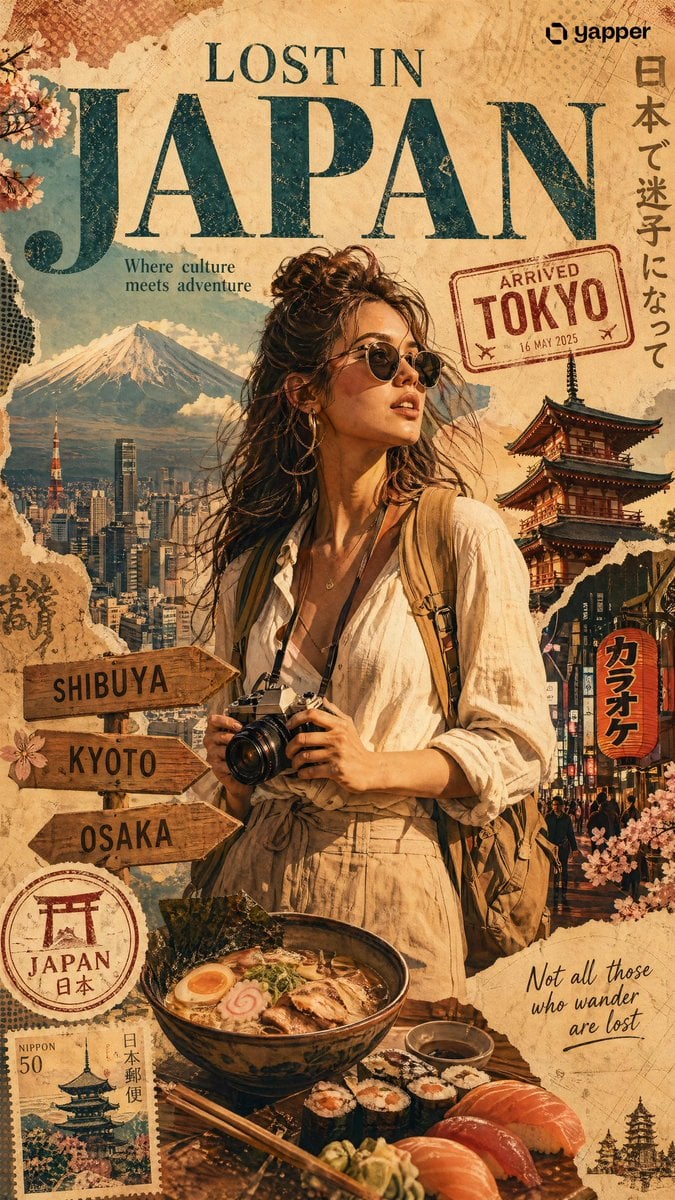
X Chatgptpaglu Gpt Image 2 on Yapper So
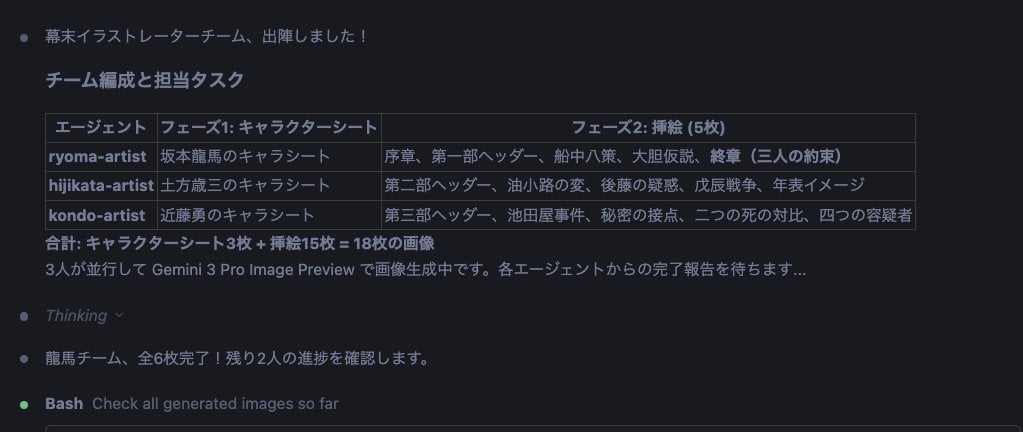
Character Sheet and Illustration Generation for Bakumatsu Agents
Browse template categories
Elf Knight Victory Parade questions
How do I use the Elf Knight Victory Parade template?
Add your photo if the template asks for one, edit the prompt if you like — the template's model and format are already selected — and press Generate. Your version opens in PicX Studio.
Can I customize the Elf Knight Victory Parade template?
Yes. You can change the subject, setting, lighting, mood, format, and available model controls before creating your image.
Is the Elf Knight Victory Parade template free?
Opening and editing this template is free. Generating uses credits, shown on the Generate button when you are signed in.
Which AI model should I use?
Start with GPT Image 2, which is the model associated with this template. You can compare another compatible model for a different finish.
Looking for something else? Browse all templates.

Your photo, any look
Thousands of ready templates for every top image and video model, from one credit balance.