
Epic French Dystopian Book Cover
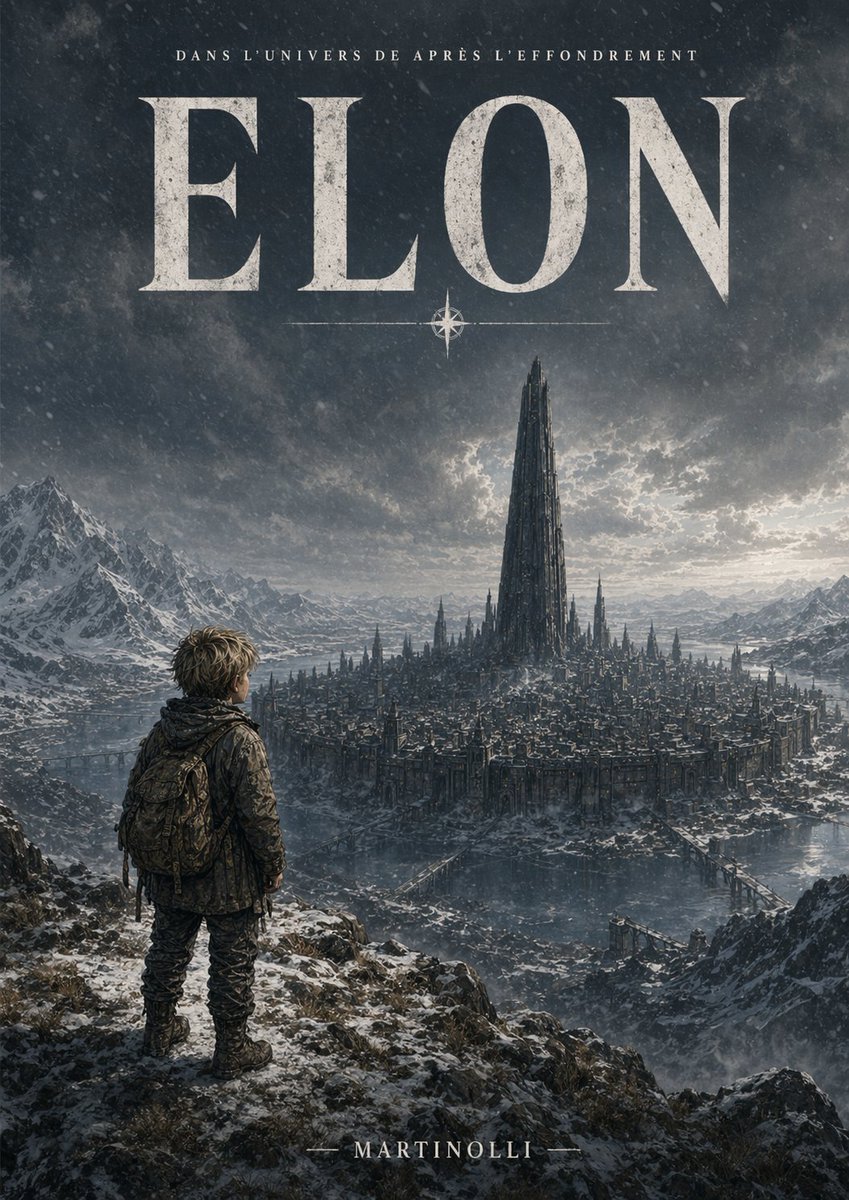
This prompt generates a dark cinematic French-language novel cover featuring a lone figure overlooking a frozen city crowned by a gigantic central tower.
- Prompt included
- Model and format preset
- Free template
The prompt behind this image
Copy the exact prompt behind Epic French Dystopian Book Cover, or open it in the studio and make it yours.
A cinematic French dystopian science-fantasy book cover in vertical poster format, dark and epic, with a cold desaturated palette of charcoal blue, steel gray, ash white, and muted silver. In the foreground, show 1 solitary young traveler seen from behind, standing on a snow-dusted rocky cliff at lower left, small against the environment, wearing a weathered winter jacket, rugged pants, boots, and a large worn backpack, with messy light brown hair visible, posture still and contemplative as he looks out over a vast ruined city. In the middle distance, depict 1 immense circular or sprawling fortified city in a frozen valley, dense with countless dark gothic-industrial buildings and spires, surrounded by icy water channels and connected by several narrow bridges. Rising from the exact center of the city, place 1 colossal needle-like black tower that dominates the skyline, dramatically taller than everything else. Surround the city with jagged snow-covered mountain ranges on both sides and in the far distance. Above, create a stormy sky filled with heavy textured clouds, faint snowfall or drifting ice particles, and a pale backlit glow breaking through behind the central tower, giving a mythic apocalyptic atmosphere. Composition should emphasize scale, isolation, and awe, with the traveler occupying only a small portion of the image and the city and tower centered. Add distressed serif typography integrated as a cover design: at the very top in small uppercase French text, "DANS L’UNIVERS DE APRÈS L’EFFONDREMENT"; below it, a huge title in cracked weathered off-white serif capitals, "{argument name="title text" default="ELON"}", spanning nearly the full width; beneath the title place 1 small compass-star ornament centered with thin horizontal lines. At the bottom center, add the author name in refined serif capitals, "{argument name="author name" default="MARTINOLLI"}". Make the overall image look like premium dark fantasy / post-apocalyptic cover art, ultra-detailed, atmospheric perspective, realistic textures, dramatic lighting, moody, monumental, polished publishing design.
How to use Epic French Dystopian Book Cover in 3 steps
- 1Upload ImagePNG, JPG or paste
Add your photo
Upload the photo the template builds on. The prompt, model and format are already set.
- 2…a portrait of your subject in softgolden-hour light, 85mm…
Personalize
Edit the subject and creative details for your destination.
- 3Generate
Generate
Press Generate — your image is created in PicX Studio, so you can compare it with the original and refine one variable at a time.
More like this
Templates with the same subject, style or setup. Open one to see its prompt.
Epic Fantasy Mecha Light Novel Cover
Epic Momotaro Fantasy Cover
French Indie Album Cover

French Bulldog Pastry Chef Magazine Cover
Vogue French Luxury Fashion Cover
Epic French Rooster Over Paris
Seedance - Dragon vs Python Battle
Seedance - Arrow Microscopic Battle
Dystopian Dark Surrealist Concept Art
Split Photo and Storybook Illustration
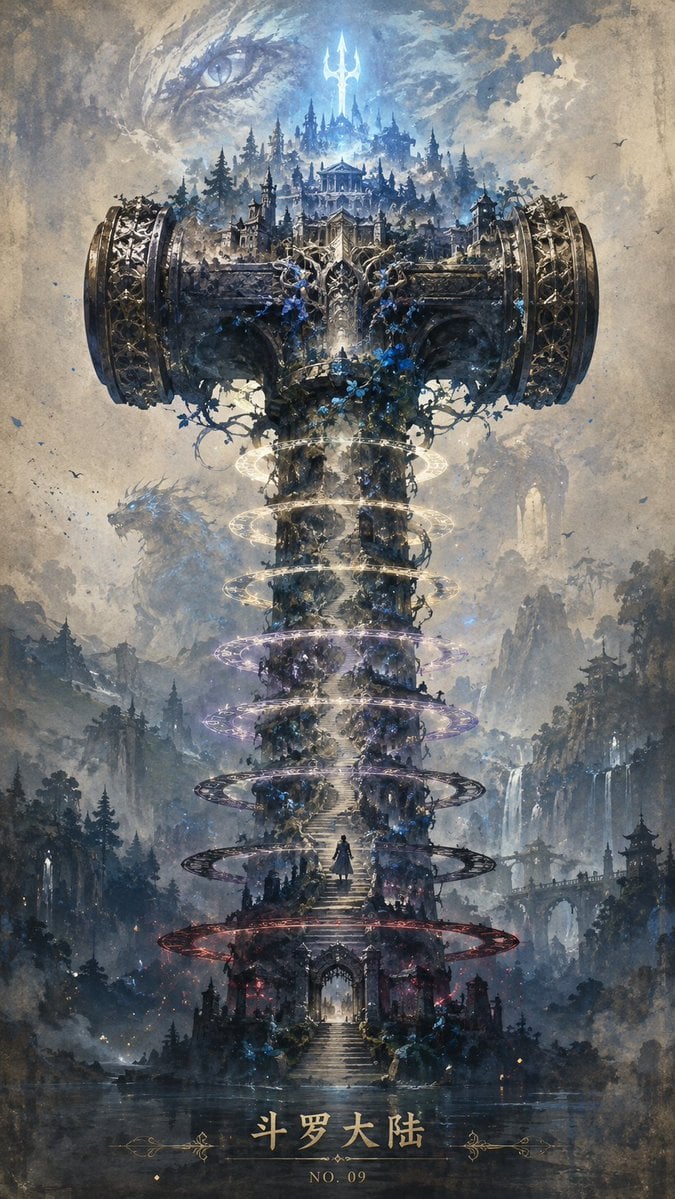
Epic Douluo Fantasy Tower Poster
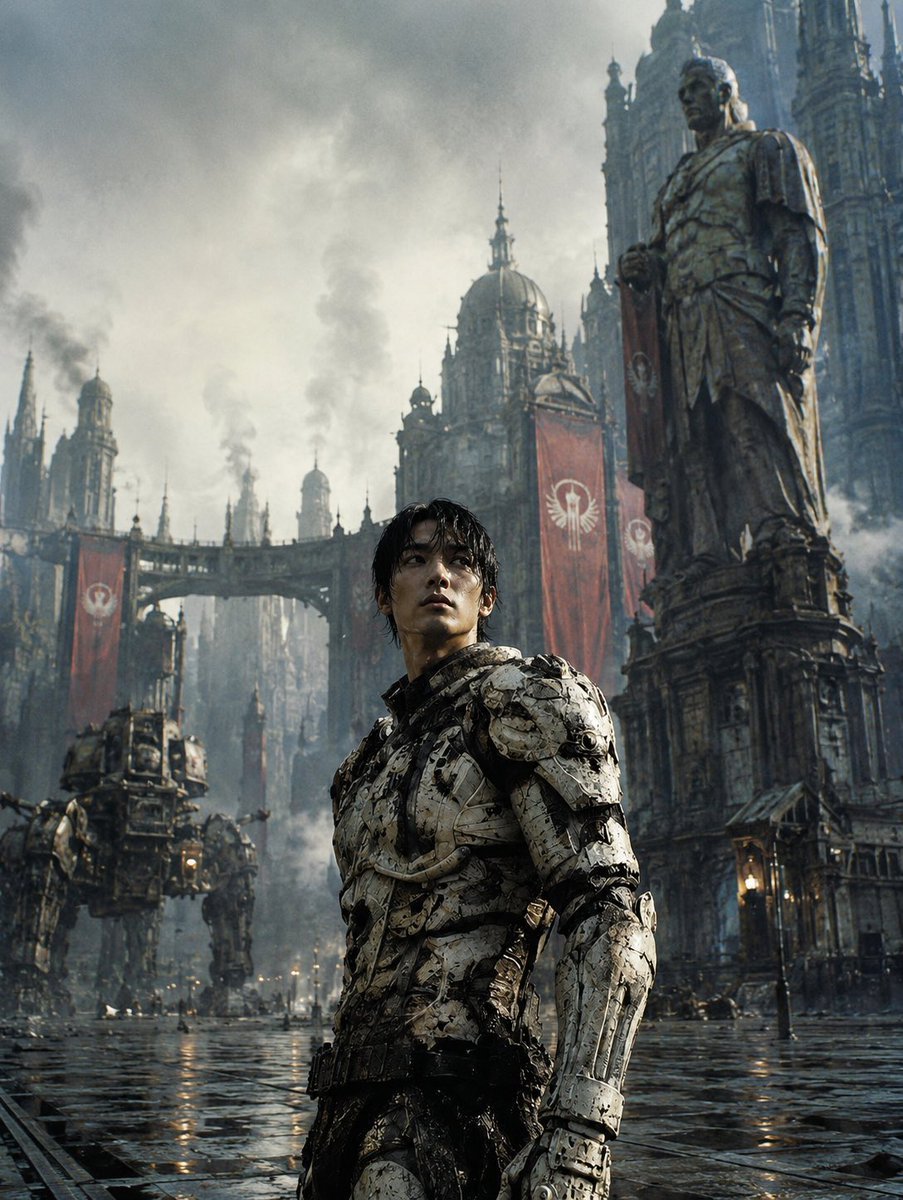
Dystopian Casshern-Style Hero
Make it yours
Epic French Dystopian Book Cover works as-is. These are the safest ways to change it without losing the look.
Change one field
Copy a single group, rewrite it, and generate again so you can see what that field is doing.
Keep the frame, change the subject
Hold the composition and light of Epic French Dystopian Book Cover, then swap wardrobe, props or the person for a new take.
| If the result… | Why | Fix |
|---|---|---|
| The result drifts from the preview | Too many fields changed at once. | Reuse Epic French Dystopian Book Cover as-is first, then change one group — subject, light, or setting. |
| The model over-stylizes the scene | The prose prompt leaves finish and camera underspecified. | Add one camera or lighting sentence and stay on GPT Image 2. |
More GPT Image 2 templates
Other prompts made for GPT Image 2.

Six VTuber Japanese Logo Sheet

Realistic Portrait of Woman and Deer

The Vista Modular Condo Poster

AI Model Routing Comparison Infographic

2.5D Anime Art Board

Isometric Productivity Desk Scene

New York Double Exposure Poster

Four-Panel AI Landscape Comparison

NESCAFÉ Coffee Map Poster

Brutalist Cogito Chinese Typography Poster
More image prompts
Fresh picks from across the catalog.
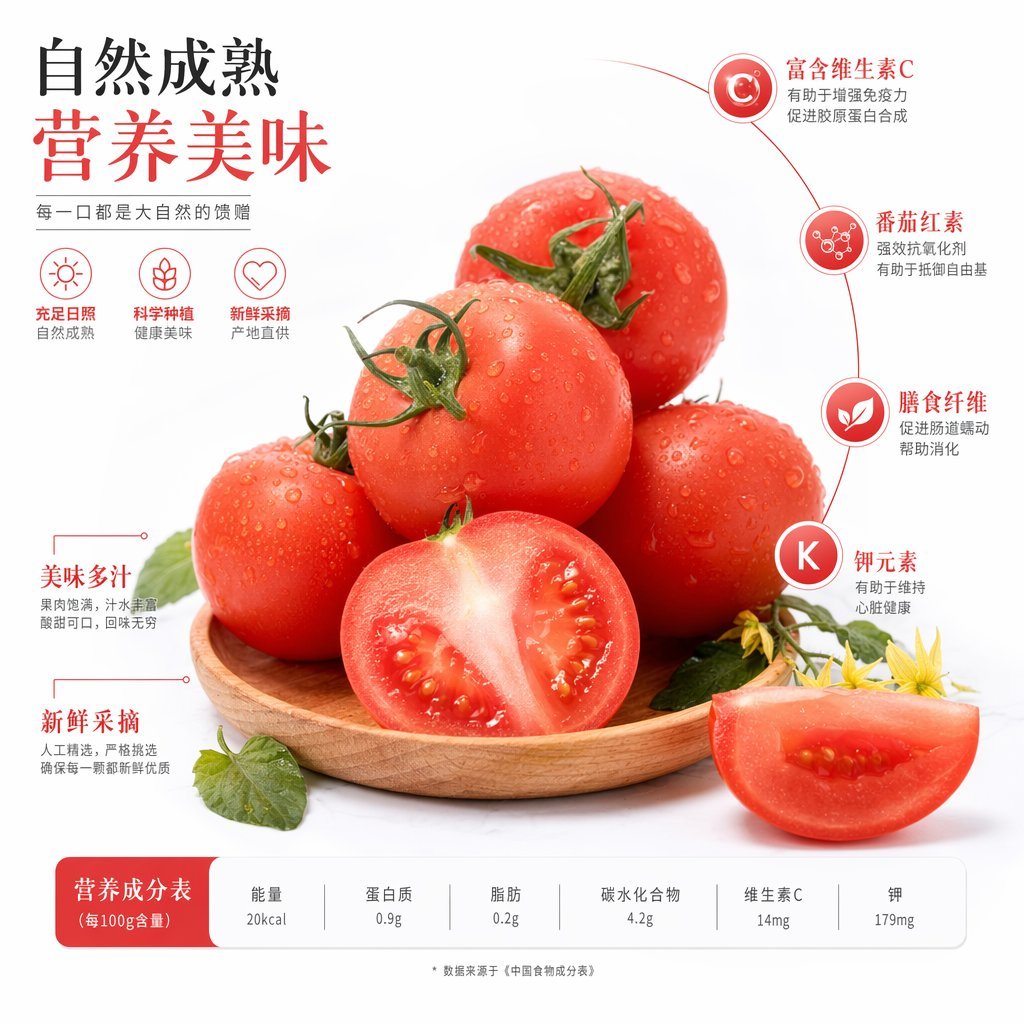
Chinese Tomato Nutrition Poster
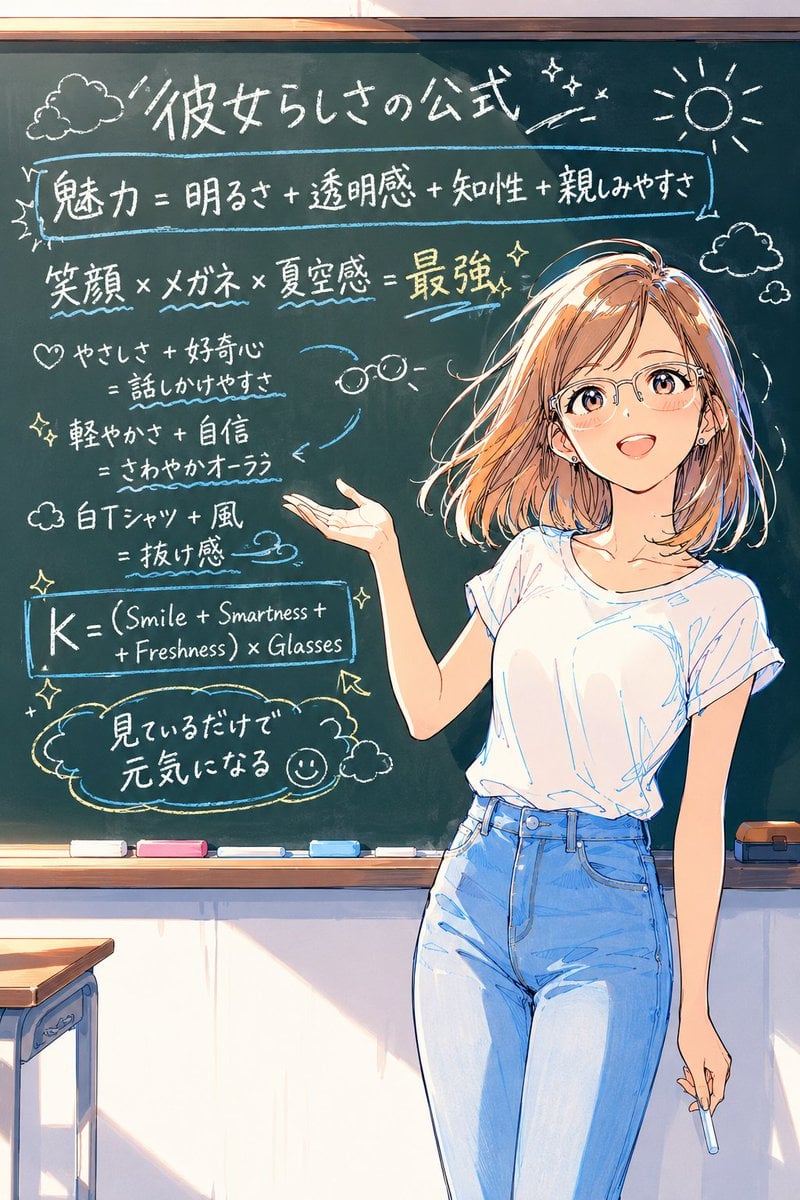
Anime Chalkboard Character Formula

Office Renovation and Decoration Prompt
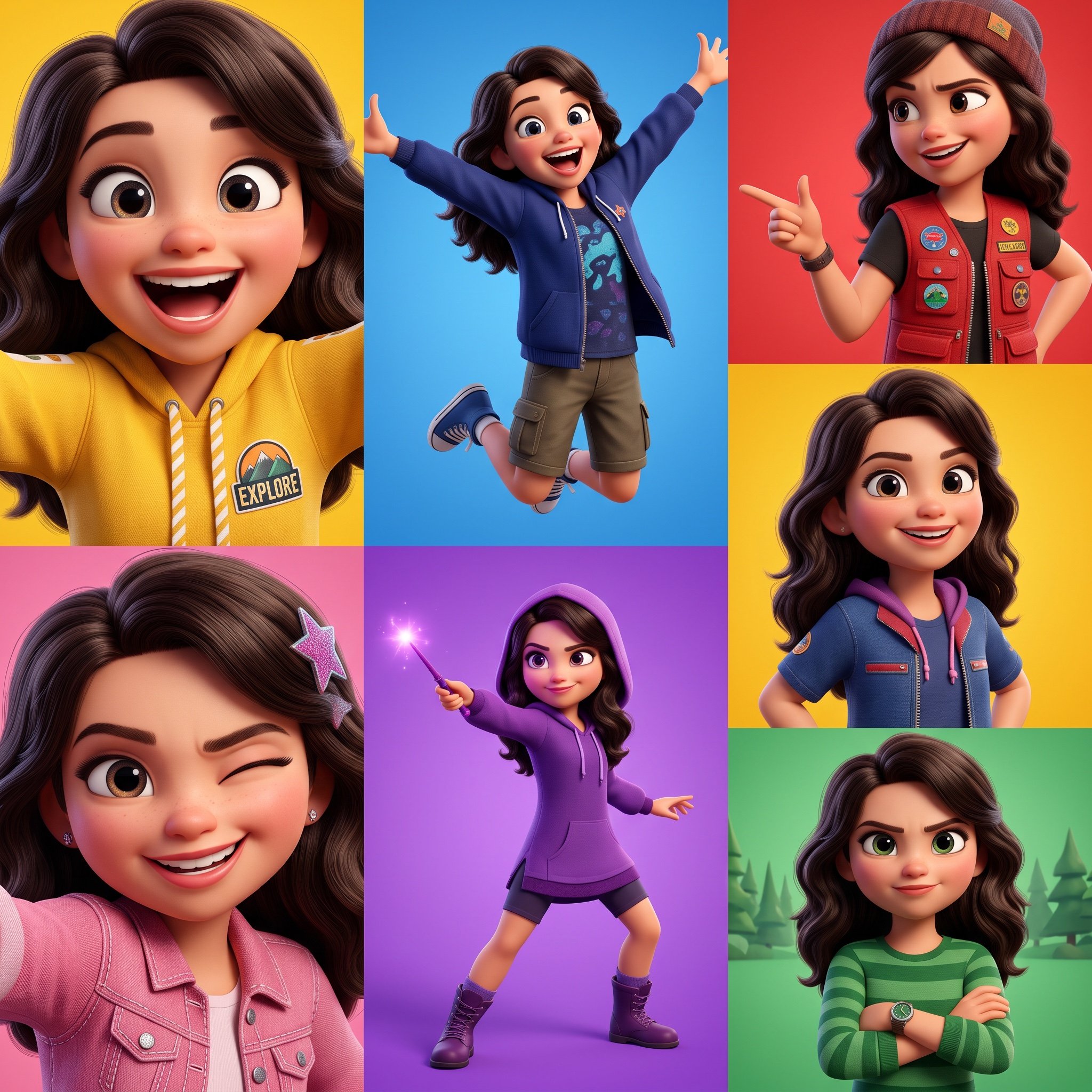
3D Pixar-Style Animated Character Grid Prompt

Editorial Lifestyle Prompt for Gemini Nano Banana Pro
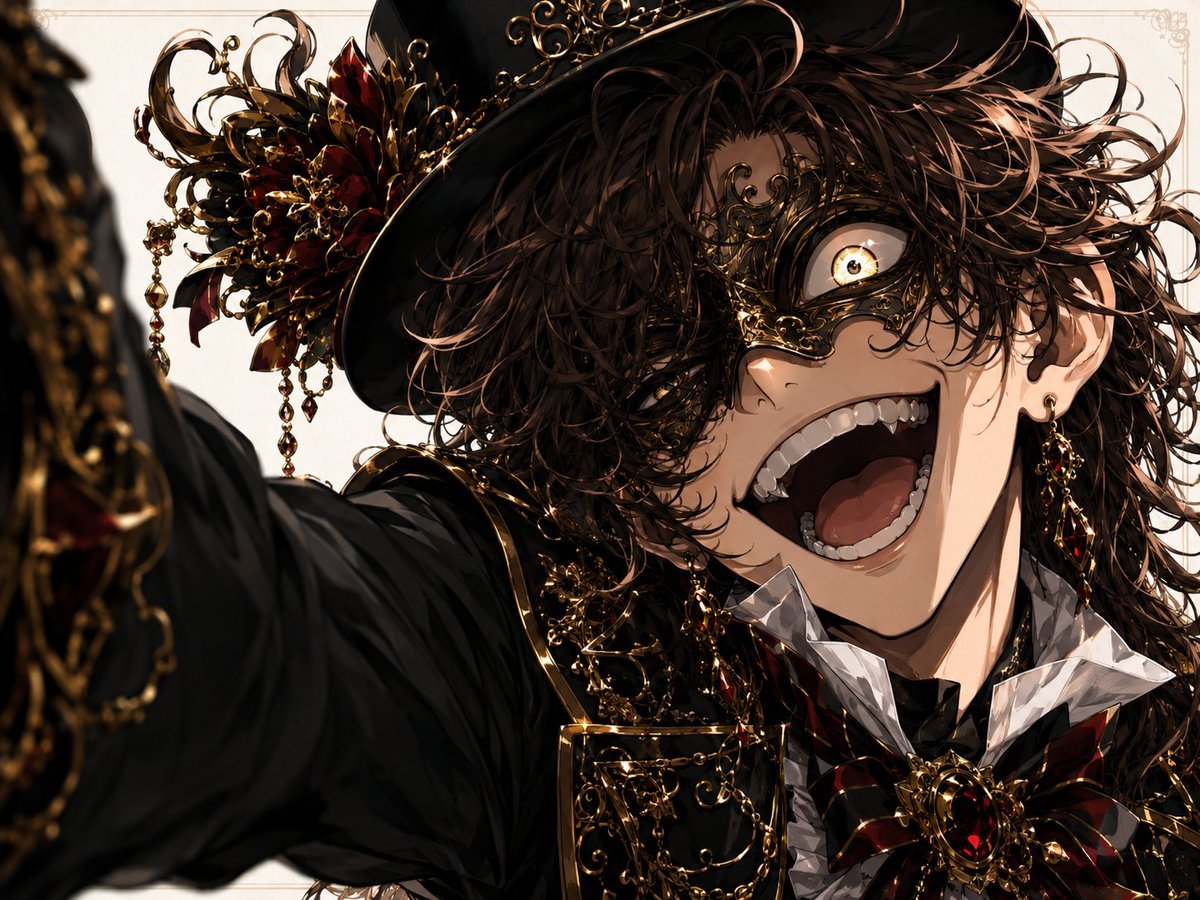
Wide-Angle Dramatic Facial Close-up
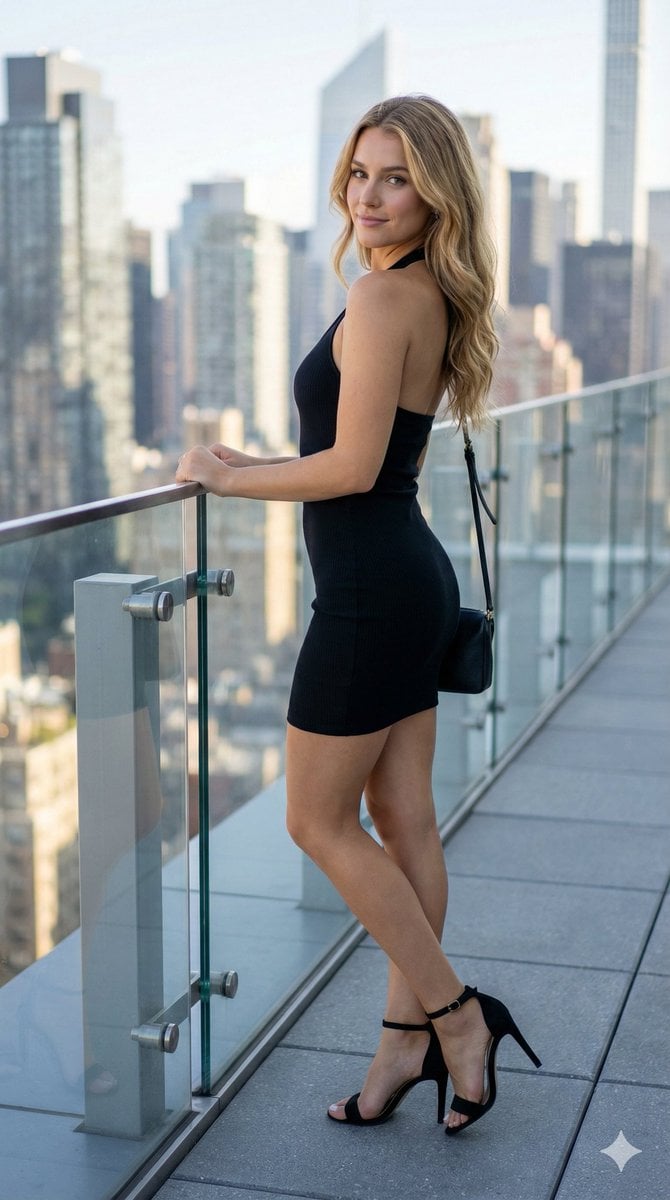
Rooftop Terrace Fashion Shot Prompt
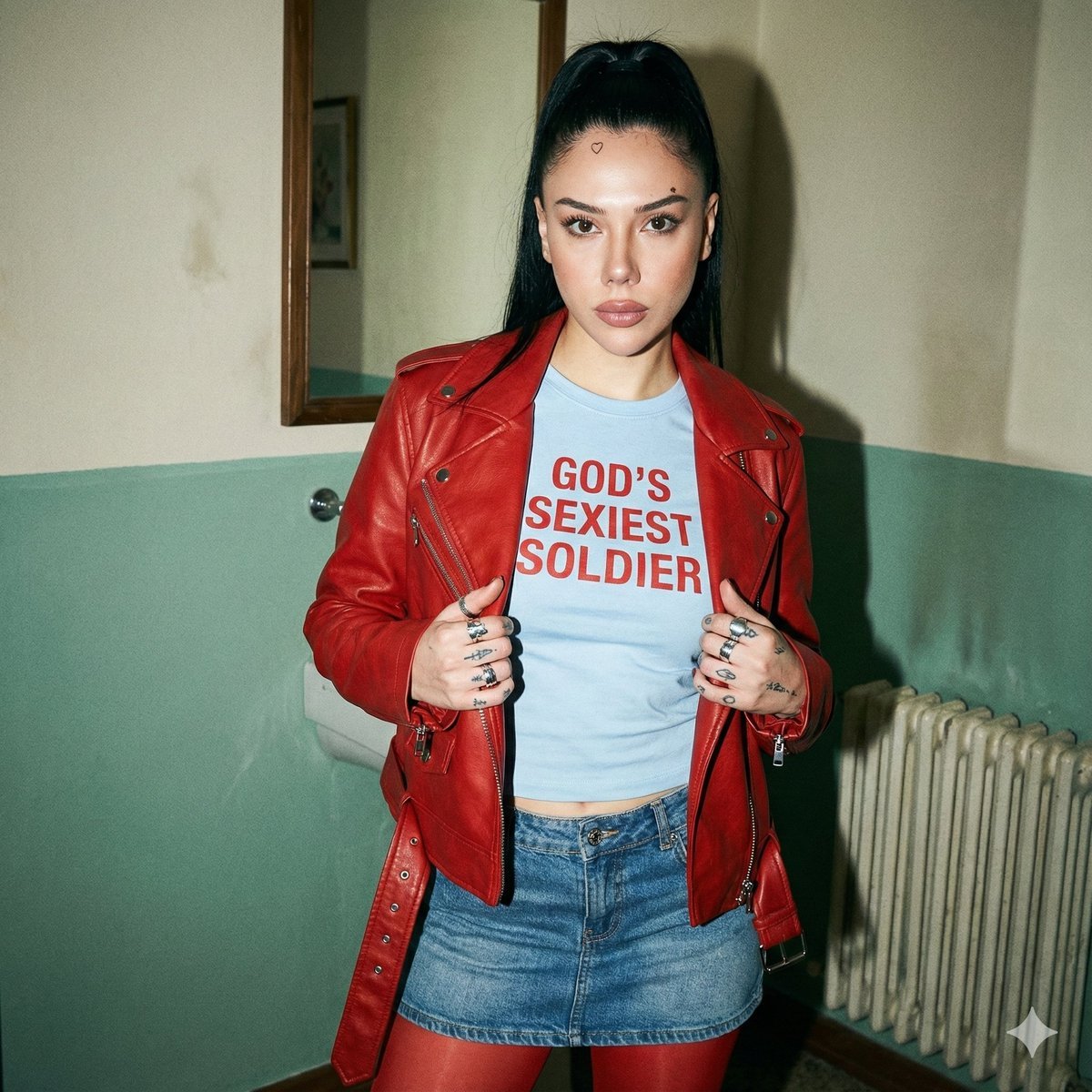
Indie Sleaze 2000s Street Style Portrait Prompt
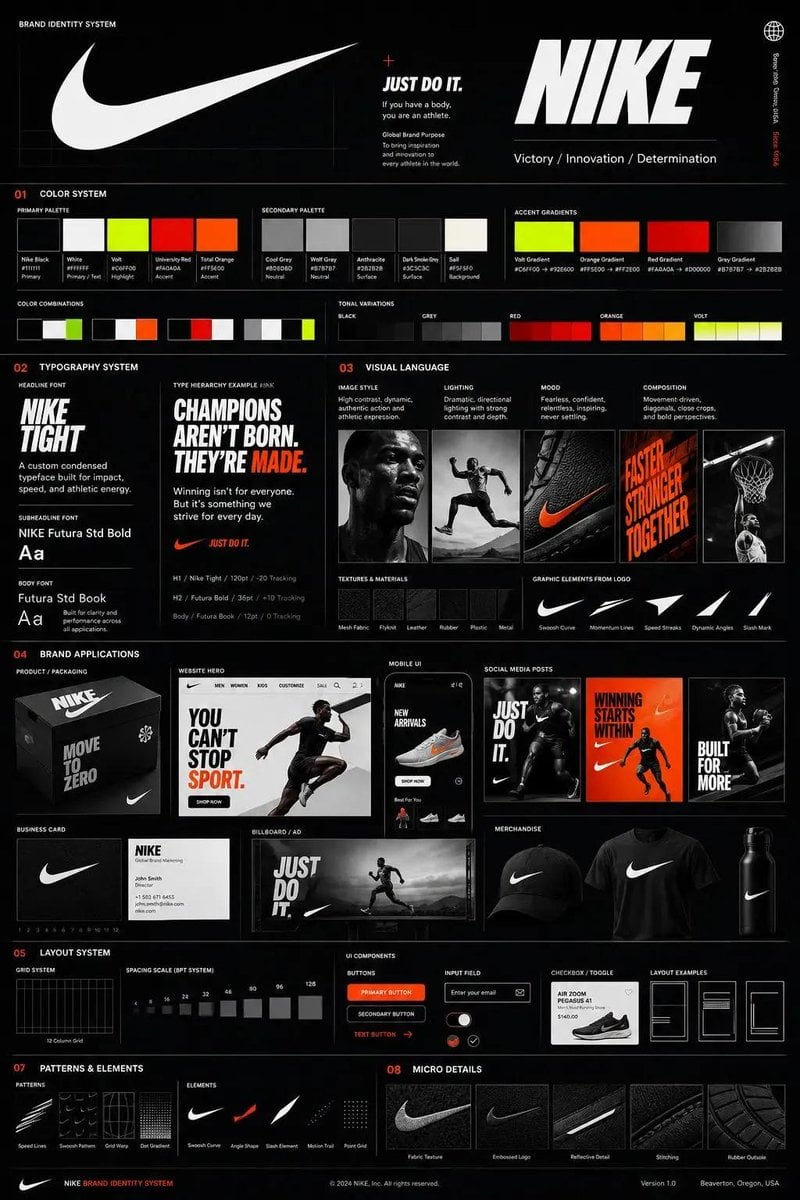
Agency Grade Brand Identity Poster
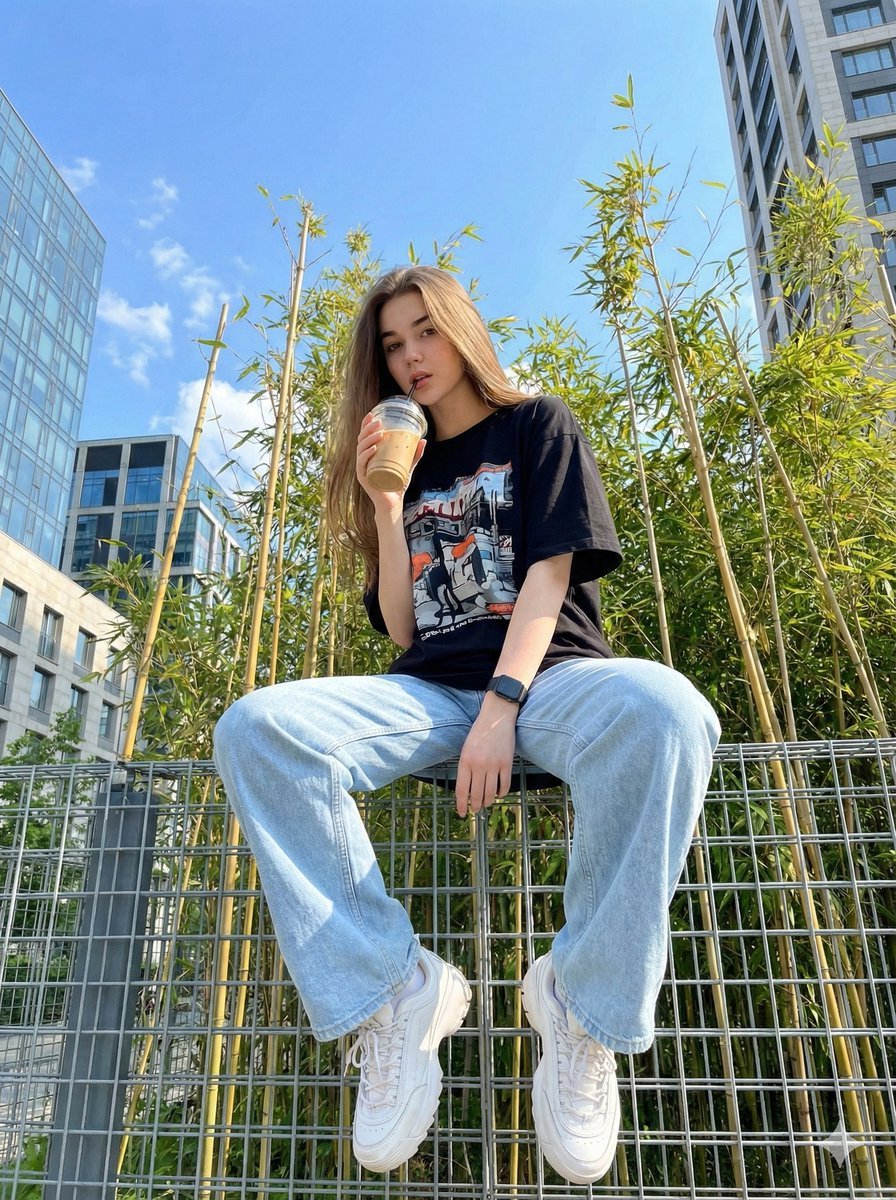
Structured JSON prompt for a stylish streetwear portrait of a young woman
Browse template categories
Epic French Dystopian Book Cover questions
How do I use the Epic French Dystopian Book Cover template?
Add your photo if the template asks for one, edit the prompt if you like — the template's model and format are already selected — and press Generate. Your version opens in PicX Studio.
Can I customize the Epic French Dystopian Book Cover template?
Yes. You can change the subject, setting, lighting, mood, format, and available model controls before creating your image.
Is the Epic French Dystopian Book Cover template free?
Opening and editing this template is free. Generating uses credits, shown on the Generate button when you are signed in.
Which AI model should I use?
Start with GPT Image 2, which is the model associated with this template. You can compare another compatible model for a different finish.
Looking for something else? Browse all templates.

Your photo, any look
Thousands of ready templates for every top image and video model, from one credit balance.