How do I use the Office Renovation and Decoration Prompt template?
Choose the primary action to open PicX Studio with the available template settings. Review the model and format, personalize the creative direction, and generate when ready.
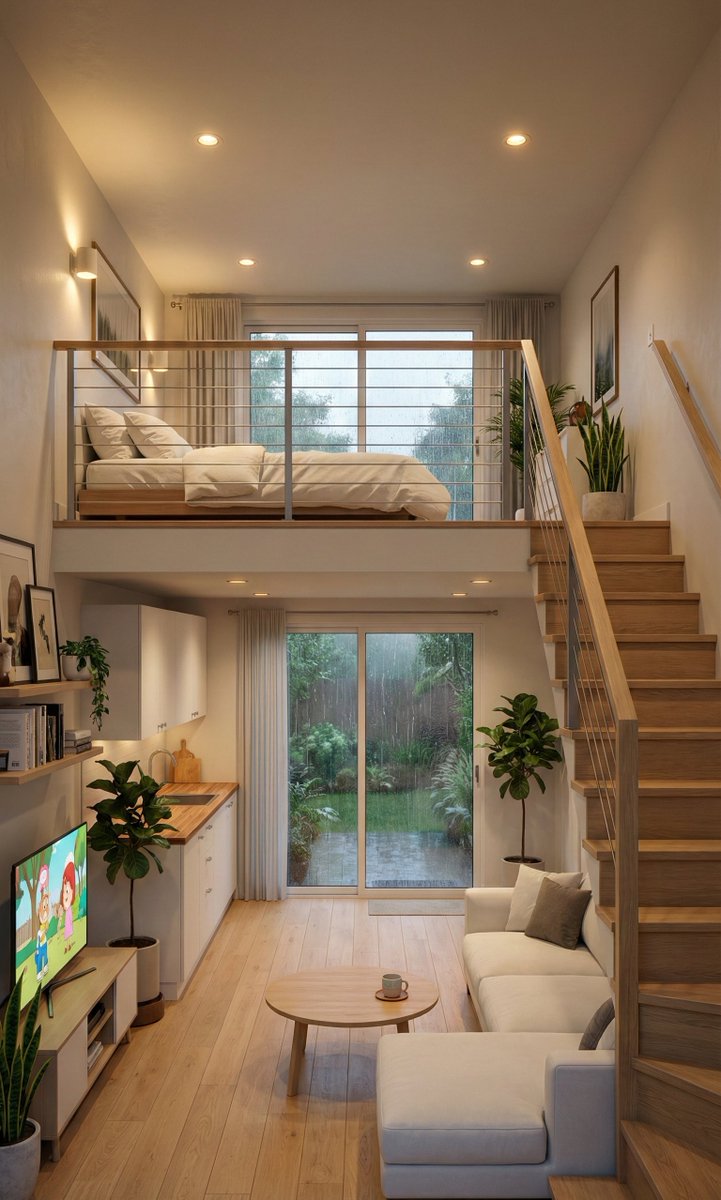
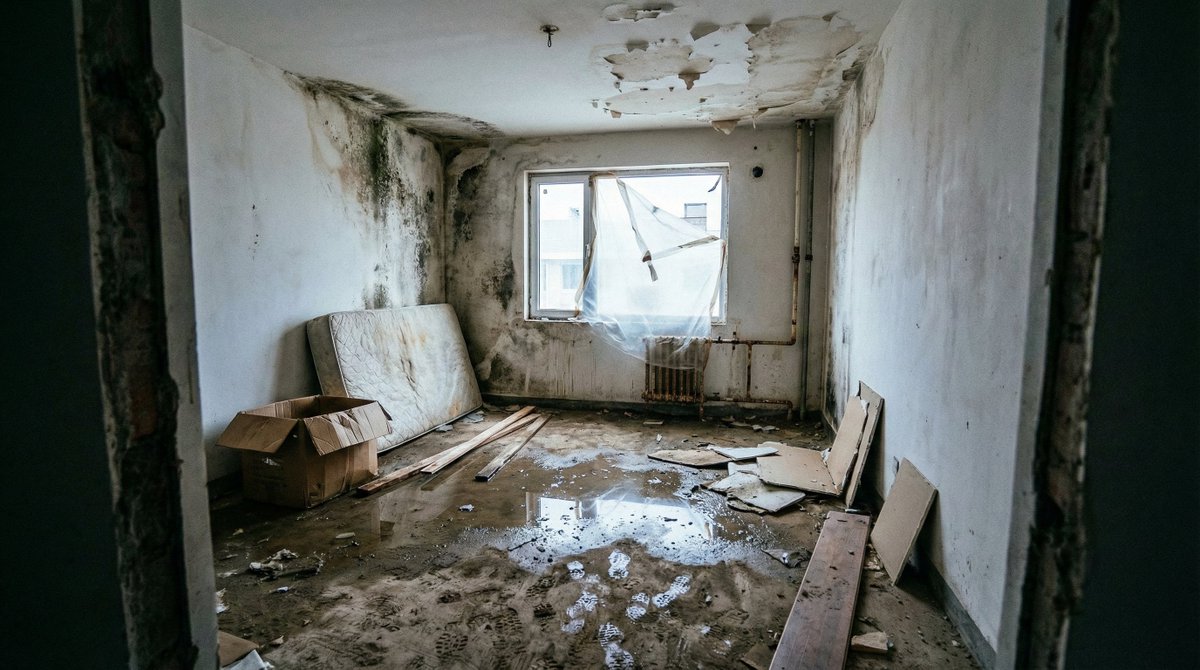
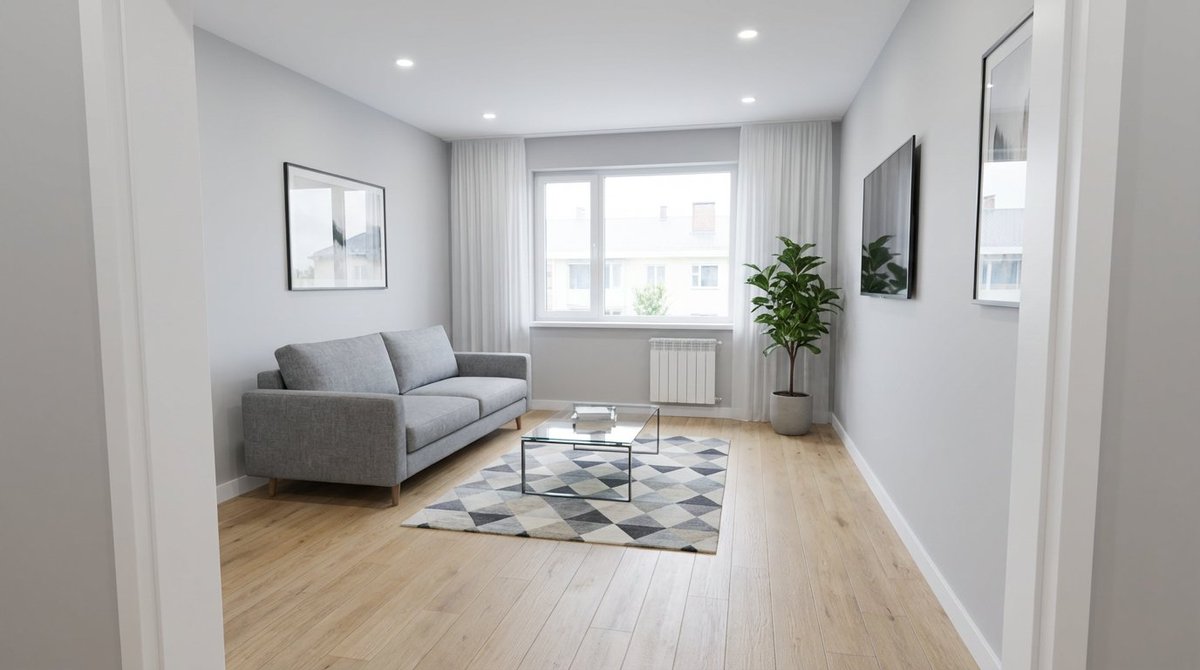
A simple text prompt used to renovate an attached photo of a room under finishing work, transforming it into a modern 2026 home office for a Mercedes branch, specifying the completion of ceilings, floors, windows, and walls, and the addition of furniture. Change the subject, setting, or lighting one variable at a time.

Please renovate this attached photo that showing a room under finishing work. Please complete this finishing work for this toom to be home office of Mercedes branch. Please renovate the ceilings, floor, windows, and wall professionally. Decorate this main office room to be suitable for 2026 modern design. Add cupboards, chairs, sofa, main office table with chair.
Choose the primary action to open PicX Studio with the available template settings. Review the model and format, personalize the creative direction, and generate when ready.
Yes. You can change the subject, setting, lighting, mood, format, and available model controls before creating your image.
This template is free to open and customize. Generation usage is shown in PicX Studio before you create.
Start with Nano Banana 2, which is the model associated with this template. You can compare another compatible model for a different finish.
© 2026 PicX Studio. All rights reserved.

Follow a topic to a crawlable collection of related PicX Studio templates.
43,474 public templates available. Verified via the PicX Studio public templates API; refreshed hourly.


![Outdoor Christmas Decoration from Input Image — [AI指示:外観テーマ拡張]
提供された**[入力画像]**を分析してください。
テーマ抽出: [入力画像]から、主要な被写体、カラーパレット、および特定のモチーフ(例:星、キャンディケイン、特定のキ…](https://pbs.twimg.com/media/G9AJh1ZbcAAB0H0.jpg)













![Naive doodle-style subject illustration — A doodle-style {argument name="subject" default="[subject]"}, naive lines, humorous shape exaggeration](https://pbs.twimg.com/media/G6Wl2YxbsAARB2b.jpg)
















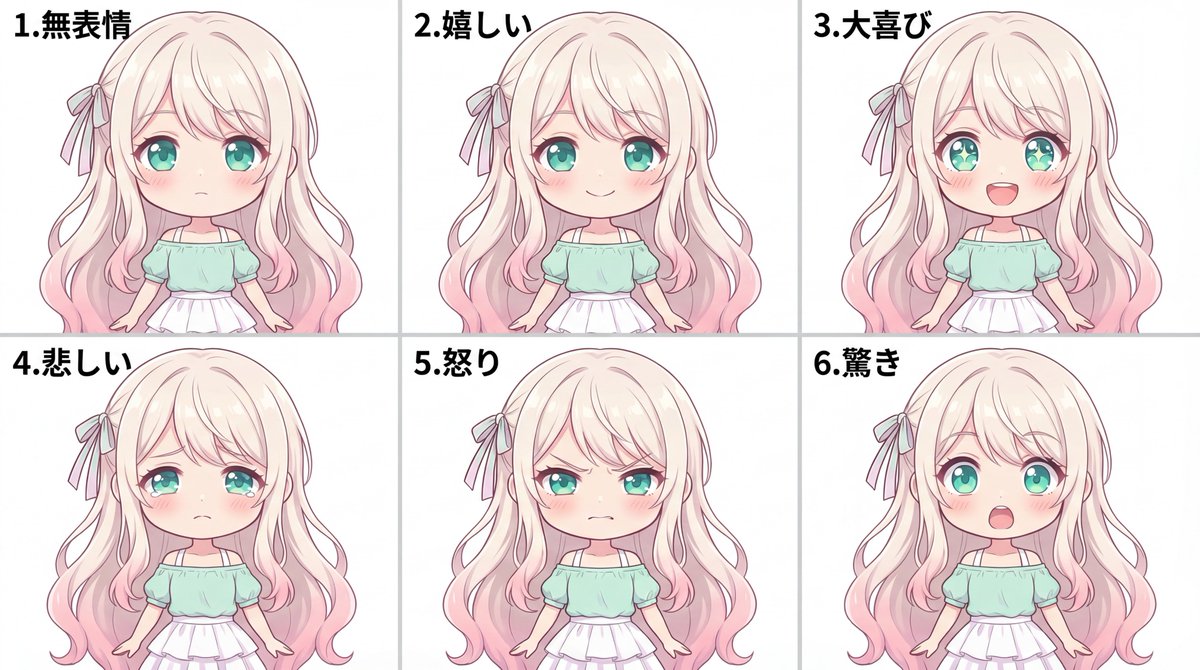
![Mecha Character Concept Showcase — Create a high-end, asymmetric editorial CHARACTER CONCEPT SHOWCASE from these inputs:
[STYLE]: {argument name="art style" de](https://cms-assets.youmind.com/media/1780045860648_45rlud_HJZ0ChDbwAAH5uV.jpg)