
Ultra-realistic Cinematic Time-Lapse Renovation Scene
A highly detailed prompt for generating an ultra-realistic cinematic time-lapse scene of a residential living room undergoing rapid renovation, transitioning from a dusty construction site to a modern luxury interior…
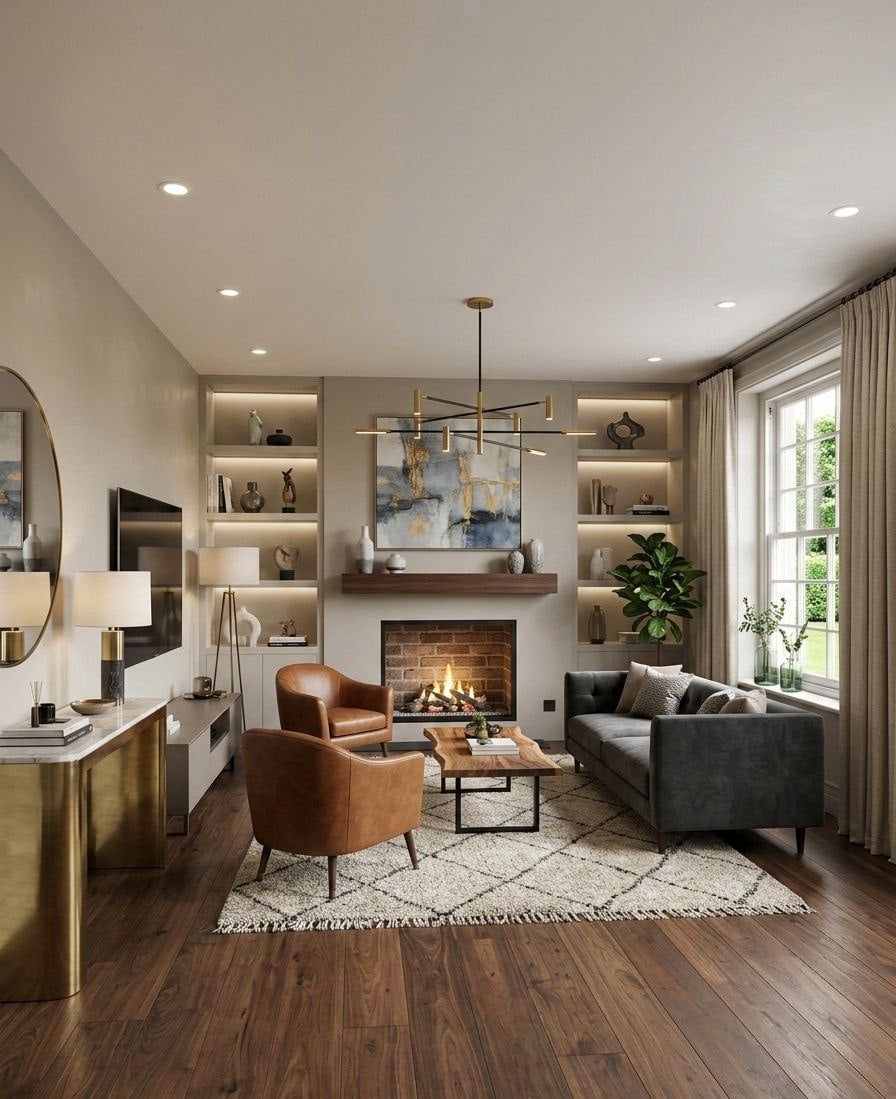
- Prompt included
- Model and format preset
- Premium template
The prompt behind this image
Copy the exact prompt behind Ultra-realistic Cinematic Time-Lapse Renovation Scene, or open it in the studio and make it yours.
Ultra-realistic cinematic time-lapse renovation scene inside a residential living room under construction, dusty unfinished hall with exposed ceiling wires, scattered construction materials, bricks, insulation pieces, ladder near a fireplace, multiple construction workers wearing safety helmets and work uniforms rapidly working, electricians installing recessed ceiling lights and wiring, painters smoothing and painting walls in warm neutral tones, carpenters building shelves around a fireplace and installing a wooden mantel, flooring specialists laying rich dark wooden flooring, interior installers mounting a modern chandelier, furniture movers bringing a modern sofa, leather armchairs, wooden coffee table and patterned rug, decorators placing plants, books, sculptures and vases on illuminated shelves, curtains installed on a large window with sunlight streaming in, TV mounted on the wall with a modern console beneath it, lit fireplace creating a cozy warm glow, dust and construction debris disappearing as the room becomes clean and organized, transition from dull construction lighting to warm elegant interior lighting, final scene showing a modern luxury American living room, warm ambient lighting, elegant furniture, decorated shelves, wooden flooring, cozy atmosphere, hyper-realistic cinematic renovation moment, natural worker motion blur, extremely detailed interior, 4K photorealism, volumetric light, depth of field, wide angle interior shot.
How to use Ultra-realistic Cinematic Time-Lapse Renovation Scene in 3 steps
- 1
Open
The prompt is already in the box next to the preview, with the template's model and format selected.
- 2…a portrait of your subject in softgolden-hour light, 85mm…
Personalize
Edit the subject and creative details for your destination.
- 3Generate
Generate
Press Generate — your image is created in PicX Studio, so you can compare it with the original and refine one variable at a time.
More like this
Templates with the same subject, style or setup. Open one to see its prompt.
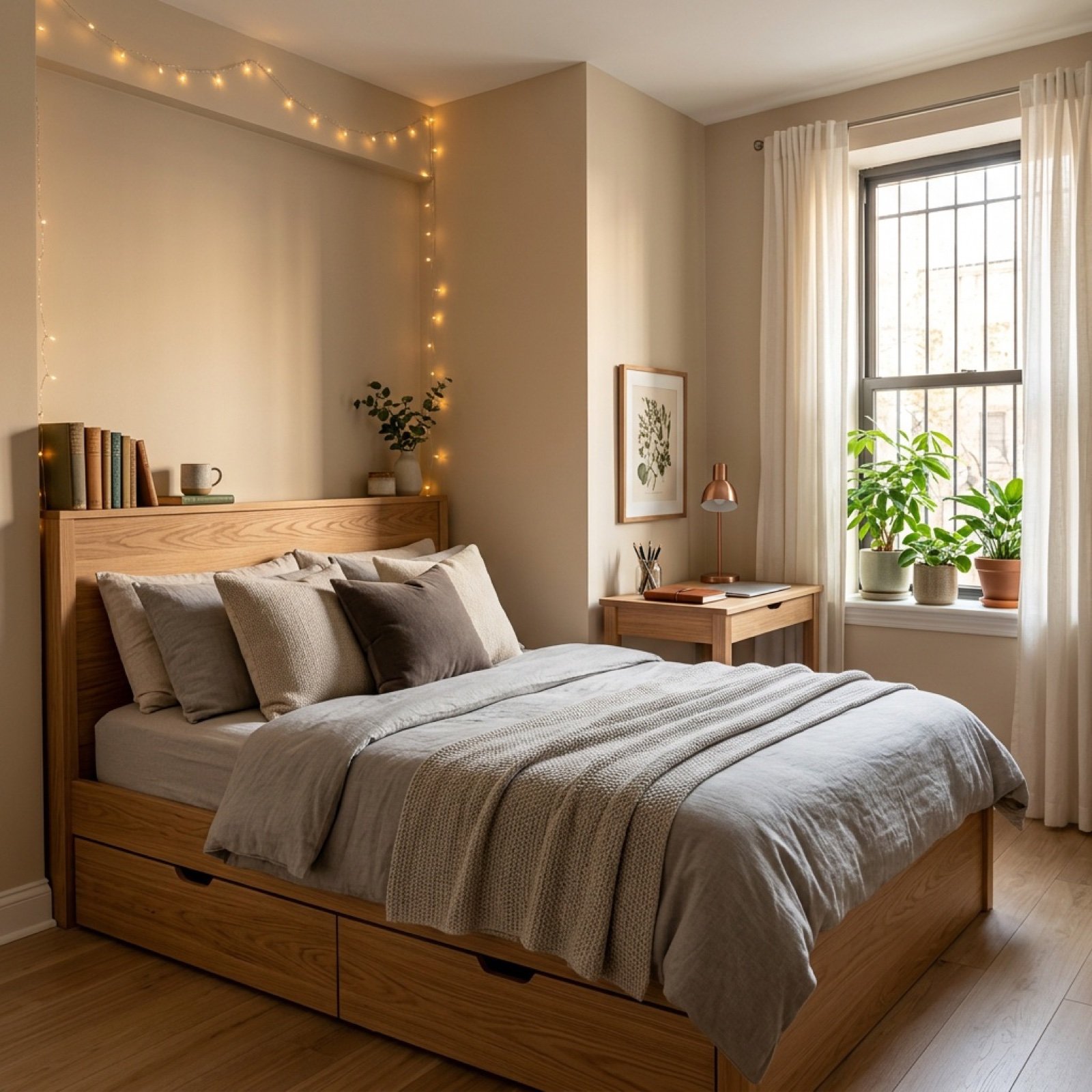
Video Transition Prompt (Room Renovation Timelapse)

Time-lapse Timeline Landscape Prompt
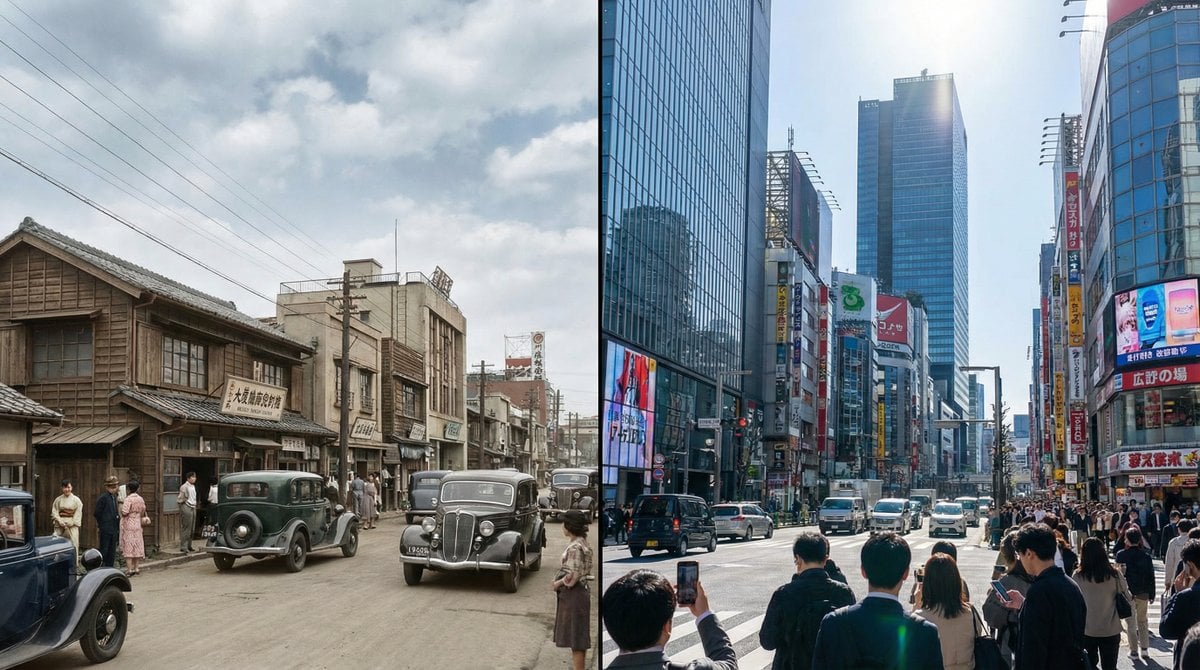
Split-screen time-lapse of same location by coordinates
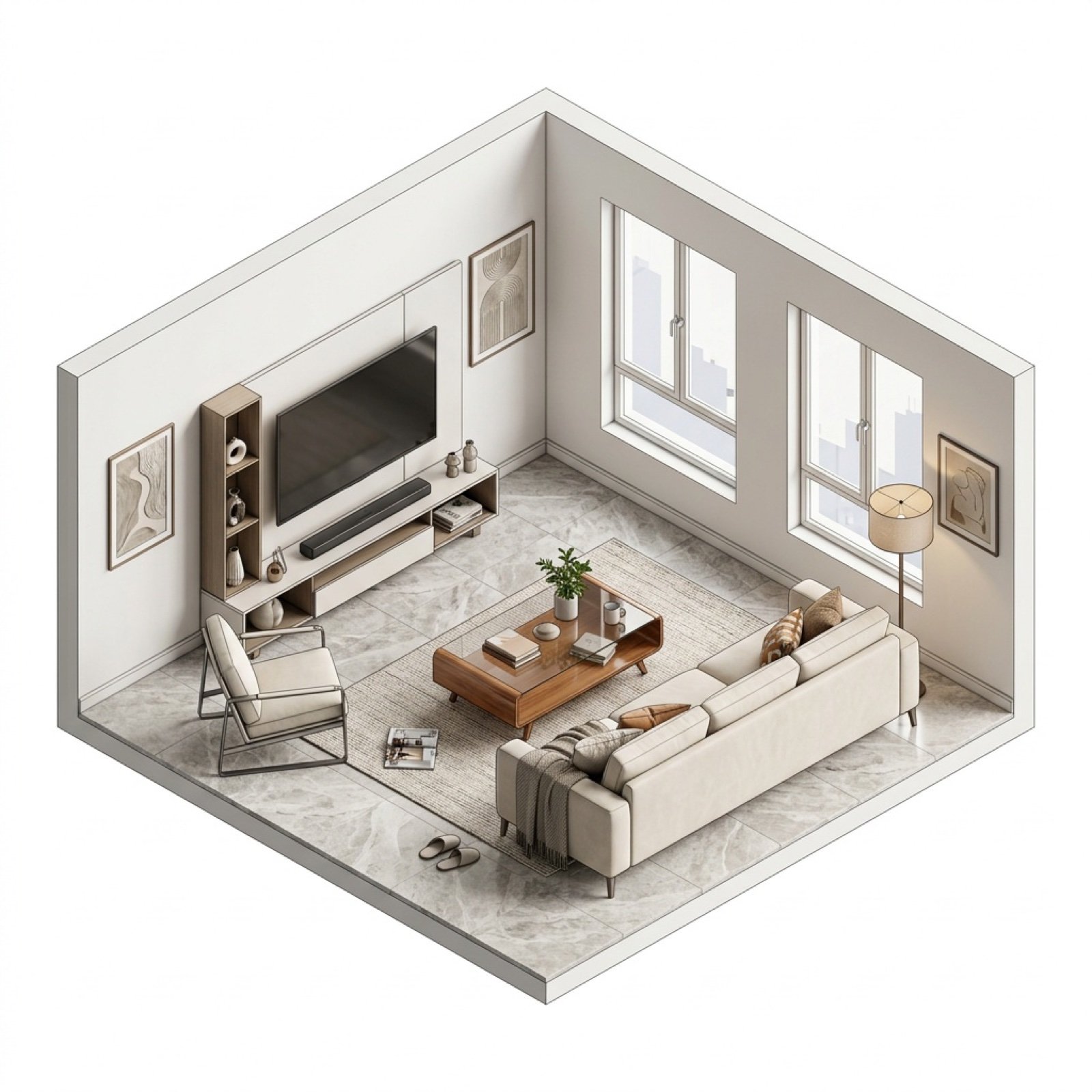
Isometric Interior Design Time-Lapse Video Generation Prompts

Miniature Starbucks Renovation Scene

Pixar Rooftop Renovation Duo
Multi-Step Home Renovation Video Transition Prompt
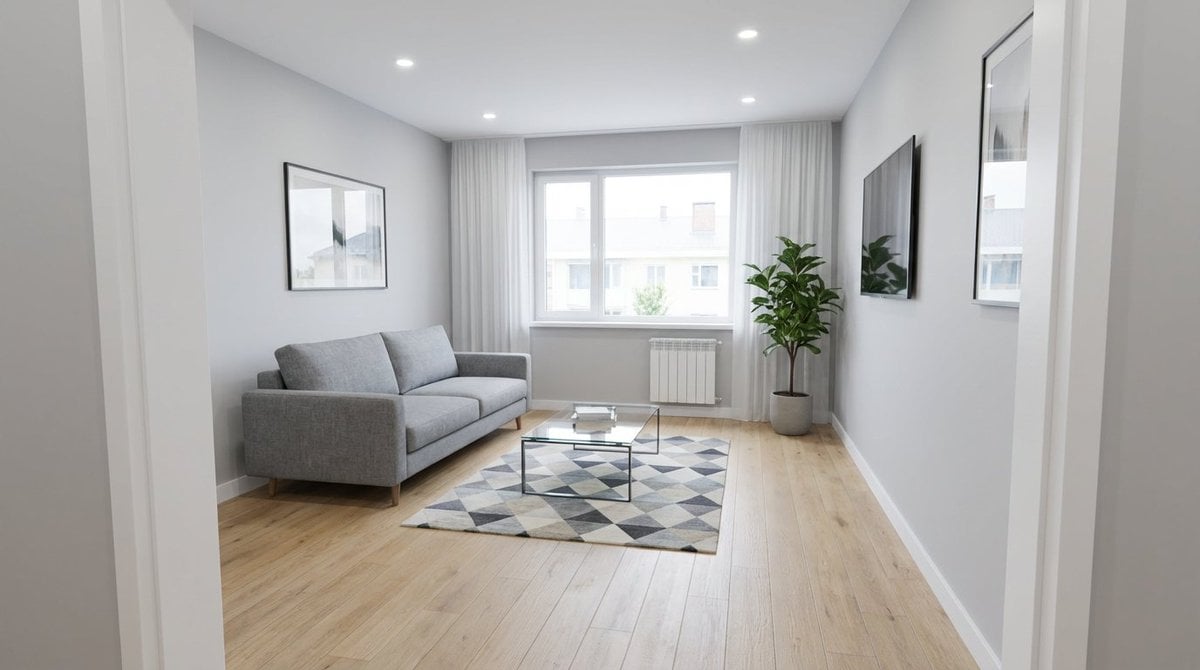
Renovation Visualization: After Frame
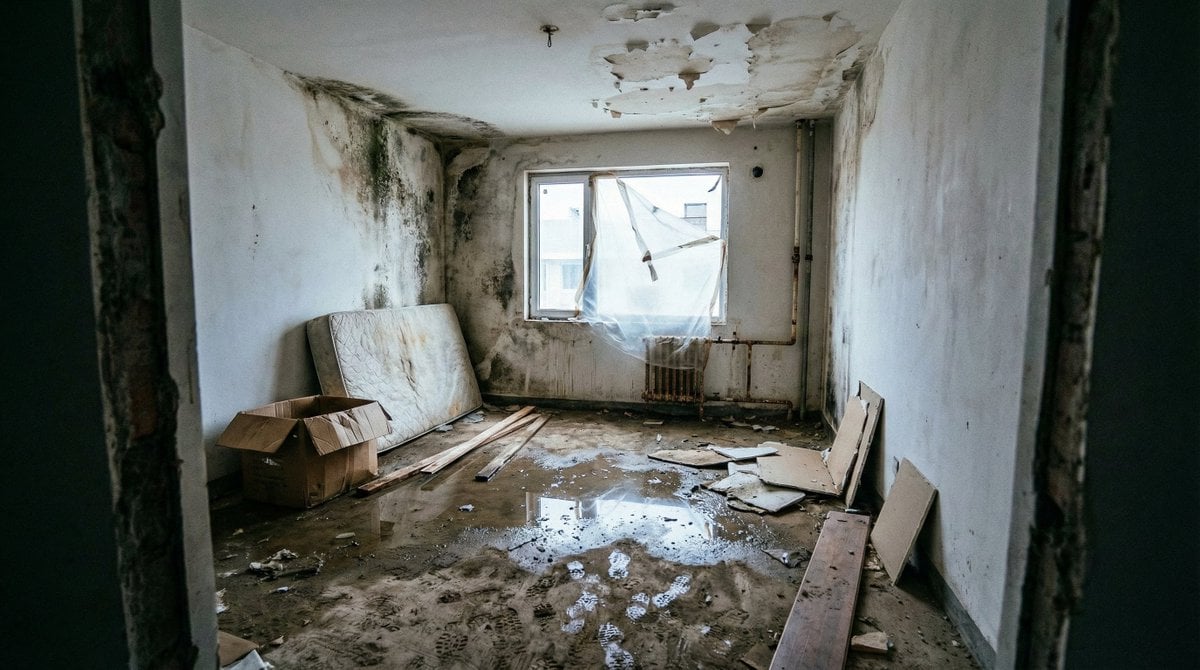
Renovation Visualization: Before Frame

Office Renovation and Decoration Prompt

Night Time Car Selfie

Frozen Time Editorial Portrait
Make it yours
Ultra-realistic Cinematic Time-Lapse Renovation Scene works as-is. These are the safest ways to change it without losing the look.
Change one field
Copy a single group, rewrite it, and generate again so you can see what that field is doing.
Keep the frame, change the subject
Hold the composition and light of Ultra-realistic Cinematic Time-Lapse Renovation Scene, then swap wardrobe, props or the person for a new take.
| If the result… | Why | Fix |
|---|---|---|
| The result drifts from the preview | Too many fields changed at once. | Reuse Ultra-realistic Cinematic Time-Lapse Renovation Scene as-is first, then change one group — subject, light, or setting. |
| The model over-stylizes the scene | The prose prompt leaves finish and camera underspecified. | Add one camera or lighting sentence and stay on Nano Banana 2. |
More Nano Banana 2 templates
Other prompts made for Nano Banana 2.

Photorealistic Leaf Shaped Like a Dragon

K-Pop Idol Portrait Grid for Rapid Selection

Poetic Rain Forest Portrait During Golden Hour

Urban Street Portrait with Cartoon Inner Self Duo

Candid Nighttime Photo with Cat Prompt

High-Concept 3D Diorama Generation Prompt

Cinematic Futuristic Studio Portrait Template

Skincare Editorial Photography Collage Prompt

Hyper-Realistic Commercial Product Photography (Splash Effect)

Hyper-Realistic Nightclub Portrait Prompt
More image prompts
Fresh picks from across the catalog.

Nighttime Automotive Portrait Prompt
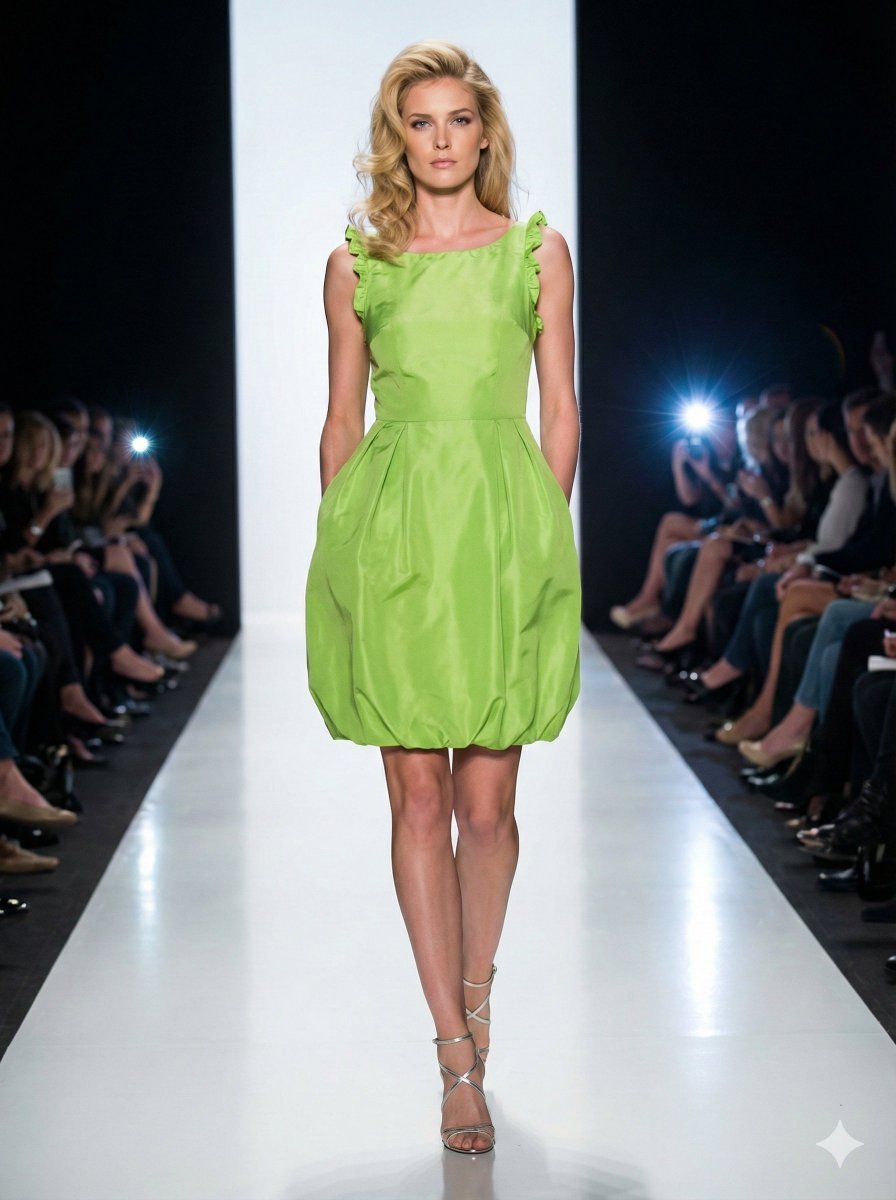
Model Walking Down Runway Prompt

Smartphone Screen Stepping Out Optical Illusion Prompt

Luxury Korean Skincare Advertisement Prompt

Cinematic Vertical Movie Poster Prompt (Multi-Role)
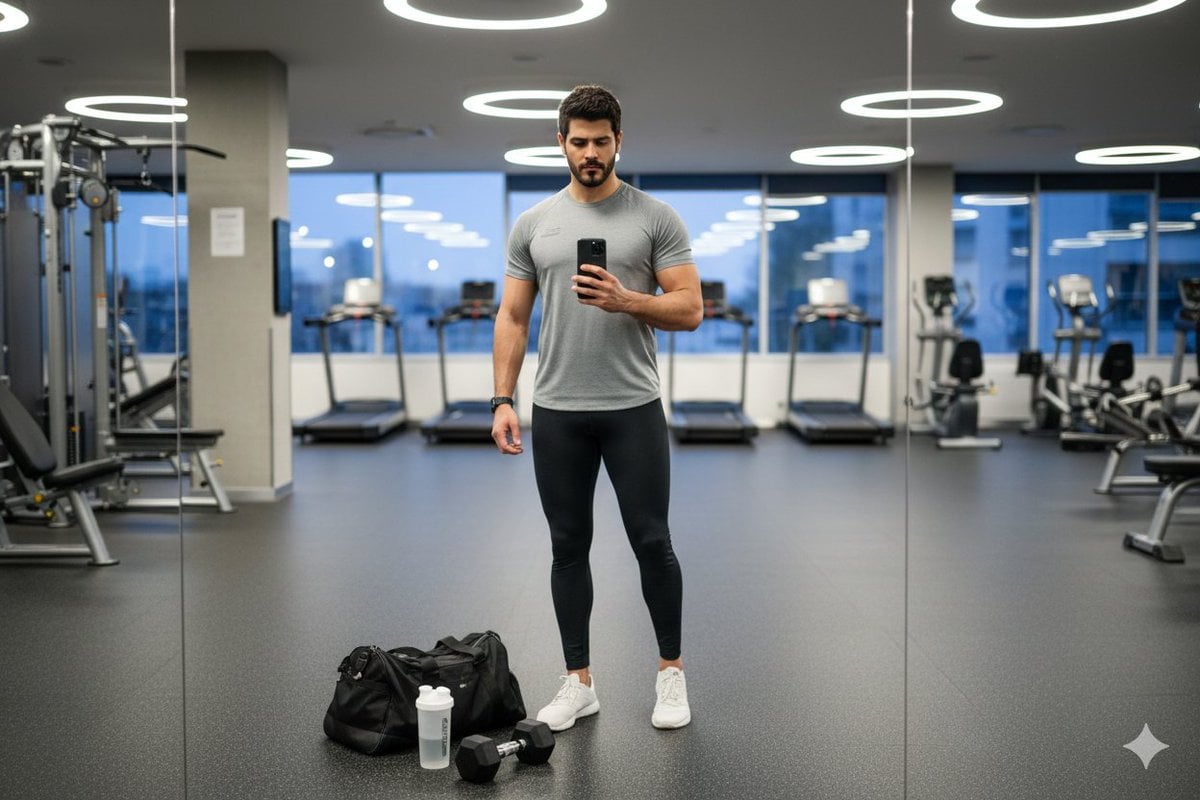
Clean Modern Gym Mirror Selfie
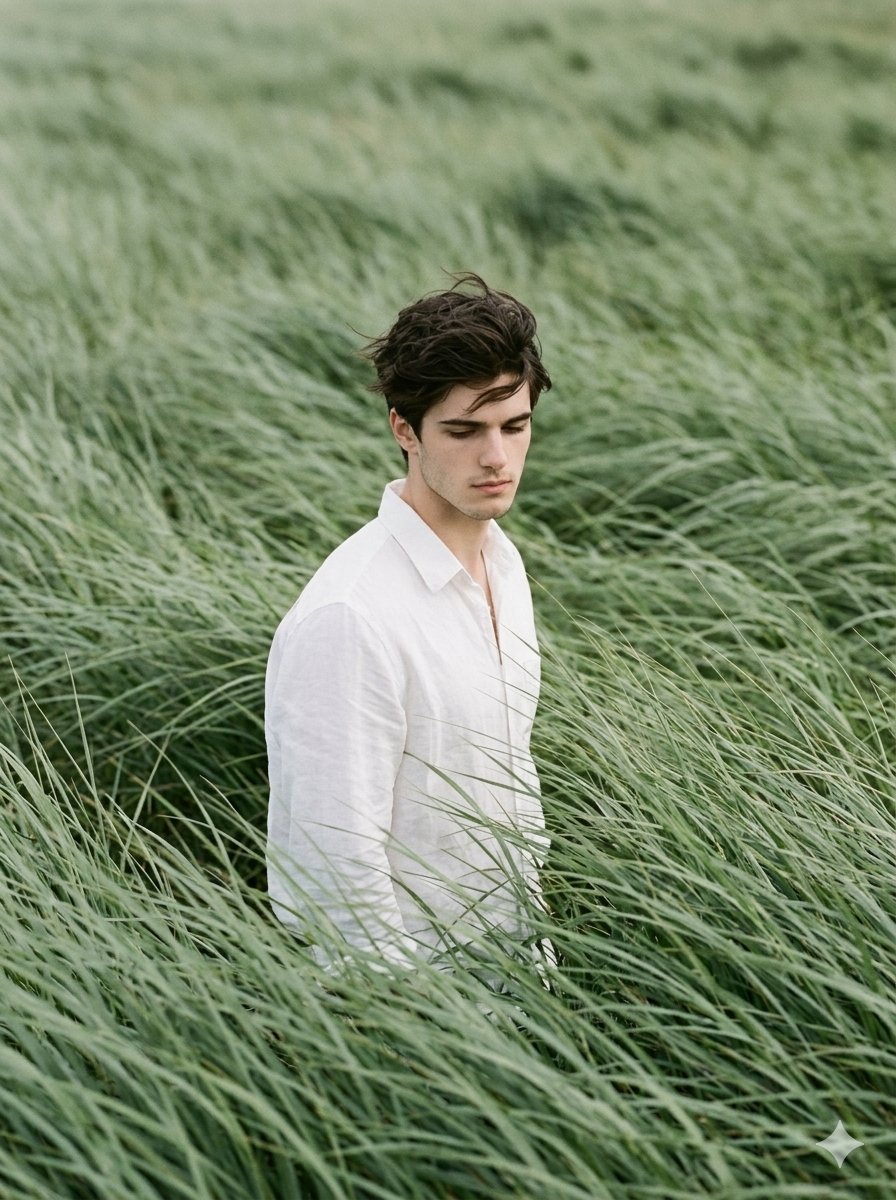
Cinematic Editorial Portrait in Sage Green Grass Fields
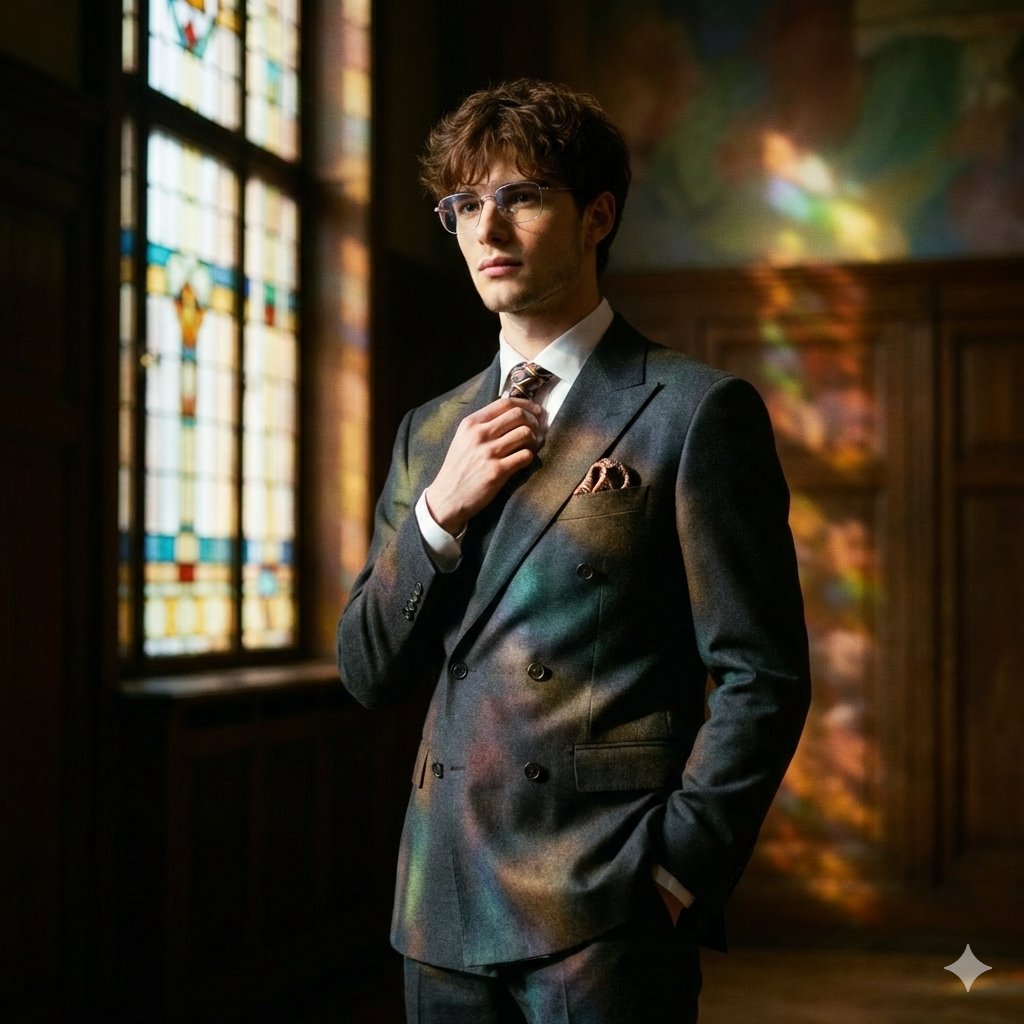
Retro Art Deco Suit Editorial

Luxurious Royal Palace Portrait

Midjourney Magnific Power Couple
Browse template categories
Ultra-realistic Cinematic Time-Lapse Renovation Scene questions
How do I use the Ultra-realistic Cinematic Time-Lapse Renovation Scene template?
Add your photo if the template asks for one, edit the prompt if you like — the template's model and format are already selected — and press Generate. Your version opens in PicX Studio.
Can I customize the Ultra-realistic Cinematic Time-Lapse Renovation Scene template?
Yes. You can change the subject, setting, lighting, mood, format, and available model controls before creating your image.
Is the Ultra-realistic Cinematic Time-Lapse Renovation Scene template free?
Opening and editing this template is free. Generating uses credits, shown on the Generate button when you are signed in.
Which AI model should I use?
Start with Nano Banana 2, which is the model associated with this template. You can compare another compatible model for a different finish.
Looking for something else? Browse all templates.

Your photo, any look
Thousands of ready templates for every top image and video model, from one credit balance.