
Pixar Rooftop Renovation Duo
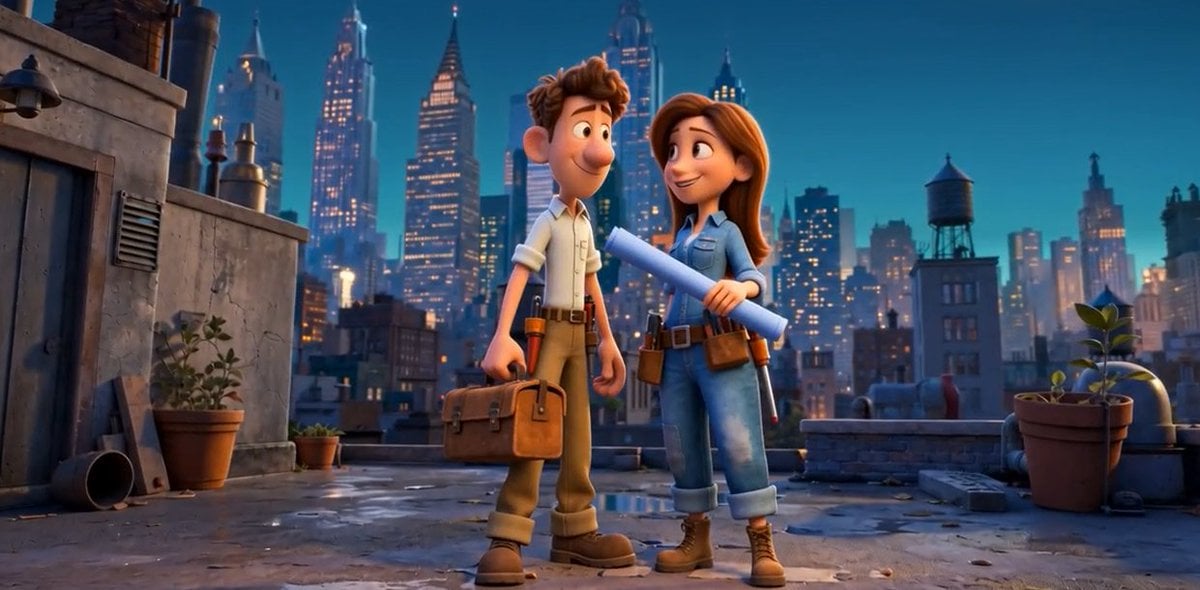
A cinematic 3D animated rooftop scene with two stylized construction workers holding tools and blueprints against a glowing city skyline.
- Prompt included
- Model and format preset
- Free template
The prompt behind this image
Copy the exact prompt behind Pixar Rooftop Renovation Duo, or open it in the studio and make it yours.
Create a Pixar-style 3D animated cinematic still on a 16:9 widescreen canvas, set on an old urban rooftop at blue-hour dusk with a glowing city skyline in the background. In the center foreground stand two stylized construction or repair workers with friendly proportions: a young man on the left with {argument name="male hair color" default="short tousled brown hair"}, a cream rolled-sleeve work shirt, tan work pants, brown work boots, a belt, and a leather tool bag in his left hand; a young woman on the right with {argument name="female hair color" default="long auburn hair"}, a light blue denim work shirt, fitted blue jeans with rolled cuffs, brown work boots, a utility belt with tools, and a large rolled blueprint held diagonally across her chest. Pose them close together as if discussing a rooftop renovation, facing the viewer with relaxed confident body language. The rooftop should include exactly 5 notable prop groups: one weathered concrete utility wall with vents and pipes on the left, two potted plants near the left wall, one low brick parapet across the back, one rooftop water tower on a building to the right, and one large potted plant with broad leaves on the far right. Add wet reflective patches, scattered small debris, vents, pipes, and warm window lights. The skyline should feel like a whimsical New York-inspired metropolis with art deco skyscrapers, antennas, and softly lit windows. Use high-quality Pixar-like 3D rendering, soft rounded character shapes, cinematic depth of field, warm rim lighting, teal-blue evening sky, subtle volumetric haze, glossy puddle reflections, and a polished family-animation look. No text, no logos, no watermark.
How to use Pixar Rooftop Renovation Duo in 3 steps
- 1Upload ImagePNG, JPG or paste
Add your photo
Upload the photo the template builds on. The prompt, model and format are already set.
- 2…a portrait of your subject in softgolden-hour light, 85mm…
Personalize
Edit the subject and creative details for your destination.
- 3Generate
Generate
Press Generate — your image is created in PicX Studio, so you can compare it with the original and refine one variable at a time.
More like this
Templates with the same subject, style or setup. Open one to see its prompt.

CGI 3D Rooftop Concert

Pixar Anime Sidekick Duo

If We Met in 1985

Rooftop Fisheye — Cat-Ear Balaclava at Golden Hour

Felt & Knit 3D Character — Photo-Exact Face, Pixar-Quality Plush Figurine

CGI 3D Finale Fireworks

CGI 3D Garden Maze

CGI 3D Bicycle Coast

CGI 3D Castle Gate

CGI 3D Kitchen Chaos

CGI 3D Carnival Ride

CGI 3D Rainy Bus Stop
Make it yours
Pixar Rooftop Renovation Duo works as-is. These are the safest ways to change it without losing the look.
Change one field
Copy a single group, rewrite it, and generate again so you can see what that field is doing.
Keep the frame, change the subject
Hold the composition and light of Pixar Rooftop Renovation Duo, then swap wardrobe, props or the person for a new take.
| If the result… | Why | Fix |
|---|---|---|
| The result drifts from the preview | Too many fields changed at once. | Reuse Pixar Rooftop Renovation Duo as-is first, then change one group — subject, light, or setting. |
| The model over-stylizes the scene | The prose prompt leaves finish and camera underspecified. | Add one camera or lighting sentence and stay on GPT Image 2. |
More GPT Image 2 templates
Other prompts made for GPT Image 2.

Six VTuber Japanese Logo Sheet

Realistic Portrait of Woman and Deer

The Vista Modular Condo Poster

AI Model Routing Comparison Infographic

2.5D Anime Art Board

Isometric Productivity Desk Scene

New York Double Exposure Poster

Four-Panel AI Landscape Comparison

Japanese Tatami Lifestyle Magazine Cover

NESCAFÉ Coffee Map Poster
More image prompts
Fresh picks from across the catalog.
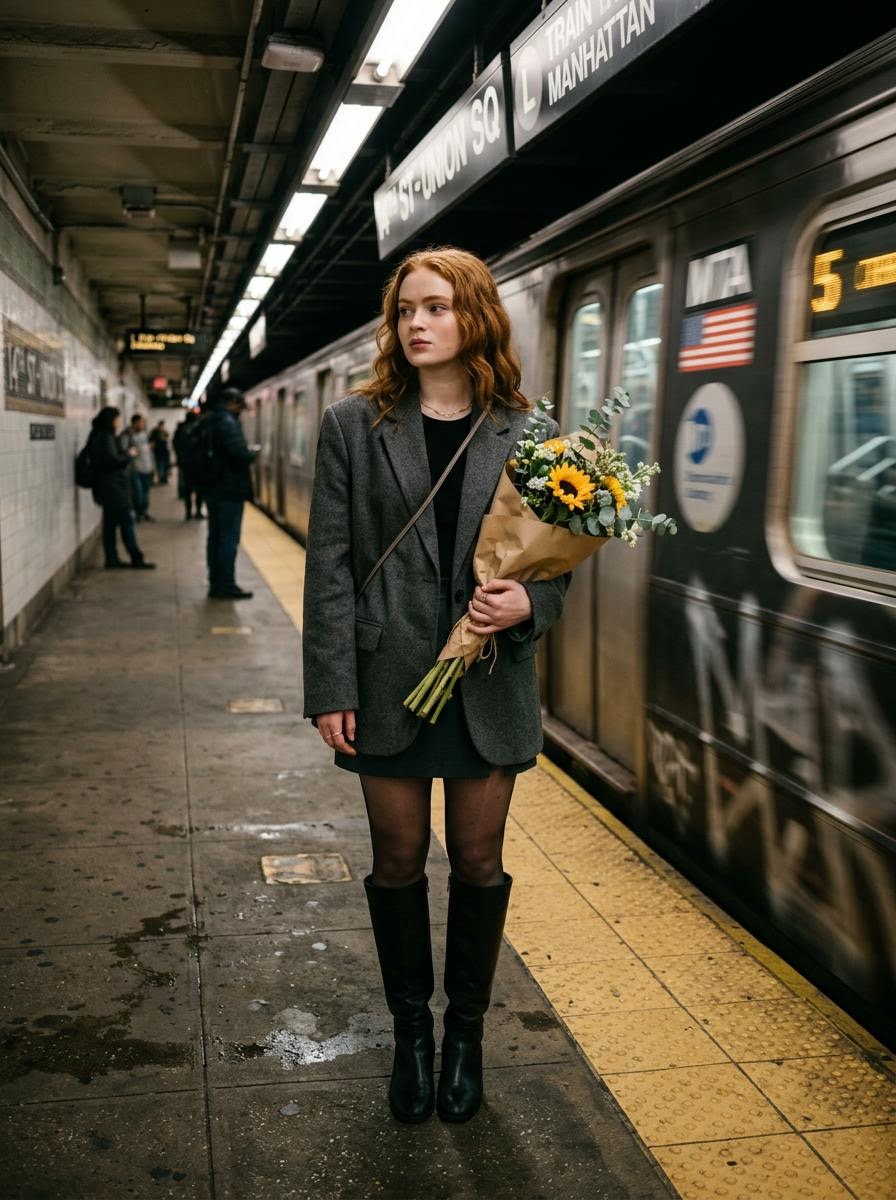
Cinematic photo of a woman on a subway platform with motion blur

Anime KFC Princess Promo Poster
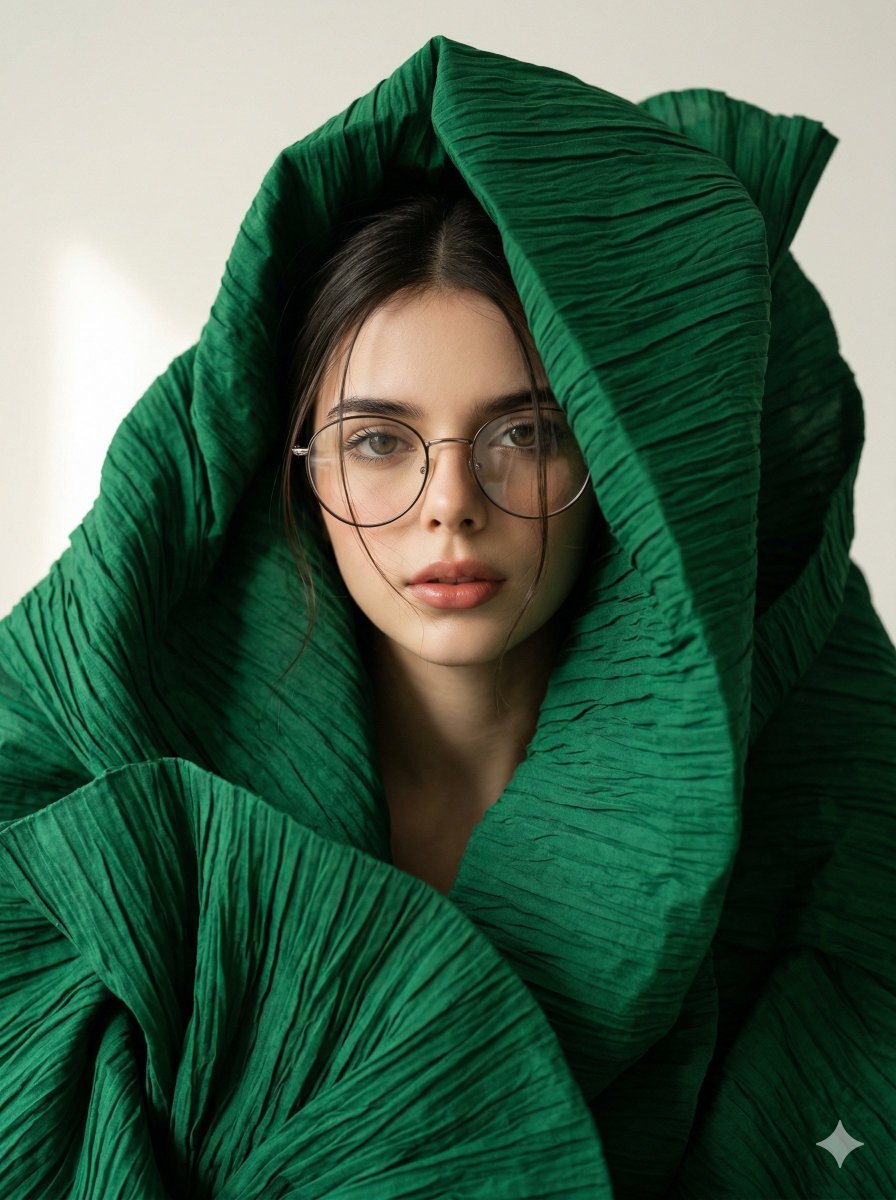
Avant-Garde Sculptural Fabric Portrait
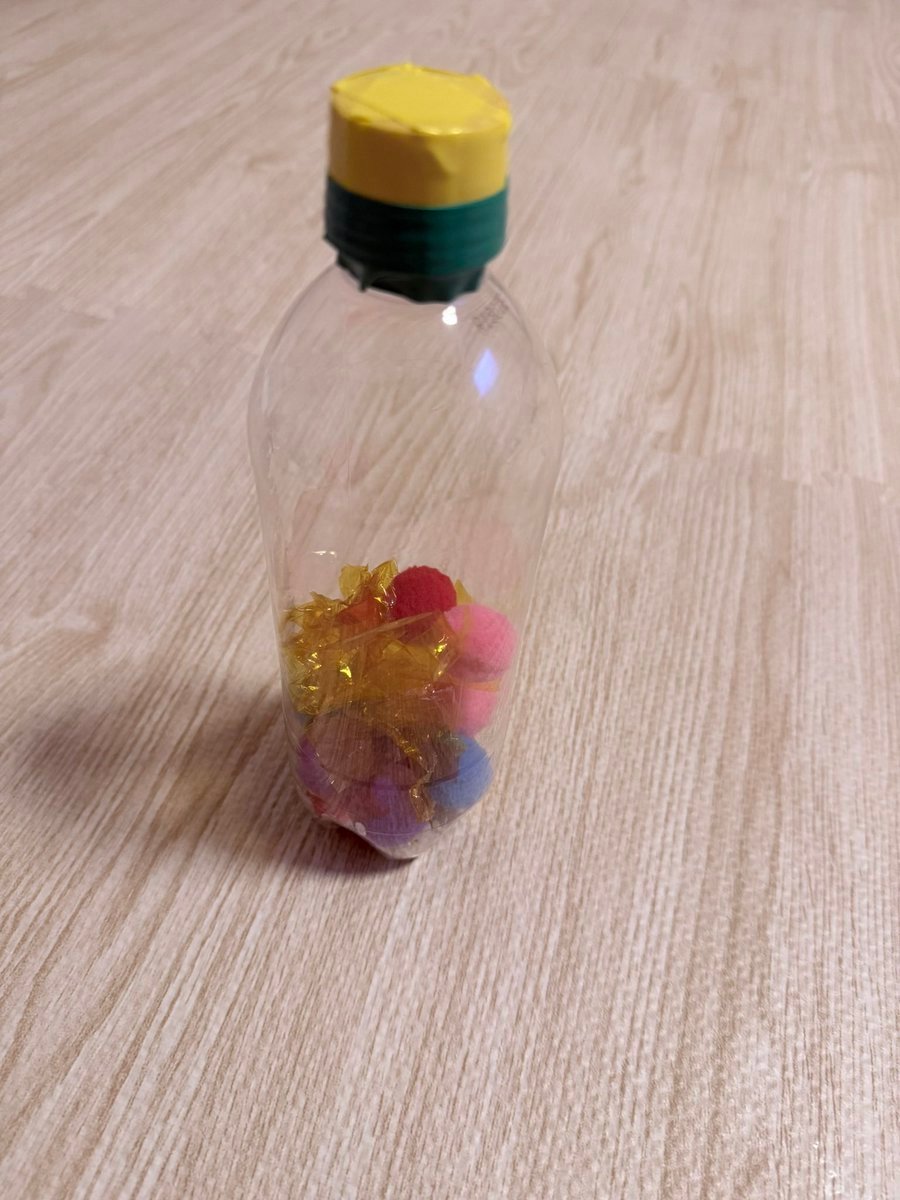
Finished Baby Sensory Bottle
Brand Merch Drop Generator
High-End Cover Visual Generation Prompt
Frosted Glass Effect Prompt

Gpt2 Youtube Thumbnail Wuxia Movie Character Posters
Abandoned Airplane Jungle Selfie
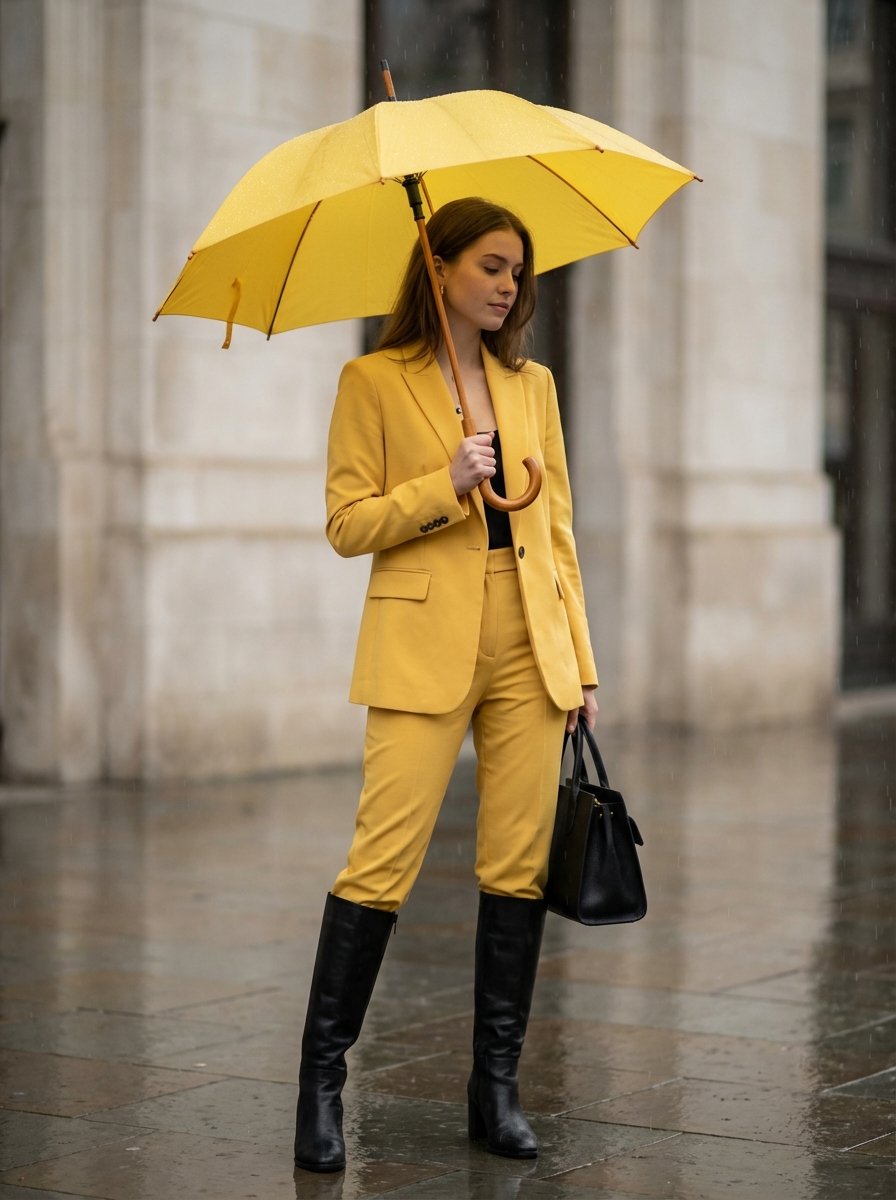
Rainy Day Yellow Power Suit Editorial Prompt
Browse template categories
Pixar Rooftop Renovation Duo questions
How do I use the Pixar Rooftop Renovation Duo template?
Add your photo if the template asks for one, edit the prompt if you like — the template's model and format are already selected — and press Generate. Your version opens in PicX Studio.
Can I customize the Pixar Rooftop Renovation Duo template?
Yes. You can change the subject, setting, lighting, mood, format, and available model controls before creating your image.
Is the Pixar Rooftop Renovation Duo template free?
Opening and editing this template is free. Generating uses credits, shown on the Generate button when you are signed in.
Which AI model should I use?
Start with GPT Image 2, which is the model associated with this template. You can compare another compatible model for a different finish.
Looking for something else? Browse all templates.

Your photo, any look
Thousands of ready templates for every top image and video model, from one credit balance.