
Night Time Car Selfie
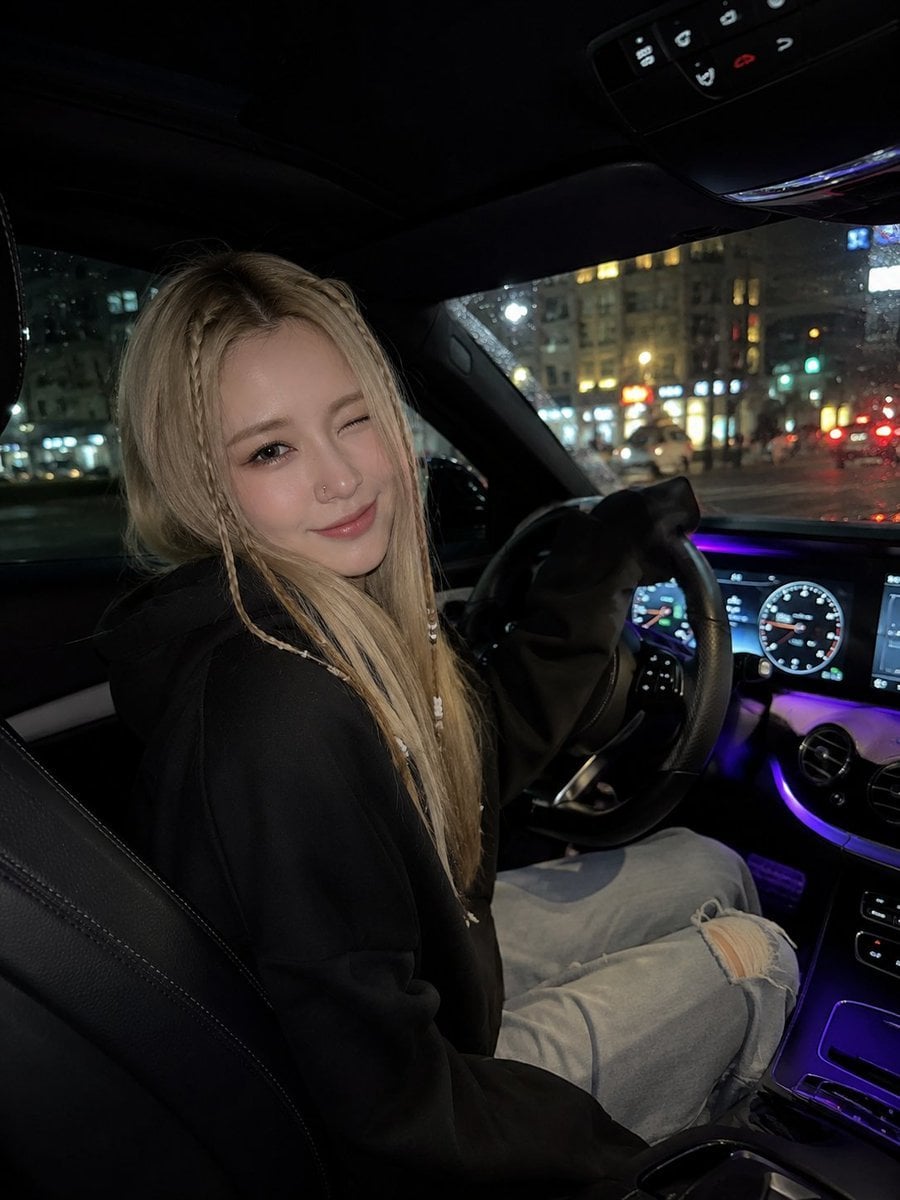
A photorealistic prompt for a cozy nighttime car interior selfie featuring a woman in casual wear with braided hair and ambient LED lighting.
- Prompt included
- Model and format preset
- Free template
The prompt behind this image
Copy the exact prompt behind Night Time Car Selfie, or open it in the studio and make it yours.
A photorealistic night time car selfie of a {argument name="subject" default="young woman"} sitting in the driver’s seat, turning slightly toward the camera with a playful wink and a soft smile. She has long straight blonde hair with delicate thin braids framing both sides of her face, decorated with tiny white beads. She wears an {argument name="outfit" default="oversized black hoodie and light-wash ripped jeans"}, with a subtle silver nose ring. The interior of the {argument name="car type" default="luxury car"} features black leather seats, a modern digital dashboard, illuminated instrument cluster, central touchscreen, and elegant purple ambient LED lighting running across the dashboard and center console. Outside the windows, a city street at night is visible with colorful blurred lights and strong bokeh. Candid smartphone photography, realistic facial features, natural skin texture, detailed hair and braids, soft low-light exposure, cinematic nighttime atmosphere, subtle film grain, shallow depth of field, realistic reflections on glass, cozy luxury-car aesthetic, high detail, vertical composition, 4:5 aspect ratio.
How to use Night Time Car Selfie in 3 steps
- 1
Open
The prompt is already in the box next to the preview, with the template's model and format selected.
- 2…a portrait of your subject in softgolden-hour light, 85mm…
Personalize
Edit the subject and creative details for your destination.
- 3Generate
Generate
Press Generate — your image is created in PicX Studio, so you can compare it with the original and refine one variable at a time.
More like this
Templates with the same subject, style or setup. Open one to see its prompt.
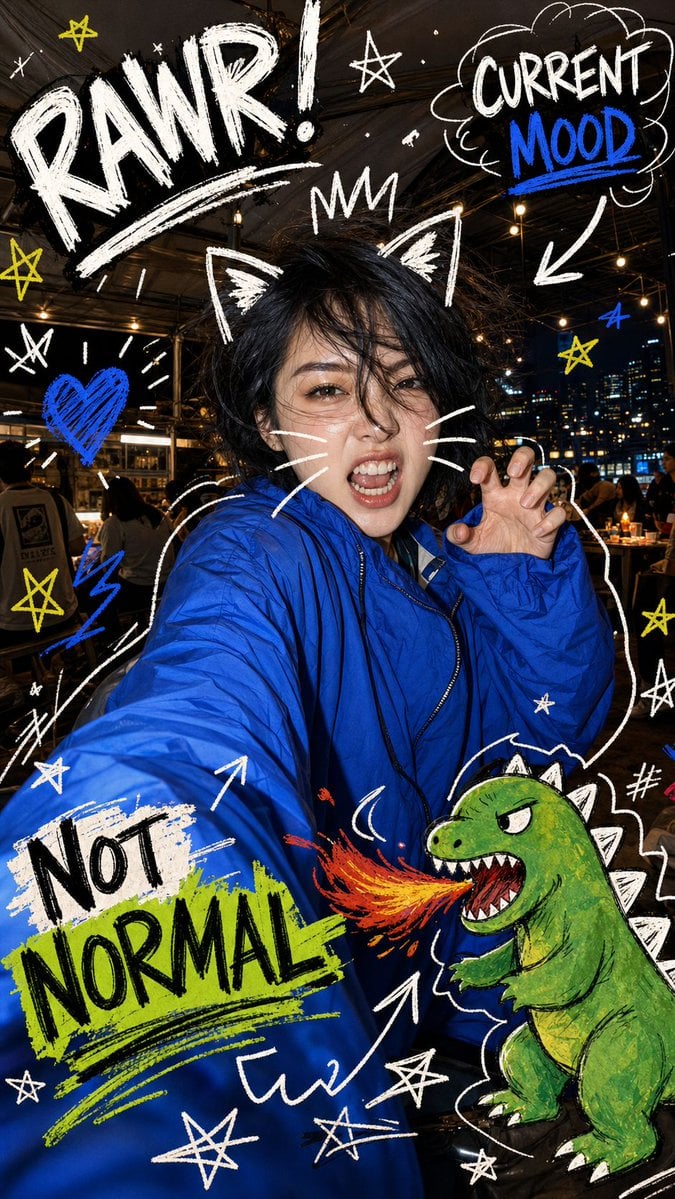
Nighttime Doodle Flash Selfie
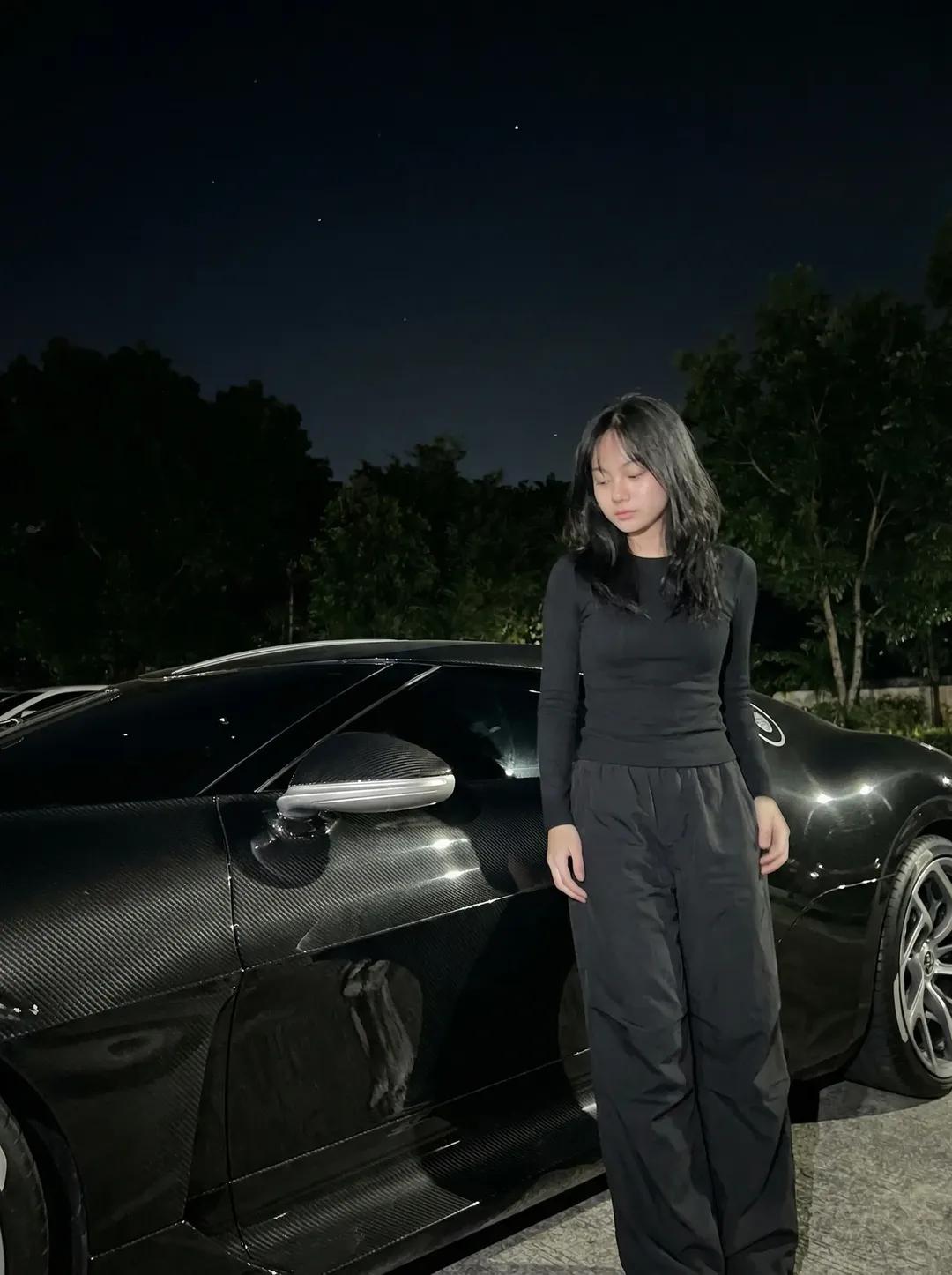
Night Sports Car Portrait — Cinematic Moody
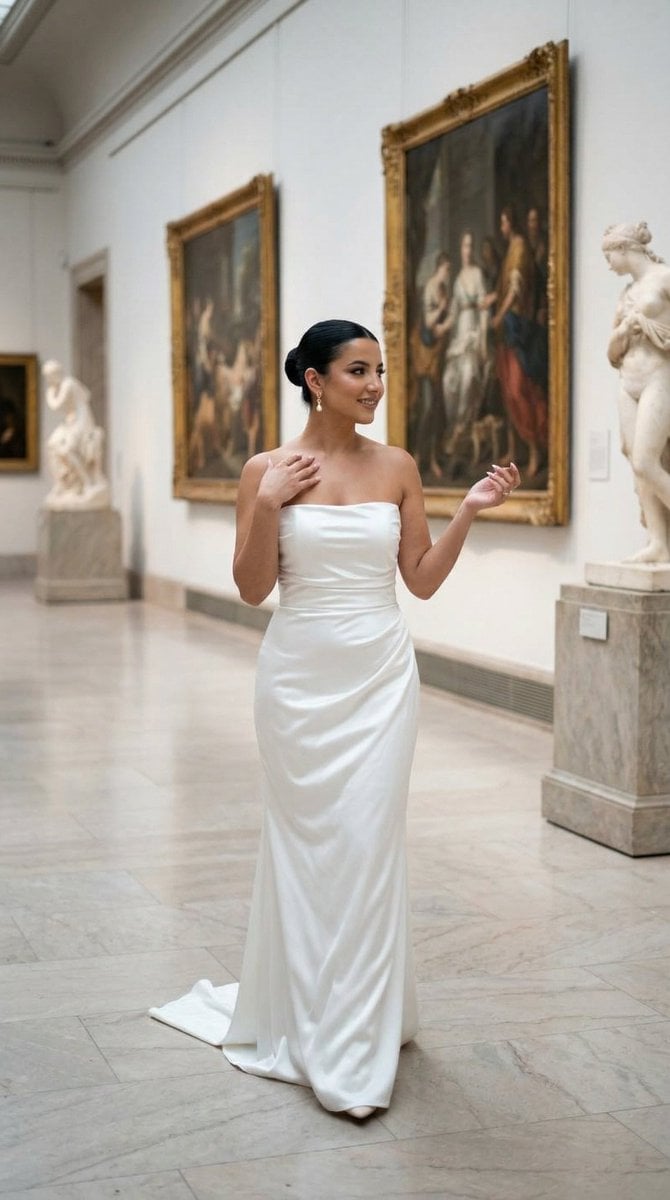
Nano Banana - Dancing Carefree Paris
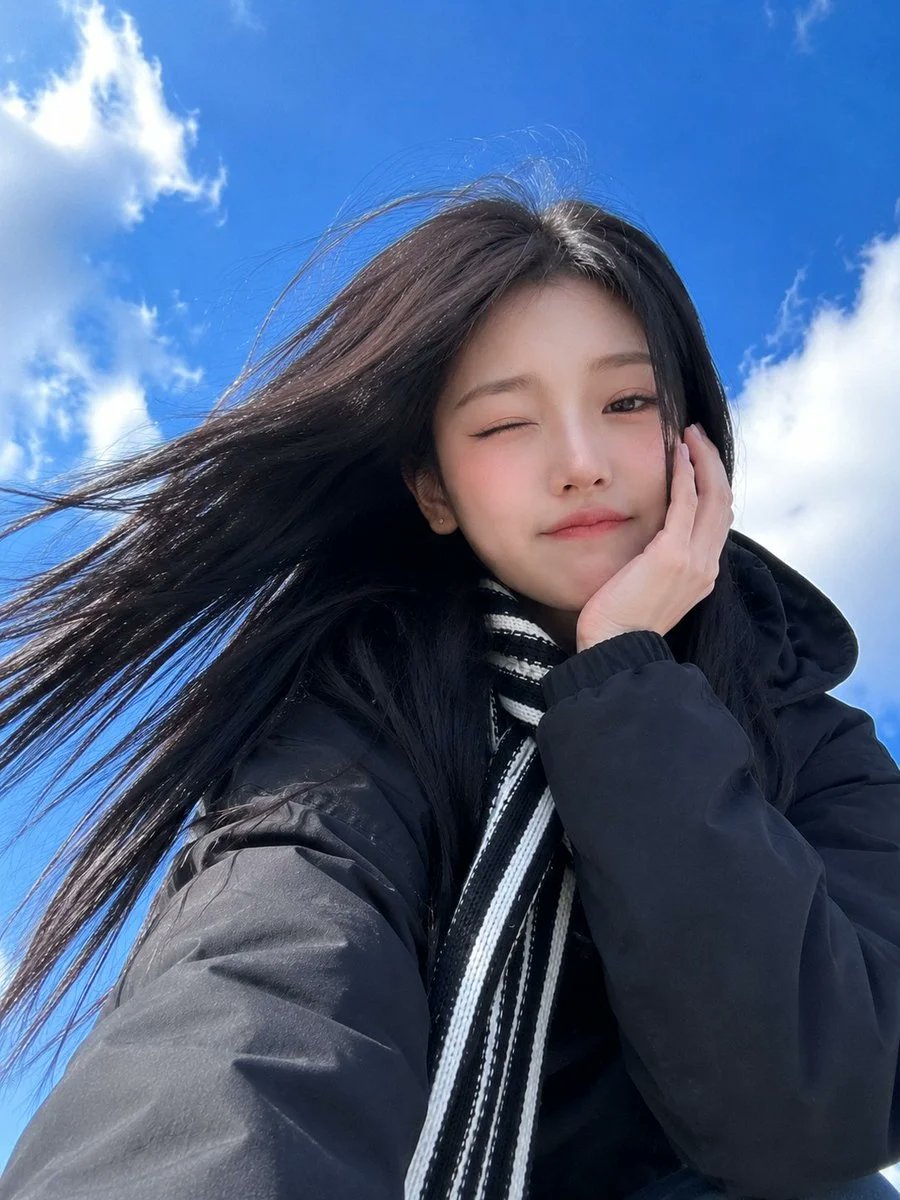
Low-Angle Winter Scarf Selfie
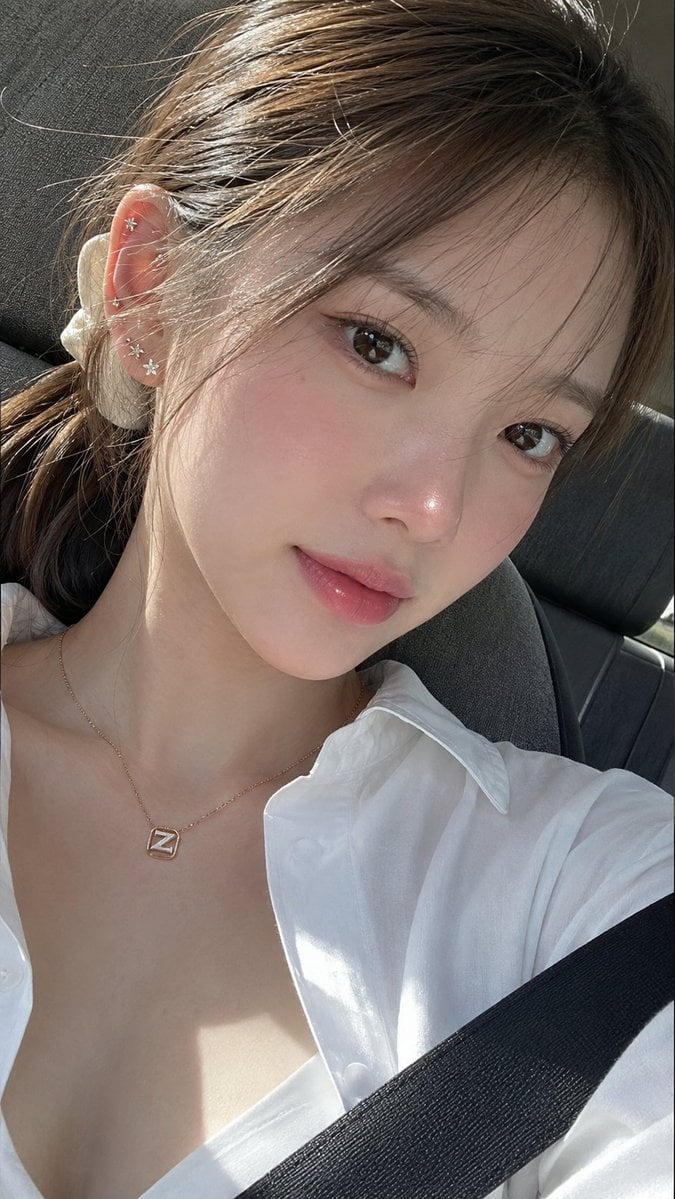
Ultra-Photorealistic Car Selfie

Rooftop Fisheye — Cat-Ear Balaclava at Golden Hour

Felt & Knit 3D Character — Photo-Exact Face, Pixar-Quality Plush Figurine
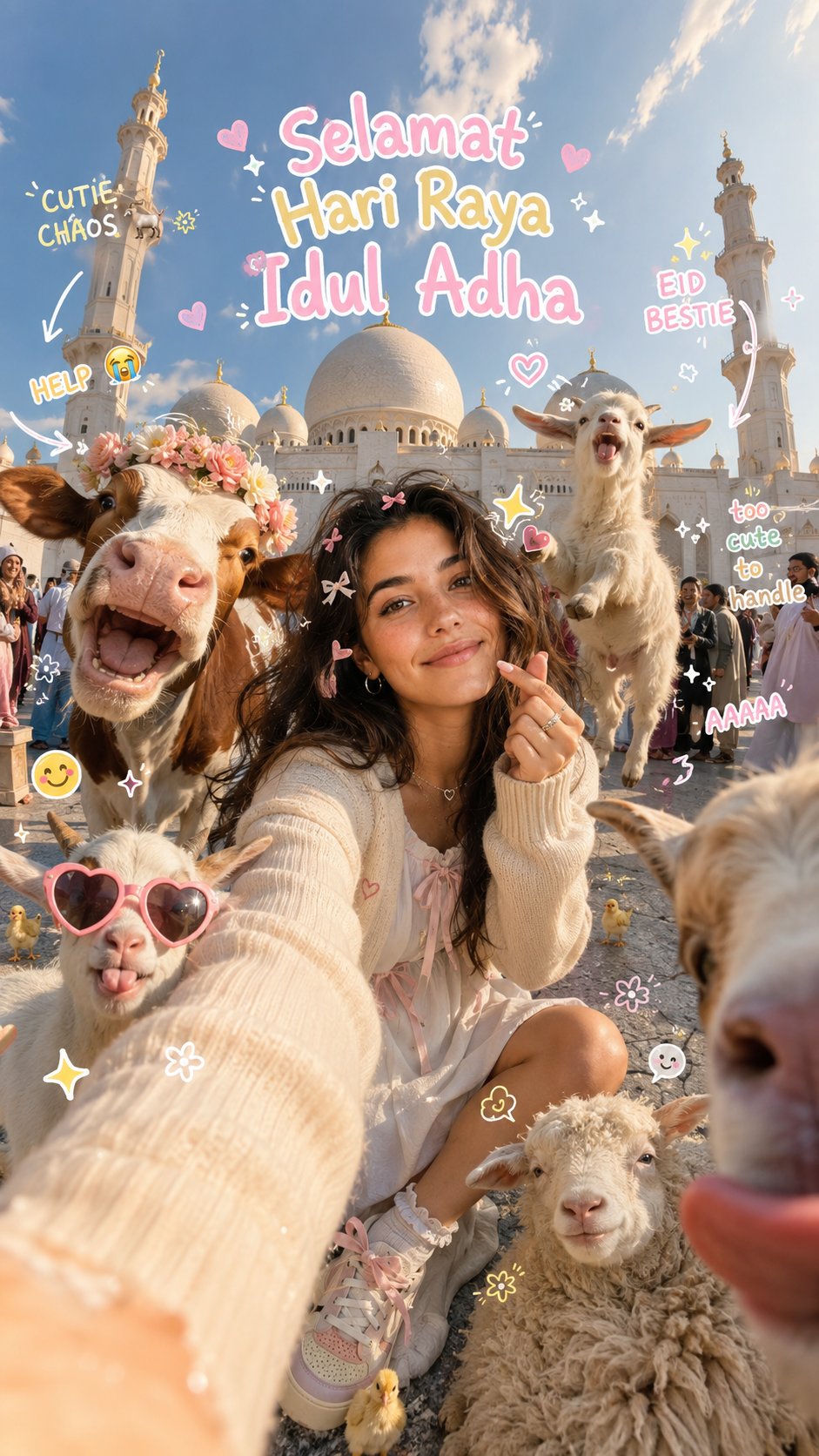
Eid al-Adha Cute Chaos — Fisheye Selfie with Farm Selfie, Mosque & Animals
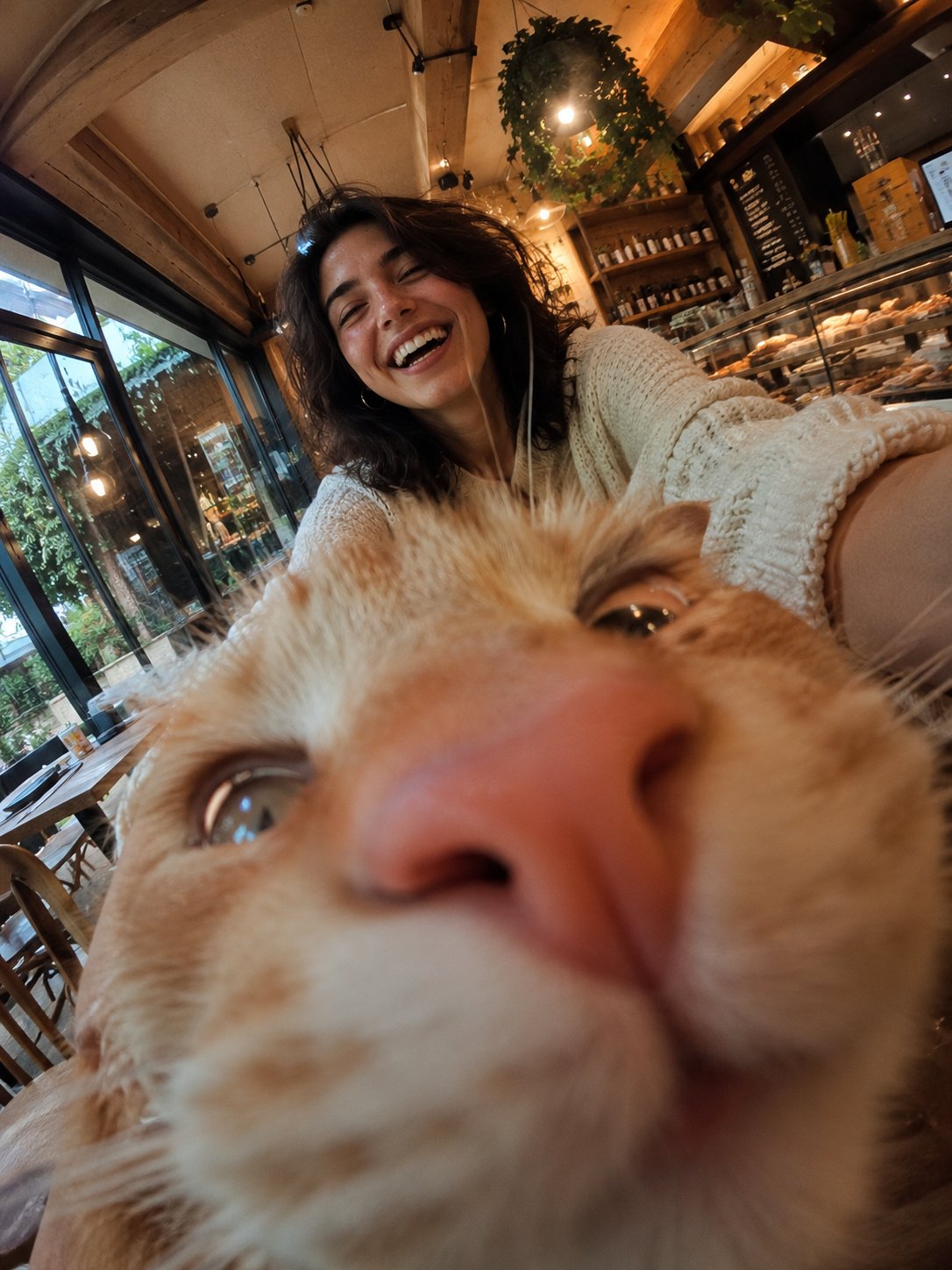
Cat Photobomb Selfie — 0.5x Wide Angle Café Chaos
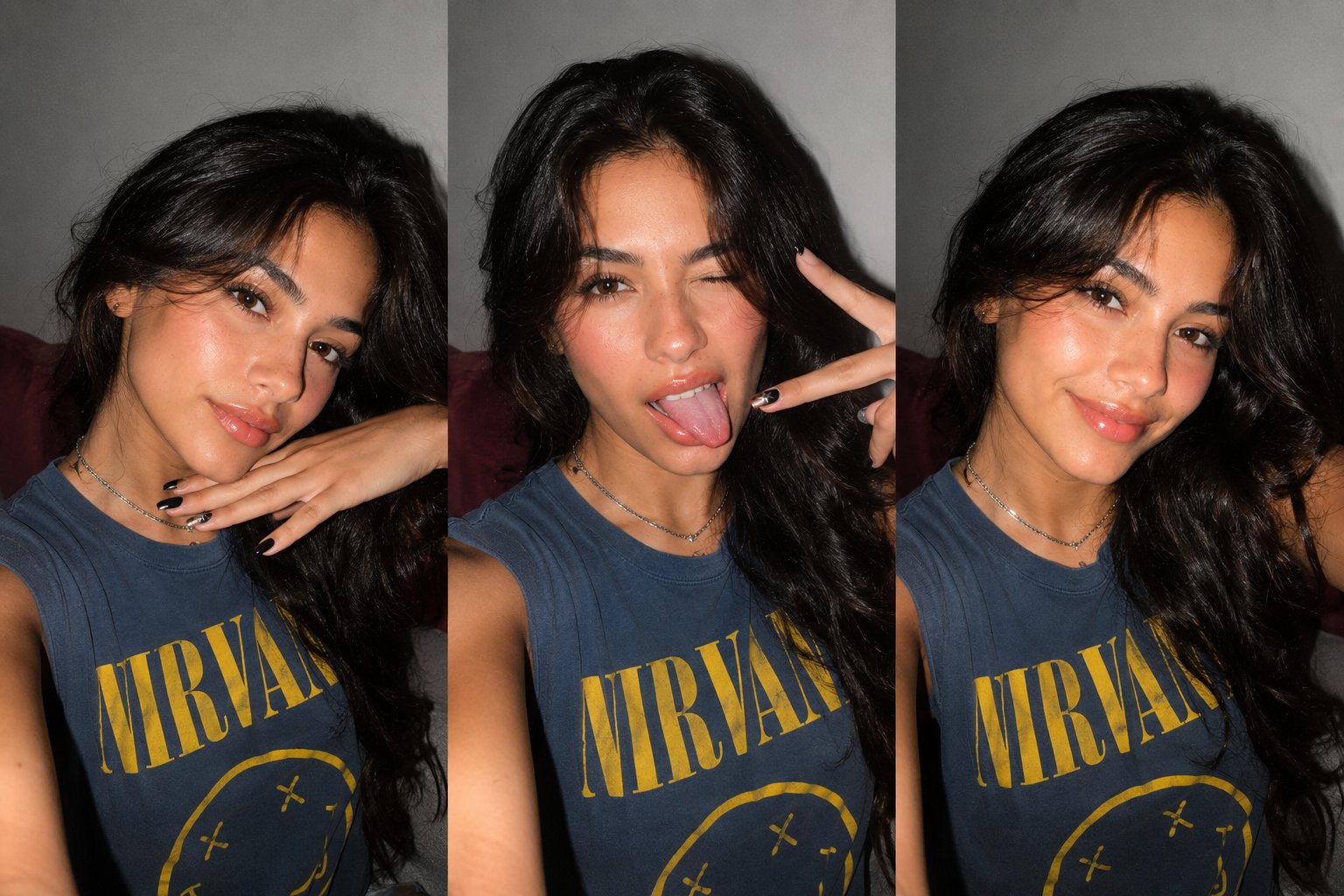
Gen Z Triple Selfie Collage — Y2K Flash Photography

Surreal Cat Astronaut — Humanoid Face Freefall
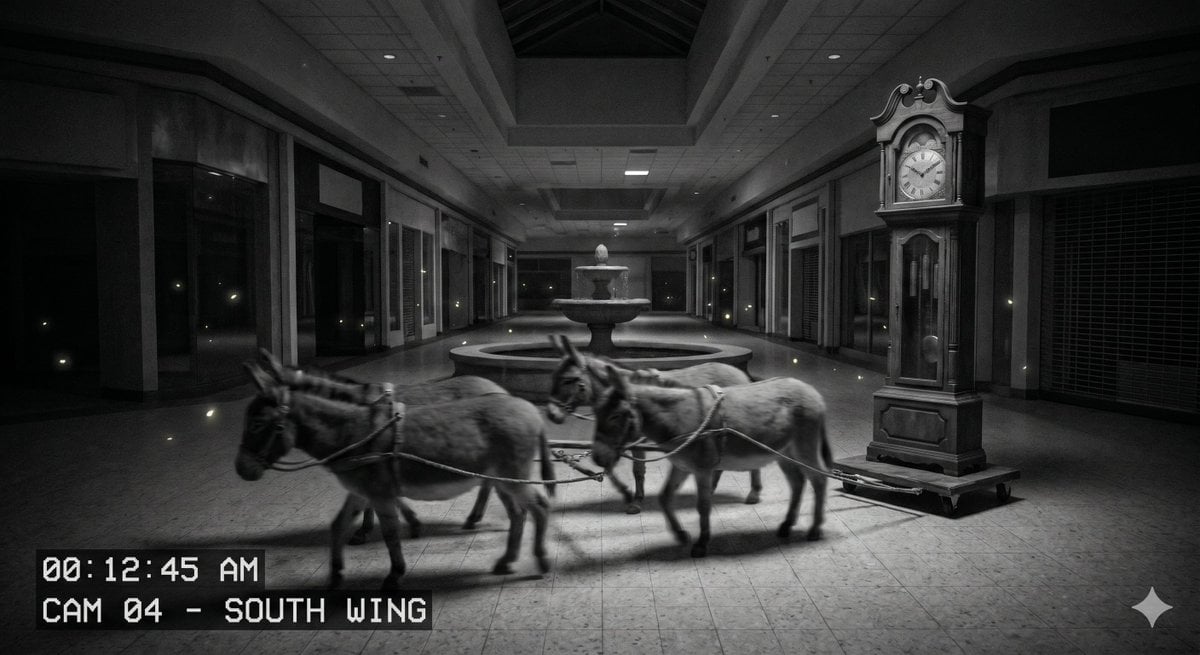
Nighttime CCTV Donkey Footage
Make it yours
Night Time Car Selfie works as-is. These are the safest ways to change it without losing the look.
Change one field
Copy a single group, rewrite it, and generate again so you can see what that field is doing.
Keep the frame, change the subject
Hold the composition and light of Night Time Car Selfie, then swap wardrobe, props or the person for a new take.
| If the result… | Why | Fix |
|---|---|---|
| The result drifts from the preview | Too many fields changed at once. | Reuse Night Time Car Selfie as-is first, then change one group — subject, light, or setting. |
| The model over-stylizes the scene | The prose prompt leaves finish and camera underspecified. | Add one camera or lighting sentence and stay on GPT Image 2. |
More GPT Image 2 templates
Other prompts made for GPT Image 2.

Six VTuber Japanese Logo Sheet

Realistic Portrait of Woman and Deer

The Vista Modular Condo Poster

AI Model Routing Comparison Infographic

2.5D Anime Art Board

Isometric Productivity Desk Scene

New York Double Exposure Poster

Four-Panel AI Landscape Comparison

Japanese Tatami Lifestyle Magazine Cover

NESCAFÉ Coffee Map Poster
More image prompts
Fresh picks from across the catalog.
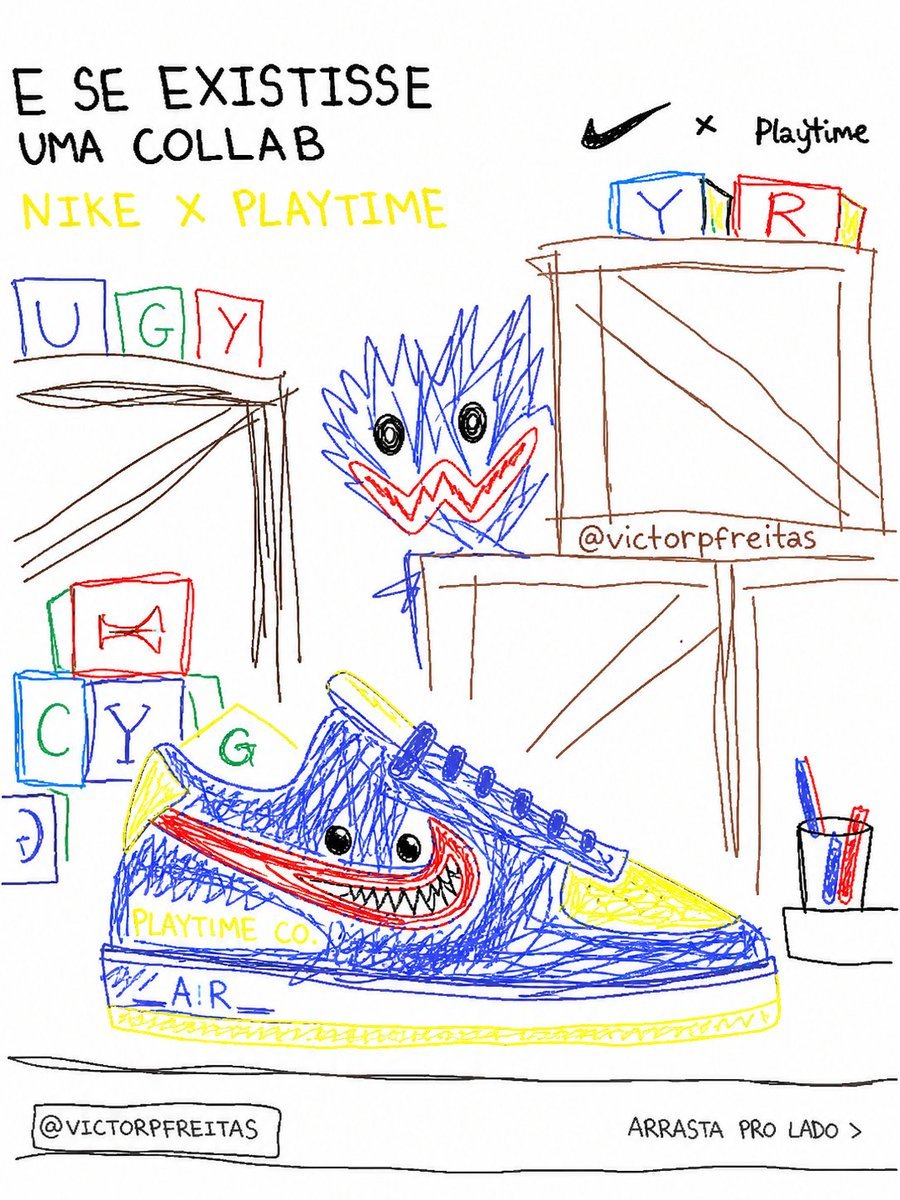
Bad MS Paint Redraw
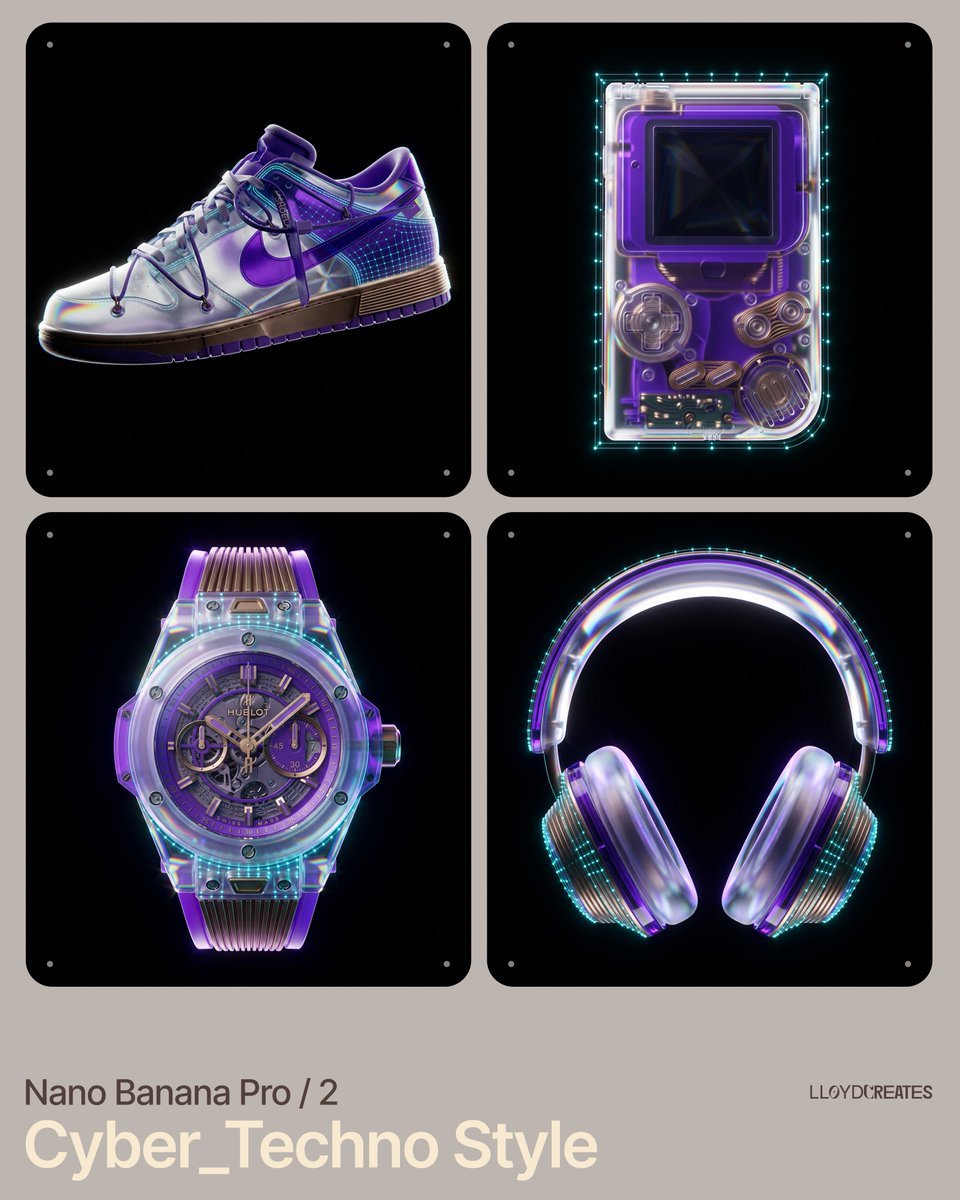
Cyber-Techno Product Shot in Void with Prismatic Effects
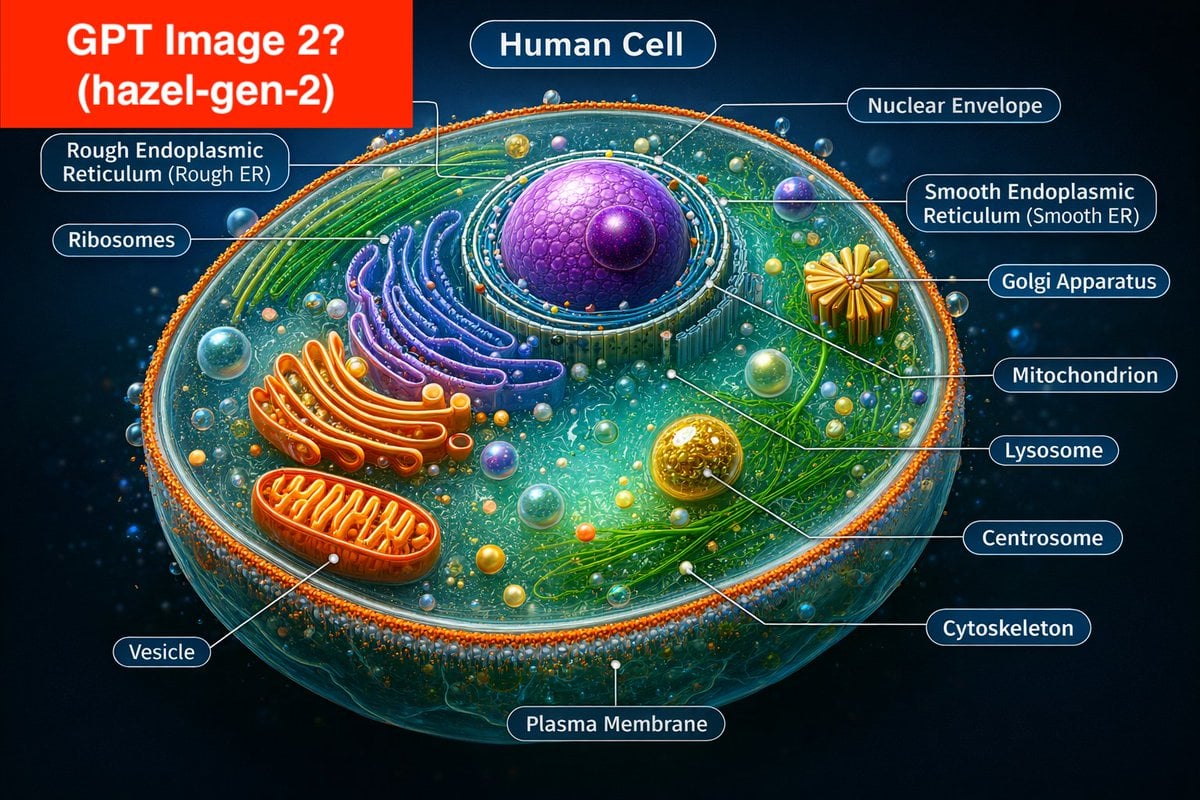
Labeled Diagram of a Human Cell (Comparison Prompt)
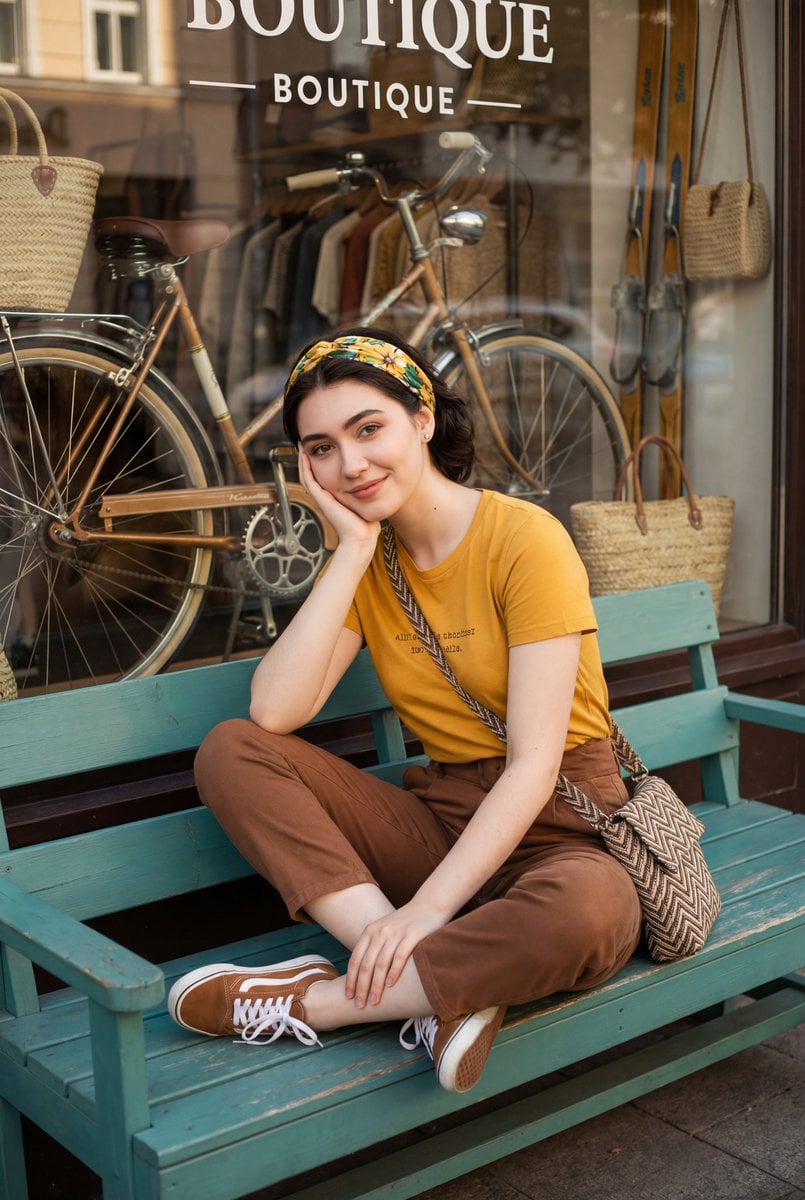
Retro Street Fashion Portrait
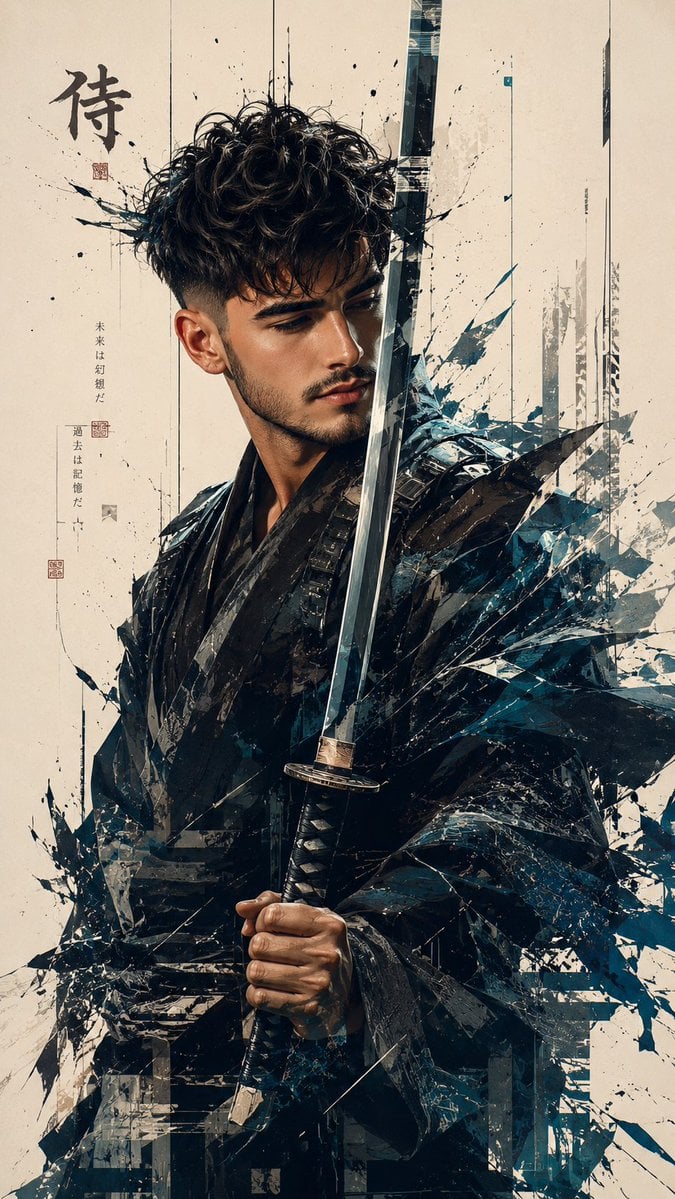
Futuristic Samurai Glitch Art Portrait
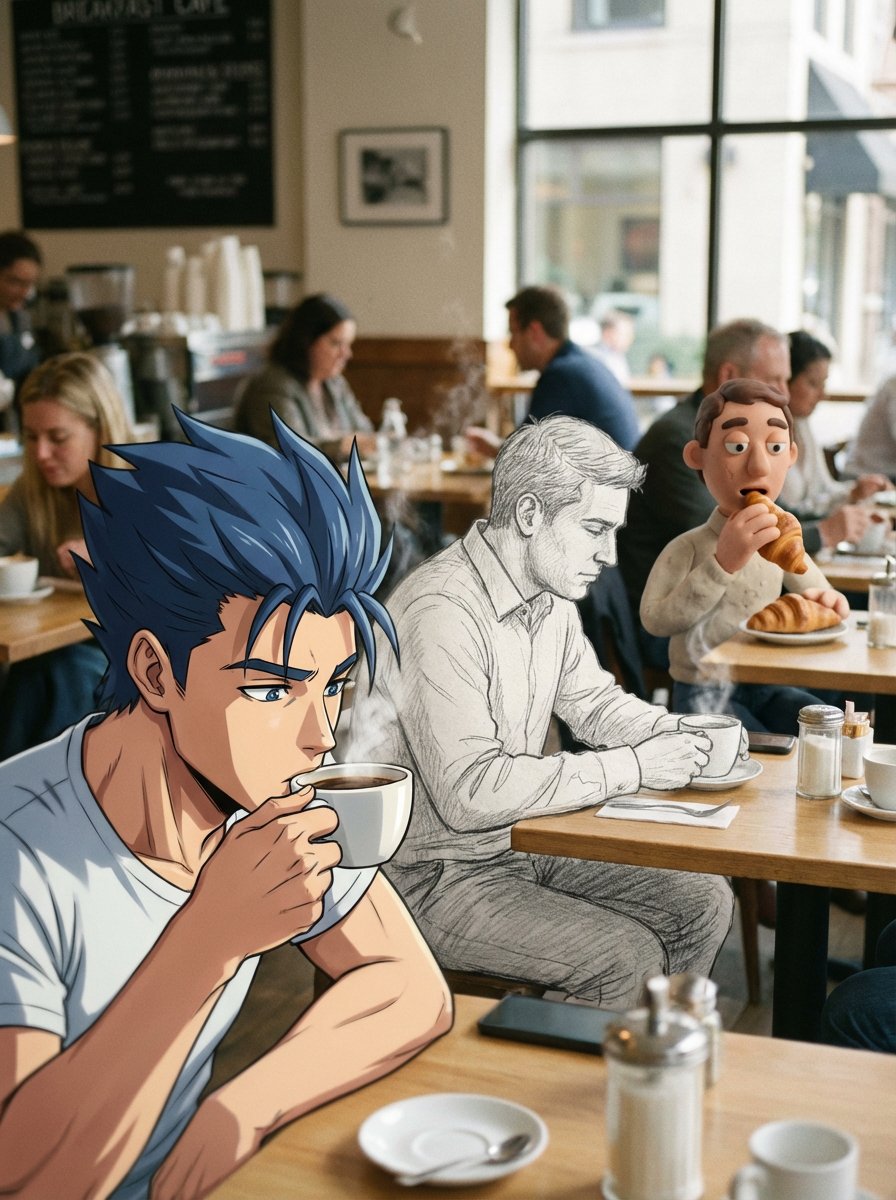
Mixed Media Cinematic Café Scene
Detailed Gym Selfie Portrait with Shushing Pose
Future iPhone Design
Portrait of a Middle-Aged Man Lying Down
Hyper-realistic Luxury Skincare Product Photography
Browse template categories
Night Time Car Selfie questions
How do I use the Night Time Car Selfie template?
Add your photo if the template asks for one, edit the prompt if you like — the template's model and format are already selected — and press Generate. Your version opens in PicX Studio.
Can I customize the Night Time Car Selfie template?
Yes. You can change the subject, setting, lighting, mood, format, and available model controls before creating your image.
Is the Night Time Car Selfie template free?
Opening and editing this template is free. Generating uses credits, shown on the Generate button when you are signed in.
Which AI model should I use?
Start with GPT Image 2, which is the model associated with this template. You can compare another compatible model for a different finish.
Looking for something else? Browse all templates.

Your photo, any look
Thousands of ready templates for every top image and video model, from one credit balance.