
Nighttime Doodle Flash Selfie
Generates a chaotic vertical night flash selfie with playful monster-themed doodles and bold social-media lettering.
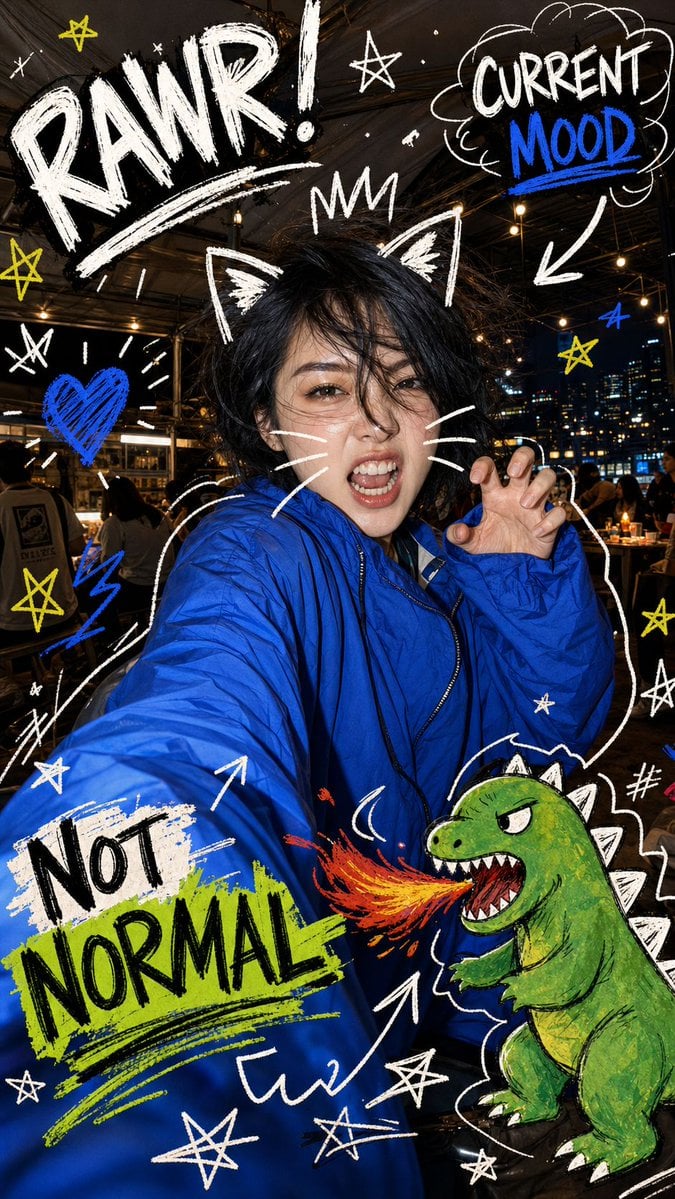
- Prompt included
- Model and format preset
- Premium template
The prompt behind this image
Copy the exact prompt behind Nighttime Doodle Flash Selfie, or open it in the studio and make it yours.
Create a vertical smartphone flash selfie at night titled {argument name="concept title" default="Nighttime Doodle Flash Selfie"}: an adult East Asian woman with {argument name="hairstyle" default="messy short black hair"} taking an exaggerated close-up selfie in a busy outdoor restaurant or rooftop patio at night, city skyline lights and warm string lights in the background. The camera is ultra wide and held low/forward so one blue sleeve fills the lower-left foreground, creating a dynamic distorted arm perspective. She wears a bright cobalt-blue windbreaker jacket with shiny crinkled fabric and a black zipper. Her face is intentionally anonymized by a centered soft rectangular blur/mosaic block, but her black hair remains visible. Pose her with one hand raised beside her cheek in a playful claw gesture. Use harsh direct phone-flash lighting on the jacket and hand, with darker ambient background, candid chaotic energy, high contrast, documentary selfie realism. Add bold hand-drawn doodles layered over the photo in rough chalk/paint-marker style, mostly white with electric blue, yellow, green, black, and orange accents. Include exactly 15 major doodle elements: 1 huge white word "RAWR!" at the top left with a sweeping underline, 2 a white star near the top center, 3 a cloud speech bubble at the top right saying "CURRENT" in white and "MOOD" in blue with a blue underline, 4 a thick white arrow pointing down from that bubble toward the subject, 5 simple white cat ears drawn on top of her hair, 6 a small white crown above her head, 7 three white whisker lines on the right side of her face area, 8 a blue scribbled heart on the left with white radiating lines, 9 a large poster-like label on the lower-left sleeve saying "NOT" in black on an off-white paint patch and "NORMAL" in black over a neon-green brushstroke, 10 a blue lightning squiggle near the left lower background, 11 a white arrow rising from the bottom center toward the sleeve text, 12 a curved white arrow near the lower middle pointing toward the cartoon creature, 13 a green cartoon dinosaur/kaiju at the lower right with white dorsal spikes, angry eyes, open mouth, sharp teeth, and orange-red fire breath, 14 a white comic burst/hash mark beside the creature, 15 scattered hand-drawn stars: exactly 9 total around the frame, mixing white and yellow, including two large yellow stars on the left and right edges. Keep the doodles energetic and imperfect with visible brush texture, overlapping the photograph naturally. Use {argument name="jacket color" default="bright cobalt blue"} as the dominant color, with the blue doodle accents matching it. Composition should feel chaotic, rebellious, cute-monster themed, and social-media-ready, 9:16 vertical crop, no watermark, no extra readable text beyond "RAWR!", "CURRENT MOOD", and "NOT NORMAL".
How to use Nighttime Doodle Flash Selfie in 3 steps
- 1Upload ImagePNG, JPG or paste
Add your photo
Upload the photo the template builds on. The prompt, model and format are already set.
- 2…a portrait of your subject in softgolden-hour light, 85mm…
Personalize
Edit the subject and creative details for your destination.
- 3Generate
Generate
Press Generate — your image is created in PicX Studio, so you can compare it with the original and refine one variable at a time.
More like this
Templates with the same subject, style or setup. Open one to see its prompt.

Gen Z Triple Selfie Collage — Y2K Flash Photography
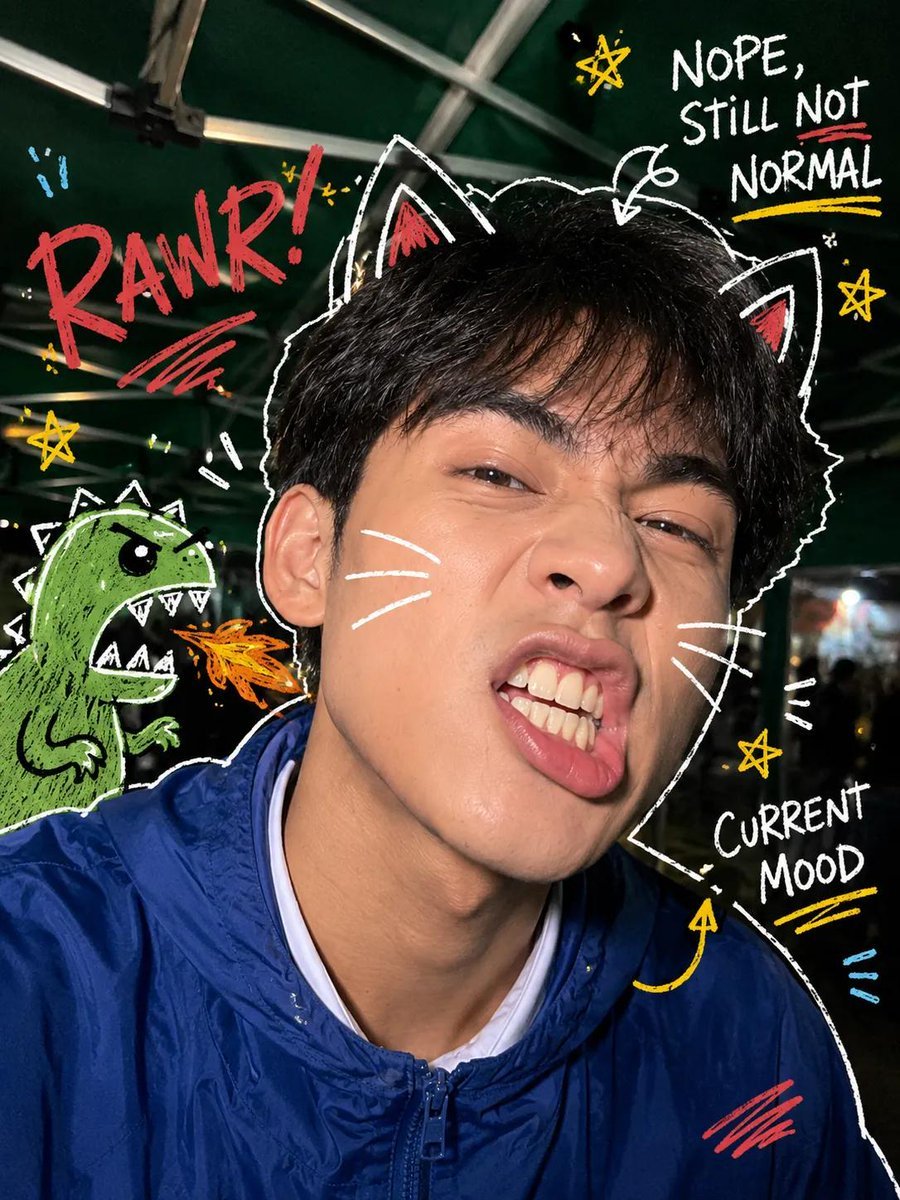
Y2K Nighttime Selfie with Doodles
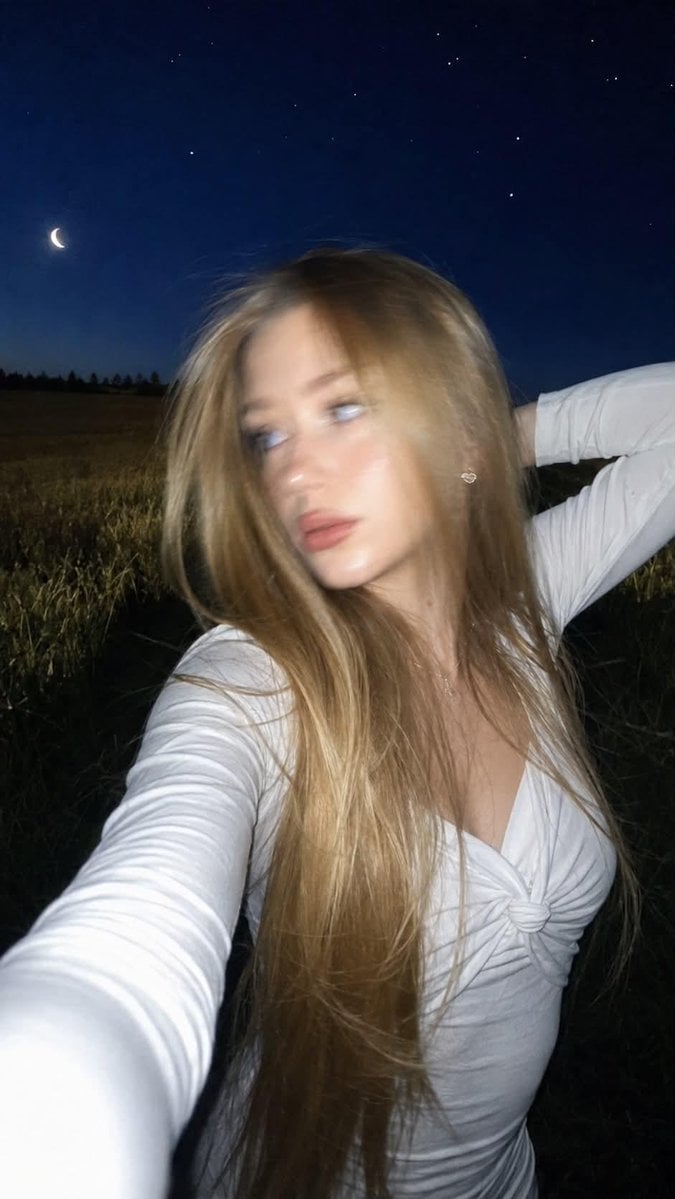
Night Flash iPhone Selfie with Motion Blur

Rooftop Fisheye — Cat-Ear Balaclava at Golden Hour

Felt & Knit 3D Character — Photo-Exact Face, Pixar-Quality Plush Figurine

Eid al-Adha Cute Chaos — Fisheye Selfie with Farm Selfie, Mosque & Animals

Cat Photobomb Selfie — 0.5x Wide Angle Café Chaos

Surreal Cat Astronaut — Humanoid Face Freefall
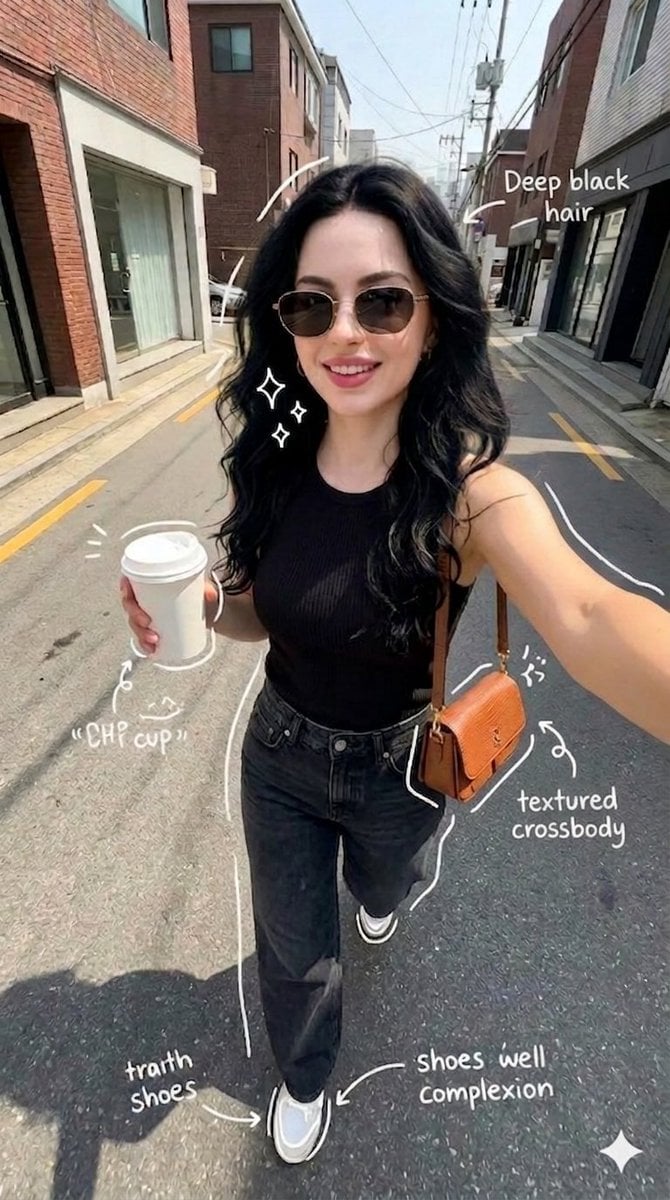
Street Style Selfie with Doodles
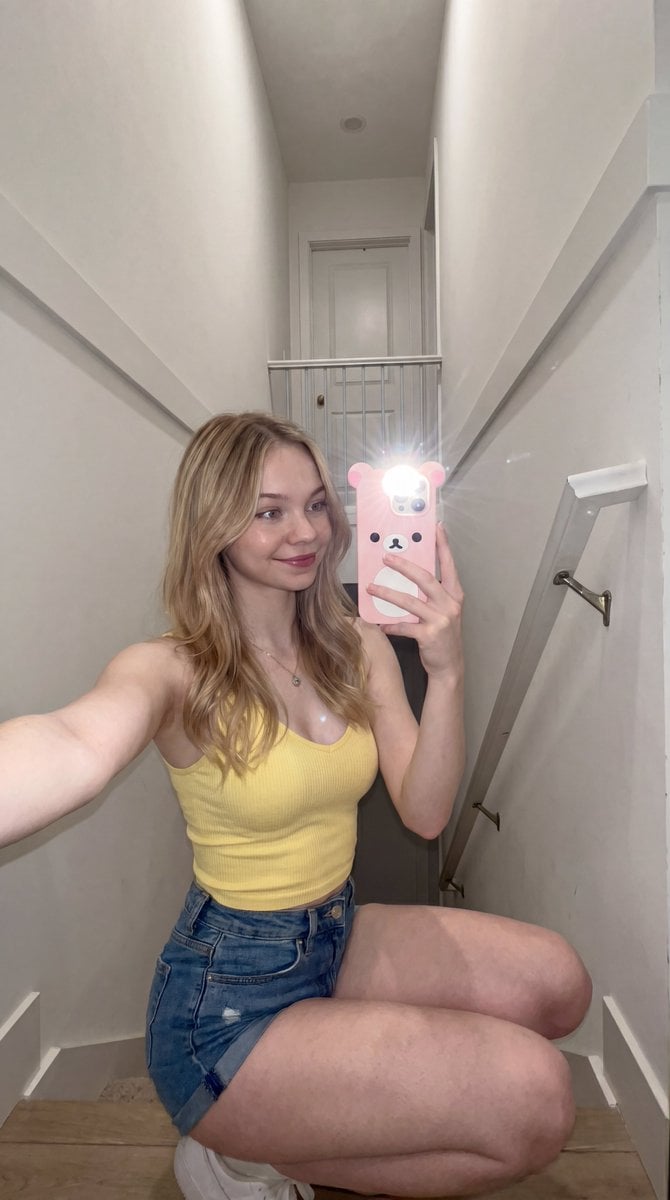
Candid stairwell flash selfie
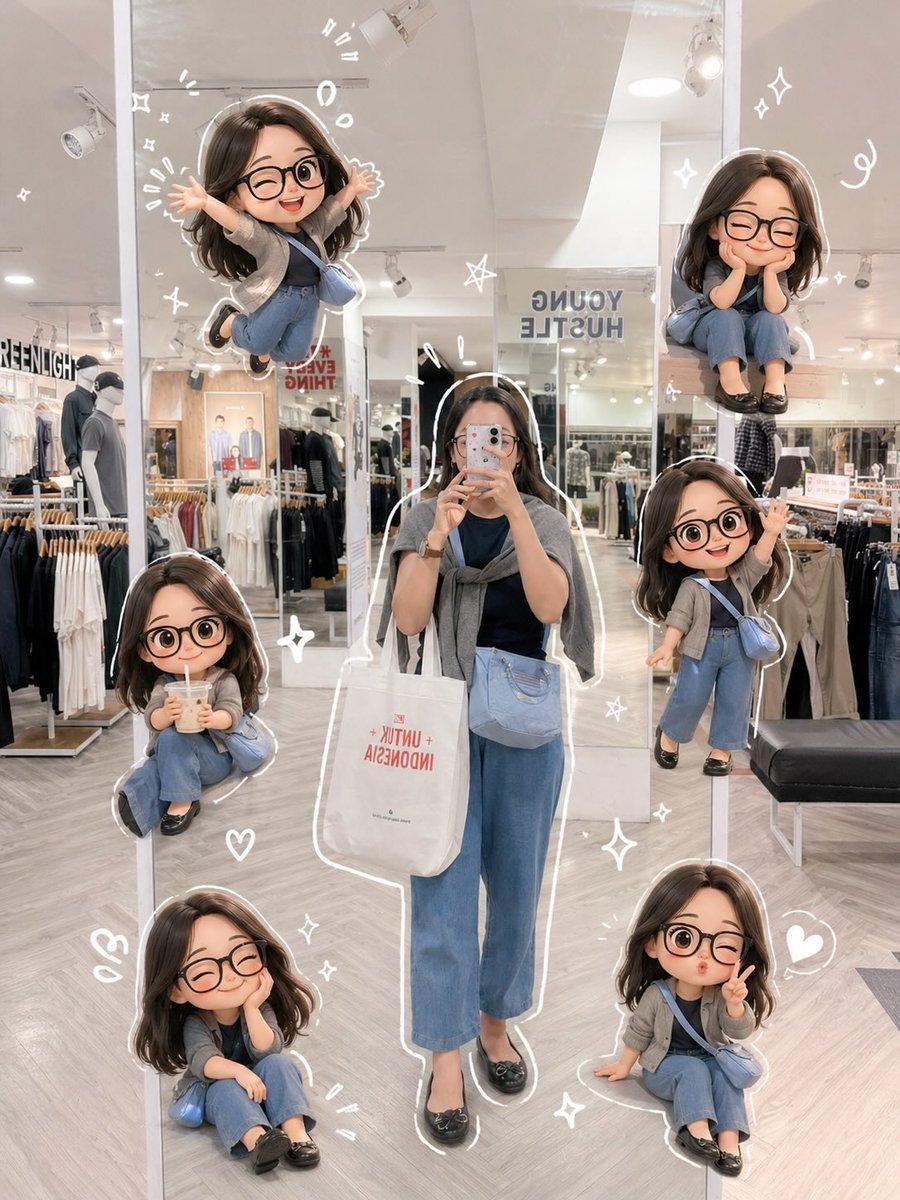
Chibi Mirror Selfie with Kawaii Doodles
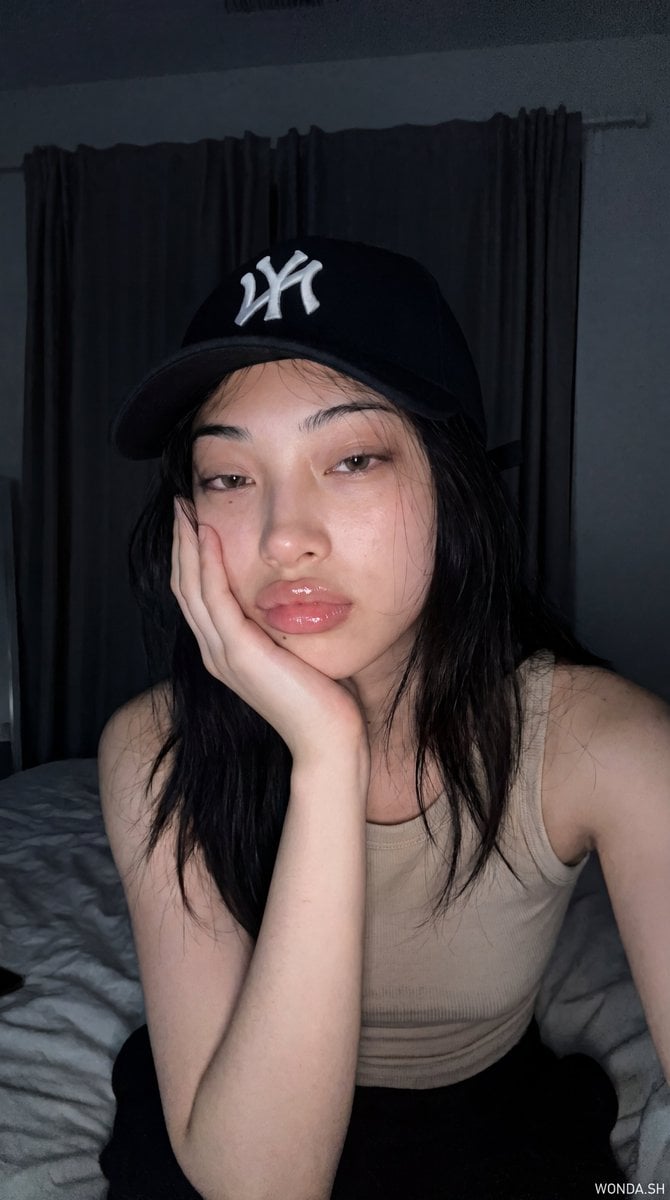
Hyper-Photorealistic Bedroom Flash Selfie
Make it yours
Nighttime Doodle Flash Selfie works as-is. These are the safest ways to change it without losing the look.
Change one field
Copy a single group, rewrite it, and generate again so you can see what that field is doing.
Keep the frame, change the subject
Hold the composition and light of Nighttime Doodle Flash Selfie, then swap wardrobe, props or the person for a new take.
| If the result… | Why | Fix |
|---|---|---|
| The result drifts from the preview | Too many fields changed at once. | Reuse Nighttime Doodle Flash Selfie as-is first, then change one group — subject, light, or setting. |
| The model over-stylizes the scene | The prose prompt leaves finish and camera underspecified. | Add one camera or lighting sentence and stay on GPT Image 2. |
More GPT Image 2 templates
Other prompts made for GPT Image 2.

Six VTuber Japanese Logo Sheet

Realistic Portrait of Woman and Deer

The Vista Modular Condo Poster

AI Model Routing Comparison Infographic

2.5D Anime Art Board

Isometric Productivity Desk Scene

New York Double Exposure Poster

Four-Panel AI Landscape Comparison

Japanese Tatami Lifestyle Magazine Cover

NESCAFÉ Coffee Map Poster
More image prompts
Fresh picks from across the catalog.
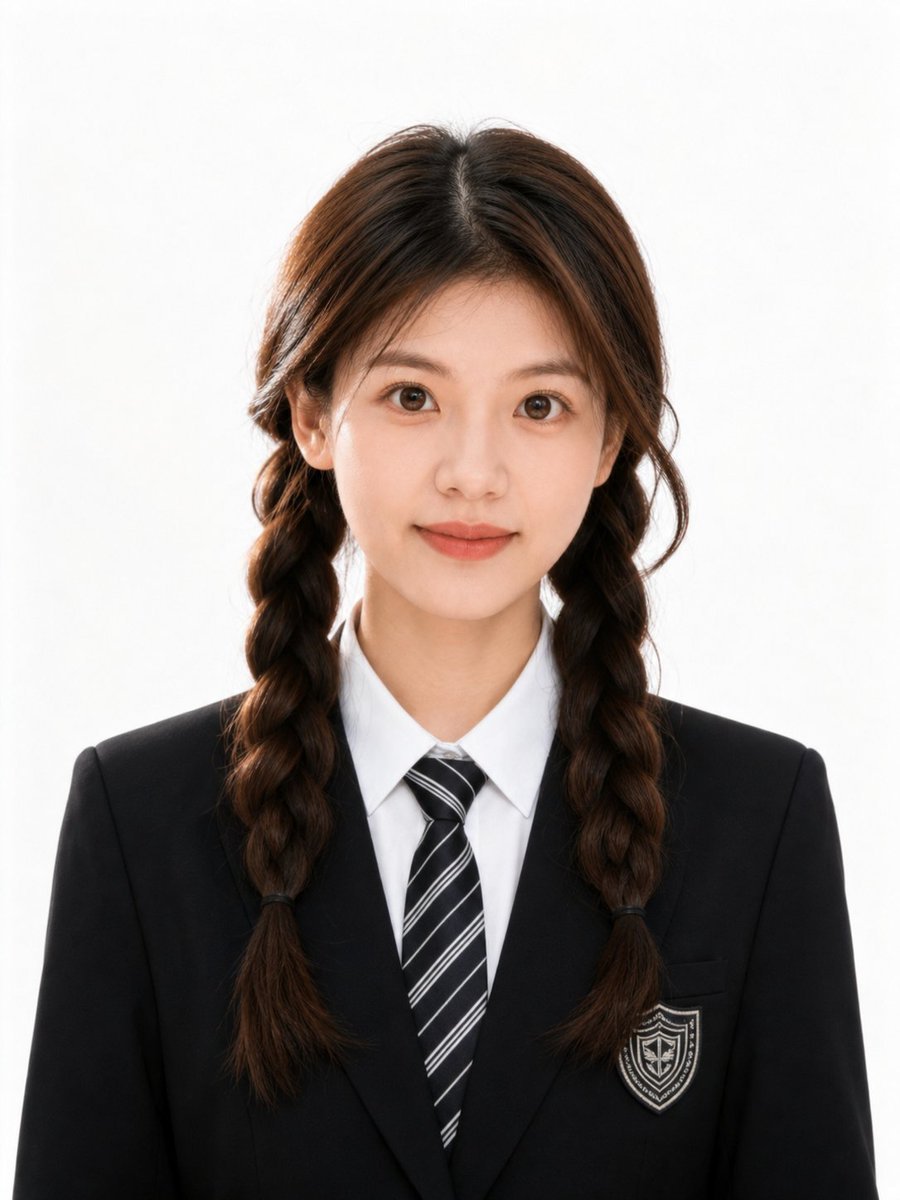
Polished Academic Student ID Portrait
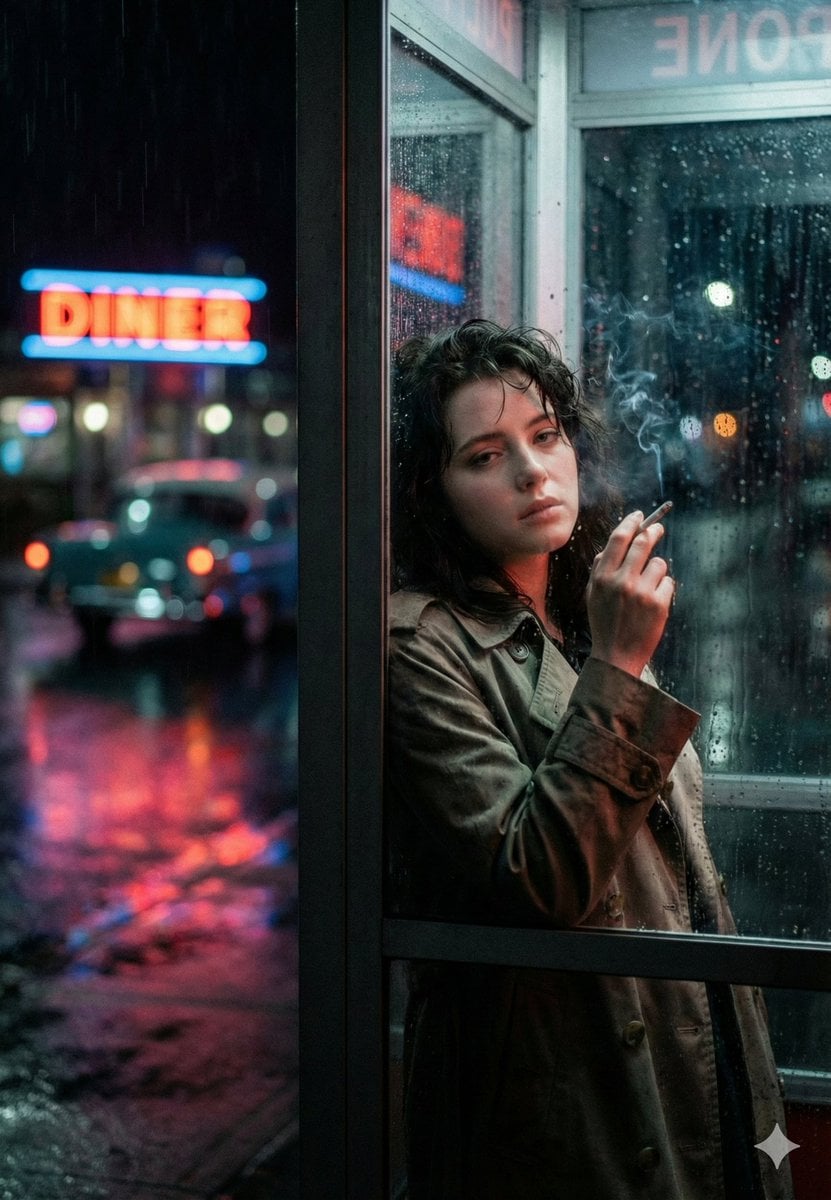
Neo-Noir Phone Booth Scene in the Rain
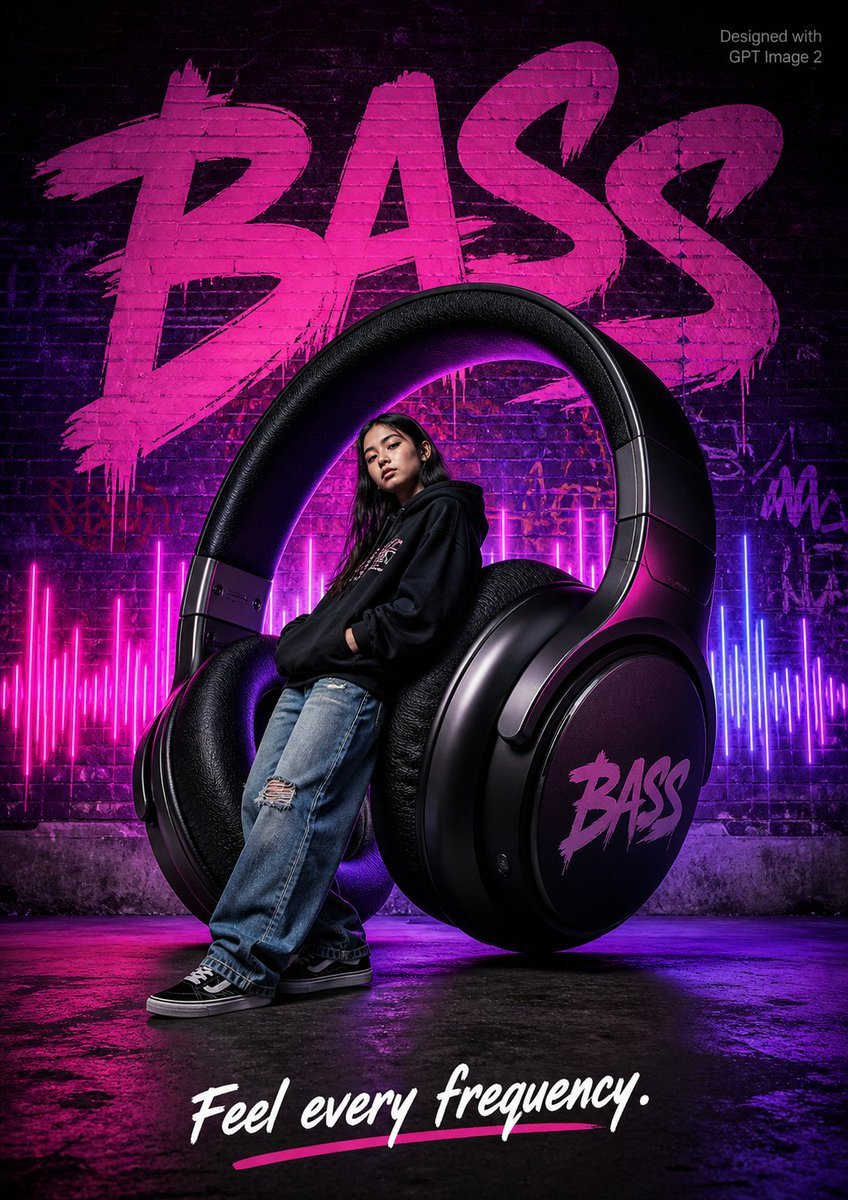
Streetwear BASS Headphones Poster
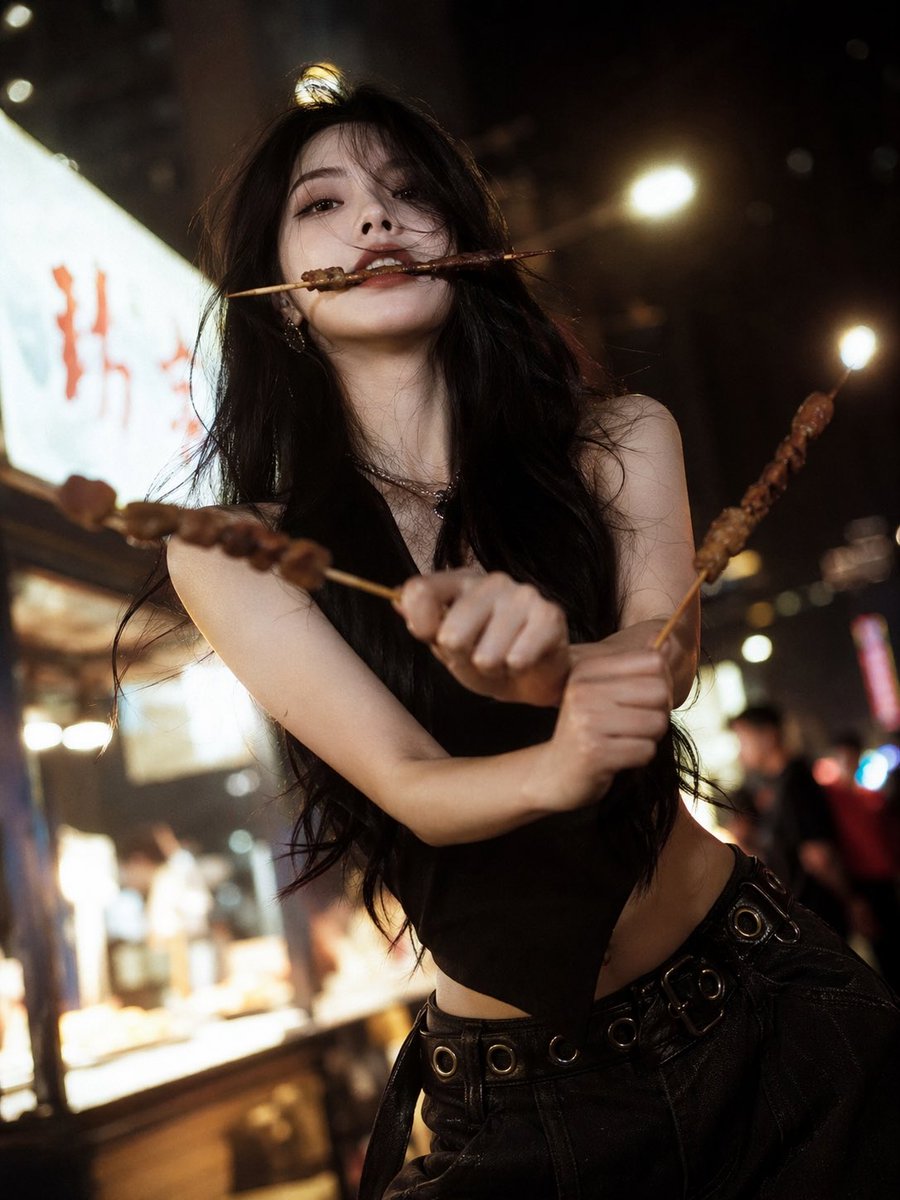
High-Fashion Anime Homage Portrait
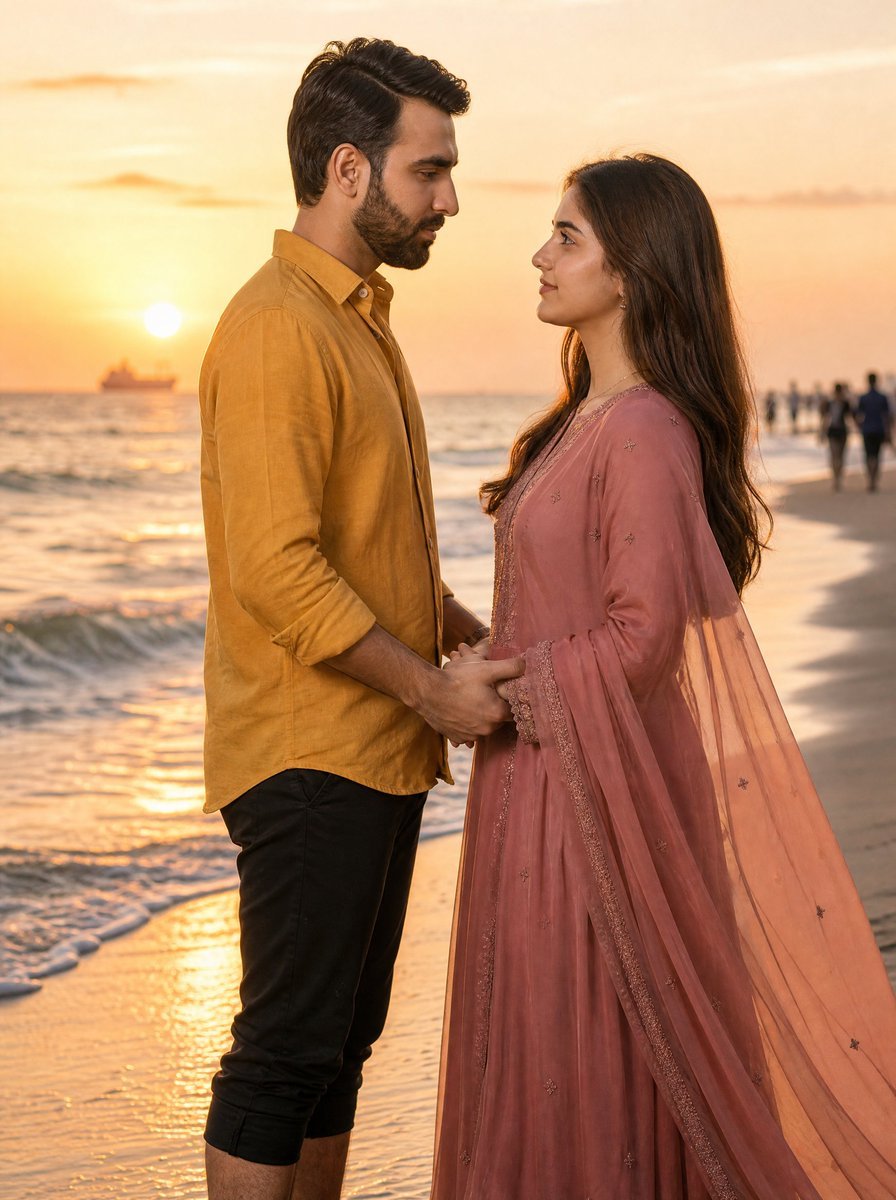
Romantic Sunset Beach Couple Portrait
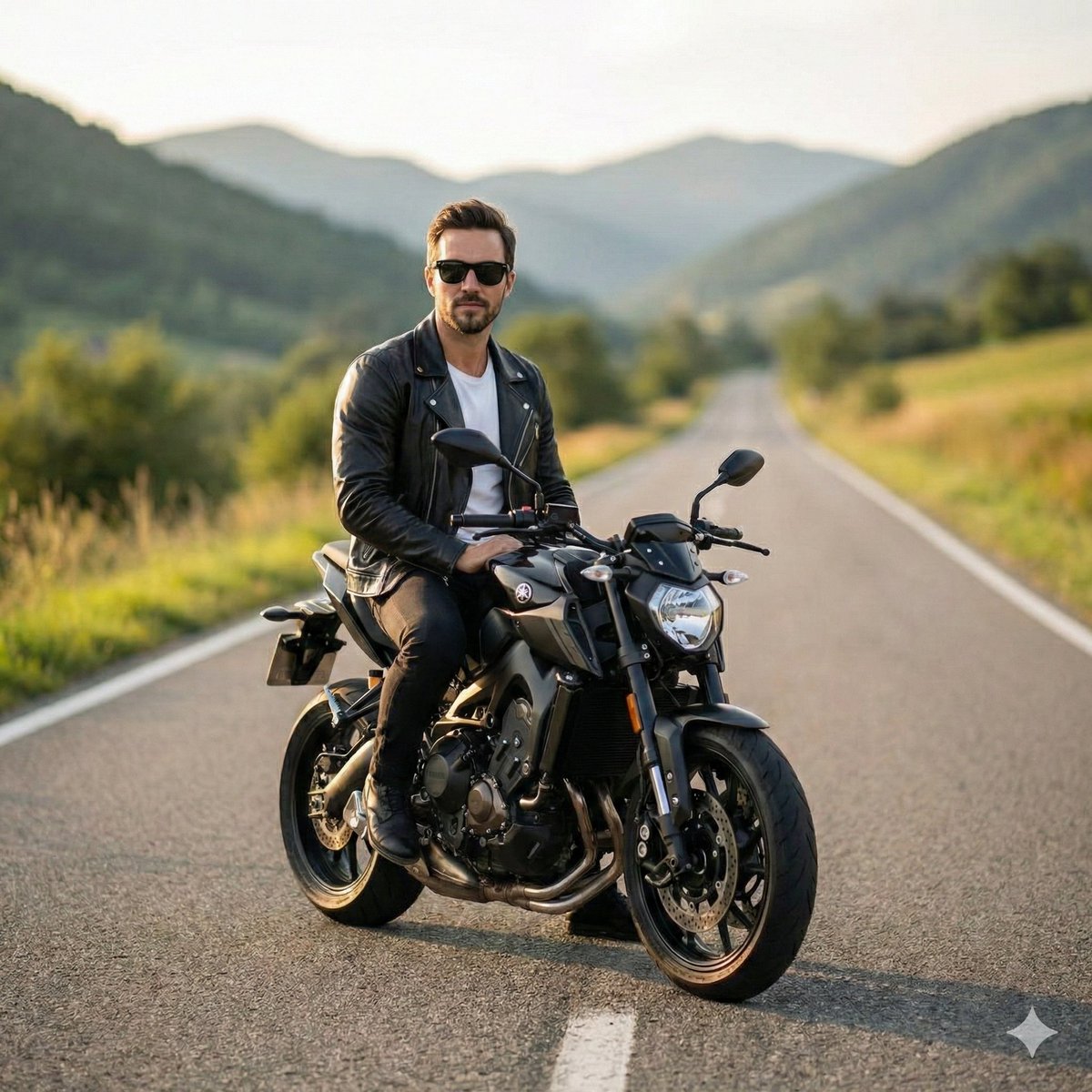
Cinematic Portrait of Man on Modern Motorbike

Nano Banana Grwm Mirror Selfie Pink
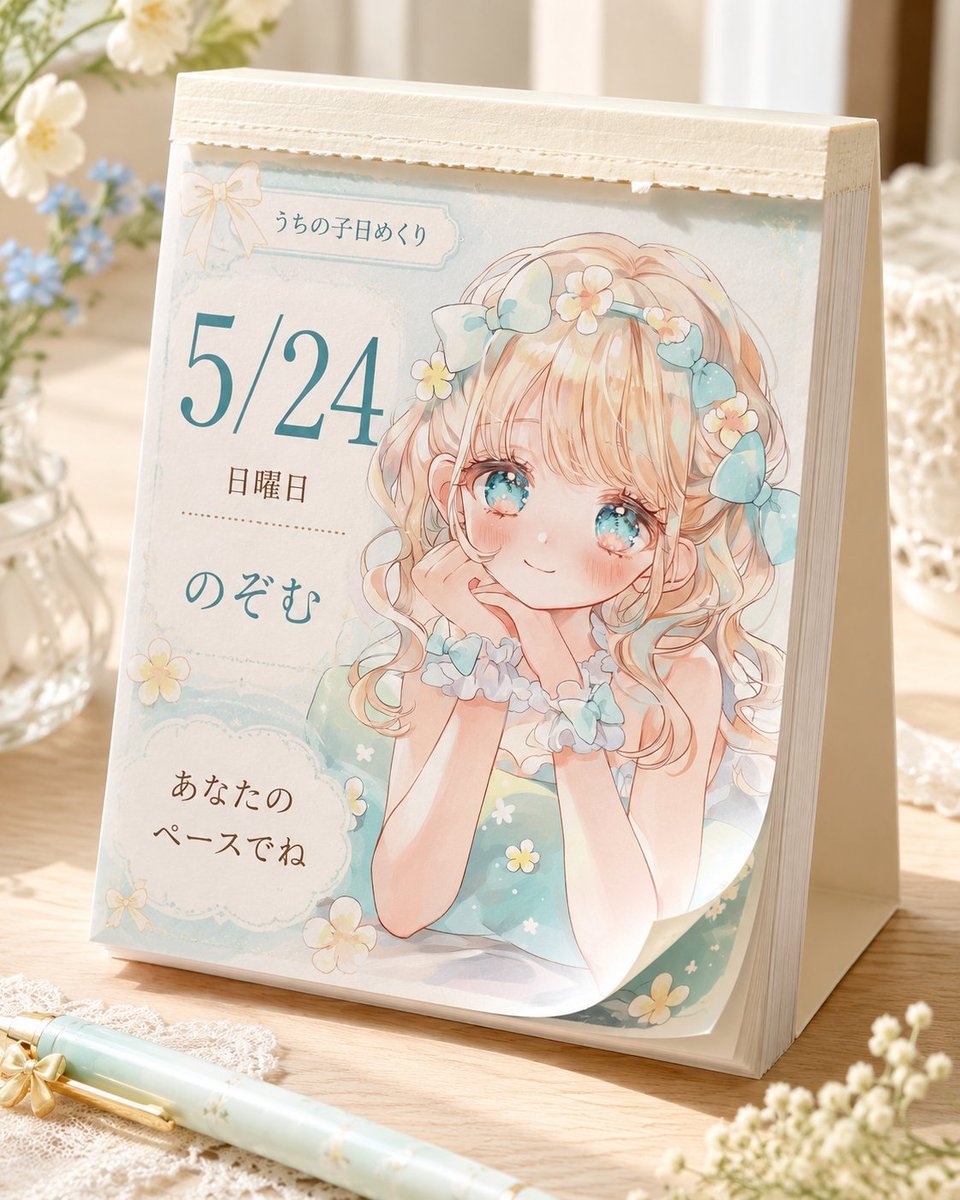
Cute Daily Anime Desk Calendar

Premium Whiskey Brand Advertisement
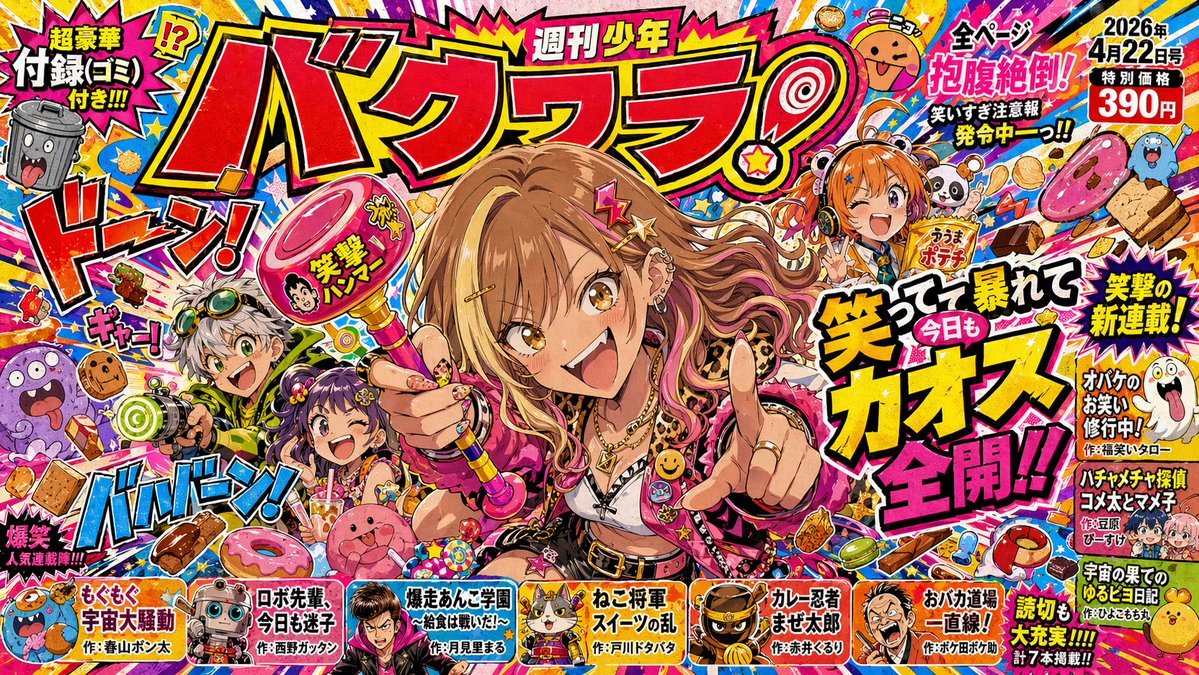
Chaotic Shonen Manga Cover
Browse template categories
Nighttime Doodle Flash Selfie questions
How do I use the Nighttime Doodle Flash Selfie template?
Add your photo if the template asks for one, edit the prompt if you like — the template's model and format are already selected — and press Generate. Your version opens in PicX Studio.
Can I customize the Nighttime Doodle Flash Selfie template?
Yes. You can change the subject, setting, lighting, mood, format, and available model controls before creating your image.
Is the Nighttime Doodle Flash Selfie template free?
Opening and editing this template is free. Generating uses credits, shown on the Generate button when you are signed in.
Which AI model should I use?
Start with GPT Image 2, which is the model associated with this template. You can compare another compatible model for a different finish.
Looking for something else? Browse all templates.

Your photo, any look
Thousands of ready templates for every top image and video model, from one credit balance.