
Chaotic Shonen Manga Cover
A loud, candy-colored parody manga magazine cover featuring a gyaru heroine, explosive Japanese headlines, and dense anthology-style teaser art for use in comic cover generation.

- Prompt included
- Model and format preset
- Free template
The prompt behind this image
Copy the exact prompt behind Chaotic Shonen Manga Cover, or open it in the studio and make it yours.
A hyper-energetic Japanese shonen manga magazine cover illustration, packed edge to edge with explosive pop-art chaos and bright candy colors, in the style of a weekly comic anthology cover. The main focus is a trendy gyaru teenage girl at the center, leaning toward the viewer in a dynamic foreshortened pose, grinning widely with her mouth open and pointing directly at the camera with one hand while holding a pink toy hammer over her shoulder with the other. She has layered medium-length wavy hair in {argument name="hair color" default="light brown with blonde and pink streaks"}, warm amber eyes, multiple colorful hair clips including stars and lightning bolts, earrings, rings, bracelets, necklaces, flashy nail art, and a bold street-fashion outfit: vivid pink satin bomber jacket, white cropped top, black belt with gold buckle, and mixed glam accessories. The cover logo dominates the top center in huge red Japanese lettering with thick black outline and yellow border reading {argument name="masthead text" default="バクアラ!?"}, with smaller text above it reading 週刊少年. At the upper left, add a loud burst caption reading 超豪華付録(ゴミ)付き!!! with a shocked cartoon trash can mascot. Along the left side place two giant sound-effect style callouts, ドーン! near the top left and バンバーン! in blue near the lower left. On the right side, create an oversized main headline in chunky black, yellow, white, and pink Japanese display type reading 笑って暴れて今日もカオス全開!!, surrounded by smaller promotional blurbs such as 全ページ抱腹絶倒!, 笑いすぎ注意報発令中ーっ!!, and 笑撃の新連載!. In the top right corner include a magazine issue box with the date 2026年4月22日号 and price 390円. Scatter exactly 3 supporting manga-style characters around the central girl: 1 silver-haired boy with goggles on the left aiming a spiral blaster toward the viewer, 1 cheerful purple-haired girl below him holding a dessert drink, and 1 orange-haired idol-like girl in headphones at the upper right making a peace sign. Fill the background and foreground with a dense collage of floating sweets, snacks, toys, doodles, and mascot faces, including donuts, cookies, chocolate bars, candy, pudding, ice cream, popcorn, planets, stars, speech bursts, and goofy creatures, all layered with thick outlines and halftone texture. Along the bottom, include exactly 7 small serialized feature boxes in a row, each with manga-style character art and Japanese titles, creating the look of a crowded anthology teaser strip. Use an ultra-saturated palette of hot pink, yellow, orange, red, cyan, and black, with maximal visual density, overlapping typography, comic speed lines, sticker-like elements, and a glossy printed magazine cover finish. Make it feel hilarious, rebellious, loud, youthful, and irresistibly cluttered, like a parody-yet-premium next-generation Weekly Shonen Jump cover.
How to use Chaotic Shonen Manga Cover in 3 steps
- 1Upload ImagePNG, JPG or paste
Add your photo
Upload the photo the template builds on. The prompt, model and format are already set.
- 2…a portrait of your subject in softgolden-hour light, 85mm…
Personalize
Edit the subject and creative details for your destination.
- 3Generate
Generate
Press Generate — your image is created in PicX Studio, so you can compare it with the original and refine one variable at a time.
More like this
Templates with the same subject, style or setup. Open one to see its prompt.

Explosive Shonen Manga Cover

Shonen Manga Magazine Cover
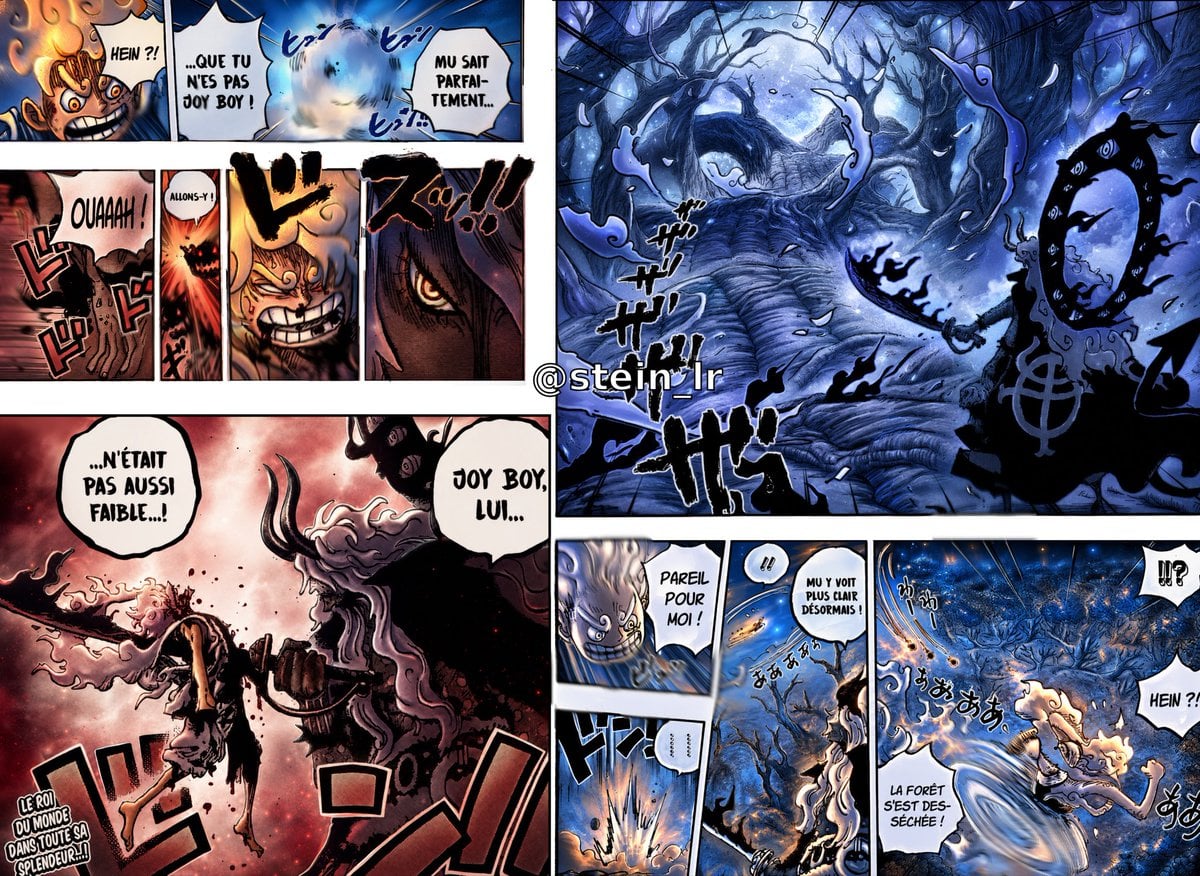
Colorized Shonen Manga Battle Spread
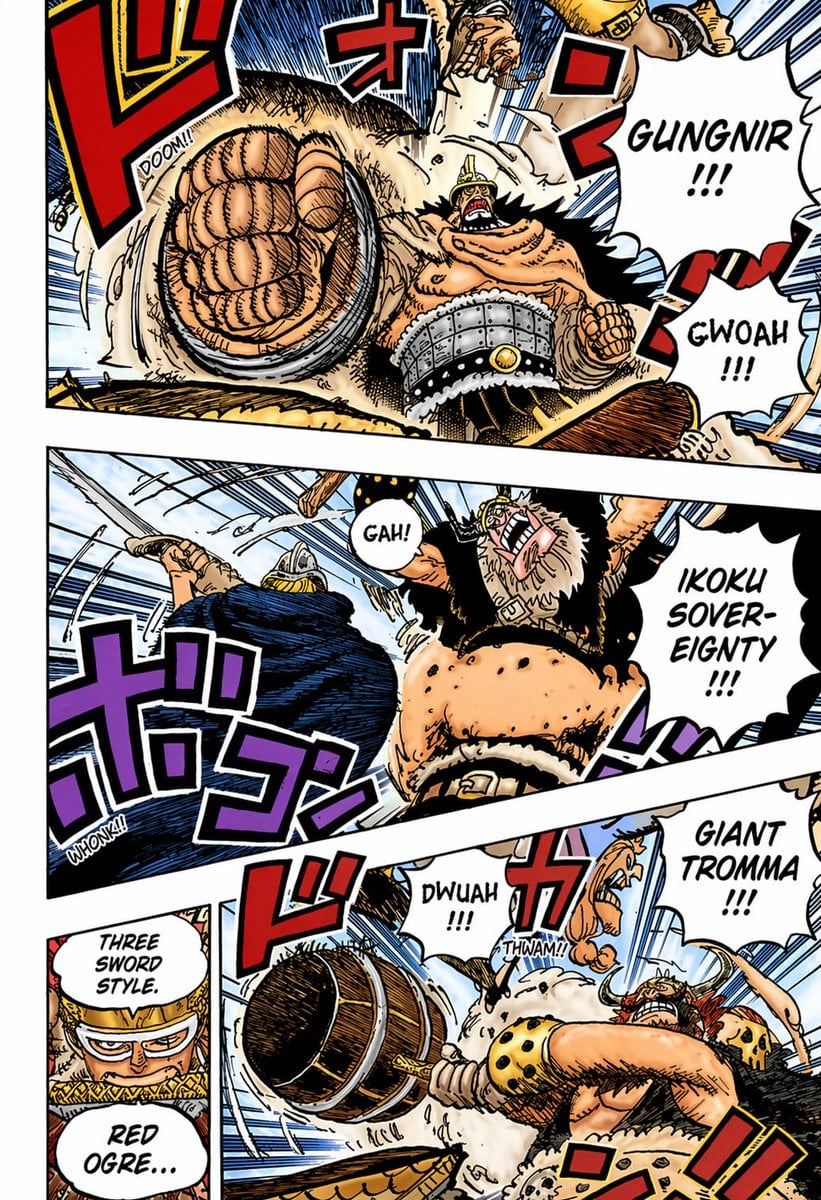
Colored Shonen Manga Battle Page

Cyberpunk Japanese Manga Cover

Michael Saylor Shonen Jump Manga Style
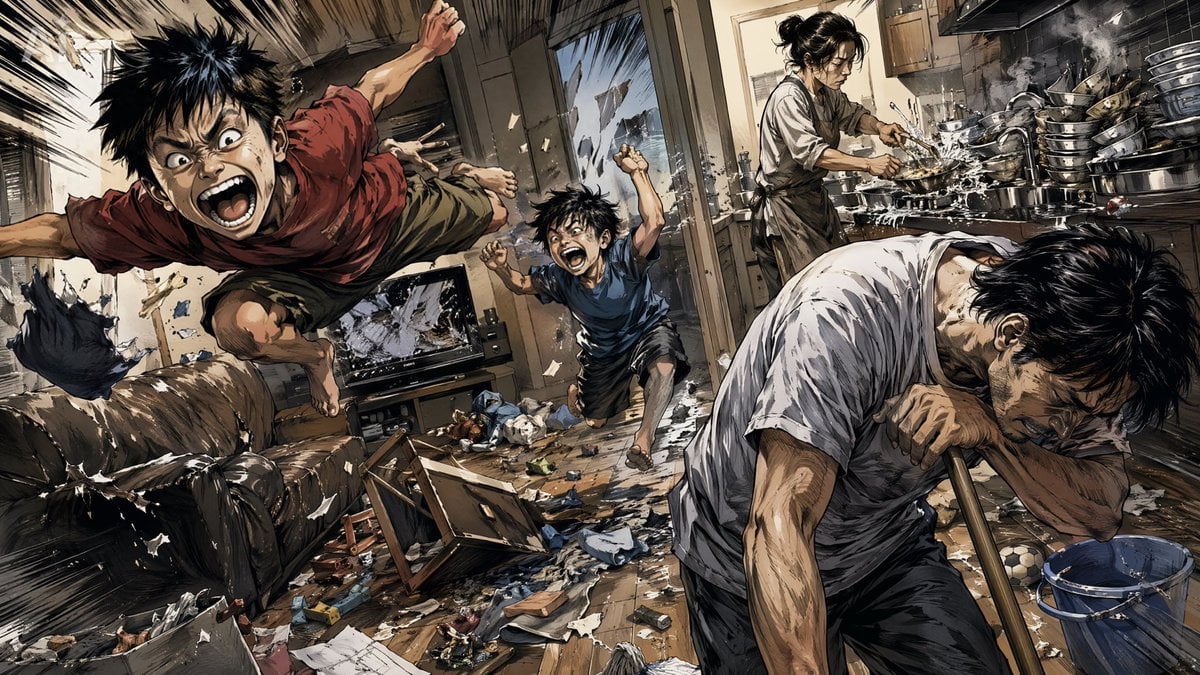
Chaotic Holiday at Home Manga Scene
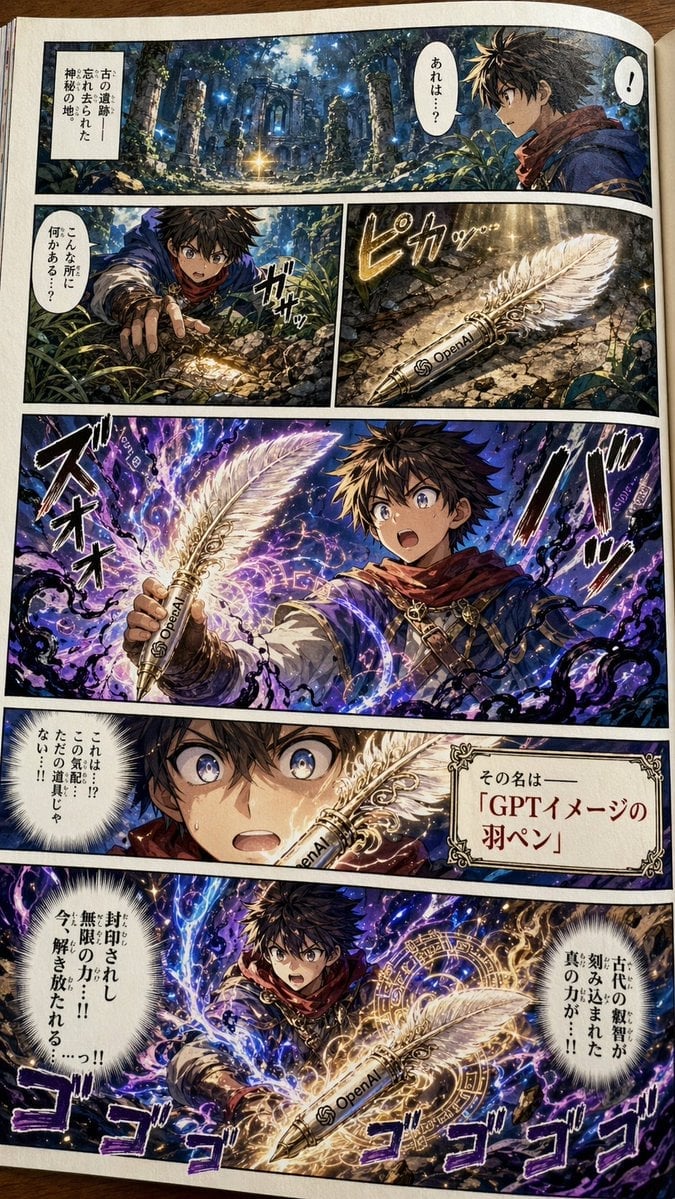
Japanese Shonen Manga Page
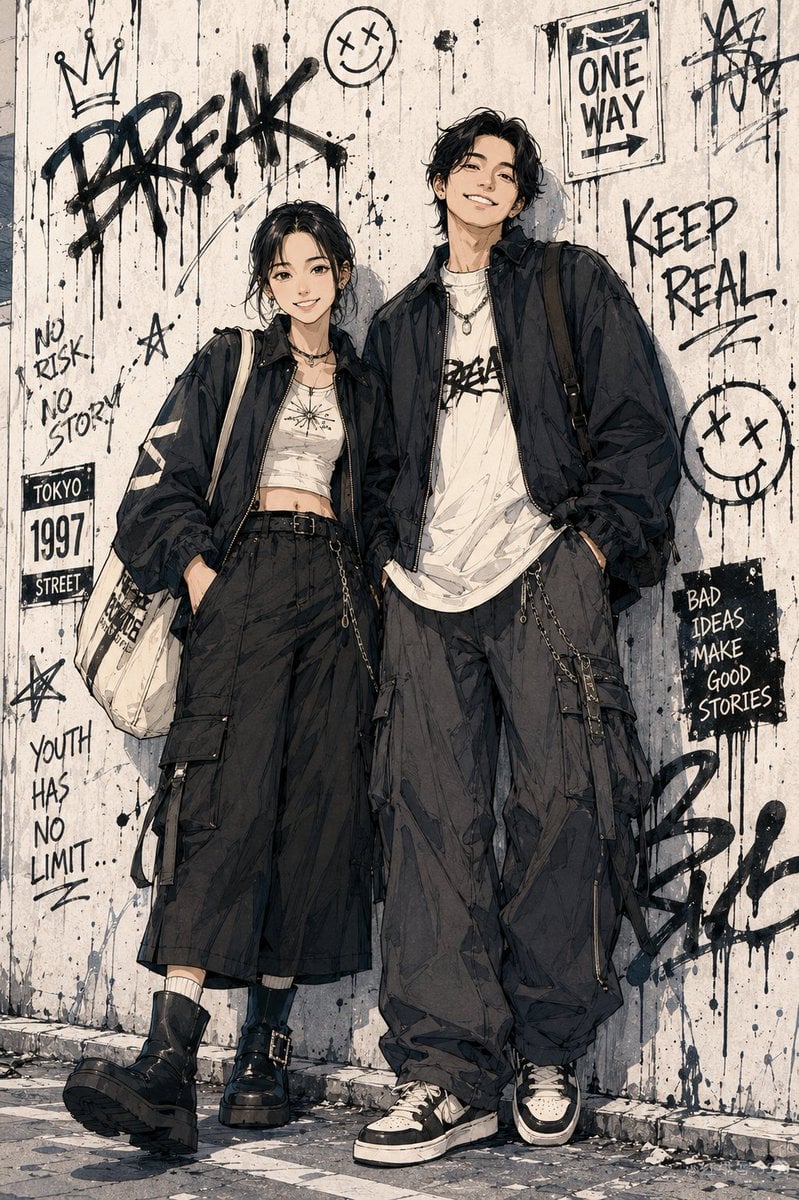
Shonen Manga Character Poster
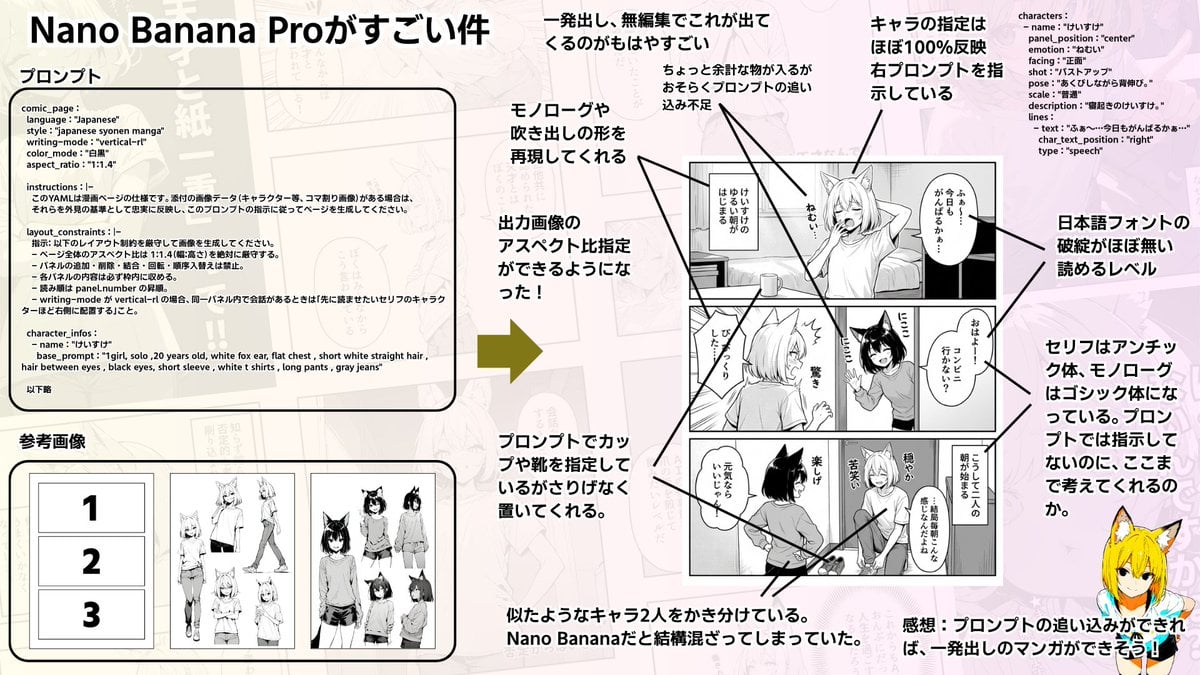
Config-style Japanese shonen manga page settings
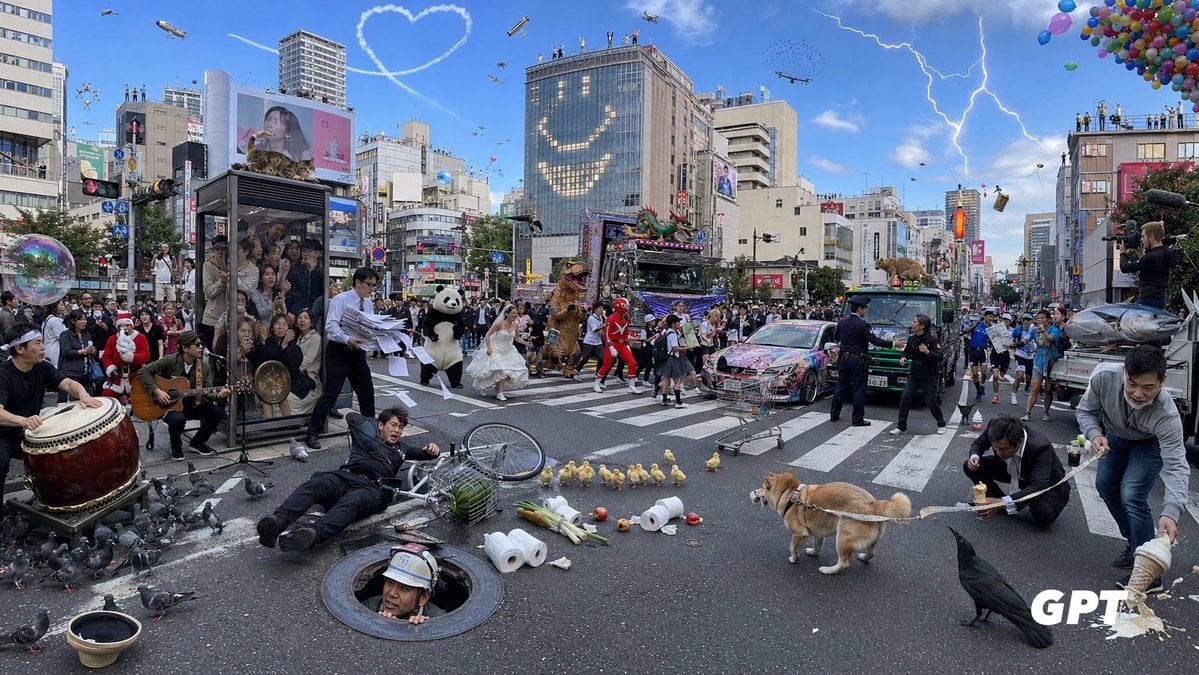
Chaotic Shibuya Scramble Crossing
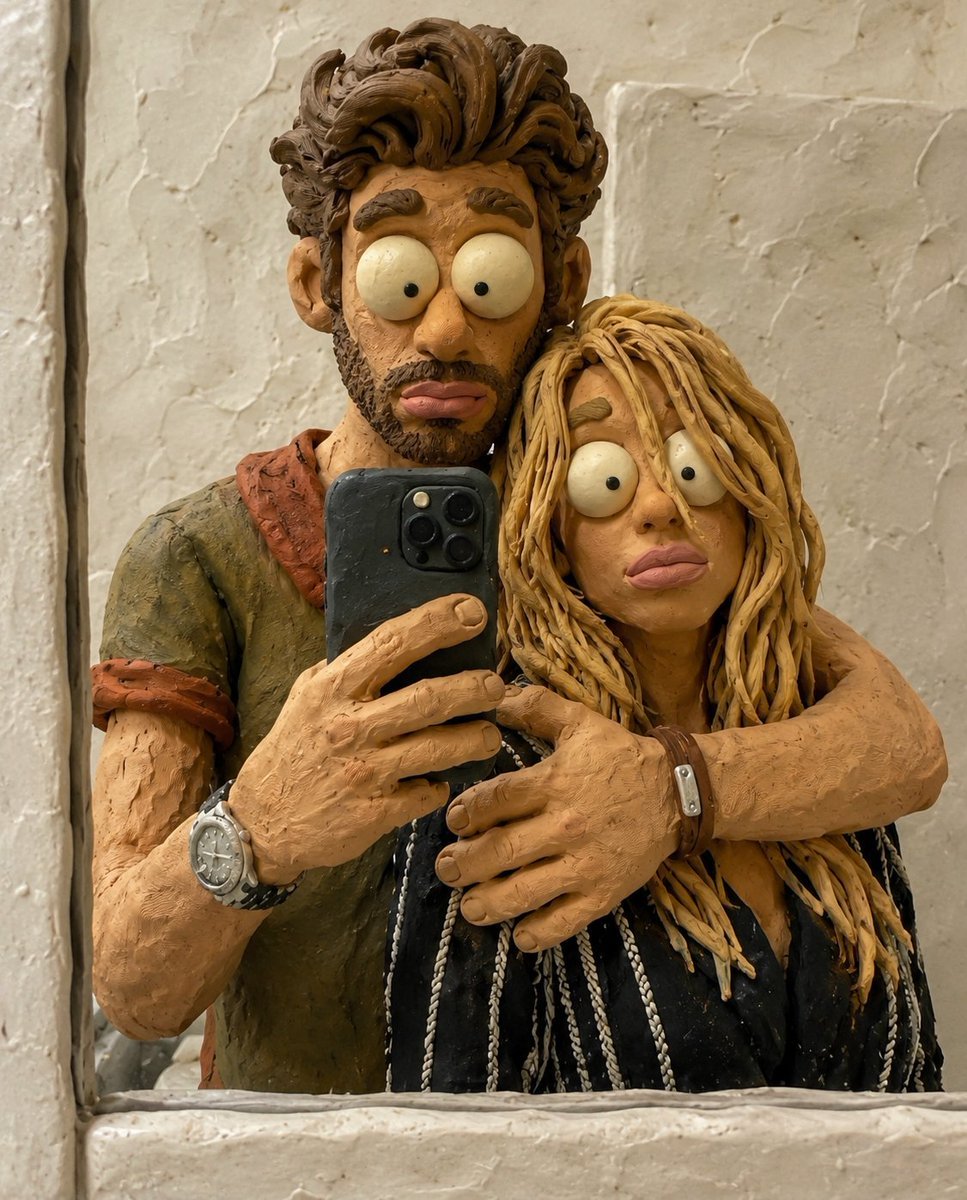
Chaotic Claymation Photo Transformation
Make it yours
Chaotic Shonen Manga Cover works as-is. These are the safest ways to change it without losing the look.
Change one field
Copy a single group, rewrite it, and generate again so you can see what that field is doing.
Keep the frame, change the subject
Hold the composition and light of Chaotic Shonen Manga Cover, then swap wardrobe, props or the person for a new take.
| If the result… | Why | Fix |
|---|---|---|
| The result drifts from the preview | Too many fields changed at once. | Reuse Chaotic Shonen Manga Cover as-is first, then change one group — subject, light, or setting. |
| The model over-stylizes the scene | The prose prompt leaves finish and camera underspecified. | Add one camera or lighting sentence and stay on GPT Image 2. |
More GPT Image 2 templates
Other prompts made for GPT Image 2.

Six VTuber Japanese Logo Sheet

Realistic Portrait of Woman and Deer

The Vista Modular Condo Poster

AI Model Routing Comparison Infographic

2.5D Anime Art Board

Isometric Productivity Desk Scene

New York Double Exposure Poster

Four-Panel AI Landscape Comparison

NESCAFÉ Coffee Map Poster

Brutalist Cogito Chinese Typography Poster
More image prompts
Fresh picks from across the catalog.

Ultra-Realistic Cinematic Close-up Portrait of a Man with Wet Skin

Luxury Underwater Aquarium Lounge Portrait
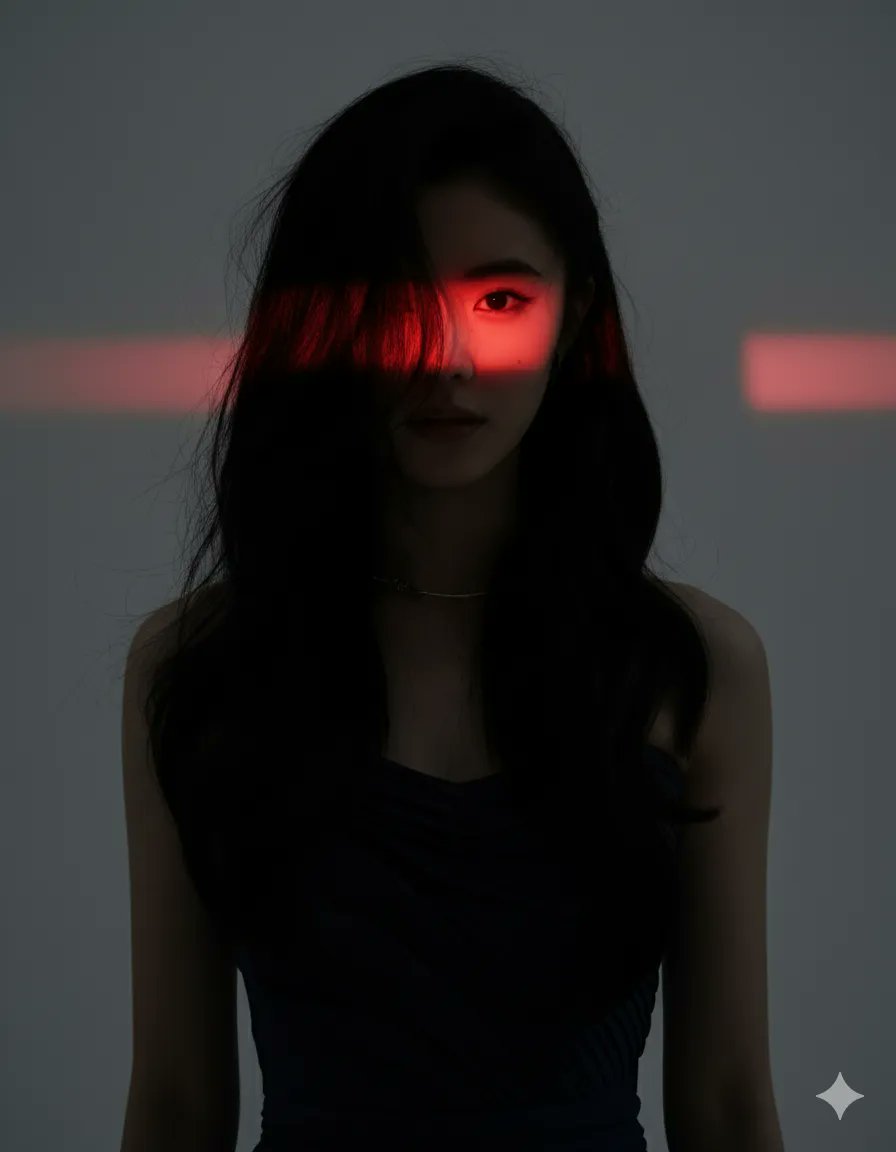
Dramatic Studio Portrait with Red Light Accent
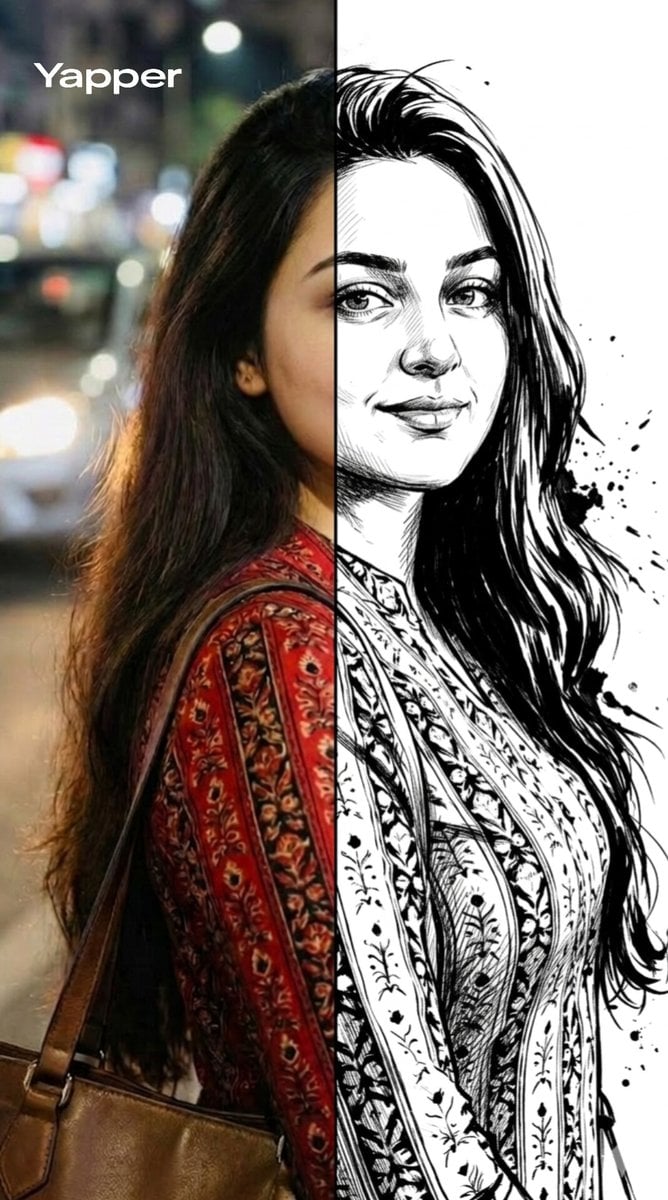
Split-Style Portrait Transformation Prompt for Nano Banana

Vintage Writer Cinematic Portrait

Corporate Cash Private Jet Satire
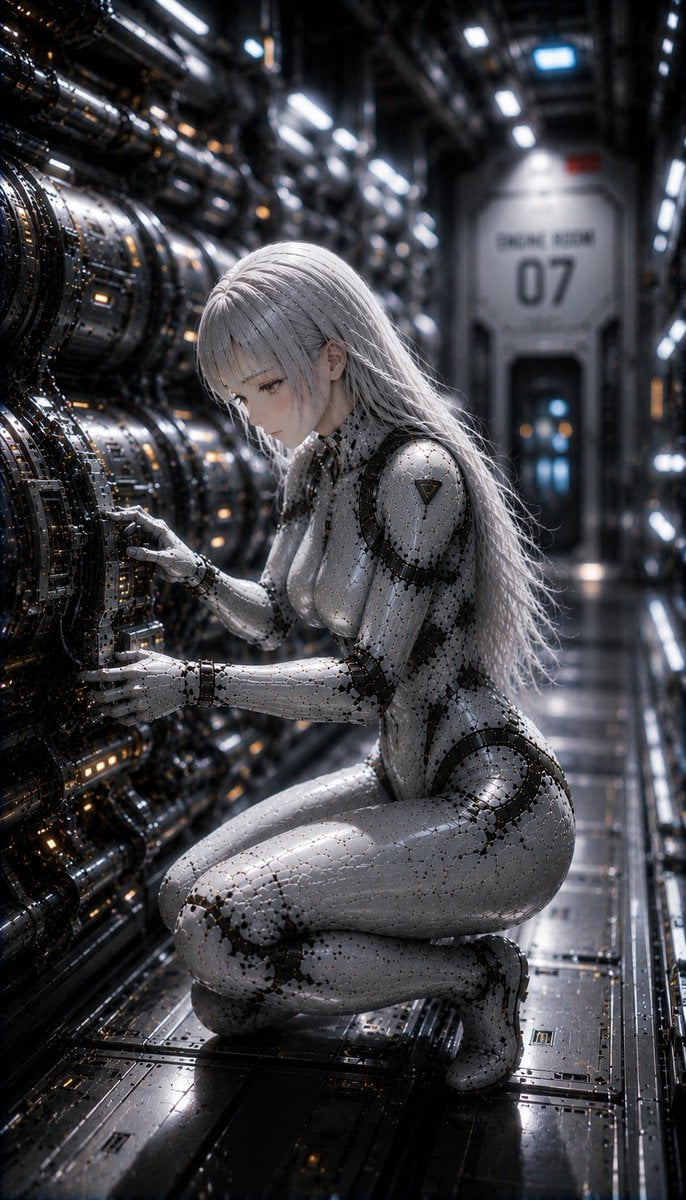
Female Android on a Spaceship
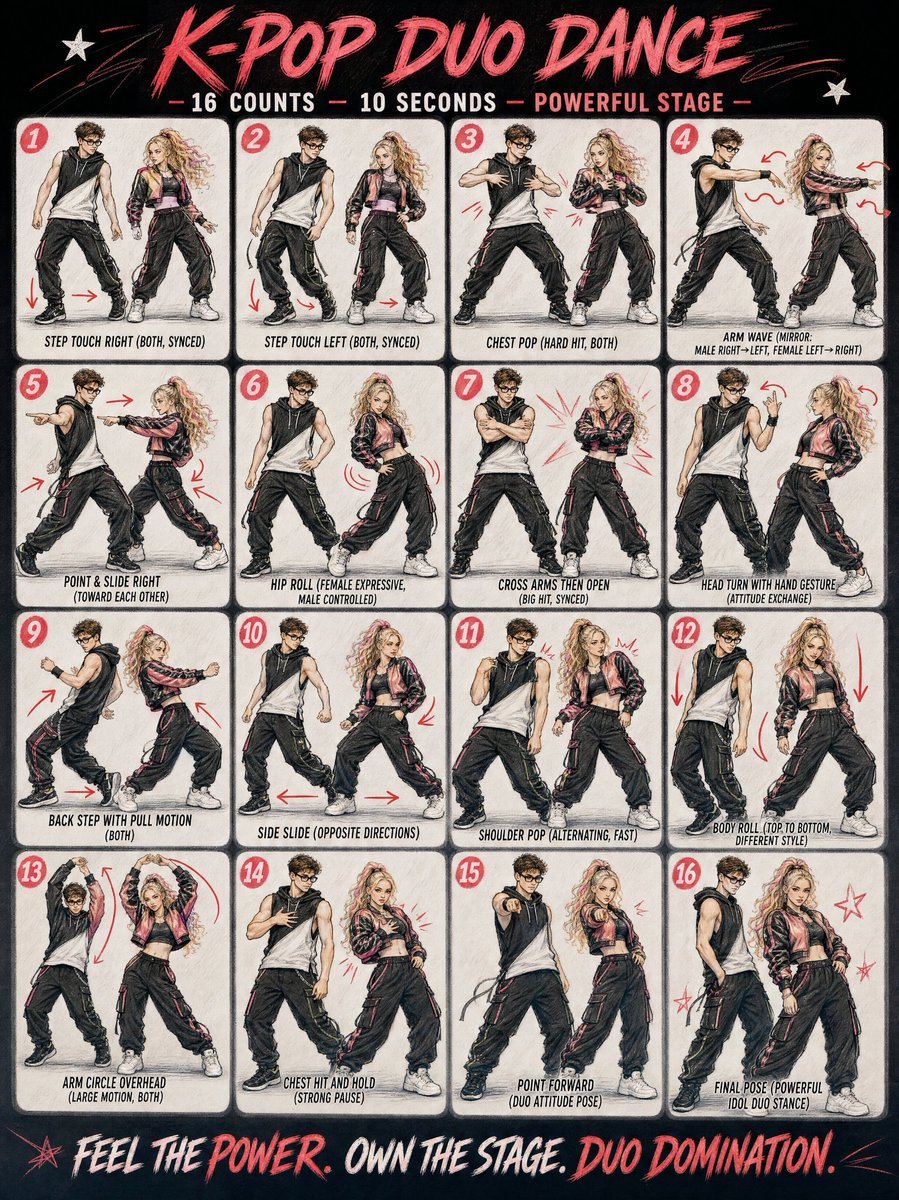
Cinematic Duo Concert Performance

Summer Drink Food Photography Prompt
Double Exposure Indian Woman Portrait
Browse template categories
Chaotic Shonen Manga Cover questions
How do I use the Chaotic Shonen Manga Cover template?
Add your photo if the template asks for one, edit the prompt if you like — the template's model and format are already selected — and press Generate. Your version opens in PicX Studio.
Can I customize the Chaotic Shonen Manga Cover template?
Yes. You can change the subject, setting, lighting, mood, format, and available model controls before creating your image.
Is the Chaotic Shonen Manga Cover template free?
Opening and editing this template is free. Generating uses credits, shown on the Generate button when you are signed in.
Which AI model should I use?
Start with GPT Image 2, which is the model associated with this template. You can compare another compatible model for a different finish.
Looking for something else? Browse all templates.

Your photo, any look
Thousands of ready templates for every top image and video model, from one credit balance.