
Explosive Shonen Manga Cover
This prompt generates a crowded, high-energy Japanese shonen magazine cover packed with anime characters, dramatic cover lines, and flashy urban sci-fi action for mock magazine art or promotional visuals.
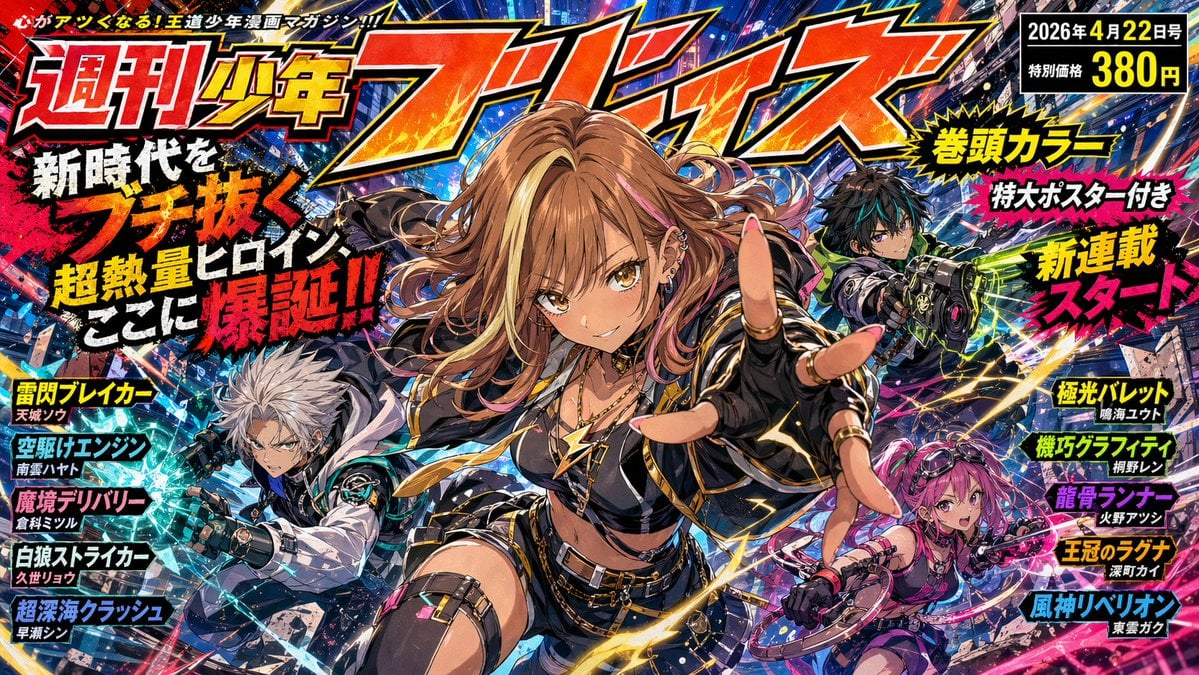
- Prompt included
- Model and format preset
- Premium template
The prompt behind this image
Copy the exact prompt behind Explosive Shonen Manga Cover, or open it in the studio and make it yours.
Create a hyper-detailed Japanese weekly shonen manga magazine cover, full-bleed, explosive and crowded, with no empty space. The format is a single vertically oriented magazine cover illustration packed with layered typography, character art, motion effects, and urban sci-fi chaos. At the top, a gigantic stylized Japanese masthead in fiery orange-red with heavy black outline and gold edging dominates the width of the page, reading 週刊少年ブレイズ, with a small celebratory badge integrated into the title showing 40年. Add a small slogan line across the very top edge in Japanese. In the top right corner, place a black issue-information box with bright yellow and white text showing the date 2026年4月22日号 and the price 特別価格 380円. The main image features exactly 3 anime characters in a dynamic triangular composition. In the center foreground, the star heroine lunges toward the viewer with strong foreshortening, one hand thrust out almost touching the camera. She is a teenage gyaru-style action heroine with {argument name="hair color" default="light brown with pink streaks"} long wavy hair flying wildly, sharp golden-brown eyes, a confident mischievous grin, sun-kissed skin, multiple ear piercings, and a flashy rebellious street-fighter vibe. Her outfit is black and gold with exactly 6 key visible pieces: a cropped top, a short jacket with metallic trim, short shorts, a belt with dangling chains, a thigh strap on one leg, and fingerless gloves. Add gold lightning motifs and glossy highlights across her clothing. Around her hand and body, draw arcs of yellow energy and speed streaks to emphasize impact. Behind her on the left midground, place a white-haired teenage boy in a black-and-white futuristic combat outfit, crouched aggressively and aiming a large mechanical gauntlet or weapon toward the viewer, surrounded by icy blue shards and angular motion lines. Behind her on the right midground, place a pink-haired teenage girl with twin tails or tied-up hair, wielding a circular bladed ring weapon, posed in motion with vivid magenta energy trails. In the upper right background, add a fourth visual focal area but not a separate main character count: a dark-haired teenage boy in a green-black combat suit aiming a glowing sci-fi rifle diagonally across the page, partially obscured by text and effects, embedded into the background action. The background is a dense neon-lit futuristic Japanese city street at night with tilted perspective, towering signs, debris, sparks, shattered fragments, electric streaks, and saturated blues, purples, pinks, and oranges. Use extreme contrast, glossy print texture, ink splatter accents, halftone-like manga magazine energy, and premium anime key visual rendering. Add large dramatic Japanese cover copy on the left in stacked blocks with thick white, yellow, red, and black lettering, including the prominent headline 新時代をブチ抜く 超熱量ヒロイン ここに爆誕!!. Add exactly 5 left-side feature callouts in colored rectangular boxes with bold names and smaller subtitle lines beneath: 雷閃ブレイカー / 天城ノア, 空駆けエンジン / 南雲ハヤト, 魔境デリバリー / 倉科ミツル, 白狼ストライカー / 久世リョウ, 超深海クラッシュ / 早瀬シン. Add exactly 5 right-side feature callouts in matching bold boxes: 極光パレット / 鳴海ユウト, 機巧グラフィティ / 胡野レイ, 龍骨ランナー / 火野アツシ, 王冠のラグナ / 深町カイ, 風神リベリオン / 東雲ガク. Also add exactly 3 promotional bursts on the right side in starburst or explosive label shapes with large yellow and white lettering: 巻頭カラー, 特大ポスター付き, 新連載スタート. Make the entire cover feel like a blockbuster debut issue for a hot new battle manga era, energetic, rebellious, flashy, polished, and unmistakably like a high-impact Japanese manga magazine cover illustration.
How to use Explosive Shonen Manga Cover in 3 steps
- 1Upload ImagePNG, JPG or paste
Add your photo
Upload the photo the template builds on. The prompt, model and format are already set.
- 2…a portrait of your subject in softgolden-hour light, 85mm…
Personalize
Edit the subject and creative details for your destination.
- 3Generate
Generate
Press Generate — your image is created in PicX Studio, so you can compare it with the original and refine one variable at a time.
More like this
Templates with the same subject, style or setup. Open one to see its prompt.
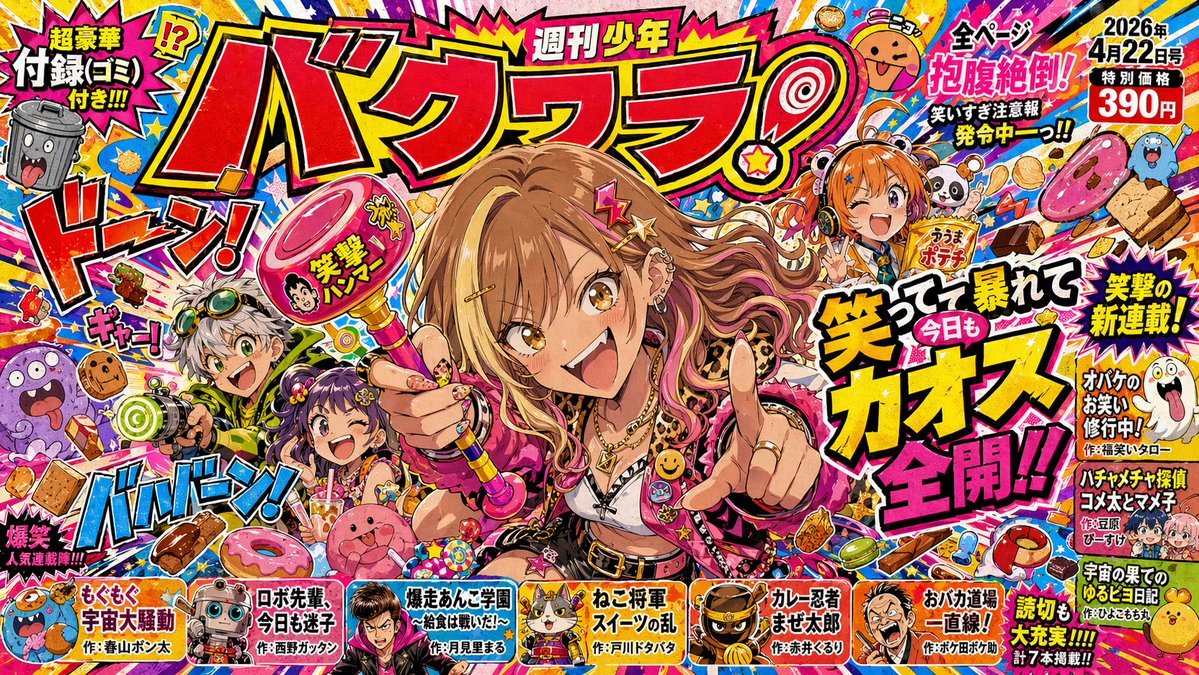
Chaotic Shonen Manga Cover

Shonen Manga Magazine Cover
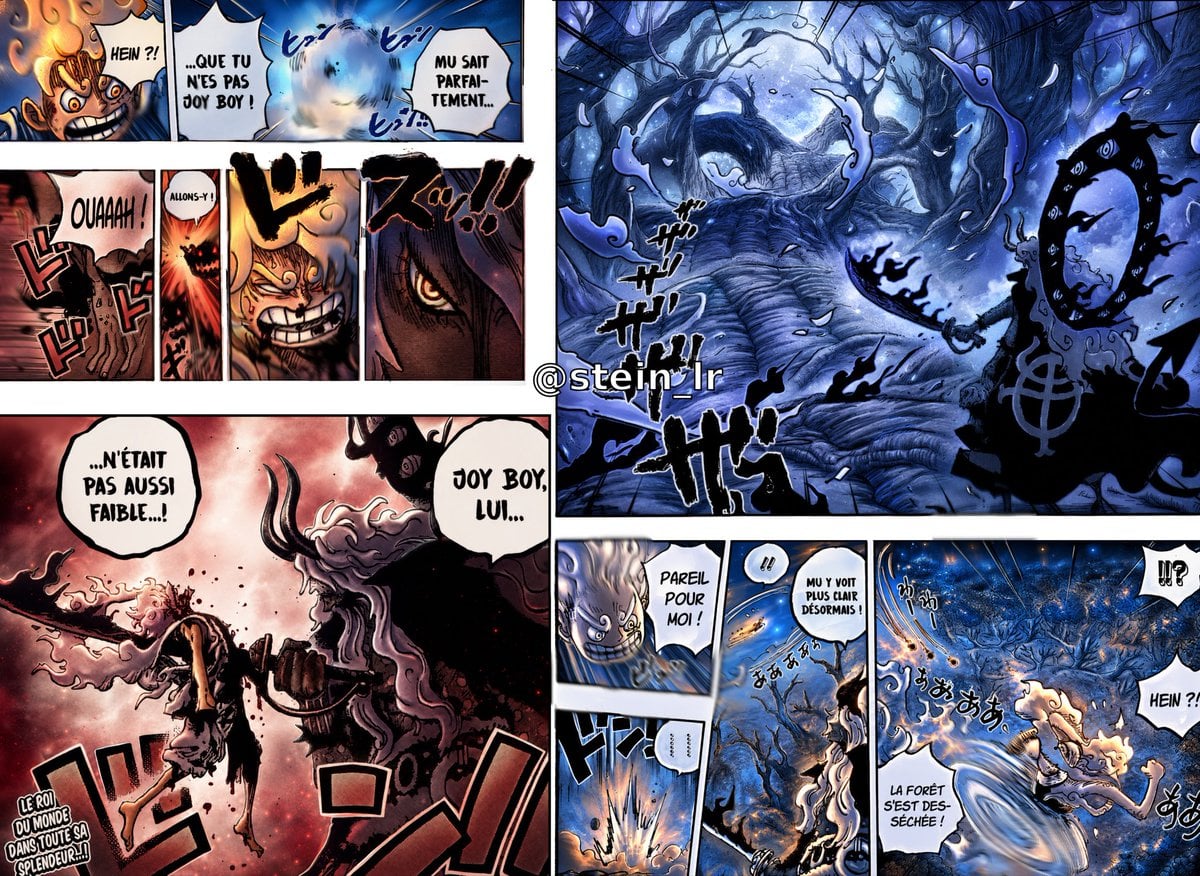
Colorized Shonen Manga Battle Spread
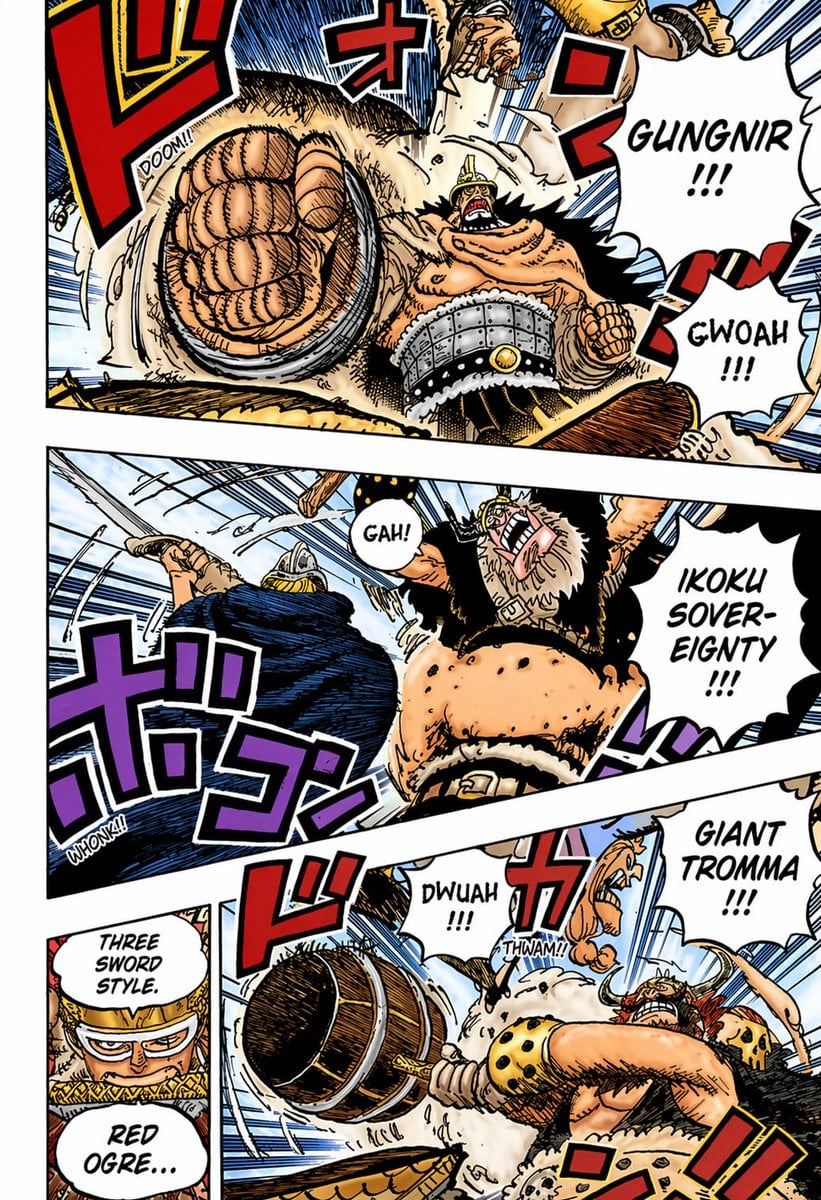
Colored Shonen Manga Battle Page
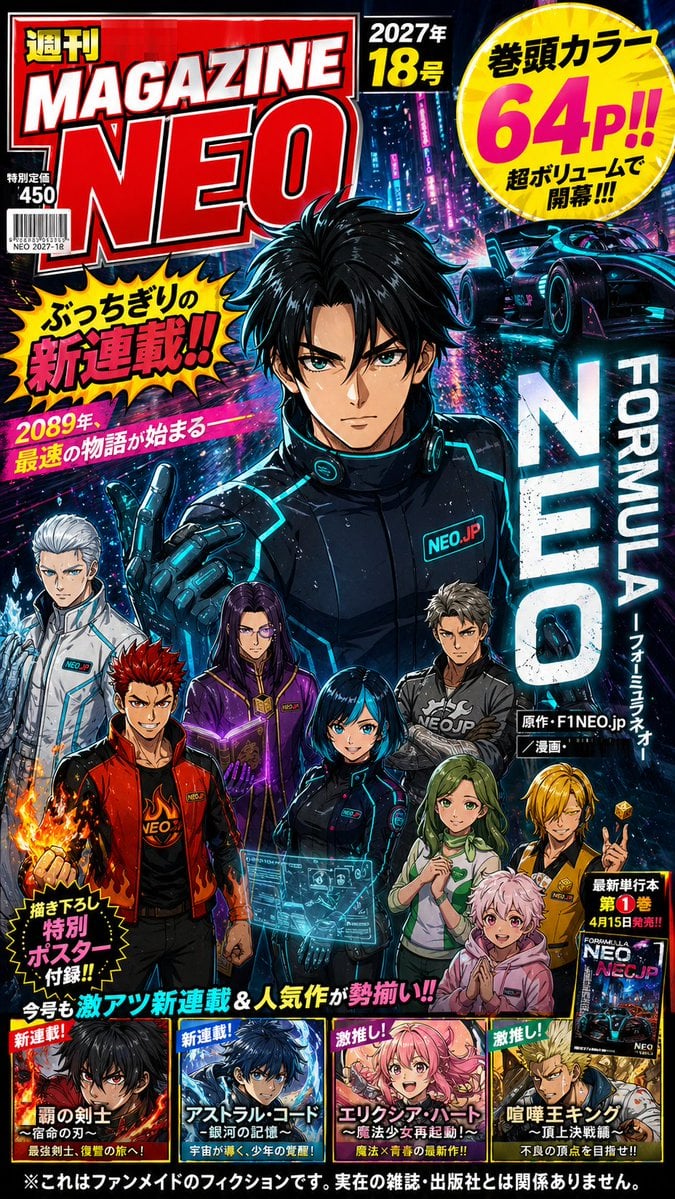
Cyberpunk Japanese Manga Cover

Michael Saylor Shonen Jump Manga Style
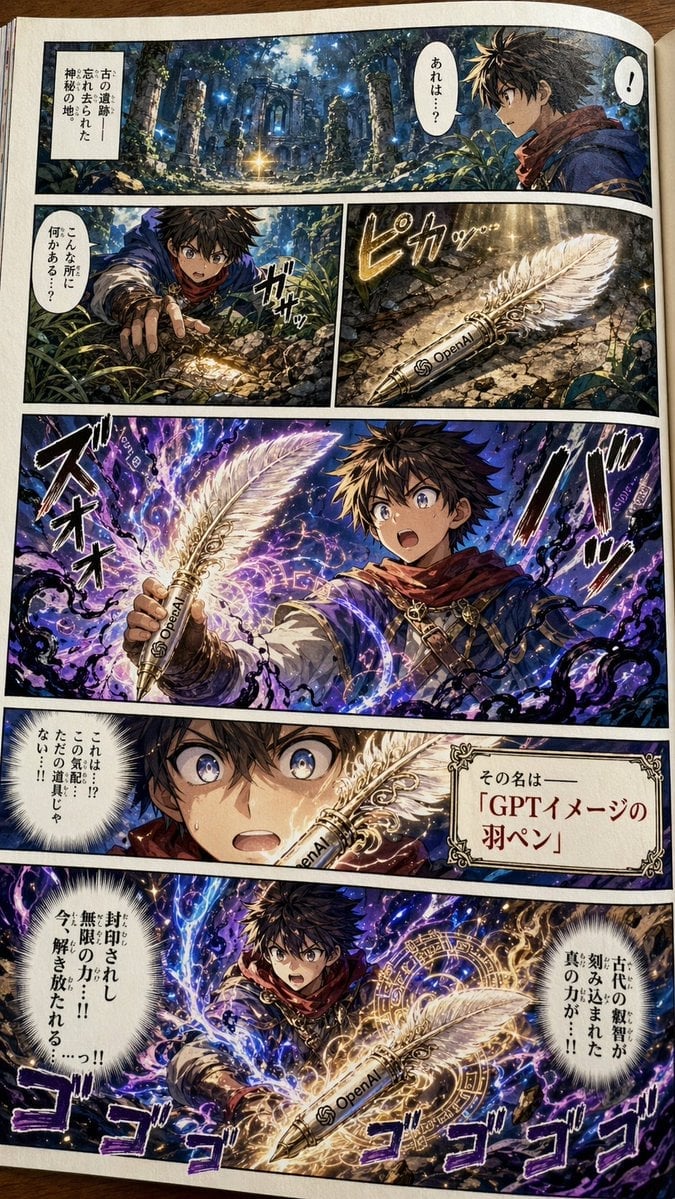
Japanese Shonen Manga Page
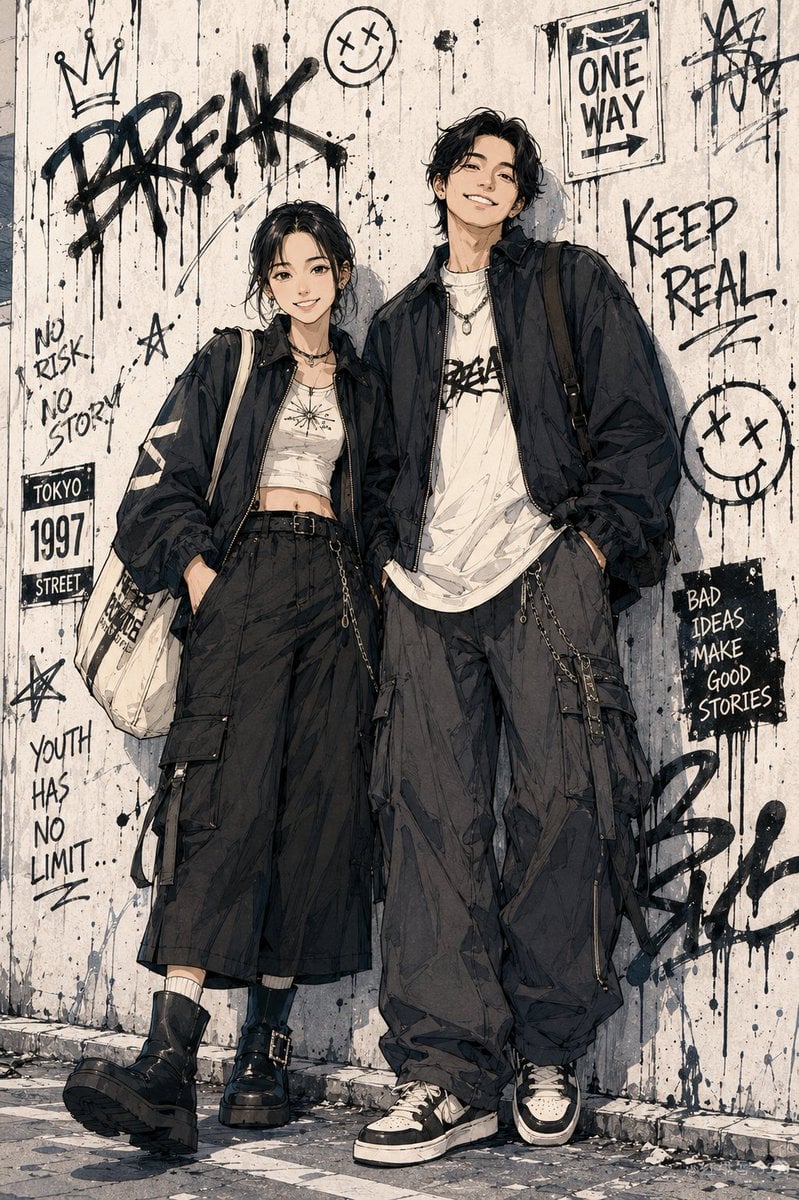
Shonen Manga Character Poster
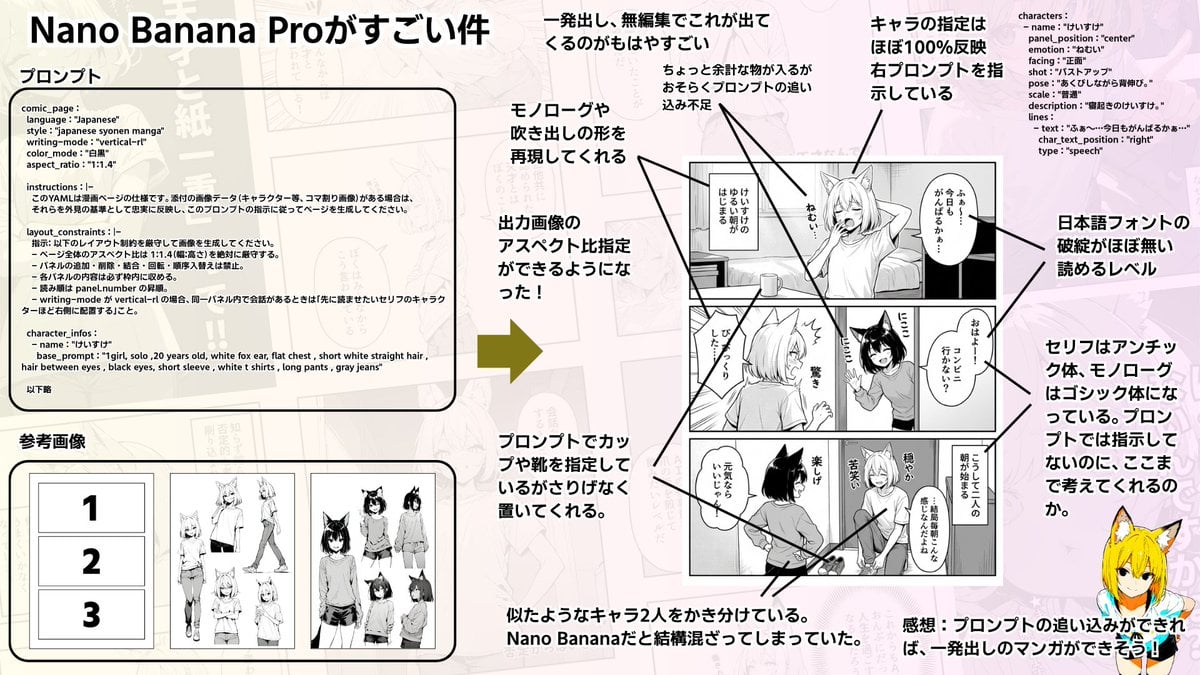
Config-style Japanese shonen manga page settings

Explosive Sports Poster Design

Explosive Classical Composer Artwork
Quiet Newspaper Fashion Cover
Make it yours
Explosive Shonen Manga Cover works as-is. These are the safest ways to change it without losing the look.
Change one field
Copy a single group, rewrite it, and generate again so you can see what that field is doing.
Keep the frame, change the subject
Hold the composition and light of Explosive Shonen Manga Cover, then swap wardrobe, props or the person for a new take.
| If the result… | Why | Fix |
|---|---|---|
| The result drifts from the preview | Too many fields changed at once. | Reuse Explosive Shonen Manga Cover as-is first, then change one group — subject, light, or setting. |
| The model over-stylizes the scene | The prose prompt leaves finish and camera underspecified. | Add one camera or lighting sentence and stay on GPT Image 2. |
More GPT Image 2 templates
Other prompts made for GPT Image 2.

Six VTuber Japanese Logo Sheet

Realistic Portrait of Woman and Deer

The Vista Modular Condo Poster

AI Model Routing Comparison Infographic

2.5D Anime Art Board

Isometric Productivity Desk Scene

New York Double Exposure Poster

Four-Panel AI Landscape Comparison

NESCAFÉ Coffee Map Poster

Brutalist Cogito Chinese Typography Poster
More image prompts
Fresh picks from across the catalog.
Logo Design Wall Generation Prompt for Monkey Theme
3D Stylized Cartoon Skater
Dramatic Digital Painting Portrait Prompt

Cinematic B&W Portrait with Selective Emerald Color
Mini-Me 3D Selfie Transformation

Cozy Café Window Portrait
Napoleon Historical Timeline Poster
Gothic Combining Mecha Concept Sheet
East Asian Fashion Editorial

Yokohama Pop Summer Poster
Browse template categories
Explosive Shonen Manga Cover questions
How do I use the Explosive Shonen Manga Cover template?
Add your photo if the template asks for one, edit the prompt if you like — the template's model and format are already selected — and press Generate. Your version opens in PicX Studio.
Can I customize the Explosive Shonen Manga Cover template?
Yes. You can change the subject, setting, lighting, mood, format, and available model controls before creating your image.
Is the Explosive Shonen Manga Cover template free?
Opening and editing this template is free. Generating uses credits, shown on the Generate button when you are signed in.
Which AI model should I use?
Start with GPT Image 2, which is the model associated with this template. You can compare another compatible model for a different finish.
Looking for something else? Browse all templates.

Your photo, any look
Thousands of ready templates for every top image and video model, from one credit balance.