
Yokohama Pop Summer Poster
A retro comic-style Yokohama summer poster featuring a chibi zombie girl, a friendly robot, waterfront landmarks, and a pink vintage convertible.

- Prompt included
- Model and format preset
- Free template
The prompt behind this image
Copy the exact prompt behind Yokohama Pop Summer Poster, or open it in the studio and make it yours.
Create a vibrant retro Japanese pop-art travel poster for {argument name="city theme" default="Yokohama"}, in a bold comic-book style with thick black outlines, saturated summer colors, halftone dot textures, crisp cel shading, and dynamic layered typography. Use a vertical 3:4 poster canvas. The sky is bright cyan with white clouds, seabirds, speed-line shapes, and two tall palm trees framing the scene. At the top, place huge stacked headline text: “YOKOHAMA” in hot pink block letters with white and black outline, “POP” in oversized yellow halftone letters, and a tilted banner reading “SUMMER CITY” in blue on white. Below it, add a starburst label with the exact text “ZOMBIE GIRL & CHAPPIE” in pink, blue, and green. The main foreground features exactly two characters: a cute chibi zombie girl with pale blue skin, black bob hair, visible stitch marks on her face and limbs, huge round black-and-white eyes, a cheerful open smile, a pink short-sleeve dress covered in white hearts, black trim, white socks, black Mary Jane shoes, and one hand making a peace sign; beside her stands a tall friendly futuristic robot named {argument name="robot name" default="Chappie"}, with a sleek silver and charcoal humanoid body, rounded shoulder armor, black mechanical joints, green glowing cable accents, an OpenAI-style green emblem on the chest, one hand on hip, and the other hand holding a green glass soda bottle with a red-and-white straw and label reading “SODA”; leave the robot face intentionally blank/obscured by a neutral gray rectangular censor-like patch. Behind them, place a glossy {argument name="car color" default="pink"} 1950s American convertible with chrome grille, bumper, headlights, whitewall tires, and a small front plate reading “YOKOHAMA SUMMER.” The background should show Yokohama waterfront landmarks: a blue bay with railing, a skyline of modern high-rise buildings, the Cosmo Clock-style ferris wheel on the left, red brick warehouse buildings on the right, and a harbor promenade. Add exactly one pair of pink sunglasses lying on the pavement in the bottom left foreground, plus flower planters near the car. Make the composition busy but readable, like a collectible summer city poster, with no extra characters and no additional large text beyond the specified wording.
How to use Yokohama Pop Summer Poster in 3 steps
- 1Upload ImagePNG, JPG or paste
Add your photo
Upload the photo the template builds on. The prompt, model and format are already set.
- 2…a portrait of your subject in softgolden-hour light, 85mm…
Personalize
Edit the subject and creative details for your destination.
- 3Generate
Generate
Press Generate — your image is created in PicX Studio, so you can compare it with the original and refine one variable at a time.
More like this
Templates with the same subject, style or setup. Open one to see its prompt.

Pop Art Superhero Explosion Poster

Pop Art Summer Fruit Fashion Illustration

Japan Travel Brochure Poster

Cartoon TV Show Poster Pack

Trendy Cafe Drink Promo Poster

Urban Fashion Editorial Collage Streetwear Poster

Premium Fashion Editorial Cover Layout System

Polo Ralph Lauren Luxury American Heritage Fashion Campaign

Monochrome Halftone Editorial Fashion Poster

Retro Mirror Luxury Fashion Campaign Poster

Luxury Fashion Campaign Typography Poster System

Premium Fashion Editorial Campaign Poster System
Make it yours
Yokohama Pop Summer Poster works as-is. These are the safest ways to change it without losing the look.
Change one field
Copy a single group, rewrite it, and generate again so you can see what that field is doing.
Keep the frame, change the subject
Hold the composition and light of Yokohama Pop Summer Poster, then swap wardrobe, props or the person for a new take.
| If the result… | Why | Fix |
|---|---|---|
| The result drifts from the preview | Too many fields changed at once. | Reuse Yokohama Pop Summer Poster as-is first, then change one group — subject, light, or setting. |
| The model over-stylizes the scene | The prose prompt leaves finish and camera underspecified. | Add one camera or lighting sentence and stay on GPT Image 2. |
More GPT Image 2 templates
Other prompts made for GPT Image 2.

Six VTuber Japanese Logo Sheet

Realistic Portrait of Woman and Deer

The Vista Modular Condo Poster

AI Model Routing Comparison Infographic

2.5D Anime Art Board

Isometric Productivity Desk Scene

New York Double Exposure Poster

Four-Panel AI Landscape Comparison

Japanese Tatami Lifestyle Magazine Cover

NESCAFÉ Coffee Map Poster
More image prompts
Fresh picks from across the catalog.
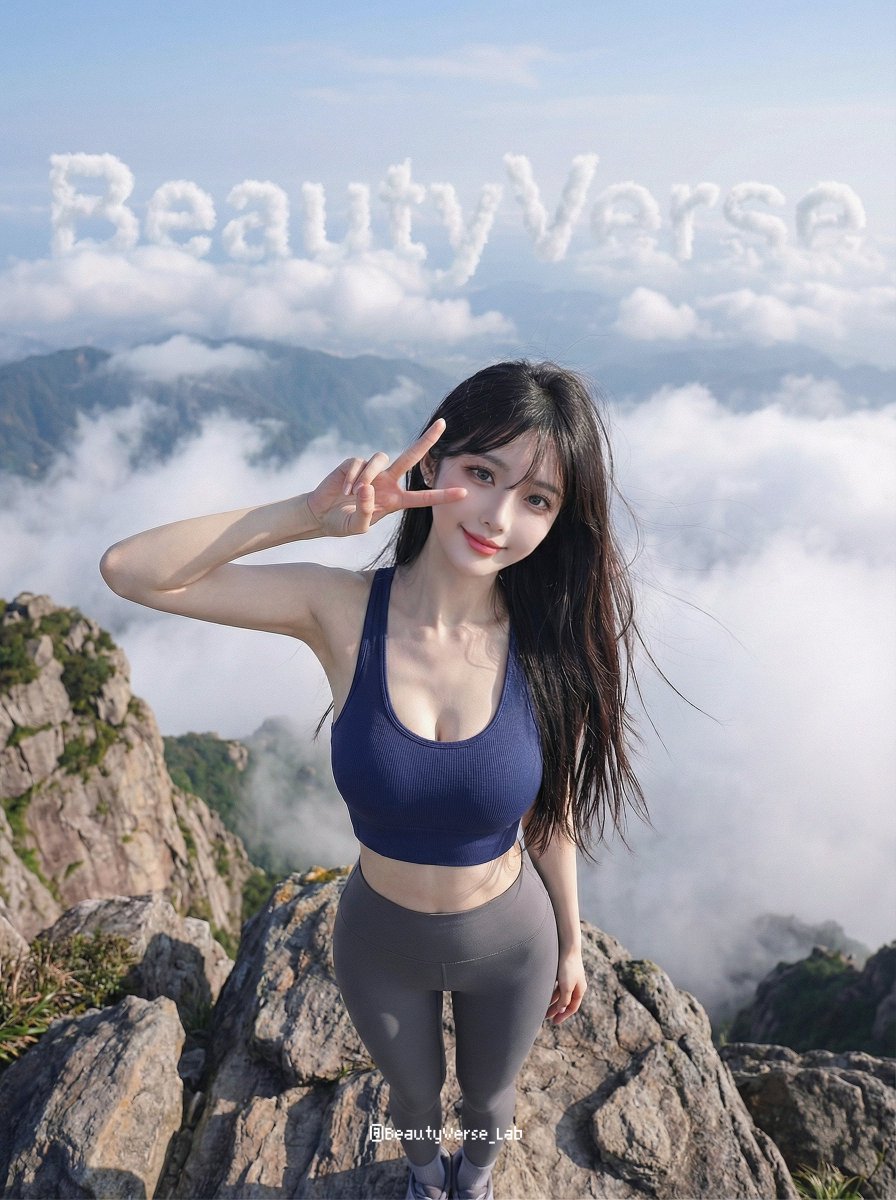
High-Energy Character Transformation with Extreme Perspective
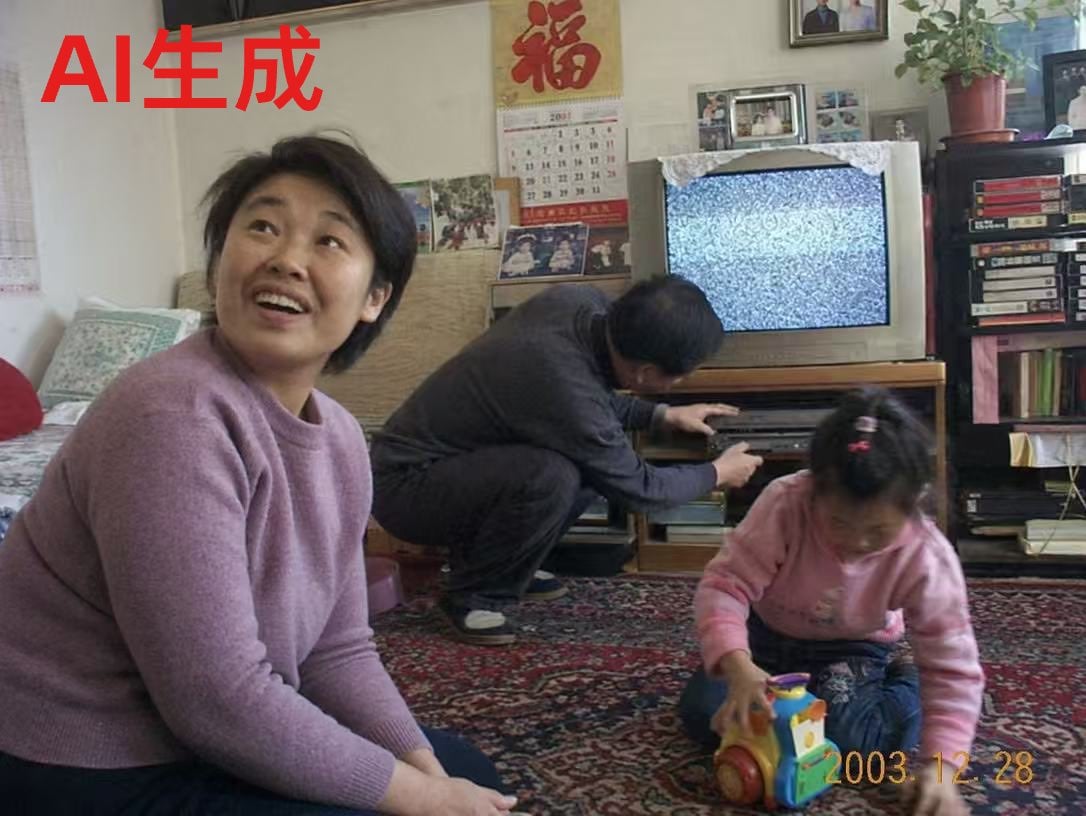
Nostalgic Chinese Family Living Room Photo
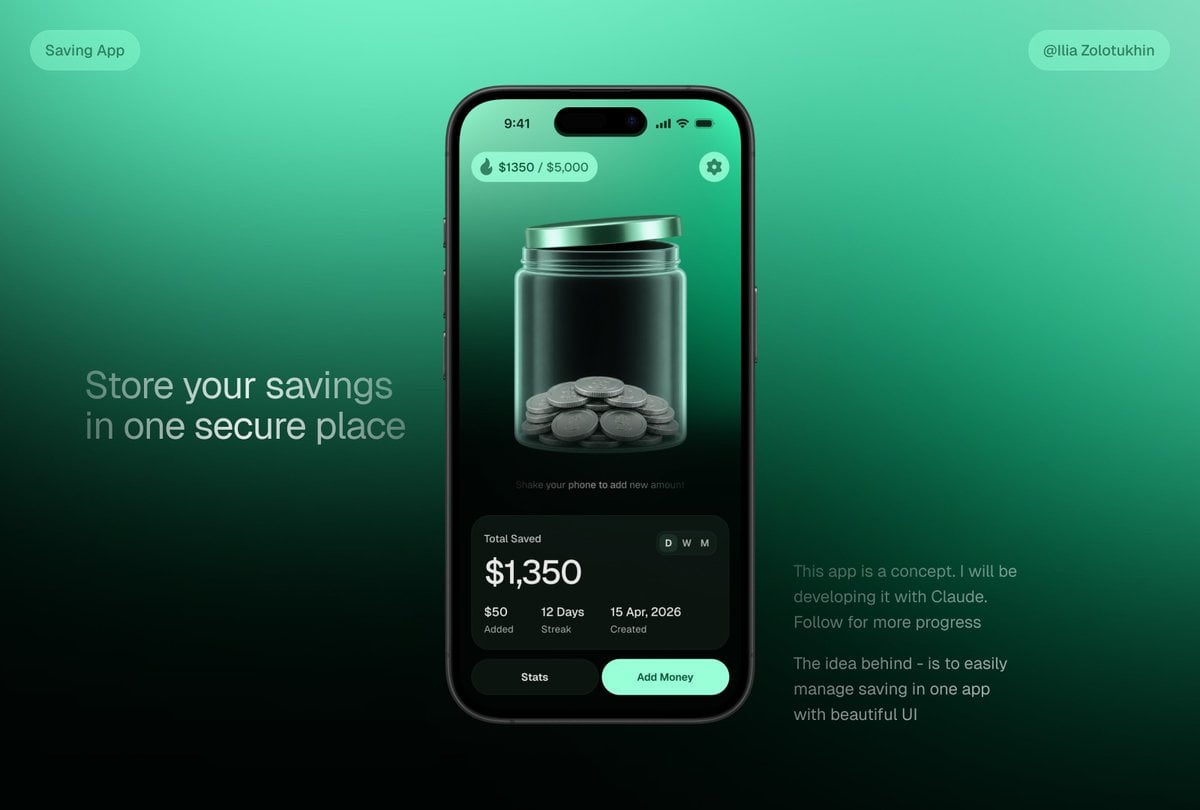
3D Savings App Jar UI Mockup
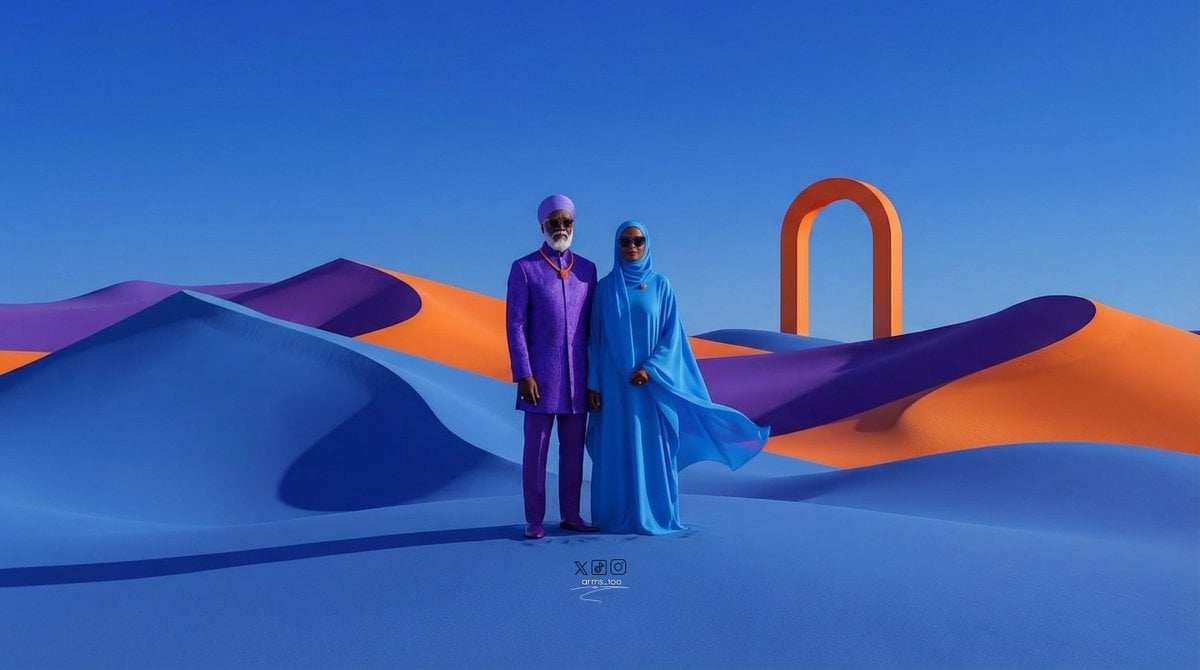
Afrofuturist Fine Art Fashion Prompt
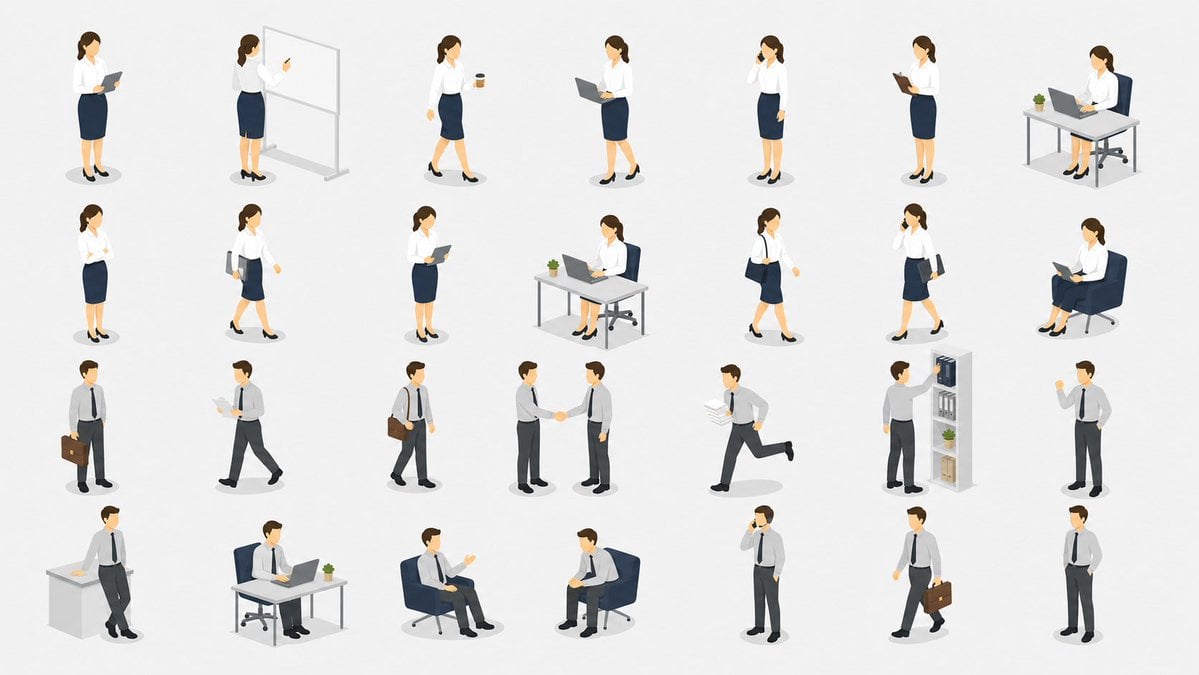
Isometric Business People Set
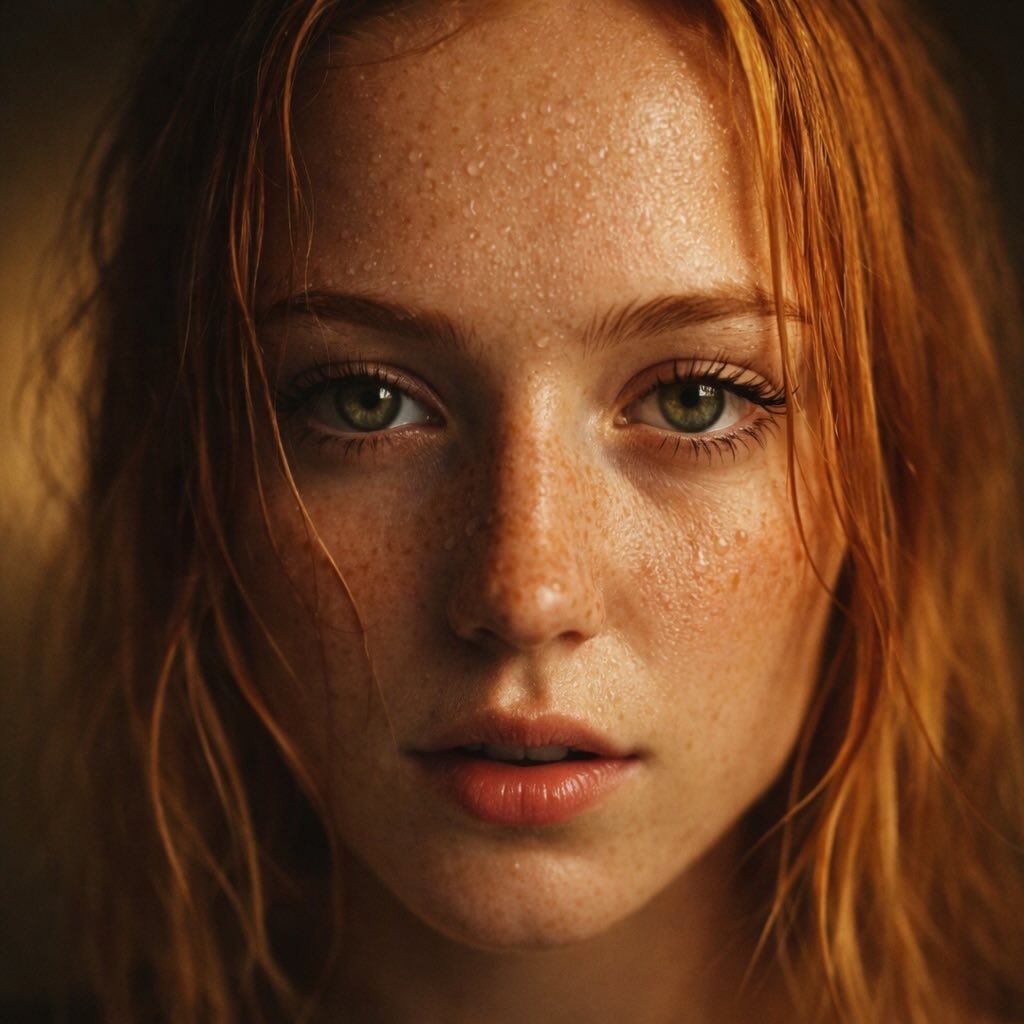
Red-Haired Woman Cinematic Close-Up Portraits
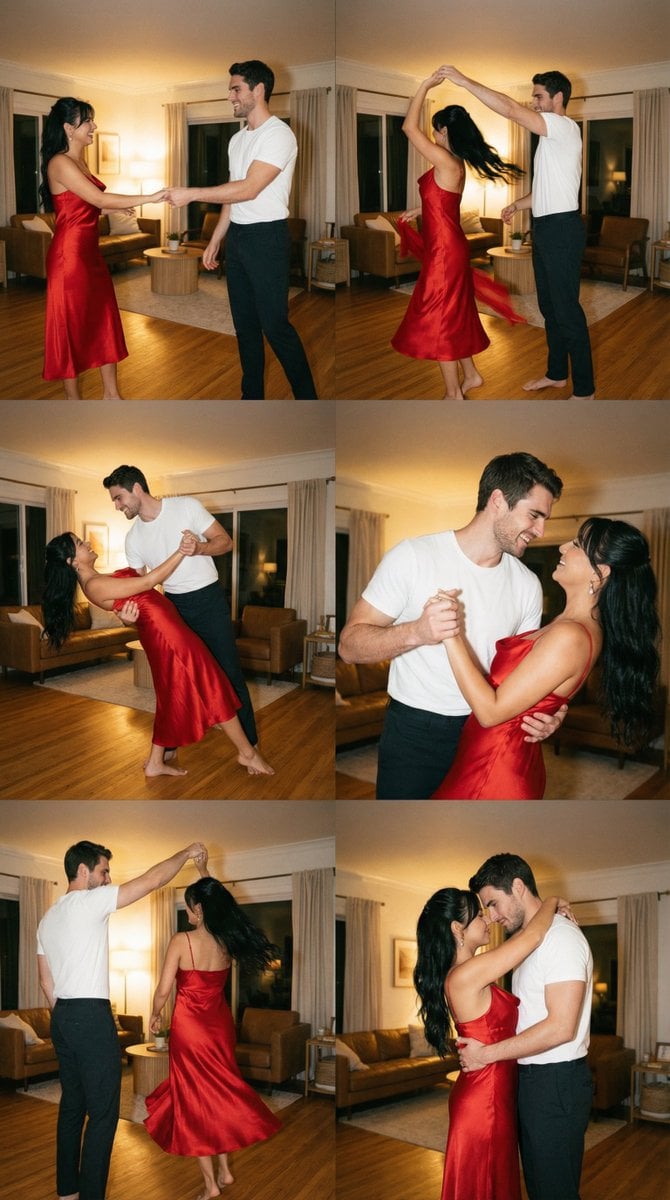
Cinematic Film Still Grid Prompt for Home Dance Sequence
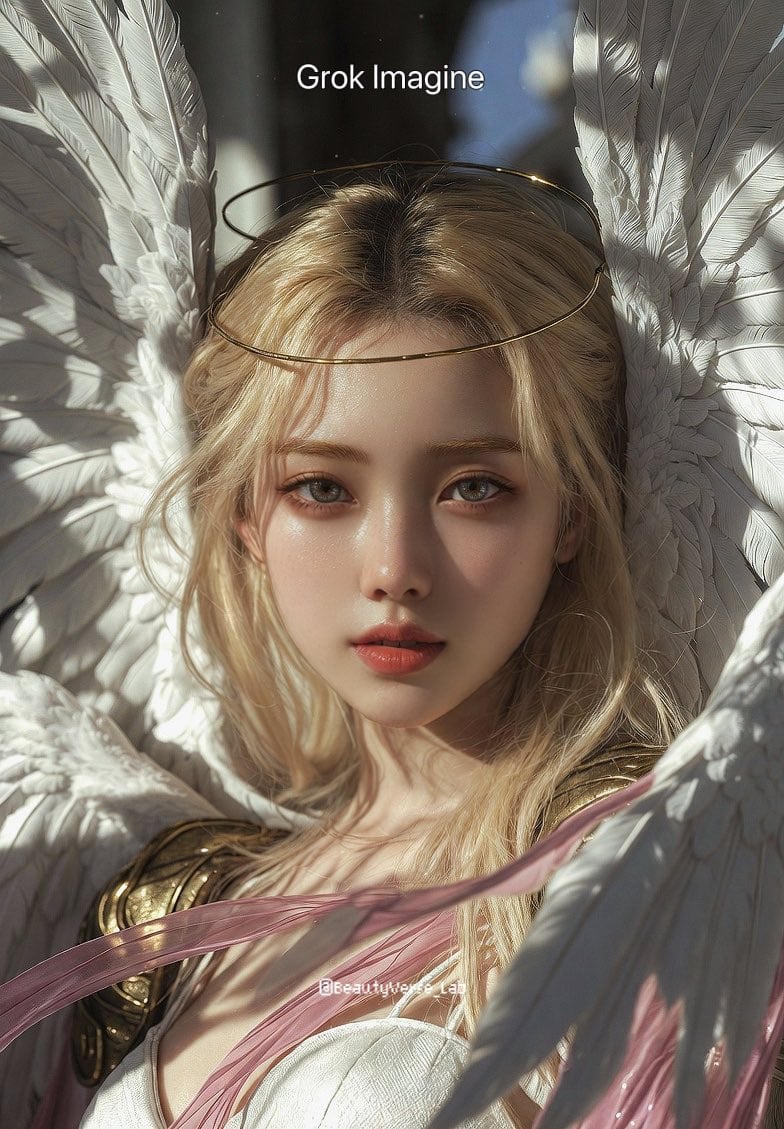
Grok Imagine vs. Nano Banana Pro: Angewomon K-pop Idol Prompt

Product Photography Prompt: Swiss Army Knife
Retro Kawaii Tokyo Postcard
Browse template categories
Yokohama Pop Summer Poster questions
How do I use the Yokohama Pop Summer Poster template?
Add your photo if the template asks for one, edit the prompt if you like — the template's model and format are already selected — and press Generate. Your version opens in PicX Studio.
Can I customize the Yokohama Pop Summer Poster template?
Yes. You can change the subject, setting, lighting, mood, format, and available model controls before creating your image.
Is the Yokohama Pop Summer Poster template free?
Opening and editing this template is free. Generating uses credits, shown on the Generate button when you are signed in.
Which AI model should I use?
Start with GPT Image 2, which is the model associated with this template. You can compare another compatible model for a different finish.
Looking for something else? Browse all templates.

Your photo, any look
Thousands of ready templates for every top image and video model, from one credit balance.