
3D Savings App Jar UI Mockup
Generates a polished fintech savings app concept featuring a smartphone UI with a glass coin jar and marketing text for portfolio or launch visuals.
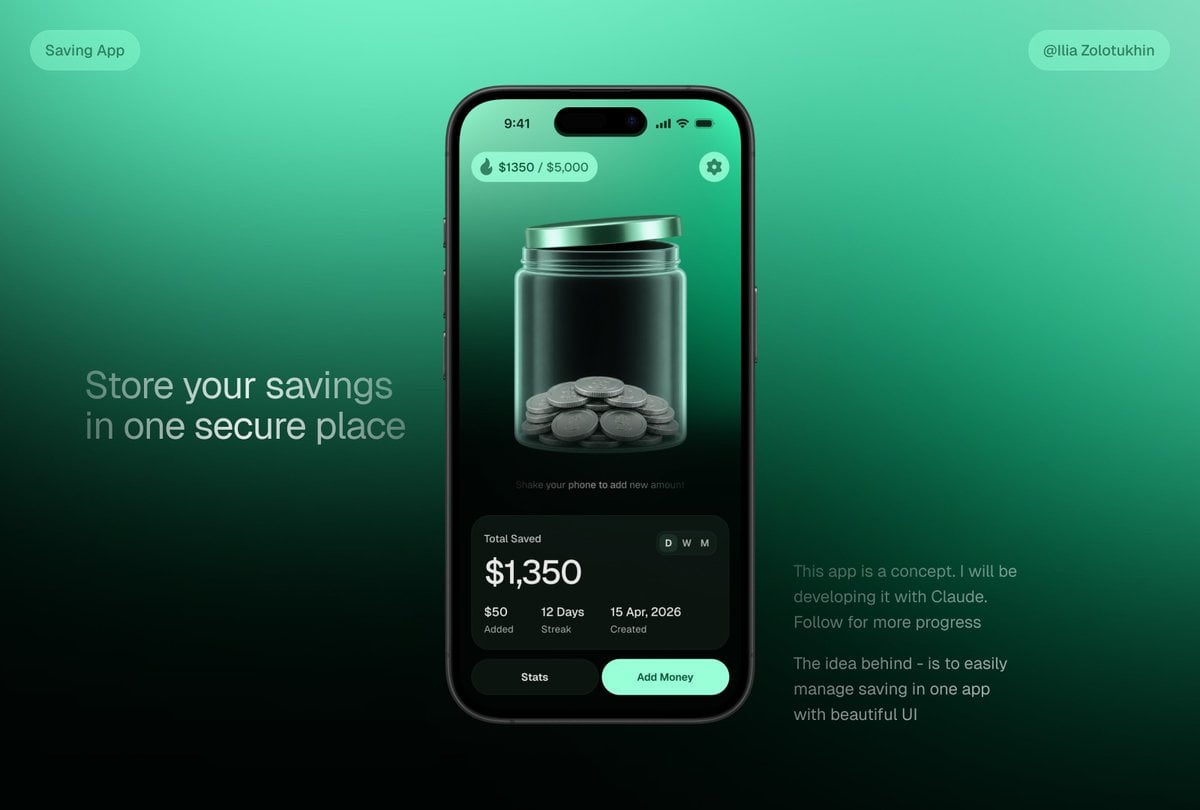
- Prompt included
- Model and format preset
- Free template
The prompt behind this image
Copy the exact prompt behind 3D Savings App Jar UI Mockup, or open it in the studio and make it yours.
- Type
- premium fintech app concept hero mockup
- Style
- sleek 3D glassmorphism UI, dark mint green gradients, realistic smartphone render, soft studio lighting, high contrast, polished product-design presentation, subtle blur and glow, cinematic shadows
- Canvas › Aspect Ratio
- 16:9 landscape
- Canvas › Background
- smooth teal-to-emerald gradient fading to near-black at the bottom, minimalist tech presentation backdrop
- Layout › Centerpiece
- one large black iPhone-style smartphone centered slightly right, front-facing, rounded corners, dynamic-island camera cutout, thin black bezel, realistic side buttons and reflections
- Layout › Left Text Block › Position
- left middle
- Layout › Left Text Block › Headline
- {argument name="headline text" default="Store your savings in one secure place"}
- Layout › Left Text Block › Style
- large light-gray sans-serif text, two lines, soft opacity
- Layout › Right Text Block › Position
- lower right
- Layout › Right Text Block › Paragraph Count
- 2
- Layout › Right Text Block › Text
- This app is a concept. I will be developing it with Claude. Follow for more progress, The idea behind - is to easily manage saving in one app with beautiful UI
- Layout › Right Text Block › Style
- small muted gray sans-serif text
- Layout › Top Badges › Count
- 2
- Layout › Top Badges › Items › 0 › Position
- top left
- Layout › Top Badges › Items › 0 › Text
- Saving App
- Layout › Top Badges › Items › 0 › Shape
- rounded translucent mint pill
- Layout › Top Badges › Items › 1 › Position
- top right
- Layout › Top Badges › Items › 1 › Text
- {argument name="creator handle" default="@Ilia Zolotukhin"}
- Layout › Top Badges › Items › 1 › Shape
- rounded translucent mint pill
- Phone Screen › Status Bar › Time
- 9:41
- Phone Screen › Status Bar › Icons
- cell signal, Wi-Fi, battery
- Phone Screen › Status Bar › Count
- 4
- Phone Screen › Top Controls › Count
- 2
- Phone Screen › Top Controls › Items › 0 › Position
- top left
Raw JSON
{"type":"premium fintech app concept hero mockup","style":"sleek 3D glassmorphism UI, dark mint green gradients, realistic smartphone render, soft studio lighting, high contrast, polished product-design presentation, subtle blur and glow, cinematic shadows","canvas":{"aspect_ratio":"16:9 landscape","background":"smooth teal-to-emerald gradient fading to near-black at the bottom, minimalist tech presentation backdrop"},"layout":{"centerpiece":"one large black iPhone-style smartphone centered slightly right, front-facing, rounded corners, dynamic-island camera cutout, thin black bezel, realistic side buttons and reflections","left_text_block":{"position":"left middle","headline":"{argument name=\"headline text\" default=\"Store your savings in one secure place\"}","style":"large light-gray sans-serif text, two lines, soft opacity"},"right_text_block":{"position":"lower right","paragraph_count":2,"text":["This app is a concept. I will be developing it with Claude. Follow for more progress","The idea behind - is to easily manage saving in one app with beautiful UI"],"style":"small muted gray sans-serif text"},"top_badges":{"count":2,"items":[{"position":"top left","text":"Saving App","shape":"rounded translucent mint pill"},{"position":"top right","text":"{argument name=\"creator handle\" default=\"@Ilia Zolotukhin\"}","shape":"rounded translucent mint pill"}]}},"phone_screen":{"status_bar":{"time":"9:41","icons":"cell signal, Wi-Fi, battery","count":4},"top_controls":{"count":2,"items":[{"position":"top left","text":"{argument name=\"savings progress\" default=\"$1350 / $5,000\"}","icon":"small flame or droplet icon","shape":"mint translucent rounded pill"},{"position":"top right","icon":"settings gear","shape":"mint circular button"}]},"main_visual":"large translucent glass jar with metallic mint lid, centered on screen, jar filled at the bottom with stacked silver coins; glossy refractions, vertical highlights, 3D depth, dark green interior background","micro_instruction":"Shake your phone to add new amount","stats_card":{"position":"bottom of phone screen","shape":"large dark rounded rectangle glass card","title":"Total Saved","main_amount":"{argument name=\"saved amount\" default=\"$1,350\"}","time_toggle":{"count":3,"labels":["D","W","M"],"active":"D"},"metrics":{"count":3,"items":[{"value":"$50","label":"Added"},{"value":"12 Days","label":"Streak"},{"value":"15 Apr, 2026","label":"Created"}]}},"bottom_buttons":{"count":2,"items":[{"text":"Stats","style":"dark rounded button"},{"text":"Add Money","style":"bright mint rounded button"}]}},"rendering_notes":"make the jar the visual focus, realistic glass transparency and coin geometry, clean modern typography, balanced negative space, no clutter, product-shot quality, suitable for a savings app landing-page teaser"}How to use 3D Savings App Jar UI Mockup in 3 steps
- 1Upload ImagePNG, JPG or paste
Add your photo
Upload the photo the template builds on. The prompt, model and format are already set.
- 2…a portrait of your subject in softgolden-hour light, 85mm…
Personalize
Edit the subject and creative details for your destination.
- 3Generate
Generate
Press Generate — your image is created in PicX Studio, so you can compare it with the original and refine one variable at a time.
More like this
Templates with the same subject, style or setup. Open one to see its prompt.

Lumen iOS Wellness App Mockup
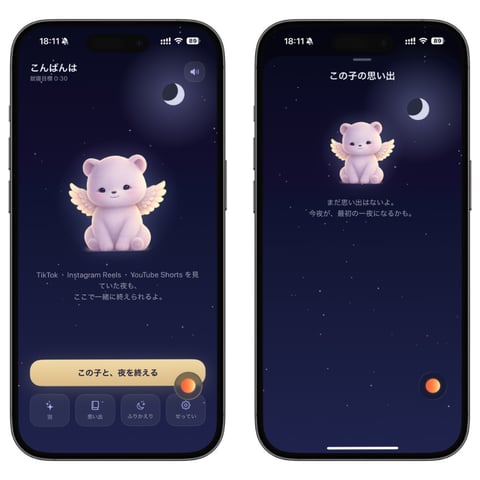
Bedtime Companion App Mockup

Coin Jar Childhood Savings
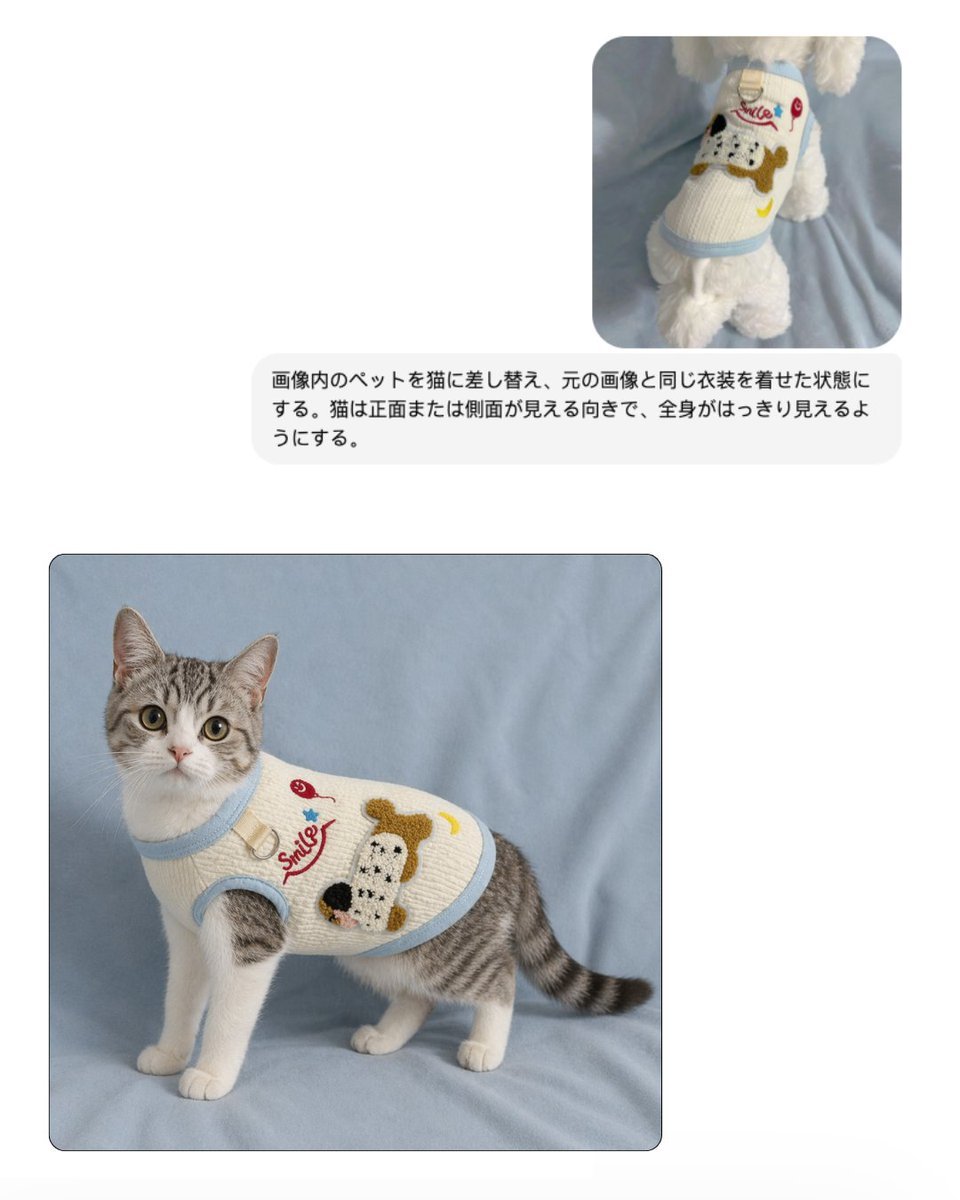
Pet Apparel Replacement Mockup
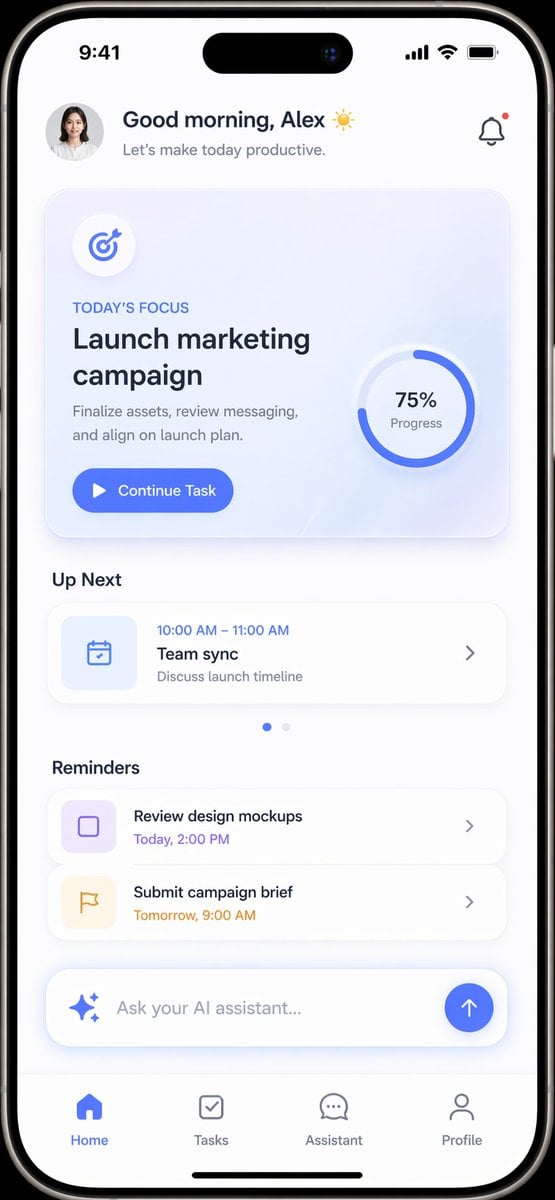
Productivity App UI Mockup
Live-Streaming App Interface Mockup
Social Media App Interface Mockup

Live Streaming App UI Mockup
Tower defense mobile app design mockup grid
Tiny Christmas Character Trapped in a Mason Jar Snow Globe

Product Shot - T-Shirt Mockup

Cinematic Anime Shinobi Poster Mockup
Make it yours
3D Savings App Jar UI Mockup works as-is. These are the safest ways to change it without losing the look.
Swap the setting
Keep the rest of the prompt and replace the location block. The current setting is “smooth teal-to-emerald gradient fading to near-black at the bottom, minimalist t”.
Change one field
Copy a single group, rewrite it, and generate again so you can see what that field is doing.
Keep the frame, change the subject
Hold the composition and light of 3D Savings App Jar UI Mockup, then swap wardrobe, props or the person for a new take.
| If the result… | Why | Fix |
|---|---|---|
| The result drifts from the preview | Too many fields changed at once. | Reuse 3D Savings App Jar UI Mockup as-is first, then change one group — subject, light, or setting. |
| GPT Image 2 ignores part of the JSON | Some models flatten or skip nested keys. | Keep the same values and paste them as a short paragraph instead. |
More GPT Image 2 templates
Other prompts made for GPT Image 2.

Six VTuber Japanese Logo Sheet

Realistic Portrait of Woman and Deer

The Vista Modular Condo Poster

AI Model Routing Comparison Infographic

2.5D Anime Art Board

Isometric Productivity Desk Scene

New York Double Exposure Poster

Four-Panel AI Landscape Comparison

Japanese Tatami Lifestyle Magazine Cover

NESCAFÉ Coffee Map Poster
More image prompts
Fresh picks from across the catalog.

Mumbai Rainy Street Photography
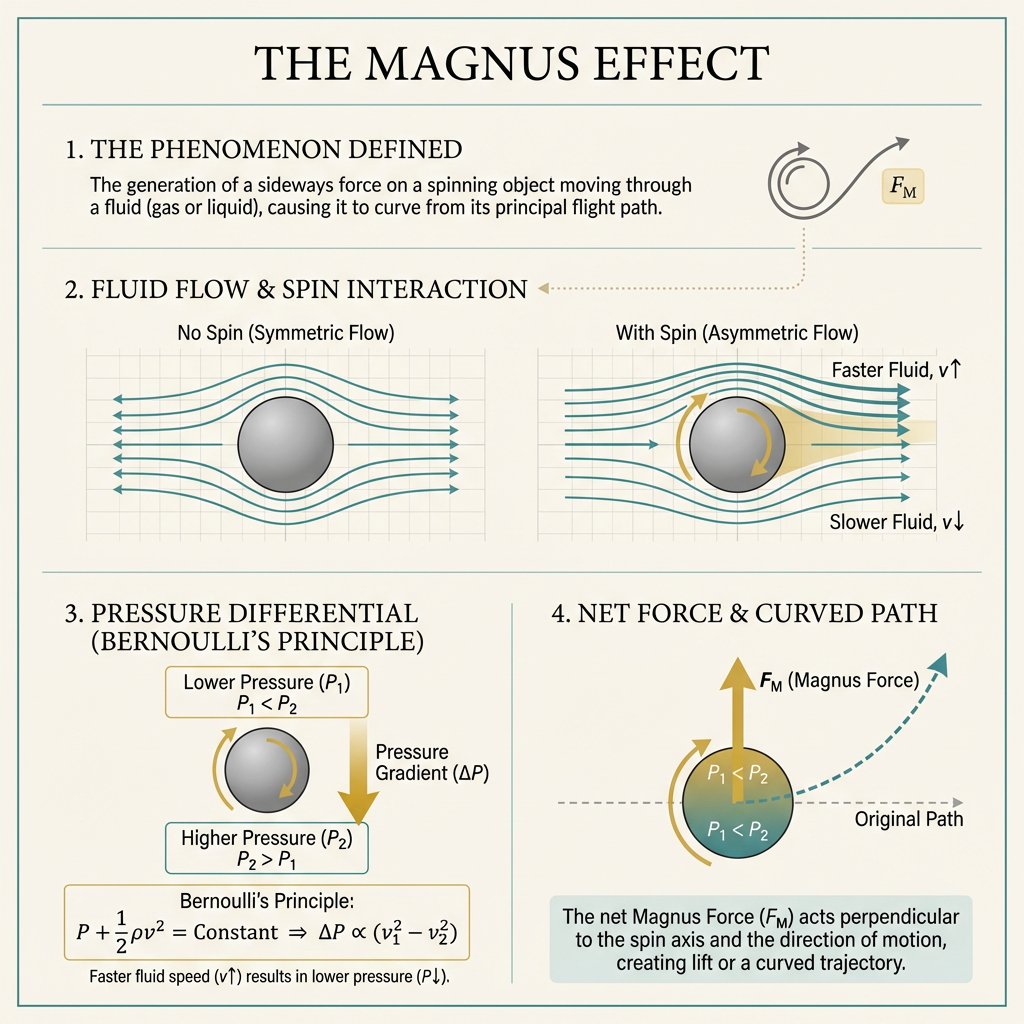
Minimal Magnus Effect Infographic
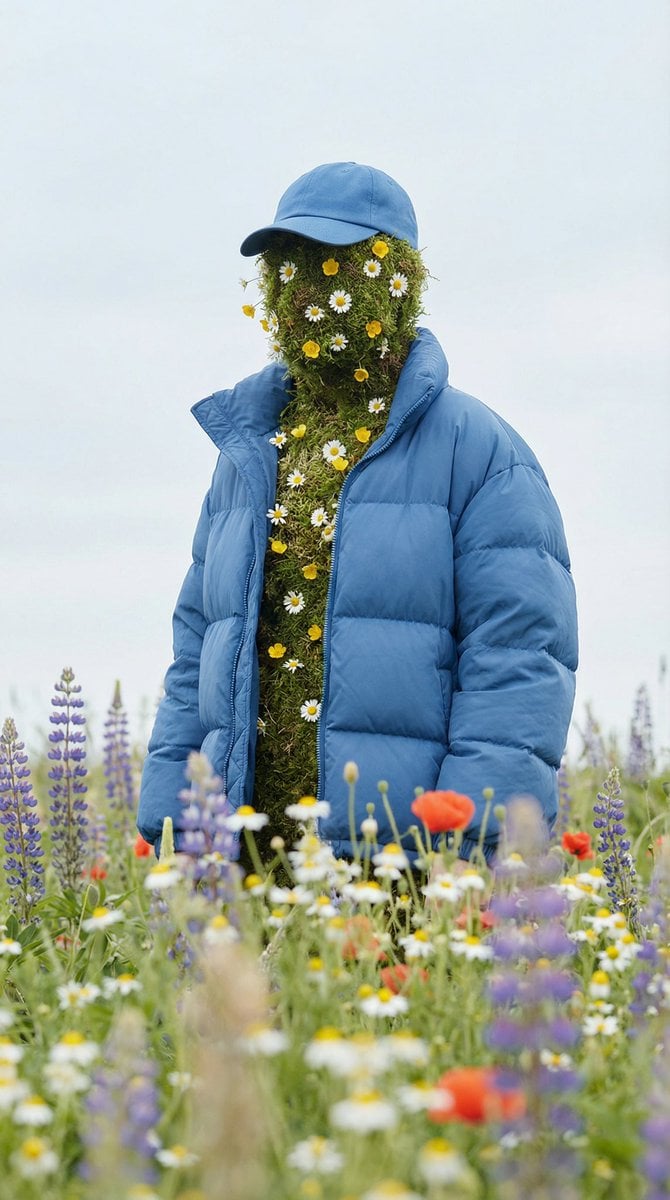
Surreal Nature Fashion Fusion Portrait

Elegant Backlit Anime Woman Portrait
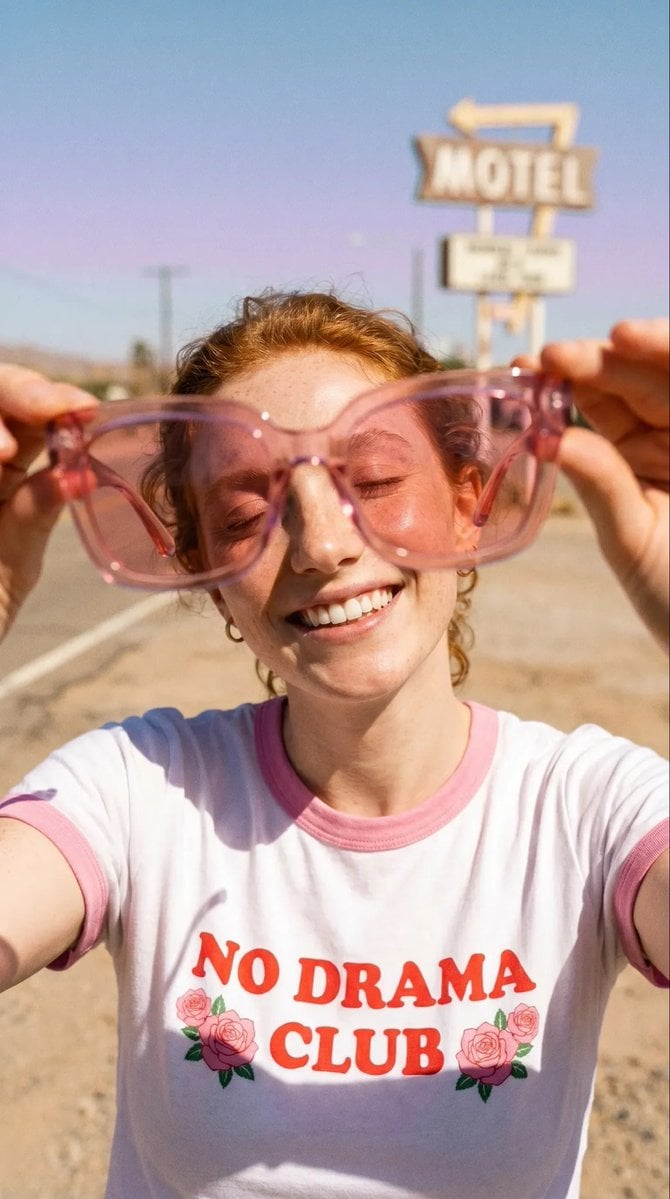
Realistic Desert Lifestyle Portrait

Cinematic Tennis Sports Poster

Soccer-Themed Motivational Poster

Lifestyle Sneaker Editorial Poster

Blonde Girl Walking Down a Tree-Lined Street Video Prompt
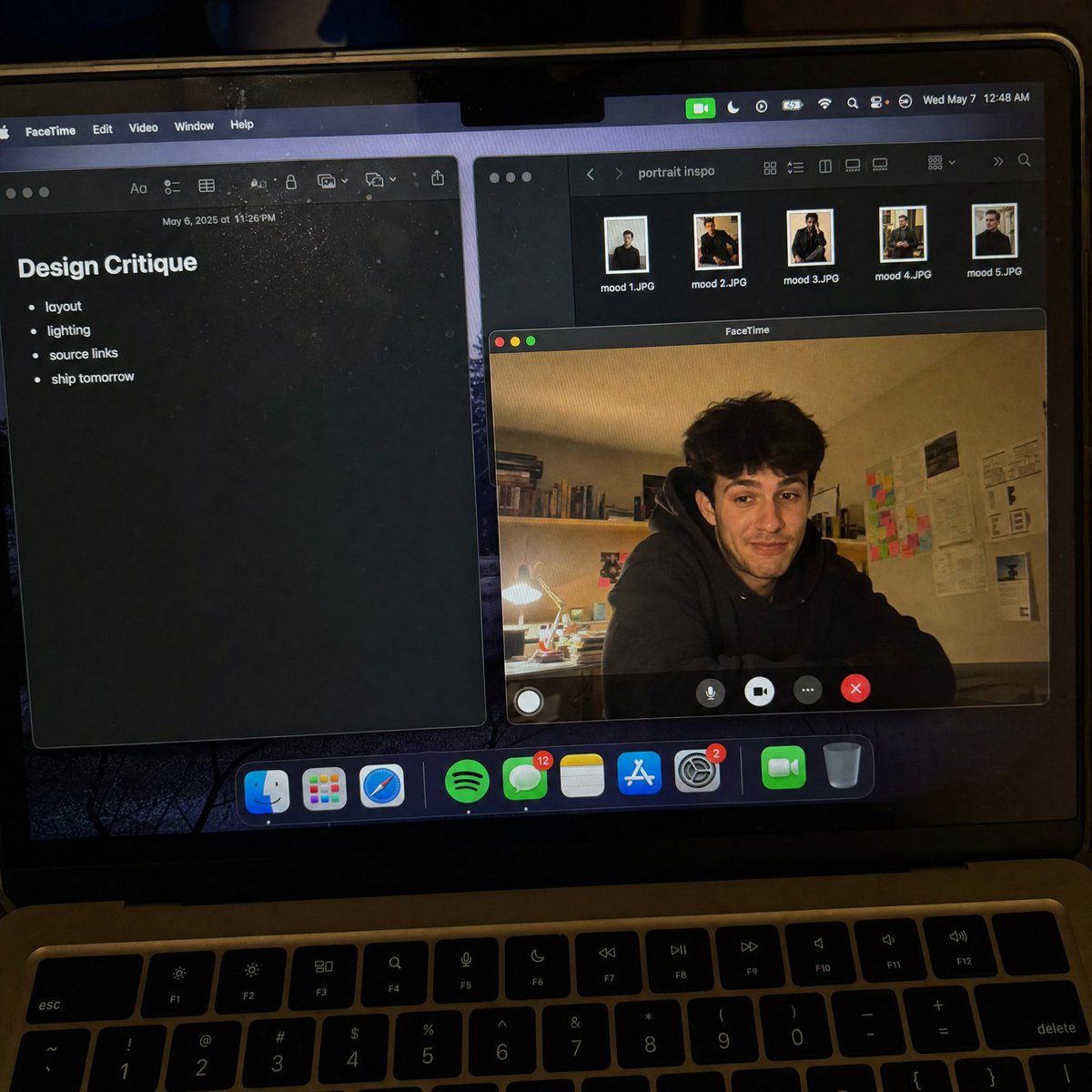
Handheld Laptop Screen POV
Browse template categories
3D Savings App Jar UI Mockup questions
How do I use the 3D Savings App Jar UI Mockup template?
Add your photo if the template asks for one, edit the prompt if you like — the template's model and format are already selected — and press Generate. Your version opens in PicX Studio.
Can I customize the 3D Savings App Jar UI Mockup template?
Yes. You can change the subject, setting, lighting, mood, format, and available model controls before creating your image.
Is the 3D Savings App Jar UI Mockup template free?
Opening and editing this template is free. Generating uses credits, shown on the Generate button when you are signed in.
Which AI model should I use?
Start with GPT Image 2, which is the model associated with this template. You can compare another compatible model for a different finish.
Looking for something else? Browse all templates.

Your photo, any look
Thousands of ready templates for every top image and video model, from one credit balance.