
Lumen iOS Wellness App Mockup
Generates a serene Japanese iOS-style mood tracking app interface with glassmorphism, floating cards, and soft luminous background effects.

- Prompt included
- Model and format preset
- Premium template
The prompt behind this image
Copy the exact prompt behind Lumen iOS Wellness App Mockup, or open it in the studio and make it yours.
Goal: Create a polished iOS-style wellness app mockup for {argument name="app name" default="Lumen"}, a light-themed mood and breathing tracker, with soft Apple-inspired glassmorphism and Japanese UI text. Canvas: Vertical mobile screenshot, 9:16 aspect ratio, approximately 563 × 1008 px. Use an airy cream-white background with a misty watercolor landscape at the bottom and edges, subtle mountains, reeds, and a glowing winding light trail running vertically through the center in warm peach near the top and pale blue near the bottom. Layout: Place the app title at top left in a refined serif font, large black text reading “Lumen”, with the subtitle “今日の光” underneath in smaller dark gray Japanese text. Place one circular hamburger menu button at top right with three dark horizontal lines and a soft shadow. Main UI elements: Use exactly 5 floating rounded glass cards/buttons stacked vertically down the center: 1. Top small pill card: warm peach sun icon on the left, label “集中”, time “10:20”, and one small orange status dot on the right. 2. Middle selected pill card: larger white translucent pill with teal glow outline, teal circular wave/breath icon on the left, label “穏やか”, time “15:40”, and one small teal status dot on the right. Add a small downward notch centered at the bottom of this pill, visually connecting to the expanded card below. 3. Expanded mood entry card: large rounded white translucent panel. Top left has the same teal wave icon, title “穏やか”, and a circular close button with an “×” at top right. Show the time “15:40” in large text. Include one horizontal mood slider with exactly 3 visible parts: a sad face icon on the left, a teal-to-gray slider track with the knob slightly right of center, and a happy face icon on the right. Beneath it, include a rounded text input containing “深呼吸のあと、少し軽くなった” with a small pencil icon on the right. At the bottom, include a large teal gradient rounded button labeled “記録する”. 4. Lower small pill card: blue moon-and-star icon on the left, label “回復”, time “20:45”, and one small blue status dot on the right. 5. Bottom navigation / action bar: wide translucent rounded capsule near the bottom. It contains exactly 3 circular controls: left small circular button with a bar chart icon, center larger glowing golden circular button, and right small circular button with a heart outline. Under the center glowing button, show the label “気分を追加”. Visual style: Minimal premium iOS app design, translucent frosted glass surfaces, rounded corners, soft drop shadows, delicate glow, subtle depth, clean spacing, calm wellness atmosphere. Use warm peach, mint teal, pale blue, cream white, and charcoal typography. Icons should be simple line icons and feel native to iOS. Constraints: Keep all visible Japanese text exactly as specified. Do not add extra cards, extra text, logos, watermarks, device frame, or status bar. The mockup should look like a generated app UI concept rather than a screenshot of a real installed app.
How to use Lumen iOS Wellness App Mockup in 3 steps
- 1Upload ImagePNG, JPG or paste
Add your photo
Upload the photo the template builds on. The prompt, model and format are already set.
- 2…a portrait of your subject in softgolden-hour light, 85mm…
Personalize
Edit the subject and creative details for your destination.
- 3Generate
Generate
Press Generate — your image is created in PicX Studio, so you can compare it with the original and refine one variable at a time.
More like this
Templates with the same subject, style or setup. Open one to see its prompt.
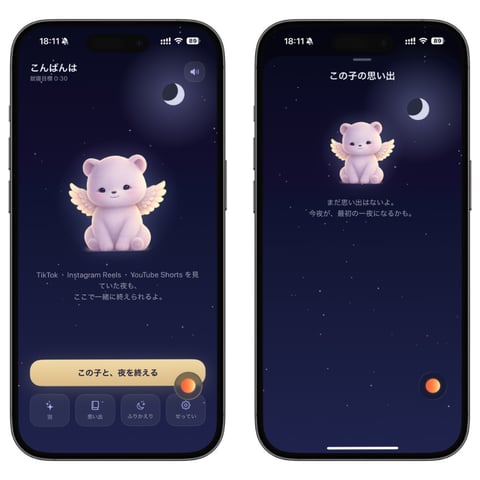
Bedtime Companion App Mockup
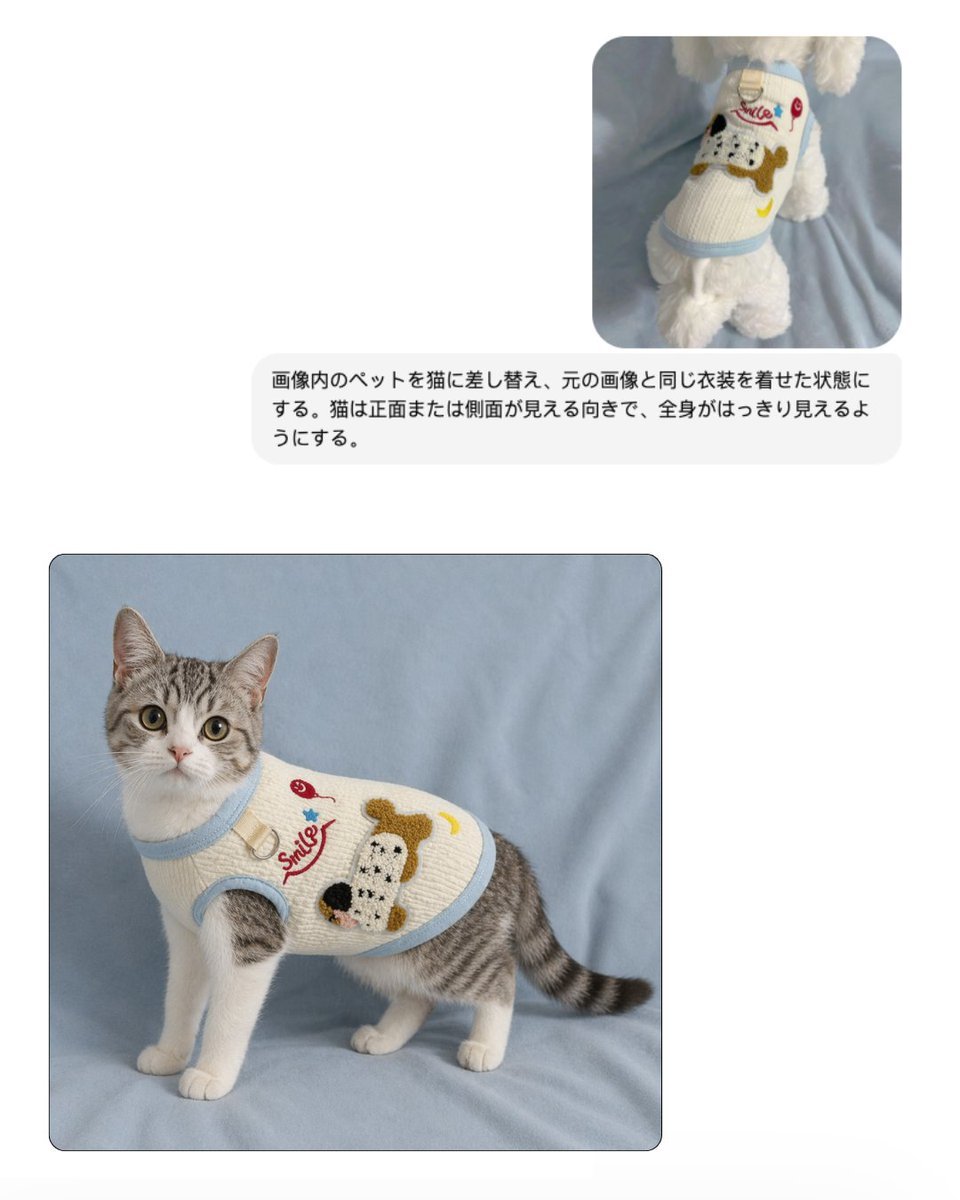
Pet Apparel Replacement Mockup
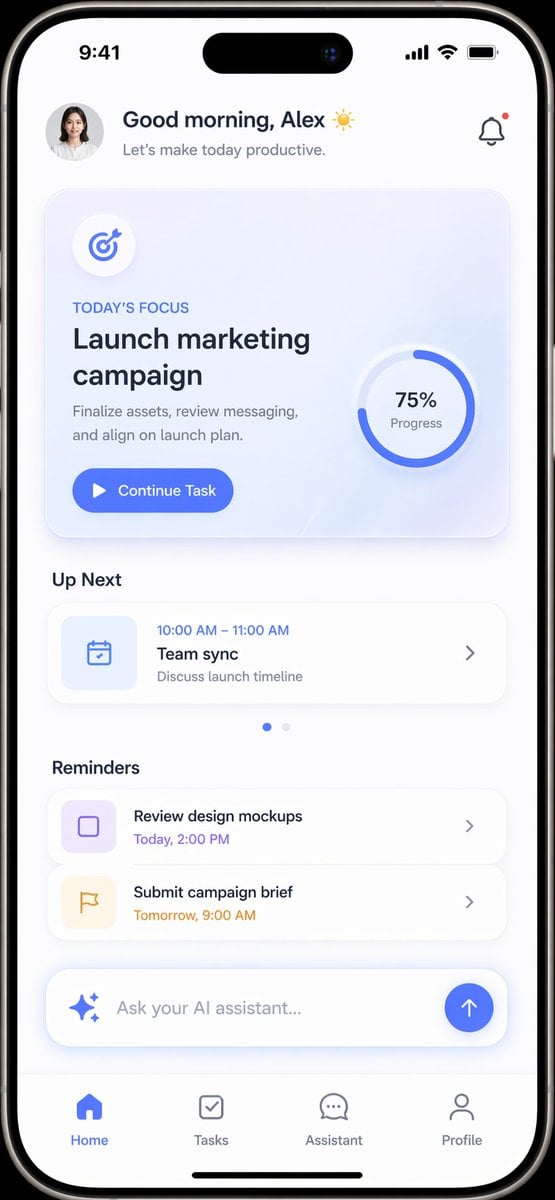
Productivity App UI Mockup
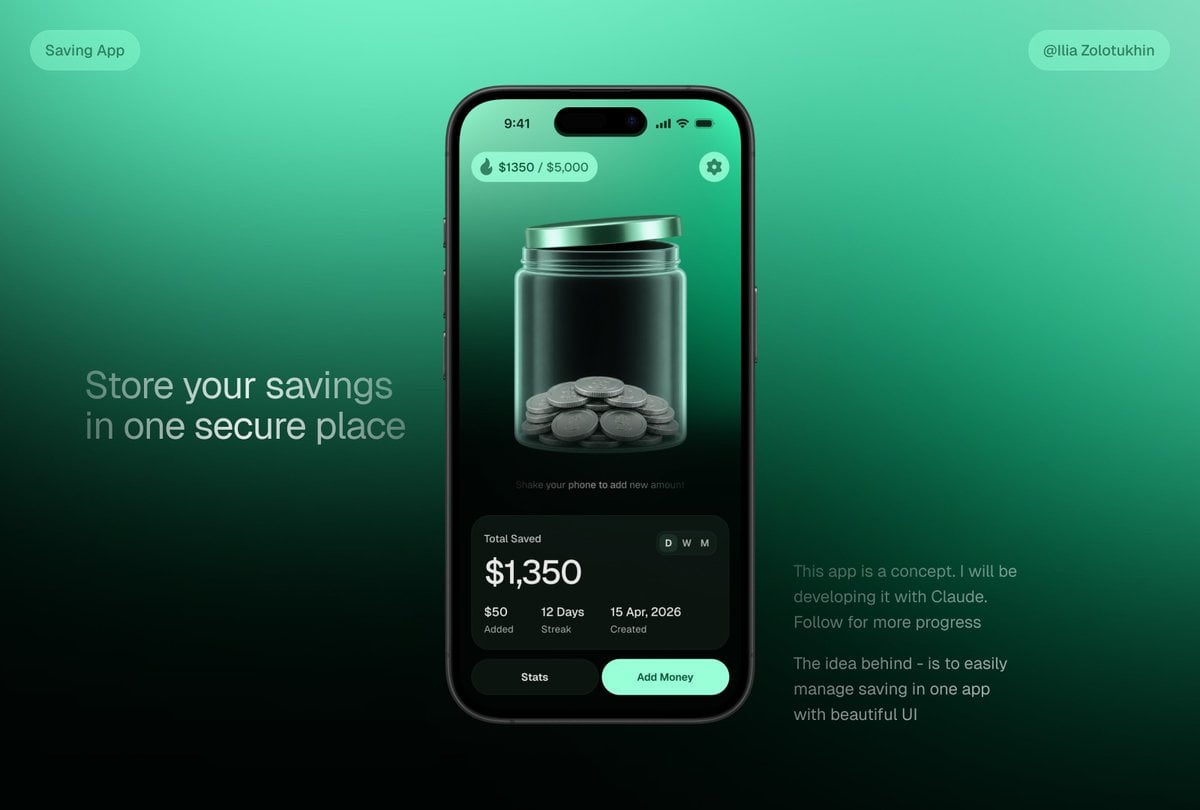
3D Savings App Jar UI Mockup
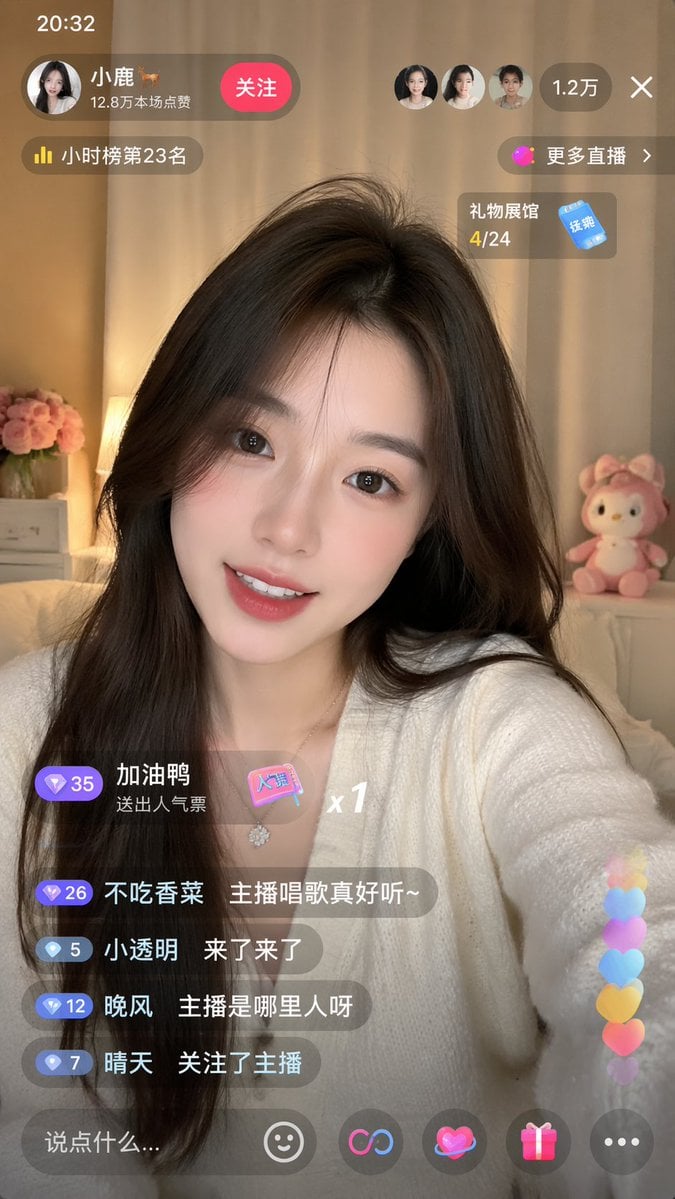
Live-Streaming App Interface Mockup
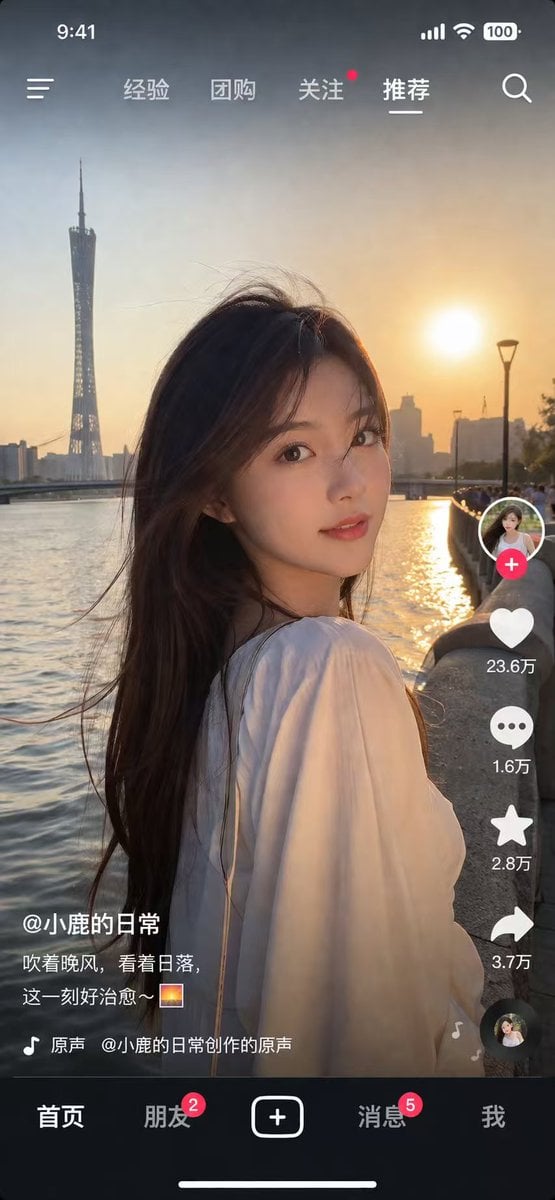
Social Media App Interface Mockup
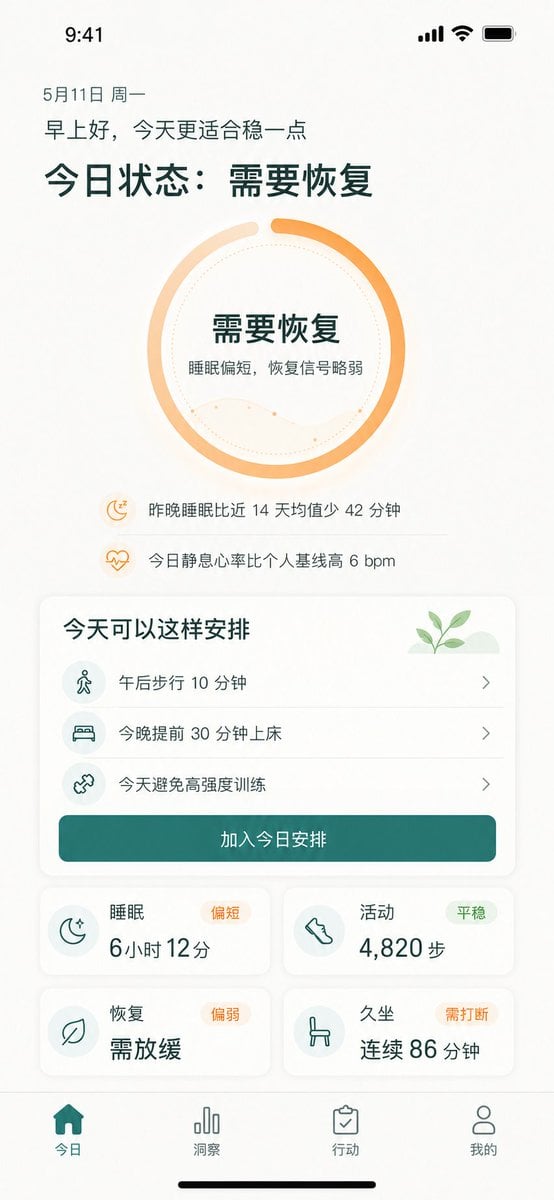
Chinese Wellness Recovery App UI
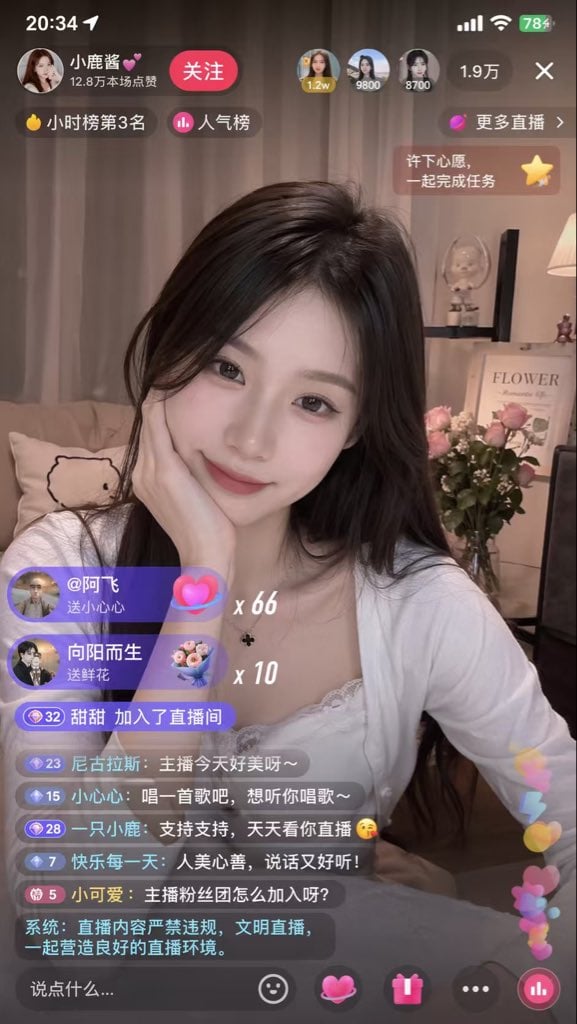
Live Streaming App UI Mockup
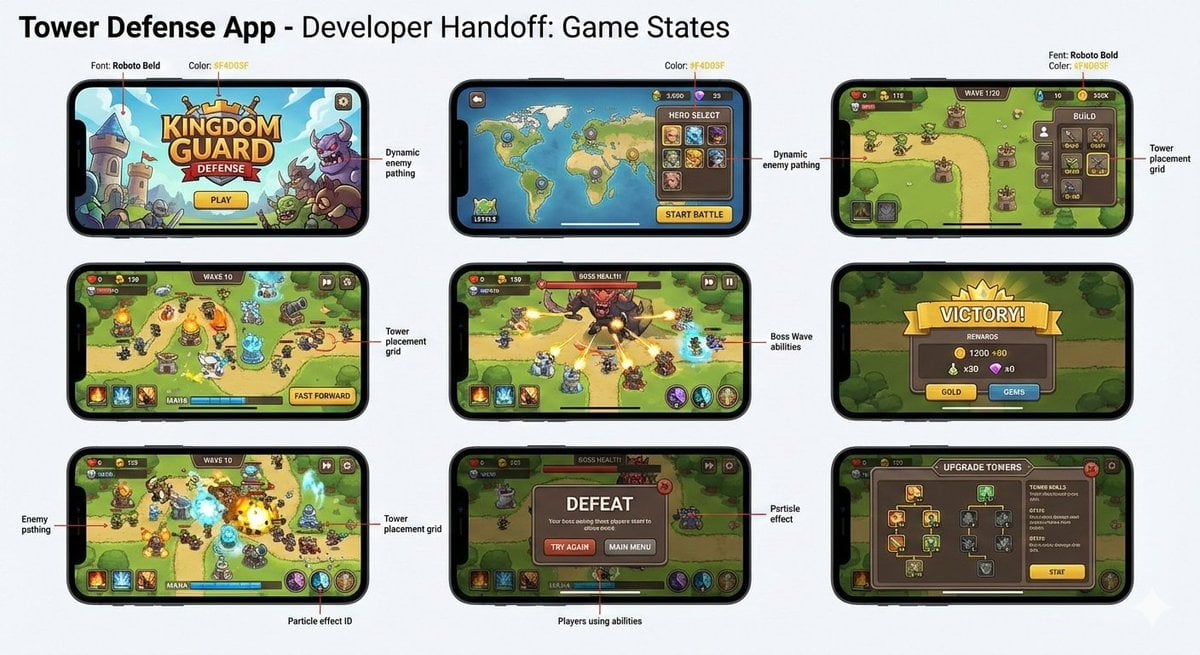
Tower defense mobile app design mockup grid

Product Shot - T-Shirt Mockup

Cinematic Anime Shinobi Poster Mockup
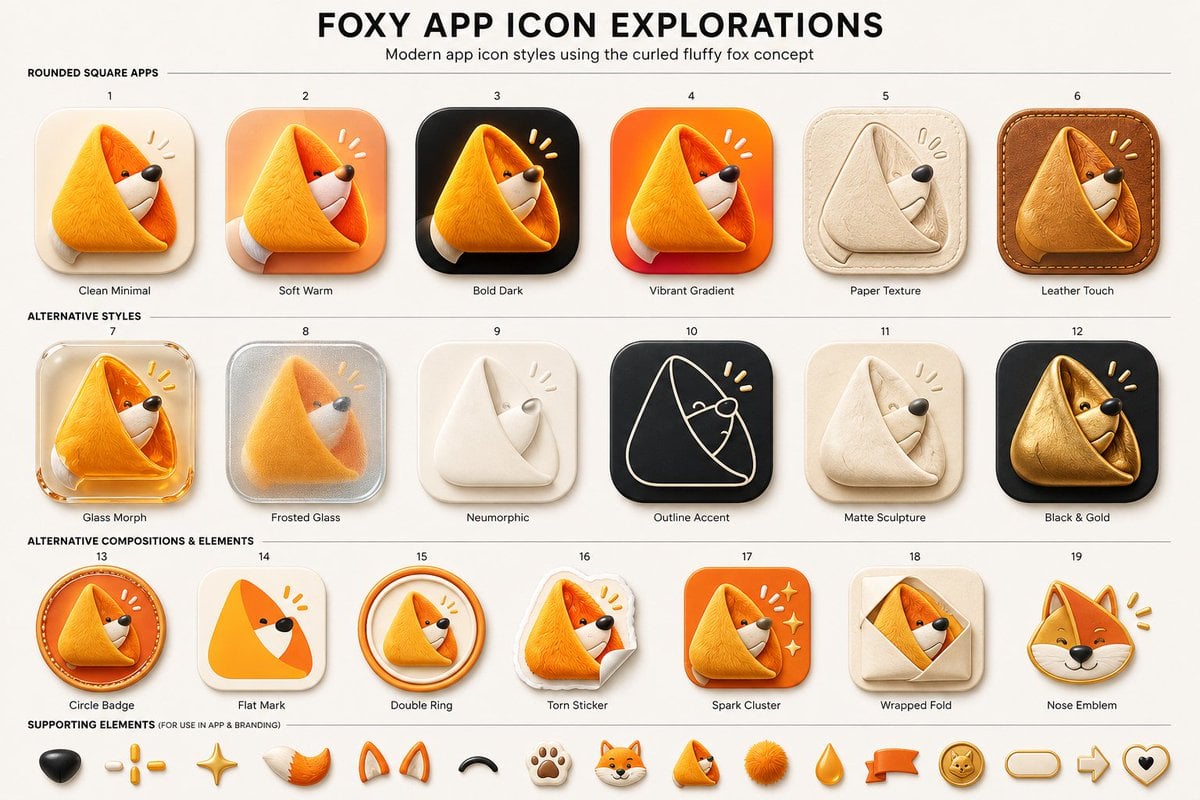
Foxy App Icon Exploration Board
Make it yours
Lumen iOS Wellness App Mockup works as-is. These are the safest ways to change it without losing the look.
Change one field
Copy a single group, rewrite it, and generate again so you can see what that field is doing.
Keep the frame, change the subject
Hold the composition and light of Lumen iOS Wellness App Mockup, then swap wardrobe, props or the person for a new take.
| If the result… | Why | Fix |
|---|---|---|
| The result drifts from the preview | Too many fields changed at once. | Reuse Lumen iOS Wellness App Mockup as-is first, then change one group — subject, light, or setting. |
| The model over-stylizes the scene | The prose prompt leaves finish and camera underspecified. | Add one camera or lighting sentence and stay on GPT Image 2. |
More GPT Image 2 templates
Other prompts made for GPT Image 2.

Six VTuber Japanese Logo Sheet

Realistic Portrait of Woman and Deer

The Vista Modular Condo Poster

AI Model Routing Comparison Infographic

2.5D Anime Art Board

Isometric Productivity Desk Scene

New York Double Exposure Poster

Four-Panel AI Landscape Comparison

Japanese Tatami Lifestyle Magazine Cover

NESCAFÉ Coffee Map Poster
More image prompts
Fresh picks from across the catalog.
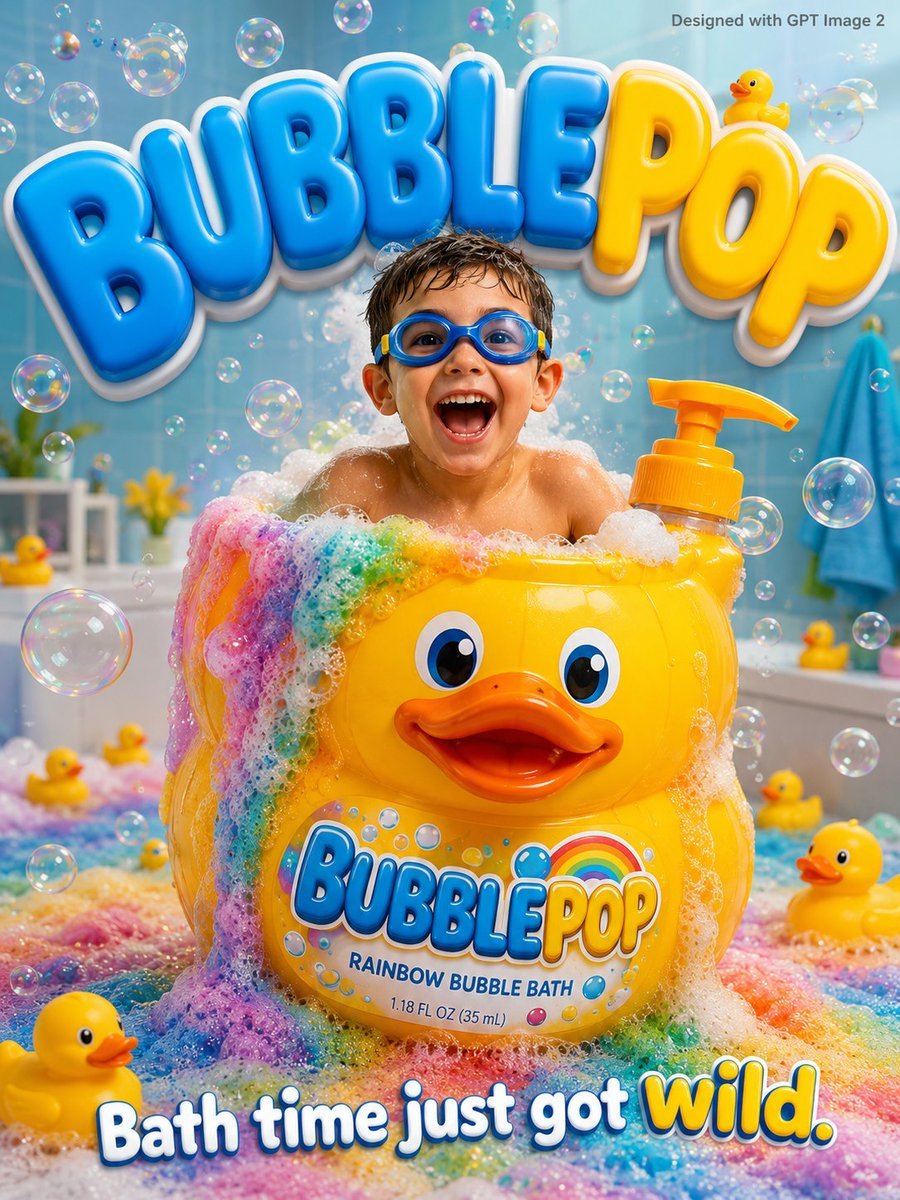
Kids Bath Product Advertisement Poster
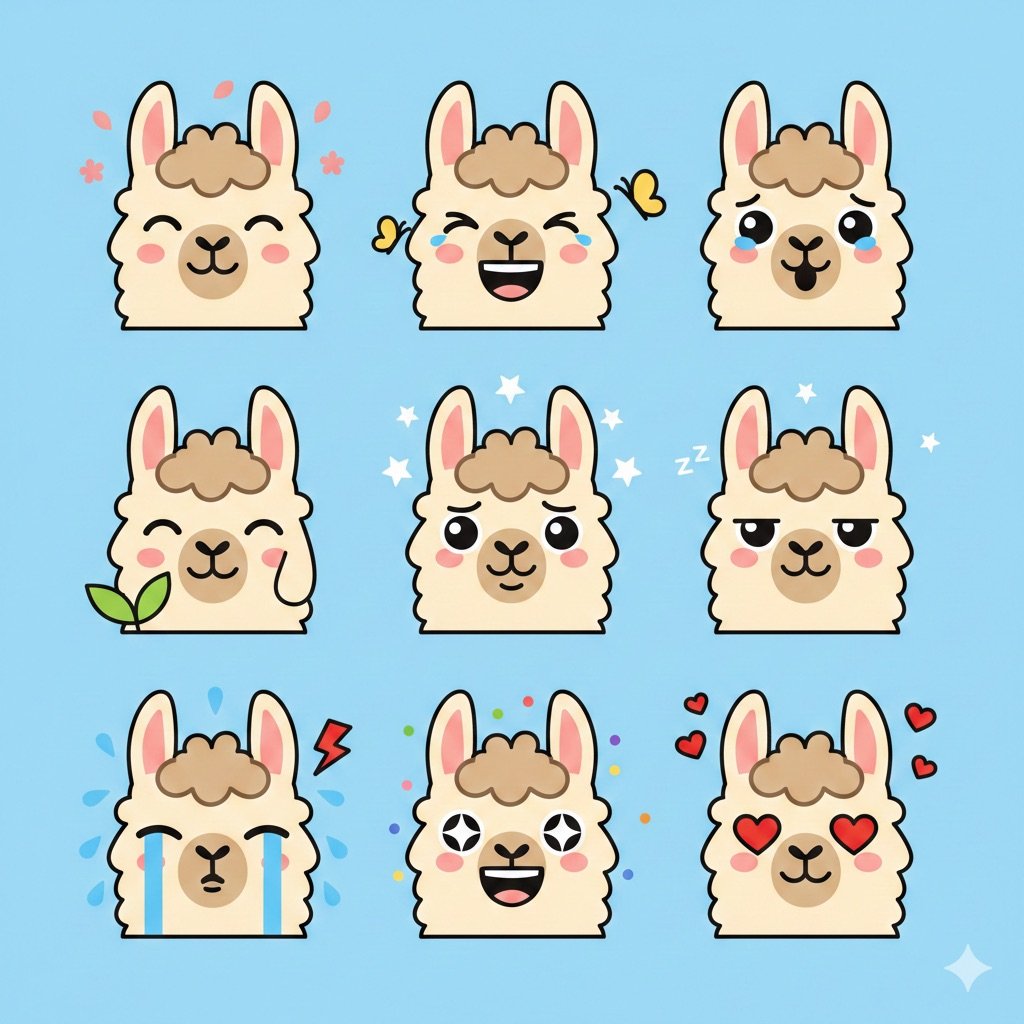
Flat Vector Llama Emoji Prompt
Acrylic VoxCat Fashion Window Poster

Real Hiker in Minecraft Forest

Streetwear Floating Poster Design

1980s Japanese Film Style Storyboard

Cinematic Alpine Sunset Hiker
Commercial Lifestyle Beverage Photography

Minimalist City Poster Prompt

Steampunk Miniature Clockwork Machine
Browse template categories
Lumen iOS Wellness App Mockup questions
How do I use the Lumen iOS Wellness App Mockup template?
Add your photo if the template asks for one, edit the prompt if you like — the template's model and format are already selected — and press Generate. Your version opens in PicX Studio.
Can I customize the Lumen iOS Wellness App Mockup template?
Yes. You can change the subject, setting, lighting, mood, format, and available model controls before creating your image.
Is the Lumen iOS Wellness App Mockup template free?
Opening and editing this template is free. Generating uses credits, shown on the Generate button when you are signed in.
Which AI model should I use?
Start with GPT Image 2, which is the model associated with this template. You can compare another compatible model for a different finish.
Looking for something else? Browse all templates.

Your photo, any look
Thousands of ready templates for every top image and video model, from one credit balance.