
Cinematic Anime Shinobi Poster Mockup
A complex prompt for a high-end anime editorial poster of a shinobi in a rain-soaked landscape, presented as a realistic laptop and smartphone mockup.

- Prompt included
- Model and format preset
- Free template
The prompt behind this image
Copy the exact prompt behind Cinematic Anime Shinobi Poster Mockup, or open it in the studio and make it yours.
Create a premium cinematic anime editorial poster and device mockup featuring a {argument name="character" default="mysterious young male shinobi"} standing alone in a {argument name="setting" default="rain-soaked minimalist landscape"}. He wears a {argument name="outfit" default="long flowing black cloak with subtle deep-red traditional cloud motifs, dark shinobi sandals, and a black forehead protector"}. His long black hair moves slightly in the wind, with a calm, serious expression and his body turned slightly away while looking back toward the camera. Behind him, use huge condensed bold black typography reading “RAVEN KING”, integrated into the composition and partially obscured by the character. Add elegant handwritten text on the left reading “Silence is Power” and small vertical Japanese typography on the right. Surround the character with scattered black feathers floating through the air. The ground is glossy and reflective, creating a strong mirror reflection of the character. Add dramatic Japanese ink-brush strokes sweeping across the lower background, mixed with soft gray mist and subtle atmospheric texture. Minimal cream/off-white background, black typography, muted charcoal tones, and restrained dark red accents. High-end fashion editorial meets cinematic anime key art, sophisticated Japanese graphic design, strong negative space, dramatic composition, sharp character details, realistic fabric folds, cinematic lighting, subtle film grain, premium poster aesthetic. Then present the finished poster as a realistic premium product mockup: an open modern laptop on a warm beige desk displaying the exact poster fullscreen, with a modern smartphone standing beside it displaying the same artwork. Soft morning sunlight enters through a window, creating natural diagonal shadows on a warm neutral wall. Minimal ceramic vase with green branches on the left, small stationery items on the right, realistic materials and reflections, shallow depth of field, luxury creative-studio atmosphere, photorealistic product photography. 9:16 poster artwork, ultra-detailed, cinematic, clean typography, coherent composition, no watermark, no unnecessary objects.
How to use Cinematic Anime Shinobi Poster Mockup in 3 steps
- 1
Open
The prompt is already in the box next to the preview, with the template's model and format selected.
- 2…a portrait of your subject in softgolden-hour light, 85mm…
Personalize
Edit the subject and creative details for your destination.
- 3Generate
Generate
Press Generate — your image is created in PicX Studio, so you can compare it with the original and refine one variable at a time.
More like this
Templates with the same subject, style or setup. Open one to see its prompt.

Captain Tsubasa Anime World Cup Poster

Gpt2 Youtube Thumbnail Anime Music Bootcamp Promo Poster

Japan Travel Brochure Poster

Nice Day Anime Poster

Cel 2D Finale Fireworks

Cel 2D Garden Maze

Cel 2D Rooftop Concert

Cel 2D Bicycle Coast

Cel 2D Castle Gate

Cel 2D Kitchen Chaos

Cel 2D Carnival Ride

Cel 2D Rainy Bus Stop
Make it yours
Cinematic Anime Shinobi Poster Mockup works as-is. These are the safest ways to change it without losing the look.
Change one field
Copy a single group, rewrite it, and generate again so you can see what that field is doing.
Keep the frame, change the subject
Hold the composition and light of Cinematic Anime Shinobi Poster Mockup, then swap wardrobe, props or the person for a new take.
| If the result… | Why | Fix |
|---|---|---|
| The result drifts from the preview | Too many fields changed at once. | Reuse Cinematic Anime Shinobi Poster Mockup as-is first, then change one group — subject, light, or setting. |
| The model over-stylizes the scene | The prose prompt leaves finish and camera underspecified. | Add one camera or lighting sentence and stay on GPT Image 2. |
More GPT Image 2 templates
Other prompts made for GPT Image 2.

Six VTuber Japanese Logo Sheet

Realistic Portrait of Woman and Deer

The Vista Modular Condo Poster

AI Model Routing Comparison Infographic

2.5D Anime Art Board

Isometric Productivity Desk Scene

New York Double Exposure Poster

Four-Panel AI Landscape Comparison

Japanese Tatami Lifestyle Magazine Cover

NESCAFÉ Coffee Map Poster
More image prompts
Fresh picks from across the catalog.
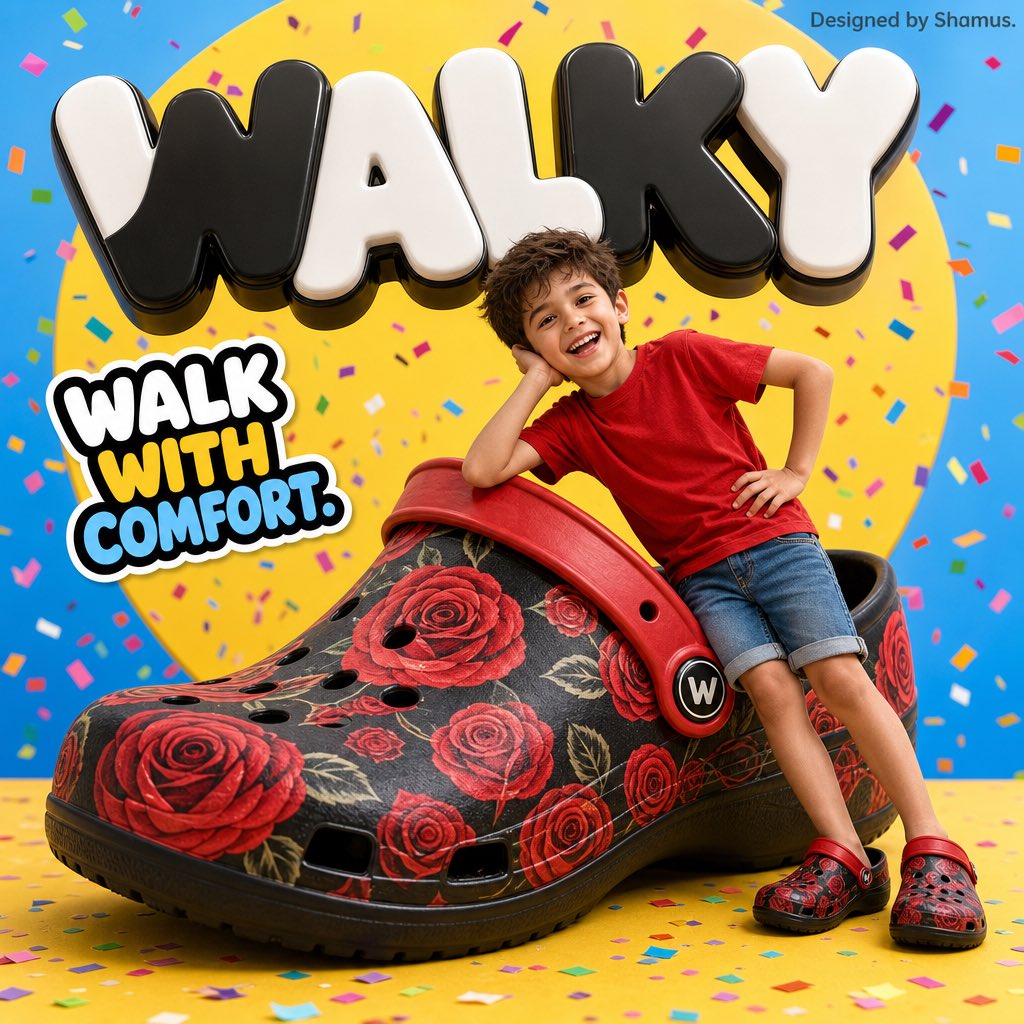
Vibrant Children's Shoe Ad Poster
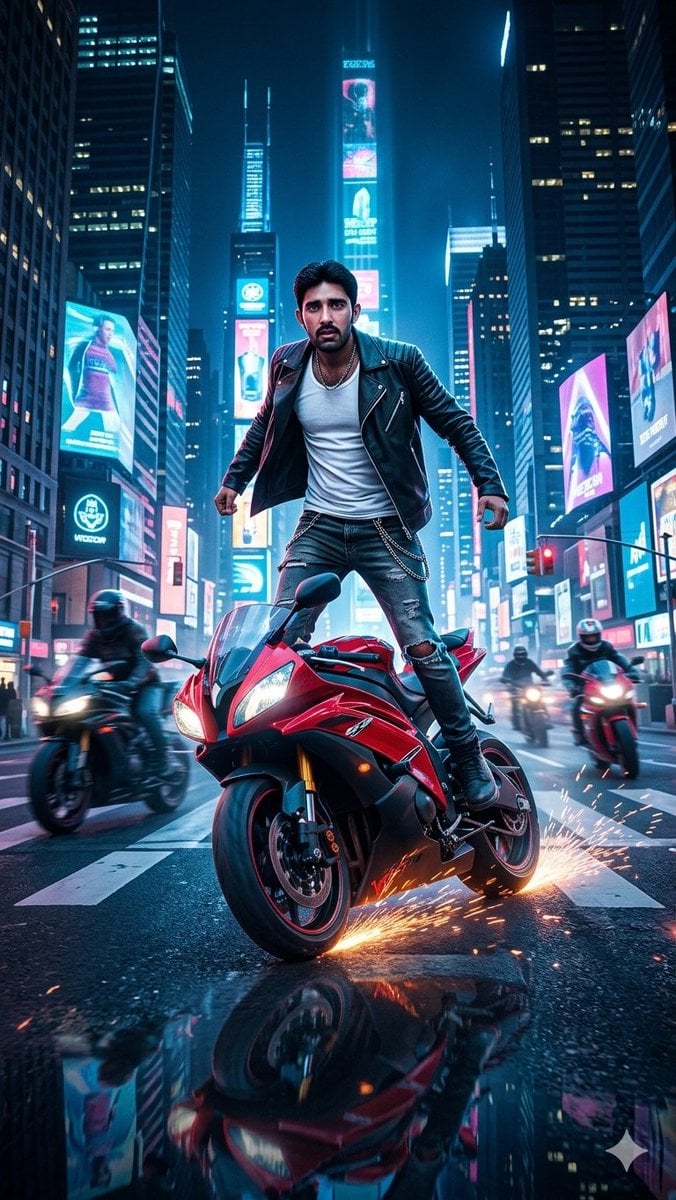
Neon City Superbike Stunt
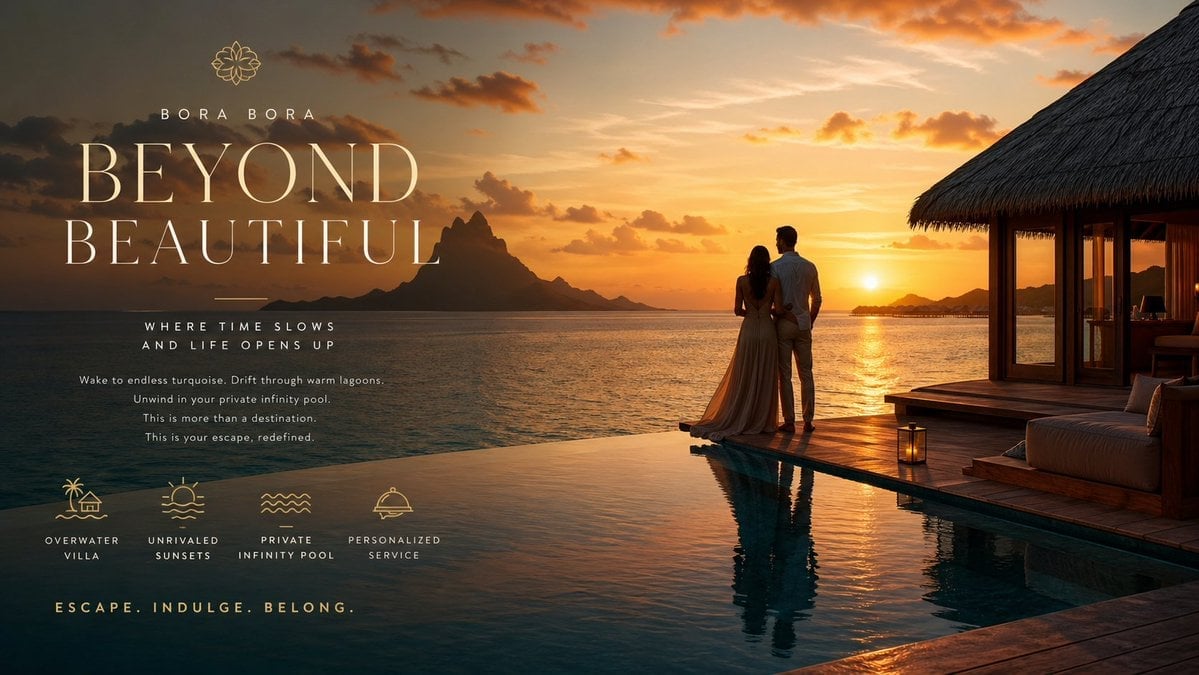
Luxury Resort Paradise Advertisement
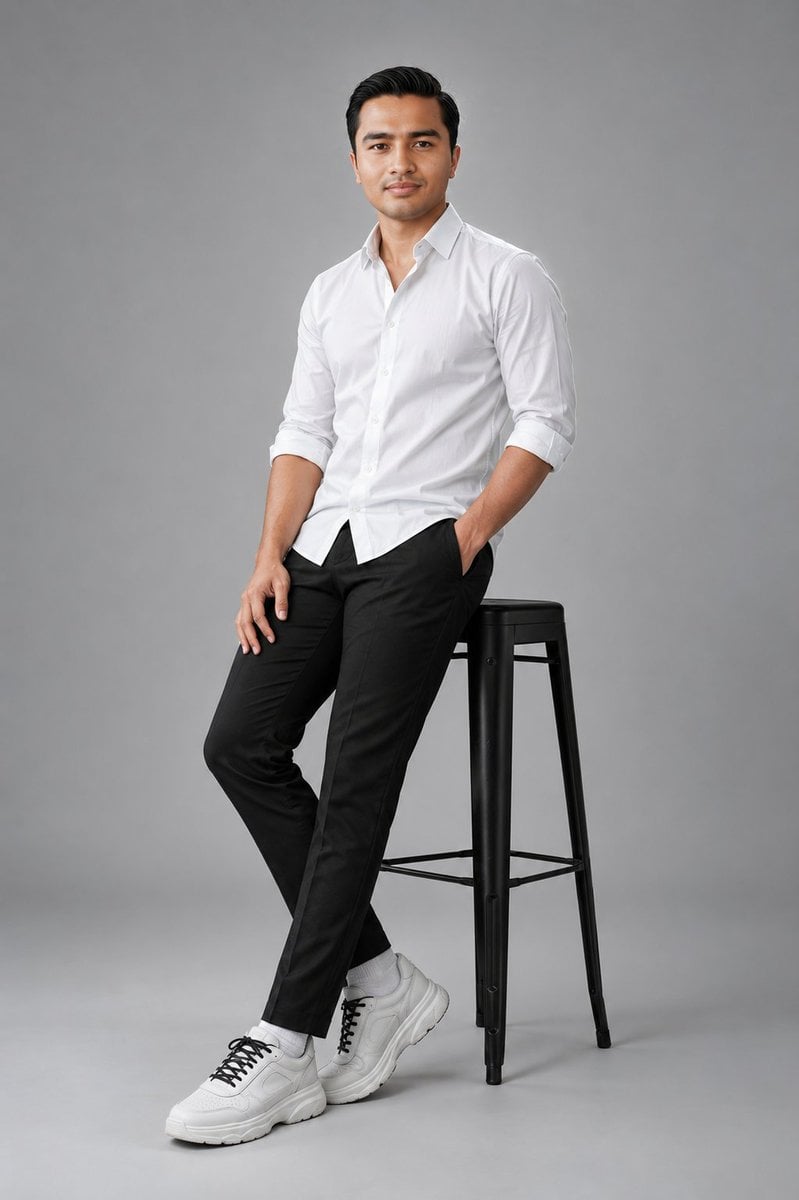
Clean Studio Fashion Portrait
Hand-drawn Infographic Card Prompt
Victorian Maid Anime Portrait
Mystic Fortune Telling Duo Scene
Cinematic Travel Photos with Nano Banana
Anime Couple Vector Illustration
Minimalist High-End Fashion Editorial
Browse template categories
Cinematic Anime Shinobi Poster Mockup questions
How do I use the Cinematic Anime Shinobi Poster Mockup template?
Add your photo if the template asks for one, edit the prompt if you like — the template's model and format are already selected — and press Generate. Your version opens in PicX Studio.
Can I customize the Cinematic Anime Shinobi Poster Mockup template?
Yes. You can change the subject, setting, lighting, mood, format, and available model controls before creating your image.
Is the Cinematic Anime Shinobi Poster Mockup template free?
Opening and editing this template is free. Generating uses credits, shown on the Generate button when you are signed in.
Which AI model should I use?
Start with GPT Image 2, which is the model associated with this template. You can compare another compatible model for a different finish.
Looking for something else? Browse all templates.

Your photo, any look
Thousands of ready templates for every top image and video model, from one credit balance.