
Neon City Superbike Stunt
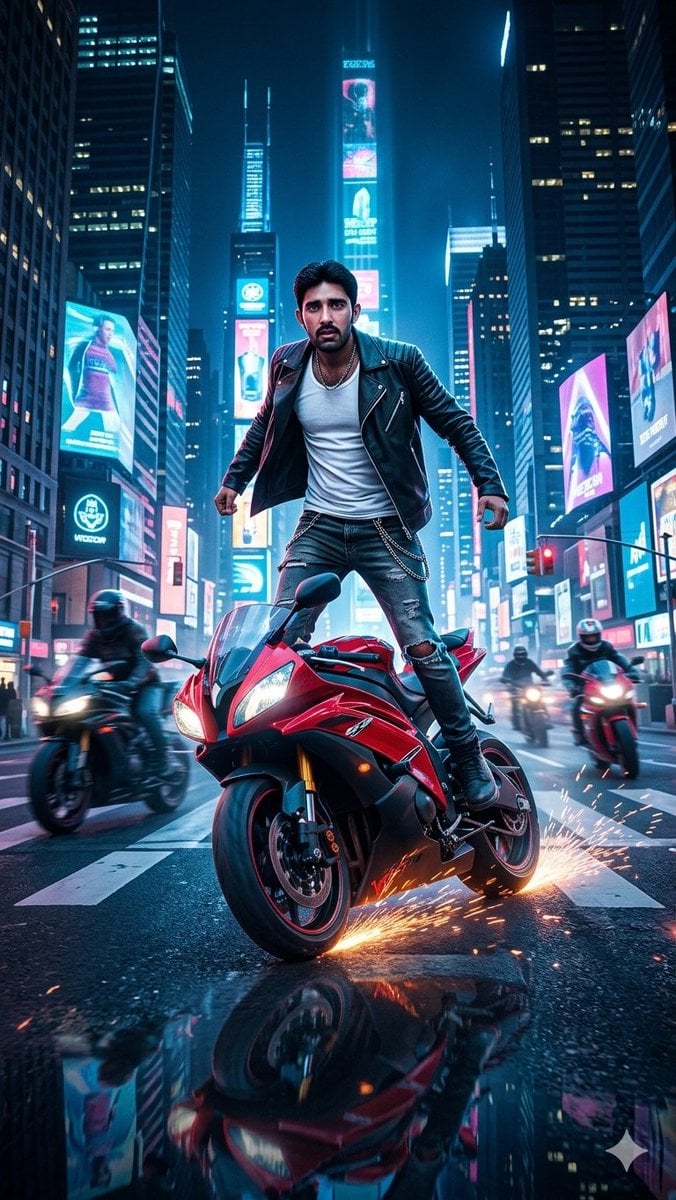
A cinematic vertical action photo prompt for creating a night-time biker stunt scene in a futuristic neon city intersection.
- Prompt included
- Model and format preset
- Free template
The prompt behind this image
Copy the exact prompt behind Neon City Superbike Stunt, or open it in the studio and make it yours.
Create a vertical 9:16 ultra-realistic 35mm cinematic action photograph at night: a powerful male biker with {argument name="facial reference" default="a blurred square face placeholder matching an uploaded exact face reference"} stands balanced on top of a moving {argument name="motorcycle color and type" default="black-and-red superbike"} while performing a dangerous rolling stunt through the center of a futuristic city intersection. He is full body, centered, legs spread on the motorcycle, fists tense, leaning forward with intense confidence, wearing a black leather biker jacket, white tank top, ripped black skinny jeans with a silver chain, black boots, and a necklace. The superbike is angled toward the viewer with bright headlights, glossy red fairings, black trim, and sparks spraying from the lower right side as metal scrapes the wet asphalt. Surround the main rider with exactly 3 other motorcycles in motion: one blurred dark motorcycle passing on the left foreground, one rider with headlights behind the main bike near the center-right, and one red motorcycle farther right. Set the scene in a neon futuristic Times Square-style downtown canyon with tall skyscrapers, glowing cyan and magenta billboards, vertical digital ads, traffic lights, road lane markings, and reflections on rain-soaked pavement. Use dramatic teal-and-pink lighting, high contrast, shallow depth of field, motion blur on background riders, crisp focus on the main stunt rider and bike, low-angle perspective, intense speed, realistic lens flares, wet street reflections, and flying orange sparks. Keep the face area as the intended reference face/placeholder, no extra people in the foreground, no readable brand logos, no watermark, no text overlay except indistinct billboard graphics.
How to use Neon City Superbike Stunt in 3 steps
- 1Upload ImagePNG, JPG or paste
Add your photo
Upload the photo the template builds on. The prompt, model and format are already set.
- 2…a portrait of your subject in softgolden-hour light, 85mm…
Personalize
Edit the subject and creative details for your destination.
- 3Generate
Generate
Press Generate — your image is created in PicX Studio, so you can compare it with the original and refine one variable at a time.
More like this
Templates with the same subject, style or setup. Open one to see its prompt.

Spider-Man 2099 Cyberpunk Neon Future City

Japan Neon Speed City Racing Poster

80s Neon Disco Night

Cozy Knit Sweater Window Portrait

Minimalist Hand-Drawn Doodle Portrait

Cartoon TV Show Poster Pack

Rainy Night Android Cyberpunk Portrait

Korean Idol Partial Shadow Editorial Portrait

Cyberpunk Neon Profile Fashion Portrait

Neon Night Crosswalk Candid Portrait

Subway Platform Quiet Introspective Portrait
Rainy Night Android Cyberpunk Portrait
Make it yours
Neon City Superbike Stunt works as-is. These are the safest ways to change it without losing the look.
Change one field
Copy a single group, rewrite it, and generate again so you can see what that field is doing.
Keep the frame, change the subject
Hold the composition and light of Neon City Superbike Stunt, then swap wardrobe, props or the person for a new take.
| If the result… | Why | Fix |
|---|---|---|
| The result drifts from the preview | Too many fields changed at once. | Reuse Neon City Superbike Stunt as-is first, then change one group — subject, light, or setting. |
| The model over-stylizes the scene | The prose prompt leaves finish and camera underspecified. | Add one camera or lighting sentence and stay on GPT Image 2. |
More GPT Image 2 templates
Other prompts made for GPT Image 2.

Six VTuber Japanese Logo Sheet

Realistic Portrait of Woman and Deer

The Vista Modular Condo Poster

AI Model Routing Comparison Infographic

2.5D Anime Art Board

Isometric Productivity Desk Scene

New York Double Exposure Poster

Four-Panel AI Landscape Comparison

Japanese Tatami Lifestyle Magazine Cover

NESCAFÉ Coffee Map Poster
More image prompts
Fresh picks from across the catalog.
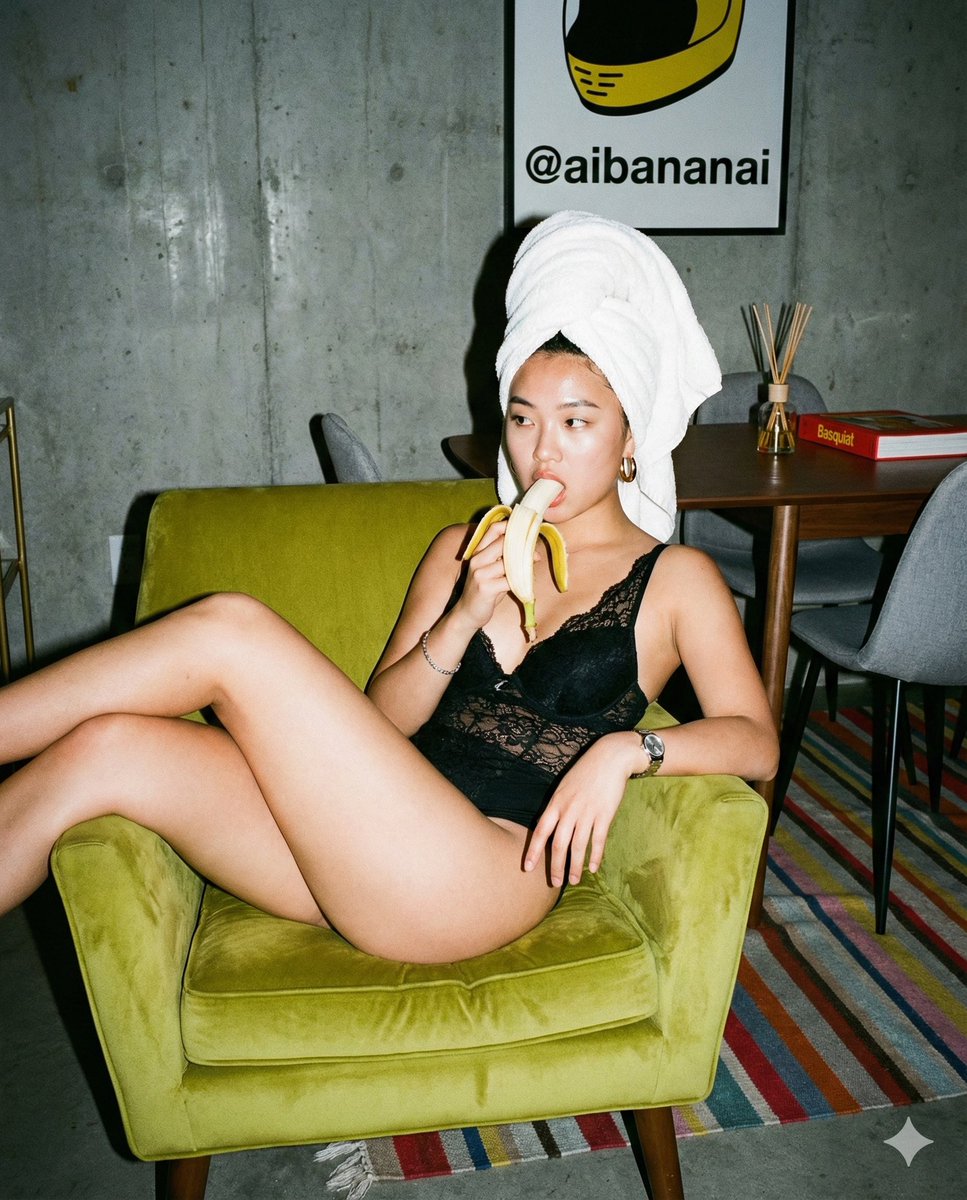
Nano Banana Pro Editorial Flash Photography Prompt
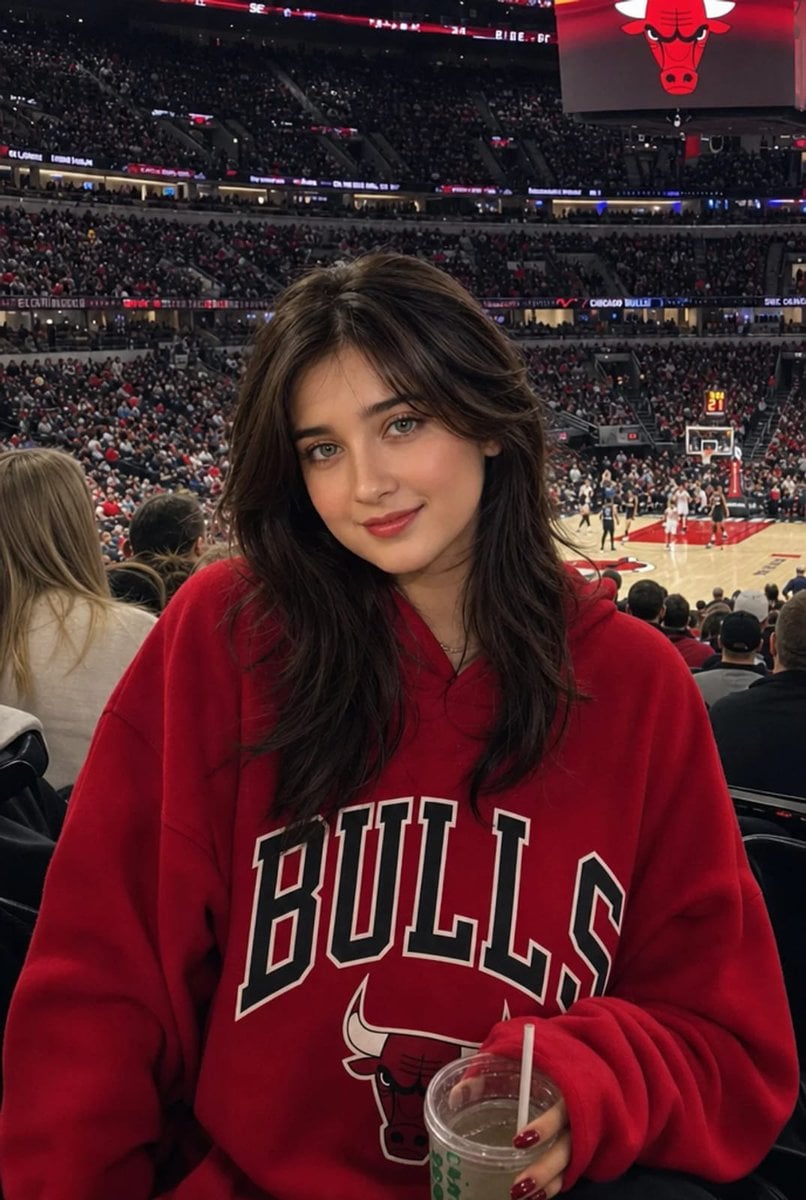
Realistic NBA Fan Portrait
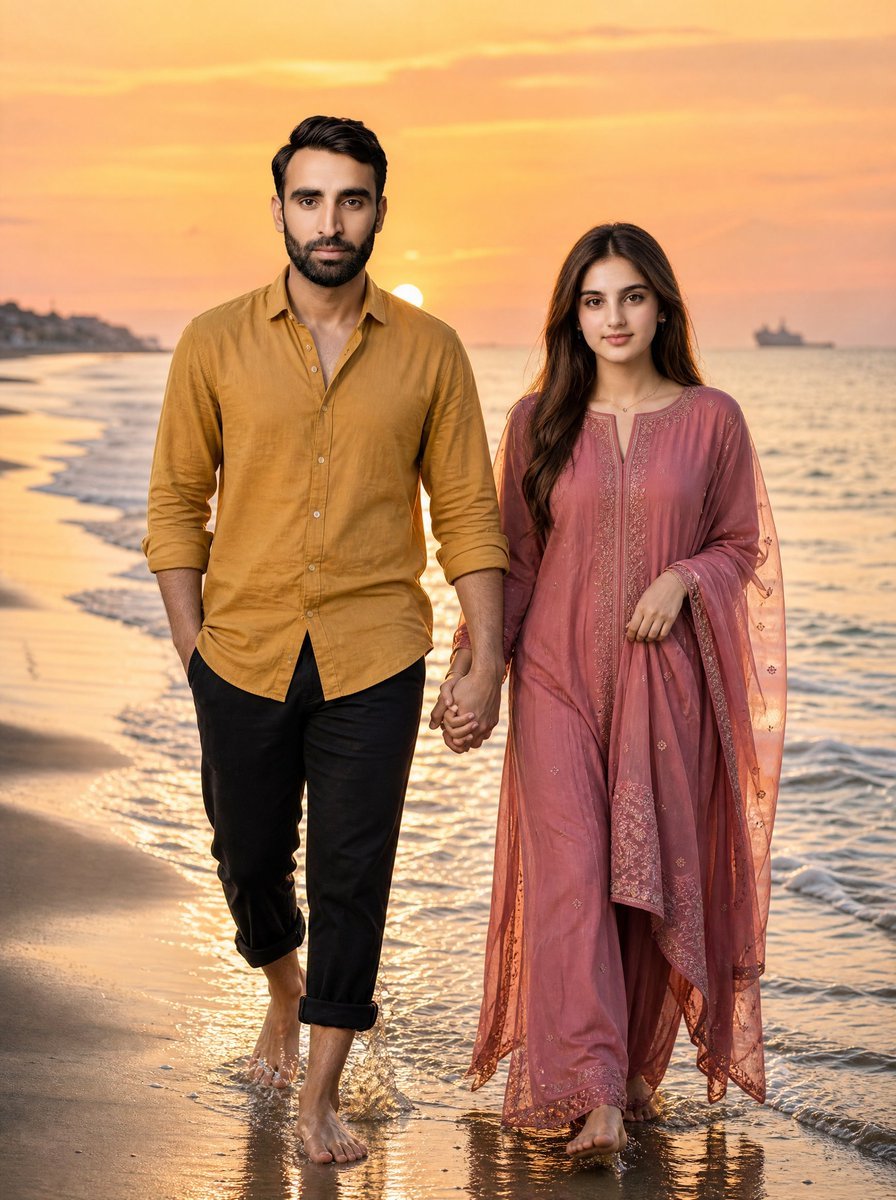
Golden Hour Beach Couple
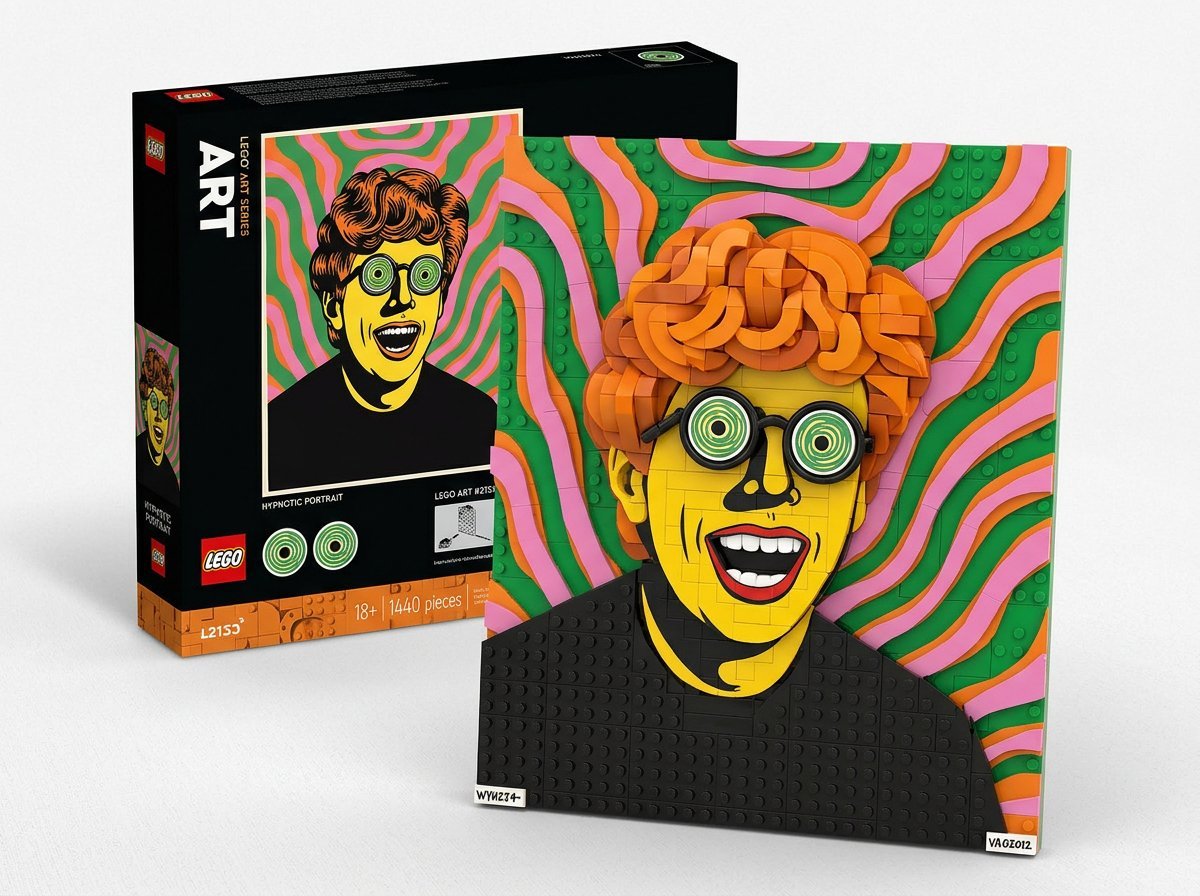
LEGO Set Recreation Prompt for Nano Banana Pro
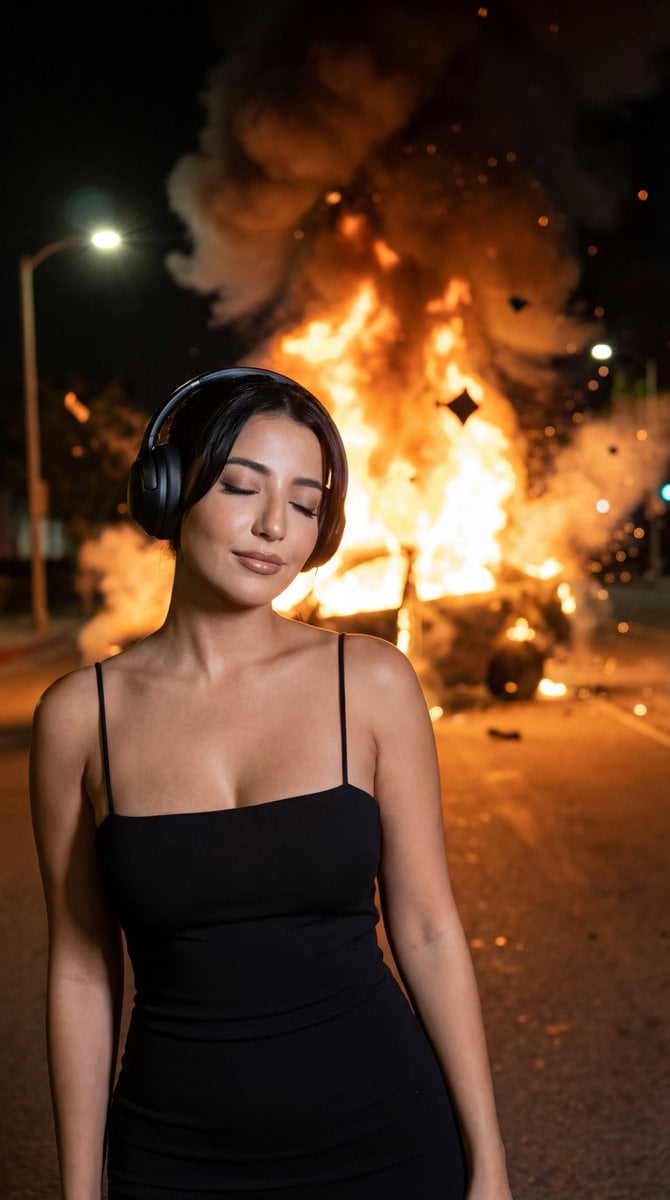
Candid Night Photo with Explosion Background Prompt
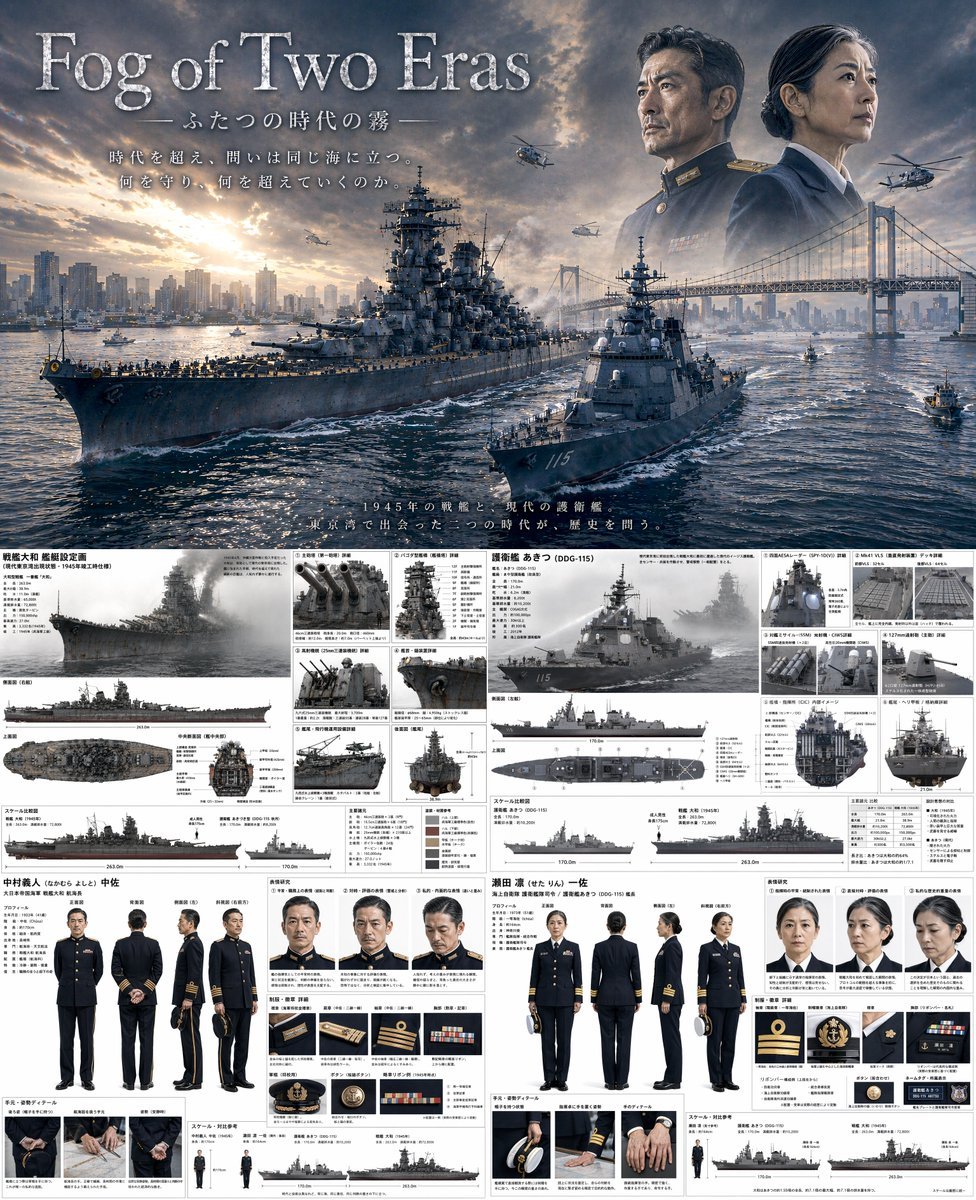
Dual-Era Naval Drama Poster & Spec Sheet
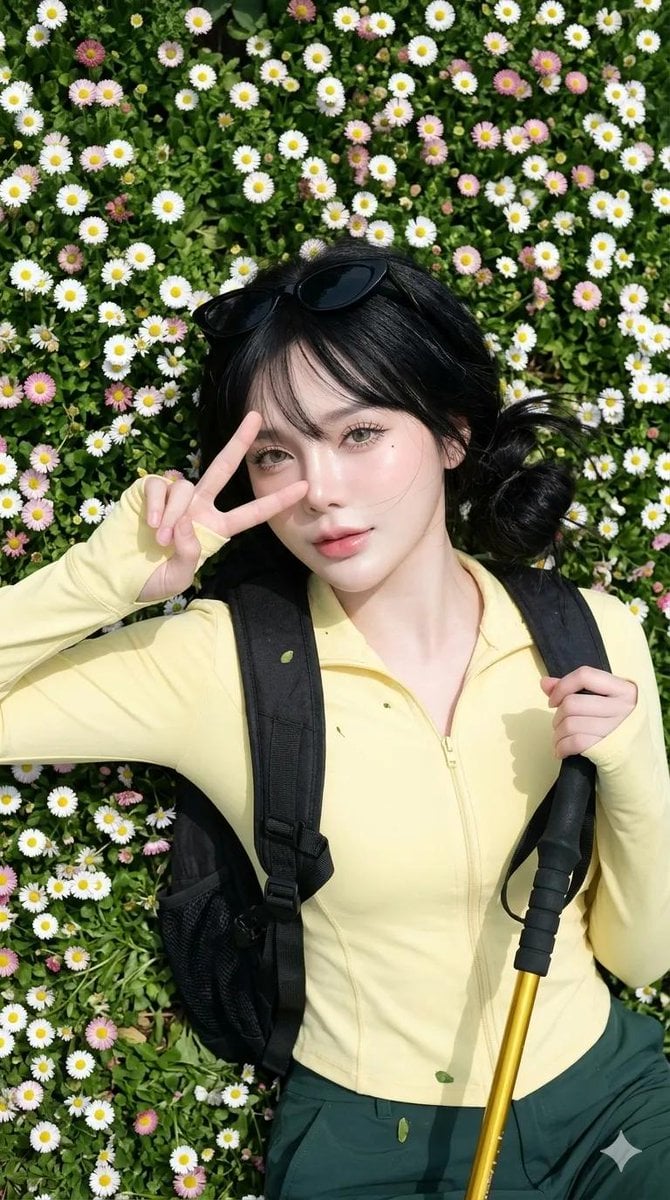
Spring Daisy Field Portrait
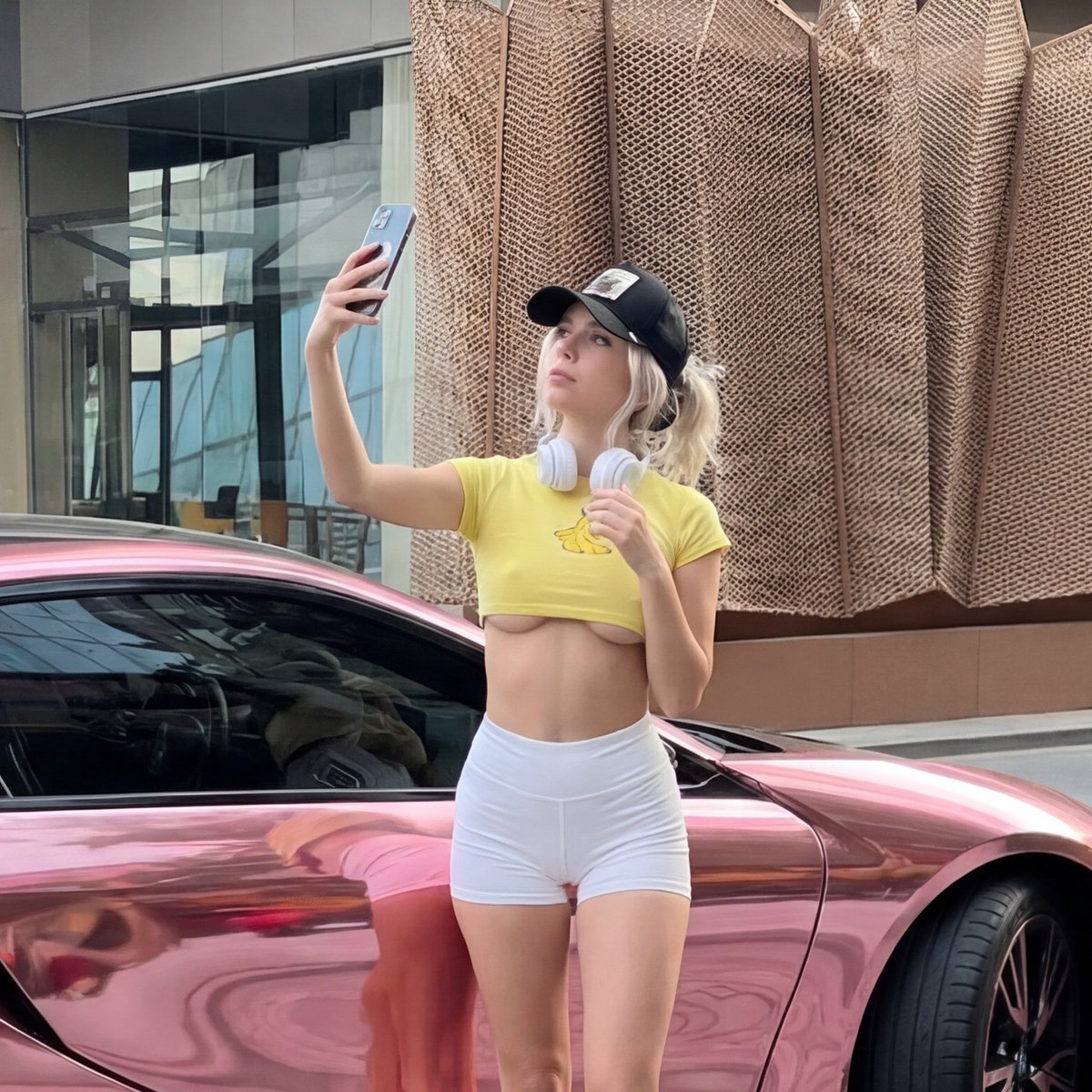
Viral Chrome Pink BMW Selfie Prompt (JSON format)
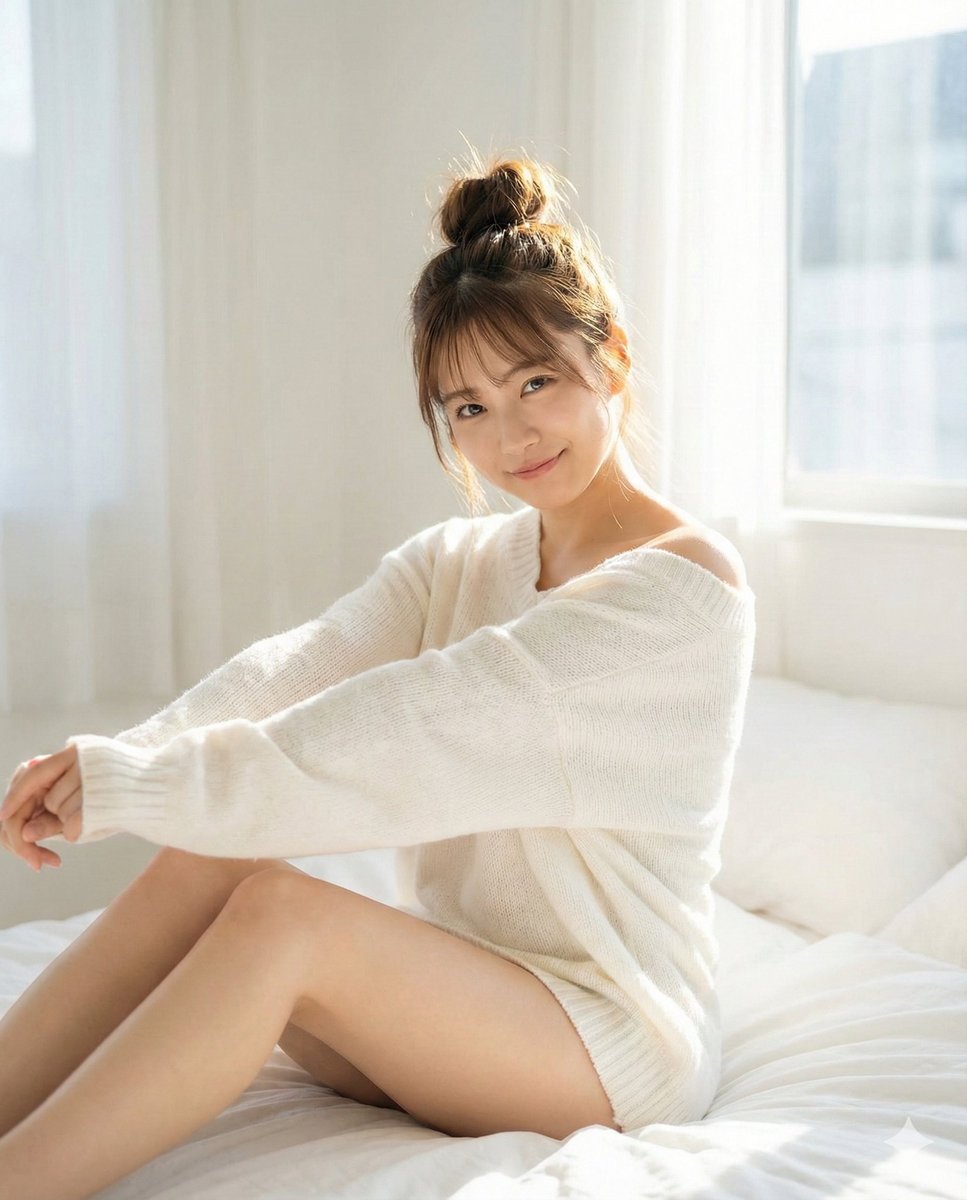
Pure Morning Beauty Lifestyle Portrait Prompt

Rooftop Walkway Fashion OOTD
Browse template categories
Neon City Superbike Stunt questions
How do I use the Neon City Superbike Stunt template?
Add your photo if the template asks for one, edit the prompt if you like — the template's model and format are already selected — and press Generate. Your version opens in PicX Studio.
Can I customize the Neon City Superbike Stunt template?
Yes. You can change the subject, setting, lighting, mood, format, and available model controls before creating your image.
Is the Neon City Superbike Stunt template free?
Opening and editing this template is free. Generating uses credits, shown on the Generate button when you are signed in.
Which AI model should I use?
Start with GPT Image 2, which is the model associated with this template. You can compare another compatible model for a different finish.
Looking for something else? Browse all templates.

Your photo, any look
Thousands of ready templates for every top image and video model, from one credit balance.