
Nano Banana Pro Editorial Flash Photography Prompt
A highly detailed, complex image generation prompt designed to create a raw, trashy-chic editorial snapshot using harsh flash photography.
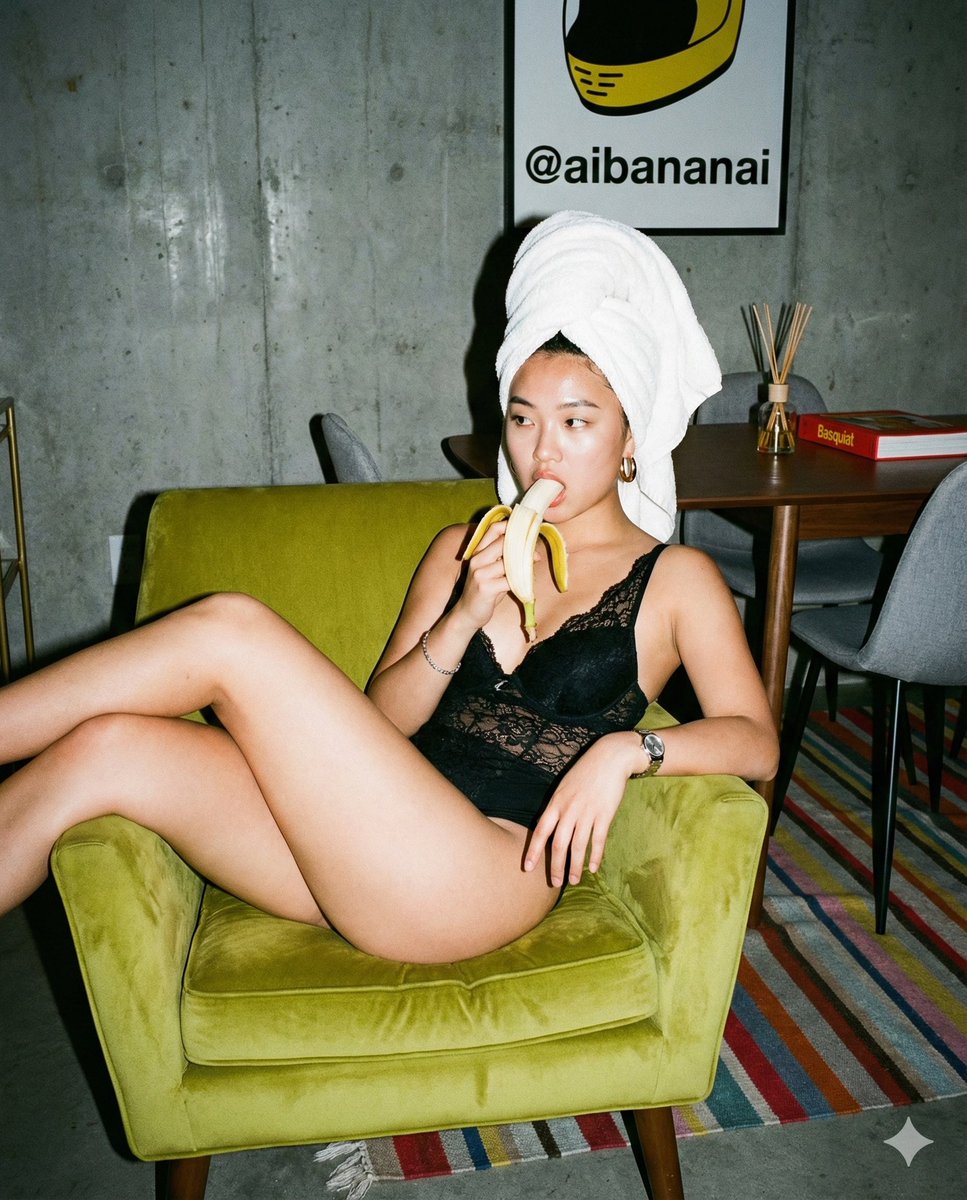
- Prompt included
- Model and format preset
- Free template
The prompt behind this image
Copy the exact prompt behind Nano Banana Pro Editorial Flash Photography Prompt, or open it in the studio and make it yours.
{ "meta": { "aspect_ratio": "4:5", "quality": "raw_photorealism", "resolution": "8k", "camera_simulation": "Contax T2", "film_stock": "Kodak Portra 800", "style": "flash photography, candid snapshot, trashy-chic, raw editorial, unpolished, high-flash intensity" }, "scene": { "location": "lofty apartment interior", "environment": [ "raw concrete wall on the left (brutalist texture)", "dark wooden flooring", "dining area in background with walnut table", "grey upholstered dining chairs", "multi-colored striped woven rug on the floor (red, blue, beige, green horizontal stripes)" ], "lighting": { "type": "direct on-camera hard flash", "shadows": "sharp, defined drop shadow behind the subject on the green chair and wall", "vignette": "natural heavy vignetting from point-and-shoot camera", "reflections": "flash bounce on the forehead and the banana skin", "atmosphere": "nighttime indoor party vibe, harsh but realistic" }, "background_details": { "table_objects": [ "glass reed diffuser bottle", "red hardcover book with white text 'Basquiat' on spine" ], "wall_art": { "description": "framed poster on the wall behind the chair", "visual": "a yellow graphic shape resembling a helmet or abstract form", "text_content": "bold black handwritten text reading '@aibananai' inside the yellow shape", "style": "neo-expressionist graffiti style" } } }, "subject": { "gender": "female", "ethnicity": "East Asian", "age": "approx 20-25 years old", "skin": { "texture": "realistic pores, slight oiliness on T-zone from flash, no airbrushing, natural skin tone", "imperfections": "visible skin grain" }, "hair": { "style": "completely wrapped in a thick white terry-cloth bath towel", "shape": "high turban wrap, voluminous" }, "face": { "expression": "vacant candid stare, mouth slightly open biting a banana", "gaze": "looking off-camera to the left", "makeup": "minimal, bare-faced aesthetic, faint sheen on cheeks" }, "body": { "posture": "slouching deeply in the chair, relaxed", "limbs": [ "right arm relaxed holding banana", "left arm bent, hand resting near chest with watch visible", "right hand dangling loosely over the chair edge towards the floor", "legs bent and crossed, draped high over the left armrest of the chair" ] }, "outfit": { "main": { "item": "black lace bodysuit", "material": "sheer floral lace pattern with solid black piping", "cut": "halter-neck style with strappy chest details, high-cut leg", "fit": "tight against skin" }, "jewelry": { "left_wrist": "silver metal link watch (loose fit)", "right_wrist": "thin s"
How to use Nano Banana Pro Editorial Flash Photography Prompt in 3 steps
- 1
Open
The prompt is already in the box next to the preview, with the template's model and format selected.
- 2…a portrait of your subject in softgolden-hour light, 85mm…
Personalize
Edit the subject and creative details for your destination.
- 3Generate
Generate
Press Generate — your image is created in PicX Studio, so you can compare it with the original and refine one variable at a time.
More like this
Templates with the same subject, style or setup. Open one to see its prompt.
Google Gemini Nano Banana Pro
Gemini Nano Banana Realistic Portrait Re
01 Skincare Split Portrait — Nano Banana 2
Nano Banana - Paris Cafe Editorial
Nano Banana - Opera Red Gown Couture
A double exposure, long exposure editorial photograph of a man Use image
Ultra-realistic street fashion editorial photograph in New York City
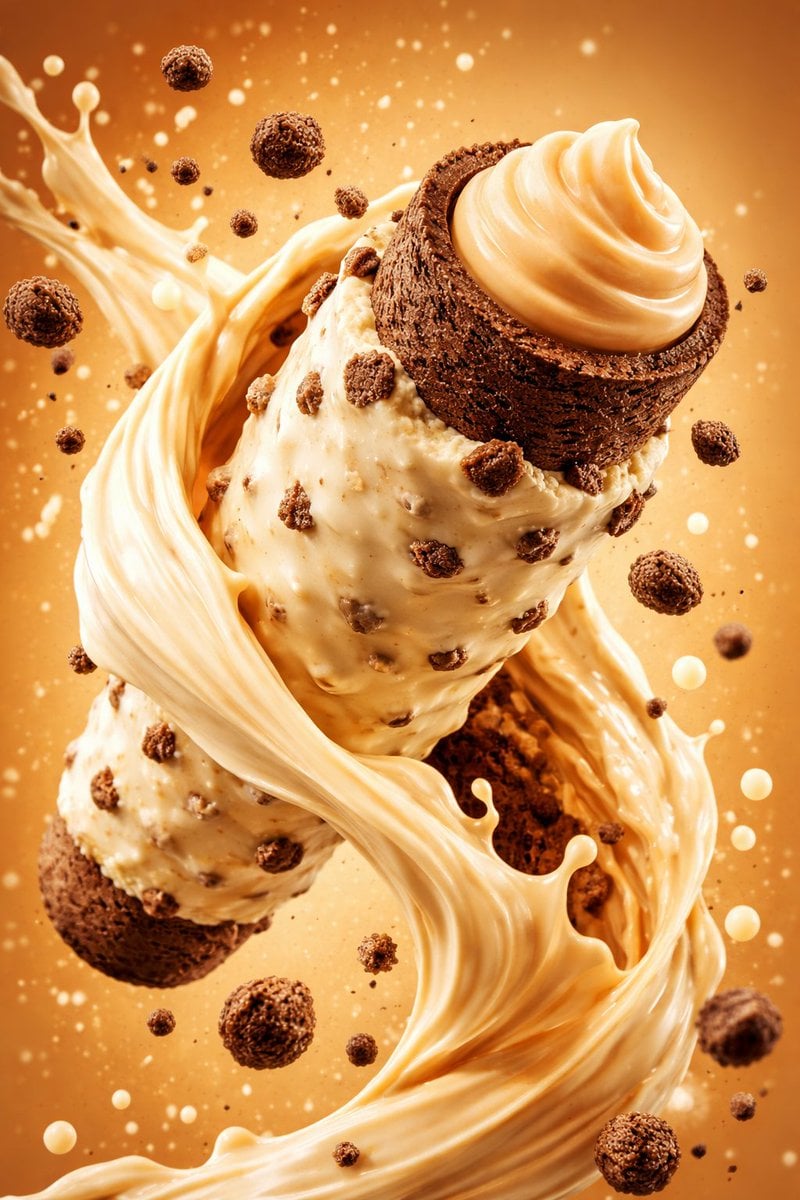
Hyper-Realistic Commercial Food Photography Prompt for Gemini Nano Banana Pro
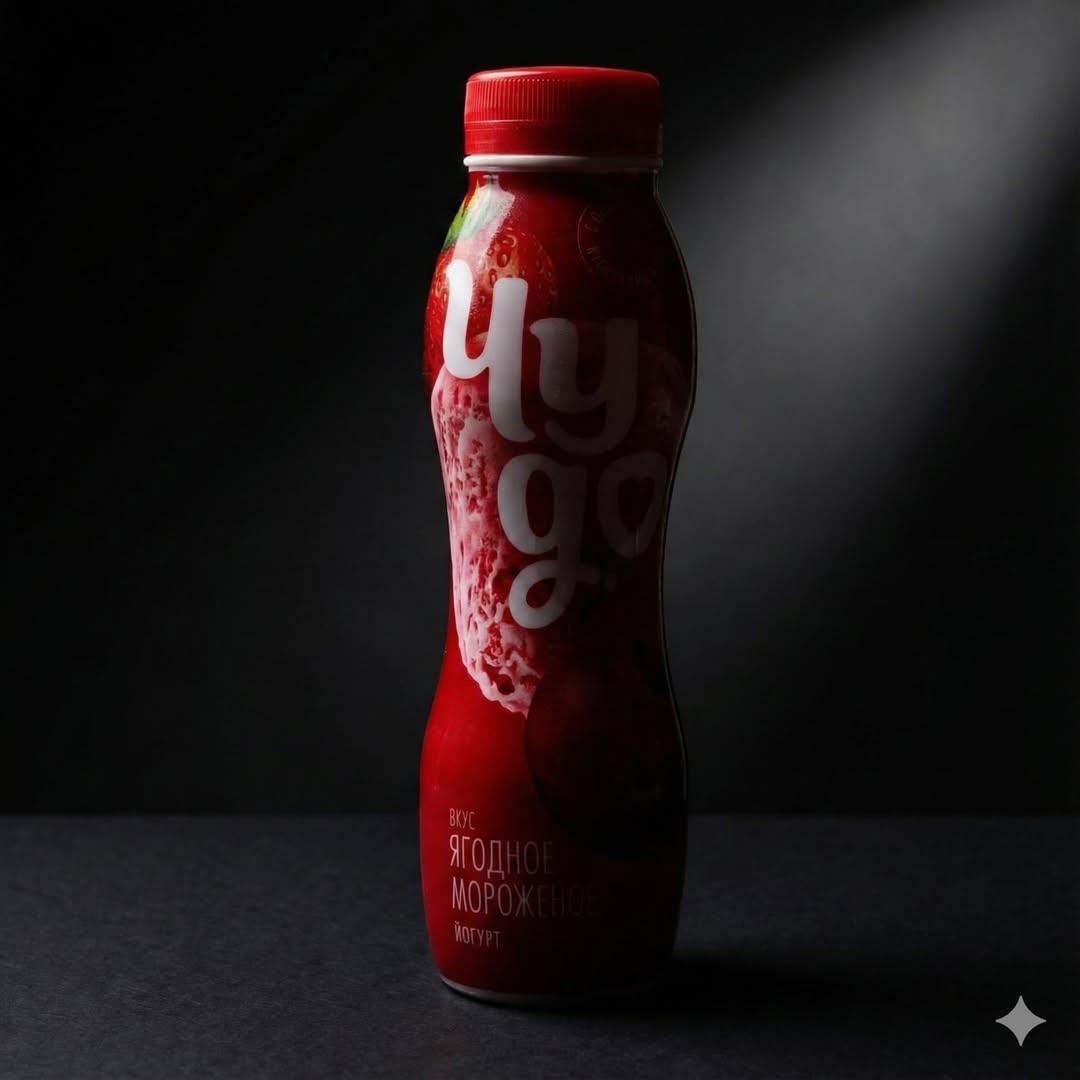
Low-Key Product Photography Prompt for Gemini Nano Banana Pro
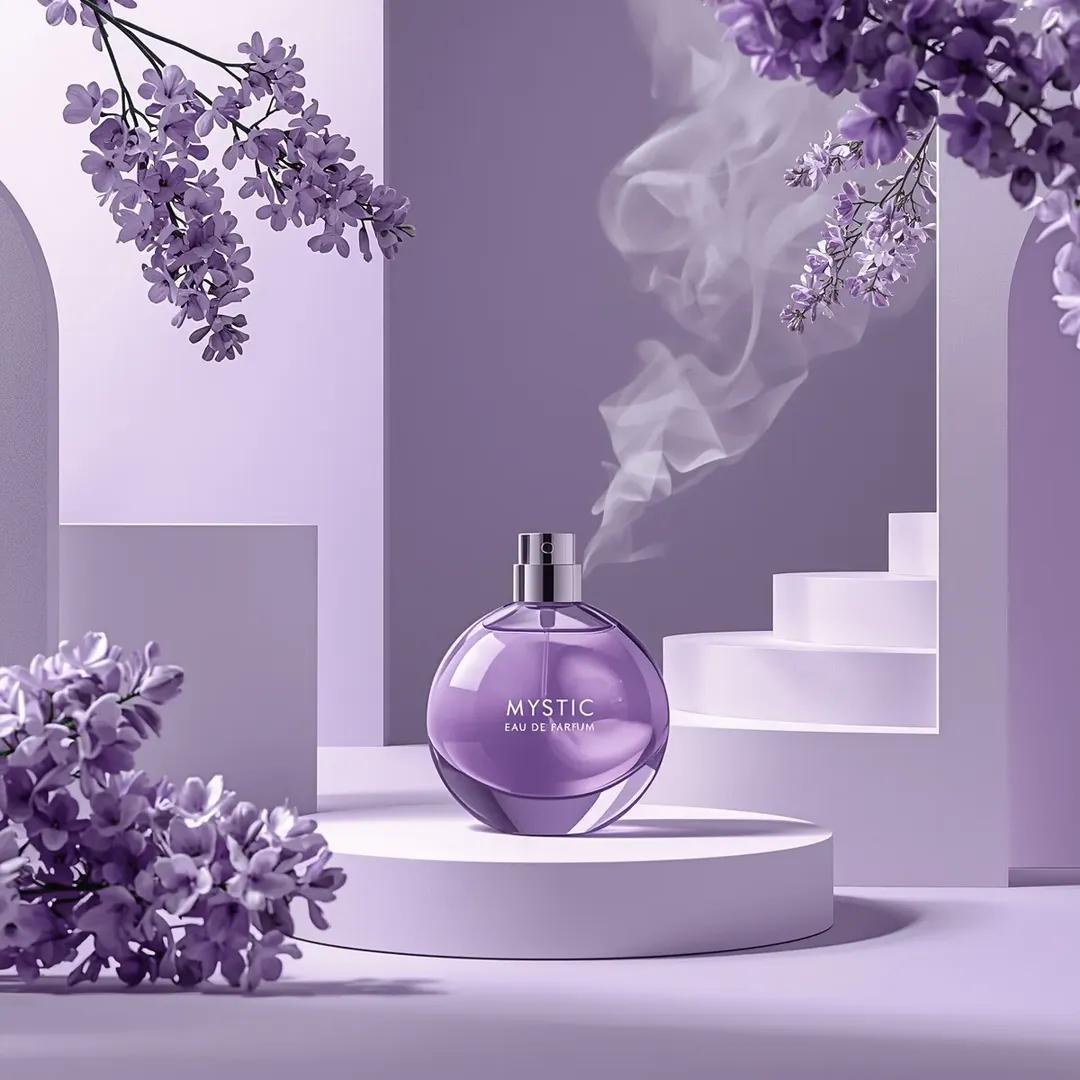
Commercial Perfume Photography Prompt for Nano Banana Pro

Nano Banana 2 Editorial Fashion Portrait
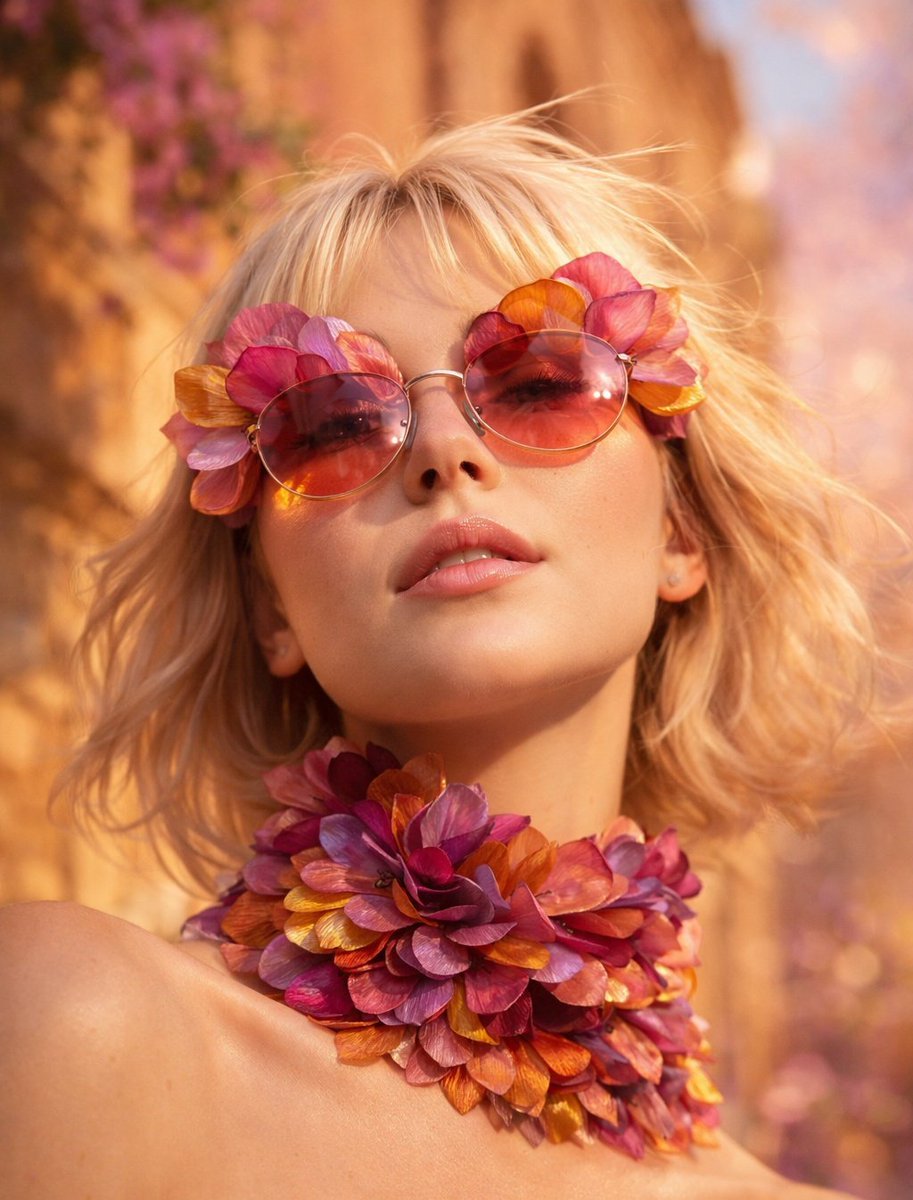
Flower Petal Sunglasses Couture Portrait
Make it yours
Nano Banana Pro Editorial Flash Photography Prompt works as-is. These are the safest ways to change it without losing the look.
Change one field
Copy a single group, rewrite it, and generate again so you can see what that field is doing.
Keep the frame, change the subject
Hold the composition and light of Nano Banana Pro Editorial Flash Photography Prompt, then swap wardrobe, props or the person for a new take.
| If the result… | Why | Fix |
|---|---|---|
| The result drifts from the preview | Too many fields changed at once. | Reuse Nano Banana Pro Editorial Flash Photography Prompt as-is first, then change one group — subject, light, or setting. |
| The model over-stylizes the scene | The prose prompt leaves finish and camera underspecified. | Add one camera or lighting sentence and stay on Nano Banana 2. |
More Nano Banana 2 templates
Other prompts made for Nano Banana 2.

Photorealistic Leaf Shaped Like a Dragon

K-Pop Idol Portrait Grid for Rapid Selection

Poetic Rain Forest Portrait During Golden Hour

Urban Street Portrait with Cartoon Inner Self Duo

Candid Nighttime Photo with Cat Prompt

High-Concept 3D Diorama Generation Prompt

Cinematic Futuristic Studio Portrait Template

Skincare Editorial Photography Collage Prompt

Hyper-Realistic Commercial Product Photography (Splash Effect)

Hyper-Realistic Nightclub Portrait Prompt
More image prompts
Fresh picks from across the catalog.
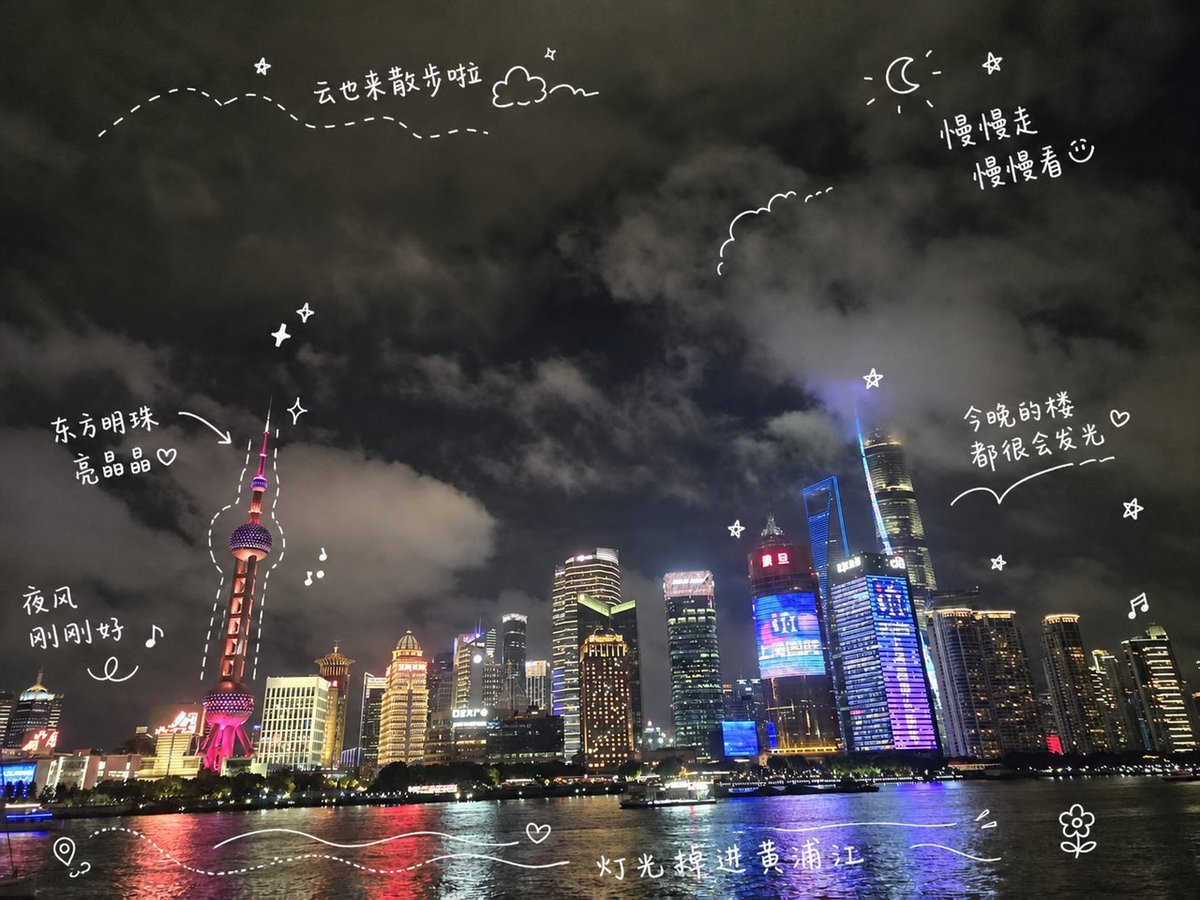
Shanghai Night Travel Journal
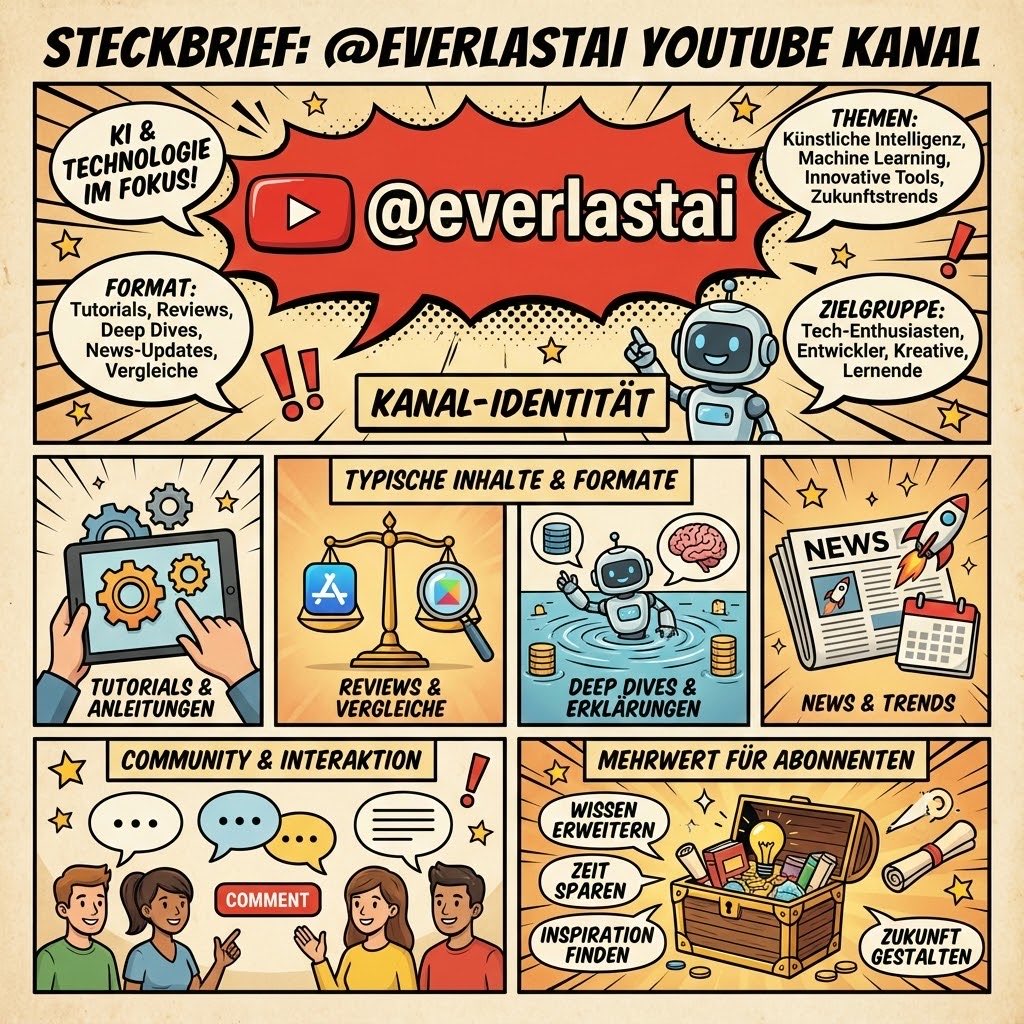
YouTube channel infographic design
50 artifacts from different eras and cultures
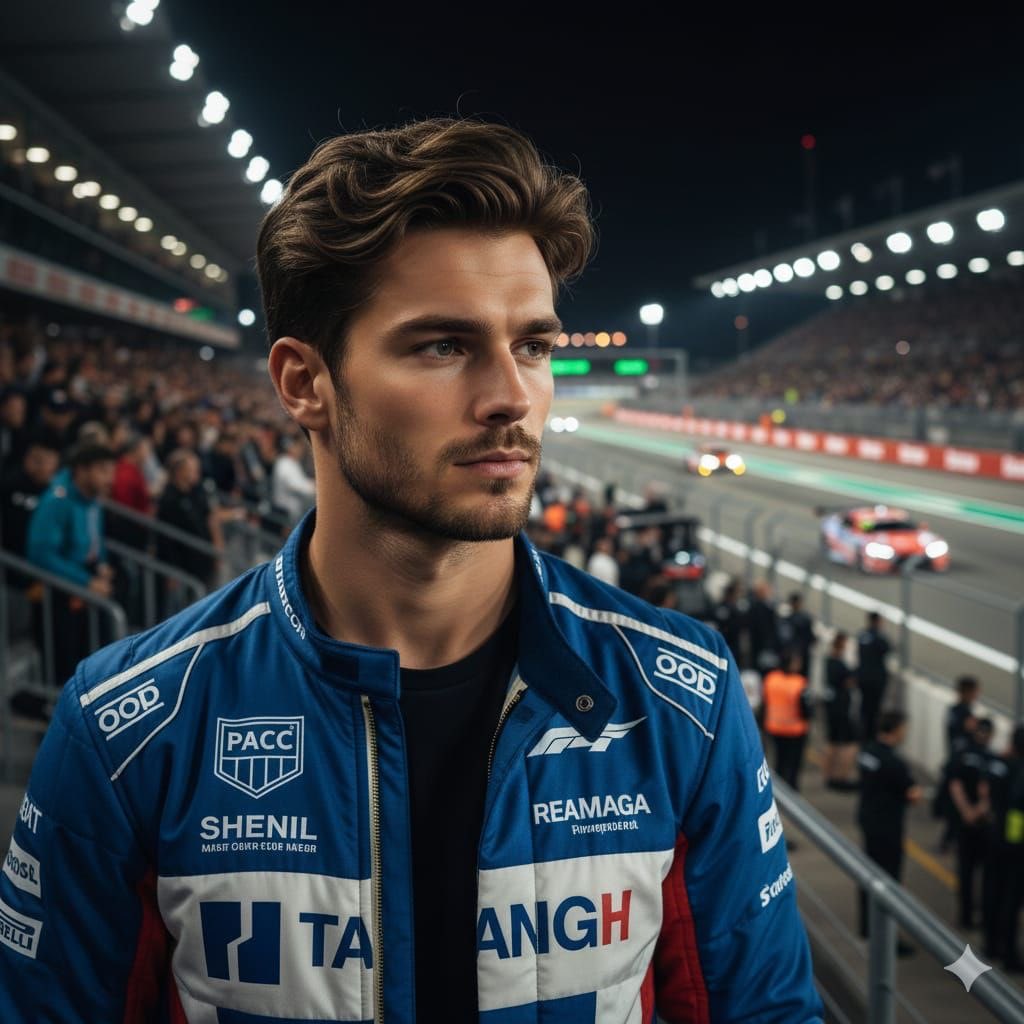
Cinematic Portrait of a Racing Driver at Night
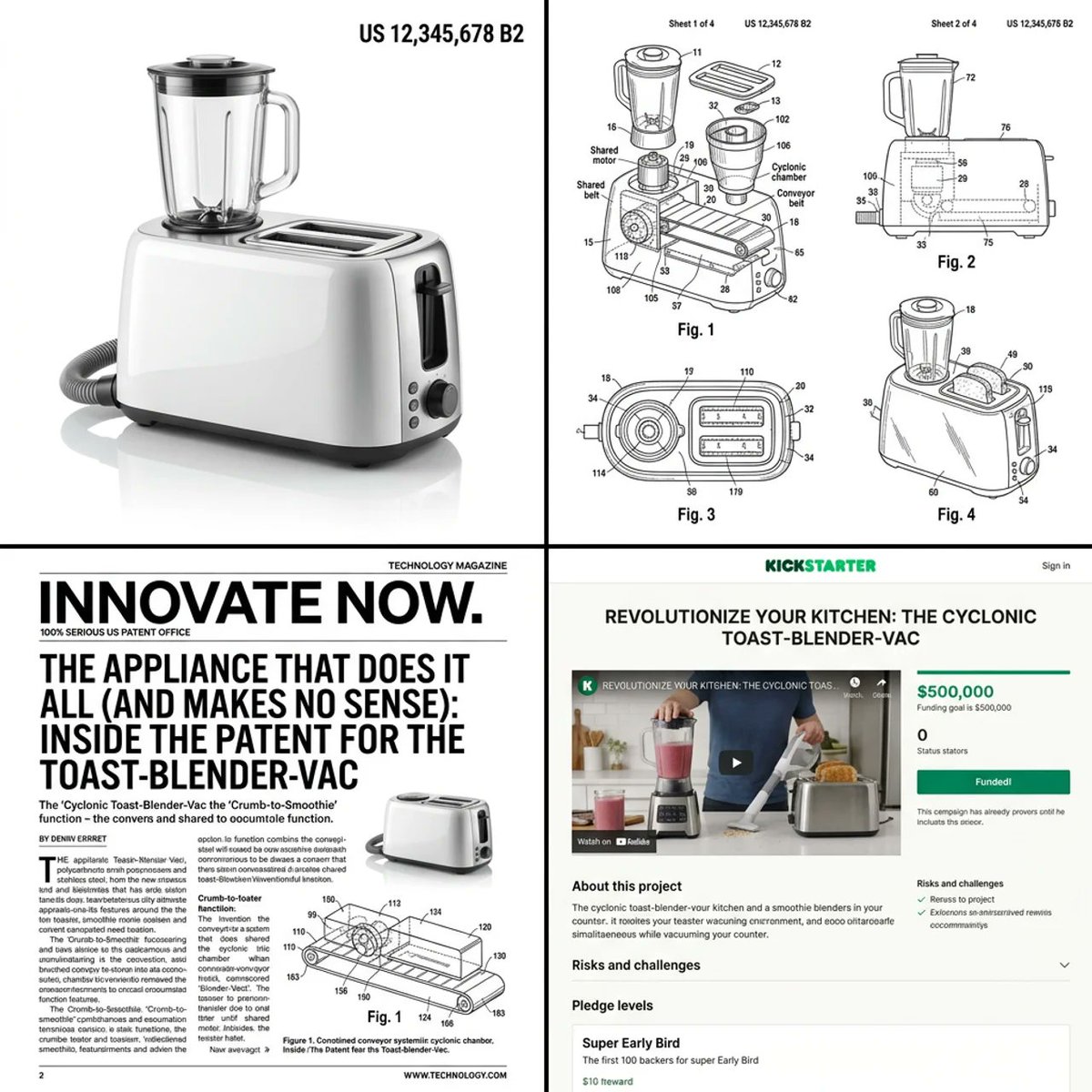
Multi-step prompt for generating absurd patent documents and product renders
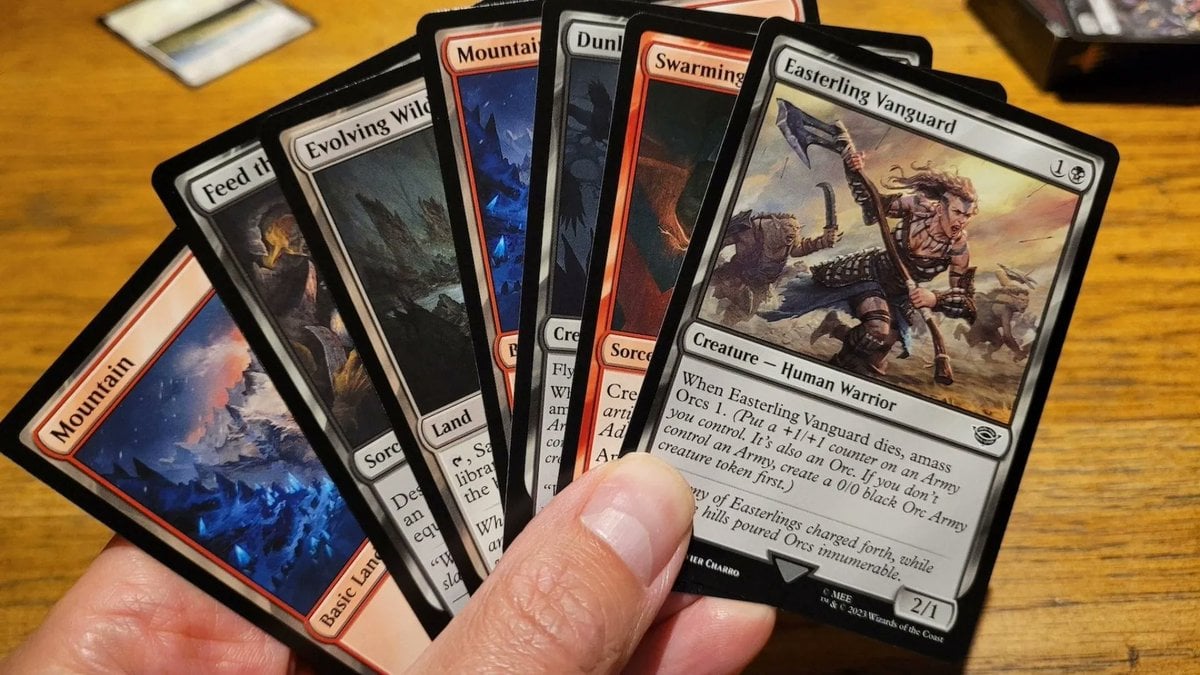
Cards, Shakespeare, and Nabokov scenes
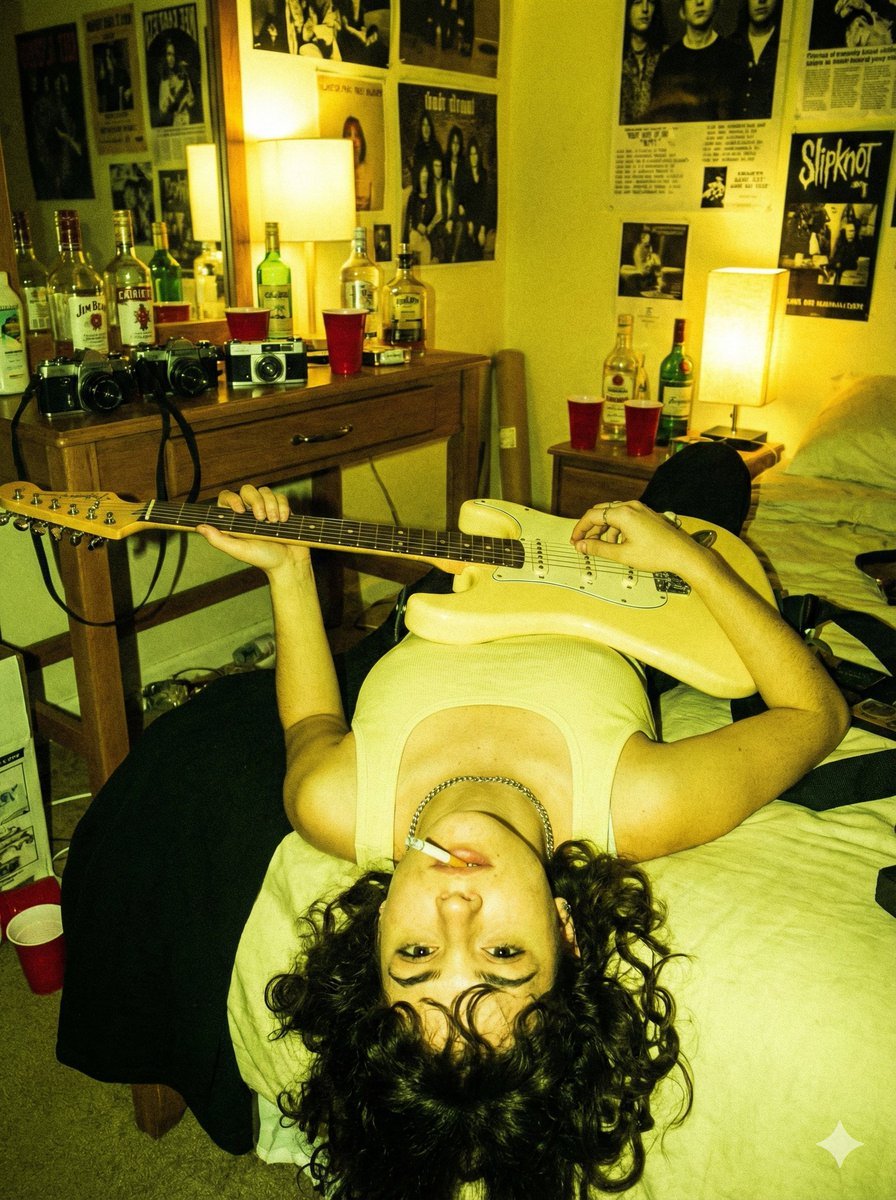
Indie Sleaze Flash Snapshot: Inverted Guitar Pose
Cinematic Neon Convenience Store Prompt

Anime Pop-Art Protest Poster
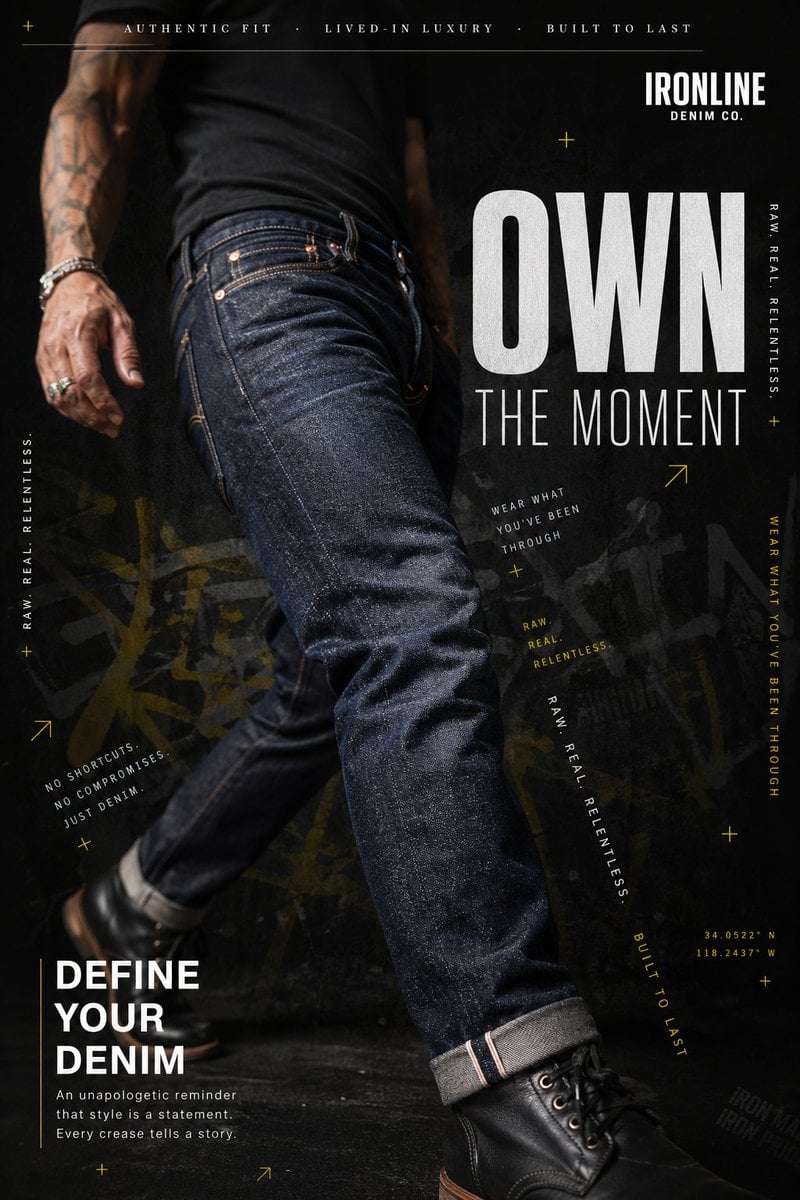
Premium Denim Editorial Advertisement
Browse template categories
Nano Banana Pro Editorial Flash Photography Prompt questions
How do I use the Nano Banana Pro Editorial Flash Photography Prompt template?
Add your photo if the template asks for one, edit the prompt if you like — the template's model and format are already selected — and press Generate. Your version opens in PicX Studio.
Can I customize the Nano Banana Pro Editorial Flash Photography Prompt template?
Yes. You can change the subject, setting, lighting, mood, format, and available model controls before creating your image.
Is the Nano Banana Pro Editorial Flash Photography Prompt template free?
Opening and editing this template is free. Generating uses credits, shown on the Generate button when you are signed in.
Which AI model should I use?
Start with Nano Banana 2, which is the model associated with this template. You can compare another compatible model for a different finish.
Looking for something else? Browse all templates.

Your photo, any look
Thousands of ready templates for every top image and video model, from one credit balance.