
Shanghai Night Travel Journal
Generates a dreamy handwritten travel-note style Shanghai skyline image for social media travel posts.
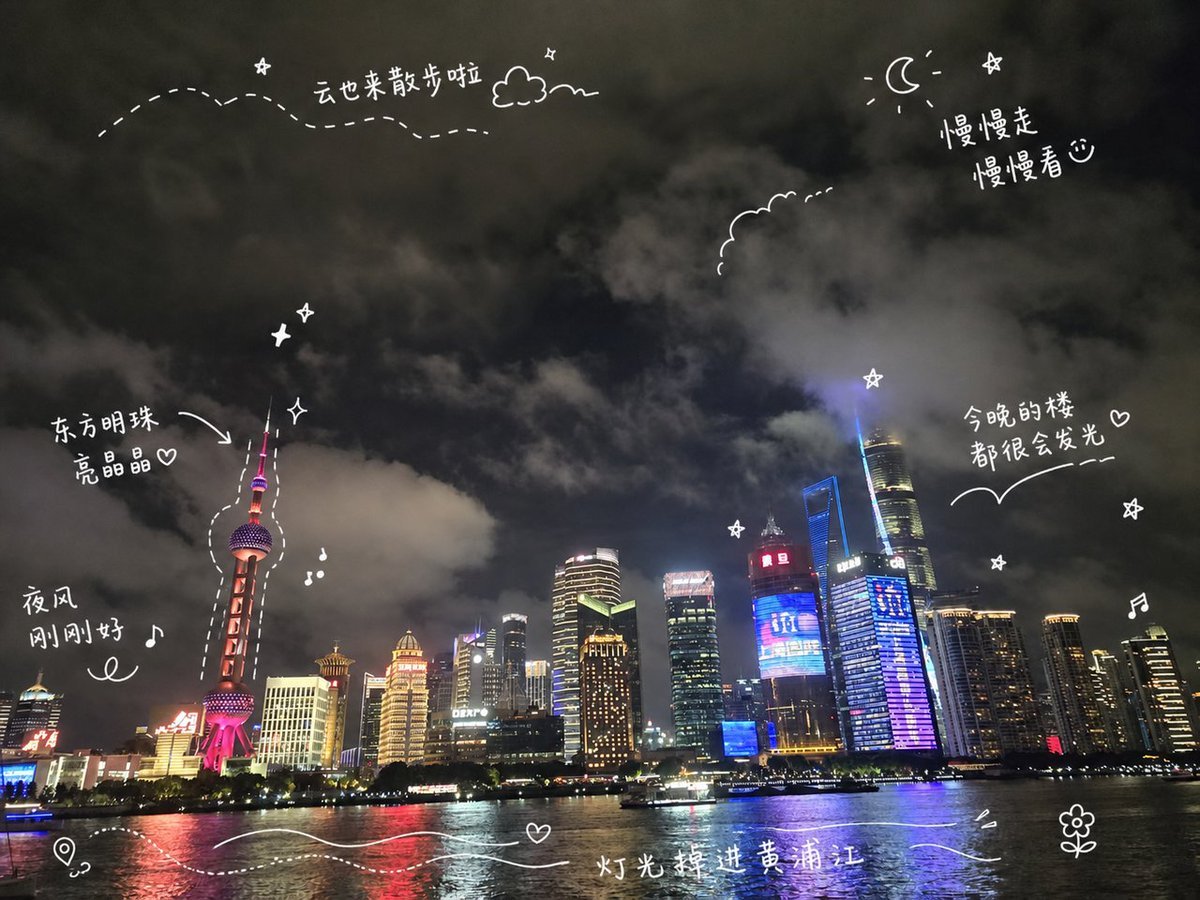
- Prompt included
- Model and format preset
- Free template
The prompt behind this image
Copy the exact prompt behind Shanghai Night Travel Journal, or open it in the studio and make it yours.
Create a travel-journal style night cityscape poster of {argument name="city skyline" default="Shanghai Pudong skyline along the Huangpu River"}. Use a wide 4:3 canvas showing a realistic nighttime waterfront photo look: dark cloudy sky filling the top two thirds, illuminated skyscrapers along the horizon, the Oriental Pearl Tower on the left glowing pink-red, Shanghai Tower and other high-rises on the right with blue, purple, gold, and white lights, and reflective river water across the bottom with a small sightseeing boat. Add playful white hand-drawn diary doodles and handwritten Chinese annotations directly over the scene, like a social media travel note. Include exactly 6 handwritten text notes: “云也来散步啦” near the upper left with a dotted wandering path and small cloud, “慢慢走 慢慢看♡” near the upper right beside a crescent moon and star, “东方明珠 亮晶晶♡” pointing with an arrow to the Oriental Pearl Tower, “夜风 刚刚好♪” on the left above the river, “今晚的楼 都很会发光♡” on the right above the skyline with a curved underline, and “灯光掉进黄浦江” centered near the bottom over the water. Include exactly 15 white doodle elements: a dotted flight path across the upper left, one small outlined cloud near the top, one crescent moon at the upper right, one scalloped cloud outline near the upper center-right, one arrow pointing to the Oriental Pearl Tower, one dashed outline tracing around the Oriental Pearl Tower, three small sparkle/star icons, two music-note icons, one map-pin icon at the bottom left, two flowing wave lines across the bottom water, and one small flower doodle at the bottom right. Keep all doodles thin, casual, hand-drawn, slightly imperfect, and bright white, with no borders or watermark. The mood should be dreamy, cozy, romantic, and spontaneous, like a handwritten travel memory shared on social media.
How to use Shanghai Night Travel Journal in 3 steps
- 1Upload ImagePNG, JPG or paste
Add your photo
Upload the photo the template builds on. The prompt, model and format are already set.
- 2…a portrait of your subject in softgolden-hour light, 85mm…
Personalize
Edit the subject and creative details for your destination.
- 3Generate
Generate
Press Generate — your image is created in PicX Studio, so you can compare it with the original and refine one variable at a time.
More like this
Templates with the same subject, style or setup. Open one to see its prompt.

Kids Crayon Travel Journal Illustration
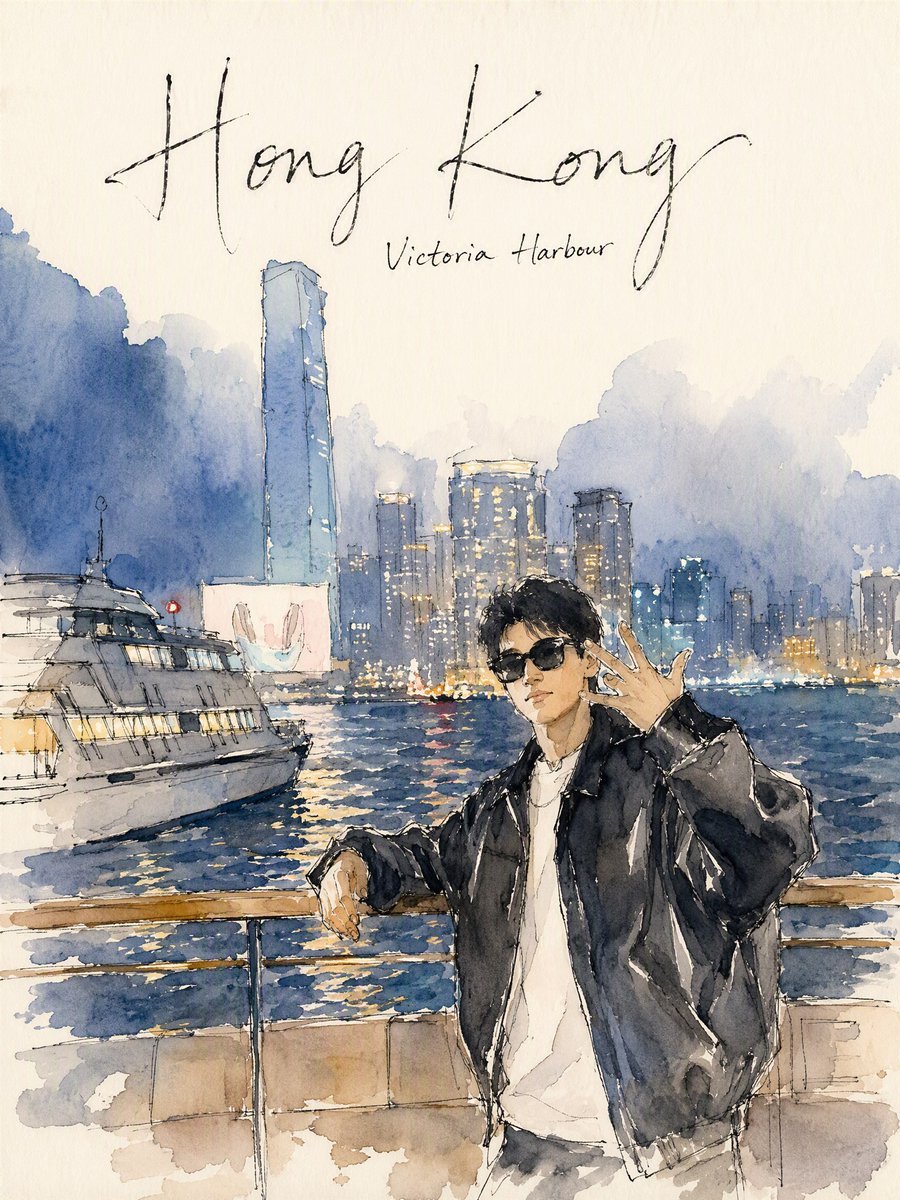
Hong Kong Watercolor Travel Journal
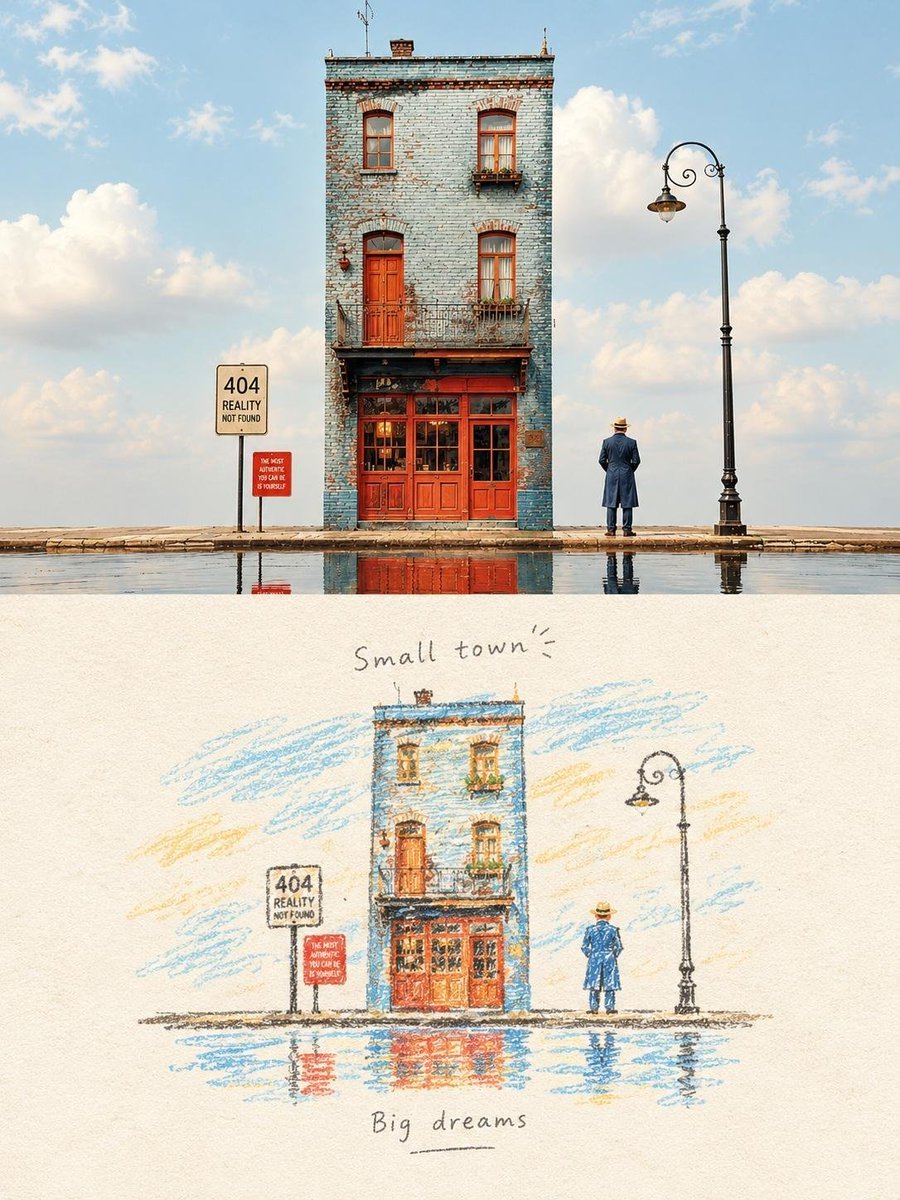
Hand-Drawn Travel Journal Illustration
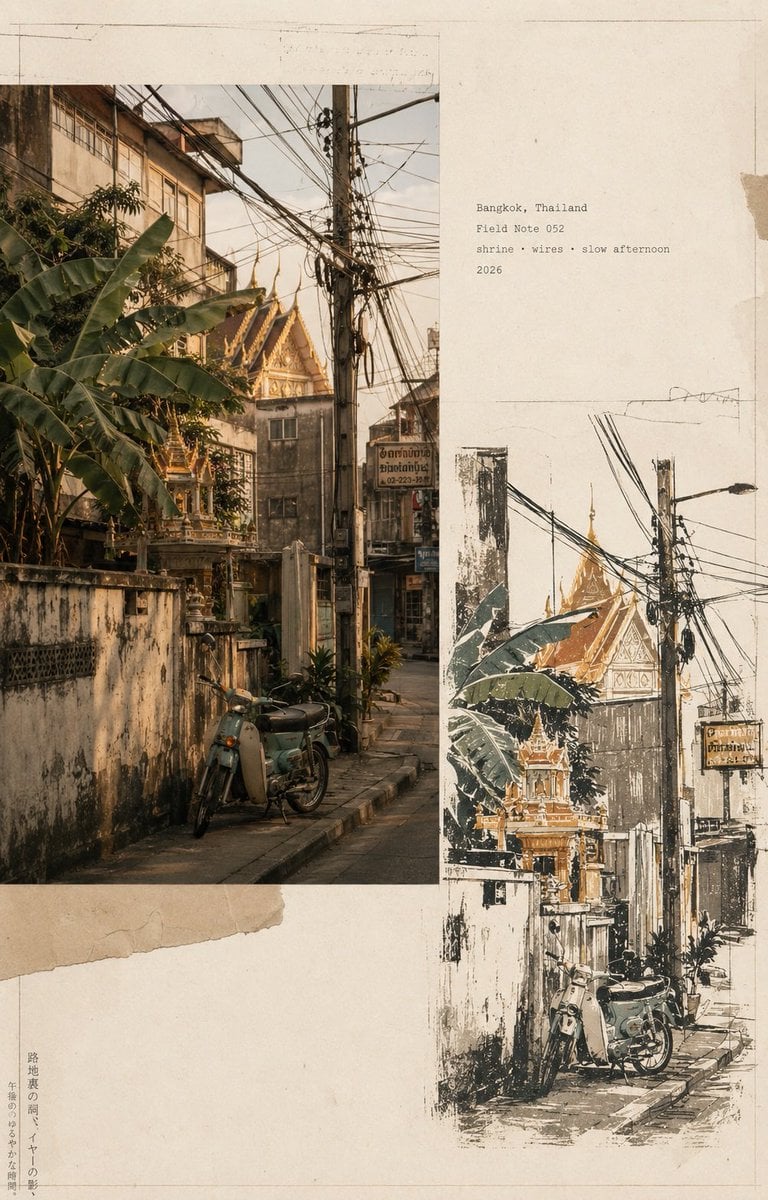
Vintage Travel Journal Collage

Japan Travel Brochure Poster

Miniature Travel Diorama Postcard

Boardwalk Fashion Portrait
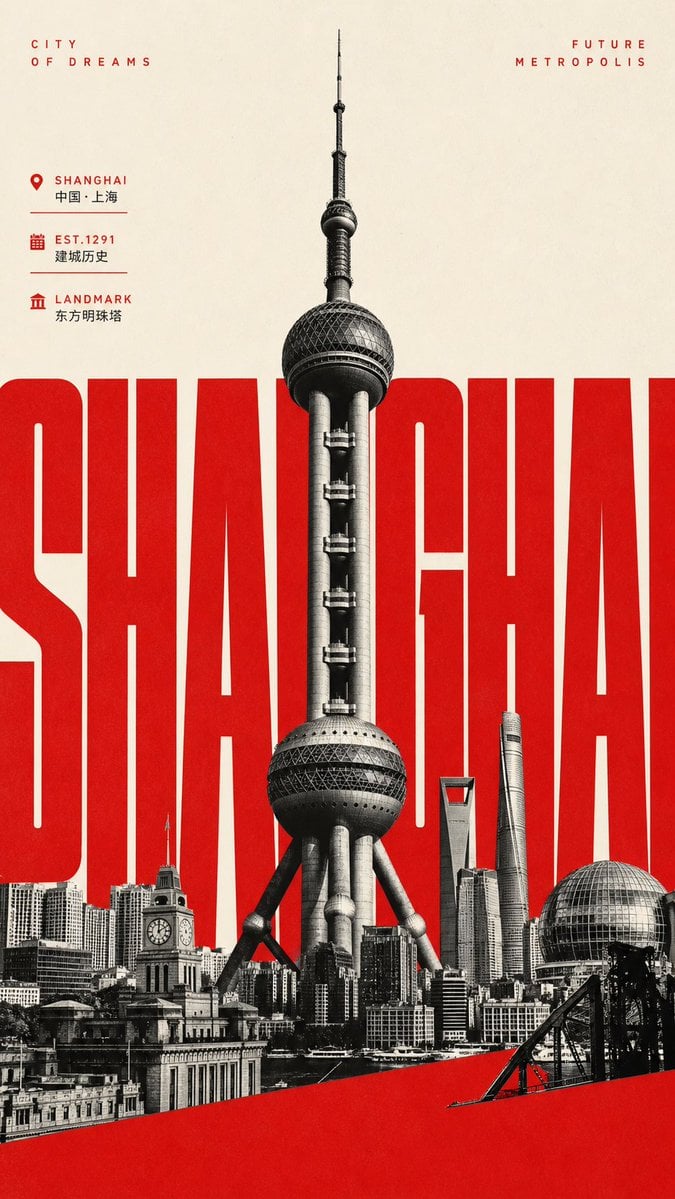
Giant Typography Shanghai Travel Poster
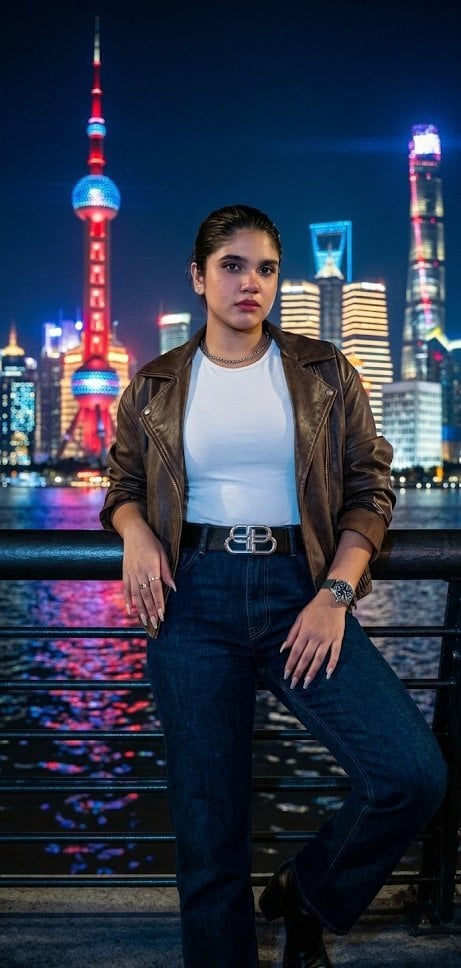
Shanghai Bund Night Photography

Subway Platform Quiet Introspective Portrait

Clay Miniature Landmark Travel Diorama
Subway Platform Quiet Introspective Portrait
Make it yours
Shanghai Night Travel Journal works as-is. These are the safest ways to change it without losing the look.
Change one field
Copy a single group, rewrite it, and generate again so you can see what that field is doing.
Keep the frame, change the subject
Hold the composition and light of Shanghai Night Travel Journal, then swap wardrobe, props or the person for a new take.
| If the result… | Why | Fix |
|---|---|---|
| The result drifts from the preview | Too many fields changed at once. | Reuse Shanghai Night Travel Journal as-is first, then change one group — subject, light, or setting. |
| The model over-stylizes the scene | The prose prompt leaves finish and camera underspecified. | Add one camera or lighting sentence and stay on GPT Image 2. |
More GPT Image 2 templates
Other prompts made for GPT Image 2.

Six VTuber Japanese Logo Sheet

Realistic Portrait of Woman and Deer

The Vista Modular Condo Poster

AI Model Routing Comparison Infographic

2.5D Anime Art Board

Isometric Productivity Desk Scene

New York Double Exposure Poster

Four-Panel AI Landscape Comparison

Japanese Tatami Lifestyle Magazine Cover

NESCAFÉ Coffee Map Poster
More image prompts
Fresh picks from across the catalog.
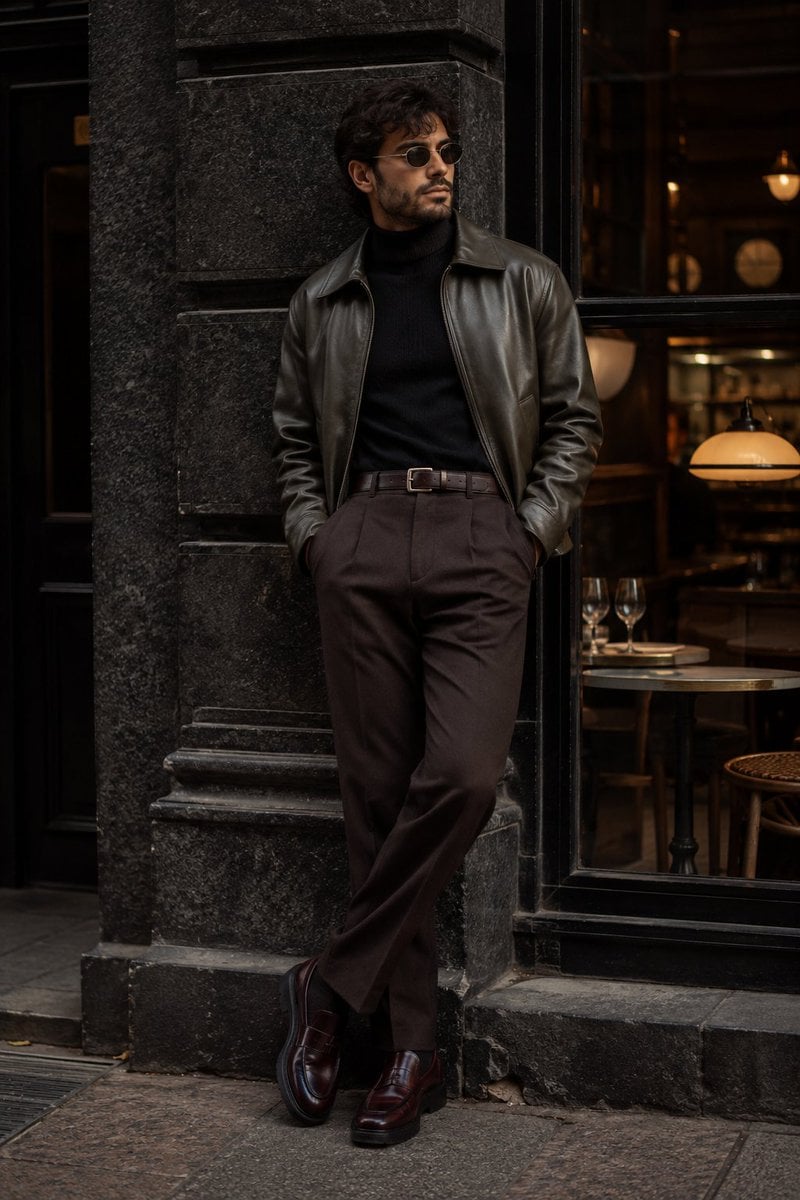
Cinematic Urban Menswear Portrait
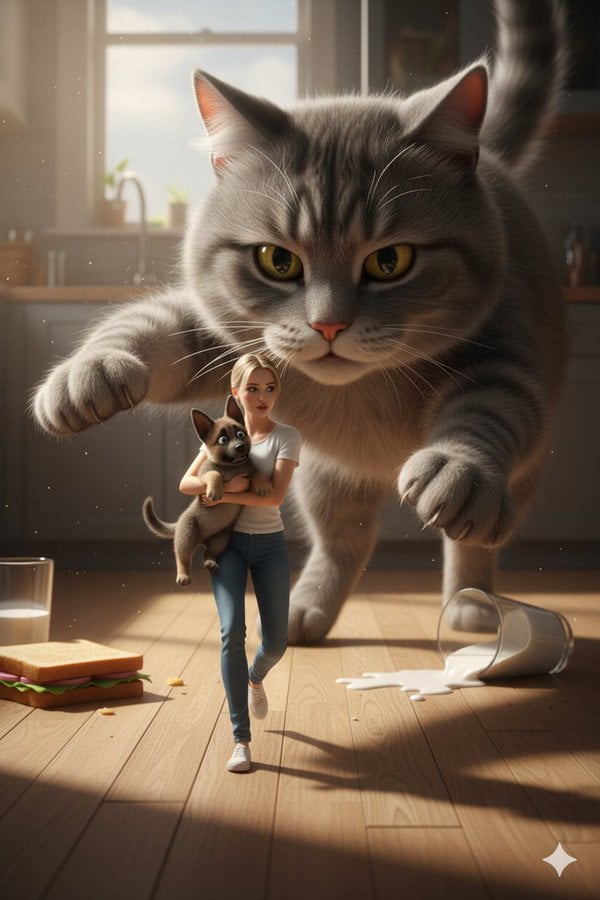
Cinematic Giant Cat Chasing Tiny Woman
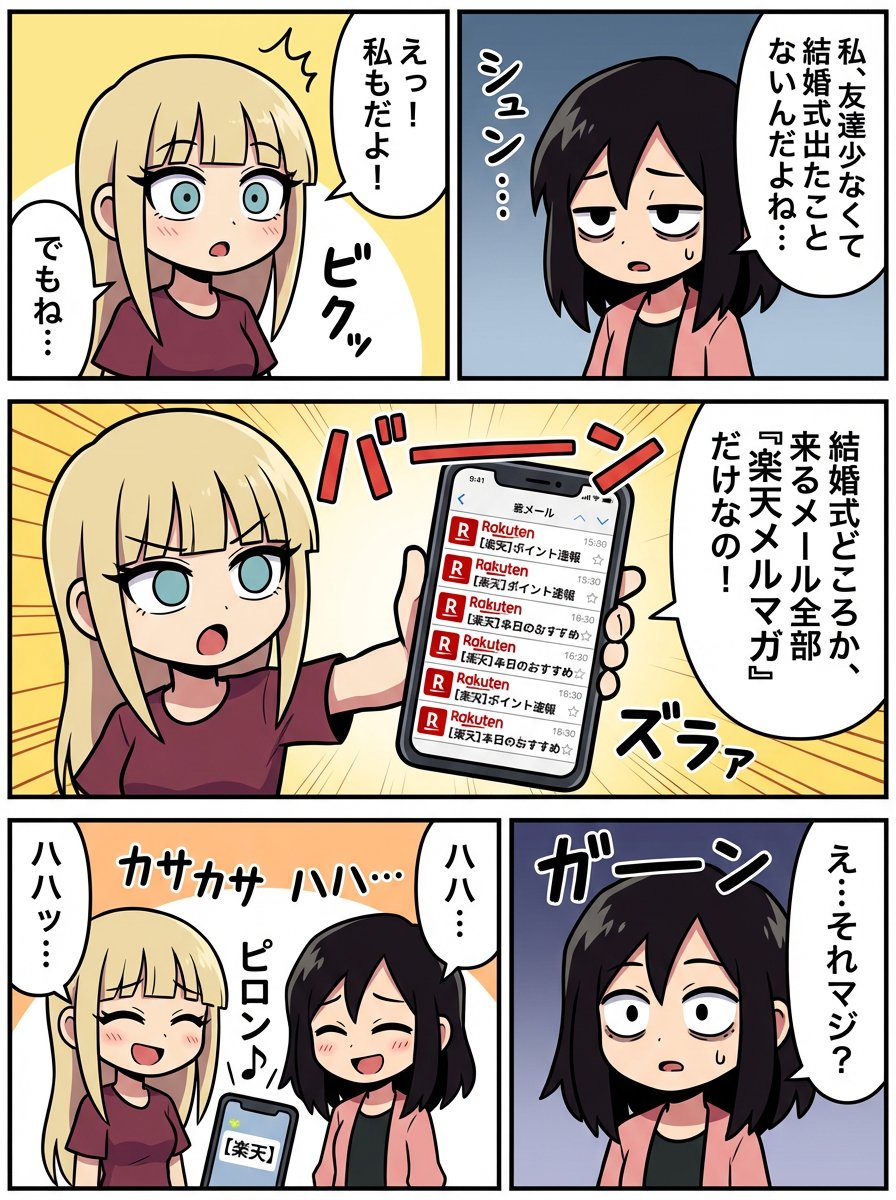
Generating a Scene: No Wedding, No Email
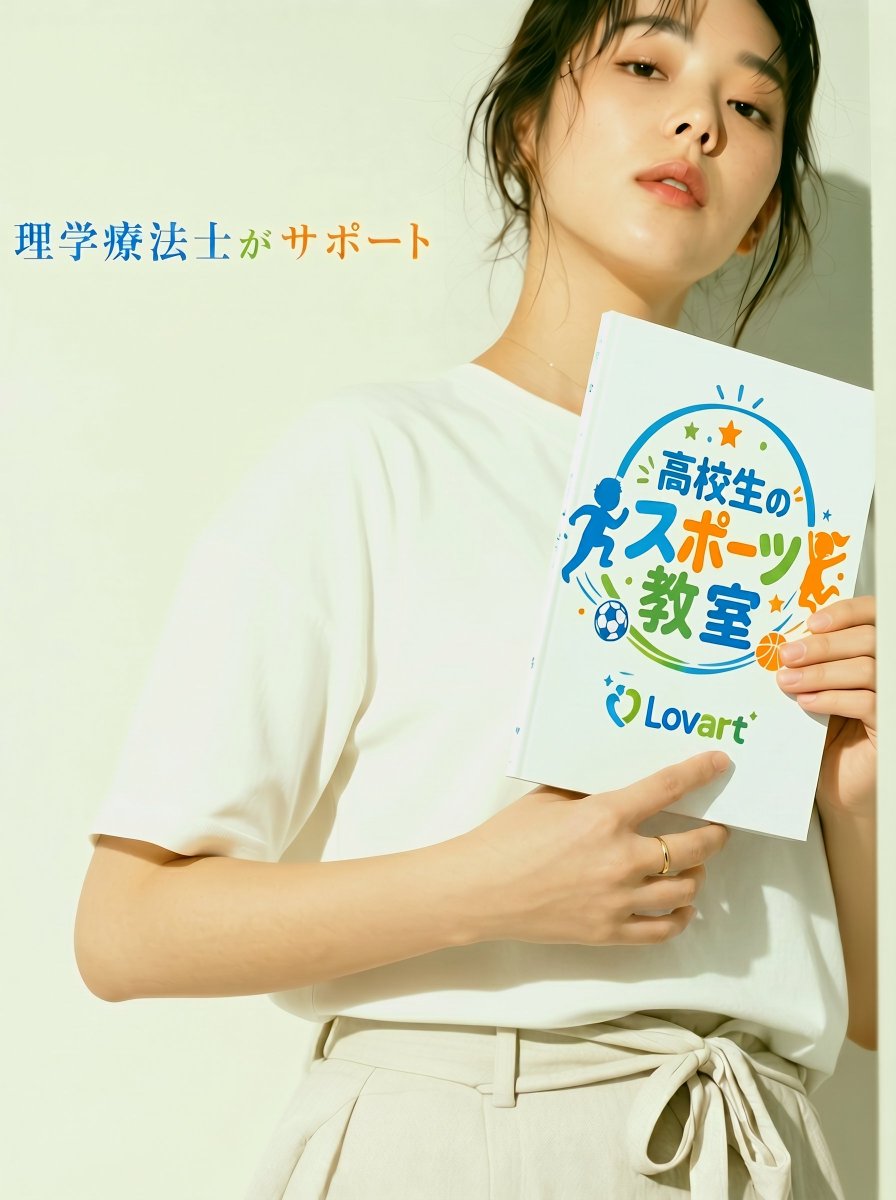
Japanese Sports School Flyer Photo
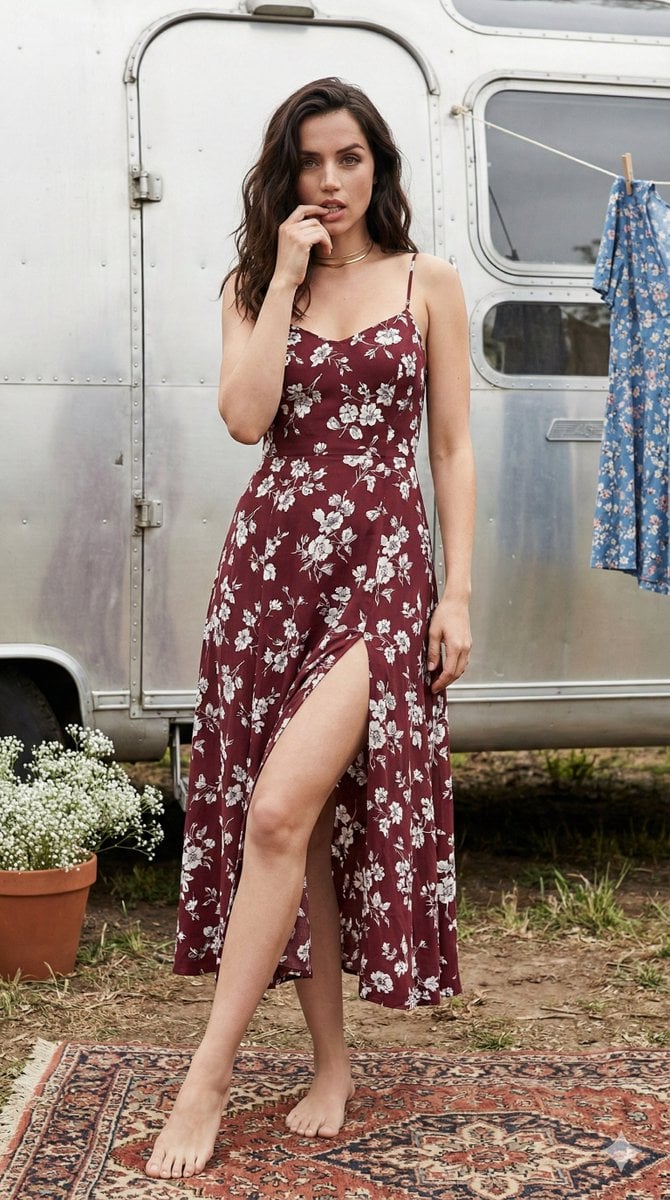
Bohemian Summer Airstream Portrait Prompt
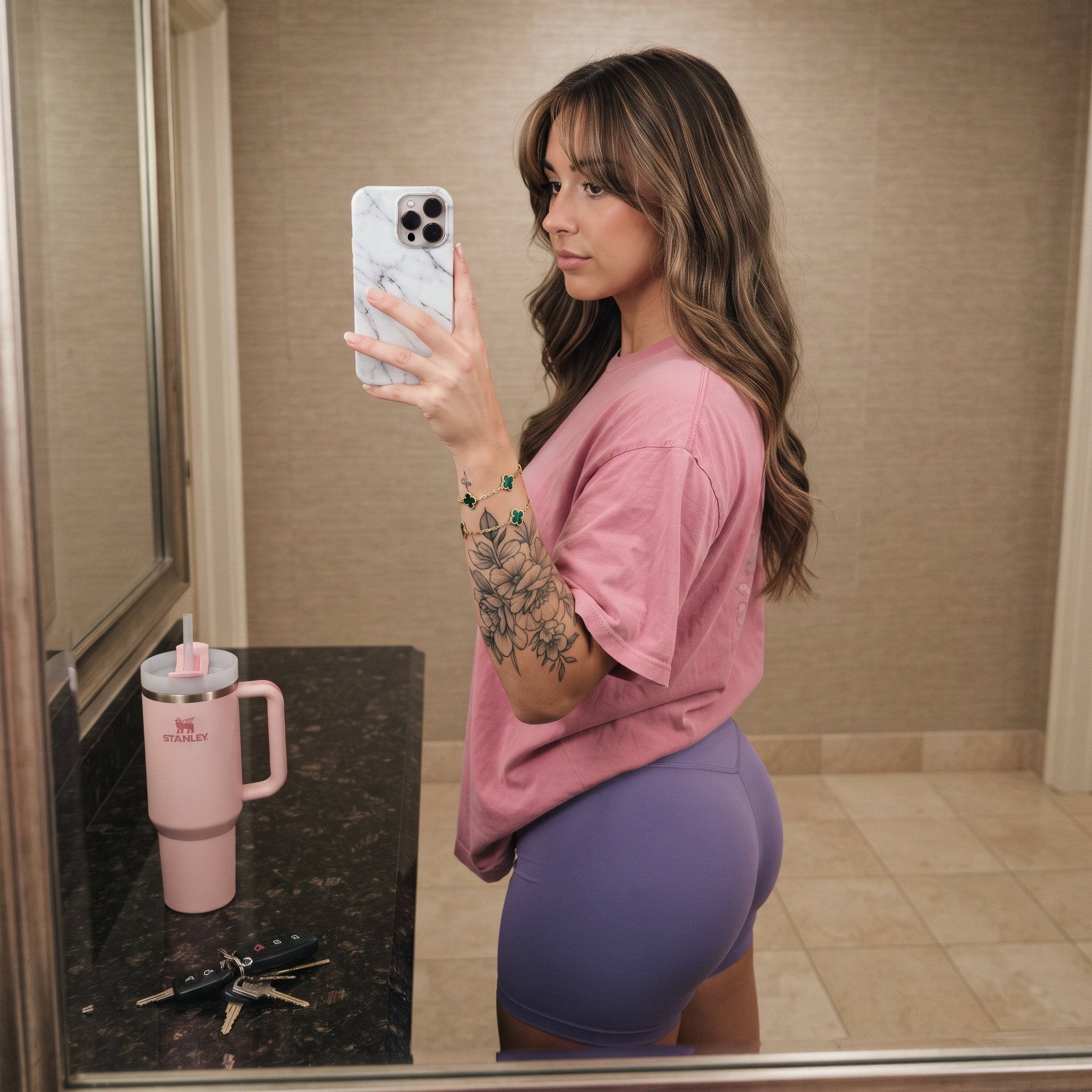
Mirror Selfie Prompt with Detailed Subject and Object Specifications
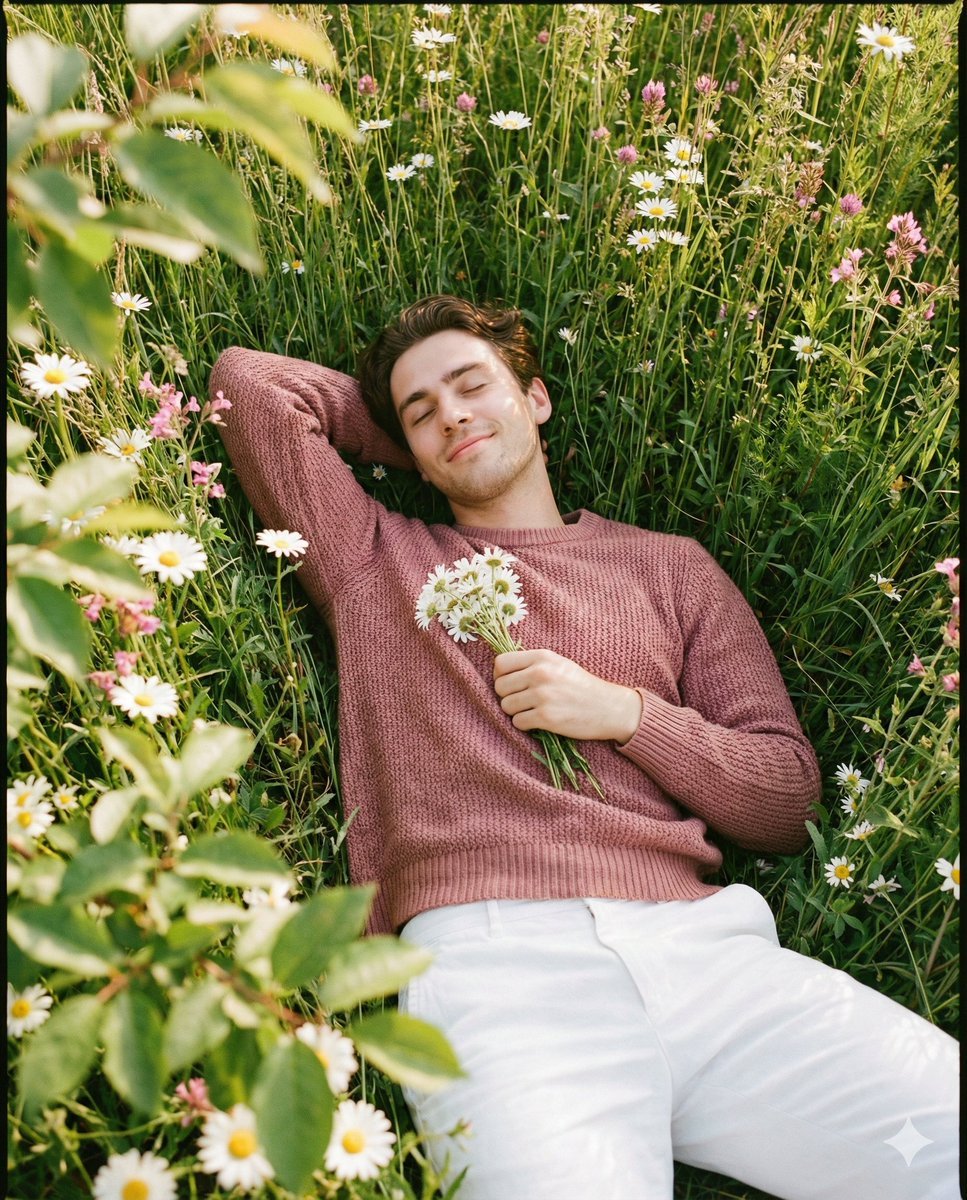
Romantic Top-Down Portrait in a Wildflower Meadow
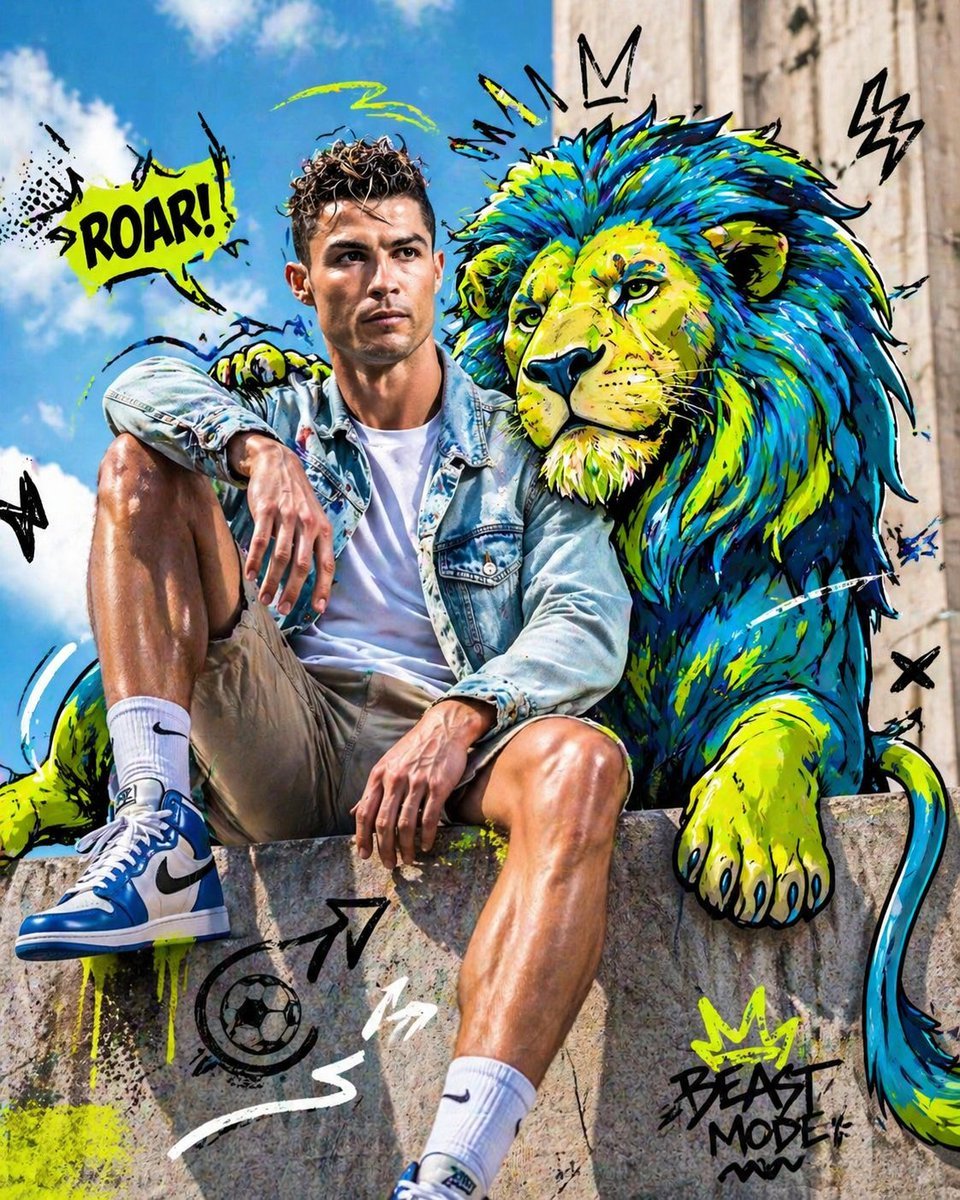
Mixed-Media Editorial Shot with Cartoon Character

Surreal Comedy Portrait with Miniatures

High Fashion South Asian Woman Portrait Prompt
Browse template categories
Shanghai Night Travel Journal questions
How do I use the Shanghai Night Travel Journal template?
Add your photo if the template asks for one, edit the prompt if you like — the template's model and format are already selected — and press Generate. Your version opens in PicX Studio.
Can I customize the Shanghai Night Travel Journal template?
Yes. You can change the subject, setting, lighting, mood, format, and available model controls before creating your image.
Is the Shanghai Night Travel Journal template free?
Opening and editing this template is free. Generating uses credits, shown on the Generate button when you are signed in.
Which AI model should I use?
Start with GPT Image 2, which is the model associated with this template. You can compare another compatible model for a different finish.
Looking for something else? Browse all templates.

Your photo, any look
Thousands of ready templates for every top image and video model, from one credit balance.