
Hong Kong Watercolor Travel Journal
Generates a hand-painted watercolor travel journal scene with a stylish foreground portrait and Victoria Harbour skyline, ideal for travel keepsakes or social posts.
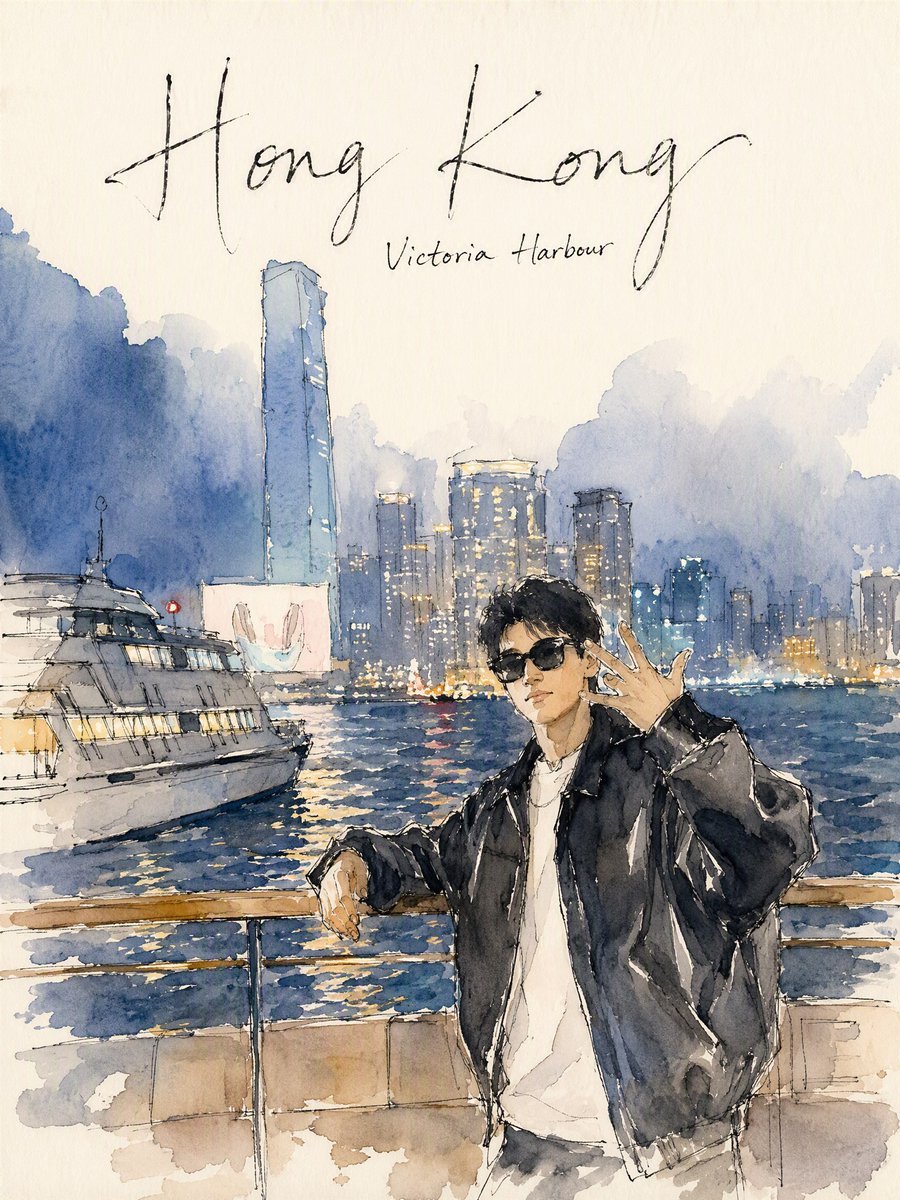
- Prompt included
- Model and format preset
- Free template
The prompt behind this image
Copy the exact prompt behind Hong Kong Watercolor Travel Journal, or open it in the studio and make it yours.
Create a vertical watercolor travel journal illustration on warm off-white textured paper, showing {argument name="destination" default="Hong Kong"} at {argument name="specific location" default="Victoria Harbour"}. At the top, leave airy negative space and add exactly 2 handwritten text elements: a large loose black ink calligraphy title reading “{argument name="main title" default="Hong Kong"}” and a smaller subtitle beneath it reading “{argument name="subtitle" default="Victoria Harbour"}”. The scene is a dreamy evening harbour view with soft blue-gray mountain silhouettes and misty clouds behind a dense skyline of high-rise buildings, including one very tall rectangular tower on the left and multiple illuminated towers across the center and right. Paint shimmering dark blue water with broken yellow, white, and red reflections. Include exactly 1 large white ferry on the left foreground, angled slightly toward the viewer, with sketchy black ink outlines and warm lit windows. In the right foreground, place exactly 1 stylish young man leaning against a waterfront railing, wearing {argument name="outfit" default="black oversized leather jacket, white T-shirt, dark sunglasses, necklace, rings"}; he has short black hair, a relaxed cool expression, one arm resting on the railing and the other hand raised near his face in a casual gesture. Use a loose urban sketching style: transparent watercolor washes, visible paper grain, splattered edges, imperfect pen lines, minimal facial detail, luminous city lights, and a balanced composition where the person overlaps the harbour while the title remains clean and readable. No photorealism, no hard digital gradients, no extra text, no watermark.
How to use Hong Kong Watercolor Travel Journal in 3 steps
- 1Upload ImagePNG, JPG or paste
Add your photo
Upload the photo the template builds on. The prompt, model and format are already set.
- 2…a portrait of your subject in softgolden-hour light, 85mm…
Personalize
Edit the subject and creative details for your destination.
- 3Generate
Generate
Press Generate — your image is created in PicX Studio, so you can compare it with the original and refine one variable at a time.
More like this
Templates with the same subject, style or setup. Open one to see its prompt.
Vintage travel journal watercolor
Watercolor Travel Journal Illustration

Kids Crayon Travel Journal Illustration

Cinematic Hong Kong Restaurant Portrait
90s Hong Kong Cinematic Retro Portrait
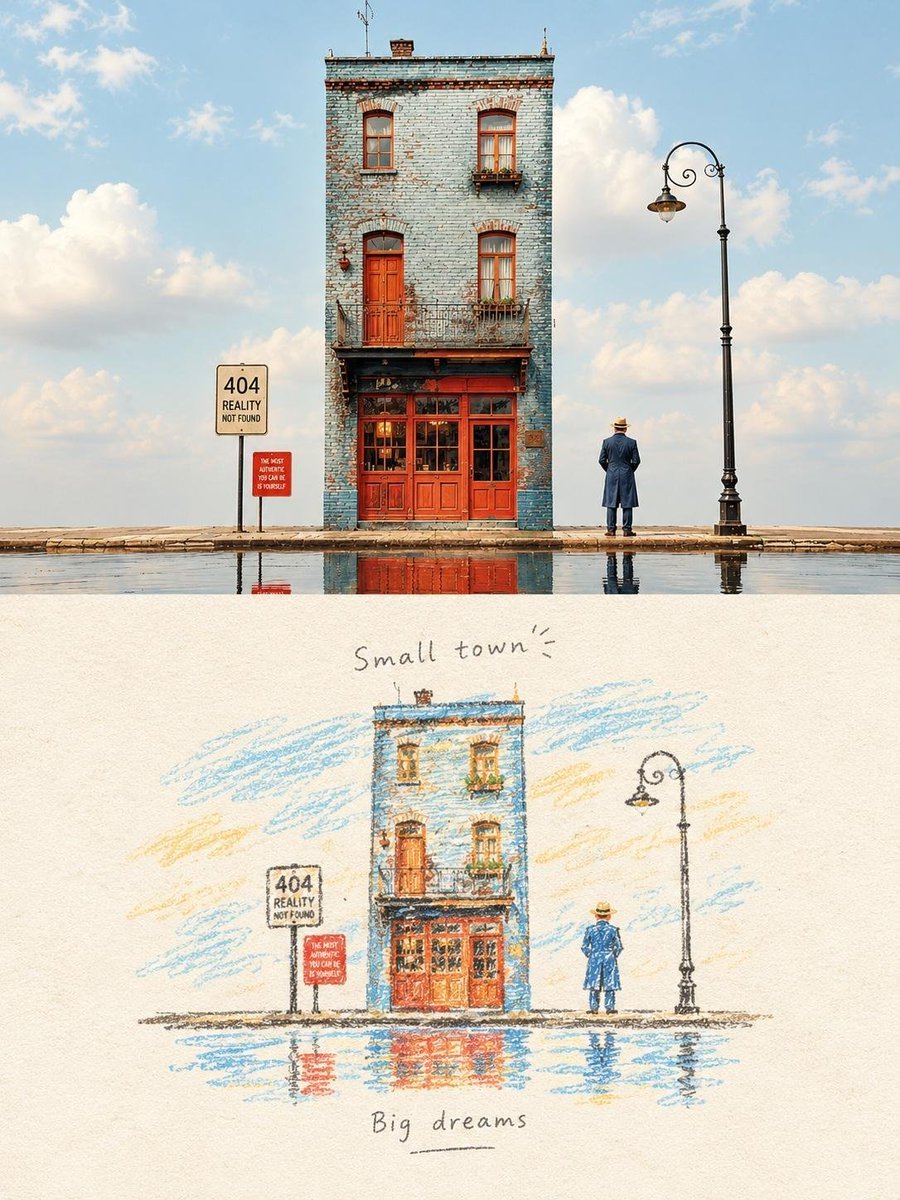
Hand-Drawn Travel Journal Illustration
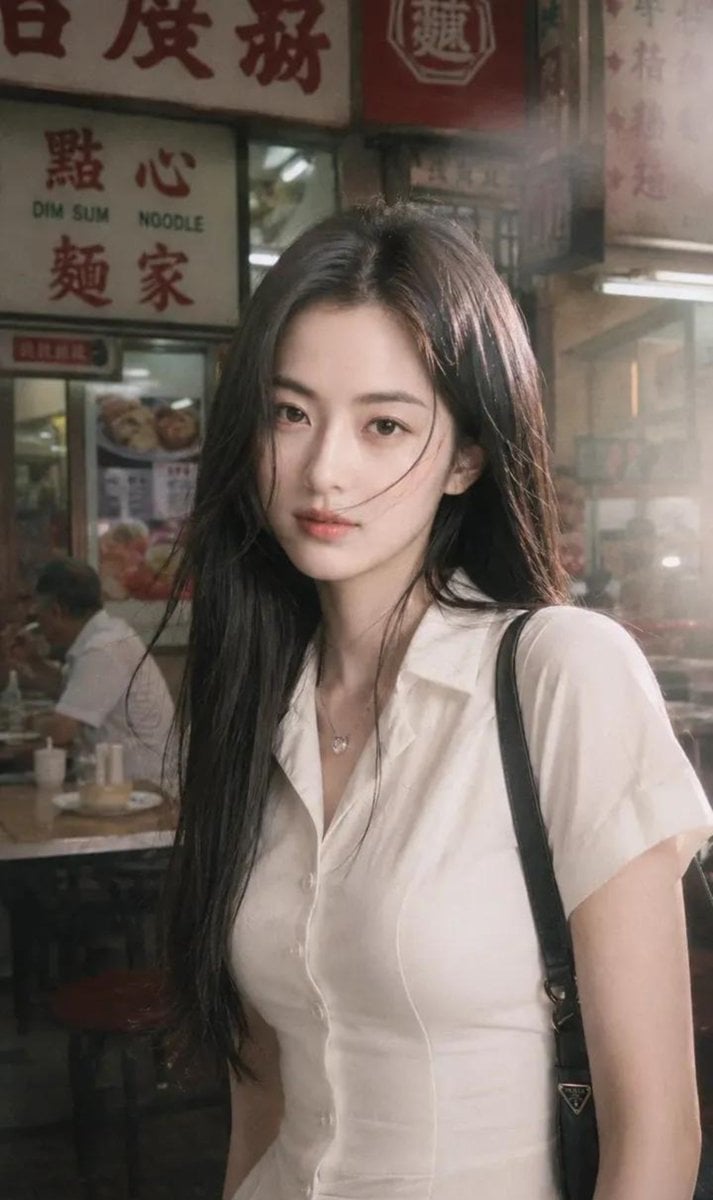
Hong Kong Street Style Fashion Portrait
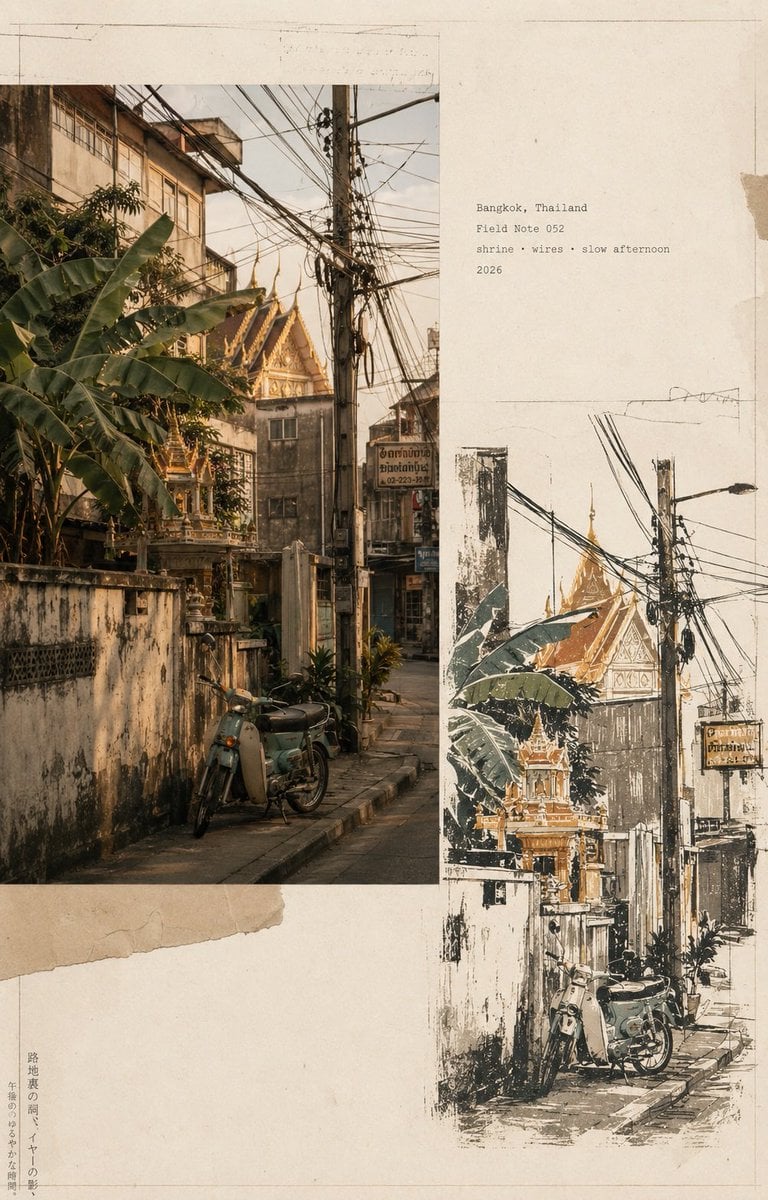
Vintage Travel Journal Collage

Japan Travel Brochure Poster

Miniature Travel Diorama Postcard

Boardwalk Fashion Portrait
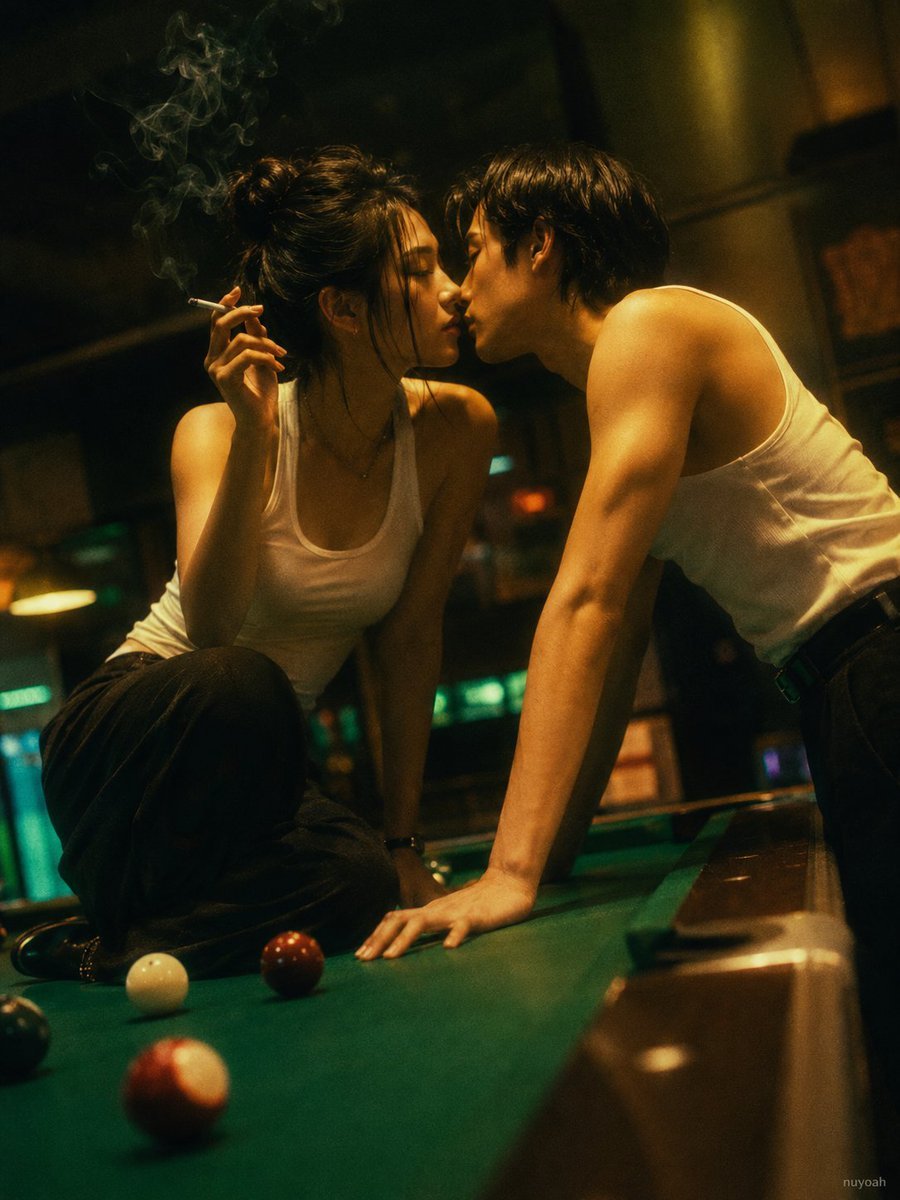
Vintage Hong Kong Billiard Club
Make it yours
Hong Kong Watercolor Travel Journal works as-is. These are the safest ways to change it without losing the look.
Change one field
Copy a single group, rewrite it, and generate again so you can see what that field is doing.
Keep the frame, change the subject
Hold the composition and light of Hong Kong Watercolor Travel Journal, then swap wardrobe, props or the person for a new take.
| If the result… | Why | Fix |
|---|---|---|
| The result drifts from the preview | Too many fields changed at once. | Reuse Hong Kong Watercolor Travel Journal as-is first, then change one group — subject, light, or setting. |
| The model over-stylizes the scene | The prose prompt leaves finish and camera underspecified. | Add one camera or lighting sentence and stay on GPT Image 2. |
More GPT Image 2 templates
Other prompts made for GPT Image 2.

Six VTuber Japanese Logo Sheet

Realistic Portrait of Woman and Deer

The Vista Modular Condo Poster

AI Model Routing Comparison Infographic

2.5D Anime Art Board

Isometric Productivity Desk Scene

New York Double Exposure Poster

Four-Panel AI Landscape Comparison

Japanese Tatami Lifestyle Magazine Cover

NESCAFÉ Coffee Map Poster
More image prompts
Fresh picks from across the catalog.
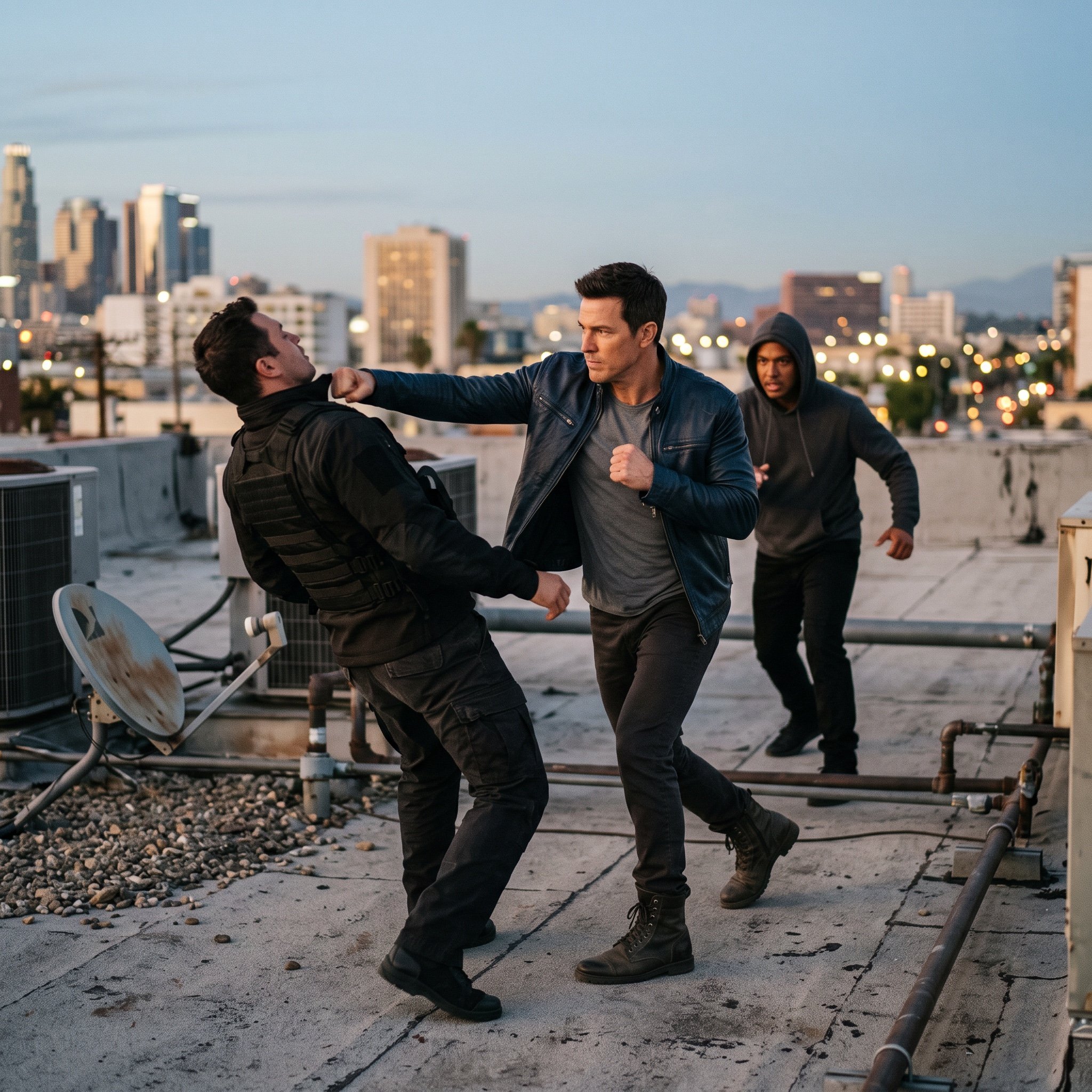
action movie hollywood movie hollywood fight scene... (IMAGE-NANO_BANANA)

Kawaii Café and Travel Illustration
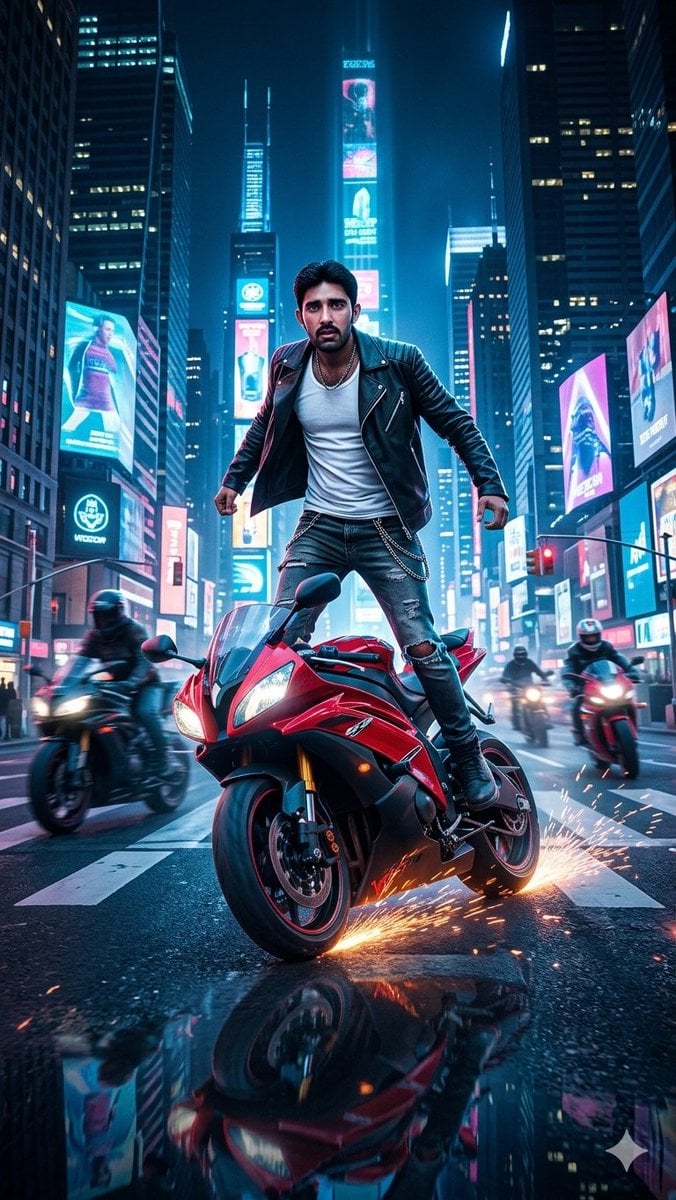
Neon City Superbike Stunt
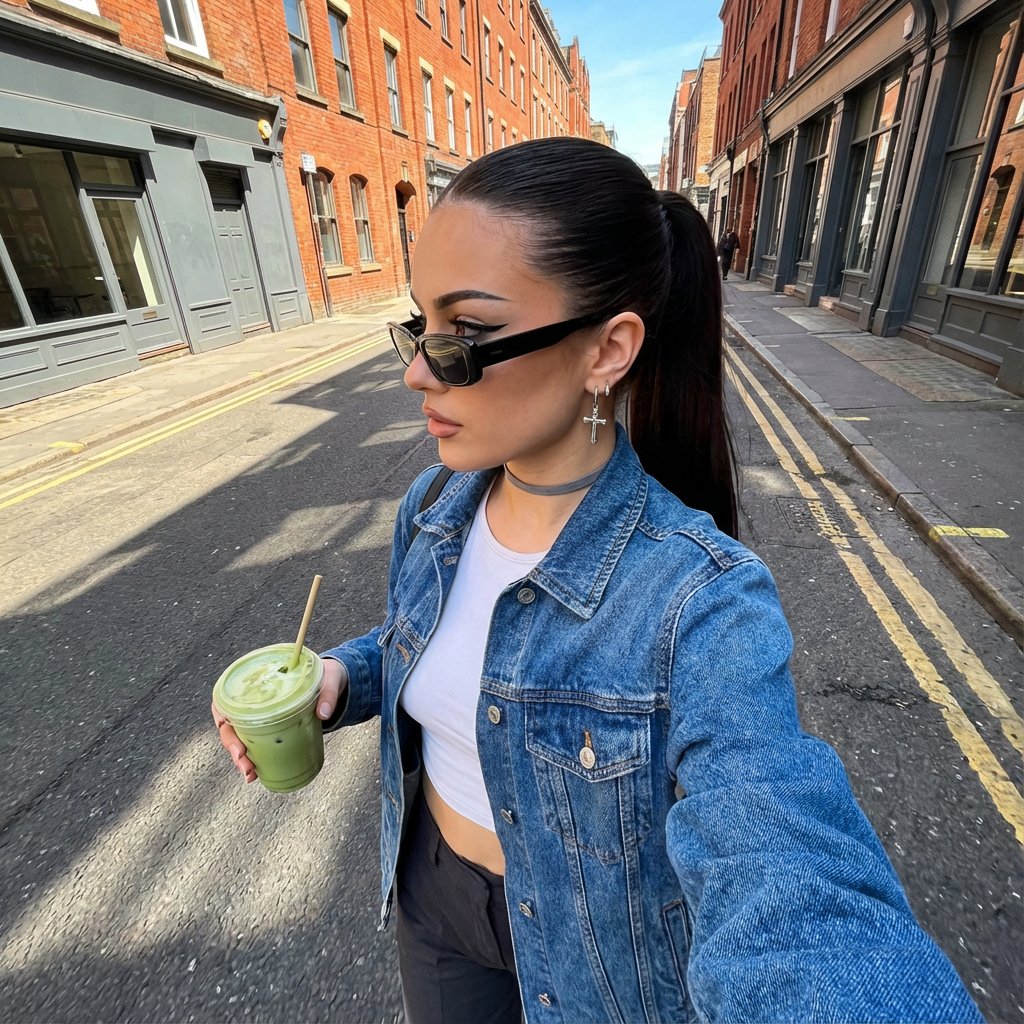
Urban Street Fashion Portrait Prompt
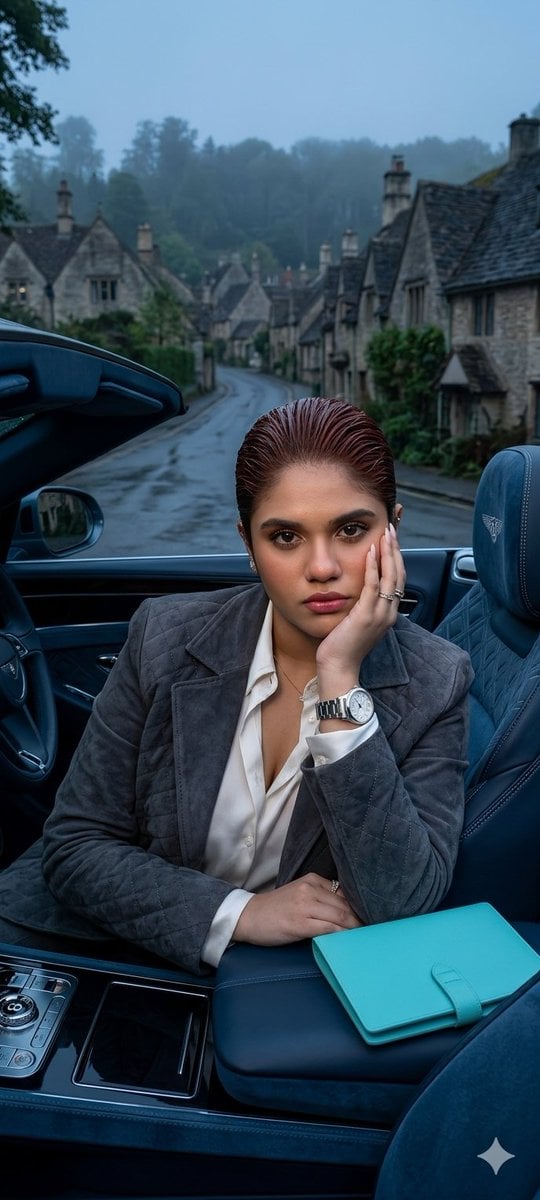
X Oye Samia Hyper Realistic Scene on the Outskirts
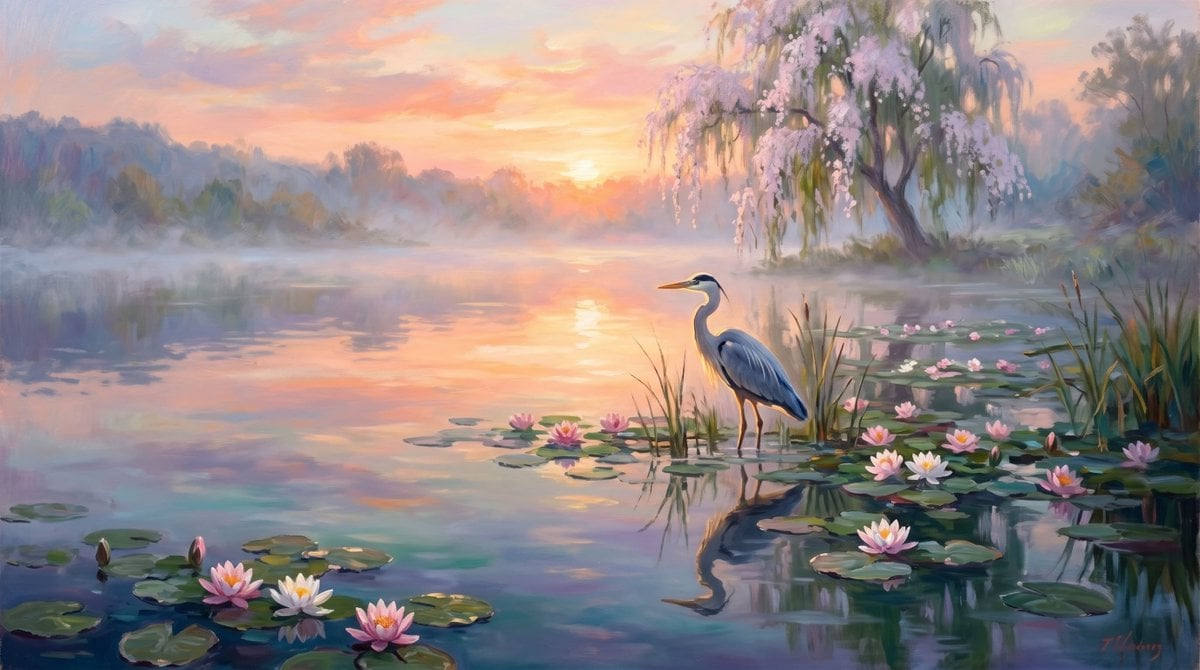
Misty Heron Lake at Sunrise
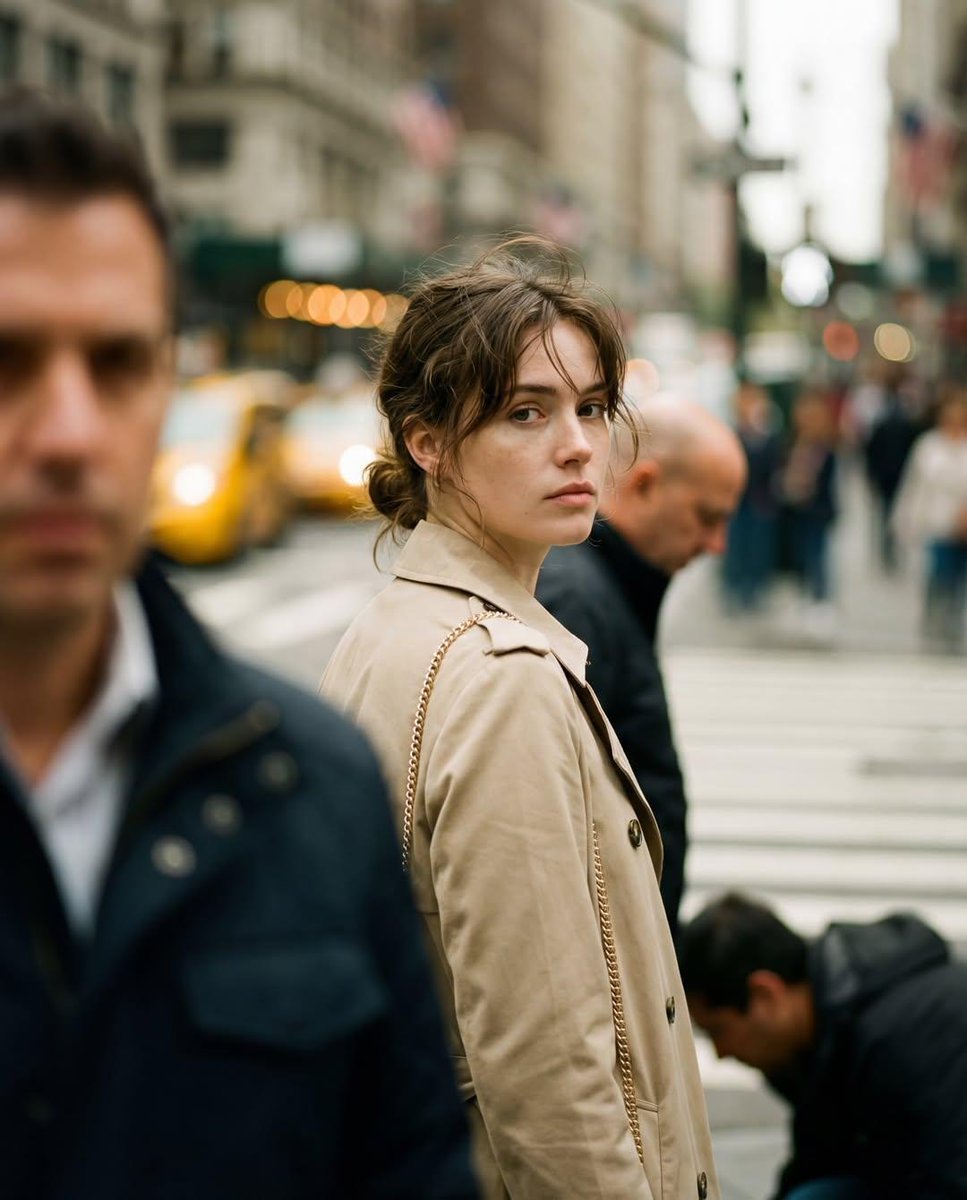
Candid Street Photography with Documentary Realism
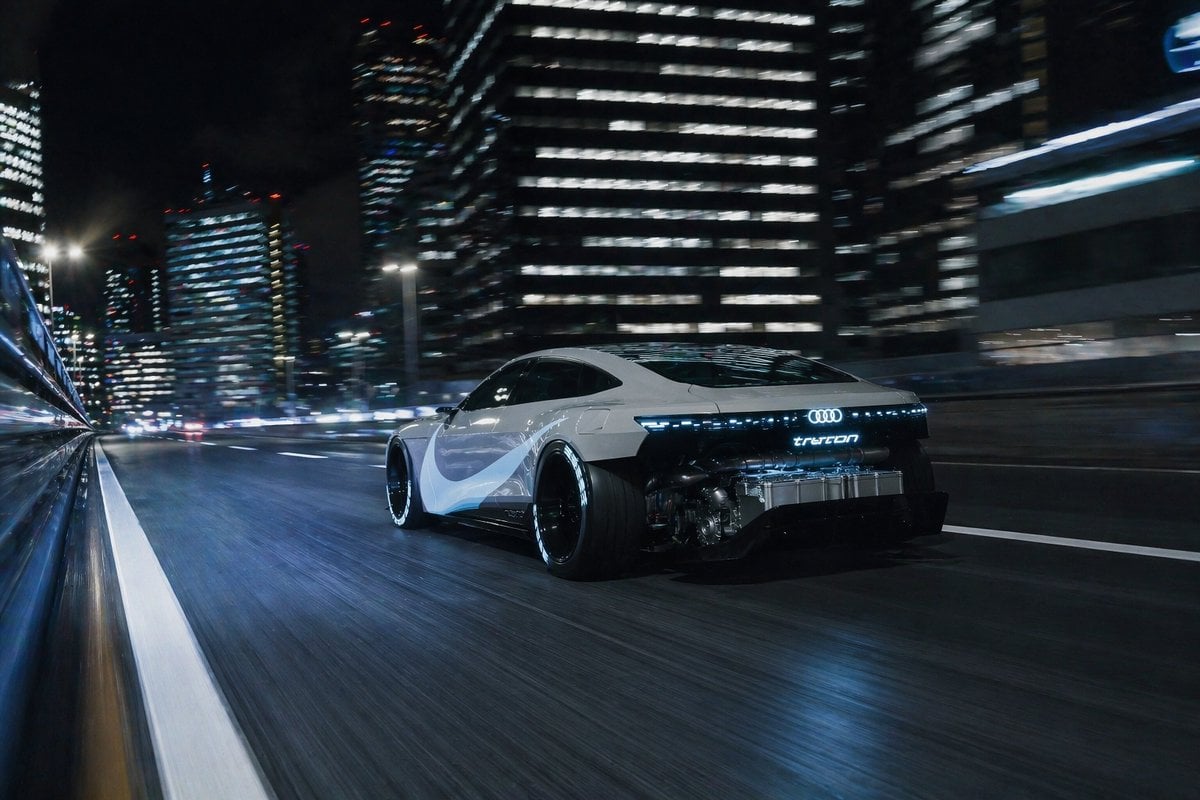
Futuristic EV Racing Through City Night

Warm Candid House Party Photography
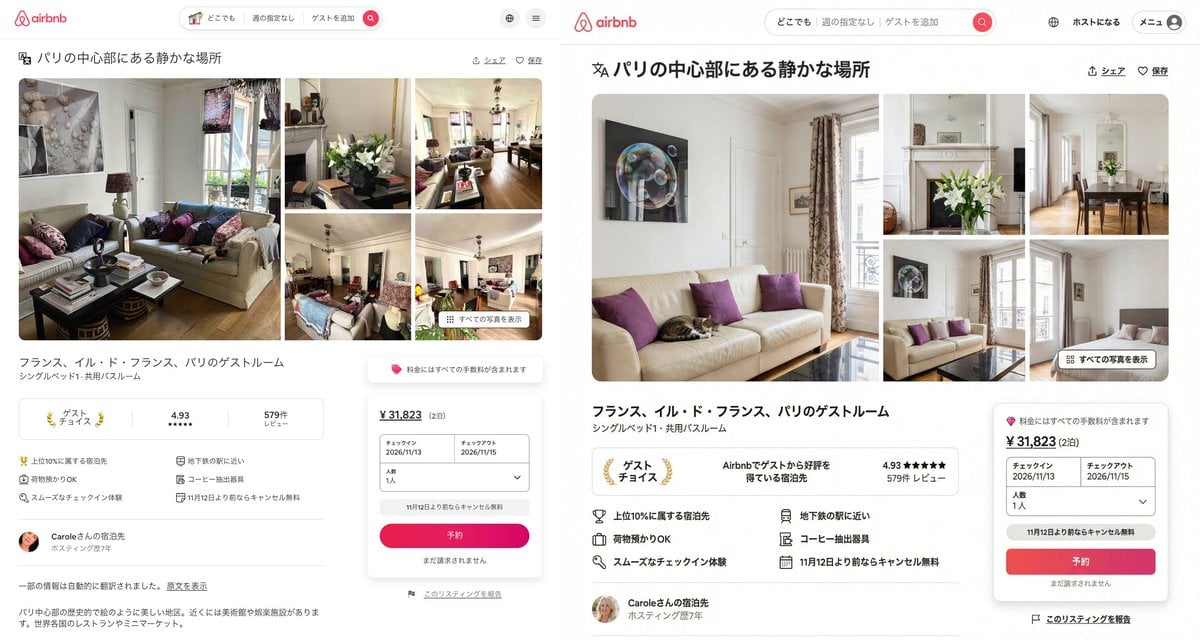
Recreating Airbnb UI with Image-to-Text and Nano Banana Pro
Browse template categories
Hong Kong Watercolor Travel Journal questions
How do I use the Hong Kong Watercolor Travel Journal template?
Add your photo if the template asks for one, edit the prompt if you like — the template's model and format are already selected — and press Generate. Your version opens in PicX Studio.
Can I customize the Hong Kong Watercolor Travel Journal template?
Yes. You can change the subject, setting, lighting, mood, format, and available model controls before creating your image.
Is the Hong Kong Watercolor Travel Journal template free?
Opening and editing this template is free. Generating uses credits, shown on the Generate button when you are signed in.
Which AI model should I use?
Start with GPT Image 2, which is the model associated with this template. You can compare another compatible model for a different finish.
Looking for something else? Browse all templates.

Your photo, any look
Thousands of ready templates for every top image and video model, from one credit balance.