
Futuristic EV Racing Through City Night
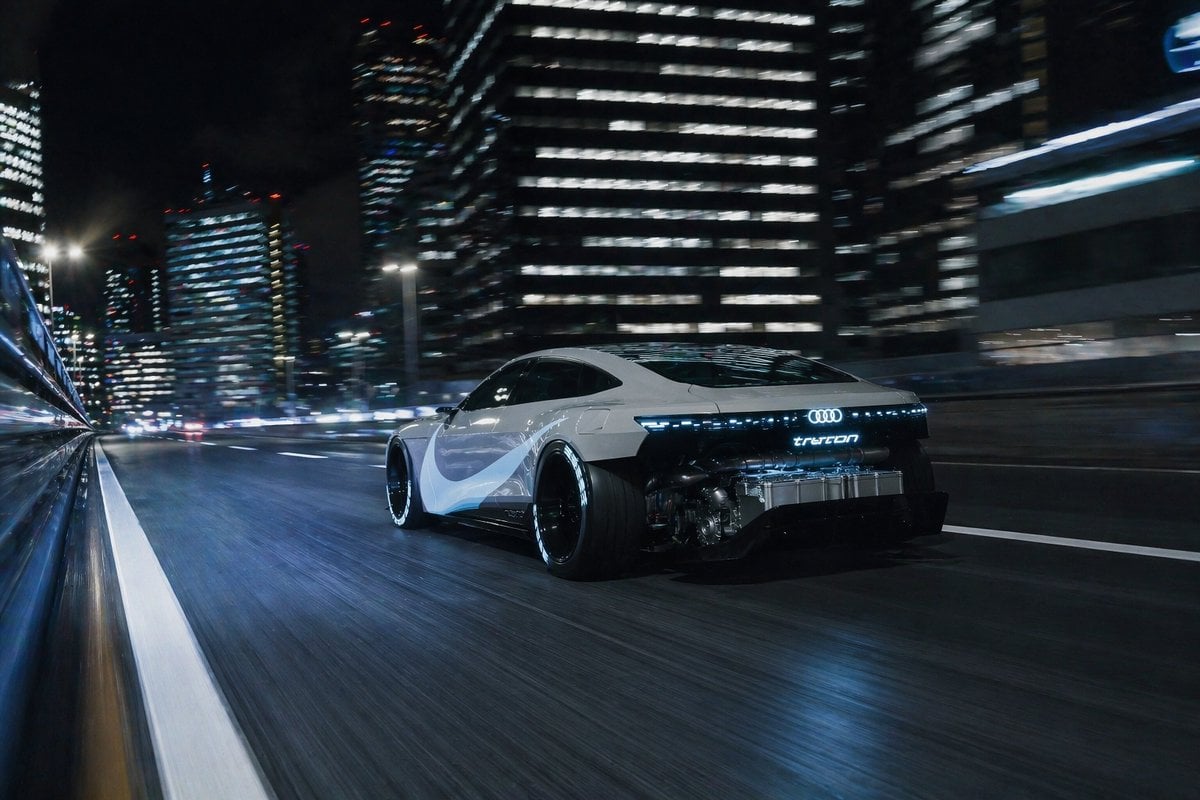
This prompt generates a photorealistic concept electric coupe speeding through a neon-lit city at night, ideal for automotive advertising, concept art, or cinematic transport visuals.
- Prompt included
- Model and format preset
- Free template
The prompt behind this image
Copy the exact prompt behind Futuristic EV Racing Through City Night, or open it in the studio and make it yours.
A cinematic nighttime automotive action shot of a futuristic electric sports coupe racing through a modern downtown city, viewed from a low rear three-quarter tracking angle. The car is a sleek {argument name="car brand" default="Audi"} concept vehicle with a glossy {argument name="body color" default="white"} body, black roofline, dark tinted windows, extremely wide rear tires, illuminated rear light bar, and glowing {argument name="rear badge text" default="tron"} branding centered on the back. The rear lower section is partially transparent or open, revealing advanced electric drivetrain and battery hardware with metallic detail and cool blue illumination. Add flowing pale gray and blue side graphics on the doors and rear quarter panels for a concept-car look. The vehicle is driving fast on a wet multi-lane urban expressway, with strong motion blur in the asphalt, lane markings, and surrounding buildings. The background is filled with tall glass office towers at night, hundreds of bright window lights, scattered red aircraft warning lights on rooftops, and streaking traffic lights in the distance. Include reflections along a barrier or wall on the far left edge to emphasize speed and camera motion. Lighting is cool, high-contrast, and moody, with blue-white highlights, glossy reflections on the road, and a premium sci-fi luxury aesthetic. Ultra-detailed, photorealistic, long-exposure feel, dynamic tracking shot, sharp focus on the car while the city environment blurs from speed.
How to use Futuristic EV Racing Through City Night in 3 steps
- 1Upload ImagePNG, JPG or paste
Add your photo
Upload the photo the template builds on. The prompt, model and format are already set.
- 2…a portrait of your subject in softgolden-hour light, 85mm…
Personalize
Edit the subject and creative details for your destination.
- 3Generate
Generate
Press Generate — your image is created in PicX Studio, so you can compare it with the original and refine one variable at a time.
More like this
Templates with the same subject, style or setup. Open one to see its prompt.

Japan Neon Speed City Racing Poster

Floating Woman Above Cityscape with Notifications

Cozy Knit Sweater Window Portrait

Minimalist Hand-Drawn Doodle Portrait
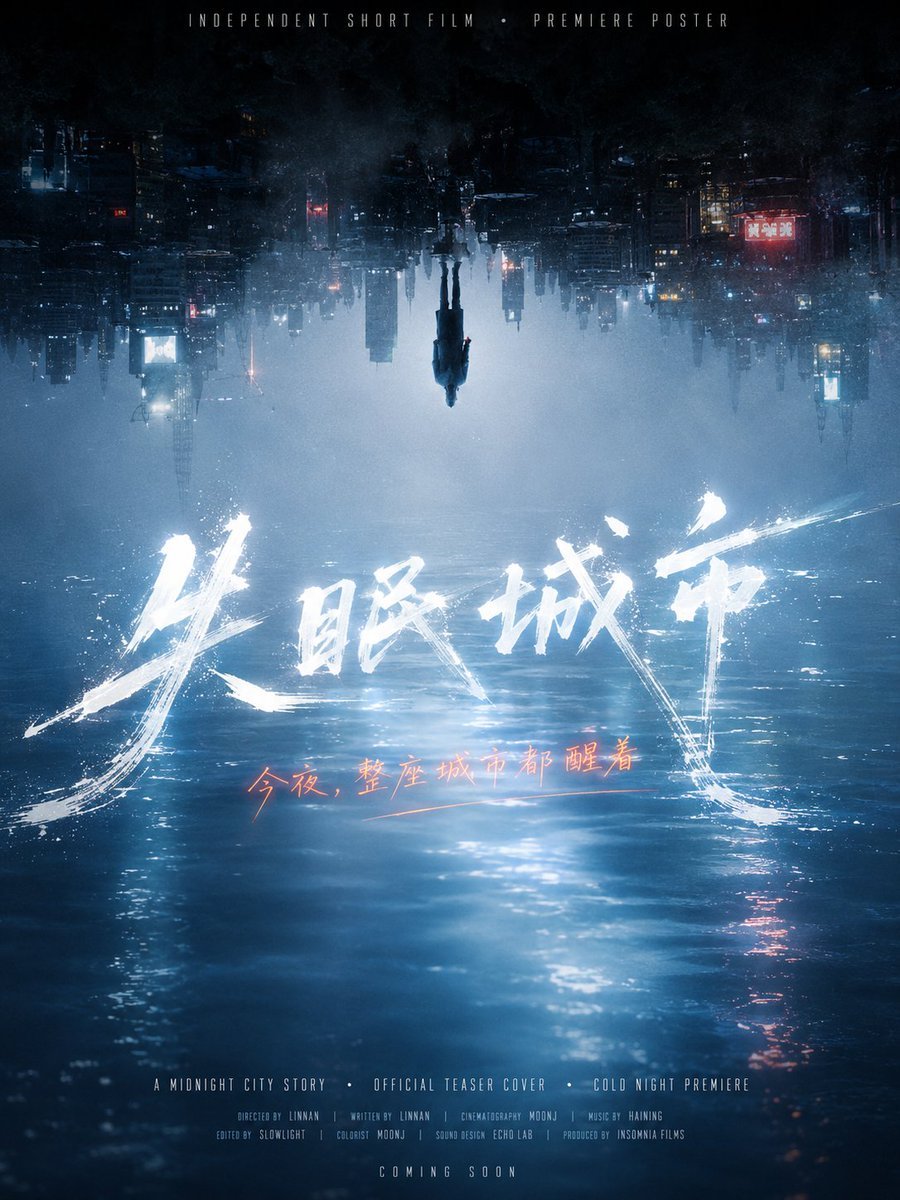
Inverted Midnight City Film Poster
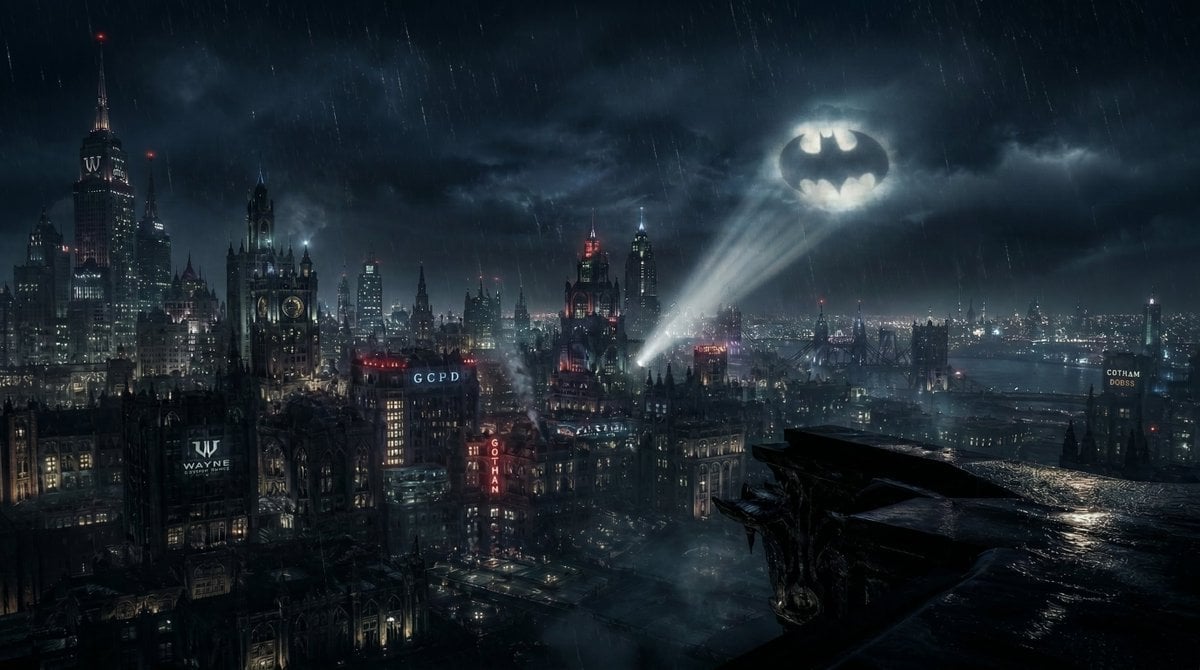
Gotham City Night Background
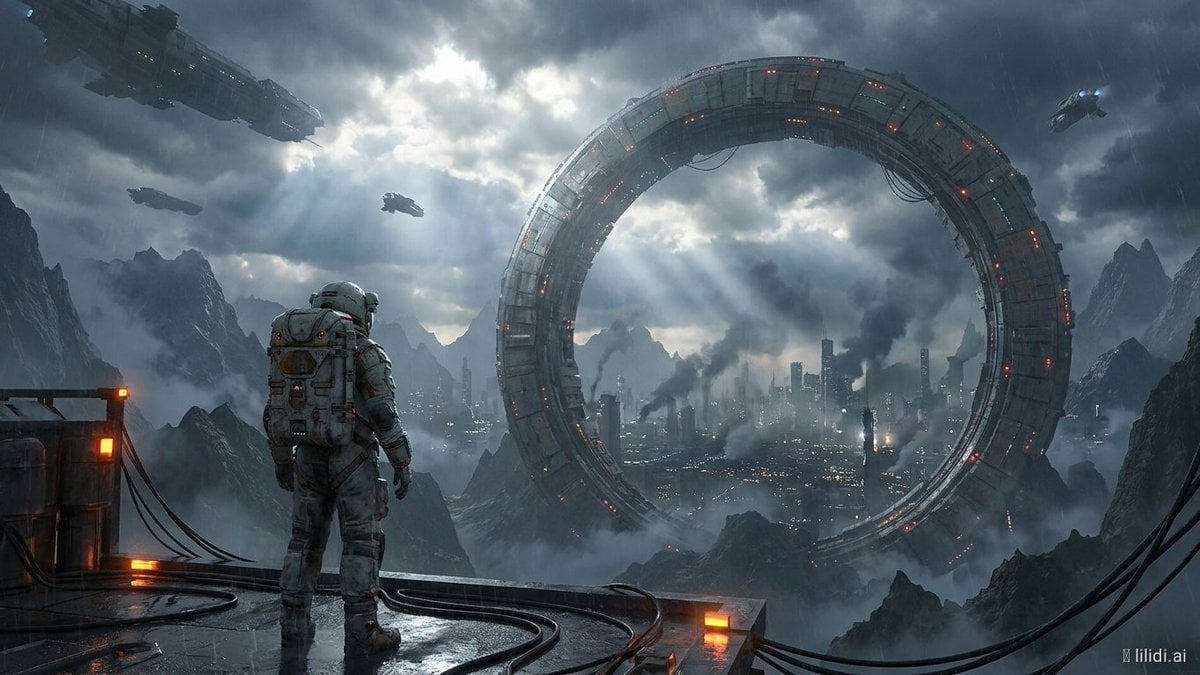
Futuristic Ring Megacity Concept Art

Futuristic Chrome Helmet Fashion Portrait

Futuristic Studio Neon Ring Minimalist Portrait

Subway Platform Quiet Introspective Portrait
Futuristic Chrome Helmet Fashion Portrait
Futuristic Studio Neon Ring Minimalist Portrait
Make it yours
Futuristic EV Racing Through City Night works as-is. These are the safest ways to change it without losing the look.
Change one field
Copy a single group, rewrite it, and generate again so you can see what that field is doing.
Keep the frame, change the subject
Hold the composition and light of Futuristic EV Racing Through City Night, then swap wardrobe, props or the person for a new take.
| If the result… | Why | Fix |
|---|---|---|
| The result drifts from the preview | Too many fields changed at once. | Reuse Futuristic EV Racing Through City Night as-is first, then change one group — subject, light, or setting. |
| The model over-stylizes the scene | The prose prompt leaves finish and camera underspecified. | Add one camera or lighting sentence and stay on GPT Image 2. |
More GPT Image 2 templates
Other prompts made for GPT Image 2.

Six VTuber Japanese Logo Sheet

Realistic Portrait of Woman and Deer

The Vista Modular Condo Poster

AI Model Routing Comparison Infographic

2.5D Anime Art Board

Isometric Productivity Desk Scene

New York Double Exposure Poster

Four-Panel AI Landscape Comparison

Japanese Tatami Lifestyle Magazine Cover

NESCAFÉ Coffee Map Poster
More image prompts
Fresh picks from across the catalog.
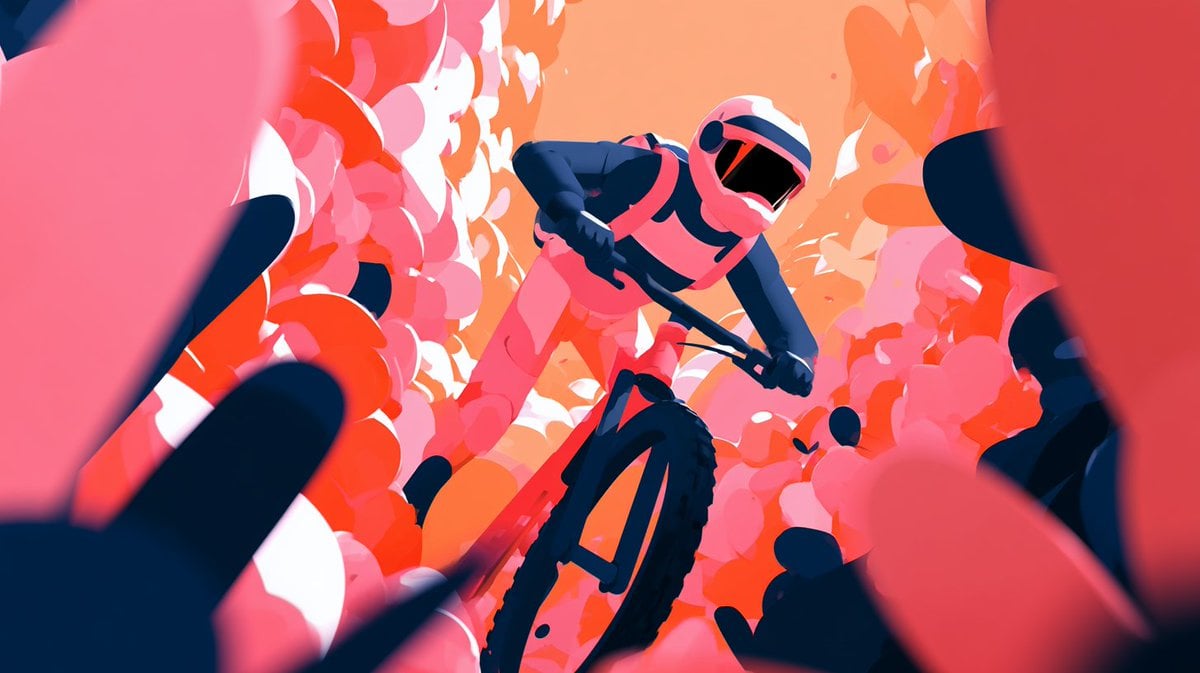
Cinematic Floral Mountain Biker
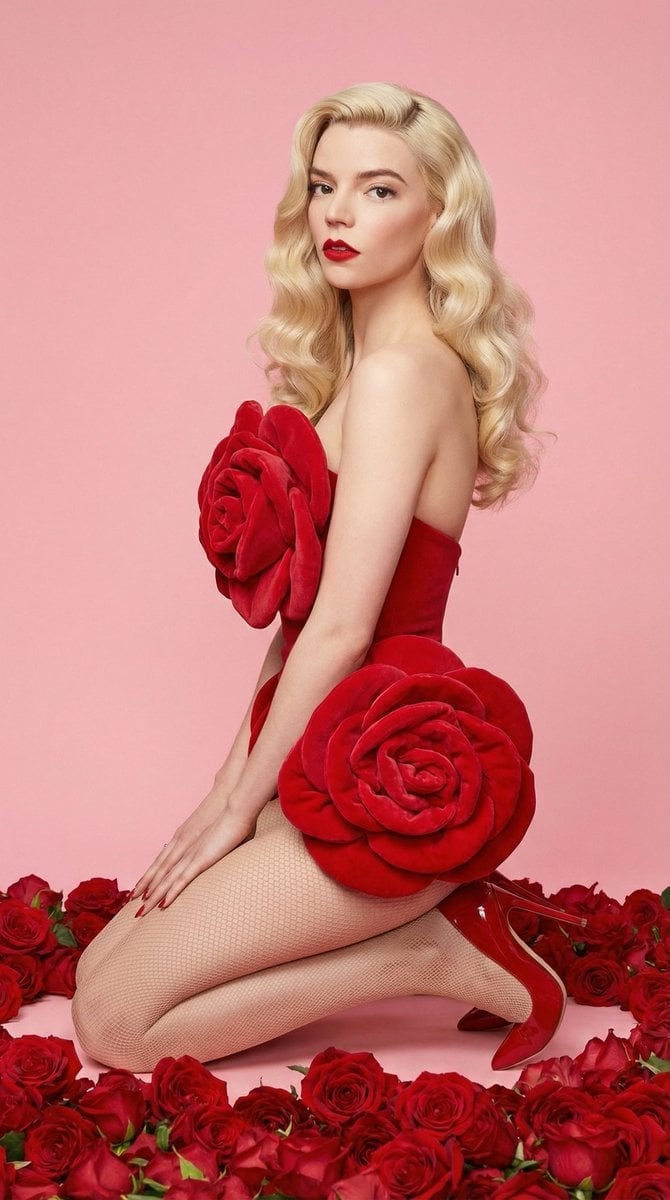
Glam Editorial Fashion Shoot with Rose Theme
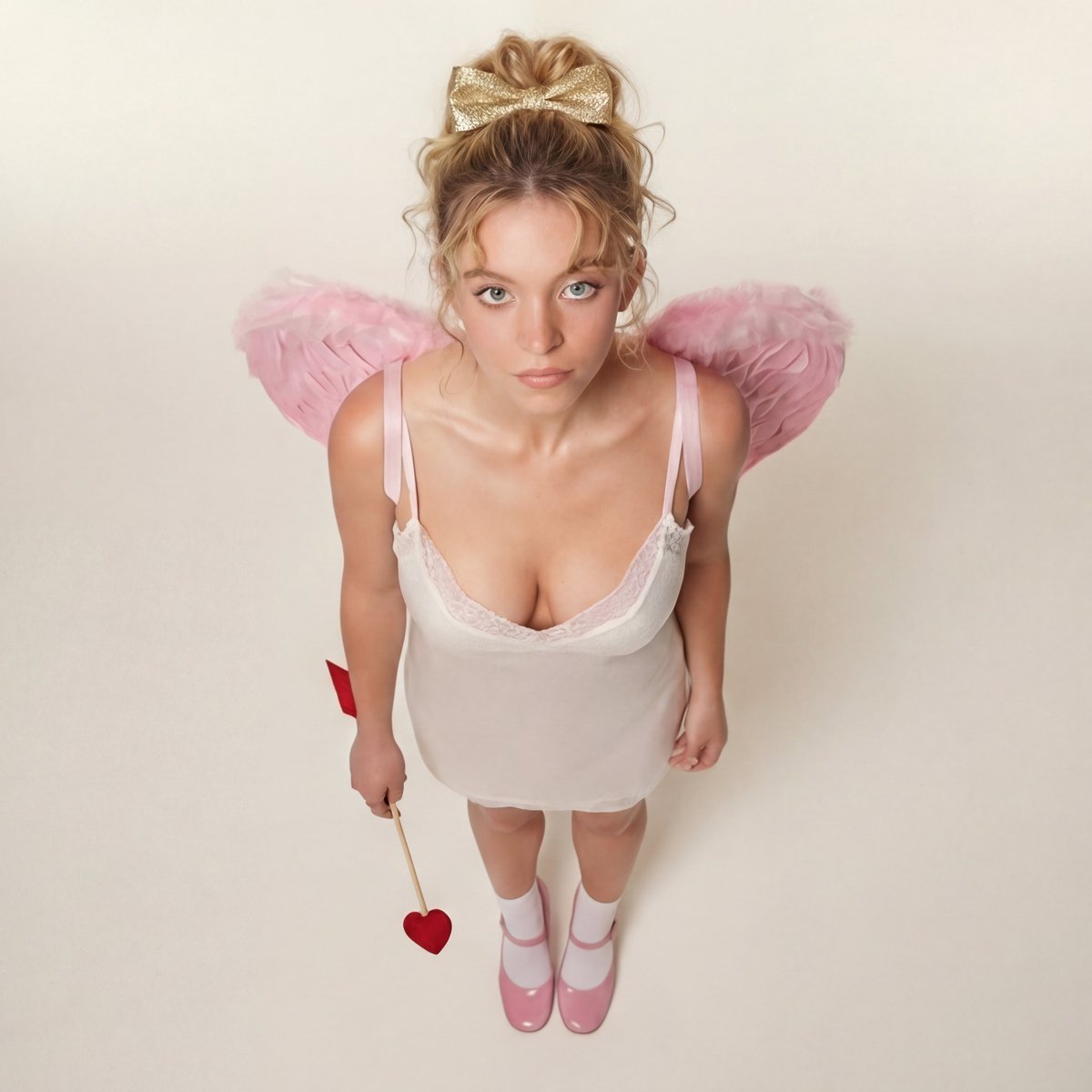
Modern Ethereal Cupid / Coquette Core Portrait
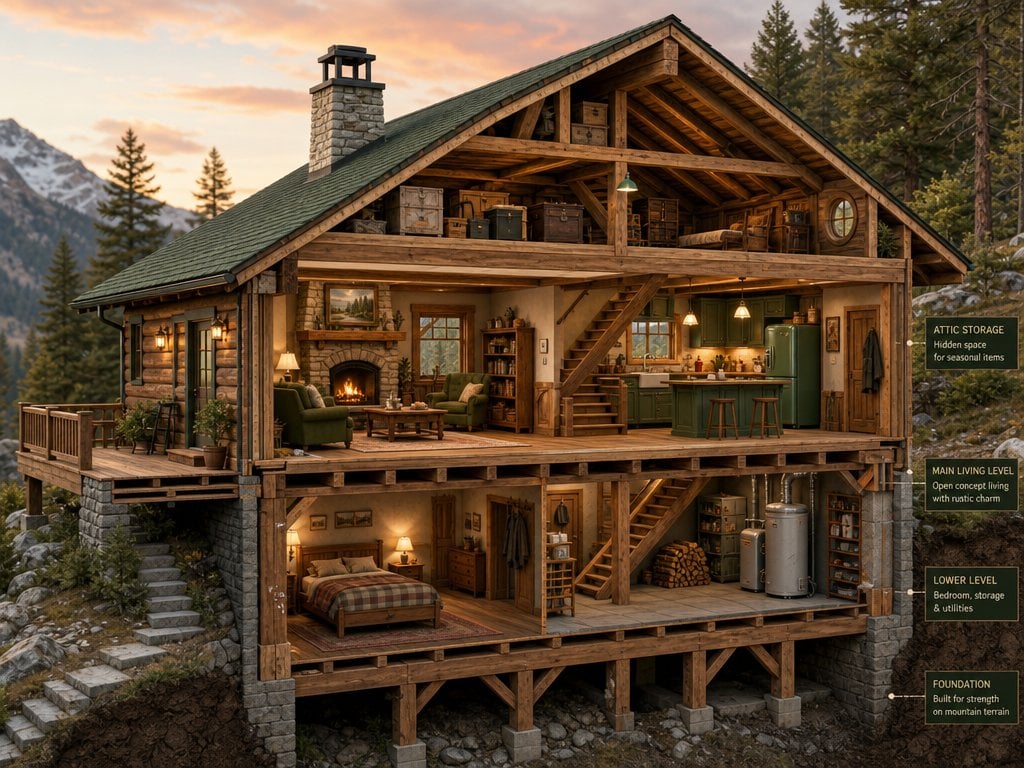
Cross-Section Cutaway Render
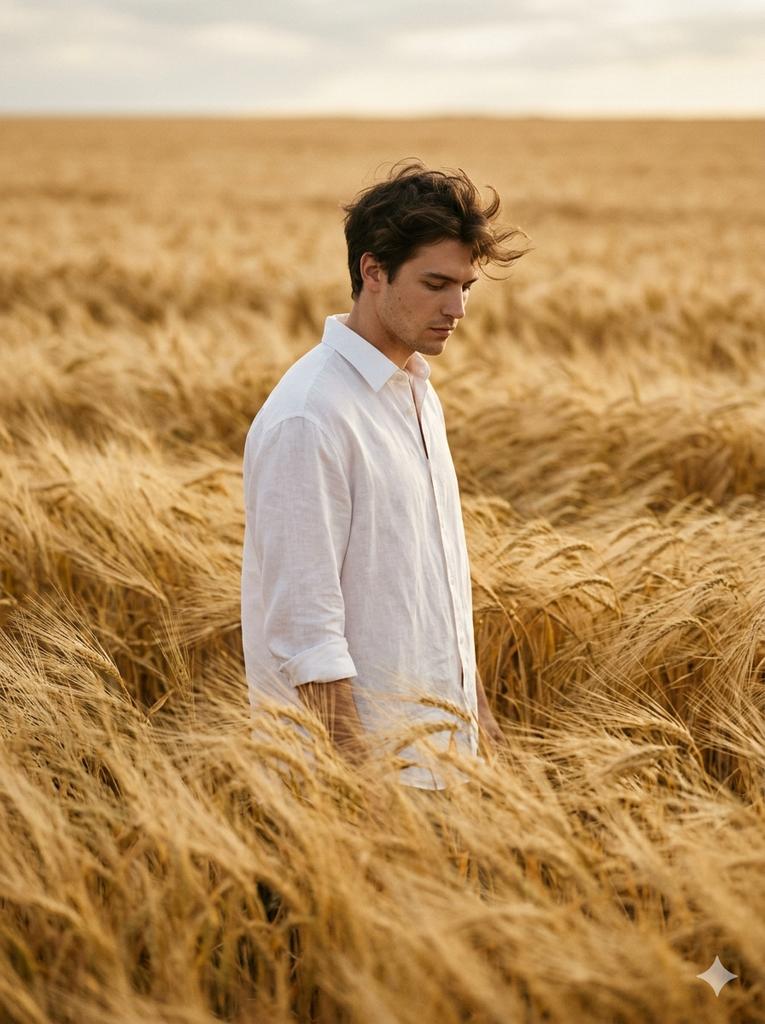
Vogue-Level Editorial Portrait in a Wheat Field

Japanese Educational Promo Banner
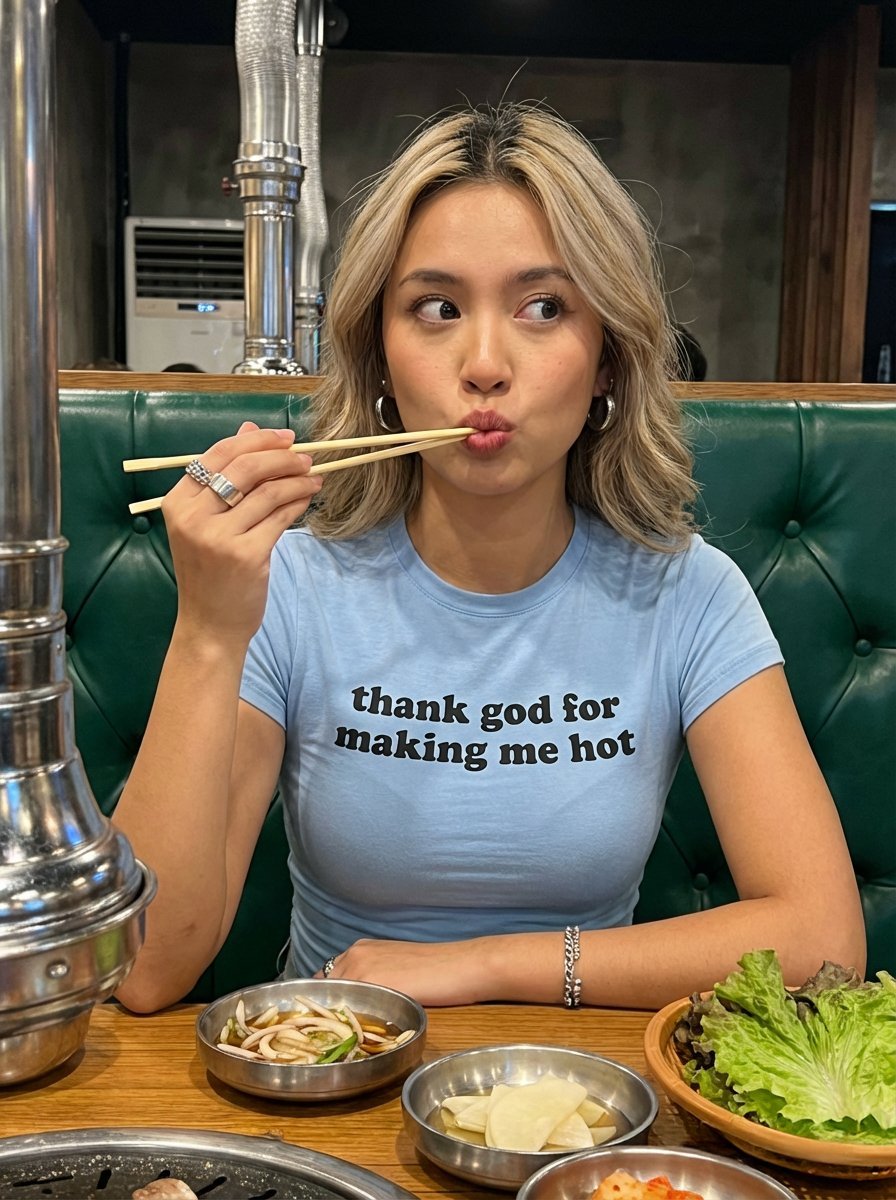
Candid Restaurant Portrait of Woman in 'Thank God for Making Me Hot' T-Shirt
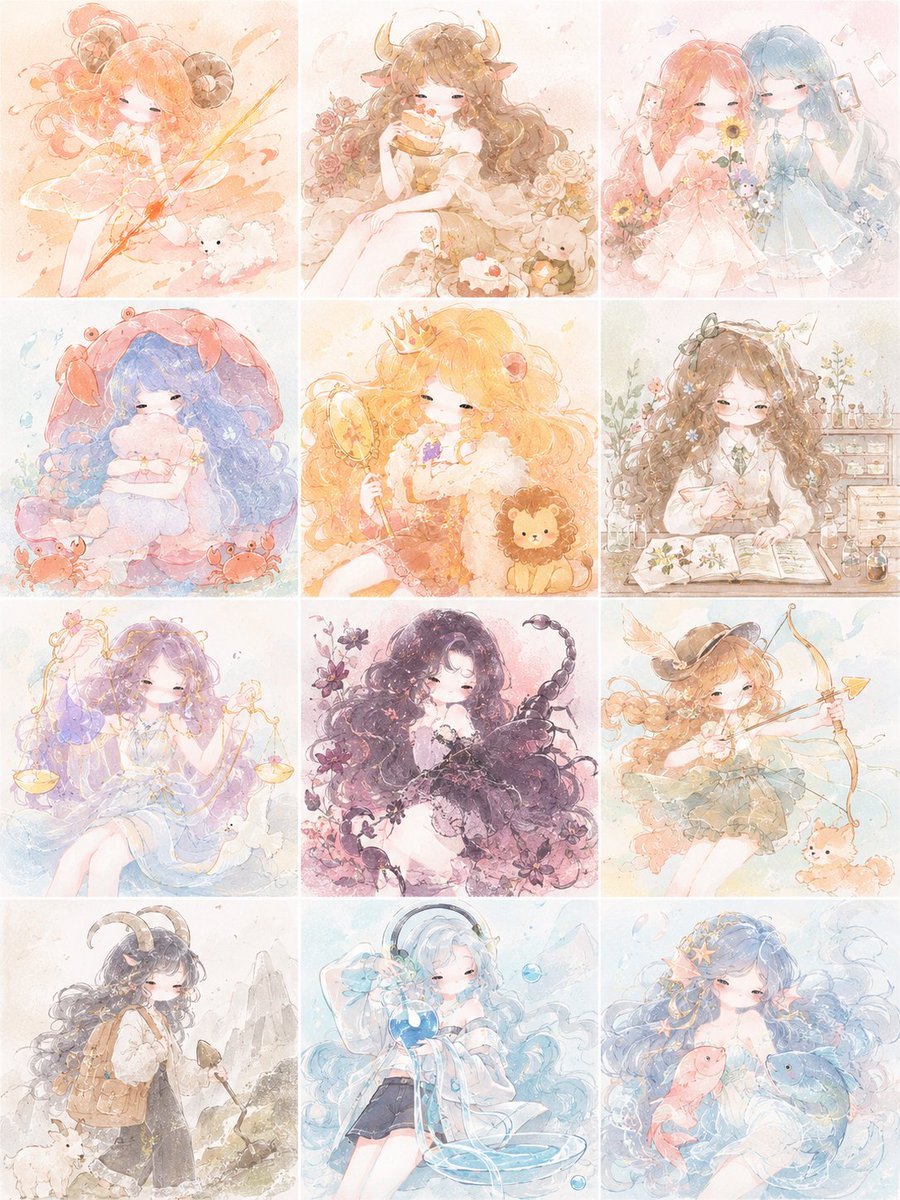
Pastel Zodiac Girls Grid
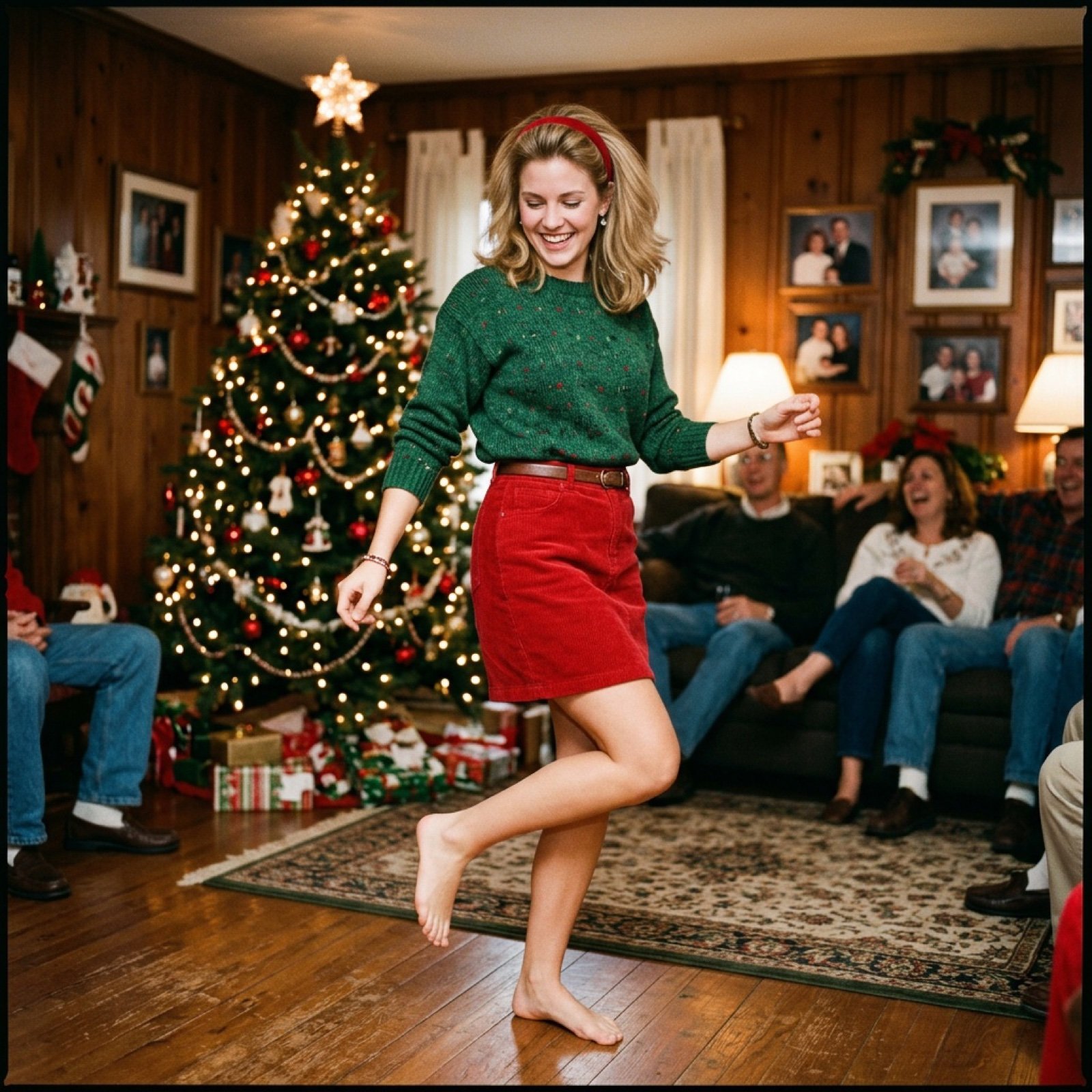
Nostalgic Candid Holiday Scene with Motion Blur
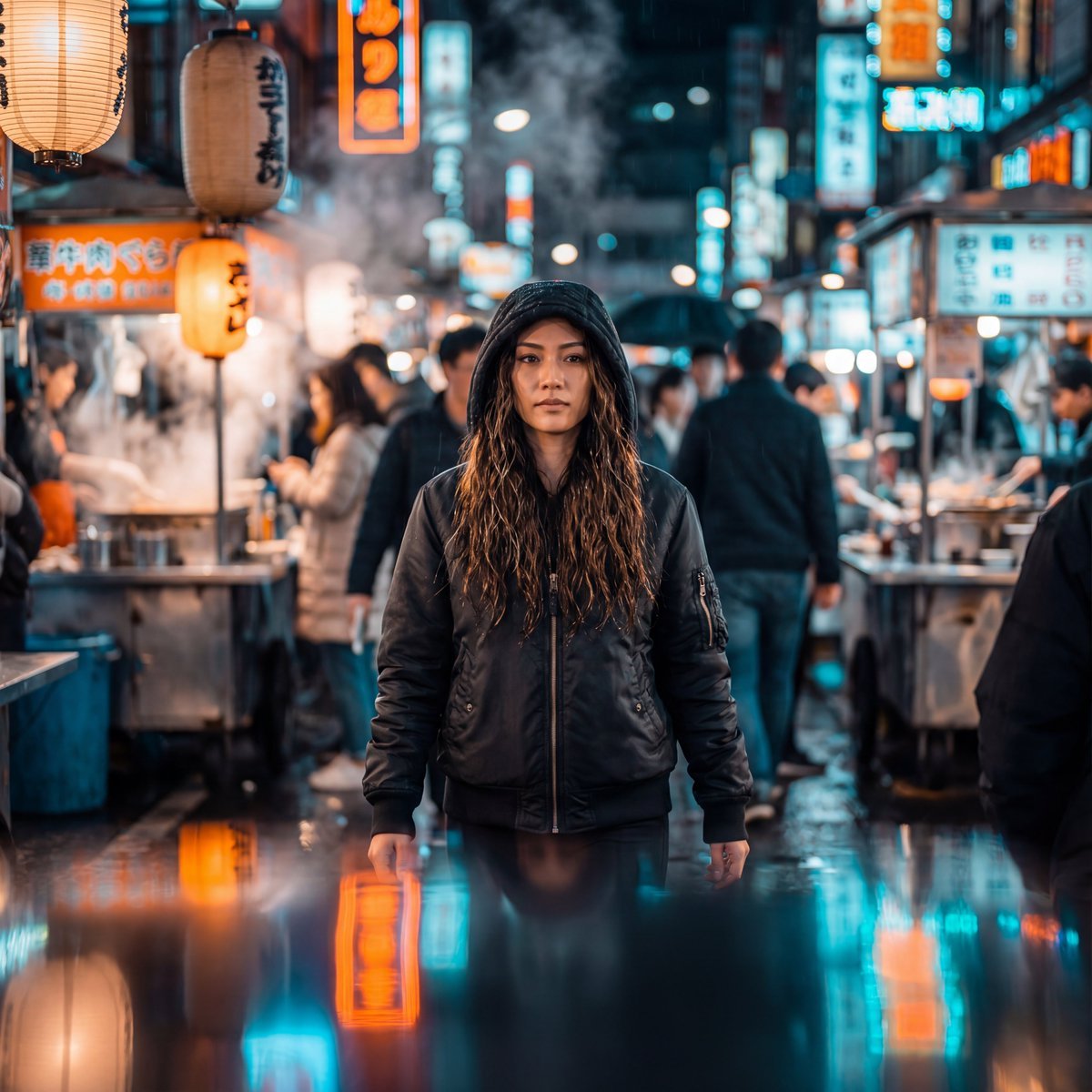
Neon-Lit Night Market Cinematic Portrait
Browse template categories
Futuristic EV Racing Through City Night questions
How do I use the Futuristic EV Racing Through City Night template?
Add your photo if the template asks for one, edit the prompt if you like — the template's model and format are already selected — and press Generate. Your version opens in PicX Studio.
Can I customize the Futuristic EV Racing Through City Night template?
Yes. You can change the subject, setting, lighting, mood, format, and available model controls before creating your image.
Is the Futuristic EV Racing Through City Night template free?
Opening and editing this template is free. Generating uses credits, shown on the Generate button when you are signed in.
Which AI model should I use?
Start with GPT Image 2, which is the model associated with this template. You can compare another compatible model for a different finish.
Looking for something else? Browse all templates.

Your photo, any look
Thousands of ready templates for every top image and video model, from one credit balance.