
Futuristic Studio Neon Ring Minimalist Portrait
Curated from MeiGen gallery ID 2031256944900714553: Futuristic Studio Neon Ring Minimalist Portrait.

- Prompt included
- Model and format preset
- Free template
The prompt behind this image
Copy the exact prompt behind Futuristic Studio Neon Ring Minimalist Portrait, or open it in the studio and make it yours.
A dark studio portrait in a strong minimalist futuristic aesthetic. Subject posed in three-quarter profile wearing a black turtleneck and metallic accessories with reflective sunglasses catching ambient light. Circular neon light directly behind the subject creates a luminous halo with precise rim highlights on head and shoulders. Cool monochromatic lighting in icy blue tones casts subtle reflections and soft gradients across matte textures. Background is deep black, allowing the neon ring cyan glow to dominate. Keep the composition controlled, futuristic, and high-contrast.
How to use Futuristic Studio Neon Ring Minimalist Portrait in 3 steps
- 1
Open
The prompt is already in the box next to the preview, with the template's model and format selected.
- 2…a portrait of your subject in softgolden-hour light, 85mm…
Personalize
Edit the subject and creative details for your destination.
- 3Generate
Generate
Press Generate — your image is created in PicX Studio, so you can compare it with the original and refine one variable at a time.
More like this
Templates with the same subject, style or setup. Open one to see its prompt.
Futuristic Studio Neon Ring Minimalist Portrait

80s Couple Studio Portrait

1985 Studio Portrait

Gpt Image 2 Fashion Portrait

Spider-Man 2099 Cyberpunk Neon Future City
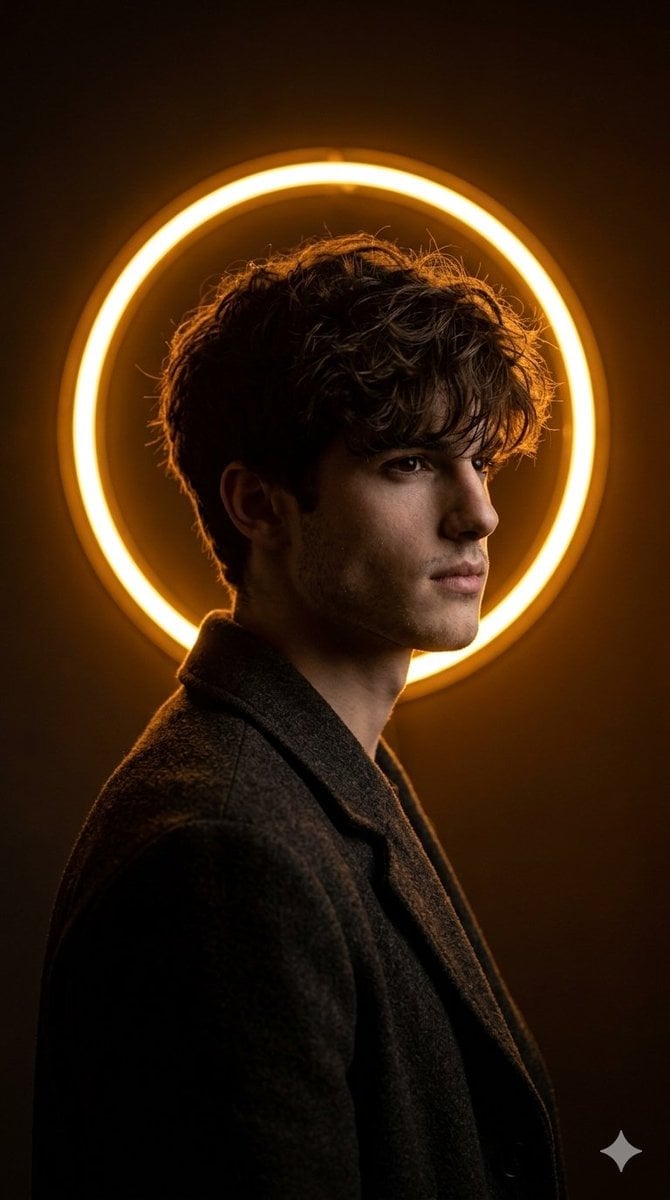
Cinematic Neon Ring Portrait

Comparing Realism Keywords in Midjourney
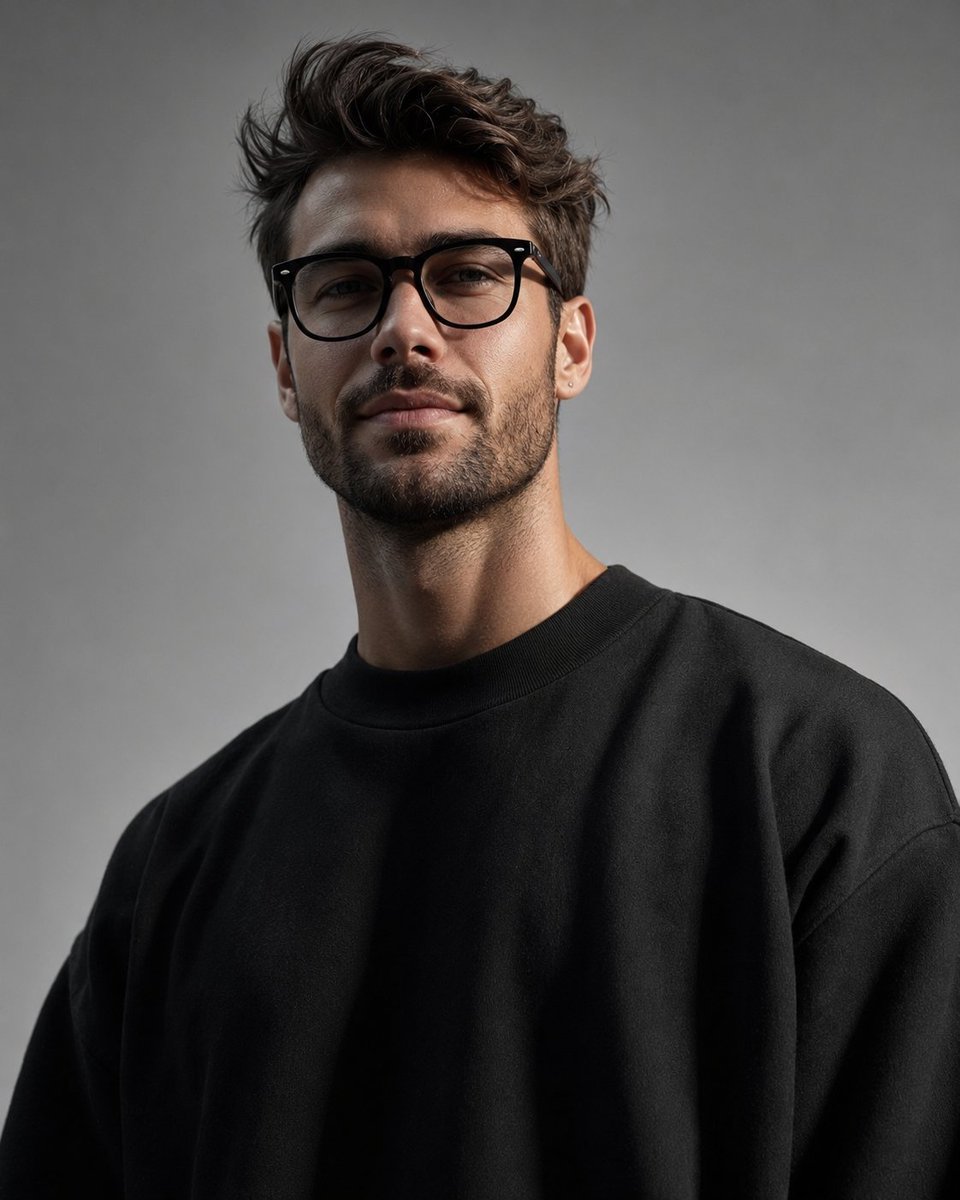
Minimalist High-Fashion Studio Portrait

Minimalist Studio Fashion Portrait Grid
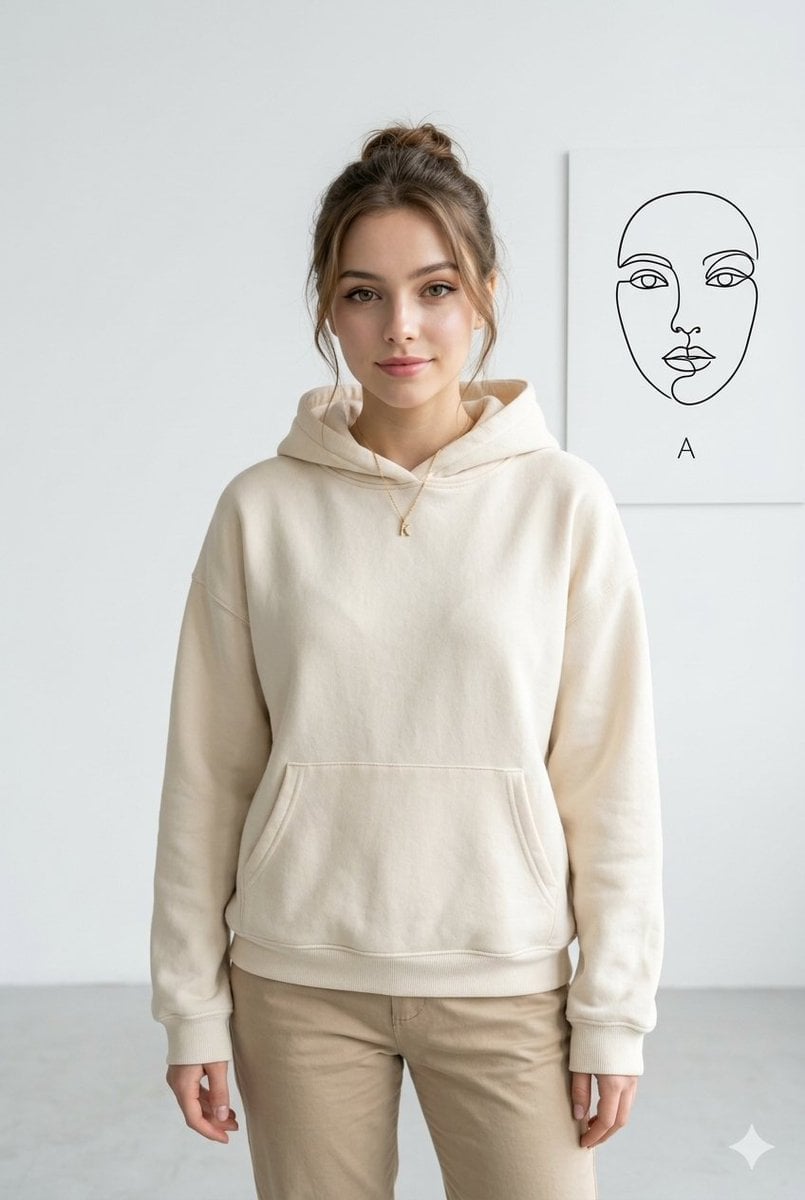
Minimalist Studio Fashion Portrait
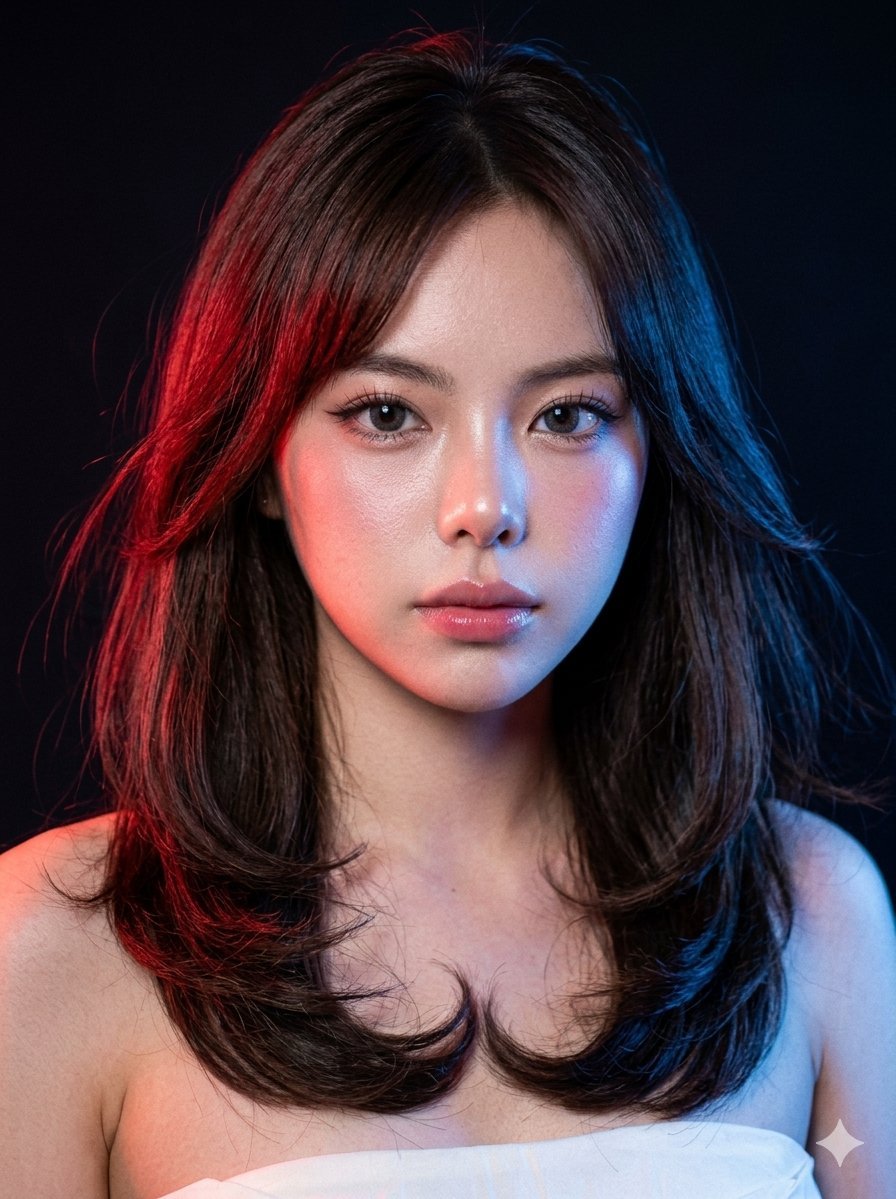
Neon Gel Lighting Studio Portrait
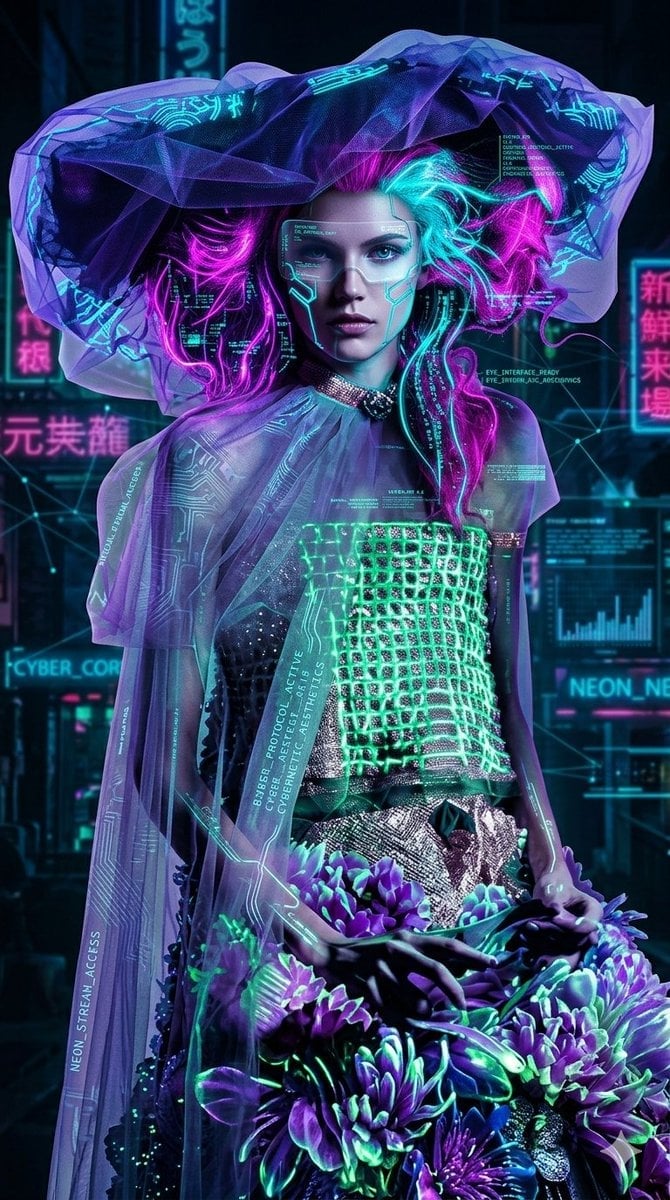
Cyberpunk Neon Floral Portrait
Make it yours
Futuristic Studio Neon Ring Minimalist Portrait works as-is. These are the safest ways to change it without losing the look.
Change one field
Copy a single group, rewrite it, and generate again so you can see what that field is doing.
Keep the frame, change the subject
Hold the composition and light of Futuristic Studio Neon Ring Minimalist Portrait, then swap wardrobe, props or the person for a new take.
| If the result… | Why | Fix |
|---|---|---|
| The result drifts from the preview | Too many fields changed at once. | Reuse Futuristic Studio Neon Ring Minimalist Portrait as-is first, then change one group — subject, light, or setting. |
| The model over-stylizes the scene | The prose prompt leaves finish and camera underspecified. | Add one camera or lighting sentence and stay on PicX Studio. |
More image prompts
Fresh picks from across the catalog.
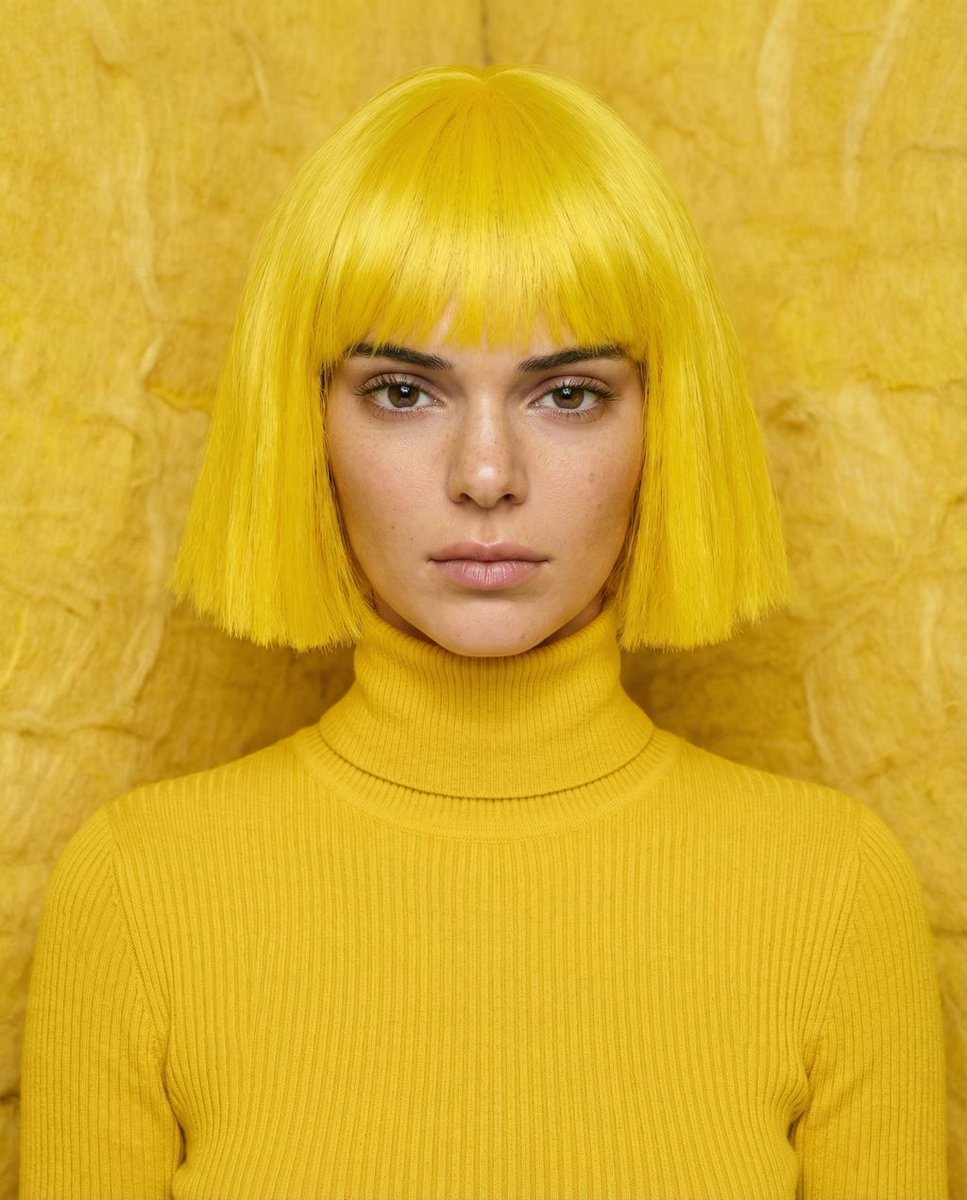
Monochromatic canary yellow portrait of Kendall Jenner in an isolation booth

A4 visual explainer about Watamote’s cultural significance

Manga History Poster on Japan's 150-Year Gap

Spring Cafe Reading Editorial

Thumbnail Generation Prompt for Sales Content (Brain/Tips/Note)
Ultra-High Resolution Upscale and Skin Texture Transfer Prompt
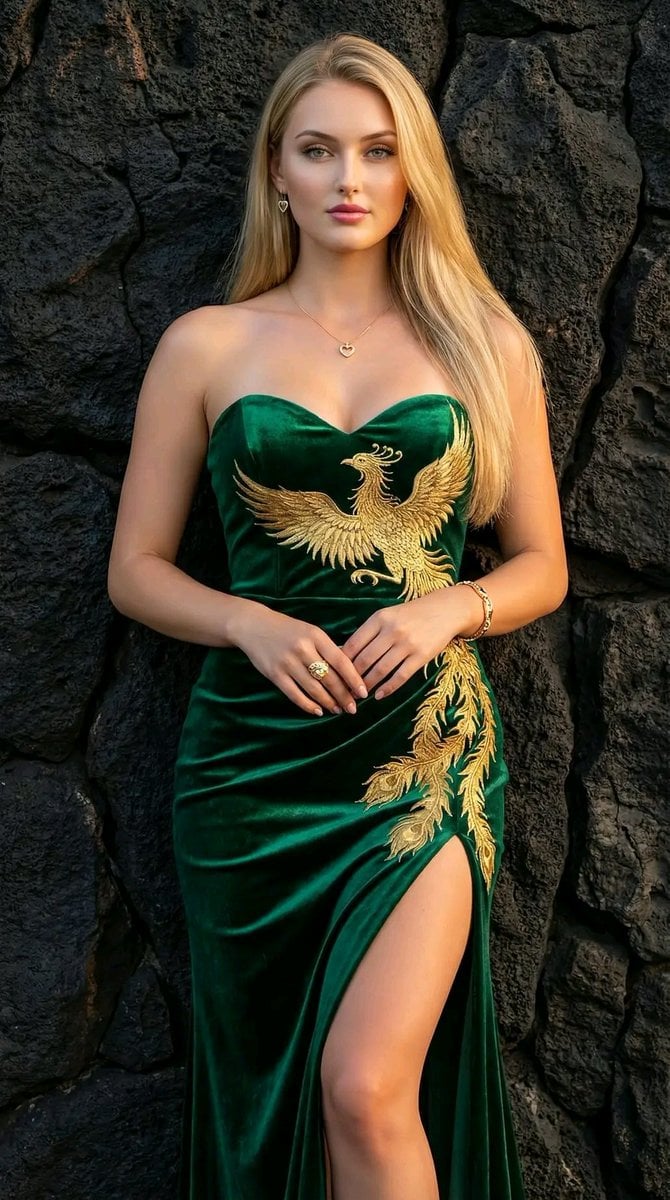
Couture Velvet Dress on Volcanic Rocks Prompt
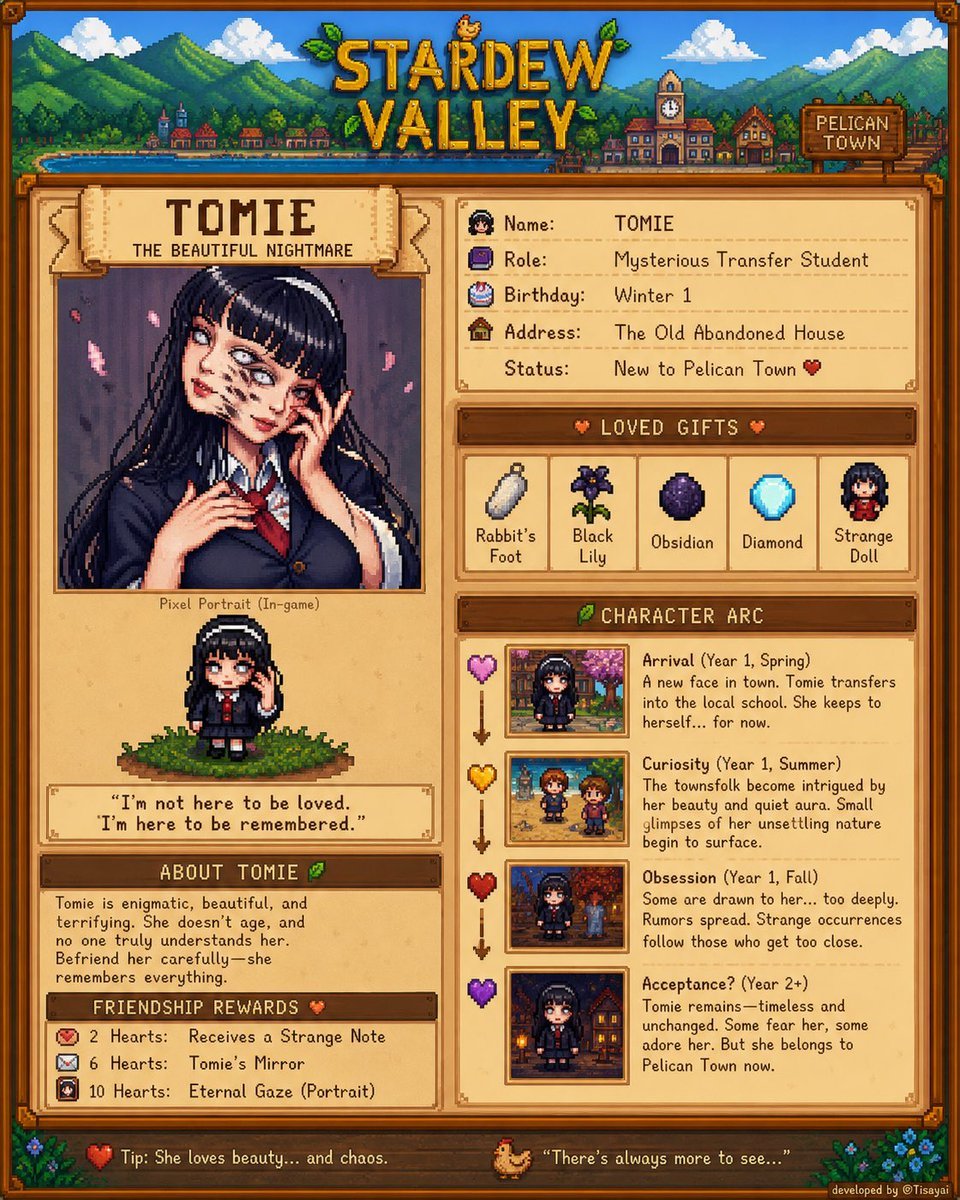
Stardew Valley Character Wiki Poster
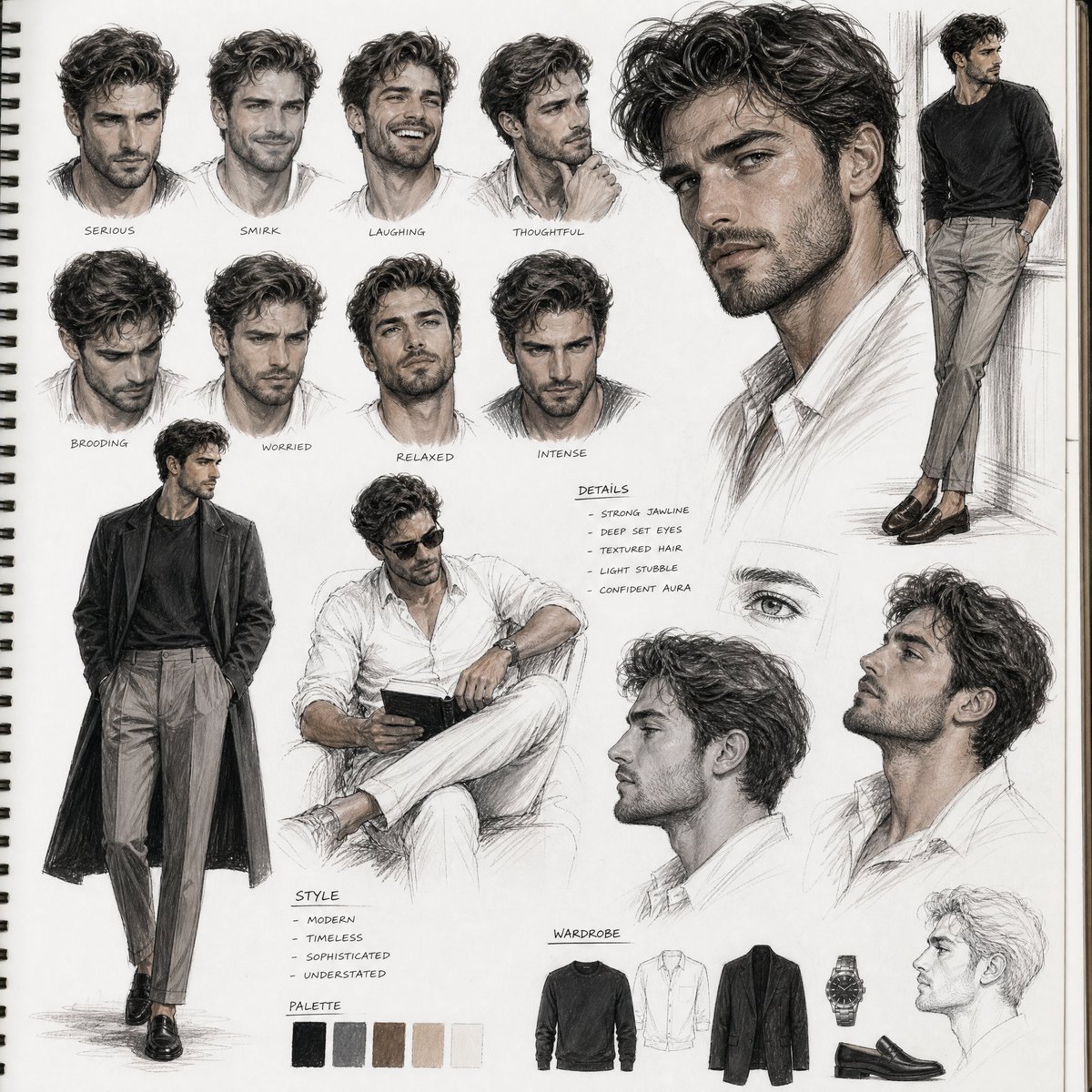
Sketchbook Character Study Board
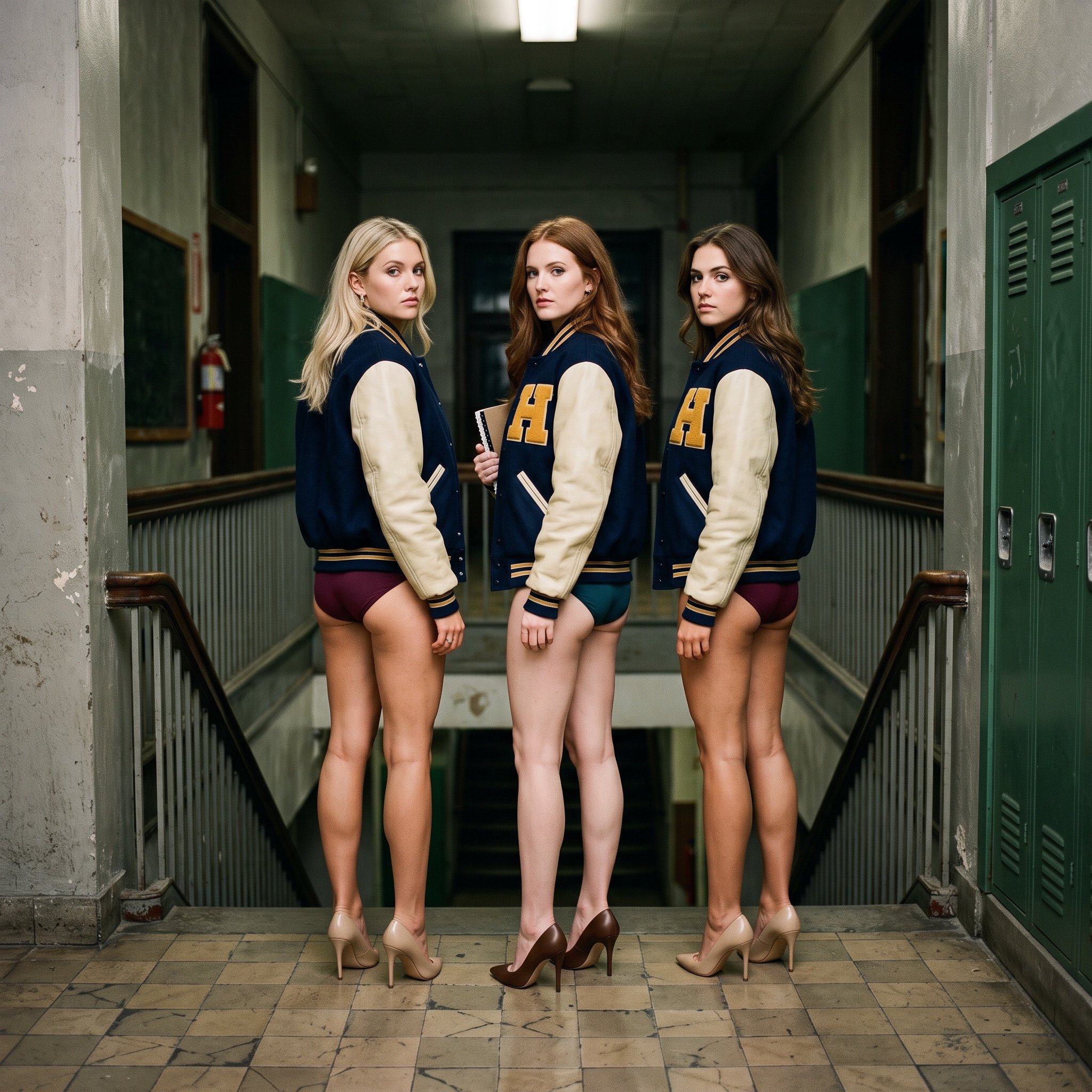
Cinematic Editorial Photograph Prompt (Stranger Things Cast)
Browse template categories
Futuristic Studio Neon Ring Minimalist Portrait questions
How do I use the Futuristic Studio Neon Ring Minimalist Portrait template?
Add your photo if the template asks for one, edit the prompt if you like — the template's model and format are already selected — and press Generate. Your version opens in PicX Studio.
Can I customize the Futuristic Studio Neon Ring Minimalist Portrait template?
Yes. You can change the subject, setting, lighting, mood, format, and available model controls before creating your image.
Is the Futuristic Studio Neon Ring Minimalist Portrait template free?
Opening and editing this template is free. Generating uses credits, shown on the Generate button when you are signed in.
Which AI model should I use?
Choose a compatible model in PicX Studio based on the style, speed, and output controls your project needs.
Looking for something else? Browse all templates.

Your photo, any look
Thousands of ready templates for every top image and video model, from one credit balance.